

Start with the form you actually need
You want to receive an inquiry, collect an application or calculate a quote. These three goals do not necessarily require the same tool. Before comparing templates and visual effects, write down what should happen after submission: who receives the message, where the response is stored and how your team finds it. A form that is pleasant to complete is still insufficient if no one can use its result.
First examine the features already available on your site. An installed builder, an existing plugin or your platform may already meet the need. WordPress.com, for example, offers forms among its built-in features. Checking what already exists avoids adding a second data collection process and needlessly rebuilding a page. An email delivery failure is also not sufficient reason to replace the form immediately.
This documentation-based selection brings together twenty plugins available to download free from WordPress.org and five paid products offered on CodeCanyon. Each product family is counted only once: a free edition and its professional version do not become two artificial recommendations. The order follows needs, without scores, rankings or a promise of universally better results. Contact Form 7 underwent local validation and notification capture acceptance tests, described below. The other products are compared based on their documentation; SMTP delivery and visual workflows are not validated by these tests.
- For a contact message, start with a short workflow containing a reply address, a useful subject and a message.
- For a submission or application, define the required attachments, the people authorized to view them and their retention period.
- For a quote or payment, separate the displayed calculation, acceptance of the terms and actual transaction confirmation.
Compare before you choose
The offers at a glance
Find the use case and budget that fit, then read the details to see the limitations and any components you may need.
On smaller screens, the table scrolls horizontally. With a keyboard, press Tab to focus the table, then use the left and right arrow keys.
| Offer | Best for | Pricing and billing | Renewal and support |
|---|---|---|---|
 VS Contact FormRead the details | A short contact form without a need for quotes or a complex workflow. | Free WordPress.org version. Free for this edition. Potential email costs not quantified. | Terms for any paid plans were unavailable at the time of review. |
 Contact Form 7Read the details | Keeping or configuring an existing contact form with a designated maintainer. | Free WordPress.org plugin. Free. Potential connected services not quantified. | Terms for any paid plans were unavailable at the time of review. |
 Contact Form by BestWebSoftRead the details | A contact form inserted through a shortcode. | Free. Pro at $29 per year or a $290 one-time purchase per domain. annual or one-time purchase Tax treatment of the paid plan not verified. | The annual plan renews until canceled. |
 HappyformsRead the details | Visually preparing a contact or feedback form. | Free. Starter at $89 per year. Pro at a promotional $99, with $159 displayed before discount for a maximum of three sites. annual subscription Taxes and third-party services not quantified. | Check the renewal amount in the order summary. |
 WPForms Lite and WPForms plansRead the details | A general-purpose visual builder with room to grow. | Free Lite. Basic at 49.50 USD for the first year for one site. Displayed regular price of 99 USD. annual subscription Check provider fees and any product fees before payment. | Promotional prices are reserved for the first period according to the pricing table. |
 Ninja FormsRead the details | Local collection with expansion through targeted modules. | Free. Plus at $59.40 for the first year and a displayed regular price of $99 for three sites. annual subscription for Plus Taxes and connected services not verified. | Discount advertised for the first year. |
 Everest FormsRead the details | Comparing visual collection with attachments. | Free. Personal at $49 for the first year, then $69 per year according to the usage table. annual subscription for the recorded price Taxes on the paid offering and external provider costs not established. | Automatic renewal at the advertised full price. |
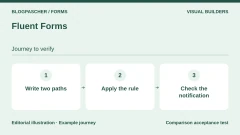 Fluent FormsRead the details | Structured inquiries and conditional questions. | Free. Pro for one site at 79 USD per year or a one-time purchase of 349 USD. annual or one-time purchase Taxes and connected-service fees not quantified. | Confirm renewal if a promotion applies. |
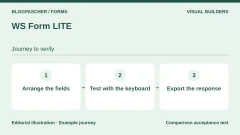 WS Form LITERead the details | A form layout controlled visually. | Free Lite. PRO Personal at an introductory 47.20 USD, then 59 USD per year for one site. annual subscription Taxes on the Pro offering and third-party service costs not established. | Renewal at the stated regular price of 59 USD. |
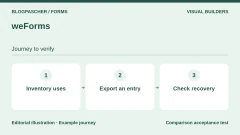 weFormsRead the details | Maintaining or comparing an existing collection process with a response dashboard. | Free. A Personal plan was recorded at $49 for one year, versus a displayed regular price of $89. Confirm availability before purchase. annual subscription according to the FAQ External costs not recorded. | The FAQ links renewal to updates and support. |
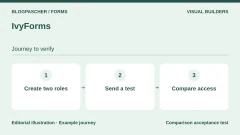 IvyFormsRead the details | A team wanting to build visually and distribute access rights. | Free. Essentials and higher plans displayed, price not publicly readable when recorded. annual or lifetime edition according to the table Connected services not quantified. | Confirm the amount and terms before subscribing. |
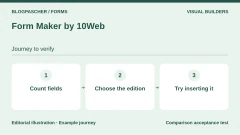 Form Maker by 10WebRead the details | Comparing a visual layout and different insertion methods. | Free. Basic at $30 for one site with six months of advertised updates and support. displayed price for Basic Taxes on paid plans and external service costs not established. | Renewal method and price after six months not established. |
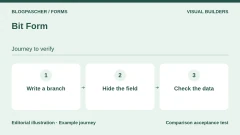 Bit FormRead the details | A conditional workflow with multiple steps to compare in the free version. | Free. One-site plan at $25 per year when recorded, with $39 displayed before discount. One-time purchase at $99 when recorded. annual or one-time purchase Payment or service fees not quantified. | Confirm renewal terms applicable to the reduced price. |
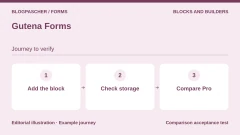 Gutena FormsRead the details | A contact form prepared in the block editor. | Free. Pro offering mentioned, public price not confirmed. Free for the directory edition. Pro tax terms unknown. | Terms for any paid plans were unavailable at the time of review. |
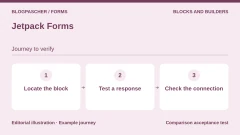 Jetpack FormsRead the details | Reusing a form built into an existing Jetpack environment. | Free block in Jetpack environments that provide it. Other modules sold separately. Free for this block; other services are separate. Potential premium services not quantified. | Terms for any paid plans were unavailable at the time of review. |
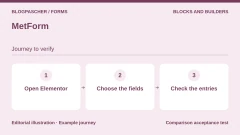 MetFormRead the details | A site already built with Elementor. | Free. Personal at $44 for the first year, with $49 displayed before discount for one site. Separate lifetime offer displayed at $132. annual or one-time purchase depending on the tab Examine any Elementor and third-party service costs separately. | Check the Personal renewal amount. |
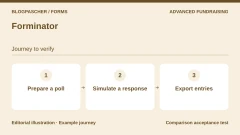 ForminatorRead the details | Comparing forms, polls and quizzes within the same family. | Free. WPMU DEV suite including Forminator Pro from $50 per year in the pricing table reviewed. annual subscription for the recorded price Payment providers and other services not quantified. | Check the plan price and number of sites. |
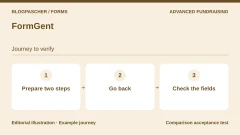 FormGentRead the details | Exploring a conversational or multistep questionnaire. | Free. Entry plan at $44 per year during the discount, with $49 displayed before discount. Separate lifetime offering. annual or lifetime depending on the plan Connected-service costs unknown. | After expiry without renewal, the publisher says the plugin remains usable without support or updates. |
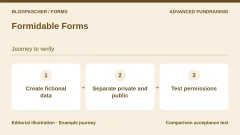 Formidable FormsRead the details | Collection intended to evolve into an organized display of data. | Free. Basic at 39.50 USD for the first year, with a displayed regular price of 79 USD. annual subscription Taxes on premium plans and third-party service costs not established. | Regular price displayed at $79 for Basic. |
 Calculated Fields FormRead the details | A calculator or estimate built into a form. | Free. Professional at a promotional 29.99 EUR, with 49.99 EUR displayed before discount. one-time purchase Payment connectors and external costs not verified. | The publisher advertises lifetime access to updates. |
 QuformRead the details | A complex form on an identified installation. | 34 USD, Regular license. one-time purchase Taxes and processing fees excluded. | Six months of support included according to the listing. Extension offered separately. |
 ARForms — CodeCanyon offeringRead the details | Visual collection with steps or an integrated popup that is actually justified. | 39 USD, Regular license. one-time purchase Taxes and processing fees excluded. | Six months of support included according to the listing. Extension offered separately. |
 eFormRead the details | A survey or questionnaire project requiring a preliminary technical assessment. | 39 USD, Regular license. one-time purchase Taxes and processing fees excluded. | Six months of support included according to the listing. Extension offered separately. |
 FormCraft PremiumRead the details | A commercial visual form after clarifying maintenance terms. | 25 USD, Regular license. one-time purchase Taxes and processing fees excluded. | Six months of support included according to the listing. Extension offered separately. Update duration remains to be clarified. |
 Cost Calculator for WordPress — QuanticaLabsRead the details | A service estimator or quote request form. | 59 USD, Regular license. one-time purchase Taxes and processing fees excluded. | Six months of support included according to the listing. Extension offered separately. |
Criteria that help distinguish these plugins
A useful choice rests on a few concrete constraints: how you build pages, essential fields, access to responses, protection against abusive submissions and the full budget. A product’s presence in a directory is not a security or accessibility certification. The features mentioned below come from official listings; their operation with your theme and other components still needs to be checked.
Conditional logic here means rules that show or hide a question based on an earlier answer. It avoids some unnecessary questions but also makes the workflow harder to check. A multistep form spreads questions across several screens; it does not guarantee more responses. Choose these features because your process requires them, not to reproduce a sales demonstration.
A general-purpose tool often suits several needs, while a calculation specialist or builder module fits a more specific context. Compatibility advertised by a seller does not mean all future versions are covered. Before installing, record the WordPress and PHP requirements of the version actually downloaded, its dependencies, changelog and support terms. Unverified compatibility is not presented as established.
- Prefer an existing feature when the site can already handle your request correctly.
- Then compare a suitable free solution with a more comprehensive one, using the same scenario rather than their total number of fields.
- Rule out a plugin whose dependency, license or data handling does not suit your organization.
Simple contacts and general-purpose visual builders
VS Contact Form, Contact Form 7 and Contact Form by BestWebSoft represent three approaches to a simple contact form. Happyforms and WPForms put more emphasis on visual assembly. Choose based on settings you understand and can maintain. A starting template never removes the need to review recipients, required fields and the confirmation text.
Ninja Forms, Everest Forms, Fluent Forms, WS Form LITE, weForms, IvyForms, Form Maker and Bit Form cover needs that may grow. They do not necessarily include the same features in their free versions. Before migrating, list the features actually needed: exporting responses, accepting a file or displaying a conditional question may be enough to change the project’s cost.
Do not automatically transfer all old fields to the new tool. An old request for a postal address may no longer be useful. However, keep a copy of the old forms and the responses needed for your activity. Until the new workflow has been checked, avoid deleting the old plugin and losing the only access to its history.
Stay in the editor or a builder you already use
Gutena Forms and Jetpack Forms are aimed in particular at sites working with the block editor. MetForm serves a different context: it relies on Elementor. This dependency may make sense on a site already built with Elementor, but adding a builder solely for a small form changes the decision considerably. Site consistency matters more than the appeal of an isolated template.
The form appears on a page, but its settings, responses and notifications may be managed elsewhere. Identify these three locations before handing maintenance to someone else. Also check access rights: the person editing page text does not necessarily need to view applications or export all collected contact details.
Questionnaires, quotes and complex workflows
Forminator, FormGent and Formidable Forms broaden the comparison to questionnaires, conditional workflows and using responses. Calculated Fields Form particularly targets forms whose results depend on calculations. A quote calculator remains a presentation of your business rules: neither the plugin’s name nor a plausible-looking result proves those rules are correct.
The selected CodeCanyon offerings are Quform, ARForms, eForm, FormCraft Premium and Cost Calculator by QuanticaLabs. They serve different needs: control of a complex form, presentation, surveys or estimates. A paid license does not guarantee that no additional modules are needed. Read the listing for the exact product, and do not confuse a marketplace license with an Envato Elements subscription or a download redistributed by a third party.
A booking request form does not guarantee that a slot is available. Likewise, collecting a registration does not necessarily create a member area, and displaying a total does not constitute a WooCommerce order. Whenever the need involves stock, availability, cancellations or lasting access rights, also compare a solution from the specialized category instead of relying entirely on a general-purpose form.
Understand pricing without confusing free access with no costs
The free download applies to the named plugin, not to every service it can connect. Payment providers, email services, abuse protection and marketing tools may have their own terms. Amounts for professional plans that have not been recorded remain explicitly unknown. It is better to retain this limitation than publish a promotional price without knowing what it becomes at renewal.
The CodeCanyon prices recorded correspond to the displayed Regular license in US dollars, excluding taxes and processing fees indicated by the marketplace. They are not the final amount applicable in your country. Check that the license suits your usage and intended number of sites. Time-limited support must not be confused with a promise of unlimited maintenance; a contradiction in a listing is flagged rather than resolved by assumption. eForm is marked 100% GPL: commercial support terms do not replace the software license.
Prepare checks before going live
On a working copy with its own configuration, prepare tests using fictional data. Disable real recipients, marketing signups and payments before submitting a request. A site copy may still retain production connections. You need to know who receives each notification and which service receives information before starting.
Check separately what the person sees and what the team receives. An onscreen success message is not proof of delivery to the expected inbox. When local storage is provided, find the response in the administration interface and examine access rights. When it is not, decide how to prevent an email error from losing an important inquiry.
Attachments require particular care. Limit formats and sizes to the stated purpose; determine where files are stored, how they are viewed and when they are deleted. Never treat a simple consent checkbox or a GDPR marketing claim as automatic compliance for the entire site. Collection must remain proportionate and understandable.
Finish with the mobile workflow, keyboard navigation, labels, errors and confirmations. If a field becomes invisible, the person must still understand what is being asked. Note the limitations observed with your theme. The next two sections describe a local validation and capture acceptance test with Contact Form 7. The other offerings still need to be tried on your copy.
- Keep an appropriate backup and the available form export before replacing anything.
- Validate a normal scenario, an incomplete entry and a rejected file, without real personal data.
- Check recipients, storage and connected services before authorizing launch.
Create a callback form and test the attachment
On a local copy, open Contact, then Contact Forms. Create a form called “Rappel local”. Add a required name, email address and message. Use the tags [text* your-name], [email* your-email] and [textarea* your-message] within visible labels. For the optional attachment, use [file document filetypes:pdf limit:32kb]. The 32 KB setting makes the limits easy to check with a fictional document.
In the Mail tab, set reception@example.test as the recipient. Use a sender address consistent with your copy’s domain. In the additional headers, enter Reply-To: [your-email]. Under “File attachments”, enter [document]. The form field and attachment tag must use the same name. Write the subject “Rappel [your-name]” and put [your-message] in the body.
Insert the form on a test page, then simulate five situations. An empty address must flag the email field. The TXT must flag the attachment. A small PDF must reach the notification, and a submission without a file must pass. To observe a transport failure without sending a message, deliberately return a failure from your local capture.
The acceptance test used WordPress 7.1.4 and Contact Form 7 6.2.4.1. Five multipart HTTP requests were replayed over local loopback. The two invalid inputs were rejected before the send point. The other three reached it with the expected recipient, subject and reply address. The PDF fingerprint matched the uploaded file. The simulated failure returned mail_failed. The capture hook intercepted all three notifications before any actual sending.
- Submit the form without an email address, then check the field flagged by the response.
- Try a fictional TXT and then a PDF. Check the PDF’s presence and fingerprint at the send point.
- Try without an attachment and check that the prepared email has no attached file.
- Simulate a rejection at the send point and check that the form returns a failure.
Distinguish a prepared message, a delivered message and a retrievable inquiry
The mail_sent response in this acceptance test means the local capture accepted the notification. To verify delivery on a site, open a controlled test mailbox and check the message, its folder and its reply address. If a form is blocked, compare the network response first, then the transport log. Avoid repeatedly retrying a message while the outcome of the first attempt is unknown.
If the team needs to find inquiries without email, choose a form that stores entries or an add-on designed for that purpose. Contact Form 7 alone does not retain a submission history. Flamingo is one possible add-on. Storage of responses or attachments by Flamingo is outside this acceptance test. Check the entries screen, access by an account with reduced permissions and removal of a test inquiry separately.
Also examine intermediate files. On the tested Windows copy, the PDF was still present as read-only in Contact Form 7’s temporary directory after the request. The script deleted it after observation. This result concerns the local configuration tested. On your hosting, check the temporary directory and permissions after each trial using a fictional document.
Finally, open the form on a phone and navigate it with the keyboard. Check that fields with errors can be identified and that focus remains useful. These visual checks, SMTP delivery, abuse protection and data retention remain separate tests.
- Keep separate records of the form response, captured notification and stored entry.
- Confirm on a copy who can read, export and delete an inquiry.
- Replay the form with the actual theme before exposing it to visitors.
Prepare a quote request the team can process
Consider an agency receiving requests for showcase sites and catalogs. On the Showcase page, ask for a reference or project name, a reply email, a page count and a deadline. On the Catalog page, ask for a product count instead. The team then receives the quantity relevant to its quote. Leave any pricing and commercial approval for the team’s response. If you display an estimate, explain the factors that may change it.
Before configuring notifications, write down who receives each service request and who takes over if that person is absent. Prepare two fictional records, DEMO-VIT-01 for a five-page showcase site and DEMO-CAT-02 for a thirty-product catalog. Use camille@example.test and noa@example.test and a capture mailbox. The acknowledgment must state the next step, such as a response after review. Keep the same reference in the acknowledgment and the team’s inbox.
Test two quote forms with fixed recipients
With Contact Form 7, create “Devis Vitrine” and “Devis Catalogue”. Add the fields [text* project-reference] and [email* contact-email] to both forms. For the test quantities, use [number* project-count min:1 max:30] for the showcase site and [number* project-count min:1 max:500] for the catalog. Add [select* project-deadline "Ce mois-ci" "Souple"] and keep a visible label for every field. Place each form on its service page and check the link from the service listings.
In each form’s Mail tab, enter the fixed address of the team handling the service. For the test, use vitrine@example.test and catalogue@example.test. Keep a sender from the copy’s domain and add Reply-To: [contact-email]. Insert [project-reference], [project-count] and [project-deadline] in the notification. For a separate acknowledgment, enable Mail (2), address it to [contact-email] and include [project-reference] in the subject.
On our WordPress 7.1.4 copy with Contact Form 7 6.2.4.1, both valid requests reached their team mailbox and each produced an acknowledgment in the requester’s fictional mailbox. A missing email and a zero quantity were rejected before notification. A simulated rejection at the capture point returned a failure and deposited no additional message. The mailboxes were written on the copy before any SMTP transport.
- Check that the showcase request reaches only the Showcase team and the catalog request only the Catalog team.
- Review the reference, quantity, deadline and reply address in the notification. Find the same reference in the acknowledgment sent to the requester.
- Using the actual theme, replay both pages with the keyboard and on a phone. Check the error display when a quantity is missing or outside the range.
Adapt the workflow to a single form with routing
When requests arrive on the same page, use a service selector and display the fields corresponding to the answer. In Fluent Forms Pro, the publisher documents a conditional routing setting for notifications. Configure both team addresses in the administration interface and link each rule to a precise value in the Service field. Prepare a control notification if your tool allows it, or check that any service without a rule remains identifiable in the stored entries.
On the copy, switch from Showcase to Catalog immediately before submitting. Check that the expected quantity is the catalog quantity and that the notification contains the fields for the selected service. Replay a value that does not match the options configured in the test interface. The result must allow the request to be found or the selection to be corrected. This second approach is documented by the publisher. Replay it in the edition and configuration you use.
Before launch, ask the team to find a request without starting from the email, if you have enabled entry storage. Keep a record of the reference, target mailbox and result. On a staging site connected to test transport, then open the actual control mailbox to check the final leg. If the project calculates an amount before submission, also compare the quote calculators in the preparation links.
Further reading
Sources and references
Use these references to check the features, requirements and limitations described. Reading documentation is not a practical test.
View 54 references
- VS Contact Form — Published features and versions ↗ — Documentation consulted:
- Contact Form 7 — Published features and versions ↗ — Documentation consulted:
- Contact Form 7 — Developer documentation ↗ — Documentation consulted:
- Contact Form 7 — Developer documentation ↗ — Documentation consulted:
- Contact Form 7 — Developer documentation ↗ — Documentation consulted:
- Contact Form by BestWebSoft — Published features and versions ↗ — Documentation consulted:
- Contact Form by BestWebSoft — Pricing conditions ↗ — Documentation consulted:
- Happyforms — Published features and versions ↗ — Documentation consulted:
- Happyforms — Pricing conditions ↗ — Documentation consulted:
- WPForms Lite et offres WPForms — Published features and versions ↗ — Documentation consulted:
- WPForms Lite et offres WPForms — Pricing conditions ↗ — Documentation consulted:
- Ninja Forms — Published features and versions ↗ — Documentation consulted:
- Ninja Forms — Pricing conditions ↗ — Documentation consulted:
- Everest Forms — Published features and versions ↗ — Documentation consulted:
- Everest Forms — Pricing conditions ↗ — Documentation consulted:
- Everest Forms — Developer documentation ↗ — Documentation consulted:
- Fluent Forms — Published features and versions ↗ — Documentation consulted:
- Fluent Forms — Pricing conditions ↗ — Documentation consulted:
- Fluent Forms — Conditional notification routing ↗ — Documentation consulted:
- WS Form LITE — Published features and versions ↗ — Documentation consulted:
- WS Form LITE — Pricing conditions ↗ — Documentation consulted:
- weForms — Published features and versions ↗ — Documentation consulted:
- weForms — Pricing conditions ↗ — Documentation consulted:
- weForms — Developer documentation ↗ — Documentation consulted:
- IvyForms — Published features and versions ↗ — Documentation consulted:
- IvyForms — Pricing conditions ↗ — Documentation consulted:
- Form Maker by 10Web — Published features and versions ↗ — Documentation consulted:
- Form Maker by 10Web — Pricing conditions ↗ — Documentation consulted:
- Bit Form — Published features and versions ↗ — Documentation consulted:
- Bit Form — Pricing conditions ↗ — Documentation consulted:
- Gutena Forms — Published features and versions ↗ — Documentation consulted:
- Jetpack Forms — Published features and versions ↗ — Documentation consulted:
- Jetpack Forms — Developer documentation ↗ — Documentation consulted:
- MetForm — Published features and versions ↗ — Documentation consulted:
- MetForm — Pricing conditions ↗ — Documentation consulted:
- Forminator — Published features and versions ↗ — Documentation consulted:
- Forminator — Pricing conditions ↗ — Documentation consulted:
- Forminator — Developer documentation ↗ — Documentation consulted:
- FormGent — Published features and versions ↗ — Documentation consulted:
- FormGent — Pricing conditions ↗ — Documentation consulted:
- Formidable Forms — Published features and versions ↗ — Documentation consulted:
- Formidable Forms — Pricing conditions ↗ — Documentation consulted:
- Calculated Fields Form — Published features and versions ↗ — Documentation consulted:
- Calculated Fields Form — Pricing conditions ↗ — Documentation consulted:
- Quform — Published features and versions ↗ — Documentation consulted:
- ARForms — offre CodeCanyon — Published features and versions ↗ — Documentation consulted:
- eForm — Published features and versions ↗ — Documentation consulted:
- FormCraft Premium — Published features and versions ↗ — Documentation consulted:
- Cost Calculator for WordPress — QuanticaLabs — Published features and versions ↗ — Documentation consulted:
- Contact Form 7 — saving messages ↗
- ARForms — free listing status ↗
- FormCraft — warning about the old free edition ↗
- WordPress.com — included features and plugin installation ↗
- Envato — distinction between split licensing and 100% GPL ↗
Uses, prices and what to check
25 offers in detail
Compare the features you need and the terms of each offer. The order of these entries does not indicate a ranking.
VS Contact Form
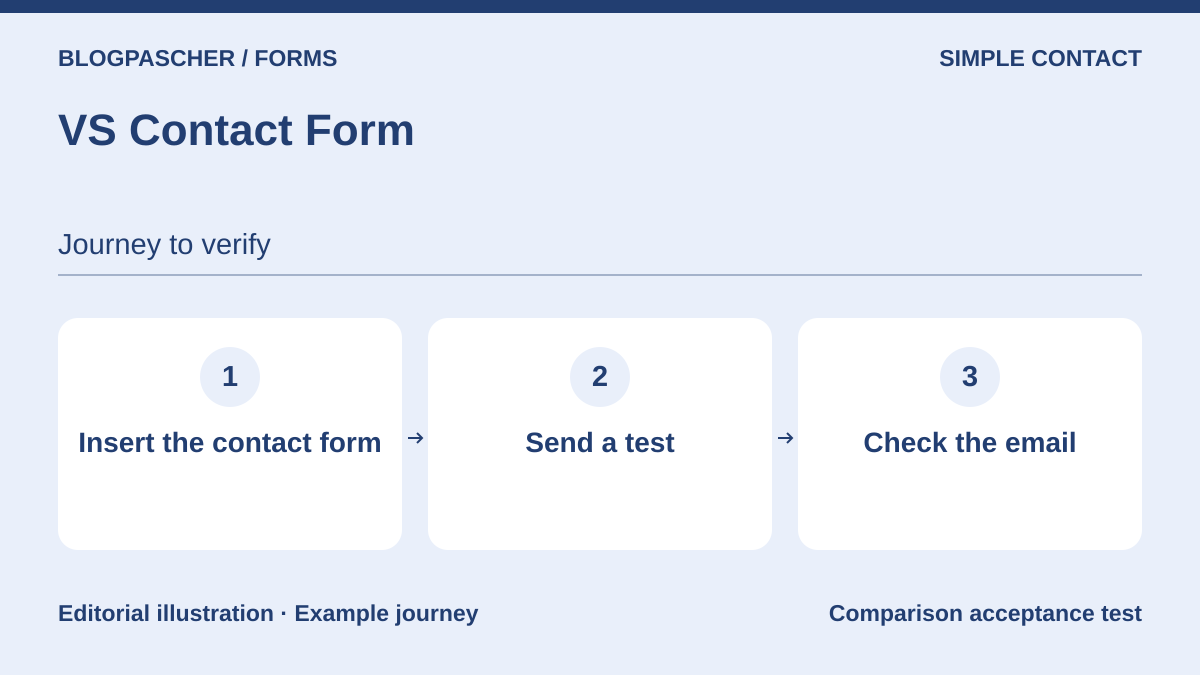 Editorial diagram. Insert the contact form → Send a test → Check the email. — BlogPasCherOpen full-size illustration ↗
Best forA short contact form without a need for quotes or a complex workflow.
VS Contact Form suits a page whose sole purpose is to receive a message. Its listing presents name, email, subject and message fields, plus a consent checkbox. This limited scope makes discussion easier with a small team: you choose a clear contact form rather than a library of scenarios. You still need to decide who checks inquiries and how to retain them.
Offer pricing
Free WordPress.org version.
Billing: Free for this edition.
Potential email costs not quantified.
Checked on .
Strengths
- Insertion through a block, widget or shortcode.
- Response list advertised in the dashboard.
What to consider
- Best suited to an intentionally simple need.
- Check delivery and abuse protection on the site.
Pricing terms and compatibility
Understanding the offer
- Price at the time of review
- Free WordPress.org version.
- Currency
- Unspecified. Confirm for the offer you choose.
- Billing
- Free for this edition.
- Renewal and support
- Unspecified. Confirm for the offer you choose.
- Taxes and fees
- Potential email costs not quantified.
- Commitment and terms
- No purchase required for the free download.
- Date checked
Compatibility and components
- Block and classic editors advertised; minimum versions not recorded, no practical test.
- Send from a test page. Check the recipient, validation and how the team retains an important inquiry.
Contact Form 7
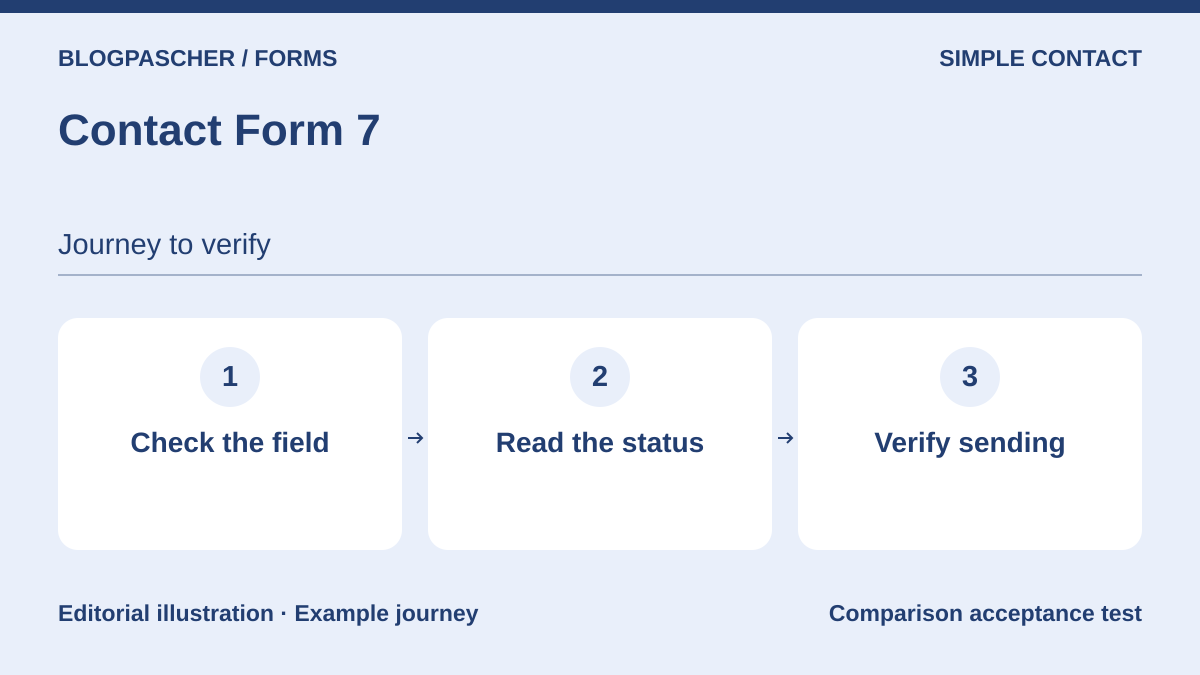 Editorial diagram. Check the field → Read the status → Verify sending. — BlogPasCherOpen full-size illustration ↗
Best forKeeping or configuring an existing contact form with a designated maintainer.
Contact Form 7 can remain in place if its form meets the need. Locally with version 6.2.4.1, the route rejected an empty email field and the TXT, then passed the expected PDF to the intercepted send point. The Flamingo add-on documentation specifies that the plugin alone does not store responses. Choose where to retain important inquiries and check actual delivery separately.
Offer pricing
Free WordPress.org plugin.
Billing: Free.
Potential connected services not quantified.
Checked on .
Strengths
- Dedicated official documentation.
- Open-source, modular architecture.
What to consider
- No message storage by default.
- Flamingo is a separate add-on, not counted as a second alternative here.
Pricing terms and compatibility
Understanding the offer
- Price at the time of review
- Free WordPress.org plugin.
- Currency
- Unspecified. Confirm for the offer you choose.
- Billing
- Free.
- Renewal and support
- Unspecified. Confirm for the offer you choose.
- Taxes and fees
- Potential connected services not quantified.
- Commitment and terms
- No license purchase required for this plugin.
- Date checked
Compatibility and components
- Contact Form 7 6.2.4.1 on WordPress 7.1.4. Five local multipart requests. Check the interface, storage and SMTP delivery separately.
- Replay the article’s acceptance test with a fictional PDF. Compare the status, send point and temporary files.
Contact Form by BestWebSoft
 Editorial diagram. Configure fields → Set the recipient → Test two pages. — BlogPasCherOpen full-size illustration ↗
Best forA contact form inserted through a shortcode.
This plugin offers a contact form that can be inserted into pages, posts or widget areas. It deserves comparison when the goal is to configure the fields and recipients of a contact form rather than organize an entire application. Examine the options in the edition you use carefully: the general product presentation is not enough to attribute every advertised feature to its free download.
Offer pricing
Free. Pro at $29 per year or a $290 one-time purchase per domain.
Billing: annual or one-time purchase
Renewal and support: The annual plan renews until canceled.
Tax treatment of the paid plan not verified.
Checked on .
Strengths
- Insertion in several types of location.
- Configurable required or optional fields advertised.
What to consider
- Confirm the exact split between free and Pro options for the selected need.
- A marketing promise of data protection does not validate the site’s compliance.
Pricing terms and compatibility
Understanding the offer
- Price at the time of review
- Free. Pro at $29 per year or a $290 one-time purchase per domain.
- Currency
- Unspecified. Confirm for the offer you choose.
- Billing
- annual or one-time purchase
- Renewal and support
- The annual plan renews until canceled.
- Taxes and fees
- Tax treatment of the paid plan not verified.
- Commitment and terms
- No purchase for the free download.
- Date checked
Compatibility and components
- WordPress; PHP requirements and theme compatibility not verified in practice.
- Display a contact form and check which recipient receives its data. Compare the free options before buying.
Happyforms
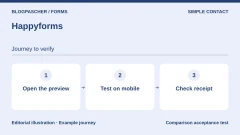
 Editorial diagram. Open the preview → Test on mobile → Check receipt. — BlogPasCherOpen full-size illustration ↗
Best forVisually preparing a contact or feedback form.
Happyforms emphasizes visual building with a preview during preparation. This approach may suit someone who wants to adjust labels and observe the presentation without working in a technical configuration. Compare the result on an actual page rather than only in the preview. The publisher’s deliverability promises do not replace checking the notification route on your hosting.
Offer pricing
Free. Starter at $89 per year. Pro at a promotional $99, with $159 displayed before discount for a maximum of three sites.
Billing: annual subscription
Renewal and support: Check the renewal amount in the order summary.
Taxes and third-party services not quantified.
Checked on .
Strengths
- Visual preview advertised.
- Build by moving fields.
What to consider
- Check the edition needed for each advanced feature.
- No practical evidence of email delivery provided here.
Pricing terms and compatibility
Understanding the offer
- Price at the time of review
- Free. Starter at $89 per year. Pro at a promotional $99, with $159 displayed before discount for a maximum of three sites.
- Currency
- Unspecified. Confirm for the offer you choose.
- Billing
- annual subscription
- Renewal and support
- Check the renewal amount in the order summary.
- Taxes and fees
- Taxes and third-party services not quantified.
- Commitment and terms
- Free download without purchase; premium terms unknown.
- Date checked
Compatibility and components
- Gutenberg integration advertised; check behavior with the theme.
- Correct a label from the preview, then check the same page with the keyboard on the target theme.
WPForms Lite and WPForms plans
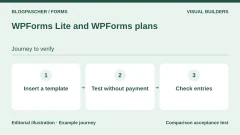
 Editorial diagram. Insert a template → Test without payment → Check entries. — BlogPasCherOpen full-size illustration ↗
Best forA general-purpose visual builder with room to grow.
WPForms offers drag-and-drop building and starter templates for several uses. Lite lets you examine this way of working before choosing a more comprehensive plan. The listing advertises free Stripe integration among other features, but a free connector and free transactions are different matters. Check the applicable fees and tier needed for advanced features before designing your workflow around them.
Offer pricing
Free Lite. Basic at 49.50 USD for the first year for one site. Displayed regular price of 99 USD.
Billing: annual subscription
Renewal and support: Promotional prices are reserved for the first period according to the pricing table.
Check provider fees and any product fees before payment.
Checked on .
Strengths
- Templates and visual editor.
- Stripe advertised in the free version.
What to consider
- Not all features in the family are included in Lite.
- Do not assume local history or fee-free transactions without checking the plan.
Pricing terms and compatibility
Understanding the offer
- Price at the time of review
- Free Lite. Basic at 49.50 USD for the first year for one site. Displayed regular price of 99 USD.
- Currency
- Unspecified. Confirm for the offer you choose.
- Billing
- annual subscription
- Renewal and support
- Promotional prices are reserved for the first period according to the pricing table.
- Taxes and fees
- Check provider fees and any product fees before payment.
- Commitment and terms
- No purchase for Lite; premium commitment not verified.
- Date checked
Compatibility and components
- Version requirements, access rights and theme integration to be confirmed; no test.
- Create a contact form without payment, then identify whether entries, exports and fees for the desired workflow fall under Lite or the paid plan.
Ninja Forms
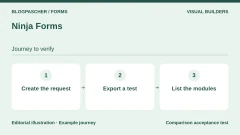
 Editorial diagram. Create the request → Export a test → List the modules. — BlogPasCherOpen full-size illustration ↗
Best forLocal collection with expansion through targeted modules.
Ninja Forms distinguishes a free core from modules added as needed. The listing reviewed advertises response storage and export in that core. This structure helps you start with a contact form and then price a specific upgrade. However, it requires checking the combined cost: attachments, conditional logic, multiple steps or business connections must not be presumed free.
Offer pricing
Free. Plus at $59.40 for the first year and a displayed regular price of $99 for three sites.
Billing: annual subscription for Plus
Renewal and support: Discount advertised for the first year.
Taxes and connected services not verified.
Checked on .
Strengths
- Local response management advertised in the free version.
- Acquire features through separate modules.
What to consider
- Attachments, steps and conditional logic advertised as premium modules.
- Compare the cost of the complete set you need, not just the core.
Pricing terms and compatibility
Understanding the offer
- Price at the time of review
- Free. Plus at $59.40 for the first year and a displayed regular price of $99 for three sites.
- Currency
- Unspecified. Confirm for the offer you choose.
- Billing
- annual subscription for Plus
- Renewal and support
- Discount advertised for the first year.
- Taxes and fees
- Taxes and connected services not verified.
- Commitment and terms
- Optional purchase depending on the selected modules.
- Date checked
Compatibility and components
- WordPress; confirm current requirements and the module combination before installation.
- Export an inquiry and list the required modules before adding files or a second step.
Everest Forms
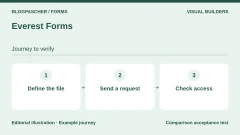
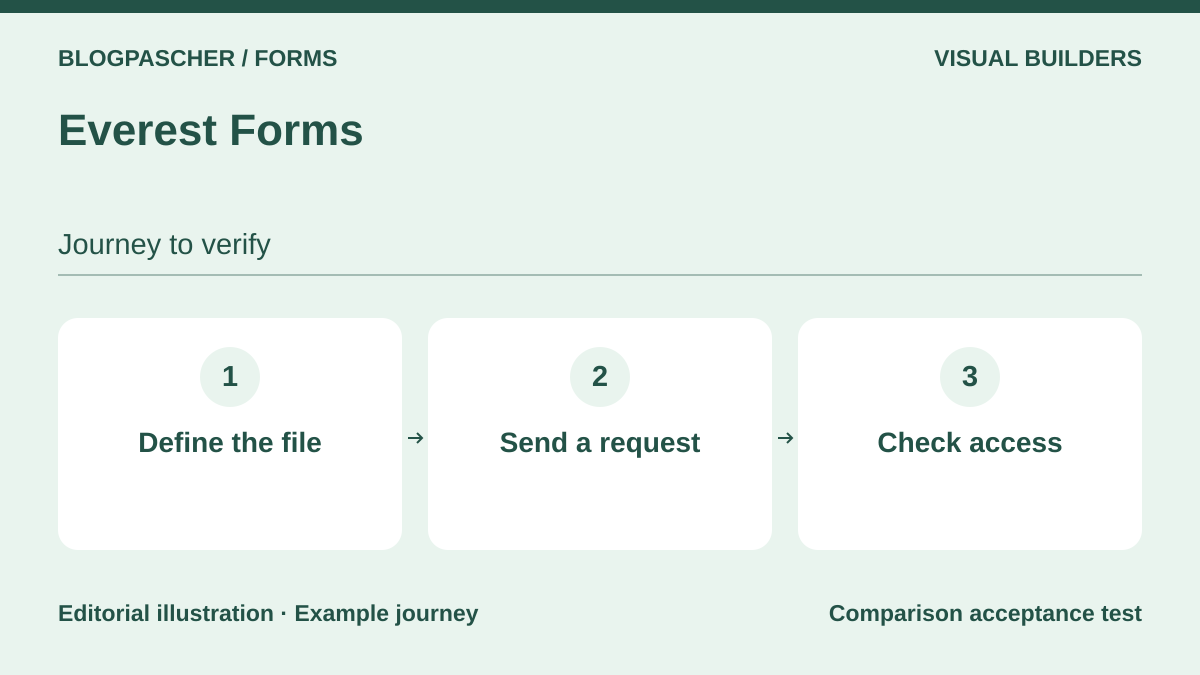 Editorial diagram. Define the file → Send an enquiry → Check access. — BlogPasCherOpen full-size illustration ↗
Best forComparing visual collection with attachments.
Everest Forms combines a visual editor with several types of forms. The current listing highlights responses and file uploads in the free offering. This makes it worth considering for an application or inquiry accompanied by documents, without automatically attributing all product features to the same tier. Above all, define file access and retention before using this capability.
Offer pricing
Free. Personal at $49 for the first year, then $69 per year according to the usage table.
Billing: annual subscription for the recorded price
Renewal and support: Automatic renewal at the advertised full price.
Taxes on the paid offering and external provider costs not established.
Checked on .
Strengths
- Drag-and-drop editor.
- Response storage and file uploads advertised in the free version.
What to consider
- Check availability of each advanced option by edition.
- No handling of sensitive documents tested.
Pricing terms and compatibility
Understanding the offer
- Price at the time of review
- Free. Personal at $49 for the first year, then $69 per year according to the usage table.
- Currency
- Unspecified. Confirm for the offer you choose.
- Billing
- annual subscription for the recorded price
- Renewal and support
- Automatic renewal at the advertised full price.
- Taxes and fees
- Taxes on the paid offering and external provider costs not established.
- Commitment and terms
- No purchase required for the free edition.
- Date checked
Compatibility and components
- Older requirements cited in the marketing text are not a recommendation to use obsolete PHP; environment to be confirmed.
- Compare an allowed submission and a rejected file, then check who can view the attachment.
Fluent Forms
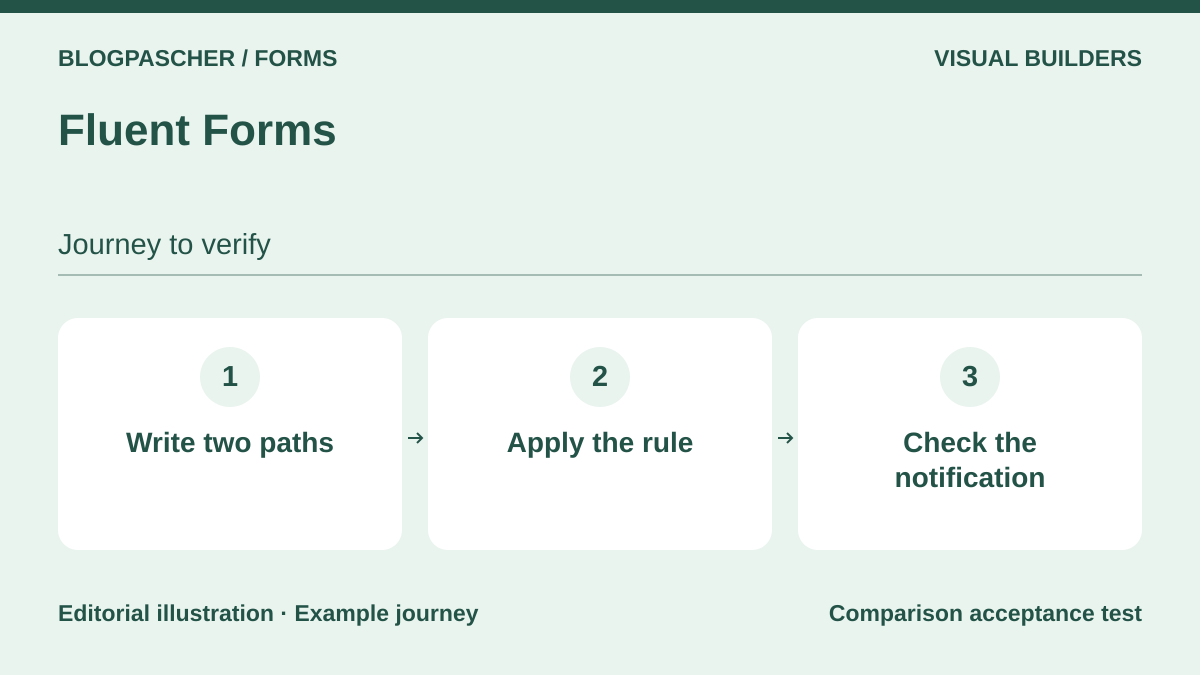 Editorial diagram. Write two paths → Apply the rule → Check the notification. — BlogPasCherOpen full-size illustration ↗
Best forStructured inquiries and conditional questions.
Fluent Forms offers visual forms and conditional rules in a family that also includes advanced commercial features. It can be compared for directing questions to the right department or avoiding unnecessary fields. First write down the different expected paths; adding them without a plan makes maintenance difficult. For calculations, connections and complex workflows, check the exact edition before committing.
Offer pricing
Free. Pro for one site at 79 USD per year or a one-time purchase of 349 USD.
Billing: annual or one-time purchase
Renewal and support: Confirm renewal if a promotion applies.
Taxes and connected-service fees not quantified.
Checked on .
Strengths
- Visual building.
- Documented conditional logic.
What to consider
- Marketing list combines family features and Pro options.
- Every branch of the workflow must be checked on the site.
Pricing terms and compatibility
Understanding the offer
- Price at the time of review
- Free. Pro for one site at 79 USD per year or a one-time purchase of 349 USD.
- Currency
- Unspecified. Confirm for the offer you choose.
- Billing
- annual or one-time purchase
- Renewal and support
- Confirm renewal if a promotion applies.
- Taxes and fees
- Taxes and connected-service fees not quantified.
- Commitment and terms
- No purchase for the free download.
- Date checked
Compatibility and components
- Check WordPress and PHP versions and business integrations; no practical test.
- Configure a question with two answers and check the displayed branch, hidden fields and recipient.
WS Form LITE
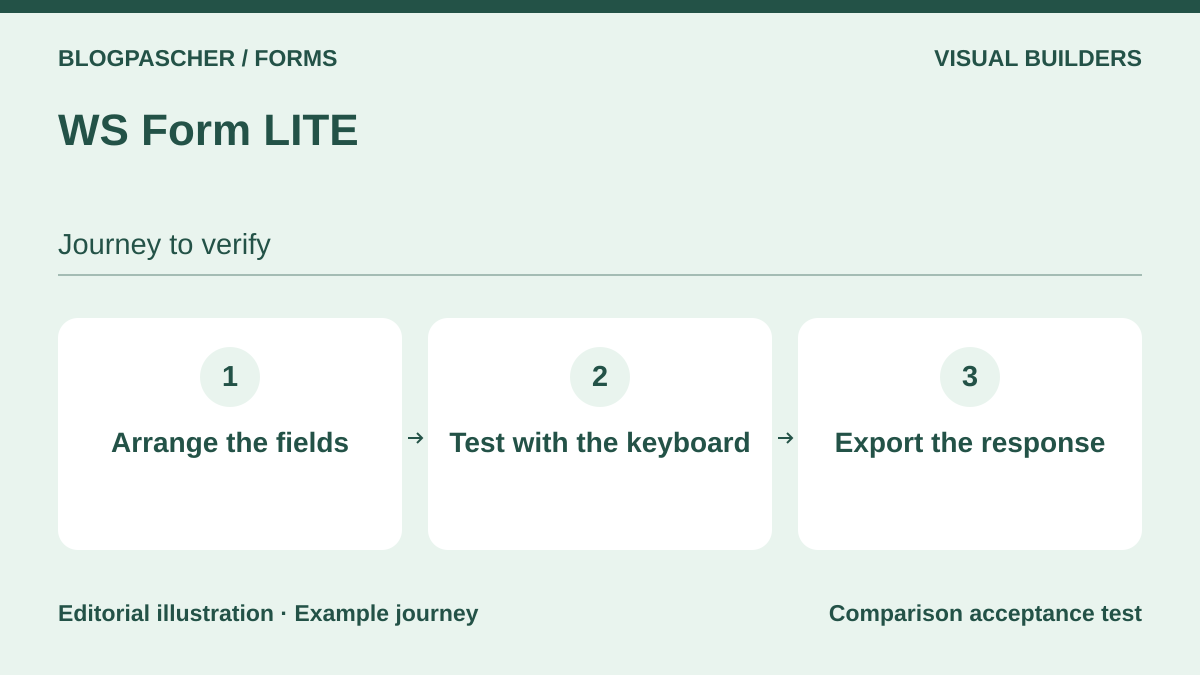 Editorial diagram. Arrange the fields → Test with the keyboard → Export the response. — BlogPasCherOpen full-size illustration ↗
Best forA form layout controlled visually.
WS Form LITE focuses as much on field layout as on collection. The listing advertises a layout editor, styling options and response export. It is worth considering for a team wanting control over presentation without multiplying tools. Accessibility claims must nevertheless be checked against the actual form produced, its error messages and its keyboard workflow.
Offer pricing
Free Lite. PRO Personal at an introductory 47.20 USD, then 59 USD per year for one site.
Billing: annual subscription
Renewal and support: Renewal at the stated regular price of 59 USD.
Taxes on the Pro offering and third-party service costs not established.
Checked on .
Strengths
- Layout and style editor.
- Response export advertised.
What to consider
- Do not confuse the Pro feature list with LITE.
- An accessibility statement is not an audit of the final site.
Pricing terms and compatibility
Understanding the offer
- Price at the time of review
- Free Lite. PRO Personal at an introductory 47.20 USD, then 59 USD per year for one site.
- Currency
- USD
- Billing
- annual subscription
- Renewal and support
- Renewal at the stated regular price of 59 USD.
- Taxes and fees
- Taxes on the Pro offering and third-party service costs not established.
- Commitment and terms
- No purchase required for LITE.
- Date checked
Compatibility and components
- Environment compatibility not tested; check the requirements of the downloaded version.
- On a small screen, check reading order and the required-field error. Check a response export.
weForms
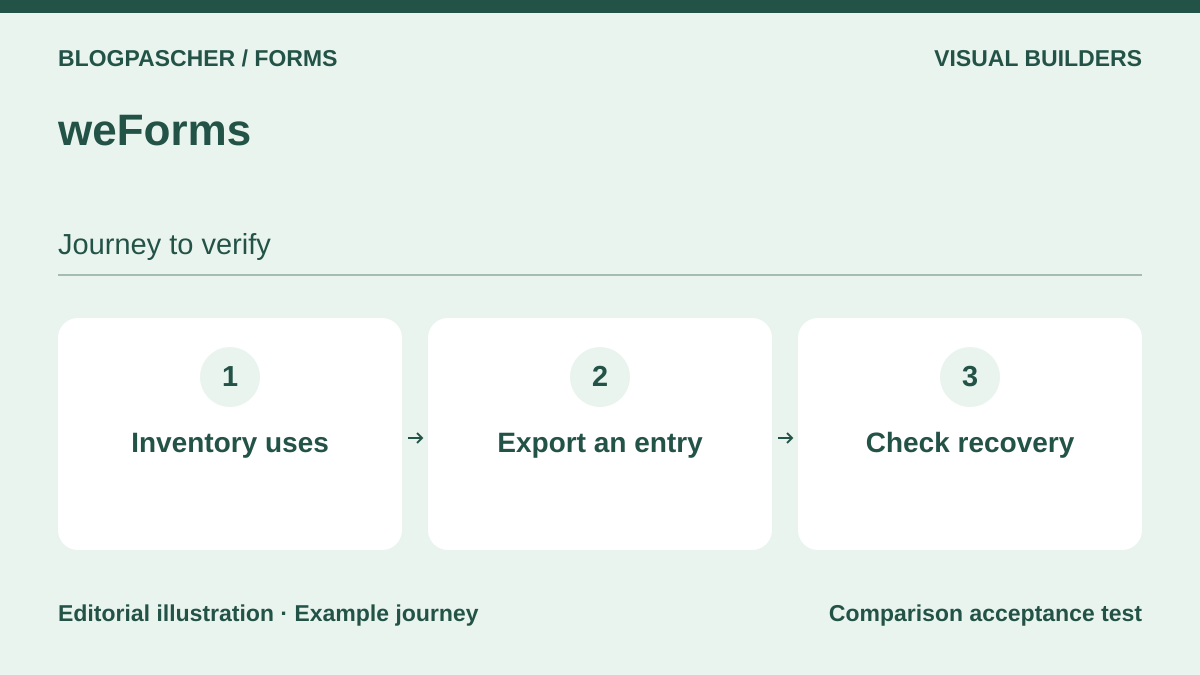 Editorial diagram. Inventory uses → Export an entry → Check recovery. — BlogPasCherOpen full-size illustration ↗
Best forMaintaining or comparing an existing collection process with a response dashboard.
weForms combines templates, visual editing and viewing submissions in the administration interface. It may be useful to examine when a site already uses it and you want to strengthen its operation before considering migration. The listing also distinguishes professional modules. For a new project, pay particular attention to current support and version requirements rather than relying on testimonials reproduced in the presentation.
Offer pricing
Free. A Personal plan was recorded at $49 for one year, versus a displayed regular price of $89. Confirm availability before purchase.
Billing: annual subscription according to the FAQ
Renewal and support: The FAQ links renewal to updates and support.
External costs not recorded.
Checked on .
Strengths
- Preview and templates.
- Responses viewable in WordPress advertised.
What to consider
- Several advanced features are presented as Pro modules.
- Operational support and recent compatibility not validated through a test.
Pricing terms and compatibility
Understanding the offer
- Price at the time of review
- Free. A Personal plan was recorded at $49 for one year, versus a displayed regular price of $89. Confirm availability before purchase.
- Currency
- Unspecified. Confirm for the offer you choose.
- Billing
- annual subscription according to the FAQ
- Renewal and support
- The FAQ links renewal to updates and support.
- Taxes and fees
- External costs not recorded.
- Commitment and terms
- Free download; Pro commitment unknown.
- Date checked
Compatibility and components
- No WordPress or PHP version guaranteed in this article; check the target site.
- For an already equipped site, export entries and check that necessary features remain compatible on a recent copy.
IvyForms
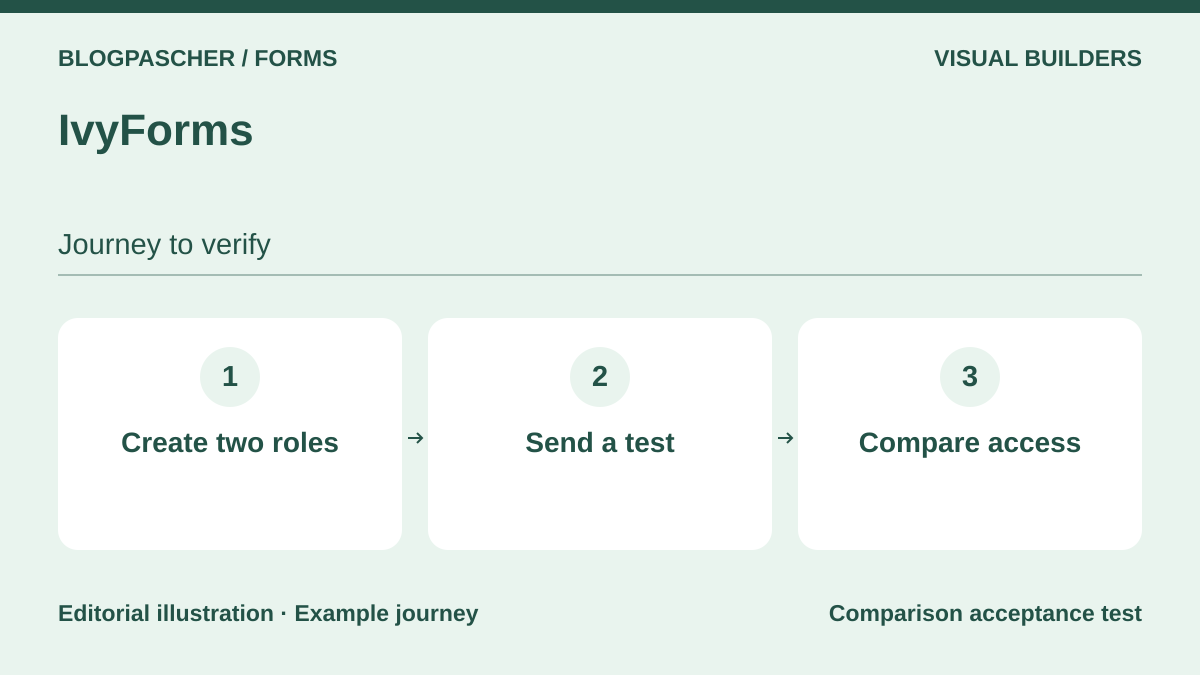 Editorial diagram. Create two roles → Send a test → Compare access. — BlogPasCherOpen full-size illustration ↗
Best forA team wanting to build visually and distribute access rights.
IvyForms presents a building screen with a preview, templates and response management. Its listing describes insertion in the block editor and Elementor. This flexibility lets you examine it without choosing a builder solely for the form. For a small team, permission options deserve particular attention: prepare the expected roles rather than giving everyone the same data access.
Offer pricing
Free. Essentials and higher plans displayed, price not publicly readable when recorded.
Billing: annual or lifetime edition according to the table
Renewal and support: Confirm the amount and terms before subscribing.
Connected services not quantified.
Checked on .
Strengths
- Gutenberg block and Elementor integration advertised.
- Permissions and response management presented.
What to consider
- Integrations should not be enabled unnecessarily.
- No practical permission check performed.
Pricing terms and compatibility
Understanding the offer
- Price at the time of review
- Free. Essentials and higher plans displayed, price not publicly readable when recorded.
- Currency
- Unspecified. Confirm for the offer you choose.
- Billing
- annual or lifetime edition according to the table
- Renewal and support
- Confirm the amount and terms before subscribing.
- Taxes and fees
- Connected services not quantified.
- Commitment and terms
- No purchase for the free download.
- Date checked
Compatibility and components
- Integrations advertised, with no validation of the theme, multisite or versions on an actual installation.
- Using a test account without administrator rights, check whether entries and settings are accessible.
Form Maker by 10Web
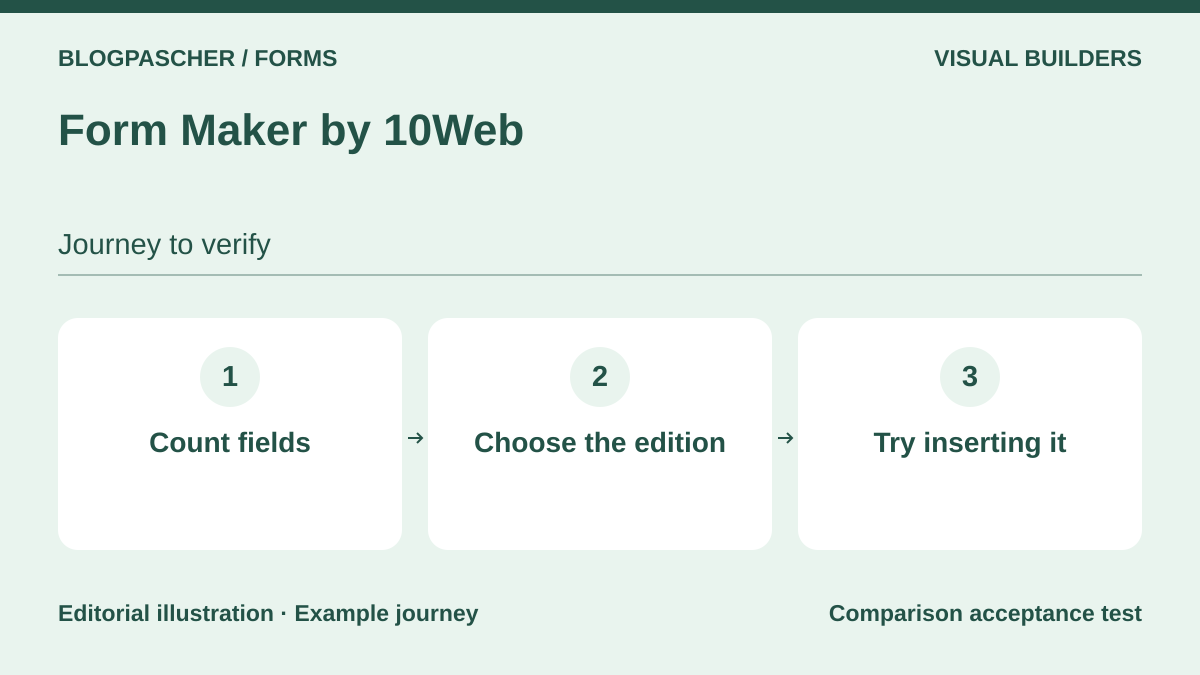 Editorial diagram. Count fields → Choose the edition → Try inserting it. — BlogPasCherOpen full-size illustration ↗
Best forComparing a visual layout and different insertion methods.
Form Maker offers visual building and several form presentations. It may interest a site wanting to compare in-page insertion with another location without immediately choosing a specialist module. The product family includes more elaborate workflows, but their free limits are not quantified here. Establish the number and types of fields needed before deciding whether the edition is suitable.
Offer pricing
Free. Basic at $30 for one site with six months of advertised updates and support.
Billing: displayed price for Basic
Renewal and support: Renewal method and price after six months not established.
Taxes on paid plans and external service costs not established.
Checked on .
Strengths
- Visual editor.
- Several display methods advertised.
What to consider
- Do not attribute every advertised field to the free offering.
- Check payment terms and advanced features separately.
Pricing terms and compatibility
Understanding the offer
- Price at the time of review
- Free. Basic at $30 for one site with six months of advertised updates and support.
- Currency
- Unspecified. Confirm for the offer you choose.
- Billing
- displayed price for Basic
- Renewal and support
- Renewal method and price after six months not established.
- Taxes and fees
- Taxes on paid plans and external service costs not established.
- Commitment and terms
- No purchase for the free download.
- Date checked
Compatibility and components
- Version requirements and display with the theme not tested.
- Test the same form in a page and in the intended site location. Check the fields available in the selected edition.
Bit Form
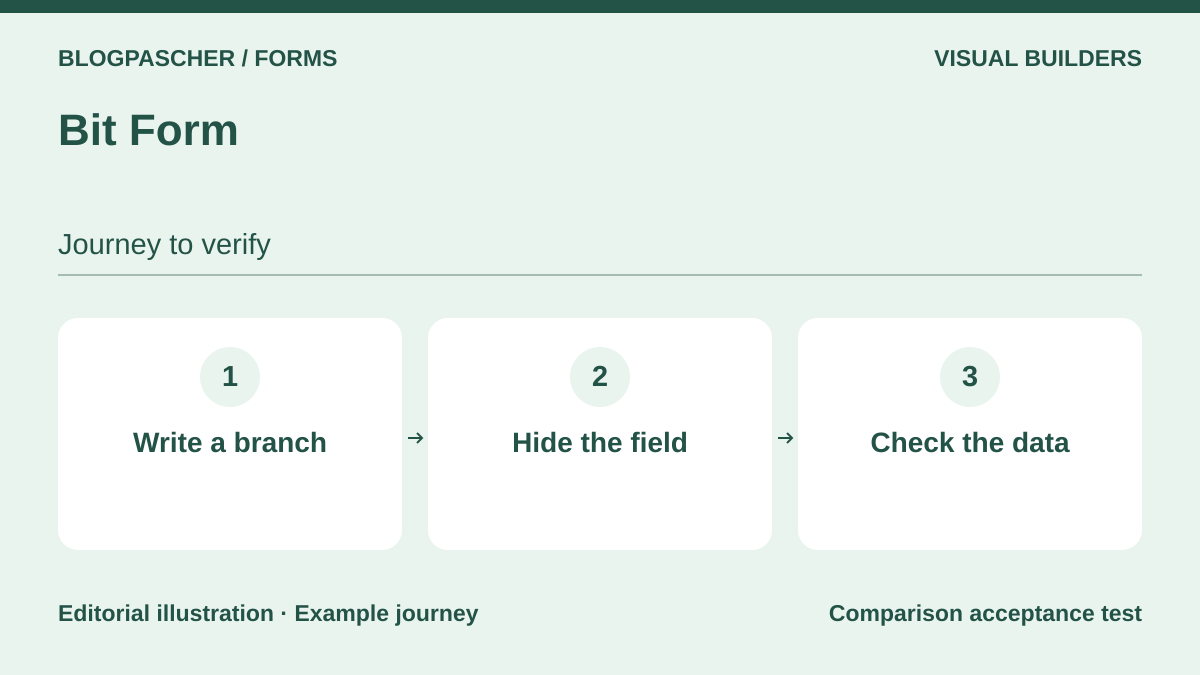 Editorial diagram. Write a branch → Hide the field → Check the data. — BlogPasCherOpen full-size illustration ↗
Best forA conditional workflow with multiple steps to compare in the free version.
Bit Form is worth considering for inquiries that evolve according to the answers. Its listing separates a free offering including steps, display rules and local collection from professional options such as certain payment fields. Rich settings are useful only if every rule serves a business decision. Before connecting an external service, determine which data will be sent to it and why.
Offer pricing
Free. One-site plan at $25 per year when recorded, with $39 displayed before discount. One-time purchase at $99 when recorded.
Billing: annual or one-time purchase
Renewal and support: Confirm renewal terms applicable to the reduced price.
Payment or service fees not quantified.
Checked on .
Strengths
- Steps and display rules advertised in the free version.
- Collection of responses in WordPress advertised.
What to consider
- Payment fields presented as Pro.
- The publisher’s performance figures are not measurements from this article.
Pricing terms and compatibility
Understanding the offer
- Price at the time of review
- Free. One-site plan at $25 per year when recorded, with $39 displayed before discount. One-time purchase at $99 when recorded.
- Currency
- Unspecified. Confirm for the offer you choose.
- Billing
- annual or one-time purchase
- Renewal and support
- Confirm renewal terms applicable to the reduced price.
- Taxes and fees
- Payment or service fees not quantified.
- Commitment and terms
- No purchase for the free version.
- Date checked
Compatibility and components
- Insertion through a block or shortcode advertised; confirm multisite and PHP context.
- Compare the data from a displayed branch and a hidden branch in the entry before enabling an integration.
Gutena Forms
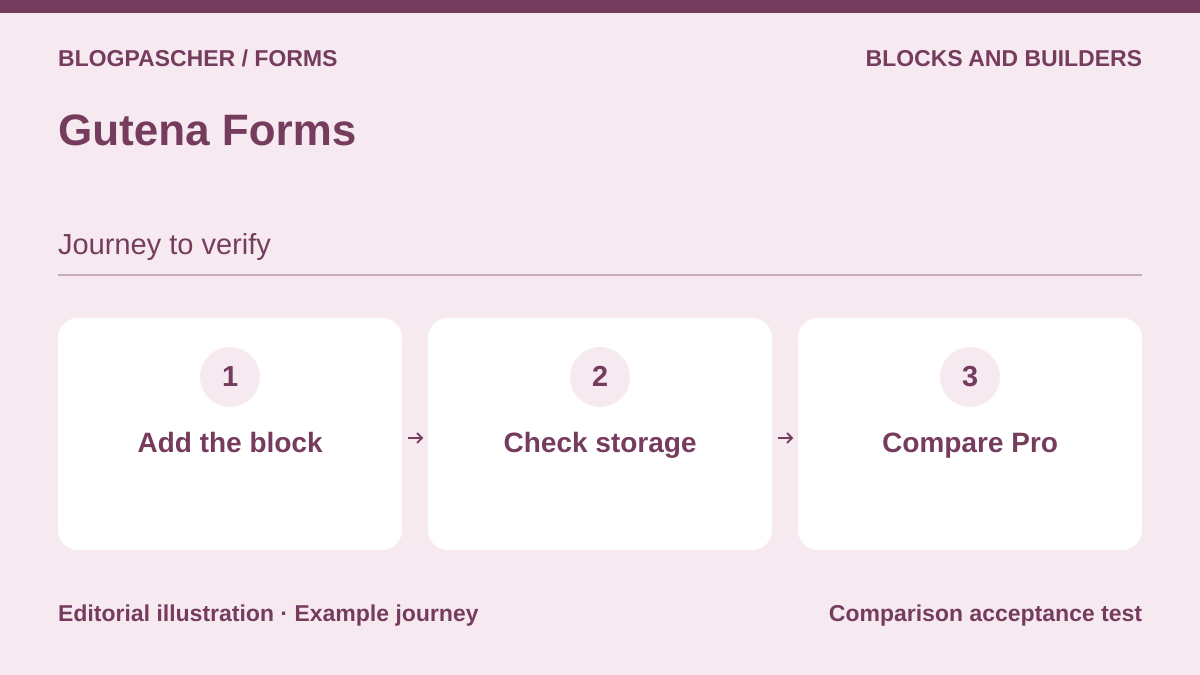 Editorial diagram. Add the block → Check storage → Compare Pro. — BlogPasCherOpen full-size illustration ↗
Best forA contact form prepared in the block editor.
Gutena Forms is relevant to sites wanting to work directly with blocks to build a contact form. Its listing presents appearance settings within this environment. The commercial distinction matters: the FAQ assigns response storage, attachments and steps to Pro. If you need to find every inquiry in the administration interface, do not choose this solution solely for the appearance of its free form.
Offer pricing
Free. Pro offering mentioned, public price not confirmed.
Billing: Free for the directory edition.
Pro tax terms unknown.
Checked on .
Strengths
- Building in Gutenberg.
- Layout and styling settings advertised.
What to consider
- Storage, files and steps assigned to Pro by the FAQ.
- Confirm history and delivery before critical use.
Pricing terms and compatibility
Understanding the offer
- Price at the time of review
- Free. Pro offering mentioned, public price not confirmed.
- Currency
- Unspecified. Confirm for the offer you choose.
- Billing
- Free for the directory edition.
- Renewal and support
- Unspecified. Confirm for the offer you choose.
- Taxes and fees
- Pro tax terms unknown.
- Commitment and terms
- No purchase for the free download.
- Date checked
Compatibility and components
- Block editor required for this workflow; check current requirements, no test.
- Insert a contact form in the block editor. If the inquiry must be retained, check the response screen and required tier.
Jetpack Forms
 Editorial diagram. Locate the block → Test a response → Check the connection. — BlogPasCherOpen full-size illustration ↗
Best forReusing a form built into an existing Jetpack environment.
Jetpack Forms is particularly relevant when Jetpack is already used or the platform provides this block. The documentation describes a free form on Jetpack-connected sites. Start by looking for what exists before installing a new builder. Because Jetpack is a broader suite, choosing it for a simple contact form also requires considering enabled features, the service connection and response organization.
Offer pricing
Free block in Jetpack environments that provide it. Other modules sold separately.
Billing: Free for this block; other services are separate.
Potential premium services not quantified.
Checked on .
Strengths
- Templates and block insertion.
- Can avoid an additional builder if already available.
What to consider
- A suite and service connection, not just a standalone form.
- Jetpack’s paid services are not included by this mention of free availability.
Pricing terms and compatibility
Understanding the offer
- Price at the time of review
- Free block in Jetpack environments that provide it. Other modules sold separately.
- Currency
- Unspecified. Confirm for the offer you choose.
- Billing
- Free for this block; other services are separate.
- Renewal and support
- Unspecified. Confirm for the offer you choose.
- Taxes and fees
- Potential premium services not quantified.
- Commitment and terms
- Take the Jetpack connection into account; no subscription performed.
- Date checked
Compatibility and components
- Block intended for the block editor; separate classic workflow documented; no connection made.
- Create a draft on the target site. Check block availability, response viewing and the connections actually needed.
MetForm
 Editorial diagram. Open Elementor → Choose the fields → Check the entries. — BlogPasCherOpen full-size illustration ↗
Best forA site already built with Elementor.
MetForm presents itself as a form add-on for Elementor. Its appeal is staying within a builder the team already knows and arranging the form’s presentation there. It is not sufficient reason to add Elementor to a site that does not need it. Before comparing templates, check the dependencies and the edition providing the fields and connections essential to your scenario.
Offer pricing
Free. Personal at $44 for the first year, with $49 displayed before discount for one site. Separate lifetime offer displayed at $132.
Billing: annual or one-time purchase depending on the tab
Renewal and support: Check the Personal renewal amount.
Examine any Elementor and third-party service costs separately.
Checked on .
Strengths
- Building within the Elementor context.
- Various templates and request types advertised.
What to consider
- Dependency on Elementor.
- Do not generalize Pro features to the free edition.
Pricing terms and compatibility
Understanding the offer
- Price at the time of review
- Free. Personal at $44 for the first year, with $49 displayed before discount for one site. Separate lifetime offer displayed at $132.
- Currency
- Unspecified. Confirm for the offer you choose.
- Billing
- annual or one-time purchase depending on the tab
- Renewal and support
- Check the Personal renewal amount.
- Taxes and fees
- Examine any Elementor and third-party service costs separately.
- Commitment and terms
- No purchase for the free download.
- Date checked
Compatibility and components
- Declared Elementor add-on; compatible versions and theme not tested.
- Open the page in Elementor and check where responses are stored before creating multiple templates.
Forminator
 Editorial diagram. Prepare a poll → Simulate a response → Export entries. — BlogPasCherOpen full-size illustration ↗
Best forComparing forms, polls and quizzes within the same family.
Forminator expands the classic form to polls, quizzes and calculations. It may suit a site wanting to collect structured feedback without choosing a different product for each presentation. However, the listing distinguishes Pro features, including certain PDF processing and Stripe subscriptions. For a survey, consider the meaning of the questions and how responses will be used before spending time on interactive effects.
Offer pricing
Free. WPMU DEV suite including Forminator Pro from $50 per year in the pricing table reviewed.
Billing: annual subscription for the recorded price
Renewal and support: Check the plan price and number of sites.
Payment providers and other services not quantified.
Checked on .
Strengths
- Polls and quizzes advertised.
- Calculations and payment integrations presented.
What to consider
- Certain Stripe subscriptions and PDF features require Pro.
- Collecting responses is not a representative statistical analysis.
Pricing terms and compatibility
Understanding the offer
- Price at the time of review
- Free. WPMU DEV suite including Forminator Pro from $50 per year in the pricing table reviewed.
- Currency
- Unspecified. Confirm for the offer you choose.
- Billing
- annual subscription for the recorded price
- Renewal and support
- Check the plan price and number of sites.
- Taxes and fees
- Payment providers and other services not quantified.
- Commitment and terms
- No purchase for the free download.
- Date checked
Compatibility and components
- Confirm version and integrations for the target environment; no practical test.
- Submit a fictional response and examine its export before connecting Stripe, an automated PDF or another service.
FormGent
 Editorial diagram. Prepare two steps → Go back → Check the fields. — BlogPasCherOpen full-size illustration ↗
Best forExploring a conversational or multistep questionnaire.
FormGent presents classic, conversational and multistep formats. It is worth considering for comparing different ways of asking a series of questions rather than endlessly lengthening a form on one page. AI-assisted generation is an advertised option, not an editorial obligation or validation of your questions. Sending data to external services must remain deliberate and limited to the necessary information.
Offer pricing
Free. Entry plan at $44 per year during the discount, with $49 displayed before discount. Separate lifetime offering.
Billing: annual or lifetime depending on the plan
Renewal and support: After expiry without renewal, the publisher says the plugin remains usable without support or updates.
Connected-service costs unknown.
Checked on .
Strengths
- Several questionnaire formats.
- Integrations and conditional rules advertised.
What to consider
- Distinguish Pro features and AI service terms.
- Optional telemetry described by the publisher; examine consent.
Pricing terms and compatibility
Understanding the offer
- Price at the time of review
- Free. Entry plan at $44 per year during the discount, with $49 displayed before discount. Separate lifetime offering.
- Currency
- Unspecified. Confirm for the offer you choose.
- Billing
- annual or lifetime depending on the plan
- Renewal and support
- After expiry without renewal, the publisher says the plugin remains usable without support or updates.
- Taxes and fees
- Connected-service costs unknown.
- Commitment and terms
- No purchase for the free version; optional additional services.
- Date checked
Compatibility and components
- Technical requirements and integrations to be confirmed; no agent connected and no test.
- Complete two steps and return to the first. Check field retention and active integrations.
Formidable Forms
 Editorial diagram. Create fictional data → Separate private and public → Test permissions. — BlogPasCherOpen full-size illustration ↗
Best forCollection intended to evolve into an organized display of data.
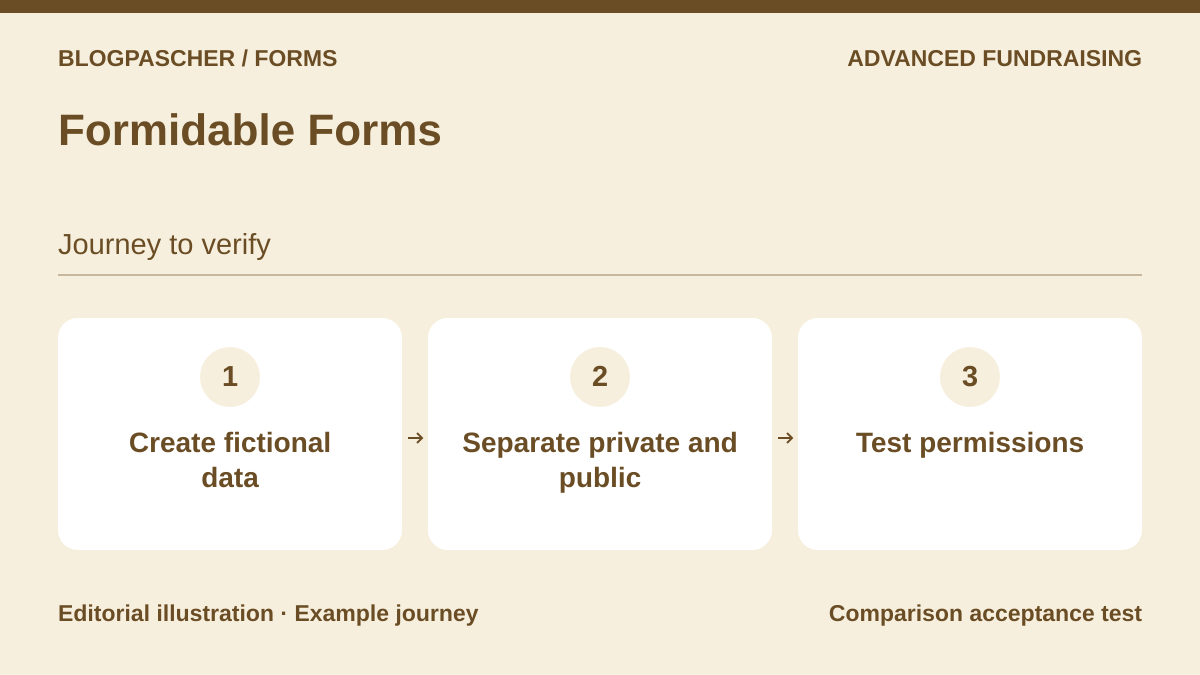
Formidable Forms becomes interesting when responses need to feed a project more structured than a simple notification. The family presents calculations and views for displaying data, among other features. That is not a reason to buy a comprehensive plan immediately. First describe what must remain private, what can be displayed and who can correct a response; then check the required components and plan.
Offer pricing
Free. Basic at 39.50 USD for the first year, with a displayed regular price of 79 USD.
Billing: annual subscription
Renewal and support: Regular price displayed at $79 for Basic.
Taxes on premium plans and third-party service costs not established.
Checked on .
Strengths
- Family focused on calculations and using responses.
- Views feature presented for displaying data.
What to consider
- Do not attribute Views or all calculations to the free edition.
- Publicly displaying responses requires a permission check.
Pricing terms and compatibility
Understanding the offer
- Price at the time of review
- Free. Basic at 39.50 USD for the first year, with a displayed regular price of 79 USD.
- Currency
- Unspecified. Confirm for the offer you choose.
- Billing
- annual subscription
- Renewal and support
- Regular price displayed at $79 for Basic.
- Taxes and fees
- Taxes on premium plans and third-party service costs not established.
- Commitment and terms
- No purchase for the free core.
- Date checked
Compatibility and components
- Confirm dependencies and the exact plan for Views; practical operation not verified.
- Define a private field and a public field, then check that the view displays only the one intended for visitors.
Calculated Fields Form
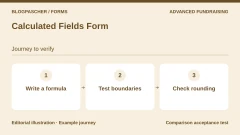
 Editorial diagram. Write a formula → Test boundaries → Check rounding. — BlogPasCherOpen full-size illustration ↗
Best forA calculator or estimate built into a form.
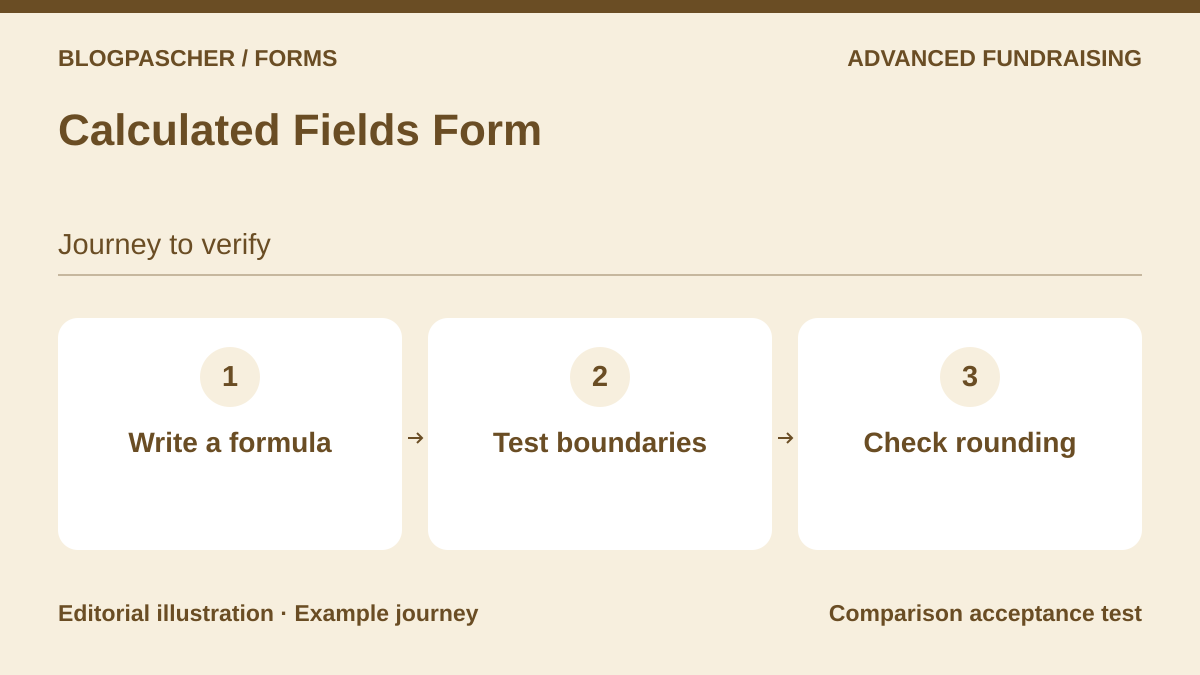
Calculated Fields Form stands out through results calculated from entered values. It can serve a price estimator or simulation accompanying an inquiry. Start with examples of expected results, including rounding and edge cases. The formula remains your responsibility; for an estimate that carries a commitment, do not confuse the displayed amount with an accepted quote or confirmed payment.
Offer pricing
Free. Professional at a promotional 29.99 EUR, with 49.99 EUR displayed before discount.
Billing: one-time purchase
Renewal and support: The publisher advertises lifetime access to updates.
Payment connectors and external costs not verified.
Checked on .
Strengths
- Dynamic calculations advertised.
- Focus on quotes and simulations.
What to consider
- Confirm the edition needed for storage, sending or payment.
- The business accuracy of calculations is not validated by this article.
Pricing terms and compatibility
Understanding the offer
- Price at the time of review
- Free. Professional at a promotional 29.99 EUR, with 49.99 EUR displayed before discount.
- Currency
- EUR
- Billing
- one-time purchase
- Renewal and support
- The publisher advertises lifetime access to updates.
- Taxes and fees
- Payment connectors and external costs not verified.
- Commitment and terms
- No purchase for the free download.
- Date checked
Compatibility and components
- WordPress and PHP environment not tested; check the requirements of the selected edition.
- Enter the same values with and without decimals. Compare the result with a manual calculation before processing a request.
Quform
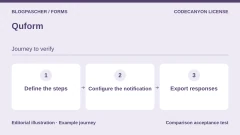
 Editorial diagram. Define the steps → Configure the notification → Export responses. — BlogPasCherOpen full-size illustration ↗
Best forA complex form on an identified installation.
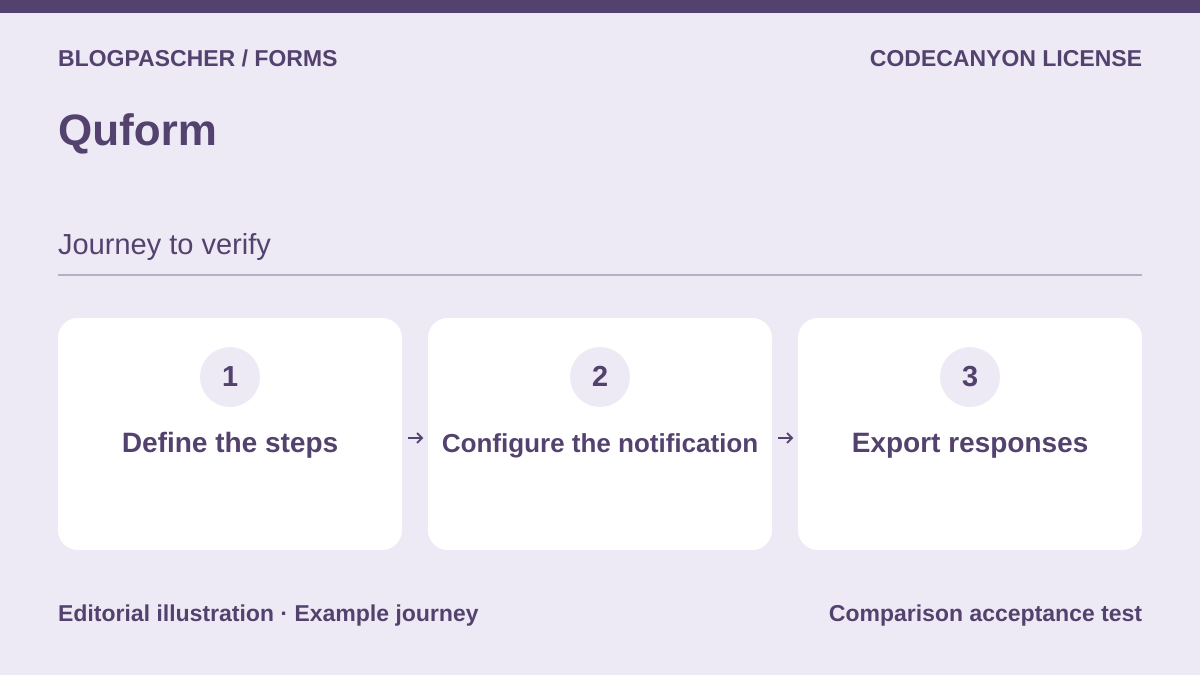
Quform is a commercial solution for building forms with multiple steps, rules and organized notifications. The listing also describes viewing and exporting responses. It deserves comparison when the need goes beyond a simple contact form but must remain maintainable without development. The license covers one installation: preparing multiple sites therefore requires checking the number of licenses rather than assuming unlimited use.
Offer pricing
34 USD, Regular license.
Billing: one-time purchase
Renewal and support: Six months of support included according to the listing. Extension offered separately.
Taxes and processing fees excluded.
Checked on .
Strengths
- Steps, conditional notifications and export advertised.
- Dedicated documentation.
What to consider
- No unlimited license advertised.
- Compatibility with a future version not presumed.
Pricing terms and compatibility
Understanding the offer
- Price at the time of review
- 34 USD, Regular license.
- Currency
- USD
- Billing
- one-time purchase
- Renewal and support
- Six months of support included according to the listing. Extension offered separately.
- Taxes and fees
- Taxes and processing fees excluded.
- Commitment and terms
- One WordPress installation at a time according to the listing; check the license for the intended use.
- Date checked
Compatibility and components
- WordPress 7.0.x at most in the recorded listing. Test on the target version. Listing updated on 23 June 2026.
- Check all three steps and the export on the installation that will use the Regular license.
ARForms — CodeCanyon offering
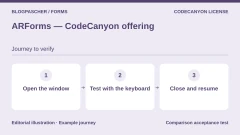
 Editorial diagram. Open the window → Test with the keyboard → Close and resume. — BlogPasCherOpen full-size illustration ↗
Best forVisual collection with steps or an integrated popup that is actually justified.
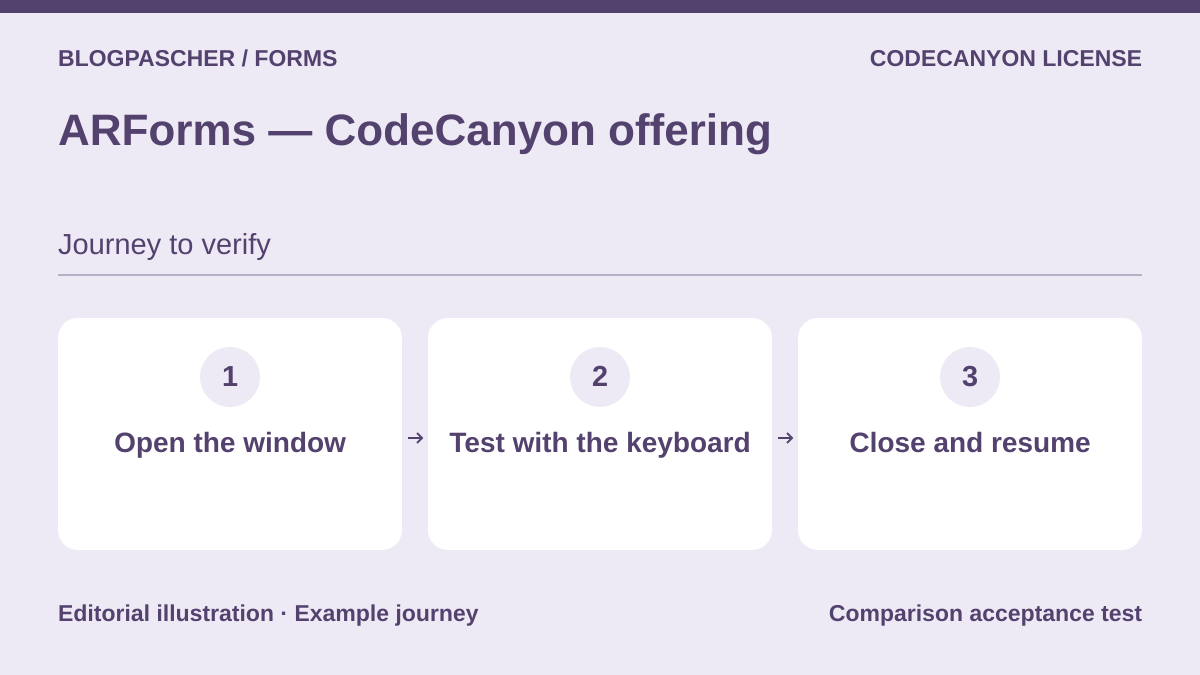
ARForms emphasizes presentation, multistep forms and integrated collection popups. It is worth considering when these elements serve an already defined workflow, not as an invitation to multiply popups across the site. Examine how they close, their mobile behavior and keyboard access. Since the old free WordPress.org listing is closed, it must not be used to promise a currently available free version.
Offer pricing
39 USD, Regular license.
Billing: one-time purchase
Renewal and support: Six months of support included according to the listing. Extension offered separately.
Taxes and processing fees excluded.
Checked on .
Strengths
- Steps and form popups advertised.
- Built-in conditional rules presented.
What to consider
- Free WordPress.org listing closed since 1 February 2025.
- Popup accessibility not tested.
Pricing terms and compatibility
Understanding the offer
- Price at the time of review
- 39 USD, Regular license.
- Currency
- USD
- Billing
- one-time purchase
- Renewal and support
- Six months of support included according to the listing. Extension offered separately.
- Taxes and fees
- Taxes and processing fees excluded.
- Commitment and terms
- License for one end product according to the marketplace; check the use case.
- Date checked
Compatibility and components
- WordPress 7.0.x at most in the recorded listing. Listing updated on 27 October 2026.
- Open and close the popup with the keyboard, then check focus restoration and rendering on a phone.
eForm
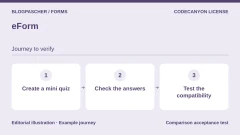
 Editorial diagram. Create a mini quiz → Check the answers → Test compatibility. — BlogPasCherOpen full-size illustration ↗
Best forA survey or questionnaire project requiring a preliminary technical assessment.
eForm combines collection, surveys, quizzes and use of responses in a commercial offering. Its potential appeal is bringing together several structured uses, particularly when people need to track their responses. This ambition requires careful examination of the environment. The listing’s technical information includes old references: ask for confirmation for your site’s current version instead of inferring general compatibility.
Offer pricing
39 USD, Regular license.
Billing: one-time purchase
Renewal and support: Six months of support included according to the listing. Extension offered separately.
Taxes and processing fees excluded.
Checked on .
Strengths
- Surveys, quizzes and response tracking advertised.
- Submission storage presented.
What to consider
- Compatibility table limited to WordPress 6.7.x when recorded.
- Do not reuse old PHP recommendations as the advised environment.
Pricing terms and compatibility
Understanding the offer
- Price at the time of review
- 39 USD, Regular license.
- Currency
- USD
- Billing
- one-time purchase
- Renewal and support
- Six months of support included according to the listing. Extension offered separately.
- Taxes and fees
- Taxes and processing fees excluded.
- Commitment and terms
- The product is advertised as 100% GPL: distinguish this license from commercial support terms and associated services.
- Date checked
Compatibility and components
- Listing limited to WordPress 6.7.x when recorded, last updated on 24 February 2026. Product marked GPL by the marketplace.
- Before buying for a recent project, ask for confirmation of the supported version and response recovery.
FormCraft Premium
 Editorial diagram. Build a rule → Calculate a result → Check the offer. — BlogPasCherOpen full-size illustration ↗
Best forA commercial visual form after clarifying maintenance terms.
FormCraft Premium offers a visual builder with conditional rules and calculations. It can be compared for a form whose presentation plays an important role. The commercial offering is separate from the old free directory edition, which displays a compatibility warning. Another reservation concerns updates: the support text and commercial box do not state the same duration; this ambiguity must be resolved before purchase.
Offer pricing
25 USD, Regular license.
Billing: one-time purchase
Renewal and support: Six months of support included according to the listing. Extension offered separately. Update duration remains to be clarified.
Taxes and processing fees excluded.
Checked on .
Strengths
- Visual building and conditions advertised.
- Form presentation and tracking emphasized.
What to consider
- No promise of unlimited updates accepted.
- Old free version not recommended as a current alternative.
Pricing terms and compatibility
Understanding the offer
- Price at the time of review
- 25 USD, Regular license.
- Currency
- USD
- Billing
- one-time purchase
- Renewal and support
- Six months of support included according to the listing. Extension offered separately. Update duration remains to be clarified.
- Taxes and fees
- Taxes and processing fees excluded.
- Commitment and terms
- One installation or subsite; module advertised for multiple subsites.
- Date checked
Compatibility and components
- WordPress 6.9.x at most in the recorded listing. Listing updated on 4 August 2026.
- Test a condition and a calculation on the target version before migrating an existing form.
Cost Calculator for WordPress — QuanticaLabs
 Editorial diagram. Set the units → Compare the amounts → Check the enquiry. — BlogPasCherOpen full-size illustration ↗
Best forA service estimator or quote request form.
Cost Calculator by QuanticaLabs targets estimates and price requests. The listing describes a product-specific builder as well as Elementor and WPBakery integrations, which are not required to build the form. It is worth considering for an explicit pricing structure, not as an automatic correction for a poorly defined quote. Check units, options and expected results before considering a payment connection.
Offer pricing
59 USD, Regular license.
Billing: one-time purchase
Renewal and support: Six months of support included according to the listing. Extension offered separately.
Taxes and processing fees excluded.
Checked on .
Strengths
- Standalone builder advertised.
- Focus on calculations and quotes; Stripe integration presented.
What to consider
- Does not replace validation of pricing rules.
- Different from the similarly named product published by BoldThemes.
Pricing terms and compatibility
Understanding the offer
- Price at the time of review
- 59 USD, Regular license.
- Currency
- USD
- Billing
- one-time purchase
- Renewal and support
- Six months of support included according to the listing. Extension offered separately.
- Taxes and fees
- Taxes and processing fees excluded.
- Commitment and terms
- Marketplace license for the selected use; do not equate it with an unlimited multisite license.
- Date checked
Compatibility and components
- WordPress 7.1.x advertised in the listing updated on 9 July 2026. No test of this offering in the article.
- Compare three manually calculated values. Check what the request stores and how it reaches the team.