

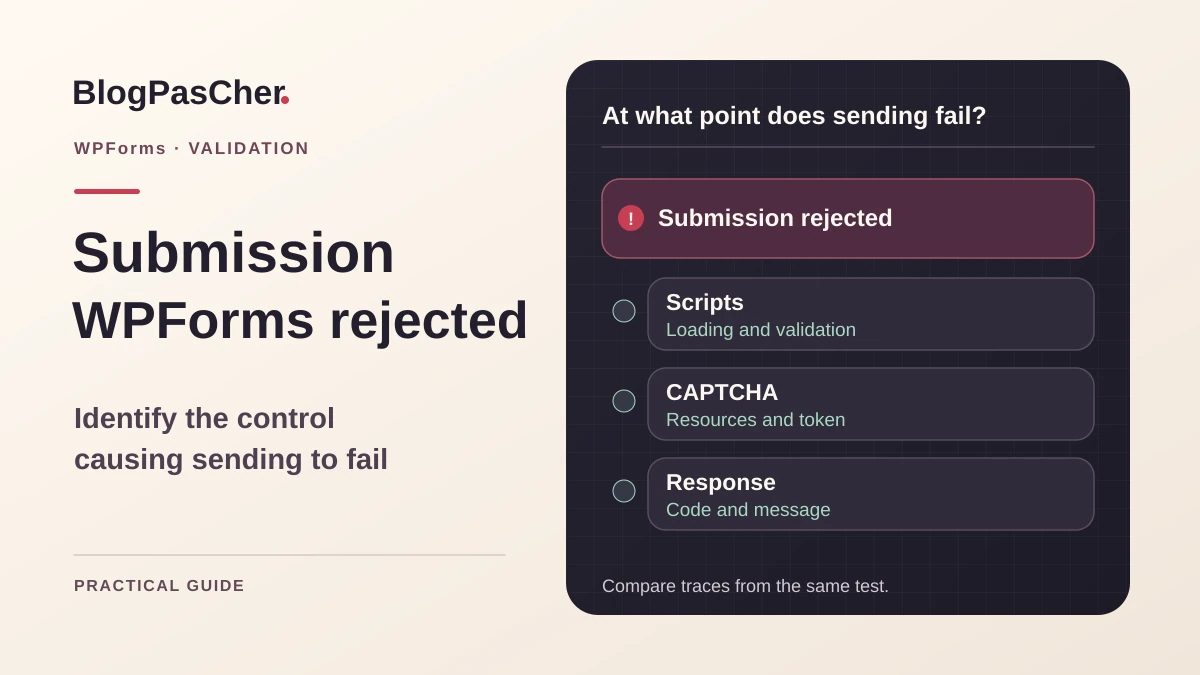
Identify the message and the page producing it
The WPForms form displays Attempt to submit corrupted post data when submitted. It may appear only on a contact page, after an update, or on the first click. Record the exact text, final address, and plugin version. Note whether the form is embedded through a block, shortcode, or builder. Two pages may display the same form in documents loading different resources. Also keep the first occurrence date and last known change.
The publisher associates this message with possible loading problems involving validation or CAPTCHA scripts. The text alone does not prove that a data file is corrupted. Check the submission route before restoring content or touching its database. The goal is to restore valid submission with the intended protection, then verify that incomplete submissions remain rejected. For this diagnosis, choose one form and a test whose result the team can recognize.
Prepare a copy and neutralize test effects
Work on a copy of the state reproducing the error. You must be able to open the form builder, read browser tools, and modify optimization settings on that copy. Record notification options, any external actions, and destinations before the first send. Route them to a test circuit controlled by the team or neutralize them according to the site procedure. If a form involves payment, use the designated test environment and keep production credentials out of this copy.
Prepare an identifiable synthetic value and a field deliberately left empty for the first check. Use a browser profile reserved for tests and record its consent state. A browser extension may block a script received by other visitors. Compare a fresh profile with the one reproducing the defect. If the copy is on another domain, check CAPTCHA settings for that domain. A misconfigured control site can produce an error different from the initial page’s.
Compare validation messages before submission
On the control page, leave a required field empty and try submitting. Observe whether the message appears at the field in the form interface, in a native browser bubble, or after a server response. WPForms recommends this check for identifying JavaScript that does not work. Behavior depends on fields and browser. Compare with a page where the same form works, if one exists. Keep the displayed text and when it appears.
Open Network before repeating with valid data. If no submission request leaves, first find the script error or validation blocking the action. If a request leaves, record its address, status, and returned message. An HTTP success response may contain a form refusal. An HTML block page requires a different check from a WPForms message. Share neither the sent payload nor validation tokens. Keep response code, time, and whether the request was present.
Check the CAPTCHA actually configured
In WPForms settings, identify the CAPTCHA provider used. In the builder, open the form protections section and check that the intended integration is active. Labels and settings vary by version and provider. Record the service name and compare its state with the public page. A badge may be visible, invisible, or loaded after interaction depending on mode. Use Network and the console to check expected resources as well as badge rendering.
Look for a blocked script, failing address, or service error on the test domain. If the resource loads but no token is produced, check its execution timing and preceding messages. If the service reports domain or key incompatibility, have its owner confirm the correct setting for the copy. Keep secrets in their designated screen. Correcting loading order will not fix a key that does not match the domain. Check both conditions before changing optimization.
Isolate one JavaScript transformation at a time
On the copy, open settings for the tool minifying, combining, deferring, or delaying scripts. Keep each initial value. Compare loaded resources with and without the transformation corresponding to the first console message. If several transformations are involved, return the copy to a reference state and reintroduce them one by one. Repeat the first interaction in a fresh profile. A delayed script may appear after a click and produce a different result on the second attempt.
If a specific setting breaks validation, look for a documented exclusion for the relevant script or script group. Include dependencies needed for execution and verify actual order in the document. The exact name depends on installed versions and observed resources. An old exception copied from another site may no longer match the generated address. Save the change, invalidate the control page according to the procedure, and retest after it is cached again. Check a page outside scope before accepting the correction.
Check caching and document variants
Compare logged-in and logged-out states at the same address. A visitor page may be served by a different cache layer. Record cache age or indicators when the infrastructure exposes them. Compare the document and loaded resources with the reference version. A problem after prolonged page retention may require checking cache duration and the mechanism refreshing form values. Confirm this scenario with fresh navigation and the profile retaining the old page.
If the defect concerns a mobile version or separate document, compare the visible form and resources in both documents. A form copy in a phone template may load another combination of scripts. For a version imposing specific JavaScript restrictions, also test the standard page according to site options. If the standard page works, locate what changes in the failing document before modifying the entire form integration. Keep the final address and profile used for each comparison.
Compare the form on a simple control page
If the defect persists without a suspected transformation, place the same form on a minimal test page on the copy. Use the block or shortcode supplied by the plugin and retain the same protection setting. Compare validation and requests with the original page. If the control page works, examine the original page’s template, scripts, or specific integrations. If both fail, return to common form configuration and the protection service.
Record custom scripts listening for submission or modifying fields. On the copy, remove one suspected script at a time and repeat the test. If an error indicates a missing function, check dependencies before replacing the library. For a theme not printing expected resources, the maintainer can check WordPress loading points in the template used. Keep control results to identify the precise place needing correction. A test page isolates the defect and must remain outside public journeys.
Read the log associated with the same test
When WPForms offers logging, open WPForms, then Tools and Logs. If disabled, check its use on the copy and limit collection to the planned test. Search for the relevant time and form. Compare event category and text with the browser-returned message. An empty log may result from a setting or a request that never reached this processing stage. Console, network, and log complement each other. Keep one observation per stage.
If the log or response identifies a validation rule, test it with a compliant control value and then one that must be rejected. If the CAPTCHA service returns an error, use its precise reason and test domain to check settings. If a firewall rejects the request, have its owner identify the rule and path. A general exclusion would allow requests unrelated to the form. Prepare a change tied to the verified rule and route, then compare expected refusals on the copy.
Restore submission while preserving protection
Keep the smallest change explaining the observed result. A script exclusion may suit loading delayed at the wrong time. A domain setting suits a provider refusing the key used by the copy. Correct a custom script in the code adding it if its presence alone reproduces the error. Keep the previous version and verify that the form retains required fields, protection, and test actions. A valid submission must produce the expected result in the controlled circuit.
If a solution requires modifying several related files, check them together after the first test. JavaScript may hide an error while the server still rejects the request. Check both the interface and final response. Once the flow returns, remove diagnostic experiments. If you added a control page, keep it private or remove it according to the copy’s procedure. Document retained exclusions and their relationship to resources actually served.
Prepare rollback and avoid repeated submissions
To undo an exclusion, restore the initial option or remove the added entry, then invalidate the affected response through the site mechanism. To undo a form change, restore the preserved version and check protection, destination, and fields. If the change involved a script, restore the package compatible with the page state. After rollback, start fresh navigation and compare with the initial record. An old package may remain served despite restoring the setting.
Before asking someone to resend a form, check whether the first request was recorded or processed. A browser error message may coexist with a server-side effect. In the test circuit, search for the unique marker and compare the number of effects produced. For a flow affecting data or payment, use the service record designated by the team. Keep this step in recovery procedures to avoid recording a request twice or triggering two external actions.
Validate the fresh page and cached response
Prepare a check with the browser that reproduced the defect, then another configuration representative of visitors. Keep fictional data and isolated destinations. Perform an initial visit and a test after the page is cached.
- Check that the form is correct and expected resources load.
- Submit incomplete input and verify refusal in the correct place.
- Use valid input with the intended protection and check the response and expected effect.
- Check fresh navigation and a page served by the affected cache layer.
- Compare a second page where the form or same optimization should work.
- Restore temporary settings and keep the final exception with the control address. Record test code and time without retaining submission contents or tokens.
Keep the scenario that detects the next regression
Record the form ID, embedding method, protection, and resources required by validation. Add a control-page address and the setting that corrected the issue. After a theme update, domain change, or new optimization, repeat a first click and control submission. Also check a case that should remain blocked. An already open browser may behave differently from a first visit. Keep test conditions to reproduce the state actually encountered.
WPForms has a free edition and paid editions. These steps apply to an existing form with protections and screens available in the installed edition. Browser console and network tools suffice for initial diagnosis. If a logging option is missing, correlate the submission response with traces from the already authorized circuit. When a correction concerns a third-party dependency, give the maintainer its version and the first observed message. They can verify the same route before replacing an optimization rule.
A free approach to isolate the responsible page
On the copy, create a private page titled “Test WPForms” and insert the existing form with its block, without rebuilding it. Keep its CAPTCHA and required fields; neutralize only recipients and external actions according to the test circuit. Compare this page with the failing page in the same browser profile. This comparison is possible without buying a higher edition or enabling an unavailable log.
If the simple page works, record the original page’s first console error and then the relevant resource in Network. A path containing wpforms-lite may be normal with the free edition: do not replace it with a path from a tutorial for another edition. On the copy, disable one JavaScript transformation, reload, and repeat the first submission. Re-enable it before testing another.
Keep an exclusion only if the resource actually served and its dependencies load in the correct order after correction. Then validate an empty required field, correct input, and a first visit after cache refresh. Rollback means removing the added exception and control page. Do not equate the message disappearing with notification delivery: separately check the expected effect in the test circuit.
Related comparisons
25 WordPress form plugins to choose according to your needs
Find WPForms’ features and the differences between its editions.
Sources and references
Use these references to check the features, requirements and limitations described. Reading documentation is not a practical test.