

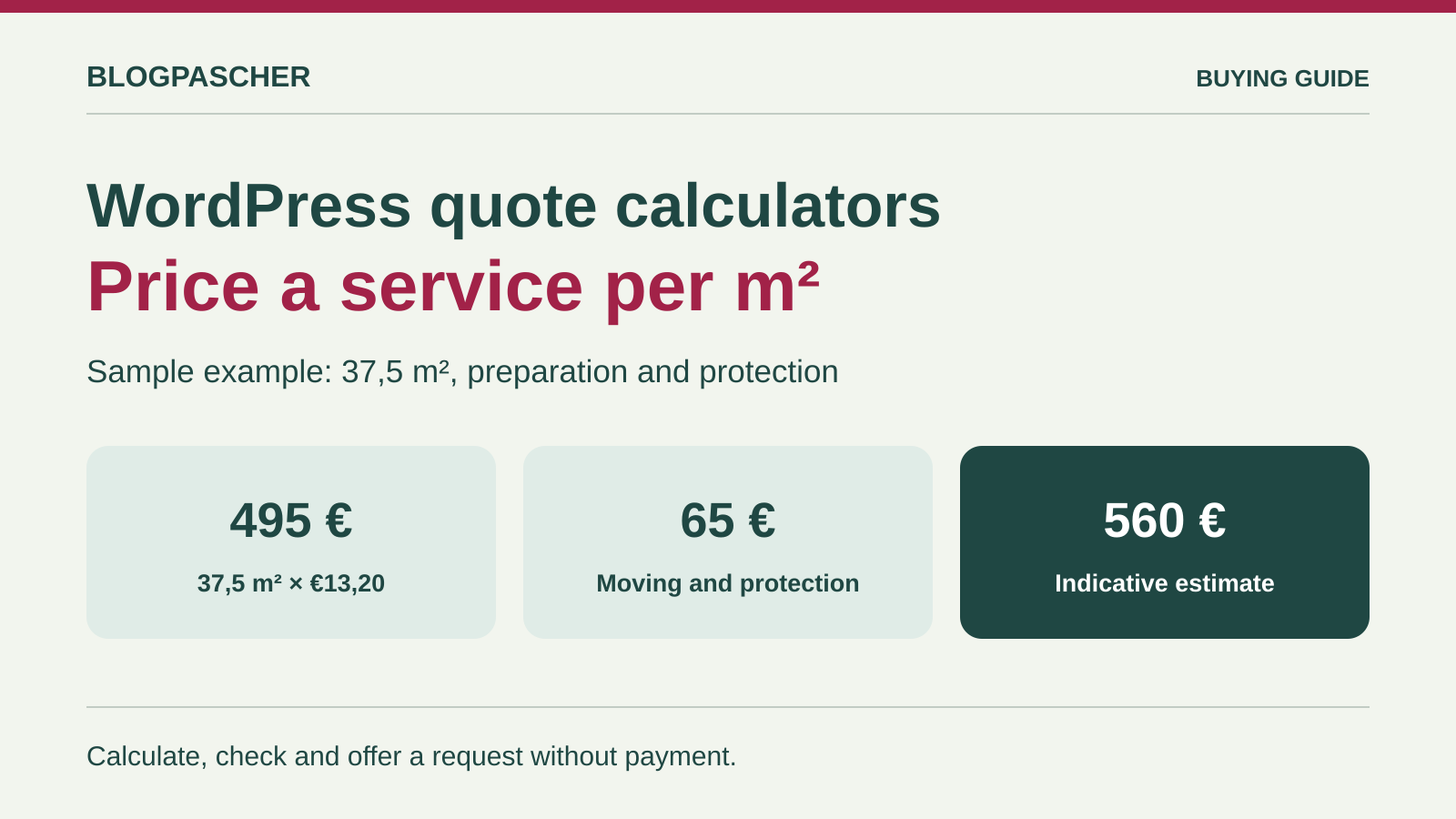
A visible price from the first attempt
For a post-construction cleaning quote, visitors should be able to enter their floor area and understand the price without providing an email address. Display the area, unit, service and option beside the result. Show a “Request a quote” button only after this initial calculation. Here, a calculator prepares the conversation: state access or travel conditions to confirm if they could change the final quote. If you charge taxes, specify whether the displayed price includes them and check their actual treatment in the form. This example's values are for acceptance testing only.
Compare before you choose
The offers at a glance
Find the use case and budget that fit, then read the details to see the limitations and any components you may need.
On smaller screens, the table scrolls horizontally. With a keyboard, press Tab to focus the table, then use the left and right arrow keys.
| Offer | Best for | Pricing and billing | Renewal and support |
|---|---|---|---|
 Cost Calculator Builder — StylemixRead the details | A visual simulator with area, rate and options. | Free + Pro | Terms for any paid plans were unavailable at the time of review. |
 Stylish Cost CalculatorRead the details | Present a price based on priced fields and choices. | Free + D.I.Y./Premium | Terms for any paid plans were unavailable at the time of review. |
 Fruttata — Service Quote CalculatorRead the details | A server-calculated service price per square metre. | Free | Terms for any paid plans were unavailable at the time of review. |
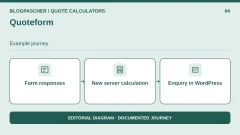 QuoteformRead the details | Priced enquiries saved in WordPress and available for export. | Free with no Pro offering advertised | Terms for any paid plans were unavailable at the time of review. |
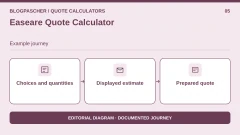 Easeare Quote CalculatorRead the details | Prepare a quote from choices and quantities. | Directory plugin; clarify any tiers | Unspecified. Confirm for the offer you choose. |
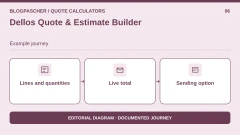 Dellos Quote & Estimate BuilderRead the details | Services priced by line, quantity and unit price. | Free calculator; QuoteCalc Pro separate | Terms for any paid plans were unavailable at the time of review. |
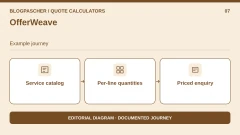 OfferWeaveRead the details | A service catalogue with a combined enquiry. | Free + Pro | Terms for any paid plans were unavailable at the time of review. |
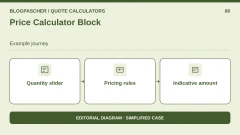 Price Calculator BlockRead the details | Display quantity-based pricing in the block editor. | Free | Terms for any paid plans were unavailable at the time of review. |
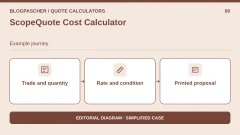 ScopeQuote Cost CalculatorRead the details | Price an industry-specific service and print its estimate. | Directory plugin; optional payment excluded | Terms for any paid plans were unavailable at the time of review. |
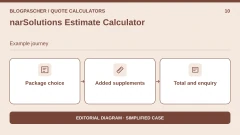 narSolutions Estimate CalculatorRead the details | Display a package and its supplements before an enquiry. | Free service quotes; Pro booking options outside scope | Terms for any paid plans were unavailable at the time of review. |
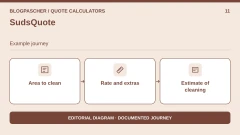 SudsQuoteRead the details | Estimate cleaning costs with area and extras. | Free according to the directory | Terms for any paid plans were unavailable at the time of review. |
 Yangra CalculatorRead the details | Add an anonymous price to a formula-based form. | Free base; Pro price not established | Terms for any paid plans were unavailable at the time of review. |
 ShahCalcRead the details | Build a formula with editable fields. | Directory plugin; Pro price not established | Unspecified. Confirm for the offer you choose. |
 Calculator Builder — Wow-CompanyRead the details | Add variable-based formulas through a shortcode. | Free calculator; Pro extension | Terms for any paid plans were unavailable at the time of review. |
 PVB Contact Form 7 CalculatorRead the details | Extend an existing Contact Form 7 form. | Free extension; Contact Form 7 required | Terms for any paid plans were unavailable at the time of review. |
 Cost Calculator — BoldThemesRead the details | Prepare a quantity-based quote outside the cart. | USD 39 Regular, 6 months of support, taxes and fees excluded one-time purchase Check taxes and handling fees at checkout. | Six months of support. Check extension pricing. |
 Dynamic Price Calculator — XElementorRead the details | Embed a formula in an Elementor site. | USD 25 Regular, 6 months of support, taxes and fees excluded one-time purchase Check taxes and handling fees at checkout. | Six months of support. Check extension pricing. |
 JetFormBuilder — calculated fieldRead the details | Assemble fields and a formula in the block editor. | Free calculation field, paid modules separate | Terms for any paid plans were unavailable at the time of review. |
 Cost Calculator for Elementor — add-ons.orgRead the details | Extend an existing Elementor form. | Free extension + Pro; check Elementor cost | Unspecified. Confirm for the offer you choose. |
 MDS Quick EstimateRead the details | Display a price or range with priced quantities. | Free in the WordPress directory | Terms for any paid plans were unavailable at the time of review. |
 InteractiveCalculatorRead the details | Reuse a hosted calculator across several sites. | Free adapter; external account, 200 monthly views on the free offering after the first month | Terms for any paid plans were unavailable at the time of review. |
 SpreadsheetConverter CalculatorRead the details | Adapt a pricing schedule already maintained in Excel. | Free WordPress importer; workbook conversion through a commercial tool | Unspecified. Confirm for the offer you choose. |
 Service Web Builder Guided Estimate CalculatorRead the details | Create a preliminary bracket-based quote in a floating window. | Free in the directory; separate Premium edition | Terms for any paid plans were unavailable at the time of review. |
 Cab GridRead the details | Display fixed journey prices between defined zones. | Free fare calculator; separate Pro offering | Terms for any paid plans were unavailable at the time of review. |
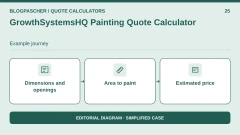 GrowthSystemsHQ Painting Quote CalculatorRead the details | Calculate wall area and estimate painting work. | Free calculator; PDF and automation in separate paid modules | Terms for any paid plans were unavailable at the time of review. |
Write the rule before configuring the plugin
total = arrondir(40 + surface × tarif_au_m² + protection, 2)
Keep 0 and 25 as calculation values for the option; its label must not be used in the formula. Use a single variable for the area. If the plugin interface already lets you define a unit rate, leave that multiplication disabled when performing it in the formula. The expected result for 37.5 m² with preparation and protection is €560.00. Without protection, the same quote displays €535.00. For 37.5 m² of routine cleaning without protection, the result is €396.25. The confirmation or quote-request button must never silently correct an amount already displayed.
Also test 10 m² and 200 m², then 9.9, 200.1, a negative value, an empty field and text. The value 37.55 must be rejected if you require only one decimal place; some number-type fields block it only upon validation. Testing display of the number 37,5 and keyboard input of 37.5 are different operations: accept or explain the separator actually expected, without turning 37,5 into 375. If the form requires a service choice, the result must not use another choice's rate before the reader selects their own.
- Travel. €40.00. Once per estimate.
- Area. From 10 to 200 m². At most one decimal place; reject anything else.
- Routine cleaning. €9.50/m². Required choice.
- Cleaning with preparation. €13.20/m². Required choice.
- Optional protection. €25.00. Once if selected.
Separate estimation, enquiry and payment
For an anonymous estimate, check that the amount works without an account, in private browsing and after enabling the site's cache. If you add a quote request, it must carry the area, rate, option and total, with a visible confirmation. Send these fields through an explicit form; leaving the visitor with a simple screenshot of the total is not enough for the team receiving the enquiry.
Payment is a third scenario: the price must then be recalculated and checked server-side. On a test site, try changing the submitted total while retaining the original choices. The server must ignore it or reject the request, never create a €1 order for a €560 estimate. Also check which rate is used if the form has remained open after a price change. A total displayed in JavaScript is sufficient for a simulation; it does not protect an order.
Know what you will pay and where enquiries will go
Start by specifying which tool will handle calculation, the contact form and enquiry collection. An integration module may be free while the remote calculator requires a subscription or quota. An annual price covering one site cannot be generalised to ten client sites. Printing a screen and generating a PDF sent by email are also different features. Check that each feature is present in the exact plan you intend to use.
If you choose an external service, test what the page displays when its script is blocked or the trial ends. Choose who will have access to enquiries and check how you can export them. In WordPress, identify the menu storing enquiries and the roles allowed to open it. For a demonstration, use fictional contact details, disable sending and check behaviour with two users in different roles. A plugin list should not turn a collection option into a promise of compliance or availability.
Check the quote on a phone before going live
On a private page, embed a single test form and place the result just below the choices. First work through it with a keyboard, then on a phone. The area field must be identifiable without relying on placeholder text, the error must appear near the field and correcting it must preserve other choices. If the price changes with every keystroke, check that a screen reader does not announce several partial amounts. Without this capability, a “Calculate” button and clearly identified result are often easier to use.
Keep the plugin version number, form configuration and observed discrepancies. If you change the pricing schedule or a setting, rerun these cases before reusing the form on the site.
Choose between a formula, a range and an industry-specific calculation
Start with the rule used to establish your prices. A formula suits an exact price per square metre. For a bracket-based range, a short questionnaire may suffice. A zone-based transport tariff and wall-area estimate each address a different need. The product notes indicate which scenario to try on your site copy.
The two CodeCanyon offerings were examined from their commercial listings. Practical tests performed in WordPress are detailed at the end of this article.
Quote builders and formula-based forms
- Cost Calculator Builder — Stylemix. In the builder, insert the three proposed variables, then test 37.5 m² with preparation and protection: €560 excluding VAT. Deselect protection: the amount must decrease by €25.
- Stylish Cost Calculator. In the target version, check for the advanced-formula element. Disable any option that hides the total or requires an email to display it, then compare the amount before and after deselection.
- Fruttata — Service Quote Calculator. Check €560 with all options, then enter 9.9 m²: the previous result must disappear. Next add a temporary conditional field and confirm that its value no longer affects the price once hidden.
- Quoteform. Check the on-screen result, submit the fictional enquiry and read the entry in WordPress. Repeat after returning to the previous step. The stored total must reflect the updated answers.
- Easeare Quote Calculator. In the draft, check whether a rule can multiply quantity by the finish rate and add travel. Compare the recorded enquiry details with the visible total.
- Dellos Quote & Estimate Builder. Repeat the calculation in the live display, then change the finish. Check that only one priced line remains in the total. If both finishes can accumulate, replace them with an exclusive choice or keep the reduced case.
- Yangra Calculator. Compare browser-mode and server-mode results if both are available in the target edition. Test the decimal comma and an out-of-range value in each mode.
- ShahCalc. Insert the same calculator into a test page and compare its result with the preview. Change the width to 360 px and check that the total remains visible after a change.
- Calculator Builder — Wow-Company. Change field order on a copy, then repeat the €560 calculation. Check that references remain correct before republishing a configuration.
- MDS Quick Estimate. Create a priced quantity for each service and check hidden-field behaviour. The result at 37.5 m² must be €560 with preparation and protection; without protection, the difference is €25. Submit a fictional enquiry with sending disabled and check the stored currency and choices.
WordPress block, Elementor and an existing form
- Price Calculator Block. Check slider limits and its associated label using the keyboard. Try a tier just before and after its boundary to distinguish bracket pricing from a discount on the full quantity.
- PVB Contact Form 7 Calculator. Using a test mailbox or without actual delivery, check the amount produced by the button and the amount expected in the summary. Change protection before submitting and check that no old total is reused.
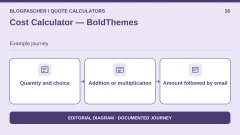
- Cost Calculator — BoldThemes. Check decimal quantity, operation order and the €560 total. Do not send a real enquiry; record support terms and the declared version before any purchase.
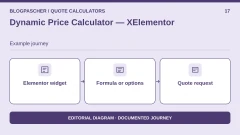
- Dynamic Price Calculator — XElementor. Compare the widget total, summary and expected result for a finish change. Also check the required Elementor version and whether the site's licence includes it.
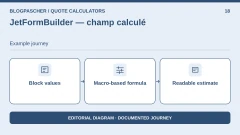
- JetFormBuilder — calculated field. Use the calculation value, not the choice text. Compare both finishes and the supplement, then check input and display separators separately.
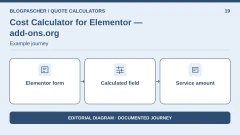
- Cost Calculator for Elementor — add-ons.org. Display the result in the form and check that the summary contains the expected amount after changing an option. Separately confirm server-side validation of entered numbers.
Catalogues, industry-specific pricing and external services
- OfferWeave. Keep 37.5 m² on a single service and check subtotals. Try adding two finishes simultaneously: determine whether the configuration can prevent this or whether clarification is needed.
- ScopeQuote Cost Calculator. Compare the main item with 37.5 × 13.20. Check the unit label before comparing the amount. Without a documented feature for two separate fixed charges, record deviations from the scenario.
- narSolutions Estimate Calculator. Define a reference package and a €25 protection supplement. Select, remove and reselect the supplement. Check that the total returns exactly to its starting value.
- SudsQuote. Check whether the cleaning type determines the rate for the same quantity and whether the supplement disappears after deselection. If an enquiry is sent, compare stored lines with displayed ones.
- InteractiveCalculator. Build the three reference amounts in the service. Repeat the example in the WordPress shortcode and observe the result if the browser blocks the service's resources. Check which account will store any enquiries.
- SpreadsheetConverter Calculator. Repeat the same cases in Excel and the published version. Test input validations and French; also check that the exported workbook contains no internal pricing sheet or formula you intended to keep private.
- Service Web Builder Guided Estimate Calculator. Choose the bracket corresponding to 37.5 m², toggle protection and compare the range. Check whether the amount is visible before the enquiry, then test opening and closing with a keyboard on mobile. Submit a fictional enquiry and check that it is recorded.
- Cab Grid. Create three demonstration zones. Compare outward and return fares and observe what visitors see when a pair has no price. Check currency and labels before presenting the contact link.
- GrowthSystemsHQ Painting Quote Calculator. For a fictional room measuring 5 × 4 m and 2.5 m high, compare the estimate for four walls with your manual calculation: 45 m² gross before deductions. Add a door, then an extra coat, one variation at a time. Check whether openings are deducted or charged as extras in your configuration.
Local test results
In local acceptance testing (WordPress 7.1.4 and Quoteform 0.1.3), the shortcode produced its form, and the server accepted €560, €535 and €396.25 for the three stated cases. The artificial €1 total sent in the request was not retained: €560 was calculated and stored. Areas outside 10 to 200 m² were rejected. However, the request with 37.55 m² was accepted and produced €560.66 despite a configured step of 0.1. The raw string “37,5” was rejected by the server; this test does not show how a French browser submits the value. Check this input in the browser and add server validation if your pricing requires a single decimal place.
In local acceptance testing, Stylemix 4.0.21 imported the calculator with a slider set from 10 to 200 m² in steps of 0.1 and two radio-button groups. The import retained the formula 40 + range_field_id_3 * radio_field_id_6 + radio_field_id_7, and the shortcode rendered its WordPress container. Browser-side JavaScript calculation remains to be checked; the amounts cited for Stylemix are expected results.
The other product notes come from documentary verification. The two CodeCanyon licences were neither purchased nor tested.
Further reading
Sources and references
Use these references to check the features, requirements and limitations described. Reading documentation is not a practical test.
View 36 references
- Cost Calculator Builder — Stylemix — Official listing ↗ — Documentation consulted:
- Cost Calculator Builder — Stylemix — Publisher documentation and offering ↗ — Documentation consulted:
- Cost Calculator Builder — Stylemix — Publisher documentation and offering ↗ — Documentation consulted:
- Cost Calculator Builder — Stylemix — Publisher documentation and offering ↗ — Documentation consulted:
- Stylish Cost Calculator — Official listing ↗ — Documentation consulted:
- Stylish Cost Calculator — Publisher documentation and offering ↗ — Documentation consulted:
- Fruttata — Service Quote Calculator — Official listing ↗ — Documentation consulted:
- Quoteform — Official listing ↗ — Documentation consulted:
- Easeare Quote Calculator — Official listing ↗ — Documentation consulted:
- Dellos Quote & Estimate Builder — Official listing ↗ — Documentation consulted:
- OfferWeave — Official listing ↗ — Documentation consulted:
- Price Calculator Block — Official listing ↗ — Documentation consulted:
- ScopeQuote Cost Calculator — Official listing ↗ — Documentation consulted:
- narSolutions Estimate Calculator — Official listing ↗ — Documentation consulted:
- SudsQuote — Official listing ↗ — Documentation consulted:
- Yangra Calculator — Official listing ↗ — Documentation consulted:
- ShahCalc — Official listing ↗ — Documentation consulted:
- Calculator Builder — Wow-Company — Official listing ↗ — Documentation consulted:
- PVB Contact Form 7 Calculator — Official listing ↗ — Documentation consulted:
- Cost Calculator — BoldThemes — Official listing ↗ — Documentation consulted:
- Dynamic Price Calculator — XElementor — Official listing ↗ — Documentation consulted:
- JetFormBuilder — calculated field — Official listing ↗ — Documentation consulted:
- JetFormBuilder — calculated field — Publisher documentation and offering ↗ — Documentation consulted:
- JetFormBuilder — calculated field — Publisher documentation and offering ↗ — Documentation consulted:
- Cost Calculator for Elementor — add-ons.org — Official listing ↗ — Documentation consulted:
- Cost Calculator for Elementor — add-ons.org — Publisher documentation and offering ↗ — Documentation consulted:
- MDS Quick Estimate — Official listing ↗ — Documentation consulted:
- InteractiveCalculator — Official listing ↗ — Documentation consulted:
- InteractiveCalculator — Publisher documentation and offering ↗ — Documentation consulted:
- InteractiveCalculator — Publisher documentation and offering ↗ — Documentation consulted:
- SpreadsheetConverter Calculator — Official listing ↗ — Documentation consulted:
- SpreadsheetConverter Calculator — Publisher documentation and offering ↗ — Documentation consulted:
- SpreadsheetConverter Calculator — Publisher documentation and offering ↗ — Documentation consulted:
- Service Web Builder Guided Estimate Calculator — Official listing ↗ — Documentation consulted:
- Cab Grid — Official listing ↗ — Documentation consulted:
- GrowthSystemsHQ Painting Quote Calculator — Official listing ↗ — Documentation consulted:
Uses, prices and what to check
25 offers in detail
Compare the features you need and the terms of each offer. The order of these entries does not indicate a ranking.
Cost Calculator Builder — Stylemix
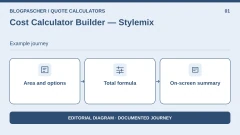
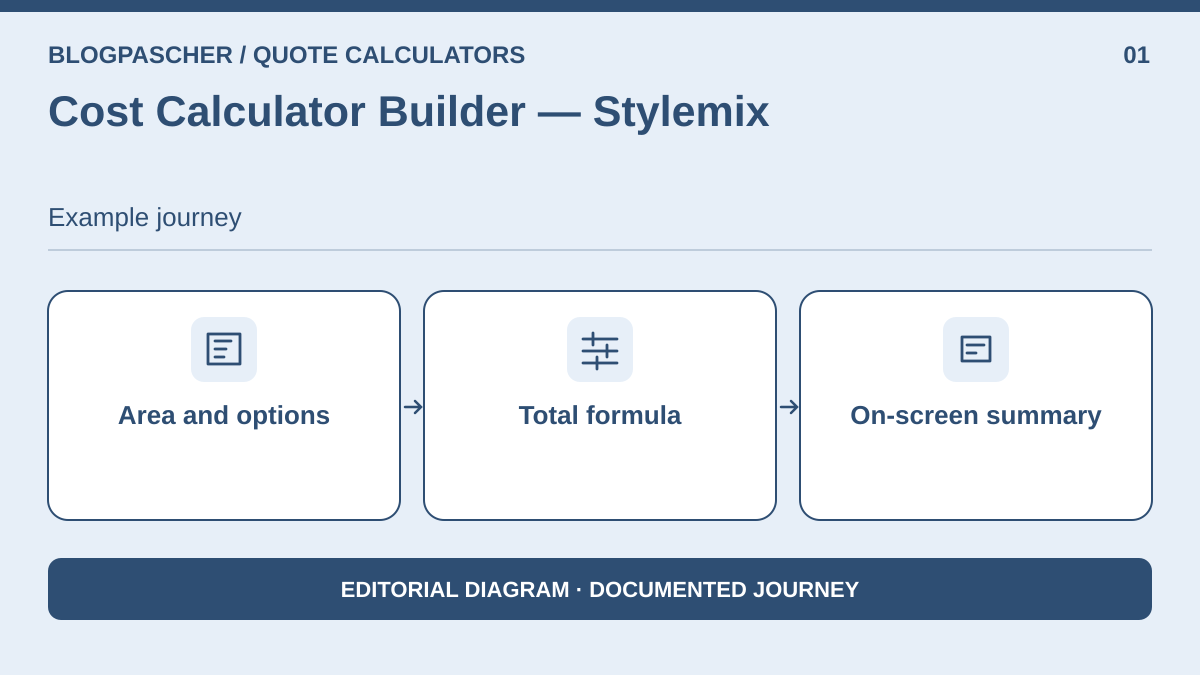 Editorial diagram. Area and options → Total formula → On-screen summary. — BlogPasCherOpen full-size illustration ↗
Best forA visual simulator with area, rate and options.
Create three fields: area, finish and protection. Quantity remains a raw area: disable multiplication by a unit price if you already multiply in the formula. Associate 9.50 and 13.20 with the two finishes and 0 or 25 with protection, then add the fixed charge of 40 to the total. Visitors obtain an amount immediately without opening an order form.
Offer pricing
Free + Pro
Checked on .
Strengths
- Visual formula without purchase for a simple estimate
- On-screen summary
What to consider
- Establish the estimate without a contact field, then check the tier required for any submission. Simple calculation does not require Pro. Structured sending, conditional logic and PDF must not be inferred from the Formula field's presence in the free version.
Pricing terms and compatibility
Understanding the offer
- Price at the time of review
- Free + Pro
- Currency
- Unspecified. Confirm for the offer you choose.
- Billing
- Unspecified. Confirm for the offer you choose.
- Renewal and support
- Unspecified. Confirm for the offer you choose.
- Taxes and fees
- Unspecified. Confirm for the offer you choose.
- Commitment and terms
- Unspecified. Confirm for the offer you choose.
- Date checked
Compatibility and components
- WordPress 7.1.4 and Stylemix 4.0.21. Pricing import and shortcode container checked locally. Check JavaScript calculation, theme and Pro features.
Stylish Cost Calculator
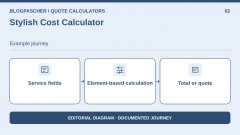
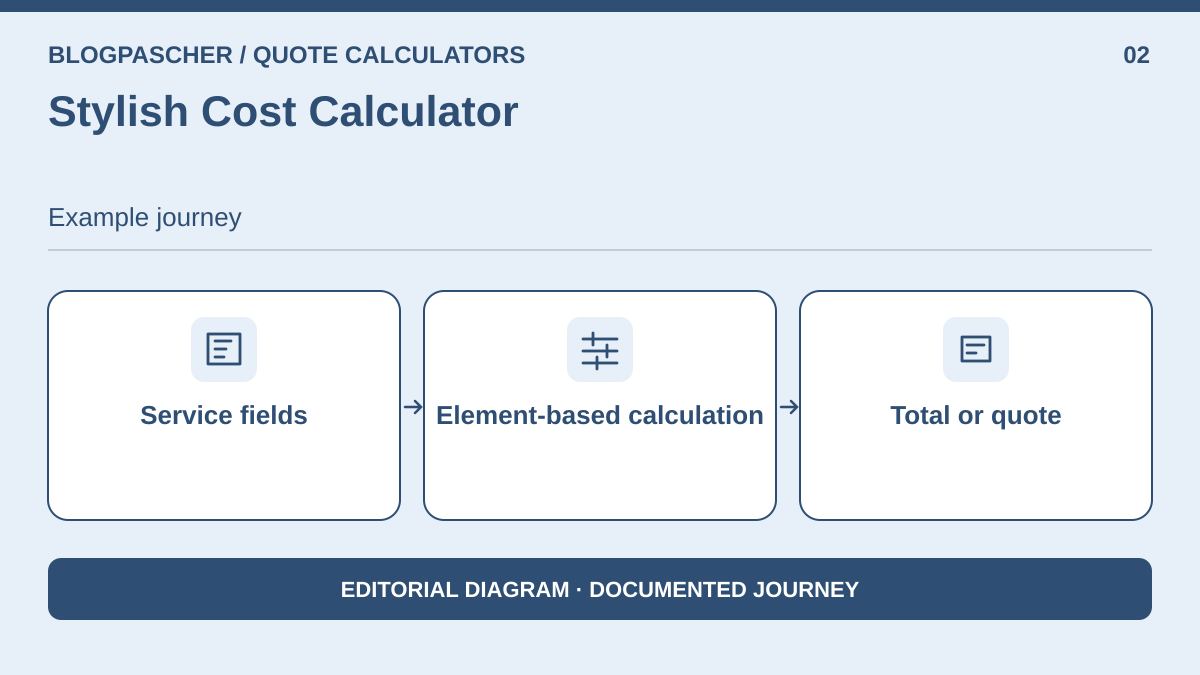 Editorial diagram. Service fields → Item-by-item calculation → Total or quote. — BlogPasCherOpen full-size illustration ↗
Best forPresent a price based on priced fields and choices.
Start with the shortest estimate: quantity and unit price for a single finish. Then add a finish choice and an option only if the chosen edition can recalculate the price. The plan table distinguishes the basic trial, paid logic and support service. For a small business, the right tier depends on the number of rules and the need to transmit a quote, not the number of marketing templates.
Offer pricing
Free + D.I.Y./Premium
Checked on .
Strengths
- Element-based calculation
- Total or quote
What to consider
- The directory mixes an older description with a formula FAQ; cross-check the Advanced Pricing Formula element in the chosen edition. The directory uses several names for the advanced formula. Check the feature and licence before promising a PDF quote, sending or a discount rule.
Pricing terms and compatibility
Understanding the offer
- Price at the time of review
- Free + D.I.Y./Premium
- Currency
- Unspecified. Confirm for the offer you choose.
- Billing
- Unspecified. Confirm for the offer you choose.
- Renewal and support
- Unspecified. Confirm for the offer you choose.
- Taxes and fees
- Unspecified. Confirm for the offer you choose.
- Commitment and terms
- Unspecified. Confirm for the offer you choose.
- Date checked
Compatibility and components
- Features described by the publisher. Check the installation, your WordPress version and theme on a copy.
Fruttata — Service Quote Calculator
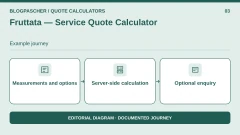
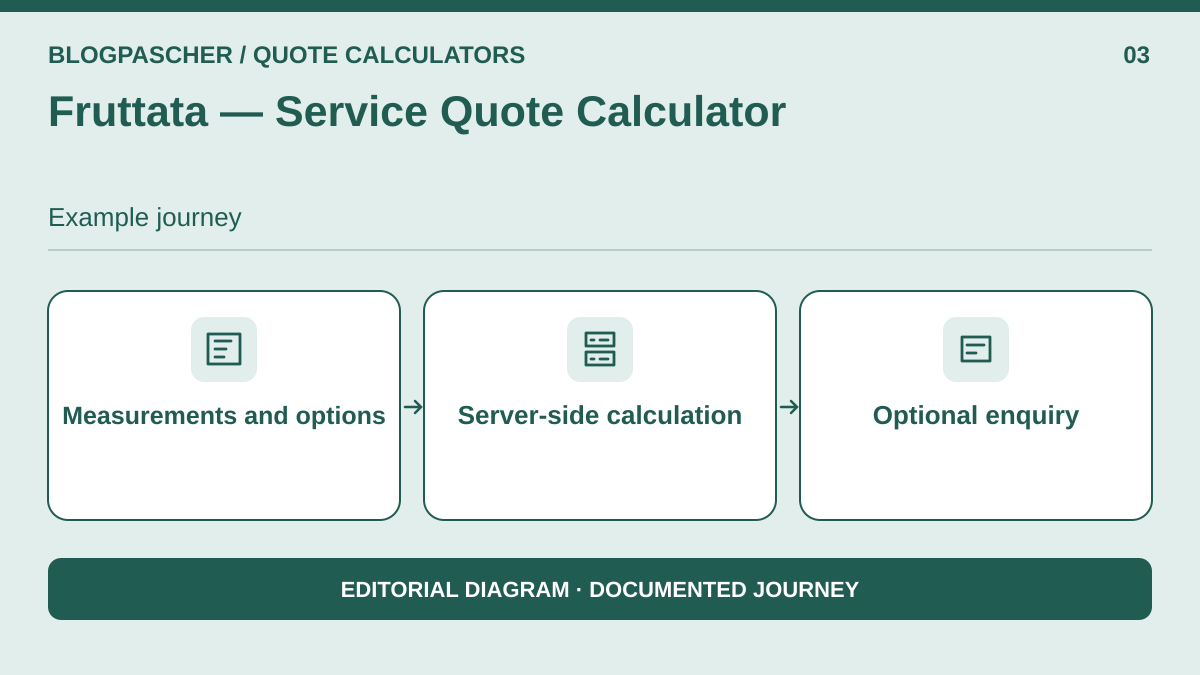 Editorial diagram. Measurements and options → Server calculation → Optional inquiry. — BlogPasCherOpen full-size illustration ↗
Best forA server-calculated service price per square metre.
Enter the area, finish, protection and travel, then let the server apply the pricing schedule. The practical advantage is being able to display the estimate before offering an enquiry. The displayed amount does not remove the need to assess the job; specify what the finish covers, particularly preparations charged separately.
Offer pricing
Free
Checked on .
Strengths
- Server-side calculation
- Optional enquiry
What to consider
- A product with little track record in the directory; test the received value after an option change and message handling on a copy. The directory advertises server-side calculation and an email queue. Testing an enquiry must cover its arrival in the dashboard and, separately, email; limited public track record.
Pricing terms and compatibility
Understanding the offer
- Price at the time of review
- Free
- Currency
- Unspecified. Confirm for the offer you choose.
- Billing
- Unspecified. Confirm for the offer you choose.
- Renewal and support
- Unspecified. Confirm for the offer you choose.
- Taxes and fees
- Unspecified. Confirm for the offer you choose.
- Commitment and terms
- Unspecified. Confirm for the offer you choose.
- Date checked
Compatibility and components
- Features described by the publisher. Check the installation, your WordPress version and theme on a copy.
Quoteform
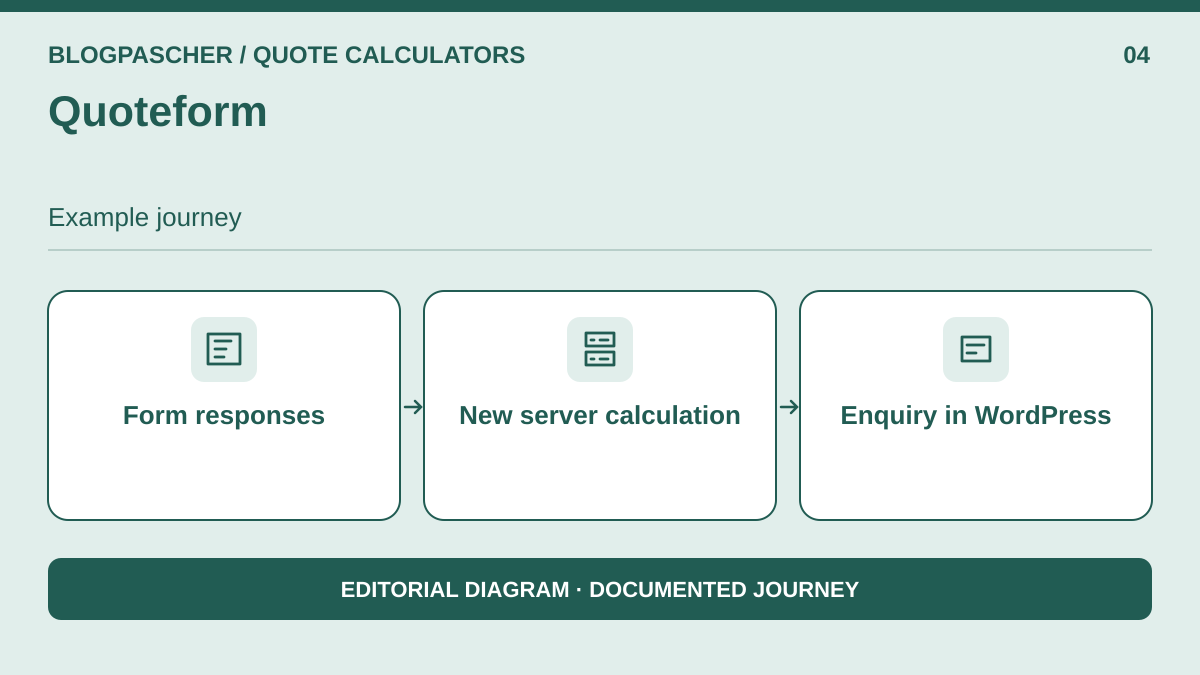 Editorial diagram. Form responses → New server calculation → Inquiry in WordPress. — BlogPasCherOpen full-size illustration ↗
Best forPriced enquiries saved in WordPress and available for export.
Organise the form into two steps: service selection, then summary. Give each of the three fields a stable identifier. Finish options carry numeric values, and protection is worth zero when unchecked. The formula engine uses identifiers in braces. The estimate can be viewed before saving the enquiry.
Offer pricing
Free with no Pro offering advertised
Checked on .
Strengths
- Submission recalculation and CSV in WordPress
- Enquiry in WordPress
What to consider
- The browser and server must produce the same total; the directory notes user-agent recording and optional IP collection. The listing advertises server-side recalculation upon submission. Enquiries can be read in Entries and exported; the publisher does not document email notification in this version.
Pricing terms and compatibility
Understanding the offer
- Price at the time of review
- Free with no Pro offering advertised
- Currency
- Unspecified. Confirm for the offer you choose.
- Billing
- Unspecified. Confirm for the offer you choose.
- Renewal and support
- Unspecified. Confirm for the offer you choose.
- Taxes and fees
- Unspecified. Confirm for the offer you choose.
- Commitment and terms
- Unspecified. Confirm for the offer you choose.
- Date checked
Compatibility and components
- WordPress 7.1.4 and Quoteform 0.1.3. PHP shortcode rendering and REST submissions checked locally. Check decimal-comma input in the browser.
Easeare Quote Calculator
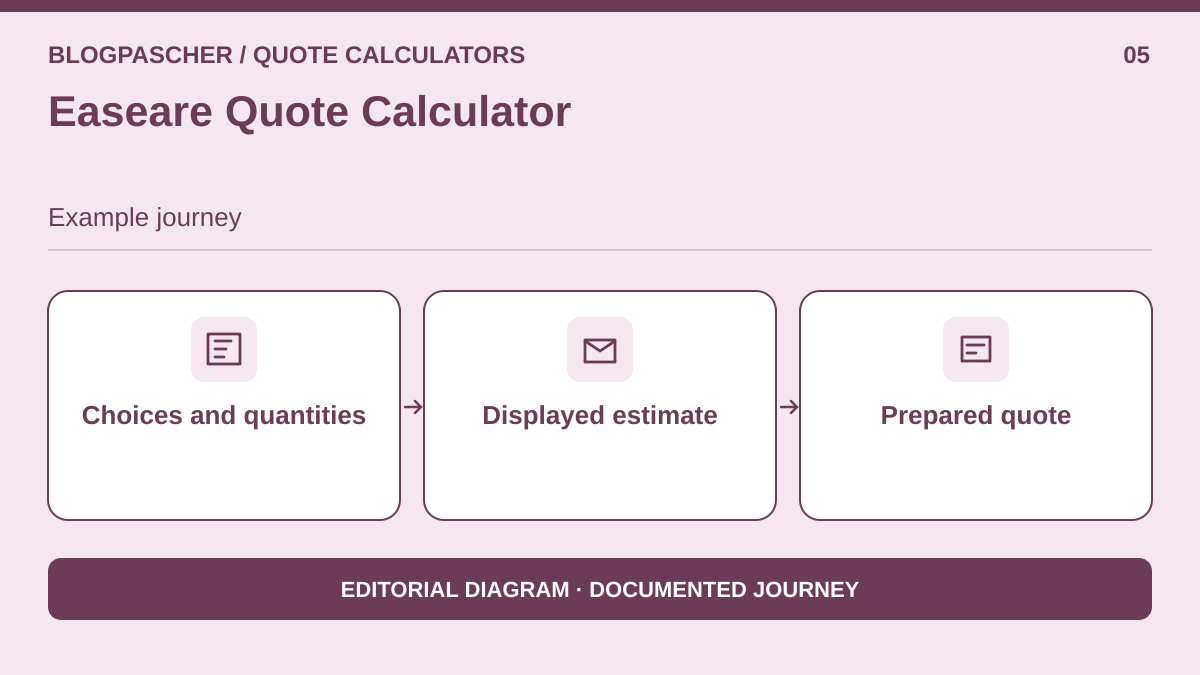 Editorial diagram. Choices and quantities → Displayed estimate → Prepared quote. — BlogPasCherOpen full-size illustration ↗
Best forPrepare a quote from choices and quantities.
Prepare a draft separate from the live version. Model both finishes as priced choices and use a quantity in m²; reserve a second field for protection. This product becomes interesting if the team wants to revisit an enquiry in WordPress to make corrections before preparing a formal quote.
Offer pricing
Directory plugin; clarify any tiers
Checked on .
Strengths
- Displayed estimate
- Prepared quote
What to consider
- Check the scenario's formula with an option and separate unit price, contact handling and export. The directory describes pricing rules, enquiries and quote statuses. The exact version, cost and export terms remain to be checked; do not equate an estimate with the final quote.
Pricing terms and compatibility
Understanding the offer
- Price at the time of review
- Directory plugin; clarify any tiers
- Currency
- Unspecified. Confirm for the offer you choose.
- Billing
- Unspecified. Confirm for the offer you choose.
- Renewal and support
- Unspecified. Confirm for the offer you choose.
- Taxes and fees
- Unspecified. Confirm for the offer you choose.
- Commitment and terms
- Unspecified. Confirm for the offer you choose.
- Date checked
Compatibility and components
- Features described by the publisher. Check the installation, your WordPress version and theme on a copy.
Dellos Quote & Estimate Builder
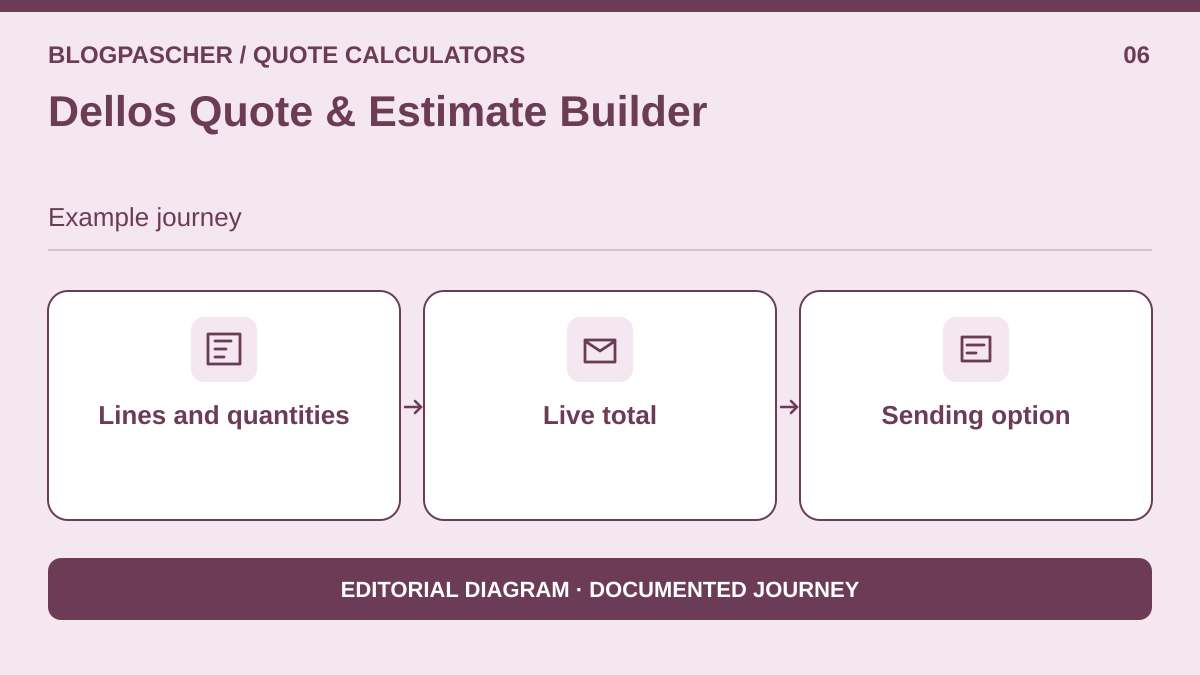 Editorial diagram. Lines and quantities → Live total → Sending option. — BlogPasCherOpen full-size illustration ↗
Best forServices priced by line, quantity and unit price.
Create one line per finish and associate its rate with quantity. The immediately visible mode suits an estimate without contact details. If you need to send an enquiry, test sending mode with a fictional address and identify retained data. A proposal accepted in QuoteCalc Pro is another workflow, connected to WooCommerce.
Offer pricing
Free calculator; QuoteCalc Pro separate
Checked on .
Strengths
- Live total
- Sending option
What to consider
- Keep only the calculator outside the cart. Short track record; check email operation. Do not mix the free calculation feature with acceptance PDFs from the paid module. Check message delivery independently of calculation.
Pricing terms and compatibility
Understanding the offer
- Price at the time of review
- Free calculator; QuoteCalc Pro separate
- Currency
- Unspecified. Confirm for the offer you choose.
- Billing
- Unspecified. Confirm for the offer you choose.
- Renewal and support
- Unspecified. Confirm for the offer you choose.
- Taxes and fees
- Unspecified. Confirm for the offer you choose.
- Commitment and terms
- Unspecified. Confirm for the offer you choose.
- Date checked
Compatibility and components
- Features described by the publisher. Check the installation, your WordPress version and theme on a copy.
OfferWeave
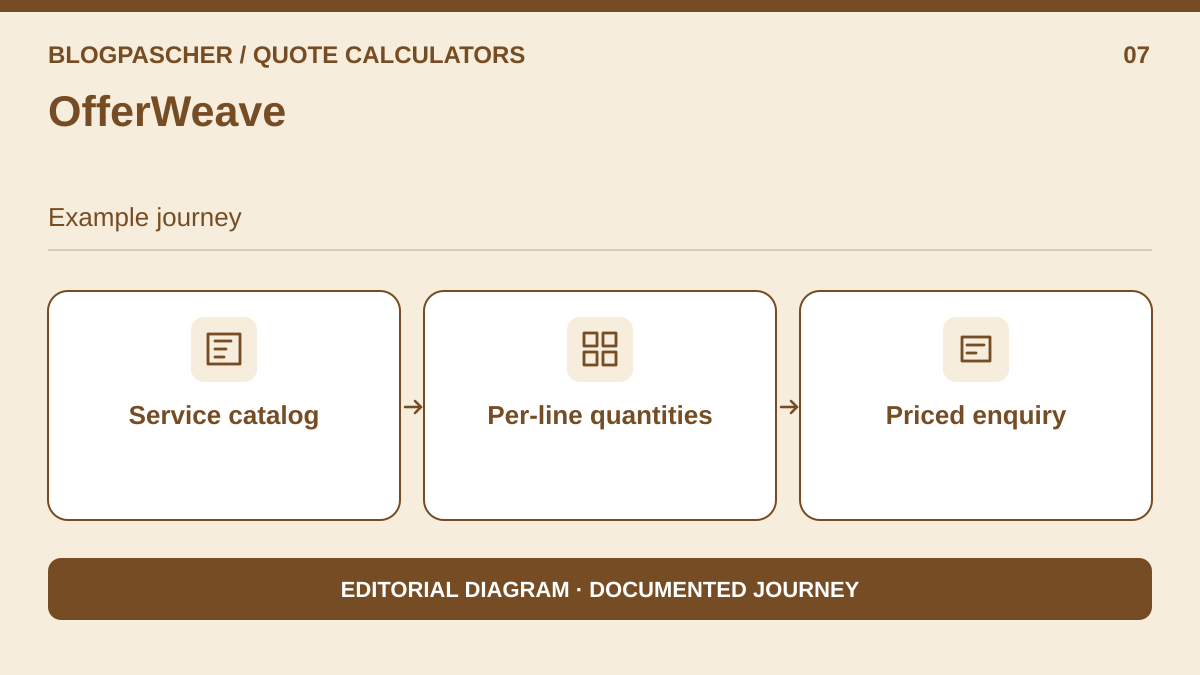 Editorial diagram. Service catalog → Quantities per line → Priced inquiry. — BlogPasCherOpen full-size illustration ↗
Best forA service catalogue with a combined enquiry.
Present the two finishes as separate services in a small catalogue. Per-line quantity lets visitors build an enquiry from the displayed price. This approach suits options that each correspond to an understandable service the customer can examine before selecting. Protection and travel can be explained as additional services.
Offer pricing
Free + Pro
Checked on .
Strengths
- Per-line quantities
- Priced enquiry
What to consider
- Replace the rate choice with two priced services; check that both cannot be selected accidentally. A service catalogue does not replace a calculator with an exclusivity rule. The product is better suited to independent service lines.
Pricing terms and compatibility
Understanding the offer
- Price at the time of review
- Free + Pro
- Currency
- Unspecified. Confirm for the offer you choose.
- Billing
- Unspecified. Confirm for the offer you choose.
- Renewal and support
- Unspecified. Confirm for the offer you choose.
- Taxes and fees
- Unspecified. Confirm for the offer you choose.
- Commitment and terms
- Unspecified. Confirm for the offer you choose.
- Date checked
Compatibility and components
- Features described by the publisher. Check the installation, your WordPress version and theme on a copy.
Price Calculator Block
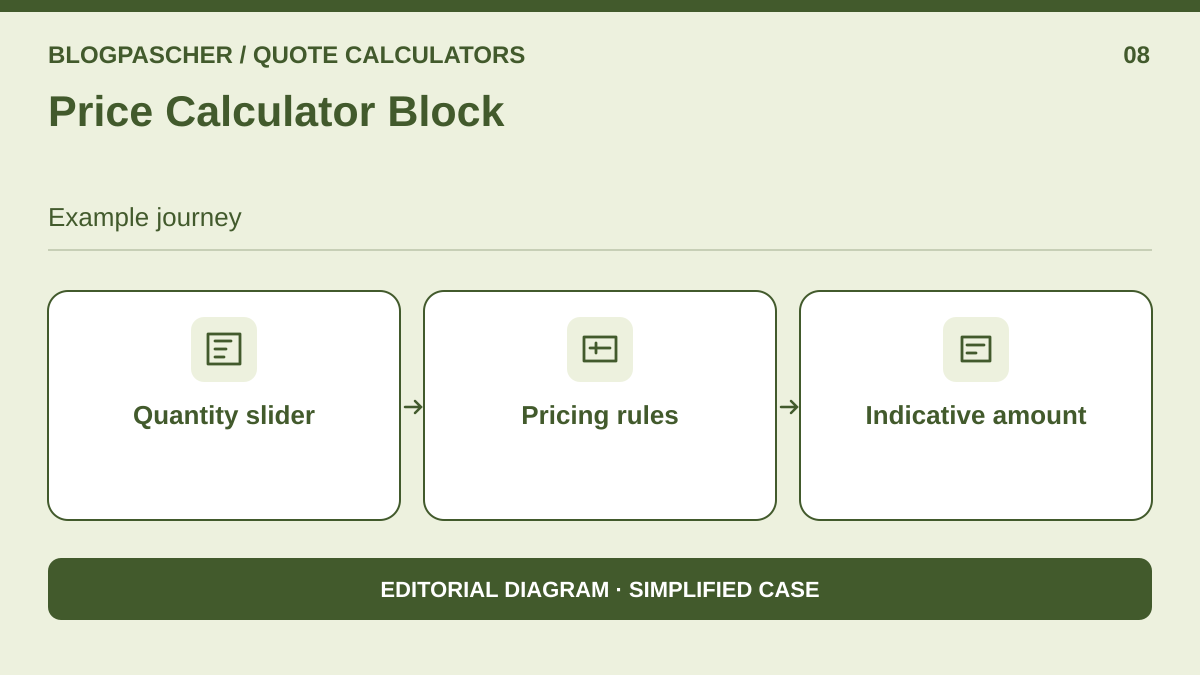 Editorial diagram. Quantity slider → Pricing rules → Indicative amount. — BlogPasCherOpen full-size illustration ↗
Best forDisplay quantity-based pricing in the block editor.
Use the block to estimate the price of a single finish. Enter the per-square-metre rule and display the unit beside the control. If travel is fixed, clearly state whether it is included in the result; without a rule to add it, display it as a separate supplement and do not present the subtotal as the overall price.
Offer pricing
Free
Checked on .
Strengths
- Pricing rules
- Indicative amount
What to consider
- Does not promise to combine area, finish and option in one block. Check that the slider has an accessible label and responds to the keyboard. Reduced case: the quantity block alone cannot represent both finishes and protection.
Pricing terms and compatibility
Understanding the offer
- Price at the time of review
- Free
- Currency
- Unspecified. Confirm for the offer you choose.
- Billing
- Unspecified. Confirm for the offer you choose.
- Renewal and support
- Unspecified. Confirm for the offer you choose.
- Taxes and fees
- Unspecified. Confirm for the offer you choose.
- Commitment and terms
- Unspecified. Confirm for the offer you choose.
- Date checked
Compatibility and components
- Features described by the publisher. Check the installation, your WordPress version and theme on a copy.
ScopeQuote Cost Calculator
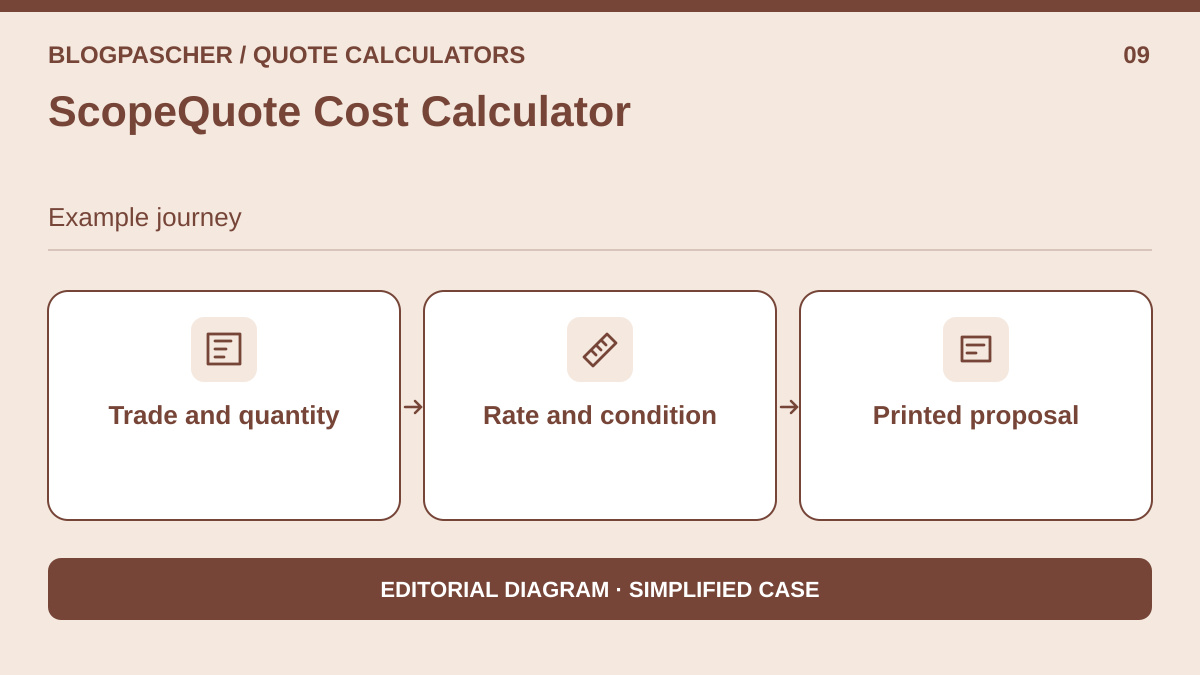 Editorial diagram. Trade and quantity → Rate and condition → Printed proposal. — BlogPasCherOpen full-size illustration ↗
Best forPrice an industry-specific service and print its estimate.
For a trade covered by the product, choose the painting profile and configure a starting rate and job conditions. Clearly show which unit was selected. The unit price × quantity × multiplier calculation can illustrate the main item. Printing the proposal is relevant when the business wants to share a summary without a cart.
Offer pricing
Directory plugin; optional payment excluded
Checked on .
Strengths
- Rate and condition
- Printed proposal
What to consider
- Stay within the estimation workflow and test whether separate fixed fees can be reproduced. No automatic photo analysis. Reduced case; payment and booking options are excluded from the test. No customer photo is needed.
Pricing terms and compatibility
Understanding the offer
- Price at the time of review
- Directory plugin; optional payment excluded
- Currency
- Unspecified. Confirm for the offer you choose.
- Billing
- Unspecified. Confirm for the offer you choose.
- Renewal and support
- Unspecified. Confirm for the offer you choose.
- Taxes and fees
- Unspecified. Confirm for the offer you choose.
- Commitment and terms
- Unspecified. Confirm for the offer you choose.
- Date checked
Compatibility and components
- Features described by the publisher. Check the installation, your WordPress version and theme on a copy.
narSolutions Estimate Calculator
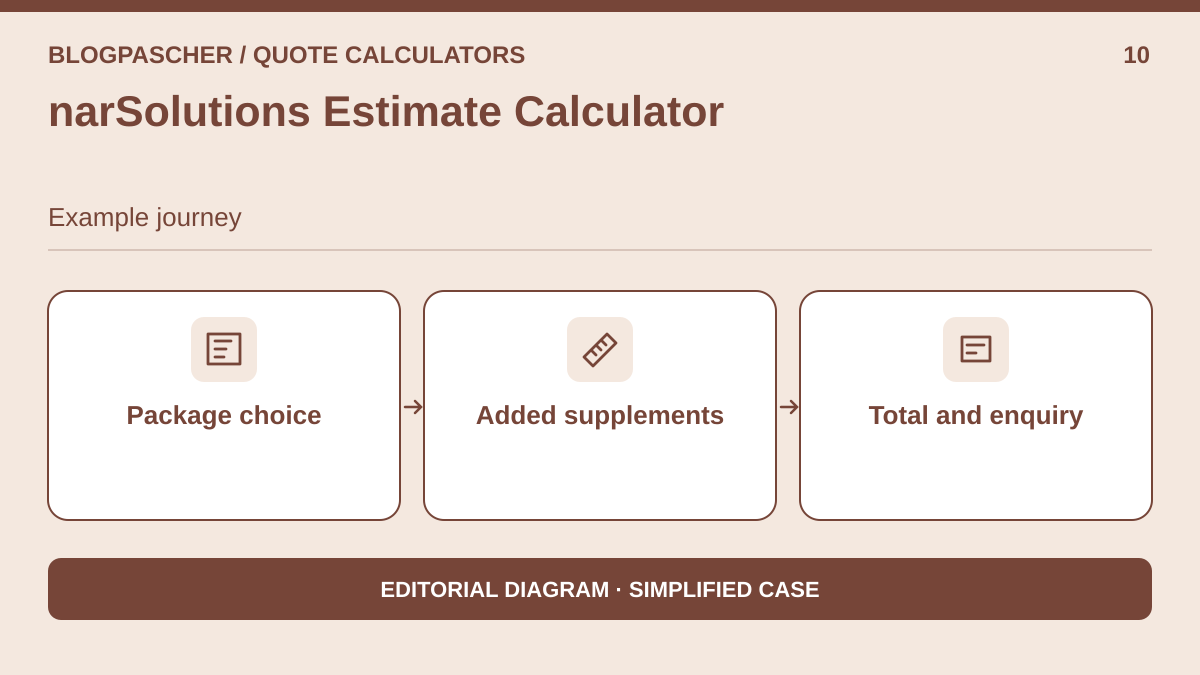 Editorial diagram. Package choice → Added extras → Total and inquiry. — BlogPasCherOpen full-size illustration ↗
Best forDisplay a package and its supplements before an enquiry.
This approach starts with a package and adds supplements selected from a list. A tradesperson working by job size can offer explicit categories, for example 10 to 20 m², then more than 20 to 40 m². Make it clear to visitors that they are selecting a service bracket. A freely entered per-m² price requires a different input format from these predefined choices.
Offer pricing
Free service quotes; Pro booking options outside scope
Checked on .
Strengths
- Added supplements
- Total and enquiry
What to consider
- In the free version, predefined choices can model packages, but not necessarily a freely entered decimal quantity. Simplified case only. Reduced case, suited to packages rather than freely entered decimal areas. Stay, booking and deposit options remain disabled.
Pricing terms and compatibility
Understanding the offer
- Price at the time of review
- Free service quotes; Pro booking options outside scope
- Currency
- Unspecified. Confirm for the offer you choose.
- Billing
- Unspecified. Confirm for the offer you choose.
- Renewal and support
- Unspecified. Confirm for the offer you choose.
- Taxes and fees
- Unspecified. Confirm for the offer you choose.
- Commitment and terms
- Unspecified. Confirm for the offer you choose.
- Date checked
Compatibility and components
- Features described by the publisher. Check the installation, your WordPress version and theme on a copy.
SudsQuote
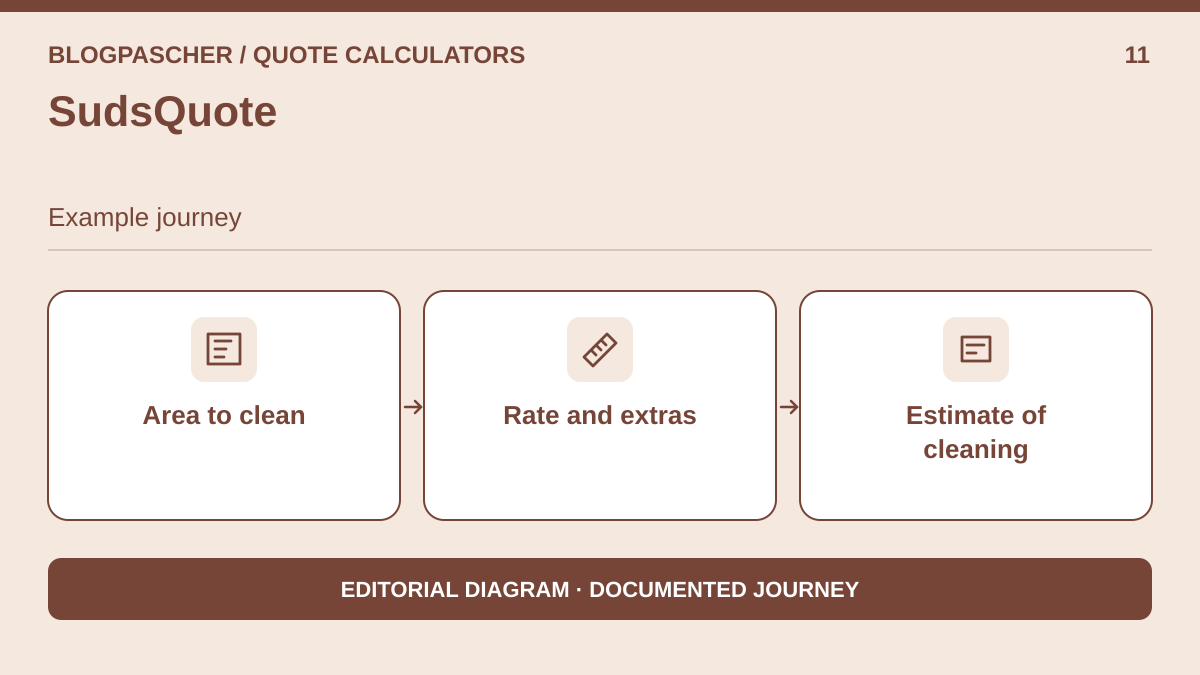 Editorial diagram. Area to clean → Rate and extras → Cleaning estimate. — BlogPasCherOpen full-size illustration ↗
Best forEstimate cleaning costs with area and extras.
The cleaning sector allows the scenario to be adapted: travel, an area-based rate and a protection or equipment option. Model the difference between two service categories and display details to visitors. The enquiry must remain separate from the calculation so the team can validate scope before any quote.
Offer pricing
Free according to the directory
Checked on .
Strengths
- Rate and extras
- Cleaning estimate
What to consider
- Limited public track record; check enquiry storage and the administration WhatsApp link before use. Recent project; test industry-specific features on a copy. Disable sending and do not open the WhatsApp link during local acceptance testing.
Pricing terms and compatibility
Understanding the offer
- Price at the time of review
- Free according to the directory
- Currency
- Unspecified. Confirm for the offer you choose.
- Billing
- Unspecified. Confirm for the offer you choose.
- Renewal and support
- Unspecified. Confirm for the offer you choose.
- Taxes and fees
- Unspecified. Confirm for the offer you choose.
- Commitment and terms
- Unspecified. Confirm for the offer you choose.
- Date checked
Compatibility and components
- Features described by the publisher. Check the installation, your WordPress version and theme on a copy.
Yangra Calculator
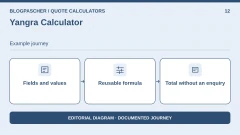
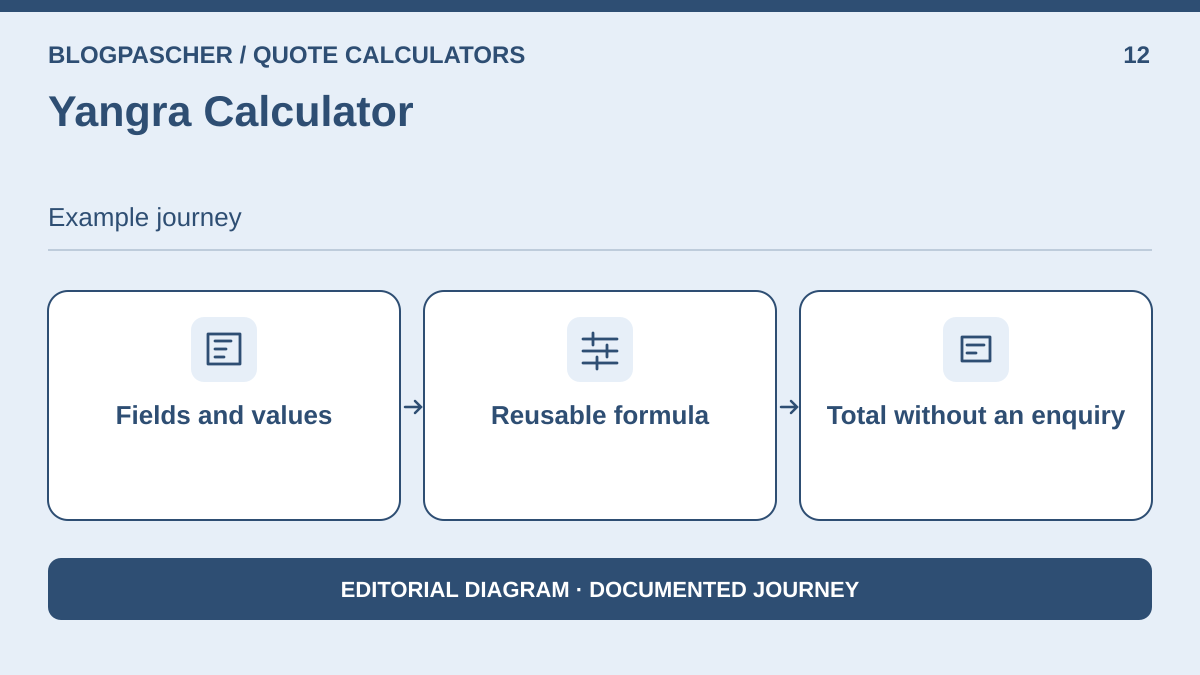 Editorial diagram. Fields and values → Reusable formula → Total without an inquiry. — BlogPasCherOpen full-size illustration ↗
Best forAdd an anonymous price to a formula-based form.
Use an intermediate result for the per-m² component, then a second formula to add fixed fees and the supplement. The result can remain informational and save nothing. This configuration makes each line easier to check and avoids turning a simple calculation into a lead-generation form.
Offer pricing
Free base; Pro price not established
Checked on .
Strengths
- Reusable formula
- Total without an enquiry
What to consider
- No collection expected; recent project. Test decimal input before using the service. Quote requests are outside the advertised scope; check support for your configuration and the effect of uninstalling on calculators.
Pricing terms and compatibility
Understanding the offer
- Price at the time of review
- Free base; Pro price not established
- Currency
- Unspecified. Confirm for the offer you choose.
- Billing
- Unspecified. Confirm for the offer you choose.
- Renewal and support
- Unspecified. Confirm for the offer you choose.
- Taxes and fees
- Unspecified. Confirm for the offer you choose.
- Commitment and terms
- Unspecified. Confirm for the offer you choose.
- Date checked
Compatibility and components
- Features described by the publisher. Check the installation, your WordPress version and theme on a copy.
ShahCalc
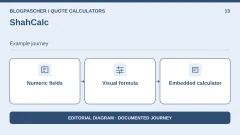
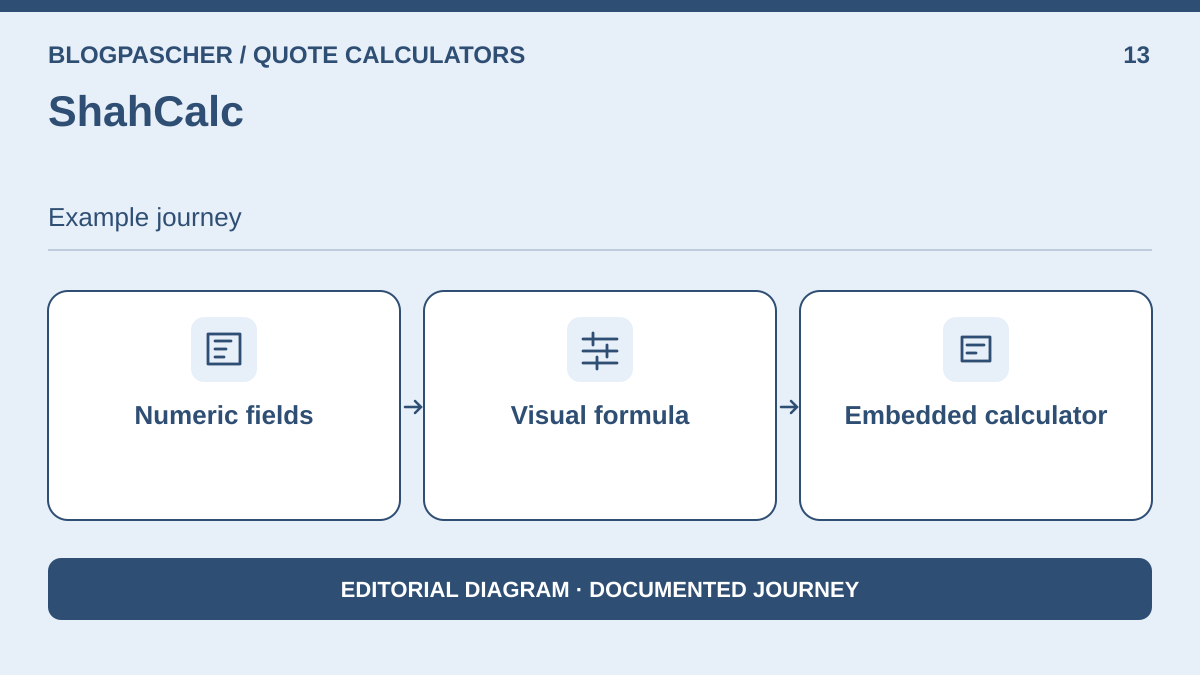 Editorial diagram. Numeric fields → Visual formula → Embedded calculator. — BlogPasCherOpen full-size illustration ↗
Best forBuild a formula with editable fields.
Build an initial result from three fields: number, rate list and option. Check variables in the preview and use only one insertion method for the first test. A visual formula structure can be easier to hand over to a colleague than a script, provided fields are named and their values readable.
Offer pricing
Directory plugin; Pro price not established
Checked on .
Strengths
- Visual formula
- Embedded calculator
What to consider
- Check widget use in the target edition; do not assume quote storage or recalculation on submission. Insertion and the formula engine are described by the directory. Enquiry retention, paid formats and support duration remain to be established.
Pricing terms and compatibility
Understanding the offer
- Price at the time of review
- Directory plugin; Pro price not established
- Currency
- Unspecified. Confirm for the offer you choose.
- Billing
- Unspecified. Confirm for the offer you choose.
- Renewal and support
- Unspecified. Confirm for the offer you choose.
- Taxes and fees
- Unspecified. Confirm for the offer you choose.
- Commitment and terms
- Unspecified. Confirm for the offer you choose.
- Date checked
Compatibility and components
- Features described by the publisher. Check the installation, your WordPress version and theme on a copy.
Calculator Builder — Wow-Company
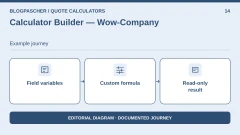
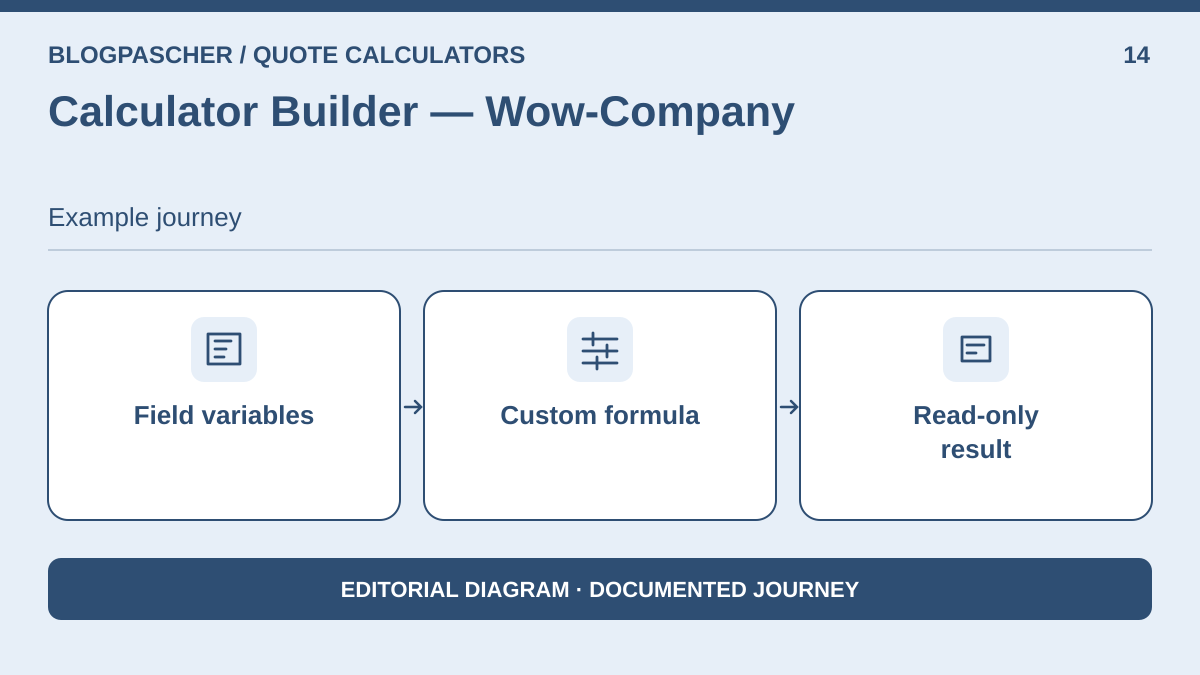 Editorial diagram. Field variables → Custom formula → Read-only result. — BlogPasCherOpen full-size illustration ↗
Best forAdd variable-based formulas through a shortcode.
Use separate variables for area, rate and supplement, then link the result to a non-editable field. The indices used by the builder must match the fields actually configured. Add a title or caption to make the formula understandable to the person maintaining the pricing schedule.
Offer pricing
Free calculator; Pro extension
Checked on .
Strengths
- Custom formula
- Read-only result
What to consider
- Use a simple calculation, limit formula-editing permissions and check execution scope in the target edition. Sending through Contact Form 7 is associated with a Pro extension. For the first comparison, limit the scope to the displayed total without contact details.
Pricing terms and compatibility
Understanding the offer
- Price at the time of review
- Free calculator; Pro extension
- Currency
- Unspecified. Confirm for the offer you choose.
- Billing
- Unspecified. Confirm for the offer you choose.
- Renewal and support
- Unspecified. Confirm for the offer you choose.
- Taxes and fees
- Unspecified. Confirm for the offer you choose.
- Commitment and terms
- Unspecified. Confirm for the offer you choose.
- Date checked
Compatibility and components
- Features described by the publisher. Check the installation, your WordPress version and theme on a copy.
PVB Contact Form 7 Calculator
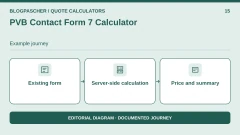
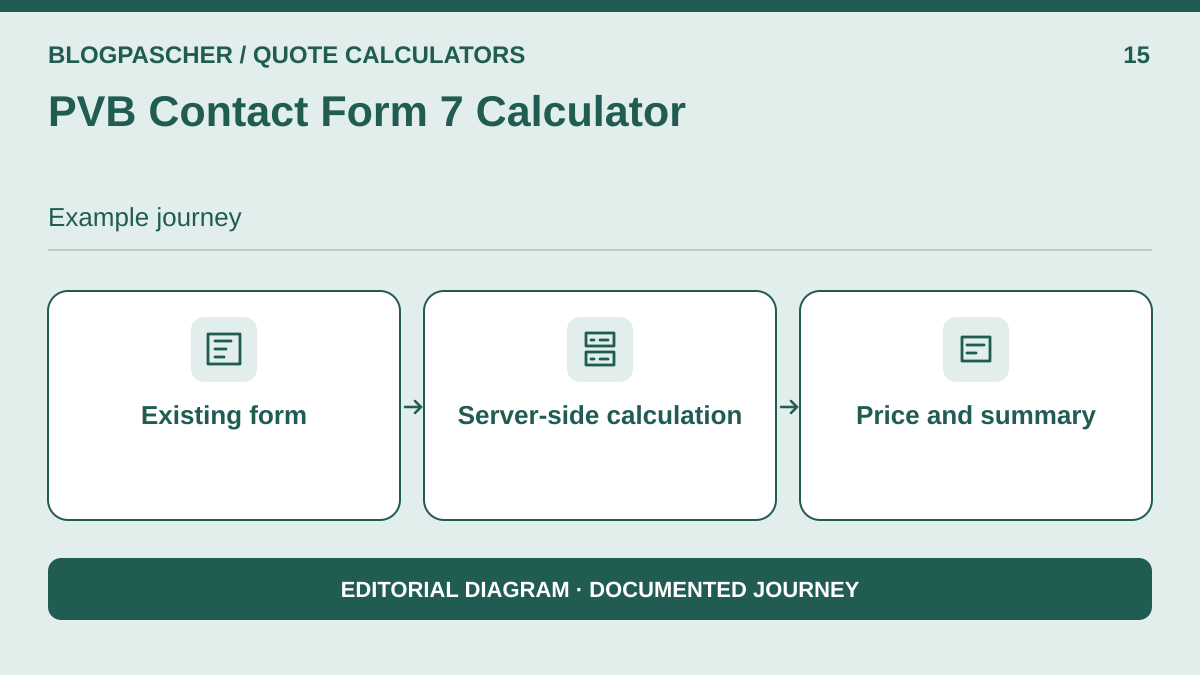 Editorial diagram. Existing form → Server-side calculation → Price and summary. — BlogPasCherOpen full-size illustration ↗
Best forExtend an existing Contact Form 7 form.
If the site already has Contact Form 7, add only the fields needed for the estimate and a calculation button. The enquiry can then use the same values. The documentation states that calculations are repeated upon submission; this is the useful difference from a form that simply copies an arbitrary value into an email.
Offer pricing
Free extension; Contact Form 7 required
Checked on .
Strengths
- Server-side calculation
- Price and summary
What to consider
- This note compares the extension, not the generic form already covered. Confirm that the email template displays the recalculated amount. This is a separate extension that depends on Contact Form 7. Calculation and deliverability are two separate checks.
Pricing terms and compatibility
Understanding the offer
- Price at the time of review
- Free extension; Contact Form 7 required
- Currency
- Unspecified. Confirm for the offer you choose.
- Billing
- Unspecified. Confirm for the offer you choose.
- Renewal and support
- Unspecified. Confirm for the offer you choose.
- Taxes and fees
- Unspecified. Confirm for the offer you choose.
- Commitment and terms
- Unspecified. Confirm for the offer you choose.
- Date checked
Compatibility and components
- Requires Contact Form 7. Check both plugins together on a copy.
Cost Calculator — BoldThemes
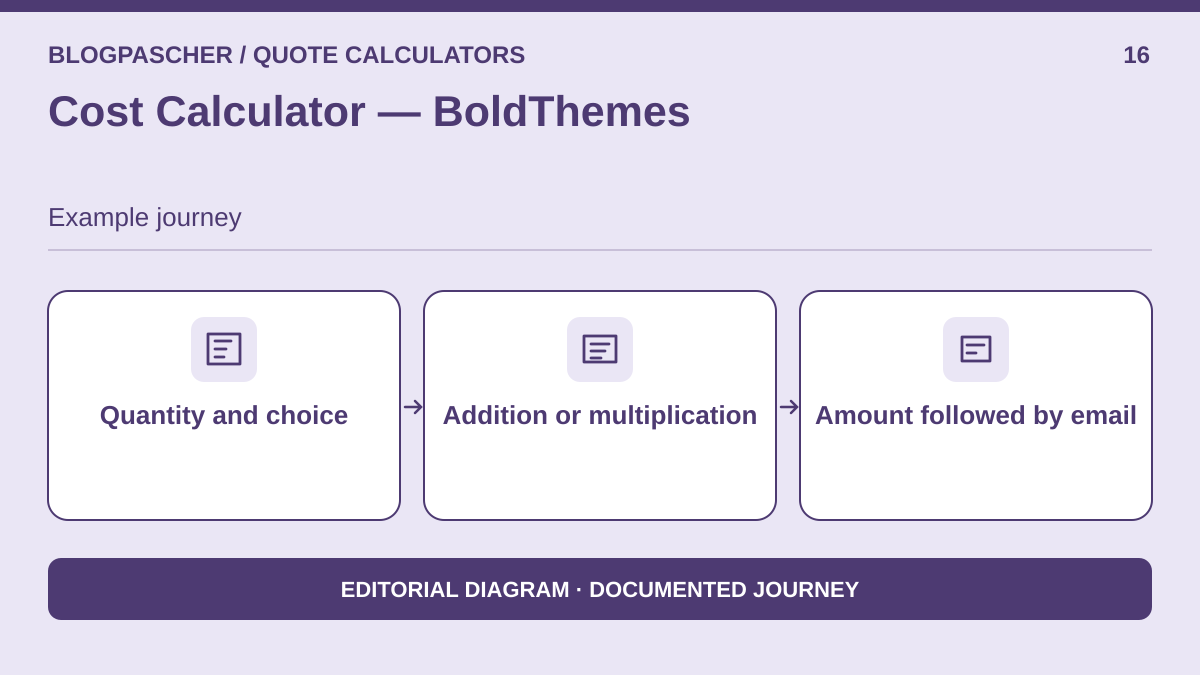 Editorial diagram. Quantity and choice → Sum or product → Amount then email. — BlogPasCherOpen full-size illustration ↗
Best forPrepare a quantity-based quote outside the cart.
Assemble the main item with a quantity and per-m² value. Keep travel and protection charges in a group added to the main amount. The advertised shortcode allows assessment of the result outside a cart. It is an option for a team preferring a one-time paid offering and an emailed summary.
Offer pricing
USD 39 Regular, 6 months of support, taxes and fees excluded
Billing: one-time purchase
Renewal and support: Six months of support. Check extension pricing.
Check taxes and handling fees at checkout.
Checked on .
Strengths
- Addition or multiplication
- Amount followed by email
What to consider
- CodeCanyon listing: updated March 31, 2026, WordPress tags up to 6.9.x. Test on the target version before purchasing and infer nothing from WooCommerce tags for this workflow. The marketplace listing displays WordPress up to 6.9.x; a tag is not a test of your PHP, WordPress and theme combination.
Pricing terms and compatibility
Understanding the offer
- Price at the time of review
- USD 39 Regular, 6 months of support, taxes and fees excluded
- Currency
- USD
- Billing
- one-time purchase
- Renewal and support
- Six months of support. Check extension pricing.
- Taxes and fees
- Check taxes and handling fees at checkout.
- Commitment and terms
- Unspecified. Confirm for the offer you choose.
- Date checked
Compatibility and components
- Features described by the publisher. Check the installation, your WordPress version and theme on a copy.
Dynamic Price Calculator — XElementor
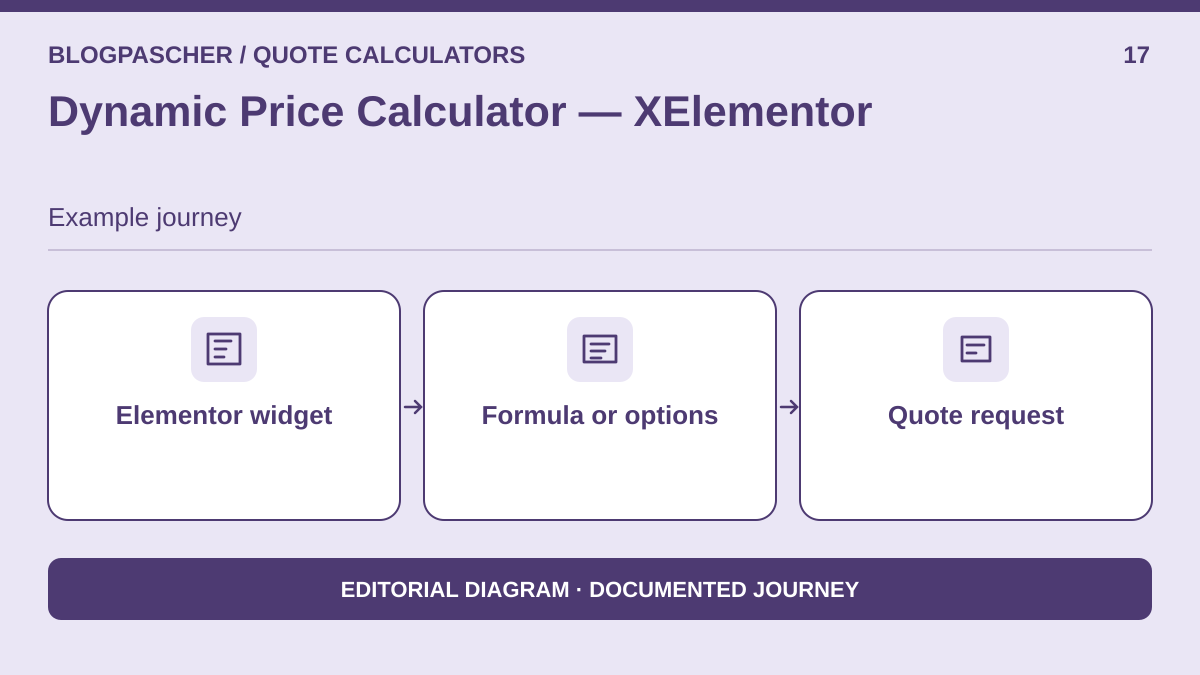 Editorial diagram. Elementor widget → Formula or options → Quote request. — BlogPasCherOpen full-size illustration ↗
Best forEmbed a formula in an Elementor site.
A site already editing its pages in Elementor can use the specialist widget without rebuilding the rest of the site. Start with the base price and a per-unit effect; move to the advanced formula if you cannot combine finish and protection in simple settings. Display a summary before the quote request.
Offer pricing
USD 25 Regular, 6 months of support, taxes and fees excluded
Billing: one-time purchase
Renewal and support: Six months of support. Check extension pricing.
Check taxes and handling fees at checkout.
Checked on .
Strengths
- Formula or options
- Quote request
What to consider
- CodeCanyon listing: May 15, 2026, tags up to WordPress 6.9.x. Requires Elementor; distinguish the advertised JavaScript formula from server recalculation that must be proven. The listing describes a JavaScript formula parser; it is insufficient to demonstrate that the enquiry amount is recalculated server-side.
Pricing terms and compatibility
Understanding the offer
- Price at the time of review
- USD 25 Regular, 6 months of support, taxes and fees excluded
- Currency
- USD
- Billing
- one-time purchase
- Renewal and support
- Six months of support. Check extension pricing.
- Taxes and fees
- Check taxes and handling fees at checkout.
- Commitment and terms
- Unspecified. Confirm for the offer you choose.
- Date checked
Compatibility and components
- Requires Elementor. Check the advertised version and dependencies before purchasing.
JetFormBuilder — calculated field
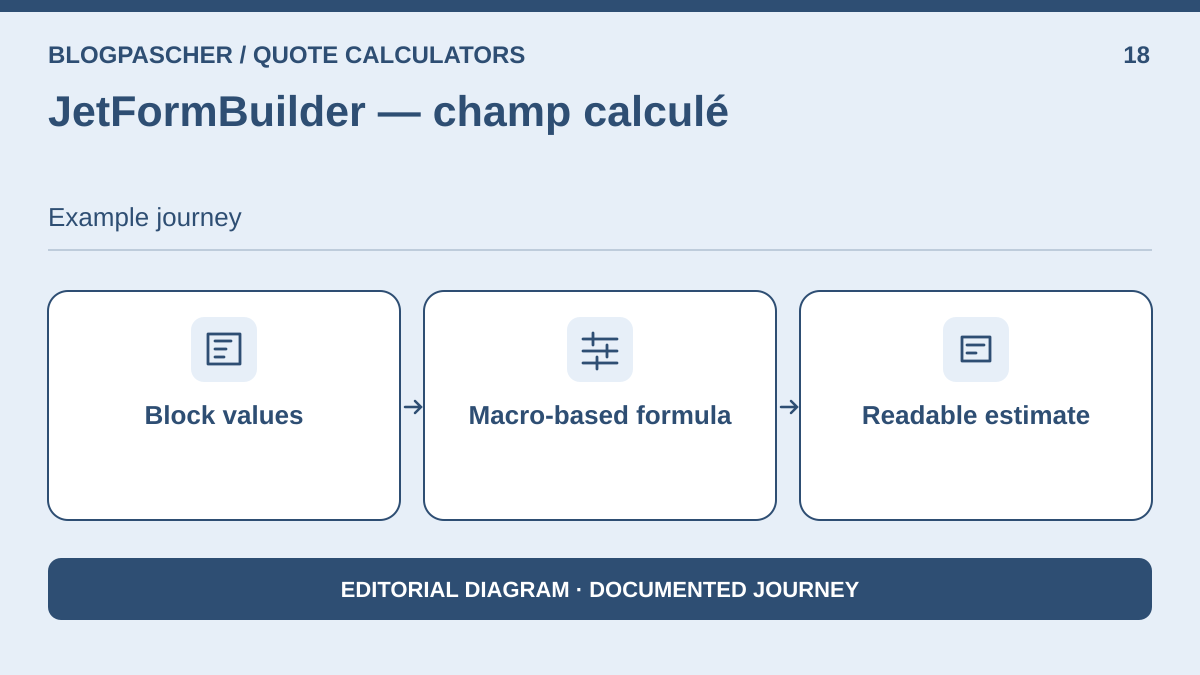 Editorial diagram. Block values → Macro-based formula → Readable estimate. — BlogPasCherOpen full-size illustration ↗
Best forAssemble fields and a formula in the block editor.
In the block editor, create a Number field for area and choices whose calculation value is separate from the label. Calculated Field can use macros for these values. This workflow is useful for a team already familiar with blocks that wants to control form structure without using Elementor.
Offer pricing
Free calculation field, paid modules separate
Checked on .
Strengths
- Macro-based formula
- Readable estimate
What to consider
- The generic builder is included only for this proven calculation workflow. Check rounding rules and server calculation if an enquiry is saved. Advanced modules are sold separately. For an estimate without payment, configure no payment-collection or booking action.
Pricing terms and compatibility
Understanding the offer
- Price at the time of review
- Free calculation field, paid modules separate
- Currency
- Unspecified. Confirm for the offer you choose.
- Billing
- Unspecified. Confirm for the offer you choose.
- Renewal and support
- Unspecified. Confirm for the offer you choose.
- Taxes and fees
- Unspecified. Confirm for the offer you choose.
- Commitment and terms
- Unspecified. Confirm for the offer you choose.
- Date checked
Compatibility and components
- Features described by the publisher. Check the installation, your WordPress version and theme on a copy.
Cost Calculator for Elementor — add-ons.org
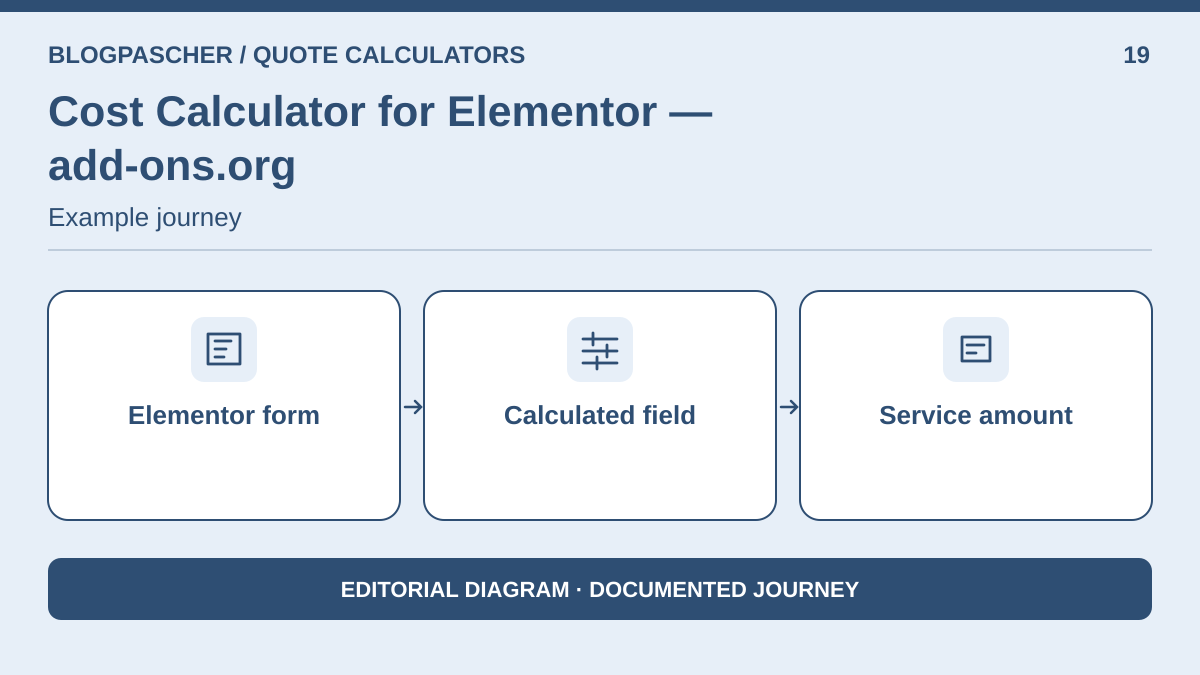 Editorial diagram. Elementor form → Calculated field → Service amount. — BlogPasCherOpen full-size illustration ↗
Best forExtend an existing Elementor form.
If an Elementor form already receives enquiries, add the calculated-result field and define option values. Keeping the existing form avoids a presentation migration. Nevertheless, compare the module's cost and required Elementor tier with a standalone calculator.
Offer pricing
Free extension + Pro; check Elementor cost
Checked on .
Strengths
- Calculated field
- Service amount
What to consider
- A free extension does not mean zero overall cost: check the Elementor tier that provides form access and the free/Pro distinction for the selected formula. The extension's free tier does not necessarily cover advanced features or the Elementor tier providing the form.
Pricing terms and compatibility
Understanding the offer
- Price at the time of review
- Free extension + Pro; check Elementor cost
- Currency
- Unspecified. Confirm for the offer you choose.
- Billing
- Unspecified. Confirm for the offer you choose.
- Renewal and support
- Unspecified. Confirm for the offer you choose.
- Taxes and fees
- Unspecified. Confirm for the offer you choose.
- Commitment and terms
- Unspecified. Confirm for the offer you choose.
- Date checked
Compatibility and components
- Requires an Elementor form. Check which Elementor offering supplies it.
MDS Quick Estimate
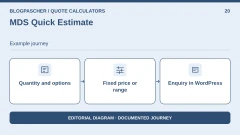
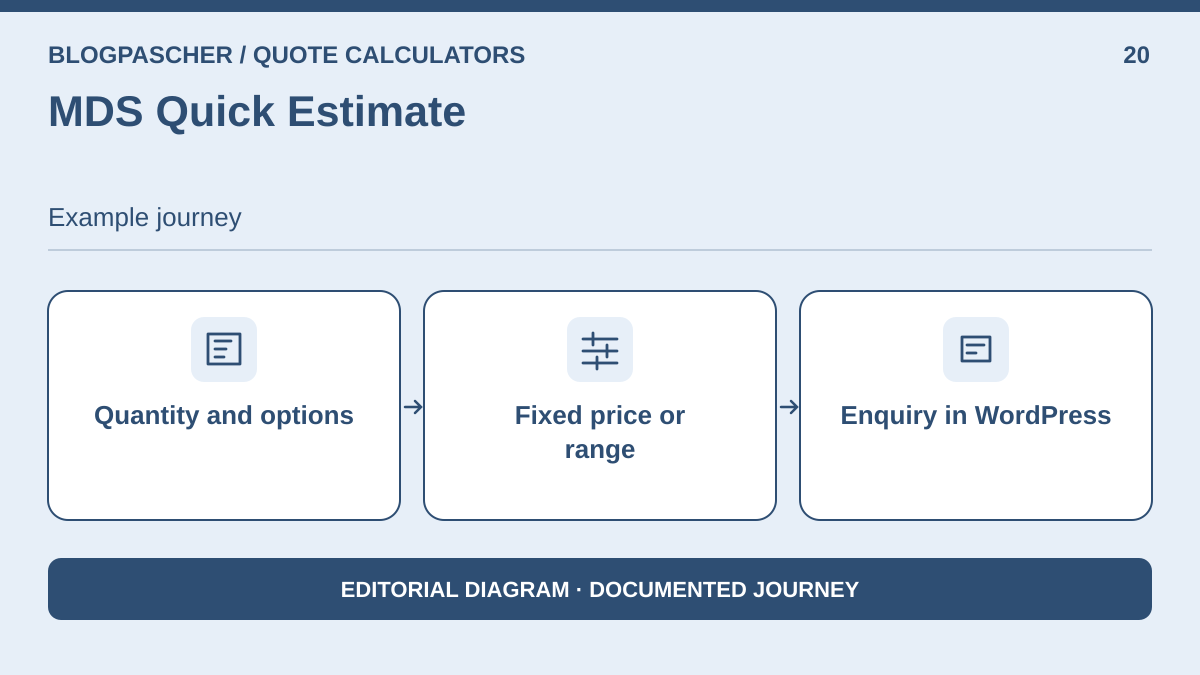 Editorial diagram. Quantity and options → Fixed price or range → Inquiry in WordPress. — BlogPasCherOpen full-size illustration ↗
Best forDisplay a price or range with priced quantities.
MDS Quick Estimate suits a tradesperson who prefers configuring rates in form fields. Visitors can see an estimate before sending contact details. Administration receives the enquiry and its choices in WordPress. For our example, start with fixed prices: configure quantity fields and options, then test a range separately if some work remains difficult to estimate.
Offer pricing
Free in the WordPress directory
Checked on .
Strengths
- Fixed price or range
- Enquiry in WordPress
What to consider
- The plugin is recent and has few installations according to the directory. Check on a copy whether quantity accepts a decimal and whether the other service is actually excluded from the total.
Pricing terms and compatibility
Understanding the offer
- Price at the time of review
- Free in the WordPress directory
- Currency
- Unspecified. Confirm for the offer you choose.
- Billing
- Unspecified. Confirm for the offer you choose.
- Renewal and support
- Unspecified. Confirm for the offer you choose.
- Taxes and fees
- Unspecified. Confirm for the offer you choose.
- Commitment and terms
- Unspecified. Confirm for the offer you choose.
- Date checked
Compatibility and components
- Features described by the publisher. Check the installation, your WordPress version and theme on a copy.
InteractiveCalculator
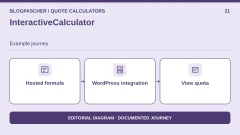
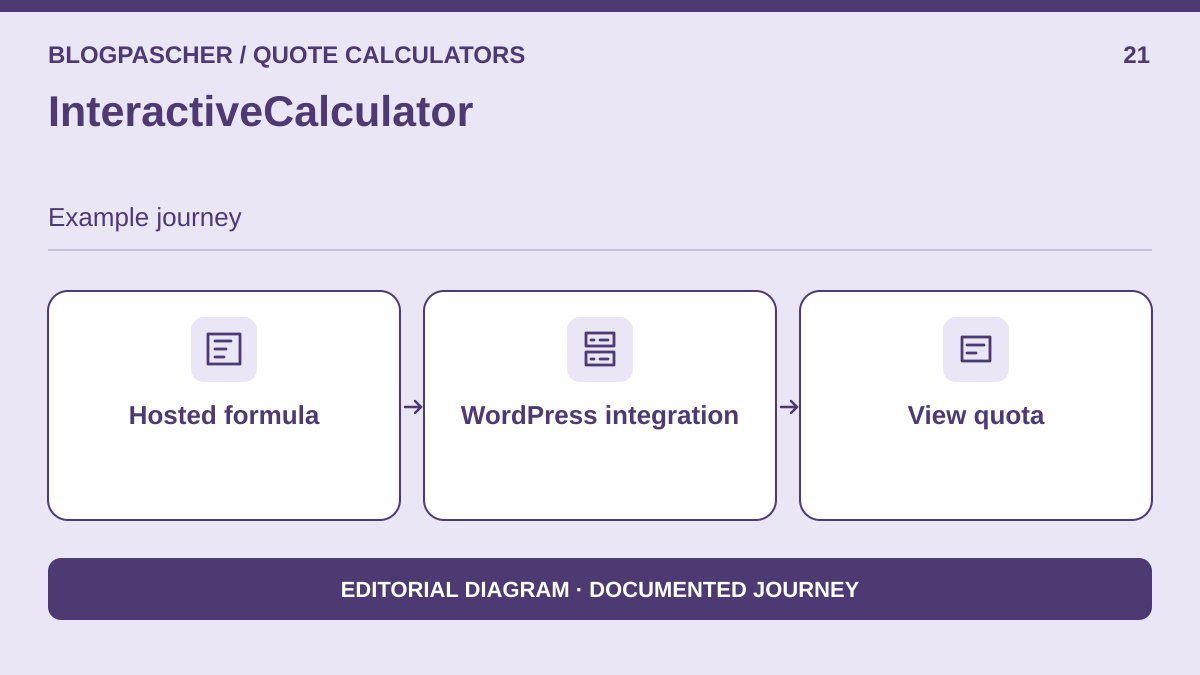 Editorial diagram. Hosted formula → WordPress integration → View quota. — BlogPasCherOpen full-size illustration ↗
Best forReuse a hosted calculator across several sites.
InteractiveCalculator adds a calculation prepared in the publisher's service to WordPress. This option makes sense if several sites reuse a pricing schedule managed by one team. Count calculator loads, not just enquiries: visits without an enquiry may consume the quota. Provide a readable contact link if the form becomes inaccessible.
Offer pricing
Free adapter; external account, 200 monthly views on the free offering after the first month
Checked on .
Strengths
- 200 monthly views on the free offering after the first month
- View quota
What to consider
- An external account is required. The free tier has a documented limit of 200 views per month after the first month, and the calculator may lock until the quota resets. No account-based trial in this acceptance test.
Pricing terms and compatibility
Understanding the offer
- Price at the time of review
- Free adapter; external account, 200 monthly views on the free offering after the first month
- Currency
- Unspecified. Confirm for the offer you choose.
- Billing
- Unspecified. Confirm for the offer you choose.
- Renewal and support
- Unspecified. Confirm for the offer you choose.
- Taxes and fees
- Unspecified. Confirm for the offer you choose.
- Commitment and terms
- Unspecified. Confirm for the offer you choose.
- Date checked
Compatibility and components
- Requires an account with the publisher and loading of its service.
SpreadsheetConverter Calculator
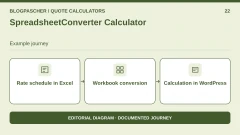
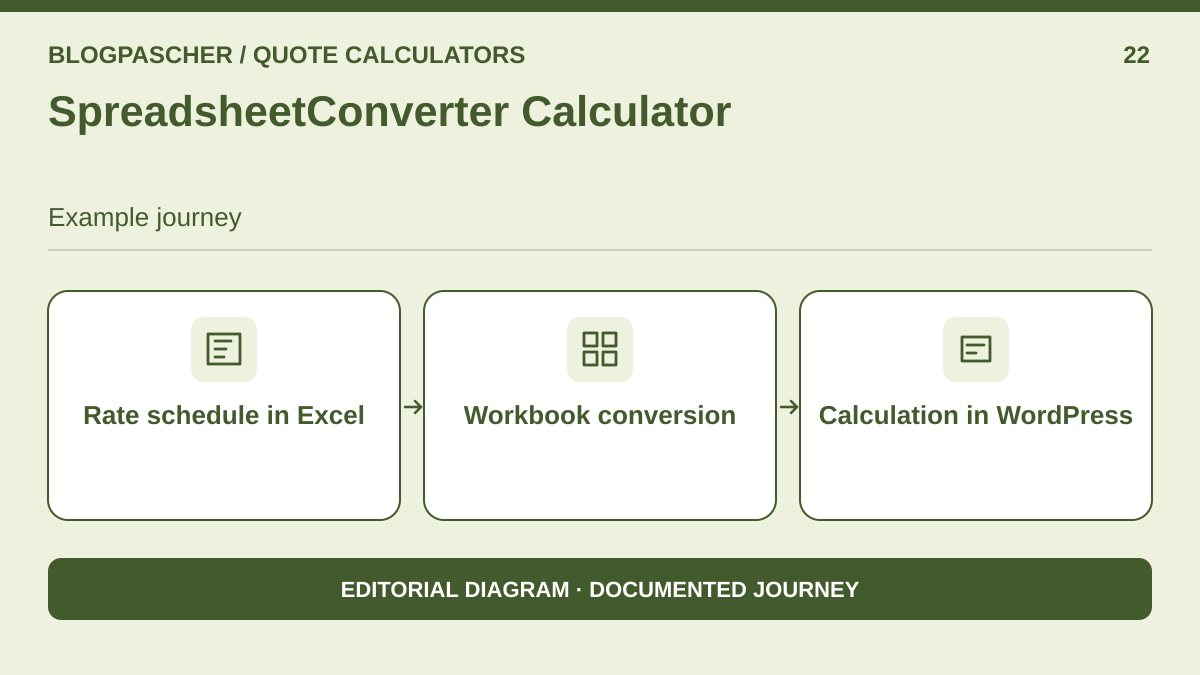 Editorial diagram. Rate schedule in Excel → Workbook conversion → Calculation in WordPress. — BlogPasCherOpen full-size illustration ↗
Best forAdapt a pricing schedule already maintained in Excel.
SpreadsheetConverter is useful if prices and their history are already maintained in an Excel workbook. Define three input cells and a formula returning the total. Convert the workbook, then import the SSC file into WordPress using the publisher's publication method. This avoids retyping each formula into a builder, provided your spreadsheet's functions are supported.
Offer pricing
Free WordPress importer; workbook conversion through a commercial tool
Checked on .
Strengths
- Workbook conversion
- Calculation in WordPress
What to consider
- The directory plugin is an importer, not a free Excel converter. Check the subscription plan, server-side processing and hosting method separately. The conversion trial was not activated here.
Pricing terms and compatibility
Understanding the offer
- Price at the time of review
- Free WordPress importer; workbook conversion through a commercial tool
- Currency
- Unspecified. Confirm for the offer you choose.
- Billing
- Unspecified. Confirm for the offer you choose.
- Renewal and support
- Unspecified. Confirm for the offer you choose.
- Taxes and fees
- Unspecified. Confirm for the offer you choose.
- Commitment and terms
- Unspecified. Confirm for the offer you choose.
- Date checked
Compatibility and components
- Evaluate the workbook converter and WordPress importer together. Test the SSC file on a copy.
Service Web Builder Guided Estimate Calculator
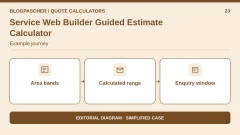
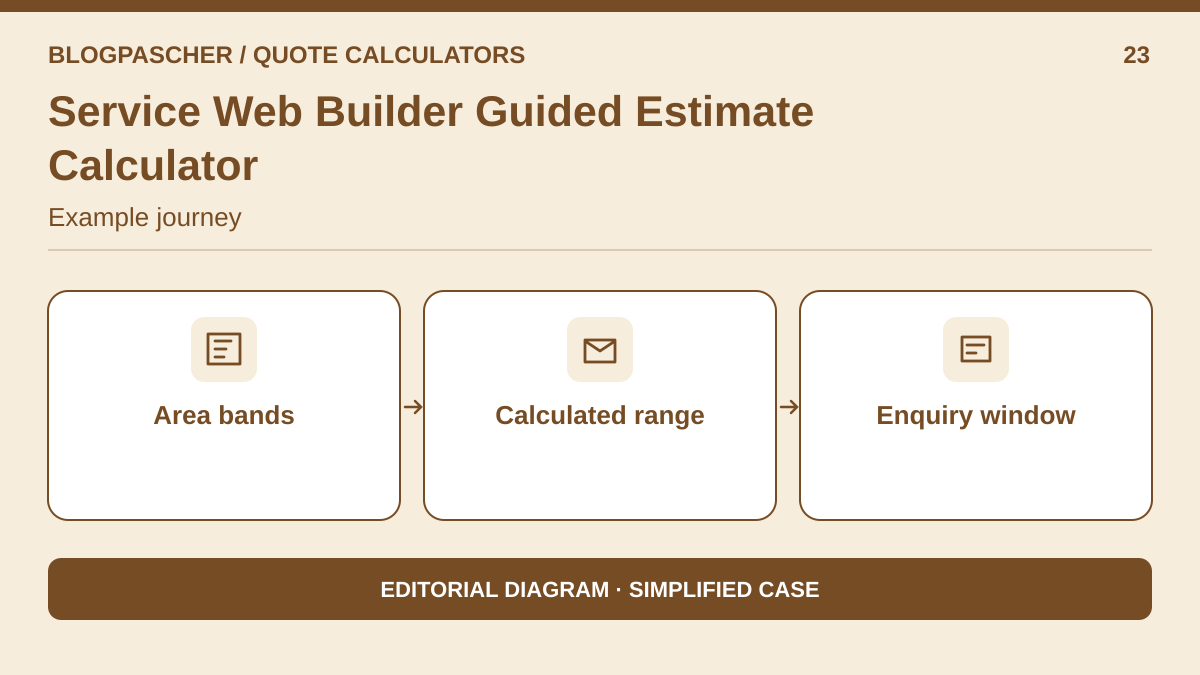 Editorial diagram. Area bands → Calculated range → Inquiry window. — BlogPasCherOpen full-size illustration ↗
Best forCreate a preliminary bracket-based quote in a floating window.
This plugin is intended for initial qualification through questions. It displays its form in a window opened by a floating button. For cleaning, replace precise per-square-metre input with brackets: 10 to less than 30 m², 30 to less than 50 m², etc. Assign a realistic range to each bracket, then test preparation and protection effects before requesting contact details.
Offer pricing
Free in the directory; separate Premium edition
Checked on .
Strengths
- Calculated range
- Enquiry window
What to consider
- The bracket-based workflow does not reproduce the exact per-m² quote. The directory version uses a floating window and does not offer the same form embedded in page content.
Pricing terms and compatibility
Understanding the offer
- Price at the time of review
- Free in the directory; separate Premium edition
- Currency
- Unspecified. Confirm for the offer you choose.
- Billing
- Unspecified. Confirm for the offer you choose.
- Renewal and support
- Unspecified. Confirm for the offer you choose.
- Taxes and fees
- Unspecified. Confirm for the offer you choose.
- Commitment and terms
- Unspecified. Confirm for the offer you choose.
- Date checked
Compatibility and components
- Features described by the publisher. Check the installation, your WordPress version and theme on a copy.
Cab Grid
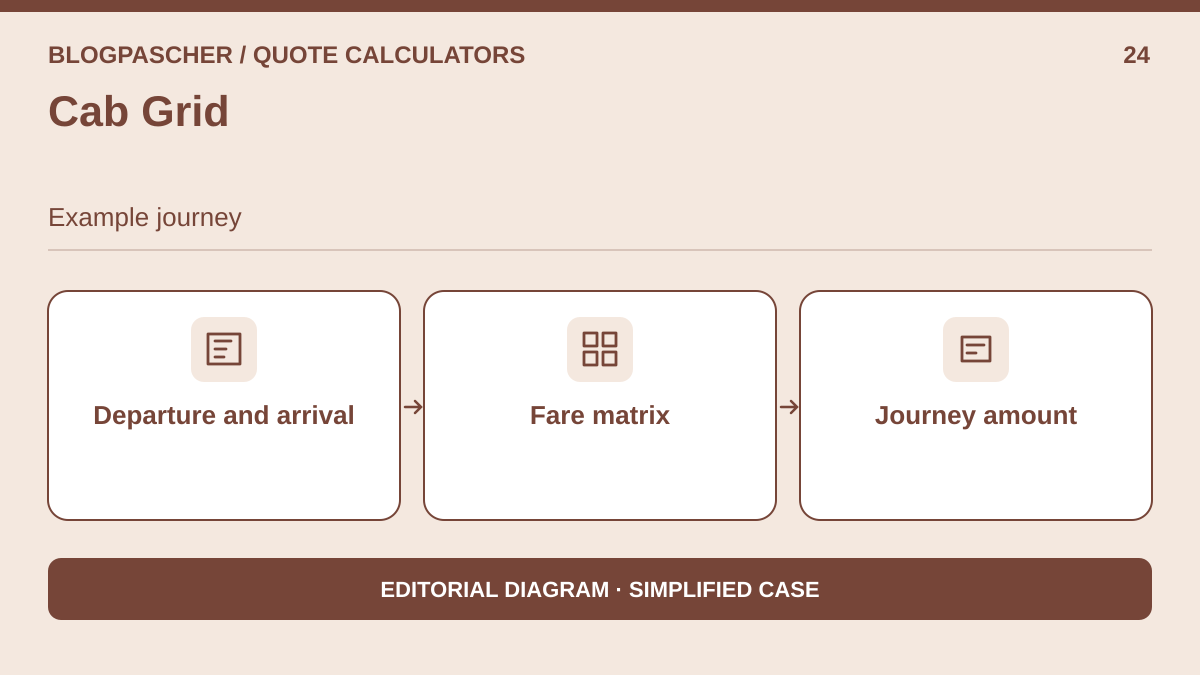 Editorial diagram. Departure and arrival → Fare matrix → Trip amount. — BlogPasCherOpen full-size illustration ↗
Best forDisplay fixed journey prices between defined zones.
Cab Grid is a separate case: price depends on the selected zone pair, such as the city centre and an airport. Enter both zones and their fare in a matrix. Visitors can obtain an indicative transfer price without entering a full address or opening a map. The model suits fixed fares between known zones.
Offer pricing
Free fare calculator; separate Pro offering
Checked on .
Strengths
- Fare matrix
- Journey amount
What to consider
- This model calculates neither our per-m² cleaning quote nor an actual road distance. Choose it only if your pricing follows an origin–destination matrix. Booking is outside the test.
Pricing terms and compatibility
Understanding the offer
- Price at the time of review
- Free fare calculator; separate Pro offering
- Currency
- Unspecified. Confirm for the offer you choose.
- Billing
- Unspecified. Confirm for the offer you choose.
- Renewal and support
- Unspecified. Confirm for the offer you choose.
- Taxes and fees
- Unspecified. Confirm for the offer you choose.
- Commitment and terms
- Unspecified. Confirm for the offer you choose.
- Date checked
Compatibility and components
- Features described by the publisher. Check the installation, your WordPress version and theme on a copy.
GrowthSystemsHQ Painting Quote Calculator
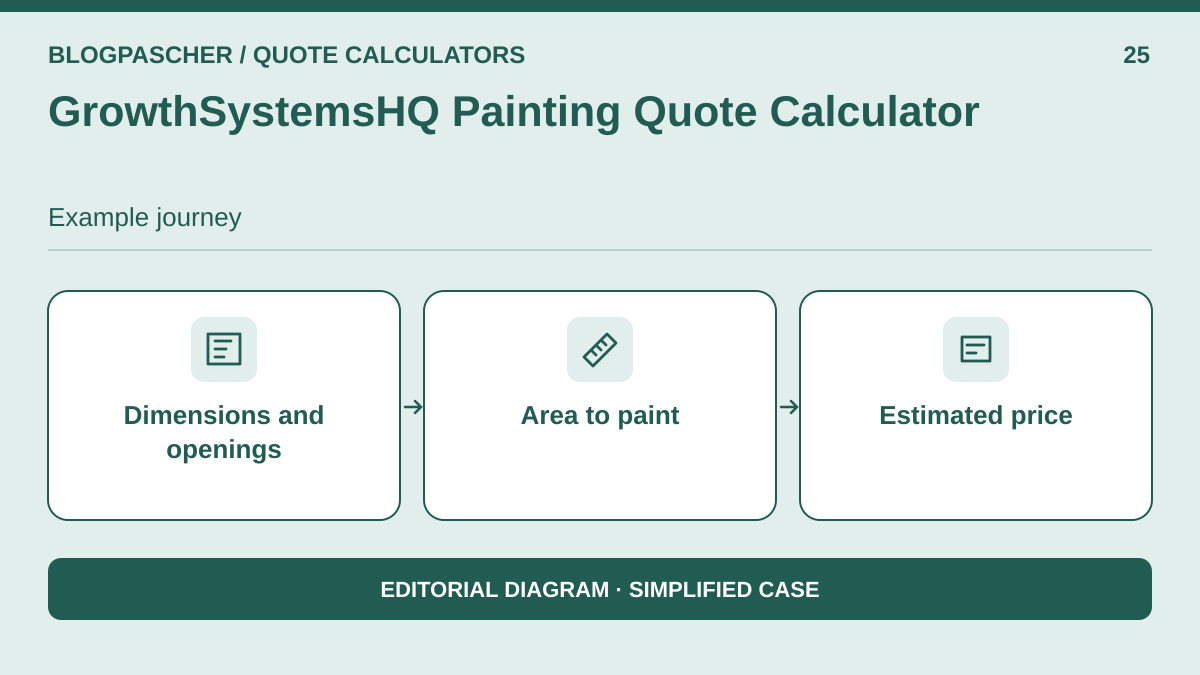 Editorial diagram. Dimensions and openings → Area to paint → Estimated price. — BlogPasCherOpen full-size illustration ↗
Best forCalculate wall area and estimate painting work.
This calculator targets a painter whose customer knows the room dimensions without knowing the wall area. Price may depend on openings, coats and preparation work. Configure the rate in the Painting Quotes screen, then place the shortcode on a private page. The industry-specific calculation avoids asking for an area the customer has not yet measured.
Offer pricing
Free calculator; PDF and automation in separate paid modules
Checked on .
Strengths
- Area to paint
- Estimated price
What to consider
- Wall area is not the floor area used in the cleaning quote. The plugin is recent, with no significant installation feedback in the directory at the observation date. PDF is a paid extension, separate from the calculator.
Pricing terms and compatibility
Understanding the offer
- Price at the time of review
- Free calculator; PDF and automation in separate paid modules
- Currency
- Unspecified. Confirm for the offer you choose.
- Billing
- Unspecified. Confirm for the offer you choose.
- Renewal and support
- Unspecified. Confirm for the offer you choose.
- Taxes and fees
- Unspecified. Confirm for the offer you choose.
- Commitment and terms
- Unspecified. Confirm for the offer you choose.
- Date checked
Compatibility and components
- Features described by the publisher. Check the installation, your WordPress version and theme on a copy.