

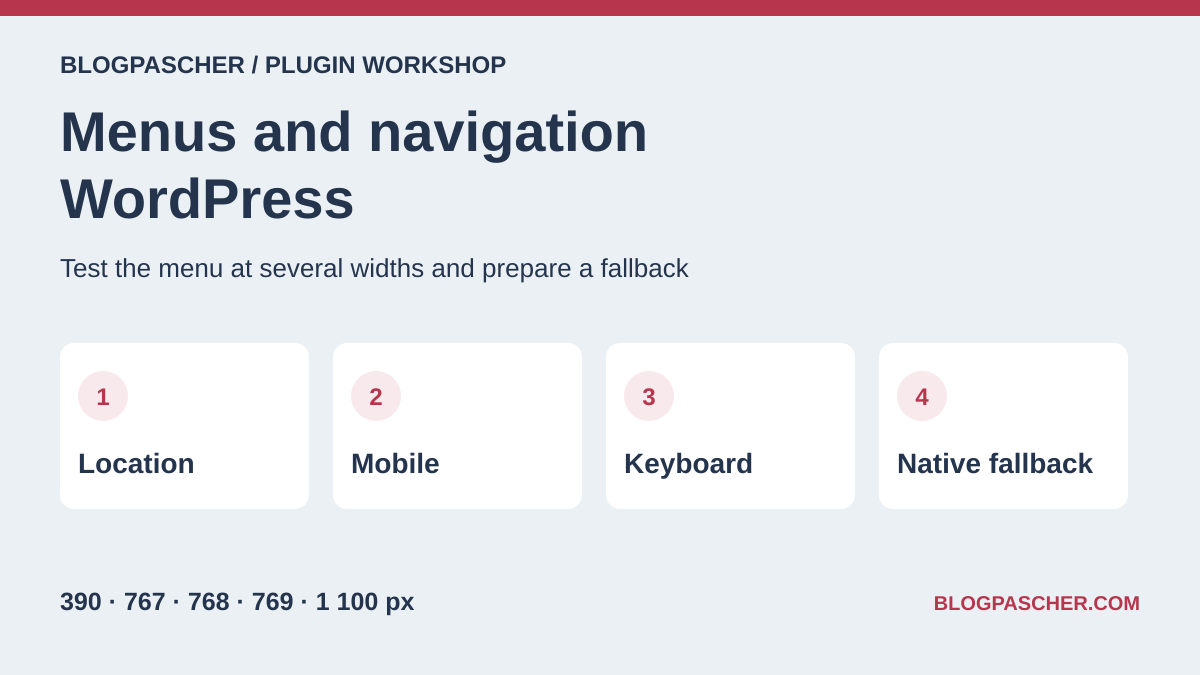
Identify what displays the menu
A service site wants to keep Home, Services and Contact in its header. Services contains Installation and Support. The footer has its own navigation, with Legal notices. This small example checks two common sources of error. The correct menu must be assigned to the header and links must retain their hierarchy when the window narrows.
With a classic theme, open Appearance and then Menus. Identify the menu and the name of the location displaying it. The location and menu are two separate objects. With a block theme, open Appearance, then Editor, and find the Header template part. Select the Navigation block and read the name of the menu it references. On a builder-based site, also open its template display conditions. An internal page may use a different header from the homepage.
If all links fit and the submenu already opens with Enter, try native options. In the Navigation block, the Mobile overlay setting displays a toggle at small widths. For a catalog requiring a multicolumn panel, compare a mega-menu tool. For a bottom bar with a few actions, keep labels short and test that it leaves room for the form or cart.
- On a copy, record both assignments, titles, destinations and parent-child relationships before enabling a tool.
- Open the homepage and an internal page at the same window size. If links differ, identify the template or visibility rule explaining the discrepancy.
Compare before you choose
The offers at a glance
Find the use case and budget that fit, then read the details to see the limitations and any components you may need.
| Offer | Best for | Pricing and billing | Renewal and support |
|---|---|---|---|
 Max Mega MenuRead the details | Enhance the classic menu already assigned to the header. | Free edition. Pro advertised from USD 39. Pro license by number of sites | Check the chosen license’s term and renewal price. |
 QuadMenuRead the details | Compose a column-based panel from classic menu items. | Free edition. Personal displayed at USD 49 per year and USD 129 lifetime on the consulted price list. Annual subscription or lifetime license | Check the annual offer’s recurring amount and site count. |
 ElementsKitRead the details | Build a navigation panel in an existing Elementor header. | Lite version available. The Pro price list presents a USD 44.10 offer and a displayed USD 49 rate for this plan. Annual and lifetime plans according to the price list | Check renewal and the plan covering the required widget and layout. |
 UberMenuRead the details | Build a mega menu with link groups and supplementary content. | USD 49 for Regular License on the direct listing. Extended price not recorded. One-time CodeCanyon purchase Price excludes taxes and processing fees according to the listing. | Six months of support included; extension offered separately. |
 Groovy Mega MenuRead the details | Try a header presentation with presets before choosing modules. | Separate free version. CodeCanyon lists USD 29 for Regular and USD 225 for Extended. One-time CodeCanyon purchase for the paid product Price excludes taxes and processing fees according to the listing. | Six months of support included; extension offered separately. |
 Responsive MenuRead the details | Replace mobile navigation with a dedicated button and panel. | Free edition. Pro at USD 49 per year for one site, USD 79 for five and USD 95 for the unlimited offer on the consulted price list. Annual subscription | The listing says the menu keeps working without renewal. Check updates and support. |
 WP Mobile MenuRead the details | Add small-screen navigation to a classic theme. | Free edition. Paid offer displayed at USD 6.49 per month on the consulted price list. Other tiers depend on features. Subscription according to plan | Check billing frequency and recurring price when choosing the offer. |
 WP Responsive MenuRead the details | Turn a classic menu into a panel with layout options. | Free edition documented. Pricing for any additional plan was not confirmed on the consulted listing. | Terms for any paid plans were unavailable at the time of review. |
 Superfly Responsive MenuRead the details | Try a vertical or fullscreen panel for dense navigation. | USD 35 for Regular License on the direct listing. Extended price not recorded. One-time CodeCanyon purchase Price excludes taxes and processing fees according to the listing. | Six months of support included; extension offered separately. |
 The MenuRead the details | Make a few actions accessible in a mobile bottom bar. | Free version distributed on WordPress.org. Add-on price not recorded. | Terms for any paid plans were unavailable at the time of review. |
 MenuVerseRead the details | Test a shortcut bar and off-canvas panel within the same mobile navigation. | Free version with bottom bar and panel. Check each option’s scope in the publisher’s listing. | Terms for any paid plans were unavailable at the time of review. |
 Ollie Menu DesignerRead the details | Add a block-built panel to the Site Editor menu. | Free plugin available on WordPress.org. Ollie Pro theme offers are separate. | Terms for any paid plans were unavailable at the time of review. |
 Navigation Block with Mega MenuRead the details | Build a menu or navigation panel with dedicated blocks. | Free plugin distributed on WordPress.org. | Terms for any paid plans were unavailable at the time of review. |
 BB Mega MenuRead the details | Attach a block panel to a navigation item by title. | Free plugin distributed on WordPress.org. | Terms for any paid plans were unavailable at the time of review. |
 Enable Navigation IconsRead the details | Illustrate Navigation-block links without changing their destinations. | Free plugin distributed on WordPress.org. | Terms for any paid plans were unavailable at the time of review. |
 Menu Icons by ThemeisleRead the details | Add icons to an existing classic menu. | Free plugin distributed on WordPress.org. | Terms for any paid plans were unavailable at the time of review. |
 Menu ImageRead the details | Associate a small image with a classic menu link. | Free version available. Premium options are separate. Price not confirmed on the consulted listing. | Terms for any paid plans were unavailable at the time of review. |
 Conditional MenusRead the details | Display a different menu depending on a page or section. | Free plugin distributed on WordPress.org. | Terms for any paid plans were unavailable at the time of review. |
 Nav Menu RolesRead the details | Show or hide an item according to session and role. | Free plugin distributed on WordPress.org. | Terms for any paid plans were unavailable at the time of review. |
 Shed MenuRead the details | Check a link’s display period according to menu type. | Free plugin distributed on WordPress.org. | Terms for any paid plans were unavailable at the time of review. |
 If MenuRead the details | Display a link only in a page or device context. | Free version. Check advanced rules and integrations in the publisher’s listing. Price not confirmed. | Terms for any paid plans were unavailable at the time of review. |
 Menu Item DuplicatorRead the details | Save time by reusing an item during reorganization. | Free plugin distributed on WordPress.org. | Terms for any paid plans were unavailable at the time of review. |
 Advanced Sidebar MenuRead the details | Display neighboring pages in a multilevel section. | Free version. Pro displayed at USD 74 per year or USD 187 as a one-time payment for unlimited sites. Annual subscription or lifetime license | USD 74 per year according to annual-plan details. |
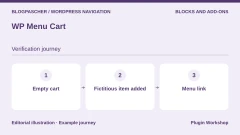 WP Menu CartRead the details | Add an identifiable cart link to a store menu. | Free edition. Menu Cart Pro is sold separately. Record exact pricing and renewal in the chosen offer. Separate Pro license | Check license, support and update terms. |
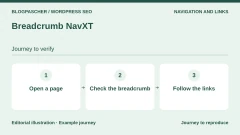 Breadcrumb NavXTRead the details | Help readers move from a deep page up to its section. | Free plugin distributed on WordPress.org. Separate add-ons depending on integrations. | Terms for any paid plans were unavailable at the time of review. |
Check the breakpoint at five widths
We created a minimal classic theme and two locations on WordPress 7.1.4 with PHP 8.4.8 and SQLite. We kept the same menus, then enabled free Max Mega Menu 3.10.10 only on the header. The footer continued using native rendering. We chose click activation and removed animations to examine states without transition delays.
In Chrome 156, the menu collapsed at 390, 767 and 768 CSS pixels. At 769 and 1,100 pixels, top-level links were visible and the mobile button hidden. The page did not overflow horizontally in any of these five views. The 768-pixel threshold came from the Max Mega Menu style used in this acceptance test. Find your theme’s threshold in the actual configuration before choosing your three checking widths.
You can reproduce the check in developer tools with a width just below the threshold, the threshold itself and a width just above it. Open a page at each size to establish an initial state. Then resize an open page if your site must also support rotation or a resized window. This test loaded each size separately.
- Keep two reference sizes, for example 390 and 1,100 pixels, then add the three values around the declared threshold.
- For each size, record the number of visible toggles, presence of links and any horizontal scrolling. Also check long labels and zoom on your theme.
Open and close the menu with the keyboard
At 390 pixels, the first Tab focused the toggle with a visible indicator. Enter opened the panel and aria-expanded became true. The next Tab reached Home. Escape closed the panel and returned focus to the toggle. At 1,100 pixels, Tab reached Home and then Services. Enter opened the submenu, where we reached Installation. Escape closed the submenu and focus returned to Services.
Open your own header without touching the mouse. If Tab traverses links in a still-closed menu, check visibility and focusable-element management. If focus becomes invisible, record the active element before changing CSS. Outline contrast problems, clipped areas and incorrect navigation order need different fixes. If an action responds only to hover, try a trigger supporting keyboard and touch.
Our acceptance test covers a keyboard in one browser and one theme. Test touch, screen readers, button labels, right-to-left direction and translated menus on the site using them. Also retain a way to reach the Services page if your tool converts its old link into a button.
- On a small screen, use Tab, Enter, Tab and Escape. Expect to reach the button, open the panel, reach the first link and return to the button on closing.
- On a large screen, open the submenu and reach the first child link. Check focus return after closing and the ability to continue navigation.
Recover the native menu without losing assignments
We disabled Max Mega Menu on the same installation without deleting settings. WordPress displayed the native menu again at both control widths. Both location identifiers, item identifiers, destinations and parent-child relationships were identical to data recorded before activation. The first Tab again reached Home. Our minimal theme’s native menu shows a list at all sizes. Another theme may provide its own mobile toggle.
Before removing a plugin in a classic theme, identify whether the header still calls its native location. If the header contains only a shortcode or builder widget, first restore the menu in the template on a copy. With a block theme, check that the chosen menu and child links reside in a Navigation block WordPress can render. Plugin-specific panels and blocks need a fallback.
Deactivation in this acceptance test preserves menu data and restores native rendering. Deletion, migration between themes and block conversion were not tested. Before a real change, back up the site, check header and footer and retain a copy of plugin configuration. If a result remains cached, open a page with a fresh session after purging the copy’s cache.
- On the copy, disable only the navigation plugin. Compare assignments, links and submenus with your inventory.
- If a menu is missing, first reassign the correct menu to the location or restore the Navigation block in the template part. Reactivate the plugin if fallback is incomplete.
Choose a tool according to the reader’s task
A classic theme can enhance a location with Max Mega Menu, QuadMenu or another panel engine. A site composing headers in blocks can keep the Navigation block or compare Ollie, MotoPress and BB Mega Menu options. For a targeted intervention, adding an icon, cart link or section menu avoids replacing the entire header. A rule changing the whole menu and one hiding a link have different scopes. Also check page permissions if a link is reserved for certain accounts.
Compare paid offers against the acceptance test justifying the expense. For CodeCanyon, record the license, stated six months of support and WordPress version displayed on the listing. The three CodeCanyon offers are documentation-based in this article. For a subscription, retain the distinction between introductory price, renewal and site count. If the menu depends on a builder, also count its license cost and template-rework time.
To keep navigation usable, retain the journeys that motivated the choice. A visitor should reach Support on a phone, move from that page up to Services and find Contact after a theme change. Add these three checks to update acceptance testing, with the expected width and opening method.
- Choose the tool based on the actual template, expected interactions and possible fallback.
- Record the tested version, widths, keys used and results so your team can repeat verification.
Further reading
Sources and references
Use these references to check the features, requirements and limitations described. Reading documentation is not a practical test.
View 44 references
- Max Mega Menu — Product listing and features ↗ — Documentation consulted:
- Max Mega Menu — Version pricing or terms ↗ — Documentation consulted:
- Max Mega Menu — Developer documentation ↗ — Documentation consulted:
- QuadMenu — Product listing and features ↗ — Documentation consulted:
- QuadMenu — Version pricing or terms ↗ — Documentation consulted:
- ElementsKit — Product listing and features ↗ — Documentation consulted:
- ElementsKit — Version pricing or terms ↗ — Documentation consulted:
- ElementsKit — Developer documentation ↗ — Documentation consulted:
- ElementsKit — Developer documentation ↗ — Documentation consulted:
- UberMenu — Product listing and features ↗ — Documentation consulted:
- UberMenu — Developer documentation ↗ — Documentation consulted:
- UberMenu — Developer documentation ↗ — Documentation consulted:
- Groovy Mega Menu — Product listing and features ↗ — Documentation consulted:
- Groovy Mega Menu — Developer documentation ↗ — Documentation consulted:
- Responsive Menu — Product listing and features ↗ — Documentation consulted:
- Responsive Menu — Version pricing or terms ↗ — Documentation consulted:
- Responsive Menu — Developer documentation ↗ — Documentation consulted:
- WP Mobile Menu — Product listing and features ↗ — Documentation consulted:
- WP Mobile Menu — Version pricing or terms ↗ — Documentation consulted:
- WP Responsive Menu — Product listing and features ↗ — Documentation consulted:
- Superfly Responsive Menu — Product listing and features ↗ — Documentation consulted:
- The Menu — Product listing and features ↗ — Documentation consulted:
- MenuVerse — Product listing and features ↗ — Documentation consulted:
- Ollie Menu Designer — Product listing and features ↗ — Documentation consulted:
- Ollie Menu Designer — Developer documentation ↗ — Documentation consulted:
- Ollie Menu Designer — Developer documentation ↗ — Documentation consulted:
- Navigation Block with Mega Menu — Product listing and features ↗ — Documentation consulted:
- BB Mega Menu — Product listing and features ↗ — Documentation consulted:
- Enable Navigation Icons — Product listing and features ↗ — Documentation consulted:
- Menu Icons by Themeisle — Product listing and features ↗ — Documentation consulted:
- Menu Image — Product listing and features ↗ — Documentation consulted:
- Conditional Menus — Product listing and features ↗ — Documentation consulted:
- Conditional Menus — Developer documentation ↗ — Documentation consulted:
- Nav Menu Roles — Product listing and features ↗ — Documentation consulted:
- Shed Menu — Product listing and features ↗ — Documentation consulted:
- If Menu — Product listing and features ↗ — Documentation consulted:
- Menu Item Duplicator — Product listing and features ↗ — Documentation consulted:
- Advanced Sidebar Menu — Product listing and features ↗ — Documentation consulted:
- Advanced Sidebar Menu — Version pricing or terms ↗ — Documentation consulted:
- WP Menu Cart — Product listing and features ↗ — Documentation consulted:
- WP Menu Cart — Version pricing or terms ↗ — Documentation consulted:
- Breadcrumb NavXT — Product listing and features ↗ — Documentation consulted:
- Navigation block ↗ — Documentation consulted:
- Site Editor menus and template parts ↗ — Documentation consulted:
Uses, prices and what to check
25 offers in detail
Compare the features you need and the terms of each offer. The order of these entries does not indicate a ranking.
Max Mega Menu
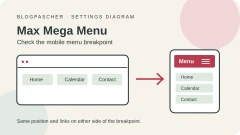
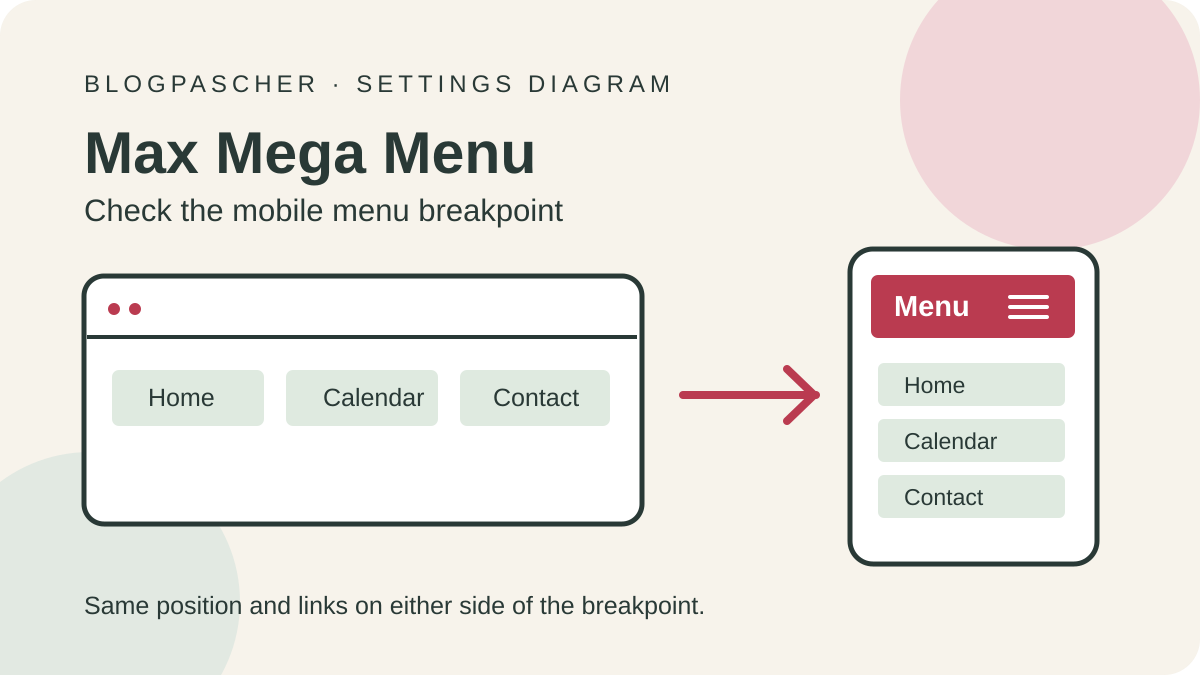 Editorial diagram of the mobile menu display breakpoint setting.Open full-size illustration ↗
Best forEnhance the classic menu already assigned to the header.
On our copy, Max Mega Menu enhanced the header location while the footer stayed native. At 390 pixels, Tab focused the toggle, Enter opened the menu and Escape closed it while returning focus. At 1,100 pixels, we opened Services and reached Installation with the keyboard. After deactivation, both native menus retained their links, parents and assignments. This acceptance test covers a minimal classic theme and the free edition.
Offer pricing
Free edition. Pro advertised from USD 39.
Billing: Pro license by number of sites
Renewal and support: Check the chosen license’s term and renewal price.
Checked on .
Strengths
- Starts from an existing WordPress location and allows separate configuration of the enhanced menu.
What to consider
- Check themes already having their own toggle or not rendering the same location.
Pricing terms and compatibility
Understanding the offer
- Price at the time of review
- Free edition. Pro advertised from USD 39.
- Currency
- USD
- Billing
- Pro license by number of sites
- Renewal and support
- Check the chosen license’s term and renewal price.
- Taxes and fees
- Unspecified. Confirm for the offer you choose.
- Commitment and terms
- Unspecified. Confirm for the offer you choose.
- Date checked
Compatibility and components
- 3.10.10 checked on WordPress 7.1.4 and Chrome 156 at five widths.
QuadMenu
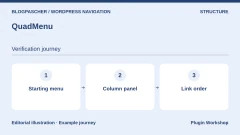
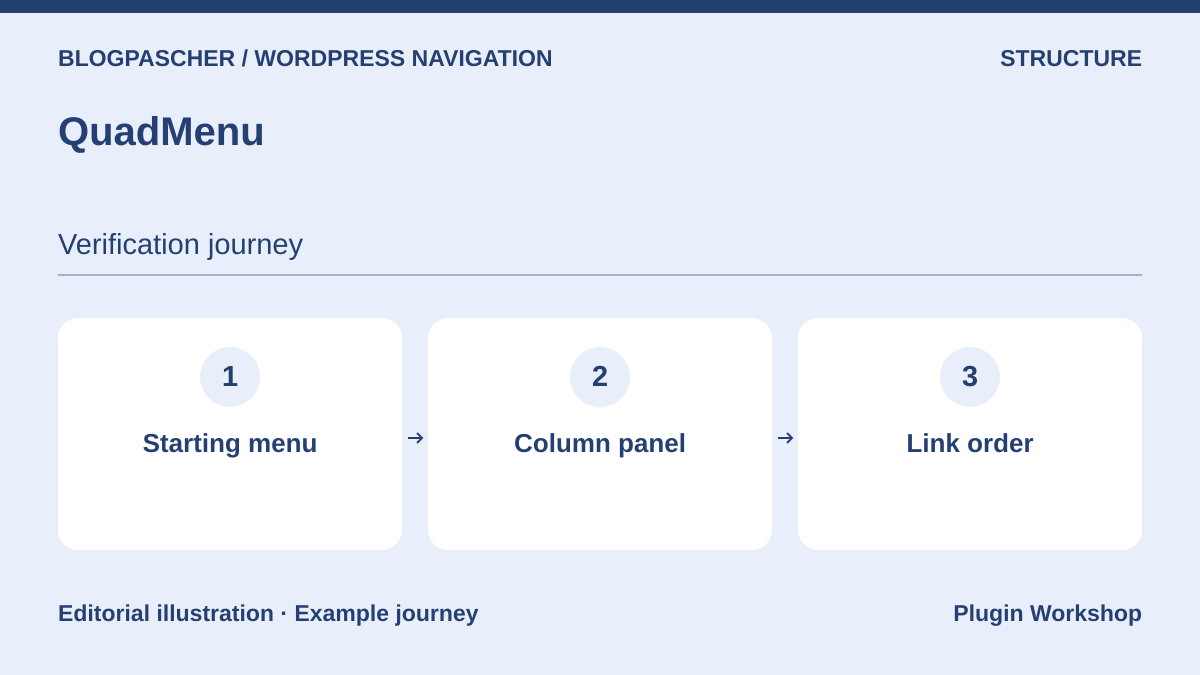 Editorial diagram. Starting menu → Column panel → Link order. — BlogPasCherOpen full-size illustration ↗
Best forCompose a column-based panel from classic menu items.
QuadMenu integrates with the WordPress menus screen and adds layout elements according to edition. Try two columns, Products and Support, with keyboard-identifiable headings. Check that tab order follows link order. Then reduce width to see whether columns become an understandable list. A team already using a theme with a mega menu must identify which component renders the location before changing style.
Offer pricing
Free edition. Personal displayed at USD 49 per year and USD 129 lifetime on the consulted price list.
Billing: Annual subscription or lifetime license
Renewal and support: Check the annual offer’s recurring amount and site count.
Checked on .
Strengths
- Layout with columns and additional elements in the classic interface.
What to consider
- Check how added columns and modules behave when space shrinks.
Pricing terms and compatibility
Understanding the offer
- Price at the time of review
- Free edition. Personal displayed at USD 49 per year and USD 129 lifetime on the consulted price list.
- Currency
- USD
- Billing
- Annual subscription or lifetime license
- Renewal and support
- Check the annual offer’s recurring amount and site count.
- Taxes and fees
- Unspecified. Confirm for the offer you choose.
- Commitment and terms
- Unspecified. Confirm for the offer you choose.
- Date checked
Compatibility and components
- The listing stated “tested up to 7.1.3”. Check the theme and edition.
ElementsKit
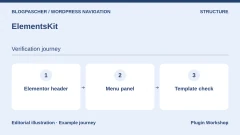
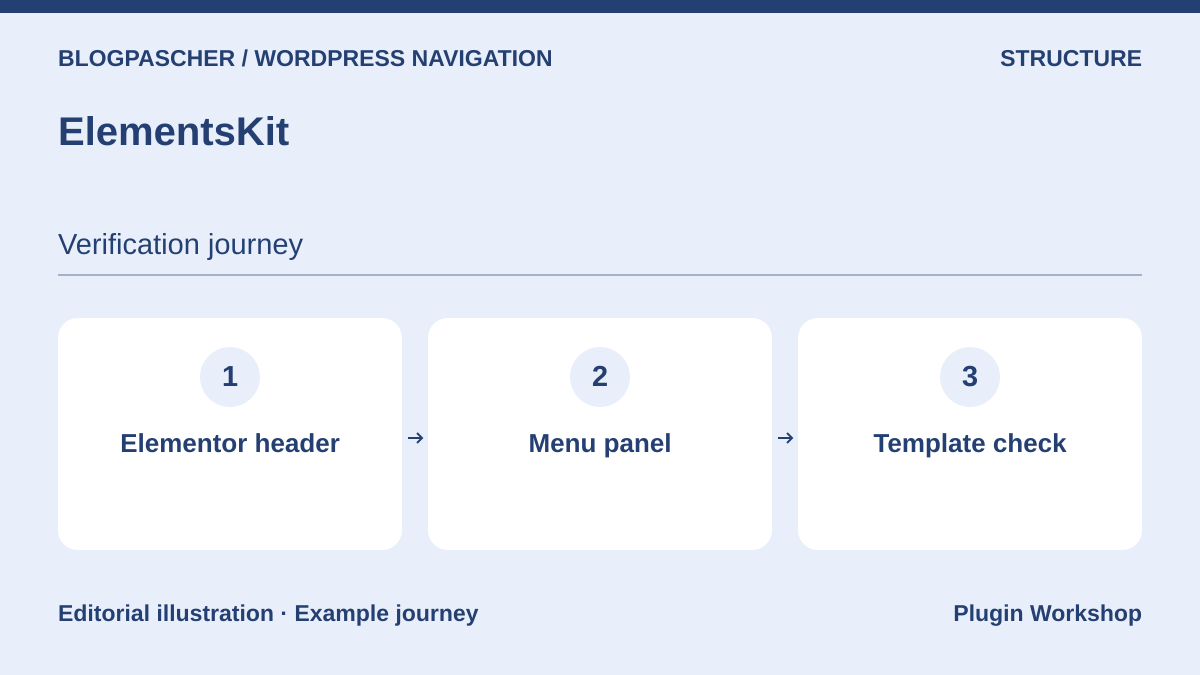 Editorial diagram. Elementor header → Menu panel → Template check. — BlogPasCherOpen full-size illustration ↗
Best forBuild a navigation panel in an existing Elementor header.
ElementsKit targets sites whose header is already built in Elementor. Check which template applies to the homepage and a content page before configuring links. Open the panel on a phone and ensure the theme template does not render a second menu. Record panel dependencies, such as a block or widget restricted to a plan. Keep native navigation with key destinations before changing builders.
Offer pricing
Lite version available. The Pro price list presents a USD 44.10 offer and a displayed USD 49 rate for this plan.
Billing: Annual and lifetime plans according to the price list
Renewal and support: Check renewal and the plan covering the required widget and layout.
Checked on .
Strengths
- Panel design within the Elementor environment.
What to consider
- Rendering depends on the builder and header template actually applied.
Pricing terms and compatibility
Understanding the offer
- Price at the time of review
- Lite version available. The Pro price list presents a USD 44.10 offer and a displayed USD 49 rate for this plan.
- Currency
- USD
- Billing
- Annual and lifetime plans according to the price list
- Renewal and support
- Check renewal and the plan covering the required widget and layout.
- Taxes and fees
- Unspecified. Confirm for the offer you choose.
- Commitment and terms
- Unspecified. Confirm for the offer you choose.
- Date checked
Compatibility and components
- Compare WordPress, Elementor and ElementsKit versions and Lite or Pro options.
UberMenu
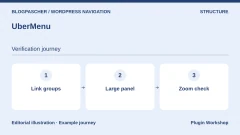
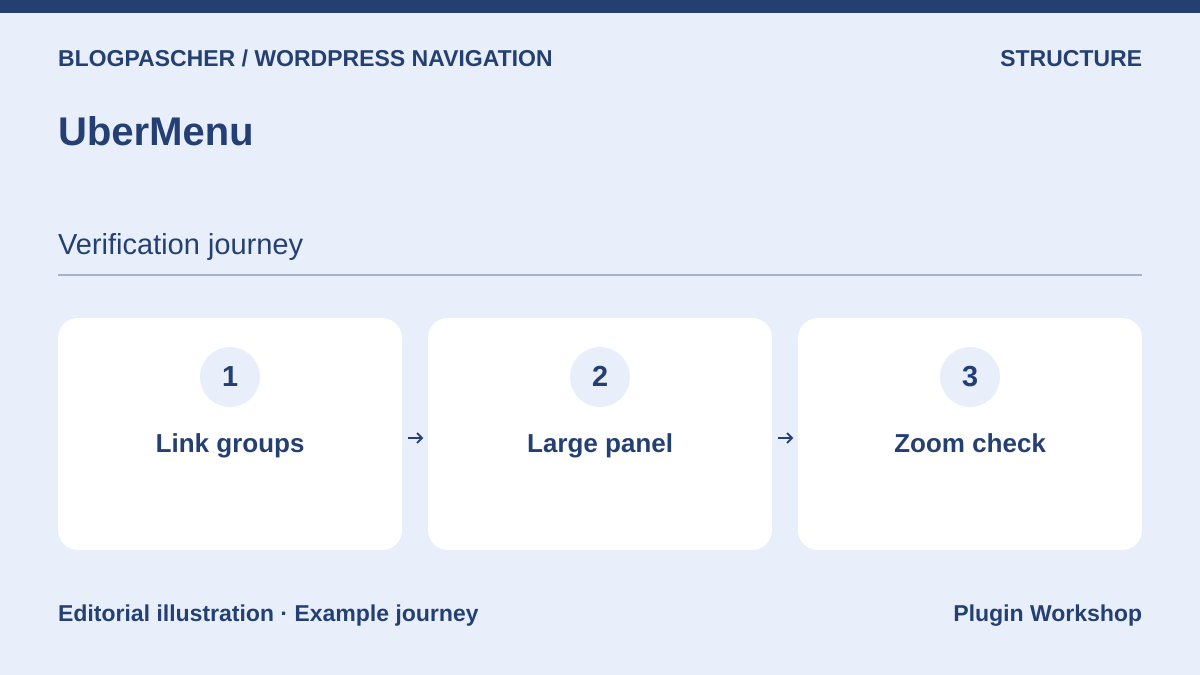 Editorial diagram. Link groups → Large panel → Zoom check. — BlogPasCherOpen full-size illustration ↗
Best forBuild a mega menu with link groups and supplementary content.
UberMenu offers column layouts and dynamic content according to its listing. Build a simple version of your hierarchy and try the densest panel. Measure whether headings and links remain readable at increased zoom. Check your theme’s header rendering and any integration code. Recorded compatibility is documentation-based. Validate your current WordPress and builder versions before purchase.
Offer pricing
USD 49 for Regular License on the direct listing. Extended price not recorded.
Billing: One-time CodeCanyon purchase
Renewal and support: Six months of support included; extension offered separately.
Price excludes taxes and processing fees according to the listing.
Checked on .
Strengths
- Rich panel composition with several link groups.
What to consider
- Date the compatibility check and confirm the license according to the end product.
Pricing terms and compatibility
Understanding the offer
- Price at the time of review
- USD 49 for Regular License on the direct listing. Extended price not recorded.
- Currency
- USD
- Billing
- One-time CodeCanyon purchase
- Renewal and support
- Six months of support included; extension offered separately.
- Taxes and fees
- Price excludes taxes and processing fees according to the listing.
- Commitment and terms
- License for one end product under marketplace terms.
- Date checked
Compatibility and components
- CodeCanyon listing up to WordPress 7.0.x, last update displayed July 26, 2024.
Groovy Mega Menu
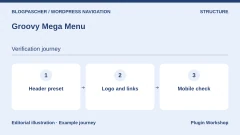
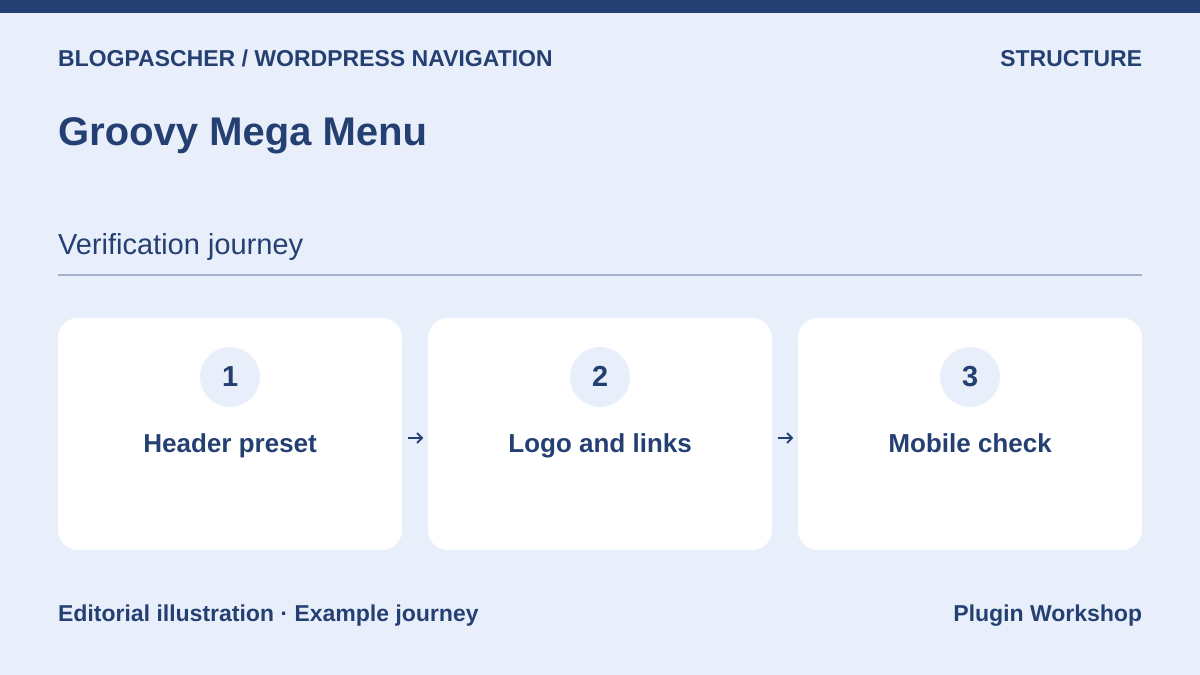 Editorial diagram. Header preset → Logo and links → Mobile check. — BlogPasCherOpen full-size illustration ↗
Best forTry a header presentation with presets before choosing modules.
Groovy Mega Menu emphasizes presets and several presentation modes. Try the free edition on a copy’s header. Check logo position, top-level links and space after translation. Then change width without reloading the page to observe transition. Record the missing feature before comparing the paid product. Confirm that the theme does not display two headers simultaneously.
Offer pricing
Separate free version. CodeCanyon lists USD 29 for Regular and USD 225 for Extended.
Billing: One-time CodeCanyon purchase for the paid product
Renewal and support: Six months of support included; extension offered separately.
Price excludes taxes and processing fees according to the listing.
Checked on .
Strengths
- Navigation presets and a separate free version to validate the approach.
What to consider
- Compare the free scope with the CodeCanyon product before taking over the theme.
Pricing terms and compatibility
Understanding the offer
- Price at the time of review
- Separate free version. CodeCanyon lists USD 29 for Regular and USD 225 for Extended.
- Currency
- USD
- Billing
- One-time CodeCanyon purchase for the paid product
- Renewal and support
- Six months of support included; extension offered separately.
- Taxes and fees
- Price excludes taxes and processing fees according to the listing.
- Commitment and terms
- License for one end product under marketplace terms.
- Date checked
Compatibility and components
- CodeCanyon listing up to WordPress 7.0.x, updated September 13, 2026.
Responsive Menu
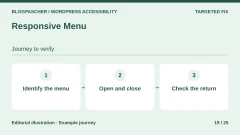
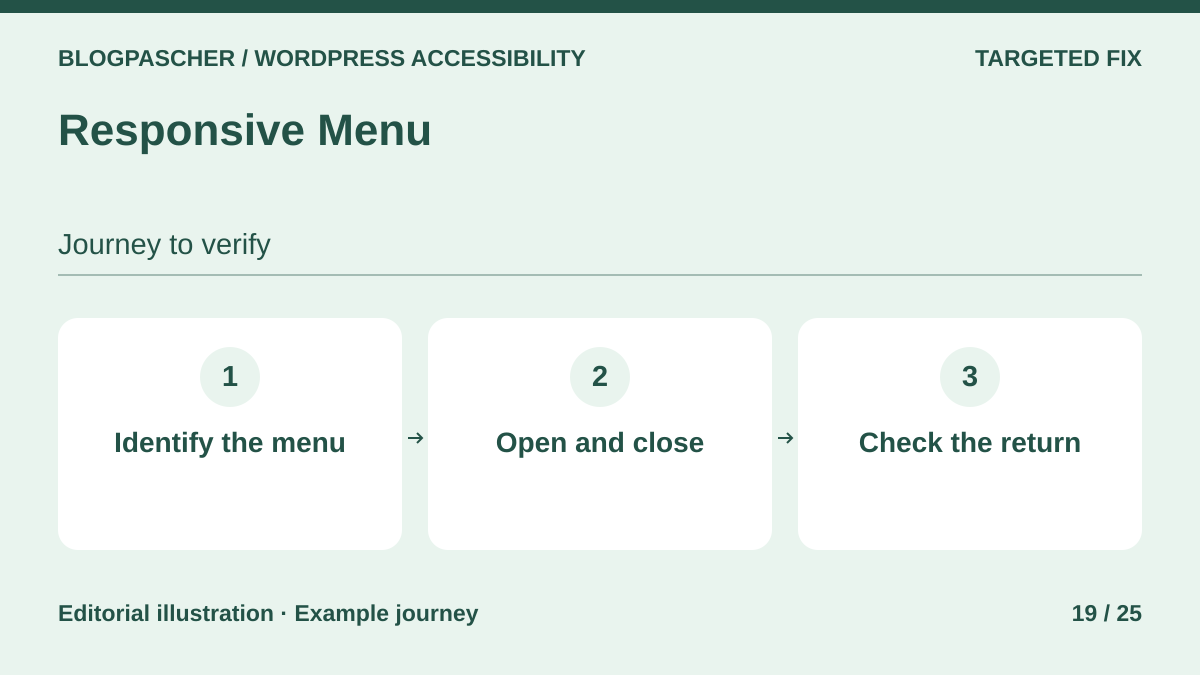 Editorial diagram. Identify the menu → Open and close → Check the return. — BlogPasCherOpen full-size illustration ↗
Best forReplace mobile navigation with a dedicated button and panel.
Responsive Menu provides a toggle and panel settings. Enable it at the width where the original menu stops being readable. Compare initial tab stops before and after opening. Check that focus returns to the button when closing the panel and someone rotating their phone can find links again. Publisher-advertised behavior depends on the template used and must be replayed on the site displaying it.
Offer pricing
Free edition. Pro at USD 49 per year for one site, USD 79 for five and USD 95 for the unlimited offer on the consulted price list.
Billing: Annual subscription
Renewal and support: The listing says the menu keeps working without renewal. Check updates and support.
Checked on .
Strengths
- Dedicated mobile panel with keyboard interactions documented by the publisher.
What to consider
- Check the selector hiding the old menu to avoid duplication.
Pricing terms and compatibility
Understanding the offer
- Price at the time of review
- Free edition. Pro at USD 49 per year for one site, USD 79 for five and USD 95 for the unlimited offer on the consulted price list.
- Currency
- USD
- Billing
- Annual subscription
- Renewal and support
- The listing says the menu keeps working without renewal. Check updates and support.
- Taxes and fees
- Unspecified. Confirm for the offer you choose.
- Commitment and terms
- Unspecified. Confirm for the offer you choose.
- Date checked
Compatibility and components
- Try the edition and panel modes actually intended for use.
WP Mobile Menu
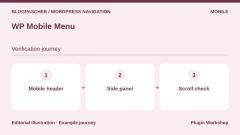
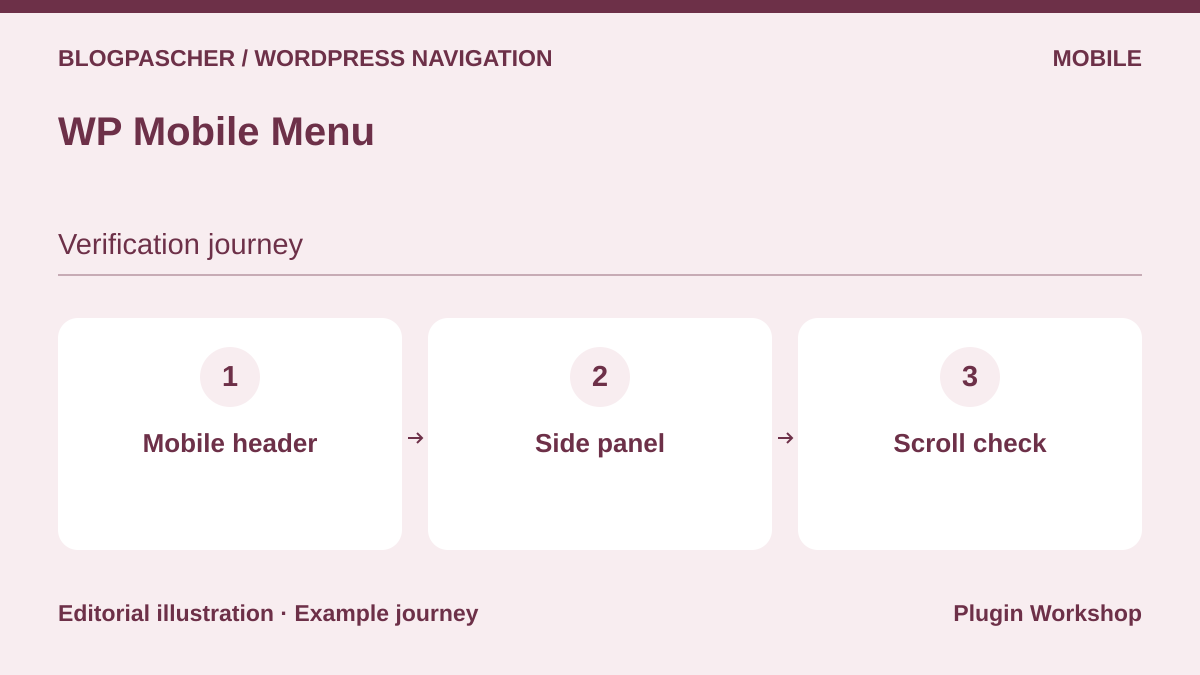 Editorial diagram. Mobile header → Side panel → Scroll check. — BlogPasCherOpen full-size illustration ↗
Best forAdd small-screen navigation to a classic theme.
WP Mobile Menu provides a header and panels for narrow widths. Place links most useful to the reader’s task, such as booking an appointment or getting help. Check what happens to the theme header below the chosen width and whether the logo stays aligned. Scroll and test closing with keyboard and touch. If a panel covers the start of content, compare its position before and after opening.
Offer pricing
Free edition. Paid offer displayed at USD 6.49 per month on the consulted price list. Other tiers depend on features.
Billing: Subscription according to plan
Renewal and support: Check billing frequency and recurring price when choosing the offer.
Checked on .
Strengths
- Dedicated mobile configuration and edition-dependent visibility settings.
What to consider
- Check duplicates with the theme, especially if the header is fixed.
Pricing terms and compatibility
Understanding the offer
- Price at the time of review
- Free edition. Paid offer displayed at USD 6.49 per month on the consulted price list. Other tiers depend on features.
- Currency
- USD
- Billing
- Subscription according to plan
- Renewal and support
- Check billing frequency and recurring price when choosing the offer.
- Taxes and fees
- Unspecified. Confirm for the offer you choose.
- Commitment and terms
- Unspecified. Confirm for the offer you choose.
- Date checked
Compatibility and components
- Compare with the theme and menu state on opening and closing.
WP Responsive Menu
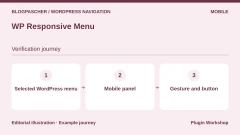
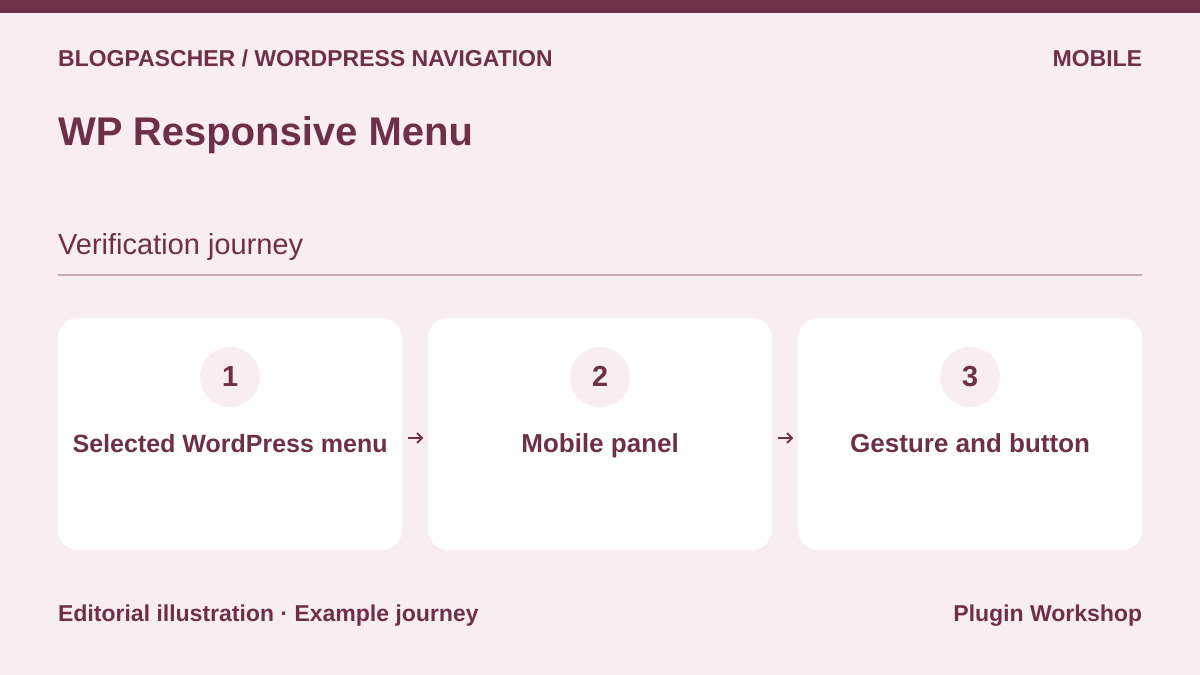 Editorial diagram. Selected WordPress menu → Mobile panel → Gesture and button. — BlogPasCherOpen full-size illustration ↗
Best forTurn a classic menu into a panel with layout options.
WP Responsive Menu advertises a navigation panel and options to hide site elements when it is active. Identify the correct WordPress menu and check links on two different templates. If a swipe opens the panel, ensure the visible button offers the same journey. Test keyboard link order and closing from the deepest level. Keep a visual reference to know which component displays each button.
Offer pricing
Free edition documented. Pricing for any additional plan was not confirmed on the consulted listing.
Checked on .
Strengths
- Configurable mobile rendering alongside a classic menu.
What to consider
- Try every intended interaction, including button and keyboard.
Pricing terms and compatibility
Understanding the offer
- Price at the time of review
- Free edition documented. Pricing for any additional plan was not confirmed on the consulted listing.
- Currency
- Unspecified. Confirm for the offer you choose.
- Billing
- Unspecified. Confirm for the offer you choose.
- Renewal and support
- Unspecified. Confirm for the offer you choose.
- Taxes and fees
- Unspecified. Confirm for the offer you choose.
- Commitment and terms
- Unspecified. Confirm for the offer you choose.
- Date checked
Compatibility and components
- Compare the tested version on WordPress.org with the theme and WordPress version used.
Superfly Responsive Menu
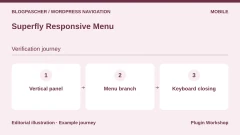
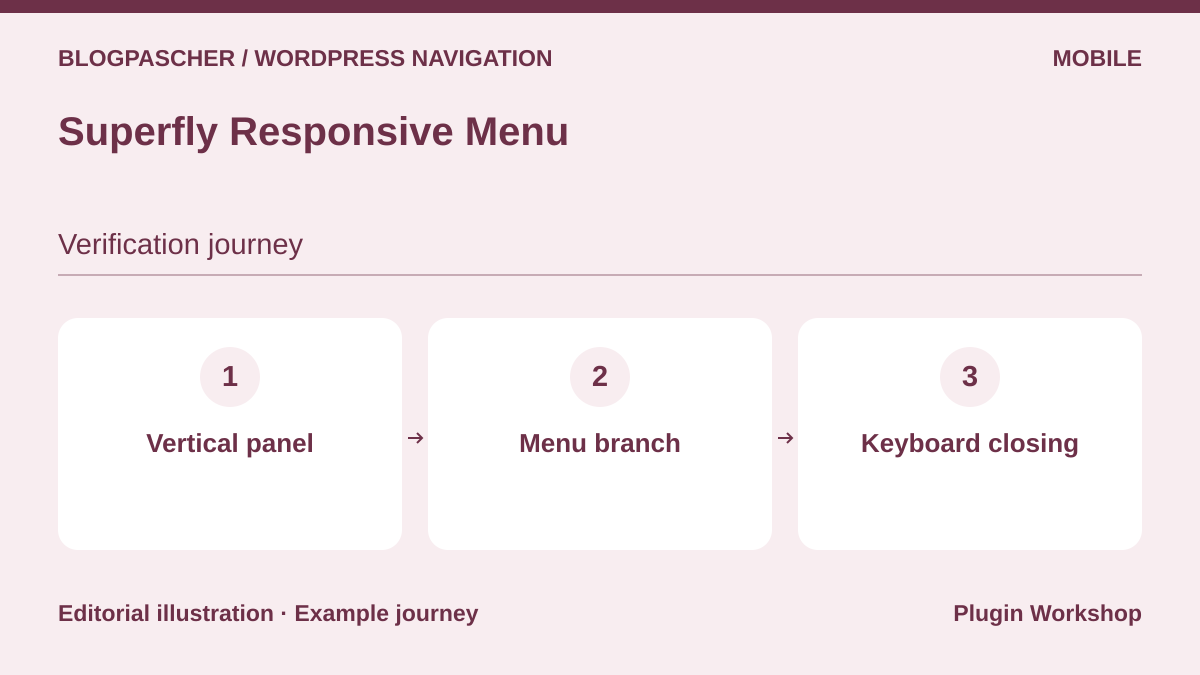 Editorial diagram. Vertical panel → Menu branch → Keyboard closing. — BlogPasCherOpen full-size illustration ↗
Best forTry a vertical or fullscreen panel for dense navigation.
Superfly advertises side and fullscreen modes. On a site with a dense menu, first build a panel with one deep branch. Open it with the keyboard and compare focus at every level. Then check that readers can find the current-content link and close the panel. If you already use a search button or bottom banner, check their stacking order. Recorded compatibility comes from the official listing.
Offer pricing
USD 35 for Regular License on the direct listing. Extended price not recorded.
Billing: One-time CodeCanyon purchase
Renewal and support: Six months of support included; extension offered separately.
Price excludes taxes and processing fees according to the listing.
Checked on .
Strengths
- Several panel modes to reorganize site navigation.
What to consider
- Check overlays and closing with the chosen theme.
Pricing terms and compatibility
Understanding the offer
- Price at the time of review
- USD 35 for Regular License on the direct listing. Extended price not recorded.
- Currency
- USD
- Billing
- One-time CodeCanyon purchase
- Renewal and support
- Six months of support included; extension offered separately.
- Taxes and fees
- Price excludes taxes and processing fees according to the listing.
- Commitment and terms
- License for one end product under marketplace terms.
- Date checked
Compatibility and components
- CodeCanyon lists WordPress 7.1.x and an update dated February 20, 2026.
The Menu
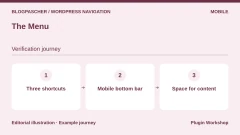
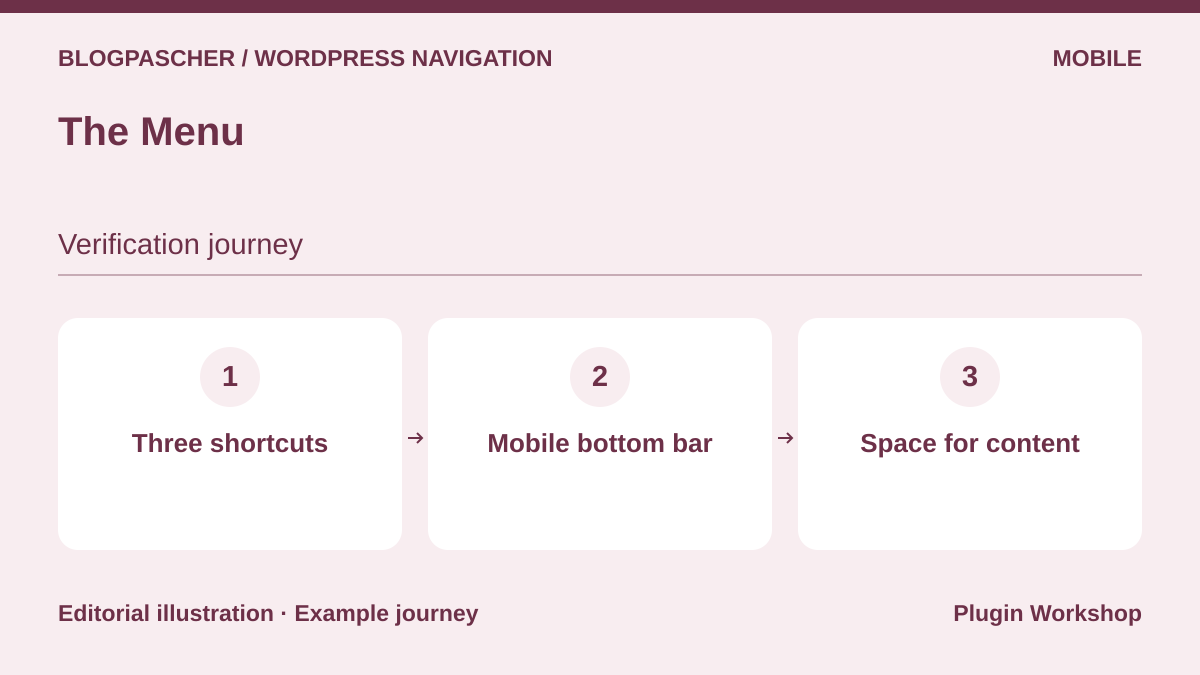 Editorial diagram. Three shortcuts → Mobile bottom bar → Space for content. — BlogPasCherOpen full-size illustration ↗
Best forMake a few actions accessible in a mobile bottom bar.
The Menu targets mobile navigation with a bottom bar, icons and an additional menu. Choose three actions deserving a permanent place, then check readability with labels. Check space above the bar when the page shows a banner, form or phone keyboard. This add-on can leave the complete menu in place. Users should be able to identify primary navigation and shortcuts.
Offer pricing
Free version distributed on WordPress.org. Add-on price not recorded.
Checked on .
Strengths
- Visible bottom shortcuts with icons and labels.
What to consider
- Avoid covering actions or the end of content.
Pricing terms and compatibility
Understanding the offer
- Price at the time of review
- Free version distributed on WordPress.org. Add-on price not recorded.
- Currency
- Unspecified. Confirm for the offer you choose.
- Billing
- Unspecified. Confirm for the offer you choose.
- Renewal and support
- Unspecified. Confirm for the offer you choose.
- Taxes and fees
- Unspecified. Confirm for the offer you choose.
- Commitment and terms
- Unspecified. Confirm for the offer you choose.
- Date checked
Compatibility and components
- Check the browser’s bottom area and theme interactions.
MenuVerse
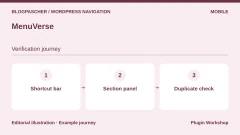
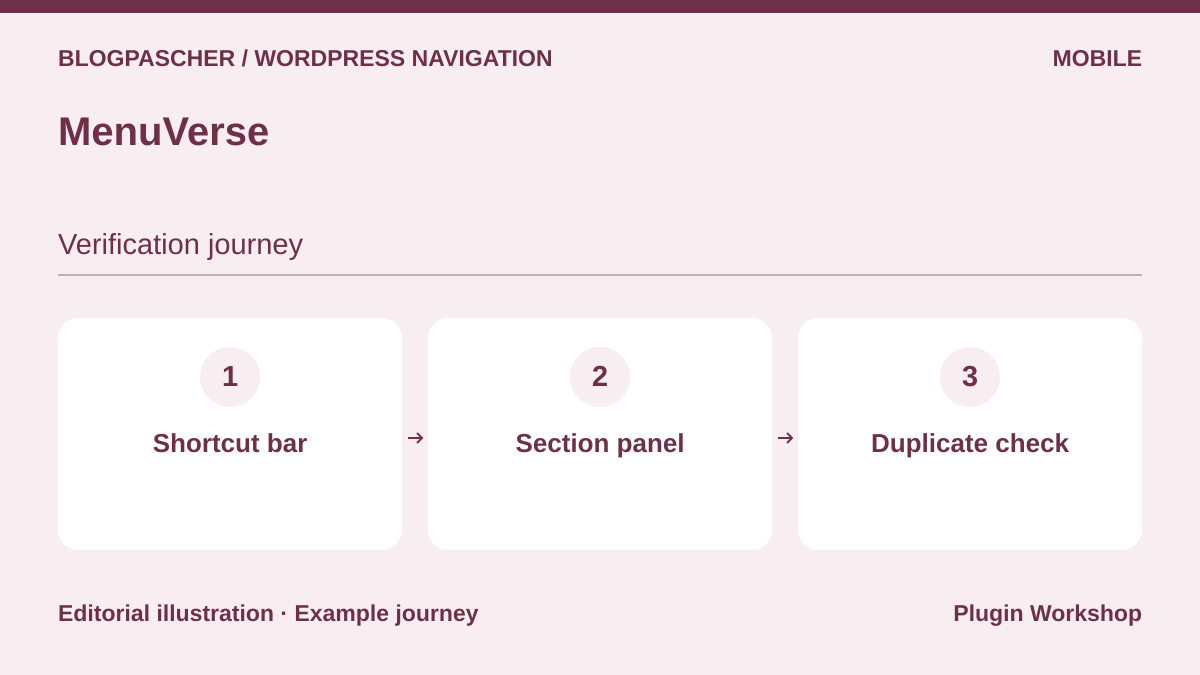 Editorial diagram. Shortcut bar → Section panel → Duplicate check. — BlogPasCherOpen full-size illustration ↗
Best forTest a shortcut bar and off-canvas panel within the same mobile navigation.
MenuVerse offers a bottom bar and off-canvas menu. Give shortcuts a different purpose from the complete menu. A bar with Contact and Search can stay visible while the panel contains sections. Replay panel opening and moving to a shortcut, then check closing before a page change. On a site also showing a cart or audience notice, ensure each button retains an interaction area.
Offer pricing
Free version with bottom bar and panel. Check each option’s scope in the publisher’s listing.
Checked on .
Strengths
- Two mobile modes with complementary uses.
What to consider
- Limit duplicates with the theme and components already fixed at the bottom.
Pricing terms and compatibility
Understanding the offer
- Price at the time of review
- Free version with bottom bar and panel. Check each option’s scope in the publisher’s listing.
- Currency
- Unspecified. Confirm for the offer you choose.
- Billing
- Unspecified. Confirm for the offer you choose.
- Renewal and support
- Unspecified. Confirm for the offer you choose.
- Taxes and fees
- Unspecified. Confirm for the offer you choose.
- Commitment and terms
- Unspecified. Confirm for the offer you choose.
- Date checked
Compatibility and components
- Check narrow windows, zoom and orientation changes.
Ollie Menu Designer
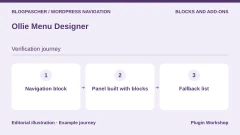
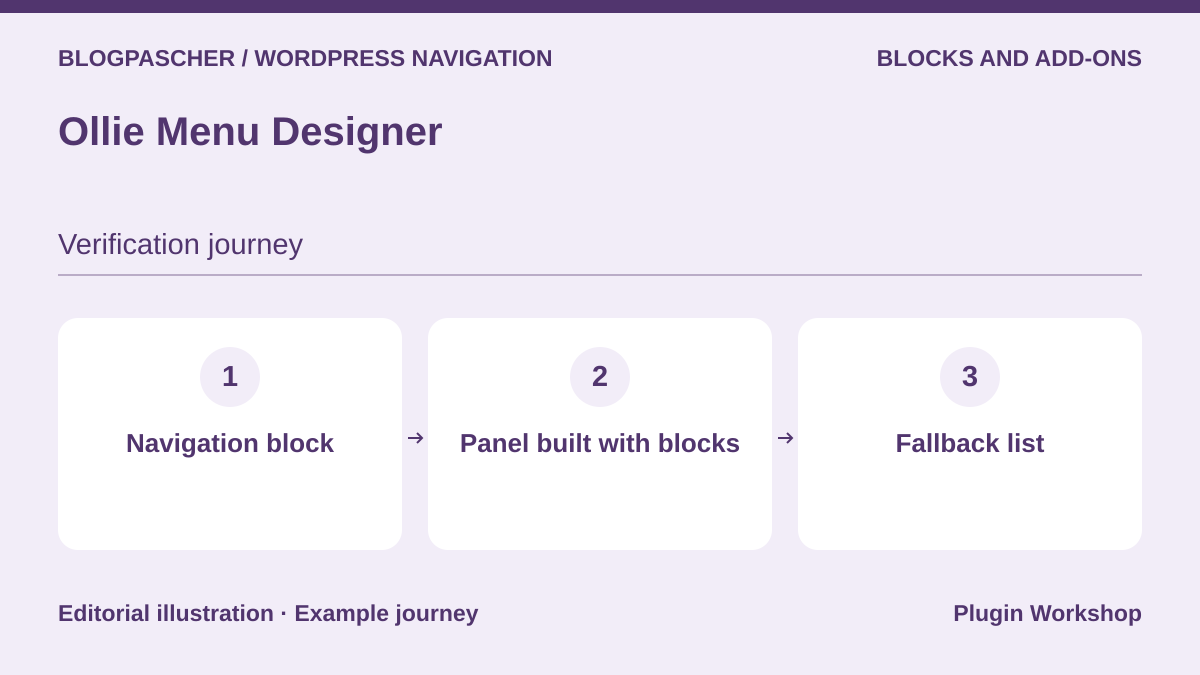 Editorial diagram. Navigation block → Panel built with blocks → Fallback list. — BlogPasCherOpen full-size illustration ↗
Best forAdd a block-built panel to the Site Editor menu.
Ollie Menu Designer adds panels designed with the block editor. Check which Navigation block in the header uses the relevant menu. Build a panel with two groups and attach it to a specific link. Then examine moving between header and panel without a mouse. If replacing the plugin, check whether tool-specific blocks need conversion and keep key destinations listed for fallback.
Offer pricing
Free plugin available on WordPress.org. Ollie Pro theme offers are separate.
Checked on .
Strengths
- Composition in the Site Editor for an already block-based workflow.
What to consider
- Added blocks and the header template need checking before deactivation.
Pricing terms and compatibility
Understanding the offer
- Price at the time of review
- Free plugin available on WordPress.org. Ollie Pro theme offers are separate.
- Currency
- Unspecified. Confirm for the offer you choose.
- Billing
- Unspecified. Confirm for the offer you choose.
- Renewal and support
- Unspecified. Confirm for the offer you choose.
- Taxes and fees
- Unspecified. Confirm for the offer you choose.
- Commitment and terms
- Unspecified. Confirm for the offer you choose.
- Date checked
Compatibility and components
- Check the block theme and versions declared by the publisher.
Navigation Block with Mega Menu
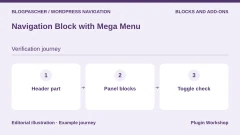
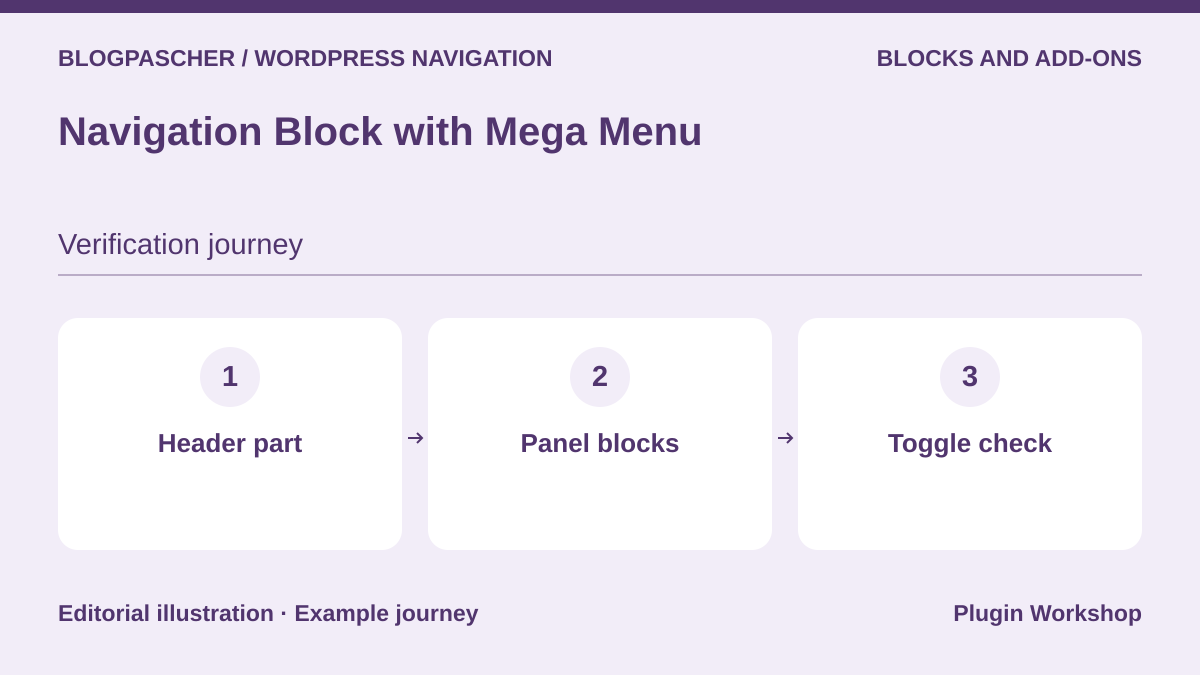 Editorial diagram. Header part → Panel blocks → Toggle check. — BlogPasCherOpen full-size illustration ↗
Best forBuild a menu or navigation panel with dedicated blocks.
The MotoPress plugin offers menu and mega-menu blocks. Insert a short branch into a copy of your header part. Check links and current state, then open and close the panel with the keyboard. On a narrow screen, see how a second-level link is presented and whether the button has a name. If you need a simple menu, also compare rendering of WordPress’s built-in Navigation block.
Offer pricing
Free plugin distributed on WordPress.org.
Checked on .
Strengths
- Dedicated panel blocks in the WordPress editor.
What to consider
- Check replacement of plugin-specific blocks if changing tools.
Pricing terms and compatibility
Understanding the offer
- Price at the time of review
- Free plugin distributed on WordPress.org.
- Currency
- Unspecified. Confirm for the offer you choose.
- Billing
- Unspecified. Confirm for the offer you choose.
- Renewal and support
- Unspecified. Confirm for the offer you choose.
- Taxes and fees
- Unspecified. Confirm for the offer you choose.
- Commitment and terms
- Unspecified. Confirm for the offer you choose.
- Date checked
Compatibility and components
- The consulted listing states WordPress 5.7 minimum and a declared test up to 7.1.4.
BB Mega Menu
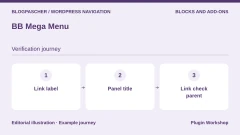
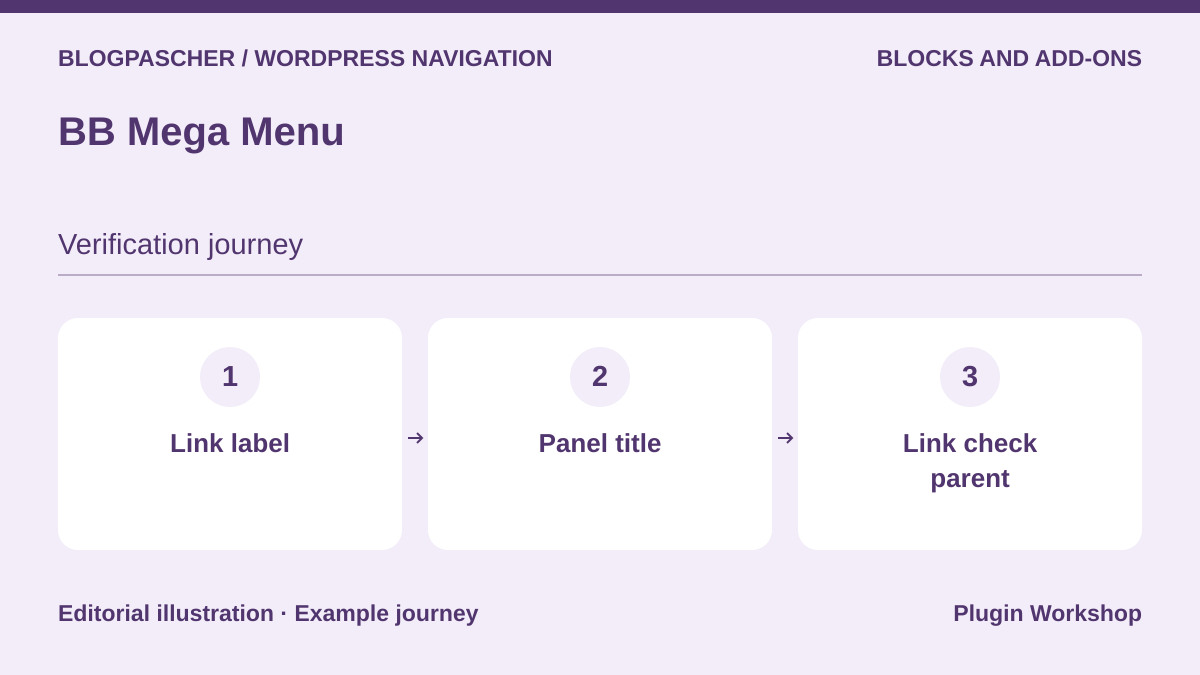 Editorial diagram. Link label → Panel title → Parent link check. — BlogPasCherOpen full-size illustration ↗
Best forAttach a block panel to a navigation item by title.
BB Mega Menu associates a panel title with a navigation-item label and may turn the link into a button. First try two distinct titles. Then add an identical label in another menu and check which panel opens. Also test translation or renaming. In a classic theme, the publisher says support targets primary and depends on WordPress rendering. If the parent led to a useful page, keep an explicit link to it within the panel.
Offer pricing
Free plugin distributed on WordPress.org.
Checked on .
Strengths
- Panel content editable in blocks and attached by label.
What to consider
- Check duplicate titles, translations and converted parent links.
Pricing terms and compatibility
Understanding the offer
- Price at the time of review
- Free plugin distributed on WordPress.org.
- Currency
- Unspecified. Confirm for the offer you choose.
- Billing
- Unspecified. Confirm for the offer you choose.
- Renewal and support
- Unspecified. Confirm for the offer you choose.
- Taxes and fees
- Unspecified. Confirm for the offer you choose.
- Commitment and terms
- Unspecified. Confirm for the offer you choose.
- Date checked
Compatibility and components
- For a classic menu, check the primary location and theme walker.
Enable Navigation Icons
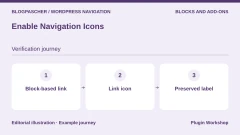
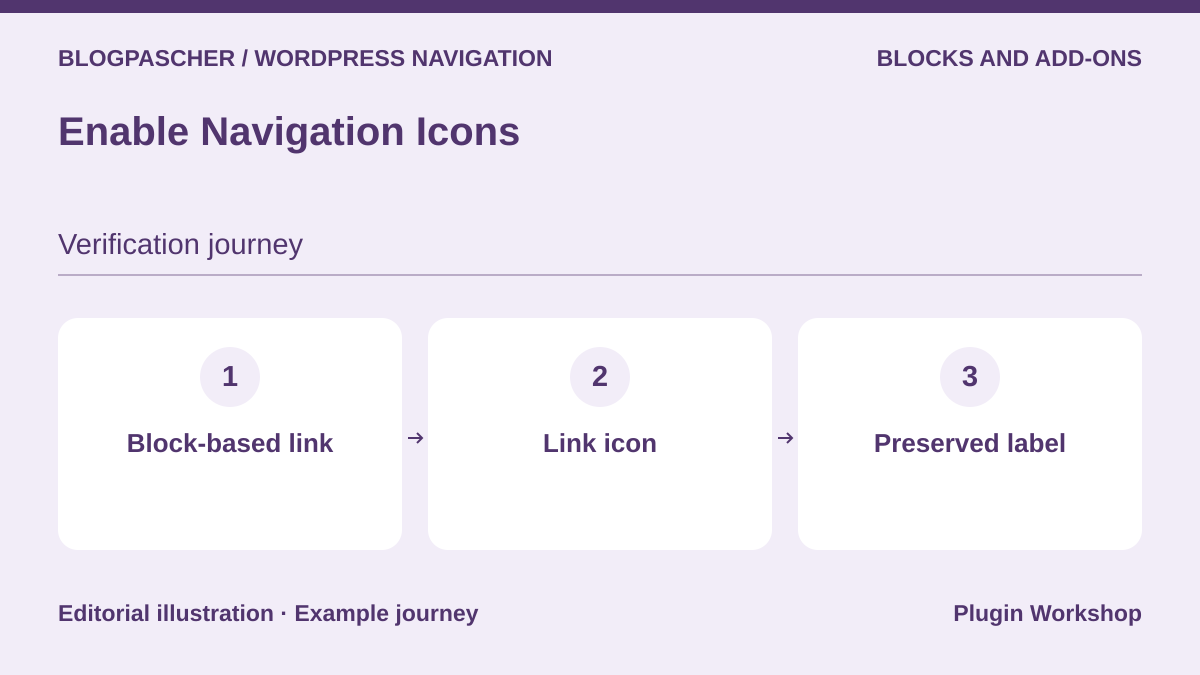 Editorial diagram. Block-based link → Link icon → Preserved label. — BlogPasCherOpen full-size illustration ↗
Best forIllustrate Navigation-block links without changing their destinations.
Enable Navigation Icons lets you select icons for Navigation-block links and submenus. Add an icon to a link and open navigation on a small screen. Keep a label that remains understandable if the graphic fails to load. Also test a long two-line label. The publisher documents support for Icon API collections from WordPress 7.1. Check behavior with your libraries.
Offer pricing
Free plugin distributed on WordPress.org.
Checked on .
Strengths
- Icon settings at link or block-menu level.
What to consider
- Preserve a readable link name and test submenu buttons.
Pricing terms and compatibility
Understanding the offer
- Price at the time of review
- Free plugin distributed on WordPress.org.
- Currency
- Unspecified. Confirm for the offer you choose.
- Billing
- Unspecified. Confirm for the offer you choose.
- Renewal and support
- Unspecified. Confirm for the offer you choose.
- Taxes and fees
- Unspecified. Confirm for the offer you choose.
- Commitment and terms
- Unspecified. Confirm for the offer you choose.
- Date checked
Compatibility and components
- WordPress 6.3 minimum according to the listing. Icon API integration from 7.1.
Menu Icons by Themeisle
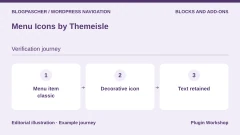
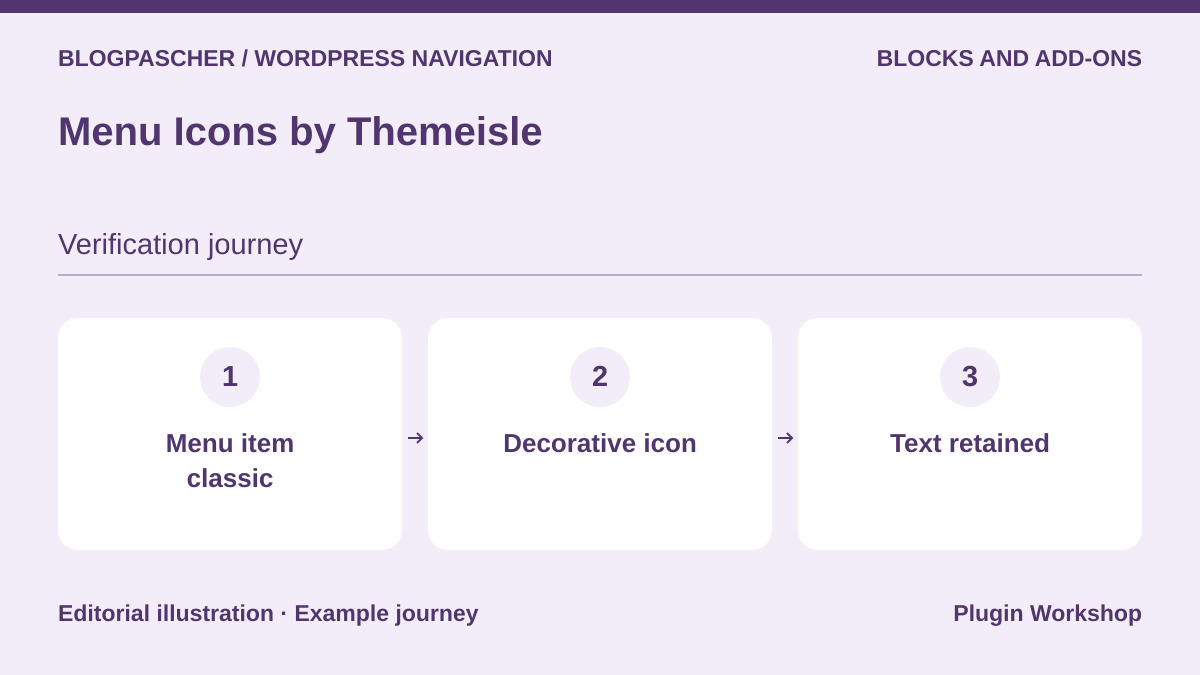 Editorial diagram. Classic menu entry → Decorative icon → Retained text. — BlogPasCherOpen full-size illustration ↗
Best forAdd icons to an existing classic menu.
Menu Icons adds an icon option to classic items. Apply it only to links with familiar symbols, then check their meaning without icons. Compare rendering in the header and mobile menu, which may use different templates. If your theme replaces item output, check whether the filter is still called. Test a long link to check alignment and readability.
Offer pricing
Free plugin distributed on WordPress.org.
Checked on .
Strengths
- Targeted addition in the classic menus interface.
What to consider
- Keep the label and check rendering when the theme uses its own walker.
Pricing terms and compatibility
Understanding the offer
- Price at the time of review
- Free plugin distributed on WordPress.org.
- Currency
- Unspecified. Confirm for the offer you choose.
- Billing
- Unspecified. Confirm for the offer you choose.
- Renewal and support
- Unspecified. Confirm for the offer you choose.
- Taxes and fees
- Unspecified. Confirm for the offer you choose.
- Commitment and terms
- Unspecified. Confirm for the offer you choose.
- Date checked
Compatibility and components
- Check the plugin version, icon collection and theme.
Menu Image
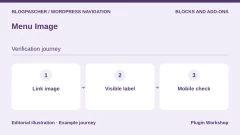
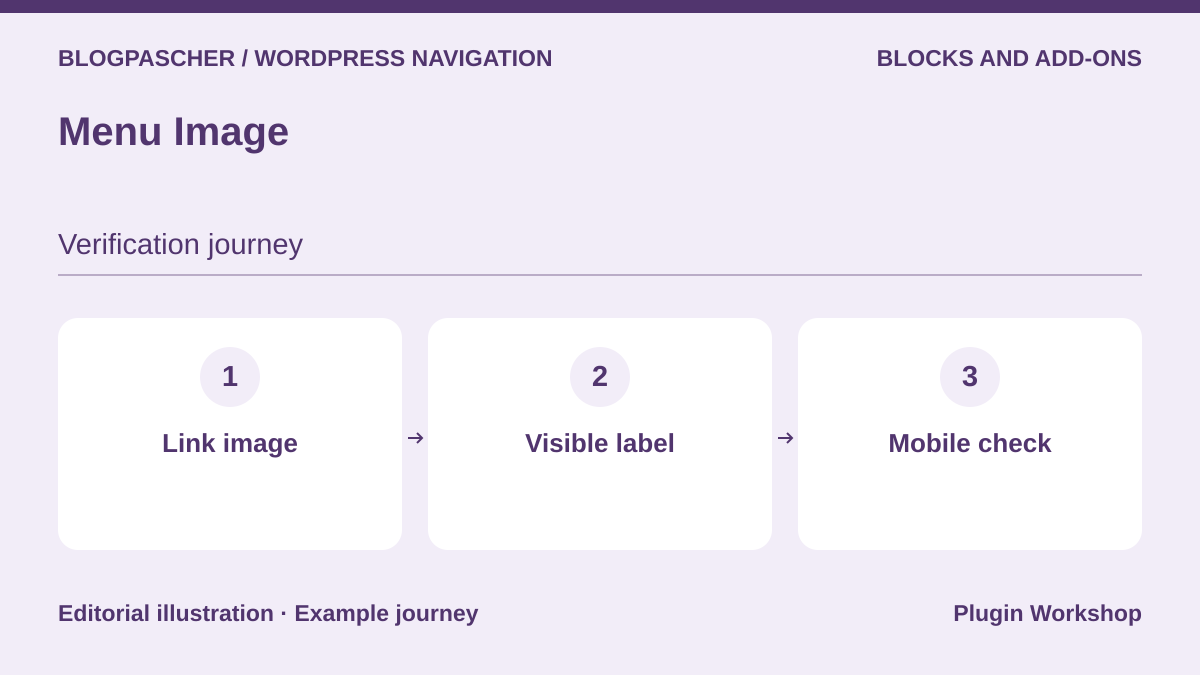 Editorial diagram. Link image → Visible label → Mobile check. — BlogPasCherOpen full-size illustration ↗
Best forAssociate a small image with a classic menu link.
Menu Image lets you add visuals to classic menu items. First try an image and text on a collection link. Check rendered size on a narrow screen and readability when the image is not downloaded. If a visual variation depends on hover, ensure information is also available by keyboard and touch. A heavy image on every item may slow menu opening on a phone.
Offer pricing
Free version available. Premium options are separate. Price not confirmed on the consulted listing.
Checked on .
Strengths
- Images attached to a menu item rather than a complete panel.
What to consider
- Keep destinations understandable without hover or images.
Pricing terms and compatibility
Understanding the offer
- Price at the time of review
- Free version available. Premium options are separate. Price not confirmed on the consulted listing.
- Currency
- Unspecified. Confirm for the offer you choose.
- Billing
- Unspecified. Confirm for the offer you choose.
- Renewal and support
- Unspecified. Confirm for the offer you choose.
- Taxes and fees
- Unspecified. Confirm for the offer you choose.
- Commitment and terms
- Unspecified. Confirm for the offer you choose.
- Date checked
Compatibility and components
- Check the template, file sizes and keyboard rendering.
Conditional Menus
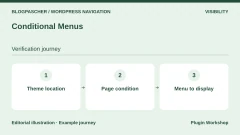
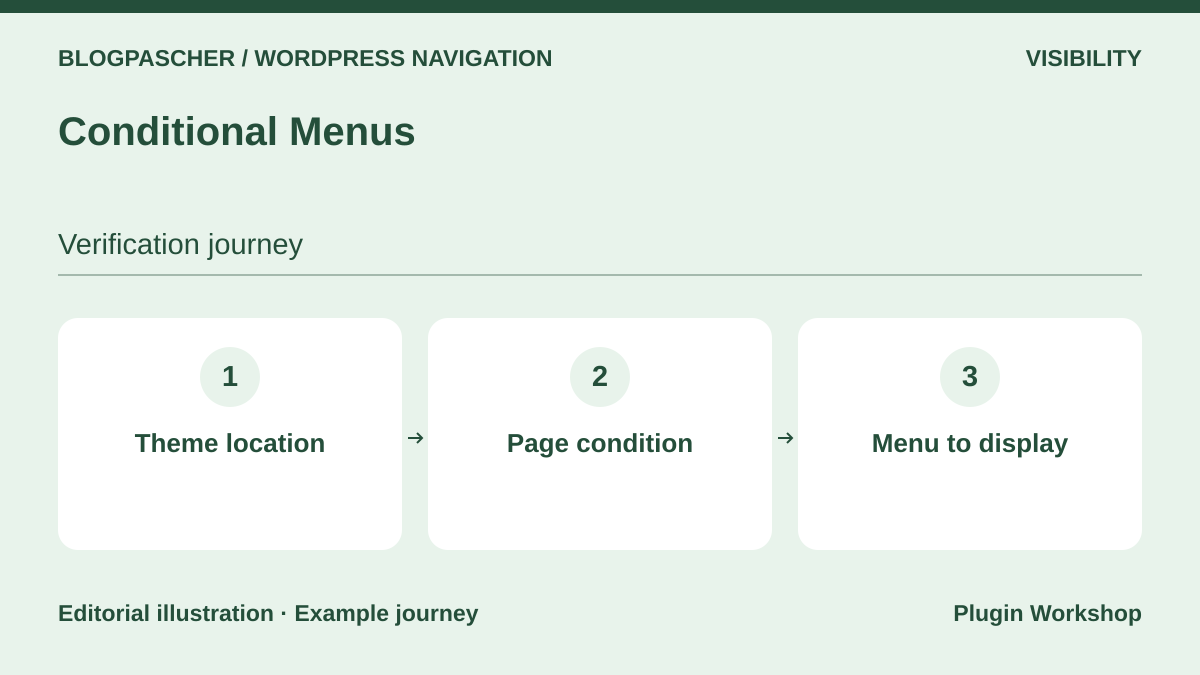 Editorial diagram. Theme location → Page condition → Menu to display. — BlogPasCherOpen full-size illustration ↗
Best forDisplay a different menu depending on a page or section.
Conditional Menus changes the entire menu presented in a location according to defined conditions. Prepare a general menu and one for a help section. Open a page within the section, a page outside it and a URL where two conditions may apply. Keep the default menu name and list of pages where substitution is intended. Repeat in private browsing if the page is cached.
Offer pricing
Free plugin distributed on WordPress.org.
Checked on .
Strengths
- Conditional assignment of a complete menu to a classic location.
What to consider
- Document the priority rule when two conditions coincide.
Pricing terms and compatibility
Understanding the offer
- Price at the time of review
- Free plugin distributed on WordPress.org.
- Currency
- Unspecified. Confirm for the offer you choose.
- Billing
- Unspecified. Confirm for the offer you choose.
- Renewal and support
- Unspecified. Confirm for the offer you choose.
- Taxes and fees
- Unspecified. Confirm for the offer you choose.
- Commitment and terms
- Unspecified. Confirm for the offer you choose.
- Date checked
Compatibility and components
- Works with themes using the standard menu mechanism according to the listing.
Nav Menu Roles
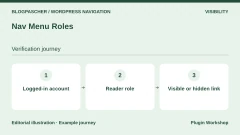
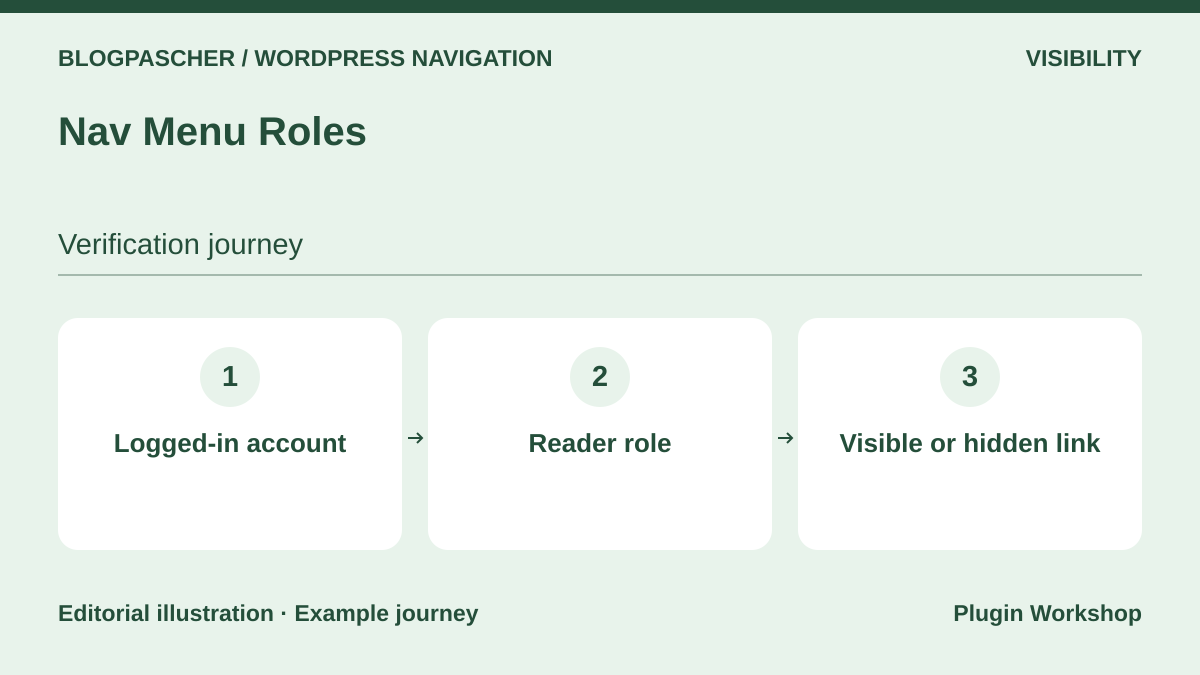 Editorial diagram. Logged-in account → Reader role → Visible or hidden link. — BlogPasCherOpen full-size illustration ↗
Best forShow or hide an item according to session and role.
Nav Menu Roles controls classic-menu link visibility by role. Take two accounts and check the expected link’s presence for each profile. Also open the destination directly with the unauthorized account. Hiding a link does not change permission to read the page. Finally examine caching if a personalized menu is returned to several visitors. The plugin helps direct readers to the right areas.
Offer pricing
Free plugin distributed on WordPress.org.
Checked on .
Strengths
- Menu-item-level rules for WordPress roles.
What to consider
- Apply and verify page permissions independently of its link.
Pricing terms and compatibility
Understanding the offer
- Price at the time of review
- Free plugin distributed on WordPress.org.
- Currency
- Unspecified. Confirm for the offer you choose.
- Billing
- Unspecified. Confirm for the offer you choose.
- Renewal and support
- Unspecified. Confirm for the offer you choose.
- Taxes and fees
- Unspecified. Confirm for the offer you choose.
- Commitment and terms
- Unspecified. Confirm for the offer you choose.
- Date checked
Compatibility and components
- Check the theme, roles used and page cache.
Shed Menu
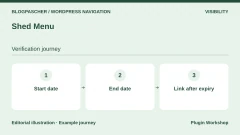
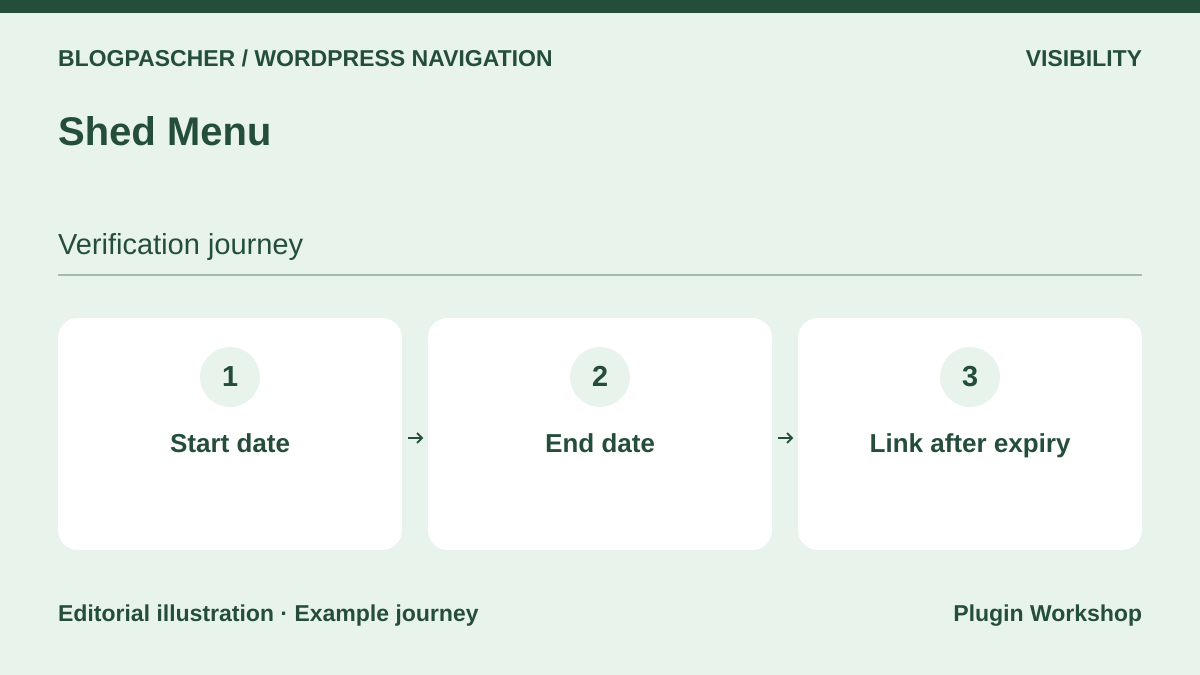 Editorial diagram. Start date → End date → Link after expiry. — BlogPasCherOpen full-size illustration ↗
Best forCheck a link’s display period according to menu type.
Shed Menu adds date and visibility conditions. Try a registration item with a start and end date. Check the time zone and transition at the end time. The provider distinguishes classic editing from the Navigation block, whose items expose different metadata. It documents a conditional block for block-based scenarios. Check that your menu accepts this component and caching does not prolong display.
Offer pricing
Free plugin distributed on WordPress.org.
Checked on .
Strengths
- Documented time conditions in navigation.
What to consider
- Validate classic menus, blocks and cache duration separately.
Pricing terms and compatibility
Understanding the offer
- Price at the time of review
- Free plugin distributed on WordPress.org.
- Currency
- Unspecified. Confirm for the offer you choose.
- Billing
- Unspecified. Confirm for the offer you choose.
- Renewal and support
- Unspecified. Confirm for the offer you choose.
- Taxes and fees
- Unspecified. Confirm for the offer you choose.
- Commitment and terms
- Unspecified. Confirm for the offer you choose.
- Date checked
Compatibility and components
- Check exact integration with the Navigation block and WordPress version.
If Menu
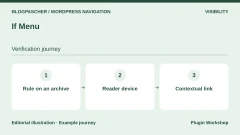
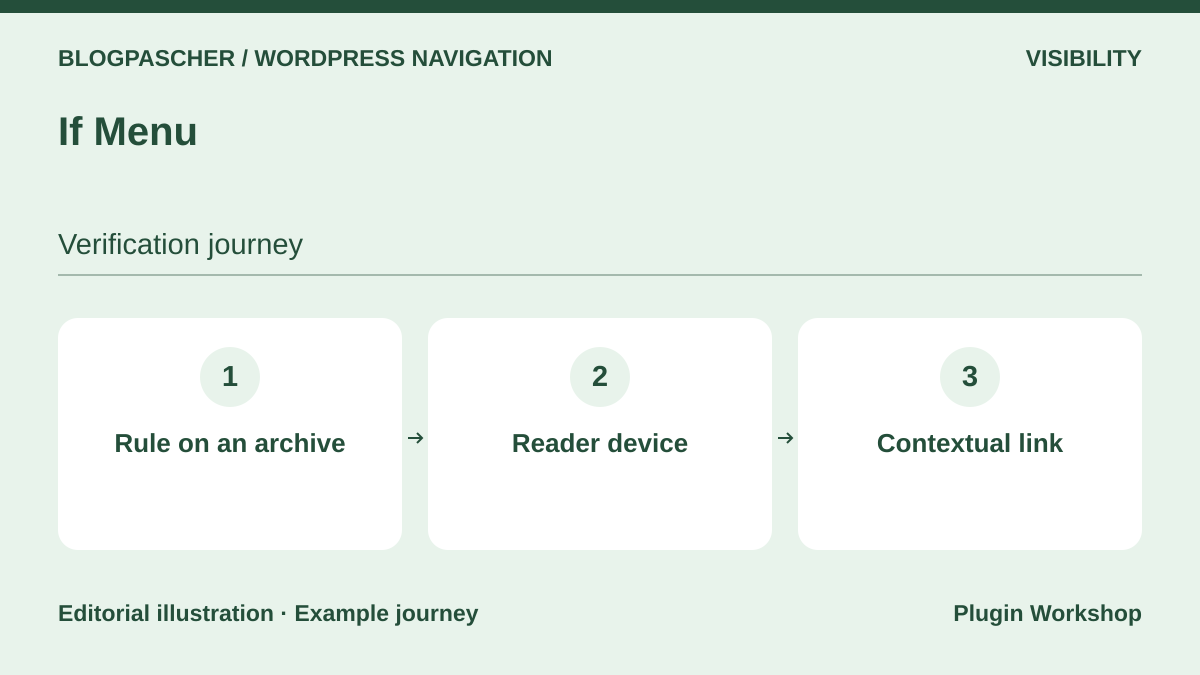 Editorial diagram. Rule on an archive → Reader device → Contextual link. — BlogPasCherOpen full-size illustration ↗
Best forDisplay a link only in a page or device context.
If Menu documents conditions tied to content and visit context. For a support link, check the result on an archive and a specific page. Also compare behavior on a phone and a narrowed desktop window. Device detection and a CSS width condition may give different results. A contextual link can help navigation while content permissions remain defined at the destination.
Offer pricing
Free version. Check advanced rules and integrations in the publisher’s listing. Price not confirmed.
Checked on .
Strengths
- Contextual rules applied to each classic-menu item.
What to consider
- Test combined conditions and cache variants on each device.
Pricing terms and compatibility
Understanding the offer
- Price at the time of review
- Free version. Check advanced rules and integrations in the publisher’s listing. Price not confirmed.
- Currency
- Unspecified. Confirm for the offer you choose.
- Billing
- Unspecified. Confirm for the offer you choose.
- Renewal and support
- Unspecified. Confirm for the offer you choose.
- Taxes and fees
- Unspecified. Confirm for the offer you choose.
- Commitment and terms
- Unspecified. Confirm for the offer you choose.
- Date checked
Compatibility and components
- Compare the declared version and compatibility of required integrations.
Menu Item Duplicator
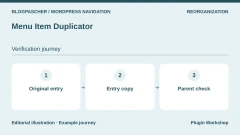
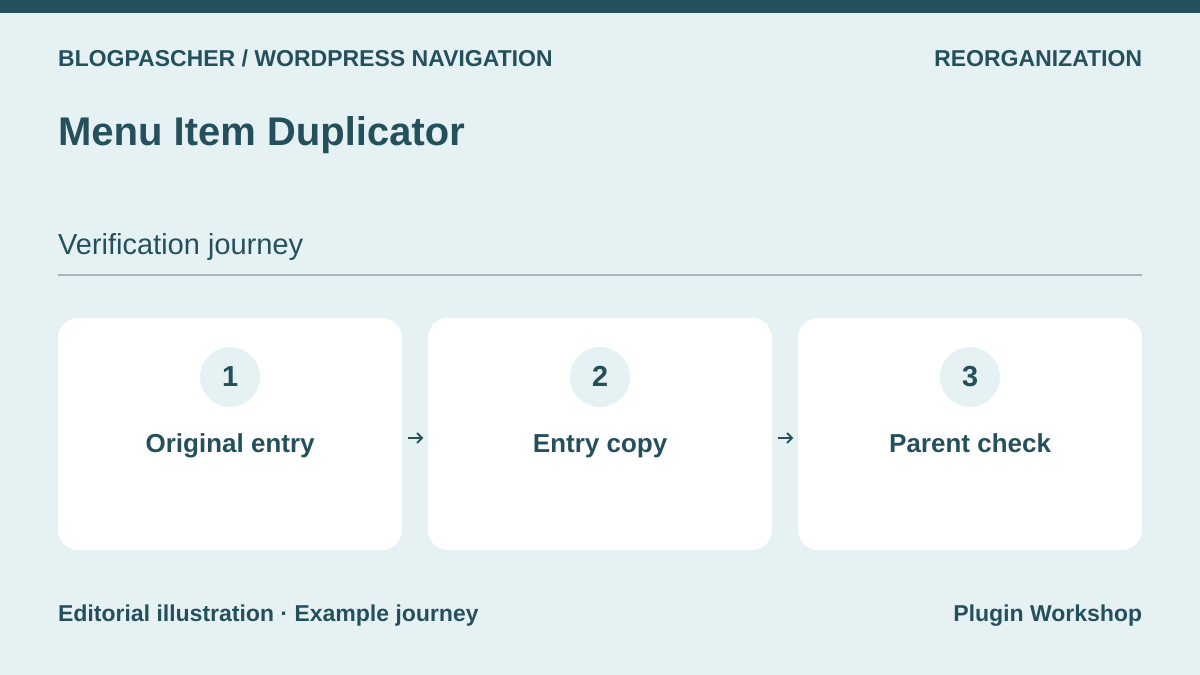 Editorial diagram. Original entry → Entry copy → Parent check. — BlogPasCherOpen full-size illustration ↗
Best forSave time by reusing an item during reorganization.
Menu Item Duplicator adds an action to copy a classic-menu item. In a test menu, duplicate an item before changing the copy’s label and destination. Check what happens to child links and settings from a menu-enhancement plugin. To move a complete menu, also record its locations and back up the site. Duplicating an item helps preparation, while copying a complete menu requires its own check.
Offer pricing
Free plugin distributed on WordPress.org.
Checked on .
Strengths
- Targeted duplication during menu reorganization.
What to consider
- Check parent-child relationships and specific metadata after copying.
Pricing terms and compatibility
Understanding the offer
- Price at the time of review
- Free plugin distributed on WordPress.org.
- Currency
- Unspecified. Confirm for the offer you choose.
- Billing
- Unspecified. Confirm for the offer you choose.
- Renewal and support
- Unspecified. Confirm for the offer you choose.
- Taxes and fees
- Unspecified. Confirm for the offer you choose.
- Commitment and terms
- Unspecified. Confirm for the offer you choose.
- Date checked
Compatibility and components
- Check Appearance then Menus and plugins adding properties.
Advanced Sidebar Menu
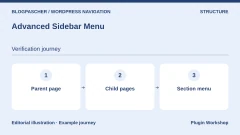
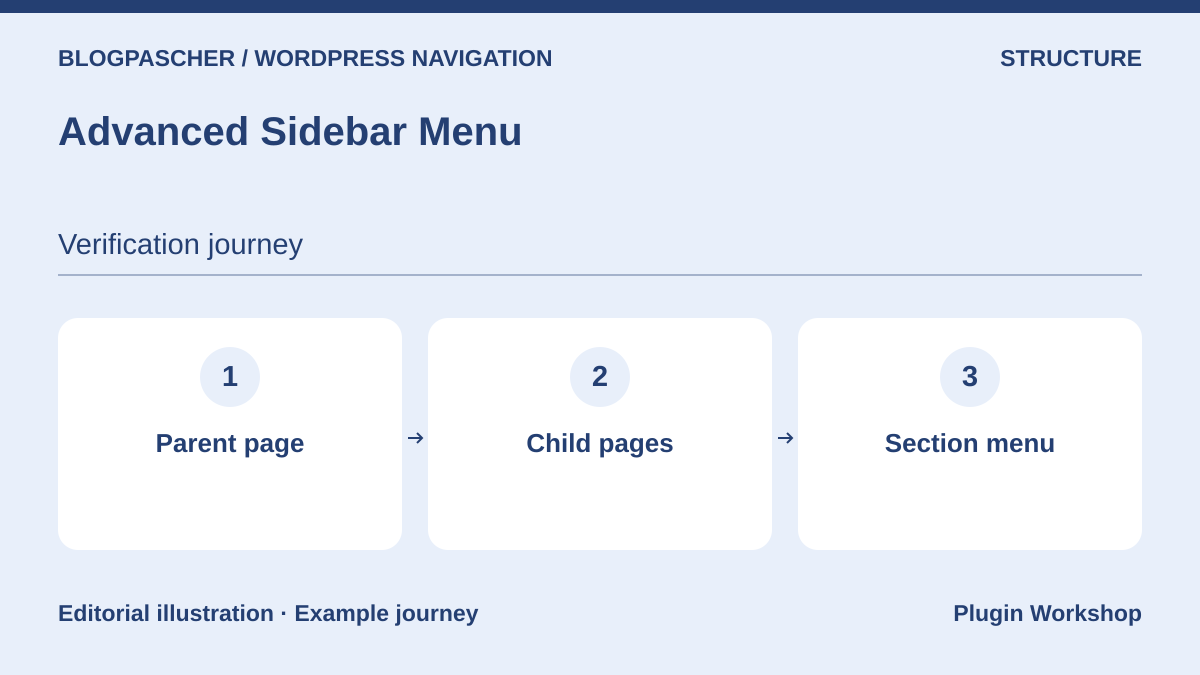 Editorial diagram. Parent page → Child pages → Section menu. — BlogPasCherOpen full-size illustration ↗
Best forDisplay neighboring pages in a multilevel section.
Advanced Sidebar Menu can build side navigation from page or category parents and children. On a copy, open a section page, subpage and page outside the tree. Check whether the menu appears, whether the current page is identifiable and what happens when a branch is empty. Pro also documents custom-menu options. Compare these needs against the volume of pages to maintain.
Offer pricing
Free version. Pro displayed at USD 74 per year or USD 187 as a one-time payment for unlimited sites.
Billing: Annual subscription or lifetime license
Renewal and support: USD 74 per year according to annual-plan details.
Checked on .
Strengths
- Side navigation based on the existing hierarchy.
What to consider
- Check empty branches and the difference between hierarchy and a custom menu.
Pricing terms and compatibility
Understanding the offer
- Price at the time of review
- Free version. Pro displayed at USD 74 per year or USD 187 as a one-time payment for unlimited sites.
- Currency
- USD
- Billing
- Annual subscription or lifetime license
- Renewal and support
- USD 74 per year according to annual-plan details.
- Taxes and fees
- Unspecified. Confirm for the offer you choose.
- Commitment and terms
- Unspecified. Confirm for the offer you choose.
- Date checked
Compatibility and components
- Check the block or widget, page template and edition used.
WP Menu Cart
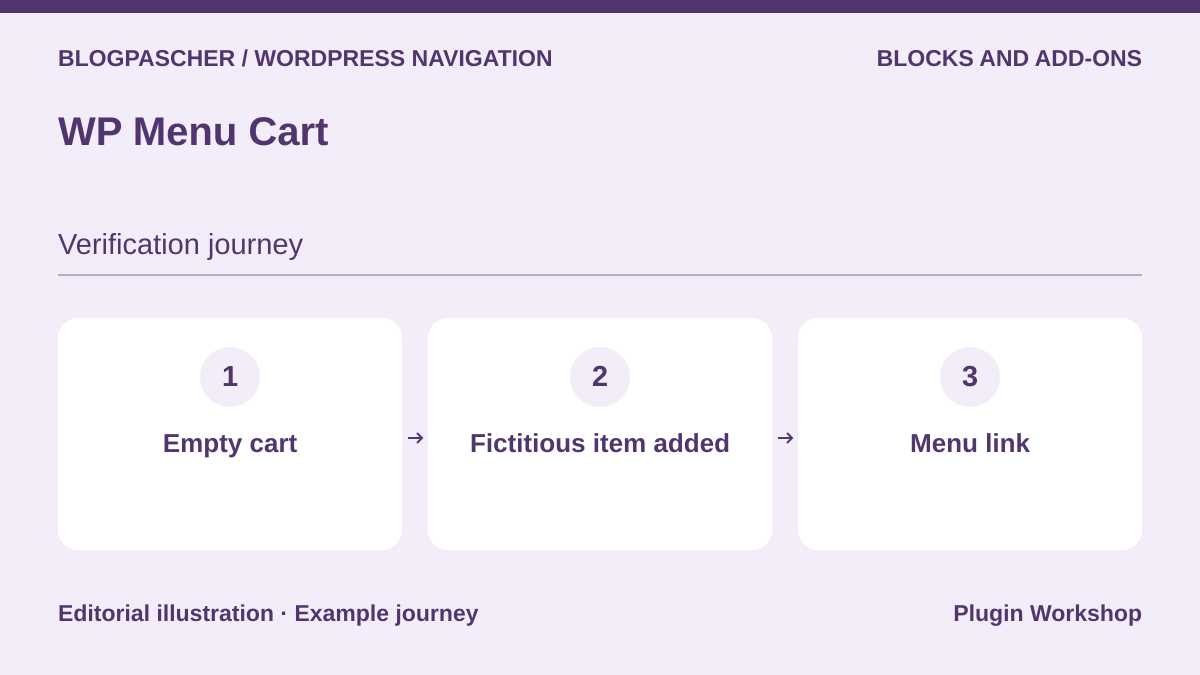 Editorial diagram. Empty cart → Fictitious item added → Menu link. — BlogPasCherOpen full-size illustration ↗
Best forAdd an identifiable cart link to a store menu.
WP Menu Cart adds cart access to the menu. On a test store, open the header with an empty cart and add a fictional item. Check the label, item count and link after returning to a cached page. Repeat on a phone and ensure the icon has a name. When the theme already has a header cart, keep one access point per area to avoid repeated navigation.
Offer pricing
Free edition. Menu Cart Pro is sold separately. Record exact pricing and renewal in the chosen offer.
Billing: Separate Pro license
Renewal and support: Check license, support and update terms.
Checked on .
Strengths
- Targeted addition of a cart link and its state to navigation.
What to consider
- Check count updating and coexistence with the theme’s cart.
Pricing terms and compatibility
Understanding the offer
- Price at the time of review
- Free edition. Menu Cart Pro is sold separately. Record exact pricing and renewal in the chosen offer.
- Currency
- Unspecified. Confirm for the offer you choose.
- Billing
- Separate Pro license
- Renewal and support
- Check license, support and update terms.
- Taxes and fees
- Unspecified. Confirm for the offer you choose.
- Commitment and terms
- Unspecified. Confirm for the offer you choose.
- Date checked
Compatibility and components
- Check WooCommerce, menu integration method and caching.
Breadcrumb NavXT
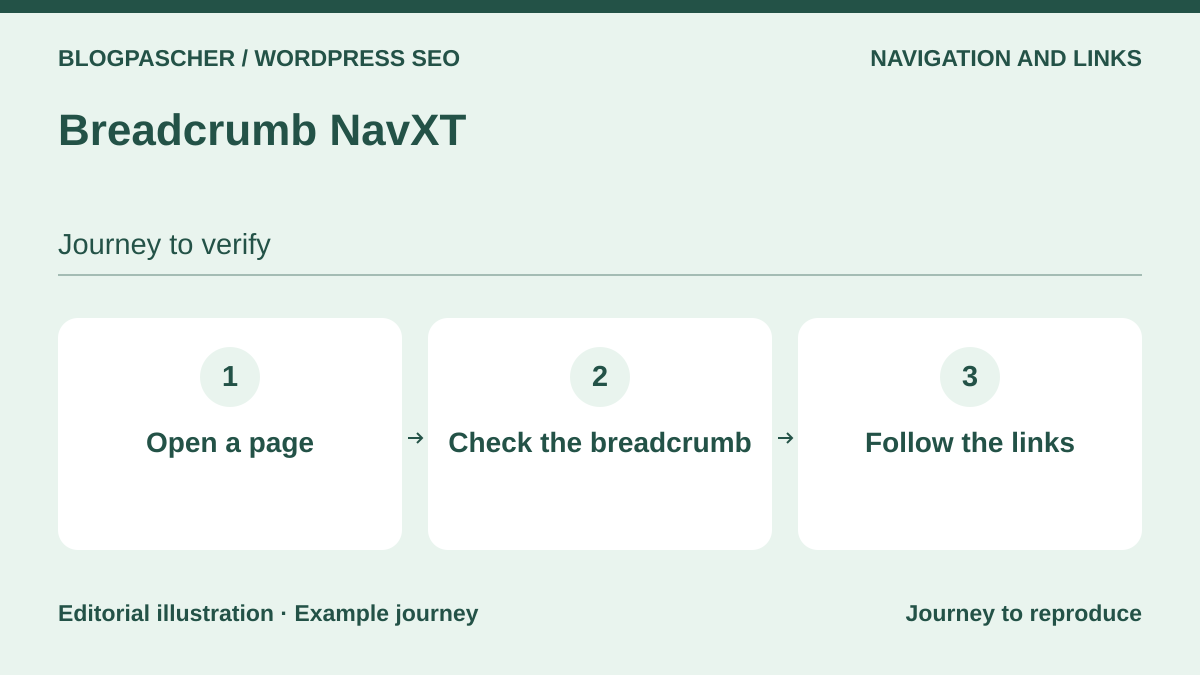 Editorial diagram. Open a page → Check the breadcrumb → Follow the links. — BlogPasCherOpen full-size illustration ↗
Best forHelp readers move from a deep page up to its section.
Breadcrumb NavXT adds breadcrumbs serving a different need from the header menu. Open a deep page from search and check that its path returns to the right section. For content in several categories, check which one the trail selects. If an SEO plugin or theme already displays this marker, identify which source renders the desired path. This aid complements global navigation on a deeply hierarchical site.
Offer pricing
Free plugin distributed on WordPress.org. Separate add-ons depending on integrations.
Checked on .
Strengths
- Location marker and route back to the section from a deep page.
What to consider
- Check hierarchy rules and duplicates with the theme or SEO.
Pricing terms and compatibility
Understanding the offer
- Price at the time of review
- Free plugin distributed on WordPress.org. Separate add-ons depending on integrations.
- Currency
- Unspecified. Confirm for the offer you choose.
- Billing
- Unspecified. Confirm for the offer you choose.
- Renewal and support
- Unspecified. Confirm for the offer you choose.
- Taxes and fees
- Unspecified. Confirm for the offer you choose.
- Commitment and terms
- Unspecified. Confirm for the offer you choose.
- Date checked
Compatibility and components
- Check the block or template displaying breadcrumbs and the taxonomy.