

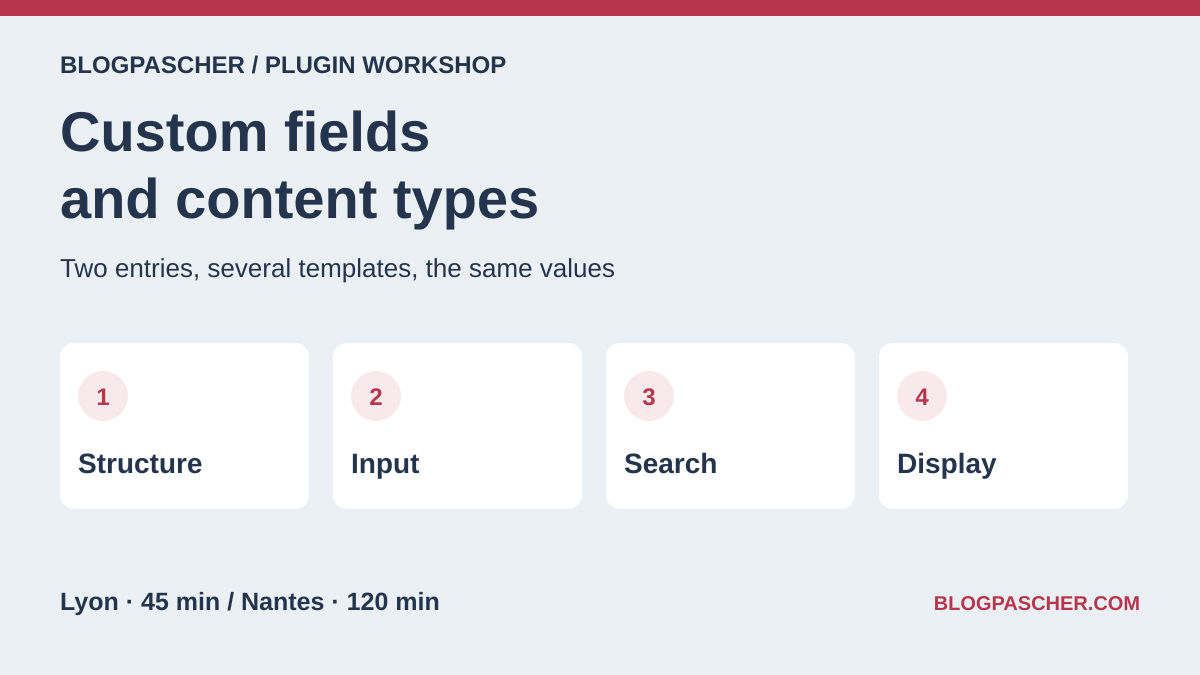
Separate the entry type, fields and template
An association wants to publish its workshops. Each entry has a title, city, duration and audience. The entry must appear in a list and remain readable after a theme change. Create a Workshop content type, reserve the title for the workshop name, then decide what belongs in a field or taxonomy. A taxonomy suits categories shared by several entries. A number field suits a duration specific to each workshop.
One tool can define the type, create the input screen and display entries. Before choosing it, answer four questions separately. Who registers the type and its addresses? Who stores values, and in what format? Who builds the public template? What can visitors search or filter? The administration menu, database, public list and search index each address part of the problem.
- Start with the Workshop type, City text field and Duration in Minutes number field. Add a taxonomy only if you want to classify several entries with the same labels.
- For each field, record a stable technical name, a valid example and the intended handling of a missing value. Store duration without its unit in the database, then add “min” in the template.
Compare before you choose
The offers at a glance
Find the use case and budget that fit, then read the details to see the limitations and any components you may need.
On smaller screens, the table scrolls horizontally. With a keyboard, press Tab to focus the table, then use the left and right arrow keys.
| Offer | Best for | Pricing and billing | Renewal and support |
|---|---|---|---|
 Advanced Custom FieldsRead the details | Create a City and Duration group for workshop entries. | Free edition. ACF Pro Personal at 49 USD per year for one site, Freelancer at 149 USD for ten and Agency at 249 USD for unlimited sites. Annual subscription | Automatic renewal after twelve months according to the FAQ. |
 PodsRead the details | Create Workshop and Trainer types and define their relationship. | Free plugin distributed in the WordPress directory. | Terms for any paid plans were unavailable at the time of review. |
 Meta BoxRead the details | Declare and version the reference collection’s input configuration. | Free framework and free Meta Box Lite for an interface. Basic from 49 USD per year depending on site count, Ultimate from 99 USD. Annual subscription or lifetime bundle depending on the offer | Annual subscriptions renew at the stated regular rate. |
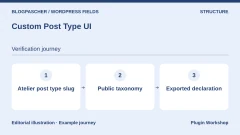 Custom Post Type UIRead the details | Create a type and taxonomy without writing their initial registration. | Free registration plugin. Extended displayed at $29 for one site, $49 for two to five and $99 for unlimited sites. Extended add-on sold separately | Six months of updates and support stated at purchase. Check subscription frequency. |
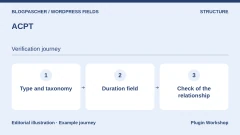 ACPTRead the details | Set up a small reference collection before choosing additional modules. | Free Lite. Annual plans at 29 USD for one site, 49 USD for five and 99 USD for unlimited sites. Annual subscription | Plans advertise one year of updates and support. Check the renewal rate. |
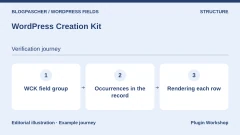 WordPress Creation KitRead the details | Define a type and field group from the same tool. | Free edition. Hobbyist at 49 EUR per year and Pro at 139 EUR per year in the publisher’s table. Annual subscription for paid plans | Automatic annual renewal stated. |
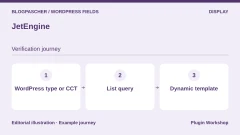 JetEngineRead the details | Build dynamic entries and lists with the builder already in use. | Standalone JetEngine at $75 per year for one site in the table, with a separate promotion depending on the page. Annual subscription | Check the renewal price and selected license scope. |
 ToolsetRead the details | Model a catalog linked to organizations or instructors. | Licenses displayed at 69, 149 and 299 EUR depending on site count. License with one year of updates and support | Annual renewals displayed at 51, 111 and 224 EUR depending on the plan. |
 CMB2Read the details | Declare versioned input screens in code. | Free and open-source plugin in the WordPress directory. | Terms for any paid plans were unavailable at the time of review. |
 Field ForgeRead the details | Assess migration from ACF to fields stored in a dedicated table. | Free edition. Pro displayed from $40 per year, with $104 and $174 offers. Annual subscription | The publisher states that Pro features stop after license expiry. |
 ACF ExtendedRead the details | Extend an ACF configuration requiring more advanced input or management. | Free edition. Pro displays plans at $49, $149 and $249 per year, excluding taxes. Annual subscription for Pro | Check the next renewal and required ACF license. |
 Admin Columns for ACF FieldsRead the details | Review entry values from the administration table. | Free plugin in the WordPress directory. Any ACF Pro cost depends on fields used. | Terms for any paid plans were unavailable at the time of review. |
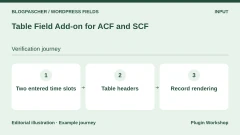 Table Field Add-on for ACF and SCFRead the details | Enter a small table specific to each entry. | Free table field. Pro from 49 EUR by subscription and a lifetime option from 249 EUR in the store. Subscription or lifetime purchase depending on the offer | The publisher states that Pro continues working after expiry, without updates. |
 WPGraphQL for ACFRead the details | Read a field group from a site using GraphQL. | Free and open-source bridge. Requires WPGraphQL and ACF. Some ACF field types require Pro. | Terms for any paid plans were unavailable at the time of review. |
 Post Type SwitcherRead the details | Reclassify an existing entry into the correct post type. | Free plugin from the WordPress directory. | Terms for any paid plans were unavailable at the time of review. |
 WP All ImportRead the details | Map CSV columns to fields in already modeled entries. | Free core. The table displays Pro offers from 149 USD at the time recorded. Confirm price and ACF module according to checkout. The publisher announces a transition from lifetime licenses to annual plans. | The site mentions annual pricing tests. Check terms at purchase. |
 WP Ultimate CSV ImporterRead the details | Test metadata recovery from a catalog file. | Free edition. Pro table with Custom Field Import package at $199 and full offer at $299 at the time recorded. One-time purchase according to the table | The publisher advertises lifetime updates and one year of support included in the table. |
 Advanced ViewsRead the details | Compose a shared presentation for fields from different tools. | Free Lite. Pro displayed at 32 USD per year. Freelancer, Agency and Developer offers have separate prices and terms. Annual subscription for Pro | The Pro page states a 20% renewal discount. |
 Meta Field BlockRead the details | Insert a simple field into a block template. | Free block. One-site Pro at 40 USD per year or 100 USD lifetime. Ten-site and unlimited-site offers available. Subscription or lifetime purchase for Pro | Automatic renewal advertised for annual plans. |
 Display PostsRead the details | Compose a small list sorted by a numeric value. | Free plugin from the WordPress directory. | Terms for any paid plans were unavailable at the time of review. |
 Fielder — merkuloveRead the details | Display metadata in an Elementor layout. | Regular at 29 USD and Extended at 75 USD on CodeCanyon. License purchase Price excludes taxes and processing fees according to the listing. | Six months of support included. Optional extension. |
 Custom Post Types, Taxonomies and Fields for Avada BuilderRead the details | Use Avada elements with an already created type and taxonomy. | Regular at 25 USD and Extended at 90 USD on CodeCanyon. License purchase Price excludes taxes and processing fees according to the listing. | Six months of support included. Optional extension. |
 Frontend Post Submission ManagerRead the details | Receive a structured entry through a form without opening administration. | Regular at 25 USD on CodeCanyon. Extended offer not displayed in the recorded listing. License purchase Price excludes taxes and processing fees according to the listing. | Six months of support included. Optional extension. |
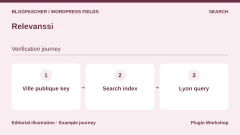 RelevanssiRead the details | Index a public field ignored by native text search. | Free edition. Premium at 100 EUR per year or 335 EUR for a permanent license. Both cover unlimited sites. Annual subscription or permanent license | Automatic annual subscription renewal. Displayed prices exclude taxes. |
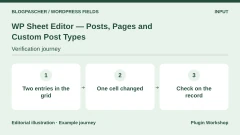 WP Sheet Editor — Posts, Pages and Custom Post TypesRead the details | Check and then correct several entries’ values from a grid. | A free edition covers posts and pages. Commercial extension for custom types and their field columns. Price unconfirmed in the recorded listing. Subscription or license according to product and promotion | The publisher distinguishes several license durations. Check the module’s duration at checkout. |
Create two entries and retrieve their values
On a WordPress 7.1.4 copy, we used free ACF 6.8.11. The bpc_atelier type was registered in the test theme independently of ACF. The ACF group attached two fields to this type. Values were written with update_field and its field keys. The first entry, Atelier alpha, held Lyon and 45. Atelier bêta held Nantes and 120. Cities appeared only in fields to measure separately what search could find.
To replay from administration, register the type, create a field group and apply it to workshops. The atelier_ville field is text and atelier_minutes is a number. Create both entries, enter their values and open each in the template reading them. If the group does not appear in the editor, compare the entry’s actual type with the group rule. If the form shows the value but the page is empty, examine the template next.
On the copy, get_post_meta could read both values and associated ACF references. Simple durations were returned as strings, “45” and “120.” A display adding a unit can use this value. Sorting by duration must treat it as a number.
- Record both entry identifiers. Check their titles, each key’s value and public rendering before changing a setting.
- For an optional field, test an entry without a value and a value equal to zero. Decide how to display them before applying the same template across the catalog.
Change the template, then compare the database and page
We switched to a template showing only the title. Both pages still returned 200 and their fields disappeared from HTML. Values and references observed in metadata were identical to the initial measurement. We then disabled ACF and displayed both keys through native reading. The type remained registered by the test theme. Lyon, Nantes, 45 and 120 reappeared in the output. After reactivation, the first template again read the same values through ACF.
On another site, the plugin you want to remove may register the type. In that case, plan an equivalent registration before the change, with the same identifier, taxonomies and correct addresses. An entry can disappear from the menu or return 404 because its type is no longer registered, even though it remains in the database. Check the type first, then the page and field keys.
The reference test covers two simple fields in a test theme and database. Galleries, repeaters, dedicated tables, files and relationships require their own checks. The trial includes neither import between installations nor data deletion. To prepare these operations, record output formats and keep a tested backup.
- Replace the template on the copy, then open both addresses. If a field disappears, check its value in the entry or through the provider’s documented reading method.
- Restore the initial template and compare values. Before disabling the input tool, check where the type is registered and what the site must continue rendering.
Check search, filtering and sorting with the same entries
In our trial, WordPress search for “alpha” found the first entry. Text search for “Lyon” found none. An explicit query on atelier_ville metadata found Atelier alpha. Numeric sorting on atelier_minutes placed 45 before 120. All four template states gave the same query results, even when fields were invisible on the page.
If you want text search to find a public value, choose fields to index and rebuild the index. If you want a “City = Lyon” filter, choose an exact query or taxonomy according to use. To rank durations, check numeric order and handling of missing values. These three checks can use the same data while addressing different needs.
On a site with internal fields, document what can appear in search, the API, excerpts and HTML. Test publicly rendered fields while logged out. On a large database, also measure query cost on a copy with representative volume. The two entries in this acceptance test cannot estimate that performance.
- Test title search, field-value search, an exact filter and sorting. Retain expected results before any plugin change.
- For a city reused in many entries, compare a taxonomy with a text field. A taxonomy avoids input variants if editors must choose predefined terms.
Choose between an all-in-one tool and separate components
If editors must build entries without code, compare ACF, Pods, ACPT or WordPress Creation Kit on the same two entries. First examine where the group is visible, how its rule changes and what must be installed for rendering. If the site already uses Elementor or Avada, first try reading an existing key from the template. A rendering add-on may suffice when storage and input screens already work.
If you maintain the site in a code repository, you can register the type in a site plugin and declare fields in a versioned file. A team frequently changing themes can then replace rendering without moving the type definition. CMB2 and Meta Box provide development interfaces. Document nested types and relationships along with their storage method.
If import is your main need, first choose a stable identifier for each entry. Replay a two-row file and check the second pass. The tool must update the relevant entry’s duration without creating a third entry. For a relationship, check that the target item is found after identifiers change. Exporting only field names restores the form but does not carry entry values.
- Record the price of the version that actually does the work. A free entry may store text and a number while an advanced relationship, rendering or import requires an add-on.
- Keep an inventory of the type, keys, formats, template and queries. Retain the two test entries to repeat checks after an update or migration.
Further reading
Sources and references
Use these references to check the features, requirements and limitations described. Reading documentation is not a practical test.
View 56 references
- Advanced Custom Fields — Product listing and features ↗ — Documentation consulted:
- Advanced Custom Fields — Version pricing or terms ↗ — Documentation consulted:
- Advanced Custom Fields — Developer documentation ↗ — Documentation consulted:
- Advanced Custom Fields — Developer documentation ↗ — Documentation consulted:
- Pods — Product listing and features ↗ — Documentation consulted:
- Pods — Version pricing or terms ↗ — Documentation consulted:
- Meta Box — Product listing and features ↗ — Documentation consulted:
- Meta Box — Version pricing or terms ↗ — Documentation consulted:
- Meta Box — Developer documentation ↗ — Documentation consulted:
- Custom Post Type UI — Product listing and features ↗ — Documentation consulted:
- Custom Post Type UI — Version pricing or terms ↗ — Documentation consulted:
- Custom Post Type UI — Developer documentation ↗ — Documentation consulted:
- ACPT — Product listing and features ↗ — Documentation consulted:
- ACPT — Version pricing or terms ↗ — Documentation consulted:
- ACPT — Developer documentation ↗ — Documentation consulted:
- WordPress Creation Kit — Product listing and features ↗ — Documentation consulted:
- WordPress Creation Kit — Version pricing or terms ↗ — Documentation consulted:
- JetEngine — Product listing and features ↗ — Documentation consulted:
- JetEngine — Developer documentation ↗ — Documentation consulted:
- Toolset — Product listing and features ↗ — Documentation consulted:
- Toolset — Version pricing or terms ↗ — Documentation consulted:
- CMB2 — Product listing and features ↗ — Documentation consulted:
- Field Forge — Product listing and features ↗ — Documentation consulted:
- Field Forge — Version pricing or terms ↗ — Documentation consulted:
- Field Forge — Developer documentation ↗ — Documentation consulted:
- ACF Extended — Product listing and features ↗ — Documentation consulted:
- ACF Extended — Version pricing or terms ↗ — Documentation consulted:
- Admin Columns for ACF Fields — Product listing and features ↗ — Documentation consulted:
- Table Field Add-on for ACF and SCF — Product listing and features ↗ — Documentation consulted:
- Table Field Add-on for ACF and SCF — Version pricing or terms ↗ — Documentation consulted:
- Table Field Add-on for ACF and SCF — Developer documentation ↗ — Documentation consulted:
- WPGraphQL for ACF — Product listing and features ↗ — Documentation consulted:
- Post Type Switcher — Product listing and features ↗ — Documentation consulted:
- WP All Import — Product listing and features ↗ — Documentation consulted:
- WP All Import — Version pricing or terms ↗ — Documentation consulted:
- WP All Import — Developer documentation ↗ — Documentation consulted:
- WP Ultimate CSV Importer — Product listing and features ↗ — Documentation consulted:
- WP Ultimate CSV Importer — Version pricing or terms ↗ — Documentation consulted:
- Advanced Views — Product listing and features ↗ — Documentation consulted:
- Advanced Views — Version pricing or terms ↗ — Documentation consulted:
- Advanced Views — Developer documentation ↗ — Documentation consulted:
- Meta Field Block — Product listing and features ↗ — Documentation consulted:
- Meta Field Block — Version pricing or terms ↗ — Documentation consulted:
- Display Posts — Product listing and features ↗ — Documentation consulted:
- Display Posts — Developer documentation ↗ — Documentation consulted:
- Fielder — merkulove — Product listing and features ↗ — Documentation consulted:
- Custom Post Types, Taxonomies and Fields for Avada Builder — Product listing and features ↗ — Documentation consulted:
- Frontend Post Submission Manager — Product listing and features ↗ — Documentation consulted:
- Relevanssi — Product listing and features ↗ — Documentation consulted:
- Relevanssi — Version pricing or terms ↗ — Documentation consulted:
- Relevanssi — Developer documentation ↗ — Documentation consulted:
- WP Sheet Editor — Posts, Pages and Custom Post Types — Product listing and features ↗ — Documentation consulted:
- WP Sheet Editor — Posts, Pages and Custom Post Types — Developer documentation ↗ — Documentation consulted:
- WP Sheet Editor — Posts, Pages and Custom Post Types — Developer documentation ↗ — Documentation consulted:
- Read WordPress metadata ↗ — Documentation consulted:
- WP_Query parameters ↗ — Documentation consulted:
Uses, prices and what to check
25 offers in detail
Compare the features you need and the terms of each offer. The order of these entries does not indicate a ranking.
Advanced Custom Fields
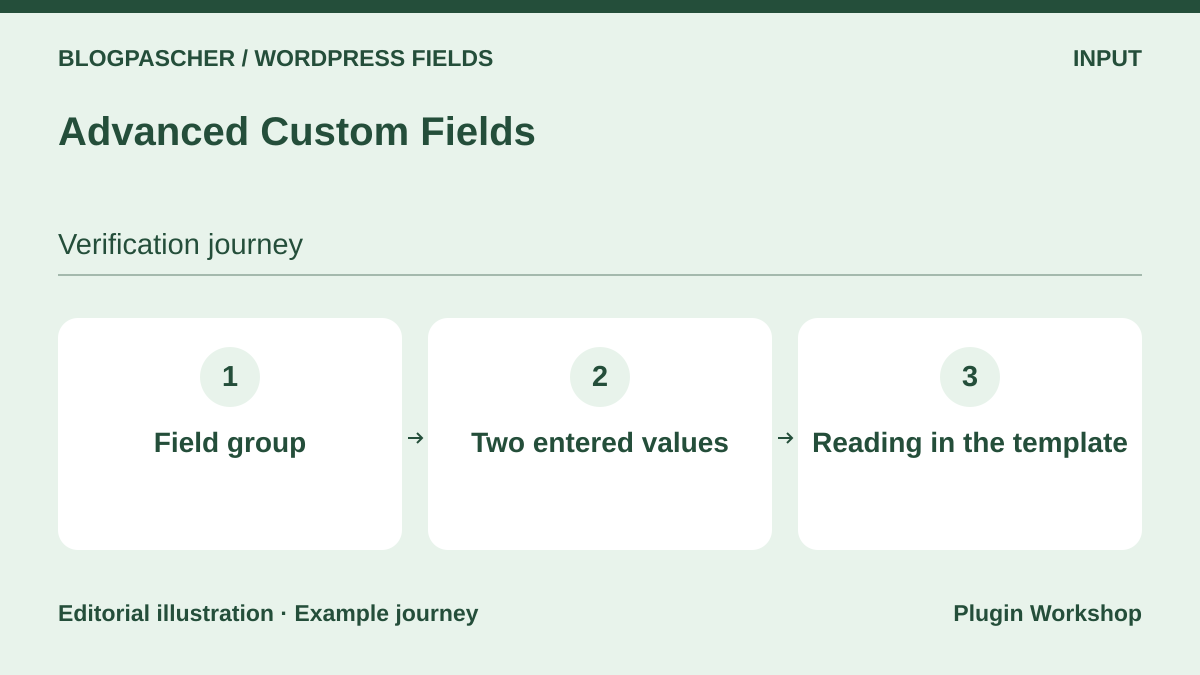 Editorial diagram. Field group → Two entered values → Reading in the template. — BlogPasCherOpen full-size illustration ↗
Best forCreate a City and Duration group for workshop entries.
ACF provides the input screen and links fields to a content type. Its free version suffices for the text and number in our trial. We saved Lyon and 45 minutes on one entry, Nantes and 120 minutes on the other. The new template hid these values without deleting them. After deactivation, get_post_meta still read them on the copy. Repeaters, galleries and PHP blocks belong to Pro. Before changing templates, record the field’s technical name and ACF reference key.
Offer pricing
Free edition. ACF Pro Personal at 49 USD per year for one site, Freelancer at 149 USD for ten and Agency at 249 USD for unlimited sites.
Billing: Annual subscription
Renewal and support: Automatic renewal after twelve months according to the FAQ.
Checked on .
Strengths
- Field groups, location conditions and type registration.
What to consider
- Test nested fields and formats separately. Only the two simple fields were tried here.
Pricing terms and compatibility
Understanding the offer
- Price at the time of review
- Free edition. ACF Pro Personal at 49 USD per year for one site, Freelancer at 149 USD for ten and Agency at 249 USD for unlimited sites.
- Currency
- USD
- Billing
- Annual subscription
- Renewal and support
- Automatic renewal after twelve months according to the FAQ.
- Taxes and fees
- Unspecified. Confirm for the offer you choose.
- Commitment and terms
- Unspecified. Confirm for the offer you choose.
- Date checked
Compatibility and components
- Free ACF 6.8.11 checked with WordPress 7.1.4, PHP 8.4.8 and SQLite.
Pods
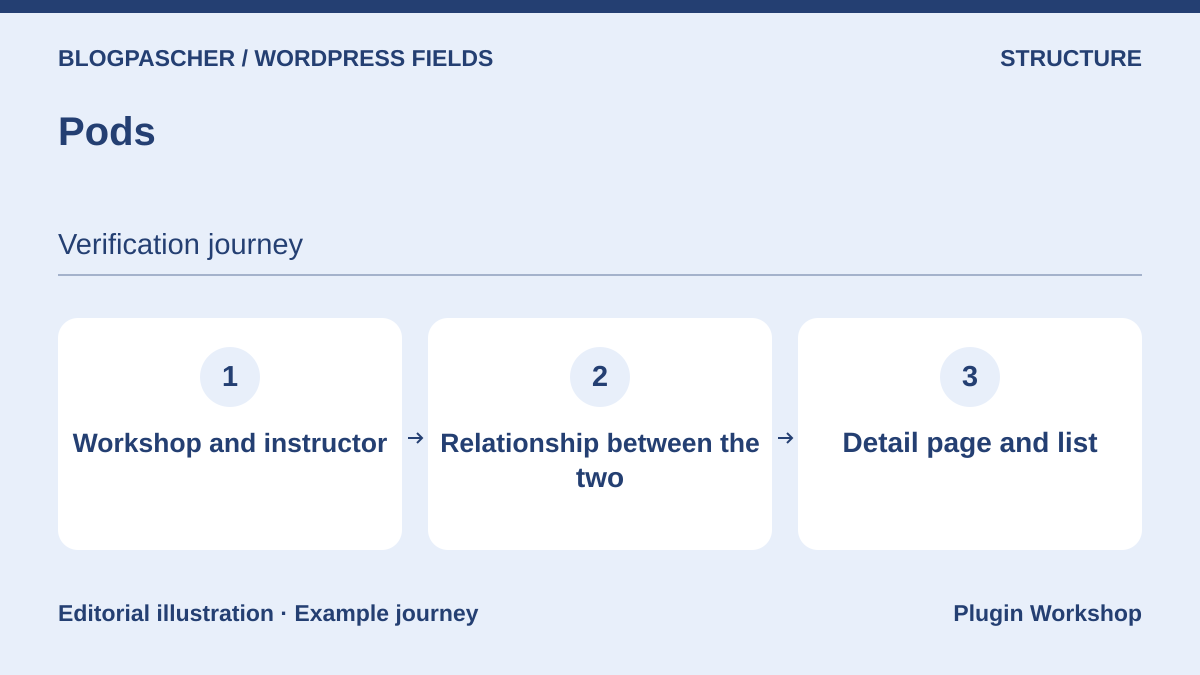 Editorial diagram. Workshop and instructor → Relationship between them → Detail page and list. — BlogPasCherOpen full-size illustration ↗
Best forCreate Workshop and Trainer types and define their relationship.
Pods combines content types, fields and relationships. It can extend an existing WordPress type or define another storage model. Start by choosing a post type or an advanced content type. This decision changes what a post export can recover. Enter two workshops and link each to a trainer. Check results on each entry and in a list. If a value appears on an entry but is missing from the block, first check the item providing rendering context.
Offer pricing
Free plugin distributed in the WordPress directory.
Checked on .
Strengths
- Content types, relationships, fields and rendering templates combined.
What to consider
- Document storage method and template dependencies before export.
Pricing terms and compatibility
Understanding the offer
- Price at the time of review
- Free plugin distributed in the WordPress directory.
- Currency
- Unspecified. Confirm for the offer you choose.
- Billing
- Unspecified. Confirm for the offer you choose.
- Renewal and support
- Unspecified. Confirm for the offer you choose.
- Taxes and fees
- Unspecified. Confirm for the offer you choose.
- Commitment and terms
- Unspecified. Confirm for the offer you choose.
- Date checked
Compatibility and components
- WordPress.org listing consulted. Check the installed version and Pods block settings.
Meta Box
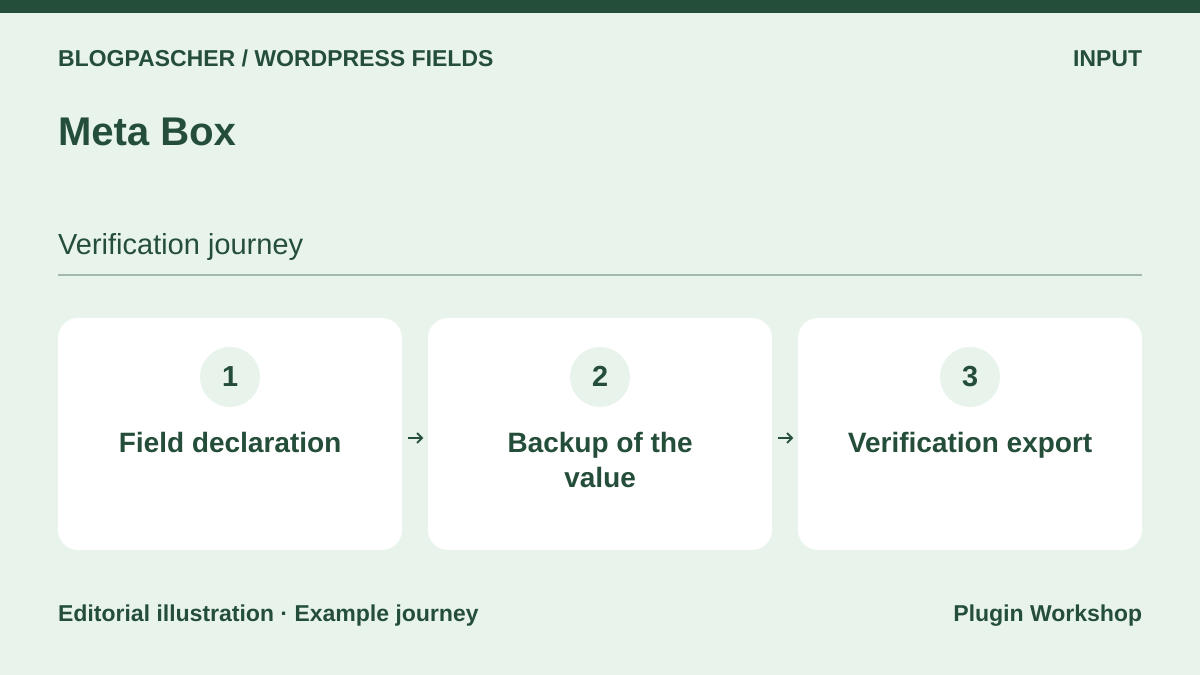 Editorial diagram. Field declaration → Value saved → Verification export. — BlogPasCherOpen full-size illustration ↗
Best forDeclare and version the reference collection’s input configuration.
The Meta Box framework allows fields to be registered in PHP and groups managed through an interface when the appropriate edition is installed. Use a stable duration key and separate the number from its unit. Before selecting a storage or relationship module, check the exact saved-value format. An import mapping simple text correctly may need different handling for a relationship. Try exporting both entries before choosing a bundle, then decide who will maintain the configuration.
Offer pricing
Free framework and free Meta Box Lite for an interface. Basic from 49 USD per year depending on site count, Ultimate from 99 USD.
Billing: Annual subscription or lifetime bundle depending on the offer
Renewal and support: Annual subscriptions renew at the stated regular rate.
Checked on .
Strengths
- Extensible framework and free Lite interface available separately.
What to consider
- The publisher lists separate modules for advanced features. Storage depends on your configuration.
Pricing terms and compatibility
Understanding the offer
- Price at the time of review
- Free framework and free Meta Box Lite for an interface. Basic from 49 USD per year depending on site count, Ultimate from 99 USD.
- Currency
- USD
- Billing
- Annual subscription or lifetime bundle depending on the offer
- Renewal and support
- Annual subscriptions renew at the stated regular rate.
- Taxes and fees
- Unspecified. Confirm for the offer you choose.
- Commitment and terms
- Unspecified. Confirm for the offer you choose.
- Date checked
Compatibility and components
- Check PHP, Meta Box extensions and the rendering tool together on a copy.
Custom Post Type UI
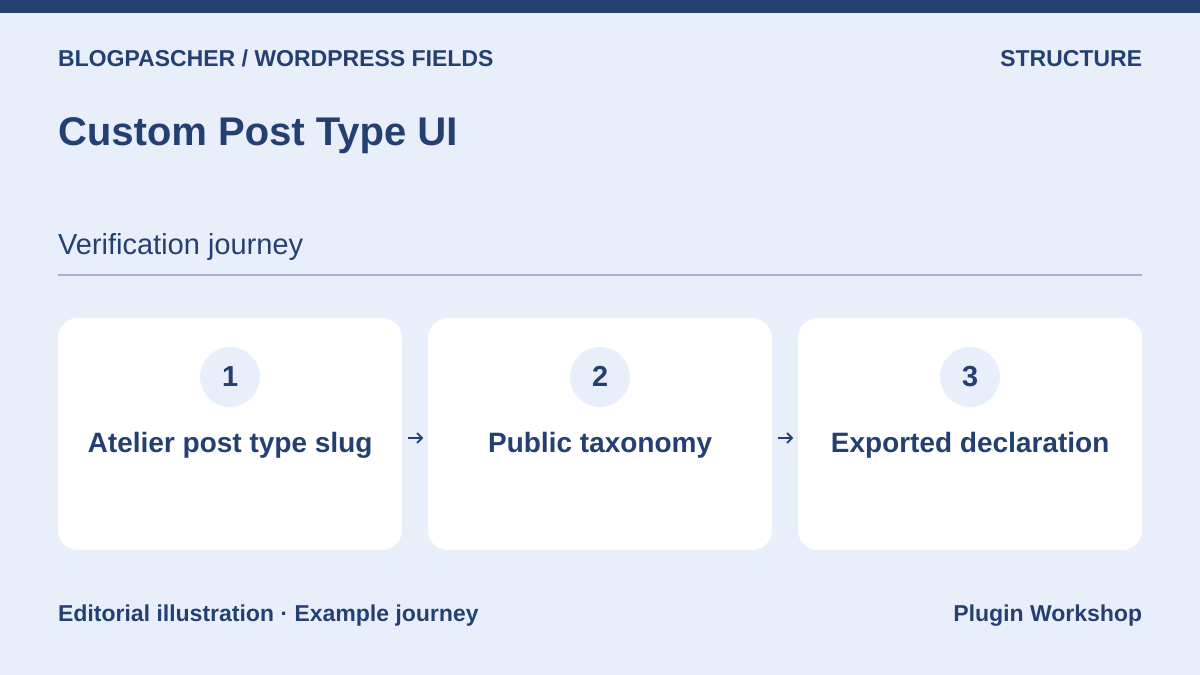 Editorial diagram. Atelier post type slug → Public taxonomy → Exported declaration. — BlogPasCherOpen full-size illustration ↗
Best forCreate a type and taxonomy without writing their initial registration.
Custom Post Type UI handles registration of types and taxonomies. Create the Workshop type, add an Audience taxonomy and check the slug, archive and editor. For a duration specific to each entry, add a field tool or native support. The Extended extension offers a separate display block. Before transferring the type, export its registration and check that its identifier is identical on the other site. Copying this registration alone leaves entries and values on the original site.
Offer pricing
Free registration plugin. Extended displayed at $29 for one site, $49 for two to five and $99 for unlimited sites.
Billing: Extended add-on sold separately
Renewal and support: Six months of updates and support stated at purchase. Check subscription frequency.
Checked on .
Strengths
- Registration interface and export of type settings.
What to consider
- Value fields and rendering belong to other settings or add-ons.
Pricing terms and compatibility
Understanding the offer
- Price at the time of review
- Free registration plugin. Extended displayed at $29 for one site, $49 for two to five and $99 for unlimited sites.
- Currency
- USD
- Billing
- Extended add-on sold separately
- Renewal and support
- Six months of updates and support stated at purchase. Check subscription frequency.
- Taxes and fees
- Unspecified. Confirm for the offer you choose.
- Commitment and terms
- Unspecified. Confirm for the offer you choose.
- Date checked
Compatibility and components
- Check the archive, REST configuration and theme slug collisions.
ACPT
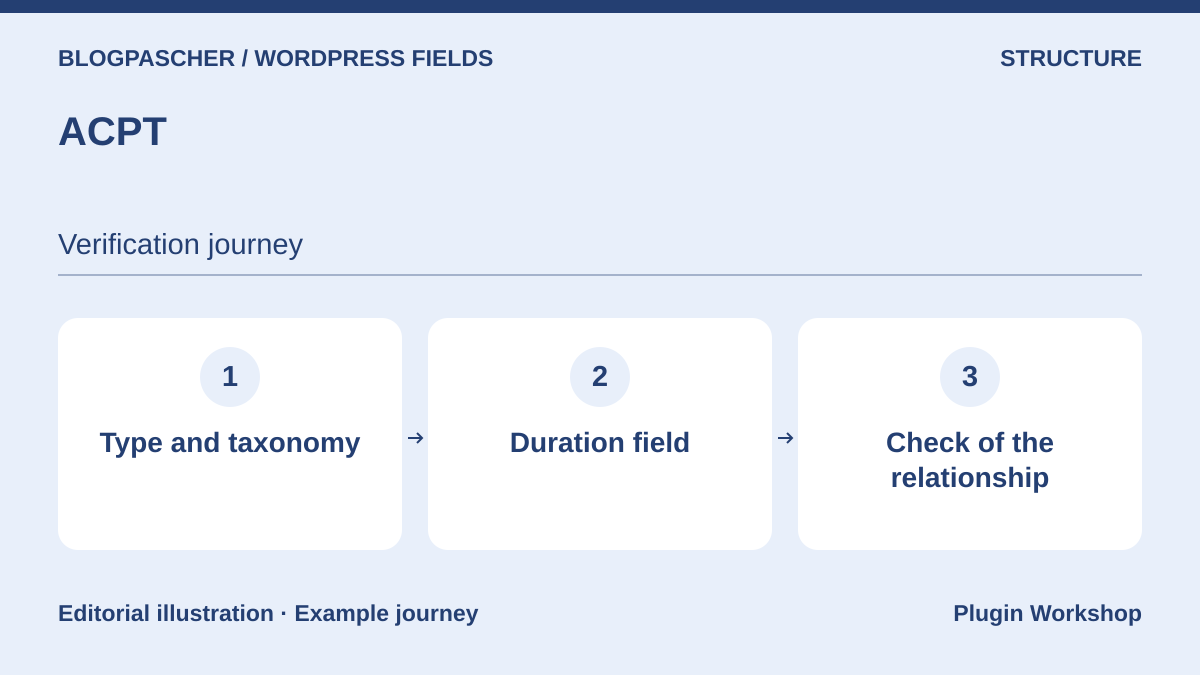 Editorial diagram. Type and taxonomy → Duration field → Relationship check. — BlogPasCherOpen full-size illustration ↗
Best forSet up a small reference collection before choosing additional modules.
ACPT combines types, taxonomies and fields in its interface. On a copy, create the type and a simple field in Lite, then record relationship and output capabilities expected for the selected version. For workshops and facilitators, try a relationship and check what happens when a target entry is unpublished. Also check that your display tool reads the same key and presents the duration unit. The Pro table and Lite edition describe different scopes.
Offer pricing
Free Lite. Annual plans at 29 USD for one site, 49 USD for five and 99 USD for unlimited sites.
Billing: Annual subscription
Renewal and support: Plans advertise one year of updates and support. Check the renewal rate.
Checked on .
Strengths
- One screen to manage structure and several documented reading interfaces.
What to consider
- Record Pro features and builder integrations for the chosen plan.
Pricing terms and compatibility
Understanding the offer
- Price at the time of review
- Free Lite. Annual plans at 29 USD for one site, 49 USD for five and 99 USD for unlimited sites.
- Currency
- USD
- Billing
- Annual subscription
- Renewal and support
- Plans advertise one year of updates and support. Check the renewal rate.
- Taxes and fees
- Unspecified. Confirm for the offer you choose.
- Commitment and terms
- Unspecified. Confirm for the offer you choose.
- Date checked
Compatibility and components
- Check the edition, relationship and template actually used.
WordPress Creation Kit
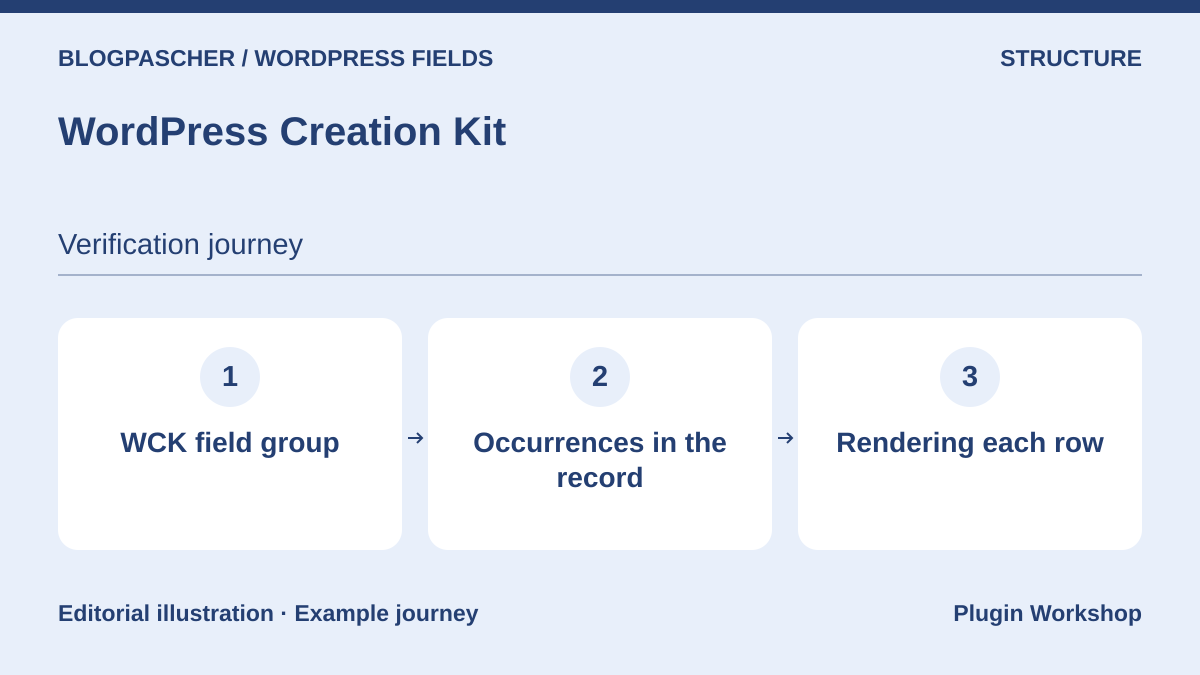 Editorial diagram. WCK field group → Occurrences in the record → Rendering each row. — BlogPasCherOpen full-size illustration ↗
Best forDefine a type and field group from the same tool.
WCK organizes custom types, taxonomies and fields. For a catalog, first create a minimal structure. After entering two records, check whether the template displays the first value or every occurrence in a group. This distinction matters for repeated schedules or instructors. The publisher documents several offers and rendering and options-page features in its commercial range. Check reading of each group with the chosen theme before extending the structure.
Offer pricing
Free edition. Hobbyist at 49 EUR per year and Pro at 139 EUR per year in the publisher’s table.
Billing: Annual subscription for paid plans
Renewal and support: Automatic annual renewal stated.
Checked on .
Strengths
- Screens for creating types, taxonomies and groups.
What to consider
- Repeated-group rendering and paid-edition features require separate checks.
Pricing terms and compatibility
Understanding the offer
- Price at the time of review
- Free edition. Hobbyist at 49 EUR per year and Pro at 139 EUR per year in the publisher’s table.
- Currency
- EUR
- Billing
- Annual subscription for paid plans
- Renewal and support
- Automatic annual renewal stated.
- Taxes and fees
- Unspecified. Confirm for the offer you choose.
- Commitment and terms
- Unspecified. Confirm for the offer you choose.
- Date checked
Compatibility and components
- Check WordPress and builder versions with the groups actually used.
JetEngine
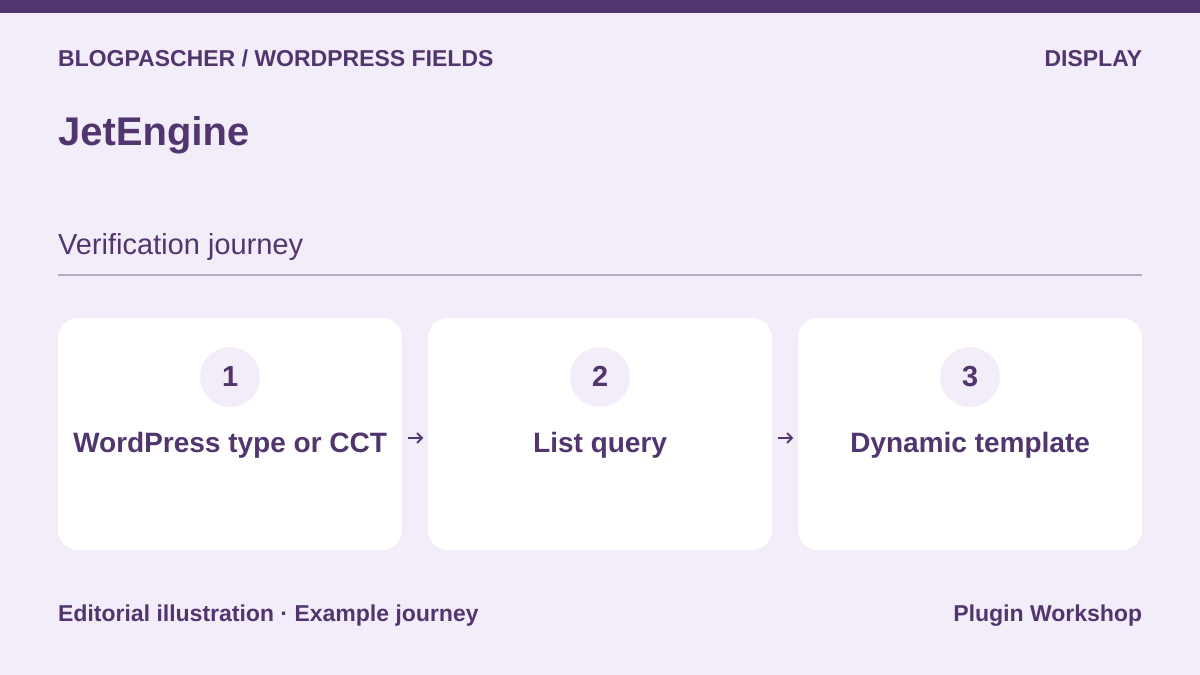 Editorial diagram. WordPress type or CCT → List query → Dynamic template. — BlogPasCherOpen full-size illustration ↗
Best forBuild dynamic entries and lists with the builder already in use.
JetEngine combines content types, relationships, queries and dynamic lists. For a workshop, decide whether to use a standard post type or a JetEngine custom content type. The two models do not export the same way. Create a list displaying title and duration, then open both entries individually. Also check the archive and empty results. If adding a visual filter, check whether the required component and license are in the selected plan.
Offer pricing
Standalone JetEngine at $75 per year for one site in the table, with a separate promotion depending on the page.
Billing: Annual subscription
Renewal and support: Check the renewal price and selected license scope.
Checked on .
Strengths
- Content and dynamic-list creation according to the builder.
What to consider
- Portability and dependencies differ between WordPress types, CCTs and widgets.
Pricing terms and compatibility
Understanding the offer
- Price at the time of review
- Standalone JetEngine at $75 per year for one site in the table, with a separate promotion depending on the page.
- Currency
- USD
- Billing
- Annual subscription
- Renewal and support
- Check the renewal price and selected license scope.
- Taxes and fees
- Unspecified. Confirm for the offer you choose.
- Commitment and terms
- Unspecified. Confirm for the offer you choose.
- Date checked
Compatibility and components
- The publisher advertises Elementor, Gutenberg and Bricks. Check the exact component and builder.
Toolset
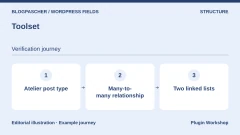
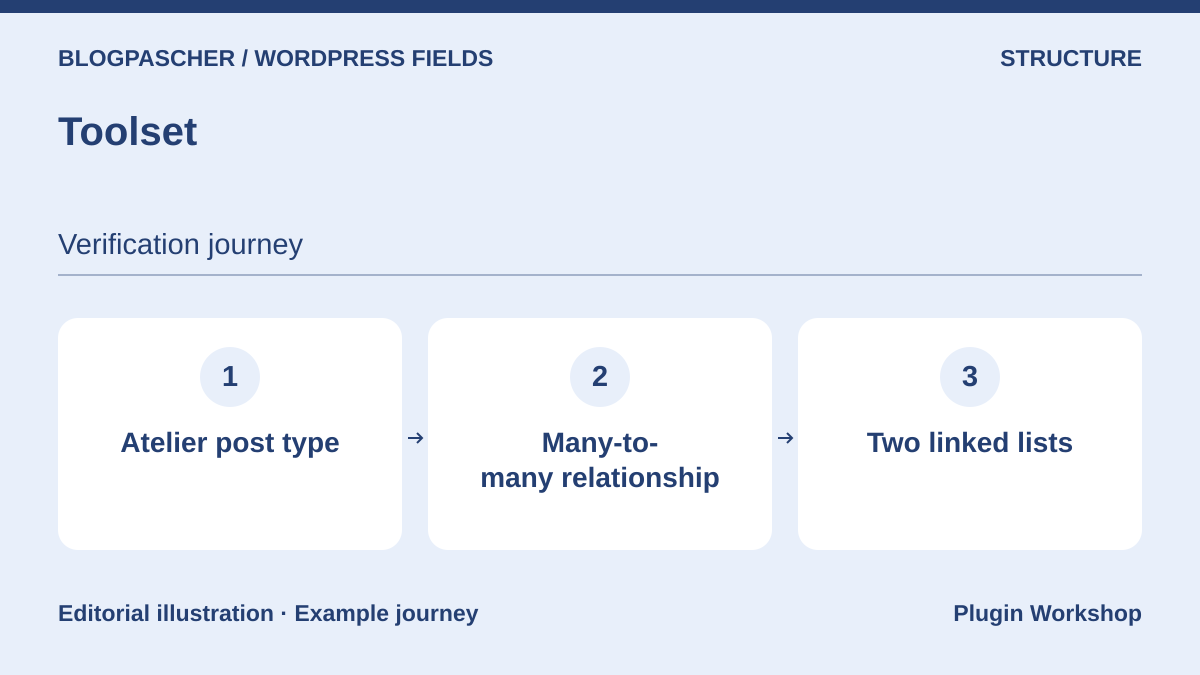 Editorial diagram. Atelier post type → Many-to-many relationship → Two linked lists. — BlogPasCherOpen full-size illustration ↗
Best forModel a catalog linked to organizations or instructors.
Toolset combines Types with its display and query tools. For workshops led by several people, start by defining the relationship and cardinalities. Create an entry shared by two instructors, then check lists in both directions. Before changing themes or plugins, export relationships as well as titles. Check public filters and Toolset-related components separately. Their display may depend on features the post type alone does not reproduce.
Offer pricing
Licenses displayed at 69, 149 and 299 EUR depending on site count.
Billing: License with one year of updates and support
Renewal and support: Annual renewals displayed at 51, 111 and 224 EUR depending on the plan.
Checked on .
Strengths
- Coordinated tools for types, relationships and templates.
What to consider
- Exporting content and recovering the relationship schema are two operations.
Pricing terms and compatibility
Understanding the offer
- Price at the time of review
- Licenses displayed at 69, 149 and 299 EUR depending on site count.
- Currency
- EUR
- Billing
- License with one year of updates and support
- Renewal and support
- Annual renewals displayed at 51, 111 and 224 EUR depending on the plan.
- Taxes and fees
- Unspecified. Confirm for the offer you choose.
- Commitment and terms
- Unspecified. Confirm for the offer you choose.
- Date checked
Compatibility and components
- Check server requirements and theme in the official table, plus support for the installed WordPress version.
CMB2
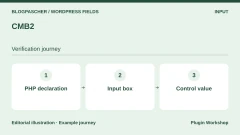
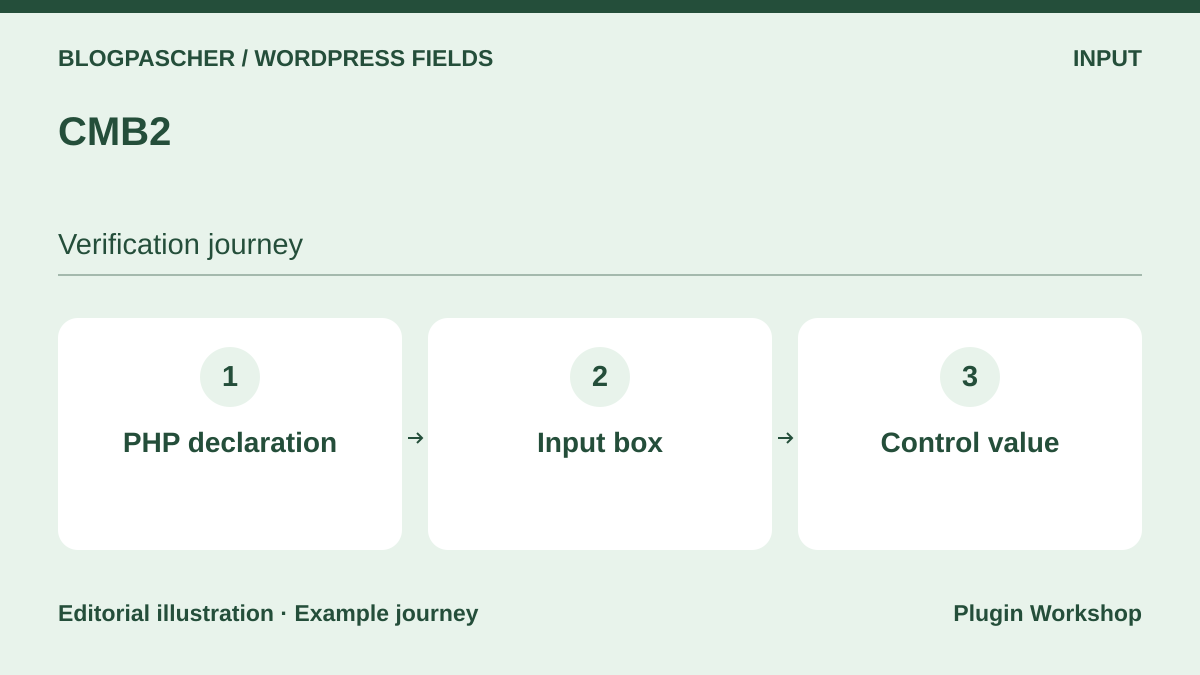 Editorial diagram. PHP declaration → Input box → Control value. — BlogPasCherOpen full-size illustration ↗
Best forDeclare versioned input screens in code.
CMB2 is a development tool for registering WordPress input boxes and fields. Choose stable identifiers and keep the registration with site code. Check what the field saves before writing public reading logic, especially for repeated values or media. Another person must be able to find identifiers and change presentation without opening the saving code. For a team preferring an integrated modeling interface, allow for additional setup and maintenance work.
Offer pricing
Free and open-source plugin in the WordPress directory.
Checked on .
Strengths
- API for registering boxes and fields in PHP.
What to consider
- Public presentation and queries must be built separately.
Pricing terms and compatibility
Understanding the offer
- Price at the time of review
- Free and open-source plugin in the WordPress directory.
- Currency
- Unspecified. Confirm for the offer you choose.
- Billing
- Unspecified. Confirm for the offer you choose.
- Renewal and support
- Unspecified. Confirm for the offer you choose.
- Taxes and fees
- Unspecified. Confirm for the offer you choose.
- Commitment and terms
- Unspecified. Confirm for the offer you choose.
- Date checked
Compatibility and components
- Check field-type extensions and versions on the copy.
Field Forge
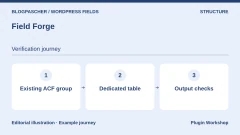
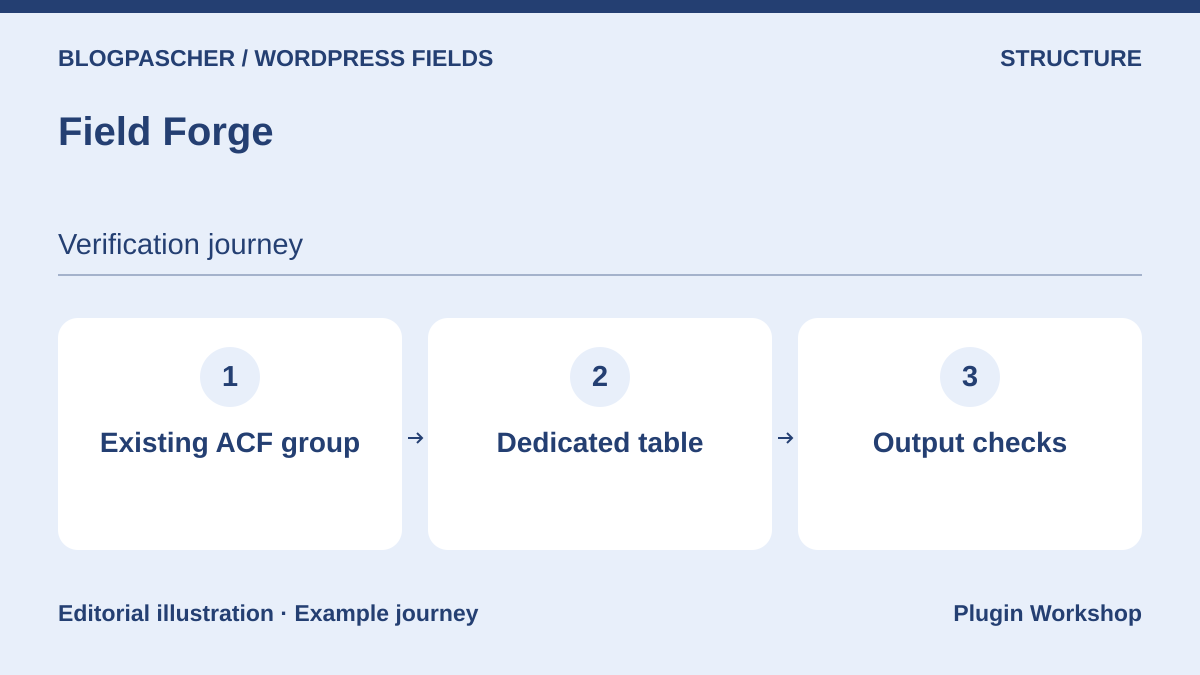 Editorial diagram. Existing ACF group → Dedicated table → Output checks. — BlogPasCherOpen full-size illustration ↗
Best forAssess migration from ACF to fields stored in a dedicated table.
Field Forge advertises storage in its own table and migration of several ACF groups and functions. Choose a small dataset and export it before importing. Check text, numbers, a relationship between entries and missing values. Then compare PHP templates and queries. A compatible reading function does not prove that all values are in the same table. A report from a tool reading only WordPress metadata may therefore be incomplete.
Offer pricing
Free edition. Pro displayed from $40 per year, with $104 and $174 offers.
Billing: Annual subscription
Renewal and support: The publisher states that Pro features stop after license expiry.
Checked on .
Strengths
- Own table and advertised ACF migration tools.
What to consider
- Compound types and GraphQL integration have Pro conditions. Try migration and outputs on a copy.
Pricing terms and compatibility
Understanding the offer
- Price at the time of review
- Free edition. Pro displayed from $40 per year, with $104 and $174 offers.
- Currency
- USD
- Billing
- Annual subscription
- Renewal and support
- The publisher states that Pro features stop after license expiry.
- Taxes and fees
- Unspecified. Confirm for the offer you choose.
- Commitment and terms
- Unspecified. Confirm for the offer you choose.
- Date checked
Compatibility and components
- Check field types, theme compatibility and export before changing.
ACF Extended
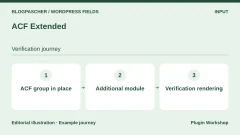
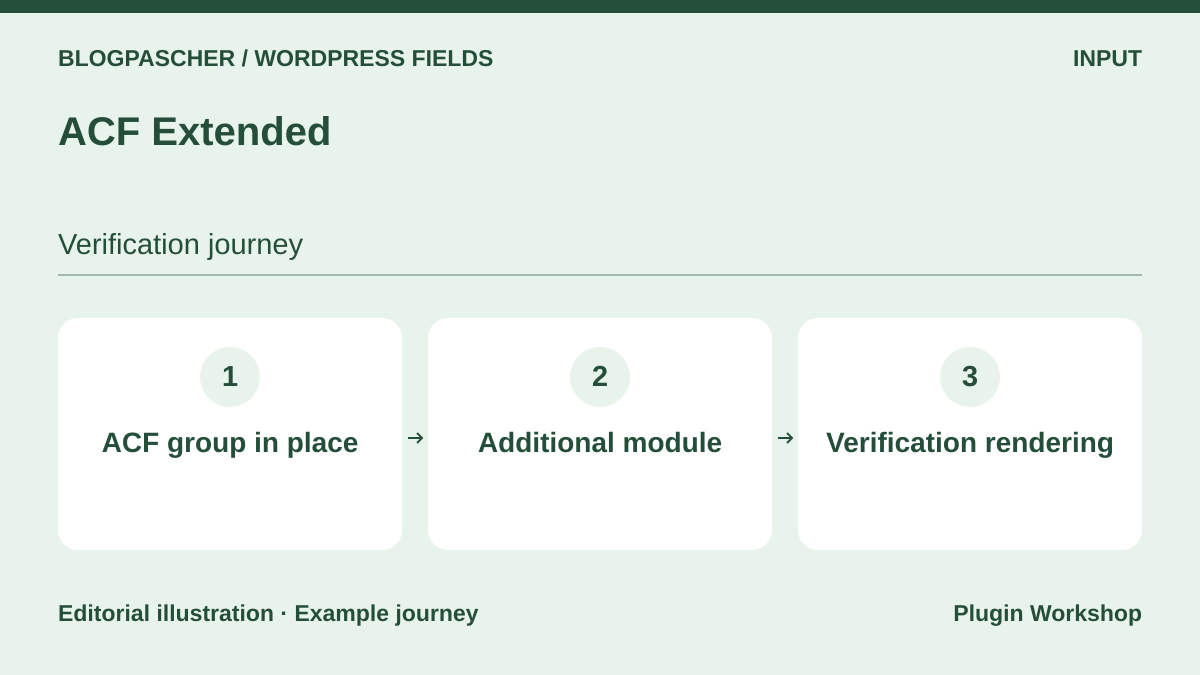 Editorial diagram. ACF group in place → Additional module → Verification rendering. — BlogPasCherOpen full-size illustration ↗
Best forExtend an ACF configuration requiring more advanced input or management.
ACF Extended adds modules around ACF. Activate only those needed by the project, such as an input interface or settings group. On a copy, first export ACF configuration, add the selected field or module, then check both public templates after disabling the add-on. Separate settings belonging to ACF from those existing only with Extended. A site already registering types in another plugin must designate one source to avoid competing definitions.
Offer pricing
Free edition. Pro displays plans at $49, $149 and $249 per year, excluding taxes.
Billing: Annual subscription for Pro
Renewal and support: Check the next renewal and required ACF license.
Checked on .
Strengths
- Configuration modules and extensions to ACF screens.
What to consider
- Depends on ACF, with scope varying by module. Check Free or Pro requirements.
Pricing terms and compatibility
Understanding the offer
- Price at the time of review
- Free edition. Pro displays plans at $49, $149 and $249 per year, excluding taxes.
- Currency
- USD
- Billing
- Annual subscription for Pro
- Renewal and support
- Check the next renewal and required ACF license.
- Taxes and fees
- Unspecified. Confirm for the offer you choose.
- Commitment and terms
- Unspecified. Confirm for the offer you choose.
- Date checked
Compatibility and components
- Check the ACF version against the plugin listing and enabled modules.
Admin Columns for ACF Fields
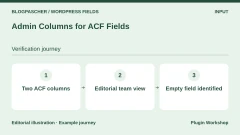
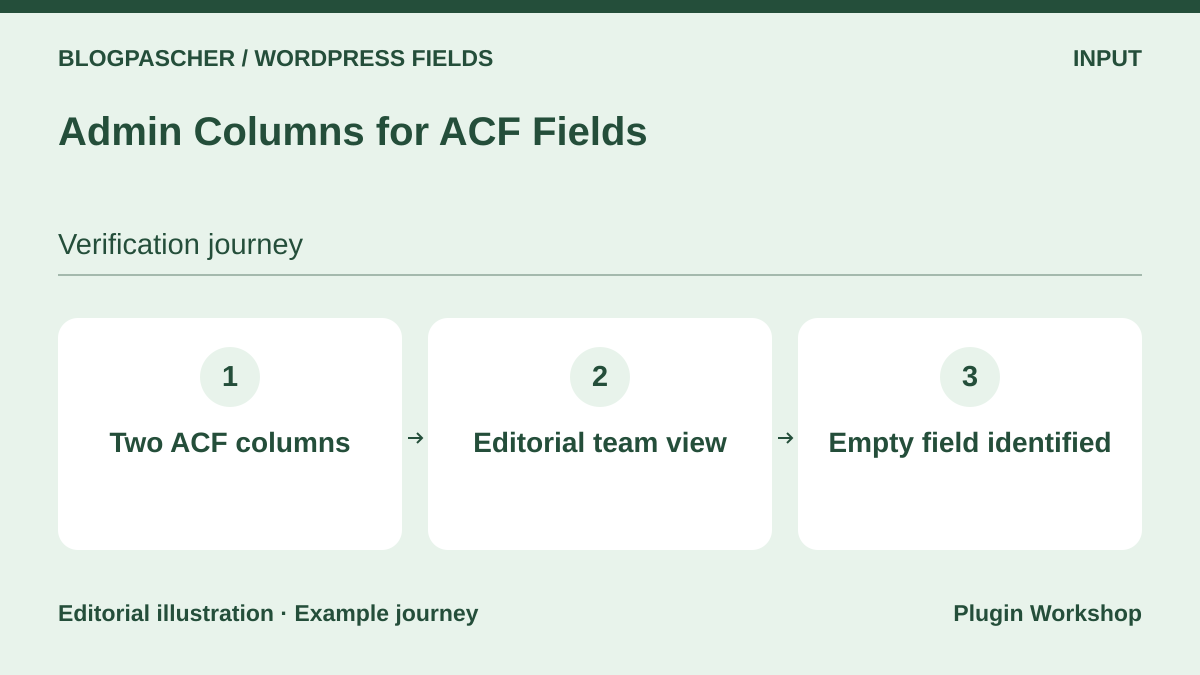 Editorial diagram. Two ACF columns → Editorial team view → Empty field identified. — BlogPasCherOpen full-size illustration ↗
Best forReview entry values from the administration table.
This module adds supported ACF fields to administration columns. Display City and Duration to spot an empty field before publication. Check columns visible from an editor account and choose only those aiding review. A column in the administration list neither makes the field public, changes its storage nor indexes it for search. Special field types and sorting depend on documented plugin support.
Offer pricing
Free plugin in the WordPress directory. Any ACF Pro cost depends on fields used.
Checked on .
Strengths
- Displays ACF data in management lists.
What to consider
- Check exceptions by field type and role visibility.
Pricing terms and compatibility
Understanding the offer
- Price at the time of review
- Free plugin in the WordPress directory. Any ACF Pro cost depends on fields used.
- Currency
- Unspecified. Confirm for the offer you choose.
- Billing
- Unspecified. Confirm for the offer you choose.
- Renewal and support
- Unspecified. Confirm for the offer you choose.
- Taxes and fees
- Unspecified. Confirm for the offer you choose.
- Commitment and terms
- Unspecified. Confirm for the offer you choose.
- Date checked
Compatibility and components
- Depends on ACF. Check the field and entry type on the desired list.
Table Field Add-on for ACF and SCF
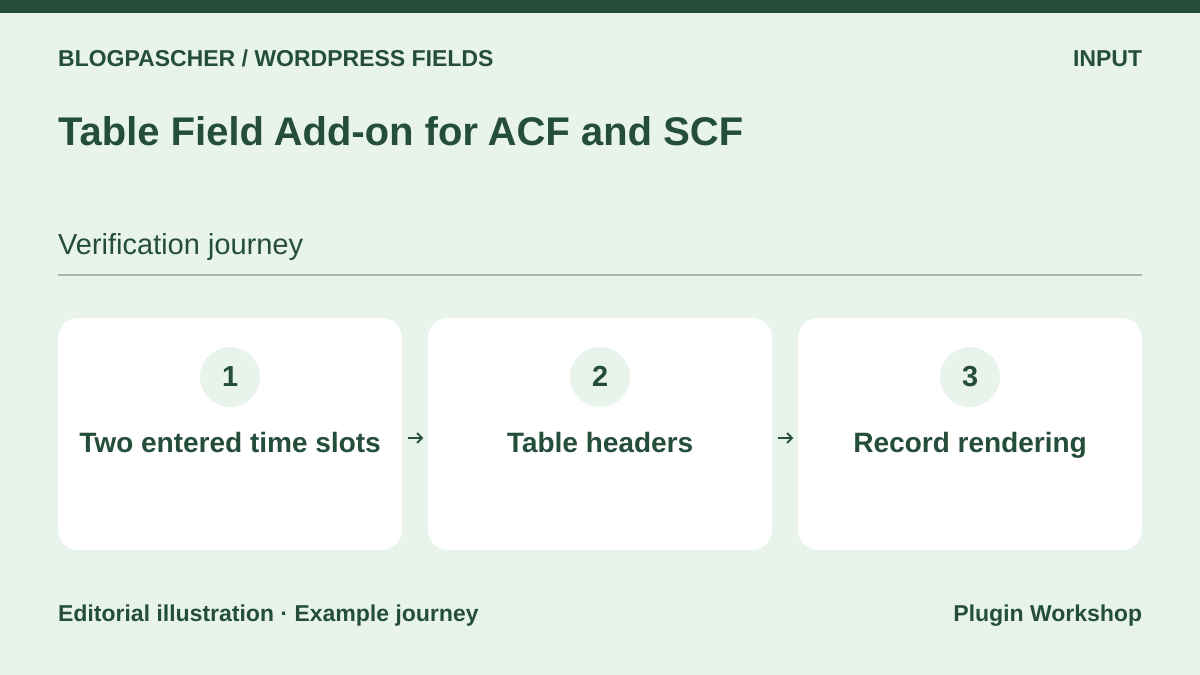 Editorial diagram. Two entered time slots → Table headers → Record rendering. — BlogPasCherOpen full-size illustration ↗
Best forEnter a small table specific to each entry.
The add-on adds a Table field type to ACF or SCF. For workshops, try a table containing two slots and an empty cell. Check heading rendering, then export data before changing display tools. A table suits a dataset attached to one entry. If slots must be searched or sorted individually across the site, test a model storing them as separate items. The publisher distinguishes free and Pro field types.
Offer pricing
Free table field. Pro from 49 EUR by subscription and a lifetime option from 249 EUR in the store.
Billing: Subscription or lifetime purchase depending on the offer
Renewal and support: The publisher states that Pro continues working after expiry, without updates.
Checked on .
Strengths
- Table input interface integrated into a field group.
What to consider
- Check conversion of a field from Pro back to free before converting.
Pricing terms and compatibility
Understanding the offer
- Price at the time of review
- Free table field. Pro from 49 EUR by subscription and a lifetime option from 249 EUR in the store.
- Currency
- EUR
- Billing
- Subscription or lifetime purchase depending on the offer
- Renewal and support
- The publisher states that Pro continues working after expiry, without updates.
- Taxes and fees
- Unspecified. Confirm for the offer you choose.
- Commitment and terms
- Unspecified. Confirm for the offer you choose.
- Date checked
Compatibility and components
- Depends on ACF or SCF. Check the template interpreting the returned structure.
WPGraphQL for ACF
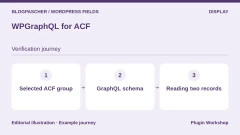
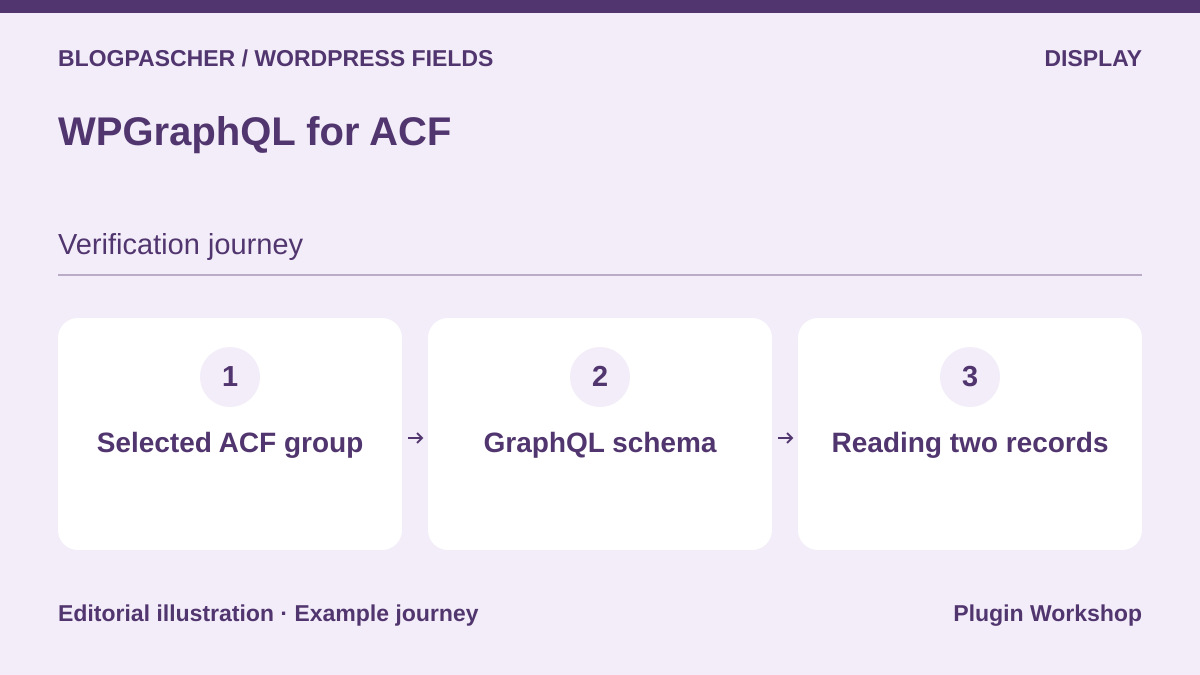 Editorial diagram. Selected ACF group → GraphQL schema → Reading two records. — BlogPasCherOpen full-size illustration ↗
Best forRead a field group from a site using GraphQL.
WPGraphQL for ACF makes authorized fields available in the GraphQL schema. Start with City and Duration and enable only fields intended for the client. Then query both entries and check value formats. The plugin distinguishes reading fields from filtering results. The repository states that filtering and sorting by ACF fields are not supplied directly. Also check what an unauthenticated visitor can read. An internal field may help editors without needing to be sent to the public client.
Offer pricing
Free and open-source bridge. Requires WPGraphQL and ACF. Some ACF field types require Pro.
Checked on .
Strengths
- Bridge between ACF groups and the WPGraphQL schema.
What to consider
- ACF-field filtering and sorting are not supplied directly according to the listing.
Pricing terms and compatibility
Understanding the offer
- Price at the time of review
- Free and open-source bridge. Requires WPGraphQL and ACF. Some ACF field types require Pro.
- Currency
- Unspecified. Confirm for the offer you choose.
- Billing
- Unspecified. Confirm for the offer you choose.
- Renewal and support
- Unspecified. Confirm for the offer you choose.
- Taxes and fees
- Unspecified. Confirm for the offer you choose.
- Commitment and terms
- Unspecified. Confirm for the offer you choose.
- Date checked
Compatibility and components
- Requires active WPGraphQL and ACF. Check each exposed field.
Post Type Switcher
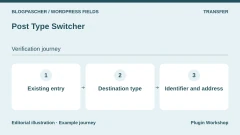
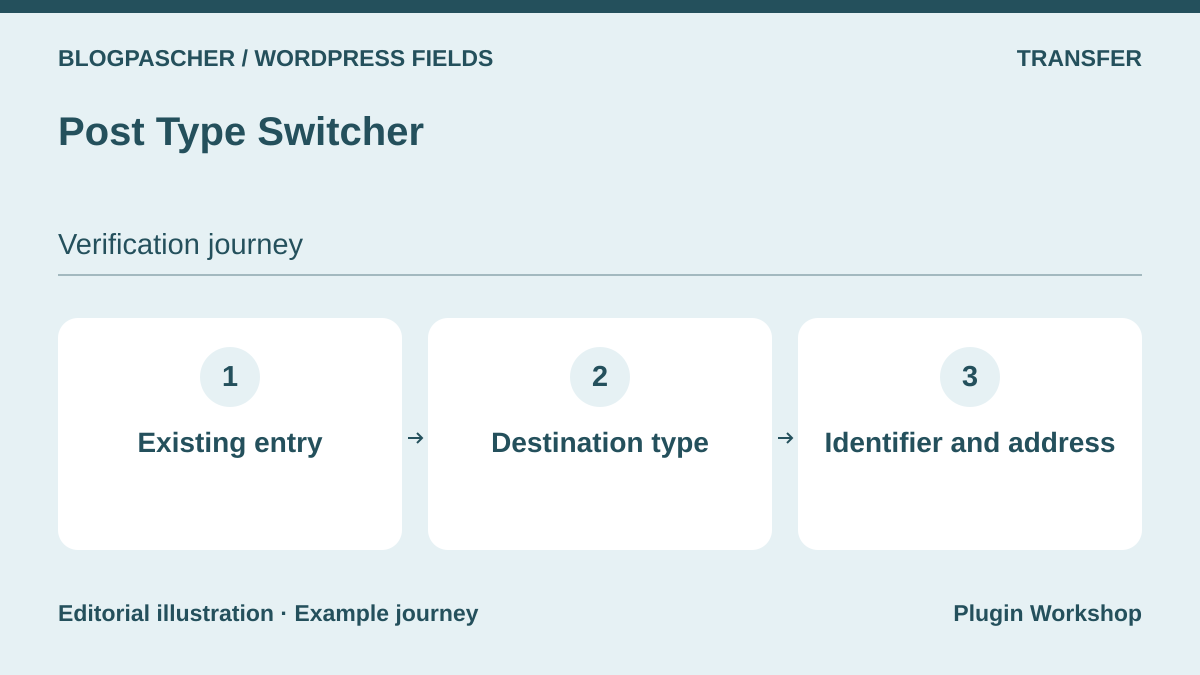 Editorial diagram. Existing record → Destination type → Identifier and address. — BlogPasCherOpen full-size illustration ↗
Best forReclassify an existing entry into the correct post type.
Post Type Switcher changes existing content’s type from its screen or in bulk. On a copy, move one entry and check its identifier, field keys, taxonomies and applied template. The input screen may change when group rules depend on type. Also open the old and new addresses to prepare any redirects. After this test, confirm batch scope before touching the rest of the catalog.
Offer pricing
Free plugin from the WordPress directory.
Checked on .
Strengths
- Single conversion and bulk editing of compatible types.
What to consider
- Check groups, taxonomies and permalinks after changing type.
Pricing terms and compatibility
Understanding the offer
- Price at the time of review
- Free plugin from the WordPress directory.
- Currency
- Unspecified. Confirm for the offer you choose.
- Billing
- Unspecified. Confirm for the offer you choose.
- Renewal and support
- Unspecified. Confirm for the offer you choose.
- Taxes and fees
- Unspecified. Confirm for the offer you choose.
- Commitment and terms
- Unspecified. Confirm for the offer you choose.
- Date checked
Compatibility and components
- Destination types must already be registered.
WP All Import
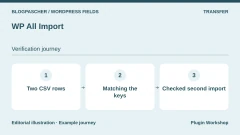
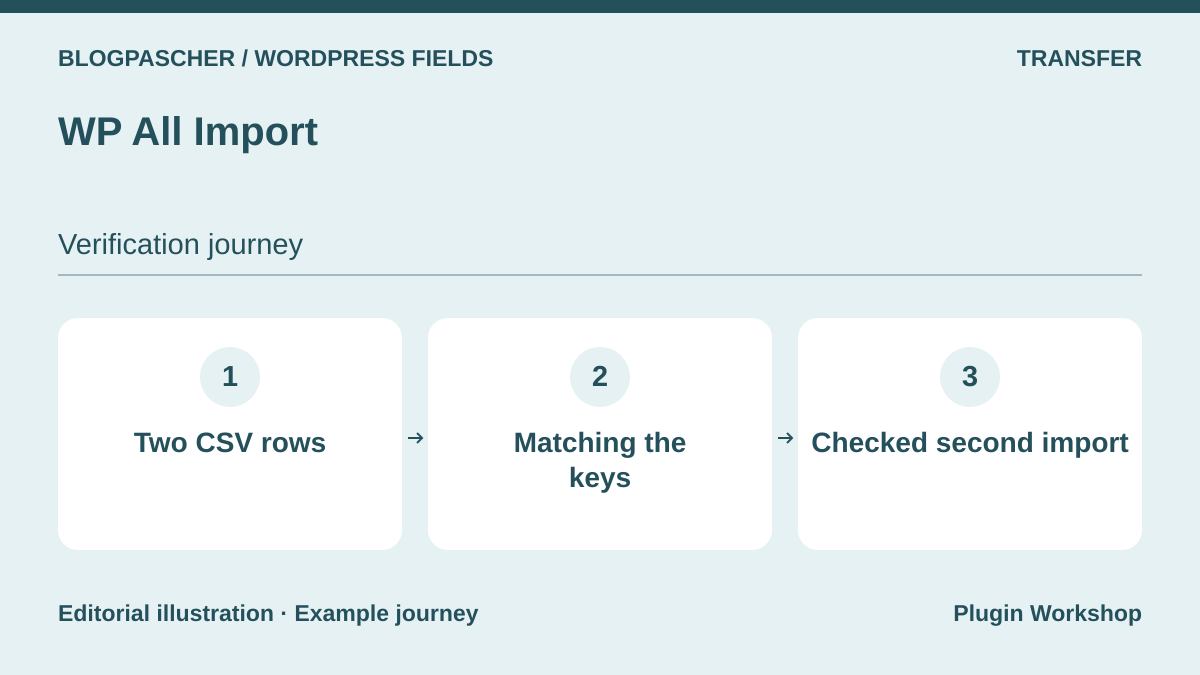 Editorial diagram. Two CSV rows → Key matching → Checked second import. — BlogPasCherOpen full-size illustration ↗
Best forMap CSV columns to fields in already modeled entries.
WP All Import maps file columns to WordPress content. The listing reserves custom-field importing for Pro and describes a separate ACF add-on. Use a stable reference to recognize each workshop. Perform an initial two-row import, then replay the same file with a changed duration. Check that entry count stays the same and only the expected value changes. Keep the original file, column mapping and database backup before a larger batch.
Offer pricing
Free core. The table displays Pro offers from 149 USD at the time recorded. Confirm price and ACF module according to checkout.
Billing: The publisher announces a transition from lifetime licenses to annual plans.
Renewal and support: The site mentions annual pricing tests. Check terms at purchase.
Checked on .
Strengths
- Data mapping and update tracking through an identifier.
What to consider
- Check the required field tier and ACF module before purchase.
Pricing terms and compatibility
Understanding the offer
- Price at the time of review
- Free core. The table displays Pro offers from 149 USD at the time recorded. Confirm price and ACF module according to checkout.
- Currency
- USD
- Billing
- The publisher announces a transition from lifetime licenses to annual plans.
- Renewal and support
- The site mentions annual pricing tests. Check terms at purchase.
- Taxes and fees
- Unspecified. Confirm for the offer you choose.
- Commitment and terms
- Unspecified. Confirm for the offer you choose.
- Date checked
Compatibility and components
- Check the edition, destination type and fields mapped in the project.
WP Ultimate CSV Importer
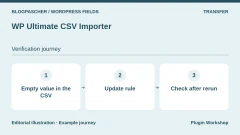
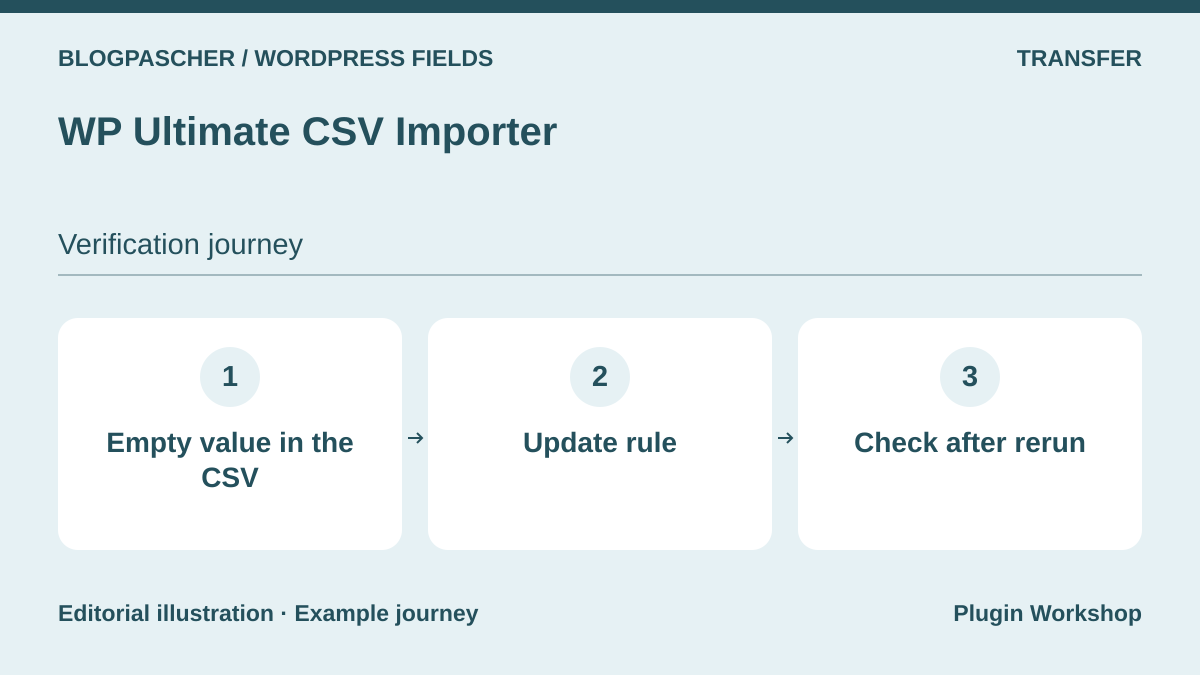 Editorial diagram. Empty value in the CSV → Update rule → Check after rerun. — BlogPasCherOpen full-size illustration ↗
Best forTest metadata recovery from a catalog file.
WP Ultimate CSV Importer supports different content types and offers packages according to source and fields. Test an entry with a number and another with an empty cell. Determine whether this cell leaves an old value or clears it during an update. For a relationship or media item, separately check identifier mapping between old and new sites. The field package and complete offering have different scopes. Check file type and volume before a real import.
Offer pricing
Free edition. Pro table with Custom Field Import package at $199 and full offer at $299 at the time recorded.
Billing: One-time purchase according to the table
Renewal and support: The publisher advertises lifetime updates and one year of support included in the table.
Checked on .
Strengths
- Maps files to supported types, taxonomies and fields.
What to consider
- A compound or relational value may depend on a package and the original plugin.
Pricing terms and compatibility
Understanding the offer
- Price at the time of review
- Free edition. Pro table with Custom Field Import package at $199 and full offer at $299 at the time recorded.
- Currency
- USD
- Billing
- One-time purchase according to the table
- Renewal and support
- The publisher advertises lifetime updates and one year of support included in the table.
- Taxes and fees
- Unspecified. Confirm for the offer you choose.
- Commitment and terms
- Unspecified. Confirm for the offer you choose.
- Date checked
Compatibility and components
- Check the exact combination of type, field and destination plugin.
Advanced Views
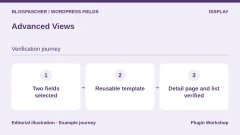
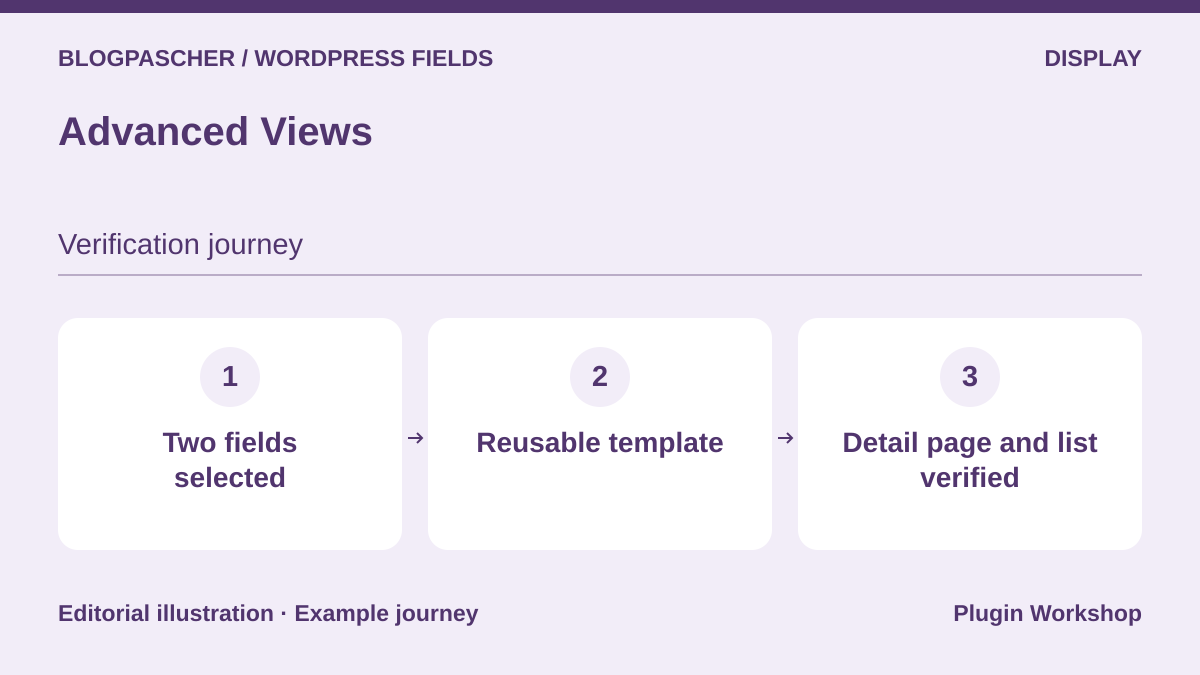 Editorial diagram. Two selected fields → Reusable template → Checked record and list. — BlogPasCherOpen full-size illustration ↗
Best forCompose a shared presentation for fields from different tools.
Advanced Views presents fields and content in reusable templates. First build a template displaying only City and Duration, then test it on the individual entry and in a list. If a value is missing only in the list, inspect the content identifier supplied to the template. The range advertises several template engines and ACF, Meta Box and Pods integrations. Record the chosen syntax and configuration so another maintainer can reproduce the rendering.
Offer pricing
Free Lite. Pro displayed at 32 USD per year. Freelancer, Agency and Developer offers have separate prices and terms.
Billing: Annual subscription for Pro
Renewal and support: The Pro page states a 20% renewal discount.
Checked on .
Strengths
- Reusable templates and reading from several field providers.
What to consider
- Check advanced field types and required license tier.
Pricing terms and compatibility
Understanding the offer
- Price at the time of review
- Free Lite. Pro displayed at 32 USD per year. Freelancer, Agency and Developer offers have separate prices and terms.
- Currency
- USD
- Billing
- Annual subscription for Pro
- Renewal and support
- The Pro page states a 20% renewal discount.
- Taxes and fees
- Unspecified. Confirm for the offer you choose.
- Commitment and terms
- Unspecified. Confirm for the offer you choose.
- Date checked
Compatibility and components
- Check the template engine and builder actually used.
Meta Field Block
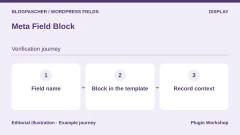
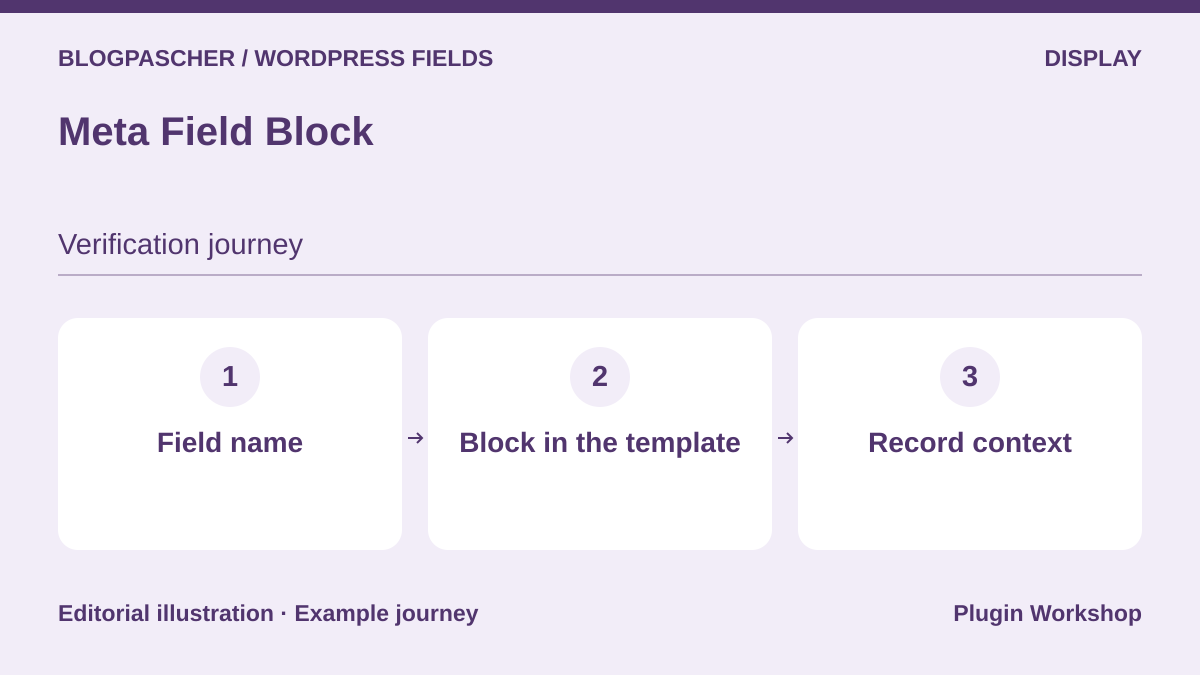 Editorial diagram. Field name → Block in the template → Record context. — BlogPasCherOpen full-size illustration ↗
Best forInsert a simple field into a block template.
Meta Field Block displays metadata in the block editor. Insert a field in an entry template and check that it retrieves the open entry’s city. Repeat in a query loop, where the current item changes on each row. Rendering a group, gallery or repeater may require Pro or code depending on the field. Keep a fallback template and check empty-field HTML to avoid orphan labels.
Offer pricing
Free block. One-site Pro at 40 USD per year or 100 USD lifetime. Ten-site and unlimited-site offers available.
Billing: Subscription or lifetime purchase for Pro
Renewal and support: Automatic renewal advertised for annual plans.
Checked on .
Strengths
- Block-based metadata insertion and support for several providers.
What to consider
- Compound values need different handling and sometimes Pro.
Pricing terms and compatibility
Understanding the offer
- Price at the time of review
- Free block. One-site Pro at 40 USD per year or 100 USD lifetime. Ten-site and unlimited-site offers available.
- Currency
- USD
- Billing
- Subscription or lifetime purchase for Pro
- Renewal and support
- Automatic renewal advertised for annual plans.
- Taxes and fees
- Unspecified. Confirm for the offer you choose.
- Commitment and terms
- Unspecified. Confirm for the offer you choose.
- Date checked
Compatibility and components
- Check the field type and loop context in the block editor.
Display Posts
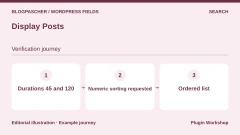
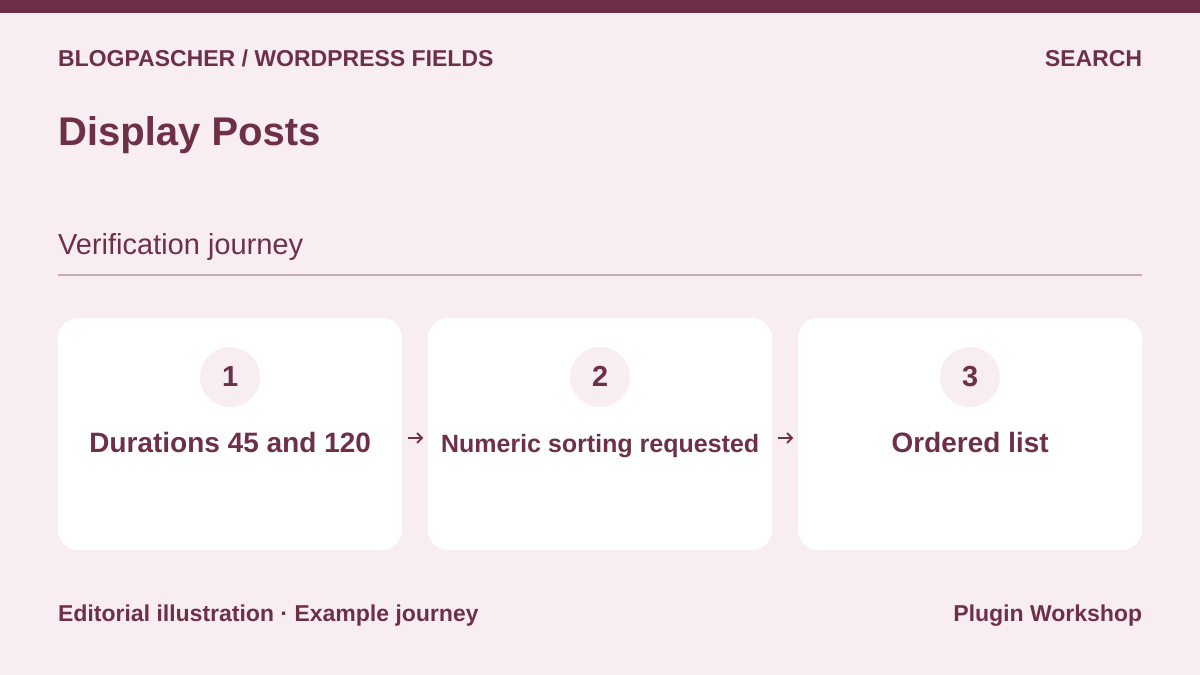 Editorial diagram. Durations 45 and 120 → Numeric sorting requested → Ordered list. — BlogPasCherOpen full-size illustration ↗
Best forCompose a small list sorted by a numeric value.
Display Posts creates lists with a shortcode. Documentation gives a numeric-sorting example using a metadata key. Try it with two durations, 45 and 120. Compare the result with alphabetical sorting, which has a different meaning for numbers stored as text. Check behavior for entries lacking the key. To display the value itself in each item, check output options or associated rendering code.
Offer pricing
Free plugin from the WordPress directory.
Checked on .
Strengths
- Documented parameters for targeting a type and sorting by metadata.
What to consider
- List sorting and general-search indexing serve two uses.
Pricing terms and compatibility
Understanding the offer
- Price at the time of review
- Free plugin from the WordPress directory.
- Currency
- Unspecified. Confirm for the offer you choose.
- Billing
- Unspecified. Confirm for the offer you choose.
- Renewal and support
- Unspecified. Confirm for the offer you choose.
- Taxes and fees
- Unspecified. Confirm for the offer you choose.
- Commitment and terms
- Unspecified. Confirm for the offer you choose.
- Date checked
Compatibility and components
- Check field-key availability for every entry in the list.
Fielder — merkulove
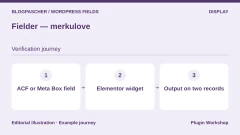
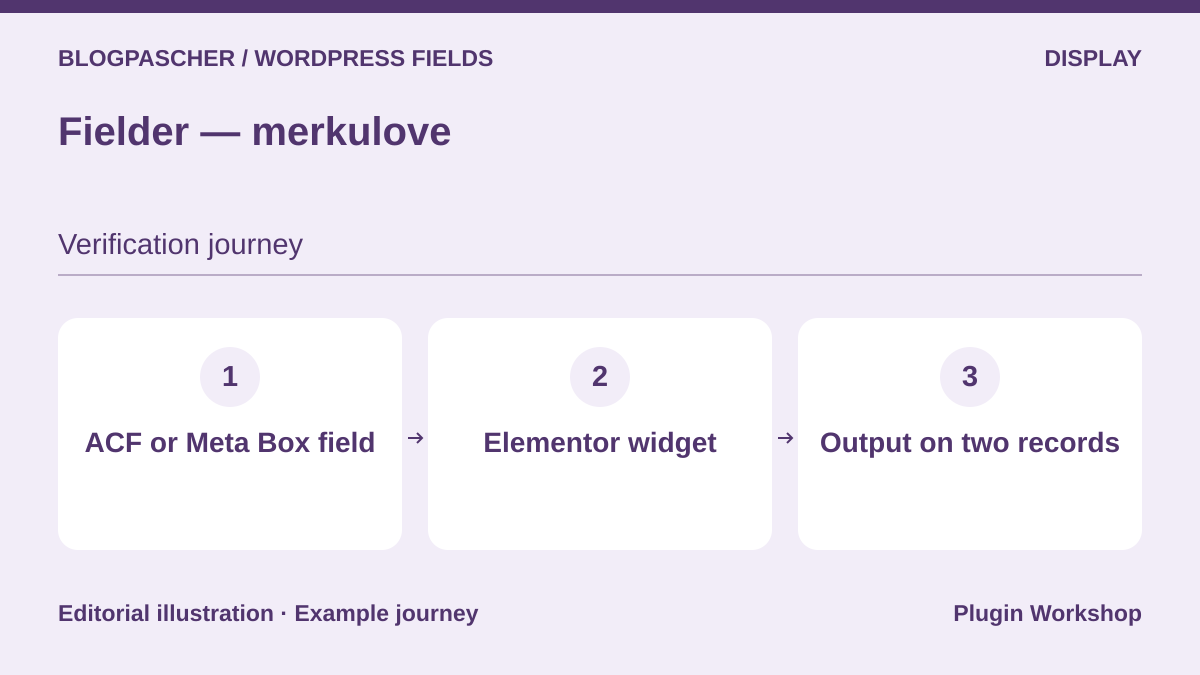 Editorial diagram. ACF or Meta Box field → Elementor widget → Output on two records. — BlogPasCherOpen full-size illustration ↗
Best forDisplay metadata in an Elementor layout.
Fielder adds an Elementor rendering widget for several ACF and Meta Box field formats. In a template page, select duration, display the unit separately, then check both entries and an empty field. Check a list or gallery in the rendering mode actually selected. Values remain those supplied by your field tool, while display depends on the widget and Elementor. Check your WordPress version before purchase: the commercial listing cites up to the 7.0.x series.
Offer pricing
Regular at 29 USD and Extended at 75 USD on CodeCanyon.
Billing: License purchase
Renewal and support: Six months of support included. Optional extension.
Price excludes taxes and processing fees according to the listing.
Checked on .
Strengths
- Advertised reading of simple and compound fields in Elementor.
What to consider
- Depends on the builder and the format returned by the field.
Pricing terms and compatibility
Understanding the offer
- Price at the time of review
- Regular at 29 USD and Extended at 75 USD on CodeCanyon.
- Currency
- USD
- Billing
- License purchase
- Renewal and support
- Six months of support included. Optional extension.
- Taxes and fees
- Price excludes taxes and processing fees according to the listing.
- Commitment and terms
- License for one end product under marketplace terms.
- Date checked
Compatibility and components
- Listing updated February 19, 2026, with WordPress 7.0.x displayed. Your combination requires testing.
Custom Post Types, Taxonomies and Fields for Avada Builder
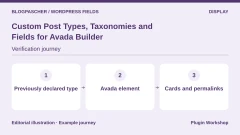
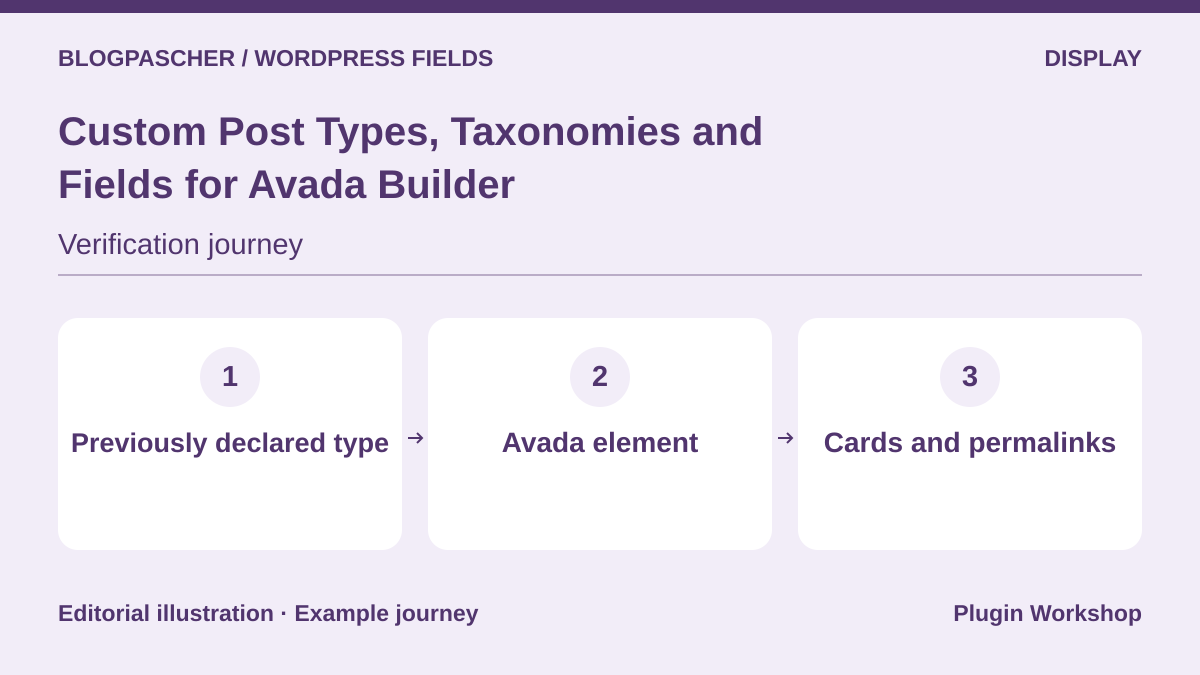 Editorial diagram. Previously declared type → Avada element → Cards and permalinks. — BlogPasCherOpen full-size illustration ↗
Best forUse Avada elements with an already created type and taxonomy.
This add-on extends Avada elements to other types, taxonomies and fields. On a site already built with Avada, display two workshops in the desired element, then check each card’s link and corresponding field. To prepare migration, separate type definition from the Avada element laying it out. Purchasing makes sense if the builder and component already used are compatible. The listing advertises WordPress up to the 6.9.x series.
Offer pricing
Regular at 25 USD and Extended at 90 USD on CodeCanyon.
Billing: License purchase
Renewal and support: Six months of support included. Optional extension.
Price excludes taxes and processing fees according to the listing.
Checked on .
Strengths
- List features for types and taxonomies in Avada.
What to consider
- Avada Builder required. Test newer versions before purchase.
Pricing terms and compatibility
Understanding the offer
- Price at the time of review
- Regular at 25 USD and Extended at 90 USD on CodeCanyon.
- Currency
- USD
- Billing
- License purchase
- Renewal and support
- Six months of support included. Optional extension.
- Taxes and fees
- Price excludes taxes and processing fees according to the listing.
- Commitment and terms
- License for one end product under marketplace terms.
- Date checked
Compatibility and components
- Listing updated July 3, 2026, with WordPress 6.9.x displayed.
Frontend Post Submission Manager
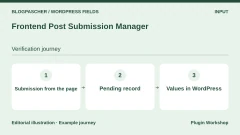
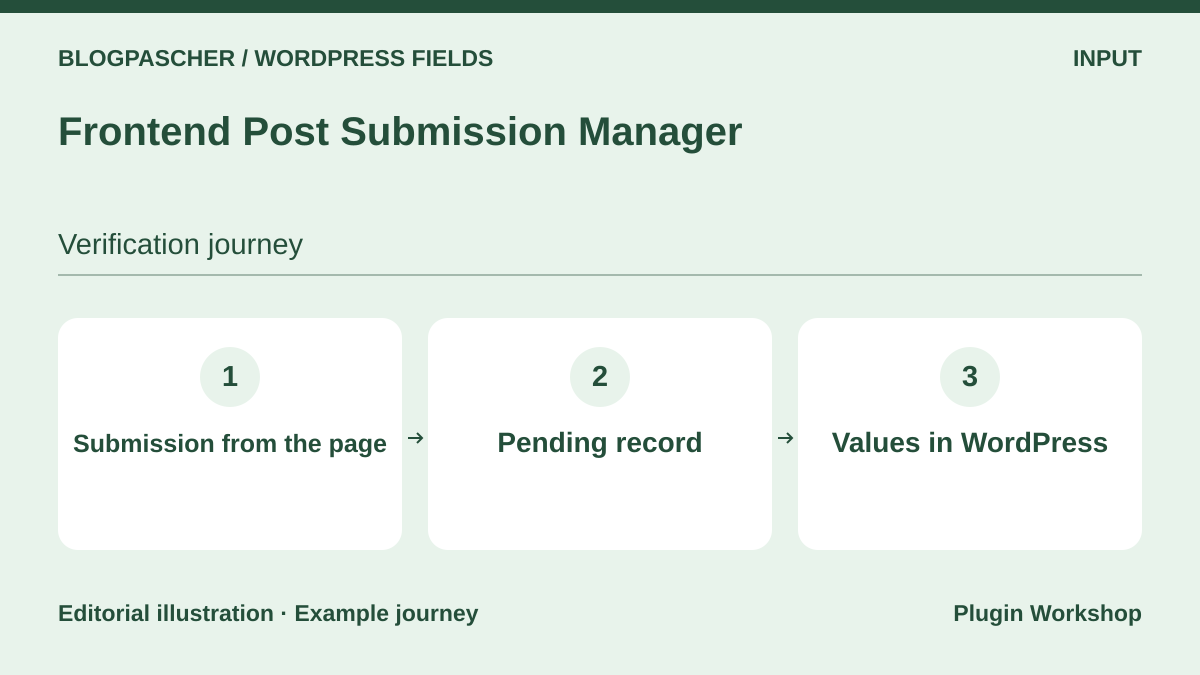 Editorial diagram. Submission from the page → Pending record → Values in WordPress. — BlogPasCherOpen full-size illustration ↗
Best forReceive a structured entry through a form without opening administration.
Frontend Post Submission Manager advertises submission forms storing custom values in WordPress metadata. Start with a form restricted to contributors on the copy. Keep submissions pending, check city and duration in administration, then check what another account can edit. A value written to a chosen key does not alone create the reference expected by every field tool. Match keys and validate public reading before accepting real submissions.
Offer pricing
Regular at 25 USD on CodeCanyon. Extended offer not displayed in the recorded listing.
Billing: License purchase
Renewal and support: Six months of support included. Optional extension.
Price excludes taxes and processing fees according to the listing.
Checked on .
Strengths
- Submission forms and advertised metadata storage.
What to consider
- Check roles, moderation, field types and the template’s expected format.
Pricing terms and compatibility
Understanding the offer
- Price at the time of review
- Regular at 25 USD on CodeCanyon. Extended offer not displayed in the recorded listing.
- Currency
- USD
- Billing
- License purchase
- Renewal and support
- Six months of support included. Optional extension.
- Taxes and fees
- Price excludes taxes and processing fees according to the listing.
- Commitment and terms
- License for one end product under marketplace terms.
- Date checked
Compatibility and components
- Listing updated September 27, 2026, with WordPress 7.0.x displayed.
Relevanssi
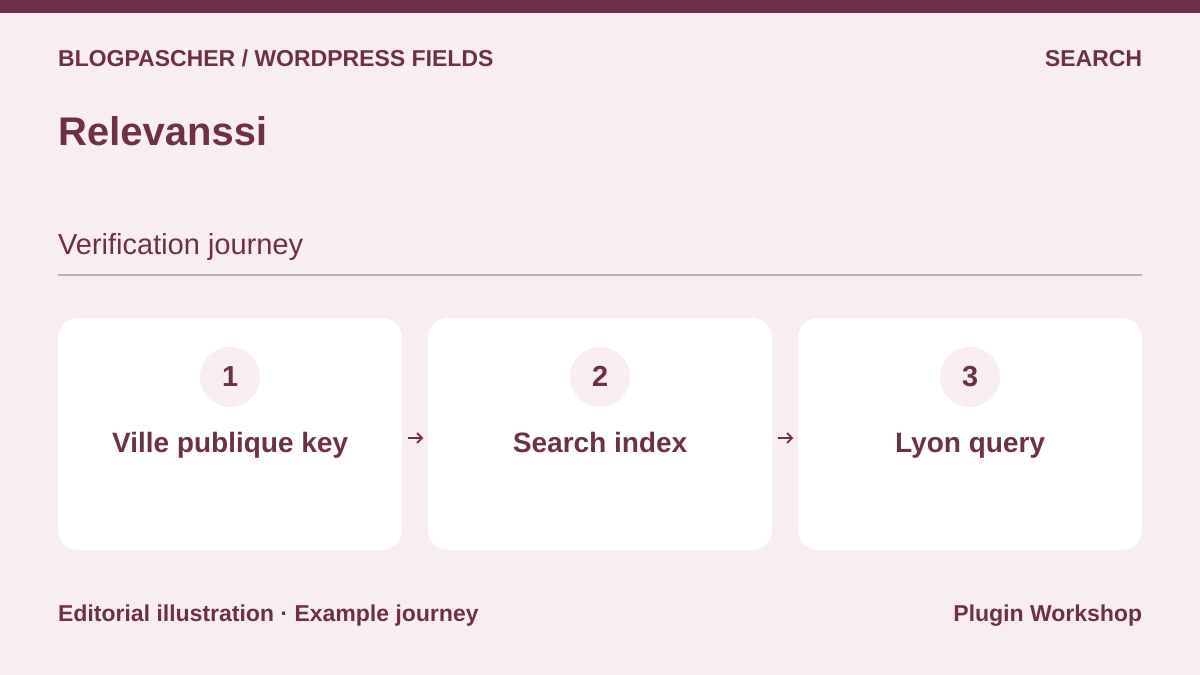 Editorial diagram. Ville publique key → Search index → Lyon query. — BlogPasCherOpen full-size illustration ↗
Best forIndex a public field ignored by native text search.
Relevanssi can index selected custom fields. Add only the public city key, rebuild the index and search for Lyon through the public form. Also check what happens for an unpublished workshop or a field that must not be disclosed. Word indexing serves text search. Exact city selection or duration sorting needs a different query rule. Keep the indexed-field list so you know what to rebuild after migration.
Offer pricing
Free edition. Premium at 100 EUR per year or 335 EUR for a permanent license. Both cover unlimited sites.
Billing: Annual subscription or permanent license
Renewal and support: Automatic annual subscription renewal. Displayed prices exclude taxes.
Checked on .
Strengths
- Documented selection of fields to index.
What to consider
- Rebuild the index after changes. Separate text search from numeric filtering.
Pricing terms and compatibility
Understanding the offer
- Price at the time of review
- Free edition. Premium at 100 EUR per year or 335 EUR for a permanent license. Both cover unlimited sites.
- Currency
- EUR
- Billing
- Annual subscription or permanent license
- Renewal and support
- Automatic annual subscription renewal. Displayed prices exclude taxes.
- Taxes and fees
- Unspecified. Confirm for the offer you choose.
- Commitment and terms
- Unspecified. Confirm for the offer you choose.
- Date checked
Compatibility and components
- Check the search form and public-field scope.
WP Sheet Editor — Posts, Pages and Custom Post Types
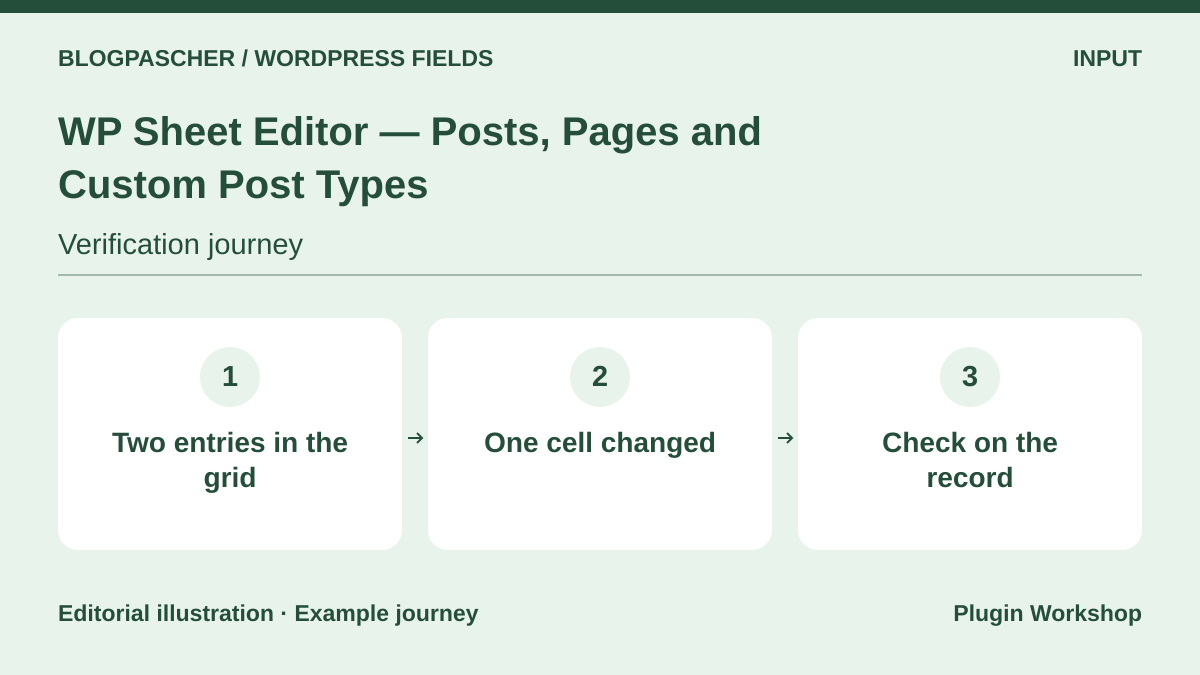 Editorial diagram. Two records in the grid → One cell changed → Verification on the record. — BlogPasCherOpen full-size illustration ↗
Best forCheck and then correct several entries’ values from a grid.
WP Sheet Editor offers an administration grid with columns for selected types. Display only City and Duration, filter relevant entries and correct one cell on the copy. Open the entry in its usual screen to check that saving uses the correct key and the template displays the new value. A bulk action may change more entries than intended. Export starting values and check the permissions of the user performing the update.
Offer pricing
A free edition covers posts and pages. Commercial extension for custom types and their field columns. Price unconfirmed in the recorded listing.
Billing: Subscription or license according to product and promotion
Renewal and support: The publisher distinguishes several license durations. Check the module’s duration at checkout.
Checked on .
Strengths
- Grid-based checking and editing of supported fields.
What to consider
- Check the commercial edition needed for the entry type and support for complex fields.
Pricing terms and compatibility
Understanding the offer
- Price at the time of review
- A free edition covers posts and pages. Commercial extension for custom types and their field columns. Price unconfirmed in the recorded listing.
- Currency
- Unspecified. Confirm for the offer you choose.
- Billing
- Subscription or license according to product and promotion
- Renewal and support
- The publisher distinguishes several license durations. Check the module’s duration at checkout.
- Taxes and fees
- Unspecified. Confirm for the offer you choose.
- Commitment and terms
- Unspecified. Confirm for the offer you choose.
- Date checked
Compatibility and components
- Check field discovery and writing with your data provider.