

Choose between auditing, remediation and reading preferences
Before installing a plugin, choose an action visitors must be able to complete. For a town hall, this may be reading opening hours and requesting a callback. For a store, try opening the menu, adding a product to the cart and correcting a shipping address. Note the exact point where the person becomes blocked, the browser used and any screen reader.
An audit tool identifies signals, such as an unnamed button or weak contrast. A targeted fix changes a specific element, such as a skip link or table. A reading-preference widget lets visitors enlarge text or reduce certain motion. For an obstacle preventing form completion, prioritize fixing the form itself. Introduce a reading preference after checking the basic journey.
The tools collected here cover these three uses. Some combine several. Entries indicate the use for which testing is most useful. Start with one scanner and one correction at a time, retaining the page reproducing the issue. Accessibility evaluation includes human checks and, where possible, tests with people who actually use these access methods.
The WordPress acceptance test shows what a focus-moving skip link looks like and how to check a button’s name in the browser. Other entries rely on developer-documented features.
- Choose three representative pages, such as a post, a form and an ordering journey.
- On a copy, note one action to complete per page and what currently prevents completion.
- Assign each task to an owner among the editorial team, theme team and relevant plugin team.
Compare before you choose
The offers at a glance
Find the use case and budget that fit, then read the details to see the limitations and any components you may need.
On smaller screens, the table scrolls horizontally. With a keyboard, press Tab to focus the table, then use the left and right arrow keys.
| Offer | Best for | Pricing and billing | Renewal and support |
|---|---|---|---|
 Equalize Digital Accessibility CheckerRead the details | Organize accessibility review within the publishing workflow. | Personal free for one site. Professional at 190 USD per year for one site. Small Business at 750 USD per year or 75 USD per month for five sites. annual or monthly subscription depending on offer | Promotional prices renew at the specified full rate. |
 Stepless Accessibility AuditRead the details | Examine WooCommerce pages and templates with a locally hosted scanner. | Free plugin published in the WordPress directory. No account or API key required for analysis. | Terms for any paid plans were unavailable at the time of review. |
 Markproof — Accessibility ChecksRead the details | Triage structural issues from site HTML. | Free WordPress plugin. Markproof Station is a separate product. The directory advertises three free client sites for Station. | Terms for any paid plans were unavailable at the time of review. |
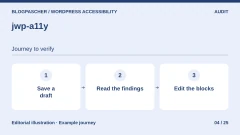 jwp-a11yRead the details | Check drafts when they are saved. | Free, open-source plugin distributed in the WordPress directory. | Terms for any paid plans were unavailable at the time of review. |
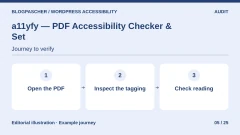 a11yfy — PDF Accessibility Checker & FixerRead the details | Inspect downloadable PDFs, then choose documents to remediate. | Free local analysis. Pack of 100 credits displayed at 30 EUR excluding VAT. The service advertises one credit per page for technical remediation and three for full reconstruction. credit packs VAT extra. | Terms for any paid plans were unavailable at the time of review. |
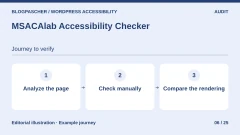 MSACAlab Accessibility CheckerRead the details | Combine several rule sets and a human-check list. | Free audits. The developer advertises Pro from $19 per month or $179 per year for one site in the WordPress listing. monthly or annual subscription | Terms for any paid plans were unavailable at the time of review. |
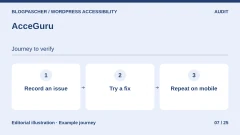 AcceGuruRead the details | Examine findings in the editor and try a specific fix on a copy. | Free scanner. Pro advertised as a separate module. Amount unconfirmed on the consulted developer page. Any AI cost depends on the selected provider. | Terms for any paid plans were unavailable at the time of review. |
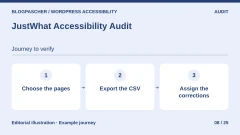 JustWhat Accessibility AuditRead the details | Export a free findings report to distribute corrections. | Free analysis and CSV export. Separate Pro module for scheduled scans and full history. Amount unconfirmed on the consulted product page. | Terms for any paid plans were unavailable at the time of review. |
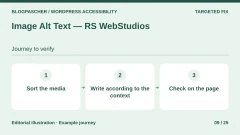 Image Alt Text — RS WebStudiosRead the details | Manually review alternative text in a media library. | Free review edition. Starter Pro displayed at an introductory $14.99 per year for one site, excluding AI-provider fees. annual subscription | Check the introductory offer’s renewal amount. |
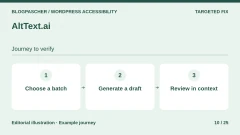 AltText.aiRead the details | Create draft alternative text to review for a large image volume. | Trial of 25 credits. Bronze displayed at $49 per year for 1,200 credits. Non-subscription pack of 50 credits displayed at $3. Advanced formats consume two credits and require paid plans. subscription or credit purchase | Pricing advertises rollover of unused credits when the plan renews normally. |
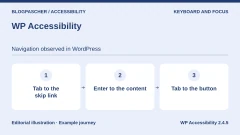 WP AccessibilityRead the details | Add or restore a skip link and visible focus in an existing theme. | Free plugin distributed in the WordPress directory. | Terms for any paid plans were unavailable at the time of review. |
 Able PlayerRead the details | Embed media with accessible controls and tracks to verify. | Plugin and player freely available. | Terms for any paid plans were unavailable at the time of review. |
 Video Accessibility — Ford FoundationRead the details | Present a transcript and audio-described version on the same page. | Free block distributed in the WordPress directory. | Terms for any paid plans were unavailable at the time of review. |
 HTML5 Audio Player — bPluginsRead the details | Publish a synchronized transcript for a podcast or audio content. | Free player with manual transcription advertised. Pro Single Site displayed at $47.88 per year or $149.99 as a one-time purchase. annual subscription or one-time purchase | Terms for any paid plans were unavailable at the time of review. |
 Language Attribute for Container BlocksRead the details | Mark the language and direction of a block or multilingual document. | Free plugin distributed in the WordPress directory. | Terms for any paid plans were unavailable at the time of review. |
 Rayetun Accessible BlocksRead the details | Present a sortable data table with headers and caption. | Blocks available free in the WordPress directory. | Terms for any paid plans were unavailable at the time of review. |
 Guardrail BlocksRead the details | Build reusable blocks while retaining structure and interactive states. | Free plugin distributed in the WordPress directory. | Terms for any paid plans were unavailable at the time of review. |
 Ananyoo Accessible FormsRead the details | Create a contact form avoiding visual CAPTCHAs. | Free plugin in the WordPress directory. Any external antispam service follows its own terms. | Terms for any paid plans were unavailable at the time of review. |
 Responsive MenuRead the details | Replace a mobile menu difficult to navigate without a mouse. | Free mobile menu. Essential at $49 per year for one site, Advanced at $79 for up to five sites and Expert at $95 for up to one hundred sites. annual subscription | The developer states the menu remains after expiration, with updates and support stopping. |
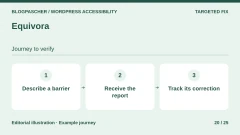 EquivoraRead the details | Publish an accessible reporting channel and track reported barriers. | Free plugin in the WordPress directory. | Terms for any paid plans were unavailable at the time of review. |
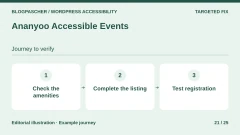 Ananyoo Accessible EventsRead the details | Make confirmed accommodations explicit for each event. | Free plugin distributed in the WordPress directory. | Terms for any paid plans were unavailable at the time of review. |
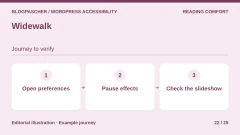 WidewalkRead the details | Offer a motion preference and test its scope. | Plugin available free in the WordPress directory. | Terms for any paid plans were unavailable at the time of review. |
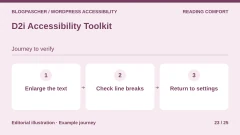 D2i Accessibility ToolkitRead the details | Provide size, line-height and spacing settings. | Panel available free in the WordPress directory. | Terms for any paid plans were unavailable at the time of review. |
 Web Accessibility, formerly Ally — ElementorRead the details | Add a configurable reading panel while tracking scans separately. | Ally Free for one site and five distinct URLs. Ally Pro for one site and 25 distinct URLs. Pro pricing is absent from the recorded public pricing table. annual subscription advertised for Pro | The developer advertises renewal at the normal rate. That amount is absent from the recorded pricing table. |
 Readabler — merkuloveRead the details | Assess a commercial widget for contrast and reading aloud. | Regular at 49 USD and Extended at 299 USD on CodeCanyon. Choose the license according to the end product. one-time purchase Taxes and processing fees excluded. | Six months of support included. Optional extension. |
Read a report and retain the list of pages actually checked
First check whether the tool reads source HTML or analyzes browser rendering. The former can find duplicate identifiers or unlabeled fields. The latter can account for some styles and injected elements. An open menu, error message or filled cart may nevertheless represent another state. Replay these steps after initial analysis.
A report helps locate findings. Associate each result with a URL, element, state and action to test. If a rule does not apply, document why before dismissing it. If the scanner could not load a URL, note that it remains unchecked. Fewer alerts mean little if an archive or protected screen has disappeared from scope.
- Analyze the same content before and after, using the same scanner setting and width.
- Keep a record of URLs ignored, redirected or inaccessible to the scanner.
- First address defects preventing essential tasks, then replay those tasks by keyboard.
Before-and-after example with a callback form
On a draft page, create a fictional form with an email field. Include a pale-gray introduction, informative image and collapsed help. The starting variant uses placeholder text instead of a label, an image without alternative text and a clickable help area absent from tab order. Keep this variant on your test installation.
In the acceptance test run on two fictional HTML pages, axe-core detected the introduction’s low contrast and image lacking an alternative. The label rule did not flag the field containing only placeholder text. DOM inspection confirmed no associated label. Tab also skipped the help area. A point absent from the report may therefore deserve a separate test.
In the corrected variant, associate a label element with the field using for and id. Keep the label visible once typing begins. Connect instructions and, when displayed, the error to the field with aria-describedby. For an error in this single-field form, return focus to the field requiring correction. For help, use a real button and synchronize aria-expanded with panel visibility. A native button responds to Enter and Space.
Replace pale gray with dark text on white and describe the image’s function. In this test, the image indicates the service desk’s location between the entrance and waiting room. The Chrome check passed the three targeted rules and keyboard tests after correction. The test form submits no data. Reproduce the behavior in your theme and form plugin with a fictional address.
- From the address bar, use Tab to reach “Aller au contenu”, then Enter. Check that focus reaches the main content and the field is reachable afterward.
- Submit the empty field. Check that the error is visible, explicit and associated with the field. Then enter essai@example.test and check confirmation.
- Reach “Afficher l’aide” without a mouse, open it and close it. Check that focus stays in the right place and button state matches display.
- Replay the journey at phone width and with a screen reader. Retain each test result separately.
Correct images and media according to their use
For an image, ask what visitors lose if it disappears. A decorative image may have an empty alt attribute. An image serving as a link should help explain its destination. For a map or chart, adjacent text may convey relationships or values readers need. Describing the file or color does not explain its role.
Review batch-generated alternatives on existing pages, because the same image may serve different purposes. For a recording, prepare a transcript and, for video, synchronized captions where necessary. Examine proper names, useful sound descriptions and focus return after the player. Also test the file or page actually hosting the media.
If an AI or PDF-remediation tool uses an external provider, identify transmitted content, billing unit and the step triggering the request. A test document without personal information suffices to compare features. For a public document, check the final file with a screen reader and retain the source document.
- Review alternatives for three images with different uses directly on the page.
- Read the PDF in logical order and check headings, links, tables and any forms.
- Replay player controls by keyboard, then compare the transcript and captions with the original track.
Try a widget without blocking page functions
If adding reading preferences, activate a panel on one test template. With zoom and a narrow screen, check that its button covers neither navigation, cart nor contact link. Try opening, closing and resetting by keyboard. If the panel uses a shortcut, check that it does not conflict with browser or assistive-tool commands.
Check every setting on actual content. Global contrast may change links and icons. Enlarged letters may hide part of a button. A stop-motion option may affect CSS transitions while leaving a slideshow driven by another script running. The same journey must remain possible with default preferences.
Budget depends on site coverage and work continuing after installation. Annual licenses, analysis credits, API fees and support may be billed separately. A free connector may provide a trial without covering ongoing use. Check the offer date and terms and results actually stored in WordPress before choosing.
- Establish the reference journey without a widget and note defects to correct.
- Enable settings one by one. Test a short page, long article and form.
- Decide whether to keep the widget based on tests, cost and preferences actually useful to the audience.
Replay the keyboard journey in a WordPress copy
On a copy of your site, open a page using visitors’ menu and components without an administrator session. Note where the first Tab lands, whether its outline is visible and which control the next Tab reaches. The skip link goes directly to main content. Screen movement alone does not verify it. Also examine where focus lands after Enter.
Our test used WordPress 7.1.4, WP Accessibility 2.4.5 and Chrome 156 at 390 and 900 pixels. The fictional theme had two navigation links and main content with the main-content identifier. A test rule hid focus outlines. Without the plugin, the first three tabs reached both menu links, then “Demander un rappel”. The first link did have focus, but its outline was invisible.
With the skip link and outline enabled, the first Tab revealed “Skip to Content”, in English on this installation. The menu link whose outline was previously invisible then displayed a two-pixel border. Returning to the skip link with Shift+Tab, we pressed Enter. Focus reached the content, then Tab reached “Demander un rappel” with a visible outline. The next Tab reached the email field. Shift+Tab returned to the button.
In our test theme, the target was <main id="main-content" tabindex="-1">. Negative tabindex lets this element receive focus during the skip while keeping interactive controls in their usual order. In your theme, first identify the existing ID and ensure it appears only once per page. If the theme already has a working skip link, retain it. If you maintain the theme, you can also add the link directly and restore an outline with :focus-visible in a child theme or the provided CSS settings.
- Open WP Accessibility settings, enable skip links and enter #main-content as the content-link target if that identifier exists. Enable the focus outline separately. The acceptance test applied both settings by script.
- Reload without clicking inside the page. Press Tab, then Enter on the skip link. Check that the next Tab reaches the first content control. Repeat with Shift+Tab and also check the menu at narrow width.
- If the page scrolls but Tab resumes in the menu, examine the target in the inspector and test focus movement. If the outline is clipped or blends into the background, examine the CSS rule, overflow-hiding containers and fixed elements covering the area.
Check an icon button’s accessible name
The accessible name is what the browser exposes to assistive technologies. The “Demander un rappel” button derives its name from text and the email field from its associated label. We checked both in Chrome’s accessibility tree before and after plugin activation. The custom “?” button had a button role in both cases with an empty name. Making it keyboard-visible resolved one specific obstacle while leaving the naming issue intact.
The test theme used a native button whose pictogram was hidden from the accessibility tree. Adding aria-label="Aide" to the button made “Aide” appear in the browser tree. Prefer a visible label when space permits. For form fields, associate visible text using for and id. Check components as rendered on the public page, including open and closed states.
The previous two-HTML-page experiment and this WordPress test are separate checks. The WordPress sample concerns a fictional template, three page states and two widths in the same browser. It observes names in the browser tree and keyboard movements. Actual templates, menus, popups and forms still need checking, followed by the journey with screen readers and affected users.
- In Chrome, inspect the button, then open the Accessibility panel. Read Role and Name. If the name is empty, correct the component generating the button.
- Reload the page. Check the name, an outline during Tab and button action with Enter and Space on the real component. In the sample, buttons serve only to observe focus and names.
Further reading
Sources and references
Use these references to check the features, requirements and limitations described. Reading documentation is not a practical test.
View 42 references
- Equalize Digital Accessibility Checker — Advertised features and compatibility ↗ — Documentation consulted:
- Equalize Digital Accessibility Checker — Offer and pricing conditions ↗ — Documentation consulted:
- Stepless Accessibility Audit — Advertised features and compatibility ↗ — Documentation consulted:
- Markproof — Accessibility Checks — Advertised features and compatibility ↗ — Documentation consulted:
- jwp-a11y — Advertised features and compatibility ↗ — Documentation consulted:
- a11yfy — PDF Accessibility Checker & Fixer — Advertised features and compatibility ↗ — Documentation consulted:
- a11yfy — PDF Accessibility Checker & Fixer — Offer and pricing conditions ↗ — Documentation consulted:
- MSACAlab Accessibility Checker — Advertised features and compatibility ↗ — Documentation consulted:
- AcceGuru — Advertised features and compatibility ↗ — Documentation consulted:
- JustWhat Accessibility Audit — Advertised features and compatibility ↗ — Documentation consulted:
- JustWhat Accessibility Audit — Offer and pricing conditions ↗ — Documentation consulted:
- Image Alt Text — RS WebStudios — Advertised features and compatibility ↗ — Documentation consulted:
- Image Alt Text — RS WebStudios — Offer and pricing conditions ↗ — Documentation consulted:
- AltText.ai — Advertised features and compatibility ↗ — Documentation consulted:
- AltText.ai — Offer and pricing conditions ↗ — Documentation consulted:
- WP Accessibility — Advertised features and compatibility ↗ — Documentation consulted:
- WP Accessibility — Skip link setting ↗ — Documentation consulted:
- Able Player — Advertised features and compatibility ↗ — Documentation consulted:
- Video Accessibility — Ford Foundation — Advertised features and compatibility ↗ — Documentation consulted:
- HTML5 Audio Player — bPlugins — Advertised features and compatibility ↗ — Documentation consulted:
- HTML5 Audio Player — bPlugins — Offer and pricing conditions ↗ — Documentation consulted:
- Language Attribute for Container Blocks — Advertised features and compatibility ↗ — Documentation consulted:
- Rayetun Accessible Blocks — Advertised features and compatibility ↗ — Documentation consulted:
- Guardrail Blocks — Advertised features and compatibility ↗ — Documentation consulted:
- Ananyoo Accessible Forms — Advertised features and compatibility ↗ — Documentation consulted:
- Responsive Menu — Advertised features and compatibility ↗ — Documentation consulted:
- Responsive Menu — Offer and pricing conditions ↗ — Documentation consulted:
- Equivora — Advertised features and compatibility ↗ — Documentation consulted:
- Ananyoo Accessible Events — Advertised features and compatibility ↗ — Documentation consulted:
- Widewalk — Advertised features and compatibility ↗ — Documentation consulted:
- D2i Accessibility Toolkit — Advertised features and compatibility ↗ — Documentation consulted:
- Web Accessibility, anciennement Ally — Elementor — Advertised features and compatibility ↗ — Documentation consulted:
- Web Accessibility, anciennement Ally — Elementor — Offer and pricing conditions ↗ — Documentation consulted:
- Readabler — merkulove — Advertised features and compatibility ↗ — Documentation consulted:
- Choose an evaluation tool ↗ — Documentation consulted:
- Initial keyboard and form checks ↗ — Documentation consulted:
- Understand the scope of conformance ↗ — Documentation consulted:
- WordPress theme accessibility ↗ — Documentation consulted:
- Add and check a skip link in a theme ↗ — Documentation consulted:
- Bypassing repeated blocks ↗ — Documentation consulted:
- Focus visibility ↗ — Documentation consulted:
- Name, role and value ↗ — Documentation consulted:
Uses, prices and what to check
25 offers in detail
Compare the features you need and the terms of each offer. The order of these entries does not indicate a ranking.
Equalize Digital Accessibility Checker
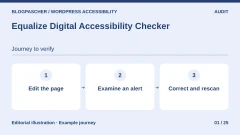
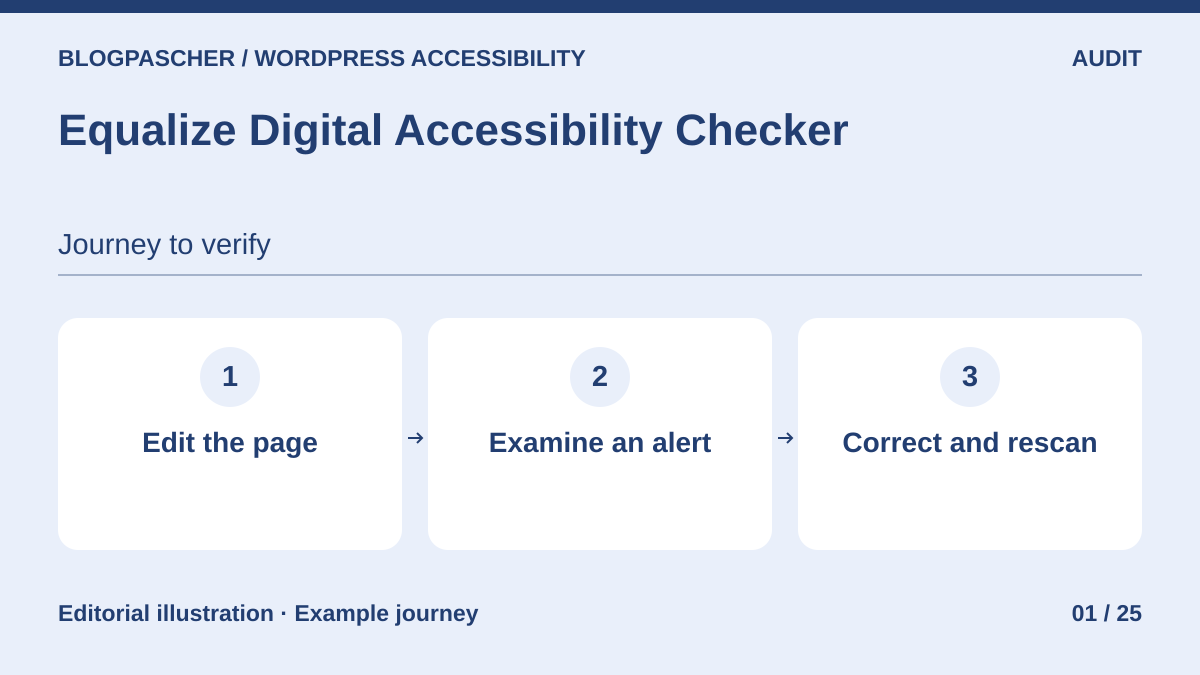 Editorial diagram. Edit the page → Examine an alert → Correct and rescan. — BlogPasCherOpen full-size illustration ↗
Best forOrganize accessibility review within the publishing workflow.
Equalize places results in the editing screen and can detect problems in page rendering. The free edition suits teams addressing posts and pages while writing. Start with a contact form and illustrated article. Assign each alert to someone able to edit the block or template, then rerun analysis after correction. The report should open and close verifiable tasks.
Offer pricing
Personal free for one site. Professional at 190 USD per year for one site. Small Business at 750 USD per year or 75 USD per month for five sites.
Billing: annual or monthly subscription depending on offer
Renewal and support: Promotional prices renew at the specified full rate.
Checked on .
Strengths
- Results in the WordPress editor
- Sitewide scan and custom content types with Professional
What to consider
- The free tier targets posts and pages
- The report must be supplemented by keyboard tests and human checks
Pricing terms and compatibility
Understanding the offer
- Price at the time of review
- Personal free for one site. Professional at 190 USD per year for one site. Small Business at 750 USD per year or 75 USD per month for five sites.
- Currency
- USD
- Billing
- annual or monthly subscription depending on offer
- Renewal and support
- Promotional prices renew at the specified full rate.
- Taxes and fees
- Unspecified. Confirm for the offer you choose.
- Commitment and terms
- Unspecified. Confirm for the offer you choose.
- Date checked
Compatibility and components
- The developer advertises rendered-page analysis usable with several builders. Check page templates and dynamic content.
Stepless Accessibility Audit
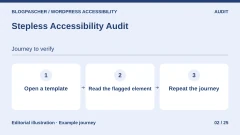
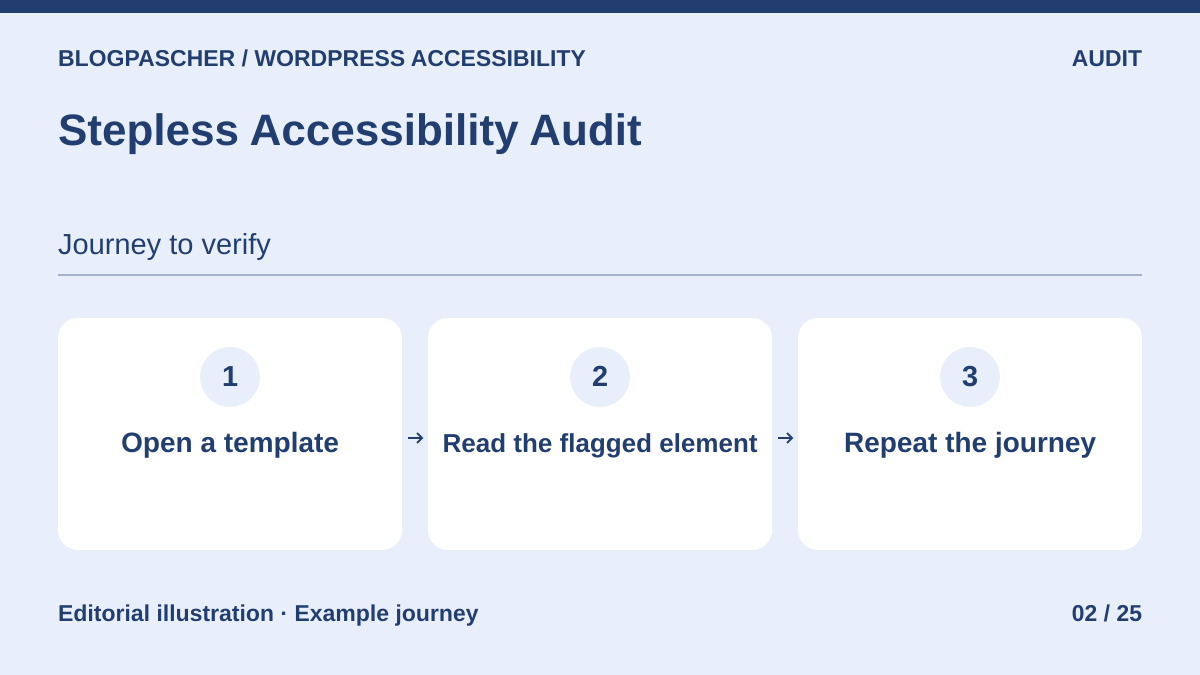 Editorial diagram. Open a template → Read the flagged element → Repeat the journey. — BlogPasCherOpen full-size illustration ↗
Best forExamine WooCommerce pages and templates with a locally hosted scanner.
Stepless analyzes pages in the browser of the person running the scan. The report connects each issue with its HTML element and content to edit. For a store, compare product-page and cart reports. Then open the filled cart and replay checkout with fictional data on your copy. States triggered after interaction require separate attention.
Offer pricing
Free plugin published in the WordPress directory. No account or API key required for analysis.
Checked on .
Strengths
- axe-core engine served by the site
- HTML-element details and content-editing link
What to consider
- State changes must be replayed manually
- The developer states plugin data is erased on uninstallation
Pricing terms and compatibility
Understanding the offer
- Price at the time of review
- Free plugin published in the WordPress directory. No account or API key required for analysis.
- Currency
- Unspecified. Confirm for the offer you choose.
- Billing
- Unspecified. Confirm for the offer you choose.
- Renewal and support
- Unspecified. Confirm for the offer you choose.
- Taxes and fees
- Unspecified. Confirm for the offer you choose.
- Commitment and terms
- Unspecified. Confirm for the offer you choose.
- Date checked
Compatibility and components
- The developer documents WooCommerce template handling. Check empty carts, filled carts and error messages separately.
Markproof — Accessibility Checks
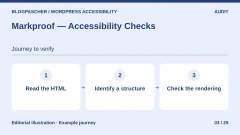
 Editorial diagram. Read the HTML → Identify a structure → Check the rendering. — BlogPasCherOpen full-size illustration ↗
Best forTriage structural issues from site HTML.
Markproof reads HTML to identify unnamed links, duplicate identifiers and unlabeled fields. The report supplies the markup excerpt to correct. It helps locate structural defects repeated across templates. Source-HTML checks do not capture every JavaScript-injected page change, however. For a menu or modal, supplement the report with a test on the displayed page.
Offer pricing
Free WordPress plugin. Markproof Station is a separate product. The directory advertises three free client sites for Station.
Checked on .
Strengths
- Markup excerpts associated with findings
- Detection of positive tabindex and references to missing IDs
What to consider
- Analysis limited to signals identifiable in the HTML read
- Station monitors client sites separately from the WordPress plugin
Pricing terms and compatibility
Understanding the offer
- Price at the time of review
- Free WordPress plugin. Markproof Station is a separate product. The directory advertises three free client sites for Station.
- Currency
- Unspecified. Confirm for the offer you choose.
- Billing
- Unspecified. Confirm for the offer you choose.
- Renewal and support
- Unspecified. Confirm for the offer you choose.
- Taxes and fees
- Unspecified. Confirm for the offer you choose.
- Commitment and terms
- Unspecified. Confirm for the offer you choose.
- Date checked
Compatibility and components
- Choose URLs whose HTML the tool can access. Test open or JavaScript-loaded states in the browser.
jwp-a11y
 Editorial diagram. Save a draft → Read the findings → Edit the blocks. — BlogPasCherOpen full-size illustration ↗
Best forCheck drafts when they are saved.
jwp-a11y checks post content during editing and saving. It uses its developer’s a11yc engine and retains shortcodes for previously saved results. Have two team members save the same draft, then check they understand which blocks to correct. Test interface language before integrating it into publishing and examine the site header separately.
Offer pricing
Free, open-source plugin distributed in the WordPress directory.
Checked on .
Strengths
- Writing-focused checks
- Explanatory resources integrated into administration
What to consider
- Post checking covers a different scope from the full public journey
- Installation from source may require Composer
Pricing terms and compatibility
Understanding the offer
- Price at the time of review
- Free, open-source plugin distributed in the WordPress directory.
- Currency
- Unspecified. Confirm for the offer you choose.
- Billing
- Unspecified. Confirm for the offer you choose.
- Renewal and support
- Unspecified. Confirm for the offer you choose.
- Taxes and fees
- Unspecified. Confirm for the offer you choose.
- Commitment and terms
- Unspecified. Confirm for the offer you choose.
- Date checked
Compatibility and components
- The listing describes a save-triggered test. Check message language and the team’s draft workflow.
a11yfy — PDF Accessibility Checker & Fixer
 Editorial diagram. Open the PDF → Inspect the tagging → Check reading. — BlogPasCherOpen full-size illustration ↗
Best forInspect downloadable PDFs, then choose documents to remediate.
a11yfy examines media-library PDFs in the browser and presents technical points to address. First use free analysis on a fictional document. Check yourself that headings describe sections, reading order makes sense and charts are explained. Paid processing sends the file to the provider. Keep an original and verify the returned version before replacing the public file.
Offer pricing
Free local analysis. Pack of 100 credits displayed at 30 EUR excluding VAT. The service advertises one credit per page for technical remediation and three for full reconstruction.
Billing: credit packs
VAT extra.
Checked on .
Strengths
- Free browser analysis
- Optional processing with original retention advertised
What to consider
- The paid option sends the document to the provider
- Reading order and alternative quality require human review
Pricing terms and compatibility
Understanding the offer
- Price at the time of review
- Free local analysis. Pack of 100 credits displayed at 30 EUR excluding VAT. The service advertises one credit per page for technical remediation and three for full reconstruction.
- Currency
- EUR
- Billing
- credit packs
- Renewal and support
- Unspecified. Confirm for the offer you choose.
- Taxes and fees
- VAT extra.
- Commitment and terms
- Unspecified. Confirm for the offer you choose.
- Date checked
Compatibility and components
- Analysis targets media-library PDFs. Check the document in a PDF reader and with assistive technology.
MSACAlab Accessibility Checker
 Editorial diagram. Analyze the page → Check manually → Compare the rendering. — BlogPasCherOpen full-size illustration ↗
Best forCombine several rule sets and a human-check list.
MSACAlab combines axe-core, IBM Equal Access rules and plugin-specific checks. Its manual checklist keeps tests that cannot be inferred from automated results visible. In a store, reserve a separate pass for form errors and zoom. If enabling a contrast or navigation fix, compare public rendering before and after, including with active caches.
Offer pricing
Free audits. The developer advertises Pro from $19 per month or $179 per year for one site in the WordPress listing.
Billing: monthly or annual subscription
Checked on .
Strengths
- Several rule sets
- Integrated manual checklist
What to consider
- Quick fixes apply to rendering. They stop after deactivation.
- Compare results with the public-site experience
Pricing terms and compatibility
Understanding the offer
- Price at the time of review
- Free audits. The developer advertises Pro from $19 per month or $179 per year for one site in the WordPress listing.
- Currency
- Unspecified. Confirm for the offer you choose.
- Billing
- monthly or annual subscription
- Renewal and support
- Unspecified. Confirm for the offer you choose.
- Taxes and fees
- Unspecified. Confirm for the offer you choose.
- Commitment and terms
- Unspecified. Confirm for the offer you choose.
- Date checked
Compatibility and components
- The directory describes mobile-width testing and multisite support. Reporting features vary by offer.
AcceGuru
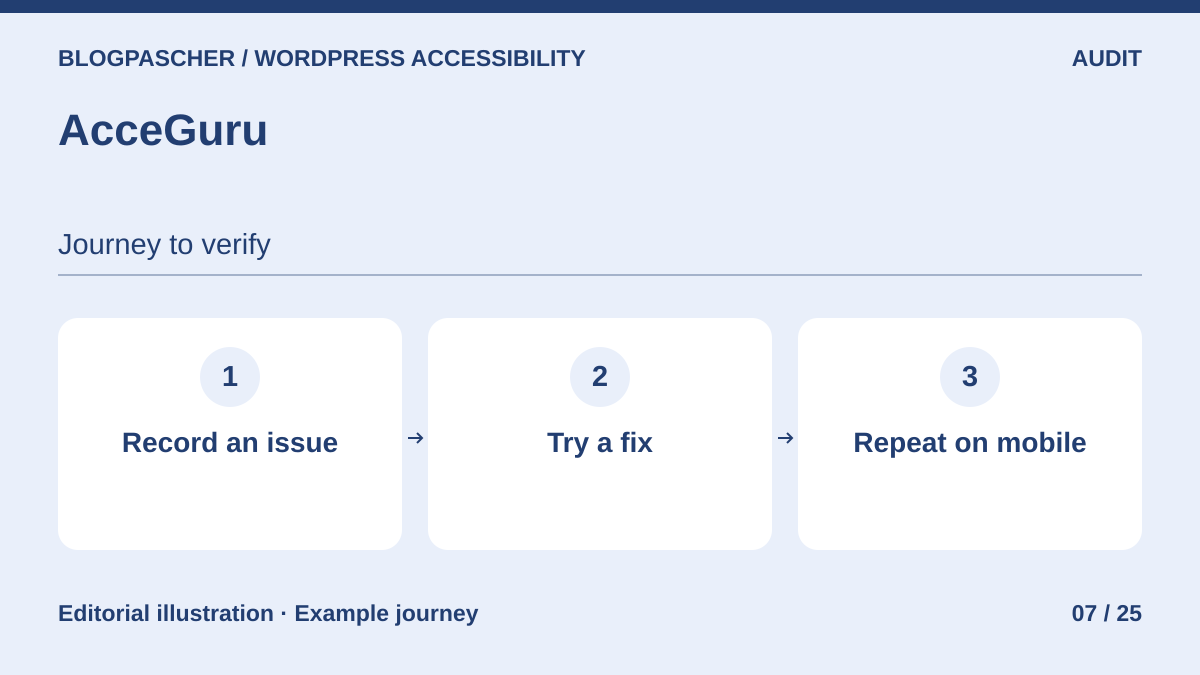 Editorial diagram. Record an issue → Try a fix → Repeat on mobile. — BlogPasCherOpen full-size illustration ↗
Best forExamine findings in the editor and try a specific fix on a copy.
AcceGuru combines an axe-core scanner with independently enabled fixes. The dashboard retains page-level results and highlights affected elements. Record the difference between desktop scanning and testing in a narrow window. To keep images in your environment, leave alt-text generation disabled. If configured, the image and prompt are sent to the selected provider.
Offer pricing
Free scanner. Pro advertised as a separate module. Amount unconfirmed on the consulted developer page. Any AI cost depends on the selected provider.
Checked on .
Strengths
- Findings in the editor and rendered page
- Individually controllable fixes
What to consider
- Some low-impact fixes are enabled on installation according to the listing
- Optional AI requires a key and sends images to the configured provider
Pricing terms and compatibility
Understanding the offer
- Price at the time of review
- Free scanner. Pro advertised as a separate module. Amount unconfirmed on the consulted developer page. Any AI cost depends on the selected provider.
- Currency
- Unspecified. Confirm for the offer you choose.
- Billing
- Unspecified. Confirm for the offer you choose.
- Renewal and support
- Unspecified. Confirm for the offer you choose.
- Taxes and fees
- Unspecified. Confirm for the offer you choose.
- Commitment and terms
- Unspecified. Confirm for the offer you choose.
- Date checked
Compatibility and components
- The developer specifies WordPress 6.4 or later and PHP 8.0 or later. Test mobile width and pages exceeding scan time.
JustWhat Accessibility Audit
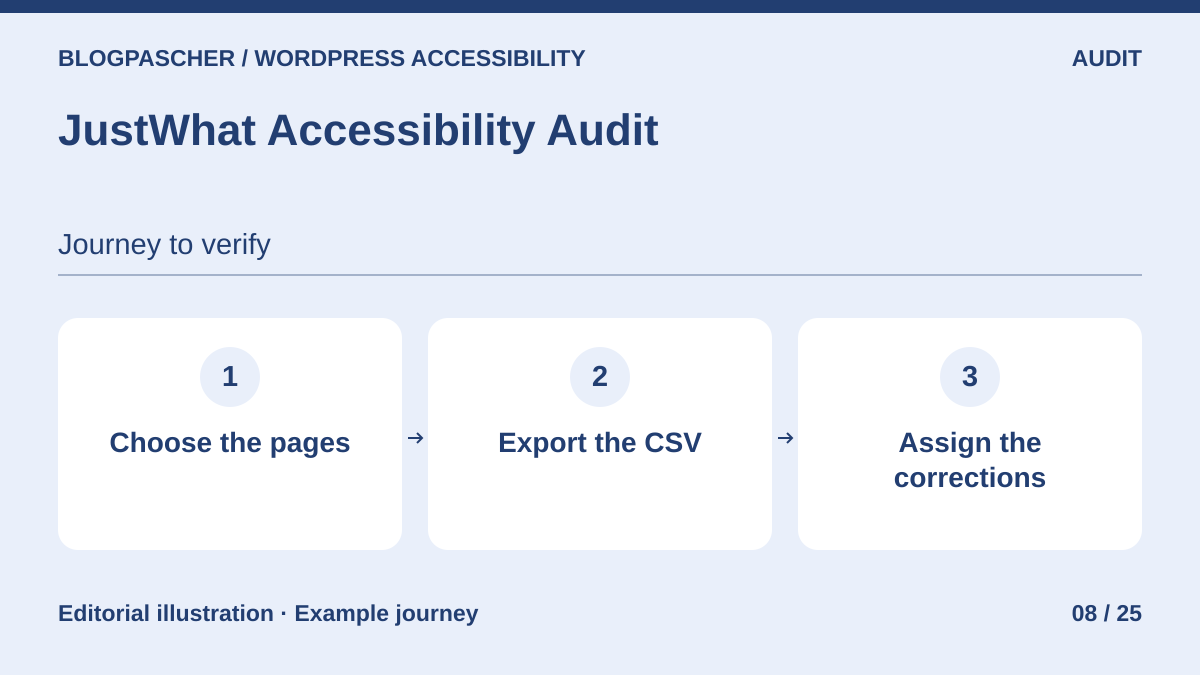 Editorial diagram. Choose the pages → Export the CSV → Assign fixes. — BlogPasCherOpen full-size illustration ↗
Best forExport a free findings report to distribute corrections.
JustWhat analyzes selected pages in the administrator’s browser and exports the latest pass’s findings as CSV. Use the file to associate each issue with an owner and URL. Also retain the list of pages analysis could not load. A page blocked by security rules or slow loading needs another verification method before being counted as reviewed.
Offer pricing
Free analysis and CSV export. Separate Pro module for scheduled scans and full history. Amount unconfirmed on the consulted product page.
Checked on .
Strengths
- CSV export of the latest scan
- Manual analysis launched from WordPress lists
What to consider
- Keep the tab open during the free scan
- Frame-loading restrictions may prevent page analysis
Pricing terms and compatibility
Understanding the offer
- Price at the time of review
- Free analysis and CSV export. Separate Pro module for scheduled scans and full history. Amount unconfirmed on the consulted product page.
- Currency
- Unspecified. Confirm for the offer you choose.
- Billing
- Unspecified. Confirm for the offer you choose.
- Renewal and support
- Unspecified. Confirm for the offer you choose.
- Taxes and fees
- Unspecified. Confirm for the offer you choose.
- Commitment and terms
- Unspecified. Confirm for the offer you choose.
- Date checked
Compatibility and components
- The listing specifies WordPress 6.4 or later and PHP 8.1 or later. Retain a separate test method for URLs the scanner cannot load.
Image Alt Text — RS WebStudios
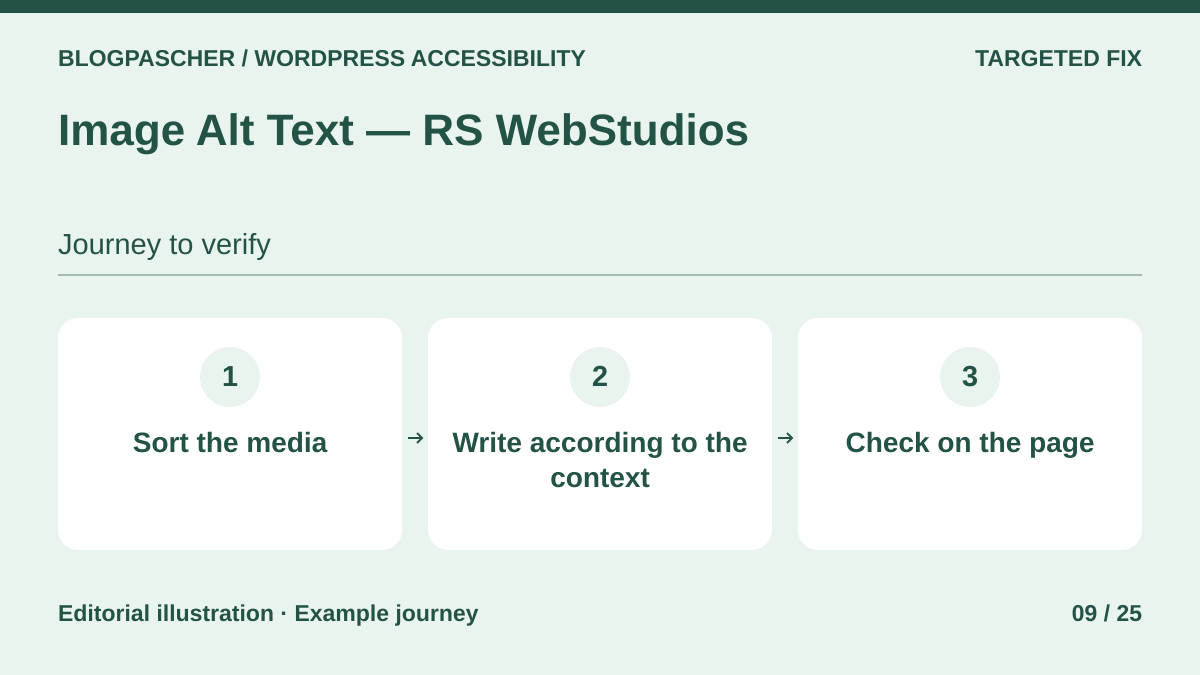 Editorial diagram. Sort the media → Write for the context → Check on the page. — BlogPasCherOpen full-size illustration ↗
Best forManually review alternative text in a media library.
Image Alt Text identifies media with empty alternative text and edits it in a table. Work in batches of ten media items. First identify decorative illustrations, then describe each informative image according to its page function. Reopen older posts using the same files. A media-library description may differ from alternative text already stored in a block.
Offer pricing
Free review edition. Starter Pro displayed at an introductory $14.99 per year for one site, excluding AI-provider fees.
Billing: annual subscription
Renewal and support: Check the introductory offer’s renewal amount.
Checked on .
Strengths
- Review table and inline editing
- Manual editing without an AI key
What to consider
- Pro generation uses the chosen provider’s key and billing
- The file or post name rarely provides a relevant alternative
Pricing terms and compatibility
Understanding the offer
- Price at the time of review
- Free review edition. Starter Pro displayed at an introductory $14.99 per year for one site, excluding AI-provider fees.
- Currency
- Unspecified. Confirm for the offer you choose.
- Billing
- annual subscription
- Renewal and support
- Check the introductory offer’s renewal amount.
- Taxes and fees
- Unspecified. Confirm for the offer you choose.
- Commitment and terms
- Unspecified. Confirm for the offer you choose.
- Date checked
Compatibility and components
- Check instances already placed in posts and builder-originated media.
AltText.ai
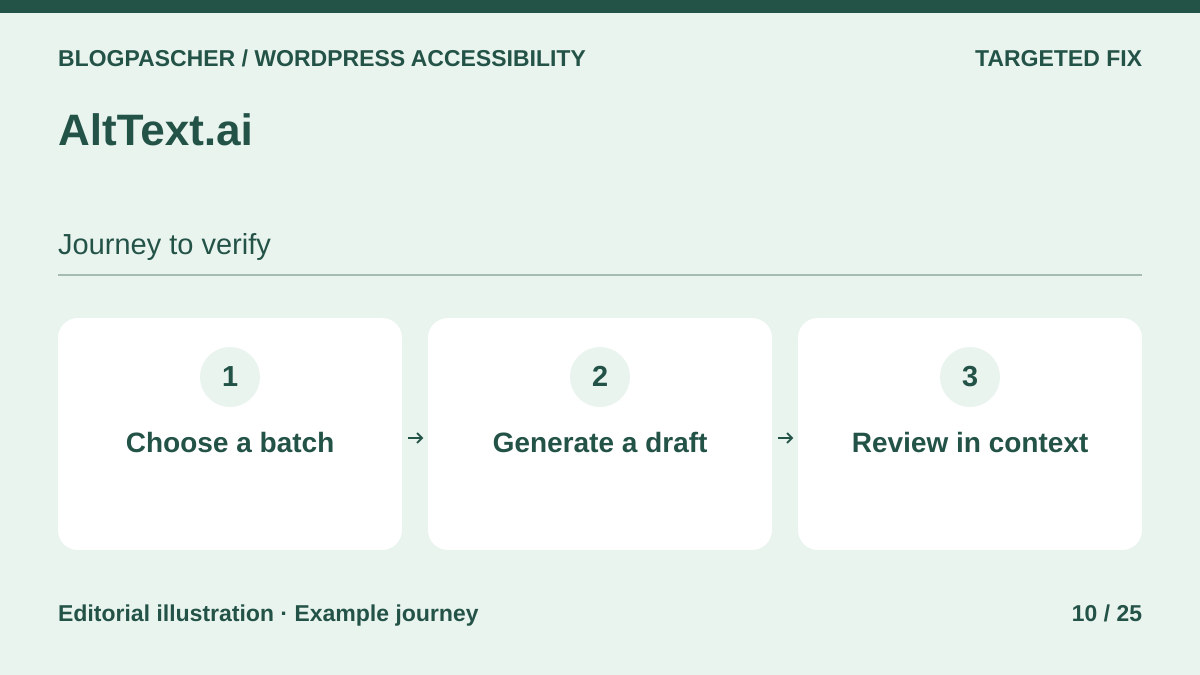 Editorial diagram. Choose a batch → Generate a draft → Review in context. — BlogPasCherOpen full-size illustration ↗
Best forCreate draft alternative text to review for a large image volume.
AltText.ai generates alternatives from images in batches. The plugin lets you review and edit results. Try a small series with a product, diagram and decorative image. A visual description may miss why you chose a chart. Retain human writing for data requiring a summary, and check technical terms and proper names before publishing.
Offer pricing
Trial of 25 credits. Bronze displayed at $49 per year for 1,200 credits. Non-subscription pack of 50 credits displayed at $3. Advanced formats consume two credits and require paid plans.
Billing: subscription or credit purchase
Renewal and support: Pricing advertises rollover of unused credits when the plan renews normally.
Checked on .
Strengths
- Batch processing and suggestion editing
- Multilingual integrations advertised
What to consider
- The service receives the image and site address according to the directory
- Suggestions must be reviewed according to image use
Pricing terms and compatibility
Understanding the offer
- Price at the time of review
- Trial of 25 credits. Bronze displayed at $49 per year for 1,200 credits. Non-subscription pack of 50 credits displayed at $3. Advanced formats consume two credits and require paid plans.
- Currency
- Unspecified. Confirm for the offer you choose.
- Billing
- subscription or credit purchase
- Renewal and support
- Pricing advertises rollover of unused credits when the plan renews normally.
- Taxes and fees
- Unspecified. Confirm for the offer you choose.
- Commitment and terms
- Unspecified. Confirm for the offer you choose.
- Date checked
Compatibility and components
- The listing describes WPML and Polylang. Check each published language and image copies already embedded in posts.
WP Accessibility
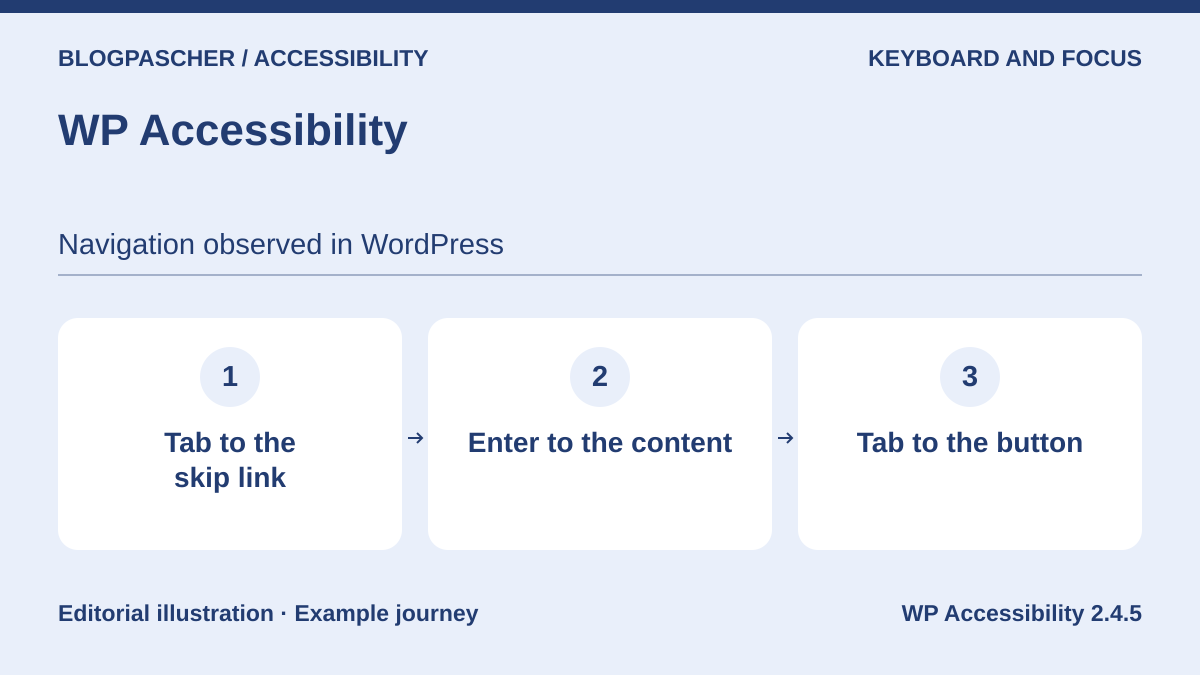 Editorial diagram. Tab to the skip link → Enter to the content → Tab to the button. — BlogPasCherOpen full-size illustration ↗
Best forAdd or restore a skip link and visible focus in an existing theme.
WP Accessibility adds targeted fixes. In our WordPress copy, free version 2.4.5 placed a content skip link at the first Tab and restored a visible outline. The icon button remained without an accessible name until its template was corrected. Identify the main container, then check the rest of the journey with Tab and Shift+Tab on your site.
Offer pricing
Free plugin distributed in the WordPress directory.
Checked on .
Strengths
- Independently enabled fixes
- Configurable skip link
What to consider
- The skip link depends on the correct target. Check existing links and theme focus rules.
- The sample’s custom icon button required a name correction in the theme.
Pricing terms and compatibility
Understanding the offer
- Price at the time of review
- Free plugin distributed in the WordPress directory.
- Currency
- Unspecified. Confirm for the offer you choose.
- Billing
- Unspecified. Confirm for the offer you choose.
- Renewal and support
- Unspecified. Confirm for the offer you choose.
- Taxes and fees
- Unspecified. Confirm for the offer you choose.
- Commitment and terms
- Unspecified. Confirm for the offer you choose.
- Date checked
Compatibility and components
- Free version 2.4.5 checked on a test theme with WordPress 7.1.4 and Chrome 156 at two widths.
- The directory specifies WordPress 6.4 or later and PHP 7.4 or later. Check post, page and archive templates on your installation.
Able Player
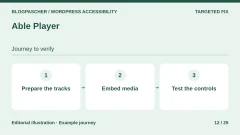
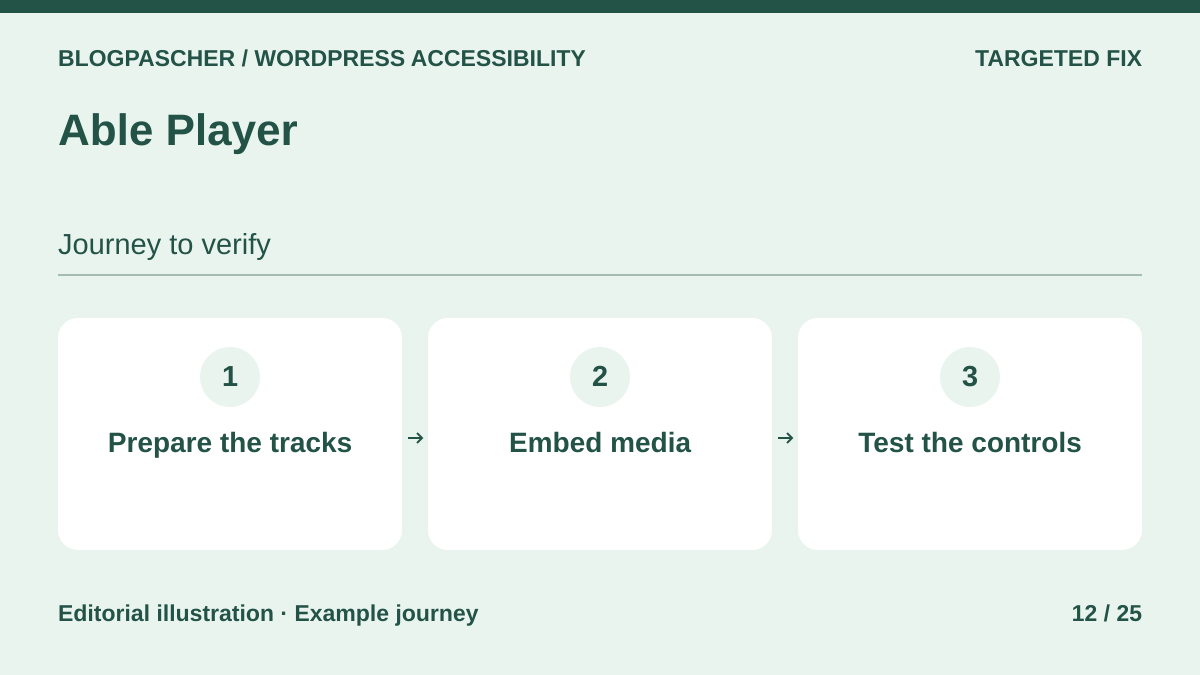 Editorial diagram. Prepare the tracks → Embed media → Test the controls. — BlogPasCherOpen full-size illustration ↗
Best forEmbed media with accessible controls and tracks to verify.
Able Player replaces the native audio or video player for selected content. Generate a shortcode to start with one video. Prepare the captions file and check synchronization over the first few minutes. Navigate controls by keyboard, change speed and return to page text. Also test on a phone because some devices’ native players may take over.
Offer pricing
Plugin and player freely available.
Checked on .
Strengths
- Audio and video playback
- Several integration options, including shortcode
What to consider
- Track content and synchronization still need supplying and checking
- Test behavioral differences by browser and fullscreen mode
Pricing terms and compatibility
Understanding the offer
- Price at the time of review
- Plugin and player freely available.
- Currency
- Unspecified. Confirm for the offer you choose.
- Billing
- Unspecified. Confirm for the offer you choose.
- Renewal and support
- Unspecified. Confirm for the offer you choose.
- Taxes and fees
- Unspecified. Confirm for the offer you choose.
- Commitment and terms
- Unspecified. Confirm for the offer you choose.
- Date checked
Compatibility and components
- The listing provides for replacing existing media blocks. Start with isolated integration before replacing every player.
Video Accessibility — Ford Foundation
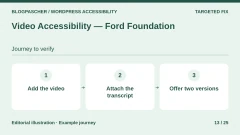
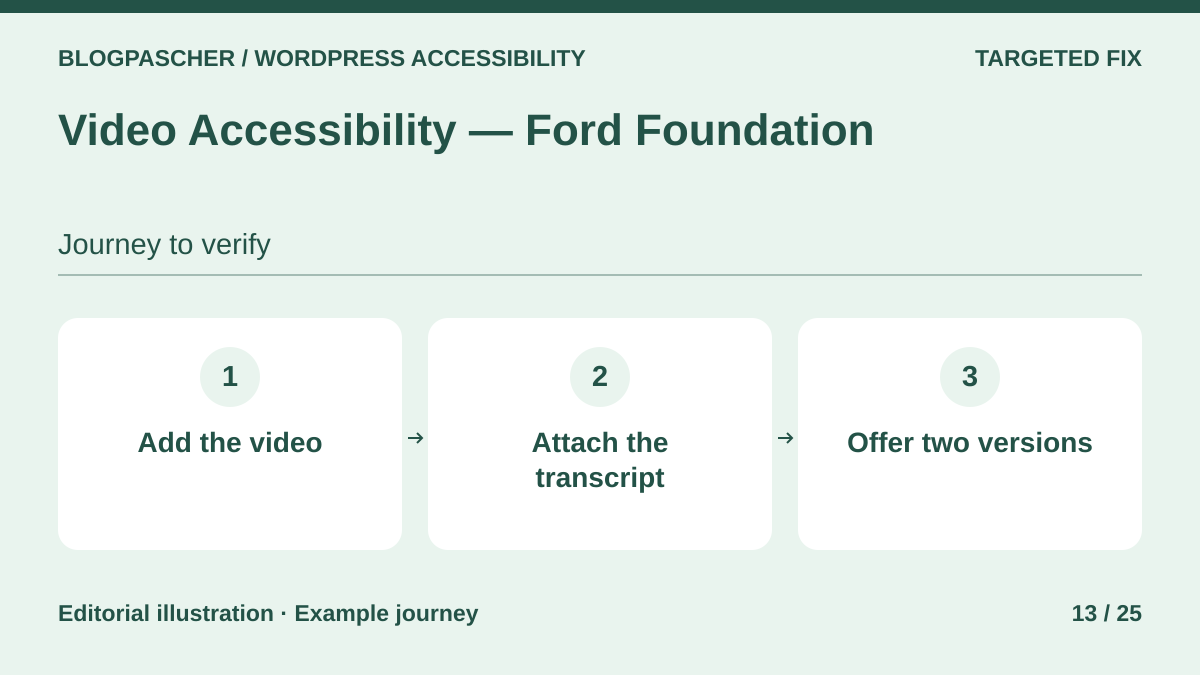 Editorial diagram. Add the video → Attach the transcript → Offer two versions. — BlogPasCherOpen full-size illustration ↗
Best forPresent a transcript and audio-described version on the same page.
Video Accessibility groups a video, transcript and possible second version in a block. The second track may be an edit with audio description. Check that both versions are clearly named and selection works by keyboard. The transcript should explain sounds and gestures needed for understanding. Text beside the player can supplement synchronized captions when the video requires them.
Offer pricing
Free block distributed in the WordPress directory.
Checked on .
Strengths
- Readable transcript in an adjacent panel
- Option to display a second video version
What to consider
- The team must prepare both versions and transcript
- The embedded player and its controls still need checking
Pricing terms and compatibility
Understanding the offer
- Price at the time of review
- Free block distributed in the WordPress directory.
- Currency
- Unspecified. Confirm for the offer you choose.
- Billing
- Unspecified. Confirm for the offer you choose.
- Renewal and support
- Unspecified. Confirm for the offer you choose.
- Taxes and fees
- Unspecified. Confirm for the offer you choose.
- Commitment and terms
- Unspecified. Confirm for the offer you choose.
- Date checked
Compatibility and components
- WordPress block. YouTube metadata features may require a key according to the developer.
HTML5 Audio Player — bPlugins
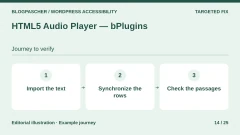
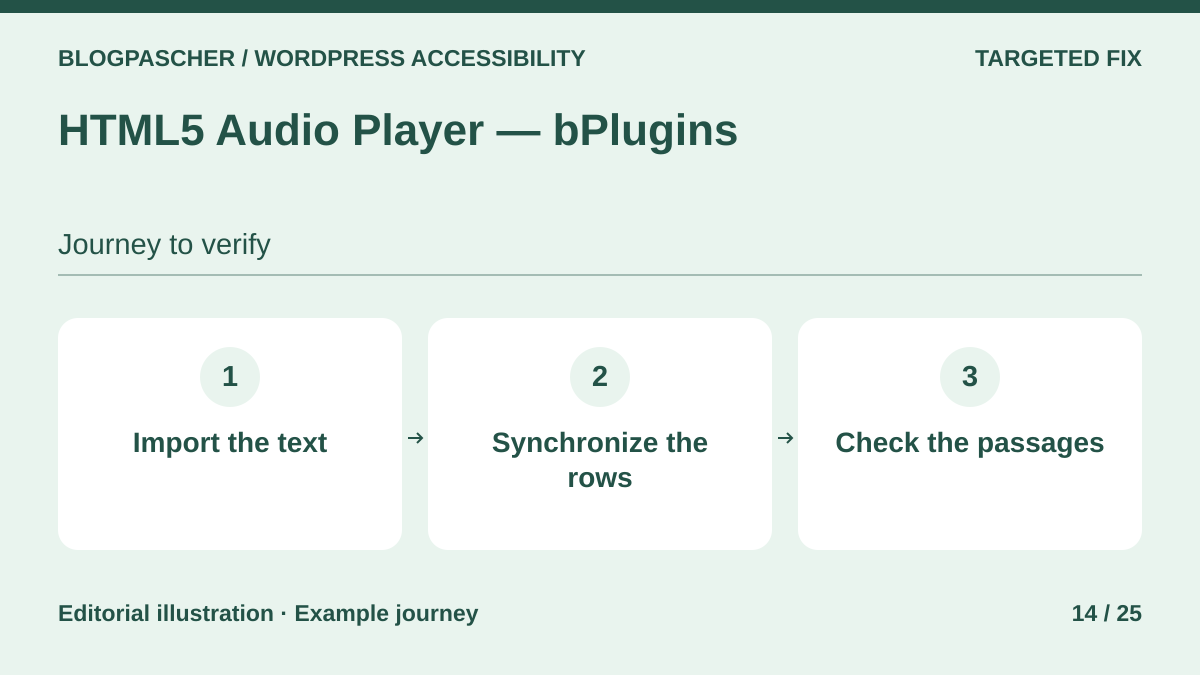 Editorial diagram. Import the text → Synchronize the lines → Check the passages. — BlogPasCherOpen full-size illustration ↗
Best forPublish a synchronized transcript for a podcast or audio content.
The bPlugins player adds a synchronized transcript to an audio episode. The listing advertises SRT or VTT import and manual entry in the free version. Try a three-line file and check playback jumps associated with those lines. For a podcast, review names, indicate speaker changes and also provide easily browsable text. Generated transcripts deserve the same review.
Offer pricing
Free player with manual transcription advertised. Pro Single Site displayed at $47.88 per year or $149.99 as a one-time purchase.
Billing: annual subscription or one-time purchase
Checked on .
Strengths
- SRT and VTT file import
- Access a passage through its transcript line
What to consider
- Transcript generation is Pro-only according to the listing
- Check player focus and transcript readability without audio playback
Pricing terms and compatibility
Understanding the offer
- Price at the time of review
- Free player with manual transcription advertised. Pro Single Site displayed at $47.88 per year or $149.99 as a one-time purchase.
- Currency
- Unspecified. Confirm for the offer you choose.
- Billing
- annual subscription or one-time purchase
- Renewal and support
- Unspecified. Confirm for the offer you choose.
- Taxes and fees
- Unspecified. Confirm for the offer you choose.
- Commitment and terms
- Unspecified. Confirm for the offer you choose.
- Date checked
Compatibility and components
- The listing describes blocks, shortcode and Elementor widget. Check the result with the chosen presentation.
Language Attribute for Container Blocks
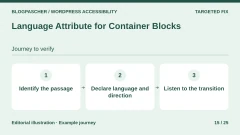
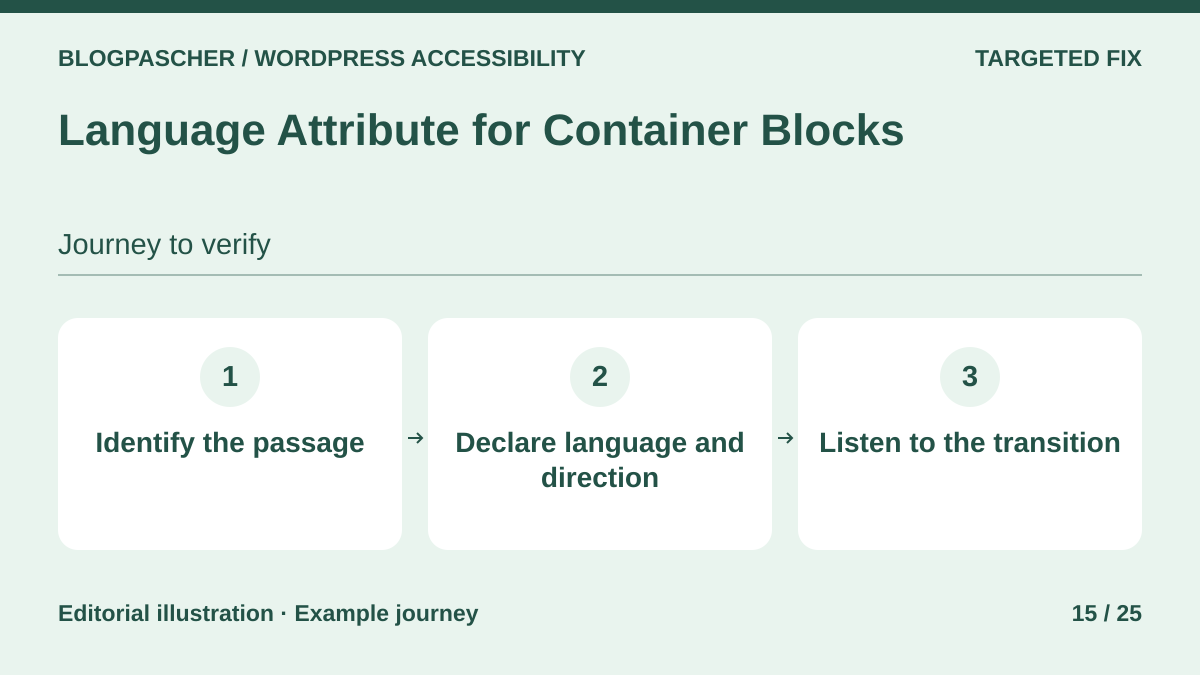 Editorial diagram. Identify the passage → Declare language and direction → Listen to the transition. — BlogPasCherOpen full-size illustration ↗
Best forMark the language and direction of a block or multilingual document.
Language Attribute for Container Blocks adds language and direction attributes to groups and some other blocks. On a French page quoting Arabic or English, apply the setting to the quote’s container. Check rendered HTML and listen with an appropriate screen reader. If the entire page changes language, also inspect the header, menu and footer to see which language they retain.
Offer pricing
Free plugin distributed in the WordPress directory.
Checked on .
Strengths
- Block-, page- or template-level setting
- Text-direction support
What to consider
- The plugin does not translate content
- Themes and translation plugins may already set these attributes
Pricing terms and compatibility
Understanding the offer
- Price at the time of review
- Free plugin distributed in the WordPress directory.
- Currency
- Unspecified. Confirm for the offer you choose.
- Billing
- Unspecified. Confirm for the offer you choose.
- Renewal and support
- Unspecified. Confirm for the offer you choose.
- Taxes and fees
- Unspecified. Confirm for the offer you choose.
- Commitment and terms
- Unspecified. Confirm for the offer you choose.
- Date checked
Compatibility and components
- The listing specifies WordPress 6.2 or later and PHP 7.2 or later. Check computed attributes after other plugins.
Rayetun Accessible Blocks
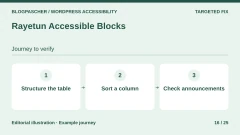
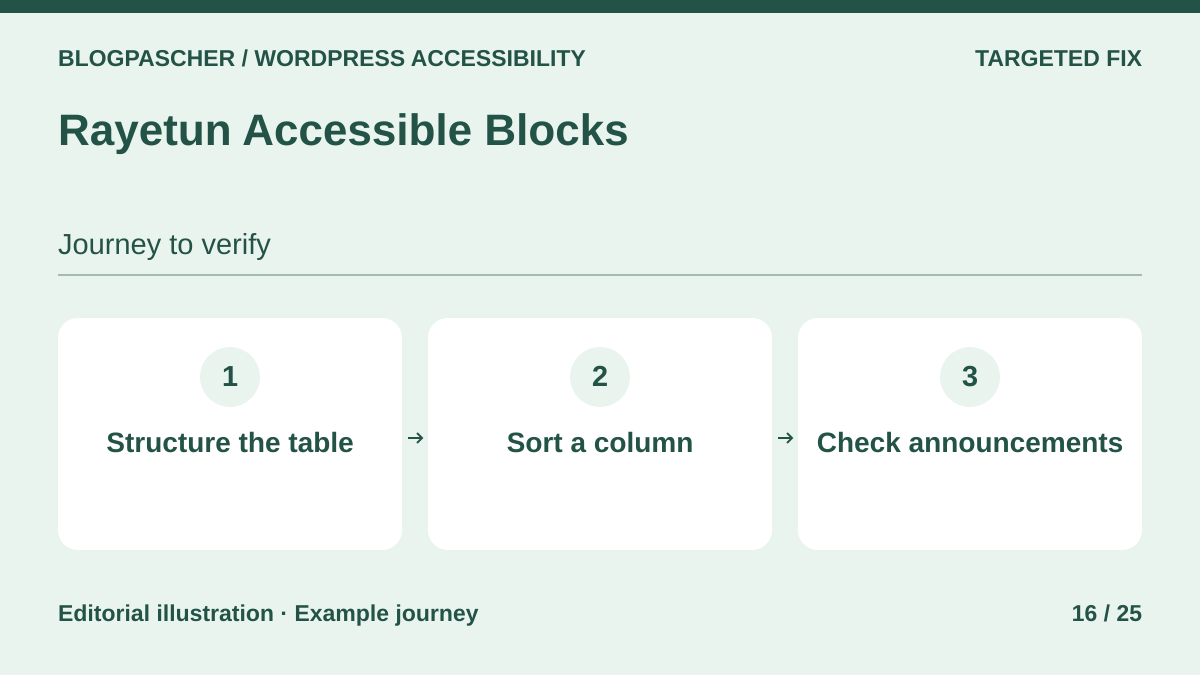 Editorial diagram. Structure the table → Sort a column → Check announcements. — BlogPasCherOpen full-size illustration ↗
Best forPresent a sortable data table with headers and caption.
Rayetun’s Data Table block associates a caption, headers and sorting with data. Create three fictional rows and check that column names remain understandable when values move. At phone width, the scrolling area must remain keyboard-reachable. Compare screen-reader announcements before adopting sorting for schedules or pricing tables.
Offer pricing
Blocks available free in the WordPress directory.
Checked on .
Strengths
- Structured headers and caption advertised
- Scrolling area and sort announcements documented
What to consider
- Data meaning and column organization depend on content
- Check behavior after theme styles apply
Pricing terms and compatibility
Understanding the offer
- Price at the time of review
- Blocks available free in the WordPress directory.
- Currency
- Unspecified. Confirm for the offer you choose.
- Billing
- Unspecified. Confirm for the offer you choose.
- Renewal and support
- Unspecified. Confirm for the offer you choose.
- Taxes and fees
- Unspecified. Confirm for the offer you choose.
- Commitment and terms
- Unspecified. Confirm for the offer you choose.
- Date checked
Compatibility and components
- Block for the WordPress editor. Compare a page without the plugin on a copy before removing its blocks.
Guardrail Blocks
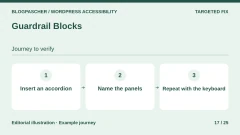
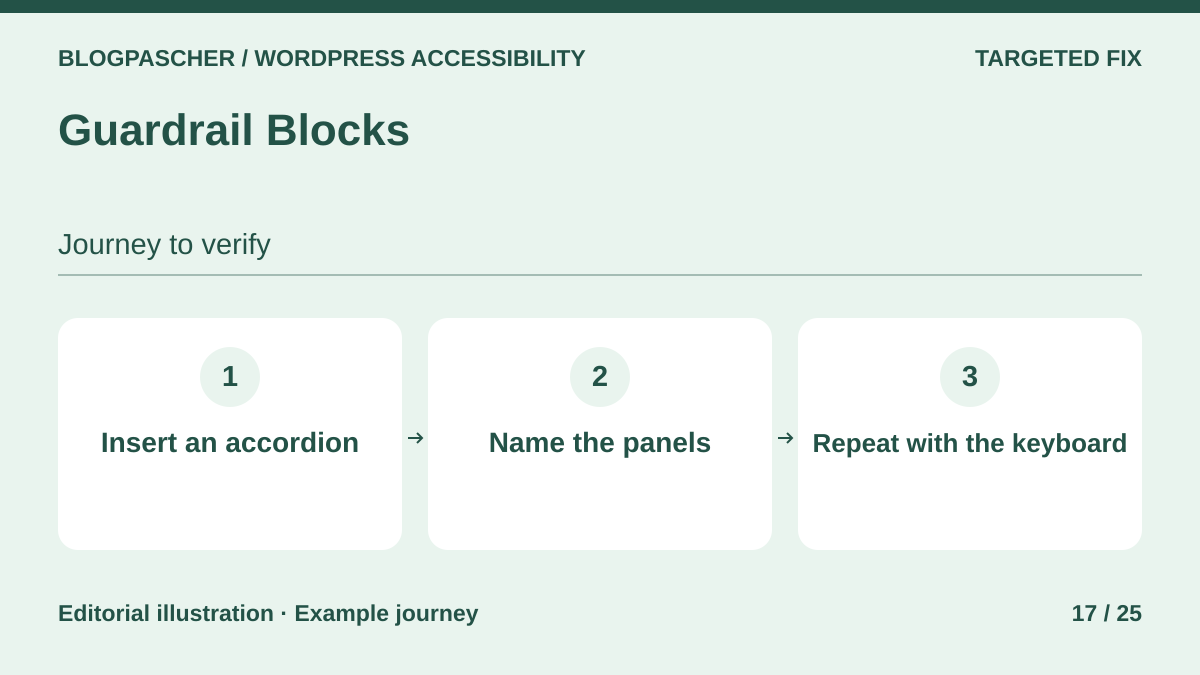 Editorial diagram. Insert an accordion → Name the panels → Repeat with the keyboard. — BlogPasCherOpen full-size illustration ↗
Best forBuild reusable blocks while retaining structure and interactive states.
Guardrail Blocks offers components for teams publishing recurring buttons, headings, images and accordions. The Accordion block uses buttons to reveal content. Create two panels and place a link in the second. Check that Tab reaches the link only when that panel is open. Then provide explicit headings understandable outside their visual context.
Offer pricing
Free plugin distributed in the WordPress directory.
Checked on .
Strengths
- Component structure guided in the editor
- Accordion buttons and states advertised in the listing
What to consider
- Dynamic blocks stop producing output on deactivation
- Actual content, focus and color palette still need checking
Pricing terms and compatibility
Understanding the offer
- Price at the time of review
- Free plugin distributed in the WordPress directory.
- Currency
- Unspecified. Confirm for the offer you choose.
- Billing
- Unspecified. Confirm for the offer you choose.
- Renewal and support
- Unspecified. Confirm for the offer you choose.
- Taxes and fees
- Unspecified. Confirm for the offer you choose.
- Commitment and terms
- Unspecified. Confirm for the offer you choose.
- Date checked
Compatibility and components
- Check theme rendering with the block editor and behavior of already reused patterns.
Ananyoo Accessible Forms
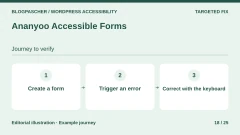
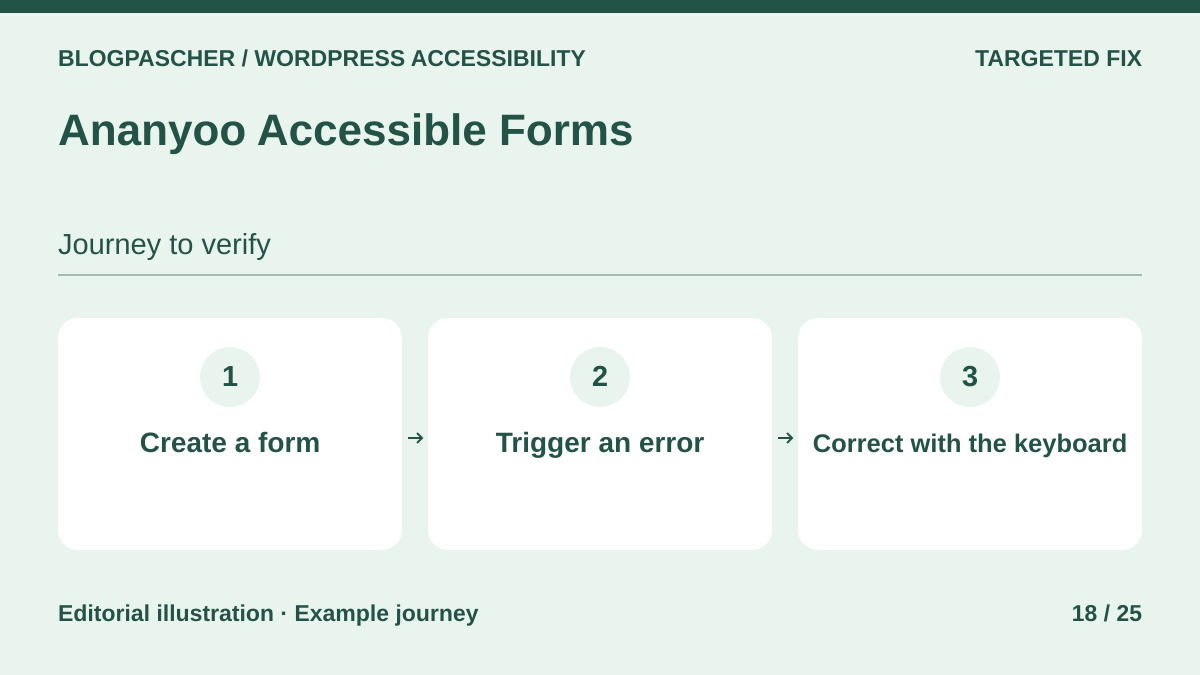 Editorial diagram. Create a form → Trigger an error → Correct with the keyboard. — BlogPasCherOpen full-size illustration ↗
Best forCreate a contact form avoiding visual CAPTCHAs.
Ananyoo Accessible Forms creates contact forms and retains entries. It offers invisible spam traps without requiring a visual puzzle. On a copy, create a form with a required field and format instruction. Run two fictional tests to ensure an error remains perceptible and correction preserves valid data. Check where entries are stored before collecting personal information.
Offer pricing
Free plugin in the WordPress directory. Any external antispam service follows its own terms.
Checked on .
Strengths
- Labels and validation feedback provided
- Built-in antispam without a puzzle
What to consider
- Check submission retention and notifications
- Optional antispam integration may have its own terms
Pricing terms and compatibility
Understanding the offer
- Price at the time of review
- Free plugin in the WordPress directory. Any external antispam service follows its own terms.
- Currency
- Unspecified. Confirm for the offer you choose.
- Billing
- Unspecified. Confirm for the offer you choose.
- Renewal and support
- Unspecified. Confirm for the offer you choose.
- Taxes and fees
- Unspecified. Confirm for the offer you choose.
- Commitment and terms
- Unspecified. Confirm for the offer you choose.
- Date checked
Compatibility and components
- Test the theme-embedded form without a mouse and with a required field left empty.
Responsive Menu
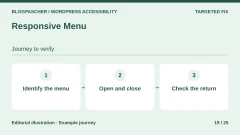
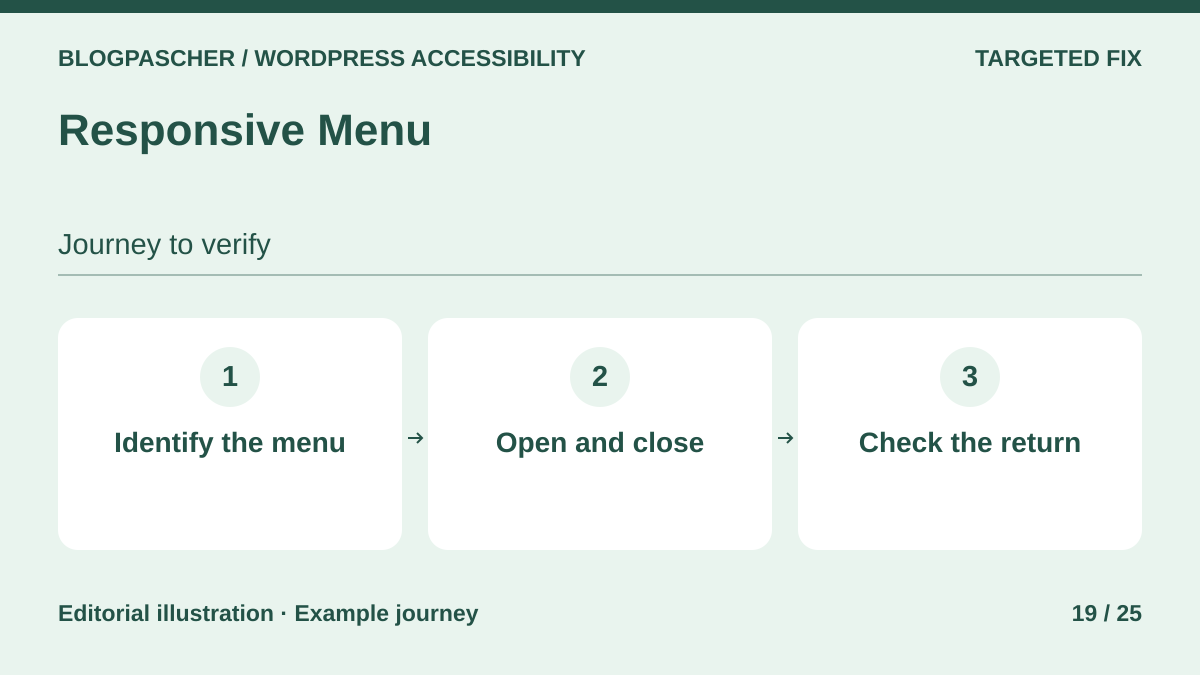 Editorial diagram. Identify the menu → Open and close → Check the return. — BlogPasCherOpen full-size illustration ↗
Best forReplace a mobile menu difficult to navigate without a mouse.
Responsive Menu replaces the mobile menu and documents keyboard movement. On a copy, open the menu with Enter, visit a submenu and close with Escape. Focus should return to the opening button. Check that the previous menu also disappears from keyboard navigation. Finally test at high zoom and ensure important links remain reachable on a phone.
Offer pricing
Free mobile menu. Essential at $49 per year for one site, Advanced at $79 for up to five sites and Expert at $95 for up to one hundred sites.
Billing: annual subscription
Renewal and support: The developer states the menu remains after expiration, with updates and support stopping.
Checked on .
Strengths
- Keyboard navigation and focus return documented
- Testing possible with the free mobile menu
What to consider
- The correct selector for hiding the menu depends on the theme
- Desktop menus, mega menus and some integrations are Pro-only
Pricing terms and compatibility
Understanding the offer
- Price at the time of review
- Free mobile menu. Essential at $49 per year for one site, Advanced at $79 for up to five sites and Expert at $95 for up to one hundred sites.
- Currency
- Unspecified. Confirm for the offer you choose.
- Billing
- annual subscription
- Renewal and support
- The developer states the menu remains after expiration, with updates and support stopping.
- Taxes and fees
- Unspecified. Confirm for the offer you choose.
- Commitment and terms
- Unspecified. Confirm for the offer you choose.
- Date checked
Compatibility and components
- The developer describes Elementor and WPML and Polylang support in Pro. Check the menu and switching width on your theme.
Equivora
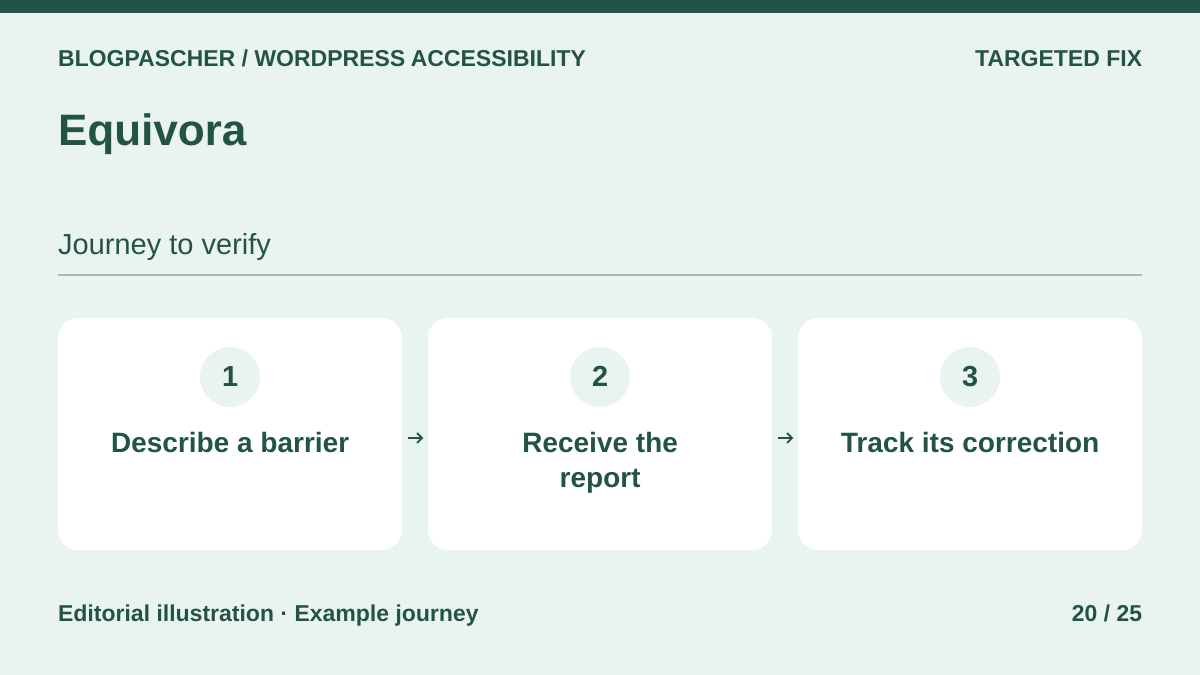 Editorial diagram. Describe a barrier → Receive the report → Track its correction. — BlogPasCherOpen full-size illustration ↗
Best forPublish an accessible reporting channel and track reported barriers.
Equivora combines a statement with a barrier-reporting form. Submit a fictional issue with the URL and blocked action, then check who receives the alert and how the team handles it. Describe evaluated scope, known limitations and contact method in the statement. Keep a follow-up procedure to verify messages trigger actual fixes.
Offer pricing
Free plugin in the WordPress directory.
Checked on .
Strengths
- Editable statement template
- Reporting block with form checks advertised
What to consider
- The statement depends on evaluation and information entered by the team
- Check report retention and destination
Pricing terms and compatibility
Understanding the offer
- Price at the time of review
- Free plugin in the WordPress directory.
- Currency
- Unspecified. Confirm for the offer you choose.
- Billing
- Unspecified. Confirm for the offer you choose.
- Renewal and support
- Unspecified. Confirm for the offer you choose.
- Taxes and fees
- Unspecified. Confirm for the offer you choose.
- Commitment and terms
- Unspecified. Confirm for the offer you choose.
- Date checked
Compatibility and components
- WordPress reporting block. Test layout, errors and confirmation with and without JavaScript.
Ananyoo Accessible Events
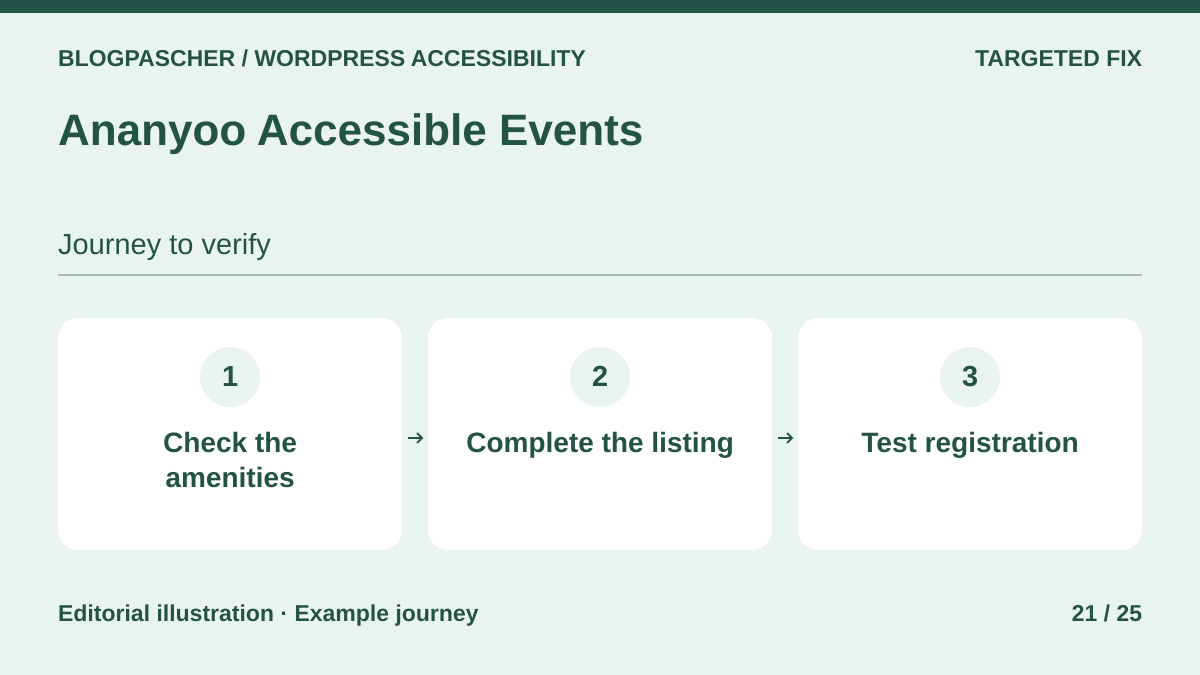 Editorial diagram. Check accommodations → Complete the listing → Test registration. — BlogPasCherOpen full-size illustration ↗
Best forMake confirmed accommodations explicit for each event.
Ananyoo Accessible Events adds information useful to event attendees, such as step-free entry, captions or interpretation. Ask organizers to verify each service actually planned and explain its conditions. Specify, for example, how to reserve a place or contact the team. Also test the public event page and registration links, whether the calendar is browsed by keyboard or on mobile.
Offer pricing
Free plugin distributed in the WordPress directory.
Checked on .
Strengths
- Dedicated accommodation fields
- Information grouped on the event page
What to consider
- Listed accommodations must be confirmed by the organizer
- Registration may depend on another service needing testing
Pricing terms and compatibility
Understanding the offer
- Price at the time of review
- Free plugin distributed in the WordPress directory.
- Currency
- Unspecified. Confirm for the offer you choose.
- Billing
- Unspecified. Confirm for the offer you choose.
- Renewal and support
- Unspecified. Confirm for the offer you choose.
- Taxes and fees
- Unspecified. Confirm for the offer you choose.
- Commitment and terms
- Unspecified. Confirm for the offer you choose.
- Date checked
Compatibility and components
- Check list and event-page rendering plus the chosen theme and filters.
Widewalk
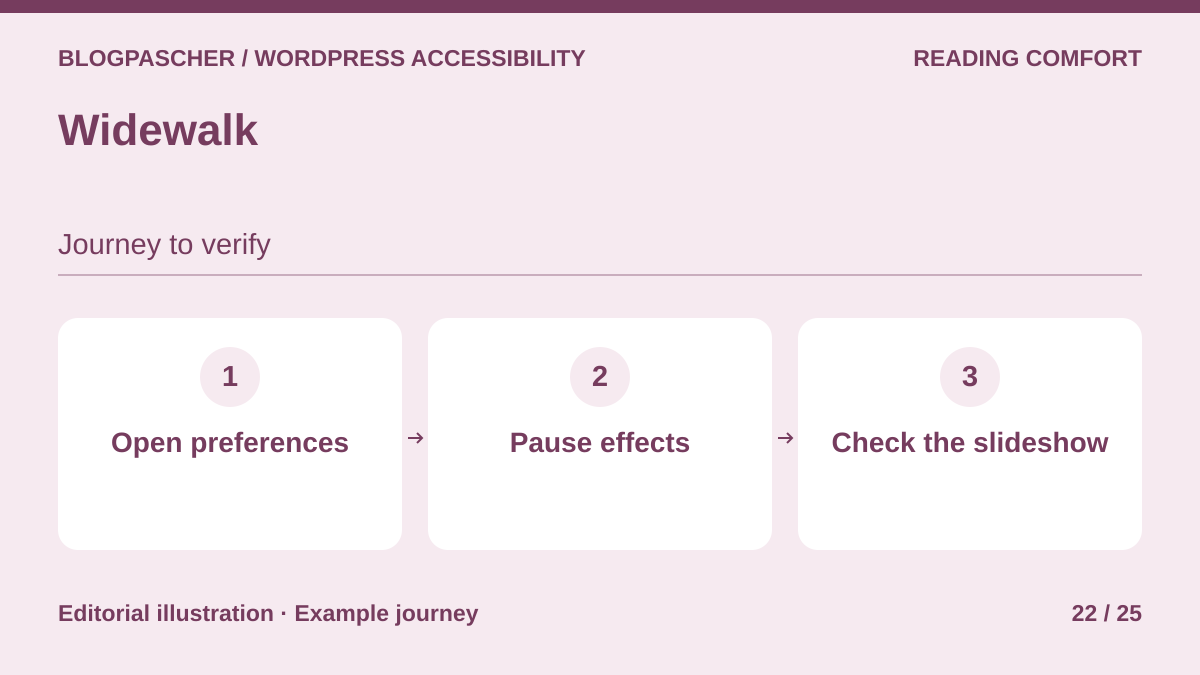 Editorial diagram. Open preferences → Pause effects → Check the slideshow. — BlogPasCherOpen full-size illustration ↗
Best forOffer a motion preference and test its scope.
Widewalk provides a visual-settings panel and a control to stop some motion. Test animation reduction with a CSS transition, video and JavaScript-driven slideshow. The latter may require a specific integration documented by the developer. Also check that the floating button leaves site controls usable. Retain the ability to complete the same journey outside the panel.
Offer pricing
Plugin available free in the WordPress directory.
Checked on .
Strengths
- Presentation settings and animation pause
- Documented event for targeted JavaScript integrations
What to consider
- The panel depends on JavaScript
- A slideshow driven by a third-party script may continue moving
Pricing terms and compatibility
Understanding the offer
- Price at the time of review
- Plugin available free in the WordPress directory.
- Currency
- Unspecified. Confirm for the offer you choose.
- Billing
- Unspecified. Confirm for the offer you choose.
- Renewal and support
- Unspecified. Confirm for the offer you choose.
- Taxes and fees
- Unspecified. Confirm for the offer you choose.
- Commitment and terms
- Unspecified. Confirm for the offer you choose.
- Date checked
Compatibility and components
- The developer distinguishes CSS animations from theme-specific scripts. Test each animated component separately.
D2i Accessibility Toolkit
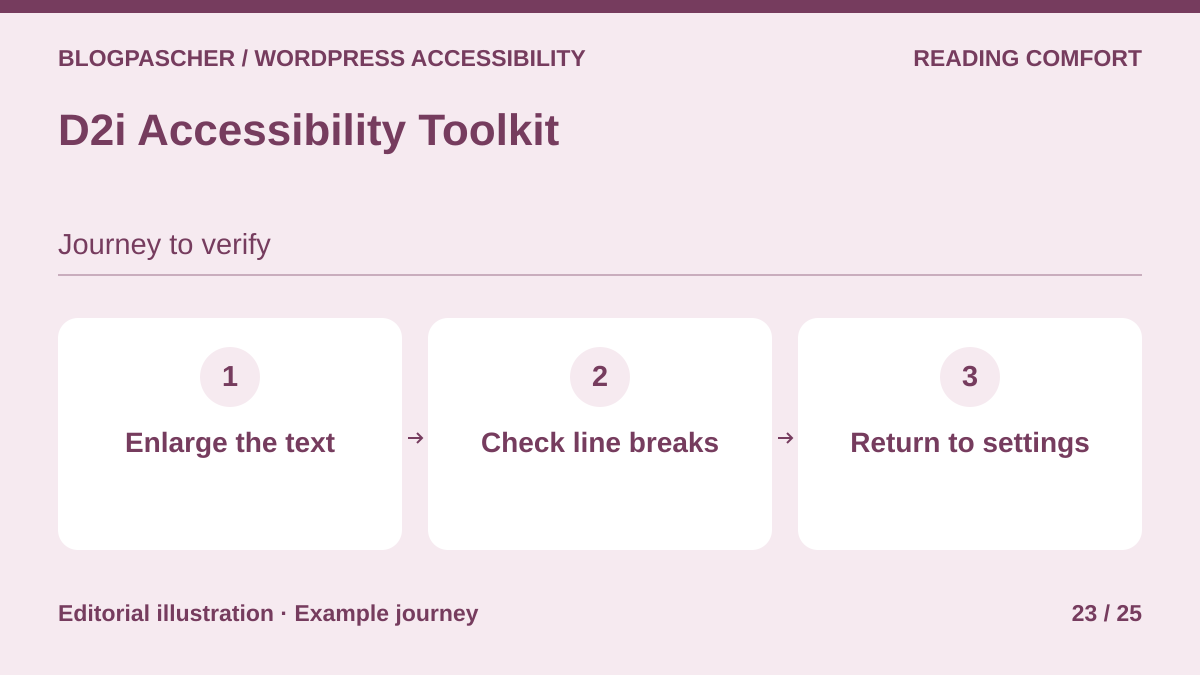 Editorial diagram. Enlarge the text → Check line breaks → Return to settings. — BlogPasCherOpen full-size illustration ↗
Best forProvide size, line-height and spacing settings.
D2i adds a reading-preferences panel. Visitors can adjust line height and spacing or restore initial values. Try the largest values on a long heading, form and table. Buttons must retain visible text and fields remain usable. If an element overflows or disappears, correct the template before offering the preference publicly.
Offer pricing
Panel available free in the WordPress directory.
Checked on .
Strengths
- Granular reading settings
- Preference reset
What to consider
- Check overlap with site floating buttons
- Reading preferences do not fix poorly structured components
Pricing terms and compatibility
Understanding the offer
- Price at the time of review
- Panel available free in the WordPress directory.
- Currency
- Unspecified. Confirm for the offer you choose.
- Billing
- Unspecified. Confirm for the offer you choose.
- Renewal and support
- Unspecified. Confirm for the offer you choose.
- Taxes and fees
- Unspecified. Confirm for the offer you choose.
- Commitment and terms
- Unspecified. Confirm for the offer you choose.
- Date checked
Compatibility and components
- The panel changes public rendering. Test with theme fonts and styles, then return to initial settings.
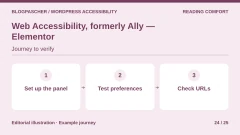
Web Accessibility, formerly Ally — Elementor
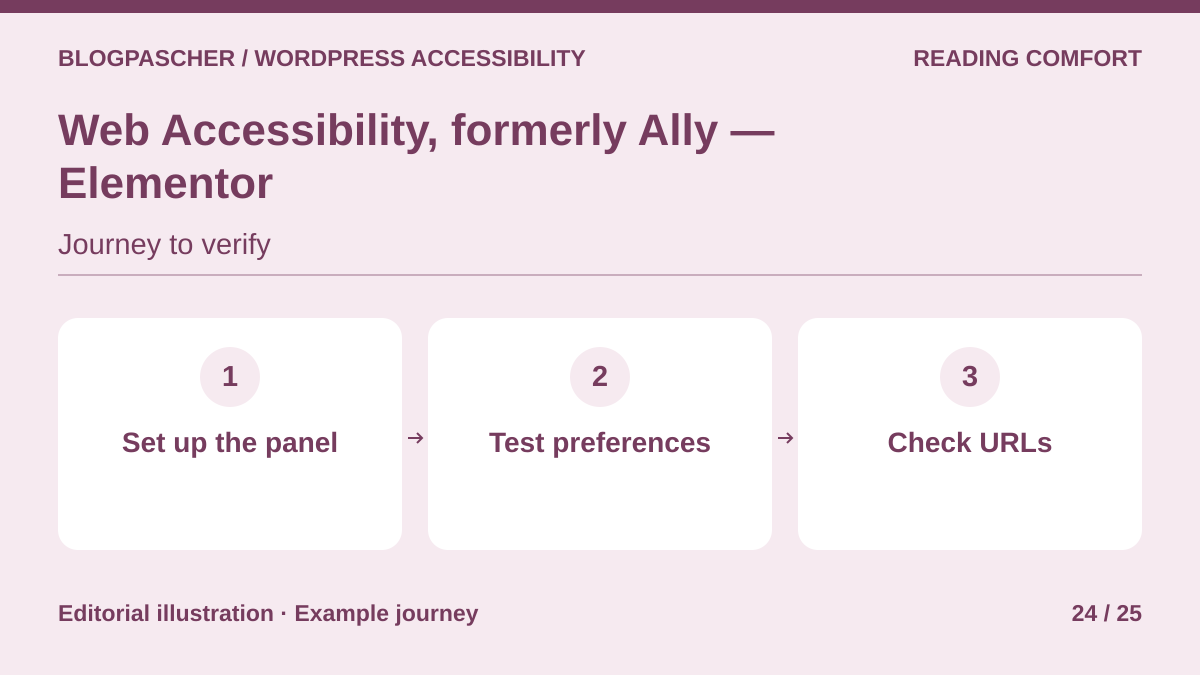 Editorial diagram. Set up the panel → Test preferences → Check URLs. — BlogPasCherOpen full-size illustration ↗
Best forAdd a configurable reading panel while tracking scans separately.
Elementor’s Web Accessibility combines a reading-preferences toolbar with scans and remediation assistance. Visitors can adapt display or hide the trigger. Start with one template and check navigation with the widget open, closed and hidden. Examine findings separately and check site-connection conditions if translations change URLs.
Offer pricing
Ally Free for one site and five distinct URLs. Ally Pro for one site and 25 distinct URLs. Pro pricing is absent from the recorded public pricing table.
Billing: annual subscription advertised for Pro
Renewal and support: The developer advertises renewal at the normal rate. That amount is absent from the recorded pricing table.
Checked on .
Strengths
- Adjustable panel and hideable trigger
- Free plan and scanning tools advertised
What to consider
- Free-scan URL count is not visit count
- Some multilingual configurations changing URLs may disrupt connection according to Elementor
Pricing terms and compatibility
Understanding the offer
- Price at the time of review
- Ally Free for one site and five distinct URLs. Ally Pro for one site and 25 distinct URLs. Pro pricing is absent from the recorded public pricing table.
- Currency
- Unspecified. Confirm for the offer you choose.
- Billing
- annual subscription advertised for Pro
- Renewal and support
- The developer advertises renewal at the normal rate. That amount is absent from the recorded pricing table.
- Taxes and fees
- Unspecified. Confirm for the offer you choose.
- Commitment and terms
- Unspecified. Confirm for the offer you choose.
- Date checked
Compatibility and components
- The directory listing specifies WordPress 6.7 or later. Test widget rendering at mobile width and on translated pages.
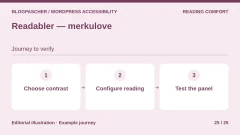
Readabler — merkulove
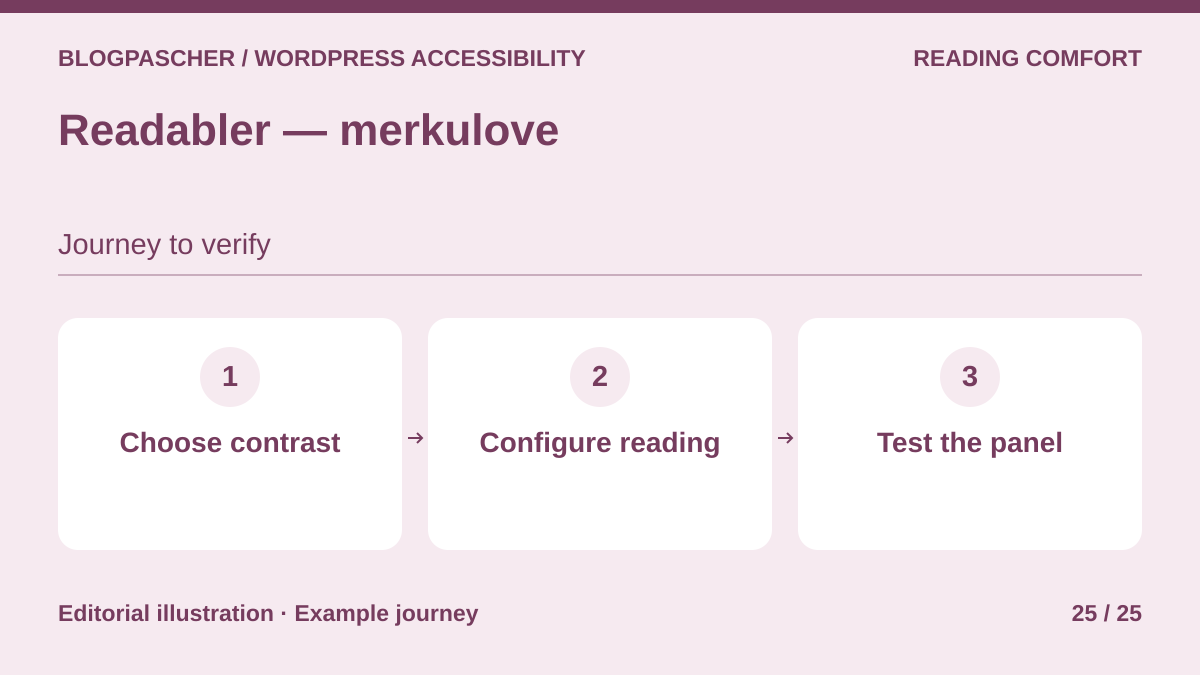 Editorial diagram. Choose contrast → Configure reading → Test the panel. — BlogPasCherOpen full-size illustration ↗
Best forAssess a commercial widget for contrast and reading aloud.
Readabler provides a contrast, typography and reading panel. It also offers text-to-speech through Google Cloud. If interested, separately check transmitted data and Google’s advertised cost. Try the panel by keyboard on a narrow screen and ensure preferences do not obstruct the menu, banner or form. Test these controls before enabling additional settings.
Offer pricing
Regular at 49 USD and Extended at 299 USD on CodeCanyon. Choose the license according to the end product.
Billing: one-time purchase
Renewal and support: Six months of support included. Optional extension.
Taxes and processing fees excluded.
Checked on .
Strengths
- Grouped display and reading settings
- Offers and support duration documented in the listing
What to consider
- Google Cloud text-to-speech may incur separate fees
- The panel does not replace site remediation and assistive-technology testing
Pricing terms and compatibility
Understanding the offer
- Price at the time of review
- Regular at 49 USD and Extended at 299 USD on CodeCanyon. Choose the license according to the end product.
- Currency
- USD
- Billing
- one-time purchase
- Renewal and support
- Six months of support included. Optional extension.
- Taxes and fees
- Taxes and processing fees excluded.
- Commitment and terms
- One end product. The listing distinguishes free end-user access with Regular from potentially charged access with Extended.
- Date checked
Compatibility and components
- Listing updated October 28, 2026; highest displayed WordPress version 7.1.x. Test with the actual theme, plugins and external services used.