

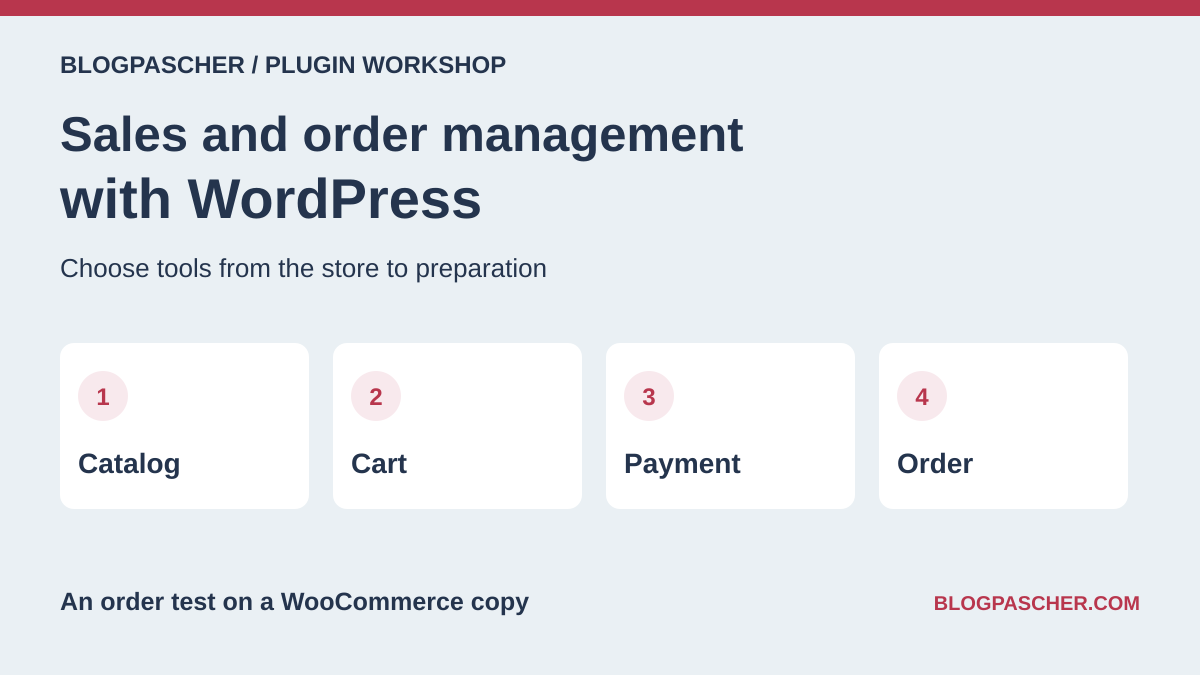
A store must take payment, record the order, and allow it to be processed
A customer has paid, but the team does not know what to prepare. A parcel has shipped, but its tracking does not appear in the customer account. Or your downloads are sent manually by email even though the sale is recorded. These situations concern different stages of the commercial chain. Choosing a plugin requires identifying the failing stage before installing a second store engine.
Start with the functions already present. Your store may already manage stock, download an order list, or send a confirmation email. An additional plugin becomes useful when it supplies a rule or document that is actually missing. For a few occasional sales, an existing payment flow may also suffice. A full catalog with variations, shipments, and returns requires more organization.
WooCommerce, Easy Digital Downloads, and the other sales engines handle the catalog and orders. Gateways, data-entry tools, and processing modules are added to a compatible engine. The entries specify each tool’s role and dependencies. The native WooCommerce flow was repeated on two local copies.
Compare before you choose
The offers at a glance
Find the use case and budget that fit, then read the details to see the limitations and any components you may need.
On smaller screens, the table scrolls horizontally. With a keyboard, press Tab to focus the table, then use the left and right arrow keys.
| Offer | Best for | Pricing and billing | Renewal and support |
|---|---|---|---|
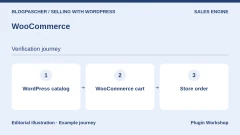 WooCommerceRead the details | A general-purpose store managed in WordPress. | Free core in the WordPress.org directory. Free core | Terms for any paid plans were unavailable at the time of review. |
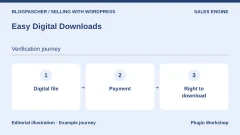 Easy Digital DownloadsRead the details | A digital-product store. | Free core. Additional 3% fees documented for Stripe and PayPal in the stated cases. Free core and service fees depending on the method | An active Extended Pass or higher removes the Stripe surcharge under the documented terms. |
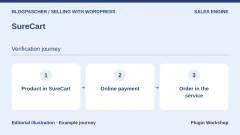 SureCartRead the details | A store willing to use a cloud-dependent commerce engine. | Launch has no initial license cost. SureCart lists a 2.9% transaction fee. Per-transaction fees on Launch Payment provider fees are additional. | Terms for any paid plans were unavailable at the time of review. |
 WP EasyCartRead the details | A store integrated into WordPress with its own order flow. | Free core with 2% WP EasyCart fees on the relevant methods. The pricing table lists Pro at $119 for one year. Free core or Pro subscription | The indexed Free page displays another Pro price. Confirm the currency and price at checkout. |
 Ecwid by LightspeedRead the details | An external store integrated with the site and several channels. | Free connector. Subscription commerce service, with pricing depending on the plan and currency. Service separate from the connector | Check the cycle and price displayed for your country. |
 FluentCartRead the details | Another self-hosted store engine. | Free core. Pro edition and modules according to the publisher’s pricing table. Free core | Terms for any paid plans were unavailable at the time of review. |
 Simple Shopping CartRead the details | Simple sales from existing pages. | Free core in the WordPress.org directory. Free core | Terms for any paid plans were unavailable at the time of review. |
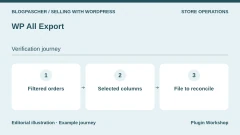 WP All ExportRead the details | Exports of several WordPress data types. | Free core. Detailed WooCommerce order exports may require Pro and the dedicated module. Free core | Terms for any paid plans were unavailable at the time of review. |
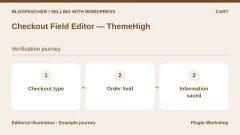 Checkout Field Editor — ThemeHighRead the details | Adapt fields in the order flow. | Free core in the WordPress.org directory. Free core | Terms for any paid plans were unavailable at the time of review. |
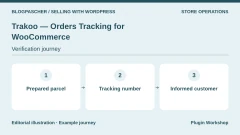 Trakoo — Orders Tracking for WooCommerceRead the details | Tracking references associated with items and parcels. | Free core in the WordPress.org directory. Free core | Terms for any paid plans were unavailable at the time of review. |
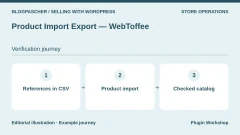 Product Import Export — WebToffeeRead the details | Catalog updates from CSV files. | Free core in the WordPress.org directory. Free core | Terms for any paid plans were unavailable at the time of review. |
 Order Status Manager — SkyVergeRead the details | A fulfillment process with custom stages. | USD 49 for one year. Annual subscription Displayed amounts. Check taxes and fees at checkout. | Check the renewal amount at checkout. |
 Order Status Control — SkyVergeRead the details | Change the automatic completion rule for paid orders. | USD 29 for one year. Annual subscription Displayed amounts. Check taxes and fees at checkout. | Check the renewal amount at checkout. |
 Sequential Order Numbers — SkyVergeRead the details | A readable sequence of order numbers. | Free core in the WordPress.org directory. Free core | Terms for any paid plans were unavailable at the time of review. |
 WooPaymentsRead the details | Manage payments and payouts in WordPress | Free plugin. Payment fees vary by country, currency, and method. Payment provider fees Check the rate schedule applicable to the merchant account. | Terms for any paid plans were unavailable at the time of review. |
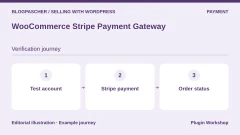 WooCommerce Stripe Payment GatewayRead the details | Connect a Stripe account and receive notifications | Free plugin. Payment fees vary by country, currency, and method. Payment provider fees Check the rate schedule applicable to the merchant account. | Terms for any paid plans were unavailable at the time of review. |
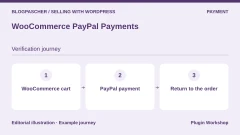 WooCommerce PayPal PaymentsRead the details | Offer PayPal and the methods available for the account | Free plugin. Payment fees vary by country, currency, and method. Payment provider fees Check the rate schedule applicable to the merchant account. | Terms for any paid plans were unavailable at the time of review. |
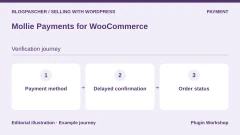 Mollie Payments for WooCommerceRead the details | Enable payment methods according to the market | Free plugin. Payment fees vary by country, currency, and method. Payment provider fees Check the rate schedule applicable to the merchant account. | Terms for any paid plans were unavailable at the time of review. |
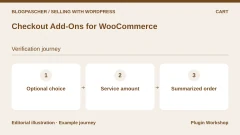 Checkout Add-Ons for WooCommerceRead the details | Add a service selected at checkout | USD 79 for one year. Annual subscription Displayed amounts. Check taxes and fees at checkout. | Check the renewal amount at checkout. |
 WooCommerce DepositsRead the details | Provide for a deposit and a balance | USD 219 for one year. Annual subscription Displayed amounts. Check taxes and fees at checkout. | Check the renewal amount at checkout. |
 Order Approval for WooCommerce — AddifyRead the details | Review an order before approval | USD 49 for one year. Annual subscription Displayed amounts. Check taxes and fees at checkout. | Check the renewal amount at checkout. |
 Split Orders for WooCommerceRead the details | Ship available items first | USD 49 for one year. Annual subscription Displayed amounts. Check taxes and fees at checkout. | Check the renewal amount at checkout. |
 B2BKing — WooCommerce B2B and wholesaleRead the details | Enter a wholesale order from a list | Publisher’s Startup offer at $199 for one year on promotion. CodeCanyon lists USD 2,449 for a Regular license. Annual publisher offer or CodeCanyon purchase Displayed amounts. Check taxes and fees at checkout. | Check the terms of each channel. CodeCanyon lists six months of support. |
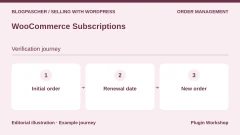 WooCommerce SubscriptionsRead the details | Manage renewals and their failures | USD 279 for one year. Annual subscription Displayed amounts. Check taxes and fees at checkout. | Check the renewal amount at checkout. |
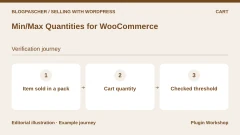 Min/Max Quantities for WooCommerceRead the details | Require a minimum quantity or a multiple | USD 49 for one year. Annual subscription Displayed amounts. Check taxes and fees at checkout. | Check the renewal amount at checkout. |
First choose the engine according to what you sell
For a physical product, specify the variations, quantities, and delivery methods. For a digital file, think instead about download permissions, the links sent, and any updates. A service may require only a single payment, whereas a subscription requires tracking periods and failed charges. The word commerce does not guarantee that all these scenarios are included in the same free version.
WooCommerce is a general-purpose engine installed in WordPress. Easy Digital Downloads focuses on digital products. FluentCart and WP EasyCart also provide their own catalog and order management. Simple Shopping Cart supports sales through buttons and a cart embedded in pages. Compare these models using your ordinary order and your difficult case, rather than an ideal demonstration.
SureCart and Ecwid rely on an external service. Determine where products, customers, and orders are stored, how to export them, and what remains if the service subscription ends. If you replace an engine, choose the authoritative tool for orders and quantities before switching the store over.
Assign responsibilities for payment, stock, and fulfillment
Payment, order status, and product availability are related without being identical. A payment may await confirmation from the provider. A product may be reserved for a period and then released. The team may also have prepared a parcel before handing it to the carrier. Write down what each status means in your business and who can change it.
For stock, choose the authoritative tool, such as the store, point-of-sale software, or a business application. Note which status decreases quantities and which event restores them. Compare the number before and after a sample order. If synchronization is involved, record the identifier linking the order and stock movement.
For fulfillment, check whether the team needs to handle multiple shipments. Split Orders lets you split the order in WooCommerce, and Trakoo can display a tracking number. Reconcile the initial order, shipped quantities, and parcel reference. Carrier tracking and order completion are checked separately.
Compare payment methods using the same order
Use a fictional €60 cart containing two items. For each method, make a successful attempt and then a declined attempt in the test environment. Record the initial total and currency, the reference in the provider’s test account, and the order status on return. Close the page just before the redirect and see how the order changes when confirmation is received by the store.
Then compare asynchronous methods and card payment. A bank transfer or another delayed method can leave an order pending without proof of funds received. Check at which status the quantity becomes unavailable, and after how long the team releases it according to its procedure. For a new attempt, restart from the same order where possible and check the amount already recorded before requesting another transaction.
Deposit and subscription tools introduce payment dates. Repeat a deposit followed by its balance and a declined renewal on separate orders. The team must be able to find the amount already paid, the next action, and the message seen by the customer.
Invoices, exports, and numbers: give each document a role
An order confirmation, invoice, and picking list serve different purposes. Choose templates with the person responsible for accounting and fulfillment. Check contact details, sequences, and generation times. The article on WooCommerce documents describes plugins dedicated to invoices and credit notes.
A visible order number is not necessarily its technical identifier in the database. Sequential Order Numbers changes the displayed numbering; this does not turn an order into an invoice. Before changing a sequence, identify the references used in accounting, parcels, and support. Preserve the ability to reconcile existing orders rather than renumbering without a history.
For exports, specify the recipient and useful content, such as order lines or delivery addresses. WP All Export is a general-purpose tool, and detailed WooCommerce orders require the corresponding edition or module. The WebToffee tool in this selection covers products. Limit exported personal data to what the receiving team needs.
Compare the full cost and compatibility of the order flow
The free core may include variable fees. SureCart lists 2.9% in Launch, and WP EasyCart lists 2% in the free version for the relevant Stripe, Square, or PayPal payments. Add the payment provider’s own fees to compare the cost of a representative order. Compare the same number of sites and the same billing period for paid editions.
B2BKing offers a plan on the publisher’s site and a Regular license on CodeCanyon. The displayed amounts and durations differ. Check usage rights, updates, and support duration for your chosen offer. An initial promotion and the displayed reference price must be read separately from the renewal rate.
Check your store’s architecture, including classic or block checkout, order storage, and component versions. For a field editor, compare both checkout types before removing a piece of information. For a status manager, identify the emails, downloads, and external tools triggered by each transition.
Prepare acceptance testing and a rollback before real sales
Back up files and the database, then prepare a separate store copy. Identify connected gateways, messages, carriers, and accounting tools. Disable production connections before creating fictional orders. Check in the provider account that test mode is active.
Follow a representative order from the cart through documents and tracking. Add a declined payment, abandonment, cancellation, and fictional refund. Compare stock before and after these operations. Keep the initial record and order identifiers so you can repeat acceptance testing after an update.
If the result differs, keep the new flow closed and restore the previous configuration on the copy. After opening and making real sales, do not restore an entire old database without reconciling new orders: that operation could erase them. A tracking plugin should not be installed to hide a payment or status problem. Have the relevant stage corrected while retaining the references and times useful for diagnosis.
The result observed on two WooCommerce copies
The test called the native WooCommerce 11.2.1 cart and order-creation handler with WordPress 7.1.4. The two copies used classic storage and high-performance order storage, called HPOS, respectively. A fictional physical order of two units at €30 was pending payment when created. Processing it through native bank transfer placed it on hold, with stock dropping from ten to eight.
After fictional payment confirmation, the physical order moved to processing and stock remained at eight. The team then marked fulfillment as completed. An order for a product that was both virtual and downloadable moved to completed as soon as the fictional confirmation occurred. In both cases, the test recorded the items, amount, and payment date saved.
The actions were executed in PHP in isolated databases, with email interception. The acceptance test measures native order and stock logic. For a real site, also repeat the visible browser flow, authentication, and test gateway response, along with actual file access from the customer account.
Further reading
Sources and references
Use these references to check the features, requirements and limitations described. Reading documentation is not a practical test.
View 38 references
- WooCommerce — Plugin listing and features ↗ — Documentation consulted:
- Easy Digital Downloads — Plugin listing and features ↗ — Documentation consulted:
- Easy Digital Downloads — Offer price or terms ↗ — Documentation consulted:
- SureCart — Plugin listing and features ↗ — Documentation consulted:
- SureCart — Offer price or terms ↗ — Documentation consulted:
- WP EasyCart — Plugin listing and features ↗ — Documentation consulted:
- WP EasyCart — Offer price or terms ↗ — Documentation consulted:
- Ecwid by Lightspeed — Plugin listing and features ↗ — Documentation consulted:
- Ecwid by Lightspeed — Offer price or terms ↗ — Documentation consulted:
- FluentCart — Plugin listing and features ↗ — Documentation consulted:
- FluentCart — Offer price or terms ↗ — Documentation consulted:
- Simple Shopping Cart — Plugin listing and features ↗ — Documentation consulted:
- WP All Export — Plugin listing and features ↗ — Documentation consulted:
- WP All Export — Offer price or terms ↗ — Documentation consulted:
- Checkout Field Editor — ThemeHigh — Plugin listing and features ↗ — Documentation consulted:
- Trakoo — Orders Tracking for WooCommerce — Plugin listing and features ↗ — Documentation consulted:
- Product Import Export — WebToffee — Plugin listing and features ↗ — Documentation consulted:
- Order Status Manager — SkyVerge — Plugin listing and features ↗ — Documentation consulted:
- Order Status Control — SkyVerge — Plugin listing and features ↗ — Documentation consulted:
- Sequential Order Numbers — SkyVerge — Plugin listing and features ↗ — Documentation consulted:
- WooPayments — Plugin listing and features ↗ — Documentation consulted:
- WooPayments — Offer price or terms ↗ — Documentation consulted:
- WooCommerce Stripe Payment Gateway — Plugin listing and features ↗ — Documentation consulted:
- WooCommerce Stripe Payment Gateway — Offer price or terms ↗ — Documentation consulted:
- WooCommerce PayPal Payments — Plugin listing and features ↗ — Documentation consulted:
- WooCommerce PayPal Payments — Offer price or terms ↗ — Documentation consulted:
- Mollie Payments for WooCommerce — Plugin listing and features ↗ — Documentation consulted:
- Mollie Payments for WooCommerce — Offer price or terms ↗ — Documentation consulted:
- Checkout Add-Ons for WooCommerce — Plugin listing and features ↗ — Documentation consulted:
- WooCommerce Deposits — Plugin listing and features ↗ — Documentation consulted:
- Order Approval for WooCommerce — Addify — Plugin listing and features ↗ — Documentation consulted:
- Split Orders for WooCommerce — Plugin listing and features ↗ — Documentation consulted:
- B2BKing — WooCommerce B2B et vente en gros — Plugin listing and features ↗ — Documentation consulted:
- B2BKing — WooCommerce B2B et vente en gros — Offer price or terms ↗ — Documentation consulted:
- WooCommerce Subscriptions — Plugin listing and features ↗ — Documentation consulted:
- Min/Max Quantities for WooCommerce — Plugin listing and features ↗ — Documentation consulted:
- WooCommerce · order statuses ↗ — Documentation consulted:
- WooCommerce · managing orders ↗ — Documentation consulted:
Uses, prices and what to check
25 offers in detail
Compare the features you need and the terms of each offer. The order of these entries does not indicate a ranking.
WooCommerce
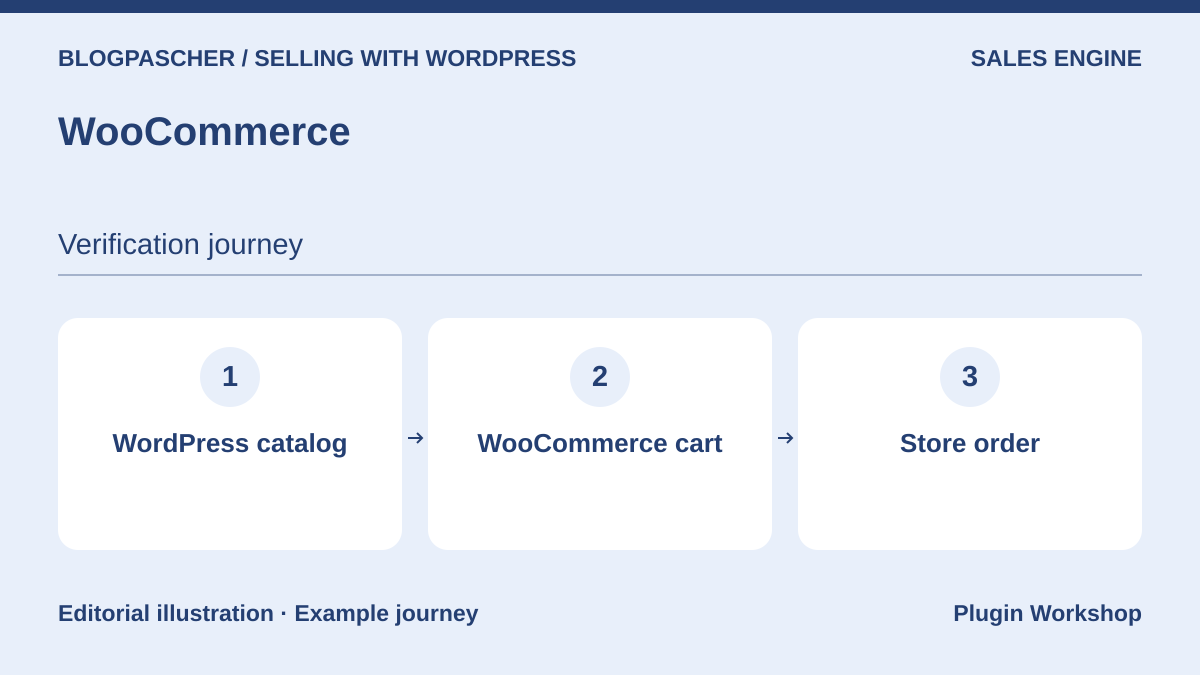 Editorial diagram. WordPress catalog → WooCommerce cart → Store order. — BlogPasCherOpen full-size illustration ↗
Best forA general-purpose store managed in WordPress.
WooCommerce is a general-purpose store engine for WordPress, suitable for physical and digital products. It forms the core required by many components in this selection. The subscriptions, bookings, and memberships highlighted in its range use extensions: appearing on the general page does not make them native or free. Start with its basic operation before adding specialized order tools.
Offer pricing
Free core in the WordPress.org directory.
Billing: Free core
Checked on .
Strengths
- Physical and digital products
- Ecosystem of specialized components
What to consider
- Subscriptions and bookings through extensions
- Maintenance of components and payment services
Pricing terms and compatibility
Understanding the offer
- Price at the time of review
- Free core in the WordPress.org directory.
- Currency
- Unspecified. Confirm for the offer you choose.
- Billing
- Free core
- Renewal and support
- Unspecified. Confirm for the offer you choose.
- Taxes and fees
- Unspecified. Confirm for the offer you choose.
- Commitment and terms
- Unspecified. Confirm for the offer you choose.
- Date checked
Compatibility and components
- The native WooCommerce 11.2.1 order flow was executed with and without HPOS.
Easy Digital Downloads
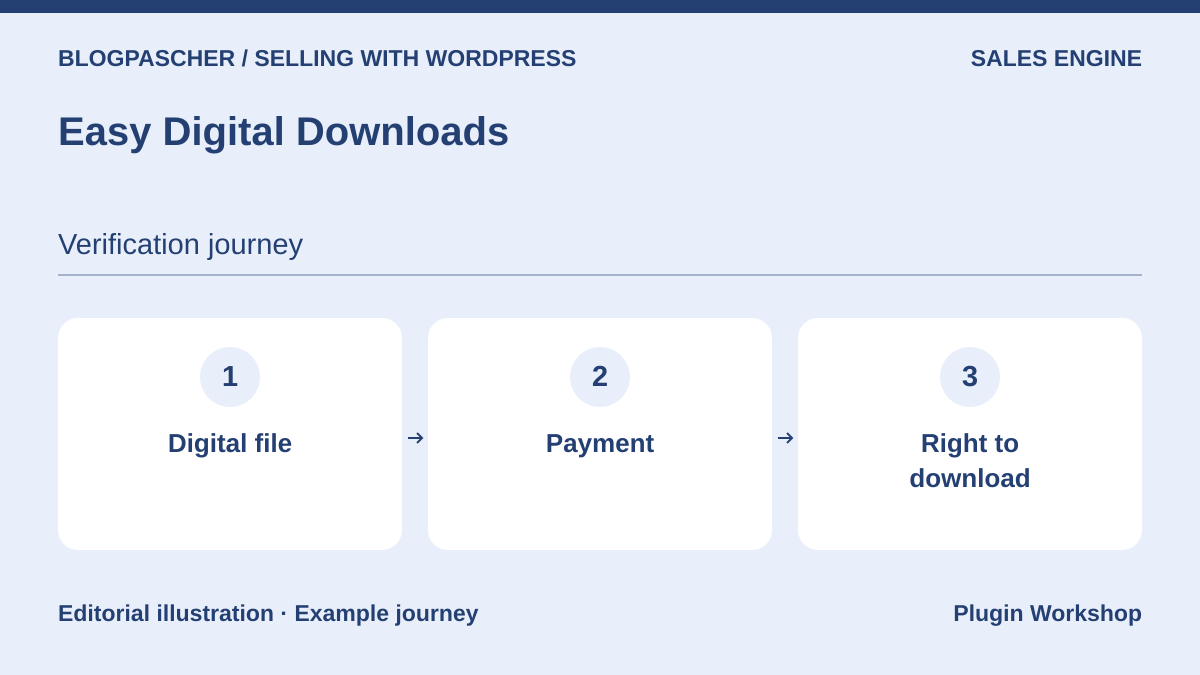 Editorial diagram. Digital file → Payment → Download entitlement. — BlogPasCherOpen full-size illustration ↗
Best forA digital-product store.
Easy Digital Downloads focuses on selling downloadable products, such as books, software, or creative files. The free core can serve as a starting point; software licensing and subscriptions belong to the Pro range. Its Stripe documentation lists an additional 3%, removed with an active Extended Pass or higher. A lower-tier paid license should therefore not be presented as automatically removing these fees.
Offer pricing
Free core. Additional 3% fees documented for Stripe and PayPal in the stated cases.
Billing: Free core and service fees depending on the method
Renewal and support: An active Extended Pass or higher removes the Stripe surcharge under the documented terms.
Checked on .
Strengths
- Download sales and management
- Licensing and subscription modules in the range
What to consider
- Separate Pro features
- 3% Stripe surcharge depending on the edition
Pricing terms and compatibility
Understanding the offer
- Price at the time of review
- Free core. Additional 3% fees documented for Stripe and PayPal in the stated cases.
- Currency
- Unspecified. Confirm for the offer you choose.
- Billing
- Free core and service fees depending on the method
- Renewal and support
- An active Extended Pass or higher removes the Stripe surcharge under the documented terms.
- Taxes and fees
- Unspecified. Confirm for the offer you choose.
- Commitment and terms
- Unspecified. Confirm for the offer you choose.
- Date checked
Compatibility and components
- EDD’s own flow; WooCommerce extensions are not interchangeable.
SureCart
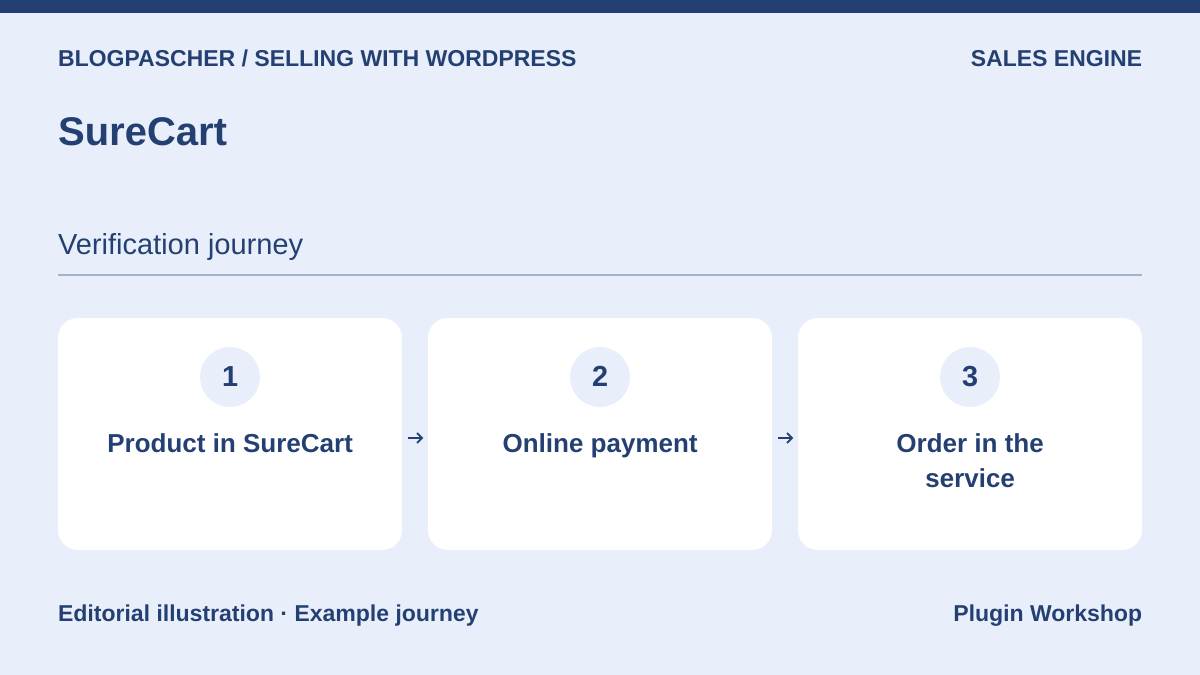 Editorial diagram. Product in SureCart → Online payment → Order in the service. — BlogPasCherOpen full-size illustration ↗
Best forA store willing to use a cloud-dependent commerce engine.
SureCart connects WordPress to its sales, payment, and subscription platform. This architecture may interest a team willing to have these operations depend on the cloud service. Launch is presented without an initial license fee, but adds 2.9% per transaction on top of the provider’s fees. Paid plans remove these SureCart-specific fees. Also compare data exports and exit conditions before migrating an existing store.
Offer pricing
Launch has no initial license cost. SureCart lists a 2.9% transaction fee.
Billing: Per-transaction fees on Launch
Payment provider fees are additional.
Checked on .
Strengths
- One-time and recurring payments in the range
- Customer account dashboard
What to consider
- Dependence on the SureCart service
- Launch adds a 2.9% fee
Pricing terms and compatibility
Understanding the offer
- Price at the time of review
- Launch has no initial license cost. SureCart lists a 2.9% transaction fee.
- Currency
- Unspecified. Confirm for the offer you choose.
- Billing
- Per-transaction fees on Launch
- Renewal and support
- Unspecified. Confirm for the offer you choose.
- Taxes and fees
- Payment provider fees are additional.
- Commitment and terms
- Unspecified. Confirm for the offer you choose.
- Date checked
Compatibility and components
- The WordPress connector does not make payment and subscriptions entirely local.
WP EasyCart
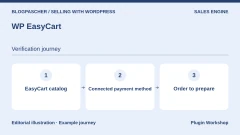
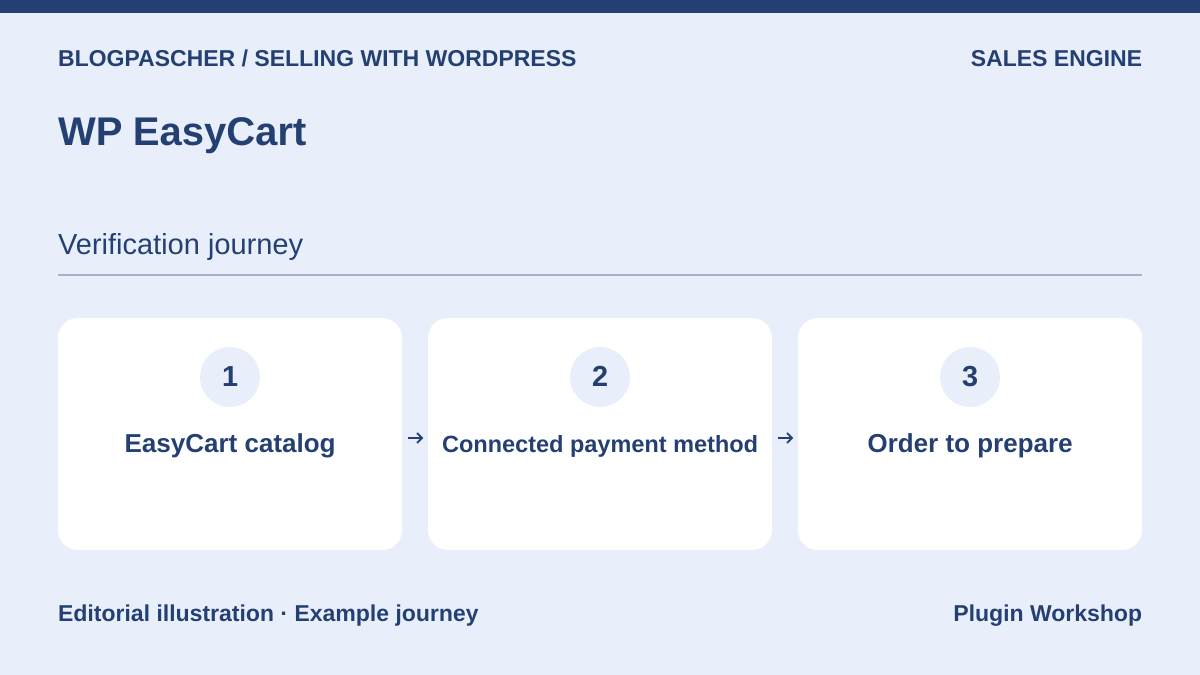 Editorial diagram. EasyCart catalog → Connected payment method → Order to prepare. — BlogPasCherOpen full-size illustration ↗
Best forA store integrated into WordPress with its own order flow.
WP EasyCart combines catalog, payment, and order management in its own WordPress engine. Its free listing advertises products and orders without time or quantity limits. However, it specifies a 2% WP EasyCart fee on connected Stripe, Square, or PayPal payments, in addition to the provider’s fees. Pro and Premium remove these product-specific fees; examine their exact functions before replacing an existing flow.
Offer pricing
Free core with 2% WP EasyCart fees on the relevant methods. The pricing table lists Pro at $119 for one year.
Billing: Free core or Pro subscription
Renewal and support: The indexed Free page displays another Pro price. Confirm the currency and price at checkout.
Checked on .
Strengths
- Catalog and orders in the same engine
- Physical-product and pickup modes mentioned in the range
What to consider
- 2% fees in the free version on the relevant payments
- Extensions and integrations depend on the plan
Pricing terms and compatibility
Understanding the offer
- Price at the time of review
- Free core with 2% WP EasyCart fees on the relevant methods. The pricing table lists Pro at $119 for one year.
- Currency
- Unspecified. Confirm for the offer you choose.
- Billing
- Free core or Pro subscription
- Renewal and support
- The indexed Free page displays another Pro price. Confirm the currency and price at checkout.
- Taxes and fees
- Unspecified. Confirm for the offer you choose.
- Commitment and terms
- Unspecified. Confirm for the offer you choose.
- Date checked
Compatibility and components
- WooCommerce components cannot be transferred directly to this engine.
Ecwid by Lightspeed
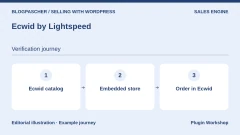
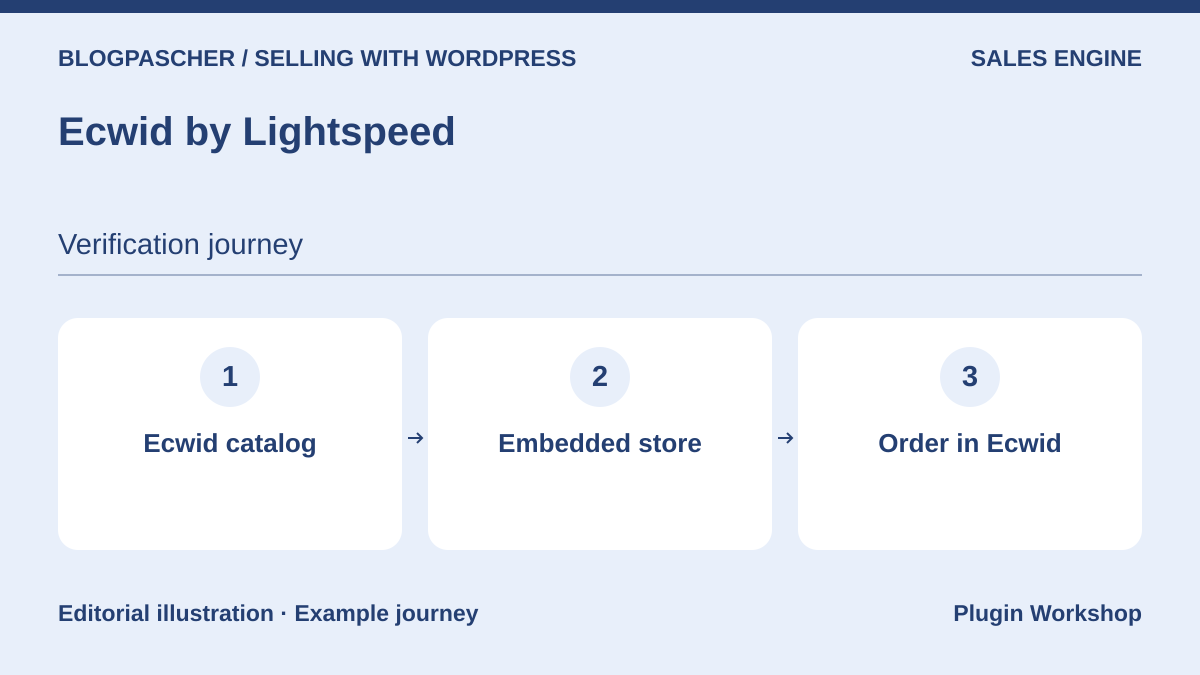 Editorial diagram. Ecwid catalog → Embedded store → Order in Ecwid. — BlogPasCherOpen full-size illustration ↗
Best forAn external store integrated with the site and several channels.
Ecwid integrates a store administered by the Lightspeed service into WordPress. It is an option for selling through several storefronts while keeping the service as the central source. The current pricing page presents Starter, Venture, Business, and Unlimited plans; Starter is limited to ten products. The free connector is not enough to conclude that your commerce service will be free. Dynamic amounts were not established for this article.
Offer pricing
Free connector. Subscription commerce service, with pricing depending on the plan and currency.
Billing: Service separate from the connector
Renewal and support: Check the cycle and price displayed for your country.
Checked on .
Strengths
- Catalog centralized in the service
- Integration into a WordPress storefront
What to consider
- Service subscription to assess
- Quotas and features depend on the plan
Pricing terms and compatibility
Understanding the offer
- Price at the time of review
- Free connector. Subscription commerce service, with pricing depending on the plan and currency.
- Currency
- Unspecified. Confirm for the offer you choose.
- Billing
- Service separate from the connector
- Renewal and support
- Check the cycle and price displayed for your country.
- Taxes and fees
- Unspecified. Confirm for the offer you choose.
- Commitment and terms
- Unspecified. Confirm for the offer you choose.
- Date checked
Compatibility and components
- Dependence on Ecwid; consider services and data in the exit plan.
FluentCart
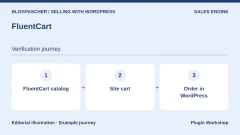
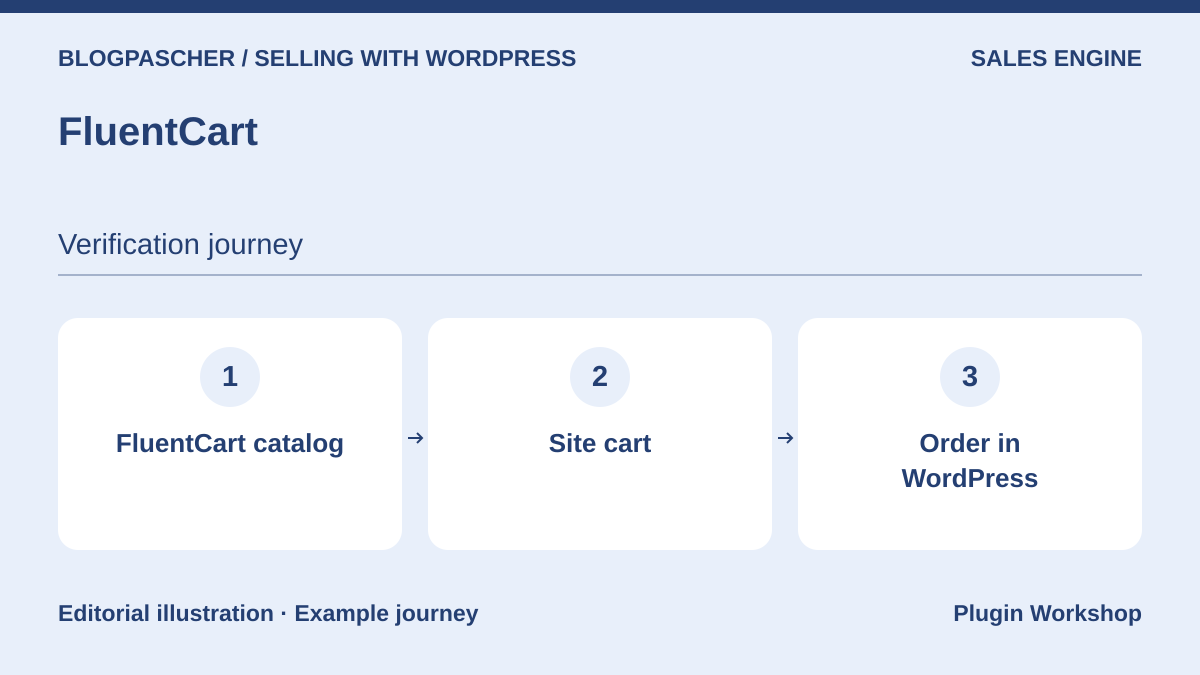 Editorial diagram. FluentCart catalog → Site cart → Order in WordPress. — BlogPasCherOpen full-size illustration ↗
Best forAnother self-hosted store engine.
FluentCart offers a self-hosted engine for catalogs, orders, and customers. Its range covers several sales models, but the listing identifies Pro features, including advanced exports, certain subscription adjustments, and software licensing. It may interest a site wanting to examine a local architecture other than WooCommerce. Check the integrations actually required rather than treating the no-transaction-fee claim as an absence of payment provider fees.
Offer pricing
Free core. Pro edition and modules according to the publisher’s pricing table.
Billing: Free core
Checked on .
Strengths
- Catalog and orders in WordPress
- Several sales models in the range
What to consider
- Advanced exports and licensing in Pro
- An ecosystem different from WooCommerce extensions
Pricing terms and compatibility
Understanding the offer
- Price at the time of review
- Free core. Pro edition and modules according to the publisher’s pricing table.
- Currency
- Unspecified. Confirm for the offer you choose.
- Billing
- Free core
- Renewal and support
- Unspecified. Confirm for the offer you choose.
- Taxes and fees
- Unspecified. Confirm for the offer you choose.
- Commitment and terms
- Unspecified. Confirm for the offer you choose.
- Date checked
Compatibility and components
- No performance gain measured here; assess versions and integrations.
Simple Shopping Cart
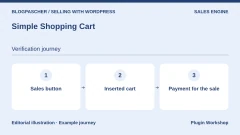
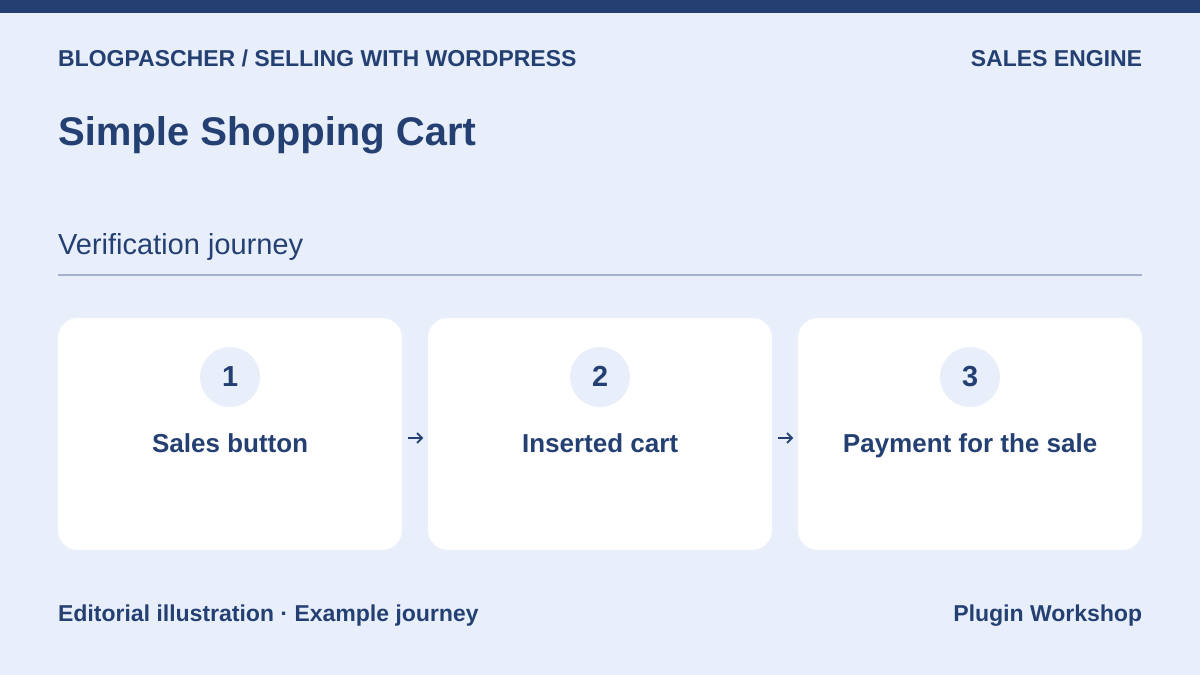 Editorial diagram. Sales button → Inserted cart → Payment for the sale. — BlogPasCherOpen full-size illustration ↗
Best forSimple sales from existing pages.
Simple Shopping Cart adds sales buttons and a cart to pages, posts, or widget areas. It may suffice for a small catalog that does not require all the organization of a large store. The listing describes PayPal and Stripe payments. However, check the variations, delivery options, and order operations you need; a working cart does not guarantee all the stock or fulfillment rules of another platform.
Offer pricing
Free core in the WordPress.org directory.
Billing: Free core
Checked on .
Strengths
- Embeddable buttons and cart
- PayPal and Stripe advertised
What to consider
- Assess complex business functions
- Does not automatically accept WooCommerce extensions
Pricing terms and compatibility
Understanding the offer
- Price at the time of review
- Free core in the WordPress.org directory.
- Currency
- Unspecified. Confirm for the offer you choose.
- Billing
- Free core
- Renewal and support
- Unspecified. Confirm for the offer you choose.
- Taxes and fees
- Unspecified. Confirm for the offer you choose.
- Commitment and terms
- Unspecified. Confirm for the offer you choose.
- Date checked
Compatibility and components
- The plugin’s own flow; themes and gateways not tested here.
WP All Export
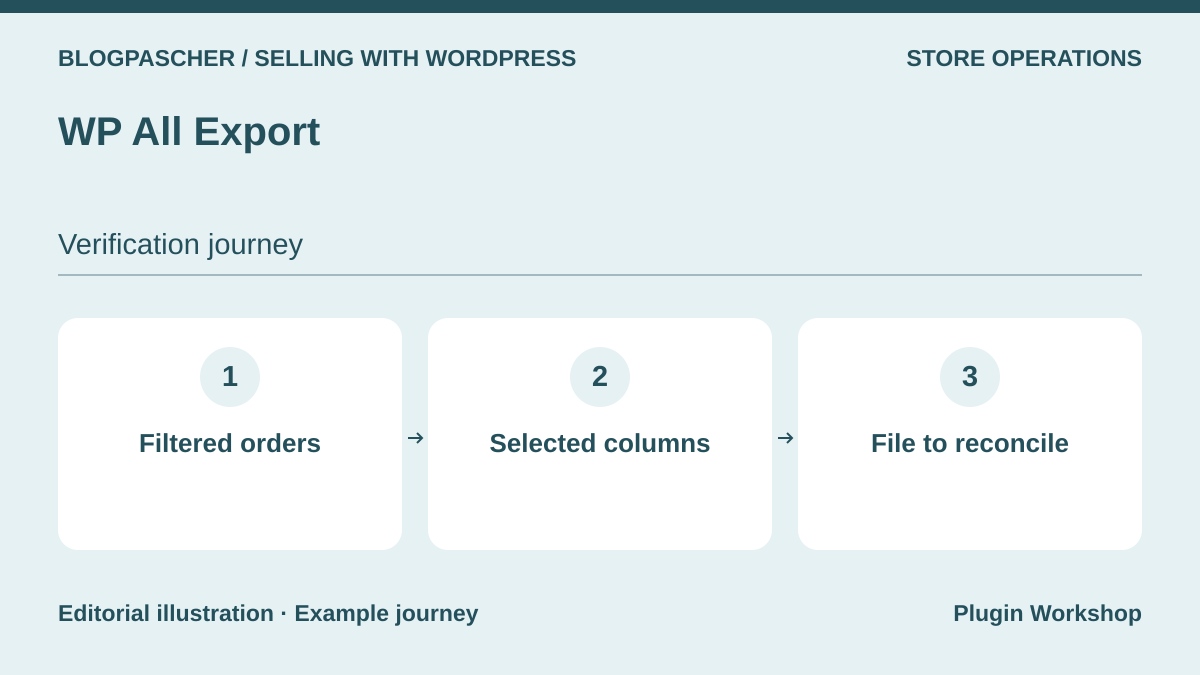 Editorial diagram. Filtered orders → Selected columns → File to reconcile. — BlogPasCherOpen full-size illustration ↗
Best forExports of several WordPress data types.
WP All Export is a general-purpose tool for CSV, XML, and other export formats depending on the edition. It may interest a site that needs to export several data types in addition to orders. Its listing specifies that detailed WooCommerce order-line data requires Pro. Check a complete example before choosing the free version for parcel preparation; seeing an order number does not guarantee access to every item purchased.
Offer pricing
Free core. Detailed WooCommerce order exports may require Pro and the dedicated module.
Billing: Free core
Checked on .
Strengths
- Build columns through the interface
- Several formats in the range
What to consider
- WooCommerce line-item details in Pro
- Automatic scheduling through a separate service depending on the offer
Pricing terms and compatibility
Understanding the offer
- Price at the time of review
- Free core. Detailed WooCommerce order exports may require Pro and the dedicated module.
- Currency
- Unspecified. Confirm for the offer you choose.
- Billing
- Free core
- Renewal and support
- Unspecified. Confirm for the offer you choose.
- Taxes and fees
- Unspecified. Confirm for the offer you choose.
- Commitment and terms
- Unspecified. Confirm for the offer you choose.
- Date checked
Compatibility and components
- Check order storage and fields with your WooCommerce version.
Checkout Field Editor — ThemeHigh
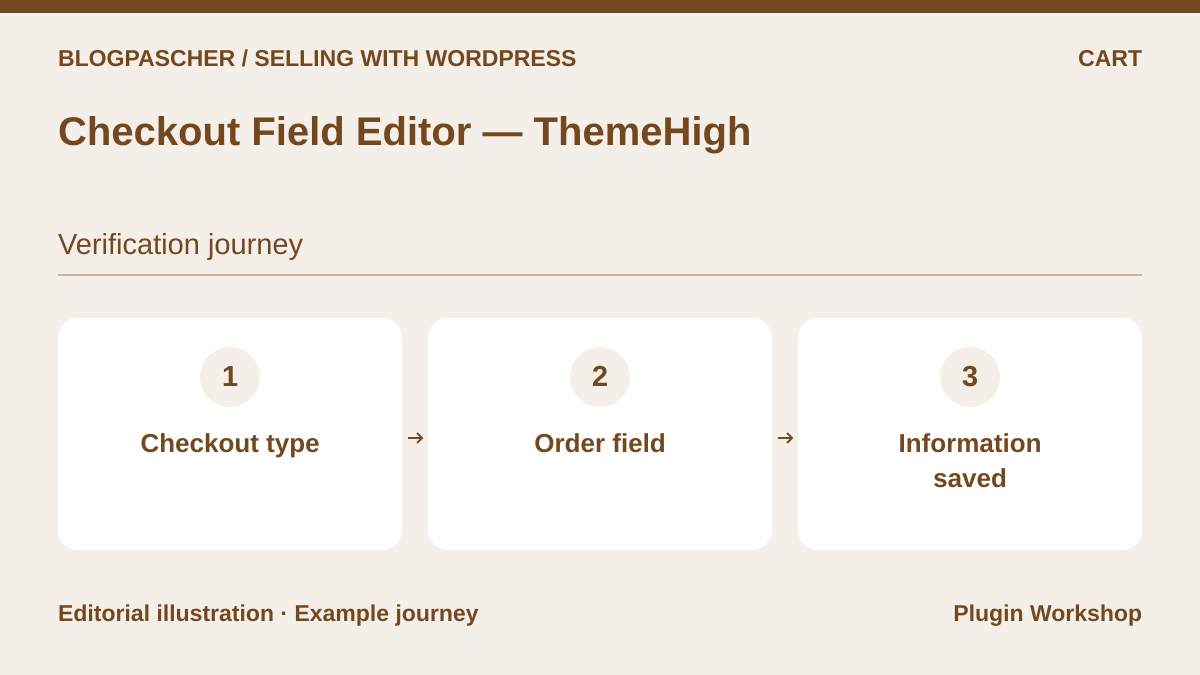 Editorial diagram. Checkout type → Order field → Recorded information. — BlogPasCherOpen full-size illustration ↗
Best forAdapt fields in the order flow.
Checkout Field Editor lets you adapt the information requested at WooCommerce checkout. It suits cases where a genuinely necessary field is missing or labels need clarification. The current listing advertises support for classic and block checkout, with scope to compare by edition. Do not remove information subsequently used by invoicing, the carrier, or the payment provider without checking these dependencies.
Offer pricing
Free core in the WordPress.org directory.
Billing: Free core
Checked on .
Strengths
- Add and reorganize fields
- Two checkout types advertised
What to consider
- Features and field types depend on the edition
- Check effects on documents and integrations
Pricing terms and compatibility
Understanding the offer
- Price at the time of review
- Free core in the WordPress.org directory.
- Currency
- Unspecified. Confirm for the offer you choose.
- Billing
- Free core
- Renewal and support
- Unspecified. Confirm for the offer you choose.
- Taxes and fees
- Unspecified. Confirm for the offer you choose.
- Commitment and terms
- Unspecified. Confirm for the offer you choose.
- Date checked
Compatibility and components
- WooCommerce required; check classic and block checkout separately.
Trakoo — Orders Tracking for WooCommerce
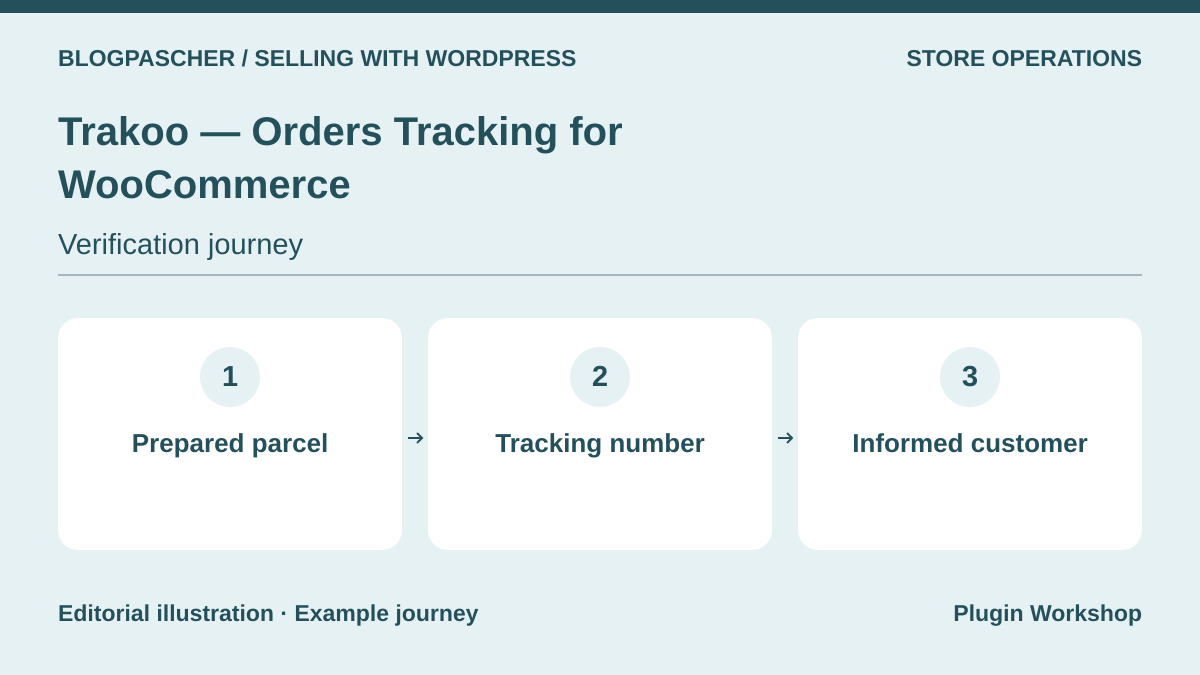 Editorial diagram. Prepared parcel → Tracking number → Informed customer. — BlogPasCherOpen full-size illustration ↗
Best forTracking references associated with items and parcels.
Trakoo, VillaTheme’s tracking family, associates carrier references with WooCommerce items or orders. The listing describes tracking imports and outputs; Pro notably adds advanced interfaces and synchronization. Tracking and SMS services require their own terms and accounts. Compare this solution with AST for the way you split parcels, without installing two tools that would send competing information to the same customer.
Offer pricing
Free core in the WordPress.org directory.
Billing: Free core
Checked on .
Strengths
- CSV number import advertised
- Tracking displayed in the customer account
What to consider
- Advanced interfaces and synchronization in Pro
- Separate tracking or SMS services
Pricing terms and compatibility
Understanding the offer
- Price at the time of review
- Free core in the WordPress.org directory.
- Currency
- Unspecified. Confirm for the offer you choose.
- Billing
- Free core
- Renewal and support
- Unspecified. Confirm for the offer you choose.
- Taxes and fees
- Unspecified. Confirm for the offer you choose.
- Commitment and terms
- Unspecified. Confirm for the offer you choose.
- Date checked
Compatibility and components
- PayPal support varies by connector and edition.
Product Import Export — WebToffee
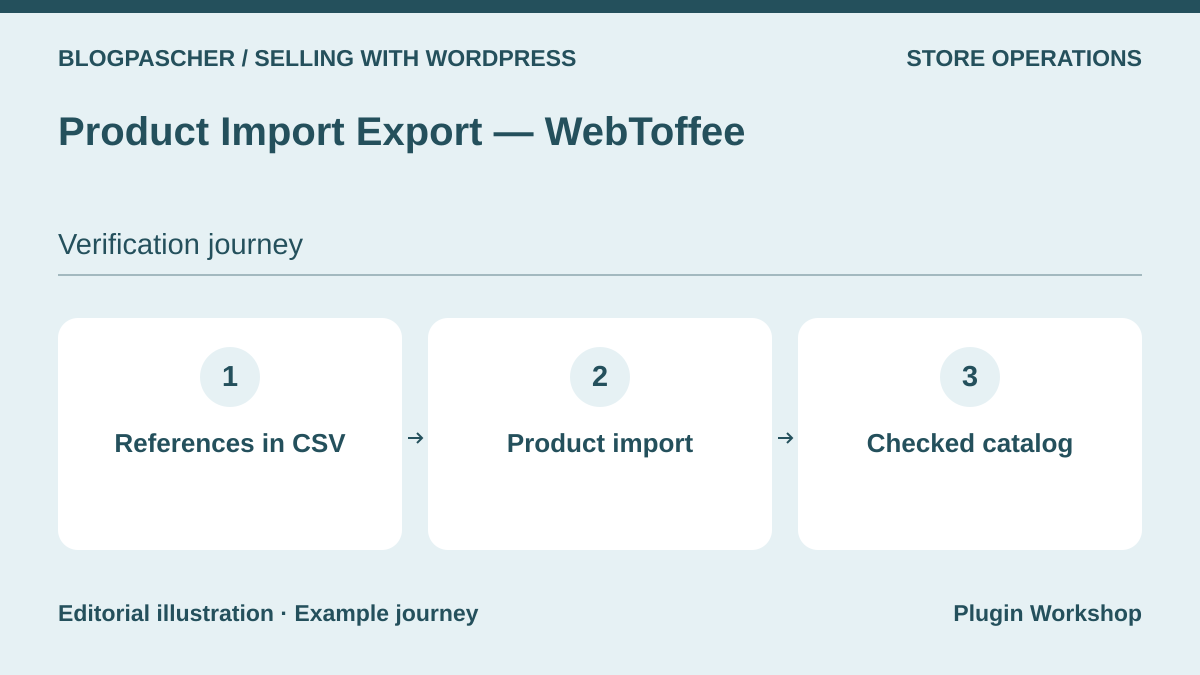 Editorial diagram. References in CSV → Product import → Checked catalog. — BlogPasCherOpen full-size illustration ↗
Best forCatalog updates from CSV files.
Product Import Export uses CSV files to import or update the WooCommerce catalog. The free version covers simple, grouped, and external products in particular; variable products require the premium plan described. It suits catalogs updated in batches, but does not replace an order export. Prepare a small, identifiable file and check reference matching before overwriting existing prices, images, or stock.
Offer pricing
Free core in the WordPress.org directory.
Billing: Free core
Checked on .
Strengths
- Product import and export
- Price and stock updates within the described scope
What to consider
- Variable products in premium
- Does not handle the same object as an order export
Pricing terms and compatibility
Understanding the offer
- Price at the time of review
- Free core in the WordPress.org directory.
- Currency
- Unspecified. Confirm for the offer you choose.
- Billing
- Free core
- Renewal and support
- Unspecified. Confirm for the offer you choose.
- Taxes and fees
- Unspecified. Confirm for the offer you choose.
- Commitment and terms
- Unspecified. Confirm for the offer you choose.
- Date checked
Compatibility and components
- Check matching references, variations, and third-party fields.
Order Status Manager — SkyVerge
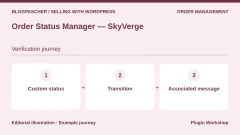
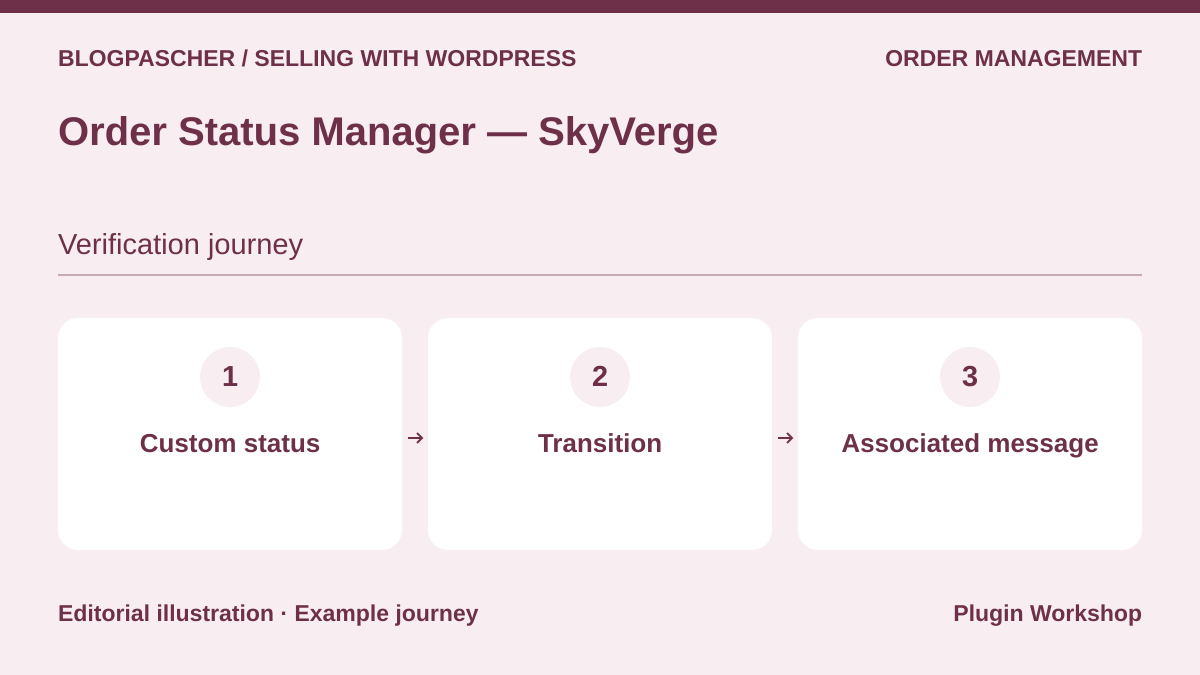 Editorial diagram. Custom status → Transition → Associated message. — BlogPasCherOpen full-size illustration ↗
Best forA fulfillment process with custom stages.
Order Status Manager creates order statuses tailored to the team’s work, with action buttons and associated messages. It may suit cases where existing statuses do not adequately describe fulfillment stages. However, the meaning assigned to a status has consequences: declaring it paid can change the links or documents available to the customer. Define transitions before multiplying labels.
Offer pricing
USD 49 for one year.
Billing: Annual subscription
Renewal and support: Check the renewal amount at checkout.
Displayed amounts. Check taxes and fees at checkout.
Checked on .
Strengths
- Statuses and action buttons
- Messages linked to transitions
What to consider
- Assess effects on reports and payments
- Does not fix an unconfirmed payment
Pricing terms and compatibility
Understanding the offer
- Price at the time of review
- USD 49 for one year.
- Currency
- USD
- Billing
- Annual subscription
- Renewal and support
- Check the renewal amount at checkout.
- Taxes and fees
- Displayed amounts. Check taxes and fees at checkout.
- Commitment and terms
- Unspecified. Confirm for the offer you choose.
- Date checked
Compatibility and components
- WooCommerce required; check integrations that use statuses.
Order Status Control — SkyVerge
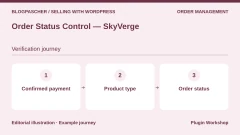
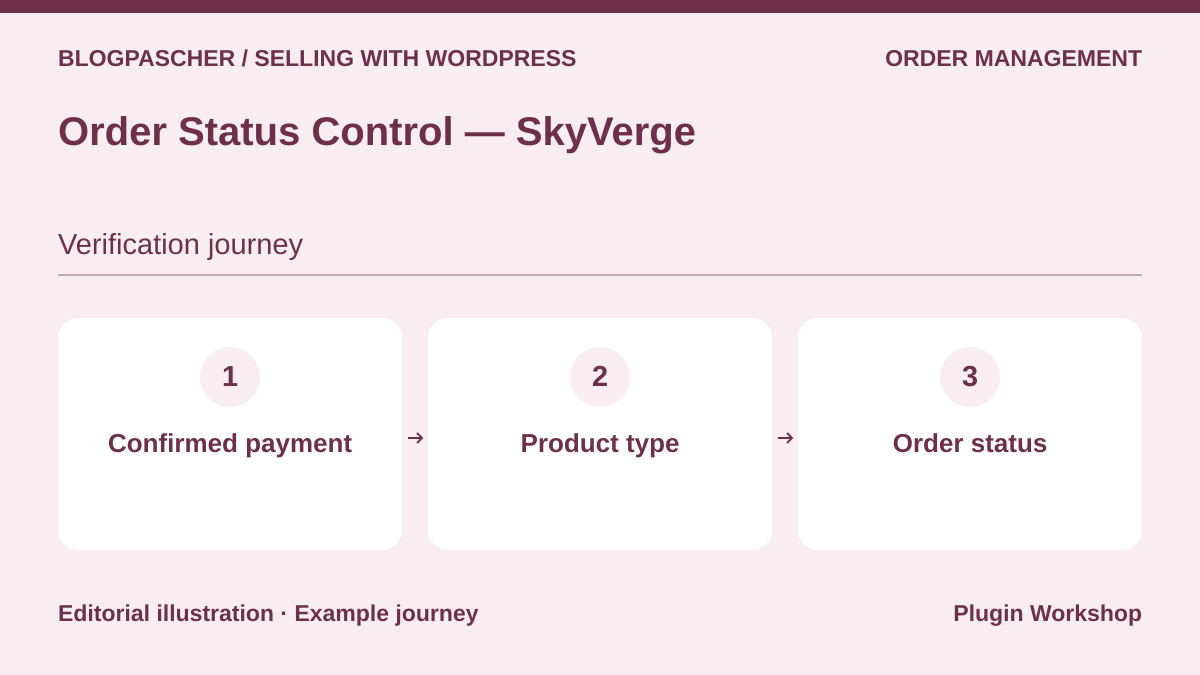 Editorial diagram. Confirmed payment → Product type → Order status. — BlogPasCherOpen full-size illustration ↗
Best forChange the automatic completion rule for paid orders.
Order Status Control addresses a more targeted need than creating statuses: choosing which paid orders automatically move to Completed. WooCommerce already does this for certain virtual downloadable products. The plugin becomes relevant if this native rule needs to change. For a parcel still to prepare or a service still to provide, receiving payment does not necessarily mean the work is finished; therefore document the scenario before automating.
Offer pricing
USD 29 for one year.
Billing: Annual subscription
Renewal and support: Check the renewal amount at checkout.
Displayed amounts. Check taxes and fees at checkout.
Checked on .
Strengths
- Targeted automation rule
- Ability to block certain automatic completions described
What to consider
- Does not create a complete fulfillment process
- Assess the notifications and deliveries triggered
Pricing terms and compatibility
Understanding the offer
- Price at the time of review
- USD 29 for one year.
- Currency
- USD
- Billing
- Annual subscription
- Renewal and support
- Check the renewal amount at checkout.
- Taxes and fees
- Displayed amounts. Check taxes and fees at checkout.
- Commitment and terms
- Unspecified. Confirm for the offer you choose.
- Date checked
Compatibility and components
- A separate product from Order Status Manager; WooCommerce required.
Sequential Order Numbers — SkyVerge
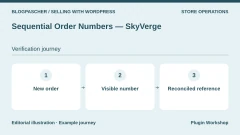
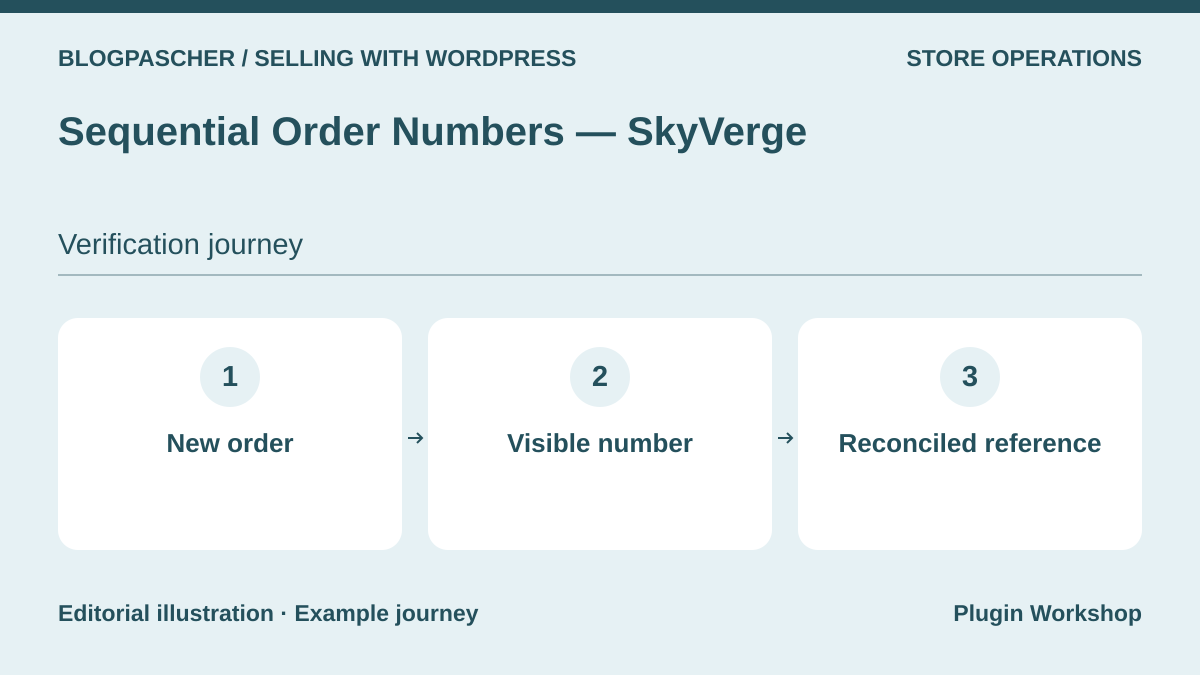 Editorial diagram. New order → Visible number → Reconciled reference. — BlogPasCherOpen full-size illustration ↗
Best forA readable sequence of order numbers.
Sequential Order Numbers assigns sequential numbers to new WooCommerce orders. This is a different need from creating statuses or invoices: it makes a visible reference easier to identify. The listing explains that the sequence starts from the largest existing number at installation. Check the references used by accounting and external tools before changing numbering already used by the team.
Offer pricing
Free core in the WordPress.org directory.
Billing: Free core
Checked on .
Strengths
- Automatic sequential numbering
- Takes existing orders into account
What to consider
- An order number is separate from an invoice
- Assess advanced formats and the Pro edition separately
Pricing terms and compatibility
Understanding the offer
- Price at the time of review
- Free core in the WordPress.org directory.
- Currency
- Unspecified. Confirm for the offer you choose.
- Billing
- Free core
- Renewal and support
- Unspecified. Confirm for the offer you choose.
- Taxes and fees
- Unspecified. Confirm for the offer you choose.
- Commitment and terms
- Unspecified. Confirm for the offer you choose.
- Date checked
Compatibility and components
- WooCommerce required; check the behavior of tools using references.
WooPayments
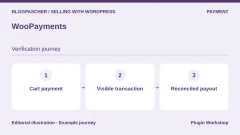
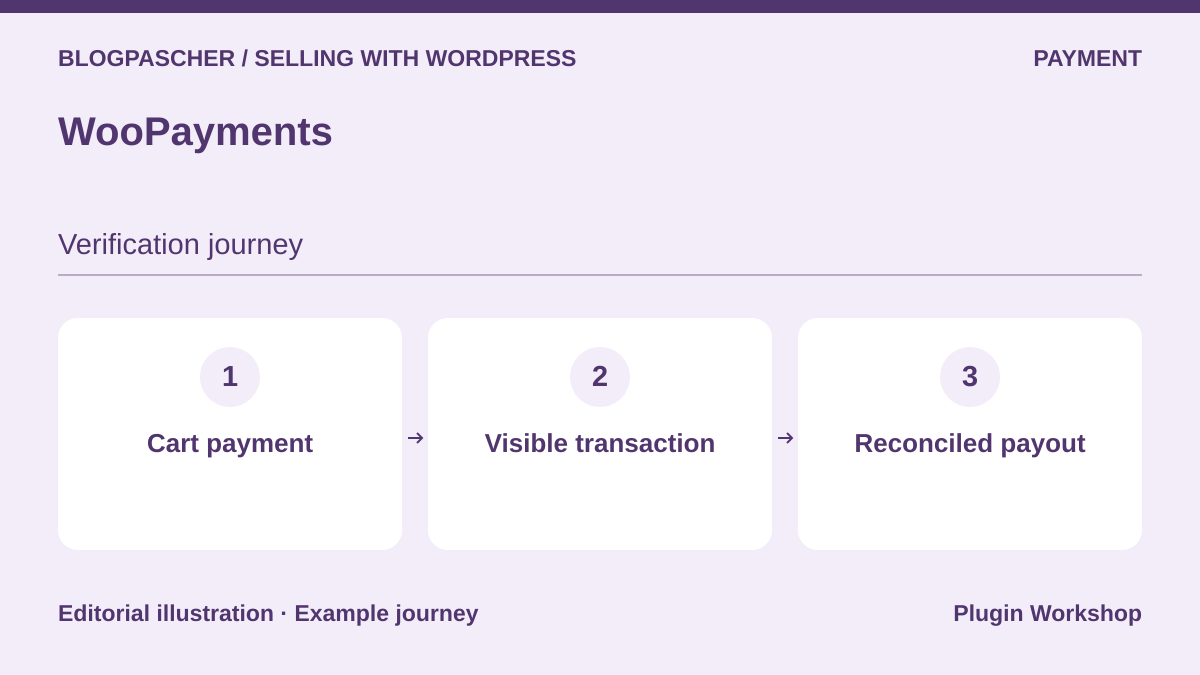 Editorial diagram. Cart payment → Visible transaction → Reconciled payout. — BlogPasCherOpen full-size illustration ↗
Best forManage payments and payouts in WordPress
WooPayments connects WooCommerce payment with a tracking area in the administration interface. Check how a transaction, refund, and payout appear for your account’s country. Available methods and fees vary by country and currency.
Offer pricing
Free plugin. Payment fees vary by country, currency, and method.
Billing: Payment provider fees
Check the rate schedule applicable to the merchant account.
Checked on .
What to consider
- WooPayments account and eligibility conditions depending on the country. Check payout reconciliation and conversion fees.
Pricing terms and compatibility
Understanding the offer
- Price at the time of review
- Free plugin. Payment fees vary by country, currency, and method.
- Currency
- Unspecified. Confirm for the offer you choose.
- Billing
- Payment provider fees
- Renewal and support
- Unspecified. Confirm for the offer you choose.
- Taxes and fees
- Check the rate schedule applicable to the merchant account.
- Commitment and terms
- Unspecified. Confirm for the offer you choose.
- Date checked
Compatibility and components
- WooCommerce according to the listing. Check prerequisites, HPOS, and the checkout type used on a copy.
WooCommerce Stripe Payment Gateway
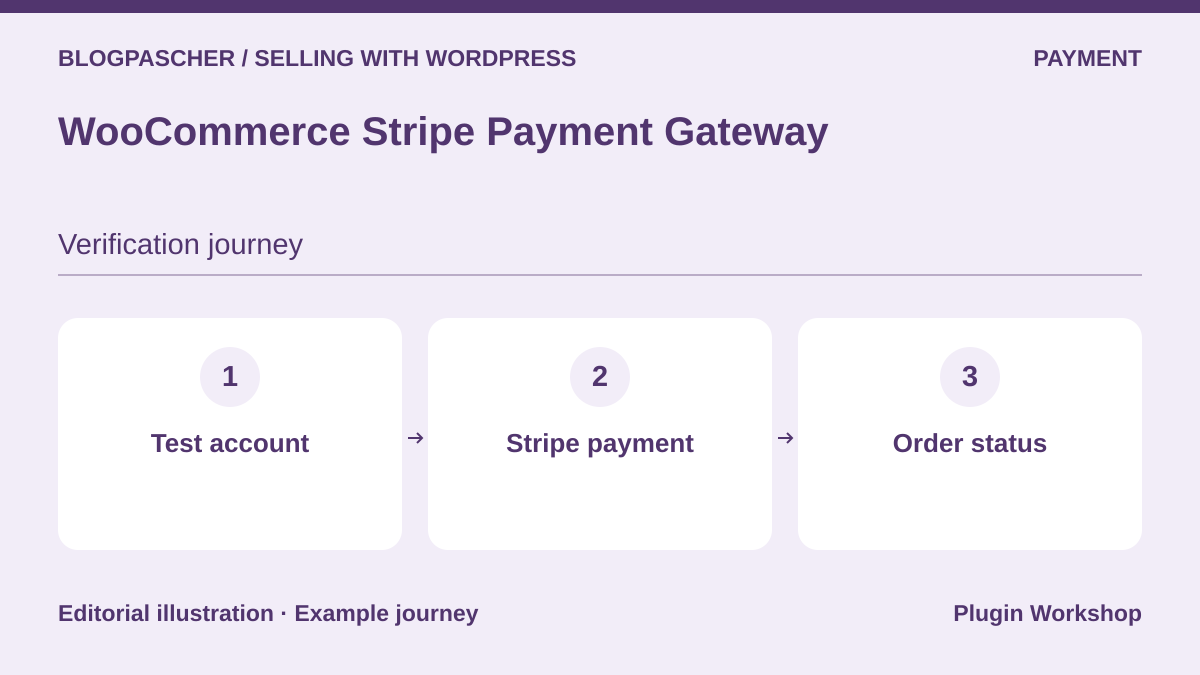 Editorial diagram. Test account → Stripe payment → Order status. — BlogPasCherOpen full-size illustration ↗
Best forConnect a Stripe account and receive notifications
The official plugin connects a Stripe account to WooCommerce. The documentation describes test and production modes and payment events transmitted to the store. Try an accepted payment, a request for authentication, and a declined payment.
Offer pricing
Free plugin. Payment fees vary by country, currency, and method.
Billing: Payment provider fees
Check the rate schedule applicable to the merchant account.
Checked on .
What to consider
- Stripe account and eligible countries. Check event tracking and the methods visible on your checkout page.
Pricing terms and compatibility
Understanding the offer
- Price at the time of review
- Free plugin. Payment fees vary by country, currency, and method.
- Currency
- Unspecified. Confirm for the offer you choose.
- Billing
- Payment provider fees
- Renewal and support
- Unspecified. Confirm for the offer you choose.
- Taxes and fees
- Check the rate schedule applicable to the merchant account.
- Commitment and terms
- Unspecified. Confirm for the offer you choose.
- Date checked
Compatibility and components
- WooCommerce according to the listing. Check prerequisites, HPOS, and the checkout type used on a copy.
WooCommerce PayPal Payments
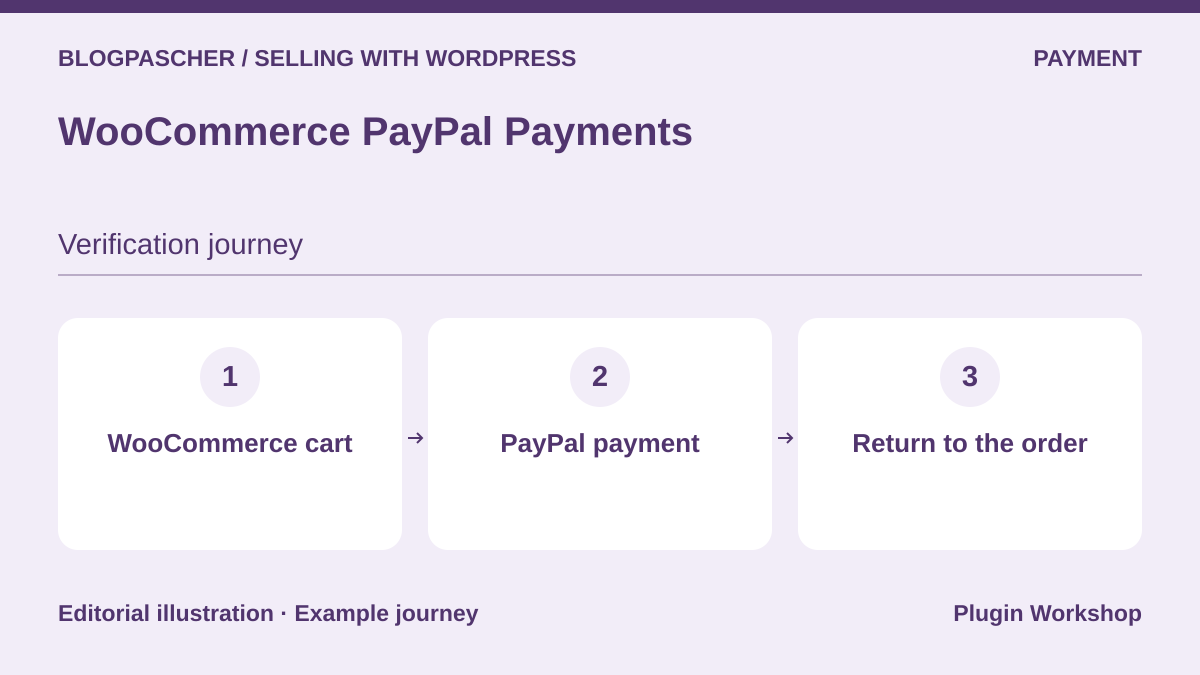 Editorial diagram. WooCommerce cart → PayPal payment → Return to the order. — BlogPasCherOpen full-size illustration ↗
Best forOffer PayPal and the methods available for the account
WooCommerce PayPal Payments offers PayPal in the purchase flow and additional methods depending on eligibility. On a copy, try returning to the store after a test payment and check that the amount, currency, and order match.
Offer pricing
Free plugin. Payment fees vary by country, currency, and method.
Billing: Payment provider fees
Check the rate schedule applicable to the merchant account.
Checked on .
What to consider
- The methods offered and fees depend on the PayPal account. Also check guest orders and the address displayed on return.
Pricing terms and compatibility
Understanding the offer
- Price at the time of review
- Free plugin. Payment fees vary by country, currency, and method.
- Currency
- Unspecified. Confirm for the offer you choose.
- Billing
- Payment provider fees
- Renewal and support
- Unspecified. Confirm for the offer you choose.
- Taxes and fees
- Check the rate schedule applicable to the merchant account.
- Commitment and terms
- Unspecified. Confirm for the offer you choose.
- Date checked
Compatibility and components
- WooCommerce according to the listing. Check prerequisites, HPOS, and the checkout type used on a copy.
Mollie Payments for WooCommerce
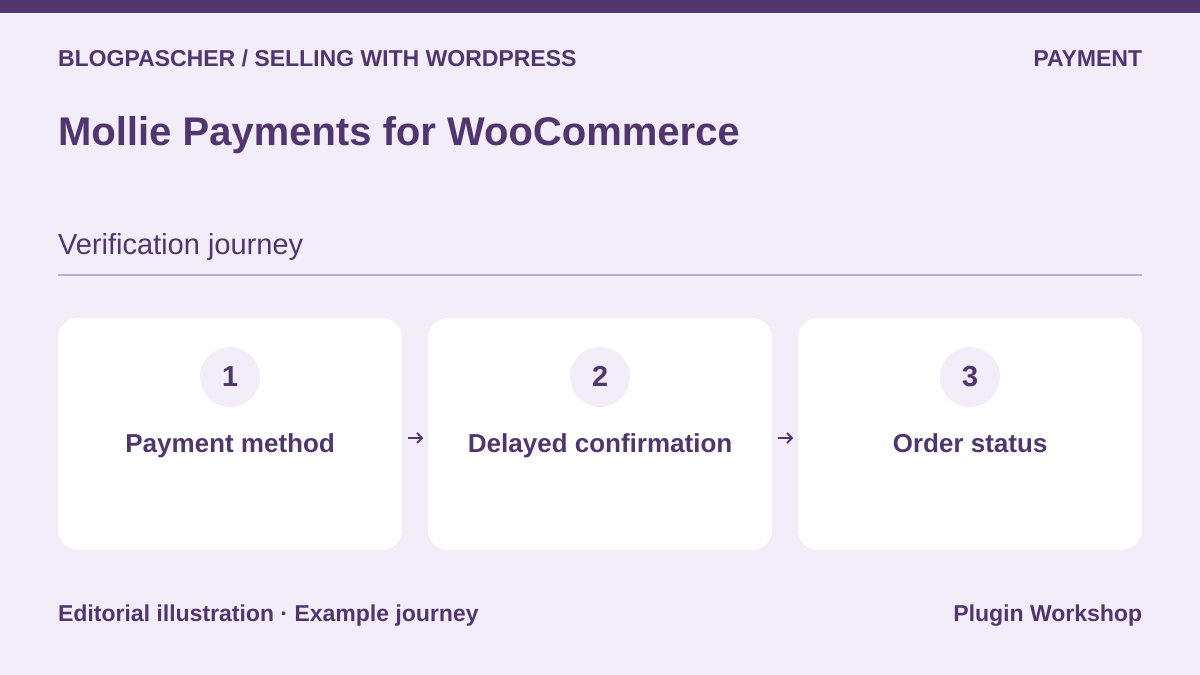 Editorial diagram. Payment method → Delayed confirmation → Order status. — BlogPasCherOpen full-size illustration ↗
Best forEnable payment methods according to the market
The Mollie plugin displays the methods activated for the merchant account. Some asynchronous payments can leave the order pending and reserve stock. Check this flow using the payment method actually offered to your customers.
Offer pricing
Free plugin. Payment fees vary by country, currency, and method.
Billing: Payment provider fees
Check the rate schedule applicable to the merchant account.
Checked on .
What to consider
- Mollie account required. Check country, currency, fees, and behavior when payment fails or remains pending.
Pricing terms and compatibility
Understanding the offer
- Price at the time of review
- Free plugin. Payment fees vary by country, currency, and method.
- Currency
- Unspecified. Confirm for the offer you choose.
- Billing
- Payment provider fees
- Renewal and support
- Unspecified. Confirm for the offer you choose.
- Taxes and fees
- Check the rate schedule applicable to the merchant account.
- Commitment and terms
- Unspecified. Confirm for the offer you choose.
- Date checked
Compatibility and components
- WooCommerce according to the listing. Check prerequisites, HPOS, and the checkout type used on a copy.
Checkout Add-Ons for WooCommerce
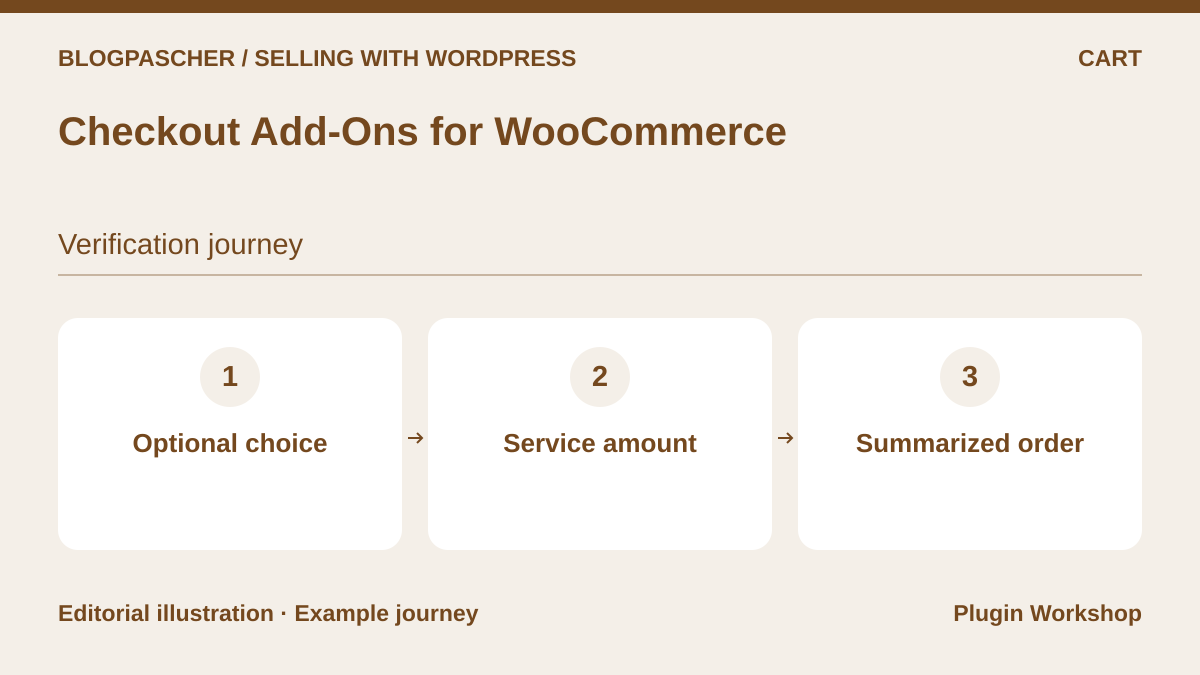 Editorial diagram. Optional choice → Service amount → Summarized order. — BlogPasCherOpen full-size illustration ↗
Best forAdd a service selected at checkout
Checkout Add-Ons adds choices to the checkout page, such as gift wrapping. An option can have a price and appear in the order record. Check what the customer and fulfillment team see.
Offer pricing
USD 79 for one year.
Billing: Annual subscription
Renewal and support: Check the renewal amount at checkout.
Displayed amounts. Check taxes and fees at checkout.
Checked on .
What to consider
- Confirm rendering in the checkout type used and the final price with coupons, taxes, or cart changes.
Pricing terms and compatibility
Understanding the offer
- Price at the time of review
- USD 79 for one year.
- Currency
- USD
- Billing
- Annual subscription
- Renewal and support
- Check the renewal amount at checkout.
- Taxes and fees
- Displayed amounts. Check taxes and fees at checkout.
- Commitment and terms
- Unspecified. Confirm for the offer you choose.
- Date checked
Compatibility and components
- WooCommerce according to the listing. Check prerequisites, HPOS, and the checkout type used on a copy.
WooCommerce Deposits
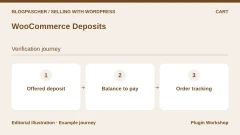
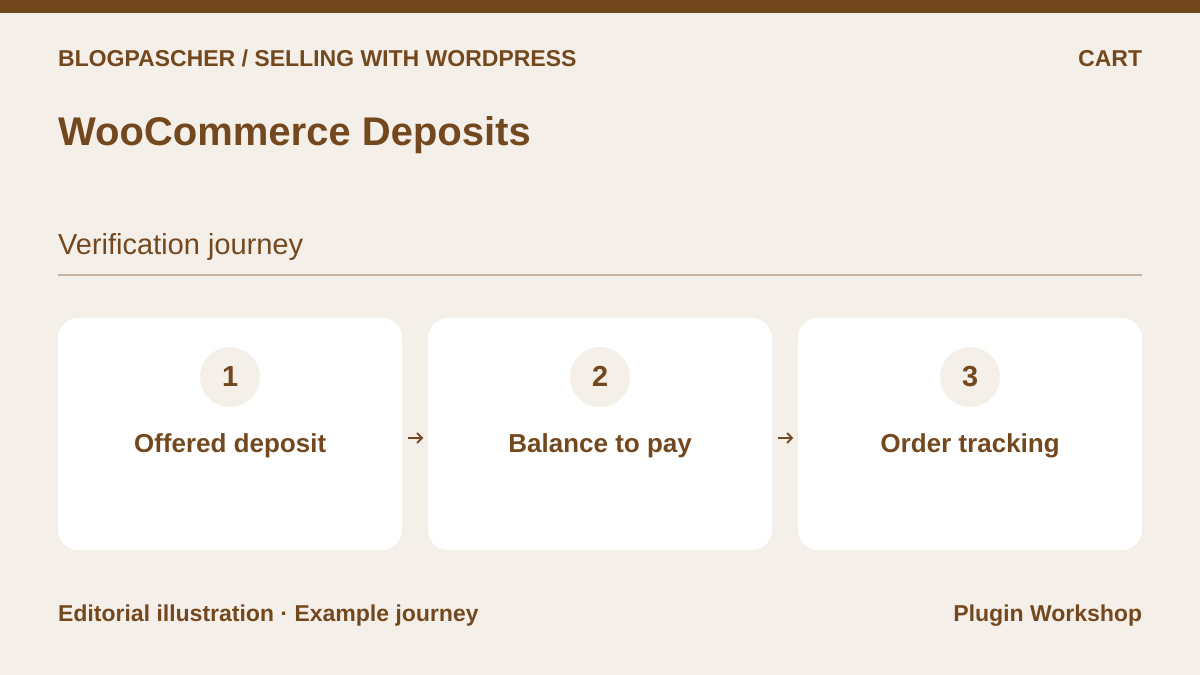 Editorial diagram. Offered deposit → Balance to pay → Order tracking. — BlogPasCherOpen full-size illustration ↗
Best forProvide for a deposit and a balance
WooCommerce Deposits lets you offer a deposit and configure payment plans. The team can track the amount paid and the balance remaining. Reconcile them using an order containing several eligible items.
Offer pricing
USD 219 for one year.
Billing: Annual subscription
Renewal and support: Check the renewal amount at checkout.
Displayed amounts. Check taxes and fees at checkout.
Checked on .
What to consider
- Check how the customer pays the balance and which status triggers fulfillment. Test your store’s gateways and cart rules.
Pricing terms and compatibility
Understanding the offer
- Price at the time of review
- USD 219 for one year.
- Currency
- USD
- Billing
- Annual subscription
- Renewal and support
- Check the renewal amount at checkout.
- Taxes and fees
- Displayed amounts. Check taxes and fees at checkout.
- Commitment and terms
- Unspecified. Confirm for the offer you choose.
- Date checked
Compatibility and components
- WooCommerce according to the listing. Check prerequisites, HPOS, and the checkout type used on a copy.
Order Approval for WooCommerce — Addify
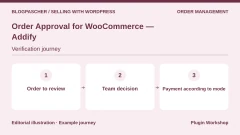
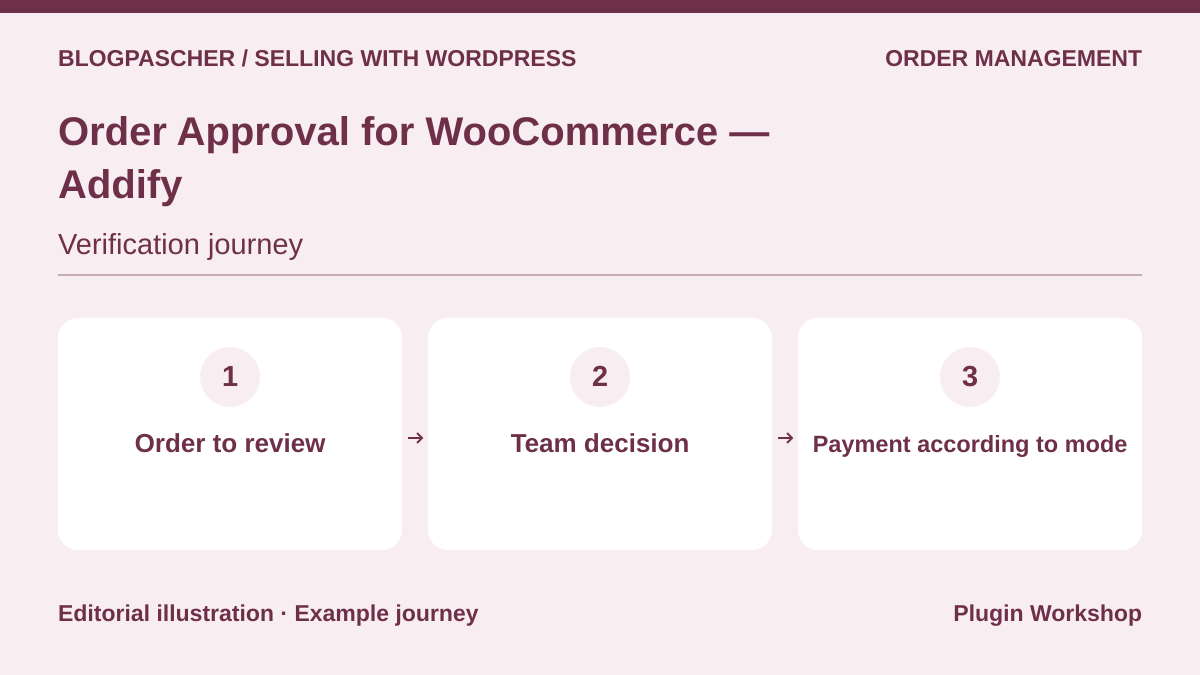 Editorial diagram. Order to review → Team decision → Payment according to mode. — BlogPasCherOpen full-size illustration ↗
Best forReview an order before approval
Order Approval lets a team review an order before approving or rejecting it. The vendor documents a payment-before-review mode and a payment-after-approval mode. Choose the mode according to when the team needs to confirm availability.
Offer pricing
USD 49 for one year.
Billing: Annual subscription
Renewal and support: Check the renewal amount at checkout.
Displayed amounts. Check taxes and fees at checkout.
Checked on .
What to consider
- Check supported payment methods and the status triggered. Try rejecting a pending order and letting it expire.
Pricing terms and compatibility
Understanding the offer
- Price at the time of review
- USD 49 for one year.
- Currency
- USD
- Billing
- Annual subscription
- Renewal and support
- Check the renewal amount at checkout.
- Taxes and fees
- Displayed amounts. Check taxes and fees at checkout.
- Commitment and terms
- Unspecified. Confirm for the offer you choose.
- Date checked
Compatibility and components
- WooCommerce according to the listing. Check prerequisites, HPOS, and the checkout type used on a copy.
Split Orders for WooCommerce
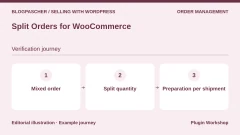
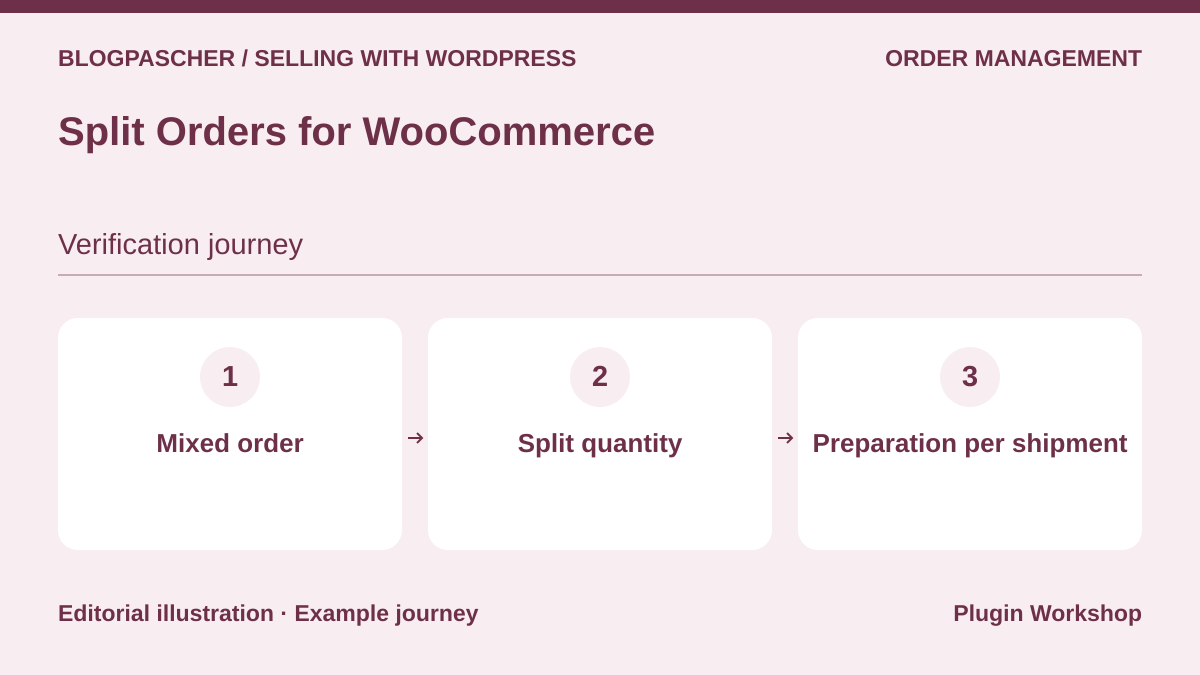 Editorial diagram. Mixed order → Split quantity → Preparation per shipment. — BlogPasCherOpen full-size illustration ↗
Best forShip available items first
Split Orders lets you move certain items and quantities to a new order for the same customer. This flow helps when part of the cart is available and the rest must wait for another shipment.
Offer pricing
USD 49 for one year.
Billing: Annual subscription
Renewal and support: Check the renewal amount at checkout.
Displayed amounts. Check taxes and fees at checkout.
Checked on .
What to consider
- Check the allocation of the amount, fees, and notifications. Keep the link between orders and test partial refunds.
Pricing terms and compatibility
Understanding the offer
- Price at the time of review
- USD 49 for one year.
- Currency
- USD
- Billing
- Annual subscription
- Renewal and support
- Check the renewal amount at checkout.
- Taxes and fees
- Displayed amounts. Check taxes and fees at checkout.
- Commitment and terms
- Unspecified. Confirm for the offer you choose.
- Date checked
Compatibility and components
- WooCommerce according to the listing. Check prerequisites, HPOS, and the checkout type used on a copy.
B2BKing — WooCommerce B2B and wholesale
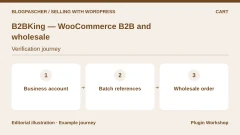
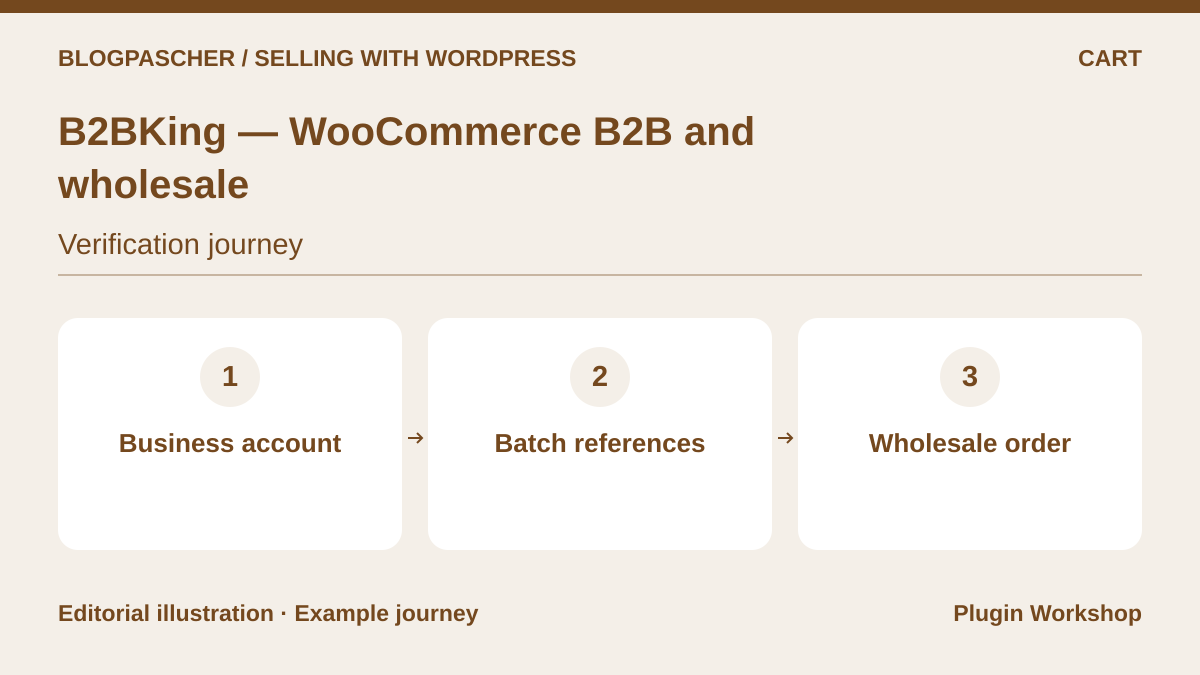 Editorial diagram. Business account → Batch references → Wholesale order. — BlogPasCherOpen full-size illustration ↗
Best forEnter a wholesale order from a list
B2BKing documents a bulk order form and rules for business accounts. For a recurring order, check reference-based search, minimum quantities, and price display for the authorized role.
Offer pricing
Publisher’s Startup offer at $199 for one year on promotion. CodeCanyon lists USD 2,449 for a Regular license.
Billing: Annual publisher offer or CodeCanyon purchase
Renewal and support: Check the terms of each channel. CodeCanyon lists six months of support.
Displayed amounts. Check taxes and fees at checkout.
Checked on .
What to consider
- Compare the publisher’s and CodeCanyon’s offers. On a copy, check that reserved prices and products remain specific to the correct account.
Pricing terms and compatibility
Understanding the offer
- Price at the time of review
- Publisher’s Startup offer at $199 for one year on promotion. CodeCanyon lists USD 2,449 for a Regular license.
- Currency
- USD
- Billing
- Annual publisher offer or CodeCanyon purchase
- Renewal and support
- Check the terms of each channel. CodeCanyon lists six months of support.
- Taxes and fees
- Displayed amounts. Check taxes and fees at checkout.
- Commitment and terms
- Unspecified. Confirm for the offer you choose.
- Date checked
Compatibility and components
- WooCommerce according to the listing. Check prerequisites, HPOS, and the checkout type used on a copy.
WooCommerce Subscriptions
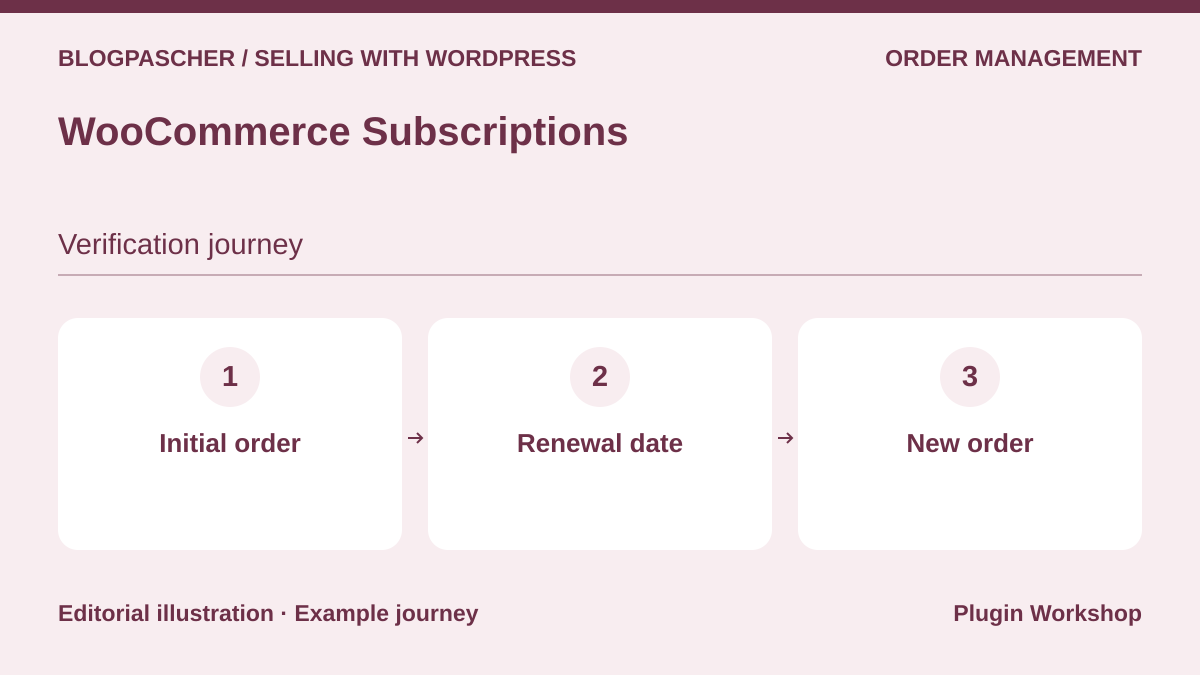 Editorial diagram. Initial order → Renewal date → New order. — BlogPasCherOpen full-size illustration ↗
Best forManage renewals and their failures
WooCommerce Subscriptions creates renewal orders and distinguishes automatic and manual payments. Automatic renewals depend on a compatible method. The publisher documents retries and notifications for certain payment failures.
Offer pricing
USD 279 for one year.
Billing: Annual subscription
Renewal and support: Check the renewal amount at checkout.
Displayed amounts. Check taxes and fees at checkout.
Checked on .
What to consider
- Check the schedule, payment method, and behavior when payment fails or a subscription is suspended.
Pricing terms and compatibility
Understanding the offer
- Price at the time of review
- USD 279 for one year.
- Currency
- USD
- Billing
- Annual subscription
- Renewal and support
- Check the renewal amount at checkout.
- Taxes and fees
- Displayed amounts. Check taxes and fees at checkout.
- Commitment and terms
- Unspecified. Confirm for the offer you choose.
- Date checked
Compatibility and components
- WooCommerce according to the listing. Check prerequisites, HPOS, and the checkout type used on a copy.
Min/Max Quantities for WooCommerce
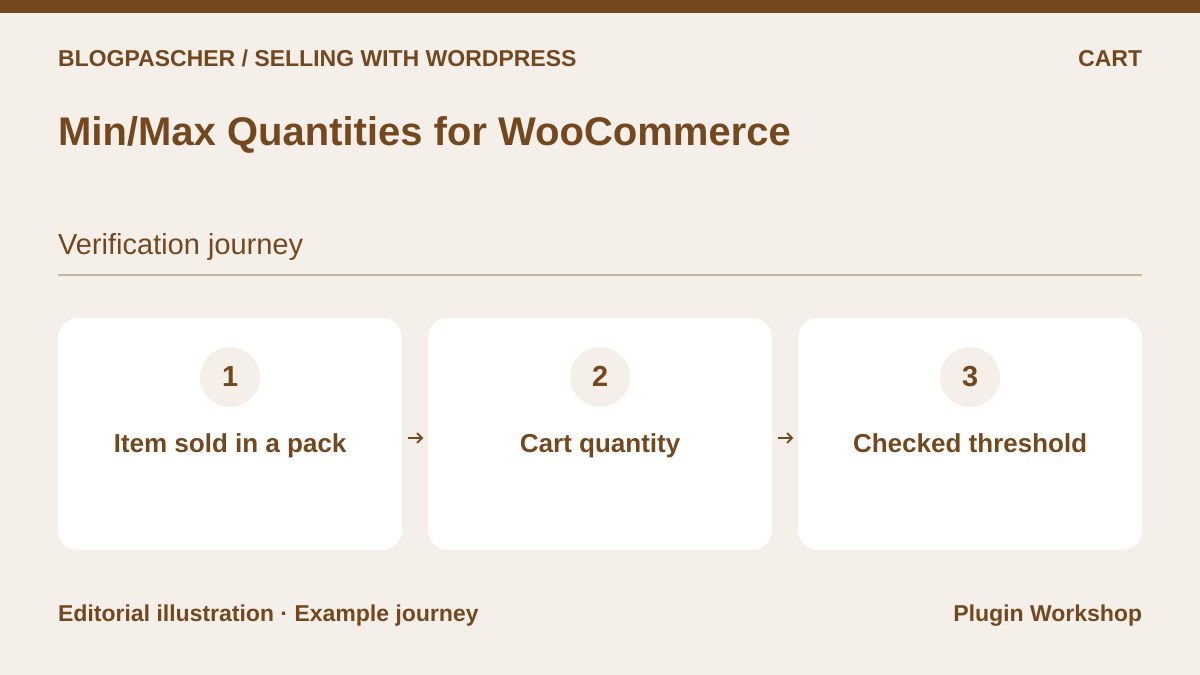 Editorial diagram. Item sold in a pack → Cart quantity → Checked threshold. — BlogPasCherOpen full-size illustration ↗
Best forRequire a minimum quantity or a multiple
Min/Max Quantities lets you set minimum or maximum quantities and sell in multiples. The documentation presents rules at product, variation, and cart level. This approach supports selling in batches or limiting a product reference per order.
Offer pricing
USD 49 for one year.
Billing: Annual subscription
Renewal and support: Check the renewal amount at checkout.
Displayed amounts. Check taxes and fees at checkout.
Checked on .
What to consider
- Check how it works with variations, mixed carts, and block checkout. Repeat an order just below the threshold and a compliant order.
Pricing terms and compatibility
Understanding the offer
- Price at the time of review
- USD 49 for one year.
- Currency
- USD
- Billing
- Annual subscription
- Renewal and support
- Check the renewal amount at checkout.
- Taxes and fees
- Displayed amounts. Check taxes and fees at checkout.
- Commitment and terms
- Unspecified. Confirm for the offer you choose.
- Date checked
Compatibility and components
- WooCommerce according to the listing. Check prerequisites, HPOS, and the checkout type used on a copy.