

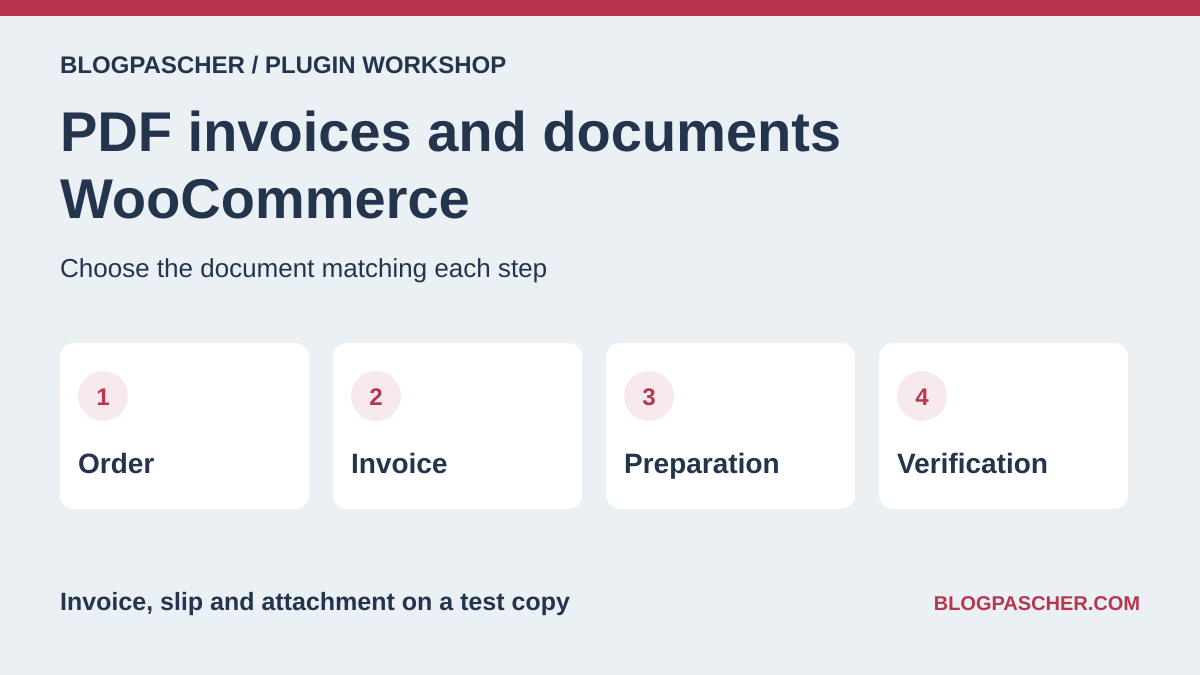
Choose the document to produce and its recipient
A WooCommerce order can feed several documents. The invoice is intended for the customer, the packing slip guides the team, and the delivery note accompanies handover according to the chosen organization. A pick list can combine quantities from several orders. An attachment can be an already produced document linked to a specific order. State who opens each file and when.
For a store shipping few parcels, start with a PDF invoice and packing slip generated from the order. For a workshop preparing batches, also check aggregation by SKU or printing to the correct workstation. If an external service maintains documents, focus on reference matching and returned errors.
- List documents, the status triggering them, and their recipient.
- Choose a simple order, an order with a variation, and a fictional refund case.
Compare before you choose
The offers at a glance
Find the use case and budget that fit, then read the details to see the limitations and any components you may need.
On smaller screens, the table scrolls horizontally. With a keyboard, press Tab to focus the table, then use the left and right arrow keys.
| Offer | Best for | Pricing and billing | Renewal and support |
|---|---|---|---|
 PDF Invoices & Packing Slips (WP Overnight)Read the details | Attach a PDF invoice to the chosen email | Free core. The Professional extension is separate. Free core | Terms for any paid plans were unavailable at the time of review. |
 PDF Invoices, Packing Slips, Delivery Notes & Shipping Labels (WebToffee)Read the details | Choose documents by task | Free core. Paid suite and modules separate. Free core | Terms for any paid plans were unavailable at the time of review. |
 Challan (WebAppick)Read the details | Automate creation and sending of invoices and slips | Free core. Separate Pro edition. Free core | Terms for any paid plans were unavailable at the time of review. |
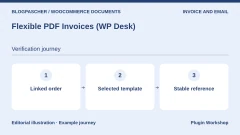 Flexible PDF Invoices (WP Desk)Read the details | Prepare a PDF invoice and check its link with the order | Free core. Separate Pro options. Free core | Terms for any paid plans were unavailable at the time of review. |
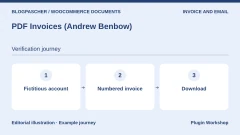 PDF Invoices (Andrew Benbow)Read the details | Provide a numbered PDF invoice | USD 79 for one year Annual subscription Displayed amounts. Check taxes and fees at checkout. | Check the renewal price in the cart. |
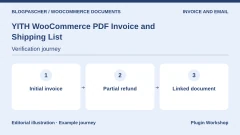 YITH WooCommerce PDF Invoice and Shipping ListRead the details | Track the invoice, slip, and refund-related document | USD 79.99 displayed. One year of updates and support advertised. Premium license Displayed amounts. Check taxes and fees at checkout. | Check the renewal price and terms at checkout. |
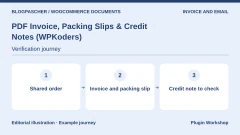 PDF Invoice, Packing Slips & Credit Notes (WPKoders)Read the details | Compare three documents for the same order | USD 59 for one year Annual subscription Displayed amounts. Check taxes and fees at checkout. | Check the renewal price in the cart. |
 WooCommerce PDF Invoices & Packing Slips (weLaunch)Read the details | Examine templates and PDF generation | USD 79 Regular license or USD 199 Extended license. License purchase Displayed amounts. Check taxes and fees at checkout. | Six months of support listed. Optional extension. |
 Auto PDF Invoices and Packing Slip (RedefiningTheWeb)Read the details | Trigger documents according to order status | USD 29 for one year Annual subscription Displayed amounts. Check taxes and fees at checkout. | Check the renewal price in the cart. |
 Booster for WooCommerceRead the details | Enable only the PDF invoicing module | Free core. Paid features depend on the edition. Free core | Terms for any paid plans were unavailable at the time of review. |
 PDF Builder for WooCommerce (RedNao)Read the details | Build a document from WooCommerce fields | Free core. Paid edition and add-ons according to requirements. Free core | Terms for any paid plans were unavailable at the time of review. |
 PDF Packing Slips & Invoice Builder (WPExperts)Read the details | Prepare two layouts for the customer and workshop | USD 49 for one year Annual subscription Displayed amounts. Check taxes and fees at checkout. | Check the renewal price in the cart. |
 PDF InvoiceXRead the details | Compare templates and bulk generation | Free plugin in the WordPress.org directory. Free core | Terms for any paid plans were unavailable at the time of review. |
 Print Invoice (Techminers)Read the details | Print an invoice from the chosen flow | USD 39 for one year Annual subscription Displayed amounts. Check taxes and fees at checkout. | Check the renewal price in the cart. |
 Order Summary PDF for WooCommerceRead the details | Provide an A4 summary to the team | Free plugin in the WordPress.org directory. Free core | Terms for any paid plans were unavailable at the time of review. |
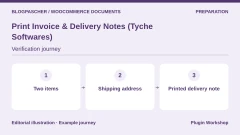 Print Invoice & Delivery Notes (Tyche Softwares)Read the details | Print a slip from administration | Free plugin in the WordPress.org directory. Free core | Terms for any paid plans were unavailable at the time of review. |
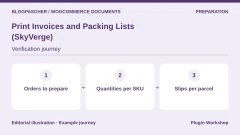 Print Invoices and Packing Lists (SkyVerge)Read the details | Prepare a batch of orders from WooCommerce | USD 79 for one year Annual subscription Displayed amounts. Check taxes and fees at checkout. | Check the renewal price in the cart. |
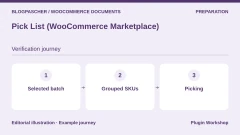 Pick List (WooCommerce Marketplace)Read the details | Turn several orders into a pick list | USD 129 for one year Annual subscription Displayed amounts. Check taxes and fees at checkout. | Check the renewal price in the cart. |
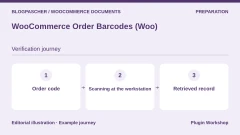 WooCommerce Order Barcodes (Woo)Read the details | Find an order using its code | USD 99 or EUR 90 for one year according to the displayed table. Annual subscription Displayed amounts. Check taxes and fees at checkout. | Check the renewal price in the cart. |
 PrintusRead the details | Trigger printing through PrintNode | Free plugin. Separate PrintNode terms. Free core | Terms for any paid plans were unavailable at the time of review. |
 BizPrint (BizSwoop)Read the details | Route receipts and slips to the correct workstation | Plus at USD 12 per month on the annual cycle or USD 15 monthly, plus USD 0.025 per print according to the table. Service subscription and per-print-job fees Displayed amounts. Check taxes and fees at checkout. | Check the period and rates applicable to the account. |
 Vanquish Attach MeRead the details | Attach an existing document to the correct order | Free core. Pro functions depending on use. Free core | Terms for any paid plans were unavailable at the time of review. |
 Advanced Order Export (AlgolPlus)Read the details | Export lines to reconcile with documents | Free core. Separate Pro edition. Free core | Terms for any paid plans were unavailable at the time of review. |
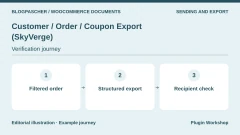 Customer / Order / Coupon Export (SkyVerge)Read the details | Send an order file to an internal tool | USD 79 for one year Annual subscription Displayed amounts. Check taxes and fees at checkout. | Check the renewal price in the cart. |
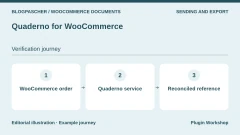 Quaderno for WooCommerceRead the details | Reconcile documents produced by an external service | Connector available in the directory. Quaderno service billed separately according to the plan. External-service subscription | Consult the currency, volume, and period in the pricing table. |
Create a first PDF invoice on the copy
Install the chosen plugin on a WooCommerce copy and configure template information. Place a fictional order containing a known product and open the file from administration. Check that it opens in a PDF reader and that the reference, lines, quantity, and total match the order. Use a test address and capture inbox for the next steps.
In the local WP Overnight acceptance test, the core generated an invoice and packing slip for an order of two items at €18. A second one-item order received another invoice. Reopening the first preserved its number. Also test accents, variation names, and long addresses in the languages actually used by your store.
The PDFs were reread on two local WooCommerce 11.2.1 installations, with and without high-performance order storage (HPOS). In both cases, the slip uses the sample’s shipping address and invoices use its billing address.
- Create two separate orders and compare invoice numbers.
- Reopen the first invoice and check that the document still corresponds to the same order.
- Compare the downloaded PDF with the order data on screen.
Configure attachments by email
The WooCommerce email type and order status are two pieces of information to record. Decide which message should contain the invoice and check the option in the plugin. In the local acceptance test, WP Overnight added an invoice to the completed-order email type and left the on-hold type without an attachment. The test uses WooCommerce’s server-side filter. Actual receipt is checked separately with the capture inbox.
On an equipped copy, move the order through the statuses used by the store and record emails received. Check that the file opens, concerns the correct order, and that message text describes the actual attachment. For a slip intended for the workshop, check the recipient address and access to the document.
- Enable the invoice for one email type and keep a second type as a control.
- Open both test messages and check the expected presence or absence of the file.
- Repeat a manual resend and compare the PDF number and reference.
Compare the invoice, packing slip, and pick list
Take two orders sharing a SKU, then add a different variation to one. An individual slip must identify items to put in the correct parcel. A pick list can add quantities to retrieve. Compare both uses with someone responsible for order preparation. If quantities are grouped, check whether the included orders can be found.
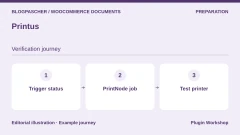
For automatic printing, first choose one workstation and a single trigger. Print a fictional document, then repeat the same operation. If a second job appears, determine whether the trigger comes from WooCommerce, a connector rule, or the operator. Also try a disconnected printer and check how the team finds or retries a job.
- Compare each order’s SKUs, quantities, and variations with its accompanying slip.
- Check the aggregate list with a sample order deliberately excluded.
- Identify the printing workstation address and linked order before retrying a job.
Reconcile a partial refund and its document
On the copy, start with a two-line order. Record a fictional refund covering only one line or part of the amount. Record the initial amount, refunded amount, and refund identifier. If the plugin generates a PDF credit note, open it from the order, check its link to the original invoice, and compare its amount with the recorded refund.
Also check the refund email. Some tools allow attaching the credit note; others require a separate module or intervention. WP Overnight documentation describes this function in Professional. The core acceptance test does not generate a credit note. Guides advertising one specify a check to repeat with the selected module and refund type.
- Fictionally refund just one line and check references in WooCommerce.
- Open the refund document if available, then compare its total with the recorded operation.
- Check the refund-related notification in the capture inbox.
Attach an appendix to the correct order
To attach instructions, a proof, or a document prepared elsewhere, choose an attachments plugin if the invoicing tool does not cover this use. On the copy, add a different fictional file to each of two orders. Open the corresponding accounts and click the intended link. Compare files and the email type they are attached to.
If the document is transmitted as a link, check that it matches the expected order and that access follows your customer area’s behavior. Check size limits, any expiration, and messages when replacing an attachment. Also check whether the file is accessible to the preparer who needs it.
- Link two different attachments to two orders and test both accounts.
- Compare the download, attachment, and reference from the test email.
Check an export and the transition to another tool
Start with two test orders and the fields enabling reconciliation. Retain the order identifier, date, amounts, and useful refund references. Filter the batch before export. Open the file in the receiving tool and check that an order outside the period is absent. Have the test import repeated to observe duplicate handling.
For a service generating documents outside WooCommerce, note where the two systems’ references appear. Simulate a test order and a rejected event, then see which log tracks transmission. Ask the person receiving the file or document to find its original order.
- Check the sample order, exported columns, and total on arrival.
- Reconcile an external document with the corresponding order and fictional refund.
Prepare an update and a reissue
Before changing the plugin or its templates, keep a backup and a small set of sample PDFs. On a restored copy, open an existing document and generate an invoice for a new fictional order. Compare references, sending rules, and filename. If replacing a plugin, identify the system retaining old documents and how to find them.
The plugin price and cost of an external printing or invoicing service may add together. Check editions, included documents, period, and number of stores supported. Base the decision on operations the team reproduced on a copy and how it will find a document after a change.
- Keep sample PDFs, references, and email configuration.
- Repeat a new order and a reissue on a restored copy.
Further reading
Sources and references
Use these references to check the features, requirements and limitations described. Reading documentation is not a practical test.
View 29 references
- PDF Invoices & Packing Slips (WP Overnight) — Plugin listing and features ↗ — Documentation consulted:
- PDF Invoices, Packing Slips, Delivery Notes & Shipping Labels (WebToffee) — Plugin listing and features ↗ — Documentation consulted:
- Challan (WebAppick) — Plugin listing and features ↗ — Documentation consulted:
- Flexible PDF Invoices (WP Desk) — Plugin listing and features ↗ — Documentation consulted:
- PDF Invoices (Andrew Benbow) — Plugin listing and features ↗ — Documentation consulted:
- YITH WooCommerce PDF Invoice and Shipping List — Plugin listing and features ↗ — Documentation consulted:
- PDF Invoice, Packing Slips & Credit Notes (WPKoders) — Plugin listing and features ↗ — Documentation consulted:
- WooCommerce PDF Invoices & Packing Slips (weLaunch) — Plugin listing and features ↗ — Documentation consulted:
- Auto PDF Invoices and Packing Slip (RedefiningTheWeb) — Plugin listing and features ↗ — Documentation consulted:
- Booster for WooCommerce — Plugin listing and features ↗ — Documentation consulted:
- PDF Builder for WooCommerce (RedNao) — Plugin listing and features ↗ — Documentation consulted:
- PDF Packing Slips & Invoice Builder (WPExperts) — Plugin listing and features ↗ — Documentation consulted:
- PDF InvoiceX — Plugin listing and features ↗ — Documentation consulted:
- Print Invoice (Techminers) — Plugin listing and features ↗ — Documentation consulted:
- Order Summary PDF for WooCommerce — Plugin listing and features ↗ — Documentation consulted:
- Print Invoice & Delivery Notes (Tyche Softwares) — Plugin listing and features ↗ — Documentation consulted:
- Print Invoices and Packing Lists (SkyVerge) — Plugin listing and features ↗ — Documentation consulted:
- Pick List (WooCommerce Marketplace) — Plugin listing and features ↗ — Documentation consulted:
- WooCommerce Order Barcodes (Woo) — Plugin listing and features ↗ — Documentation consulted:
- Printus — Plugin listing and features ↗ — Documentation consulted:
- BizPrint (BizSwoop) — Plugin listing and features ↗ — Documentation consulted:
- BizPrint (BizSwoop) — Offer price or terms ↗ — Documentation consulted:
- Vanquish Attach Me — Plugin listing and features ↗ — Documentation consulted:
- Advanced Order Export (AlgolPlus) — Plugin listing and features ↗ — Documentation consulted:
- Customer / Order / Coupon Export (SkyVerge) — Plugin listing and features ↗ — Documentation consulted:
- Quaderno pour WooCommerce — Plugin listing and features ↗ — Documentation consulted:
- Quaderno pour WooCommerce — Offer price or terms ↗ — Documentation consulted:
- WP Overnight, creating a PDF credit note ↗ — Documentation consulted:
- WooCommerce, PDF Invoices ↗ — Documentation consulted:
Uses, prices and what to check
25 offers in detail
Compare the features you need and the terms of each offer. The order of these entries does not indicate a ranking.
PDF Invoices & Packing Slips (WP Overnight)
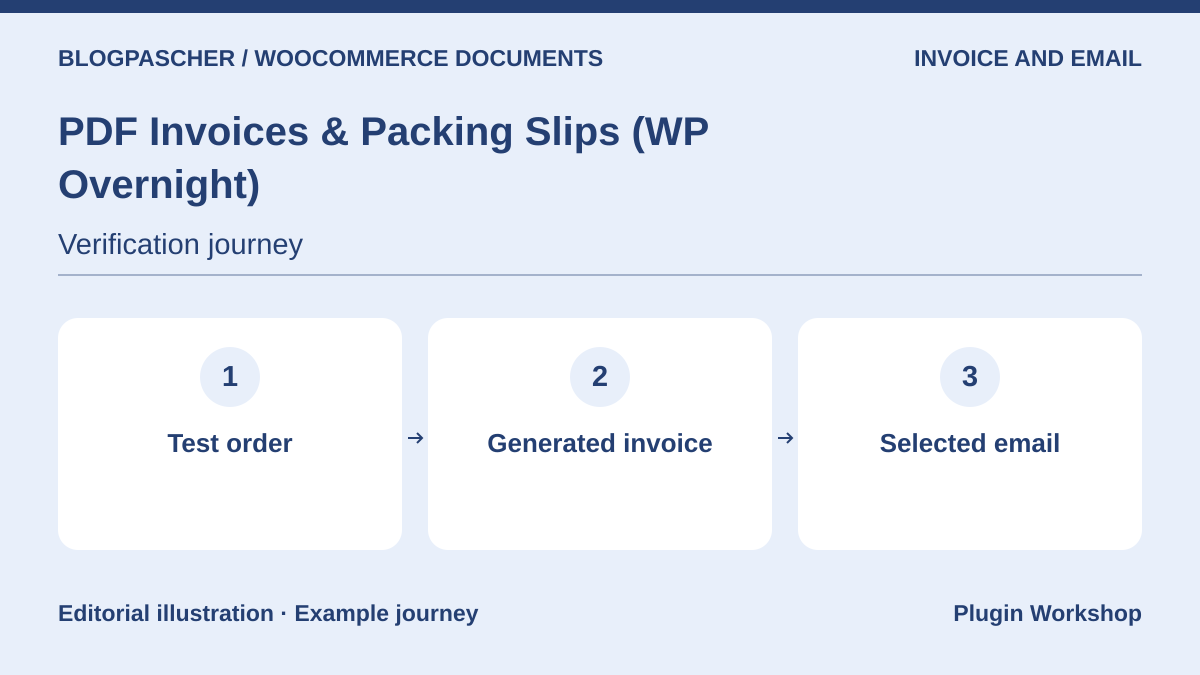 Editorial diagram. Test order → Generated invoice → Selected email. — BlogPasCherOpen full-size illustration ↗
Best forAttach a PDF invoice to the chosen email
The core generates PDF invoices and packing slips. It lets you choose which emails attach the invoice. On the copy, two orders received two numbers, and reissuing the first retained its number. Also repeat the send to which the invoice must not be added.
Offer pricing
Free core. The Professional extension is separate.
Billing: Free core
Checked on .
What to consider
- PDF credit-note generation is described for Professional. Price, documents, and language depend on the chosen edition.
Pricing terms and compatibility
Understanding the offer
- Price at the time of review
- Free core. The Professional extension is separate.
- Currency
- Unspecified. Confirm for the offer you choose.
- Billing
- Free core
- Renewal and support
- Unspecified. Confirm for the offer you choose.
- Taxes and fees
- Unspecified. Confirm for the offer you choose.
- Commitment and terms
- Unspecified. Confirm for the offer you choose.
- Date checked
Compatibility and components
- Core 5.16.6 executed on WooCommerce 11.2.1, with and without HPOS.
PDF Invoices, Packing Slips, Delivery Notes & Shipping Labels (WebToffee)
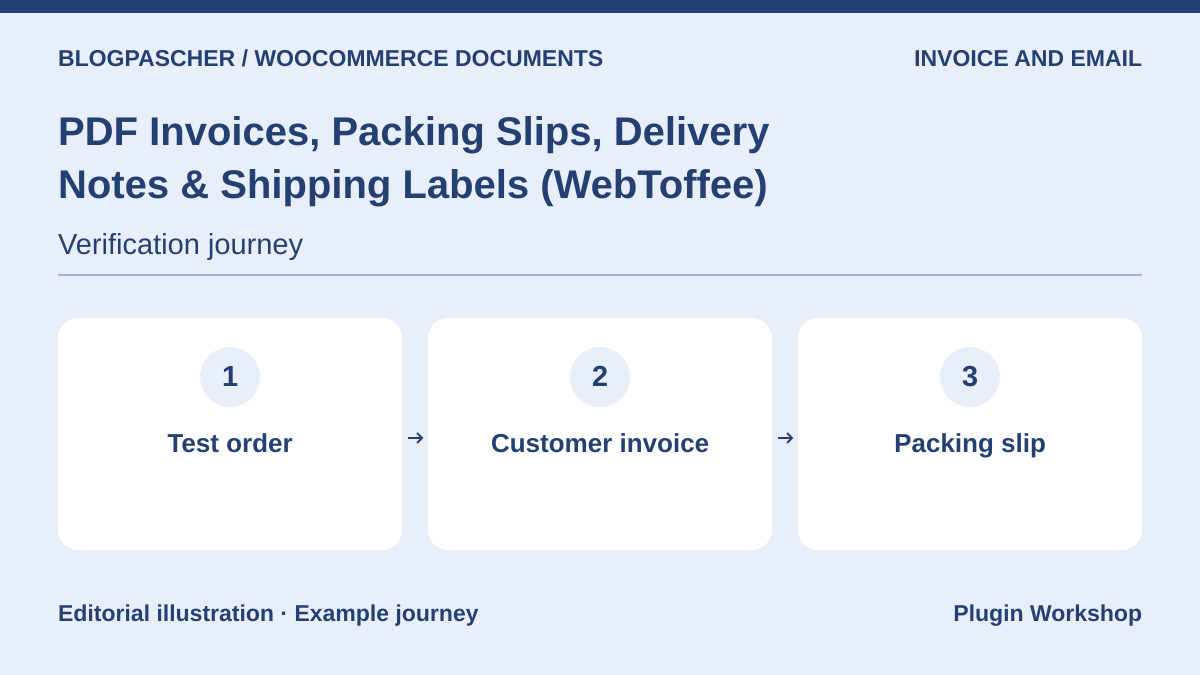 Editorial diagram. Test order → Customer invoice → Packing slip. — BlogPasCherOpen full-size illustration ↗
Best forChoose documents by task
The WebToffee core listing covers several order documents. First choose the customer invoice and document used for preparation. Compare the information they display. With a fictional order, check files produced and those sent when order status changes.
Offer pricing
Free core. Paid suite and modules separate.
Billing: Free core
Checked on .
What to consider
- The publisher also offers modules and a suite. Identify documents, templates, and options included in the chosen edition.
Pricing terms and compatibility
Understanding the offer
- Price at the time of review
- Free core. Paid suite and modules separate.
- Currency
- Unspecified. Confirm for the offer you choose.
- Billing
- Free core
- Renewal and support
- Unspecified. Confirm for the offer you choose.
- Taxes and fees
- Unspecified. Confirm for the offer you choose.
- Commitment and terms
- Unspecified. Confirm for the offer you choose.
- Date checked
Compatibility and components
- WooCommerce according to the listing. Check document type, statuses, and versions on a copy.
Challan (WebAppick)
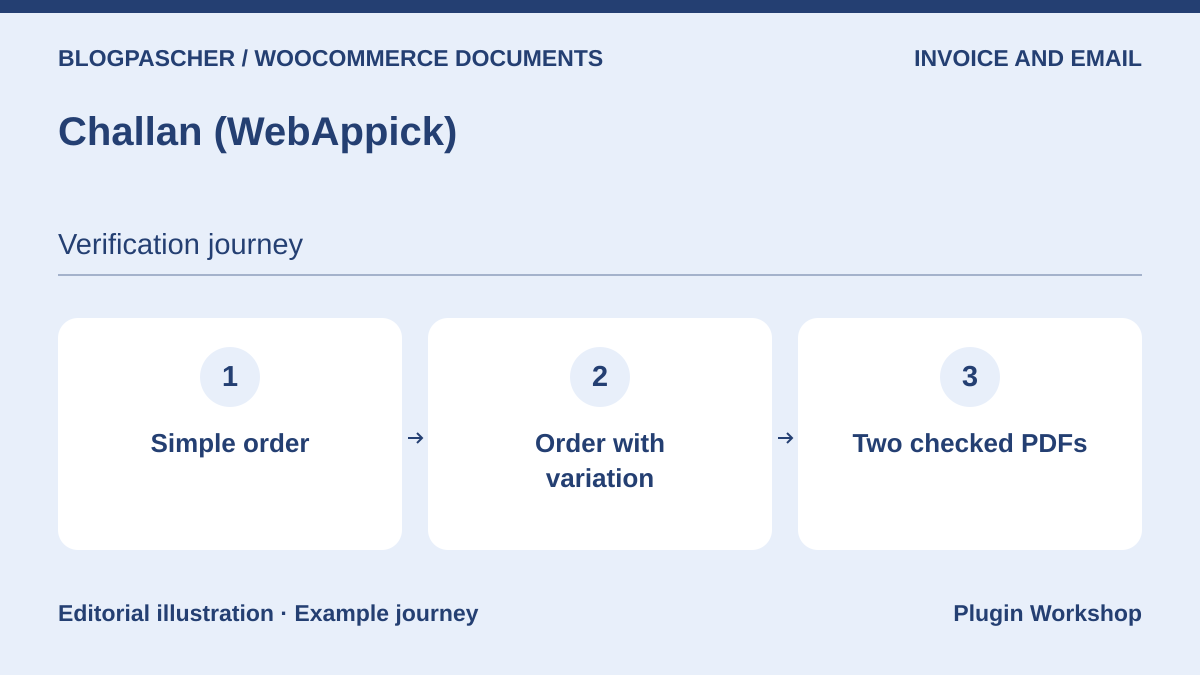 Editorial diagram. Simple order → Order with a variation → Two checked PDFs. — BlogPasCherOpen full-size illustration ↗
Best forAutomate creation and sending of invoices and slips
Challan describes PDF invoices and packing slips linked to WooCommerce orders. Start with a simple order, then compare its file with that of an order containing a variation. Check the item name, quantity, and event triggering the attachment.
Offer pricing
Free core. Separate Pro edition.
Billing: Free core
Checked on .
What to consider
- Templates, numbering, and export functions vary by edition.
Pricing terms and compatibility
Understanding the offer
- Price at the time of review
- Free core. Separate Pro edition.
- Currency
- Unspecified. Confirm for the offer you choose.
- Billing
- Free core
- Renewal and support
- Unspecified. Confirm for the offer you choose.
- Taxes and fees
- Unspecified. Confirm for the offer you choose.
- Commitment and terms
- Unspecified. Confirm for the offer you choose.
- Date checked
Compatibility and components
- WooCommerce according to the listing. Check document type, statuses, and versions on a copy.
Flexible PDF Invoices (WP Desk)
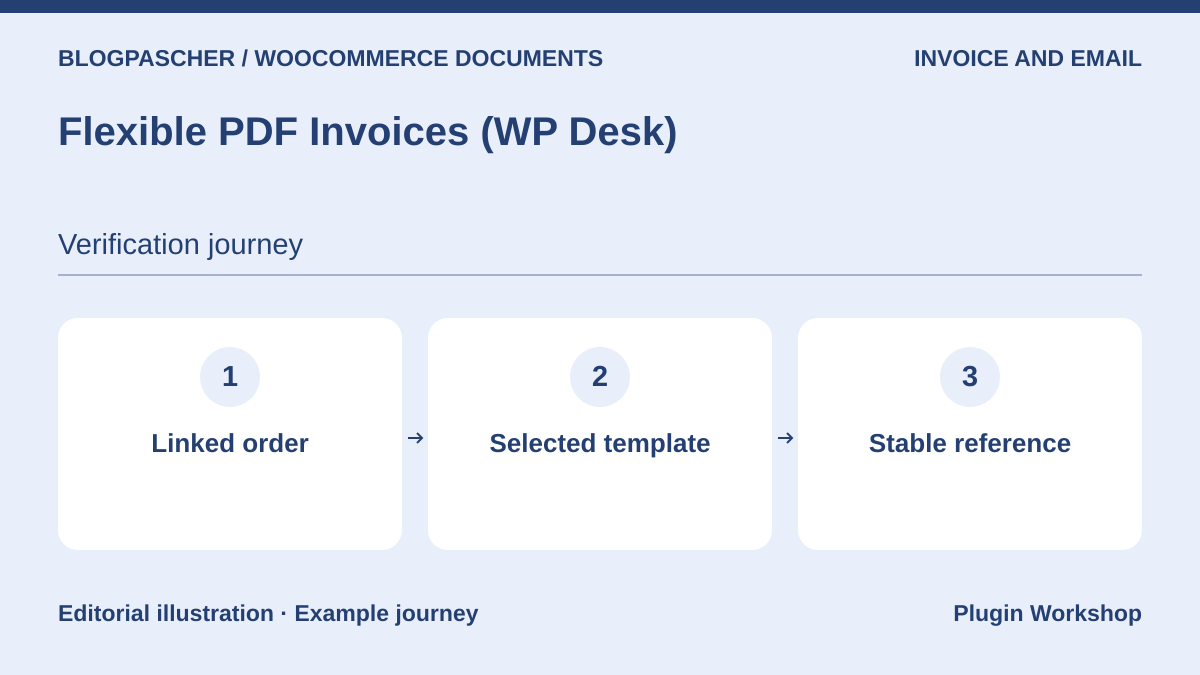 Editorial diagram. Linked order → Selected template → Stable reference. — BlogPasCherOpen full-size illustration ↗
Best forPrepare a PDF invoice and check its link with the order
Flexible PDF Invoices offers invoices in WordPress and use with WooCommerce. Create a test invoice linked to an order and identify what is filled automatically. On a copy where you change the template, check whether an existing invoice retains its reference and content.
Offer pricing
Free core. Separate Pro options.
Billing: Free core
Checked on .
What to consider
- Automation, correction, and sending functions vary by edition.
Pricing terms and compatibility
Understanding the offer
- Price at the time of review
- Free core. Separate Pro options.
- Currency
- Unspecified. Confirm for the offer you choose.
- Billing
- Free core
- Renewal and support
- Unspecified. Confirm for the offer you choose.
- Taxes and fees
- Unspecified. Confirm for the offer you choose.
- Commitment and terms
- Unspecified. Confirm for the offer you choose.
- Date checked
Compatibility and components
- WooCommerce according to the listing. Check document type, statuses, and versions on a copy.
PDF Invoices (Andrew Benbow)
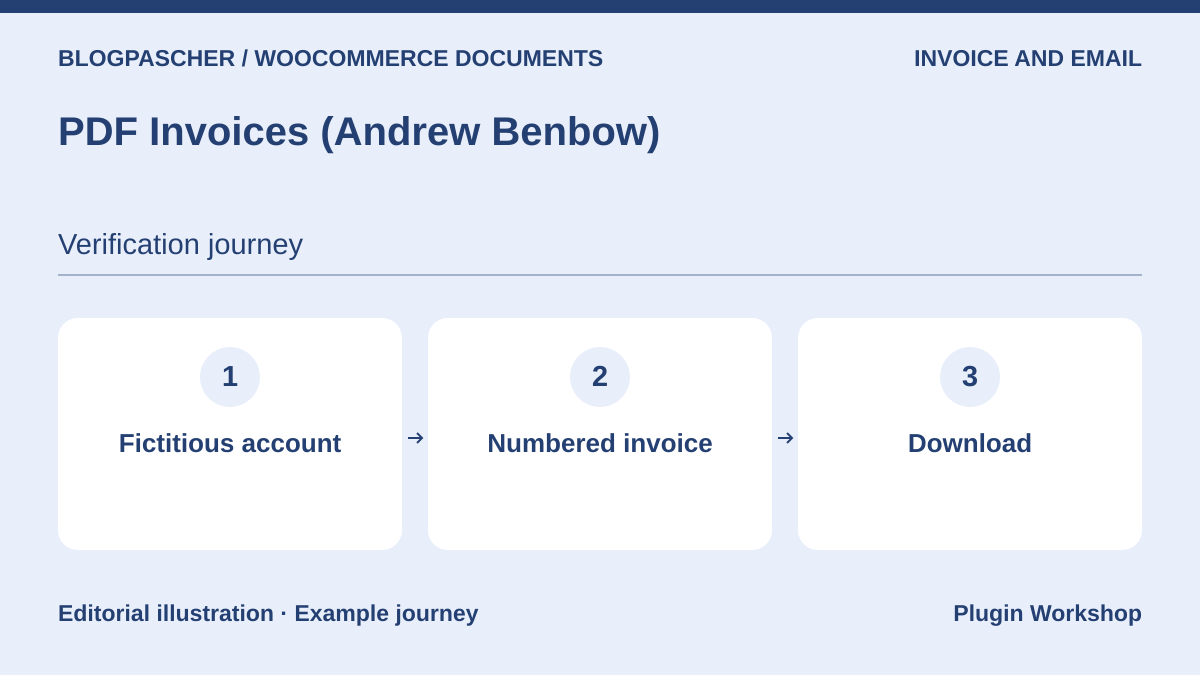 Editorial diagram. Fictitious account → Numbered invoice → Download. — BlogPasCherOpen full-size illustration ↗
Best forProvide a numbered PDF invoice
This WooCommerce Marketplace extension describes a PDF invoice attachable to emails and downloadable from the customer area. Test with a fictional customer and two orders. Compare the number, account link, and document attached to the selected notification.
Offer pricing
USD 79 for one year
Billing: Annual subscription
Renewal and support: Check the renewal price in the cart.
Displayed amounts. Check taxes and fees at checkout.
Checked on .
What to consider
- Check numbering behavior before enabling it on a store that already has invoices.
Pricing terms and compatibility
Understanding the offer
- Price at the time of review
- USD 79 for one year
- Currency
- USD
- Billing
- Annual subscription
- Renewal and support
- Check the renewal price in the cart.
- Taxes and fees
- Displayed amounts. Check taxes and fees at checkout.
- Commitment and terms
- Unspecified. Confirm for the offer you choose.
- Date checked
Compatibility and components
- WooCommerce according to the listing. Check document type, statuses, and versions on a copy.
YITH WooCommerce PDF Invoice and Shipping List
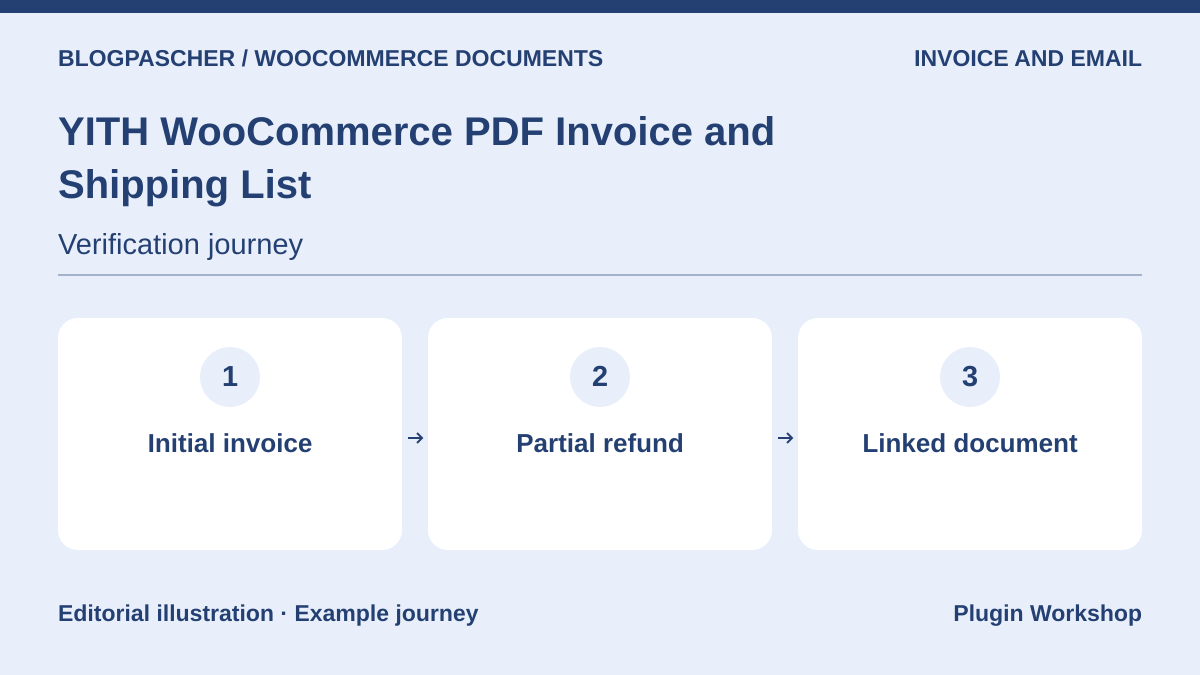 Editorial diagram. Initial invoice → Partial refund → Linked document. — BlogPasCherOpen full-size illustration ↗
Best forTrack the invoice, slip, and refund-related document
YITH describes creating invoices, shipping lists, and credit notes according to the chosen scope. Prepare two order lines and a fictional partial refund. Record the order reference and location of the correction document provided by the edition.
Offer pricing
USD 79.99 displayed. One year of updates and support advertised.
Billing: Premium license
Renewal and support: Check the renewal price and terms at checkout.
Displayed amounts. Check taxes and fees at checkout.
Checked on .
What to consider
- Document and sending options depend on the edition. Confirm what is supplied before taking over a store.
Pricing terms and compatibility
Understanding the offer
- Price at the time of review
- USD 79.99 displayed. One year of updates and support advertised.
- Currency
- USD
- Billing
- Premium license
- Renewal and support
- Check the renewal price and terms at checkout.
- Taxes and fees
- Displayed amounts. Check taxes and fees at checkout.
- Commitment and terms
- Unspecified. Confirm for the offer you choose.
- Date checked
Compatibility and components
- WooCommerce according to the listing. Check document type, statuses, and versions on a copy.
PDF Invoice, Packing Slips & Credit Notes (WPKoders)
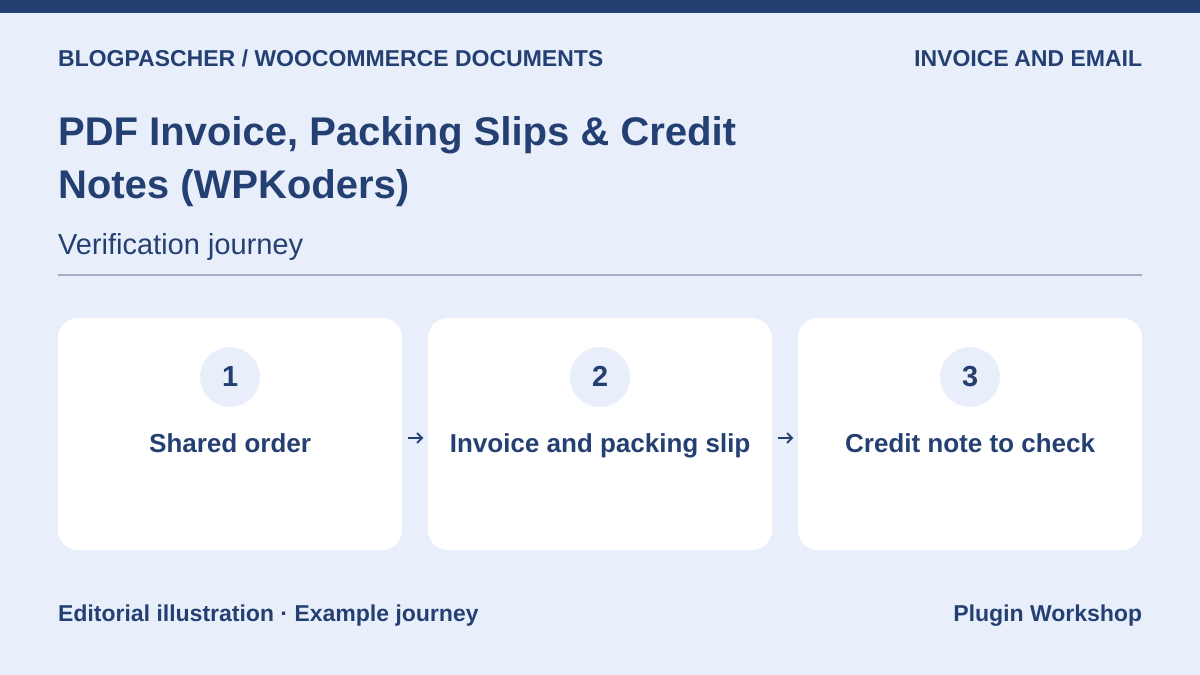 Editorial diagram. Shared order → Invoice and packing slip → Credit note to check. — BlogPasCherOpen full-size illustration ↗
Best forCompare three documents for the same order
WPKoders documents PDF invoices, packing slips, and credit notes. Use the same test order to check documents and recipients. During a simulated refund, compare the initial amount with the amount on the refund-related document.
Offer pricing
USD 59 for one year
Billing: Annual subscription
Renewal and support: Check the renewal price in the cart.
Displayed amounts. Check taxes and fees at checkout.
Checked on .
What to consider
- Status-based generation and document presentation must be checked with your settings and email template.
Pricing terms and compatibility
Understanding the offer
- Price at the time of review
- USD 59 for one year
- Currency
- USD
- Billing
- Annual subscription
- Renewal and support
- Check the renewal price in the cart.
- Taxes and fees
- Displayed amounts. Check taxes and fees at checkout.
- Commitment and terms
- Unspecified. Confirm for the offer you choose.
- Date checked
Compatibility and components
- WooCommerce according to the listing. Check document type, statuses, and versions on a copy.
WooCommerce PDF Invoices & Packing Slips (weLaunch)
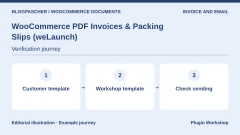
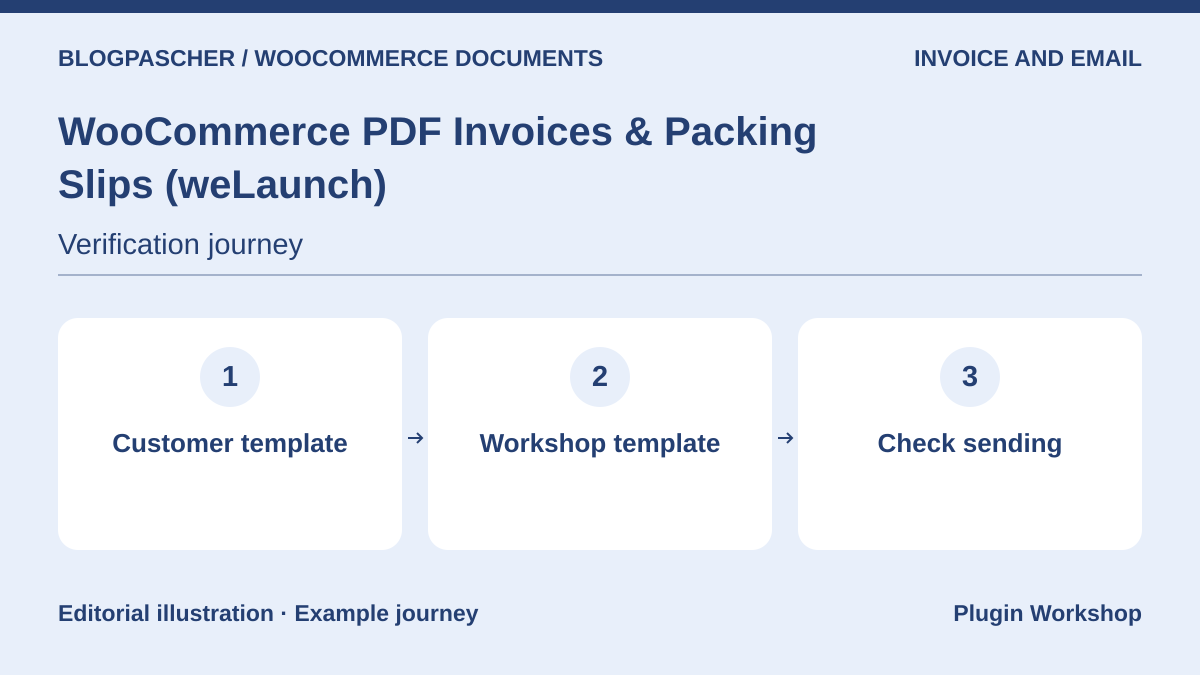 Editorial diagram. Customer template → Workshop template → Check sending. — BlogPasCherOpen full-size illustration ↗
Best forExamine templates and PDF generation
The CodeCanyon listing presents creation of PDF invoices and slips for orders. On a copy, choose a customer document and a team document. Compare template information, order reference, and the email type to which the invoice is attached.
Offer pricing
USD 79 Regular license or USD 199 Extended license.
Billing: License purchase
Renewal and support: Six months of support listed. Optional extension.
Displayed amounts. Check taxes and fees at checkout.
Checked on .
What to consider
- The extension is sold by license. Confirm support, compatibility, and document options before buying.
Pricing terms and compatibility
Understanding the offer
- Price at the time of review
- USD 79 Regular license or USD 199 Extended license.
- Currency
- USD
- Billing
- License purchase
- Renewal and support
- Six months of support listed. Optional extension.
- Taxes and fees
- Displayed amounts. Check taxes and fees at checkout.
- Commitment and terms
- Unspecified. Confirm for the offer you choose.
- Date checked
Compatibility and components
- WooCommerce according to the listing. Check document type, statuses, and versions on a copy.
Auto PDF Invoices and Packing Slip (RedefiningTheWeb)
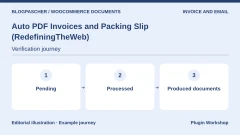
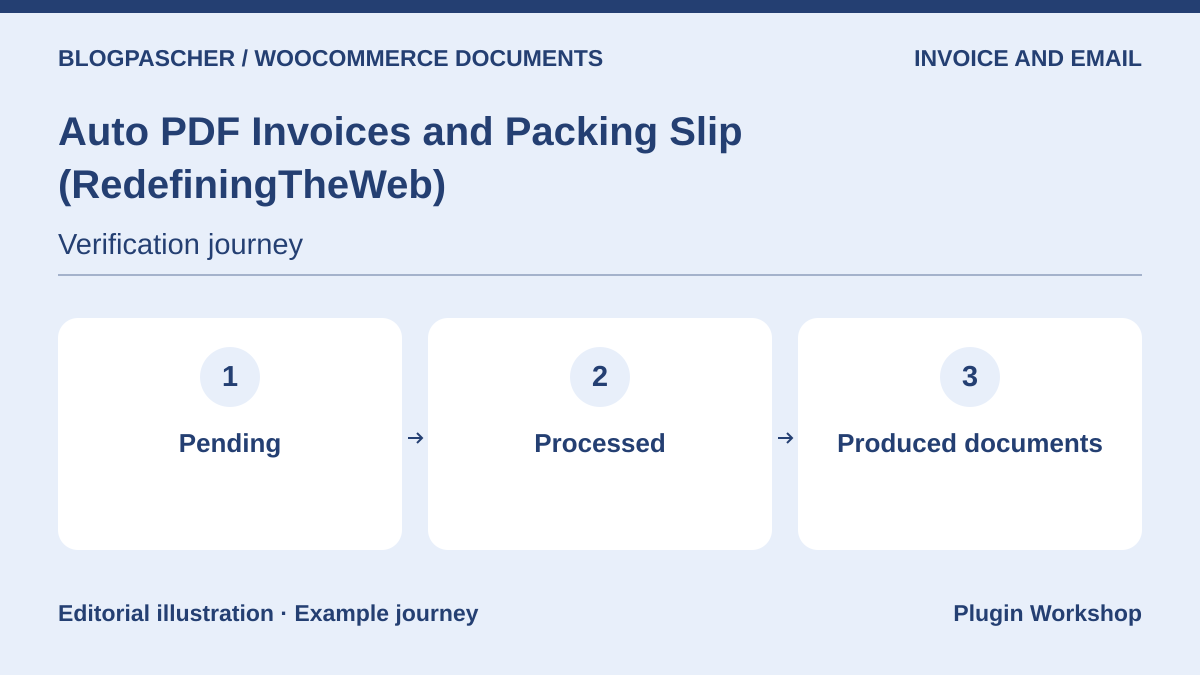 Editorial diagram. Pending → Processed → Produced documents. — BlogPasCherOpen full-size illustration ↗
Best forTrigger documents according to order status
The listing advertises PDF invoices, slips, labels, and refund documents depending on configuration. Try a pending order followed by a processed order. Record which documents appear for each status and when the team needs to intervene.
Offer pricing
USD 29 for one year
Billing: Annual subscription
Renewal and support: Check the renewal price in the cart.
Displayed amounts. Check taxes and fees at checkout.
Checked on .
What to consider
- A status change can trigger generation. Test the sequence with a reopened order and a refunded order.
Pricing terms and compatibility
Understanding the offer
- Price at the time of review
- USD 29 for one year
- Currency
- USD
- Billing
- Annual subscription
- Renewal and support
- Check the renewal price in the cart.
- Taxes and fees
- Displayed amounts. Check taxes and fees at checkout.
- Commitment and terms
- Unspecified. Confirm for the offer you choose.
- Date checked
Compatibility and components
- WooCommerce according to the listing. Check document type, statuses, and versions on a copy.
Booster for WooCommerce
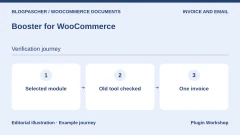
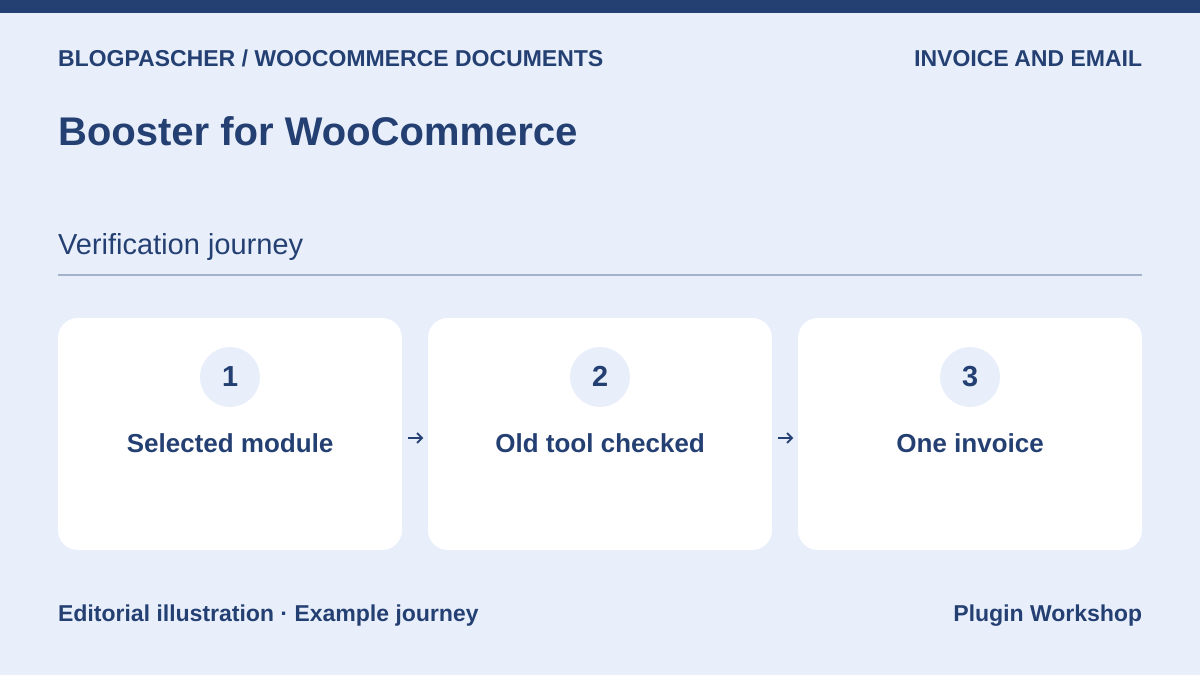 Editorial diagram. Selected module → Old tool checked → One invoice. — BlogPasCherOpen full-size illustration ↗
Best forEnable only the PDF invoicing module
Booster groups several WooCommerce modules, including PDF invoicing. On a copy, enable the one the store needs and check resulting documents and emails. Check that an old invoicing tool does not produce a second invoice for the same order.
Offer pricing
Free core. Paid features depend on the edition.
Billing: Free core
Checked on .
What to consider
- Modules and settings depend on the edition. Record other active modules before moving or disabling the suite.
Pricing terms and compatibility
Understanding the offer
- Price at the time of review
- Free core. Paid features depend on the edition.
- Currency
- Unspecified. Confirm for the offer you choose.
- Billing
- Free core
- Renewal and support
- Unspecified. Confirm for the offer you choose.
- Taxes and fees
- Unspecified. Confirm for the offer you choose.
- Commitment and terms
- Unspecified. Confirm for the offer you choose.
- Date checked
Compatibility and components
- WooCommerce according to the listing. Check document type, statuses, and versions on a copy.
PDF Builder for WooCommerce (RedNao)
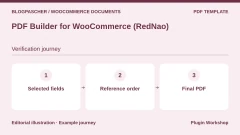
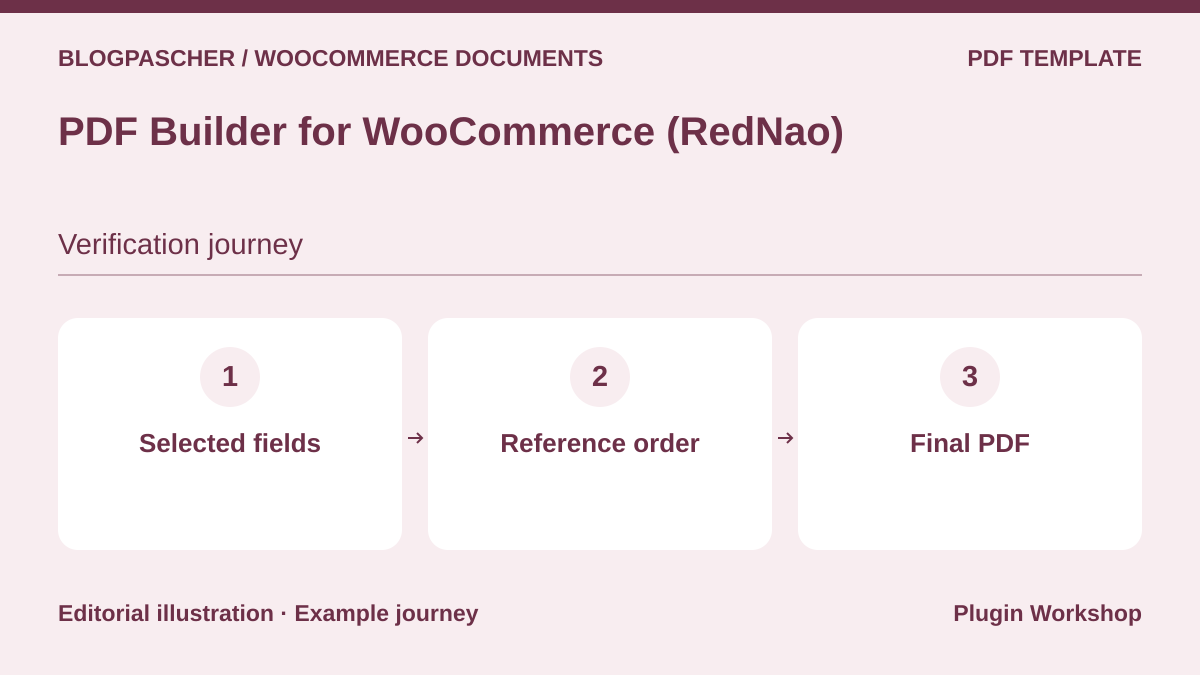 Editorial diagram. Selected fields → Reference order → Final PDF. — BlogPasCherOpen full-size illustration ↗
Best forBuild a document from WooCommerce fields
The builder describes customizable PDF templates for invoices and slips. Take a minimal template and add the reference, items, and field intended for the team. Check values on an order containing a variation and a note, then open the document outside the preview.
Offer pricing
Free core. Paid edition and add-ons according to requirements.
Billing: Free core
Checked on .
What to consider
- Advanced fields and integrations may depend on the edition. Compare the generated document with the preview.
Pricing terms and compatibility
Understanding the offer
- Price at the time of review
- Free core. Paid edition and add-ons according to requirements.
- Currency
- Unspecified. Confirm for the offer you choose.
- Billing
- Free core
- Renewal and support
- Unspecified. Confirm for the offer you choose.
- Taxes and fees
- Unspecified. Confirm for the offer you choose.
- Commitment and terms
- Unspecified. Confirm for the offer you choose.
- Date checked
Compatibility and components
- WooCommerce according to the listing. Check document type, statuses, and versions on a copy.
PDF Packing Slips & Invoice Builder (WPExperts)
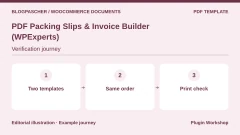
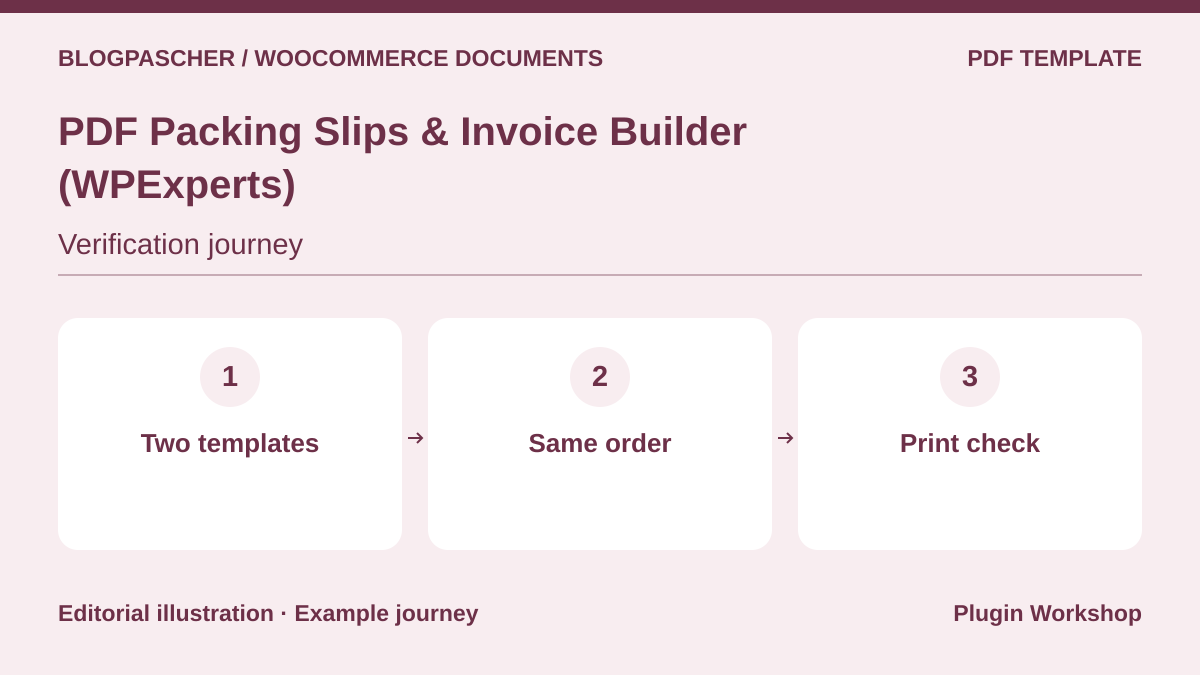 Editorial diagram. Two templates → Same order → Print check. — BlogPasCherOpen full-size illustration ↗
Best forPrepare two layouts for the customer and workshop
WPExperts offers a builder for invoices and slips. Prepare two templates with different fields and uses, then generate them from a fictional order. Ensure the reference remains the same and essential information remains visible on a printed page.
Offer pricing
USD 49 for one year
Billing: Annual subscription
Renewal and support: Check the renewal price in the cart.
Displayed amounts. Check taxes and fees at checkout.
Checked on .
What to consider
- Custom-field compatibility depends on the template and plugins used. Check with a complete order.
Pricing terms and compatibility
Understanding the offer
- Price at the time of review
- USD 49 for one year
- Currency
- USD
- Billing
- Annual subscription
- Renewal and support
- Check the renewal price in the cart.
- Taxes and fees
- Displayed amounts. Check taxes and fees at checkout.
- Commitment and terms
- Unspecified. Confirm for the offer you choose.
- Date checked
Compatibility and components
- WooCommerce according to the listing. Check document type, statuses, and versions on a copy.
PDF InvoiceX
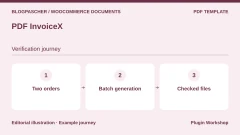
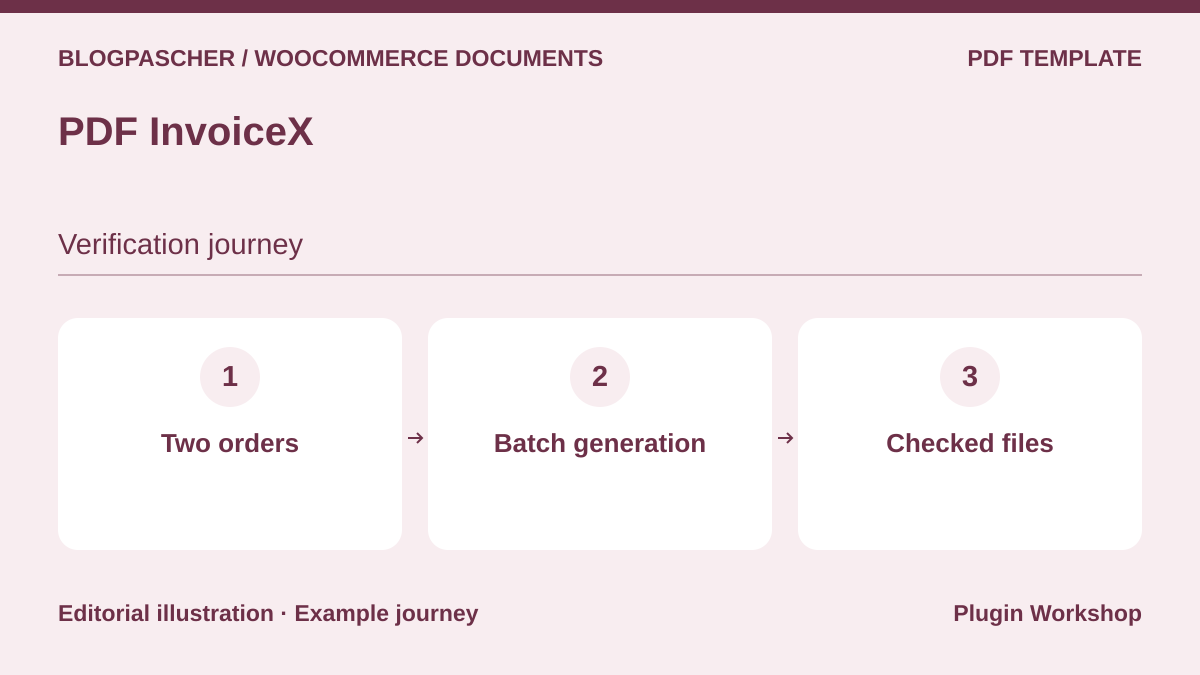 Editorial diagram. Two orders → Batch generation → Checked files. — BlogPasCherOpen full-size illustration ↗
Best forCompare templates and bulk generation
The WordPress.org listing describes several templates, a bulk-generation action, and order PDFs. Start with two fictional orders instead of a real batch. Open every document and compare its reference and content with the expected order.
Offer pricing
Free plugin in the WordPress.org directory.
Billing: Free core
Checked on .
What to consider
- Operation is described by the publisher. Check your WooCommerce version, batch volume, and sending before adoption.
Pricing terms and compatibility
Understanding the offer
- Price at the time of review
- Free plugin in the WordPress.org directory.
- Currency
- Unspecified. Confirm for the offer you choose.
- Billing
- Free core
- Renewal and support
- Unspecified. Confirm for the offer you choose.
- Taxes and fees
- Unspecified. Confirm for the offer you choose.
- Commitment and terms
- Unspecified. Confirm for the offer you choose.
- Date checked
Compatibility and components
- WooCommerce according to the listing. Check document type, statuses, and versions on a copy.
Print Invoice (Techminers)
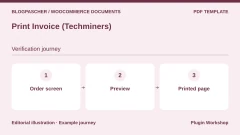
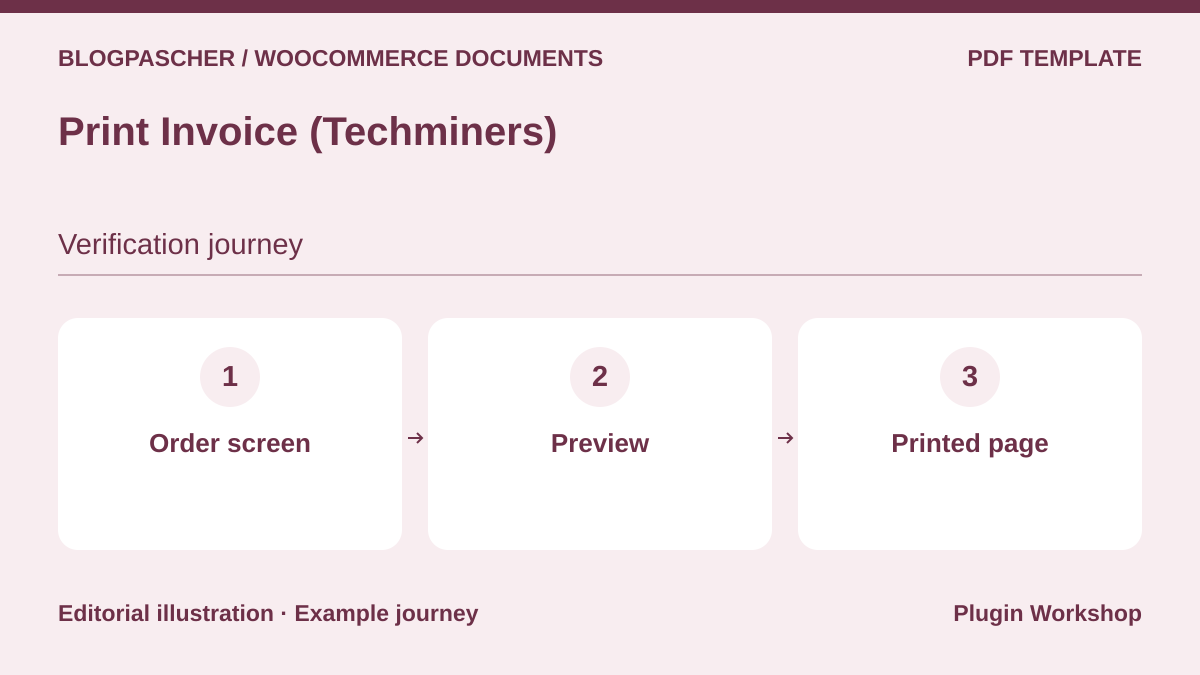 Editorial diagram. Order screen → Preview → Printed page. — BlogPasCherOpen full-size illustration ↗
Best forPrint an invoice from the chosen flow
Techminers presents printing of WooCommerce invoices. Determine who starts printing and from which page. Prepare a test order and compare the preview with the page actually printed, especially if a product name or address spans several lines.
Offer pricing
USD 39 for one year
Billing: Annual subscription
Renewal and support: Check the renewal price in the cart.
Displayed amounts. Check taxes and fees at checkout.
Checked on .
What to consider
- Check formats, browser, and printer used by the team before wider rollout.
Pricing terms and compatibility
Understanding the offer
- Price at the time of review
- USD 39 for one year
- Currency
- USD
- Billing
- Annual subscription
- Renewal and support
- Check the renewal price in the cart.
- Taxes and fees
- Displayed amounts. Check taxes and fees at checkout.
- Commitment and terms
- Unspecified. Confirm for the offer you choose.
- Date checked
Compatibility and components
- WooCommerce according to the listing. Check document type, statuses, and versions on a copy.
Order Summary PDF for WooCommerce
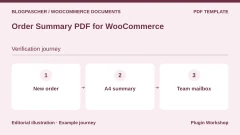
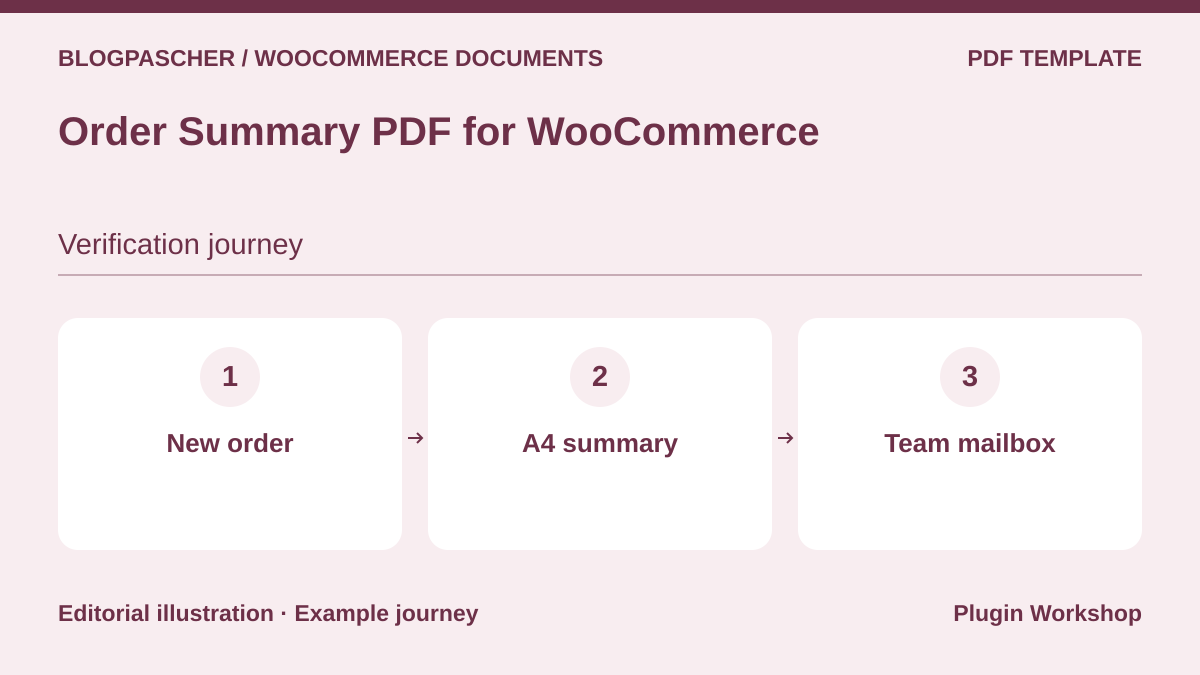 Editorial diagram. New order → A4 summary → Team mailbox. — BlogPasCherOpen full-size illustration ↗
Best forProvide an A4 summary to the team
The plugin describes an A4 summary and offers to attach it to selected WooCommerce emails. By default, the listing specifies the new-order email sent to the manager. Test an order with a variation and a note before using the document as a work sheet.
Offer pricing
Free plugin in the WordPress.org directory.
Billing: Free core
Checked on .
What to consider
- The listing states alphabet and language limits per order. The document is presented as a summary.
Pricing terms and compatibility
Understanding the offer
- Price at the time of review
- Free plugin in the WordPress.org directory.
- Currency
- Unspecified. Confirm for the offer you choose.
- Billing
- Free core
- Renewal and support
- Unspecified. Confirm for the offer you choose.
- Taxes and fees
- Unspecified. Confirm for the offer you choose.
- Commitment and terms
- Unspecified. Confirm for the offer you choose.
- Date checked
Compatibility and components
- WooCommerce according to the listing. Check document type, statuses, and versions on a copy.
Print Invoice & Delivery Notes (Tyche Softwares)
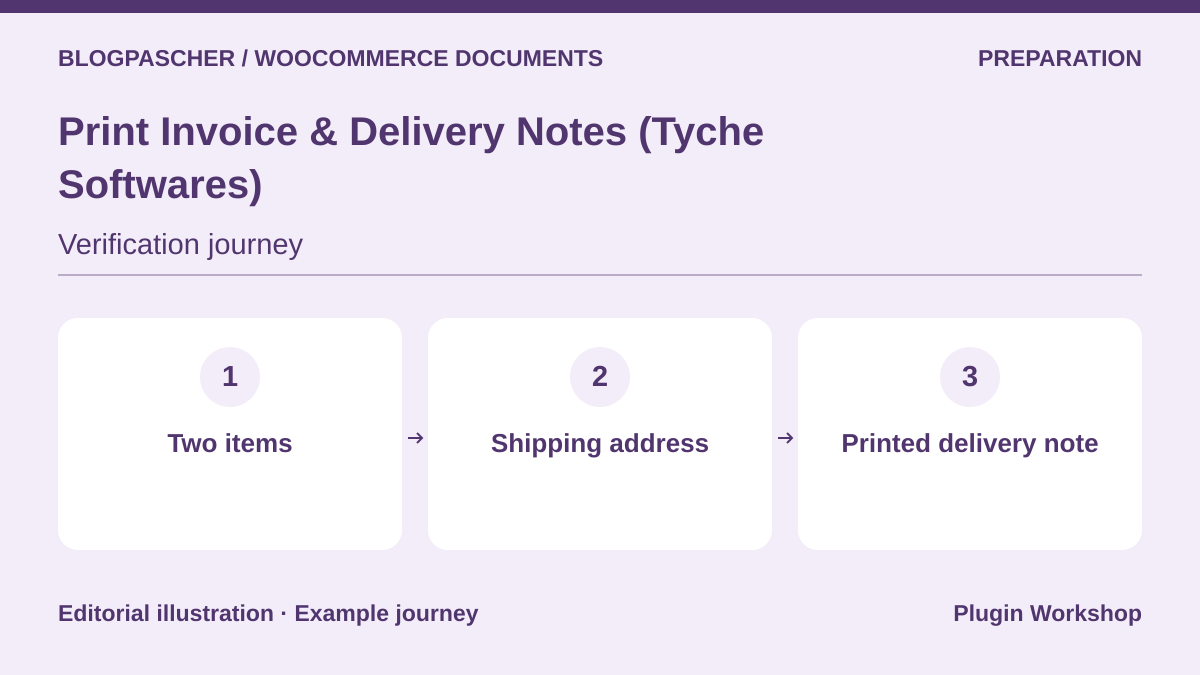 Editorial diagram. Two items → Shipping address → Printed delivery note. — BlogPasCherOpen full-size illustration ↗
Best forPrint a slip from administration
Tyche’s listing describes printing invoices and delivery notes from WooCommerce. Prepare an order with two products and a shipping address different from the billing address. Compare quantities, the address, and where the person preparing the order finds the document.
Offer pricing
Free plugin in the WordPress.org directory.
Billing: Free core
Checked on .
What to consider
- Check paper output and the scope of actions accessible to store roles.
Pricing terms and compatibility
Understanding the offer
- Price at the time of review
- Free plugin in the WordPress.org directory.
- Currency
- Unspecified. Confirm for the offer you choose.
- Billing
- Free core
- Renewal and support
- Unspecified. Confirm for the offer you choose.
- Taxes and fees
- Unspecified. Confirm for the offer you choose.
- Commitment and terms
- Unspecified. Confirm for the offer you choose.
- Date checked
Compatibility and components
- WooCommerce according to the listing. Check document type, statuses, and versions on a copy.
Print Invoices and Packing Lists (SkyVerge)
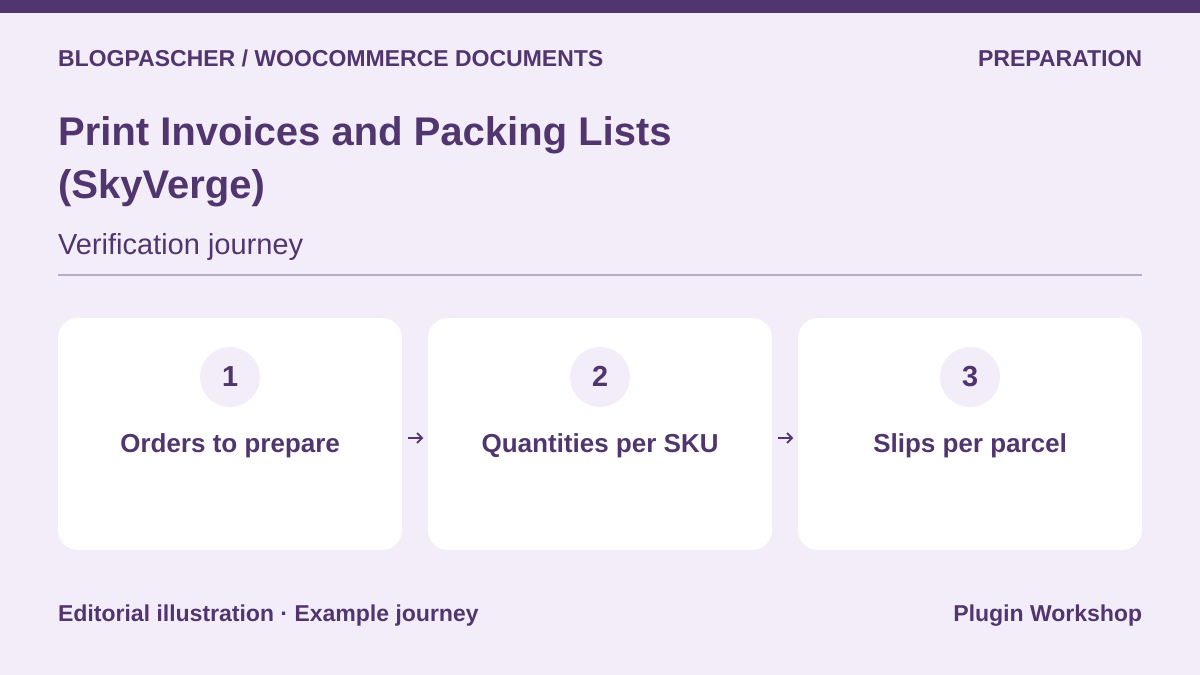 Editorial diagram. Orders to prepare → Quantities per SKU → Slips per parcel. — BlogPasCherOpen full-size illustration ↗
Best forPrepare a batch of orders from WooCommerce
SkyVerge distinguishes invoices, slips, and picking lists. Try two orders sharing a SKU, then open the list and individual slips. Check that the team can reconcile the quantity to pick with the quantity to place in each parcel.
Offer pricing
USD 79 for one year
Billing: Annual subscription
Renewal and support: Check the renewal price in the cart.
Displayed amounts. Check taxes and fees at checkout.
Checked on .
What to consider
- Grouping and sorting needs vary by workshop. Compare documents using a representative batch.
Pricing terms and compatibility
Understanding the offer
- Price at the time of review
- USD 79 for one year
- Currency
- USD
- Billing
- Annual subscription
- Renewal and support
- Check the renewal price in the cart.
- Taxes and fees
- Displayed amounts. Check taxes and fees at checkout.
- Commitment and terms
- Unspecified. Confirm for the offer you choose.
- Date checked
Compatibility and components
- WooCommerce according to the listing. Check document type, statuses, and versions on a copy.
Pick List (WooCommerce Marketplace)
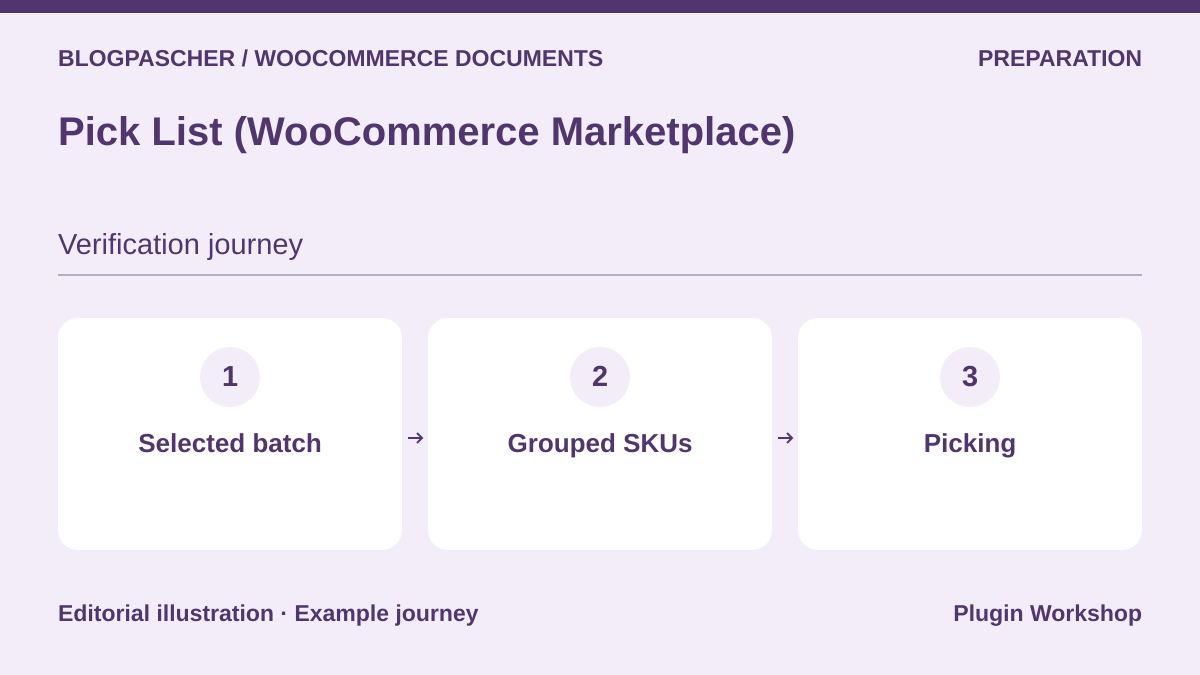 Editorial diagram. Selected batch → Grouped SKUs → Picking. — BlogPasCherOpen full-size illustration ↗
Best forTurn several orders into a pick list
Pick List describes a document intended for product picking. Prepare three fictional orders, two containing the same SKU. Compare aggregated quantities and the orders making them up. Check that an order excluded from the batch stays absent from the list.
Offer pricing
USD 129 for one year
Billing: Annual subscription
Renewal and support: Check the renewal price in the cart.
Displayed amounts. Check taxes and fees at checkout.
Checked on .
What to consider
- Test filters and line order against your actual stock arrangement.
Pricing terms and compatibility
Understanding the offer
- Price at the time of review
- USD 129 for one year
- Currency
- USD
- Billing
- Annual subscription
- Renewal and support
- Check the renewal price in the cart.
- Taxes and fees
- Displayed amounts. Check taxes and fees at checkout.
- Commitment and terms
- Unspecified. Confirm for the offer you choose.
- Date checked
Compatibility and components
- WooCommerce according to the listing. Check document type, statuses, and versions on a copy.
WooCommerce Order Barcodes (Woo)
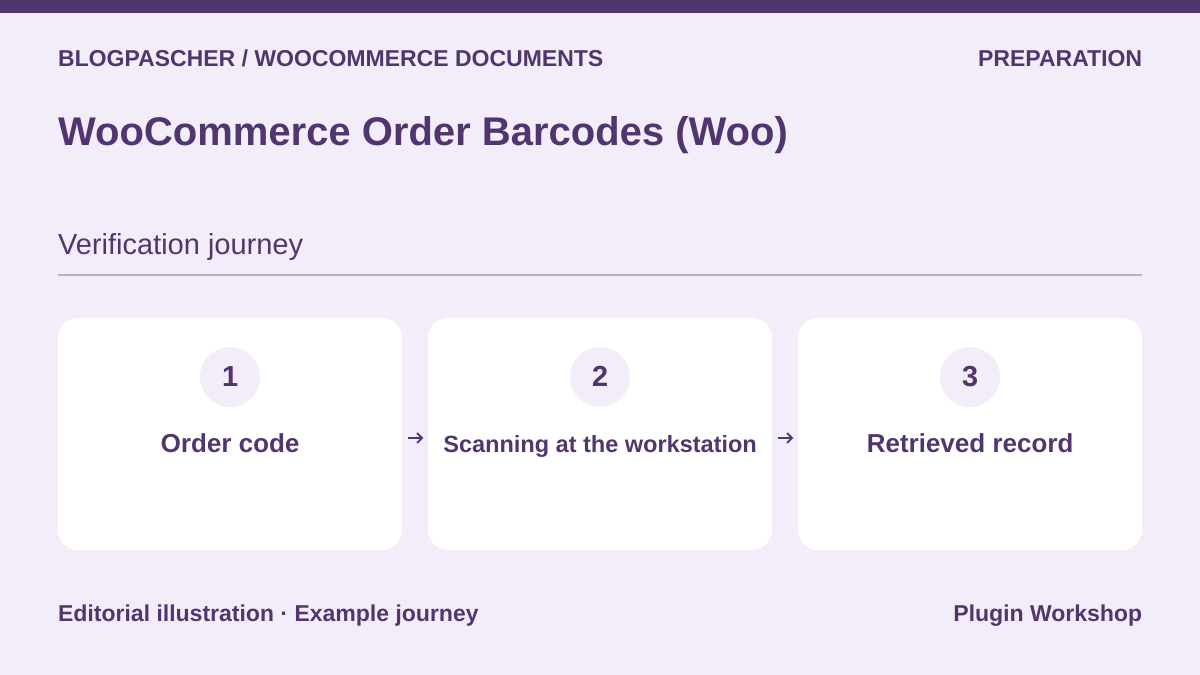 Editorial diagram. Order code → Scanning at the workstation → Retrieved record. — BlogPasCherOpen full-size illustration ↗
Best forFind an order using its code
The plugin adds a code to an order. It helps find the record during preparation or handover. Print a code from the copy, try the intended scanner, and check the order actually opened. Keep a second sample code to spot a mix-up.
Offer pricing
USD 99 or EUR 90 for one year according to the displayed table.
Billing: Annual subscription
Renewal and support: Check the renewal price in the cart.
Displayed amounts. Check taxes and fees at checkout.
Checked on .
What to consider
- The code identifies the order. The invoice and slip need their own tool or template.
Pricing terms and compatibility
Understanding the offer
- Price at the time of review
- USD 99 or EUR 90 for one year according to the displayed table.
- Currency
- USD
- Billing
- Annual subscription
- Renewal and support
- Check the renewal price in the cart.
- Taxes and fees
- Displayed amounts. Check taxes and fees at checkout.
- Commitment and terms
- Unspecified. Confirm for the offer you choose.
- Date checked
Compatibility and components
- WooCommerce according to the listing. Check document type, statuses, and versions on a copy.
Printus
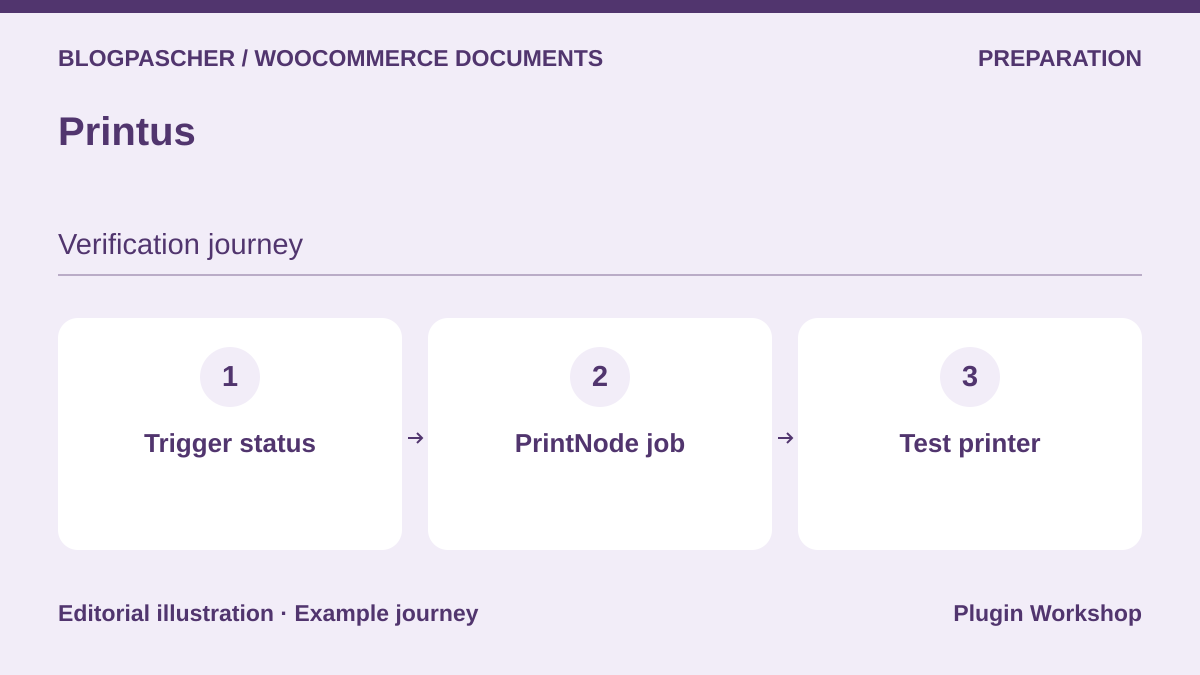 Editorial diagram. Trigger status → PrintNode job → Test printer. — BlogPasCherOpen full-size illustration ↗
Best forTrigger printing through PrintNode
Printus describes WooCommerce triggers and sending print jobs to PrintNode. Start with a test printer and a single status. Check the document and destination printer, then repeat the status change to check the number of jobs created.
Offer pricing
Free plugin. Separate PrintNode terms.
Billing: Free core
Checked on .
What to consider
- The PrintNode service has its own terms. Test recovery if the printer or workstation is unavailable.
Pricing terms and compatibility
Understanding the offer
- Price at the time of review
- Free plugin. Separate PrintNode terms.
- Currency
- Unspecified. Confirm for the offer you choose.
- Billing
- Free core
- Renewal and support
- Unspecified. Confirm for the offer you choose.
- Taxes and fees
- Unspecified. Confirm for the offer you choose.
- Commitment and terms
- Unspecified. Confirm for the offer you choose.
- Date checked
Compatibility and components
- WooCommerce according to the listing. Check document type, statuses, and versions on a copy.
BizPrint (BizSwoop)
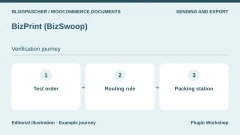
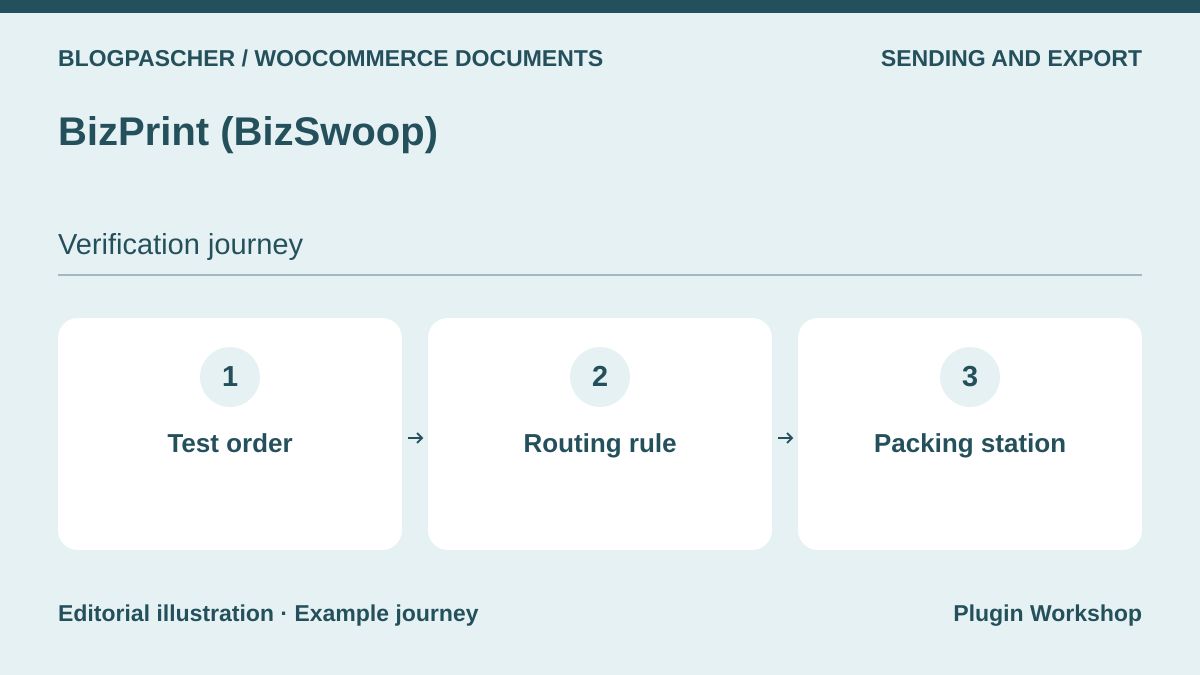 Editorial diagram. Test order → Routing rule → Packing station. — BlogPasCherOpen full-size illustration ↗
Best forRoute receipts and slips to the correct workstation
BizPrint connects WooCommerce to a printing service. A store can examine routing a receipt and slip to two workstations. Create a test order and check the template choice, printer, and behavior observed during reprinting.
Offer pricing
Plus at USD 12 per month on the annual cycle or USD 15 monthly, plus USD 0.025 per print according to the table.
Billing: Service subscription and per-print-job fees
Renewal and support: Check the period and rates applicable to the account.
Displayed amounts. Check taxes and fees at checkout.
Checked on .
What to consider
- The connector and service have separate scopes. Cost depends on plan and volume.
Pricing terms and compatibility
Understanding the offer
- Price at the time of review
- Plus at USD 12 per month on the annual cycle or USD 15 monthly, plus USD 0.025 per print according to the table.
- Currency
- USD
- Billing
- Service subscription and per-print-job fees
- Renewal and support
- Check the period and rates applicable to the account.
- Taxes and fees
- Displayed amounts. Check taxes and fees at checkout.
- Commitment and terms
- Unspecified. Confirm for the offer you choose.
- Date checked
Compatibility and components
- WooCommerce according to the listing. Check document type, statuses, and versions on a copy.
Vanquish Attach Me
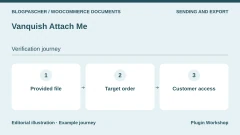
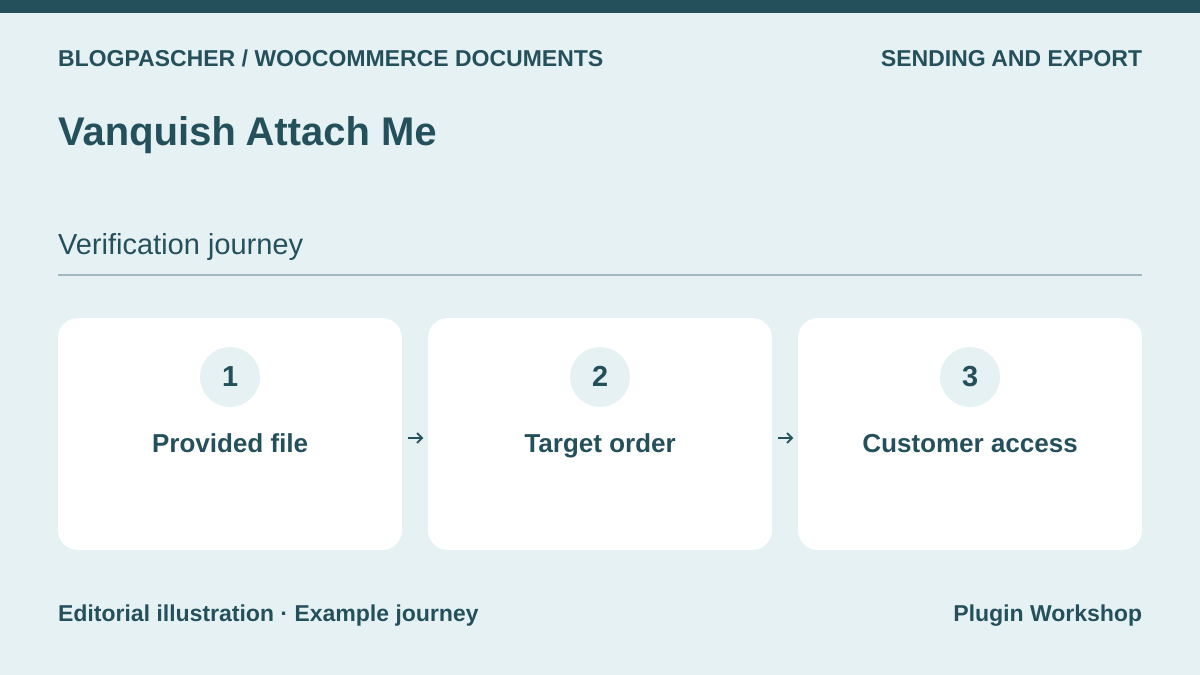 Editorial diagram. Provided file → Target order → Customer access. — BlogPasCherOpen full-size illustration ↗
Best forAttach an existing document to the correct order
The listing describes order or product attachments visible in the customer area or sent according to settings. Add two fictional files to two separate orders and open each customer account. Check the accessible attachment, link, and selected email.
Offer pricing
Free core. Pro functions depending on use.
Billing: Free core
Checked on .
What to consider
- The tool attaches a supplied file. Check visibility, size limits, and edition options.
Pricing terms and compatibility
Understanding the offer
- Price at the time of review
- Free core. Pro functions depending on use.
- Currency
- Unspecified. Confirm for the offer you choose.
- Billing
- Free core
- Renewal and support
- Unspecified. Confirm for the offer you choose.
- Taxes and fees
- Unspecified. Confirm for the offer you choose.
- Commitment and terms
- Unspecified. Confirm for the offer you choose.
- Date checked
Compatibility and components
- WooCommerce according to the listing. Check document type, statuses, and versions on a copy.
Advanced Order Export (AlgolPlus)
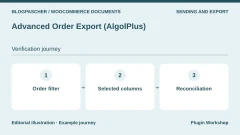
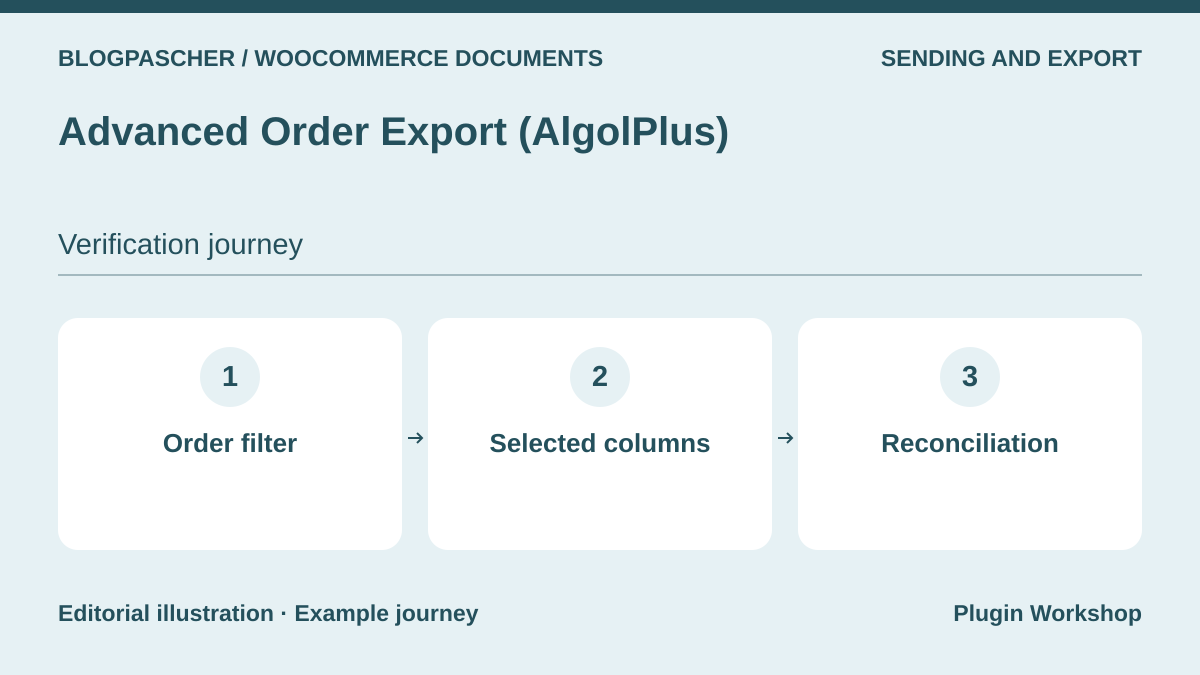 Editorial diagram. Order filter → Selected columns → Reconciliation. — BlogPasCherOpen full-size illustration ↗
Best forExport lines to reconcile with documents
The plugin describes order exports and filters. Select a period and fields the team needs to reconcile documents. Compare exported lines with the references of two orders, including one with a fictional refund.
Offer pricing
Free core. Separate Pro edition.
Billing: Free core
Checked on .
What to consider
- An export serves reconciliation. Check amounts and included fields according to format and edition.
Pricing terms and compatibility
Understanding the offer
- Price at the time of review
- Free core. Separate Pro edition.
- Currency
- Unspecified. Confirm for the offer you choose.
- Billing
- Free core
- Renewal and support
- Unspecified. Confirm for the offer you choose.
- Taxes and fees
- Unspecified. Confirm for the offer you choose.
- Commitment and terms
- Unspecified. Confirm for the offer you choose.
- Date checked
Compatibility and components
- WooCommerce according to the listing. Check document type, statuses, and versions on a copy.
Customer / Order / Coupon Export (SkyVerge)
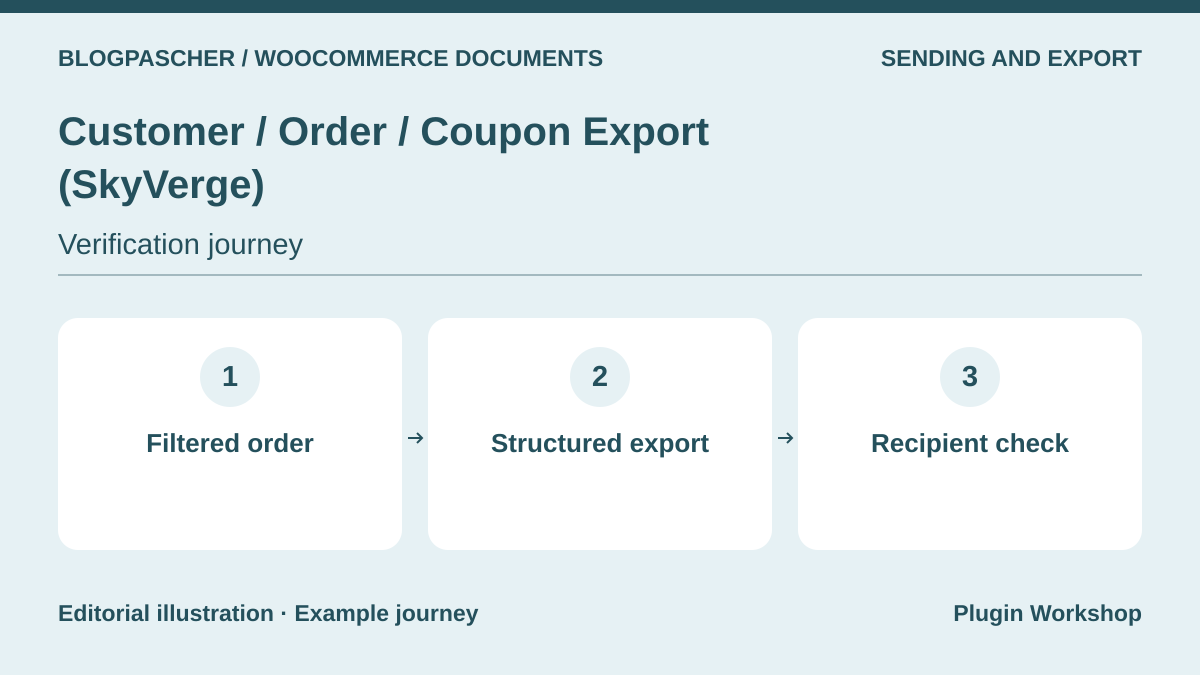 Editorial diagram. Filtered order → Structured export → Recipient check. — BlogPasCherOpen full-size illustration ↗
Best forSend an order file to an internal tool
The WooCommerce Marketplace extension describes exporting orders, customers, and coupons. Configure an order file containing the expected references and amounts, then test import on the receiving side. Keep a control excluded by the filter to check export scope.
Offer pricing
USD 79 for one year
Billing: Annual subscription
Renewal and support: Check the renewal price in the cart.
Displayed amounts. Check taxes and fees at checkout.
Checked on .
What to consider
- Transfer configuration and handling of duplicate imports must be checked in the receiving system.
Pricing terms and compatibility
Understanding the offer
- Price at the time of review
- USD 79 for one year
- Currency
- USD
- Billing
- Annual subscription
- Renewal and support
- Check the renewal price in the cart.
- Taxes and fees
- Displayed amounts. Check taxes and fees at checkout.
- Commitment and terms
- Unspecified. Confirm for the offer you choose.
- Date checked
Compatibility and components
- WooCommerce according to the listing. Check document type, statuses, and versions on a copy.
Quaderno for WooCommerce
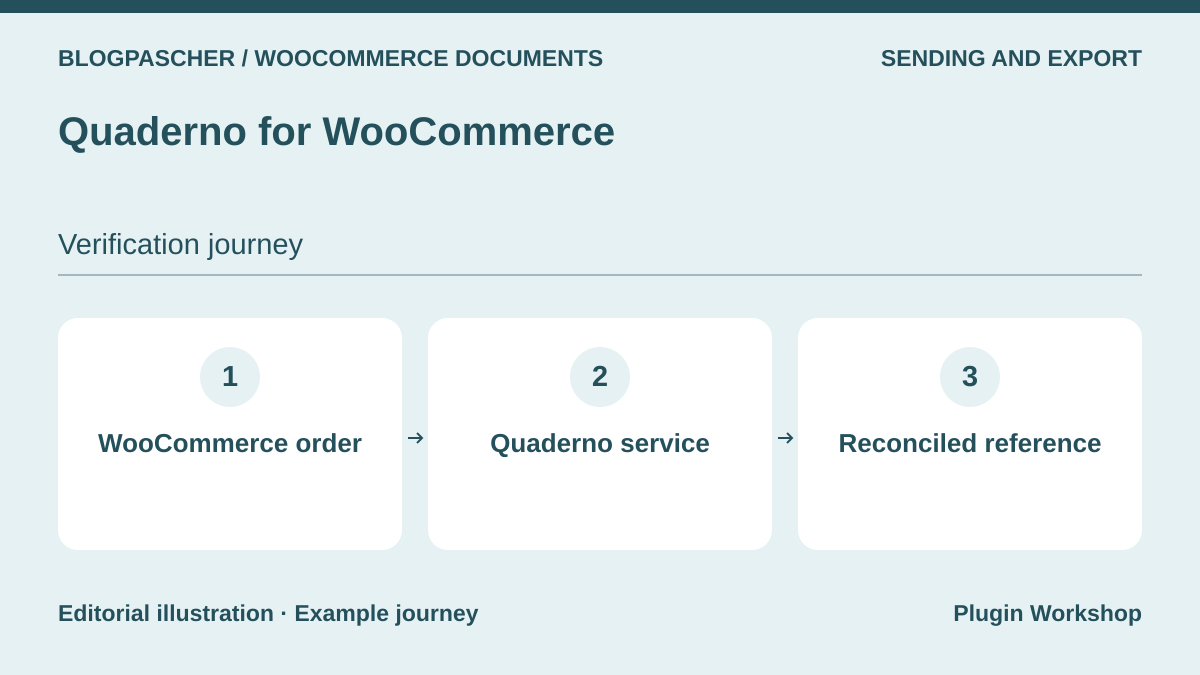 Editorial diagram. WooCommerce order → Quaderno service → Reconciled reference. — BlogPasCherOpen full-size illustration ↗
Best forReconcile documents produced by an external service
The WooCommerce connector sends order information to Quaderno, which documents invoice and receipt creation. On a test account, check the reference, amount, and documents generated after a fictional order. Also identify the reference visible on both sides during a refund.
Offer pricing
Connector available in the directory. Quaderno service billed separately according to the plan.
Billing: External-service subscription
Renewal and support: Consult the currency, volume, and period in the pricing table.
Checked on .
What to consider
- The directory plugin is a connector. The service and its terms are separate. Check support for your flow.
Pricing terms and compatibility
Understanding the offer
- Price at the time of review
- Connector available in the directory. Quaderno service billed separately according to the plan.
- Currency
- Unspecified. Confirm for the offer you choose.
- Billing
- External-service subscription
- Renewal and support
- Consult the currency, volume, and period in the pricing table.
- Taxes and fees
- Unspecified. Confirm for the offer you choose.
- Commitment and terms
- Unspecified. Confirm for the offer you choose.
- Date checked
Compatibility and components
- WooCommerce according to the listing. Check document type, statuses, and versions on a copy.