

Choose the point where the discrepancy arises
When a store displays six units and the workshop counts four, start by identifying the SKU and location. Note the physical quantity, catalog quantity, and number of temporarily reserved units. A cart, an order awaiting processing, a counter sale, and a supplier file do not describe the same event. Keep the last operation’s reference and time to identify the first point where figures diverge.
Choose the tool according to the stage to correct. A grid can make data entry more reliable. A shared-stock model can deduct units from the same component. A warehouse-based tool can determine the location assigned to an order. A connector can send the quantity to another channel. A waiting list informs customers when the product returns. The guides use these purposes to compare offers.
- Record a SKU with a discrepancy and a neighboring SKU with a reliable quantity.
- For each data source, note the quantity, timestamp, and person or application allowed to write.
Compare before you choose
The offers at a glance
Find the use case and budget that fit, then read the details to see the limitations and any components you may need.
On smaller screens, the table scrolls horizontally. With a keyboard, press Tab to focus the table, then use the left and right arrow keys.
| Offer | Best for | Pricing and billing | Renewal and support |
|---|---|---|---|
 ATUM Inventory ManagementRead the details | Maintain stock and track suppliers and movements in one place. | Free Stock Central. Separate Premium modules. Record module costs according to requirements. Free edition and paid extension | Check recurring price and scope of the chosen edition. |
 RT Stock Manager for WooCommerceRead the details | Change quantities by SKU and reconcile results with the log. | Free version on WordPress.org. None for this version | No license renewal. |
 Stock Manager (StoreApps)Read the details | Manage levels and statuses free of charge on one screen. | Free version on WordPress.org. None for this version | No license renewal. |
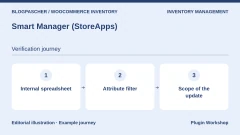 Smart Manager (StoreApps)Read the details | Combine catalog and stock operations in an internal spreadsheet. | Free Lite version. Pro at USD 199 per year for one site. Free edition and annual Pro subscription | The annual Pro plan renews. Cancellation available according to the listing. |
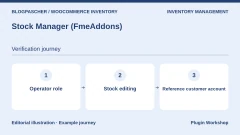 Stock Manager (FmeAddons)Read the details | Delegate entry in the grid or documented frontend editor. | USD 49 for one year, according to the currency displayed in the listing. Annual subscription | Updates and support included during the active period. Check the renewal rate. |
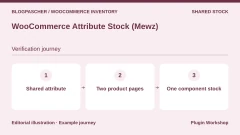 WooCommerce Attribute Stock (Mewz)Read the details | Have several products draw from the same attribute or component quantity. | USD 39 Regular or USD 149 Extended. One-time license purchase Displayed amount excludes taxes and any processing fees. | Six months of support included and future updates advertised. Optional support extension. |
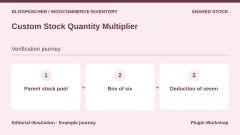 Custom Stock Quantity MultiplierRead the details | Sell a unit and a carton while deducting the correct number of parent units. | EUR 27 or USD 29 for one year according to the displayed table. Annual subscription | Check the currency and renewal price. |
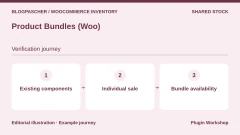 Product Bundles (Woo)Read the details | Sell a bundle made from references also sold individually. | USD 79 for one year, according to the currency displayed in the listing. Annual subscription | Updates and support included during the active period. Check the renewal rate. |
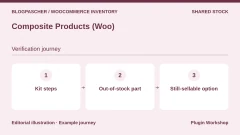 Composite Products (Woo)Read the details | Build a step-by-step kit whose options use existing products. | EUR 135 or USD 149 for one year according to the displayed table. Annual subscription | Check the currency and renewal price. |
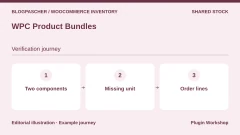 WPC Product BundlesRead the details | Check an initial assortment with simple components. | Free edition. Premium for certain composition options. Check the plan on the publisher’s listing. Free edition and paid extension | Check recurring price and scope of the chosen edition. |
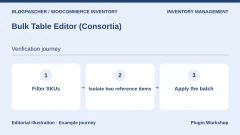 Bulk Table Editor (Consortia)Read the details | Filter and then adjust a batch of references from the same family. | USD 89 for one year Annual subscription | Check the renewal price. |
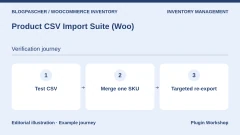 Product CSV Import Suite (Woo)Read the details | Merge catalog data in batches and identify variations. | USD 59 for one year Annual subscription | Check the renewal price. |
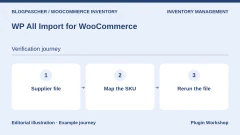 WP All Import for WooCommerceRead the details | Map a supplier file and limit rewritten fields. | USD 169 for the WooCommerce import package. The annual tab displays the equivalent of USD 14.08 per month billed yearly. WooCommerce import package. Check the selected tab. | Access to updates and support depends on the active subscription license. |
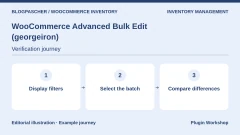 WooCommerce Advanced Bulk Edit (georgeiron)Read the details | Modify quantities and statuses with catalog filters. | USD 89 Regular license or USD 199 Extended license. One-time license purchase Displayed amount excludes taxes and any processing fees. | Six months of support listed. Optional extension. |
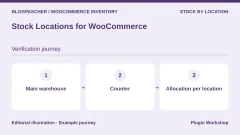 Stock Locations for WooCommerceRead the details | Distinguish quantities available across several locations. | Free plugin in the WordPress.org directory. None for this version | No license renewal. |
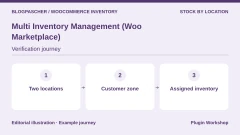 Multi Inventory Management (Woo Marketplace)Read the details | Assign quantities to several locations and check stock displayed to customers. | USD 129 for one year Annual subscription | Check the renewal price. |
 Square for WooCommerceRead the details | Reconcile Square register movements with the WooCommerce catalog. | Free plugin. Square fees depend on country and channel. Square account. Processing fees depend on use. | Consult payment terms for your country. |
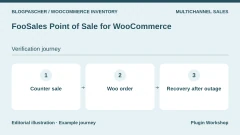 FooSales Point of Sale for WooCommerceRead the details | Record counter sales in the WooCommerce store. | USD 189 for one year Annual subscription | Check the renewal price and any payment costs. |
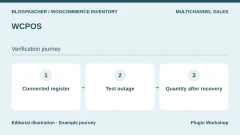 WCPOSRead the details | Run a WooCommerce register and observe movements after reconnection. | Free edition. Pro at USD 129 for one year or USD 399 lifetime. Annual Pro license or lifetime purchase. | The annual Pro license does not renew automatically. |
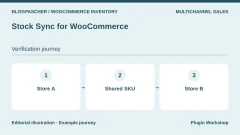 Stock Sync for WooCommerceRead the details | Synchronize quantities between WooCommerce stores sharing references. | Free edition for two stores and 100 products according to the listing. Separate Pro offer. Free edition and Pro option | Check the Pro plan according to site count. |
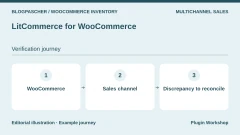 LitCommerce for WooCommerceRead the details | Reconcile WooCommerce stock with marketplace stock. | Multichannel tool from USD 29 per month. Seven-day trial advertised. Multichannel service with monthly and annual plans. | Check order limits and plan-renewal terms. |
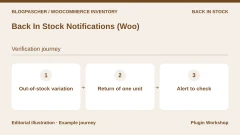 Back In Stock Notifications (Woo)Read the details | Notify subscribers when a reference becomes available again. | USD 59 for one year Annual subscription | Check the renewal price. |
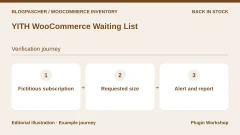 YITH WooCommerce Waiting ListRead the details | Organize waiting-list registrations and track requests. | Free edition. Premium displayed at EUR 79.99. Free edition and Premium license | One year of updates and support advertised for Premium. Check renewal. |
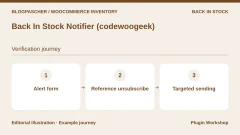 Back In Stock Notifier (codewoogeek)Read the details | Test a notification form and targeted send. | Free core in the WordPress.org directory. Paid extensions according to requirements. Free core and separate modules | Check module and sending-service costs. |
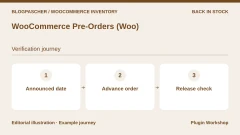 WooCommerce Pre-Orders (Woo)Read the details | Plan orders before availability and check fulfillment. | USD 179 for one year Annual subscription | Check the renewal price. |
Repeat reservation and deduction for a variation
In the local acceptance test, the size S notebook starts with five units and M with four. The fictional order contains two S notebooks. When the server reserves these two units, the recorded S quantity remains five and the reservation is two. On moving to processing, the recorded quantity drops to three and the reservation returns to zero. Cancellation restores S stock to five. Repeating restoration leaves the same number, and M stock remains four throughout.
This test was executed from the command line with WordPress 7.1.4, WooCommerce 11.2.1, PHP 8.4.8, and RT Stock Manager 2.1.0 on a local database. Order statuses were triggered in the test server. Reproduce the flow with your cart and gateway in test mode to check when your orders change status.
- On the copy, enable stock management for both variations and create an order for two S units.
- Record stock and reserved quantity before processing, after processing, and after cancellation.
- Check the M control at every stage. Keep movement evidence in the order screen or register used by the team.
Compare incoming stock with outgoing stock
To reconcile inventory, start from the last verified quantity and apply receipts, sales, and restocked returns over the same period. Add count adjustments with a reference and reason. If two logs show the same sale, keep a common order identifier to avoid deducting it twice. Decide where items set aside as defective or reserved for an order are counted.
Suppose five units are counted in the morning, four received, two shipped, and one damaged unit removed from sellable stock. The calculation gives six. If WooCommerce shows seven, compare the receipt and outflows with the order line. A one-unit discrepancy may come from a defective item left in stock, unwanted restocking, or an incomplete manual adjustment.
- Set the starting time, location, and counting unit for reconciliation.
- Compare register identifiers with orders and receipts. Trace the discrepancy before changing the quantity.
Test a CSV import with a single sample SKU
Export the lines you want to correct, keep a timestamped copy, and identify the column identifying each variation. In the RT acceptance test, updating SKU BPC-CARNET-S changes it from five to seven units. SKU BPC-INCONNU is reported as not found. Variation BPC-CARNET-M remains at four. The plugin log contains a line showing the recognized SKU’s old and new quantities.
The exercise submitted rows to the plugin’s server-side processing. For the real file, use its import screen or the WooCommerce importer, check recognized headings, and verify update mode. On a copy with no ongoing orders, a correction to seven units can serve as a sample. On an active store, an absolute quantity from an old export can erase a sale made between export and import.
- Prepare a file containing a known variation and a deliberately absent SKU. Select updating existing product pages when this option is available.
- Check which lines were modified or ignored in the summary. Export the batch again before proceeding.
- Keep a rollback batch with verified values. Reconcile orders placed since export before any restoration.
Choose a shared reserve or independent stock
When selling the same product individually and by the carton, decide where the unit reserve is maintained. A multiplier on a variable product can manage a carton of six if stock is shared by the parent. An attribute-stock tool can connect several product pages to a common material. Bundles and kits add another model when an assortment depends on several references already sold separately.
Start with ten units and sell a carton of six followed by one unit. The expected reserve is three pieces. Check the carton when the remaining quantity is too low. Cancel the order on the copy and check that all seven units return. For a kit of different parts, repeat acceptance testing with an optional part and a required part.
- Compare parent stock, each variation’s quantity, and availability displayed in the cart.
- Record data belonging to the plugin before changing its model or deactivating it.
Allocate a sale to a location
For an item present in a warehouse and at the counter, the total does not always show what can be shipped from each place. On the copy, configure five units in the warehouse and two at the counter. Prepare a delivery order and a pickup order. Compare the assigned location, available quantity, and stock the customer sees. Try the case where the priority location no longer has enough units.
If a transfer moves items, give it a reference and track quantities at dispatch and receipt. If in-transit items remain unavailable, check that they are not offered at both locations during transport. Have the person preparing orders approve the rule.
- Simulate a reservation at the pickup location and a sale elsewhere. Record both movements separately.
- Examine the catalog and order summary when the selected location is out of stock.
Identify delays between a register and a store
If several channels share a reserve, name the authoritative system for each SKU. Compare quantities at opening and after a test sale. Keep the order identifier, sale time, and remote-channel update time. When a connector offers several synchronization directions, test the rule resolving two writes to the same reference.
During an outage, a counter sale may reach the store late. In a test environment, trigger a single sale during the interruption, then reconnect the register. Check that the order appears once and stock is deducted only once. Repeat with a cancellation and compare the delay until the expected value.
- Repeat an online sale and register sale on two different references before trying the same SKU.
- Record unmatched movements and synchronization-queue status.
Separate replenishment from notifications
A back-in-stock alert can notify a customer as soon as a variation becomes available. If several people await the same size, a single unit may sell before all recipients open the message. On the copy, register two test addresses, restock a variation, and follow the email queue and destination page.
Preorders follow a distinct flow. The store accepts an order before availability under the stated terms, with payment handled according to the gateway and chosen mode. Choose the procedure based on your promise. To test a fictional availability date, follow the order to the expected action and check how the customer is informed if replenishment is postponed.
- Check the alert for the available size and a size still sold out.
- Check the date, payment, and order status before enabling a preorder.
Check costs and operational recovery
Recorded amounts correspond to currencies and periods displayed by publishers. Several plugins offer a free core with separate options. Point-of-sale tools and connectors may add charges according to account, terminals, or channels. To compare two solutions, record the tested edition, number of stores and locations, synchronization frequency, and log access.
Prepare a stock export, backup, list of sample references, and order log to reconcile. Test rollback on a copy by following the same scenario after restoration. The flow is validated when the team can explain physical quantity, sellable quantity, and observed movements for every sample SKU.
- Keep the correction procedure and name of the person approving a stock change.
- Repeat a purchase, cancellation, and targeted import after restoring the copy.
Further reading
Sources and references
Use these references to check the features, requirements and limitations described. Reading documentation is not a practical test.
View 38 references
- ATUM Inventory Management — Plugin listing ↗ — Documentation consulted:
- ATUM Inventory Management — Developer documentation ↗ — Documentation consulted:
- RT Stock Manager for WooCommerce — Plugin listing ↗ — Documentation consulted:
- Stock Manager (StoreApps) — Plugin listing ↗ — Documentation consulted:
- Smart Manager (StoreApps) — Plugin listing ↗ — Documentation consulted:
- Smart Manager (StoreApps) — Offer pricing and terms ↗ — Documentation consulted:
- Stock Manager (FmeAddons) — Plugin listing ↗ — Documentation consulted:
- WooCommerce Attribute Stock (Mewz) — Plugin listing ↗ — Documentation consulted:
- WooCommerce Attribute Stock (Mewz) — Developer documentation ↗ — Documentation consulted:
- WooCommerce Attribute Stock (Mewz) — Developer documentation ↗ — Documentation consulted:
- Custom Stock Quantity Multiplier — Plugin listing ↗ — Documentation consulted:
- Custom Stock Quantity Multiplier — Developer documentation ↗ — Documentation consulted:
- Product Bundles (Woo) — Plugin listing ↗ — Documentation consulted:
- Product Bundles (Woo) — Developer documentation ↗ — Documentation consulted:
- Composite Products (Woo) — Plugin listing ↗ — Documentation consulted:
- Composite Products (Woo) — Developer documentation ↗ — Documentation consulted:
- WPC Product Bundles — Plugin listing ↗ — Documentation consulted:
- WPC Product Bundles — Developer documentation ↗ — Documentation consulted:
- Bulk Table Editor (Consortia) — Plugin listing ↗ — Documentation consulted:
- Product CSV Import Suite (Woo) — Plugin listing ↗ — Documentation consulted:
- WP All Import pour WooCommerce — Plugin listing ↗ — Documentation consulted:
- WP All Import pour WooCommerce — Offer pricing and terms ↗ — Documentation consulted:
- WooCommerce Advanced Bulk Edit (georgeiron) — Plugin listing ↗ — Documentation consulted:
- Stock Locations for WooCommerce — Plugin listing ↗ — Documentation consulted:
- Multi Inventory Management (Woo Marketplace) — Plugin listing ↗ — Documentation consulted:
- Square for WooCommerce — Plugin listing ↗ — Documentation consulted:
- FooSales Point of Sale for WooCommerce — Plugin listing ↗ — Documentation consulted:
- WCPOS — Plugin listing ↗ — Documentation consulted:
- WCPOS — Offer pricing and terms ↗ — Documentation consulted:
- Stock Sync for WooCommerce — Plugin listing ↗ — Documentation consulted:
- LitCommerce pour WooCommerce — Plugin listing ↗ — Documentation consulted:
- LitCommerce pour WooCommerce — Offer pricing and terms ↗ — Documentation consulted:
- Back In Stock Notifications (Woo) — Plugin listing ↗ — Documentation consulted:
- YITH WooCommerce Waiting List — Plugin listing ↗ — Documentation consulted:
- Back In Stock Notifier (codewoogeek) — Plugin listing ↗ — Documentation consulted:
- WooCommerce Pre-Orders (Woo) — Plugin listing ↗ — Documentation consulted:
- WooCommerce product and stock management ↗ — Documentation consulted:
- WooCommerce CSV import and export ↗ — Documentation consulted:
Uses, prices and what to check
25 offers in detail
Compare the features you need and the terms of each offer. The order of these entries does not indicate a ranking.
ATUM Inventory Management
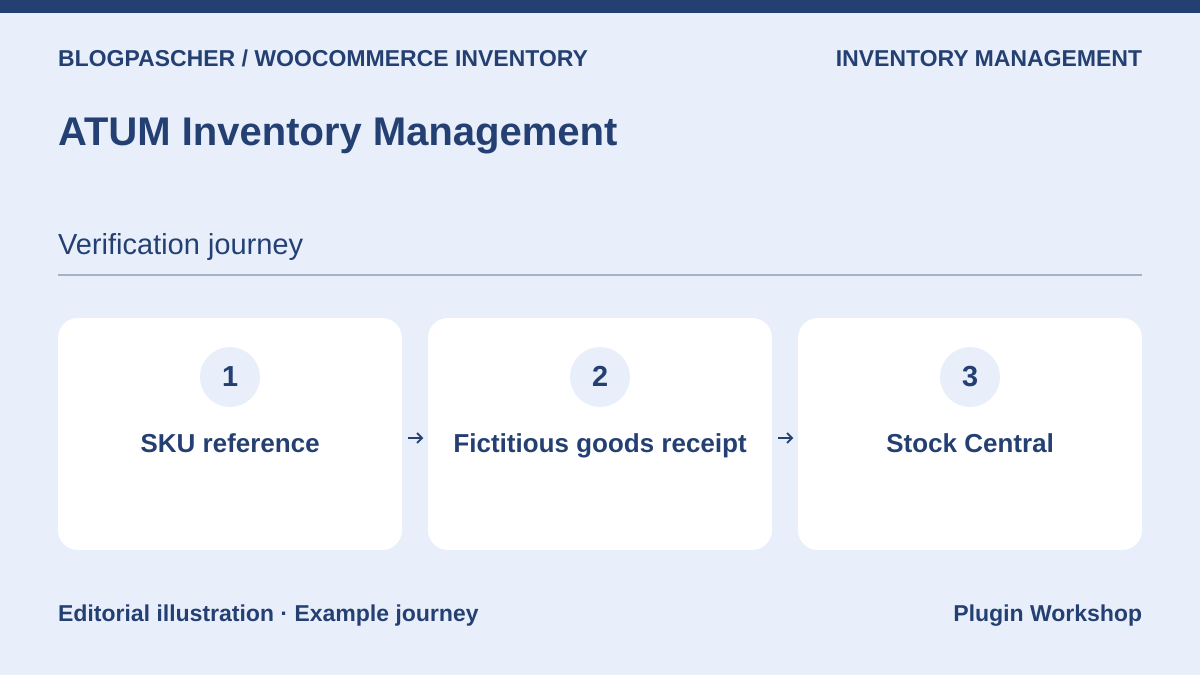 Editorial diagram. SKU reference → Fictitious goods receipt → Stock Central. — BlogPasCherOpen full-size illustration ↗
Best forMaintain stock and track suppliers and movements in one place.
ATUM describes a Stock Central view bringing references and quantities together. Its listing distinguishes low stock, movements, and supplier purchases. Start with a fictional receipt and compare the quantity with WooCommerce for the same SKU. If your project requires several warehouses or component management, check which ATUM module adds the function and which data becomes specific to it.
Offer pricing
Free Stock Central. Separate Premium modules. Record module costs according to requirements.
Billing: Free edition and paid extension
Renewal and support: Check recurring price and scope of the chosen edition.
Checked on .
Strengths
- Central view, suppliers, and movement log according to the chosen scope.
What to consider
- The core and advanced-stock modules have different scopes.
Pricing terms and compatibility
Understanding the offer
- Price at the time of review
- Free Stock Central. Separate Premium modules. Record module costs according to requirements.
- Currency
- Unspecified. Confirm for the offer you choose.
- Billing
- Free edition and paid extension
- Renewal and support
- Check recurring price and scope of the chosen edition.
- Taxes and fees
- Unspecified. Confirm for the offer you choose.
- Commitment and terms
- Unspecified. Confirm for the offer you choose.
- Date checked
Compatibility and components
- WooCommerce required. Repeat stock receipt after an update.
RT Stock Manager for WooCommerce
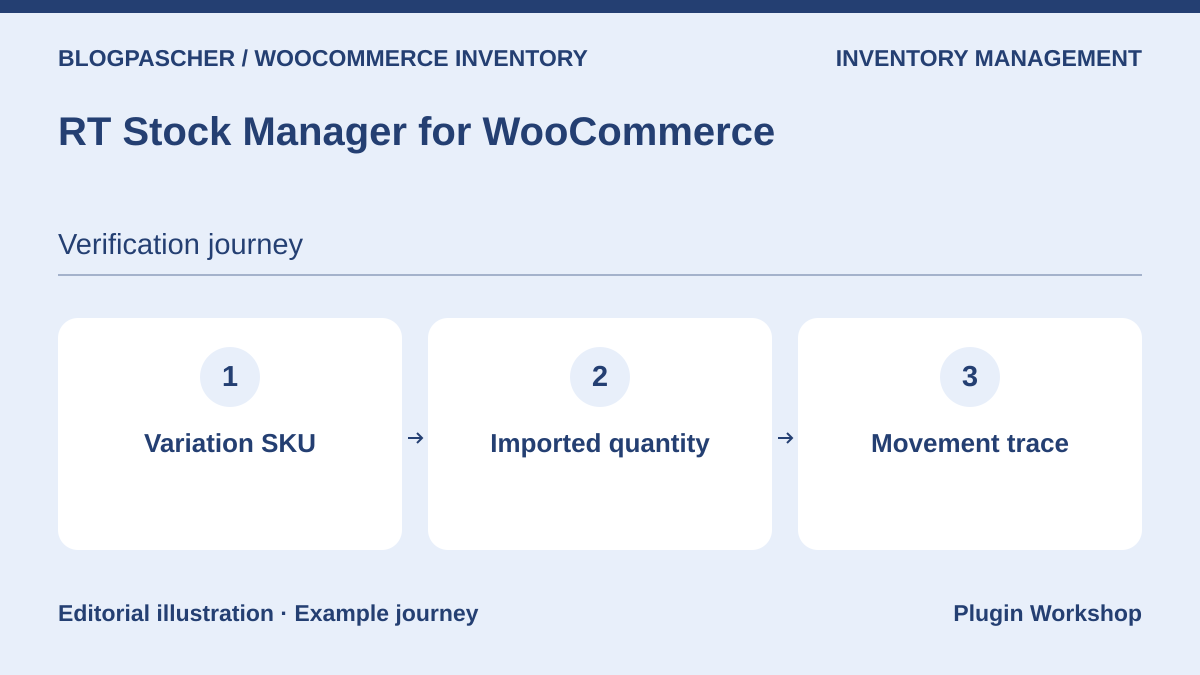 Editorial diagram. Variation SKU → Imported quantity → Movement trace. — BlogPasCherOpen full-size illustration ↗
Best forChange quantities by SKU and reconcile results with the log.
The table groups quantities and statuses, with CSV export and import. Variations are separate rows. On our copy, we submitted a change for reference BPC-CARNET-S and kept BPC-CARNET-M as a control. This article’s acceptance test uses the plugin’s server-side processing. Also check columns and values arriving from your spreadsheet before a bulk import.
Offer pricing
Free version on WordPress.org.
Billing: None for this version
Renewal and support: No license renewal.
Checked on .
Strengths
- Log of old and new quantities for changes made through the plugin.
What to consider
- The plugin log has a different scope from the history of all orders.
Pricing terms and compatibility
Understanding the offer
- Price at the time of review
- Free version on WordPress.org.
- Currency
- Unspecified. Confirm for the offer you choose.
- Billing
- None for this version
- Renewal and support
- No license renewal.
- Taxes and fees
- Unspecified. Confirm for the offer you choose.
- Commitment and terms
- Unspecified. Confirm for the offer you choose.
- Date checked
Compatibility and components
- Edition 2.1.0 in the WooCommerce 11.2.1 test case. Check browser behavior before adoption.
Stock Manager (StoreApps)
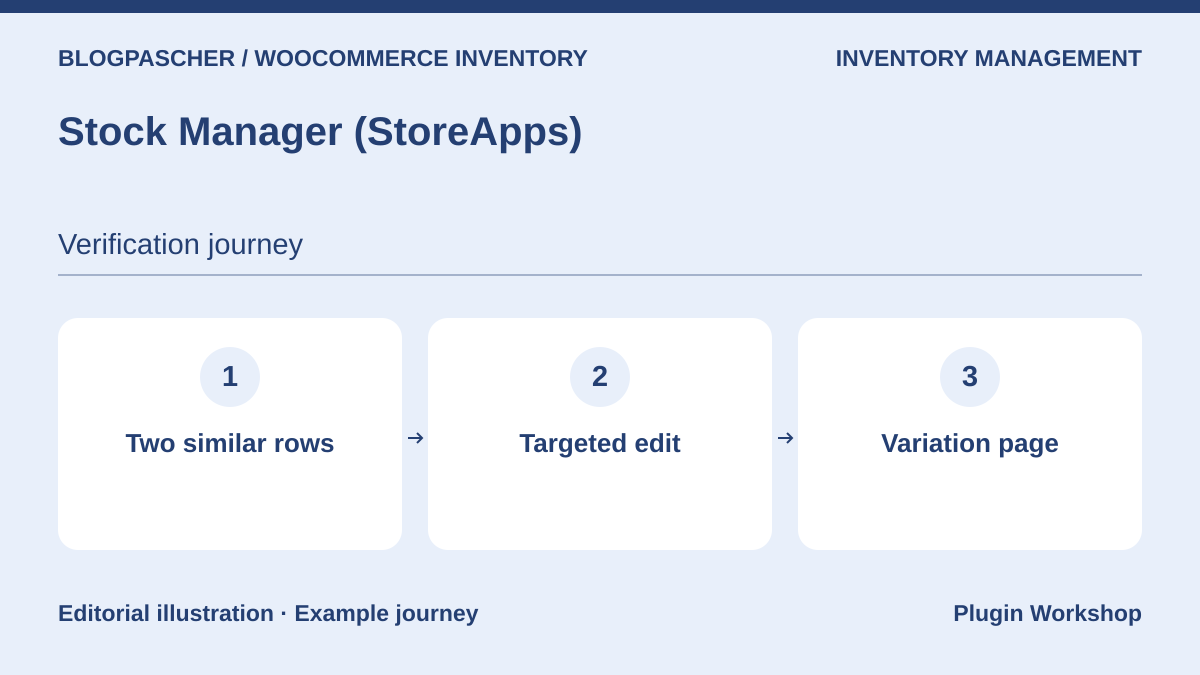 Editorial diagram. Two similar rows → Targeted edit → Variation page. — BlogPasCherOpen full-size illustration ↗
Best forManage levels and statuses free of charge on one screen.
StoreApps groups quantity, status, SKU, and backorder settings. The table can filter products and variations and export stock data. Start with two similar-looking variations in the catalog. Set a threshold or quantity on only one row and check the product page to confirm the management level.
Offer pricing
Free version on WordPress.org.
Billing: None for this version
Renewal and support: No license renewal.
Checked on .
Strengths
- A tool specialized in stock operations and variations.
What to consider
- Check role controls before delegating bulk changes.
Pricing terms and compatibility
Understanding the offer
- Price at the time of review
- Free version on WordPress.org.
- Currency
- Unspecified. Confirm for the offer you choose.
- Billing
- None for this version
- Renewal and support
- No license renewal.
- Taxes and fees
- Unspecified. Confirm for the offer you choose.
- Commitment and terms
- Unspecified. Confirm for the offer you choose.
- Date checked
Compatibility and components
- WooCommerce required. Check CSV columns before a round trip.
Smart Manager (StoreApps)
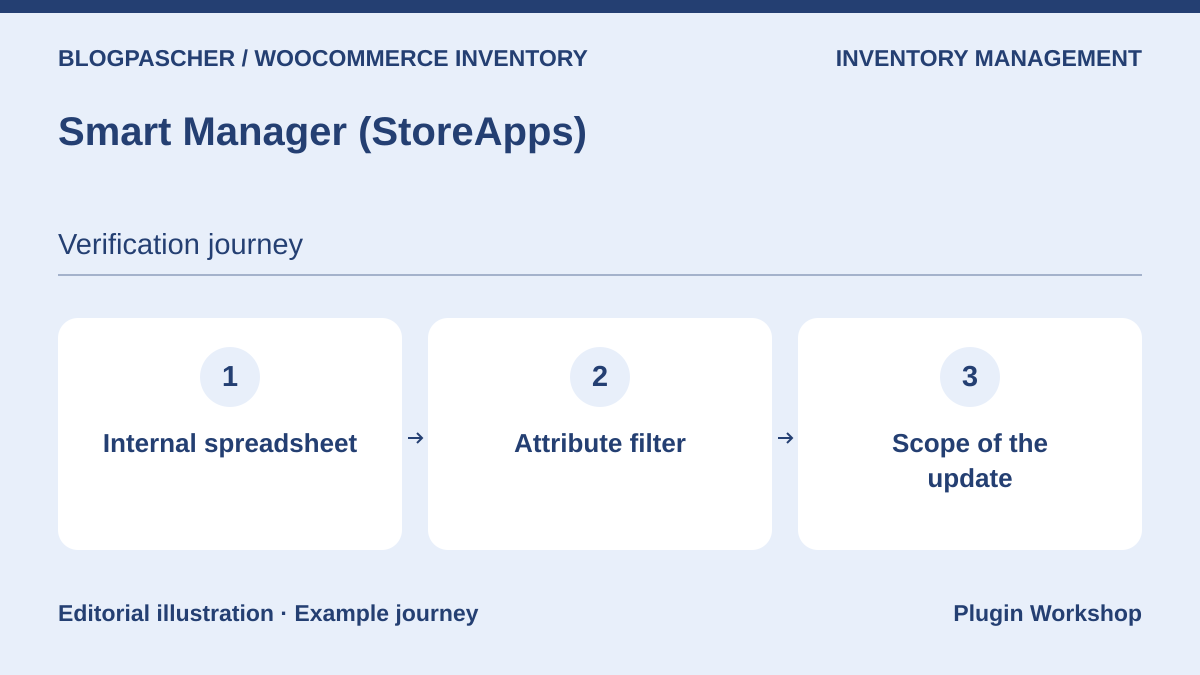 Editorial diagram. Internal spreadsheet → Attribute filter → Update scope. — BlogPasCherOpen full-size illustration ↗
Best forCombine catalog and stock operations in an internal spreadsheet.
Smart Manager also targets products, orders, and other data. Filters and grid editing can support inventory checks. The supplier reserves certain bulk and variation operations for Pro. Before choosing this offer, compare the Lite grid with the same publisher’s Stock Manager and try the exact filter your team needs.
Offer pricing
Free Lite version. Pro at USD 199 per year for one site.
Billing: Free edition and annual Pro subscription
Renewal and support: The annual Pro plan renews. Cancellation available according to the listing.
Checked on .
Strengths
- Cross-functional work on products, variations, and other WooCommerce data.
What to consider
- An overly broad filter can include price columns or rows outside inventory.
Pricing terms and compatibility
Understanding the offer
- Price at the time of review
- Free Lite version. Pro at USD 199 per year for one site.
- Currency
- USD
- Billing
- Free edition and annual Pro subscription
- Renewal and support
- The annual Pro plan renews. Cancellation available according to the listing.
- Taxes and fees
- Unspecified. Confirm for the offer you choose.
- Commitment and terms
- Unspecified. Confirm for the offer you choose.
- Date checked
Compatibility and components
- Check the edition required to apply quantities to variations in bulk.
Stock Manager (FmeAddons)
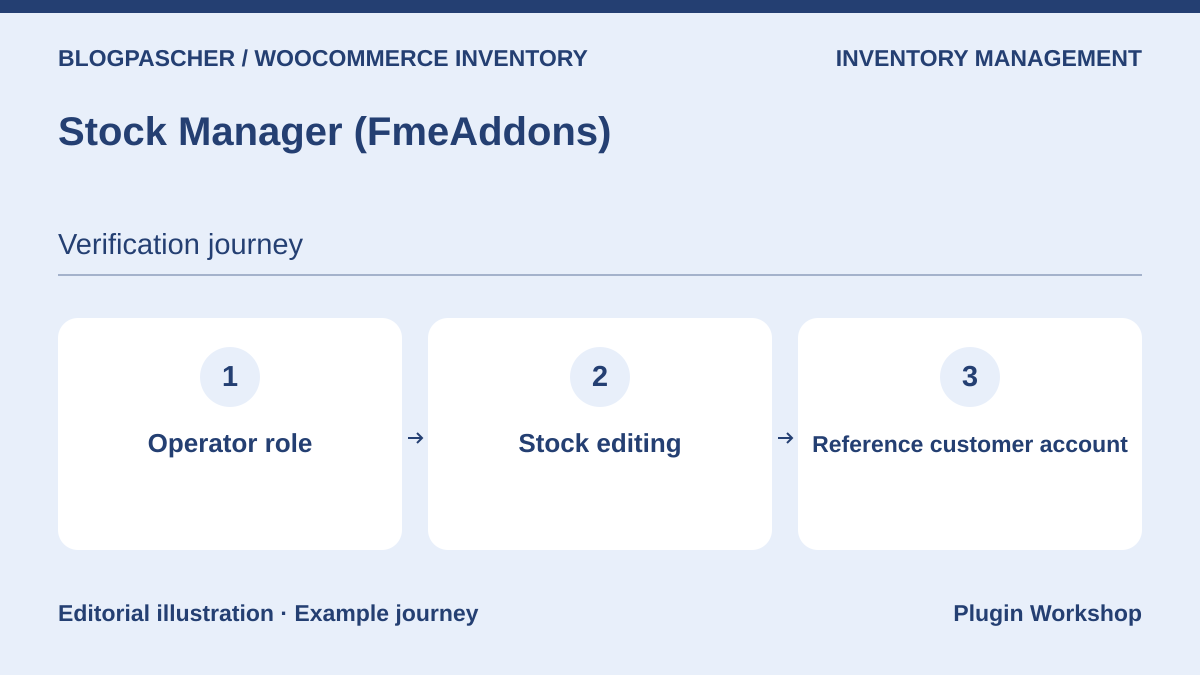 Editorial diagram. Operator role → Stock editing → Reference customer account. — BlogPasCherOpen full-size illustration ↗
Best forDelegate entry in the grid or documented frontend editor.
This FmeAddons extension offers a grid, stock filters, and history. It also documents an editor on the public site for authorized people. This mode may suit a counter team that does not work in the dashboard. Try an operator role and fictional customer account to confirm who sees editing controls and can use them.
Offer pricing
USD 49 for one year, according to the currency displayed in the listing.
Billing: Annual subscription
Renewal and support: Updates and support included during the active period. Check the renewal rate.
Checked on .
Strengths
- Entry modes in administration and through the site interface.
What to consider
- Test frontend-form and grid permissions separately.
Pricing terms and compatibility
Understanding the offer
- Price at the time of review
- USD 49 for one year, according to the currency displayed in the listing.
- Currency
- USD
- Billing
- Annual subscription
- Renewal and support
- Updates and support included during the active period. Check the renewal rate.
- Taxes and fees
- Unspecified. Confirm for the offer you choose.
- Commitment and terms
- Unspecified. Confirm for the offer you choose.
- Date checked
Compatibility and components
- The listing displays a publisher test with WooCommerce 11.2.1.
WooCommerce Attribute Stock (Mewz)
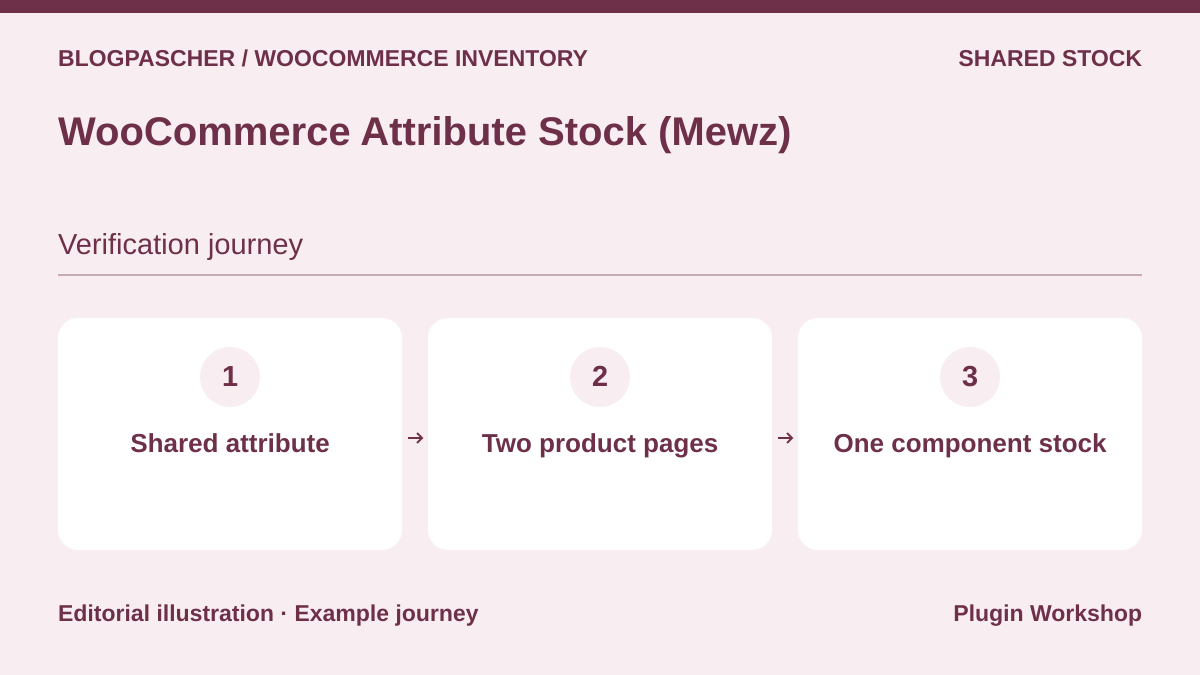 Editorial diagram. Shared attribute → Two product pages → One component stock. — BlogPasCherOpen full-size illustration ↗
Best forHave several products draw from the same attribute or component quantity.
Mewz adds attribute stock with rules connecting several products or variations. The listing describes deductions of varying sizes. Make an individual sale, a bundle sale, and a cancellation on the copy. Record native stock and component stock after each movement. A reference may be covered by several rules, and priority must match your model.
Offer pricing
USD 39 Regular or USD 149 Extended.
Billing: One-time license purchase
Renewal and support: Six months of support included and future updates advertised. Optional support extension.
Displayed amount excludes taxes and any processing fees.
Checked on .
Strengths
- Sharing rules and variable quantities beyond a single parent product.
What to consider
- Check all mappings and the effect of deactivation on a cart.
Pricing terms and compatibility
Understanding the offer
- Price at the time of review
- USD 39 Regular or USD 149 Extended.
- Currency
- USD
- Billing
- One-time license purchase
- Renewal and support
- Six months of support included and future updates advertised. Optional support extension.
- Taxes and fees
- Displayed amount excludes taxes and any processing fees.
- Commitment and terms
- Check the license appropriate to the intended use.
- Date checked
Compatibility and components
- Plan acceptance testing with the paid version, cart used, and other stock-deduction tools.
Custom Stock Quantity Multiplier
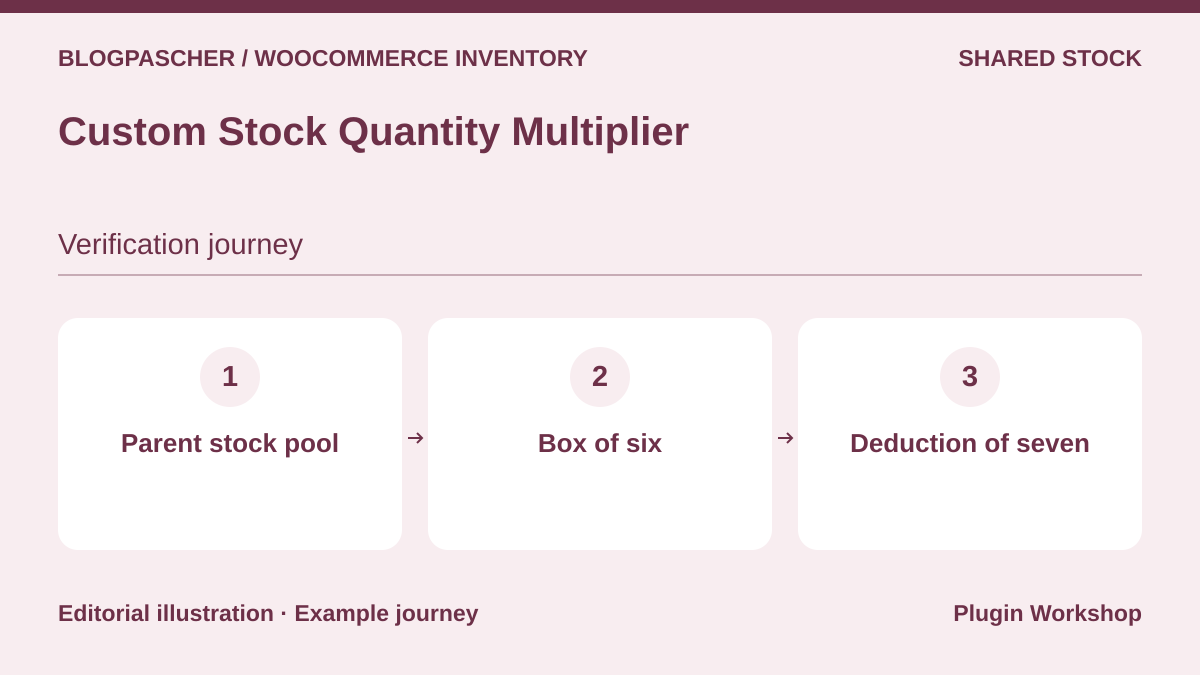 Editorial diagram. Parent stock pool → Box of six → Deduction of seven. — BlogPasCherOpen full-size illustration ↗
Best forSell a unit and a carton while deducting the correct number of parent units.
AICOSO documents a single reserve at variable-product level and a multiplier for each pack size. A carton of six and one piece should therefore draw seven units from the reserve. Keep a variation drawing a single unit as a control. Check the cart when remaining pieces are fewer than a carton’s contents.
Offer pricing
EUR 27 or USD 29 for one year according to the displayed table.
Billing: Annual subscription
Renewal and support: Check the currency and renewal price.
Checked on .
Strengths
- Explicit correspondence between a pack size and physical-unit count.
What to consider
- The model uses parent stock. Check requirements extending beyond one variable product.
Pricing terms and compatibility
Understanding the offer
- Price at the time of review
- EUR 27 or USD 29 for one year according to the displayed table.
- Currency
- EUR
- Billing
- Annual subscription
- Renewal and support
- Check the currency and renewal price.
- Taxes and fees
- Unspecified. Confirm for the offer you choose.
- Commitment and terms
- Unspecified. Confirm for the offer you choose.
- Date checked
Compatibility and components
- The setup documentation specifies WooCommerce 9.0 or later and PHP 7.4.
Product Bundles (Woo)
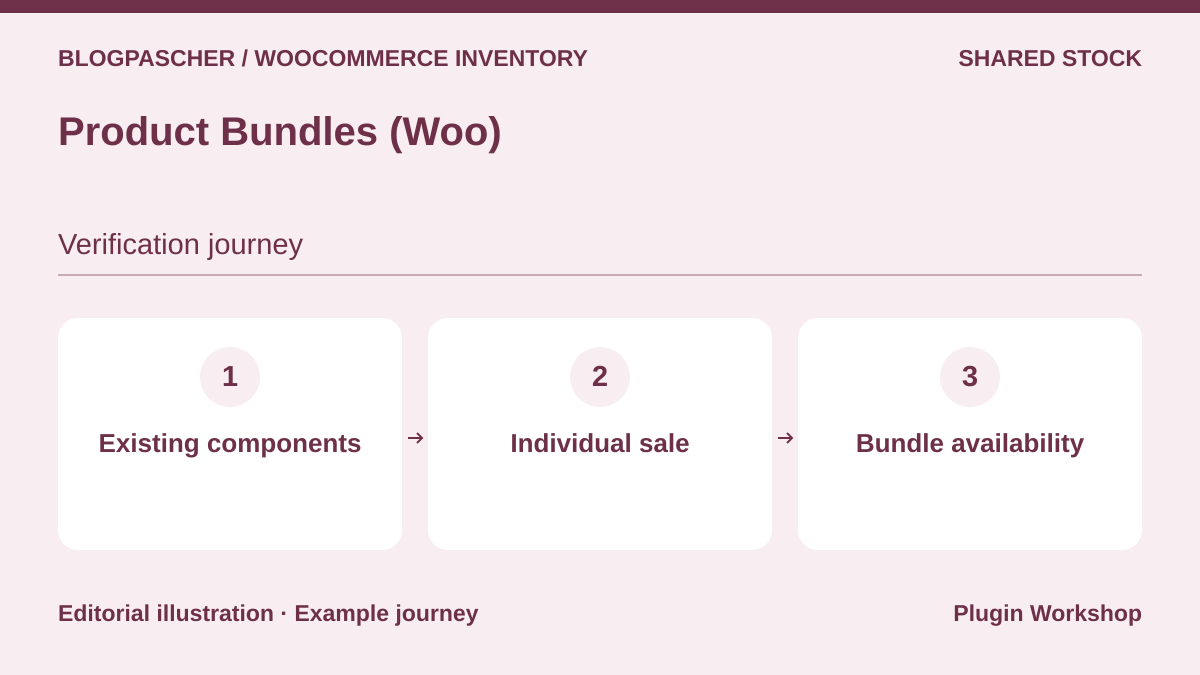 Editorial diagram. Existing components → Individual sale → Bundle availability. — BlogPasCherOpen full-size illustration ↗
Best forSell a bundle made from references also sold individually.
Product Bundles groups existing products or variations and helps identify bundles missing a component. Give one component three units and another only one. Then buy an individual unit on the copy and check the bundle’s new status. Also record the return of a unit when cancellation restocks items.
Offer pricing
USD 79 for one year, according to the currency displayed in the listing.
Billing: Annual subscription
Renewal and support: Updates and support included during the active period. Check the renewal rate.
Checked on .
Strengths
- Bundle checks based on component availability.
What to consider
- An optional component and a required component may have different effects.
Pricing terms and compatibility
Understanding the offer
- Price at the time of review
- USD 79 for one year, according to the currency displayed in the listing.
- Currency
- USD
- Billing
- Annual subscription
- Renewal and support
- Updates and support included during the active period. Check the renewal rate.
- Taxes and fees
- Unspecified. Confirm for the offer you choose.
- Commitment and terms
- Unspecified. Confirm for the offer you choose.
- Date checked
Compatibility and components
- Check bundles with your cart, export, and component types used.
Composite Products (Woo)
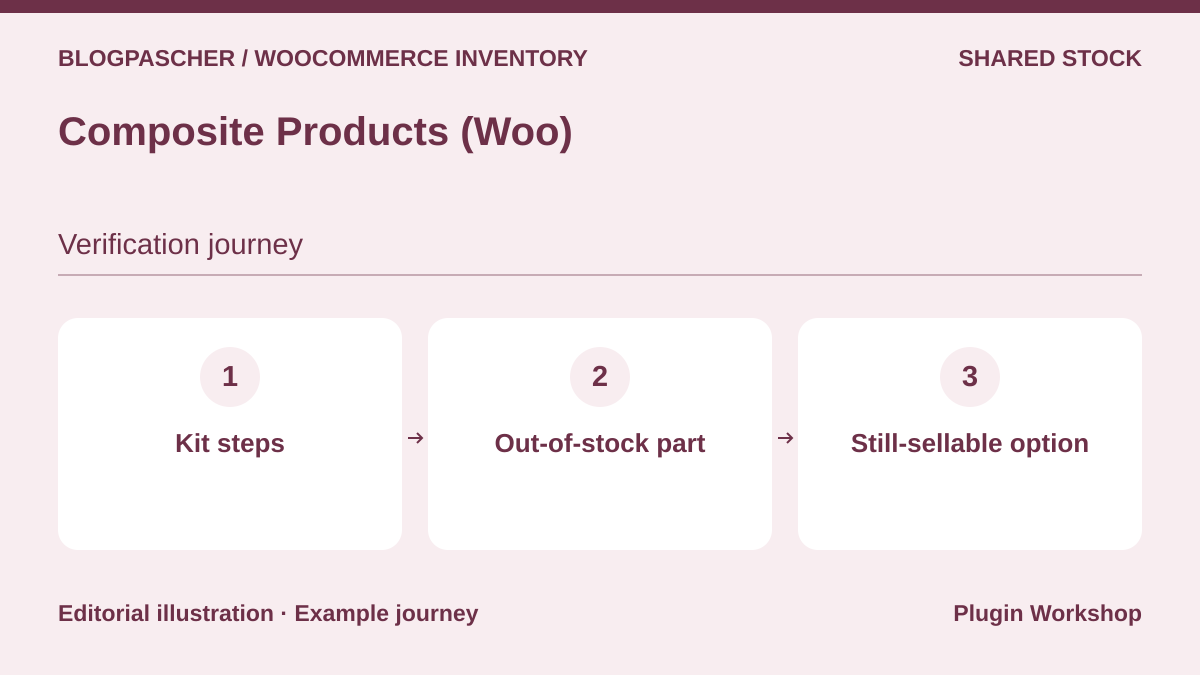 Editorial diagram. Kit steps → Out-of-stock part → Still-sellable option. — BlogPasCherOpen full-size illustration ↗
Best forBuild a step-by-step kit whose options use existing products.
Composite Products allows component-level choices and conditional logic. Create a kit with two case options and make one unavailable. Check what happens to the configuration, other choices, and order. Distinguish a part made inaccessible by a condition from one whose quantity is actually exhausted.
Offer pricing
EUR 135 or USD 149 for one year according to the displayed table.
Billing: Annual subscription
Renewal and support: Check the currency and renewal price.
Checked on .
Strengths
- Selection stages and configuration rules associated with existing references.
What to consider
- A kit with many combinations requires a test matrix.
Pricing terms and compatibility
Understanding the offer
- Price at the time of review
- EUR 135 or USD 149 for one year according to the displayed table.
- Currency
- EUR
- Billing
- Annual subscription
- Renewal and support
- Check the currency and renewal price.
- Taxes and fees
- Unspecified. Confirm for the offer you choose.
- Commitment and terms
- Unspecified. Confirm for the offer you choose.
- Date checked
Compatibility and components
- Check components, variations, cart, and logistics integration together.
WPC Product Bundles
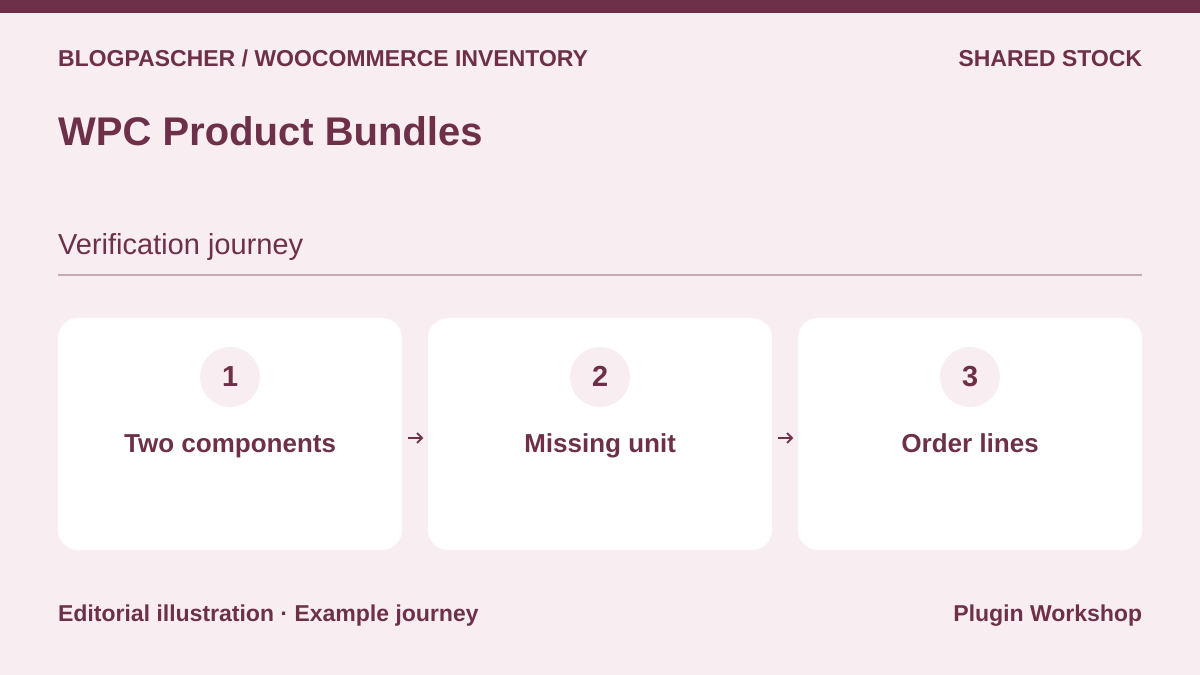 Editorial diagram. Two components → Missing unit → Order lines. — BlogPasCherOpen full-size illustration ↗
Best forCheck an initial assortment with simple components.
WPC Product Bundles describes assortments with a quantity per item and variations depending on the edition. Start with two simple products used elsewhere. Make one unavailable, open the bundle, and check order-line details. On an already imported catalog, identify each component by SKU to avoid accidentally including a duplicate product page.
Offer pricing
Free edition. Premium for certain composition options. Check the plan on the publisher’s listing.
Billing: Free edition and paid extension
Renewal and support: Check recurring price and scope of the chosen edition.
Checked on .
Strengths
- Free edition to examine an initial bundle and its components.
What to consider
- Variation, presentation, and component options depend on the edition.
Pricing terms and compatibility
Understanding the offer
- Price at the time of review
- Free edition. Premium for certain composition options. Check the plan on the publisher’s listing.
- Currency
- Unspecified. Confirm for the offer you choose.
- Billing
- Free edition and paid extension
- Renewal and support
- Check recurring price and scope of the chosen edition.
- Taxes and fees
- Unspecified. Confirm for the offer you choose.
- Commitment and terms
- Unspecified. Confirm for the offer you choose.
- Date checked
Compatibility and components
- Check the edition before testing a variation and order export.
Bulk Table Editor (Consortia)
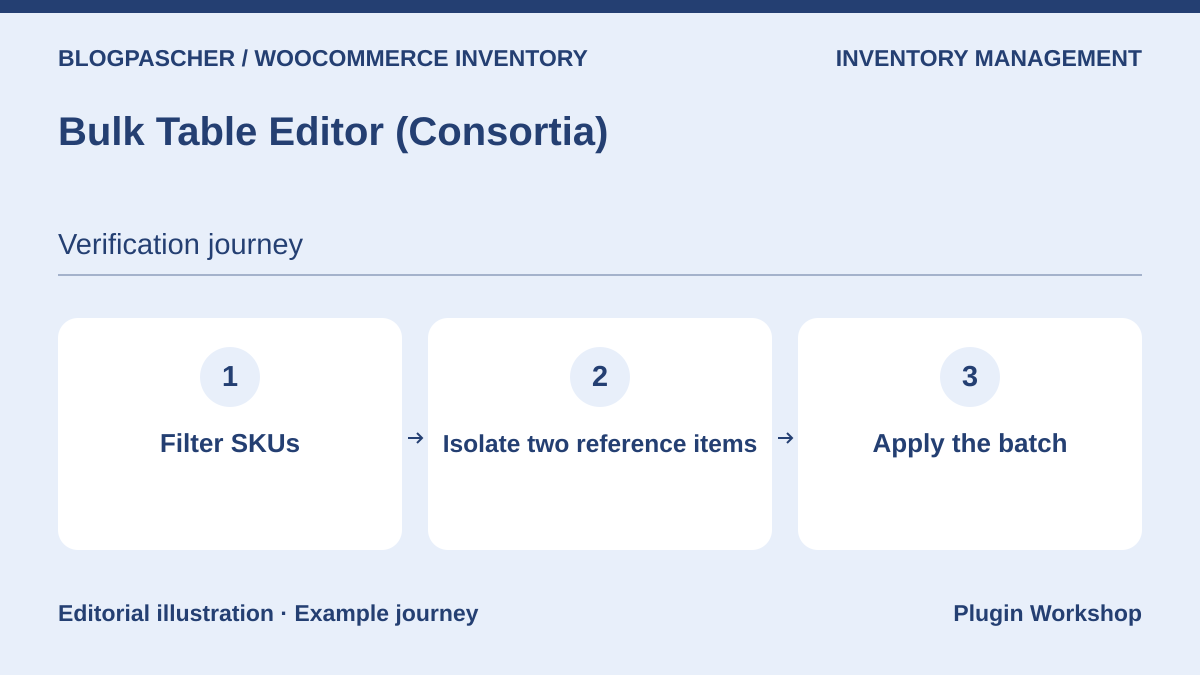 Editorial diagram. Filter SKUs → Isolate two reference items → Apply the batch. — BlogPasCherOpen full-size illustration ↗
Best forFilter and then adjust a batch of references from the same family.
Bulk Table Editor adds a product-and-variation editing grid with filters and bulk changes. Its listing includes stock among editable data. Prepare five references to change and two controls to exclude. Compare the selected-row count with your counting sheet before applying a quantity change.
Offer pricing
USD 89 for one year
Billing: Annual subscription
Renewal and support: Check the renewal price.
Checked on .
Strengths
- Filters facilitate updating a limited group of references.
What to consider
- A category-only filter can include products whose stock is managed at parent level.
Pricing terms and compatibility
Understanding the offer
- Price at the time of review
- USD 89 for one year
- Currency
- USD
- Billing
- Annual subscription
- Renewal and support
- Check the renewal price.
- Taxes and fees
- Unspecified. Confirm for the offer you choose.
- Commitment and terms
- Unspecified. Confirm for the offer you choose.
- Date checked
Compatibility and components
- WooCommerce. Check your product types and the level at which stock is managed.
Product CSV Import Suite (Woo)
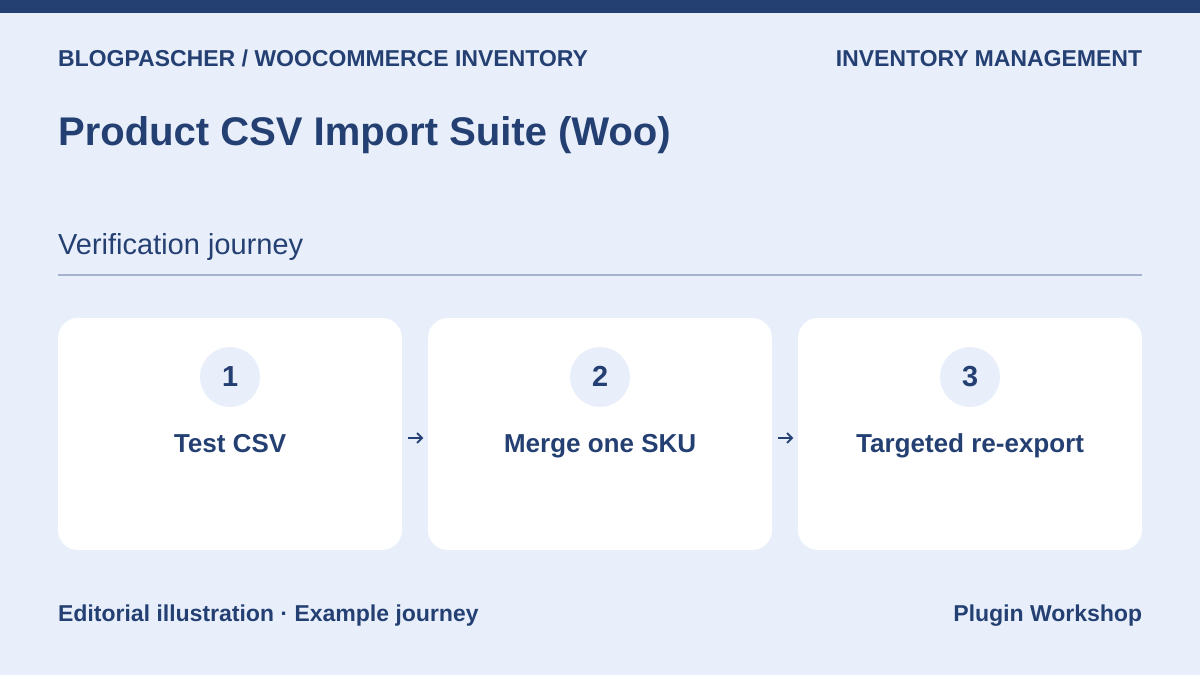 Editorial diagram. Test CSV → Merge one SKU → Targeted re-export. — BlogPasCherOpen full-size illustration ↗
Best forMerge catalog data in batches and identify variations.
Product CSV Import Suite documents importing, exporting, and merging products, variations, and data supported by certain extensions. Separate rows to modify from rows to create. Start with one SKU and export its product record again to check quantity, parent, and status before processing the full file.
Offer pricing
USD 59 for one year
Billing: Annual subscription
Renewal and support: Check the renewal price.
Checked on .
Strengths
- Merge mode addresses imports whose target already exists.
What to consider
- Check recognized metadata and column mapping before combining several plugins.
Pricing terms and compatibility
Understanding the offer
- Price at the time of review
- USD 59 for one year
- Currency
- USD
- Billing
- Annual subscription
- Renewal and support
- Check the renewal price.
- Taxes and fees
- Unspecified. Confirm for the offer you choose.
- Commitment and terms
- Unspecified. Confirm for the offer you choose.
- Date checked
Compatibility and components
- WooCommerce. Compare the procedure with the already included CSV importer for standard stock fields.
WP All Import for WooCommerce
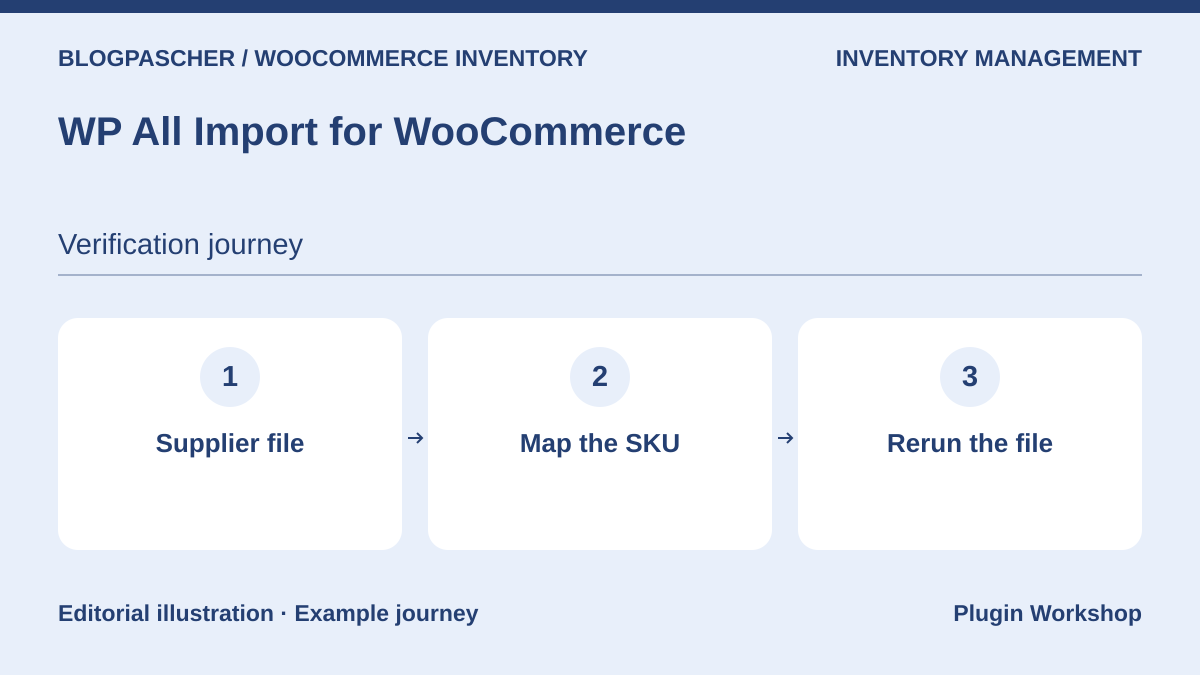 Editorial diagram. Supplier file → Map the SKU → Rerun the file. — BlogPasCherOpen full-size illustration ↗
Best forMap a supplier file and limit rewritten fields.
WP All Import supports several file formats and offers a WooCommerce add-on to map product data. For a recurring supplier file, isolate the stable identifier and limit the template to quantity and intended columns. Repeat the same file twice and compare product-record counts and quantities after each pass.
Offer pricing
USD 169 for the WooCommerce import package. The annual tab displays the equivalent of USD 14.08 per month billed yearly.
Billing: WooCommerce import package. Check the selected tab.
Renewal and support: Access to updates and support depends on the active subscription license.
Checked on .
Strengths
- Explicit mapping between supplier columns and product fields.
What to consider
- An unstable matching identifier can create duplicates or assign a quantity to the wrong variation.
Pricing terms and compatibility
Understanding the offer
- Price at the time of review
- USD 169 for the WooCommerce import package. The annual tab displays the equivalent of USD 14.08 per month billed yearly.
- Currency
- USD
- Billing
- WooCommerce import package. Check the selected tab.
- Renewal and support
- Access to updates and support depends on the active subscription license.
- Taxes and fees
- Unspecified. Confirm for the offer you choose.
- Commitment and terms
- Unspecified. Confirm for the offer you choose.
- Date checked
Compatibility and components
- Confirm components included in the WooCommerce package and the cost of any scheduled tasks.
WooCommerce Advanced Bulk Edit (georgeiron)
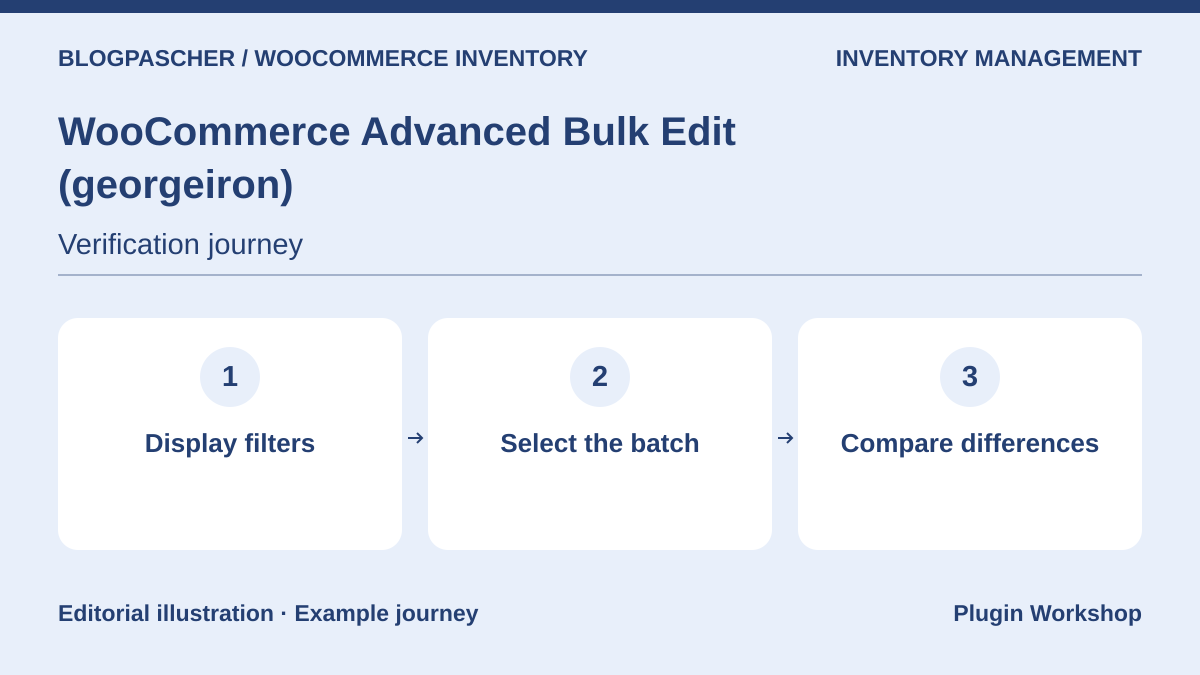 Editorial diagram. Display filters → Select the batch → Compare differences. — BlogPasCherOpen full-size illustration ↗
Best forModify quantities and statuses with catalog filters.
Advanced Bulk Edit documents a filter grid and operations on products and variations. Before correcting quantities, display references and stock fields, then remove other columns from the batch to modify. Changing a sample SKU quickly reveals an overly broad filter on the test copy.
Offer pricing
USD 89 Regular license or USD 199 Extended license.
Billing: One-time license purchase
Renewal and support: Six months of support listed. Optional extension.
Displayed amount excludes taxes and any processing fees.
Checked on .
Strengths
- Several criteria can reduce the bulk-change scope.
What to consider
- Prepare a targeted export to restore original values if the filter includes unexpected references.
Pricing terms and compatibility
Understanding the offer
- Price at the time of review
- USD 89 Regular license or USD 199 Extended license.
- Currency
- USD
- Billing
- One-time license purchase
- Renewal and support
- Six months of support listed. Optional extension.
- Taxes and fees
- Displayed amount excludes taxes and any processing fees.
- Commitment and terms
- Check the license appropriate to the intended use.
- Date checked
Compatibility and components
- Check columns actually accessible for your variations and metadata.
Stock Locations for WooCommerce
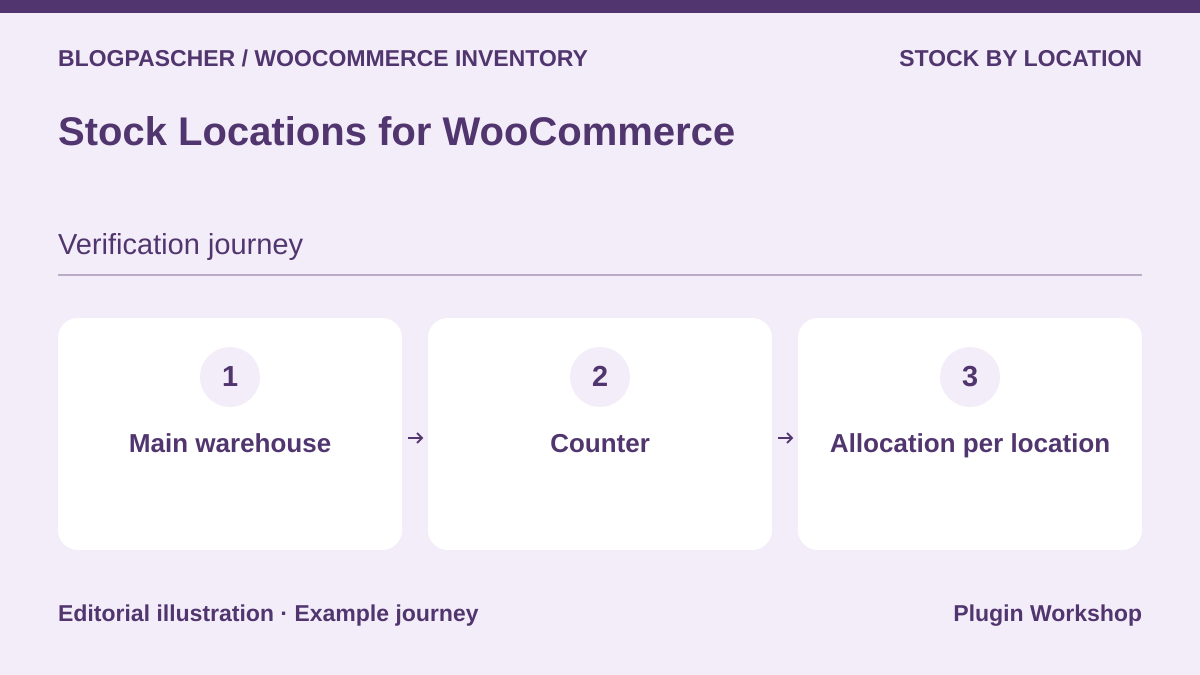 Editorial diagram. Main warehouse → Counter → Allocation per location. — BlogPasCherOpen full-size illustration ↗
Best forDistinguish quantities available across several locations.
Stock Locations adds locations and associated quantities in WooCommerce. Start with a product having five units in the warehouse and two at the counter. Check rules determining the location used for a sale. Also compare the quantity shown to the customer with availability in each location.
Offer pricing
Free plugin in the WordPress.org directory.
Billing: None for this version
Renewal and support: No license renewal.
Checked on .
Strengths
- Stock by location provides a more precise view than a single total.
What to consider
- Expected allocation depends on location configuration and allocation rules.
Pricing terms and compatibility
Understanding the offer
- Price at the time of review
- Free plugin in the WordPress.org directory.
- Currency
- Unspecified. Confirm for the offer you choose.
- Billing
- None for this version
- Renewal and support
- No license renewal.
- Taxes and fees
- Unspecified. Confirm for the offer you choose.
- Commitment and terms
- Unspecified. Confirm for the offer you choose.
- Date checked
Compatibility and components
- Check variations and location order on a copy.
Multi Inventory Management (Woo Marketplace)
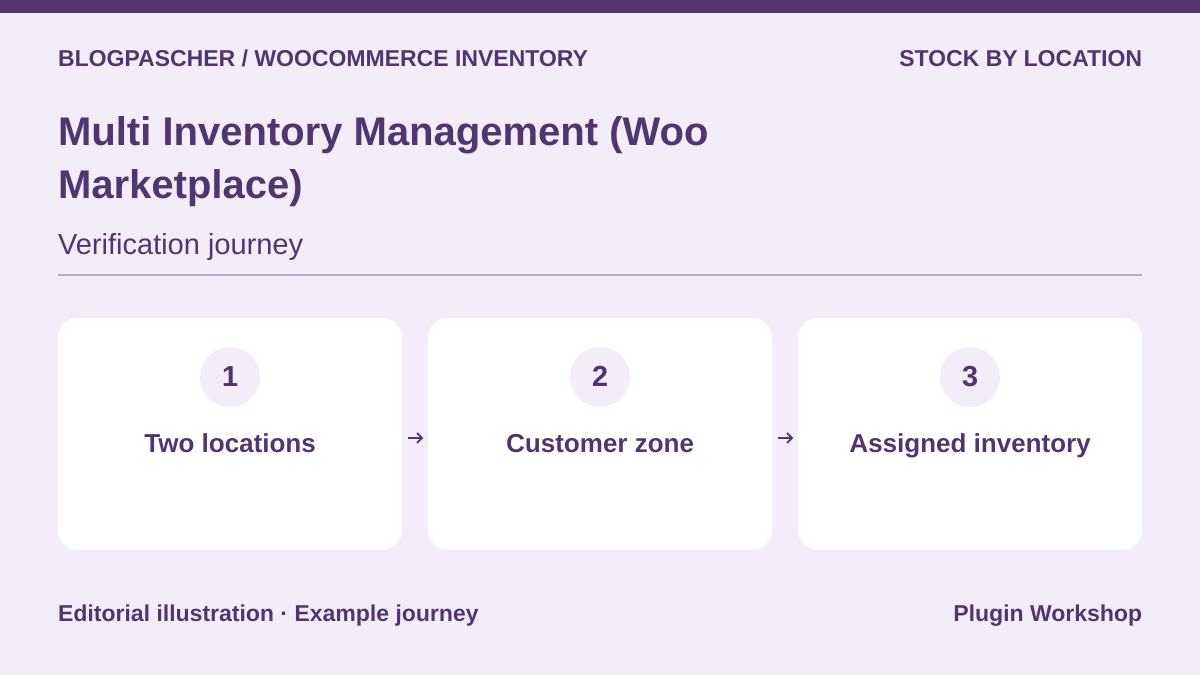 Editorial diagram. Two locations → Customer zone → Assigned inventory. — BlogPasCherOpen full-size illustration ↗
Best forAssign quantities to several locations and check stock displayed to customers.
The Multi Inventory Management listing describes inventories by location, with selection rules and store-side stock management. Prepare two locations offering the same items in different quantities. Simulate delivery to two zones and check which location receives the movement for the order.
Offer pricing
USD 129 for one year
Billing: Annual subscription
Renewal and support: Check the renewal price.
Checked on .
Strengths
- Connect inventories with the location used during ordering.
What to consider
- Displayed stock may depend on the zone and allocation priorities.
Pricing terms and compatibility
Understanding the offer
- Price at the time of review
- USD 129 for one year
- Currency
- USD
- Billing
- Annual subscription
- Renewal and support
- Check the renewal price.
- Taxes and fees
- Unspecified. Confirm for the offer you choose.
- Commitment and terms
- Unspecified. Confirm for the offer you choose.
- Date checked
Compatibility and components
- Check variations, postal codes, and active fulfillment methods.
Square for WooCommerce
 Publisher-provided image. — Publisher
Best forReconcile Square register movements with the WooCommerce catalog.
The Square extension offers catalog and stock synchronization with WooCommerce. Check the system declared as the source for product data and reconcile SKUs between catalogs. Sell an item at the register in a test environment and compare movement time with the change observed in the store.
Offer pricing
Free plugin. Square fees depend on country and channel.
Billing: Square account. Processing fees depend on use.
Renewal and support: Consult payment terms for your country.
Checked on .
Strengths
- Documented synchronization between in-store sales and the online catalog.
What to consider
- Supported countries, fees, and terms depend on the Square account.
Pricing terms and compatibility
Understanding the offer
- Price at the time of review
- Free plugin. Square fees depend on country and channel.
- Currency
- Unspecified. Confirm for the offer you choose.
- Billing
- Square account. Processing fees depend on use.
- Renewal and support
- Consult payment terms for your country.
- Taxes and fees
- Unspecified. Confirm for the offer you choose.
- Commitment and terms
- Unspecified. Confirm for the offer you choose.
- Date checked
Compatibility and components
- Confirm reference matching, variations, and Square location configuration.
FooSales Point of Sale for WooCommerce
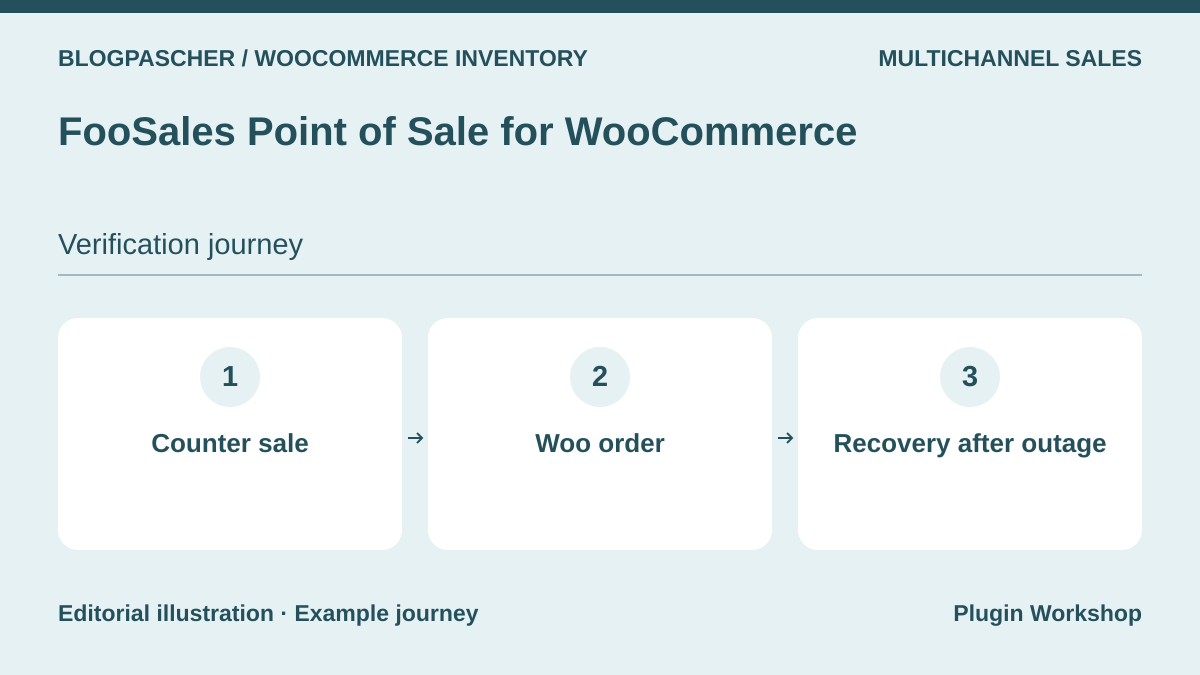 Editorial diagram. Counter sale → Woo order → Recovery after outage. — BlogPasCherOpen full-size illustration ↗
Best forRecord counter sales in the WooCommerce store.
FooSales turns the WooCommerce catalog into a register screen and records sales as orders. Test with a reference sold in-store and online. Check when each sale reduces quantity, what happens during an outage, and how the order reappears when the register reconnects.
Offer pricing
USD 189 for one year
Billing: Annual subscription
Renewal and support: Check the renewal price and any payment costs.
Checked on .
Strengths
- Register orders can join WooCommerce tracking.
What to consider
- Test recovery after an outage and handling of a competing online sale.
Pricing terms and compatibility
Understanding the offer
- Price at the time of review
- USD 189 for one year
- Currency
- USD
- Billing
- Annual subscription
- Renewal and support
- Check the renewal price and any payment costs.
- Taxes and fees
- Unspecified. Confirm for the offer you choose.
- Commitment and terms
- Unspecified. Confirm for the offer you choose.
- Date checked
Compatibility and components
- Check browser, terminal, and planned payment-connector versions.
WCPOS
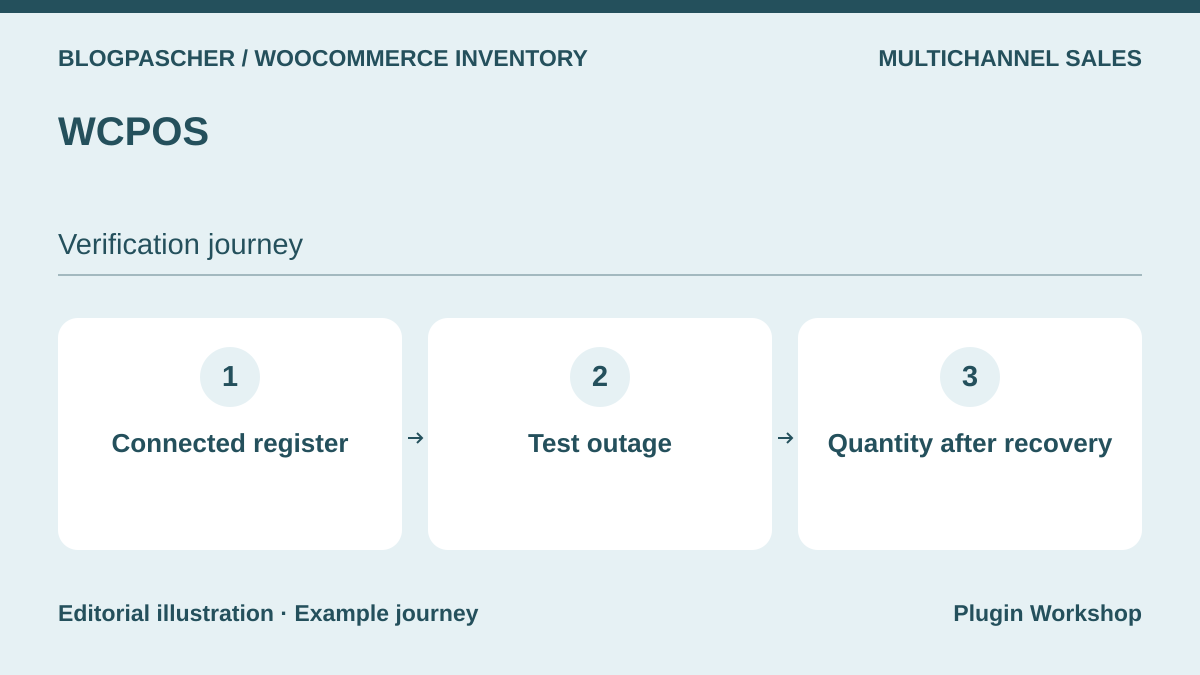 Editorial diagram. Connected register → Test outage → Quantity after recovery. — BlogPasCherOpen full-size illustration ↗
Best forRun a WooCommerce register and observe movements after reconnection.
WCPOS offers a point of sale connected to the WooCommerce catalog. Its listing describes a free edition and Pro features. For shared inventory, start with a test register sale and an online control item. Then simulate an outage on the copy and check which order and quantity sync after reconnection.
Offer pricing
Free edition. Pro at USD 129 for one year or USD 399 lifetime.
Billing: Annual Pro license or lifetime purchase.
Renewal and support: The annual Pro license does not renew automatically.
Checked on .
Strengths
- A free edition lets you check the checkout flow before choosing Pro functions.
What to consider
- Peripherals, multiple stores, and payment methods may require separate functions.
Pricing terms and compatibility
Understanding the offer
- Price at the time of review
- Free edition. Pro at USD 129 for one year or USD 399 lifetime.
- Currency
- USD
- Billing
- Annual Pro license or lifetime purchase.
- Renewal and support
- The annual Pro license does not renew automatically.
- Taxes and fees
- Unspecified. Confirm for the offer you choose.
- Commitment and terms
- Unspecified. Confirm for the offer you choose.
- Date checked
Compatibility and components
- Check the edition and hardware used, along with synchronization after interruption.
Stock Sync for WooCommerce
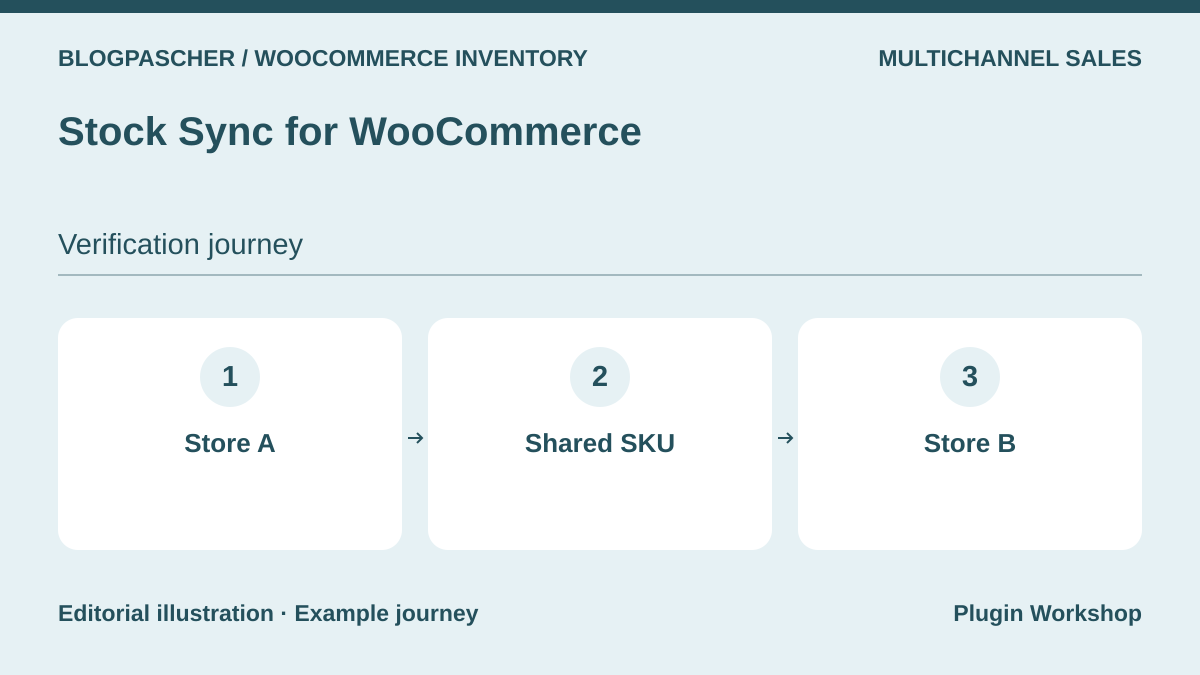 Editorial diagram. Store A → Shared SKU → Store B. — BlogPasCherOpen full-size illustration ↗
Best forSynchronize quantities between WooCommerce stores sharing references.
Stock Sync advertises synchronization between stores. The displayed free scope is two sites and up to one hundred products. Align two sample references before a test sale and compare quantities on both sides. Then add a deliberate discrepancy to just one record and observe the reconciliation rule and convergence delay.
Offer pricing
Free edition for two stores and 100 products according to the listing. Separate Pro offer.
Billing: Free edition and Pro option
Renewal and support: Check the Pro plan according to site count.
Checked on .
Objectives to verify
- A two-store test allows examination of a sale’s effect on shared stock.
What to consider
- A delayed queue or missing reference requires reconciliation and an alert.
Pricing terms and compatibility
Understanding the offer
- Price at the time of review
- Free edition for two stores and 100 products according to the listing. Separate Pro offer.
- Currency
- Unspecified. Confirm for the offer you choose.
- Billing
- Free edition and Pro option
- Renewal and support
- Check the Pro plan according to site count.
- Taxes and fees
- Unspecified. Confirm for the offer you choose.
- Commitment and terms
- Unspecified. Confirm for the offer you choose.
- Date checked
Compatibility and components
- Check SKU matching, variations, and plan limits.
LitCommerce for WooCommerce
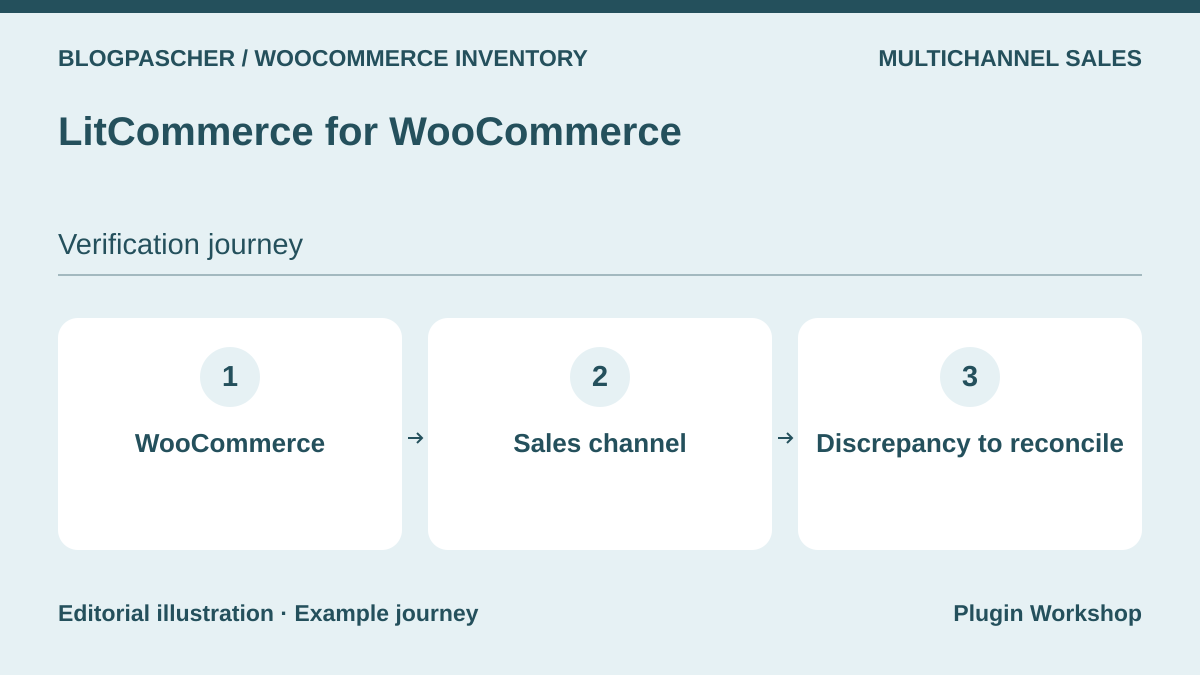 Editorial diagram. WooCommerce → Sales channel → Discrepancy to reconcile. — BlogPasCherOpen full-size illustration ↗
Best forReconcile WooCommerce stock with marketplace stock.
LitCommerce offers publishing and synchronization between WooCommerce and compatible marketplaces. Start with one channel and aligned SKUs. Measure the observed delay between a sale and stock update, then repeat with a cancelled order. Keep a list of pending movements if the connection is interrupted.
Offer pricing
Multichannel tool from USD 29 per month. Seven-day trial advertised.
Billing: Multichannel service with monthly and annual plans.
Renewal and support: Check order limits and plan-renewal terms.
Checked on .
Strengths
- The service covers several channels and enables checking an initial reconciliation.
What to consider
- Plan limits and capabilities depend on the connected channel.
Pricing terms and compatibility
Understanding the offer
- Price at the time of review
- Multichannel tool from USD 29 per month. Seven-day trial advertised.
- Currency
- USD
- Billing
- Multichannel service with monthly and annual plans.
- Renewal and support
- Check order limits and plan-renewal terms.
- Taxes and fees
- Unspecified. Confirm for the offer you choose.
- Commitment and terms
- Unspecified. Confirm for the offer you choose.
- Date checked
Compatibility and components
- Check the marketplace, variations, synchronization frequency, and plan price.
Back In Stock Notifications (Woo)
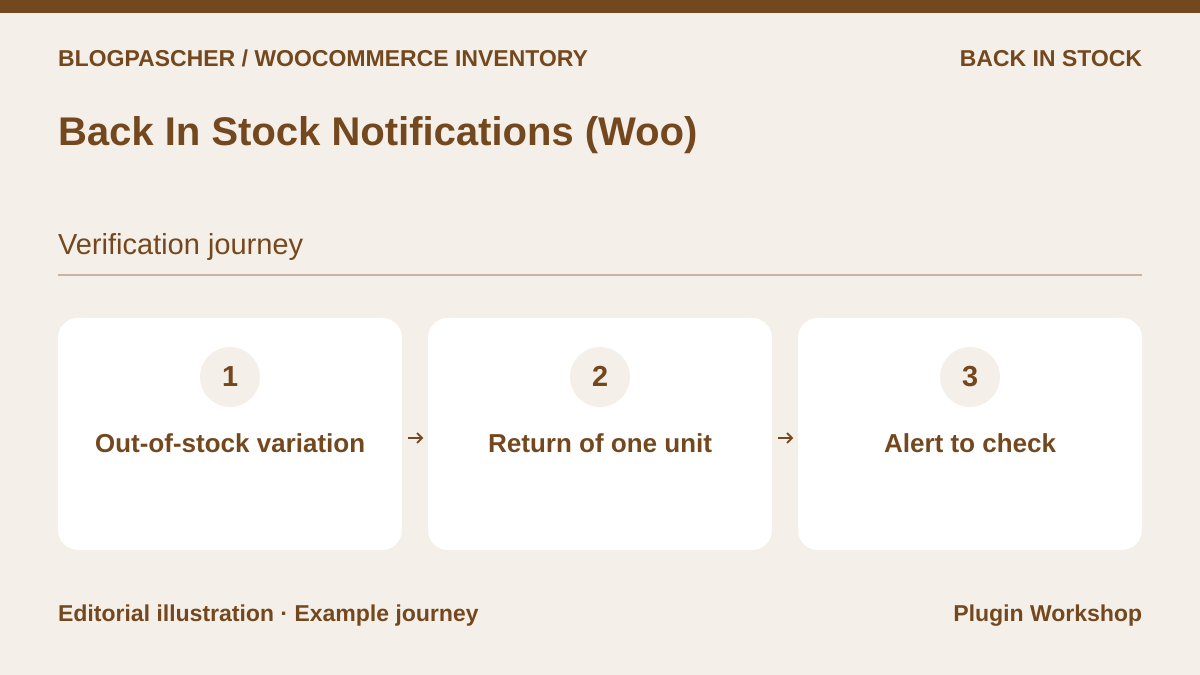 Editorial diagram. Out-of-stock variation → Return of one unit → Alert to check. — BlogPasCherOpen full-size illustration ↗
Best forNotify subscribers when a reference becomes available again.
Back In Stock Notifications offers registrations and back-in-stock alerts. Check triggering for one product variation only. Prepare a fictional list, restock one unit, and monitor the notification queue. Compare the email link with the variation actually available to order.
Offer pricing
USD 59 for one year
Billing: Annual subscription
Renewal and support: Check the renewal price.
Checked on .
Strengths
- Replenishment can trigger availability alerts.
What to consider
- A back-in-stock email may be followed by new sales before the recipient orders.
Pricing terms and compatibility
Understanding the offer
- Price at the time of review
- USD 59 for one year
- Currency
- USD
- Billing
- Annual subscription
- Renewal and support
- Check the renewal price.
- Taxes and fees
- Unspecified. Confirm for the offer you choose.
- Commitment and terms
- Unspecified. Confirm for the offer you choose.
- Date checked
Compatibility and components
- Check variations, the email queue, and notification template.
YITH WooCommerce Waiting List
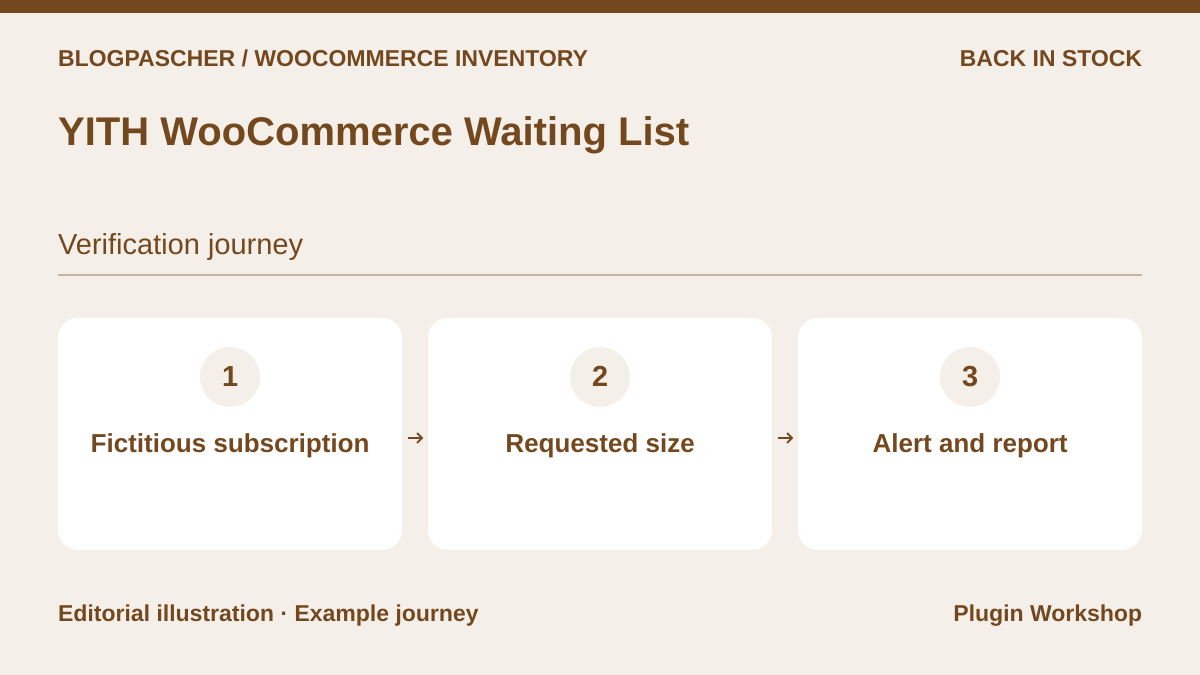 Editorial diagram. Fictitious subscription → Requested size → Alert and report. — BlogPasCherOpen full-size illustration ↗
Best forOrganize waiting-list registrations and track requests.
YITH documents waiting lists with scope varying by edition. Check whether the exact size of a variable product can be tracked separately. On a copy, compare restocking the parent product and the expected variation, then identify the actual trigger and link sent.
Offer pricing
Free edition. Premium displayed at EUR 79.99.
Billing: Free edition and Premium license
Renewal and support: One year of updates and support advertised for Premium. Check renewal.
Checked on .
Strengths
- With suitable functions, a waiting list can measure demand by reference.
What to consider
- Variation-level management and reports depend on the chosen edition.
Pricing terms and compatibility
Understanding the offer
- Price at the time of review
- Free edition. Premium displayed at EUR 79.99.
- Currency
- EUR
- Billing
- Free edition and Premium license
- Renewal and support
- One year of updates and support advertised for Premium. Check renewal.
- Taxes and fees
- Unspecified. Confirm for the offer you choose.
- Commitment and terms
- Unspecified. Confirm for the offer you choose.
- Date checked
Compatibility and components
- Confirm the form, edition, expected consent, and sending of a test alert.
Back In Stock Notifier (codewoogeek)
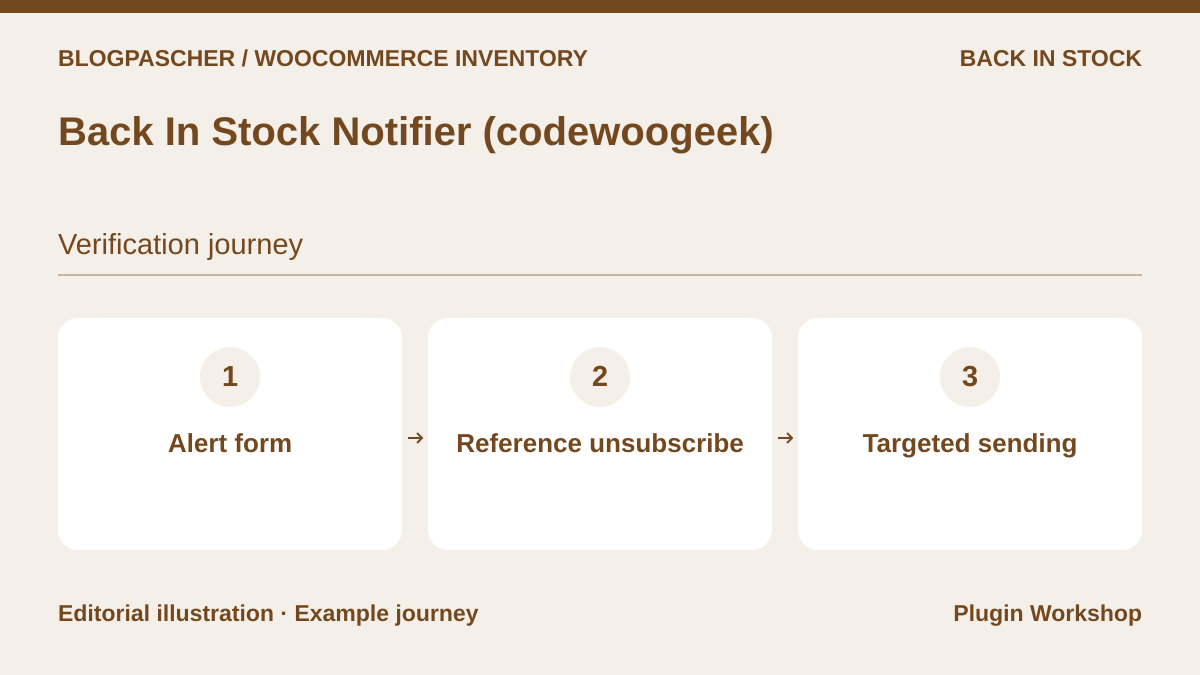 Editorial diagram. Alert form → Reference unsubscribe → Targeted sending. — BlogPasCherOpen full-size illustration ↗
Best forTest a notification form and targeted send.
The plugin offers signup on unavailable product pages and emails when stock returns. Prepare a control subscriber who unsubscribes before a variation returns. Check entries remaining active, the email subject, and arrival in your capture inbox. Check the chosen sending method before a larger campaign.
Offer pricing
Free core in the WordPress.org directory. Paid extensions according to requirements.
Billing: Free core and separate modules
Renewal and support: Check module and sending-service costs.
Checked on .
Strengths
- The core allows examination of the form and notification trigger.
What to consider
- Message appearance and some additional functions depend on installed modules.
Pricing terms and compatibility
Understanding the offer
- Price at the time of review
- Free core in the WordPress.org directory. Paid extensions according to requirements.
- Currency
- Unspecified. Confirm for the offer you choose.
- Billing
- Free core and separate modules
- Renewal and support
- Check module and sending-service costs.
- Taxes and fees
- Unspecified. Confirm for the offer you choose.
- Commitment and terms
- Unspecified. Confirm for the offer you choose.
- Date checked
Compatibility and components
- Check sending on a copy with your variations and theme.
WooCommerce Pre-Orders (Woo)
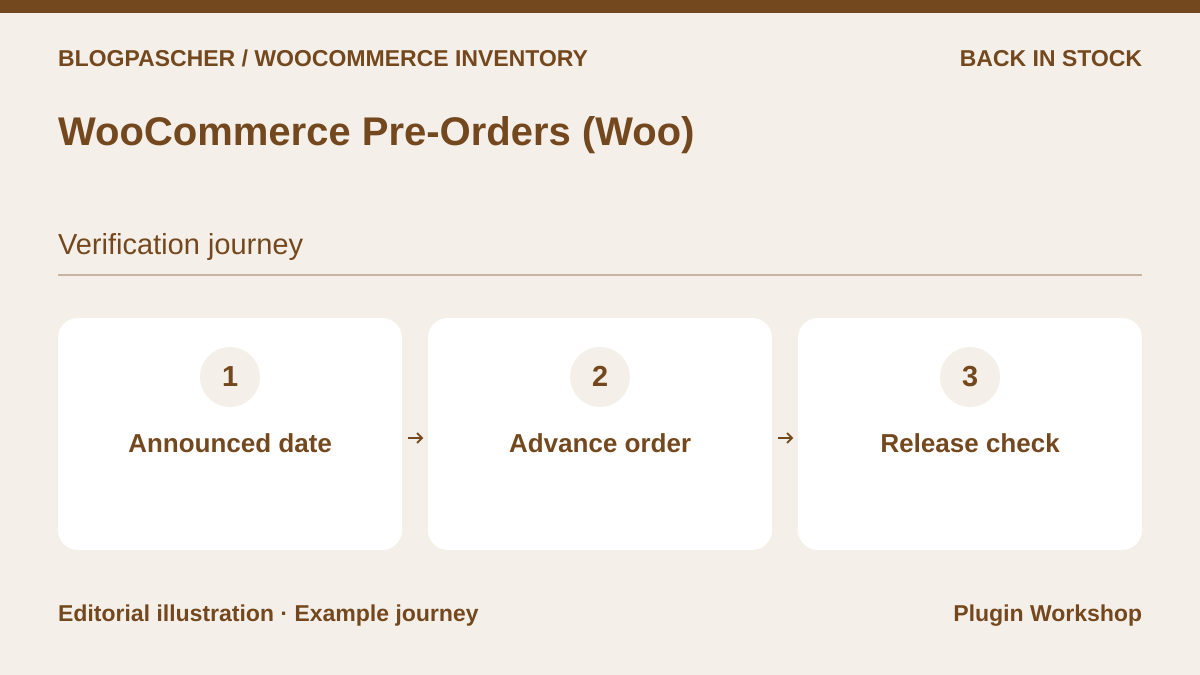 Editorial diagram. Announced date → Advance order → Release check. — BlogPasCherOpen full-size illustration ↗
Best forPlan orders before availability and check fulfillment.
Pre-Orders lets you offer items before they become available. The documentation distinguishes immediate payment and payment on availability according to the gateway. Define a fictional date and check the item’s transition to sale, order status, and planned handling if delivery is delayed.
Offer pricing
USD 179 for one year
Billing: Annual subscription
Renewal and support: Check the renewal price.
Checked on .
Strengths
- Dates and payment terms define the sale of a product before availability.
What to consider
- Payment triggering depends on the gateway and chosen billing mode.
Pricing terms and compatibility
Understanding the offer
- Price at the time of review
- USD 179 for one year
- Currency
- USD
- Billing
- Annual subscription
- Renewal and support
- Check the renewal price.
- Taxes and fees
- Unspecified. Confirm for the offer you choose.
- Commitment and terms
- Unspecified. Confirm for the offer you choose.
- Date checked
Compatibility and components
- Check supported gateways, the cart, and preorder statuses.