

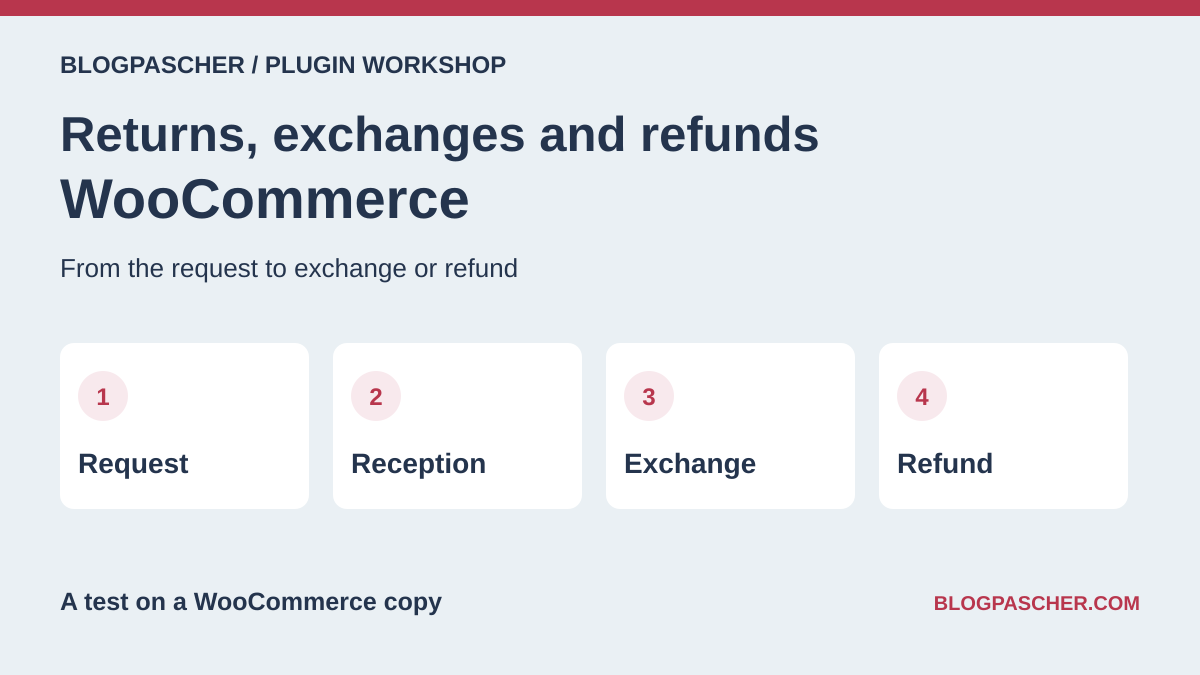
Choose the flow according to the number and type of returns
The customer requests a product return. The team decides what to accept, may wait for a parcel, checks its condition, and resolves the case. A tracking plugin can record items and messages. A shipping plugin can supply the label. A refund is a WooCommerce operation and, depending on the method, a payment-gateway operation. One tool may cover several stages. To verify this, take a test order and follow it through to the final action.
For a few returns per month, a structured request followed by a refund in administration may suffice. If customers order without an account, choose a form that can find the order and restrict access. If size exchanges are frequent, first choose a tool capable of preparing a replacement order, reserving the correct variation, and managing any price difference. A separate portal becomes relevant if you need to connect several stores, rules, or carriers.
The 25 entries cover these uses with distinct roles. The diagrams show stages to check on a copy. Commercial terms were recorded from publisher and marketplace pages.
Compare before you choose
The offers at a glance
Find the use case and budget that fit, then read the details to see the limitations and any components you may need.
On smaller screens, the table scrolls horizontally. With a keyboard, press Tab to focus the table, then use the left and right arrow keys.
| Offer | Best for | Pricing and billing | Renewal and support |
|---|---|---|---|
 Return Refund and Exchange for WooCommerceRead the details | Collect a reason and track a request | Free core. Pro for one site at USD 79 for one year. Free core Displayed amounts. Check taxes and fees at checkout. | Check renewal of the Pro offer at checkout. |
 Flexible Refund for WooCommerceRead the details | Create a form with suitable fields | Free core. Pro for one site at EUR 59 excluding VAT for one year. Free core Displayed amounts. Check taxes and fees at checkout. | Check renewal of the Pro offer at checkout. |
 Redono – Returns and RMA for WooCommerceRead the details | Track a request before refunding manually | Free core in the WordPress.org directory. Free core | Terms for any paid plans were unavailable at the time of review. |
 thevitaminshots Refunds & ReturnsRead the details | Verify an order before a request outside an account | Free core in the WordPress.org directory. Free core | Terms for any paid plans were unavailable at the time of review. |
 Returns Portal & RMA for WooCommerceRead the details | Create a portal for customers and guests | Free core. Check options according to the edition offered. Free core | Terms for any paid plans were unavailable at the time of review. |
 SLS Return Requests for WooCommerceRead the details | Add notes to a return request | Free core in the WordPress.org directory. Free core | Terms for any paid plans were unavailable at the time of review. |
 ReturnKit – Returns, Refunds & EU Withdrawal ButtonRead the details | Mark the parcel received before refunding | Free core in the WordPress.org directory. Free core | Terms for any paid plans were unavailable at the time of review. |
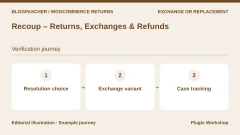 Recoup – Returns, Exchanges & RefundsRead the details | Present several resolution methods | Free core. Check options according to the edition offered. Free core | Terms for any paid plans were unavailable at the time of review. |
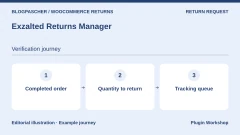 Exzalted Returns ManagerRead the details | Track a quantity on a completed order | Free core in the WordPress.org directory. Free core | Terms for any paid plans were unavailable at the time of review. |
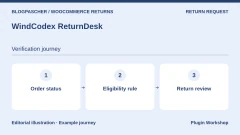 WindCodex ReturnDeskRead the details | Set eligibility by order status | Free core in the WordPress.org directory. Free core | Terms for any paid plans were unavailable at the time of review. |
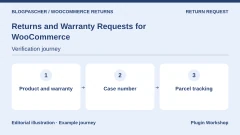 Returns and Warranty Requests for WooCommerceRead the details | Associate a warranty duration with the product | USD 99 for one year. Annual subscription Displayed amounts. Check taxes and fees at checkout. | Check the renewal price in the cart. |
 Returns for WooCommerceRead the details | Centralize returns, exchanges, and credit | USD 129 for one year. Annual subscription Displayed amounts. Check taxes and fees at checkout. | Check the renewal price in the cart. |
 Advanced Returns and Refunds for WooCommerceRead the details | Review a request with a file and conversation | USD 49 for one year. Annual subscription Displayed amounts. Check taxes and fees at checkout. | Check the renewal price in the cart. |
 Smart Refunder for WooCommerceRead the details | Submit a partial request from My Account | USD 79 for one year. Annual subscription Displayed amounts. Check taxes and fees at checkout. | Check the renewal price in the cart. |
 Self-Service Refunds for WooCommerceRead the details | Accept requests from guests and logged-in customers | USD 39 for one year. Annual subscription Displayed amounts. Check taxes and fees at checkout. | Check the renewal price in the cart. |
 YITH WooCommerce Advanced Refund SystemRead the details | Review a request by product or order | EUR 79.99 displayed, excluding VAT. One year of updates and support advertised. Premium license Displayed amounts. Check taxes and fees at checkout. | Check the local currency and renewal price. |
 LC Refund Requests – WooCommerce Refunds ManagerRead the details | Apply refund rules to products | USD 49 Regular license or USD 125 Extended license. License purchase Displayed amounts. Check taxes and fees at checkout. | Six months of support listed. Optional extension. |
 Return Replace Refund & Exchange for WooCommerce RMARead the details | Distinguish replacements, exchanges, and refunds | USD 49 Regular license or USD 224 Extended license. License purchase Displayed amounts. Check taxes and fees at checkout. | Six months of support listed. Optional extension. |
 WooCommerce POS Order Return & ExchangeRead the details | Process an exchange at the counter | USD 71 Regular license or USD 223 Extended license. License purchase Displayed amounts. Check taxes and fees at checkout. | Six months of support listed. Optional extension. |
 Dokan Return and Warranty RequestRead the details | Route the request to the relevant vendor | Professional displayed at a promotional USD 162 on the annual cycle. Displayed reference price of USD 249. Dokan Professional subscription or higher Displayed amounts. Check taxes and fees at checkout. | Check application of the promotion and the renewal rate. |
 RMA WCFM for WooCommerceRead the details | Assign requests to WCFM vendors | USD 79 for one year for one site. Price required components separately. Annual subscription Displayed amounts. Check taxes and fees at checkout. | Check the renewal price in the cart. |
 AfterShip ReturnsRead the details | Track requests in an external portal | Essentials from USD 16 per month on the annual pricing table for 240 returns, then USD 0.50 per additional return. External-service subscription and return volume Displayed amounts. Check taxes and fees at checkout. | Confirm the cycle and quota at checkout. |
 ReturnGO for WooCommerceRead the details | Create an order for a variation exchange | WooCommerce integration by quotation with the Enterprise plan. External-service subscription | Ask the ReturnGO representative for the price and period. |
 Shiptastic for WooCommerceRead the details | Attach a return label to a case | Free plugin. Carrier account and fees separate. Free core | Terms for any paid plans were unavailable at the time of review. |
 Account Funds for WooCommerceRead the details | Record a refund as store credit | USD 89 for one year. Annual subscription Displayed amounts. Check taxes and fees at checkout. | Check the renewal price in the cart. |
Test a request before touching payment
On a test copy, create an order for a fictional account containing two units of an item at €30. Put the product in stock and move the order through the status that triggers stock reduction. Request the return of one unit only. Check that the form summarizes the order, item, quantity, and reason. Open the case on the team side and find the same reference. Submit a second time to observe how the tool handles a repeated action.
This scenario was executed through PHP with Redono 1.3.10 on two local installations: WooCommerce 11.2.1 with and without high-performance order storage, called HPOS. Submitting one unit produced a single case. A second submission left the case count at one. The order was worth €60 and stock remained at eight. The test called the plugin’s submission handler. Screens and gateway exchanges require their own test.
For a store accepting guest orders, repeat a request using the fictional order reference and billing email. Check that visitors find the items from their own order and that the confirmation allows them to track the request. For attachments, try a simple file from a phone and check that only authorized team members can open it.
Refund the correct quantity and manage stock
When the parcel arrives, compare the item and its variation with the request. Note whether the product can be resold. In the WooCommerce order, check the quantity to refund, discount already applied, and displayed taxes. For a received, resellable item, use restocking if it matches your procedure. For a damaged product, keep stock control separate so available quantity is not inflated.
In the local acceptance test, a manual €30 refund on the €60 order returned one unit to stock and left the order processing. The Redono case remained in requested status. The return case and transaction therefore need checking separately before closing the case. In WooCommerce, a manual refund records the amount on the order. The transfer to the customer is then handled through the method appropriate to the transaction. A gateway refund depends on gateway support.
On the copy, also try an amount adjustment without restocking and a refund of the second unit. Compare the total refunded and available quantity after each stage. If your gateway has a test environment, check the refund reference and status. Record a case where the gateway responds late, then check status before another attempt.
Exchange a variation and reconcile amounts
For a clothing store, create two variations of the same reference and make the replacement size unavailable. From a test order, request an exchange. See whether the portal explains the unavailability and offers another resolution permitted by the store. Then add one available unit and check when the system reserves it, prepares it, or releases it after cancellation.
Test an exchange at the same price and another with a more expensive variation. The case must link the product expected back, the variation shipped, and any difference paid. If the tool creates a replacement order, locate both identifiers and check that the address and messages used correspond to the correct order. A discount on the original product can change the amount to reconcile.
If you offer store credit, try issuing it and then making a purchase with a balance greater than the cart total. Check the remaining balance and information visible in the account. Keep a separate record of refunds sent to the payment method and credits usable on a future order.
Connect the label, transport, and receipt
Define when the team sends the return address or label. A returns center can add a document supplied by the team. A carrier-connected plugin can generate the label with a compatible account. On a copy, check the service used, addresses, weight, and tracking link using a test mode where available.
Receipt reported by the carrier and an item inspected in the warehouse are two statuses. Repeat the case where tracking shows delivered but the team is still waiting to check the variation and condition. The tool must let staff decide whether to resell it and find the return identifier. For an incomplete return, record the quantity actually received before refunding.
Compare label charges and quotas if the portal bills by volume. For an external service, check synchronized orders, functions available for WooCommerce, and how to recover history when a connection is stopped.
Validate counter returns and marketplace returns
At a point of sale connected to WooCommerce, prepare a fictional counter order, then request an item exchange. Check the original payment method, receipt provided, and variation removed from stock. If web purchases can be returned in-store, add this case to acceptance testing and check that the terminal can identify the web order.
For a marketplace, use an order with two fictional vendors. Log in as a vendor and then as an administrator. Check which items, messages, and amounts each person can see. Decide who can approve a request, who tracks receipt, and who issues the refund. When the marketplace has already paid the vendor, check how the vendor account and order reconcile.
The cost of a point-of-sale or marketplace module includes its prerequisites. Record the base plugin price, return-module price, and compatible versions before comparing offers.
Prepare an acceptance test the team can repeat
Record the versions used, return rules, gateway, and order-storage mode on a sheet. Repeat a valid request, an unavailable exchange product, a partially received parcel, and a request submitted twice. For each scenario, record quantities, amounts, case status, and message count. Keep fictional data and test inboxes.
Compare tools using the same orders. Check that customer-facing translations are complete and the form remains keyboard-usable. Also review the effect of deactivating the plugin on existing cases and access to the data needed to process them.
License prices, subscriptions, and shipping fees are separate line items. For paid offers, check the billing period, renewal, and edition features before buying. The three related resources help check variation stock, inventory, and documents accompanying a refund.
Further reading
Sources and references
Use these references to check the features, requirements and limitations described. Reading documentation is not a practical test.
View 33 references
- Return Refund and Exchange for WooCommerce — Plugin listing and features ↗ — Documentation consulted:
- Return Refund and Exchange for WooCommerce — Offer price or terms ↗ — Documentation consulted:
- Flexible Refund for WooCommerce — Plugin listing and features ↗ — Documentation consulted:
- Flexible Refund for WooCommerce — Offer price or terms ↗ — Documentation consulted:
- Redono – Returns and RMA for WooCommerce — Plugin listing and features ↗ — Documentation consulted:
- thevitaminshots Refunds & Returns — Plugin listing and features ↗ — Documentation consulted:
- Returns Portal & RMA for WooCommerce — Plugin listing and features ↗ — Documentation consulted:
- SLS Return Requests for WooCommerce — Plugin listing and features ↗ — Documentation consulted:
- ReturnKit – Returns, Refunds & EU Withdrawal Button — Plugin listing and features ↗ — Documentation consulted:
- Recoup – Returns, Exchanges & Refunds — Plugin listing and features ↗ — Documentation consulted:
- Exzalted Returns Manager — Plugin listing and features ↗ — Documentation consulted:
- WindCodex ReturnDesk — Plugin listing and features ↗ — Documentation consulted:
- Returns and Warranty Requests for WooCommerce — Plugin listing and features ↗ — Documentation consulted:
- Returns for WooCommerce — Plugin listing and features ↗ — Documentation consulted:
- Advanced Returns and Refunds for WooCommerce — Plugin listing and features ↗ — Documentation consulted:
- Smart Refunder for WooCommerce — Plugin listing and features ↗ — Documentation consulted:
- Self-Service Refunds for WooCommerce — Plugin listing and features ↗ — Documentation consulted:
- YITH WooCommerce Advanced Refund System — Plugin listing and features ↗ — Documentation consulted:
- LC Refund Requests – WooCommerce Refunds Manager — Plugin listing and features ↗ — Documentation consulted:
- Return Replace Refund & Exchange for WooCommerce RMA — Plugin listing and features ↗ — Documentation consulted:
- WooCommerce POS Order Return & Exchange — Plugin listing and features ↗ — Documentation consulted:
- Dokan Return and Warranty Request — Plugin listing and features ↗ — Documentation consulted:
- Dokan Return and Warranty Request — Offer price or terms ↗ — Documentation consulted:
- RMA WCFM for WooCommerce — Plugin listing and features ↗ — Documentation consulted:
- AfterShip Returns — Plugin listing and features ↗ — Documentation consulted:
- AfterShip Returns — Offer price or terms ↗ — Documentation consulted:
- ReturnGO pour WooCommerce — Plugin listing and features ↗ — Documentation consulted:
- ReturnGO pour WooCommerce — Offer price or terms ↗ — Documentation consulted:
- Shiptastic for WooCommerce — Plugin listing and features ↗ — Documentation consulted:
- Account Funds for WooCommerce — Plugin listing and features ↗ — Documentation consulted:
- WooCommerce · processing a refund ↗ — Documentation consulted:
- WooCommerce · returns center ↗ — Documentation consulted:
- WooCommerce · warranty requests ↗ — Documentation consulted:
Uses, prices and what to check
25 offers in detail
Compare the features you need and the terms of each offer. The order of these entries does not indicate a ranking.
Return Refund and Exchange for WooCommerce
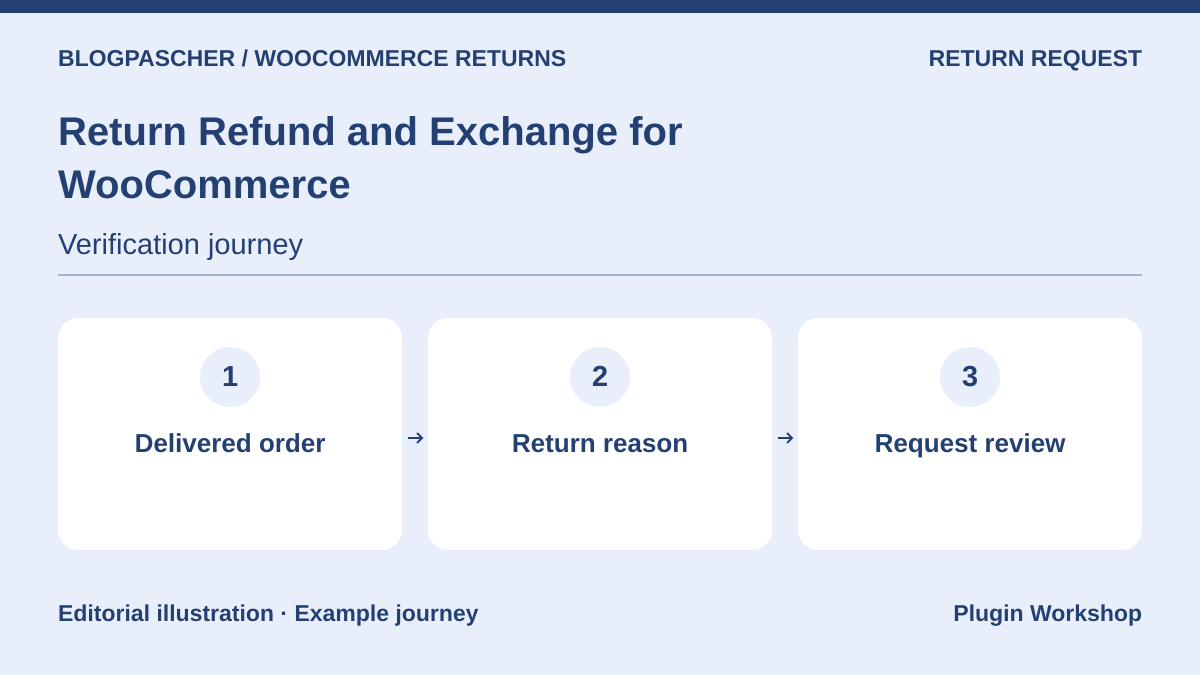 Editorial diagram. Delivered order → Return reason → Request review. — BlogPasCherOpen full-size illustration ↗
Best forCollect a reason and track a request
WP Swings adds a request flow and administrative tracking in WooCommerce. The Pro offer advertises exchange, wallet, and restocking rules. Examine both editions using a test order before selecting the level covering your usual cases.
Offer pricing
Free core. Pro for one site at USD 79 for one year.
Billing: Free core
Renewal and support: Check renewal of the Pro offer at checkout.
Displayed amounts. Check taxes and fees at checkout.
Checked on .
What to consider
- Check return-request eligibility, approval, and gateway action separately. Exchange and automation capabilities vary by edition.
Pricing terms and compatibility
Understanding the offer
- Price at the time of review
- Free core. Pro for one site at USD 79 for one year.
- Currency
- USD
- Billing
- Free core
- Renewal and support
- Check renewal of the Pro offer at checkout.
- Taxes and fees
- Displayed amounts. Check taxes and fees at checkout.
- Commitment and terms
- Unspecified. Confirm for the offer you choose.
- Date checked
Compatibility and components
- WooCommerce according to the listing. Check your configuration, required plugins, and HPOS mode on a copy.
Flexible Refund for WooCommerce
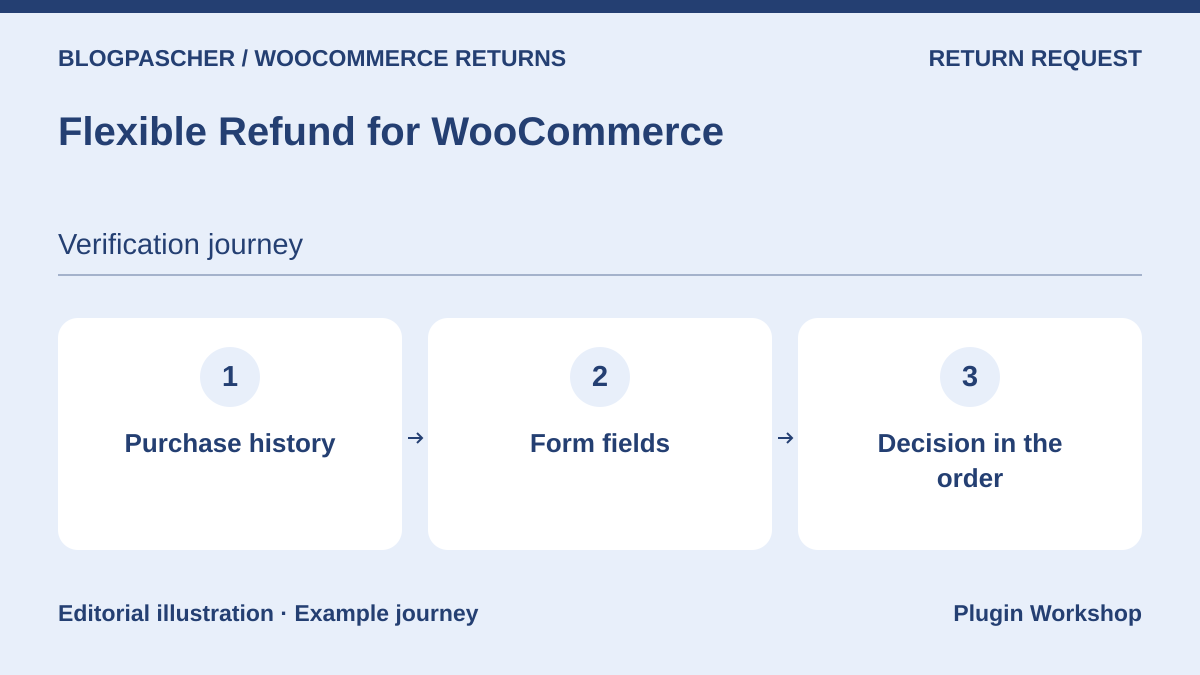 Editorial diagram. Purchase history → Form fields → Decision in the order. — BlogPasCherOpen full-size illustration ↗
Best forCreate a form with suitable fields
Flexible Refund by WP Desk lets you edit refund-form fields and track the request from the order. The core documents a request covering all eligible quantities. Selecting products and quantities for a partial refund is listed in the Pro offer.
Offer pricing
Free core. Pro for one site at EUR 59 excluding VAT for one year.
Billing: Free core
Renewal and support: Check renewal of the Pro offer at checkout.
Displayed amounts. Check taxes and fees at checkout.
Checked on .
What to consider
- Test button visibility for every relevant status. Approval and transferring money through the gateway depend on two separate stages.
Pricing terms and compatibility
Understanding the offer
- Price at the time of review
- Free core. Pro for one site at EUR 59 excluding VAT for one year.
- Currency
- EUR
- Billing
- Free core
- Renewal and support
- Check renewal of the Pro offer at checkout.
- Taxes and fees
- Displayed amounts. Check taxes and fees at checkout.
- Commitment and terms
- Unspecified. Confirm for the offer you choose.
- Date checked
Compatibility and components
- WooCommerce according to the listing. Check your configuration, required plugins, and HPOS mode on a copy.
Redono – Returns and RMA for WooCommerce
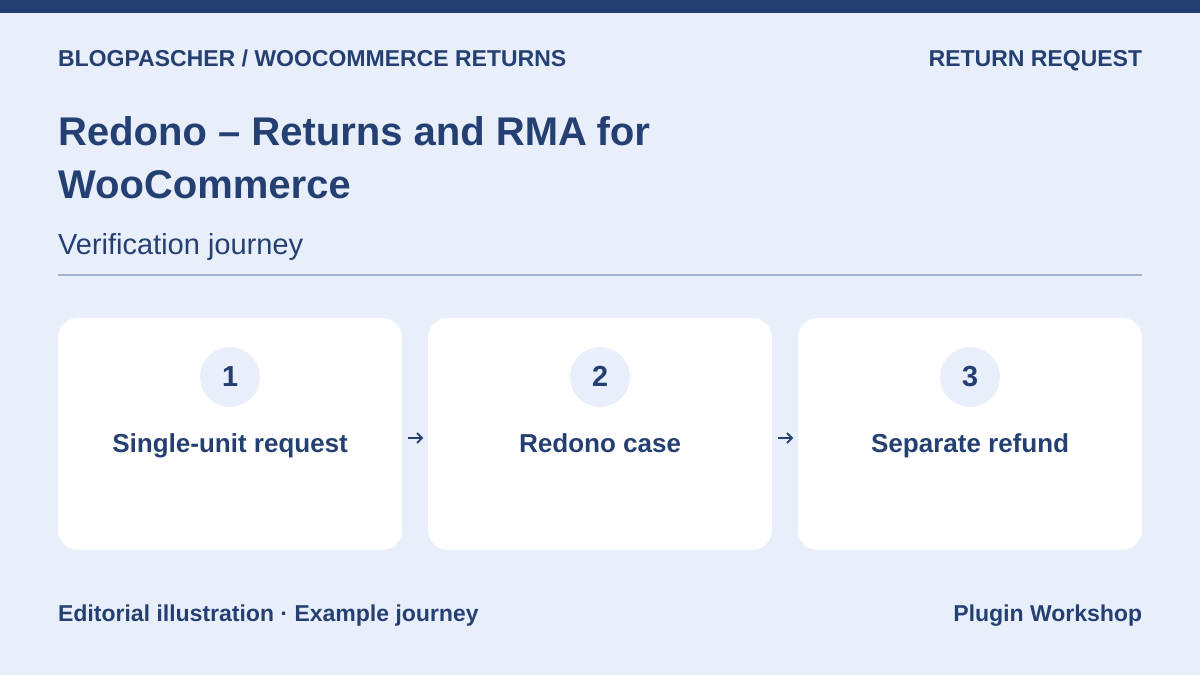 Editorial diagram. Single-unit request → Redono case → Separate refund. — BlogPasCherOpen full-size illustration ↗
Best forTrack a request before refunding manually
Redono links a request and its items to the WooCommerce order. The team can track the case, while the refund is handled separately in WooCommerce. The local acceptance test repeated a one-unit submission, a second submission, and a partial refund with restocking.
Offer pricing
Free core in the WordPress.org directory.
Billing: Free core
Checked on .
What to consider
- On the copy, the refund left the Redono case in requested status. Plan to handle its status in the returns register.
Pricing terms and compatibility
Understanding the offer
- Price at the time of review
- Free core in the WordPress.org directory.
- Currency
- Unspecified. Confirm for the offer you choose.
- Billing
- Free core
- Renewal and support
- Unspecified. Confirm for the offer you choose.
- Taxes and fees
- Unspecified. Confirm for the offer you choose.
- Commitment and terms
- Unspecified. Confirm for the offer you choose.
- Date checked
Compatibility and components
- Redono 1.3.10 executed on WooCommerce 11.2.1, with and without HPOS.
thevitaminshots Refunds & Returns
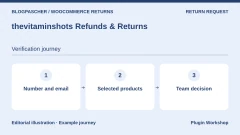
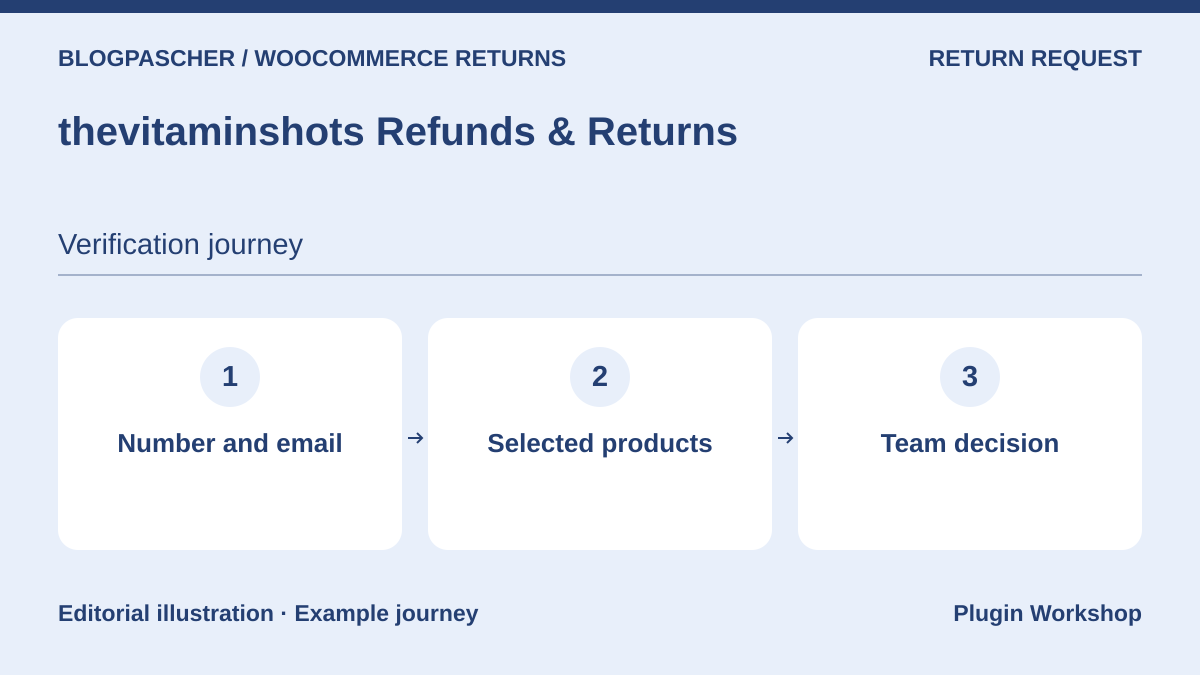 Editorial diagram. Number and email → Selected products → Team decision. — BlogPasCherOpen full-size illustration ↗
Best forVerify an order before a request outside an account
The shortcode form advertised by thevitaminshots verifies an order number and its billing email. The team then examines the request in WordPress. The publisher describes a configurable percentage and excluded categories for the refund flow.
Offer pricing
Free core in the WordPress.org directory.
Billing: Free core
Checked on .
What to consider
- Check the calculation on a discounted or taxed order, or one with shipping. The return policy must define the eligible amount before enabling the calculation.
Pricing terms and compatibility
Understanding the offer
- Price at the time of review
- Free core in the WordPress.org directory.
- Currency
- Unspecified. Confirm for the offer you choose.
- Billing
- Free core
- Renewal and support
- Unspecified. Confirm for the offer you choose.
- Taxes and fees
- Unspecified. Confirm for the offer you choose.
- Commitment and terms
- Unspecified. Confirm for the offer you choose.
- Date checked
Compatibility and components
- WooCommerce according to the listing. Check your configuration, required plugins, and HPOS mode on a copy.
Returns Portal & RMA for WooCommerce
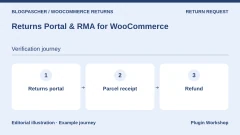
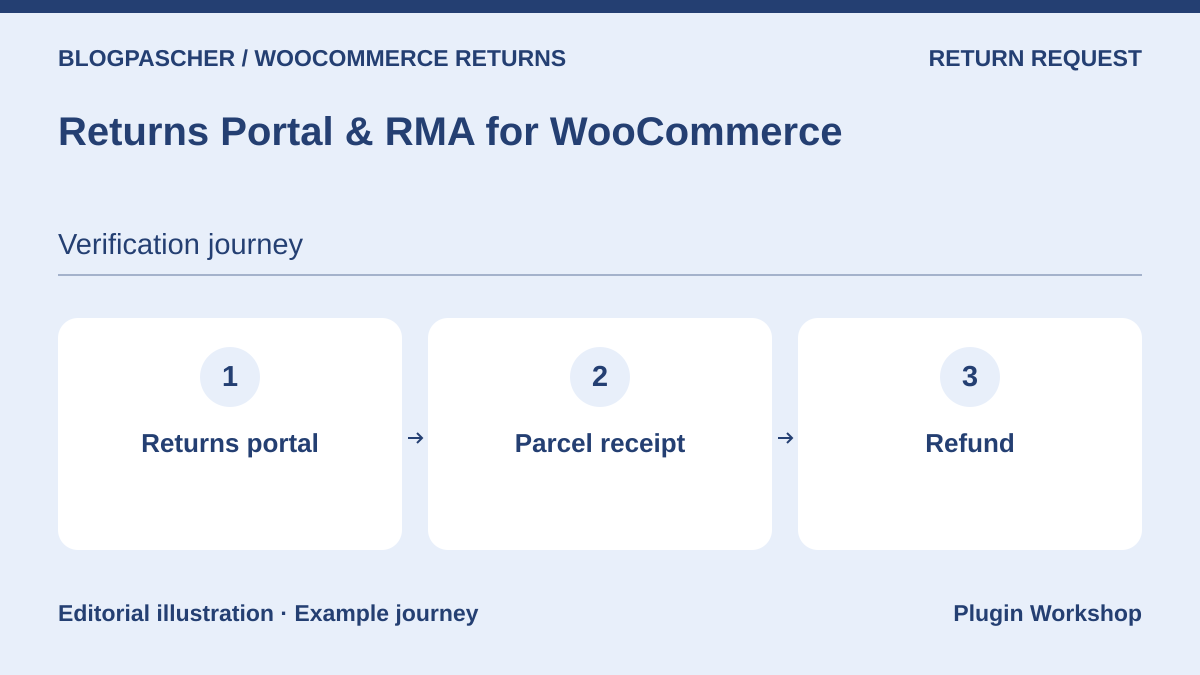 Editorial diagram. Returns portal → Parcel receipt → Refund. — BlogPasCherOpen full-size illustration ↗
Best forCreate a portal for customers and guests
DevDiggers describes an order-linked portal for customers and guests. The visitor can specify items and quantities. The team can add a label, record receipt, and trigger a refund according to the WooCommerce gateway’s capabilities.
Offer pricing
Free core. Check options according to the edition offered.
Billing: Free core
Checked on .
What to consider
- Check portal access, attachments, and restocking. Carrier and payment capabilities must be tested with your configuration.
Pricing terms and compatibility
Understanding the offer
- Price at the time of review
- Free core. Check options according to the edition offered.
- Currency
- Unspecified. Confirm for the offer you choose.
- Billing
- Free core
- Renewal and support
- Unspecified. Confirm for the offer you choose.
- Taxes and fees
- Unspecified. Confirm for the offer you choose.
- Commitment and terms
- Unspecified. Confirm for the offer you choose.
- Date checked
Compatibility and components
- WooCommerce according to the listing. Check your configuration, required plugins, and HPOS mode on a copy.
SLS Return Requests for WooCommerce
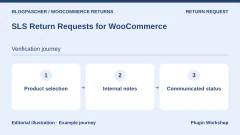
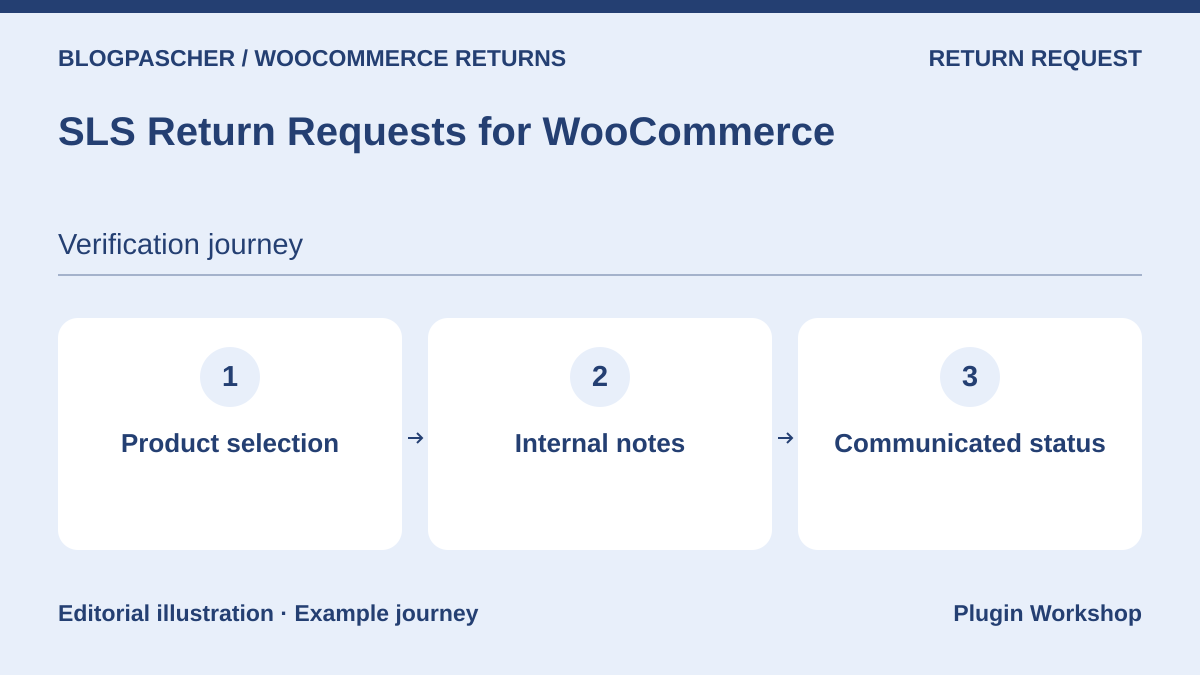 Editorial diagram. Product selection → Internal notes → Communicated status. — BlogPasCherOpen full-size illustration ↗
Best forAdd notes to a return request
SLS lets logged-in customers and guests select products and submit a request. The team can review information, record internal notes, and share a status with the customer from WordPress.
Offer pricing
Free core in the WordPress.org directory.
Billing: Free core
Checked on .
What to consider
- Check which notes the customer can actually see and how the case reconciles with the order refund.
Pricing terms and compatibility
Understanding the offer
- Price at the time of review
- Free core in the WordPress.org directory.
- Currency
- Unspecified. Confirm for the offer you choose.
- Billing
- Free core
- Renewal and support
- Unspecified. Confirm for the offer you choose.
- Taxes and fees
- Unspecified. Confirm for the offer you choose.
- Commitment and terms
- Unspecified. Confirm for the offer you choose.
- Date checked
Compatibility and components
- WooCommerce according to the listing. Check your configuration, required plugins, and HPOS mode on a copy.
ReturnKit – Returns, Refunds & EU Withdrawal Button
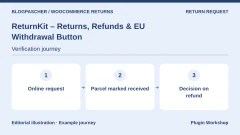
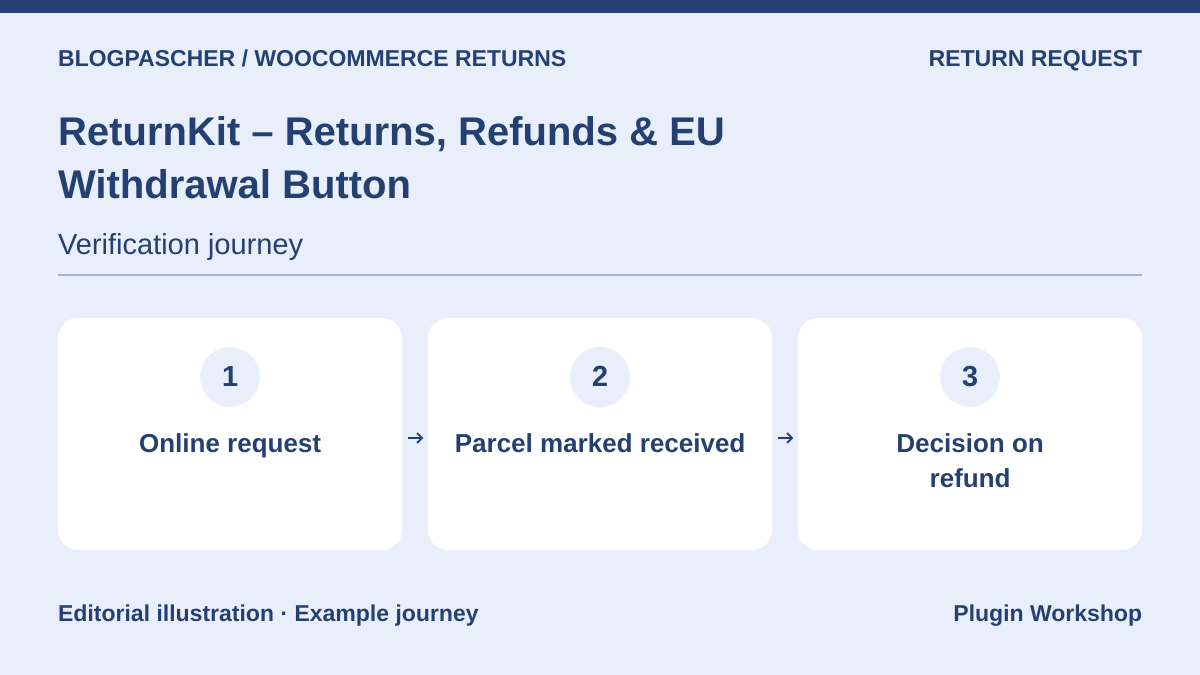 Editorial diagram. Online request → Parcel marked received → Refund decision. — BlogPasCherOpen full-size illustration ↗
Best forMark the parcel received before refunding
ReturnKit advertises a portal, approval, a receipt stage, and a refund button. The flow suits a store wanting to track product arrival before deciding the next step.
Offer pricing
Free core in the WordPress.org directory.
Billing: Free core
Checked on .
What to consider
- On a copy, check handling of a partial quantity, the statuses used, and refund compatibility with your gateway.
Pricing terms and compatibility
Understanding the offer
- Price at the time of review
- Free core in the WordPress.org directory.
- Currency
- Unspecified. Confirm for the offer you choose.
- Billing
- Free core
- Renewal and support
- Unspecified. Confirm for the offer you choose.
- Taxes and fees
- Unspecified. Confirm for the offer you choose.
- Commitment and terms
- Unspecified. Confirm for the offer you choose.
- Date checked
Compatibility and components
- WooCommerce according to the listing. Check your configuration, required plugins, and HPOS mode on a copy.
Recoup – Returns, Exchanges & Refunds
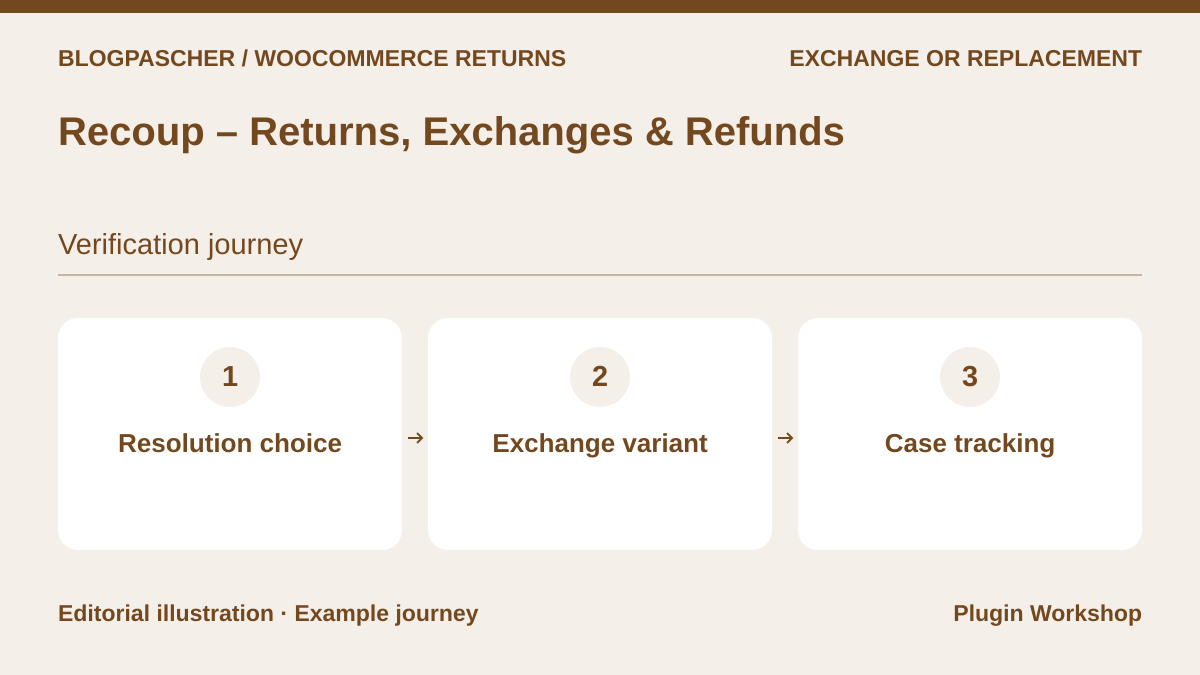 Editorial diagram. Resolution choice → Exchange variant → Case tracking. — BlogPasCherOpen full-size illustration ↗
Best forPresent several resolution methods
Recoup lets customers choose a refund, exchange, or store credit. The publisher describes an exchange order and wallet. This approach may interest a store offering several solutions through the same form.
Offer pricing
Free core. Check options according to the edition offered.
Billing: Free core
Checked on .
What to consider
- Test stock of the replacement variation and the price difference. Check which plan covers the automatic actions you need.
Pricing terms and compatibility
Understanding the offer
- Price at the time of review
- Free core. Check options according to the edition offered.
- Currency
- Unspecified. Confirm for the offer you choose.
- Billing
- Free core
- Renewal and support
- Unspecified. Confirm for the offer you choose.
- Taxes and fees
- Unspecified. Confirm for the offer you choose.
- Commitment and terms
- Unspecified. Confirm for the offer you choose.
- Date checked
Compatibility and components
- WooCommerce according to the listing. Check your configuration, required plugins, and HPOS mode on a copy.
Exzalted Returns Manager
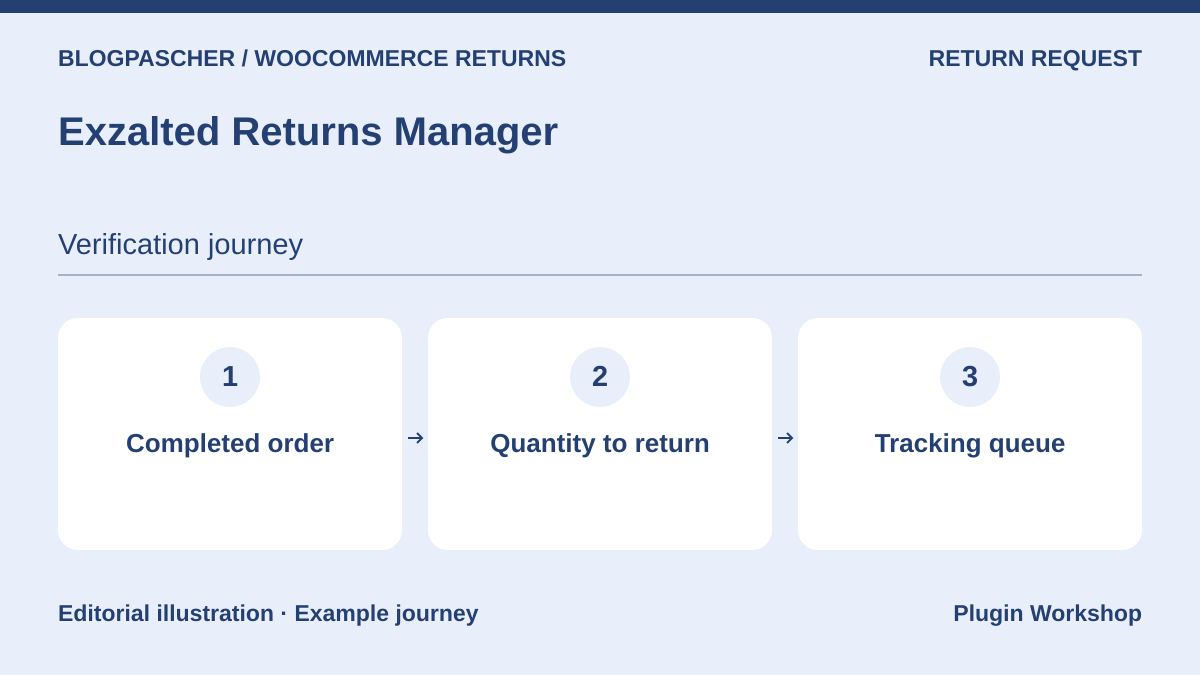 Editorial diagram. Completed order → Quantity to return → Tracking queue. — BlogPasCherOpen full-size illustration ↗
Best forTrack a quantity on a completed order
Exzalted describes partial requests from My Account for completed orders and a queue distinguishing the request, approval, receipt, and refund. The customer can track status changes.
Offer pricing
Free core in the WordPress.org directory.
Billing: Free core
Checked on .
What to consider
- Repeat two legitimate requests for different quantities and check access for purchases without an account if your store accepts them.
Pricing terms and compatibility
Understanding the offer
- Price at the time of review
- Free core in the WordPress.org directory.
- Currency
- Unspecified. Confirm for the offer you choose.
- Billing
- Free core
- Renewal and support
- Unspecified. Confirm for the offer you choose.
- Taxes and fees
- Unspecified. Confirm for the offer you choose.
- Commitment and terms
- Unspecified. Confirm for the offer you choose.
- Date checked
Compatibility and components
- WooCommerce according to the listing. Check your configuration, required plugins, and HPOS mode on a copy.
WindCodex ReturnDesk
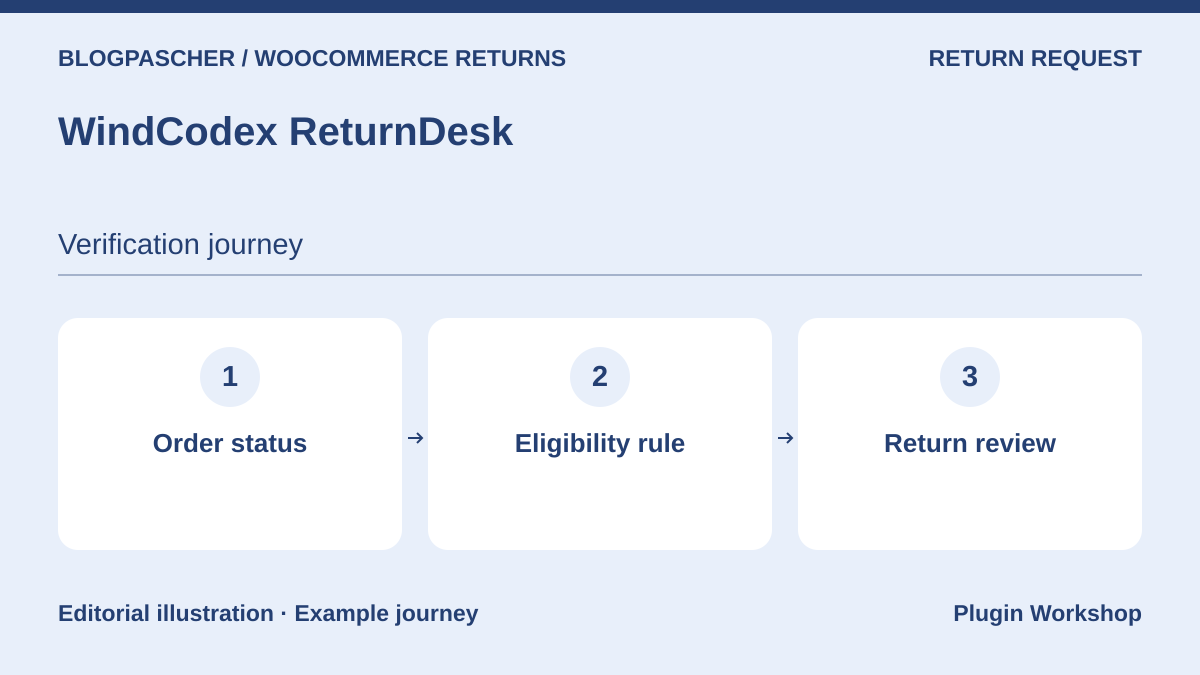 Editorial diagram. Order status → Eligibility rule → Return review. — BlogPasCherOpen full-size illustration ↗
Best forSet eligibility by order status
ReturnDesk advertises a request from order details and a WooCommerce review screen. The plugin lets you define eligible statuses, a return window, and instructions displayed to the customer.
Offer pricing
Free core in the WordPress.org directory.
Billing: Free core
Checked on .
What to consider
- Check translations and the behavior of every eligibility rule on your products before applying it to the entire catalog.
Pricing terms and compatibility
Understanding the offer
- Price at the time of review
- Free core in the WordPress.org directory.
- Currency
- Unspecified. Confirm for the offer you choose.
- Billing
- Free core
- Renewal and support
- Unspecified. Confirm for the offer you choose.
- Taxes and fees
- Unspecified. Confirm for the offer you choose.
- Commitment and terms
- Unspecified. Confirm for the offer you choose.
- Date checked
Compatibility and components
- WooCommerce according to the listing. Check your configuration, required plugins, and HPOS mode on a copy.
Returns and Warranty Requests for WooCommerce
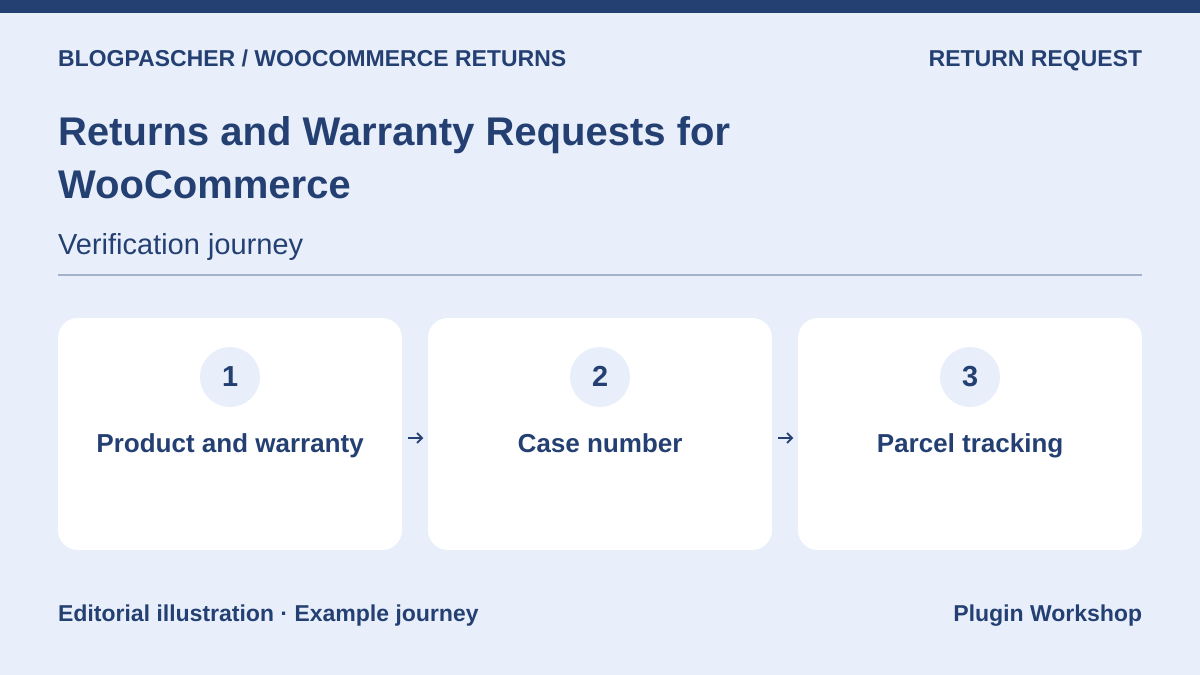 Editorial diagram. Product and warranty → Case number → Parcel tracking. — BlogPasCherOpen full-size illustration ↗
Best forAssociate a warranty duration with the product
The WooCommerce extension manages return and warranty cases. The documentation describes product-linked durations, case statuses, and notifications. A tracking number can be requested for the returned parcel.
Offer pricing
USD 99 for one year.
Billing: Annual subscription
Renewal and support: Check the renewal price in the cart.
Displayed amounts. Check taxes and fees at checkout.
Checked on .
What to consider
- Distinguish warranty cases from other returns in the settings and test guest orders, variable products, and your store’s deadlines.
Pricing terms and compatibility
Understanding the offer
- Price at the time of review
- USD 99 for one year.
- Currency
- USD
- Billing
- Annual subscription
- Renewal and support
- Check the renewal price in the cart.
- Taxes and fees
- Displayed amounts. Check taxes and fees at checkout.
- Commitment and terms
- Unspecified. Confirm for the offer you choose.
- Date checked
Compatibility and components
- WooCommerce according to the listing. Check your configuration, required plugins, and HPOS mode on a copy.
Returns for WooCommerce
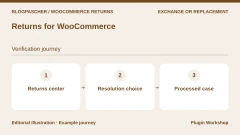
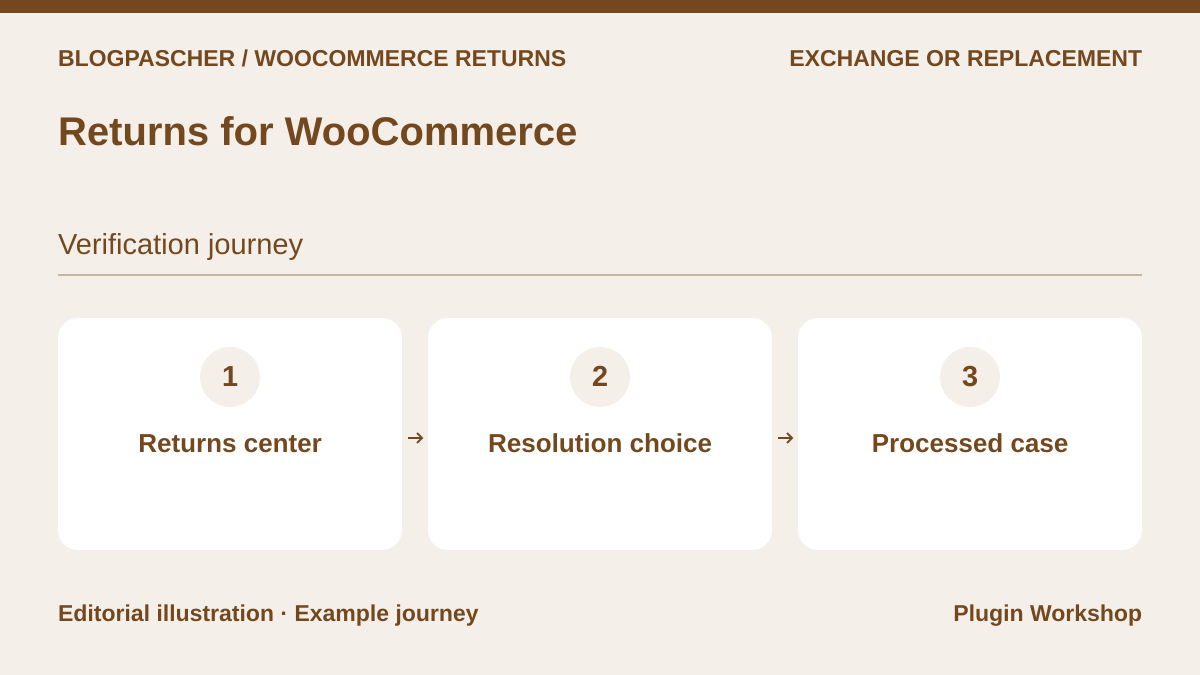 Editorial diagram. Returns center → Resolution choice → Processed case. — BlogPasCherOpen full-size illustration ↗
Best forCentralize returns, exchanges, and credit
Returns for WooCommerce advertises a returns center with refunds, exchanges, and store credit. Its settings let you specify eligible statuses and how long customers can request a return or exchange.
Offer pricing
USD 129 for one year.
Billing: Annual subscription
Renewal and support: Check the renewal price in the cart.
Displayed amounts. Check taxes and fees at checkout.
Checked on .
What to consider
- Repeat an exchange for an out-of-stock variation and check the three resolutions separately. Product return and money transfer follow different stages.
Pricing terms and compatibility
Understanding the offer
- Price at the time of review
- USD 129 for one year.
- Currency
- USD
- Billing
- Annual subscription
- Renewal and support
- Check the renewal price in the cart.
- Taxes and fees
- Displayed amounts. Check taxes and fees at checkout.
- Commitment and terms
- Unspecified. Confirm for the offer you choose.
- Date checked
Compatibility and components
- WooCommerce according to the listing. Check your configuration, required plugins, and HPOS mode on a copy.
Advanced Returns and Refunds for WooCommerce
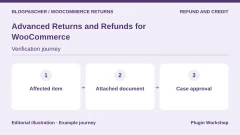
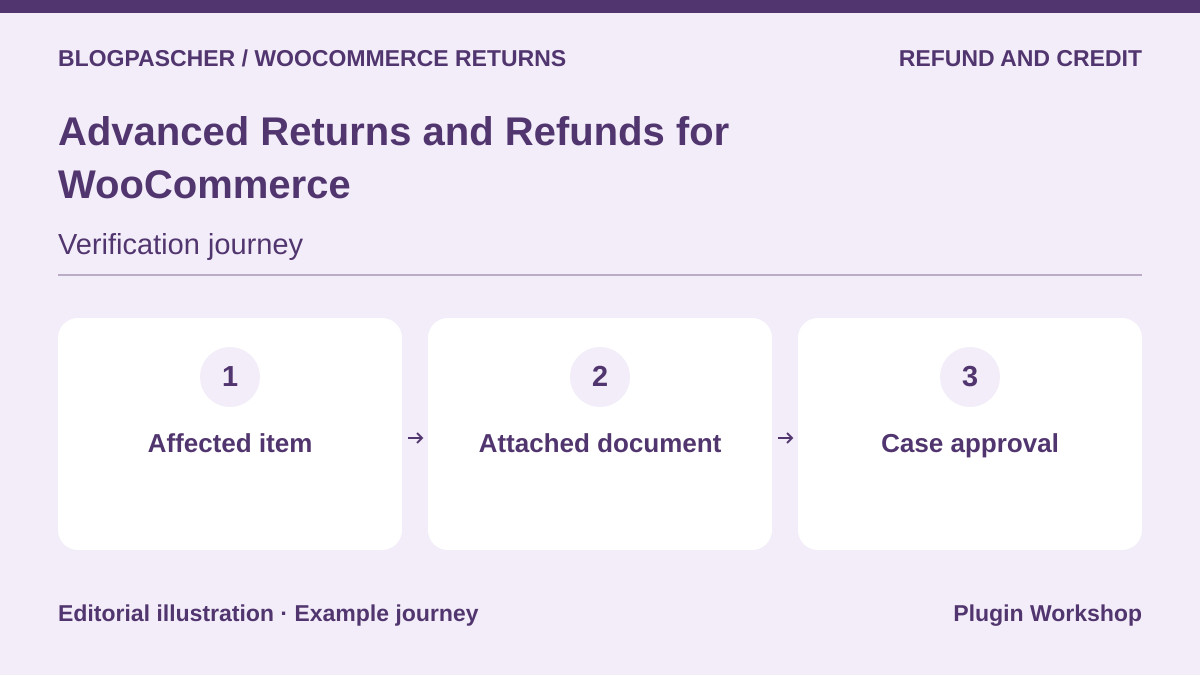 Editorial diagram. Affected item → Attached document → Case approval. — BlogPasCherOpen full-size illustration ↗
Best forReview a request with a file and conversation
Koala Apps advertises manual or automatic approval rules for a whole order or certain products. The customer can attach a file, and a conversation thread is linked to the case.
Offer pricing
USD 49 for one year.
Billing: Annual subscription
Renewal and support: Check the renewal price in the cart.
Displayed amounts. Check taxes and fees at checkout.
Checked on .
What to consider
- Test file retention, read permissions, and the gateway response before authorizing automatic refunds.
Pricing terms and compatibility
Understanding the offer
- Price at the time of review
- USD 49 for one year.
- Currency
- USD
- Billing
- Annual subscription
- Renewal and support
- Check the renewal price in the cart.
- Taxes and fees
- Displayed amounts. Check taxes and fees at checkout.
- Commitment and terms
- Unspecified. Confirm for the offer you choose.
- Date checked
Compatibility and components
- WooCommerce according to the listing. Check your configuration, required plugins, and HPOS mode on a copy.
Smart Refunder for WooCommerce
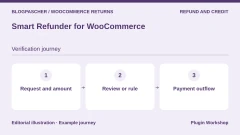
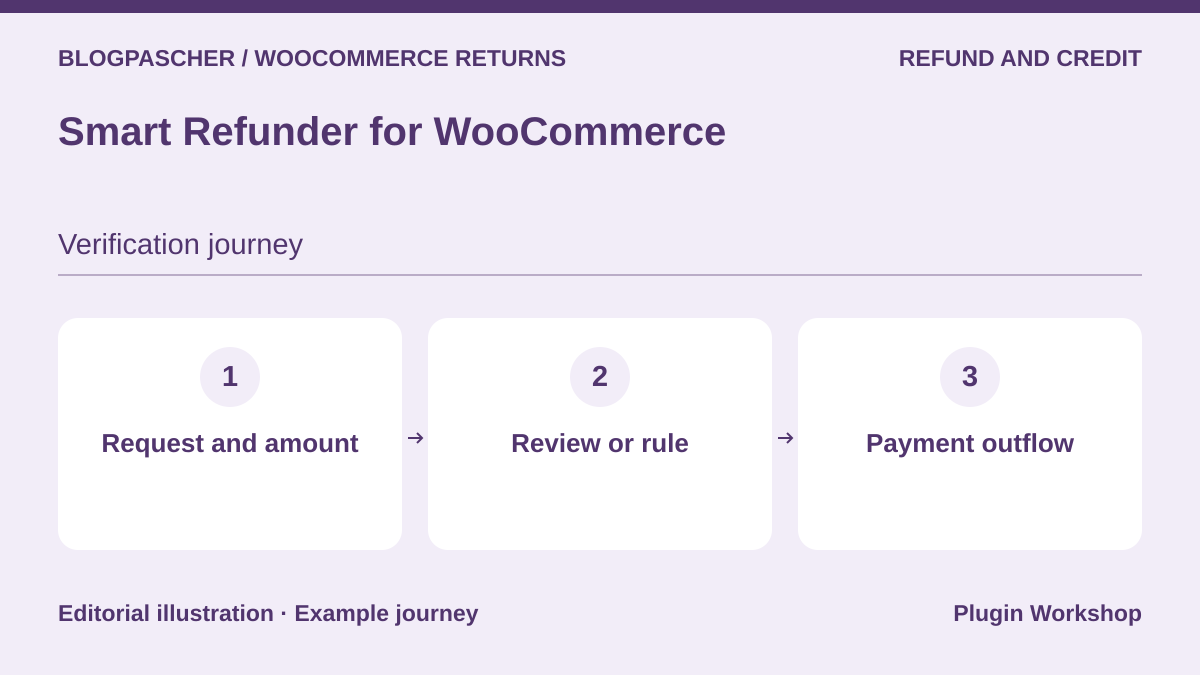 Editorial diagram. Request and amount → Review or rule → Payment outflow. — BlogPasCherOpen full-size illustration ↗
Best forSubmit a partial request from My Account
Smart Refunder lets the customer specify a reason and amount. The listing distinguishes manual review from automatic execution with a compatible gateway. Store credit can use Smart Coupons.
Offer pricing
USD 79 for one year.
Billing: Annual subscription
Renewal and support: Check the renewal price in the cart.
Displayed amounts. Check taxes and fees at checkout.
Checked on .
What to consider
- Store credit requires Smart Coupons according to the publisher. For a physical product, check how the team confirms receipt before refunding.
Pricing terms and compatibility
Understanding the offer
- Price at the time of review
- USD 79 for one year.
- Currency
- USD
- Billing
- Annual subscription
- Renewal and support
- Check the renewal price in the cart.
- Taxes and fees
- Displayed amounts. Check taxes and fees at checkout.
- Commitment and terms
- Unspecified. Confirm for the offer you choose.
- Date checked
Compatibility and components
- WooCommerce according to the listing. Check your configuration, required plugins, and HPOS mode on a copy.
Self-Service Refunds for WooCommerce
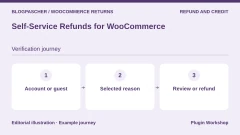
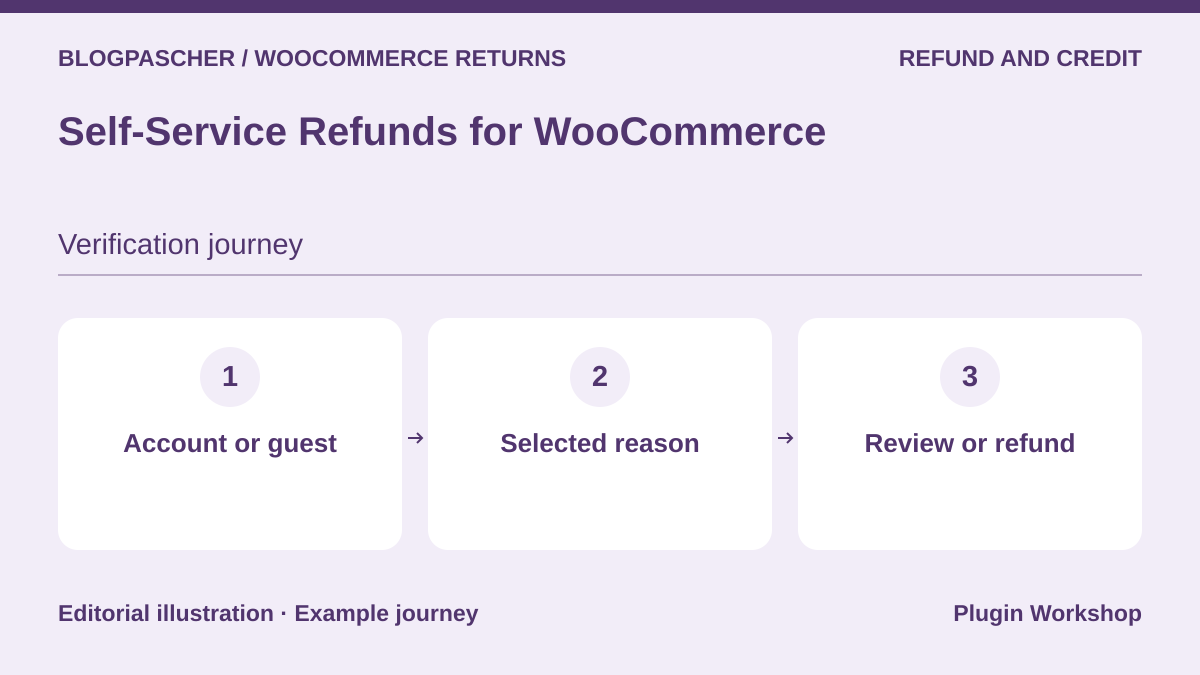 Editorial diagram. Account or guest → Selected reason → Review or refund. — BlogPasCherOpen full-size illustration ↗
Best forAccept requests from guests and logged-in customers
Self-Service Refunds adds an account button and a form for guests. The team can choose which cases go to review and which go directly to the gateway.
Offer pricing
USD 39 for one year.
Billing: Annual subscription
Renewal and support: Check the renewal price in the cart.
Displayed amounts. Check taxes and fees at checkout.
Checked on .
What to consider
- Check the order status added to the flow and emails from other plugins reacting to that status.
Pricing terms and compatibility
Understanding the offer
- Price at the time of review
- USD 39 for one year.
- Currency
- USD
- Billing
- Annual subscription
- Renewal and support
- Check the renewal price in the cart.
- Taxes and fees
- Displayed amounts. Check taxes and fees at checkout.
- Commitment and terms
- Unspecified. Confirm for the offer you choose.
- Date checked
Compatibility and components
- WooCommerce according to the listing. Check your configuration, required plugins, and HPOS mode on a copy.
YITH WooCommerce Advanced Refund System
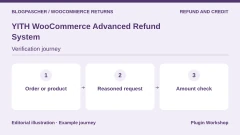
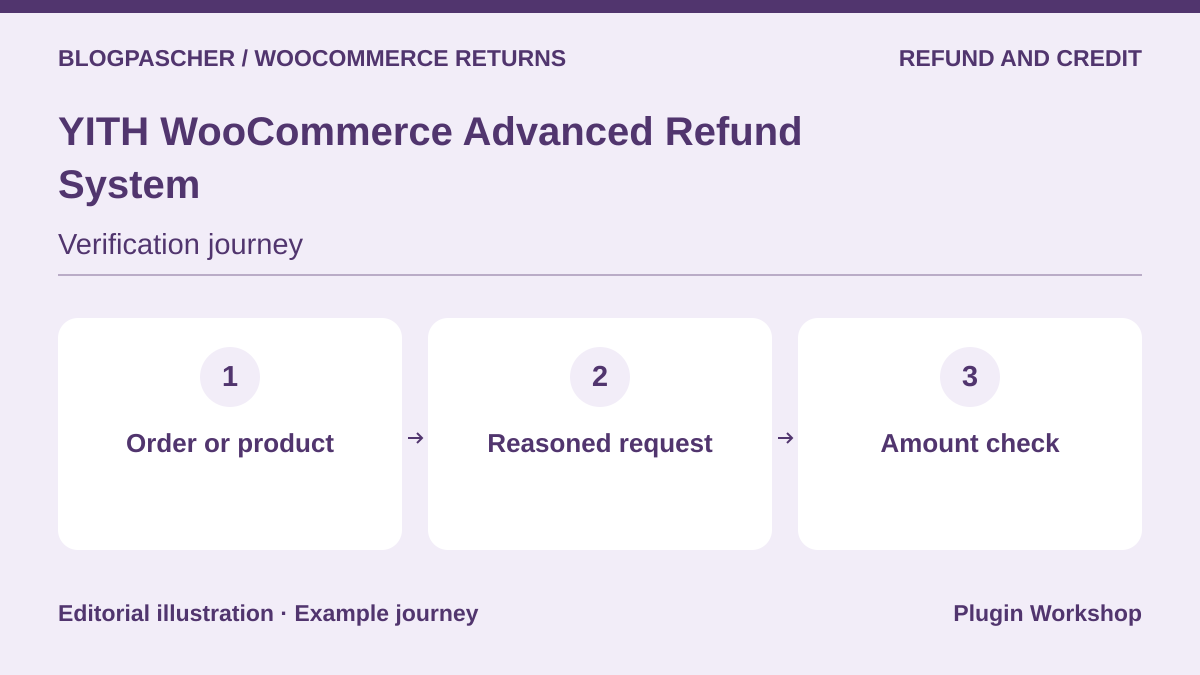 Editorial diagram. Order or product → Reasoned request → Amount check. — BlogPasCherOpen full-size illustration ↗
Best forReview a request by product or order
YITH adds a request flow for customers and a processing view in administration. The publisher describes requests for an order or product, as well as notifications and settings controlling button availability.
Offer pricing
EUR 79.99 displayed, excluding VAT. One year of updates and support advertised.
Billing: Premium license
Renewal and support: Check the local currency and renewal price.
Displayed amounts. Check taxes and fees at checkout.
Checked on .
What to consider
- Check partial-refund terms, shipping-charge handling, and behavior with the payment method used.
Pricing terms and compatibility
Understanding the offer
- Price at the time of review
- EUR 79.99 displayed, excluding VAT. One year of updates and support advertised.
- Currency
- EUR
- Billing
- Premium license
- Renewal and support
- Check the local currency and renewal price.
- Taxes and fees
- Displayed amounts. Check taxes and fees at checkout.
- Commitment and terms
- Unspecified. Confirm for the offer you choose.
- Date checked
Compatibility and components
- WooCommerce according to the listing. Check your configuration, required plugins, and HPOS mode on a copy.
LC Refund Requests – WooCommerce Refunds Manager
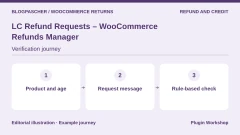
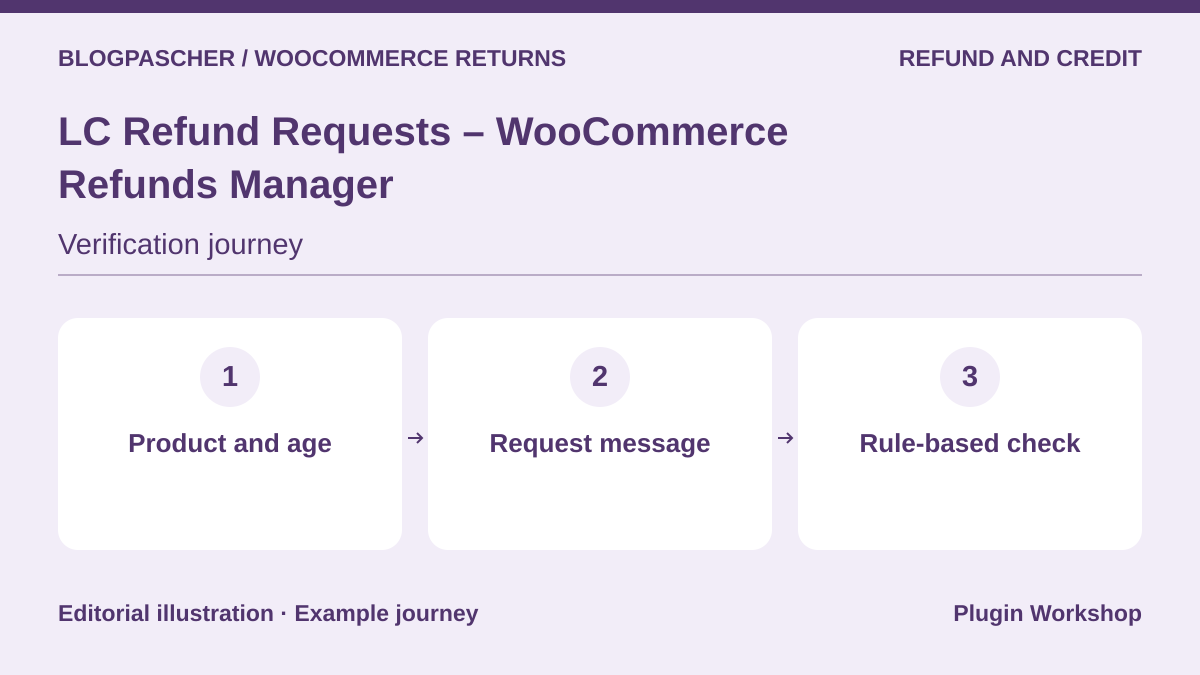 Editorial diagram. Product and age → Request message → Rule-based check. — BlogPasCherOpen full-size illustration ↗
Best forApply refund rules to products
LCweb presents a form, message exchanges, and rules by product or order age. The listing allows certain renewals to be distinguished if WooCommerce Subscriptions is installed.
Offer pricing
USD 49 Regular license or USD 125 Extended license.
Billing: License purchase
Renewal and support: Six months of support listed. Optional extension.
Displayed amounts. Check taxes and fees at checkout.
Checked on .
What to consider
- Try a discounted product and a renewal before enabling an exclusion. Refund terms must remain consistent with your displayed flow.
Pricing terms and compatibility
Understanding the offer
- Price at the time of review
- USD 49 Regular license or USD 125 Extended license.
- Currency
- USD
- Billing
- License purchase
- Renewal and support
- Six months of support listed. Optional extension.
- Taxes and fees
- Displayed amounts. Check taxes and fees at checkout.
- Commitment and terms
- Unspecified. Confirm for the offer you choose.
- Date checked
Compatibility and components
- WooCommerce according to the listing. Check your configuration, required plugins, and HPOS mode on a copy.
Return Replace Refund & Exchange for WooCommerce RMA
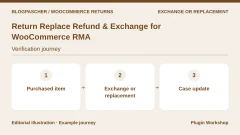
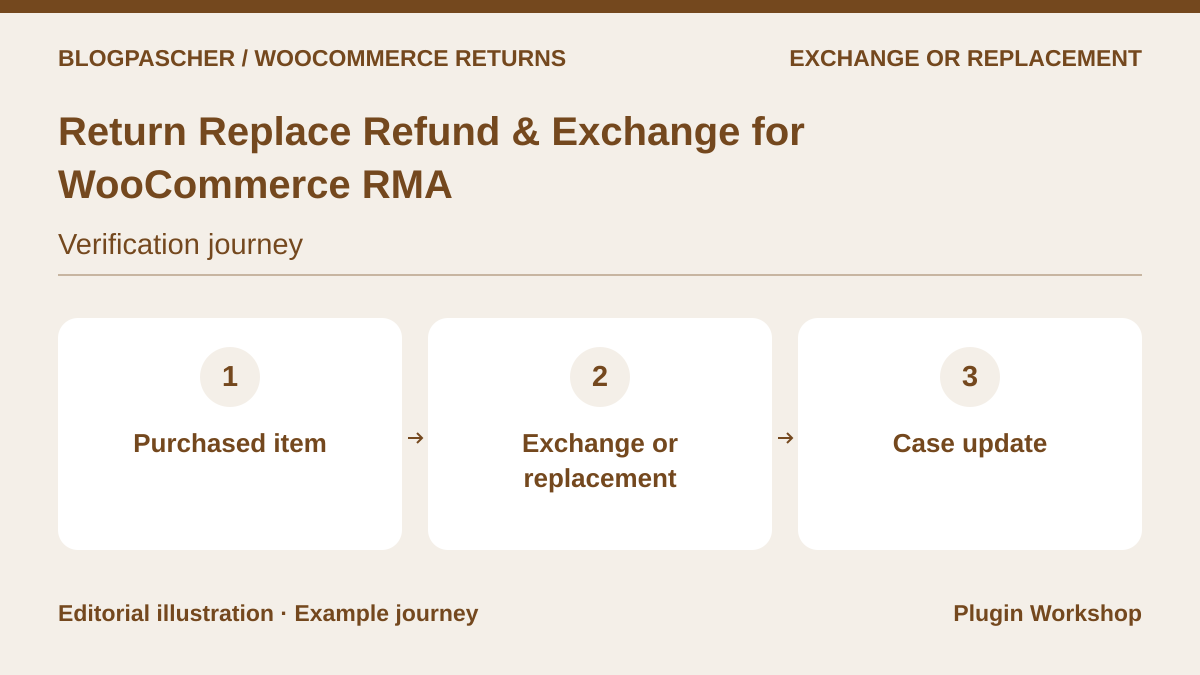 Editorial diagram. Purchased item → Exchange or replacement → Case update. — BlogPasCherOpen full-size illustration ↗
Best forDistinguish replacements, exchanges, and refunds
RedefiningTheWeb’s CodeCanyon listing advertises replacement, exchange, and refund flows. The listing’s changelog mentions guest requests and administrative notifications.
Offer pricing
USD 49 Regular license or USD 224 Extended license.
Billing: License purchase
Renewal and support: Six months of support listed. Optional extension.
Displayed amounts. Check taxes and fees at checkout.
Checked on .
What to consider
- Test stock changes for a like-for-like replacement and another variation. Confirm current capabilities with the purchased edition.
Pricing terms and compatibility
Understanding the offer
- Price at the time of review
- USD 49 Regular license or USD 224 Extended license.
- Currency
- USD
- Billing
- License purchase
- Renewal and support
- Six months of support listed. Optional extension.
- Taxes and fees
- Displayed amounts. Check taxes and fees at checkout.
- Commitment and terms
- Unspecified. Confirm for the offer you choose.
- Date checked
Compatibility and components
- WooCommerce according to the listing. Check your configuration, required plugins, and HPOS mode on a copy.
WooCommerce POS Order Return & Exchange
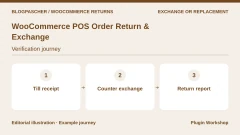
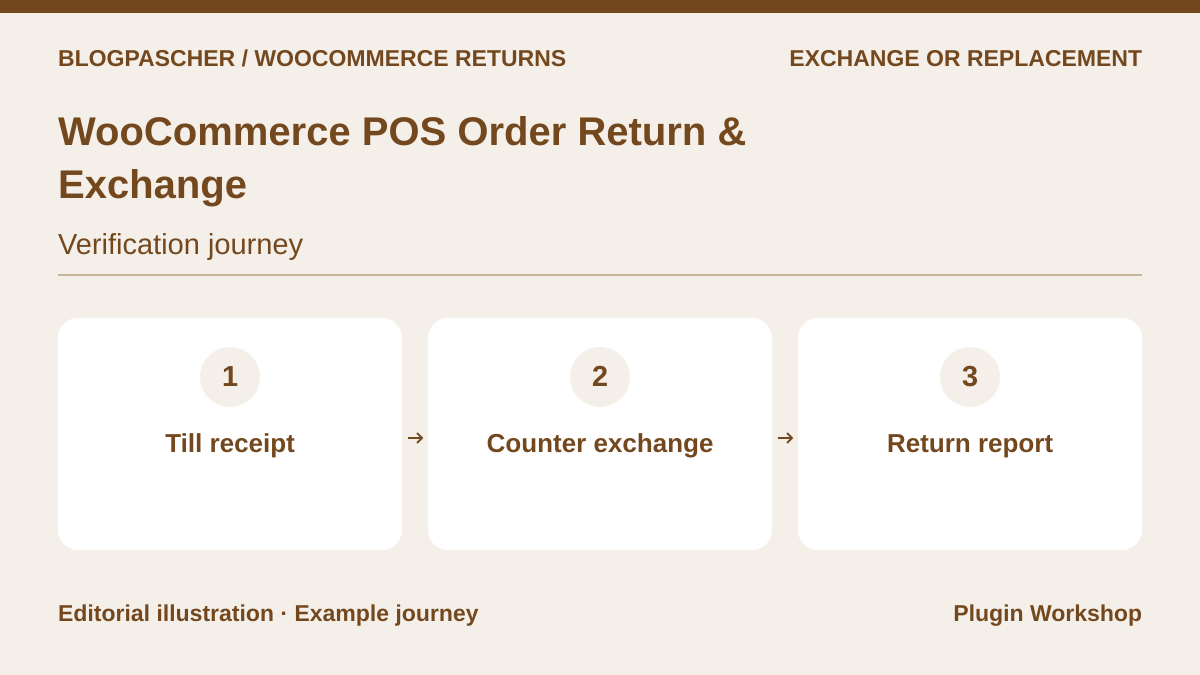 Editorial diagram. Till receipt → Counter exchange → Return report. — BlogPasCherOpen full-size illustration ↗
Best forProcess an exchange at the counter
This Webkul add-on advertises returns and exchanges from its WooCommerce point of sale. The listing also describes receipts and return reconciliation in register reports.
Offer pricing
USD 71 Regular license or USD 223 Extended license.
Billing: License purchase
Renewal and support: Six months of support listed. Optional extension.
Displayed amounts. Check taxes and fees at checkout.
Checked on .
What to consider
- The module requires a compatible Webkul point of sale. Test refunds and exchanges with the register’s payment methods.
Pricing terms and compatibility
Understanding the offer
- Price at the time of review
- USD 71 Regular license or USD 223 Extended license.
- Currency
- USD
- Billing
- License purchase
- Renewal and support
- Six months of support listed. Optional extension.
- Taxes and fees
- Displayed amounts. Check taxes and fees at checkout.
- Commitment and terms
- Unspecified. Confirm for the offer you choose.
- Date checked
Compatibility and components
- WooCommerce according to the listing. Check your configuration, required plugins, and HPOS mode on a copy.
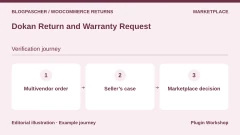
Dokan Return and Warranty Request
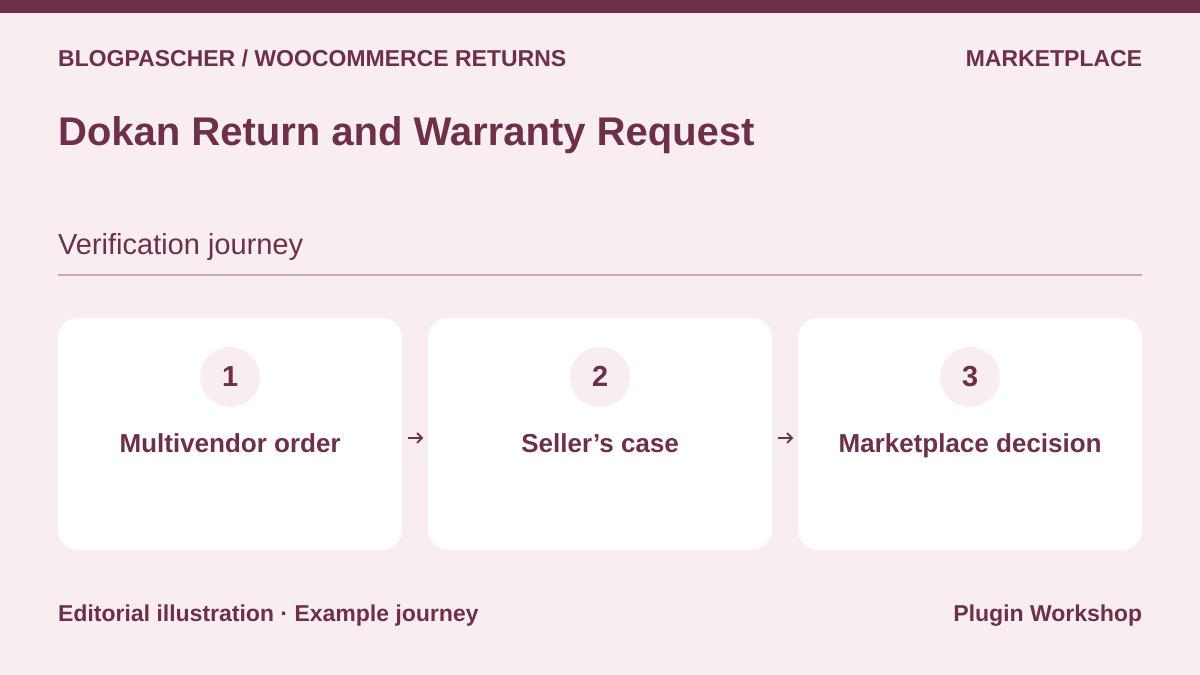 Editorial diagram. Multivendor order → Seller’s case → Marketplace decision. — BlogPasCherOpen full-size illustration ↗
Best forRoute the request to the relevant vendor
The Dokan module lets vendors offer return and warranty settings for their products. The documentation specifies that the module is available from Professional upward.
Offer pricing
Professional displayed at a promotional USD 162 on the annual cycle. Displayed reference price of USD 249.
Billing: Dokan Professional subscription or higher
Renewal and support: Check application of the promotion and the renewal rate.
Displayed amounts. Check taxes and fees at checkout.
Checked on .
What to consider
- Try an order containing two vendors. Check who can see the case and who can trigger the payment operation.
Pricing terms and compatibility
Understanding the offer
- Price at the time of review
- Professional displayed at a promotional USD 162 on the annual cycle. Displayed reference price of USD 249.
- Currency
- USD
- Billing
- Dokan Professional subscription or higher
- Renewal and support
- Check application of the promotion and the renewal rate.
- Taxes and fees
- Displayed amounts. Check taxes and fees at checkout.
- Commitment and terms
- Unspecified. Confirm for the offer you choose.
- Date checked
Compatibility and components
- WooCommerce according to the listing. Check your configuration, required plugins, and HPOS mode on a copy.
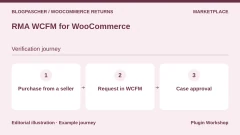
RMA WCFM for WooCommerce
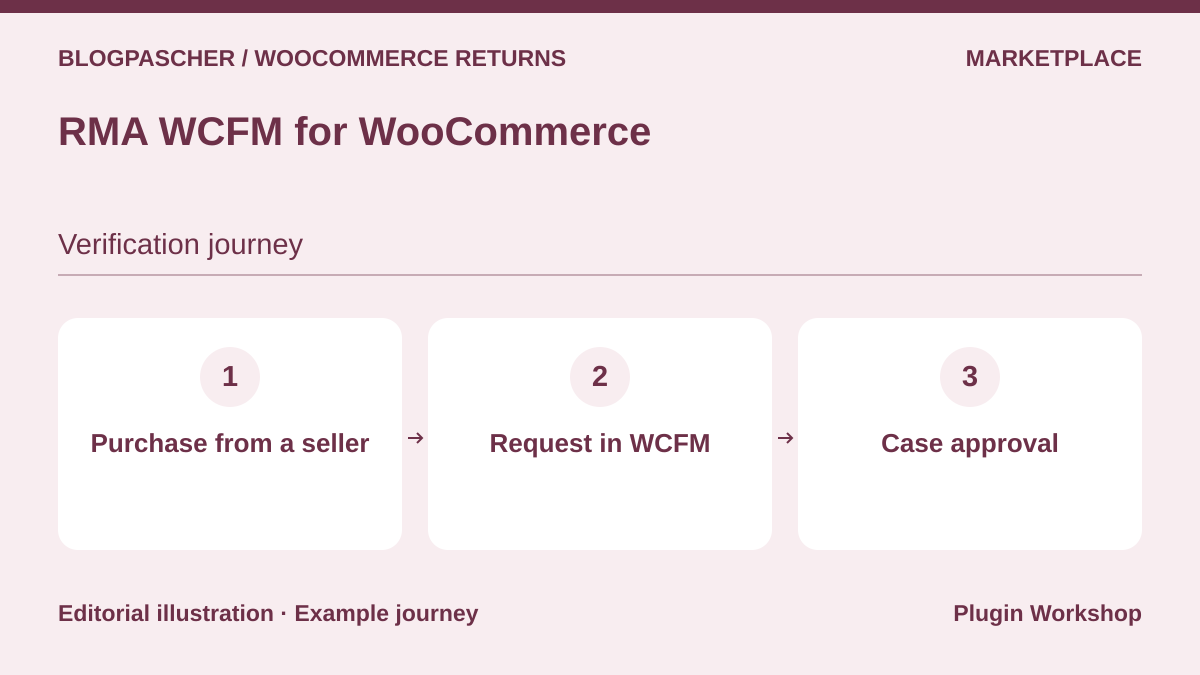 Editorial diagram. Purchase from a seller → Request in WCFM → Case approval. — BlogPasCherOpen full-size illustration ↗
Best forAssign requests to WCFM vendors
The WP Swings module for WCFM adds a management area for return, refund, exchange, or cancellation requests for vendors. It targets marketplaces already using WCFM.
Offer pricing
USD 79 for one year for one site. Price required components separately.
Billing: Annual subscription
Renewal and support: Check the renewal price in the cart.
Displayed amounts. Check taxes and fees at checkout.
Checked on .
What to consider
- Check required versions of WCFM and the WP Swings returns module. Test permissions with separate vendor and administrator accounts.
Pricing terms and compatibility
Understanding the offer
- Price at the time of review
- USD 79 for one year for one site. Price required components separately.
- Currency
- USD
- Billing
- Annual subscription
- Renewal and support
- Check the renewal price in the cart.
- Taxes and fees
- Displayed amounts. Check taxes and fees at checkout.
- Commitment and terms
- Unspecified. Confirm for the offer you choose.
- Date checked
Compatibility and components
- WooCommerce according to the listing. Check your configuration, required plugins, and HPOS mode on a copy.
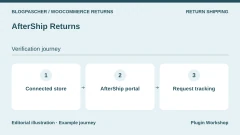
AfterShip Returns
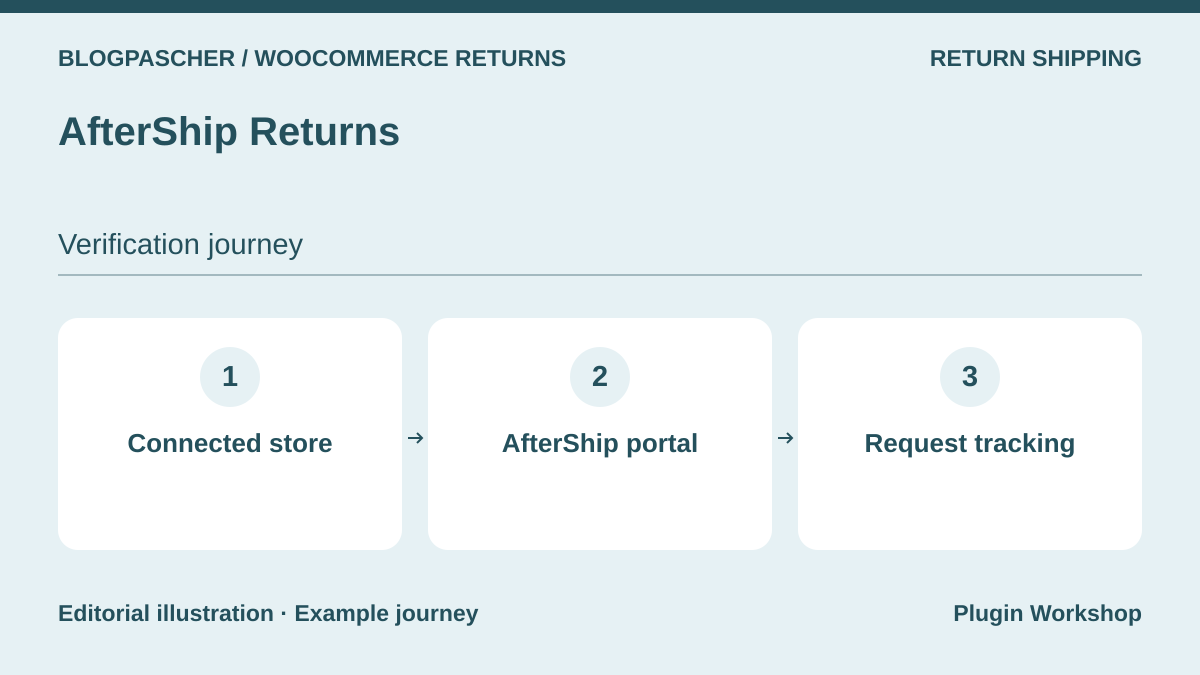 Editorial diagram. Connected store → AfterShip portal → Request tracking. — BlogPasCherOpen full-size illustration ↗
Best forTrack requests in an external portal
AfterShip documents a WooCommerce connection to its returns center, with a customized page and status notifications. The service lends itself to handling several requests in a shared area.
Offer pricing
Essentials from USD 16 per month on the annual pricing table for 240 returns, then USD 0.50 per additional return.
Billing: External-service subscription and return volume
Renewal and support: Confirm the cycle and quota at checkout.
Displayed amounts. Check taxes and fees at checkout.
Checked on .
What to consider
- Check the chosen plan’s WooCommerce functions, return quota, and carrier-specific rules. The connection requires an external service.
Pricing terms and compatibility
Understanding the offer
- Price at the time of review
- Essentials from USD 16 per month on the annual pricing table for 240 returns, then USD 0.50 per additional return.
- Currency
- USD
- Billing
- External-service subscription and return volume
- Renewal and support
- Confirm the cycle and quota at checkout.
- Taxes and fees
- Displayed amounts. Check taxes and fees at checkout.
- Commitment and terms
- Unspecified. Confirm for the offer you choose.
- Date checked
Compatibility and components
- WooCommerce according to the listing. Check your configuration, required plugins, and HPOS mode on a copy.
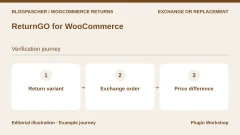
ReturnGO for WooCommerce
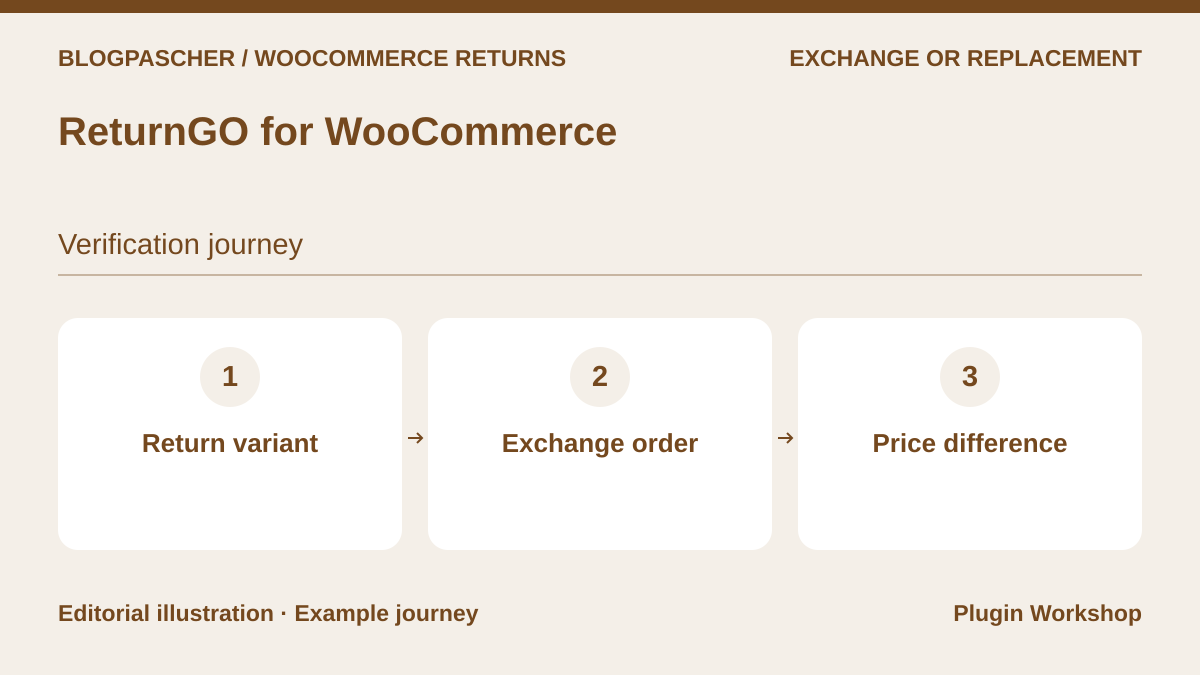 Editorial diagram. Return variant → Exchange order → Price difference. — BlogPasCherOpen full-size illustration ↗
Best forCreate an order for a variation exchange
ReturnGO describes product or variation exchanges with creation of an exchange order. The WooCommerce documentation reserves this integration for the Enterprise plan. It specifies a Stripe integration for exchanges to more expensive items.
Offer pricing
WooCommerce integration by quotation with the Enterprise plan.
Billing: External-service subscription
Renewal and support: Ask the ReturnGO representative for the price and period.
Checked on .
What to consider
- Request a quote for WooCommerce and test an exchange to a more expensive item, then a less expensive one. Check release of the replacement order.
Pricing terms and compatibility
Understanding the offer
- Price at the time of review
- WooCommerce integration by quotation with the Enterprise plan.
- Currency
- Unspecified. Confirm for the offer you choose.
- Billing
- External-service subscription
- Renewal and support
- Ask the ReturnGO representative for the price and period.
- Taxes and fees
- Unspecified. Confirm for the offer you choose.
- Commitment and terms
- Unspecified. Confirm for the offer you choose.
- Date checked
Compatibility and components
- WooCommerce according to the listing. Check your configuration, required plugins, and HPOS mode on a copy.
Shiptastic for WooCommerce
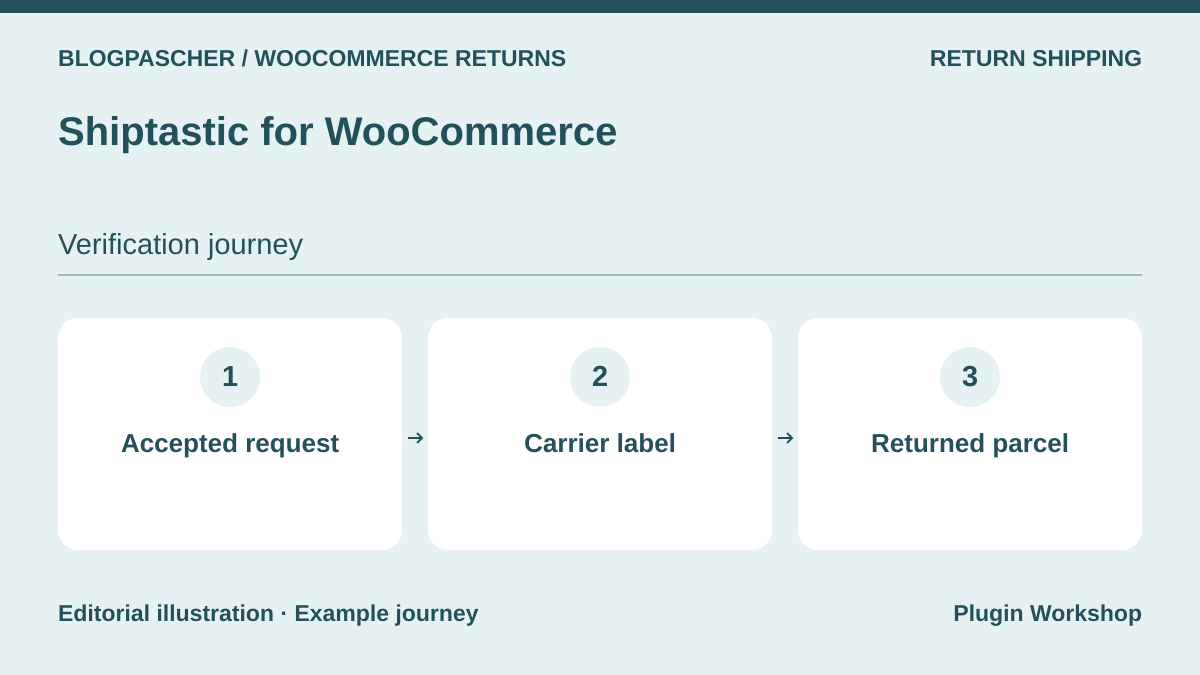 Editorial diagram. Accepted request → Carrier label → Returned parcel. — BlogPasCherOpen full-size illustration ↗
Best forAttach a return label to a case
Shiptastic associates the request with the shipment and advertises return labels with compatible carriers, including UPS and, in Germany, DHL and Deutsche Post depending on the integration. Processing can include team review.
Offer pricing
Free plugin. Carrier account and fees separate.
Billing: Free core
Checked on .
What to consider
- Check the country, carrier account, service, and costs before printing a real label. The module and shipping fees are priced separately.
Pricing terms and compatibility
Understanding the offer
- Price at the time of review
- Free plugin. Carrier account and fees separate.
- Currency
- Unspecified. Confirm for the offer you choose.
- Billing
- Free core
- Renewal and support
- Unspecified. Confirm for the offer you choose.
- Taxes and fees
- Unspecified. Confirm for the offer you choose.
- Commitment and terms
- Unspecified. Confirm for the offer you choose.
- Date checked
Compatibility and components
- WooCommerce according to the listing. Check your configuration, required plugins, and HPOS mode on a copy.
Account Funds for WooCommerce
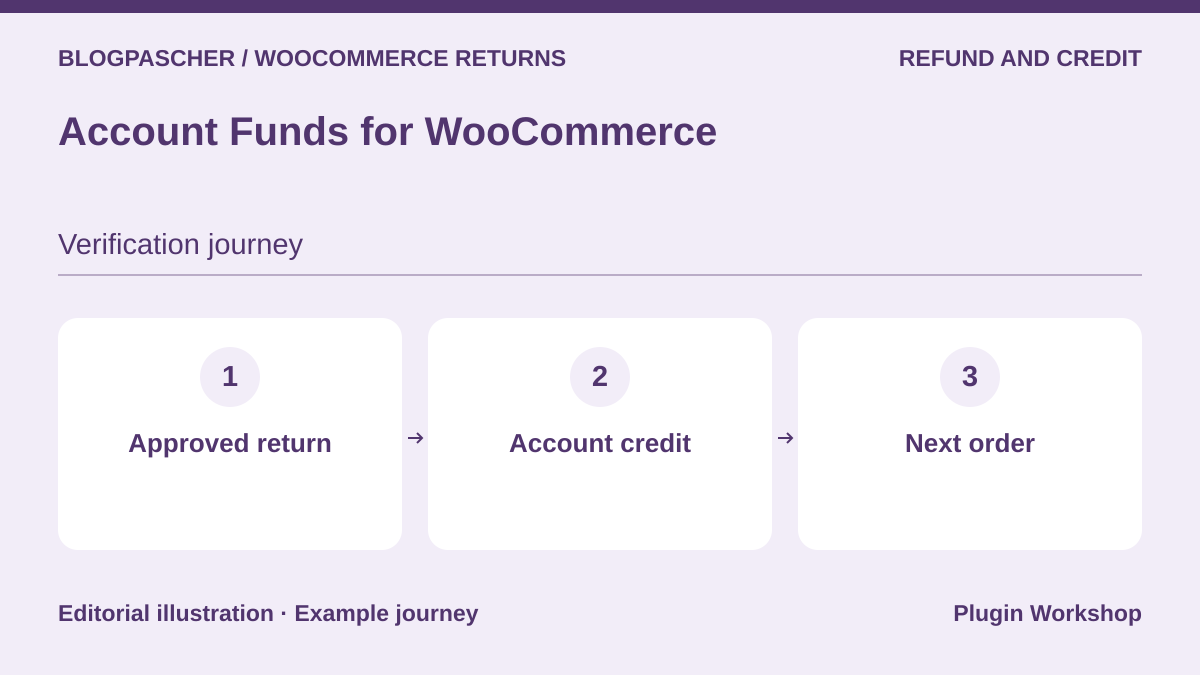 Editorial diagram. Approved return → Account credit → Next order. — BlogPasCherOpen full-size illustration ↗
Best forRecord a refund as store credit
Account Funds lets you allocate a refund to an account balance the customer can use for a future purchase. It acts when choosing the resolution and complements request tracking if the store uses another tool.
Offer pricing
USD 89 for one year.
Billing: Annual subscription
Renewal and support: Check the renewal price in the cart.
Displayed amounts. Check taxes and fees at checkout.
Checked on .
What to consider
- Check the account statement and deduction on a later order. Credit and refunds to the payment method must remain identifiable.
Pricing terms and compatibility
Understanding the offer
- Price at the time of review
- USD 89 for one year.
- Currency
- USD
- Billing
- Annual subscription
- Renewal and support
- Check the renewal price in the cart.
- Taxes and fees
- Displayed amounts. Check taxes and fees at checkout.
- Commitment and terms
- Unspecified. Confirm for the offer you choose.
- Date checked
Compatibility and components
- WooCommerce according to the listing. Check your configuration, required plugins, and HPOS mode on a copy.