

Choose between a block, a pattern and a setting
A library adds blocks with their own settings or rendering. A pattern assembles blocks already available. An editorial control changes how content is prepared or displayed. Several plugins cover two uses. Here, each tool is classified by the problem it primarily helps solve. For a simple presentation section, start by checking whether WordPress Group, Columns, Image and Buttons blocks suffice.
To design a section that remains editable, choose a pattern of native blocks. To repeat the same contact details on several pages, a synced pattern can avoid page-by-page corrections. To edit each instance separately, insert an unsynced copy or detach it. When you need calculated data, a query or an interaction, assess the block and the cost of replacing it.
The selection includes eleven block libraries, seven pattern tools and seven editorial controls or settings. Pricing indicates a license or subscription, sometimes within a broader suite. Note site count and renewal before buying. Prices without an explicit currency retain the symbol displayed by the developer.
- Identify the block, pattern or control needed for the first piece of content.
- Build a simple native version for comparison and define what must remain visible.
- Install one tool at a time on a copy and record its version.
Compare before you choose
The offers at a glance
Find the use case and budget that fit, then read the details to see the limitations and any components you may need.
On smaller screens, the table scrolls horizontally. With a keyboard, press Tab to focus the table, then use the left and right arrow keys.
| Offer | Best for | Pricing and billing | Renewal and support |
|---|---|---|---|
 GenerateBlocksRead the details | Build a layout with a limited component set and shared settings. | Free edition. GeneratePress One includes Pro and starts at 99 USD per year for one site according to the October 26 announcement. annual subscription for Pro | Terms for any paid plans were unavailable at the time of review. |
 StackableRead the details | Assemble visual pages and check their interactions after migration. | Free edition. Premium displayed at $49 per year for one site. All Access Pass at $89 per year for one site. annual license for updates and support | The developer states that acquired features remain usable after expiration, without updates or support. |
 Spectra Blocks — Brainstorm ForceRead the details | Assess Spectra’s new architecture and inventory old blocks. | Free edition. Spectra Pro displayed at $69 per year for three sites, also providing access to the Blocks Pro module according to the FAQ. annual subscription for Pro | Pricing consulted at $69 per year at renewal. |
 Kadence BlocksRead the details | Build rows and sections using native and Kadence-specific components. | Free plugin. Liquid Web suite including Kadence displayed at $350 per year for one site. Current standalone Blocks Pro price not established. annual subscription for the suite | Terms for any paid plans were unavailable at the time of review. |
 Otter Blocks — ThemeisleRead the details | Add interactions, per-block CSS and conditions to a layout. | Free edition. Personal displayed at $69 or €69 for the first year, depending on the pricing table’s currency, for one site. annual subscription for Pro | Full price displayed at 139 in the chosen currency. |
 GreenshiftRead the details | Build complex layouts and interactions in the block editor. | Free foundation. All in One advertised from $59.99 per year in the pricing table consulted. annual subscription for All in One | Terms for any paid plans were unavailable at the time of review. |
 Essential Blocks — WPDeveloperRead the details | Create several commercial sections from a set of blocks and styles. | Free edition. Starter Pro at a promotional $39 instead of $49 in the developer’s recorded pricing for one site. annual subscription for the recorded offer | Confirm the price applicable after the promotional period. |
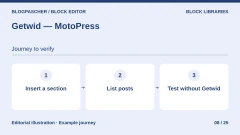 Getwid — MotoPressRead the details | Supplement native blocks with sections and post lists. | Free plugin in the WordPress directory. | Terms for any paid plans were unavailable at the time of review. |
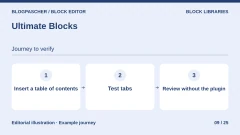 Ultimate BlocksRead the details | Enrich long articles with recurring editorial components. | Free edition. Starter at $39 per year for one site or $99 as a one-time payment in the pricing table consulted. annual or one-time purchase depending on the offer | The developer advertises renewal at full price for discounted offers. |
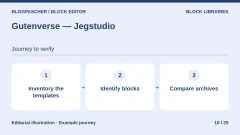 Gutenverse — JegstudioRead the details | Supplement a block theme with layout and content elements. | Free edition. Standard at $39.20 for the first year for one site in the pricing table consulted. annual subscription for Pro | Displayed pricing of $49 per year at Standard plan renewal. |
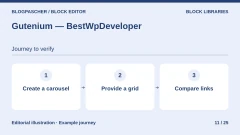 Gutenium — BestWpDeveloperRead the details | Assess a content or product carousel for the block editor. | 10 USD, Regular license. 325 USD, Extended license in the recorded pricing. one-time purchase per license Taxes and processing fees excluded. | Six months of author support advertised for the displayed offer. |
 Pattern Builder — Twenty BellowsRead the details | Inventory user patterns and convert those to be shipped with a theme. | Free local tool. Additional private collections advertised in Pro; public price not recorded. | Terms for any paid plans were unavailable at the time of review. |
 Pattern WranglerRead the details | Retrieve and back up existing patterns before changing themes. | Free plugin in the WordPress directory. | Terms for any paid plans were unavailable at the time of review. |
 PatternsWPRead the details | Choose a complete section from an existing template library. | Free plugin in the WordPress directory. | Terms for any paid plans were unavailable at the time of review. |
 Doo Block PatternsRead the details | Build a directory of sections to copy and customize in each post. | Free plugin in the WordPress directory. | Terms for any paid plans were unavailable at the time of review. |
 VK Block Patterns — VektorRead the details | Organize recurring patterns and prefill certain content types. | Free plugin in the WordPress directory. | Terms for any paid plans were unavailable at the time of review. |
 MyWP Block Pattern — WhodunitRead the details | Turn an existing page or block selection into a reusable pattern. | Free plugin in the WordPress directory. | Terms for any paid plans were unavailable at the time of review. |
 Block Patterns for Food Bloggers — WPZOOMRead the details | Lay out a food blog using sections designed for that purpose. | Free plugin in the WordPress directory. Recommended themes are separate. | Terms for any paid plans were unavailable at the time of review. |
 PublishPress BlocksRead the details | Limit block choices according to a WordPress editorial team’s workflow. | Free edition. Business, a suite including Blocks Pro, at 129 USD per year for one site in the recorded pricing. annual subscription for Business | Terms for any paid plans were unavailable at the time of review. |
 Block Visibility — Nick DiegoRead the details | Display an editorial section according to the visit context. | Free plugin in the WordPress directory. | Terms for any paid plans were unavailable at the time of review. |
 Export Pattern & Block LocationRead the details | Identify pages to check before removing a library or changing themes. | Free plugin in the WordPress directory. | Terms for any paid plans were unavailable at the time of review. |
 Inline ContextRead the details | Annotate terms and definitions directly in the editor. | Free plugin in the WordPress directory. | Terms for any paid plans were unavailable at the time of review. |
 BlanklessRead the details | Give writers an independent framework for every new piece of content. | Free plugin in the WordPress directory. | Terms for any paid plans were unavailable at the time of review. |
 Better Block Editor — Dream ThemeRead the details | Adjust native blocks by width without choosing another block library. | Free plugin in the WordPress directory. | Terms for any paid plans were unavailable at the time of review. |
 Uplink Editorial TitleRead the details | Distinguish a formatted presentation title from the standard WordPress title. | Free plugin in the WordPress directory. | Terms for any paid plans were unavailable at the time of review. |
Understand what may remain after deactivation
Stored text and public rendering are two separate checks. A static block may have saved its HTML in the content. WordPress may therefore still render that HTML after deactivation. A stylesheet, font or script supplied by the plugin may be missing. A carousel losing its controls may still show links, but their presence alone does not confirm that they remain usable by keyboard or on a phone.
A dynamic block builds its output at display time. It may become empty if its code is no longer loaded. When fallback HTML is stored and usable without the plugin, that fallback may appear instead. A visibility setting sometimes has the opposite effect. If a filter removed a block from rendering, deactivating it may make the text reappear. Test this with a fictional message. Access permissions must protect sensitive data independently of presentation.
In the entries, behavior attributed to documentation concerns the described feature. Other behavior represents working hypotheses or points to test. The eight local checks below concern the WordPress engine and a demonstration plugin.
- Record saved HTML from the code editor and keep a copy outside WordPress.
- Compare displayed HTML, styles and interactions. Keep a result for each block.
- Check differences between a logged-in user, a visitor and content served from the test cache.
Reproduce a portability page on a local copy
On a local copy, create a page called Brouillon de recette with a native paragraph and a plugin card containing the phrase “Carte enregistrée”. Add a block displaying calculated data or a post list. If the tool offers a visibility condition, hide a demonstration paragraph. Keep a preview of active rendering and note the presence of text, links and the stylesheet.
Create a synced pattern containing a paragraph “Coordonnées version A”. Insert it twice on the page. Detach one instance through its options. Change the original pattern to display “Coordonnées version B”. The detached copy should retain A and the linked instance should display B. The script test uses native blocks for this part and an absent fictional reference to simulate an incomplete transfer.
Deactivate only the plugin and reload the test page. In the WordPress 7.1.4 test, the native paragraph and card HTML remained visible, while the card stylesheet was no longer registered. The purely dynamic block became empty. Its counterpart with fallback HTML displayed “Texte de secours”. The hidden paragraph reappeared. Both patterns retained A and B. The missing reference remained empty.
Reactivate the plugin and reload the page. The automated acceptance test recovered the initial result and verified that stored content retained the same hash at every pass. It measures engine output and stylesheet presence in the registry. For a real project, add a visual check and an editing test on another copy. Do not save the draft with blocks flagged as unknown during this test.
- Record values before deactivation, without the test cache.
- Deactivate only one plugin, then reload the preview and compare HTML.
- Reactivate the plugin and check that expected rendering returns.
- If there is a discrepancy, return to the earlier draft or backup.
Move a pattern without losing its dependencies
A local pattern can be exported as JSON through the WordPress interface when that option is available. Importing on another site provides a definition. Media, fonts, navigation menus, data references and theme styles may need restoring. Check the URLs used in the new page and open the destination site’s block inserter.
A synced reference points to an item stored on the site. Moving only the page may leave that reference missing or pointing to another item. Recreate or import the definition, then insert it from the destination site. Detach a copy if its content should evolve independently. Keep a backup of media and the theme defining colors, spacing and global styles.
To remove a library, start with pages whose links, forms or essential information depend on a block. Search for the block name, identify nested instances and choose a native-block replacement when it meets the need. If interaction depends on the provider, test a complete journey before deleting the last plugin copy.
- Export a pattern and check media files separately.
- Import on the target copy and insert the pattern from its own catalog.
- Compare colors, links, menus, mobile views and dynamic data.
Further reading
Sources and references
Use these references to check the features, requirements and limitations described. Reading documentation is not a practical test.
View 50 references
- GenerateBlocks — Advertised features and compatibility ↗ — Documentation consulted:
- GenerateBlocks — Offer and pricing conditions ↗ — Documentation consulted:
- GenerateBlocks — Developer documentation ↗ — Documentation consulted:
- GenerateBlocks — Developer documentation ↗ — Documentation consulted:
- Stackable — Advertised features and compatibility ↗ — Documentation consulted:
- Stackable — Offer and pricing conditions ↗ — Documentation consulted:
- Stackable — Developer documentation ↗ — Documentation consulted:
- Spectra Blocks — Brainstorm Force — Advertised features and compatibility ↗ — Documentation consulted:
- Spectra Blocks — Brainstorm Force — Offer and pricing conditions ↗ — Documentation consulted:
- Spectra Blocks — Brainstorm Force — Developer documentation ↗ — Documentation consulted:
- Kadence Blocks — Advertised features and compatibility ↗ — Documentation consulted:
- Kadence Blocks — Offer and pricing conditions ↗ — Documentation consulted:
- Otter Blocks — Themeisle — Advertised features and compatibility ↗ — Documentation consulted:
- Otter Blocks — Themeisle — Offer and pricing conditions ↗ — Documentation consulted:
- Otter Blocks — Themeisle — Developer documentation ↗ — Documentation consulted:
- Greenshift — Advertised features and compatibility ↗ — Documentation consulted:
- Greenshift — Offer and pricing conditions ↗ — Documentation consulted:
- Greenshift — Developer documentation ↗ — Documentation consulted:
- Essential Blocks — WPDeveloper — Advertised features and compatibility ↗ — Documentation consulted:
- Essential Blocks — WPDeveloper — Offer and pricing conditions ↗ — Documentation consulted:
- Essential Blocks — WPDeveloper — Developer documentation ↗ — Documentation consulted:
- Getwid — MotoPress — Advertised features and compatibility ↗ — Documentation consulted:
- Ultimate Blocks — Advertised features and compatibility ↗ — Documentation consulted:
- Ultimate Blocks — Offer and pricing conditions ↗ — Documentation consulted:
- Ultimate Blocks — Developer documentation ↗ — Documentation consulted:
- Gutenverse — Jegstudio — Advertised features and compatibility ↗ — Documentation consulted:
- Gutenverse — Jegstudio — Offer and pricing conditions ↗ — Documentation consulted:
- Gutenverse — Jegstudio — Developer documentation ↗ — Documentation consulted:
- Gutenium — BestWpDeveloper — Advertised features and compatibility ↗ — Documentation consulted:
- Pattern Builder — Twenty Bellows — Advertised features and compatibility ↗ — Documentation consulted:
- Pattern Wrangler — Advertised features and compatibility ↗ — Documentation consulted:
- PatternsWP — Advertised features and compatibility ↗ — Documentation consulted:
- PatternsWP — Developer documentation ↗ — Documentation consulted:
- Doo Block Patterns — Advertised features and compatibility ↗ — Documentation consulted:
- VK Block Patterns — Vektor — Advertised features and compatibility ↗ — Documentation consulted:
- MyWP Block Pattern — Whodunit — Advertised features and compatibility ↗ — Documentation consulted:
- Block Patterns for Food Bloggers — WPZOOM — Advertised features and compatibility ↗ — Documentation consulted:
- PublishPress Blocks — Advertised features and compatibility ↗ — Documentation consulted:
- PublishPress Blocks — Offer and pricing conditions ↗ — Documentation consulted:
- PublishPress Blocks — Developer documentation ↗ — Documentation consulted:
- PublishPress Blocks — Developer documentation ↗ — Documentation consulted:
- Block Visibility — Nick Diego — Advertised features and compatibility ↗ — Documentation consulted:
- Export Pattern & Block Location — Advertised features and compatibility ↗ — Documentation consulted:
- Inline Context — Advertised features and compatibility ↗ — Documentation consulted:
- Blankless — Advertised features and compatibility ↗ — Documentation consulted:
- Better Block Editor — Dream Theme — Advertised features and compatibility ↗ — Documentation consulted:
- Uplink Editorial Title — Advertised features and compatibility ↗ — Documentation consulted:
- Understand static and dynamic rendering ↗ — Documentation consulted:
- Insert and edit patterns ↗ — Documentation consulted:
- Manage patterns in the Site Editor ↗ — Documentation consulted:
Uses, prices and what to check
25 offers in detail
Compare the features you need and the terms of each offer. The order of these entries does not indicate a ranking.
GenerateBlocks
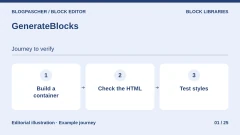
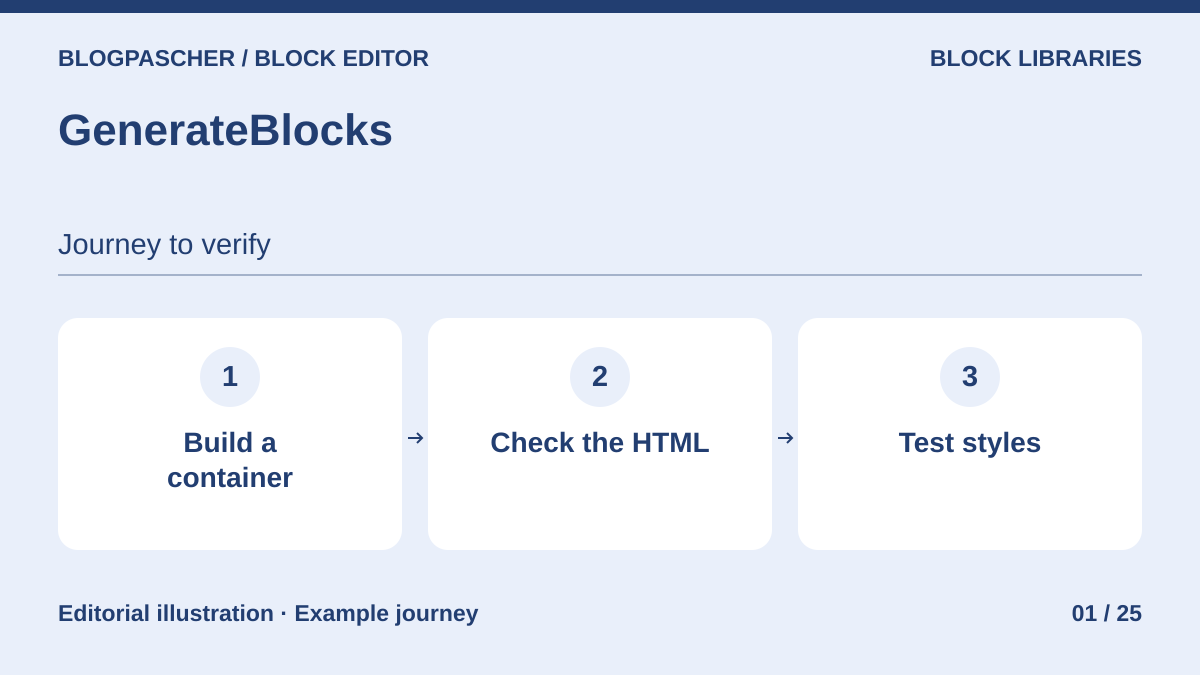 Editorial diagram. Build a container → Check the HTML → Test styles. — BlogPasCherOpen full-size illustration ↗
Best forBuild a layout with a limited component set and shared settings.
GenerateBlocks builds pages with containers, text, images and loops. Try a section of native blocks inside a container and another displaying dynamic data. Support explains that saved HTML may remain displayed without its styles after deactivation. Separately check queries and global styles in the version used before planning removal.
Offer pricing
Free edition. GeneratePress One includes Pro and starts at 99 USD per year for one site according to the October 26 announcement.
Billing: annual subscription for Pro
Checked on .
Strengths
- Containers and dynamic data depending on version
- Global styles and editing profiles in Pro
What to consider
- After deactivation, support documents retained saved HTML and loss of associated styles
- The behavior of your version’s blocks and dynamic data still needs checking
Pricing terms and compatibility
Understanding the offer
- Price at the time of review
- Free edition. GeneratePress One includes Pro and starts at 99 USD per year for one site according to the October 26 announcement.
- Currency
- USD
- Billing
- annual subscription for Pro
- Renewal and support
- Unspecified. Confirm for the offer you choose.
- Taxes and fees
- Unspecified. Confirm for the offer you choose.
- Commitment and terms
- Unspecified. Confirm for the offer you choose.
- Date checked
Compatibility and components
- Pro requires the free edition to be active. Test the container, stored content and dynamic loop separately.
Stackable
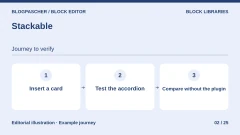
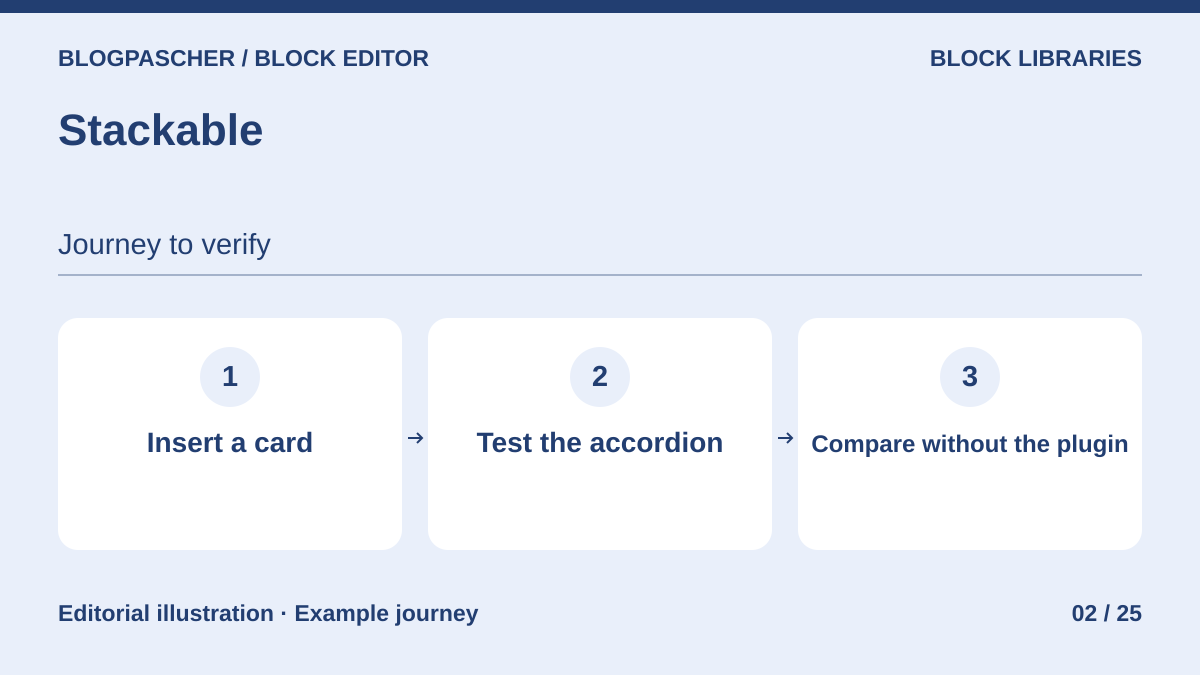 Editorial diagram. Insert a card → Test the accordion → Compare without the plugin. — BlogPasCherOpen full-size illustration ↗
Best forAssemble visual pages and check their interactions after migration.
Stackable adds design blocks and patterns for formatting cards, tabs and accordions. The developer documents uninstallation effects. Blocks remain in the content with simplified formatting. An accordion may stay open and a video popup no longer opens. On a copy, navigate interactive elements before and after removal.
Offer pricing
Free edition. Premium displayed at $49 per year for one site. All Access Pass at $89 per year for one site.
Billing: annual license for updates and support
Renewal and support: The developer states that acquired features remain usable after expiration, without updates or support.
Checked on .
Strengths
- Block library and styles by screen size
- Removal effects documented for several interactions
What to consider
- After removal, blocks remain in content but the editor flags them as unavailable
- Several styles and interactions disappear or change
Pricing terms and compatibility
Understanding the offer
- Price at the time of review
- Free edition. Premium displayed at $49 per year for one site. All Access Pass at $89 per year for one site.
- Currency
- Unspecified. Confirm for the offer you choose.
- Billing
- annual license for updates and support
- Renewal and support
- The developer states that acquired features remain usable after expiration, without updates or support.
- Taxes and fees
- Unspecified. Confirm for the offer you choose.
- Commitment and terms
- Unspecified. Confirm for the offer you choose.
- Date checked
Compatibility and components
- Distinguish a feature hidden in the inserter, a block disabled in settings and deactivation of the entire plugin.
Spectra Blocks — Brainstorm Force
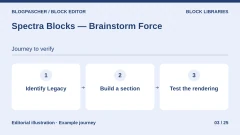
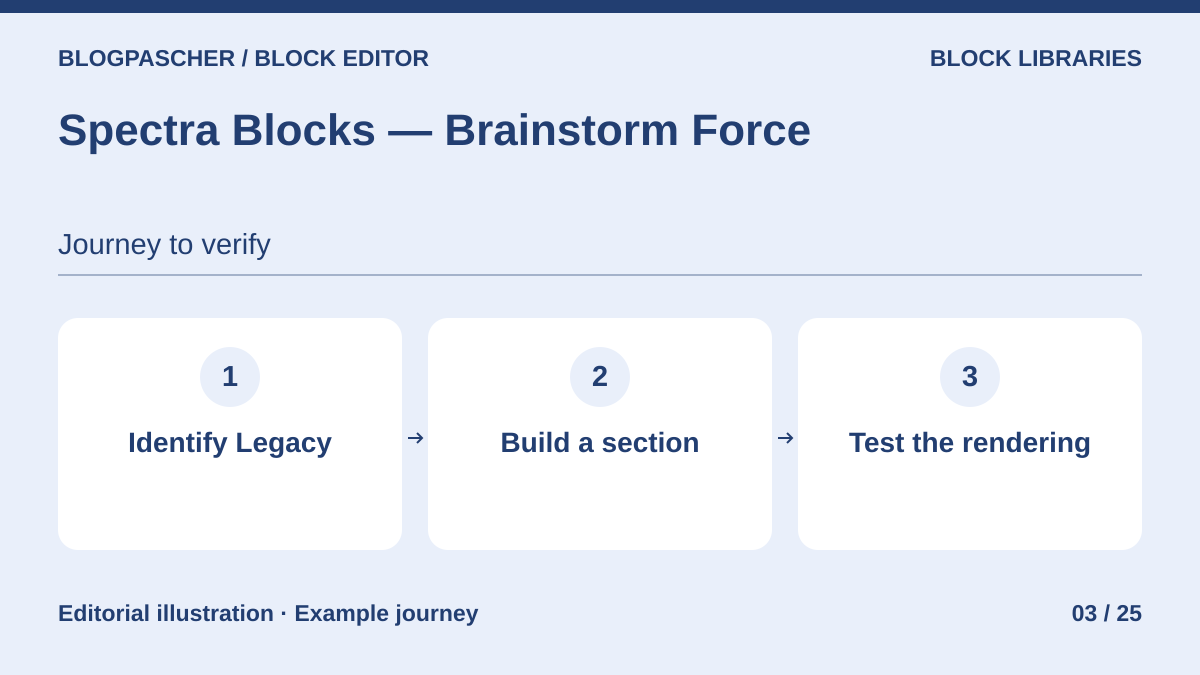 Editorial diagram. Identify Legacy → Build a section → Test the rendering. — BlogPasCherOpen full-size illustration ↗
Best forAssess Spectra’s new architecture and inventory old blocks.
Spectra Blocks uses the native editor and a set of blocks identifiable by a new namespace. Spectra Legacy remains a separate plugin. On an existing site, identify the blocks used and rebuild just one section in the new format. The FAQ specifies that a block needs its plugin active to render correctly and remain editable. The developer distinguishes content retention from block functionality.
Offer pricing
Free edition. Spectra Pro displayed at $69 per year for three sites, also providing access to the Blocks Pro module according to the FAQ.
Billing: annual subscription for Pro
Renewal and support: Pricing consulted at $69 per year at renewal.
Checked on .
Strengths
- Free catalog without an account for basic blocks
- Documented distinction between Legacy and Blocks
What to consider
- After deactivation, database content is retained. Rendering and editing of affected blocks depend on their plugin.
- Legacy blocks are not automatically replaced by new ones
Pricing terms and compatibility
Understanding the offer
- Price at the time of review
- Free edition. Spectra Pro displayed at $69 per year for three sites, also providing access to the Blocks Pro module according to the FAQ.
- Currency
- Unspecified. Confirm for the offer you choose.
- Billing
- annual subscription for Pro
- Renewal and support
- Pricing consulted at $69 per year at renewal.
- Taxes and fees
- Unspecified. Confirm for the offer you choose.
- Commitment and terms
- Unspecified. Confirm for the offer you choose.
- Date checked
Compatibility and components
- Spectra Blocks requires WordPress 6.6+ and PHP 8.1+ according to the FAQ. The two plugins’ Pro modules are separate.
Kadence Blocks
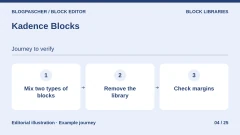
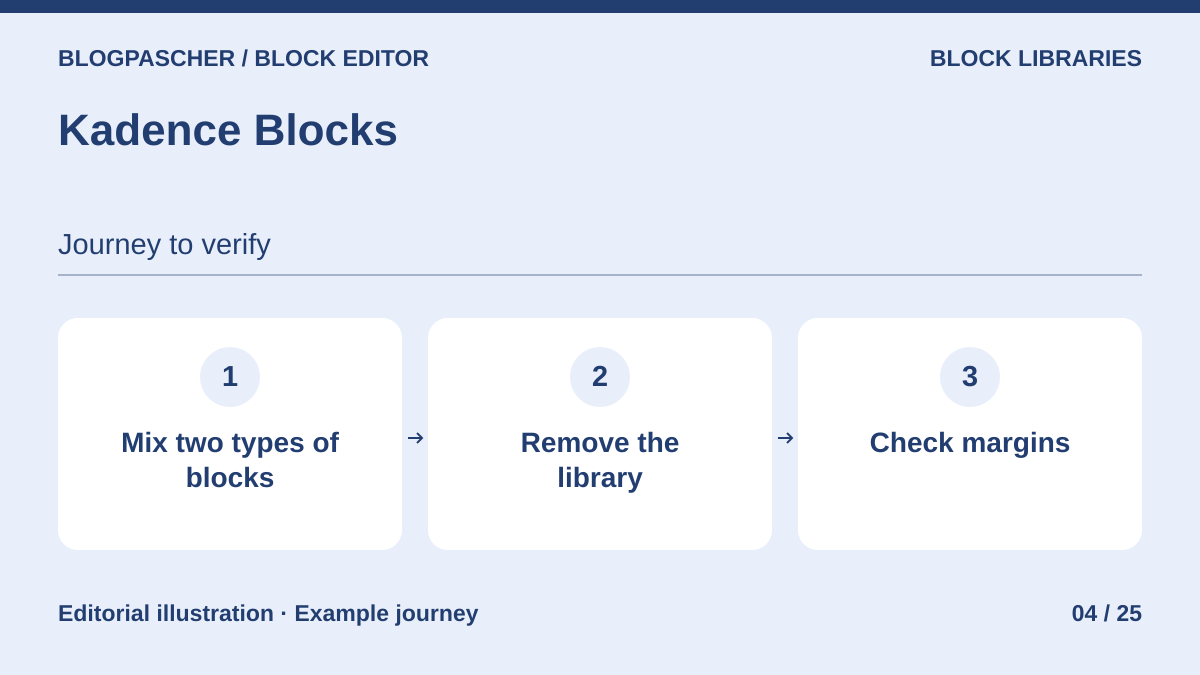 Editorial diagram. Mix two block types → Remove the library → Check margins. — BlogPasCherOpen full-size illustration ↗
Best forBuild rows and sections using native and Kadence-specific components.
Kadence provides rows with nested columns, sections and presentation controls. Create a row with native text and images, then another with Kadence blocks. Compare both after deactivation. The listing documents components and updates without establishing residual rendering for each block type. On your copy, check text, margins and interactions before replacing a library.
Offer pricing
Free plugin. Liquid Web suite including Kadence displayed at $350 per year for one site. Current standalone Blocks Pro price not established.
Billing: annual subscription for the suite
Checked on .
Strengths
- Settings for rows and nested columns
- Catalog of presentation components
What to consider
- Rendering retention after deactivation is not established per block in the documents consulted
- Row styles and Kadence-specific behavior must be checked on a copy
Pricing terms and compatibility
Understanding the offer
- Price at the time of review
- Free plugin. Liquid Web suite including Kadence displayed at $350 per year for one site. Current standalone Blocks Pro price not established.
- Currency
- Unspecified. Confirm for the offer you choose.
- Billing
- annual subscription for the suite
- Renewal and support
- Unspecified. Confirm for the offer you choose.
- Taxes and fees
- Unspecified. Confirm for the offer you choose.
- Commitment and terms
- Unspecified. Confirm for the offer you choose.
- Date checked
Compatibility and components
- Compare native blocks inserted in a row, advanced blocks and dynamic content.
Otter Blocks — Themeisle
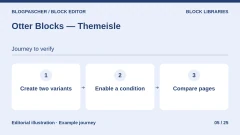
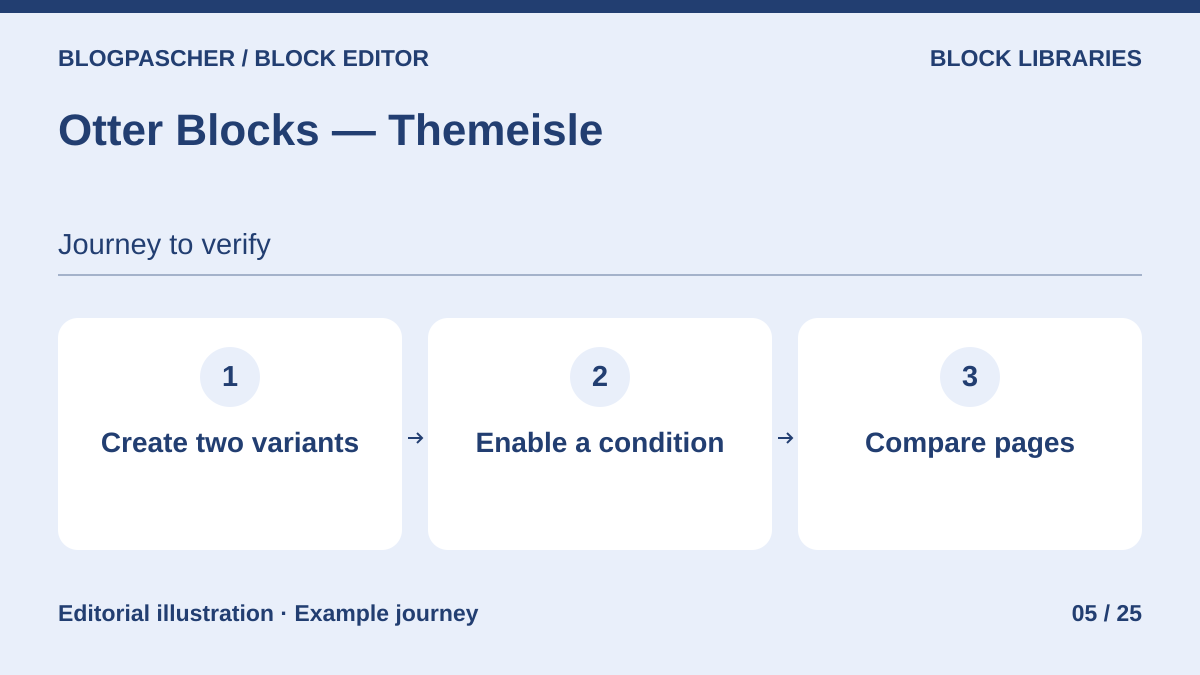 Editorial diagram. Create two variants → Enable a condition → Compare pages. — BlogPasCherOpen full-size illustration ↗
Best forAdd interactions, per-block CSS and conditions to a layout.
Otter adds blocks, per-block CSS, conditions and dynamic values. Build two identical pages, then add a condition to one and an animation to the other. Documentation explains that these features are modular and some styles are generated. It does not guarantee each block’s rendering when the entire plugin is removed. Also try the page without plugin styles and as a visitor.
Offer pricing
Free edition. Personal displayed at $69 or €69 for the first year, depending on the pricing table’s currency, for one site.
Billing: annual subscription for Pro
Renewal and support: Full price displayed at 139 in the chosen currency.
Checked on .
Strengths
- Targeted CSS and animation modules
- Visibility settings and dynamic content
What to consider
- After deactivation, examine styles, conditions and dynamic values. Per-block results still need testing.
- External modules require their own credentials depending on the feature
Pricing terms and compatibility
Understanding the offer
- Price at the time of review
- Free edition. Personal displayed at $69 or €69 for the first year, depending on the pricing table’s currency, for one site.
- Currency
- Unspecified. Confirm for the offer you choose.
- Billing
- annual subscription for Pro
- Renewal and support
- Full price displayed at 139 in the chosen currency.
- Taxes and fees
- Unspecified. Confirm for the offer you choose.
- Commitment and terms
- Unspecified. Confirm for the offer you choose.
- Date checked
Compatibility and components
- Test an enhanced native block, a static Otter block and a dynamic component.
Greenshift
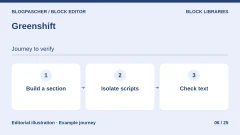
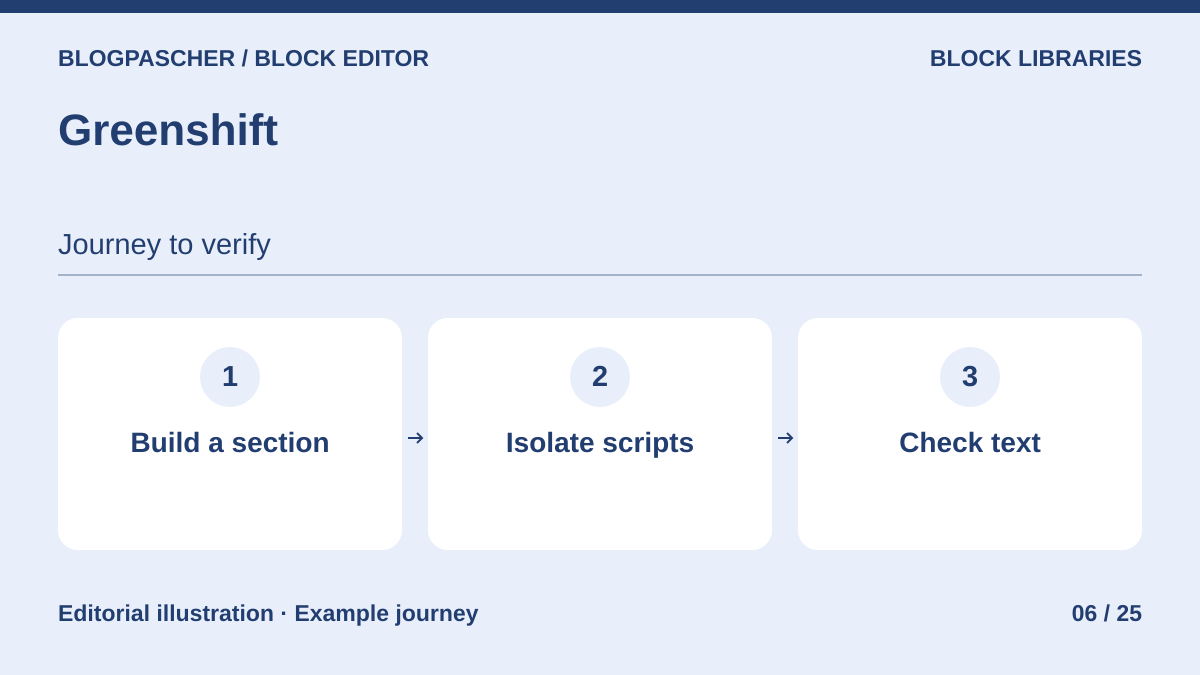 Editorial diagram. Build a section → Isolate scripts → Check text. — BlogPasCherOpen full-size illustration ↗
Best forBuild complex layouts and interactions in the block editor.
Greenshift adds containers, effects and interactive components. Isolate text from the carousel or panel, then check access to the same content if animation no longer starts. The catalog describes stylesheets, scripts and libraries specific to certain blocks. No single post-deactivation behavior is established. Identify stored elements and outputs that still require a plugin.
Offer pricing
Free foundation. All in One advertised from $59.99 per year in the pricing table consulted.
Billing: annual subscription for All in One
Checked on .
Strengths
- Containers and interaction controls
- Animation modules and dynamic lists
What to consider
- After deactivation, carousel, animation and dynamic-content states must be checked block by block
- Check modules and scripts required for each pattern
Pricing terms and compatibility
Understanding the offer
- Price at the time of review
- Free foundation. All in One advertised from $59.99 per year in the pricing table consulted.
- Currency
- Unspecified. Confirm for the offer you choose.
- Billing
- annual subscription for All in One
- Renewal and support
- Unspecified. Confirm for the offer you choose.
- Taxes and fees
- Unspecified. Confirm for the offer you choose.
- Commitment and terms
- Unspecified. Confirm for the offer you choose.
- Date checked
Compatibility and components
- Greenshift and GreenLight are separate products. The pricing page states they cannot be used together.
Essential Blocks — WPDeveloper
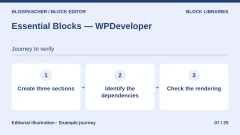
 Editorial diagram. Create three sections → Identify dependencies → Check the rendering. — BlogPasCherOpen full-size illustration ↗
Best forCreate several commercial sections from a set of blocks and styles.
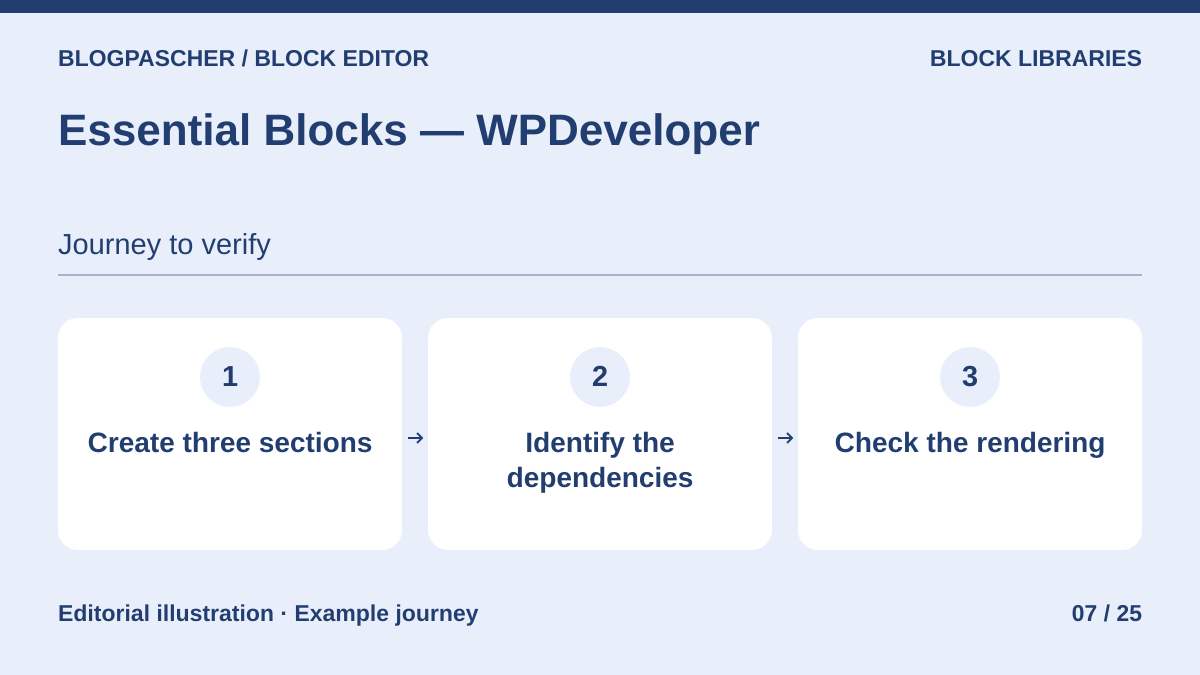
Essential Blocks combines layout components, marketing blocks and dynamic features. Test an example from each family in the same draft. After deactivation, compare the grid, field-derived values and presence of text. The documentation consulted establishes that Pro depends on the free plugin. It does not describe fallback rendering valid for every feature.
Offer pricing
Free edition. Starter Pro at a promotional $39 instead of $49 in the developer’s recorded pricing for one site.
Billing: annual subscription for the recorded offer
Renewal and support: Confirm the price applicable after the promotional period.
Checked on .
Strengths
- Free components and Pro blocks
- Grids, styles and dynamic data advertised
What to consider
- Pro depends on the active free plugin according to the developer
- After deactivation, check residual content and styling for every block used
Pricing terms and compatibility
Understanding the offer
- Price at the time of review
- Free edition. Starter Pro at a promotional $39 instead of $49 in the developer’s recorded pricing for one site.
- Currency
- Unspecified. Confirm for the offer you choose.
- Billing
- annual subscription for the recorded offer
- Renewal and support
- Confirm the price applicable after the promotional period.
- Taxes and fees
- Unspecified. Confirm for the offer you choose.
- Commitment and terms
- Unspecified. Confirm for the offer you choose.
- Date checked
Compatibility and components
- Separately test a grid, dynamic output and templates imported through the library.
Getwid — MotoPress
 Editorial diagram. Insert a section → List posts → Test without Getwid. — BlogPasCherOpen full-size illustration ↗
Best forSupplement native blocks with sections and post lists.
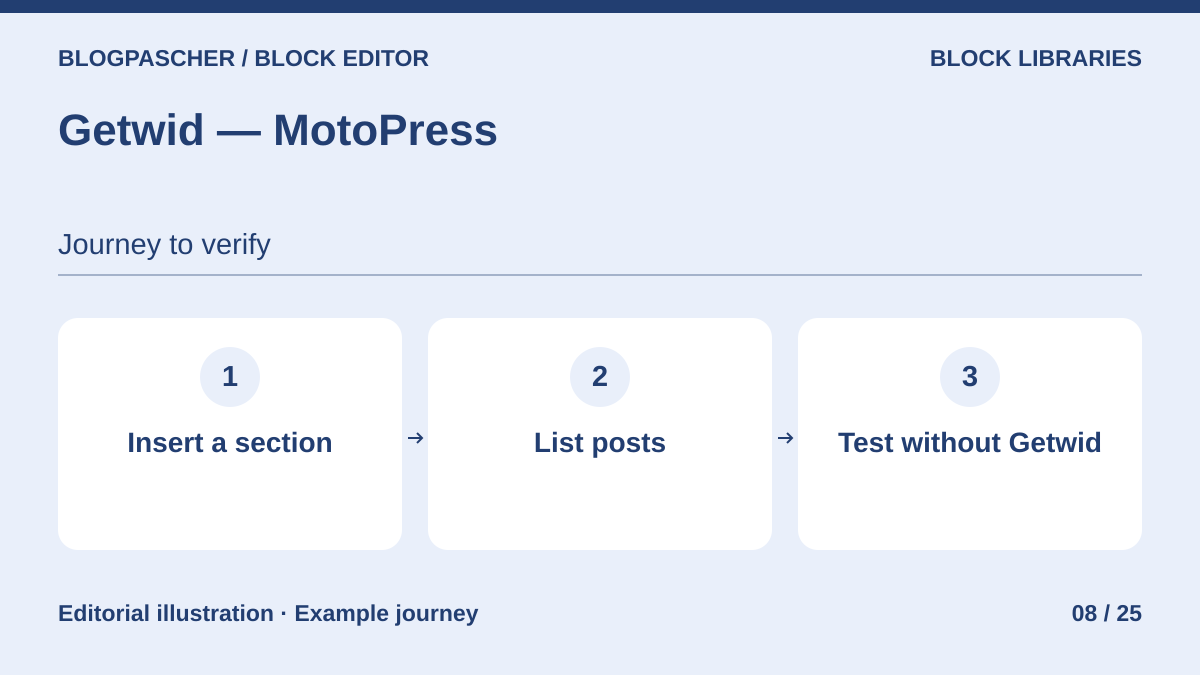
Getwid offers section blocks, responsive spacing and lists of posts or custom content. Try a section containing a native paragraph and a Getwid content list. They may behave differently if the plugin is disabled. The listing enumerates features but does not promise retained rendering. Check results and their styles on a copy.
Offer pricing
Free plugin in the WordPress directory.
Checked on .
Strengths
- Library of section blocks
- Content lists and built-in templates
What to consider
- Post-deactivation rendering is not established for the different block types
- Third-party block layouts and queries must be checked on a copy
Pricing terms and compatibility
Understanding the offer
- Price at the time of review
- Free plugin in the WordPress directory.
- Currency
- Unspecified. Confirm for the offer you choose.
- Billing
- Unspecified. Confirm for the offer you choose.
- Renewal and support
- Unspecified. Confirm for the offer you choose.
- Taxes and fees
- Unspecified. Confirm for the offer you choose.
- Commitment and terms
- Unspecified. Confirm for the offer you choose.
- Date checked
Compatibility and components
- Compare a static section, a post list and theme fonts.
Ultimate Blocks
 Editorial diagram. Insert a table of contents → Test tabs → Review without the plugin. — BlogPasCherOpen full-size illustration ↗
Best forEnrich long articles with recurring editorial components.
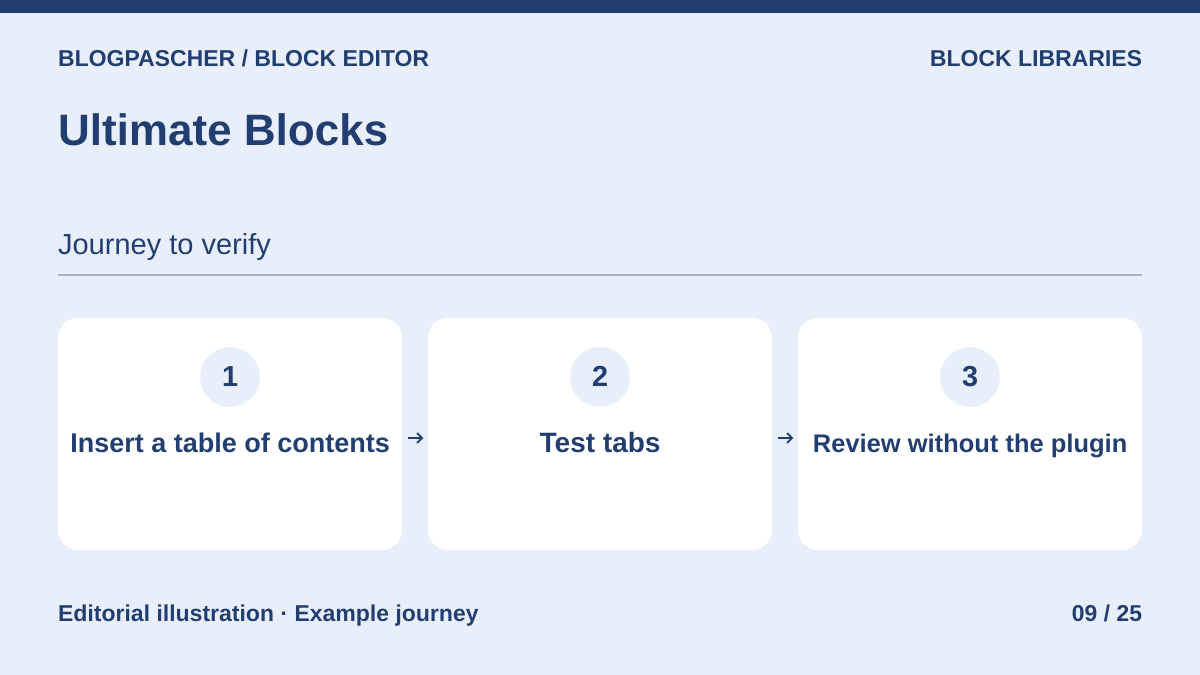
Ultimate Blocks adds components useful for long articles, such as a table of contents and tabbed content. Test both blocks with a short article and several sections. The developer states that existing blocks stop working if the free module is deactivated while Pro remains installed. Review source HTML and each tab’s rendering to identify text that remains accessible.
Offer pricing
Free edition. Starter at $39 per year for one site or $99 as a one-time payment in the pricing table consulted.
Billing: annual or one-time purchase depending on the offer
Renewal and support: The developer advertises renewal at full price for discounted offers.
Checked on .
Strengths
- Table of contents, tabs and other editorial blocks
- Separate Pro options and package
What to consider
- Several existing blocks stop working after deactivating the free edition according to the developer
- Residual text rendering varies by block
Pricing terms and compatibility
Understanding the offer
- Price at the time of review
- Free edition. Starter at $39 per year for one site or $99 as a one-time payment in the pricing table consulted.
- Currency
- Unspecified. Confirm for the offer you choose.
- Billing
- annual or one-time purchase depending on the offer
- Renewal and support
- The developer advertises renewal at full price for discounted offers.
- Taxes and fees
- Unspecified. Confirm for the offer you choose.
- Commitment and terms
- Unspecified. Confirm for the offer you choose.
- Date checked
Compatibility and components
- Check the table of contents, panel access and review blocks. Keep the foundation active while blocks require it.
Gutenverse — Jegstudio
 Editorial diagram. Inventory templates → Identify blocks → Compare archives. — BlogPasCherOpen full-size illustration ↗
Best forSupplement a block theme with layout and content elements.
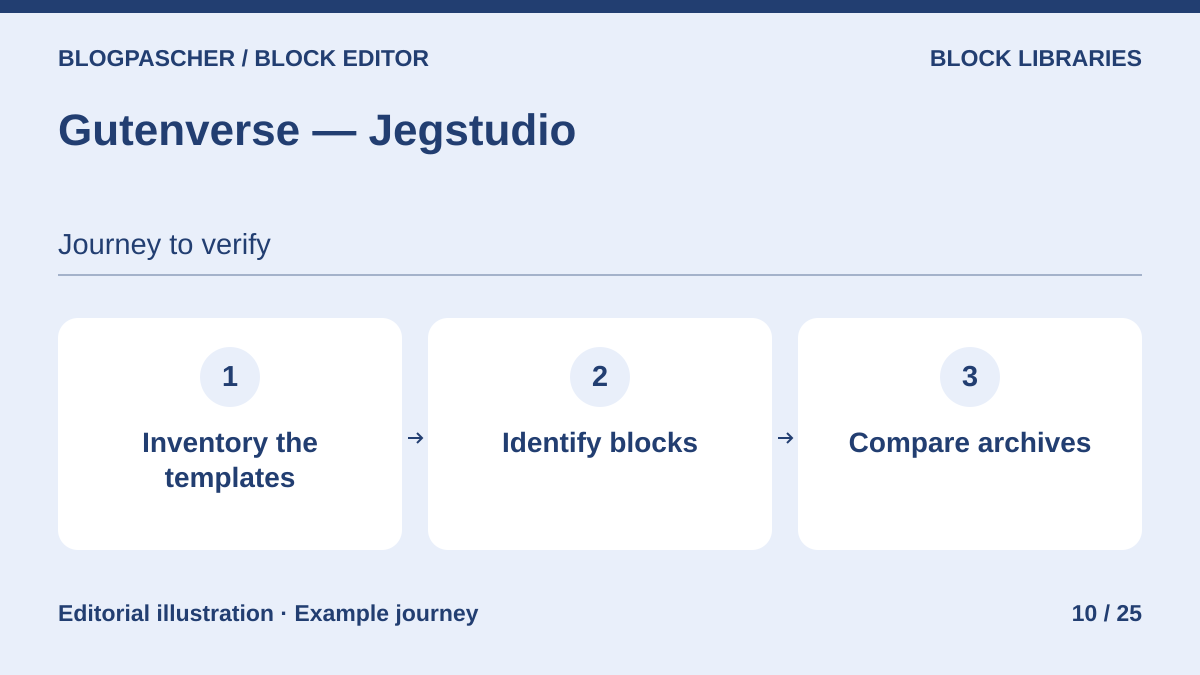
Gutenverse provides blocks for site editing, sections and layout elements. Before adopting a theme recommending this plugin, open a post, header and archives. Record the blocks actually used. If you remove the plugin, test theme templates too. The listing does not establish identical post-deactivation behavior for a paragraph and a query block.
Offer pricing
Free edition. Standard at $39.20 for the first year for one site in the pricing table consulted.
Billing: annual subscription for Pro
Renewal and support: Displayed pricing of $49 per year at Standard plan renewal.
Checked on .
Strengths
- Blocks for templates and sections
- Integration intended for the ecosystem’s block themes
What to consider
- Blocks and templates must be tested after deactivation
- Dependency varies with the theme and patterns actually installed
Pricing terms and compatibility
Understanding the offer
- Price at the time of review
- Free edition. Standard at $39.20 for the first year for one site in the pricing table consulted.
- Currency
- Unspecified. Confirm for the offer you choose.
- Billing
- annual subscription for Pro
- Renewal and support
- Displayed pricing of $49 per year at Standard plan renewal.
- Taxes and fees
- Unspecified. Confirm for the offer you choose.
- Commitment and terms
- Unspecified. Confirm for the offer you choose.
- Date checked
Compatibility and components
- Examine the header, pages and archives separately. Record plugin blocks in each template.
Gutenium — BestWpDeveloper
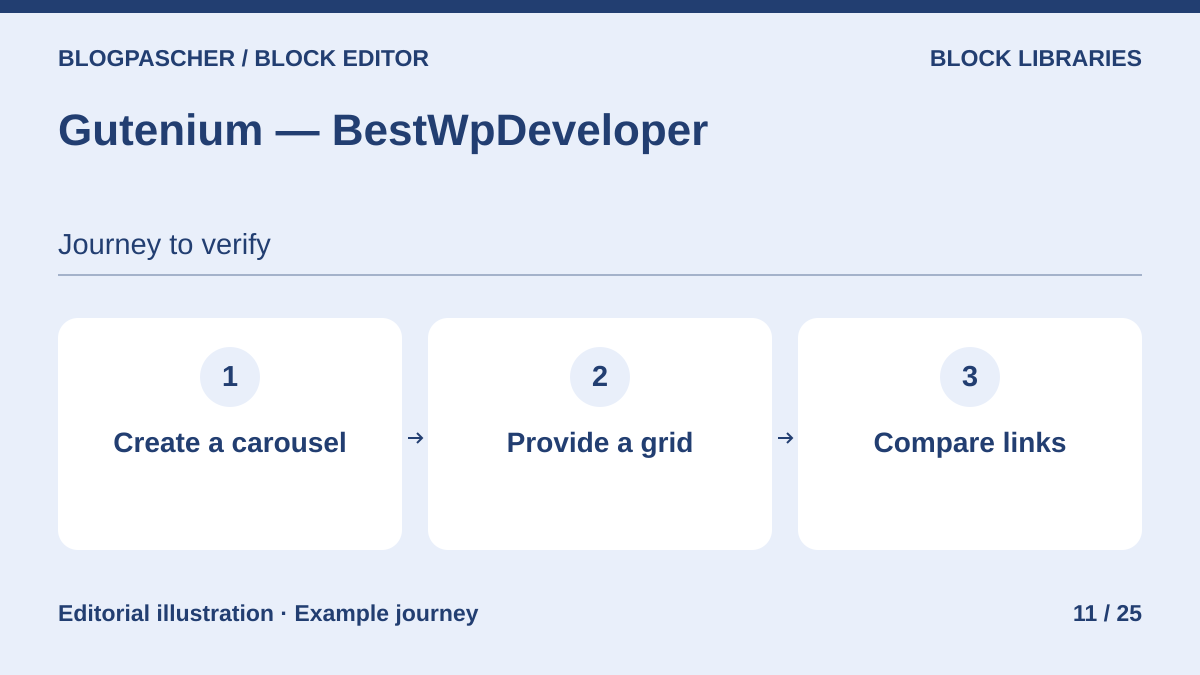 Editorial diagram. Create a carousel → Provide a grid → Compare links. — BlogPasCherOpen full-size illustration ↗
Best forAssess a content or product carousel for the block editor.
Gutenium provides post and product carousels, among other features. If needed, test a query and a native grid giving access to the same links. The listing does not describe fallback rendering after deactivation. Compare the presence of links, images and controls. Keep the native grid ready if the carousel is the only path to some content.
Offer pricing
10 USD, Regular license. 325 USD, Extended license in the recorded pricing.
Billing: one-time purchase per license
Renewal and support: Six months of author support advertised for the displayed offer.
Taxes and processing fees excluded.
Checked on .
Strengths
- Post and product carousels
- Settings in the block editor
What to consider
- No post-deactivation result specified
- Listing limited to WordPress 7.0.x in the recorded details. Check on 7.1 before selecting the offer.
Pricing terms and compatibility
Understanding the offer
- Price at the time of review
- 10 USD, Regular license. 325 USD, Extended license in the recorded pricing.
- Currency
- USD
- Billing
- one-time purchase per license
- Renewal and support
- Six months of author support advertised for the displayed offer.
- Taxes and fees
- Taxes and processing fees excluded.
- Commitment and terms
- Unspecified. Confirm for the offer you choose.
- Date checked
Compatibility and components
- The Extended license has a separate scope. Consult Envato terms according to the end product.
Pattern Builder — Twenty Bellows
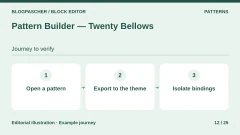
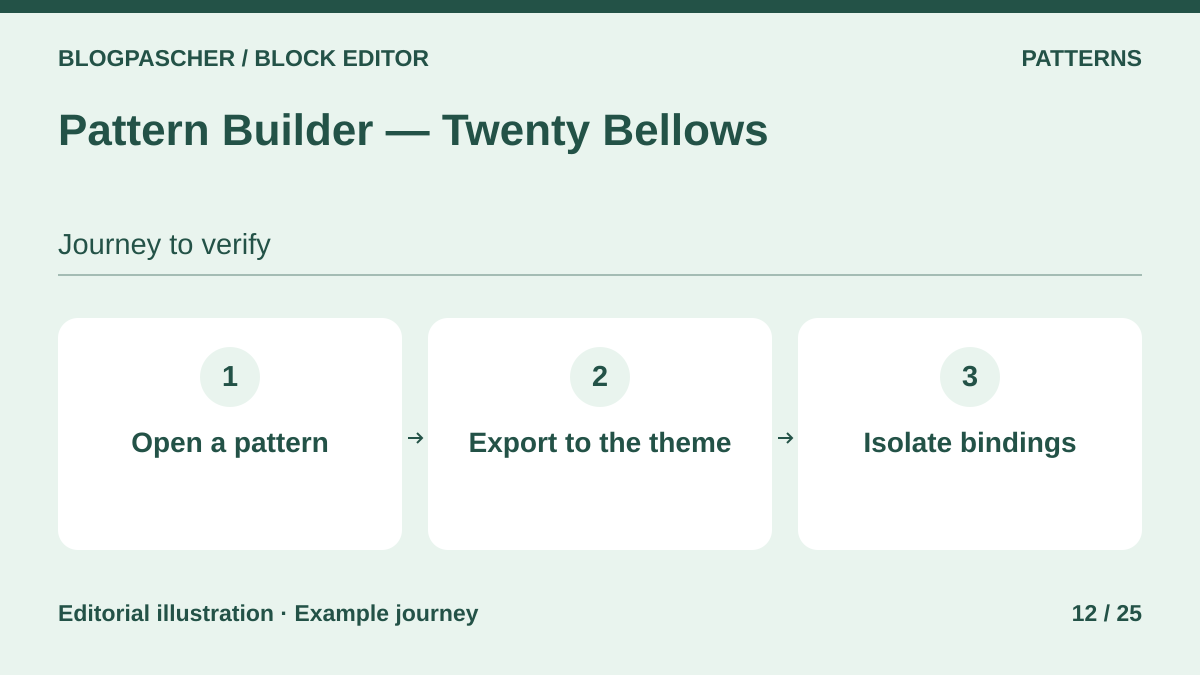 Editorial diagram. Open a pattern → Export to the theme → Isolate bindings. — BlogPasCherOpen full-size illustration ↗
Best forInventory user patterns and convert those to be shipped with a theme.
Pattern Builder distinguishes theme patterns stored in PHP files from user patterns stored in the database. It can copy patterns supplied by a plugin into the theme. After deactivation, separately check the inserted copy, exported file and any dynamic data binding. The management menu belongs to the plugin and file availability depends on the theme loading it.
Offer pricing
Free local tool. Additional private collections advertised in Pro; public price not recorded.
Checked on .
Strengths
- Distinguishes theme files from user patterns
- Export to theme files
What to consider
- Hosted collections belong to a separate account
- Third-party blocks and binding sources remain dependencies
Pricing terms and compatibility
Understanding the offer
- Price at the time of review
- Free local tool. Additional private collections advertised in Pro; public price not recorded.
- Currency
- Unspecified. Confirm for the offer you choose.
- Billing
- Unspecified. Confirm for the offer you choose.
- Renewal and support
- Unspecified. Confirm for the offer you choose.
- Taxes and fees
- Unspecified. Confirm for the offer you choose.
- Commitment and terms
- Unspecified. Confirm for the offer you choose.
- Date checked
Compatibility and components
- Check theme exports on a copy. Avoid concluding portability from file presence alone.
Pattern Wrangler
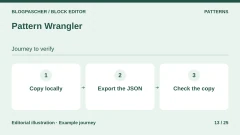
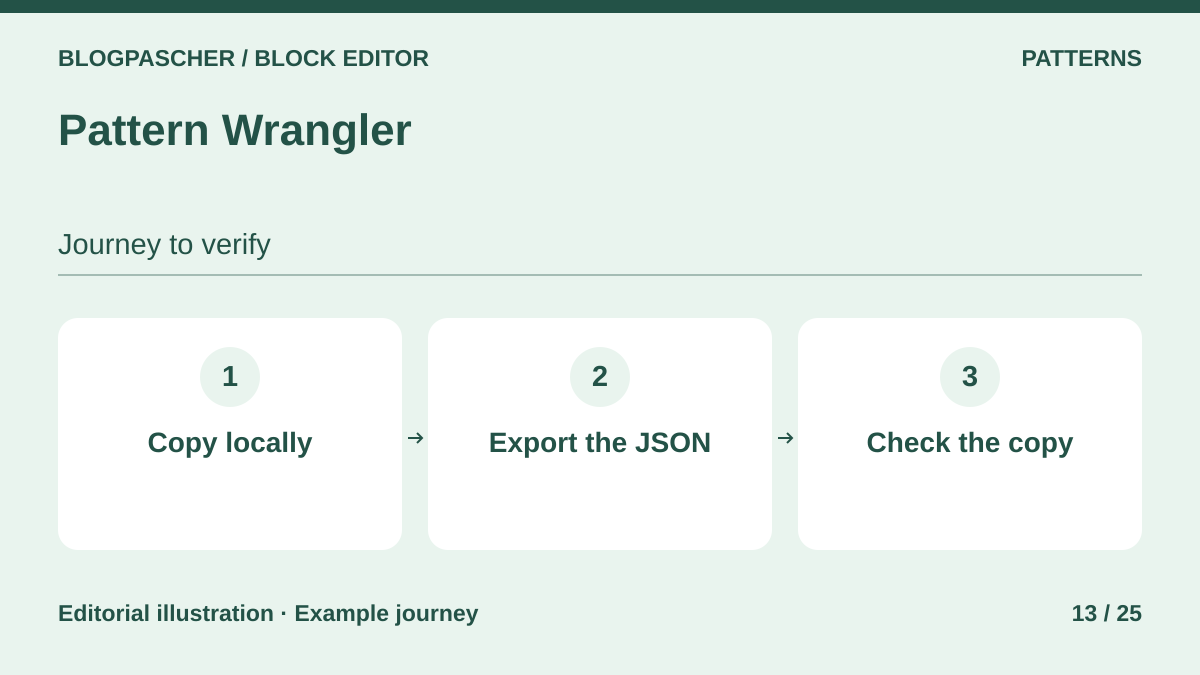 Editorial diagram. Copy locally → Export the JSON → Check the copy. — BlogPasCherOpen full-size illustration ↗
Best forRetrieve and back up existing patterns before changing themes.
Pattern Wrangler facilitates copying theme-registered patterns into the database and exporting them as JSON. Create a local copy, export it and compare it with the original. A pattern registered only by its provider may disappear from the inserter after deactivation, while a local copy of native blocks may remain usable. Documentation describes storage without guaranteeing the fidelity of every transfer.
Offer pricing
Free plugin in the WordPress directory.
Checked on .
Strengths
- Copies theme patterns into the database
- Export and management of working versions
What to consider
- Transfer may download remote images if that feature is used
- Check references and blocks specific to the source theme
Pricing terms and compatibility
Understanding the offer
- Price at the time of review
- Free plugin in the WordPress directory.
- Currency
- Unspecified. Confirm for the offer you choose.
- Billing
- Unspecified. Confirm for the offer you choose.
- Renewal and support
- Unspecified. Confirm for the offer you choose.
- Taxes and fees
- Unspecified. Confirm for the offer you choose.
- Commitment and terms
- Unspecified. Confirm for the offer you choose.
- Date checked
Compatibility and components
- After deactivation, find the local copy through the native patterns interface and check its rendering.
PatternsWP
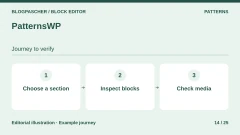
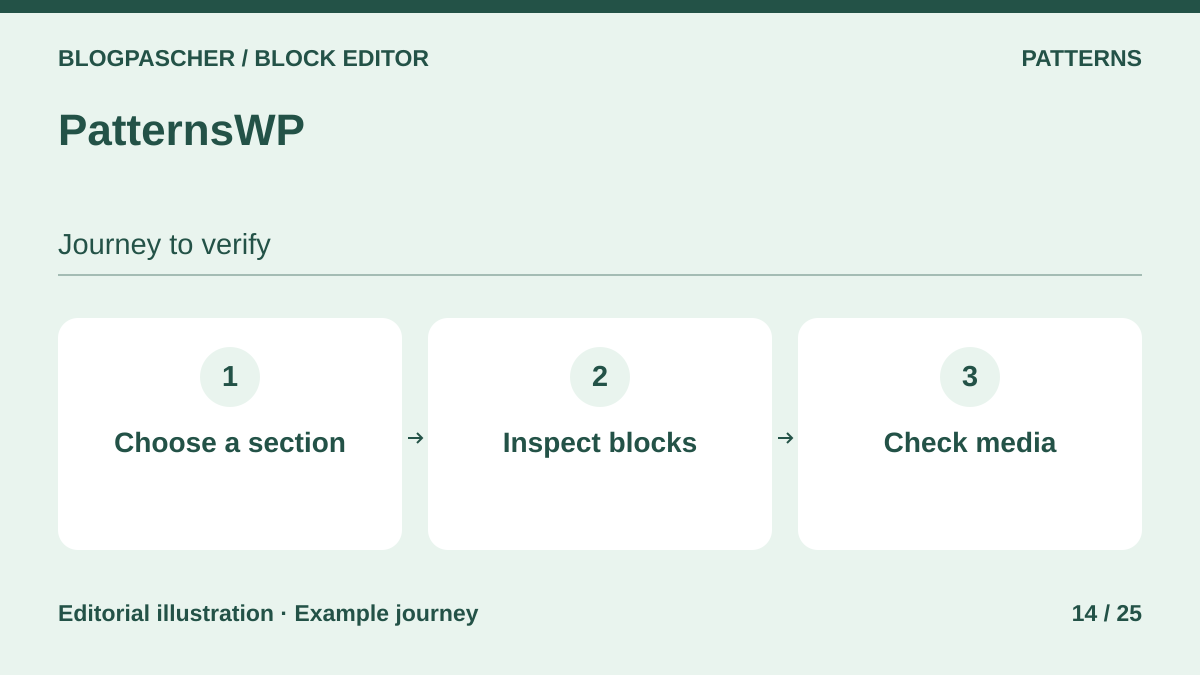 Editorial diagram. Choose a section → Inspect blocks → Check media. — BlogPasCherOpen full-size illustration ↗
Best forChoose a complete section from an existing template library.
PatternsWP offers assemblies for areas such as headers, footers and portfolios. The developer presents the use of native blocks. Choose one pattern, copy its blocks and check inserted block names and media. After deactivation, retention of this copy depends on its references. Catalog presence in the inserter is a separate check.
Offer pricing
Free plugin in the WordPress directory.
Checked on .
Strengths
- Sections for varied uses
- Pattern customizable with the editor
What to consider
- No general guarantee recorded for catalog media and templates
- Check fonts, media URLs and theme styles
Pricing terms and compatibility
Understanding the offer
- Price at the time of review
- Free plugin in the WordPress directory.
- Currency
- Unspecified. Confirm for the offer you choose.
- Billing
- Unspecified. Confirm for the offer you choose.
- Renewal and support
- Unspecified. Confirm for the offer you choose.
- Taxes and fees
- Unspecified. Confirm for the offer you choose.
- Commitment and terms
- Unspecified. Confirm for the offer you choose.
- Date checked
Compatibility and components
- Test the header and a copied section independently. Check the Navigation block and its destination menu.
Doo Block Patterns
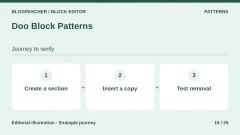
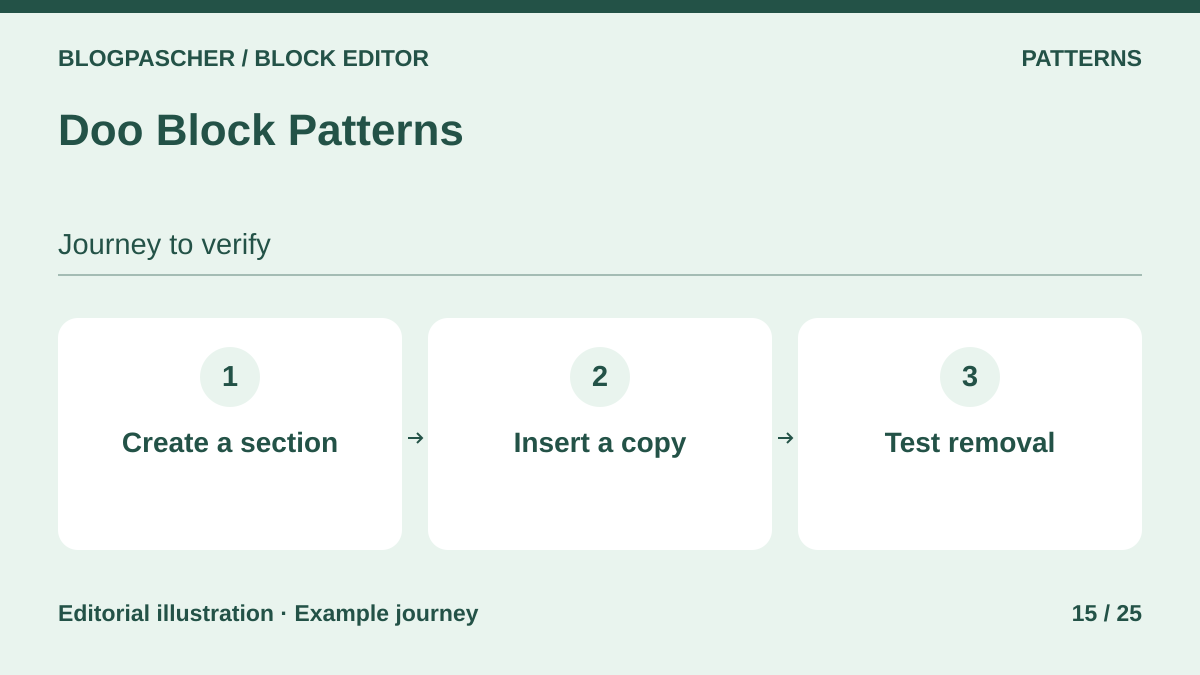 Editorial diagram. Create a section → Insert a copy → Test removal. — BlogPasCherOpen full-size illustration ↗
Best forBuild a directory of sections to copy and customize in each post.
Doo Block Patterns organizes patterns created in the editor. Its documentation states that already inserted blocks are independent of the source pattern and remain in place if it is deleted or the plugin removed. The tool listing them disappears. If a pattern includes another provider’s block, copying does not remove that dependency.
Offer pricing
Free plugin in the WordPress directory.
Checked on .
Strengths
- Creation from existing blocks
- Organization and definition export using WordPress tools
What to consider
- An option may remove definitions on uninstallation
- Third-party blocks used still need checking
Pricing terms and compatibility
Understanding the offer
- Price at the time of review
- Free plugin in the WordPress directory.
- Currency
- Unspecified. Confirm for the offer you choose.
- Billing
- Unspecified. Confirm for the offer you choose.
- Renewal and support
- Unspecified. Confirm for the offer you choose.
- Taxes and fees
- Unspecified. Confirm for the offer you choose.
- Commitment and terms
- Unspecified. Confirm for the offer you choose.
- Date checked
Compatibility and components
- Test deleting a pattern on a copy after export. The described retention concerns blocks already inserted.
VK Block Patterns — Vektor
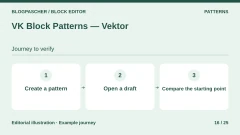
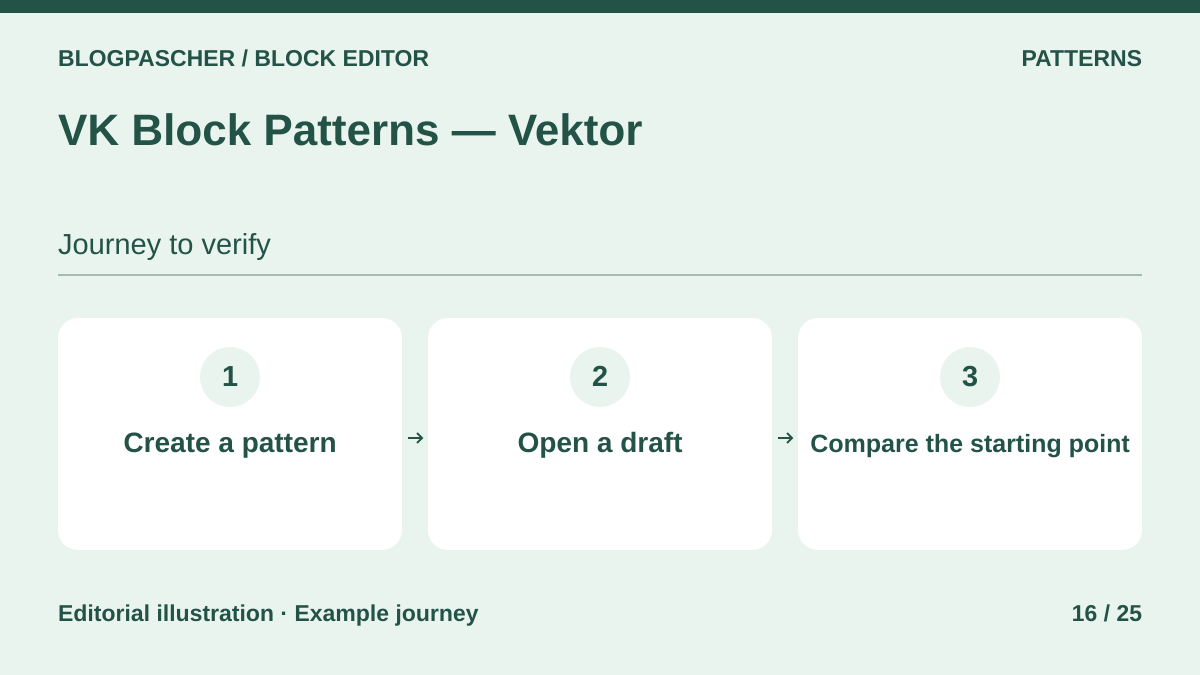 Editorial diagram. Create a pattern → Open a draft → Compare the starting point. — BlogPasCherOpen full-size illustration ↗
Best forOrganize recurring patterns and prefill certain content types.
VK Block Patterns adds a content type for its patterns and can offer them when starting new content. Test a pattern automatically added by the editor, then check the prefilled draft after deactivation. The source stored in Vektor’s content type and the copy in the post have different lifecycles. Styles of some VK classes require a separate check.
Offer pricing
Free plugin in the WordPress directory.
Checked on .
Strengths
- Pattern directory in administration
- Insertion of starter patterns by content type
What to consider
- The custom content type belongs to the plugin
- Some older layout classes have their own CSS
Pricing terms and compatibility
Understanding the offer
- Price at the time of review
- Free plugin in the WordPress directory.
- Currency
- Unspecified. Confirm for the offer you choose.
- Billing
- Unspecified. Confirm for the offer you choose.
- Renewal and support
- Unspecified. Confirm for the offer you choose.
- Taxes and fees
- Unspecified. Confirm for the offer you choose.
- Commitment and terms
- Unspecified. Confirm for the offer you choose.
- Date checked
Compatibility and components
- After deactivation, check the prefilled draft and opening a new draft.
MyWP Block Pattern — Whodunit
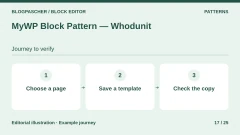
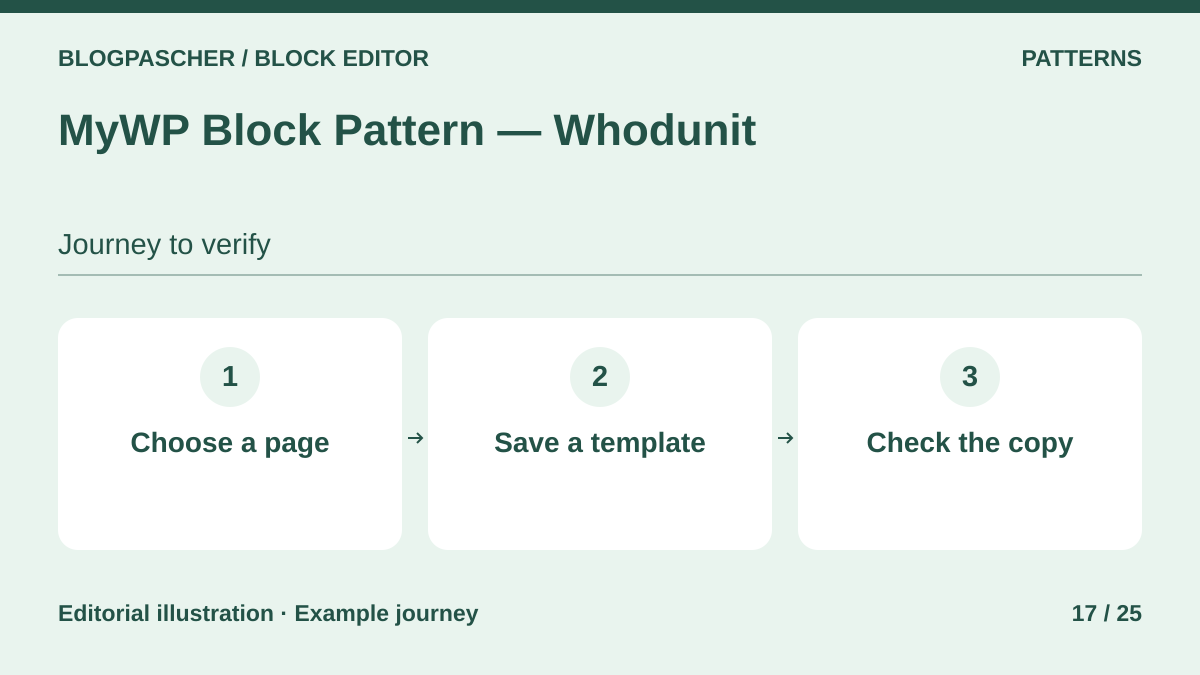 Editorial diagram. Choose a page → Save a template → Check the copy. — BlogPasCherOpen full-size illustration ↗
Best forTurn an existing page or block selection into a reusable pattern.
MyWP Block Pattern starts from a block selection or page content and reuses the structure in another content type. This is a practical workflow for turning an existing page into a writing foundation. Check that the new page has its own copy. The developer does not describe every pattern’s behavior or storage after deactivation.
Offer pricing
Free plugin in the WordPress directory.
Checked on .
Strengths
- Capture selected blocks or a page
- Categorization of patterns
What to consider
- Portability not documented for the pattern directory
- Check third-party blocks if the source content includes them
Pricing terms and compatibility
Understanding the offer
- Price at the time of review
- Free plugin in the WordPress directory.
- Currency
- Unspecified. Confirm for the offer you choose.
- Billing
- Unspecified. Confirm for the offer you choose.
- Renewal and support
- Unspecified. Confirm for the offer you choose.
- Taxes and fees
- Unspecified. Confirm for the offer you choose.
- Commitment and terms
- Unspecified. Confirm for the offer you choose.
- Date checked
Compatibility and components
- Compare stored content before and after insertion. Back up a native copy separately.
Block Patterns for Food Bloggers — WPZOOM
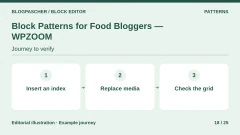
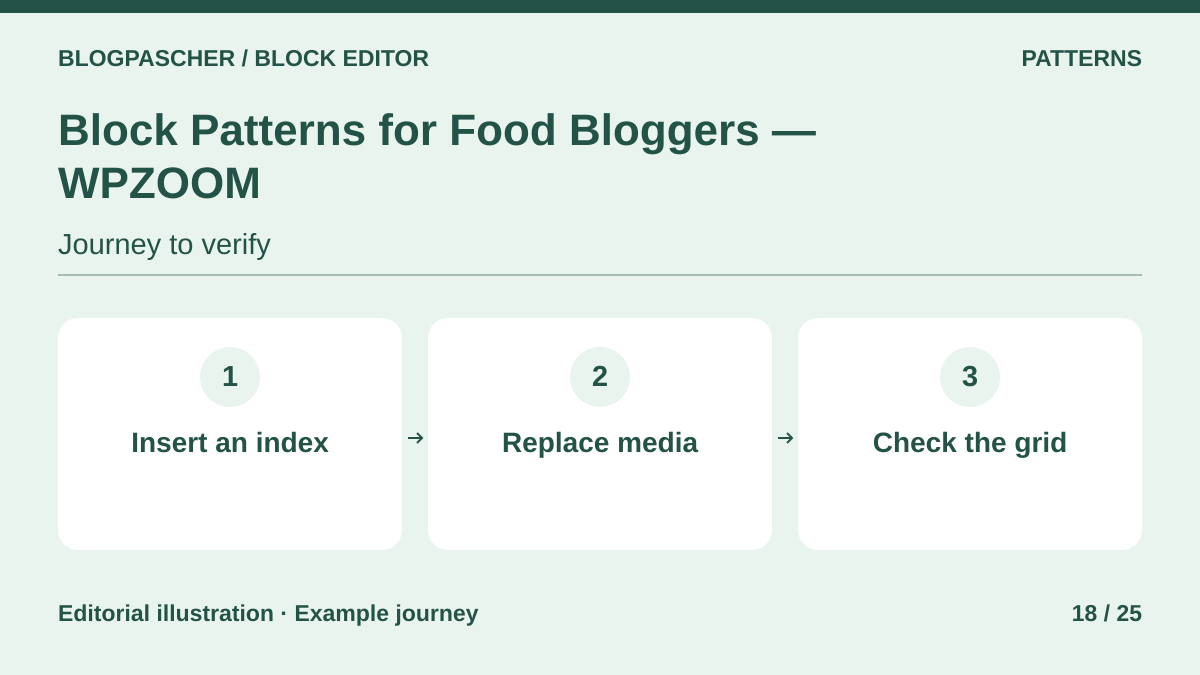 Editorial diagram. Insert an index → Replace media → Check the grid. — BlogPasCherOpen full-size illustration ↗
Best forLay out a food blog using sections designed for that purpose.
WPZOOM offers specialized food-blog sections, including a recipe index, author presentation and post lists. Blocks can be edited after insertion. Test one section in the chosen theme, replace sample images and check it after deactivation. The listing does not guarantee that all styles and dependencies remain available outside tested themes.
Offer pricing
Free plugin in the WordPress directory. Recommended themes are separate.
Checked on .
Strengths
- Food-blog sections ready to customize
- Blocks editable after insertion
What to consider
- Detailed post-deactivation behavior is not described
- Themes and media have their own dependencies
Pricing terms and compatibility
Understanding the offer
- Price at the time of review
- Free plugin in the WordPress directory. Recommended themes are separate.
- Currency
- Unspecified. Confirm for the offer you choose.
- Billing
- Unspecified. Confirm for the offer you choose.
- Renewal and support
- Unspecified. Confirm for the offer you choose.
- Taxes and fees
- Unspecified. Confirm for the offer you choose.
- Commitment and terms
- Unspecified. Confirm for the offer you choose.
- Date checked
Compatibility and components
- Check the recipe grid and presentation with the target theme.
PublishPress Blocks
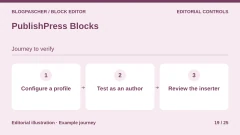
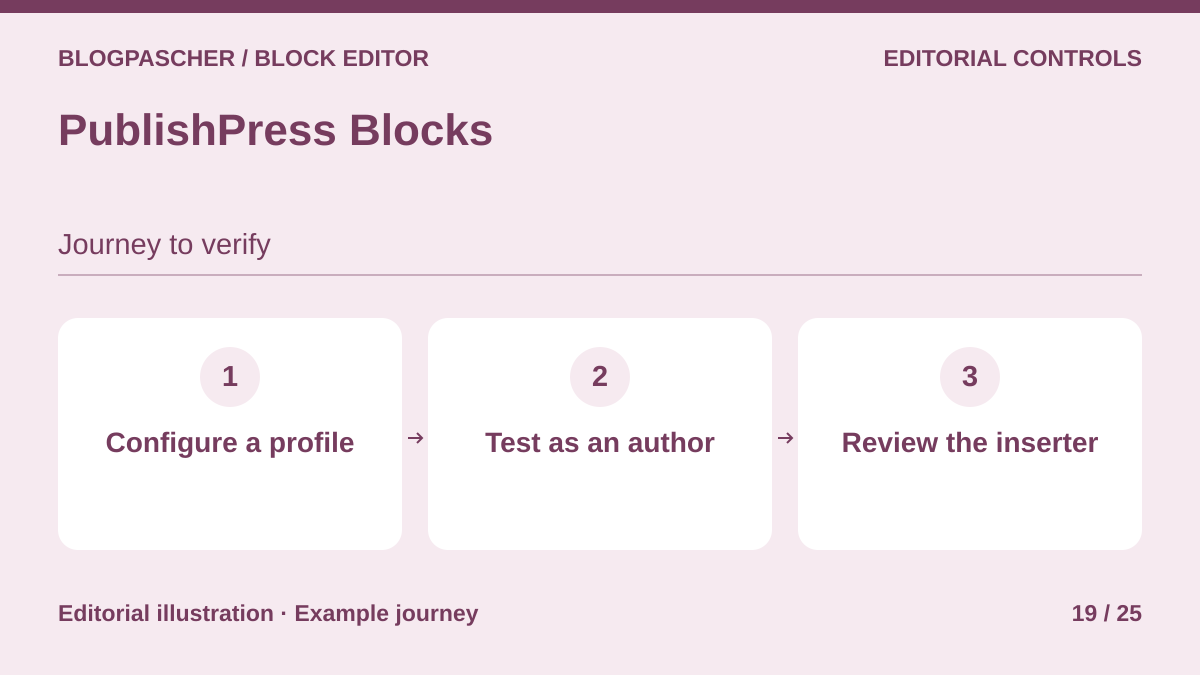 Editorial diagram. Configure a profile → Test as an author → Review the inserter. — BlogPasCherOpen full-size illustration ↗
Best forLimit block choices according to a WordPress editorial team’s workflow.
PublishPress Blocks manages blocks available in the editor and also adds its own components. Separate editorial-permission testing from public rendering. After deactivation, check the inserter with a test author and inspect already published PublishPress components. Editorial profiles depend on the plugin. No residual rendering common to all its blocks is established.
Offer pricing
Free edition. Business, a suite including Blocks Pro, at 129 USD per year for one site in the recorded pricing.
Billing: annual subscription for Business
Checked on .
Strengths
- Block and editorial-profile management
- Additional blocks and settings depending on edition
What to consider
- After deactivation, review the inserter and restrictions
- PublishPress-specific block behavior must be checked individually
Pricing terms and compatibility
Understanding the offer
- Price at the time of review
- Free edition. Business, a suite including Blocks Pro, at 129 USD per year for one site in the recorded pricing.
- Currency
- USD
- Billing
- annual subscription for Business
- Renewal and support
- Unspecified. Confirm for the offer you choose.
- Taxes and fees
- Unspecified. Confirm for the offer you choose.
- Commitment and terms
- Unspecified. Confirm for the offer you choose.
- Date checked
Compatibility and components
- Check test roles after deactivation and the display of a post containing additional blocks.
Block Visibility — Nick Diego
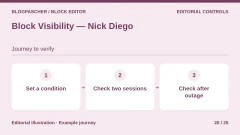
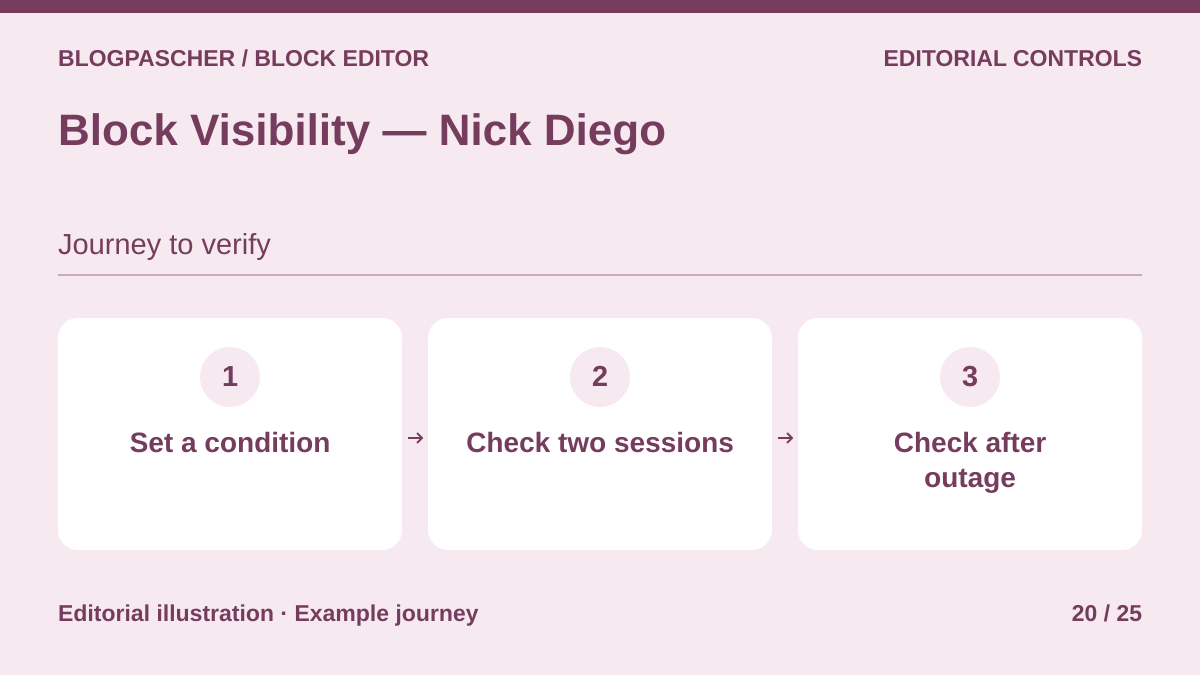 Editorial diagram. Set a condition → Check two sessions → Check after disabling. — BlogPasCherOpen full-size illustration ↗
Best forDisplay an editorial section according to the visit context.
Block Visibility adds display conditions to existing blocks. Test a banner without private data, for example restricted to logged-in visitors. On deactivation, assume the plugin filter no longer applies and check the page and its cache. The original block’s text may then render. For sensitive data, use application permissions.
Offer pricing
Free plugin in the WordPress directory.
Checked on .
Strengths
- Visibility controls in the editor
- Conditions applied to existing blocks
What to consider
- Check conditions after deactivation and purging the test cache
- Not suitable as access control for confidential data
Pricing terms and compatibility
Understanding the offer
- Price at the time of review
- Free plugin in the WordPress directory.
- Currency
- Unspecified. Confirm for the offer you choose.
- Billing
- Unspecified. Confirm for the offer you choose.
- Renewal and support
- Unspecified. Confirm for the offer you choose.
- Taxes and fees
- Unspecified. Confirm for the offer you choose.
- Commitment and terms
- Unspecified. Confirm for the offer you choose.
- Date checked
Compatibility and components
- Compare two sessions and HTML output. This article’s local test illustrates the mechanism with a demonstration filter.
Export Pattern & Block Location
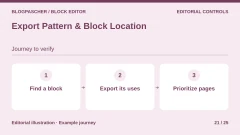
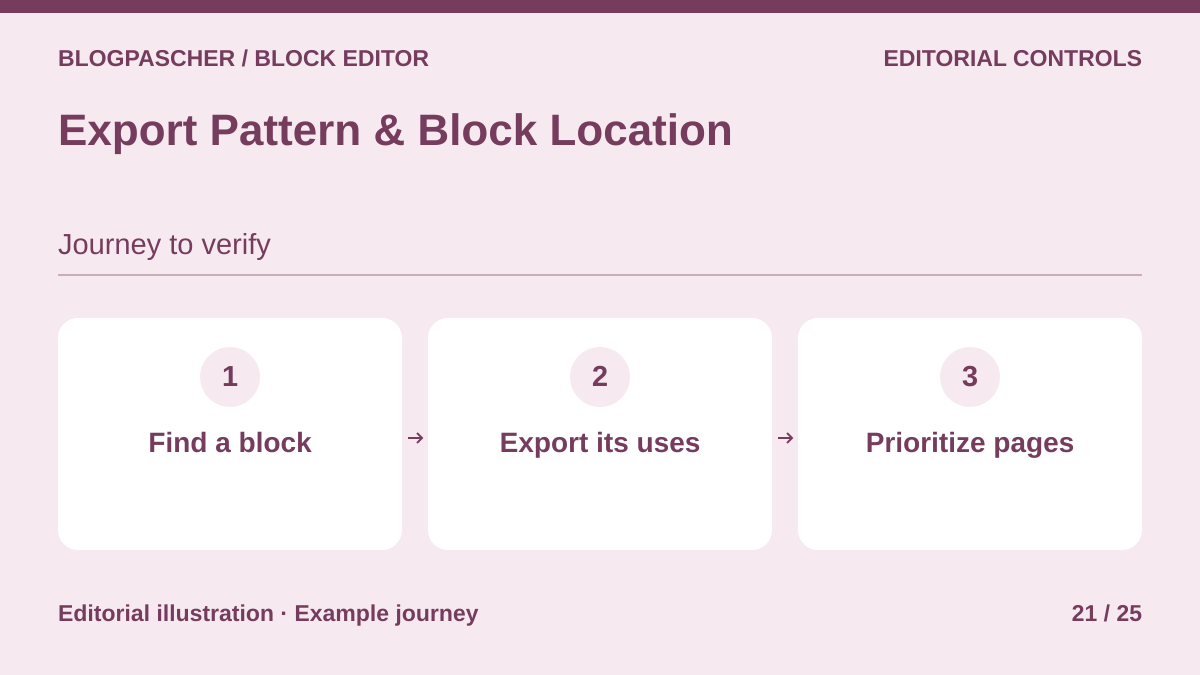 Editorial diagram. Find a block → Export its uses → Prioritize pages. — BlogPasCherOpen full-size illustration ↗
Best forIdentify pages to check before removing a library or changing themes.
This tool searches nested blocks, pattern slugs and CSS classes, then exports a CSV inventory. It does not detect a pattern whose copy retained no name, but can find a block within that copy. The described feature is search. After deactivation, the search screen is unavailable and the exported CSV remains usable.
Offer pricing
Free plugin in the WordPress directory.
Checked on .
Strengths
- Nested-block search
- CSV export of results
What to consider
- Pattern copies without a stored name are not identified by slug
- The report inventories usage without converting it
Pricing terms and compatibility
Understanding the offer
- Price at the time of review
- Free plugin in the WordPress directory.
- Currency
- Unspecified. Confirm for the offer you choose.
- Billing
- Unspecified. Confirm for the offer you choose.
- Renewal and support
- Unspecified. Confirm for the offer you choose.
- Taxes and fees
- Unspecified. Confirm for the offer you choose.
- Commitment and terms
- Unspecified. Confirm for the offer you choose.
- Date checked
Compatibility and components
- Prepare a page containing the sought block inside a Group and a copied pattern. Compare both searches.
Inline Context
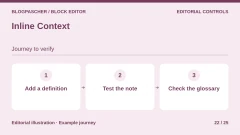
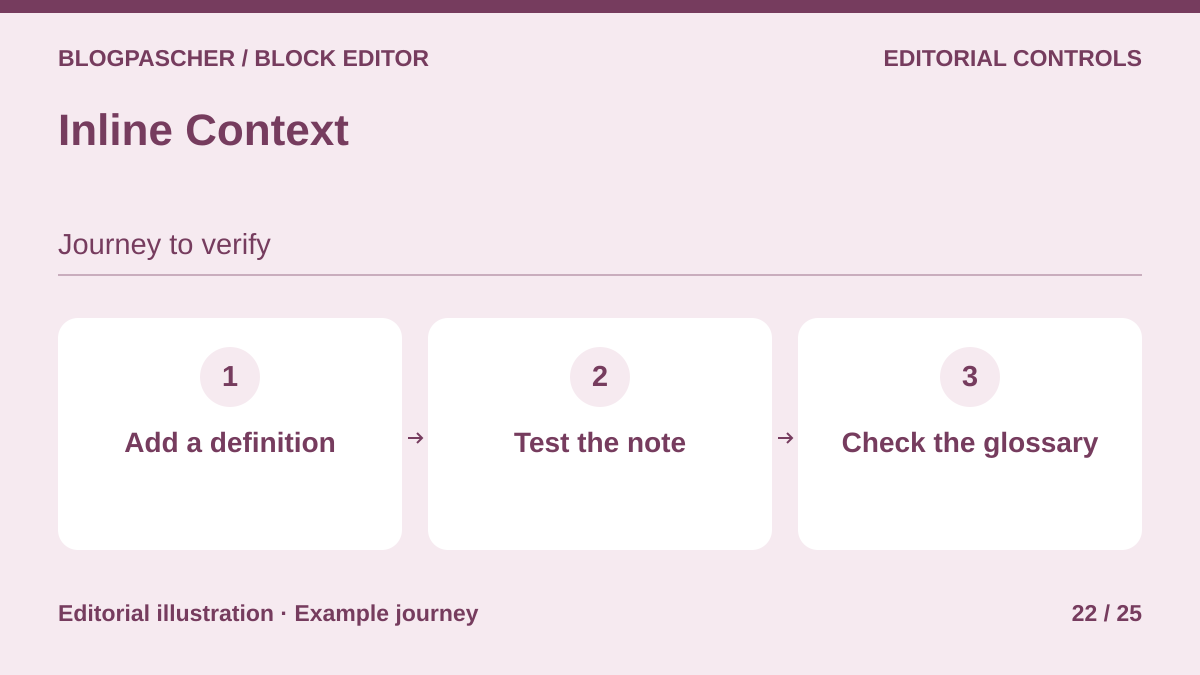 Editorial diagram. Add a definition → Test the note → Check the glossary. — BlogPasCherOpen full-size illustration ↗
Best forAnnotate terms and definitions directly in the editor.
Inline Context attaches a footnote or definition to a passage. Documentation distinguishes deactivation, where note text remains stored and returns on reactivation, from absent JavaScript, where notes remain accessible in numbered form. Separately check note and Glossary block rendering after deactivation. Text retained in the database may be absent from the page.
Offer pricing
Free plugin in the WordPress directory.
Checked on .
Strengths
- Notes attached to a term
- Documented fallback if JavaScript does not start
What to consider
- Documented retention concerns data, not Glossary rendering after deactivation
- Uninstallation offers markup cleanup
Pricing terms and compatibility
Understanding the offer
- Price at the time of review
- Free plugin in the WordPress directory.
- Currency
- Unspecified. Confirm for the offer you choose.
- Billing
- Unspecified. Confirm for the offer you choose.
- Renewal and support
- Unspecified. Confirm for the offer you choose.
- Taxes and fees
- Unspecified. Confirm for the offer you choose.
- Commitment and terms
- Unspecified. Confirm for the offer you choose.
- Date checked
Compatibility and components
- Test body text, the note and Glossary page with and without JavaScript, then with the plugin deactivated.
Blankless
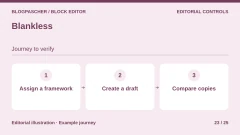
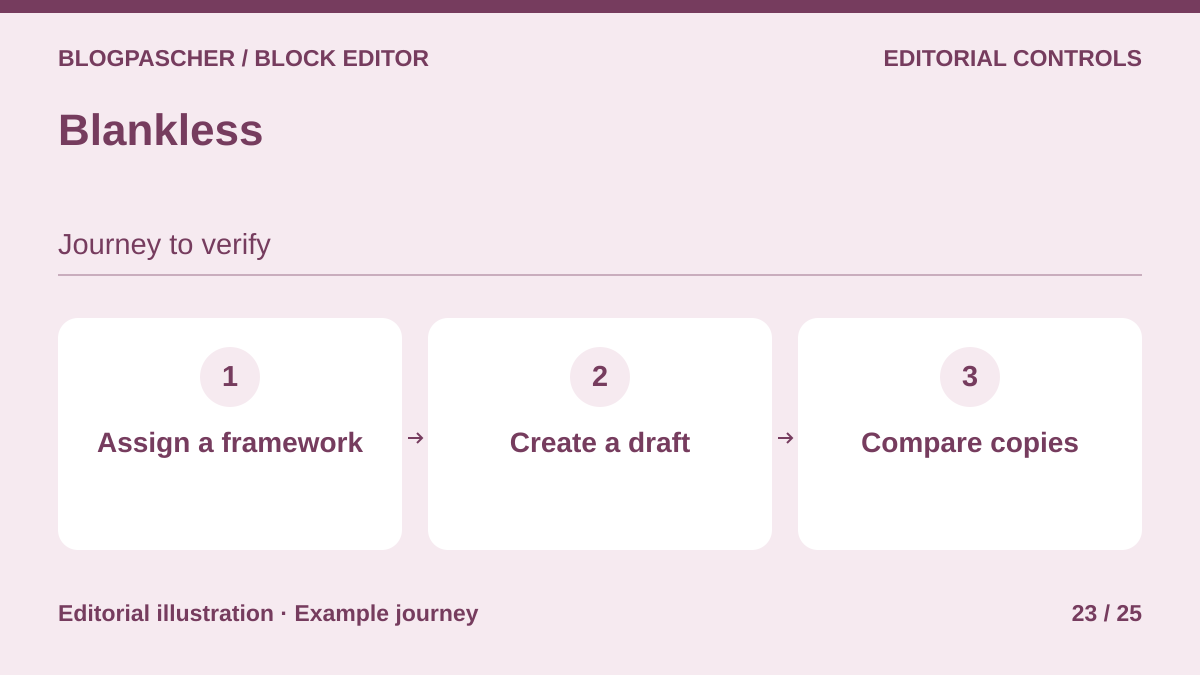 Editorial diagram. Assign a framework → Create a draft → Compare copies. — BlogPasCherOpen full-size illustration ↗
Best forGive writers an independent framework for every new piece of content.
Blankless prefills new content with a pattern per type. Even if the source pattern is synced, the developer specifies that the tool copies its blocks. Existing content is unchanged and removal deletes the tool-specific option. Compare a draft created before deactivation with a new draft, then check that any third-party blocks remain stored.
Offer pricing
Free plugin in the WordPress directory.
Checked on .
Strengths
- Frameworks by content type
- Local copies independent of the source pattern
What to consider
- Does not apply the framework to content already written
- Internal pattern dependencies remain in the copy
Pricing terms and compatibility
Understanding the offer
- Price at the time of review
- Free plugin in the WordPress directory.
- Currency
- Unspecified. Confirm for the offer you choose.
- Billing
- Unspecified. Confirm for the offer you choose.
- Renewal and support
- Unspecified. Confirm for the offer you choose.
- Taxes and fees
- Unspecified. Confirm for the offer you choose.
- Commitment and terms
- Unspecified. Confirm for the offer you choose.
- Date checked
Compatibility and components
- The directory specifies PHP 8.0 and WordPress 6.5 or later. Check with the actual theme and content type.
Better Block Editor — Dream Theme
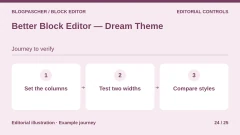
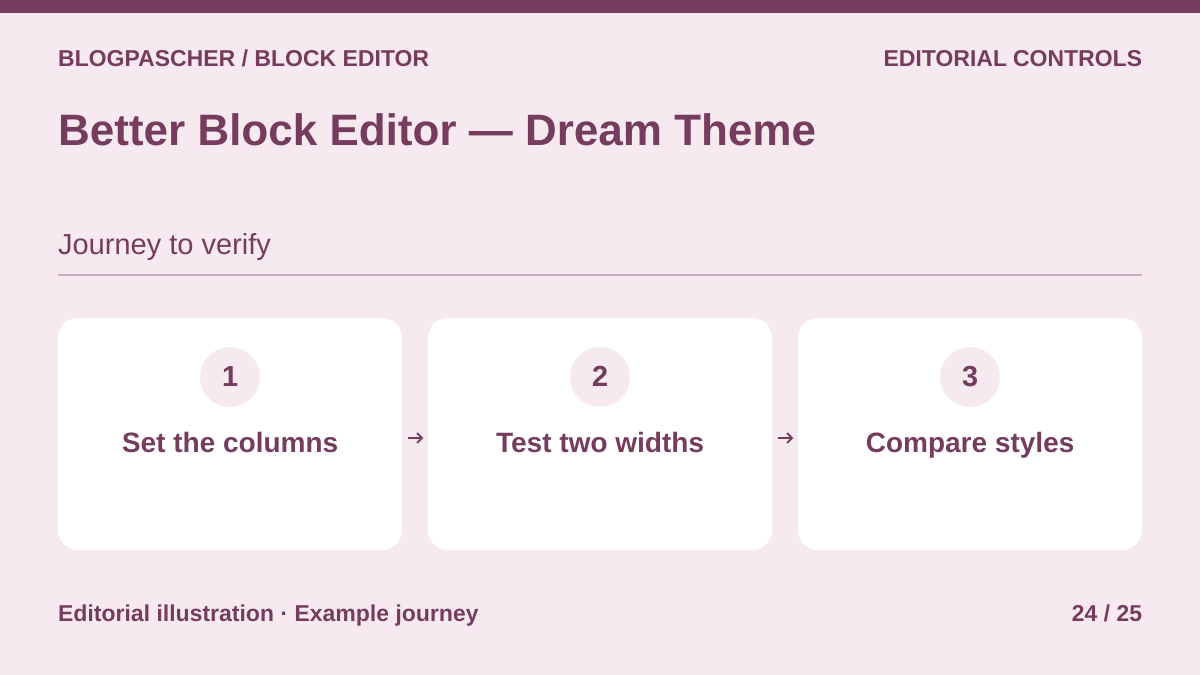 Editorial diagram. Set the columns → Test two widths → Compare styles. — BlogPasCherOpen full-size illustration ↗
Best forAdjust native blocks by width without choosing another block library.
Better Block Editor adds width, alignment, visibility and animation settings to several native blocks. Try a Columns section that stacks differently on mobile. Core content relies on native blocks, but added settings may depend on plugin styles or scripts. Compare at two widths after deactivation. Check imported sections and their media separately.
Offer pricing
Free plugin in the WordPress directory.
Checked on .
Strengths
- Settings on native blocks
- Breakpoint controls
What to consider
- Added styles and effects must be checked after deactivation
- Template imports have a separate scope from local settings
Pricing terms and compatibility
Understanding the offer
- Price at the time of review
- Free plugin in the WordPress directory.
- Currency
- Unspecified. Confirm for the offer you choose.
- Billing
- Unspecified. Confirm for the offer you choose.
- Renewal and support
- Unspecified. Confirm for the offer you choose.
- Taxes and fees
- Unspecified. Confirm for the offer you choose.
- Commitment and terms
- Unspecified. Confirm for the offer you choose.
- Date checked
Compatibility and components
- Test a simple section without importing at two widths and check mouse and keyboard effects.
Uplink Editorial Title
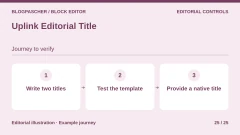
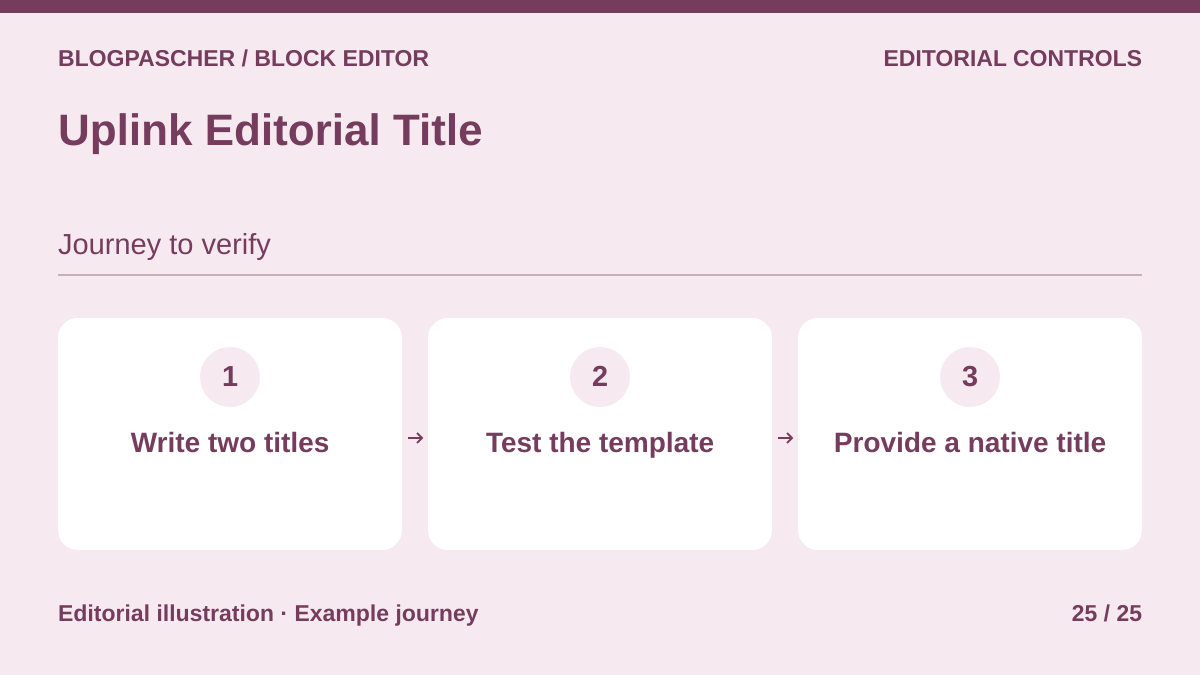 Editorial diagram. Write two titles → Test the template → Provide a native title. — BlogPasCherOpen full-size illustration ↗
Best forDistinguish a formatted presentation title from the standard WordPress title.
Uplink Editorial Title adds a presentation title with limited editorial formatting. The standard WordPress title is separate. The developer documents a dynamic block in templates. If the plugin is deactivated, check what the template renders in that location. Prepare a test template with the WordPress Post Title block to retain a visible title in archives.
Offer pricing
Free plugin in the WordPress directory.
Checked on .
Strengths
- Editorial title separate from the standard title
- Template block for post context
What to consider
- Dynamic-block rendering after deactivation is not documented
- Compare the post template and query loop
Pricing terms and compatibility
Understanding the offer
- Price at the time of review
- Free plugin in the WordPress directory.
- Currency
- Unspecified. Confirm for the offer you choose.
- Billing
- Unspecified. Confirm for the offer you choose.
- Renewal and support
- Unspecified. Confirm for the offer you choose.
- Taxes and fees
- Unspecified. Confirm for the offer you choose.
- Commitment and terms
- Unspecified. Confirm for the offer you choose.
- Date checked
Compatibility and components
- Record the HTML title, displayed title and standard title before and after. Provide a native block in the rollback copy.