Web hosting
1984 Hosting for WordPress in Iceland: pricing and backups
1984 Hosting’s WordPress plans in Iceland, initial and renewal terms, migration, the Security Pack and backup limitations.
Read more →

Site appearance
Web hosting
cPanel hosting and WordPress work per domain. The quote must specify code fixes and recovery.
Source published: · Source updated: · Editorial policy
Visit the official Plus Hosting website ↗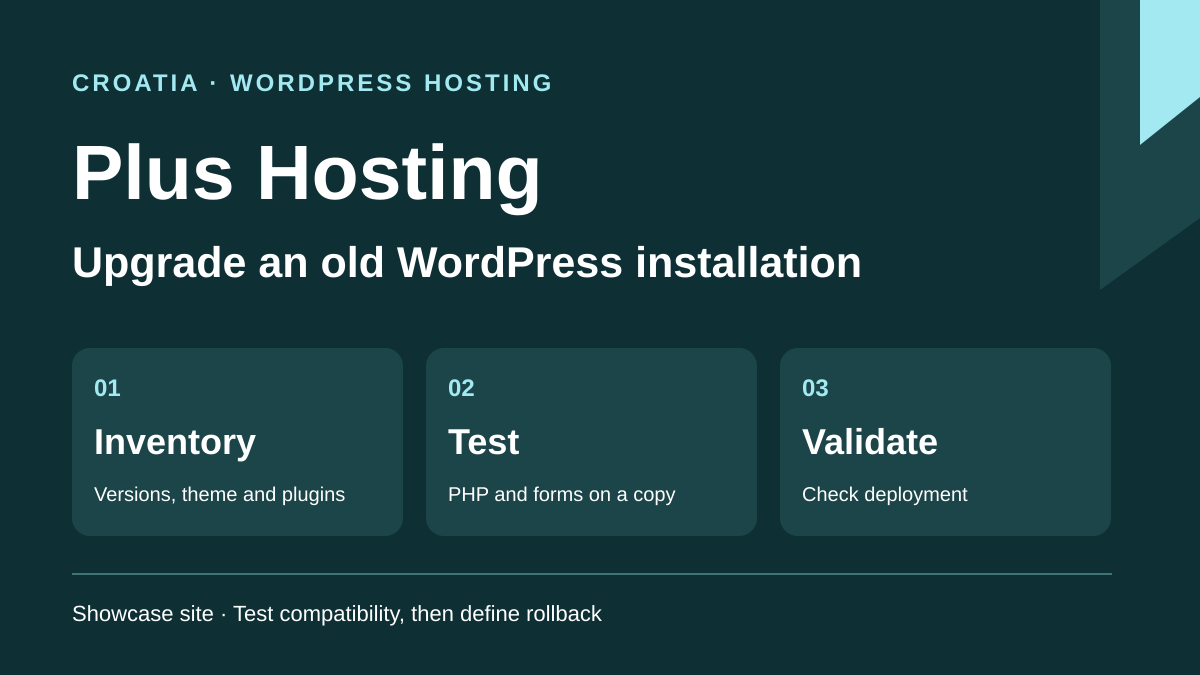
This profile is based on published offers and documentation. No new hosting benchmark or support test was performed for this translation.
Prices retain the market, currency and billing period described in the French source. Translation does not update a commercial quote. Confirm the final price, taxes and options before ordering.
| Plan | Price and billing | Resources and limits |
|---|---|---|
| Get Ready LiteSpeed | €3.82 excluding VAT per month displayed on promotion. Renewal: Crossed-out reference of €5.46 excluding VAT per month. Plan renewal price to confirm. Monthly rate excluding VAT recorded on November 10, 2026. Promotion duration and total to check. | 7 GB, 5 addon domains, cPanel and MySQL. Daily copies advertised. Retention, extraction and assisted restoration to confirm. |
| Think Smart LiteSpeed | €5.43 excluding VAT per month displayed on promotion. Renewal: Crossed-out reference of €9.05 excluding VAT per month. Plan renewal price to confirm. Monthly rate excluding VAT recorded on November 10, 2026. Promotion duration and total to check. | 22 GB, 10 addon domains, cPanel and MySQL. Daily copies advertised. Retention, extraction and assisted restoration to confirm. |
| Dream Big LiteSpeed | €9.30 excluding VAT per month displayed on promotion. Renewal: Crossed-out reference of €15.50 excluding VAT per month. Plan renewal price to confirm. Monthly rate excluding VAT recorded on November 10, 2026. Promotion duration and total to check. | 44 GB, 15 addon domains, cPanel and MySQL. Daily copies advertised. Retention, extraction and assisted restoration to confirm. |
Plus Hosting sells WordPress-compatible web hosting and one-off CMS work in Croatia. This combination appeals to a business taking over an old site after its provider leaves. The goal is to move to maintained PHP and WordPress versions while preserving pages, forms and files the business still uses. The team can price hosting, upgrading and any code correction separately.
The case examined is a practice in Pula retaining a brochure site built several years ago. Its homepage form, PDF documents and custom theme depend on plugins whose status remains to be checked. Changing PHP version directly on the public site could leave pages failing. A private copy gives the practice a way to test code and lets the provider price incompatibilities actually observed.
This profile covers the current catalog’s three LiteSpeed cards and the per-domain intervention service. It gives the route for taking away necessary files, the database and messages before authorizing changes. It also explains when targeted restoration suffices and when a copy of the old account must remain available while recovery is checked.
On November 10, 2026, the LiteSpeed cards displayed Get Ready at a promotional €3.82 excluding VAT per month and €5.46 excluding VAT as a crossed-out reference. Think Smart displays €5.43 and €9.05. Dream Big displays €9.30 and €15.50. The page label is monthly and offers an annual display. Crossed-out figures present the discount. Confirm the term qualifying for the displayed rate, the amount billed for that term and the rate applied next cycle. At Get Ready level, €3.82 multiplied by twelve gives €45.84 excluding VAT. This calculation indicates the scale if the monthly equivalent applies for twelve months.
The general price list displays €73.00, €116.80 and €218.99 for one year under Get Ready, Think Smart and Dream Big. Those names appear without the LiteSpeed suffix, and the price list offers a tax-display switch. The renewal line therefore cannot be inferred by directly matching these three values to the promotional cards. The customer area allows viewing the offer and billing documents. Request a reference bearing the exact plan name, term, tax treatment and non-promotional price. The domain and one-off services need their own lines.
As recorded on November 10, 2026, the per-domain service displays €70.68 for an upgrade, €124.54 for optimization and €169.45 for the combination. These are displayed one-off amounts. The quote must confirm taxes, the domain concerned and work in case of incompatibility. Also ask whether return to the previous state is included in the chosen service. The optimization profile explicitly mentions recovery from a backup if problems arise. The upgrade-only card mainly describes core, plugin and theme updates and agreement with the customer if incompatibility occurs.
The plans display 7, 22 and 44 GB and permit 5, 10 and 15 addon domains respectively. All three cards describe cPanel, a PHP selector, MySQL databases, daily copies, mailboxes with no displayed maximum count and free content migration. An addon domain may share resources and permissions with the main account. For a practice running one site, the choice mainly depends on space required for archives and a possible acceptance-test copy. Clarify memory, process and email-storage ceilings on the named plan.
Record media, database, mailbox and archive sizes on the old account. A site occupying 4 GB can fill 7 GB of space as soon as its directory is compressed in place. Independent storage or a copy on another account allows testing without filling the public space. Also distinguish public traffic from export and site-task load. Plus Hosting describes CPU, RAM or process resources as possible causes of a limit error. A plan increase should be assessed using measured failing load, then the headroom needed to reproduce and fix it.
The PHP selector helps verify the change the practice needs. Before relying on it, record the version and modules used by the current site. Also check the database-engine version, maximum import size and file-upload limit. Prepare a copy whose links work without modifying production. If the application starts only with an old version, that establishes a correction requirement. Price the fix and trial period before committing to a new hosting term.
Start by opening existing WordPress administration and listing versions of the CMS, active theme, child theme and plugins. Record scheduled tasks and form dependencies, including SMTP sending. Also examine licenses owned by the former provider. Prepare a table of essential pages and actions. It can include the homepage, a form, a PDF download and publishing news. Site users can check these actions without needing to interpret logs.
In cPanel, the Plus guide specifies Software, then Select PHP Version. Record Current PHP version and active modules. On the test target, select the desired version and apply Set as current. Before acting, check whether the change affects the entire account or one domain. When several sites share the account, a separate target prevents a test from changing production PHP. If a page fails, record the message and restore the target’s previous configuration before trying another change. The guide also explains that some options depend on the selected PHP version.
Compare the quote with this inventory. Support terms include installation, migration and backed-up-content extraction assistance. They exclude, in particular, code repair related to an incompatible CMS version and some incidents caused by plugins or external services. A broken child theme therefore needs an explicit scope. Give the provider a reproducible case and ask what will be delivered if the plugin no longer has a compatible version. An upgrade with a report may conclude with a list of additional tasks before returning to production.
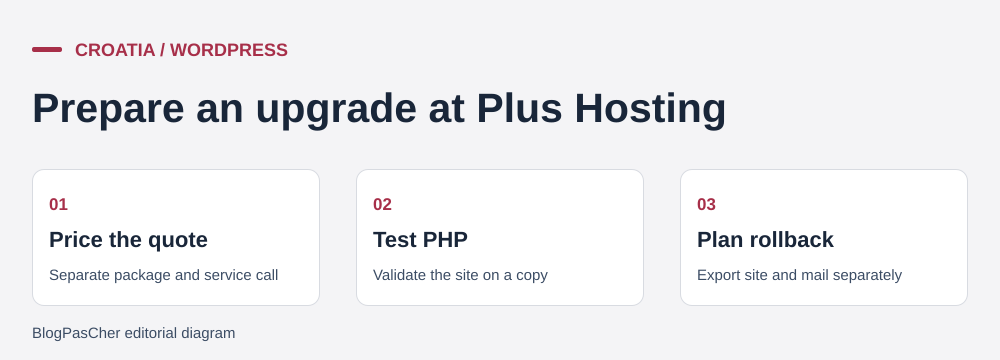 Editorial illustration of the recovery process. — Illustration by BlogPasCher.Open full-size illustration ↗
Plus Hosting advertises a daily cPanel backup and lists extraction assistance among support interventions. For these cards, the consulted pages do not give a point list, retention period, copy location or server-restoration price. Ask how much an intervention restoring a folder or database costs and how much preparing a complete archive costs. Specify the required date and component to extract. Extraction assistance and return to production are separate operations. Also ask what remains downloadable if the account becomes inactive.
To build your own recovery set, enter cPanel using server details sent when the account was opened. Locate the domain root and copy its files, including the child theme, media and hidden files. Identify the database in wp-config.php, then export SQL from phpMyAdmin if available. Keep these elements together outside the account and record date, PHP version and source root. If Backup Wizard is enabled, a full copy may be useful for an assisted transfer. cPanel specifies that the wizard does not itself restore a complete archive. Check who can process it in WHM, or also keep importable files and SQL.
For email, list mailboxes, forwarding rules and aliases used by forms. Download or synchronize messages using a method intended for the source service and check several folders, including sent messages and attachments. Keep MX, SPF, DKIM and DMARC settings. WordPress recovery does not validate these settings or establish the presence of old messages. If an account archive contains them, verify that a new host can extract them. The practice must be able to read necessary folders even if site restoration takes longer.
Import files and SQL onto a private target. Create an empty database and dedicated user, then enter their parameters in the configuration copy. Perform the first check with a configuration compatible with the source site. If changing the URL, use a method that preserves serialized data and check page and media links. Block outgoing email, scheduled external actions and public access to this target. Once the initial state is reproduced, an update’s result can be compared against a known reference.
Apply one change at a time. If a plugin stops working with the intended PHP version, check whether a maintained plugin version exists and test its update on the copy. If the custom theme is responsible, check the affected page or template and request a targeted correction quote. After each stage, check the form, download and administration login. Also record settings differing between production and copy. Simple file restoration may suffice for a rendering error, provided the update did not change the database incompatibly.
To return to service, choose a window when the practice can check the form and briefly suspend publishing. Make a dated production copy just before applying the validated change. If verification fails, return to a consistent files-and-database set or the old destination, according to the changed scope. Record messages and publications arriving during cutover before replacing anything. Rollback succeeds when the site and administration open, latest content is present and recipients receive a test message.
The website and help are available in Croatian. An English storefront is also published. The PHP-selector guide uses English command names. Check the assigned cPanel language and English support availability by channel. The storefront advertises general continuous availability. The footer distinguishes continuous monitoring from live support Monday to Friday from 8 to 20 Croatian time. Terms describe a first response within twenty-four hours and resolution depending on the case. For planned work, clarify intervention time and who is authorized to approve rollback from the administrative email address.
Plus Hosting is based in Pula and advertises servers in Croatia, elsewhere in Europe and the United States. The storefront does not link the reader’s LiteSpeed plan to a precise facility. If location matters in the practice’s contract, request the account, mailbox and remote-copy regions. Also verify that the trial site is in the intended region if the practice uses it to make a deployment decision.
The storefront presents a site builder as a separate tool. The consulted shared-hosting and WordPress-upgrade pages do not document a generative AI assistant included in these services. For an older site, the portability question remains if the team evaluates that builder. Ask whether the result can be edited in an independent WordPress installation and how images and forms are exported before rebuilding pages there.
Get Ready is an initial reference when the practice has one WordPress site and its data, mailboxes and export operations fit within the advertised 7 GB. Think Smart or Dream Big provide more space. Fixing an incompatible theme always requires a defined scope of work. Before choosing, price next-cycle hosting, the upgrade and corrections the report might reveal separately.
Ask the provider for the available PHP version, how the acceptance-test copy will be created, content to include in backup and the price of any restoration intervention. The quote must also say who tests the form, who approves publication and what happens if the new version fails. If the business keeps old hosting during verification, retain control of both accounts and record when the original can be closed.
At handover, collect the holder’s contact details, verified export, license inventory and results of tests performed on the copy. Ask the provider for a list of completed changes and remaining actions. The practice can then decide to deploy, request a correction or temporarily retain the current site. This choice rests on verified functions and the cost of remaining work.
Use these references to check the features, requirements and limitations described. Reading documentation is not a practical test.
English translation of the reviewed French edition. Code examples retain their original identifiers, comments and output strings for reproducibility. Linked exercise files and original screenshots may contain French. No new practical tests or price checks are implied by translation.
1984 Hosting’s WordPress plans in Iceland, initial and renewal terms, migration, the Security Pack and backup limitations.
Read more →Compare 34SP.com WordPress containers, shared memory, staging copies, downloadable snapshots and site migration.
Read more →Compare AEserver’s managed WordPress prices and check whether your network must be split into independent installations before migration.
Read more →