

Define what actually needs to move
You are changing hosts, preparing a redesign or moving content into an already built website. These operations do not have the same expected result. A complete migration copies an installation to a destination; staging prepares a working version; a partial import adds or updates certain objects. The tools presented cover these different scopes. Editions and extensions of the same family are grouped together.
Start without a new plugin: ask the host whether transfer or a working copy is already available, with what scope and rollback. Someone with file and database access can also prepare a manual copy. This journey requires understanding server configuration and website addresses; it is not merely copying the media folder.
Content export available under Tools is not a complete installation copy. It addresses moving supported content with an importer at the destination and leaves other elements to handle. The theme, its files, extensions, certain options and external dependencies must be considered separately. For a redesign retaining only posts, this limitation may instead avoid copying an unnecessary old configuration.
These notices concern installations where you can use the necessary tools. On WordPress.com, check plan capabilities and the permitted import or migration journey. In multisite, copying a subsite, the main site and the entire network are three different needs. No universal compatibility is inferred from a general WordPress statement in sales documentation.
Compare before you choose
The offers at a glance
Find the use case and budget that fit, then read the details to see the limitations and any components you may need.
On smaller screens, the table scrolls horizontally. With a keyboard, press Tab to focus the table, then use the left and right arrow keys.
| Offer | Best for | Pricing and billing | Renewal and support |
|---|---|---|---|
 DuplicatorRead the details | Migration through a reinstallable package | Free Lite. Basic Pro: displayed normal price of 79 USD/year for 2 websites; dynamic introductory discount not retained as a firm price. Annual subscription; normal price distinct from promotional price. Tax treatment not established; check the applicable total before purchase. | Automatic annual renewal at the prevailing full price, currently 79 USD for Basic. At expiry, Pro features locked according to documentation; cancelling renewal does not delete the migrated website. |
 All-in-One WP MigrationRead the details | Export then import between installations | Free; Unlimited 69 USD/year, Pro 99 USD/year, each for up to 50 websites used per year. Annual subscription. Tax treatment not established; check the applicable total before purchase. | The quota resets at renewal; already migrated websites remain usable after cancellation. |
 WP MigrateRead the details | Export and work between environments | Free Lite. Individual Basic offering: 49 USD the first year, normal price 99 USD, 1 active website; Plus 189 USD then normal price 249 USD, 3 active websites. Annual subscription, discounted first year. Tax treatment not established; check the applicable total before purchase. | Automatic annual renewal; displayed normal price distinct from the introductory promotion. |
 WP STAGINGRead the details | Staging with a defined deployment journey | Free; Personal 89 EUR/year for 1 website, Business 139 EUR/year for 3 websites, Developer 239 EUR/year for 25 websites, displayed prices exclude VAT. Annual payment; monthly equivalents displayed without corresponding monthly billing. Prices exclude VAT; country VAT applied at checkout for relevant EU customers, business exemption with a valid number advertised. | Promotional prices displayed; exact renewal amount not established in the checked page. |
 Migrate GuruRead the details | Migration between accessible hosts | Free service advertised; no BlogVault purchase needed for this journey. No subscription required for the presented free service. No licence price; hosting costs independent. | No paid renewal for this free service. |
 WPvividRead the details | Migration and working copy within an existing family | Free; Blogger 49 USD/year or 99 USD one-time payment, 2 domains. Annual subscription or lifetime one-time-payment plan. Tax treatment not established; check the applicable total before purchase. | Annual plan: renewal required to retain Pro features; future amount not guaranteed. |
 Backup MigrationRead the details | Migration from an archive of the same family | Free; Premium displayed at $45 for 2 domains the first year, with 5 GB BackupBliss included that first year. Annual plan presented; $ symbol without an established ISO currency. Tax treatment not established; check the applicable total before purchase. | FAQ: 20% renewal discount. Calculation basis and future total not established, so no renewed amount calculated. |
 Total UpkeepRead the details | Reuse a Total Upkeep archive | Free; Premium equivalent to $2.50/month, billed annually, or $30 for one year. Annual billing; exact currency of the $ symbol not established. Tax treatment not established; check the applicable total before purchase. | Renewable subscription; without renewal, Premium features lost. Future amount not guaranteed. |
 XClonerRead the details | Technical migration through archive and restoration | Free extension; any storage account and Watchful service separate. No plugin subscription required for the described features. No plugin price; external services may charge. | No paid licence renewal for the free plugin. |
 BackuplyRead the details | Migration through backup and restoration on prepared WordPress | Free plugin; Personal WordPress displayed at $39/year for 1 website and 10 GB Backuply Cloud. Cloud only: $18/year, without the Pro plugin. Annual prices displayed; confirm exact software rights duration against the lifetime statement on the same page. Tax treatment not established; check the applicable total before purchase. | Support, updates and storage limited to licence validity. Confirm renewal price and terms. |
 InstaWP ConnectRead the details | External copy for a working team | Free connector; Sandbox $2/month per website, billed daily. Outgoing migration or migration between two hosts: $2 per operation according to the current page. Daily usage consolidated into a monthly bill; no annual commitment advertised. Tax treatment not established; check the applicable total before purchase. | Billing continues while the website is retained; pausing alone still incurs charges. 2-way Sync rates not priced. |
 Prime MoverRead the details | Move a website or subsite between compatible structures | Free; Pro 59 USD/year, 7.99 USD/month or 179.99 USD one-time payment for 1 website or 1 subsite. Monthly, annual or lifetime one-time payment; USD rates from the official selector. Tax treatment not established; check the applicable total before purchase. | Renewable, cancellable subscription; lifetime advertised without renewal. |
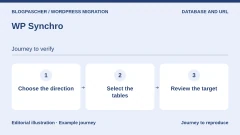 WP SynchroRead the details | Repeated database synchronisation between environments | Free; Pro Personal $12/month or $115/year for 2 active websites, excluding VAT. Monthly or annual; ISO currency of the $ symbol not established. Excluding VAT; publisher advertises 25% Danish VAT for EU customers without a valid business VAT number. | Subscription can be changed or cancelled; future renewal rates not guaranteed. |
 NS Cloner / WP ClonerRead the details | Duplicate a subsite within a network | Free within a network; WP Cloner Basic 298 USD for 2 installations, Pro 598 USD for 10, with 1 year of support and updates. Purchase with 12 months of support and updates; charge frequency not established. Tax treatment not established; check the applicable total before purchase. | Plugin usable without an active licence according to the FAQ; renewal needed for support and updates, price not established. |
 UpdraftPlusRead the details | Migration from UpdraftPlus archives | Free; Personal Premium 70 USD/year for 2 websites, with 1 GB storage included. Annual subscription in the selected USD currency. Tax treatment not established; check the applicable total before purchase. | Cancellable automatic renewal; plugin retained after term, without support or new updates. |
 ManageWP WorkerRead the details | Copying through centralised management of several websites | Free dashboard; Premium Backup from $2/month per website. Backup bundle: $75/month for up to 100 websites. Monthly cycle, usage billed after consumption. Tax treatment not established; check the applicable total before purchase. | No long contract advertised; costs according to enabled modules and usage, future amount not guaranteed. |
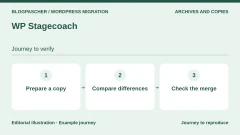 WP StagecoachRead the details | External staging with a merging mechanism to qualify | Paid after a 5-day trial. Small simultaneously displays $149 and $99 per year for 1 domain: neither amount retained as a firm price. Automatic annual; Medium and Large also have a monthly variant. Tax treatment not established; check the applicable total before purchase. | Automatic renewal, cancellation possible before billing. Conflicting annual prices across all three tiers. |
 BlogVaultRead the details | Connected service for backup and migration | Personal: 49.50 USD/year for 1 website with a displayed 50% discount, normal price 99 USD. Business: 149.50 USD, normal 299 USD. Annual billing; currently displayed promotion distinct from normal price. Tax treatment not established; check the applicable total before purchase. | Retention of the discount at renewal not established; budget the normal price without presenting it as verified contractual renewal. |
 WP Time CapsuleRead the details | Staging and migration from an incremental system | Business: $49/year or $149 one-time payment for 2 websites. ISO currency not established. Annual or one-time payment according to plan. Tax treatment not established; check the applicable total before purchase. | Cancellation possible for subsequent periods; future price not guaranteed. No annual renewal advertised for the one-time payment. |
 Everest BackupRead the details | Key-based transfer between prepared installations | Free; Personal Pro: 39 USD/year for 2 websites, recorded November 10, 2026. Annual subscription; separate Lifetime offering not priced here. USD currency explicit; taxes and checkout total not established. | 10% renewal discount advertised; calculation basis and future amount not guaranteed. |
 Better Search ReplaceRead the details | Correct references after copying | Free extension; Pro features documented, current price not established. Pro includes 1 year of support and updates; price and payment cycle not established. Tax treatment not established; check the applicable total before purchase. | Plugin retained after expiry, without new updates or support; renewal amount unknown. |
 WP All ImportRead the details | Import structured content into a new installation | Free; Import Standalone displayed at $99/year, but a banner still claims all licences are lifetime. This amount is not retained as a firm contract. Frequency to confirm: contradictory annual and lifetime statements on the same page. Tax treatment not established; check the applicable total before purchase. | Renewal terms undetermined until licence type is clarified. |
 WordPress ImporterRead the details | Editorial transfer through WordPress export | Free extension from the WordPress project. No plugin subscription. No licence price. | No paid renewal. |
 Magic Export & ImportRead the details | Import selected objects and their supported relationships | Free extension; no commercial offering necessary for the described journey. No plugin subscription established. No licence price. | No paid renewal established. |
 FastDupRead the details | Package-based migration with content selection | Free extension; no paid offering qualified for this journey. No plugin subscription established. No licence price. | No paid renewal established. |
Choose between an archive, direct transfer and selected content
A portable archive suits retaining a set of files and data before reinstalling it elsewhere. It requires understanding how to restart import and where to keep the package without public exposure. Direct transfer connects both installations, sometimes through an intermediary service. It depends on access and communications permitted at both ends. Neither is automatically superior.
Repeatable synchronisation can help a team refresh a development copy. Check its direction: pulling data from the live website to a copy differs from pushing the copy to the live website. Define source, destination and included elements before every run. A saved task remains dangerous if these environments have changed roles since its creation.
Content import transfers posts, products or other supported objects without replacing the whole website. You must then decide how to match existing objects, handle duplicates and retrieve media. Object relationships and specific fields require suitable features. A readable CSV does not prove that all relationships will be reconstructed.
Free and paid features vary by journey. An edition may export the website without providing the same import, move a database without files or create staging without allowing its return to the live website. Compare the complete journey before starting. Unestablished prices and renewals remain unknown: do not confuse a trial with lasting free use.
Prepare access and usable rollback
Identify both hosts, authorised access, databases used and volumes to transfer. Check space needed for the website, archives and extraction, along with upload and execution limits. Do not choose a product solely by a size displayed in a slogan. A limit may come from the server, transport or edition; diagnosis must identify which.
Keep a source backup and a destination backup if it already holds useful data. Check how to recover them without depending on the administration you will replace. Define who decides to return to the old host and which changes since copying need preservation. Rollback can also lose recent data if this is not planned.
The domain, mailboxes, certificates and external services need separate checks. A WordPress migration does not demonstrate that email was copied or every network record must be replaced. Retain existing configuration and prepare targeted changes with the domain owner. Verify the destination before presenting it to visitors.
- Explicitly record source, destination and chosen scope before running a tool.
- Prepare an independent backup and means to restore it; do not delete the old installation during checks.
- Stop if the tool proposes overwriting a destination containing unpreserved data.
Preserve data received during the work
An example illustrates the risk: you create a copy on Monday, then the live website receives a new registration or order on Tuesday. If you replace its database on Wednesday with Monday’s, this new data may disappear. The problem does not depend solely on the plugin brand. It comes from copy timing and the scope sent in the opposite direction.
For a simple update test, you can reproduce validated changes on the live website instead of pushing the entire test database. For an editorial redesign or complete migration, prepare a cutover schedule and strategy for new writes with the owner. A temporary write restriction must not be decided by assuming no customer is using the website.
Some products advertise merging or selective synchronisation. Ask which objects are handled, how conflicts are resolved and which components are compatible. Selecting a table is not necessarily selecting a single feature: several data types may be related there. A customised shop deserves examination of its relationships, not a universal table-exclusion list.
A partial import also requires matching checks. Which identifier recognises an existing object? Does rerunning update or recreate it? How are deletion and relationships handled? Examine a small representative set in a protected copy before deciding to transfer the entire collection. These criteria are checks to perform, not trials we claim to have executed.
Isolate staging before any changes
A working copy may retain customers, API keys and external connections from the original website. Protect access and limit personal data to test needs. Preventing appearance in search engines and keeping data confidential are different topics: an indexing instruction does not control who can open the address.
Examine email sending, payments, subscriptions, notifications and connected automation. Test orders may trigger emails or appear real to an integration. Use provided test modes and disable external effects before simulating a journey. A real payment or customer email is not an acceptable way to identify a copy.
Visibly label the environment to avoid window confusion and check the address before any destructive action. A subfolder copy may share server resources; an external copy entrusts data to an additional service. Compare work needs, access rights, retention and cost rather than assuming one destination is always preferable.
Migration keys, archives and installers must remain accessible only to authorised people. After validation, follow the tool-specific cleanup procedure and remove temporary access no longer needed. Keep recovery archives in designated storage without leaving a usable package in a public directory of the new website.
Check the destination, then organise cutover
Start by checking representative content: a post with media, a page using theme features, search and login journey. Examine generated addresses and expected files. A transfer-complete message does not prove external dependencies or every page work. Relate errors to the tool log and destination environment.
For a shop, check useful features on the copy with their test facilities: product, cart, order, simulated payment and specific interactions. Compare data you decided to preserve. Do not replace these checks with merely visiting the homepage. If the destination redirects to the old address or cannot find media, fix that cause before switching visitors.
An address change may require replacing database references. Use a mechanism able to handle the structured data concerned and first examine a dry run where available. Avoid an indiscriminate global replacement in an SQL file: some encoded values contain length information and relationships. Preserve the database before every correction, even after an apparently successful migration.
Finally plan targeted network changes and monitoring with the domain owner. Keep the old installation for the agreed verification period without letting it silently receive data that would then need reconciliation. Check access, certificate and expected tasks after cutover. If the success criterion is not met, apply planned rollback with new data preserved.
Three journeys according to the expected result
For a complete copy, the expected result is a website you can open and administer at the destination. For partial import, it is transferred content without replacing the rest. For staging, it is an isolated copy and a defined means of applying the useful change. Choose only one of these objectives for your first trial: combining all three makes checks and rollback difficult.
The following journeys describe operations to perform on a prepared, backed-up destination. They are not a report of tests performed by our editorial team. Labels may vary with language and version; always examine the summary before an operation writing to the database.
- Content only: on the source, Tools → Export, choose the scope, then download the XML. On a test destination, Tools → Import → WordPress, import the file, map authors and choose attachment retrieval. Check an old post, a recent one, an image and a category. If rendering depends on a builder, check its support before a full import.
- Complete website with access to both administrations: back up the destination, install the same migration family at both ends and export files plus database. With All-in-One, import the .wpress through its Import screen; with UpdraftPlus, upload backup components, then restore them. Do not mix formats. After restoration, log in again with the restored website’s credentials and check the actual address, media and internal links.
- Staging for a change: create the copy, protect access and disable real emails and payments. Reproduce only one change and note affected files or settings. If the free edition does not allow a push, reproduce these verified settings in production or choose the appropriate tier. For an active shop, do not replace the entire database merely to transfer a visual change.
- To stop a trial: keep the source in place, restore only the destination from its backup if no useful new data has arrived there, then correct the scope. If orders or accounts have arrived, preserve them and organise reconciliation before restoration. After a DNS cutover, rollback also requires checking which server now receives writes.
Read commercial terms and maintenance
Prices come from the initial November 3, 2026 record, with a targeted November 10 review of tools cited in the acceptance test and several paid offerings. An equivalent monthly price may require paying a full year. Compare renewal, website or person limits, external services and additional purchases.
Directory compatibility statements remain publisher declarations. The Better Search Replace test described separately concerns only its CLI engine and a local SQLite database; it validates neither its AJAX interface nor a complete MySQL migration. A recent update alone does not ensure support for your WordPress, PHP, shop and builder combination. When a commercial offering is inaccessible or contradictory, its notice says so. For a new critical operation, preferably choose a journey with already established rights, access and recovery.
Test an address change on a destination database
On an isolated copy, note home and siteurl values. In the acceptance test, both pointed to https://origine.example.test. The destination address, https://nouvelle-vitrine.example.test, is longer. The sample page contained a link to école.pdf, and two data structures reused the old address. One was serialised metadata, the other a serialised string inside an option that was itself structured.
Back up the destination database before applying replacement. Under Tools, open Better Search Replace. Enter both complete URLs with their protocol. On an installation with the wp_ prefix, choose wp_posts, wp_postmeta and wp_options for this test set. Keep dry-run mode active and GUID changes disabled. On a real website, extension tables may also contain URLs. Add only those identified.
The dry run found five cells across the three tables, with zero updates. Rereading in a separate process found the same data. Then the Better Search Replace 1.4.11 engine replaced addresses at the destination. The page, home, siteurl and nested structures took the new values. The link to another domain and the content GUID remained identical.
In the sample, replacing the raw string changed the address length without recalculating the length recorded in serialised data. Reading failed. After Better Search Replace processed it, WordPress reread the updated value and the accented document remained correctly referenced. The test verifies the database link. Check the file itself on destination hosting.
- Create a test page and extension datum. Record addresses, value types and a link to retain.
- Run a dry run on the destination, compare the expected total and confirm the prefix before any write.
- Apply on the copy, then reread in a new session. Check links, options and nested data.
Return to the previous copy and choose an alternative
If the new website loses a link, setting or access, avoid multiplying replacements to guess the cause. In the WordPress 7.1.4 acceptance test, rollback restored the SQLite snapshot taken at the destination immediately before the operation. Rereading found original URLs and the same metadata fingerprint. The source retained its data throughout the procedure.
On MySQL or MariaDB, rollback normally uses a consistent export of the destination database. First identify the database into which it will be reimported. If the destination has received real orders or registrations since that export, record them and choose targeted recovery with the data manager. The rollback executed here covers a WordPress CLI engine and isolated SQLite database. It reproduces neither the plugin AJAX interface nor a DNS or hosting change.
If WP-CLI is available, simulate with wp search-replace followed by the old URL, new URL and tables to process, then --skip-columns=guid and --dry-run. Back up the destination. After verification, rerun the same command without --dry-run. If moving only posts or pages, use WXR export and WordPress Importer instead. Keep source media accessible and check what the destination retrieved.
- Distinguish database rollback, file rollback and network-address rollback.
- Check the saved set on a copy before needing it.
- Validate recovery at the destination and check recent content before any public opening.
Further reading
Sources and references
Use these references to check the features, requirements and limitations described. Reading documentation is not a practical test.
View 60 references
- Duplicator — Published features and versions ↗ — Documentation consulted:
- Duplicator — Pricing conditions ↗ — Documentation consulted:
- All-in-One WP Migration — Published features and versions ↗ — Documentation consulted:
- All-in-One WP Migration — Pricing conditions ↗ — Documentation consulted:
- WP Migrate — Published features and versions ↗ — Documentation consulted:
- WP Migrate — Pricing conditions ↗ — Documentation consulted:
- WP STAGING — Published features and versions ↗ — Documentation consulted:
- WP STAGING — Pricing conditions ↗ — Documentation consulted:
- Migrate Guru — Published features and versions ↗ — Documentation consulted:
- WPvivid — Published features and versions ↗ — Documentation consulted:
- WPvivid — Pricing conditions ↗ — Documentation consulted:
- Backup Migration — Published features and versions ↗ — Documentation consulted:
- Backup Migration — Pricing conditions ↗ — Documentation consulted:
- Total Upkeep — Published features and versions ↗ — Documentation consulted:
- Total Upkeep — Pricing conditions ↗ — Documentation consulted:
- XCloner — Published features and versions ↗ — Documentation consulted:
- Backuply — Published features and versions ↗ — Documentation consulted:
- Backuply — Pricing conditions ↗ — Documentation consulted:
- InstaWP Connect — Published features and versions ↗ — Documentation consulted:
- InstaWP Connect — Pricing conditions ↗ — Documentation consulted:
- Prime Mover — Published features and versions ↗ — Documentation consulted:
- Prime Mover — Pricing conditions ↗ — Documentation consulted:
- WP Synchro — Published features and versions ↗ — Documentation consulted:
- WP Synchro — Pricing conditions ↗ — Documentation consulted:
- NS Cloner / WP Cloner — Published features and versions ↗ — Documentation consulted:
- NS Cloner / WP Cloner — Pricing conditions ↗ — Documentation consulted:
- UpdraftPlus — Published features and versions ↗ — Documentation consulted:
- UpdraftPlus — Pricing conditions ↗ — Documentation consulted:
- ManageWP Worker — Published features and versions ↗ — Documentation consulted:
- ManageWP Worker — Pricing conditions ↗ — Documentation consulted:
- WP Stagecoach — Published features and versions ↗ — Documentation consulted:
- WP Stagecoach — Pricing conditions ↗ — Documentation consulted:
- BlogVault — Published features and versions ↗ — Documentation consulted:
- BlogVault — Pricing conditions ↗ — Documentation consulted:
- WP Time Capsule — Published features and versions ↗ — Documentation consulted:
- WP Time Capsule — Pricing conditions ↗ — Documentation consulted:
- Everest Backup — Published features and versions ↗ — Documentation consulted:
- Everest Backup — Pricing conditions ↗ — Documentation consulted:
- Better Search Replace — Published features and versions ↗ — Documentation consulted:
- Better Search Replace — Pricing conditions ↗ — Documentation consulted:
- WP All Import — Published features and versions ↗ — Documentation consulted:
- WP All Import — Pricing conditions ↗ — Documentation consulted:
- WordPress Importer — Published features and versions ↗ — Documentation consulted:
- Magic Export & Import — Published features and versions ↗ — Documentation consulted:
- FastDup — Published features and versions ↗ — Documentation consulted:
- duplicator.com — official documentation or terms ↗
- servmask.com — official documentation or terms ↗
- wpsitecloner.com — official documentation or terms ↗
- wpstagecoach.com — official documentation or terms ↗
- wpstagecoach.com — official documentation or terms ↗
- wpstagecoach.com — official documentation or terms ↗
- wordpress.org — official documentation or terms ↗
- developer.wordpress.org — official documentation or terms ↗
- Everest Backup — corrected and reviewed official source ↗ — Documentation consulted:
- Everest Backup — corrected and reviewed official source ↗ — Documentation consulted:
- Everest Backup — corrected and reviewed official source ↗ — Documentation consulted:
- Everest Backup — corrected and reviewed official source ↗ — Documentation consulted:
- UpdraftPlus — free migration confirmation ↗ — Documentation consulted:
- Simulate address replacement ↗ — Documentation consulted:
- Export a destination database ↗ — Documentation consulted:
Uses, prices and what to check
25 offers in detail
Compare the features you need and the terms of each offer. The order of these entries does not indicate a ranking.
Duplicator
 Vendor image
Best forMigration through a reinstallable package
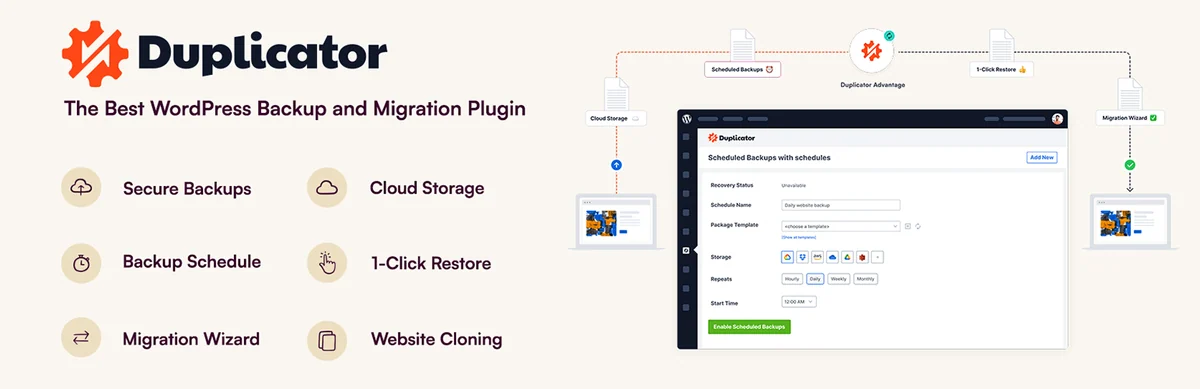
Duplicator gathers files and database into a package accompanied by an installer. It suits an empty destination: prepare its database and access, upload both elements, then open the installer on the protected destination. The current free plugin also advertises encryption and restoration from WordPress. Pro notably adds scheduling and third-party cloud destinations; staging and multisite require higher tiers. Delete installation files after checking the rebuilt website.
Offer pricing
Free Lite. Basic Pro: displayed normal price of 79 USD/year for 2 websites; dynamic introductory discount not retained as a firm price.
Billing: Annual subscription; normal price distinct from promotional price.
Renewal and support: Automatic annual renewal at the prevailing full price, currently 79 USD for Basic. At expiry, Pro features locked according to documentation; cancelling renewal does not delete the migrated website.
Tax treatment not established; check the applicable total before purchase.
Checked on .
Strengths
- Reinstallable package without WordPress preinstalled at the destination
- Lite: encrypted archive and dashboard restoration advertised
- Basic Pro: scheduled backups and one third-party cloud destination
What to consider
- Pro tier or higher for staging and multisite; Basic is insufficient
- Disk space, database and access needed despite no commercial size limit
- Duplicator Cloud storage billed separately
Pricing terms and compatibility
Understanding the offer
- Price at the time of review
- Free Lite. Basic Pro: displayed normal price of 79 USD/year for 2 websites; dynamic introductory discount not retained as a firm price.
- Currency
- USD
- Billing
- Annual subscription; normal price distinct from promotional price.
- Renewal and support
- Automatic annual renewal at the prevailing full price, currently 79 USD for Basic. At expiry, Pro features locked according to documentation; cancelling renewal does not delete the migrated website.
- Taxes and fees
- Tax treatment not established; check the applicable total before purchase.
- Commitment and terms
- Basic: 2 websites and one third-party cloud destination. Pro: 20 websites, normal price 399 USD/year, staging and multisite.
- Date checked
Compatibility and components
- Destination access and package extraction
- Directory checked 2026-11-03: version 5.1.0, last update 2026-10-27 1:57pm GMT; compatibility declared up to WordPress 7.1.4.
- Declared minimum: WordPress 6.2, PHP 7.4. These historical minimums do not recommend using an obsolete branch.
All-in-One WP Migration
 Vendor image
Best forExport then import between installations
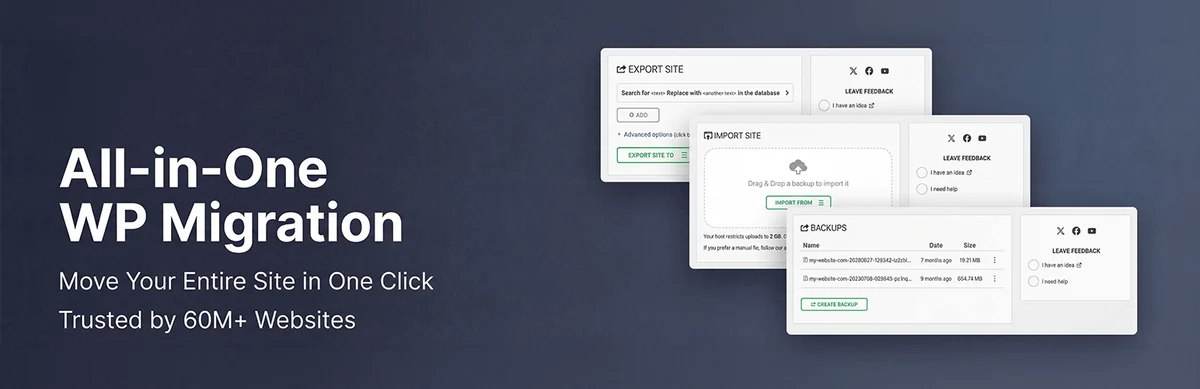
All-in-One WP Migration suits exporting then importing into WordPress already installed. On the source, export to a .wpress file; on the backed-up destination, use Import to upload it. This journey remains free within the server upload limit. Unlimited adds restoration from the backup list and another upload mechanism; Pro adds remote storage and automation. Check administrator access after replacing the database.
Offer pricing
Free; Unlimited 69 USD/year, Pro 99 USD/year, each for up to 50 websites used per year.
Billing: Annual subscription.
Renewal and support: The quota resets at renewal; already migrated websites remain usable after cancellation.
Tax treatment not established; check the applicable total before purchase.
Checked on .
Strengths
- Free manual export and import
- Unlimited: restoration from Backups and import of large archives
- Pro: cloud destinations, automatic backups and direct transfer advertised
What to consider
- 50 websites used per licence year, not merely 50 simultaneous activations
- A temporary domain counts; localhost excluded from the quota
- The term Unlimited removes neither hardware constraints nor separate multisite rights
Pricing terms and compatibility
Understanding the offer
- Price at the time of review
- Free; Unlimited 69 USD/year, Pro 99 USD/year, each for up to 50 websites used per year.
- Currency
- USD
- Billing
- Annual subscription.
- Renewal and support
- The quota resets at renewal; already migrated websites remain usable after cancellation.
- Taxes and fees
- Tax treatment not established; check the applicable total before purchase.
- Commitment and terms
- Client use included in Pro; 51 websites or more: appropriate offering. Examine multisite separately.
- Date checked
Compatibility and components
- WordPress at the destination and upload limits
- Directory checked 2026-11-03: version 7.113, last update 2026-10-27 12:24pm GMT; compatibility declared up to WordPress 7.1.4.
- Declared minimum: WordPress 3.3, PHP 5.3. These historical minimums do not recommend using an obsolete branch.
WP Migrate
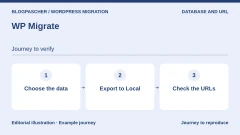
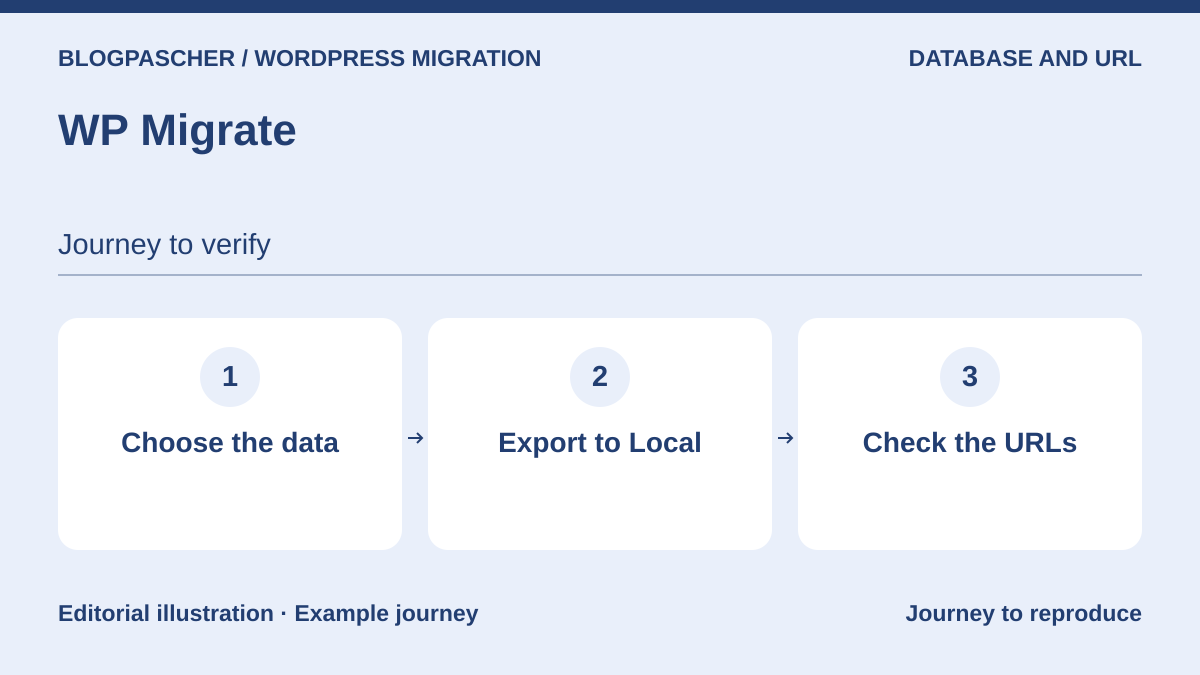 Editorial diagram. Choose the data → Export to Local → Check the URLs. — BlogPasCherOpen full-size illustration ↗
Best forExport and work between environments
WP Migrate Lite exports the database with serialisation-compatible replacement, or a full ZIP importable into Local. Choose components, enter addresses to replace, then check the archive before importing. For repeated direct exchanges, paid Basic covers the database; media, themes and extensions require a higher tier. Website count and authorised person count are separate limits. A full export does not mean every paid mode transfers WordPress core.
Offer pricing
Free Lite. Individual Basic offering: 49 USD the first year, normal price 99 USD, 1 active website; Plus 189 USD then normal price 249 USD, 3 active websites.
Billing: Annual subscription, discounted first year.
Renewal and support: Automatic annual renewal; displayed normal price distinct from the introductory promotion.
Tax treatment not established; check the applicable total before purchase.
Checked on .
Strengths
- Lite: SQL export and complete ZIP export to Local
- Basic: direct database migrations
- Plus: media, themes and extensions; Premier: multisite tools
What to consider
- Individual licence restricted to one person; teams under an organisation licence
- Basic does not cover files in the direct flow
- No automatic merge of new orders with an old database
Pricing terms and compatibility
Understanding the offer
- Price at the time of review
- Free Lite. Individual Basic offering: 49 USD the first year, normal price 99 USD, 1 active website; Plus 189 USD then normal price 249 USD, 3 active websites.
- Currency
- USD
- Billing
- Annual subscription, discounted first year.
- Renewal and support
- Automatic annual renewal; displayed normal price distinct from the introductory promotion.
- Taxes and fees
- Tax treatment not established; check the applicable total before purchase.
- Commitment and terms
- One person per individual licence. Active website: production used in the last 30 days; development and staging excluded from the quota. Premier: initial 219 USD, normal 299 USD, unlimited websites. Teams: per-seat organisation licence.
- Date checked
Compatibility and components
- Local or another compatible destination
- Directory checked 2026-11-03: version 2.7.12, last update 2026-10-12 4:18pm GMT; compatibility declared up to WordPress 7.1.4.
- Declared minimum: WordPress 5.2, PHP 5.6. These historical minimums do not recommend using an obsolete branch.
WP STAGING
 Vendor image
Best forStaging with a defined deployment journey
Free WP STAGING creates staging in a subfolder with protected access and provides backups. It suits trying a change without immediately touching production. Automated return to the live website is not in Personal: it starts with Business. Remote Sync, connected Desktop journeys and multisite tools start with Developer. Before deployment, select affected components and avoid replacing a shop database still receiving customer data.
Offer pricing
Free; Personal 89 EUR/year for 1 website, Business 139 EUR/year for 3 websites, Developer 239 EUR/year for 25 websites, displayed prices exclude VAT.
Billing: Annual payment; monthly equivalents displayed without corresponding monthly billing.
Renewal and support: Promotional prices displayed; exact renewal amount not established in the checked page.
Prices exclude VAT; country VAT applied at checkout for relevant EU customers, business exemption with a valid number advertised.
Checked on .
Strengths
- Free: subfolder copy, administrator access and visual indicator
- Business: push to production, scheduled backups and remote storage
- Developer: Remote Sync, multisite and advanced recovery tools
What to consider
- Personal allows migration but not staging-to-production push
- Local staging shares its hosting risks
- Sending an entire database back may overwrite recent data
Pricing terms and compatibility
Understanding the offer
- Price at the time of review
- Free; Personal 89 EUR/year for 1 website, Business 139 EUR/year for 3 websites, Developer 239 EUR/year for 25 websites, displayed prices exclude VAT.
- Currency
- EUR
- Billing
- Annual payment; monthly equivalents displayed without corresponding monthly billing.
- Renewal and support
- Promotional prices displayed; exact renewal amount not established in the checked page.
- Taxes and fees
- Prices exclude VAT; country VAT applied at checkout for relevant EU customers, business exemption with a valid number advertised.
- Commitment and terms
- Personal: personal website. Business: 3 websites. Developer: up to 25 client websites; Agency 499 EUR/year, 99 websites.
- Date checked
Compatibility and components
- Check file and database scope
- Directory checked 2026-11-03: version 4.19.0, last update 2026-10-28 1:04pm GMT; compatibility declared up to WordPress 7.1.4.
- Declared minimum: WordPress 3.6, PHP 7.0. These historical minimums do not recommend using an obsolete branch.
Migrate Guru
 Official Migrate Guru banner from the developer’s presentation; no migration result measured.
Best forMigration between accessible hosts
Migrate Guru is a free transfer service useful for moving a website between two accessible hosts. Install WordPress at the destination, open Migrate Guru on the source, choose the destination host and provide requested access. Processing runs through service servers advertising capacity up to 200 GB. This is neither a guaranteed migration time nor a retained backup: temporary copies are deleted after transfer. Preserve independent recovery.
Offer pricing
Free service advertised; no BlogVault purchase needed for this journey.
Billing: No subscription required for the presented free service.
Renewal and support: No paid renewal for this free service.
No licence price; hosting costs independent.
Checked on .
Strengths
- Free transfer with external processing
- URL replacement and serialised-data handling advertised
- Large websites up to 200 GB advertised by the publisher
What to consider
- No localhost migration
- No multisite subsite to another domain or single website to a network subdivision
- Access and data entrusted to the service; no lasting archive promised
Pricing terms and compatibility
Understanding the offer
- Price at the time of review
- Free service advertised; no BlogVault purchase needed for this journey.
- Currency
- Unspecified. Confirm for the offer you choose.
- Billing
- No subscription required for the presented free service.
- Renewal and support
- No paid renewal for this free service.
- Taxes and fees
- No licence price; hosting costs independent.
- Commitment and terms
- Service technical and usage limits apply.
- Date checked
Compatibility and components
- Destination connection and third-party service
- Directory checked 2026-11-03: version 6.72, last update 2026-08-28 12:37pm GMT; compatibility declared up to WordPress 7.1.4.
- Declared minimum: WordPress 4.0, PHP 7.0. These historical minimums do not recommend using an obsolete branch.
WPvivid
 Vendor image
Best forMigration and working copy within an existing family
Free WPvivid allows automatic or archive-based migration, backups and subfolder staging. It is a coherent option if the website already uses it: choose files and database, prepare the destination, then check addresses and media after restoration. Pro adds deployment to the live website, selective migrations, incremental backups and documented multisite scenarios. The annual licence must remain active for Pro features; buying one year therefore does not guarantee permanent use.
Offer pricing
Free; Blogger 49 USD/year or 99 USD one-time payment, 2 domains.
Billing: Annual subscription or lifetime one-time-payment plan.
Renewal and support: Annual plan: renewal required to retain Pro features; future amount not guaranteed.
Tax treatment not established; check the applicable total before purchase.
Checked on .
Strengths
- Free: upload or automatic migration and subfolder staging
- Pro: content selection, staging push and incremental backup
- Annual plan or one-time payment for 2 domains
What to consider
- Pro features inaccessible at expiry according to the FAQ
- Blogger: licence reassignment limited to once in three days
- Subfolder copy distinct from an off-hosting backup
Pricing terms and compatibility
Understanding the offer
- Price at the time of review
- Free; Blogger 49 USD/year or 99 USD one-time payment, 2 domains.
- Currency
- USD
- Billing
- Annual subscription or lifetime one-time-payment plan.
- Renewal and support
- Annual plan: renewal required to retain Pro features; future amount not guaranteed.
- Taxes and fees
- Tax treatment not established; check the applicable total before purchase.
- Commitment and terms
- 2 domains; updates and support according to annual or lifetime duration. The Database Merging product remains separate.
- Date checked
Compatibility and components
- Subfolder and server resources
- Directory checked 2026-11-03: version 0.9.139, last update 2026-10-30 9:19am GMT; compatibility declared up to WordPress 7.1.4.
- Declared minimum: WordPress 4.5, PHP 5.6. These historical minimums do not recommend using an obsolete branch.
Backup Migration
 Vendor image
Best forMigration from an archive of the same family
Backup Migration restores an archive uploaded manually or retrieved through a transfer link. Prepare a complete source backup, then import it through the management and restoration tab of the backed-up destination. The current free version accepts archives up to 4 GB and advertises scheduling, external destinations and staging. Premium removes this commercial limit and adds partial restoration and advanced filters. Included storage has its own quota: an allowed archive does not necessarily fit in free storage.
Offer pricing
Free; Premium displayed at $45 for 2 domains the first year, with 5 GB BackupBliss included that first year.
Billing: Annual plan presented; $ symbol without an established ISO currency.
Renewal and support: FAQ: 20% renewal discount. Calculation basis and future total not established, so no renewed amount calculated.
Tax treatment not established; check the applicable total before purchase.
Checked on .
Strengths
- Free: migration, scheduling, staging and several remote transports
- 1 GB free BackupBliss storage advertised
- Premium: archives exceeding 4 GB and partial restoration
What to consider
- 4 GB maximum free archive, distinct from the 1 GB cloud quota
- Premium storage included only for the advertised period
- No transfer speed measured in this article
Pricing terms and compatibility
Understanding the offer
- Price at the time of review
- Free; Premium displayed at $45 for 2 domains the first year, with 5 GB BackupBliss included that first year.
- Currency
- Unspecified. Confirm for the offer you choose.
- Billing
- Annual plan presented; $ symbol without an established ISO currency.
- Renewal and support
- FAQ: 20% renewal discount. Calculation basis and future total not established, so no renewed amount calculated.
- Taxes and fees
- Tax treatment not established; check the applicable total before purchase.
- Commitment and terms
- 2 domains at the quoted tier; check storage fees after the first year.
- Date checked
Compatibility and components
- Local storage or separate copy service
- Directory checked 2026-11-03: version 2.1.7, last update 2026-08-11 4:31pm GMT; compatibility declared up to WordPress 7.0.8.
- Declared minimum: WordPress 4.6, PHP 5.6. These historical minimums do not recommend using an obsolete branch.
Total Upkeep
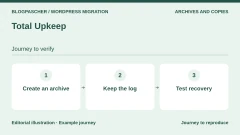
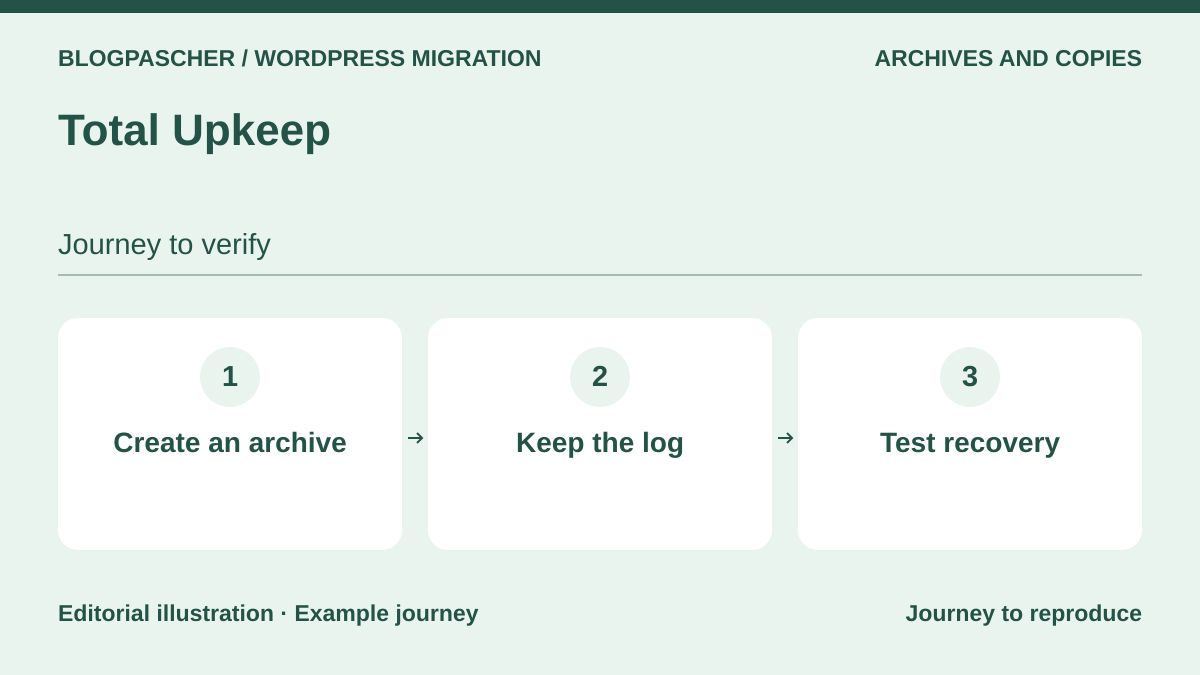 Editorial diagram. Create an archive → Keep the log → Test recovery. — BlogPasCherOpen full-size illustration ↗
Best forReuse a Total Upkeep archive
Total Upkeep offers a migration journey from its backups, with documented restoration outside the dashboard. Before moving the website, check server-check results in its tools, create a complete archive and keep recovery instructions outside WordPress. Premium notably adds Google Drive, Amazon S3, DreamObjects, database encryption and single-file restoration. It is especially relevant when the family is already installed and you know how to retrieve its archives.
Offer pricing
Free; Premium equivalent to $2.50/month, billed annually, or $30 for one year.
Billing: Annual billing; exact currency of the $ symbol not established.
Renewal and support: Renewable subscription; without renewal, Premium features lost. Future amount not guaranteed.
Tax treatment not established; check the applicable total before purchase.
Checked on .
Strengths
- Backup, restoration and migration in the same family
- Diagnostics and recovery tools outside WordPress
- Premium: additional storage, database encryption and individual files
What to consider
- Advanced cloud destinations require Premium
- At expiry, the key becomes free and Premium features are no longer accessible
- Licence advertised for websites owned by you or your company, not an assumed unlimited client entitlement
Pricing terms and compatibility
Understanding the offer
- Price at the time of review
- Free; Premium equivalent to $2.50/month, billed annually, or $30 for one year.
- Currency
- Unspecified. Confirm for the offer you choose.
- Billing
- Annual billing; exact currency of the $ symbol not established.
- Renewal and support
- Renewable subscription; without renewal, Premium features lost. Future amount not guaranteed.
- Taxes and fees
- Tax treatment not established; check the applicable total before purchase.
- Commitment and terms
- All websites you or your company own; confirm rights for client websites.
- Date checked
Compatibility and components
- Access to the archive and restoration mechanism
- Directory checked 2026-11-03: version 1.17.4, last update 2026-08-18 6:34pm GMT; compatibility declared up to WordPress 7.1.4.
- Declared minimum: WordPress 5.0, PHP 7.4. These historical minimums do not recommend using an obsolete branch.
XCloner
 Vendor image
Best forTechnical migration through archive and restoration
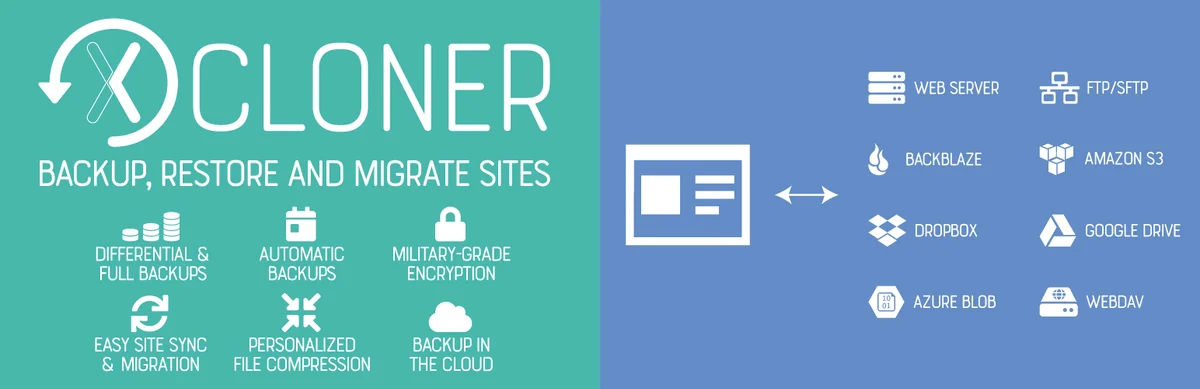
XCloner suits technical archive-based migration: choose files and database, generate the backup, then use its restoration script with the new server and database details. The script is in the archive’s restore folder. Open transport formats and remote storage choices provide flexibility but require understanding backup contents. A differential backup needs its reference elements; it does not replace a standalone complete package.
Offer pricing
Free extension; any storage account and Watchful service separate.
Billing: No plugin subscription required for the described features.
Renewal and support: No paid licence renewal for the free plugin.
No plugin price; external services may charge.
Checked on .
Strengths
- Free: TAR archives, database export and restoration on another server
- Scheduling and remote destinations, including SFTP and S3
- File selection and differential backups
What to consider
- Server access and database parameters required
- Retain necessary differential-backup elements
- Watchful is a separate optional service
Pricing terms and compatibility
Understanding the offer
- Price at the time of review
- Free extension; any storage account and Watchful service separate.
- Currency
- Unspecified. Confirm for the offer you choose.
- Billing
- No plugin subscription required for the described features.
- Renewal and support
- No paid licence renewal for the free plugin.
- Taxes and fees
- No plugin price; external services may charge.
- Commitment and terms
- External storage subject to its quotas and contracts.
- Date checked
Compatibility and components
- Server access and database information required
- Directory checked 2026-11-03: version 4.8.8, last update 2026-10-28 9:59am GMT; compatibility declared up to WordPress 7.0.8.
- Declared minimum: WordPress 5.1, PHP 7.3. These historical minimums do not recommend using an obsolete branch.
Backuply
 Vendor image
Best forMigration through backup and restoration on prepared WordPress
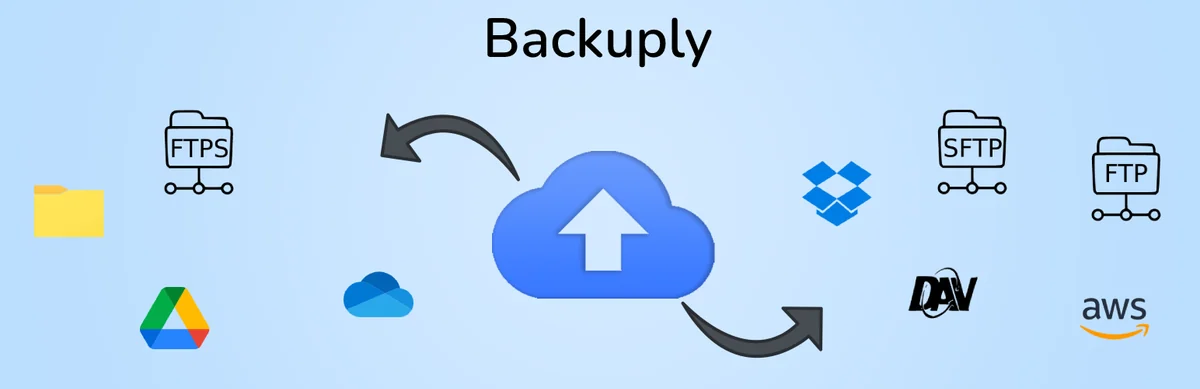
Backuply for WordPress combines backup, restoration and migration with local storage, FTP and Google Drive. Create a complete backup, prepare WordPress and Backuply at the destination, then restore the intended content and check the resulting domain. Premium adds automation and transports such as SFTP, S3 or WebDAV. Do not use Backuply for Servers pricing to cost this operation: that host-targeted product has a separate licence.
Offer pricing
Free plugin; Personal WordPress displayed at $39/year for 1 website and 10 GB Backuply Cloud. Cloud only: $18/year, without the Pro plugin.
Billing: Annual prices displayed; confirm exact software rights duration against the lifetime statement on the same page.
Renewal and support: Support, updates and storage limited to licence validity. Confirm renewal price and terms.
Tax treatment not established; check the applicable total before purchase.
Checked on .
Strengths
- Free: backup, restoration and migration/cloning advertised
- Google Drive and FTP in the core
- Pro: automation, SFTP/FTPS, S3 and other destinations
What to consider
- Restoration may overwrite destination files and database
- Server product, cloud-only storage and Pro plugin are three different offerings
- The page mixes lifetime with services limited by licence validity
Pricing terms and compatibility
Understanding the offer
- Price at the time of review
- Free plugin; Personal WordPress displayed at $39/year for 1 website and 10 GB Backuply Cloud. Cloud only: $18/year, without the Pro plugin.
- Currency
- Unspecified. Confirm for the offer you choose.
- Billing
- Annual prices displayed; confirm exact software rights duration against the lifetime statement on the same page.
- Renewal and support
- Support, updates and storage limited to licence validity. Confirm renewal price and terms.
- Taxes and fees
- Tax treatment not established; check the applicable total before purchase.
- Commitment and terms
- Personal: 1 website; Professional $69/year, 5 websites and 25 GB; ISO currency not established for these WordPress offerings.
- Date checked
Compatibility and components
- WordPress and Backuply at the destination; check compatible server and storage.
- Directory checked 2026-11-03: version 1.6.0, last update 2026-10-22 1:19pm GMT; compatibility declared up to WordPress 7.1.4.
- Declared minimum: WordPress 4.7, PHP 5.5. These historical minimums do not recommend using an obsolete branch.
InstaWP Connect
 Official InstaWP Connect banner from the developer’s presentation; no migration result measured.
Best forExternal copy for a working team
InstaWP Connect prepares an external copy through an InstaWP account. Under Create Site, choose full mode if media are part of your checks; quick mode excludes them. The free connector no longer means a persistent environment will be free: the current sales page bills sandboxes per website and day. It also distinguishes migration into InstaWP, outgoing migration and two-way synchronisation. Examine these costs before retaining several team copies.
Offer pricing
Free connector; Sandbox $2/month per website, billed daily. Outgoing migration or migration between two hosts: $2 per operation according to the current page.
Billing: Daily usage consolidated into a monthly bill; no annual commitment advertised.
Renewal and support: Billing continues while the website is retained; pausing alone still incurs charges. 2-way Sync rates not priced.
Tax treatment not established; check the applicable total before purchase.
Checked on .
Strengths
- Quick, custom or full choice from WordPress
- External copy and two-way synchronisation advertised
- Incoming migration to InstaWP advertised as free
What to consider
- Paid persistent sandbox; starting credits distinct from permanent free use
- Quick mode without the media folder
- Pausing a website does not end billing; synchronisation remains usage-priced
Pricing terms and compatibility
Understanding the offer
- Price at the time of review
- Free connector; Sandbox $2/month per website, billed daily. Outgoing migration or migration between two hosts: $2 per operation according to the current page.
- Currency
- Unspecified. Confirm for the offer you choose.
- Billing
- Daily usage consolidated into a monthly bill; no annual commitment advertised.
- Renewal and support
- Billing continues while the website is retained; pausing alone still incurs charges. 2-way Sync rates not priced.
- Taxes and fees
- Tax treatment not established; check the applicable total before purchase.
- Commitment and terms
- Sandbox: 1 CPU, 5 GB. Initial $25 credit linked to adding a card, not a lasting free plan. ISO currency not established.
- Date checked
Compatibility and components
- InstaWP account and environment required
- Directory checked 2026-11-03: version 0.1.4.4, last update 2026-11-02 7:20am GMT; compatibility declared up to WordPress 7.1.4.
- Declared minimum: WordPress 5.6, PHP 7.0. These historical minimums do not recommend using an obsolete branch.
Prime Mover
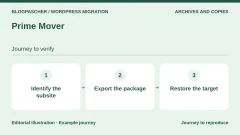
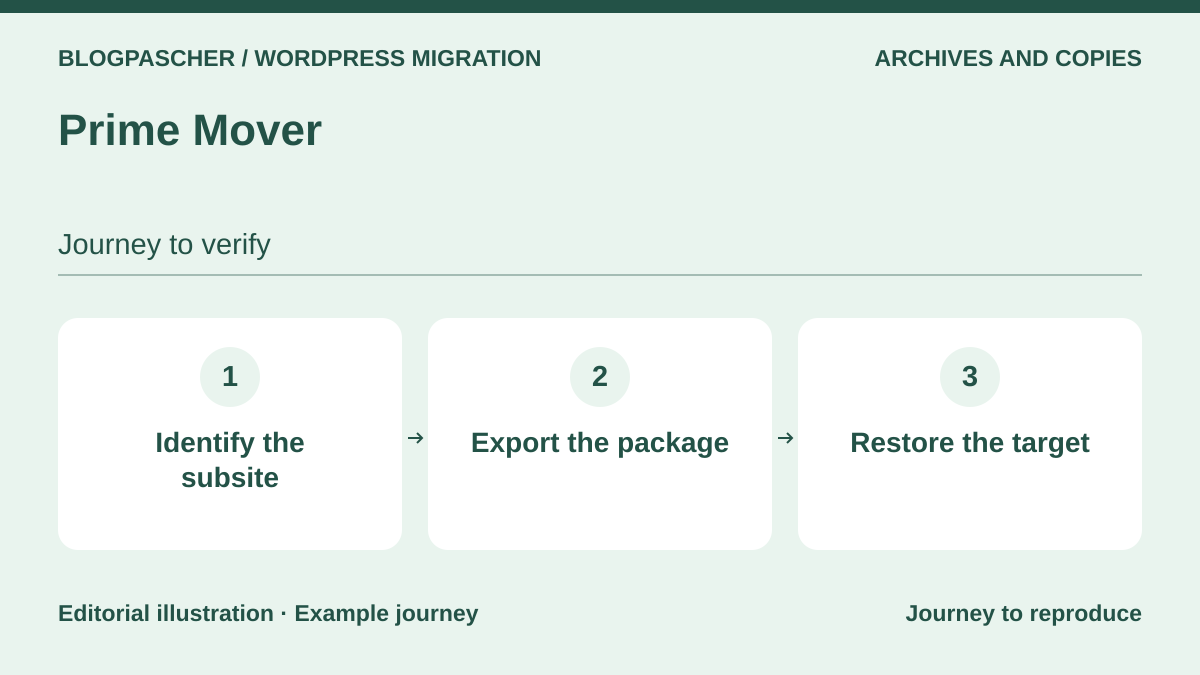 Editorial diagram. Identify the subsite → Export the package → Restore the target. — BlogPasCherOpen full-size illustration ↗
Best forMove a website or subsite between compatible structures
Prime Mover addresses moves between a single website and multisite subsite. From administration, export a package matching the desired scope, then restore it into the prepared destination website or subsite. Free covers several combinations others reserve for higher offerings, including subsite to single installation. Pro notably adds direct transfer, encryption and multisite main-site support. Count every distinct website for licensing, even within a single network.
Offer pricing
Free; Pro 59 USD/year, 7.99 USD/month or 179.99 USD one-time payment for 1 website or 1 subsite.
Billing: Monthly, annual or lifetime one-time payment; USD rates from the official selector.
Renewal and support: Renewable, cancellable subscription; lifetime advertised without renewal.
Tax treatment not established; check the applicable total before purchase.
Checked on .
Strengths
- Free: single website to subsite and subsite to single website
- Database-only, database-and-media or complete export
- Pro: multisite main site, direct transfer and encryption
What to consider
- A subsite is a licence unit; an entire network does not automatically equal one unit
- Network administrator access required according to journey
- Choose the plan for distinct websites actually used
Pricing terms and compatibility
Understanding the offer
- Price at the time of review
- Free; Pro 59 USD/year, 7.99 USD/month or 179.99 USD one-time payment for 1 website or 1 subsite.
- Currency
- USD
- Billing
- Monthly, annual or lifetime one-time payment; USD rates from the official selector.
- Renewal and support
- Renewable, cancellable subscription; lifetime advertised without renewal.
- Taxes and fees
- Tax treatment not established; check the applicable total before purchase.
- Commitment and terms
- One licence per distinct website; free localhost licence advertised. Annual plan: 1 year of support and updates. 10 websites: 159 USD/year.
- Date checked
Compatibility and components
- Network administrator according to scenario
- Directory checked 2026-11-03: version 2.2.2, last update 2026-10-19 12:40am GMT; compatibility declared up to WordPress 7.1.4.
- Declared minimum: WordPress 5.2, PHP 5.6. These historical minimums do not recommend using an obsolete branch.
WP Synchro
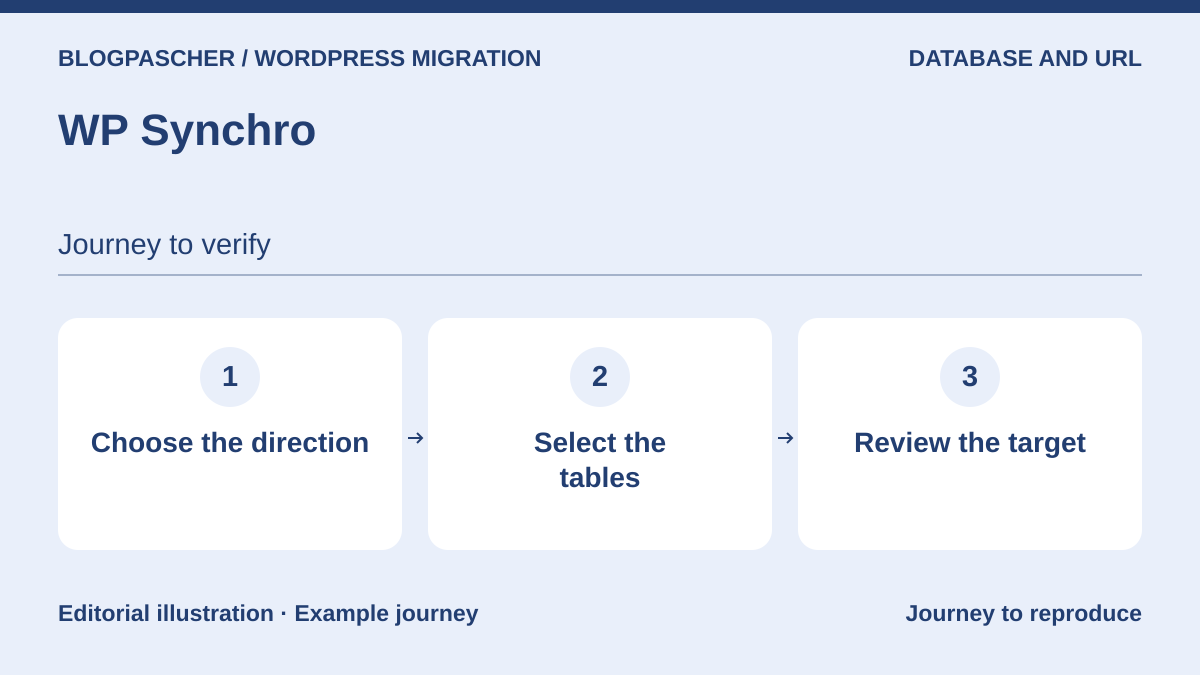 Editorial diagram. Choose the direction → Select the tables → Review the target. — BlogPasCherOpen full-size illustration ↗
Best forRepeated database synchronisation between environments
WP Synchro serves repeated migrations between environments. Install it at both ends, create a task, check pull or push direction and select tables before execution. Free transfers the database, handles serialised strings and creates a prior backup; Pro adds files, including transfer of only changed files. Keeping a saved task saves setup work, but never removes the need to revalidate destination and recent data before rerunning.
Offer pricing
Free; Pro Personal $12/month or $115/year for 2 active websites, excluding VAT.
Billing: Monthly or annual; ISO currency of the $ symbol not established.
Renewal and support: Subscription can be changed or cancelled; future renewal rates not guaranteed.
Excluding VAT; publisher advertises 25% Danish VAT for EU customers without a valid business VAT number.
Checked on .
Strengths
- Free: database, table selection and serialised replacement
- Pro: media, themes, extensions and selected files
- Pro: WP-CLI, notifications and HTTP basic authentication
What to consider
- No files in free
- Active website counted if it used Pro in the last 30 days, localhost excluded
- No automatic merge of orders or accounts created since copying
Pricing terms and compatibility
Understanding the offer
- Price at the time of review
- Free; Pro Personal $12/month or $115/year for 2 active websites, excluding VAT.
- Currency
- Unspecified. Confirm for the offer you choose.
- Billing
- Monthly or annual; ISO currency of the $ symbol not established.
- Renewal and support
- Subscription can be changed or cancelled; future renewal rates not guaranteed.
- Taxes and fees
- Excluding VAT; publisher advertises 25% Danish VAT for EU customers without a valid business VAT number.
- Commitment and terms
- 2 active non-local websites over the last 30 days; 14-day trial with a bank card.
- Date checked
Compatibility and components
- Plugin at both ends and authorised access
- Directory checked 2026-11-03: version 1.16.2, last update 2026-10-31 8:00pm GMT; compatibility declared up to WordPress 7.1.4.
- Declared minimum: WordPress 5.8, PHP 7.4. These historical minimums do not recommend using an obsolete branch.
NS Cloner / WP Cloner
 Official NS Cloner banner from the developer’s presentation; no migration result measured.
Best forDuplicate a subsite within a network
Free NS Cloner duplicates a subsite within a multisite network. From network administration, choose the template, enter the new address and title, then start cloning. The paid offering is now presented as WP Cloner and extends the journey to single websites and remote transfers. Sales documentation is inconsistent about automatic theme and extension file transfer: plan to check them and copy separately if needed. This is not a historical network backup.
Offer pricing
Free within a network; WP Cloner Basic 298 USD for 2 installations, Pro 598 USD for 10, with 1 year of support and updates.
Billing: Purchase with 12 months of support and updates; charge frequency not established.
Renewal and support: Plugin usable without an active licence according to the FAQ; renewal needed for support and updates, price not established.
Tax treatment not established; check the applicable total before purchase.
Checked on .
Strengths
- Free: reproduce subsites within the same network
- Pro: Teleport, subsite replacement and cloning settings
- A multisite network counts as one installation for the Pro licence
What to consider
- Remote cloning to localhost not advertised: push operation, not pull
- Disagreement between FAQ and Features page about FTP automation for themes and extensions
- Check personal data and accounts copied from the template website
Pricing terms and compatibility
Understanding the offer
- Price at the time of review
- Free within a network; WP Cloner Basic 298 USD for 2 installations, Pro 598 USD for 10, with 1 year of support and updates.
- Currency
- USD
- Billing
- Purchase with 12 months of support and updates; charge frequency not established.
- Renewal and support
- Plugin usable without an active licence according to the FAQ; renewal needed for support and updates, price not established.
- Taxes and fees
- Tax treatment not established; check the applicable total before purchase.
- Commitment and terms
- An entire network equals one installation; a second remote installation consumes another.
- Date checked
Compatibility and components
- Network administrator access
- Directory checked 2026-11-03: version 4.4.9.2, last update 2026-08-27 6:52am GMT; compatibility declared up to WordPress 7.0.8.
- Declared minimum: WordPress 5.0, PHP 7.0. These historical minimums do not recommend using an obsolete branch.
UpdraftPlus
 Vendor image
Best forMigration from UpdraftPlus archives
UpdraftPlus allows free manual migration, not only restoration on the original domain. Download the database, extensions, themes, media and other backed-up components together; upload them into UpdraftPlus at the destination, then start appropriate restoration. Its built-in replacement adapts old addresses. Premium notably adds simplified migration, incremental backups, multiple storage destinations and pre-update protection. A media archive alone is insufficient: check consistency of the complete set before restoring.
Offer pricing
Free; Personal Premium 70 USD/year for 2 websites, with 1 GB storage included.
Billing: Annual subscription in the selected USD currency.
Renewal and support: Cancellable automatic renewal; plugin retained after term, without support or new updates.
Tax treatment not established; check the applicable total before purchase.
Checked on .
Strengths
- Free: manual transfer with address replacement
- Free: scheduled backups and several possible destinations
- Premium: incremental backups, pre-update backup and migration options
What to consider
- Components of the same backup must remain consistent
- Premium storage and quotas separate from plugin rights
- After expiry, support and new updates cease
Pricing terms and compatibility
Understanding the offer
- Price at the time of review
- Free; Personal Premium 70 USD/year for 2 websites, with 1 GB storage included.
- Currency
- USD
- Billing
- Annual subscription in the selected USD currency.
- Renewal and support
- Cancellable automatic renewal; plugin retained after term, without support or new updates.
- Taxes and fees
- Tax treatment not established; check the applicable total before purchase.
- Commitment and terms
- 2 Premium licences, 12 months of updates and support; additional storage separate.
- Date checked
Compatibility and components
- Consistent archives and destination installation
- Directory checked 2026-11-03: version 1.26.14, last update 2026-10-26 11:06pm GMT; compatibility declared up to WordPress 7.1.4.
- Declared minimum: WordPress 3.9. These historical minimums do not recommend using an obsolete branch.
ManageWP Worker
 Vendor image
Best forCopying through centralised management of several websites
ManageWP Worker connects installations to an external console. To migrate, enable Premium Backup on the source website, take a recent backup, then choose cloning and its destination. The free dashboard’s monthly backup does not unlock this feature alone. This arrangement suits a portfolio already managed in ManageWP, with per-website and per-module billing. Check destination access and backup point before any copy onto existing WordPress.
Offer pricing
Free dashboard; Premium Backup from $2/month per website. Backup bundle: $75/month for up to 100 websites.
Billing: Monthly cycle, usage billed after consumption.
Renewal and support: No long contract advertised; costs according to enabled modules and usage, future amount not guaranteed.
Tax treatment not established; check the applicable total before purchase.
Checked on .
Strengths
- Free management dashboard for unlimited websites
- Remote monthly backup in the free core
- Cloning and migration included with Premium Backup
What to consider
- Premium Backup required for cloning despite presentation in the general feature list
- Dependence on the external account and website access
- Backup frequency and options may change cost
Pricing terms and compatibility
Understanding the offer
- Price at the time of review
- Free dashboard; Premium Backup from $2/month per website. Backup bundle: $75/month for up to 100 websites.
- Currency
- Unspecified. Confirm for the offer you choose.
- Billing
- Monthly cycle, usage billed after consumption.
- Renewal and support
- No long contract advertised; costs according to enabled modules and usage, future amount not guaranteed.
- Taxes and fees
- Tax treatment not established; check the applicable total before purchase.
- Commitment and terms
- Per-website and per-module price; ISO currency of the $ symbol not established.
- Date checked
Compatibility and components
- ManageWP account and connectors required
- Directory checked 2026-11-03: version 4.9.39, last update 2026-11-02 11:28am GMT; compatibility declared up to WordPress 7.1.4.
- Declared minimum: WordPress 3.1. These historical minimums do not recommend using an obsolete branch.
WP Stagecoach
 Editorial diagram. Prepare a copy → Compare differences → Check the merge. — BlogPasCherOpen full-size illustration ↗
Best forExternal staging with a merging mechanism to qualify
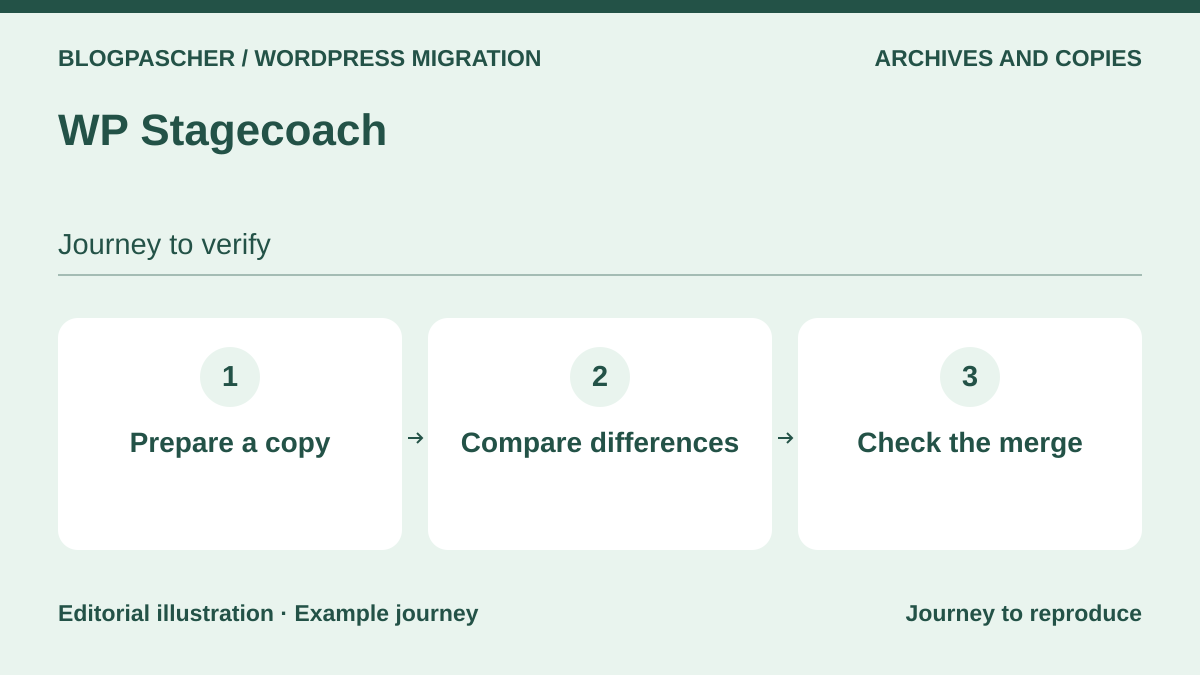
WP Stagecoach creates external staging, then offers to import files, database or both. Its merging mechanism aims to retain production changes, but is not a general guarantee for a shop or all its extensions. First compare your configuration against its incompatibilities: multisite is unsupported. The publisher also warns that some imports require manual intervention. Retain only after checking components and clarifying contradictory pricing.
Offer pricing
Paid after a 5-day trial. Small simultaneously displays $149 and $99 per year for 1 domain: neither amount retained as a firm price.
Billing: Automatic annual; Medium and Large also have a monthly variant.
Renewal and support: Automatic renewal, cancellation possible before billing. Conflicting annual prices across all three tiers.
Tax treatment not established; check the applicable total before purchase.
Checked on .
Strengths
- Externally hosted staging
- Choice of scope returned to production
- Merging mechanism advertised, to validate on a website copy
What to consider
- Multisite explicitly unsupported
- Manual imports sometimes needed; corresponding assistance billed according to plan
- No current plugin version or recent WordPress compatibility established in consulted pages
Pricing terms and compatibility
Understanding the offer
- Price at the time of review
- Paid after a 5-day trial. Small simultaneously displays $149 and $99 per year for 1 domain: neither amount retained as a firm price.
- Currency
- Unspecified. Confirm for the offer you choose.
- Billing
- Automatic annual; Medium and Large also have a monthly variant.
- Renewal and support
- Automatic renewal, cancellation possible before billing. Conflicting annual prices across all three tiers.
- Taxes and fees
- Tax treatment not established; check the applicable total before purchase.
- Commitment and terms
- Small: 1 domain, manual import assistance displayed at an additional $55. Currency and taxes not established.
- Date checked
Compatibility and components
- Check service and its specific compatibility
- Current version and WordPress/PHP matrix not established in consulted public sources; check before adoption.
BlogVault
 Vendor image
Best forConnected service for backup and migration
BlogVault provides a paid external backup, staging and migration service. Connect the source, wait for a completed backup, then choose the migration tool and enter the destination. Storage is included within plan limits. Personal suits a website up to 20 GB, but staging lasts only one day; Business extends that to thirty days. Real-time features and WooCommerce terms must not be inferred from merely downloading the connector.
Offer pricing
Personal: 49.50 USD/year for 1 website with a displayed 50% discount, normal price 99 USD. Business: 149.50 USD, normal 299 USD.
Billing: Annual billing; currently displayed promotion distinct from normal price.
Renewal and support: Retention of the discount at renewal not established; budget the normal price without presenting it as verified contractual renewal.
Tax treatment not established; check the applicable total before purchase.
Checked on .
Strengths
- Backup, restoration, migration and external storage combined
- Personal: daily backup and 30-day retention
- Business: multisite up to 25 subsites and 30-day staging
What to consider
- No permanent free plan established
- Personal: 20 GB website and staging limited to 1 day
- Real-time WooCommerce reserved for the corresponding plan; no promise of retaining every order
Pricing terms and compatibility
Understanding the offer
- Price at the time of review
- Personal: 49.50 USD/year for 1 website with a displayed 50% discount, normal price 99 USD. Business: 149.50 USD, normal 299 USD.
- Currency
- USD
- Billing
- Annual billing; currently displayed promotion distinct from normal price.
- Renewal and support
- Retention of the discount at renewal not established; budget the normal price without presenting it as verified contractual renewal.
- Taxes and fees
- Tax treatment not established; check the applicable total before purchase.
- Commitment and terms
- Personal: 1 website up to 20 GB. Business: 50 GB. WooCommerce: displayed 249.50 USD/year, normal 499 USD, 100 GB.
- Date checked
Compatibility and components
- BlogVault account and destination to declare
- Directory checked 2026-11-03: version 6.81, last update 2026-10-30 11:29am GMT; compatibility declared up to WordPress 7.1.4.
- Declared minimum: WordPress 4.0, PHP 7.0. These historical minimums do not recommend using an obsolete branch.
WP Time Capsule
 Vendor image
Best forStaging and migration from an incremental system
WP Time Capsule relies on a service account and your cloud storage to retain changes. Let the first complete backup finish before preparing cloning or migration; subsequent incremental elements depend on that history. Business includes two websites and thirty days of restoration. Staging features prepare changes, but returning data always requires protecting recent activity. The plugin price does not automatically cover the external storage bill.
Offer pricing
Business: $49/year or $149 one-time payment for 2 websites. ISO currency not established.
Billing: Annual or one-time payment according to plan.
Renewal and support: Cancellation possible for subsequent periods; future price not guaranteed. No annual renewal advertised for the one-time payment.
Tax treatment not established; check the applicable total before purchase.
Checked on .
Strengths
- Incremental backup and chosen cloud account
- Staging, cloning and migration from history
- Business: 2 websites and a 30-day restoration window
What to consider
- External storage and service account essential
- 30-day trial distinct from permanent free use
- Agency’s 365-day window limited to certain storage destinations, not Business
Pricing terms and compatibility
Understanding the offer
- Price at the time of review
- Business: $49/year or $149 one-time payment for 2 websites. ISO currency not established.
- Currency
- Unspecified. Confirm for the offer you choose.
- Billing
- Annual or one-time payment according to plan.
- Renewal and support
- Cancellation possible for subsequent periods; future price not guaranteed. No annual renewal advertised for the one-time payment.
- Taxes and fees
- Tax treatment not established; check the applicable total before purchase.
- Commitment and terms
- Business: 2 simultaneous websites and 30 days of restoration; external cloud separate.
- Date checked
Compatibility and components
- Storage compatibility and service access
- Directory checked 2026-11-03: version 1.22.29, last update 2026-10-23 7:44am GMT; compatibility declared up to WordPress 7.1.4.
- Declared minimum: WordPress 3.9.14. These historical minimums do not recommend using an obsolete branch.
Everest Backup
 Vendor image
Best forKey-based transfer between prepared installations
Everest Backup offers key-based transfer from a selected backup. On the source, open Migration / Clone, then Migration, select the archive and generate the key. On an isolated destination with WordPress and the plugin, open Clone, check the source before confirmation, then use the restored website’s credentials. Keep the key private. The official wpeverestbackup.com website documents free and Pro; the old domain consulted did not establish offering unavailability. Free upload is advertised up to 1 GB: qualify each mode and its limits separately.
Offer pricing
Free; Personal Pro: 39 USD/year for 2 websites, recorded November 10, 2026.
Billing: Annual subscription; separate Lifetime offering not priced here.
Renewal and support: 10% renewal discount advertised; calculation basis and future amount not guaranteed.
USD currency explicit; taxes and checkout total not established.
Checked on .
Strengths
- Free core: manual or scheduled backup, Google Drive and key-based migration advertised.
- Restoration from available or uploaded files; compare the log against the selected point.
- Pro: additional automation and connectors according to modules actually supplied.
What to consider
- Free advertises a 1 GB upload limit; the server’s permitted size may be lower. Do not bypass a limit to force recovery.
- Paid unlimited-size promises remove neither disk-space nor execution-time constraints. The cloud account and quota remain separate.
- Several Pro features are still marked in development: confirm availability of the required feature in the delivered version. No restoration rate guaranteed here.
Pricing terms and compatibility
Understanding the offer
- Price at the time of review
- Free; Personal Pro: 39 USD/year for 2 websites, recorded November 10, 2026.
- Currency
- USD
- Billing
- Annual subscription; separate Lifetime offering not priced here.
- Renewal and support
- 10% renewal discount advertised; calculation basis and future amount not guaranteed.
- Taxes and fees
- USD currency explicit; taxes and checkout total not established.
- Commitment and terms
- 2 websites, support and updates during the annual period. Confirm cloud modules included in Personal: presentation blocks do not detail them consistently.
- Date checked
Compatibility and components
- Check versions and server requirements
- Directory checked 2026-11-03: version 2.3.13, last update 2026-08-20 2:52pm GMT; compatibility declared up to WordPress 7.0.8.
- Declared minimum: WordPress 5.6, PHP 7.4. These historical minimums do not recommend using an obsolete branch.
- Documentation reviewed November 10, 2026: WordPress 5.6+, PHP 7.4+, MySQL 5.6+ and zlib; documentary minimums, without recommending old branches or practical testing.
Better Search Replace
 Official publisher image with demonstration values. A dry run and backup remain necessary before any actual replacement.
Best forCorrect references after copying
Better Search Replace corrects addresses after copying the database. Locally with free version 1.4.11, the dry run detected five cells across three tables without writing. After replacement, WordPress reread serialised data and the third-party address remained intact. Rollback restored the destination. Pro describes detailed differences and profiles. Move the media folder separately.
Offer pricing
Free extension; Pro features documented, current price not established.
Billing: Pro includes 1 year of support and updates; price and payment cycle not established.
Renewal and support: Plugin retained after expiry, without new updates or support; renewal amount unknown.
Tax treatment not established; check the applicable total before purchase.
Checked on .
Strengths
- Free: dry run, selected tables and serialised values
- Pro: detailed differences and reusable profiles
- Pro: database backup and import with replacement
What to consider
- An incorrect string pair may break the database
- Free: dry-run counts, not the Pro display of exact differences
- Current Pro price not visible in consulted official pages
Pricing terms and compatibility
Understanding the offer
- Price at the time of review
- Free extension; Pro features documented, current price not established.
- Currency
- Unspecified. Confirm for the offer you choose.
- Billing
- Pro includes 1 year of support and updates; price and payment cycle not established.
- Renewal and support
- Plugin retained after expiry, without new updates or support; renewal amount unknown.
- Taxes and fees
- Tax treatment not established; check the applicable total before purchase.
- Commitment and terms
- Website count in the currently purchasable offering not established; no old amount reused.
- Date checked
Compatibility and components
- Backed-up database and precise replacement rules
- Directory checked 2026-11-03: version 1.4.11, last update 2026-08-25 1:48pm GMT; compatibility declared up to WordPress 7.1.4.
- Declared minimum: WordPress 6.2, PHP 8.1. These historical minimums do not recommend using an obsolete branch.
- Engine 1.4.11 verified on WordPress 7.1.4 and local SQLite. Check AJAX interface, MySQL and files separately.
WP All Import
 Official WP All Import banner from the developer’s presentation; no migration result measured.
Best forImport structured content into a new installation
WP All Import suits selected data transfer, not a complete WordPress copy. Load an XML or CSV file, choose the content type, map fields, then define the unique identifier distinguishing updates from new creation. Start with a few rows and check duplicates, images and relationships. Custom fields and integrations such as WooCommerce require the correct Pro set. The current sales page contradicts annual offerings with a lifetime licence statement: clarify the contract before buying.
Offer pricing
Free; Import Standalone displayed at $99/year, but a banner still claims all licences are lifetime. This amount is not retained as a firm contract.
Billing: Frequency to confirm: contradictory annual and lifetime statements on the same page.
Renewal and support: Renewal terms undetermined until licence type is clarified.
Tax treatment not established; check the applicable total before purchase.
Checked on .
Strengths
- Visual XML/CSV field mapping
- Identification rule for creation or updates
- Specific Pro integrations for WooCommerce, ACF and other business data
What to consider
- No theme files or complete configuration transferred
- Required modules depend on data; Import Pro alone does not guarantee every module
- Pricing page contradictory about annual/lifetime and certain one-time amounts
Pricing terms and compatibility
Understanding the offer
- Price at the time of review
- Free; Import Standalone displayed at $99/year, but a banner still claims all licences are lifetime. This amount is not retained as a firm contract.
- Currency
- Unspecified. Confirm for the offer you choose.
- Billing
- Frequency to confirm: contradictory annual and lifetime statements on the same page.
- Renewal and support
- Renewal terms undetermined until licence type is clarified.
- Taxes and fees
- Tax treatment not established; check the applicable total before purchase.
- Commitment and terms
- Unlimited websites, including clients, advertised; check exactly included modules, currency and taxes.
- Date checked
Compatibility and components
- Qualify formats and data types
- Directory checked 2026-11-03: version 4.1.4, last update 2026-10-20 5:40pm GMT; compatibility declared up to WordPress 7.1.4.
- Declared minimum: WordPress 5.0, PHP 7.4. These historical minimums do not recommend using an obsolete branch.
WordPress Importer
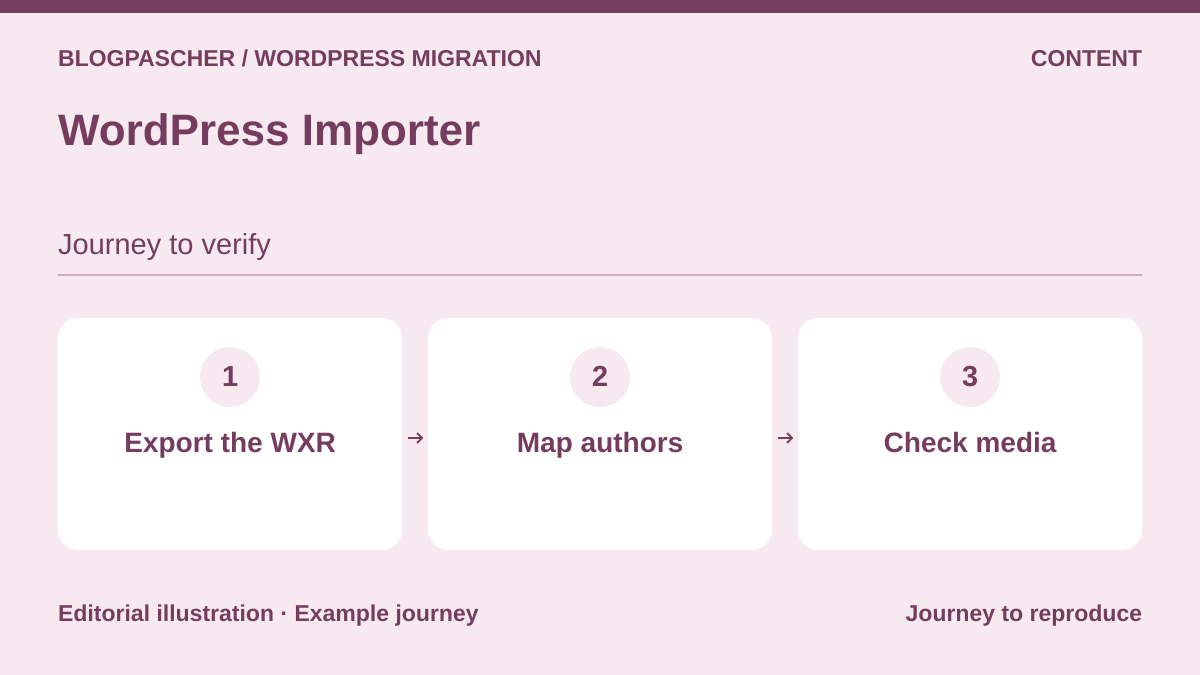 Editorial diagram. Export the WXR → Map authors → Check media. — BlogPasCherOpen full-size illustration ↗
Best forEditorial transfer through WordPress export
WordPress Importer often suffices to transfer posts and pages without cloning the installation. On the source, open Tools, then Export and download the XML; at the destination, use Tools, then Import, WordPress, map authors and request attachment downloads if needed. Keep the source accessible during retrieval. WXR contains supported editorial data, not extension and theme files. Then check media, menus and rendering of extension-dependent blocks.
Offer pricing
Free extension from the WordPress project.
Billing: No plugin subscription.
Renewal and support: No paid renewal.
No licence price.
Checked on .
Strengths
- Import WXR content and associated authors
- Retrieve accessible attachments
- Native Tools → Export then Import journey
What to consider
- Not a complete clone of the website or its options
- Media files retrieved from their source, not included as a global archive
- Reinstall components required to display certain content
Pricing terms and compatibility
Understanding the offer
- Price at the time of review
- Free extension from the WordPress project.
- Currency
- Unspecified. Confirm for the offer you choose.
- Billing
- No plugin subscription.
- Renewal and support
- No paid renewal.
- Taxes and fees
- No licence price.
- Commitment and terms
- Hosting and any website components remain separate.
- Date checked
Compatibility and components
- Export file and accessible media
- Directory checked 2026-11-03: version 0.9.7, last update 2026-10-20 8:24am GMT; compatibility declared up to WordPress 6.8.12.
- Declared minimum: WordPress 5.2, PHP 7.2. These historical minimums do not recommend using an obsolete branch.
Magic Export & Import
 Official Magic Export & Import banner from the developer’s presentation; no migration result measured.
Best forImport selected objects and their supported relationships
Magic Export & Import transfers selected objects and their relationships in a CSV file. Filter content, examine linked elements, then use test mode at the destination before a small real import. The same plugin version must be installed on both sides. Existing posts and terms are matched by slug: a match may therefore update existing content. Gutenberg is supported, but the FAQ still excludes Elementor, WPBakery and custom builders.
Offer pricing
Free extension; no commercial offering necessary for the described journey.
Billing: No plugin subscription established.
Renewal and support: No paid renewal established.
No licence price.
Checked on .
Strengths
- Filters, linked relationships and no-write test mode
- Posts, terms, users, comments and HPOS orders advertised
- ACF references and synced blocks documented
What to consider
- Same version required for export and import
- Possible new order identifiers, so check numbering
- No third-party builders according to the FAQ; protected or off-domain product files not retrieved
Pricing terms and compatibility
Understanding the offer
- Price at the time of review
- Free extension; no commercial offering necessary for the described journey.
- Currency
- Unspecified. Confirm for the offer you choose.
- Billing
- No plugin subscription established.
- Renewal and support
- No paid renewal established.
- Taxes and fees
- No licence price.
- Commitment and terms
- Partial migration, not a full backup or universal shop replication.
- Date checked
Compatibility and components
- Qualify content types and references
- Directory checked 2026-11-03: version 2.0.7, last update 2026-09-21 1:08pm GMT; compatibility declared up to WordPress 7.0.8.
- Declared minimum: WordPress 6.2, PHP 7.4. These historical minimums do not recommend using an obsolete branch.
FastDup
 Editorial diagram. Choose the scope → Prepare the package → Remove the archives. — BlogPasCherOpen full-size illustration ↗
Best forPackage-based migration with content selection
FastDup builds a package from a template selecting files and database. In its menu, create the package, then download archive, installer and log. Transfer necessary elements to the prepared destination and open installer.php to rebuild the copy. Keep the log private; afterwards remove publicly accessible installer and archives. This journey suits a one-off transfer with server access. The FastDup name is not a measurement result and guarantees neither particular speed nor absence of interruption.
Offer pricing
Free extension; no paid offering qualified for this journey.
Billing: No plugin subscription established.
Renewal and support: No paid renewal established.
No licence price.
Checked on .
Strengths
- Reusable packages and templates with included or excluded files
- Archive and installer for a prepared destination
- Database export or complete copy according to template
What to consider
- Destination file and database access required
- Check exclusions before considering the package complete
- Do not retain a publicly accessible installer or archive
Pricing terms and compatibility
Understanding the offer
- Price at the time of review
- Free extension; no paid offering qualified for this journey.
- Currency
- Unspecified. Confirm for the offer you choose.
- Billing
- No plugin subscription established.
- Renewal and support
- No paid renewal established.
- Taxes and fees
- No licence price.
- Commitment and terms
- Hosting and transfer space separate.
- Date checked
Compatibility and components
- Destination file and database access
- Directory checked 2026-11-03: version 2.7.3, last update 2026-08-23 10:01am GMT; compatibility declared up to WordPress 7.1.4.
- Declared minimum: WordPress 3.0. These historical minimums do not recommend using an obsolete branch.