

A useful backup must be able to leave the server and come back
You are preparing an update or want to recover your site after an outage. The desired result is more than a ZIP file visible in WordPress: it is a set of files you can access when needed, with a restore process you understand. The database contains content and settings, among other things; the files include media and site components. A tool that protects only one of these parts must be supplemented.
These twenty-five product families serve different purposes: backing up a complete site, managing several installations, or keeping a database copy before maintenance. Free and paid editions of the same product are grouped together. A database-only copy remains a supplement: it does not replace the media, theme, and plugins needed for a full recovery. The profiles specify this scope to avoid comparing protection that does not cover the same incidents.
A local acceptance test restored a database and a file with UpdraftPlus. The other offerings are described according to their advertised features. Unverified retention rules remain flagged. Check storage and emergency access separately from the license.
Compare before you choose
The offers at a glance
Find the use case and budget that fit, then read the details to see the limitations and any components you may need.
On smaller screens, the table scrolls horizontally. With a keyboard, press Tab to focus the table, then use the left and right arrow keys.
| Offer | Best for | Pricing and billing | Renewal and support |
|---|---|---|---|
 UpdraftPlusRead the details | Full backup with your chosen external destination. | Free. Premium Personal at 70 USD per year for two sites in the USD price record. annual subscription for Personal Taxes, additional storage, and any fees not verified. | Check renewal and the price for the currency used at checkout. |
 BackWPupRead the details | Configurable jobs, files, and database. | Free. Starter at a promotional 29 $ or 27 EUR per year for two domains, versus the displayed undiscounted price of 49 $ or 45 EUR. annual subscription Taxes, additional storage, and any fees not verified. | The developer states that renewal is automatic. Check the amount applicable when the discount ends. |
 DuplicatorRead the details | Recovery package and prepared reinstallation. | Free Lite edition. Basic Pro at the regular price of 79 USD per year for two sites. The introductory discount varies. annual subscription Taxes, additional storage, and any fees not verified. | Renews at the full price according to the pricing table. |
 WPvivid Backup & MigrationRead the details | Separate schedules and scopes for files and database. | Free. Blogger at 49 USD per year or a one-time purchase of 99 USD for two sites. annual or one-time purchase depending on the offer Taxes, additional storage, and any fees not verified. | Check the renewal amount for the annual plan. |
 BackuplyRead the details | One-off copy with room to upgrade. | Free version in the directory; any paid additions not priced. Taxes, additional storage, and any fees not verified. | Terms for any paid plans were unavailable at the time of review. |
 Total UpkeepRead the details | Backup before maintenance and documented recovery outside the administration area. | Free. Premium at an equivalent 2.50 $ per month, billed 30 $ for one year. annual Taxes, additional storage, and any fees not verified. | Check the renewal amount. Expiration limits access to Premium features. |
 JetBackup for WordPressRead the details | Backup profiles with configurable retention. | Free version in the directory; any paid additions not priced. Taxes, additional storage, and any fees not verified. | Terms for any paid plans were unavailable at the time of review. |
 Backup MigrationRead the details | Scheduled backup for a volume compatible with the offering. | Free version in the directory; any paid additions not priced. Taxes, additional storage, and any fees not verified. | Terms for any paid plans were unavailable at the time of review. |
 WP STAGINGRead the details | Archives and a test environment, without confusing the two. | Free version in the directory; any paid additions not priced. Taxes, additional storage, and any fees not verified. | Terms for any paid plans were unavailable at the time of review. |
 Everest BackupRead the details | Archives to an already managed Google Drive account. | Free. Personal Pro: 39 USD per year for two sites. annual subscription USD currency explicit; taxes and checkout total not established. | The developer displays a renewal discount. Confirm its application in the order. |
 XClonerRead the details | Archives and recovery with technical access. | Free version in the directory; any paid additions not priced. Taxes, additional storage, and any fees not verified. | Terms for any paid plans were unavailable at the time of review. |
 WP Database BackupRead the details | Database copy to supplement a file backup setup. | Free version in the directory; any paid additions not priced. Taxes, additional storage, and any fees not verified. | Terms for any paid plans were unavailable at the time of review. |
 WP-DBManagerRead the details | Database backup under technical supervision. | Free version in the directory; any paid additions not priced. Taxes, additional storage, and any fees not verified. | Terms for any paid plans were unavailable at the time of review. |
 BlogVault Backup & StagingRead the details | External backup managed through a connector. | Personal at a promotional 49.50 USD for one site, with a displayed regular annual price of 99 USD. annual subscription Taxes and final amount not verified. | Check renewal when the discount ends. |
 Jetpack VaultPress BackupRead the details | Cloud backup connector, excluding multisite. | Offer displayed in EUR: 4.95 EUR/month for the first year, billed annually (59.40 EUR/year). Annual payment; the monthly amount is an equivalent. Tax treatment and cart total not verified. | Displayed full price: 8.95 EUR/month, or 107.40 EUR/year; check the price applicable at renewal. |
 WP Time CapsuleRead the details | Incremental backup to a personal cloud account. | Business: 49 $/year for two sites displayed; one-time payment option of 149 $. Exact currency behind the $ symbol not confirmed. Annual option or one-time payment displayed; distinguish the two. Taxes and final amount not verified. | Confirm annual renewal terms; zero future fees are not promised for the one-time option. |
 ManageWP WorkerRead the details | Site portfolio and basic external monthly copy. | Free monthly backup; Premium module displayed at 2 $ per site/month, exact currency not confirmed. Monthly presentation of the module; confirm charging frequency and taxes. Taxes and final amount not verified. | Future rate and any price changes are not guaranteed. |
 InfiniteWP ClientRead the details | Backup controlled by an existing self-hosted panel. | Free client and basic panel advertised; any additional modules, panel hosting, and storage cost extra. Taxes and final amount not verified. | Terms for any paid plans were unavailable at the time of review. |
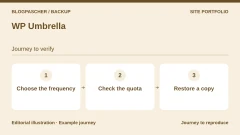 WP UmbrellaRead the details | Professionals using a maintenance connector. | 1.99 EUR excluding tax per site/month; hourly backup option displayed at an additional 2.49 EUR per site/month. Per site and per month according to the page consulted. The base rate explicitly excludes taxes in the service terms; check the total and applicable taxes. | Confirm the renewal amount and mechanism in the selected contract. |
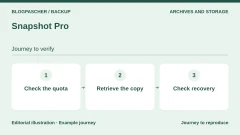 Snapshot ProRead the details | Team already using the WPMU DEV environment. | Pro Basic: 50 $/year for one site and 5 GB of backup storage displayed; exact currency not confirmed. Annual for Pro Basic; other offerings are separate. Taxes and final total not verified. | Renewal price not confirmed. |
 All-in-One WP Migration and BackupRead the details | Manual full archive, with optional automation and external storage. | Free edition; Pro displayed at 99 $/year for up to 50 sites used during the license year. Annual subscription for Pro. Taxes and cart total not verified. | The displayed rate does not guarantee the future renewal price. |
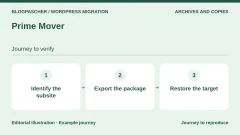 Prime MoverRead the details | Targeted copy of a site or multisite subsite, with explicit scope. | Free; annual Pro starting at 59 $ for one site or subsite. Confirm the exact currency. Annual plan presented; other durations offered separately. Taxes and cart total not verified. | Subscription renewable each year; future amount not guaranteed. |
 MainWP Built-In BackupsRead the details | WordPress portfolio controlled from a self-hosted MainWP dashboard. | Engine included free in MainWP 6.4; no paid backup module required. No paid license for this engine; dashboard hosting and third-party storage still need to be funded according to the chosen setup. | Terms for any paid plans were unavailable at the time of review. |
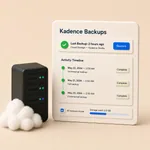 Kadence Backups — NextGen serviceRead the details | Team with a compatible Kadence plan and the required server access. | Paid service, advertised in certain Kadence plans; backup-specific price not established. Confirm the plan and billing frequency for the account’s backup entitlements. Taxes and cart total not verified. | Renewal price and plan quota not verified. |
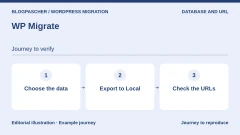 WP Migrate — database backup before maintenanceRead the details | Technical lead preparing database maintenance, with files protected elsewhere. | Database backup features in the free edition; paid Pro built-in import, price not assessed. Taxes and cart total not verified. | Terms for any paid plans were unavailable at the time of review. |
Start by reviewing the setup already available
Before adding a plugin, ask what is currently backed up, where the copies are, and who can retrieve them. Hosting or an existing tool may already provide part of the setup. Check a recent report and a recovery point without starting a restore on the live site. A database-only job does not prove that media files have been copied.
Three approaches suit different organizations: keep an adequate existing setup, manage your own archives and their destination, or use a connector to backup infrastructure. This catalog describes these features in WordPress, without comparing hosting plans. For connected products, the external service is a dependency to examine, not automatic proof of superiority.
For a brochure site that changes occasionally, a downloadable full copy, kept elsewhere and renewed after changes, may meet a simple need. For an active store, a manual monthly operation would leave a considerable gap. First choose a backup frequency and recovery procedure suited to the activity, then the product that can deliver them with the available access and budget.
- Check the scope, independence of the copies, and recovery process before installing anything.
- Define who manages the archives, storage access, and retention.
- Do not add multiple plugins when a single product family covers the need.
Distinguish local copies, external copies, and test copies
An archive created in the site folders stays on the same hosting account. An account outage, deletion, or loss of access can affect both the site and its copies. To call a destination external, verify that it really is separate storage whose access can still be recovered independently. An FTP transfer to the same server does not create this independence.
A test copy, often called staging, is used to examine a change without targeting the public site. It may share the disk and limits of the main installation. Ask two separate questions: where do you work for testing, and where do you retrieve the data if that hosting disappears? The presence of a clone does not demonstrate the existence of an external archive.
Read the scope and retention details before the promises
For each candidate, look for the included files, exported tables, and exclusions. A database-focused tool can be useful if the corresponding files exist elsewhere. Examine special cases: externally stored media, files outside the usual directory, third-party component tables, and a multisite network. If an essential item is not clearly covered, clarify the procedure before choosing the product for a critical site.
Frequency relates to how much work you are willing to lose between two copies. Retention indicates how far back in time you can go. Several months of retention with a monthly copy do not provide daily recovery points. Frequent copies that are quickly deleted may also be unavailable when an error is discovered late. Check both needs, then the local and remote cleanup rules.
Incremental backups keep changes after an initial copy. The differentials described by some tools group changes since a reference point. You must keep all the elements needed for the planned recovery process. Do not arbitrarily delete an old remote archive because it looks large. Confirm what is self-contained and what depends on a history.
Prepare the restore without risking production
Identify the person authorized to restore and the access they will have if WordPress no longer starts. Some workflows use an external dashboard; others use a script or file and database access. A button in the administration area is not enough if it becomes inaccessible during the problem you fear. Keep a private procedure, without publishing passwords or attaching archives to a forum.
A future test must target a separate, authorized, prepared environment. Payments, emails, notifications, and webhooks must be disabled there to avoid triggering real actions. The person responsible must check content, media, accounts, and important features after recovery, then record the operations actually performed. The local UpdraftPlus acceptance test described below covers the database and a marker file; it does not validate all these business workflows, external connections, or the other tools.
Restoring an old copy can erase legitimate changes made since then. Before an authorized recovery, if possible, save a new complete state of the currently accessible files and database, without overwriting the last healthy archive. Record the time of the selected point and the data received since: orders, accounts, forms, bookings, or stock changes. This safety copy does not make the old state usable; it preserves information to reconcile during recovery.
For a store, payments actually collected by the payment provider are not canceled by rolling the database back. With subscriptions, tasks already completed can even return to a pending state and trigger repeated processing. Have the technical lead prepare the recovery and reconciliation of recent data, with support from the component concerned. If new operations need to be suspended, arrange this before the switchover. Do not reinsert a few tables or a CSV file at random: orders, customers, subscriptions, and stock have relationships that must be preserved.
An order protection feature also depends on the workflow used. For example, Jetpack distinguishes restoring through its dialog from restoring individual tables: the latter can replace recent WooCommerce data. The word “selective” therefore does not guarantee its preservation. After a prepared recovery, check content, the latest business data, scheduled tasks, and access before fully reopening the site. If the copies are unreadable or the handling of this data remains undefined, stop the procedure and request targeted assistance.
Measure a store recovery before reopening
To choose a backup solution, set two limits with the person who manages the store: how far back you can go before having to reconstruct recent operations, and how long selling can remain unavailable. These are called the recovery point objective (RPO) and recovery time objective (RTO). The first is measured from the healthy point that can actually be recovered; the second runs from the interruption until service is restored. The duration advertised by the plugin covers neither obtaining access, nor checks, nor order reconciliation.
Fictional example, times in UTC: the store becomes unavailable at 14:00. The team accepts a maximum data gap of two hours and three hours of downtime. A 13:00 backup appears in the log, but a volume is missing from the download. The last complete recoverable copy is from 11:00. The gap is therefore three hours: you need to find a healthy point at 12:00 or later, or define how to reconcile operations since 11:00. This time window needs checking; it does not mean that all operations are lost.
In an isolated acceptance test, the archive is ready at 14:25, the restore finishes at 15:35, and the initial checks end at 16:10. The plugin worked for 1 hour 10 minutes, but 2 hours 10 minutes have already elapsed since the simulated incident. There are 50 minutes left before the 17:00 objective; recovery time has not yet been demonstrated because business discrepancies and reopening still need to be addressed. These times serve to illustrate the calculation; they do not describe the performance of any plugin.
- On an isolated copy, use a fictional data set. Record the time of the last complete copy, the interruption, and each step: recovering access, obtaining the archives, restoring, checking, and then deciding whether to reopen. Verify that the database and file dates match the selected point.
- Within the time window to check, prepare, for example, an order at 12:10, a refund at 12:40 for an older order, and a renewal at 13:20. Compare references, times, amounts, and statuses between the restored site, the retained order record, and the available payment records. An identical order total does not necessarily reveal a missing refund. In WooCommerce → Status → Scheduled Actions, observe the status of renewal tasks without running them; keep payments, emails, and external notifications disabled during the test.
- Decide based on the discrepancies. If you find a more recent healthy point, test it separately before replacing anything. If the cause is isolated to a file or setting, consider a targeted correction that preserves business data. If a full recovery is still necessary, keep the site closed to new writes while the technical lead reconciles orders, payments, refunds, stock, and renewals. If discrepancies remain unexplained, do not reopen the store solely on the strength of a successful restore message.
Assemble an identifiable recovery set before an incident
Prepare a private record for each set: site name, address, date and time with time zone, included components, exclusions, and remote location. Pair the database and files taken during the same period. The WordPress documentation distinguishes them: downloading the site folders does not automatically retrieve the content stored in MySQL or MariaDB. An SQL export stored alongside the files still needs to be imported into a database during recovery.
Take a page containing an image added in the morning as an example. If the database backed up that evening references it, but the latest media folder is from the day before, the image will be missing after the restore. For your acceptance test, therefore, choose content whose date and associated file you know. Also record a setting change and an authorized fictional account. These markers will let you establish what actually comes back, instead of judging only the appearance of the home page.
Download a verification copy to a private location and check that all expected volumes are present. With split archives, a readable first ZIP does not prove that the series is complete; do not rename the parts at random. Keep encryption passwords and necessary recovery information separately, accessible to the authorized person responsible. If a piece is missing, locate it before preparing a restore: an archive creation message does not make up for its absence.
Guided acceptance test with an UpdraftPlus set on an isolated destination
Prepare a protected WordPress test installation with a separate database and credentials; disable production external connections before its first load. Install the chosen UpdraftPlus edition and check the space available for archives and their extraction. This workflow applies to UpdraftPlus backups: it does not mean that the free version can reimport every format from other products.
In Settings, UpdraftPlus Backups, open Backup / Restore and then Existing backups. Use Upload backup files to send the retained components, or identify the already recognized set. Match its date to the recovery record before selecting Restore. In the wizard, choose the components required for the scenario and read the warnings before confirming. For a full recovery, do not unintentionally leave the database or media outside the scope; for a partial recovery, explain precisely why the other components remain consistent.
The free version also supports a manual move to another address with built-in search and replace; Premium adds direct site-to-site transfer and more selection options, among other features. This is not an invitation to rewrite the live site’s entire database. After the isolated recovery, log back in with the restored accounts and check the displayed address, prepared markers, and media. A URL pointing to production is an acceptance-test failure to correct before continuing.
Keep the log and the start and end times without including any secrets. If the operation fails, record the component and the last error; do not start several restores simultaneously. An insufficient quota requires arranging the missing space with the person responsible for the environment. An access denial requires clarifying the cause with that person, without changing the transport or removing protections to bypass it.
Prepare a Duplicator recovery when WordPress no longer starts
An administration outage changes the choice of workflow. If you have retained a complete Duplicator package, the Classic Install procedure can rebuild a copy without WordPress being preinstalled. Prepare an empty destination directory and an empty dedicated database with authorized access. This scenario targets an isolated rebuild; do not point to the live site’s database simply to check that the installer starts.
Transfer the archive and its matching installer together into this directory, protected by the access measures planned for the acceptance test. Open only the address of that installer at the destination. On the configuration screens, compare the server, database, user, path, and new URL with your record. Understand the validation step before continuing: an option that deletes existing tables would act on the specified database, even if its name resembles that of the copy.
If the proposed information describes an unexpected existing installation, stop. Overwrite mode can replace files and the database, and some pre-existing files absent from the archive may remain. Do not confuse overwriting with a clean rebuild. After a successful test installation, check the report, representative content, and administrator access before considering a return to service.
Then remove the temporary installation files according to the documented cleanup procedure, keeping the emergency archive in its private storage. Verify that the installer’s old URL no longer runs it. To cancel a failed acceptance test, have only the isolated destination returned to its previous state, including its files and database; the source and reference archives remain intact. If that destination has received useful data in the meantime, preserving it takes priority over this rollback.
Calculate the total cost and protect access
The budget may include a license, subscription, remote space, transfers, and support. A free edition does not necessarily include scheduling or the desired connector. Conversely, an old description may become inaccurate if the developer adds features to the free version. The profiles distinguish what was consulted from what still needs confirmation: no missing price has been replaced with an estimate.
An ambiguous currency symbol retains its uncertainty: a price marked only “$” does not automatically become an amount in US dollars. A promotion does not imply a guaranteed renewal price. Before any purchase, check the total including taxes, the billed period, the number of sites, and archive access after cancellation. No purchase was made or account created for this research.
Archives may contain personal data and confidential settings. Protect the account receiving them and limit its permissions to what is necessary. Check that they are not served publicly and that the person responsible for recovery can retrieve access. External storage does not remove the need to check confidentiality, retention, and the effects of account deletion.
Choose a main product family and have the workflow validated
The catalog is not an invitation to install all these plugins. Choose a suitable product family and supplement only identified gaps. A separate job can help a very active database, but several full backups running together complicate monitoring and consume resources. Record the person responsible, schedule, destination, and expected evidence for each job.
On WordPress.com or a managed platform, check the included features and restrictions before adding anything. On multisite, the network administrator must confirm the covered scope and the extent of a restore: support for an ordinary site does not demonstrate support for a subsite. Send precise questions to support, without sending secrets or unsolicited complete archives.
Finally, keep a rollback plan after a test: the location of original copies, emergency access, and the person responsible for deciding whether recovery is acceptable. An existing archive and a job marked successful are useful evidence, but they do not by themselves demonstrate that the site can restart. The isolated test must produce dated findings on your own environment; no universal speed or reliability measurement is attributed to the tools in this article.
Repeat the restore of a page and a file
On a working copy, create a page named “Page témoin” and place a small fictional file in the uploads directory. Record the page text and the file’s SHA-256 hash. Create a database and uploads backup with the same date. Keep both files in the set, their time, and their hashes. Prepare another local installation with a dedicated database.
At the destination, change the marker text and file. Add a page named “Événement fictif récent” to represent data created after the backup. In Settings, open UpdraftPlus and upload both archives from the existing backups section. Verify that both components belong to the same backup. Start restoring the database and uploads to this destination.
In the local acceptance test, the UpdraftPlus 1.26.14 engine restored both archives on WordPress 7.1.4 and MariaDB. In a separate process, WordPress reread the original text and revision 1 of the fictional setting. The recovered file had the same hash as the original. The page created after the backup was absent from the restored destination, and the source’s marker data was unchanged.
The test log reported a MySQL mysqldump client error with MariaDB. UpdraftPlus continued the backup in PHP. During recovery, the account restricted to the target database could not increase the global max_allowed_packet setting. All twelve tables and the marker file were nevertheless restored. On a larger site, check the log and server limits before starting a recovery.
The loss of the recent page shows the effect of rolling the database back. Before a real recovery, record orders, refunds, accounts, or changes received since the backup. A store should reopen only after deciding how to reconcile them with the restored site. The test covers the local engine, database, and uploads. The browser restore interface, themes, plugins, remote storage, and a real payment need their own checks.
- Check the date and hashes of both archives before delivering them to the destination.
- Restore only to the copy. Reload the page and check the file, setting, and recent content.
- Keep a copy of the more recent state until the list of data to recover has been validated.
Further reading
Sources and references
Use these references to check the features, requirements and limitations described. Reading documentation is not a practical test.
View 66 references
- UpdraftPlus — Published features and versions ↗ — Documentation consulted:
- UpdraftPlus — Pricing conditions ↗ — Documentation consulted:
- BackWPup — Published features and versions ↗ — Documentation consulted:
- BackWPup — Pricing conditions ↗ — Documentation consulted:
- BackWPup — Developer documentation ↗ — Documentation consulted:
- Duplicator — Published features and versions ↗ — Documentation consulted:
- Duplicator — Pricing conditions ↗ — Documentation consulted:
- WPvivid Backup & Migration — Published features and versions ↗ — Documentation consulted:
- WPvivid Backup & Migration — Pricing conditions ↗ — Documentation consulted:
- Backuply — Published features and versions ↗ — Documentation consulted:
- Total Upkeep — Published features and versions ↗ — Documentation consulted:
- Total Upkeep — Pricing conditions ↗ — Documentation consulted:
- JetBackup pour WordPress — Published features and versions ↗ — Documentation consulted:
- Backup Migration — Published features and versions ↗ — Documentation consulted:
- WP STAGING — Published features and versions ↗ — Documentation consulted:
- Everest Backup — Published features and versions ↗ — Documentation consulted:
- Everest Backup — Pricing conditions ↗ — Documentation consulted:
- XCloner — Published features and versions ↗ — Documentation consulted:
- WP Database Backup — Published features and versions ↗ — Documentation consulted:
- WP-DBManager — Published features and versions ↗ — Documentation consulted:
- BlogVault Backup & Staging — Published features and versions ↗ — Documentation consulted:
- BlogVault Backup & Staging — Pricing conditions ↗ — Documentation consulted:
- Jetpack VaultPress Backup — Published features and versions ↗ — Documentation consulted:
- Jetpack VaultPress Backup — Pricing conditions ↗ — Documentation consulted:
- WP Time Capsule — Published features and versions ↗ — Documentation consulted:
- WP Time Capsule — Pricing conditions ↗ — Documentation consulted:
- ManageWP Worker — Published features and versions ↗ — Documentation consulted:
- ManageWP Worker — Pricing conditions ↗ — Documentation consulted:
- InfiniteWP Client — Published features and versions ↗ — Documentation consulted:
- WP Umbrella — Published features and versions ↗ — Documentation consulted:
- WP Umbrella — Pricing conditions ↗ — Documentation consulted:
- Snapshot Pro — Published features and versions ↗ — Documentation consulted:
- All-in-One WP Migration and Backup — Published features and versions ↗ — Documentation consulted:
- All-in-One WP Migration and Backup — Pricing conditions ↗ — Documentation consulted:
- Prime Mover — Published features and versions ↗ — Documentation consulted:
- Prime Mover — Pricing conditions ↗ — Documentation consulted:
- MainWP Built-In Backups — Published features and versions ↗ — Documentation consulted:
- Kadence Backups — service NextGen — Published features and versions ↗ — Documentation consulted:
- WP Migrate — copie de base avant intervention — Published features and versions ↗ — Documentation consulted:
- WP Umbrella — official documentation ↗ — Documentation consulted:
- WP Umbrella — official documentation ↗ — Documentation consulted:
- WordPress — file and database backups ↗ — Documentation consulted:
- Jetpack — restore workflows and WooCommerce tables ↗ — Documentation consulted:
- All-in-One WP Migration and Backup — official documentation ↗ — Documentation consulted:
- MainWP Built-In Backups — official documentation ↗ — Documentation consulted:
- MainWP Built-In Backups — official documentation ↗ — Documentation consulted:
- Kadence Backups — NextGen service — official documentation ↗ — Documentation consulted:
- Kadence Backups — NextGen service — official documentation ↗ — Documentation consulted:
- Kadence Backups — NextGen service — official documentation ↗ — Documentation consulted:
- Kadence Backups — NextGen service — official documentation ↗ — Documentation consulted:
- WP Migrate — database backup before maintenance — official documentation ↗ — Documentation consulted:
- WooCommerce — risks of restoring with Subscriptions ↗ — Documentation consulted:
- Everest Backup — corrected and reviewed official source ↗ — Documentation consulted:
- Everest Backup — corrected and reviewed official source ↗ — Documentation consulted:
- Everest Backup — corrected and reviewed official source ↗ — Documentation consulted:
- Everest Backup — corrected and reviewed official source ↗ — Documentation consulted:
- UpdraftPlus — free and Premium ↗ — Documentation consulted:
- UpdraftPlus — backup and restore ↗ — Documentation consulted:
- UpdraftPlus — recovery components ↗ — Documentation consulted:
- Duplicator — classic rebuild ↗ — Documentation consulted:
- Duplicator — scope of overwriting ↗ — Documentation consulted:
- Duplicator — targeted cleanup ↗ — Documentation consulted:
- Prepare the WordPress files ↗ — Documentation consulted:
- Back up the database ↗ — Documentation consulted:
- Restore an UpdraftPlus backup set ↗ — Documentation consulted:
- Choose the components to restore ↗ — Documentation consulted:
Uses, prices and what to check
25 offers in detail
Compare the features you need and the terms of each offer. The order of these entries does not indicate a ranking.
UpdraftPlus
 Vendor image
Best forFull backup with your chosen external destination.
UpdraftPlus backs up the database and files as separate components. In the acceptance test, free edition 1.26.14 produced the database and uploads archives, then restored both on another installation. WordPress reread the original page and setting, and the file hash matched. The local copy does not validate remote storage, theme and plugin recovery, or the time required on your hosting.
Offer pricing
Free. Premium Personal at 70 USD per year for two sites in the USD price record.
Billing: annual subscription for Personal
Renewal and support: Check renewal and the price for the currency used at checkout.
Taxes, additional storage, and any fees not verified.
Checked on .
Strengths
- Scope: Site components, including plugins, themes, and media; database backed up separately
- Storage: Dropbox, Google Drive, S3, and other documented destinations; OneDrive, SFTP, and several others in the paid version
- Advertised restore: Choose the components to restore in WordPress.
What to consider
- Do not equate a local copy with an external copy.
- Storage and premium connectors may add a cost.
- Retention: Number of retained generations not recorded; define and verify it for each destination.
- Dependencies: Storage access, temporary local space, site resources; prepare a procedure outside the administration area.
Pricing terms and compatibility
Understanding the offer
- Price at the time of review
- Free. Premium Personal at 70 USD per year for two sites in the USD price record.
- Currency
- USD
- Billing
- annual subscription for Personal
- Renewal and support
- Check renewal and the price for the currency used at checkout.
- Taxes and fees
- Taxes, additional storage, and any fees not verified.
- Commitment and terms
- Two sites with Personal. Review the included storage and services.
- Date checked
Compatibility and components
- Edition 1.26.14 verified with WordPress 7.1.4 and MariaDB 11.4.10. Local engine restore of the database and uploads.
- Test the interface, remote storage, and other components separately.
BackWPup
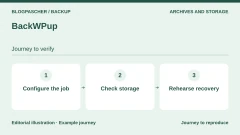
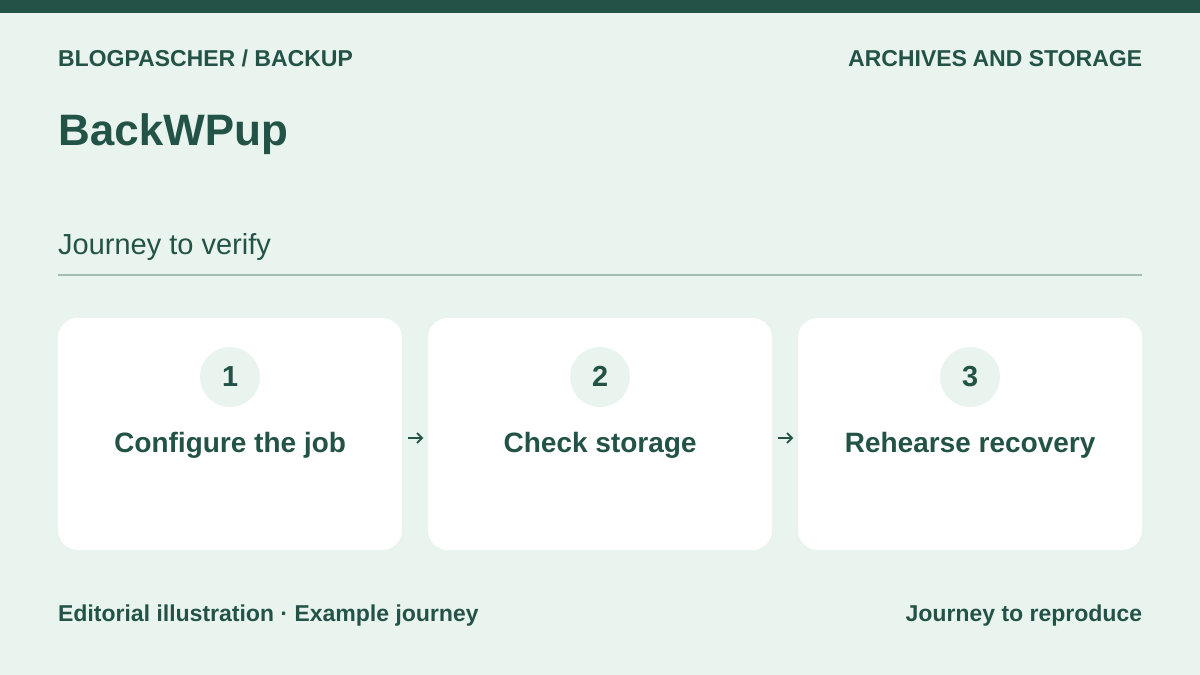 Editorial diagram. Configure the job → Check storage → Rehearse recovery. — BlogPasCherOpen full-size illustration ↗
Best forConfigurable jobs, files, and database.
BackWPup lets you work in terms of backup jobs: content to copy, schedule, and destination. The current listing advertises backup and restore in the free edition, so it would be misleading to reuse an old comparison that automatically reserves every recovery option for the paid version. File and database copies can be sent somewhere other than the server. Check exclusions and retention for each destination instead of treating a completed job as a sufficient policy.
Offer pricing
Free. Starter at a promotional 29 $ or 27 EUR per year for two domains, versus the displayed undiscounted price of 49 $ or 45 EUR.
Billing: annual subscription
Renewal and support: The developer states that renewal is automatic. Check the amount applicable when the discount ends.
Taxes, additional storage, and any fees not verified.
Checked on .
Strengths
- Scope: Installation and selected files; complete or targeted database depending on settings
- Storage: Local server, Dropbox, FTP, S3-compatible storage, Azure, and other advertised destinations
- Advertised restore: Restore advertised in the free version; separate advanced recovery and network features in Pro.
What to consider
- Reread the Free/Pro distinction for the chosen version.
- A local copy remains exposed to loss of the hosting account.
- Retention: Settings documented per destination; default values and limits not recorded.
- Dependencies: Connectors, archive space, remote authentication, and PHP resources.
Pricing terms and compatibility
Understanding the offer
- Price at the time of review
- Free. Starter at a promotional 29 $ or 27 EUR per year for two domains, versus the displayed undiscounted price of 49 $ or 45 EUR.
- Currency
- Unspecified. Confirm for the offer you choose.
- Billing
- annual subscription
- Renewal and support
- The developer states that renewal is automatic. Check the amount applicable when the discount ends.
- Taxes and fees
- Taxes, additional storage, and any fees not verified.
- Commitment and terms
- Two domains with Starter.
- Date checked
Compatibility and components
- Features and restore documented, not executed for this selection.
- Check the chosen version, hosting limits, and multisite scope before adopting it.
Duplicator
 Vendor image
Best forRecovery package and prepared reinstallation.
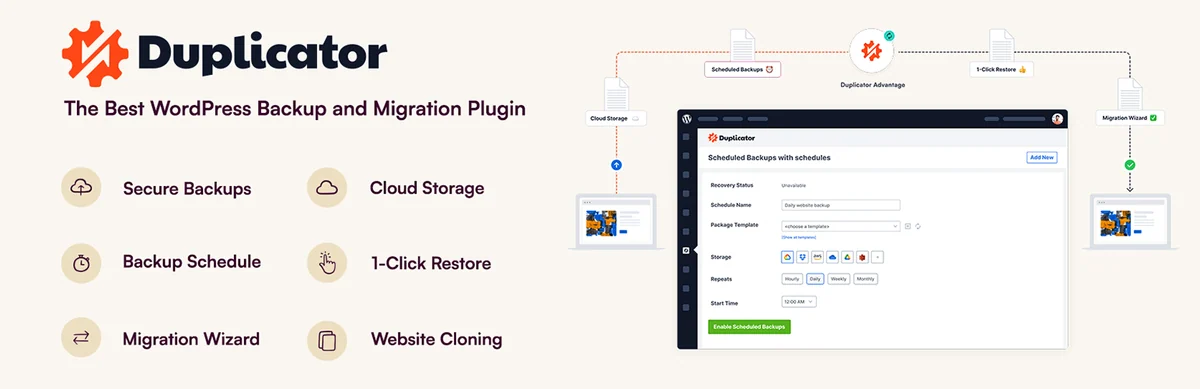
Duplicator is included here for its actual backup and reinstallation features, not just its migration wizard. A package can combine files and the database to prepare recovery on another installation. Its listing nevertheless mixes claims about free cloud functionality with features attributed to Pro. Treat the downloadable package as the clearly documented scope; confirm the edition required for your automation and remote destination before choosing.
Offer pricing
Free Lite edition. Basic Pro at the regular price of 79 USD per year for two sites. The introductory discount varies.
Billing: annual subscription
Renewal and support: Renews at the full price according to the pricing table.
Taxes, additional storage, and any fees not verified.
Checked on .
Strengths
- Scope: Files included in the package; database included in the package
- Storage: Downloadable package; cloud presented, with a contradictory free/Pro distinction in the listing
- Advertised restore: Reinstallation from the package and its recovery mechanism; simplified restore advertised.
What to consider
- Cloud/free/Pro distinction unresolved: do not promise this feature in the free edition.
- A package kept only on the site is not enough.
- Retention: Retention policy not verified.
- Dependencies: Archive space, target environment, and access required for reinstallation.
- Duplicator Cloud storage is a separate offering: do not consider it included in a plugin license.
Pricing terms and compatibility
Understanding the offer
- Price at the time of review
- Free Lite edition. Basic Pro at the regular price of 79 USD per year for two sites. The introductory discount varies.
- Currency
- USD
- Billing
- annual subscription
- Renewal and support
- Renews at the full price according to the pricing table.
- Taxes and fees
- Taxes, additional storage, and any fees not verified.
- Commitment and terms
- Two sites with Basic.
- Date checked
Compatibility and components
- Features and restore documented, not executed for this selection.
- Check the chosen version, hosting limits, and multisite scope before adopting it.
WPvivid Backup & Migration
 Vendor image
Best forSeparate schedules and scopes for files and database.
WPvivid explicitly distinguishes database only, files only, and the entire site. This separation is useful when a site’s database changes often but new media arrives less frequently. The listing also documents scheduling and several remote destinations. Prepare the scope of each job so that no element is forgotten during recovery. Advanced features, including certain remote operations and multisite, must be examined in the corresponding edition.
Offer pricing
Free. Blogger at 49 USD per year or a one-time purchase of 99 USD for two sites.
Billing: annual or one-time purchase depending on the offer
Renewal and support: Check the renewal amount for the annual plan.
Taxes, additional storage, and any fees not verified.
Checked on .
Strengths
- Scope: Files only or full site; database only or full site
- Storage: Dropbox, Drive, S3, OneDrive, DigitalOcean Spaces, FTP/SFTP advertised; separate Pro additions
- Advertised restore: Restore within WordPress advertised; advanced remote restore presented in Pro.
What to consider
- Do not attribute all Pro features to the free version.
- Prepare an emergency workflow in case WordPress no longer starts.
- Retention: Number of copies and purge behavior not recorded.
- Dependencies: Storage accounts, scheduling, and server resources.
Pricing terms and compatibility
Understanding the offer
- Price at the time of review
- Free. Blogger at 49 USD per year or a one-time purchase of 99 USD for two sites.
- Currency
- USD
- Billing
- annual or one-time purchase depending on the offer
- Renewal and support
- Check the renewal amount for the annual plan.
- Taxes and fees
- Taxes, additional storage, and any fees not verified.
- Commitment and terms
- Two sites, with license transfer subject to the developer’s terms.
- Date checked
Compatibility and components
- Features and restore documented, not executed for this selection.
- Check the chosen version, hosting limits, and multisite scope before adopting it.
Backuply
 Vendor image
Best forOne-off copy with room to upgrade.
Backuply covers files and the database, with a restore from the list of copies. The edition distinction matters particularly here: automatic backups and several destinations are presented as Premium features, while the free workflow documents local storage, FTP, and Google Drive in particular. A one-off copy can prepare for maintenance, but it does not replace a frequency suited to the site. First decide whether you need a manual action or an ongoing schedule.
Offer pricing
Free version in the directory; any paid additions not priced.
Taxes, additional storage, and any fees not verified.
Checked on .
Strengths
- Scope: Full site; finer selection presented in Premium; database only and file/database recovery advertised
- Storage: Local, FTP, Google Drive; SFTP, S3, and other destinations presented in Premium
- Advertised restore: Recovery of files and the database from a backup.
What to consider
- Budget for automation according to the edition.
- The general list of storage destinations does not describe only the free version.
- Retention: Retention values and rules not verified.
- Dependencies: WordPress access, storage, and authentication; scheduling presented in Premium.
Pricing terms and compatibility
Understanding the offer
- Price at the time of review
- Free version in the directory; any paid additions not priced.
- Currency
- Unspecified. Confirm for the offer you choose.
- Billing
- Unspecified. Confirm for the offer you choose.
- Renewal and support
- Unspecified. Confirm for the offer you choose.
- Taxes and fees
- Taxes, additional storage, and any fees not verified.
- Commitment and terms
- Unspecified. Confirm for the offer you choose.
- Date checked
Compatibility and components
- Features and restore documented, not executed for this selection.
- Check the chosen version, hosting limits, and multisite scope before adopting it.
Total Upkeep
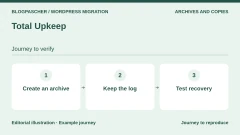
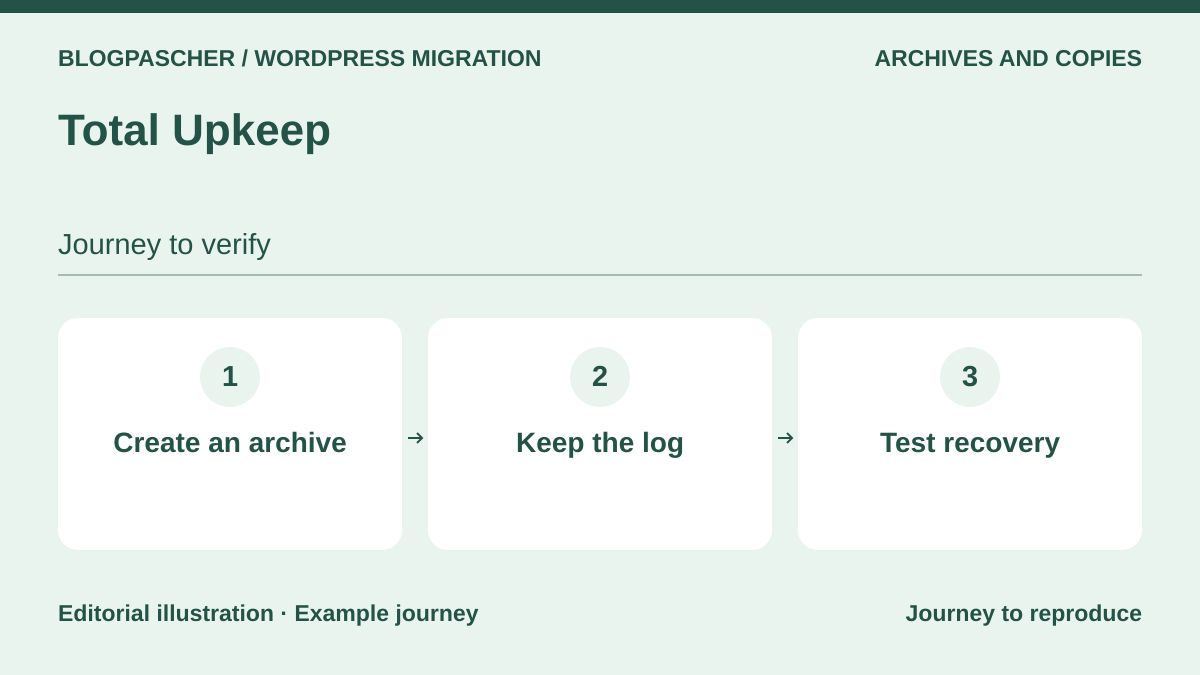 Editorial diagram. Create an archive → Keep the log → Test recovery. — BlogPasCherOpen full-size illustration ↗
Best forBackup before maintenance and documented recovery outside the administration area.
Total Upkeep combines routine backups with update preparation. The listing describes file and database archives, as well as a restore script usable when WordPress becomes inaccessible. This is worth examining if recovery must not depend solely on the dashboard. Automatic rollback after an update remains an advertised feature: it does not prove that a store’s recent data will be preserved in every situation.
Offer pricing
Free. Premium at an equivalent 2.50 $ per month, billed 30 $ for one year.
Billing: annual
Renewal and support: Check the renewal amount. Expiration limits access to Premium features.
Taxes, additional storage, and any fees not verified.
Checked on .
Strengths
- Scope: Selectable files and folders; selectable database tables
- Storage: Local and FTP/SFTP; S3 and Google Drive in Premium
- Advertised restore: Dashboard and script outside WordPress advertised; individual file in Premium.
What to consider
- Automatic rollback not tested; plan how to handle new data.
- Distinguish Premium options from basic features.
- Retention: Number of retained versions not recorded.
- Dependencies: File access for recovery, archive resources, remote connectors.
Pricing terms and compatibility
Understanding the offer
- Price at the time of review
- Free. Premium at an equivalent 2.50 $ per month, billed 30 $ for one year.
- Currency
- Unspecified. Confirm for the offer you choose.
- Billing
- annual
- Renewal and support
- Check the renewal amount. Expiration limits access to Premium features.
- Taxes and fees
- Taxes, additional storage, and any fees not verified.
- Commitment and terms
- For sites owned by you or your organization under the developer’s terms.
- Date checked
Compatibility and components
- Features and restore documented, not executed for this selection.
- Check the chosen version, hosting limits, and multisite scope before adopting it.
JetBackup for WordPress
 Vendor image
Best forBackup profiles with configurable retention.
JetBackup for WordPress must be distinguished from the backup product installed by some hosting providers. The plugin listing advertises files, database, scheduling, and retention by number of copies. It also presents an external storage offering and Premium remote connectors. This scope suits a comparison between local management and a separate destination, provided you check which is actually active. Do not assume that the presence of the JetBackup name in a panel automatically protects this installation.
Offer pricing
Free version in the directory; any paid additions not priced.
Taxes, additional storage, and any fees not verified.
Checked on .
Strengths
- Scope: Selected files or all files; database only or combined with files
- Storage: Local; free cloud space advertised; S3, SFTP, Drive, and other destinations in Premium
- Advertised restore: Archive import and restore advertised.
What to consider
- Do not confuse the WordPress plugin with a hosting provider’s backup.
- Check the current terms of the free space.
- Retention: Configurable number of copies on the server; confirm remote retention.
- Dependencies: PHP 7.4 minimum, zlib, and cURL advertised; external destination must be configured.
Pricing terms and compatibility
Understanding the offer
- Price at the time of review
- Free version in the directory; any paid additions not priced.
- Currency
- Unspecified. Confirm for the offer you choose.
- Billing
- Unspecified. Confirm for the offer you choose.
- Renewal and support
- Unspecified. Confirm for the offer you choose.
- Taxes and fees
- Taxes, additional storage, and any fees not verified.
- Commitment and terms
- Unspecified. Confirm for the offer you choose.
- Date checked
Compatibility and components
- Features and restore documented, not executed for this selection.
- Check the chosen version, hosting limits, and multisite scope before adopting it.
Backup Migration
 Vendor image
Best forScheduled backup for a volume compatible with the offering.
Despite its name, Backup Migration documents actual scheduled file and database backups with restore. It is therefore not included as merely a transfer tool. Its listing advertises several storage options and a size limit for the free edition. Check actual archive size and the effect of exclusions before relying on this edition. The free space associated with the product is not a reason to give up a copy whose access and retention you control.
Offer pricing
Free version in the directory; any paid additions not priced.
Taxes, additional storage, and any fees not verified.
Checked on .
Strengths
- Scope: Files included or excluded according to configuration; selectable database
- Storage: Local and remote services, including Google Drive, S3, and BackupBliss storage advertised
- Advertised restore: Restore of local backups advertised.
What to consider
- Listing consulted: free version limited to 4 GB per backup.
- Check purging and the terms of the free cloud offering.
- Retention: Retention policy not recorded.
- Dependencies: Site scheduling, archive resources, and remote accounts.
Pricing terms and compatibility
Understanding the offer
- Price at the time of review
- Free version in the directory; any paid additions not priced.
- Currency
- Unspecified. Confirm for the offer you choose.
- Billing
- Unspecified. Confirm for the offer you choose.
- Renewal and support
- Unspecified. Confirm for the offer you choose.
- Taxes and fees
- Taxes, additional storage, and any fees not verified.
- Commitment and terms
- Unspecified. Confirm for the offer you choose.
- Date checked
Compatibility and components
- Features and restore documented, not executed for this selection.
- Check the chosen version, hosting limits, and multisite scope before adopting it.
WP STAGING
 Vendor image
Best forArchives and a test environment, without confusing the two.
WP STAGING is included for its backup archives, distinct from its test-copy feature. The directory presents full or partial backups and scheduling within the current free offering. A copy in a subfolder of the site is nevertheless not an external backup. If you use this product to prepare recovery, check the retained archive and the procedure applicable to your edition, then separately arrange to move it off the server.
Offer pricing
Free version in the directory; any paid additions not priced.
Taxes, additional storage, and any fees not verified.
Checked on .
Strengths
- Scope: Full site or files only; database only or combined
- Storage: Data on the server by default; confirm remote storage workflows for the configuration/edition
- Advertised restore: Archive recovery advertised; check the free/Pro scope of the chosen version.
What to consider
- Staging on the same server is not an external copy.
- Do not reuse the vendor’s claimed automated tests as evidence.
- Retention: Retention rules and duration not recorded.
- Dependencies: Space for the archive and any copy; access and a remote destination if needed.
Pricing terms and compatibility
Understanding the offer
- Price at the time of review
- Free version in the directory; any paid additions not priced.
- Currency
- Unspecified. Confirm for the offer you choose.
- Billing
- Unspecified. Confirm for the offer you choose.
- Renewal and support
- Unspecified. Confirm for the offer you choose.
- Taxes and fees
- Taxes, additional storage, and any fees not verified.
- Commitment and terms
- Unspecified. Confirm for the offer you choose.
- Date checked
Compatibility and components
- Features and restore documented, not executed for this selection.
- Check the chosen version, hosting limits, and multisite scope before adopting it.
Everest Backup
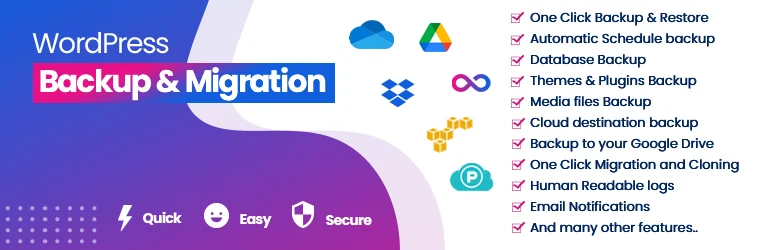 Vendor image
Best forArchives to an already managed Google Drive account.
Everest Backup suits local archives or archives placed in a managed Google Drive account. The free version documents manual and scheduled copies as well as restore. To prepare an acceptance test, open Restore and then Available Files, and identify the file and its timestamp; the filter lets you find remote copies before Rollback. Confirm only within the intended isolated destination. Check Personal Pro and its limits on wpeverestbackup.com; do not confuse the free upload limit of 1 GB with free cloud space. The developer’s slogan demonstrates no success rate.
Offer pricing
Free. Personal Pro: 39 USD per year for two sites.
Billing: annual subscription
Renewal and support: The developer displays a renewal discount. Confirm its application in the order.
USD currency explicit; taxes and checkout total not established.
Checked on .
Strengths
- Free core: manual or scheduled backup, Google Drive and key-based migration advertised.
- Restoration from available or uploaded files; compare the log against the selected point.
- Pro: additional automation and connectors according to modules actually supplied.
What to consider
- Free advertises a 1 GB upload limit; the server’s permitted size may be lower. Do not bypass a limit to force recovery.
- Paid unlimited-size promises remove neither disk-space nor execution-time constraints. The cloud account and quota remain separate.
- Several Pro features are still marked in development: confirm availability of the required feature in the delivered version. No restoration rate guaranteed here.
Pricing terms and compatibility
Understanding the offer
- Price at the time of review
- Free. Personal Pro: 39 USD per year for two sites.
- Currency
- USD
- Billing
- annual subscription
- Renewal and support
- The developer displays a renewal discount. Confirm its application in the order.
- Taxes and fees
- USD currency explicit; taxes and checkout total not established.
- Commitment and terms
- Two sites.
- Date checked
Compatibility and components
- Documentation reviewed November 10, 2026: WordPress 5.6+, PHP 7.4+, MySQL 5.6+, and zlib. Historical minimums, not a recommendation to use old branches.
- Multisite scope and the versions actually installed still need to be assessed on a copy; no restore performed.
XCloner
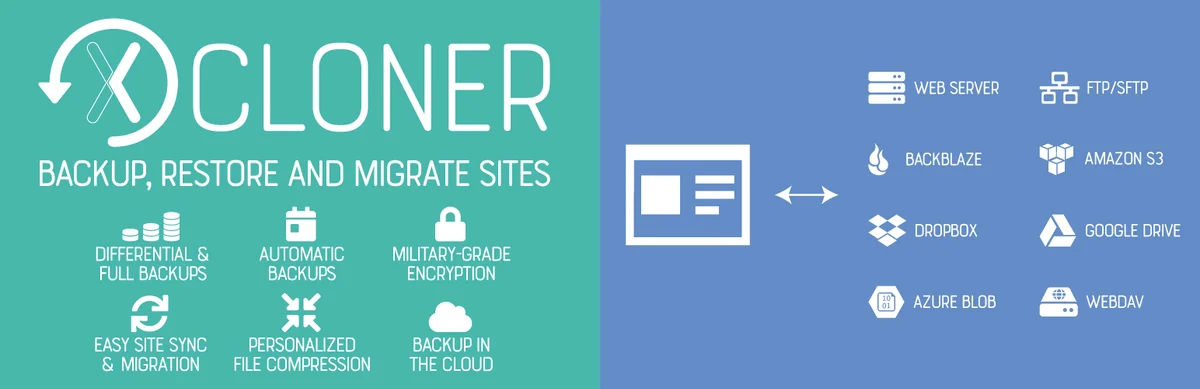 Vendor image
Best forArchives and recovery with technical access.
XCloner describes archives and a restore script, with several remote destinations. It also presents a differential strategy: files changed since a given date are isolated to supplement a recovery set. This approach requires understanding which elements must stay together. A supplied script is not a completed restore. Prepare the workflow with someone who has the necessary access, without starting a database reimport on the live site to check an option.
Offer pricing
Free version in the directory; any paid additions not priced.
Taxes, additional storage, and any fees not verified.
Checked on .
Strengths
- Scope: Customizable file selection; differential backups advertised; MySQL export in the archive
- Storage: SFTP, S3, Drive, Dropbox, Backblaze, and other destinations advertised
- Advertised restore: Supplied script and selective file/database recovery advertised.
What to consider
- Prepare the complete set needed for a differential recovery.
- Restoring may require technical intervention.
- Retention: Local cleanup visible in the listing; exact rules not recorded.
- Dependencies: File and database access for recovery; remote accounts.
Pricing terms and compatibility
Understanding the offer
- Price at the time of review
- Free version in the directory; any paid additions not priced.
- Currency
- Unspecified. Confirm for the offer you choose.
- Billing
- Unspecified. Confirm for the offer you choose.
- Renewal and support
- Unspecified. Confirm for the offer you choose.
- Taxes and fees
- Taxes, additional storage, and any fees not verified.
- Commitment and terms
- Unspecified. Confirm for the offer you choose.
- Date checked
Compatibility and components
- Features and restore documented, not executed for this selection.
- Check the chosen version, hosting limits, and multisite scope before adopting it.
WP Database Backup
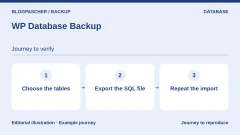
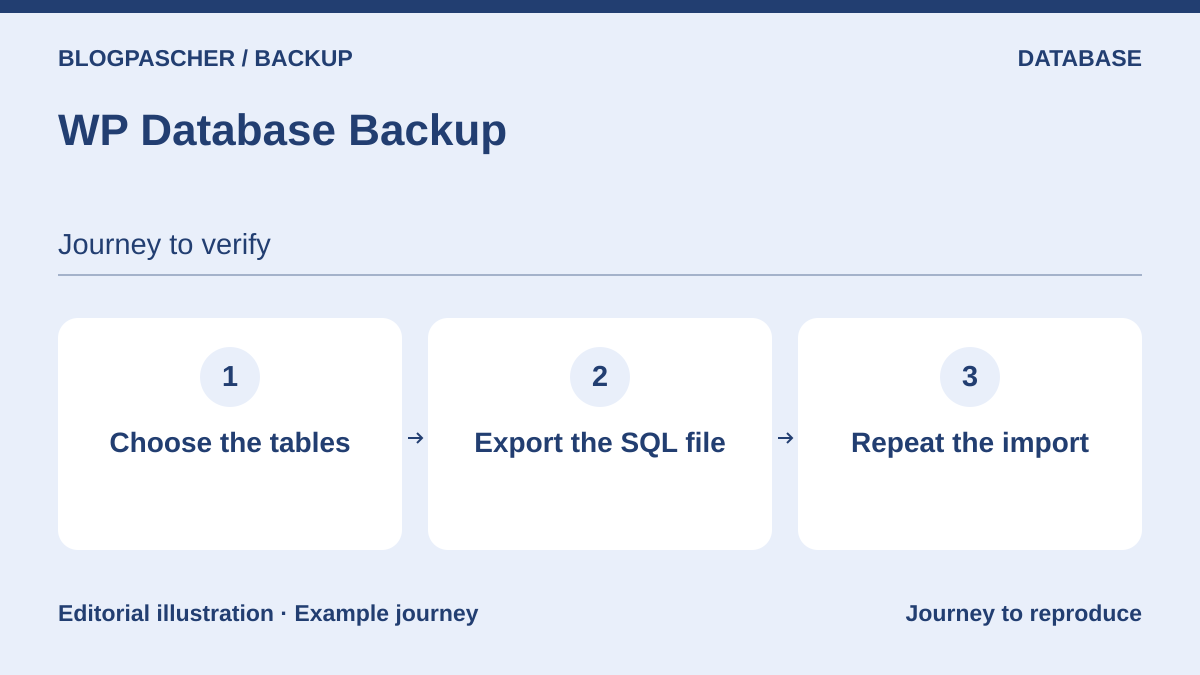 Editorial diagram. Choose the tables → Export the SQL file → Repeat the import. — BlogPasCherOpen full-size illustration ↗
Best forDatabase copy to supplement a file backup setup.
WP Database Backup is presented here as a database-focused tool because that is the scope clearly described in the features consulted. Its current title also mentions files, but this is not enough to attribute complete coverage to the free installation without reservation. It can supplement a setup that already backs up media and code. Check the selected tables and restore workflow, then keep together the information that links this database to its files.
Offer pricing
Free version in the directory; any paid additions not priced.
Taxes, additional storage, and any fees not verified.
Checked on .
Strengths
- Scope: File coverage not assessed in the free edition; database backup and restore documented
- Storage: Download and Dropbox, FTP, email, Drive, S3 destinations advertised
- Advertised restore: Database restore advertised.
What to consider
- Do not present it as a complete file/database backup based on the title alone.
- Supplement the database with a copy of the files.
- Retention: Number of versions and purging not recorded.
- Dependencies: WordPress access, export resources, any remote accounts.
Pricing terms and compatibility
Understanding the offer
- Price at the time of review
- Free version in the directory; any paid additions not priced.
- Currency
- Unspecified. Confirm for the offer you choose.
- Billing
- Unspecified. Confirm for the offer you choose.
- Renewal and support
- Unspecified. Confirm for the offer you choose.
- Taxes and fees
- Taxes, additional storage, and any fees not verified.
- Commitment and terms
- Unspecified. Confirm for the offer you choose.
- Date checked
Compatibility and components
- Features and restore documented, not executed for this selection.
- Check the chosen version, hosting limits, and multisite scope before adopting it.
WP-DBManager
 Editorial diagram. Export the database → Keep the files → Check recovery. — BlogPasCherOpen full-size illustration ↗
Best forDatabase backup under technical supervision.
WP-DBManager is aimed at a technical lead who wants to export and restore the database using server tools. It does not copy WordPress files and also has destructive maintenance functions that do not need to be used for backups. The listing specifies a dependency on database executables and explains how to protect the backup directory. Choose it only if this access is authorized and someone knows how to manage the recovery workflow.
Offer pricing
Free version in the directory; any paid additions not priced.
Taxes, additional storage, and any fees not verified.
Checked on .
Strengths
- Scope: No site files backed up within this scope; database backed up and restorable
- Storage: Private local folder; email delivery advertised, requiring an independent, protected mailbox
- Advertised restore: Restore through mysql advertised.
What to consider
- Do not use deletion or repair commands to create a backup.
- Does not by itself provide complete protection or external storage.
- Retention: Maximum number of copies and purging documented; configure the selected value.
- Dependencies: mysqldump, mysql, and authorized server execution; folder not served publicly.
Pricing terms and compatibility
Understanding the offer
- Price at the time of review
- Free version in the directory; any paid additions not priced.
- Currency
- Unspecified. Confirm for the offer you choose.
- Billing
- Unspecified. Confirm for the offer you choose.
- Renewal and support
- Unspecified. Confirm for the offer you choose.
- Taxes and fees
- Taxes, additional storage, and any fees not verified.
- Commitment and terms
- Unspecified. Confirm for the offer you choose.
- Date checked
Compatibility and components
- Features and restore documented, not executed for this selection.
- Check the chosen version, hosting limits, and multisite scope before adopting it.
BlogVault Backup & Staging
 Vendor image
Best forExternal backup managed through a connector.
The BlogVault connector links WordPress to an external backup setup. It covers the database and files, with advertised incremental processing and recovery through the service dashboard. Choosing a plan involves the retention window and site volume in particular; it is not just about the starting price. This profile describes only this backup workflow with a plugin, without turning it into a comparison of hosting or maintenance services.
Offer pricing
Personal at a promotional 49.50 USD for one site, with a displayed regular annual price of 99 USD.
Billing: annual subscription
Renewal and support: Check renewal when the discount ends.
Taxes and final amount not verified.
Checked on .
Strengths
- Scope: Themes, plugins, media, and site according to scope; database included
- Storage: The service’s cloud infrastructure, outside the site’s hosting
- Advertised restore: Restore through the service advertised.
What to consider
- Downloading the connector does not provide permanent free backups.
- Confirm the window, volume, and multisite scope for the chosen plan.
- Retention: Personal: 30 days and 20 GB displayed; other plans are separate.
- Dependencies: Service account and plan, plugin connectivity, emergency access to prepare.
Pricing terms and compatibility
Understanding the offer
- Price at the time of review
- Personal at a promotional 49.50 USD for one site, with a displayed regular annual price of 99 USD.
- Currency
- USD
- Billing
- annual subscription
- Renewal and support
- Check renewal when the discount ends.
- Taxes and fees
- Taxes and final amount not verified.
- Commitment and terms
- The example covers one site. WooCommerce offerings are separate.
- Date checked
Compatibility and components
- Documentation consulted; no installation or restore performed.
- Site configuration and resource limits need checking.
Jetpack VaultPress Backup
 Editorial diagram. Choose a point → Locate the controls → Check after recovery. — BlogPasCherOpen full-size illustration ↗
Best forCloud backup connector, excluding multisite.
VaultPress Backup has a plugin separate from the full Jetpack suite and requires a paid plan that includes backup. Copies are kept in the service’s cloud, not directly in your Drive or Dropbox account. The listing also documents exclusions and a multisite restriction. This product may suit users who accept this service dependency, but the promise of fast recovery must not be converted into a measured restoration time.
Offer pricing
Offer displayed in EUR: 4.95 EUR/month for the first year, billed annually (59.40 EUR/year).
Billing: Annual payment; the monthly amount is an equivalent.
Renewal and support: Displayed full price: 8.95 EUR/month, or 107.40 EUR/year; check the price applicable at renewal.
Tax treatment and cart total not verified.
Checked on .
Strengths
- Scope: Covered directories, with documented exclusions; tables with the WordPress prefix and a unique/primary key according to the listing
- Storage: Jetpack cloud; downloadable export, no direct Drive/Dropbox delivery
- Advertised restore: Restore through the service, including without administration access, advertised.
What to consider
- Multisite not supported according to the FAQ consulted.
- The displayed amounts are not a tax-calculated cart total; check additional storage and account terms.
- Retention: Base offer consulted: 30-day archive and 10 GB of storage advertised.
- Dependencies: Account and paid Backup plan; prepare server credentials for recovery.
- Restoring individual tables does not benefit from the order protection in the WooCommerce restore workflow described by Jetpack.
- In the standard workflow, the advertised protection of recent WooCommerce data depends on its synchronization. Stock and some order events, particularly those related to subscriptions, still need to be checked separately.
Pricing terms and compatibility
Understanding the offer
- Price at the time of review
- Offer displayed in EUR: 4.95 EUR/month for the first year, billed annually (59.40 EUR/year).
- Currency
- EUR
- Billing
- Annual payment; the monthly amount is an equivalent.
- Renewal and support
- Displayed full price: 8.95 EUR/month, or 107.40 EUR/year; check the price applicable at renewal.
- Taxes and fees
- Tax treatment and cart total not verified.
- Commitment and terms
- One year billed; 10 GB of storage and 30 days of history advertised for this offer.
- Date checked
Compatibility and components
- Documentation consulted; no installation or restore performed.
- The official FAQ currently excludes multisite and certain separate-URL configurations.
- Site configuration and resource limits need checking.
WP Time Capsule
 Vendor image
Best forIncremental backup to a personal cloud account.
WP Time Capsule relies on versioning in user-selected cloud storage to retain file and database changes. This requires an initial full copy, followed by a history that must not be cleaned up without understanding its dependencies. The plugin does not offer lasting free protection: the advertised trial is time-limited. Its recovery window depends on the plan and, for the maximum displayed duration, on the storage type.
Offer pricing
Business: 49 $/year for two sites displayed; one-time payment option of 149 $. Exact currency behind the $ symbol not confirmed.
Billing: Annual option or one-time payment displayed; distinguish the two.
Renewal and support: Confirm annual renewal terms; zero future fees are not promised for the one-time option.
Taxes and final amount not verified.
Checked on .
Strengths
- Scope: Files changed after the first copy; changed database entries advertised
- Storage: S3, Wasabi, Backblaze, Dropbox, or Drive account depending on configuration
- Advertised restore: Incremental restore and staging test offered by the developer, not performed here.
What to consider
- 30-day trial, not a permanent free plan.
- Do not delete remote versions without understanding the recovery chain.
- Retention: Business: 30 days; Freelancer: 120; Agency: 365 only with certain storage options according to the page.
- Dependencies: WP Time Capsule account and cloud storage with versioning; storage fees are separate.
Pricing terms and compatibility
Understanding the offer
- Price at the time of review
- Business: 49 $/year for two sites displayed; one-time payment option of 149 $. Exact currency behind the $ symbol not confirmed.
- Currency
- Unspecified. Confirm for the offer you choose.
- Billing
- Annual option or one-time payment displayed; distinguish the two.
- Renewal and support
- Confirm annual renewal terms; zero future fees are not promised for the one-time option.
- Taxes and fees
- Taxes and final amount not verified.
- Commitment and terms
- 30-day trial; page states no refunds after purchase and the option to stop subsequent periods.
- Date checked
Compatibility and components
- Documentation consulted; no installation or restore performed.
- Site configuration and resource limits need checking.
ManageWP Worker
 Vendor image
Best forSite portfolio and basic external monthly copy.
ManageWP Worker connects the site to a dashboard offering a free external monthly backup. This frequency can be a starting point for a site that changes little, but it does not meet every acceptable data-loss threshold. The paid module notably expands triggering options. Compare the required frequency with actual activity before choosing the free version; retaining copies for several months does not make intermediate copies more frequent.
Offer pricing
Free monthly backup; Premium module displayed at 2 $ per site/month, exact currency not confirmed.
Billing: Monthly presentation of the module; confirm charging frequency and taxes.
Renewal and support: Future rate and any price changes are not guaranteed.
Taxes and final amount not verified.
Checked on .
Strengths
- Scope: Files with exclusions; tables processed with the entire site according to the service
- Storage: External infrastructure; US/Europe choice advertised
- Advertised restore: Restore from the dashboard advertised.
What to consider
- Free monthly does not mean daily.
- The connector FAQ limits it to self-hosted sites, not WordPress.com.
- Retention: 90 days advertised on the backup page.
- Dependencies: ManageWP account, connected Worker; premium plan for more frequent and on-demand backups.
Pricing terms and compatibility
Understanding the offer
- Price at the time of review
- Free monthly backup; Premium module displayed at 2 $ per site/month, exact currency not confirmed.
- Currency
- Unspecified. Confirm for the offer you choose.
- Billing
- Monthly presentation of the module; confirm charging frequency and taxes.
- Renewal and support
- Future rate and any price changes are not guaranteed.
- Taxes and fees
- Taxes and final amount not verified.
- Commitment and terms
- Management account required; confirm the module’s terms.
- Date checked
Compatibility and components
- Documentation consulted; no installation or restore performed.
- FAQ consulted: self-hosted; do not generalize to WordPress.com.
- Site configuration and resource limits need checking.
InfiniteWP Client
 Editorial diagram. Identify the site → Check the module → Test the copy. — BlogPasCherOpen full-size illustration ↗
Best forBackup controlled by an existing self-hosted panel.
InfiniteWP Client suits a manager who already has an InfiniteWP panel or wants to administer one themselves. The client alone is not a standalone system: operations are controlled from this separate panel. The listing advertises recovery of the whole site or the database only. However, the panel’s location does not demonstrate that archives are off the site’s server. Check the destination, schedule, and required modules before considering this setup external protection.
Offer pricing
Free client and basic panel advertised; any additional modules, panel hosting, and storage cost extra.
Taxes and final amount not verified.
Checked on .
Strengths
- Scope: Entire site advertised; database only or combined
- Storage: Archive location must be configured; changelog mentions remote connectors, edition and coverage not assessed
- Advertised restore: Site or database restore advertised.
What to consider
- Do not install it as though it works on its own.
- Confirm the modules needed for automation and the external destination before deployment.
- Retention: Retention limit mentioned in the changelog; exact settings not recorded.
- Dependencies: Separate, maintained, secured InfiniteWP panel; access to client sites.
Pricing terms and compatibility
Understanding the offer
- Price at the time of review
- Free client and basic panel advertised; any additional modules, panel hosting, and storage cost extra.
- Currency
- Unspecified. Confirm for the offer you choose.
- Billing
- Unspecified. Confirm for the offer you choose.
- Renewal and support
- Unspecified. Confirm for the offer you choose.
- Taxes and fees
- Taxes and final amount not verified.
- Commitment and terms
- Unspecified. Confirm for the offer you choose.
- Date checked
Compatibility and components
- Documentation consulted; no installation or restore performed.
- Site configuration and resource limits need checking.
WP Umbrella
 Editorial diagram. Choose the frequency → Check the quota → Restore a copy. — BlogPasCherOpen full-size illustration ↗
Best forProfessionals using a maintenance connector.
The WP Umbrella plugin lets you manage file and database backups from a maintenance account. The service’s current pages advertise fifty days of retention and full or targeted restore. The trial must not be presented as permanent free backup. This reference mainly concerns professionals already managing several sites; a single site’s backup need does not automatically justify the dashboard’s entire feature set.
Offer pricing
1.99 EUR excluding tax per site/month; hourly backup option displayed at an additional 2.49 EUR per site/month.
Billing: Per site and per month according to the page consulted.
Renewal and support: Confirm the renewal amount and mechanism in the selected contract.
The base rate explicitly excludes taxes in the service terms; check the total and applicable taxes.
Checked on .
Strengths
- Scope: Site files, selective recovery advertised; database included
- Storage: External infrastructure in Europe; exact provider differs between the plugin listing and the current website
- Advertised restore: Full or file/database recovery; FTP/SFTP/SSH access mentioned for an unavailable site.
What to consider
- Confirm the exact infrastructure: older Google Cloud mention in the directory, own infrastructure on the current website.
- Hourly backup is a paid extra, not the frequency included in the base price.
- Retention: 50 days advertised.
- Dependencies: Paid professional account after trial; server access for recovery; hourly frequency as an add-on according to current documentation.
Pricing terms and compatibility
Understanding the offer
- Price at the time of review
- 1.99 EUR excluding tax per site/month; hourly backup option displayed at an additional 2.49 EUR per site/month.
- Currency
- EUR
- Billing
- Per site and per month according to the page consulted.
- Renewal and support
- Confirm the renewal amount and mechanism in the selected contract.
- Taxes and fees
- The base rate explicitly excludes taxes in the service terms; check the total and applicable taxes.
- Commitment and terms
- Service restricted to professionals; adding/removing sites advertised, reread the terms for deleting copies.
- Date checked
Compatibility and components
- Documentation consulted; no installation or restore performed.
- Site configuration and resource limits need checking.
Snapshot Pro
 Editorial diagram. Check the quota → Retrieve the copy → Check recovery. — BlogPasCherOpen full-size illustration ↗
Best forTeam already using the WPMU DEV environment.
Snapshot Pro is a paid backup product family offered by WPMU DEV. It advertises incremental copies, file or table exclusions, and several restore workflows. It is particularly worth considering if the team already uses this environment. The Pro Basic plan consulted includes one site and 5 GB of backup storage; the other quotas in the table concern different services or plans. Check the size of your copies and the emergency recovery workflow before subscribing.
Offer pricing
Pro Basic: 50 $/year for one site and 5 GB of backup storage displayed; exact currency not confirmed.
Billing: Annual for Pro Basic; other offerings are separate.
Renewal and support: Renewal price not confirmed.
Taxes and final total not verified.
Checked on .
Strengths
- Scope: Files and tables with documented exclusions.
- Storage: WPMU DEV service and third-party destinations advertised.
- Advertised restore: Cloud, local, or FTP options.
What to consider
- Retention advertised up to 50 days; confirm for the chosen plan.
- Pro Basic quota: 5 GB of backup. The 50 GB of CDN in the same table is not backup space.
- Dependencies: Paid account, plugin, and emergency access to arrange.
Pricing terms and compatibility
Understanding the offer
- Price at the time of review
- Pro Basic: 50 $/year for one site and 5 GB of backup storage displayed; exact currency not confirmed.
- Currency
- Unspecified. Confirm for the offer you choose.
- Billing
- Annual for Pro Basic; other offerings are separate.
- Renewal and support
- Renewal price not confirmed.
- Taxes and fees
- Taxes and final total not verified.
- Commitment and terms
- Annual offer displayed; confirm account terms and additional storage.
- Date checked
Compatibility and components
- Multisite advertised by the developer, not tested.
- No practical validation of compatibility with all themes or plugins.
All-in-One WP Migration and Backup
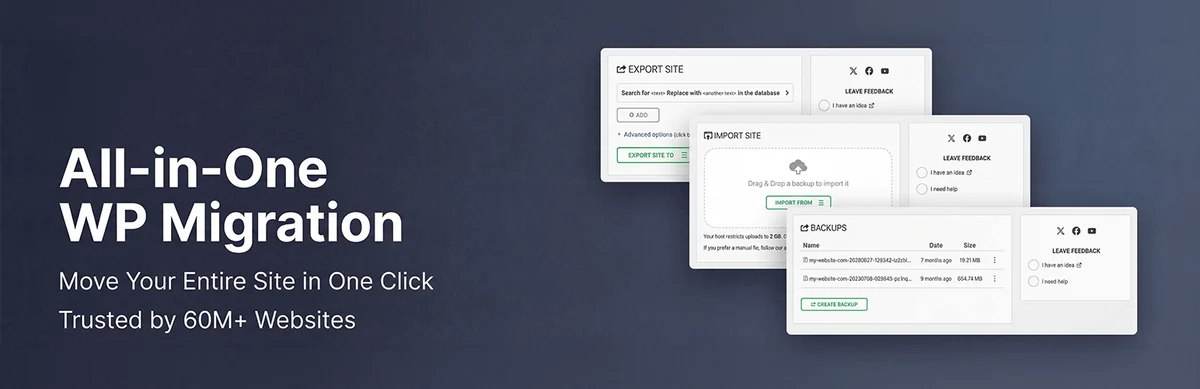 Vendor image
Best forManual full archive, with optional automation and external storage.
All-in-One WP Migration combines files and the database in a .wpress archive. Its value here is a full copy that can be downloaded and reimported, even without changing hosting. The free edition supports the Export then Import workflow; it remains subject to the available upload limit. The direct restore button and automation belong to paid add-ons. For a one-off copy, therefore, plan to download it off the server and check the recovery workflow before relying on the archive.
Offer pricing
Free edition; Pro displayed at 99 $/year for up to 50 sites used during the license year.
Billing: Annual subscription for Pro.
Renewal and support: The displayed rate does not guarantee the future renewal price.
Taxes and cart total not verified.
Checked on .
Strengths
- Scope: Files and database in an exportable package; free import documented.
- Pro: Scheduling and personal cloud destinations; configurable retention.
- Free and Pro features remain grouped in a single product family.
What to consider
- Connected providers’ storage and fees are not space included free with the license.
- Free import depends on the upload limit; disk space and hosting resources are still required.
- After Pro cancellation, premium features and cloud destinations become unavailable; retain an emergency recovery workflow.
- Multisite support is a separate add-on to check.
Pricing terms and compatibility
Understanding the offer
- Price at the time of review
- Free edition; Pro displayed at 99 $/year for up to 50 sites used during the license year.
- Currency
- Unspecified. Confirm for the offer you choose.
- Billing
- Annual subscription for Pro.
- Renewal and support
- The displayed rate does not guarantee the future renewal price.
- Taxes and fees
- Taxes and cart total not verified.
- Commitment and terms
- Test or temporary domains count; localhost is excluded. Removing the plugin does not free up a use already counted.
- Date checked
Compatibility and components
- Check the package size and access needed to import on the target server.
- No import or restore performed for this article.
Prime Mover
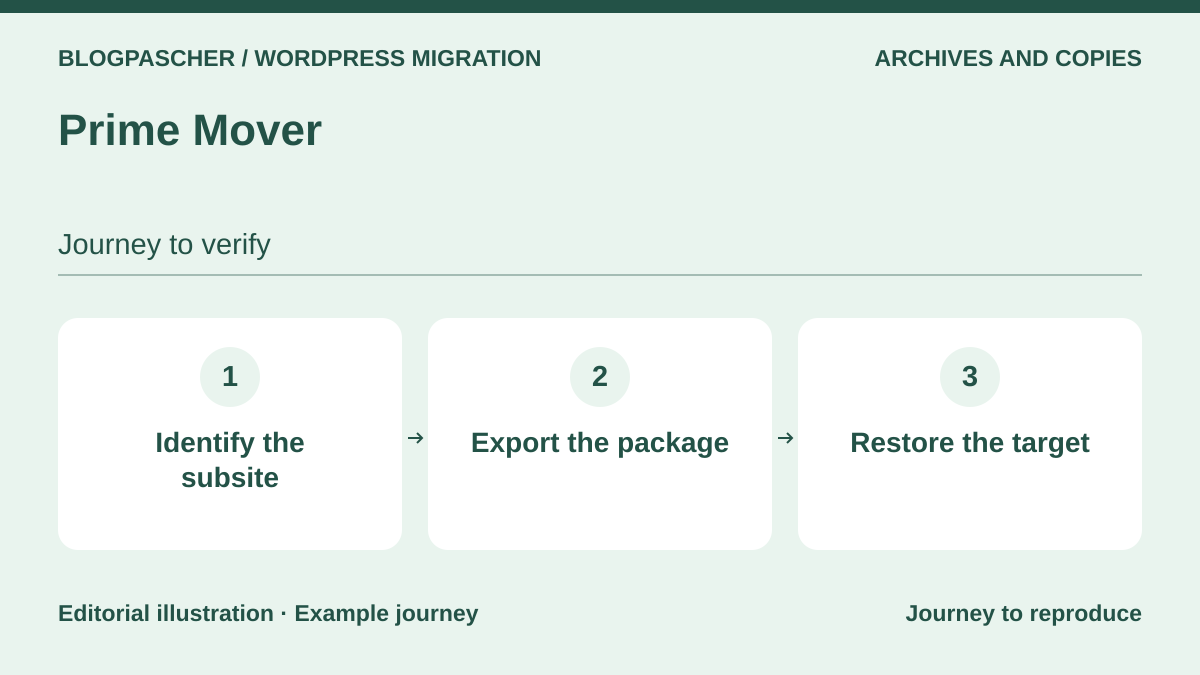 Editorial diagram. Identify the subsite → Export the package → Restore the target. — BlogPasCherOpen full-size illustration ↗
Best forTargeted copy of a site or multisite subsite, with explicit scope.
Prime Mover stands out for its backups of standalone sites and subsites in a WordPress network. The free version offers several export scopes and in-site restore, allowing you to prepare a copy before targeted maintenance. A network’s main site, scheduling, and Drive or Dropbox destinations require Pro. This distinction matters: a license for one subsite does not automatically cover the whole network, and a local package must always be kept separately.
Offer pricing
Free; annual Pro starting at 59 $ for one site or subsite. Confirm the exact currency.
Billing: Annual plan presented; other durations offered separately.
Renewal and support: Subscription renewable each year; future amount not guaranteed.
Taxes and cart total not verified.
Checked on .
Strengths
- Free scope: Database only, database with media, or database, media, plugins, and themes together.
- Subsite backup and restore; multisite workflows documented.
- Pro adds scheduling, encryption, and Google Drive or Dropbox destinations.
What to consider
- A network’s main site requires Pro.
- A subsite backup does not imply that all network data is present.
- Define the remote account, quota, and retention rule; no included external capacity is assumed.
- An export described as complete must be checked against your installation’s specific files and configurations.
Pricing terms and compatibility
Understanding the offer
- Price at the time of review
- Free; annual Pro starting at 59 $ for one site or subsite. Confirm the exact currency.
- Currency
- Unspecified. Confirm for the offer you choose.
- Billing
- Annual plan presented; other durations offered separately.
- Renewal and support
- Subscription renewable each year; future amount not guaranteed.
- Taxes and fees
- Taxes and cart total not verified.
- Commitment and terms
- One year of Pro support and updates; each distinct site counts toward the license.
- Date checked
Compatibility and components
- The network administrator must check the scope of recovery.
- Features documented; no backup or restore performed.
MainWP Built-In Backups
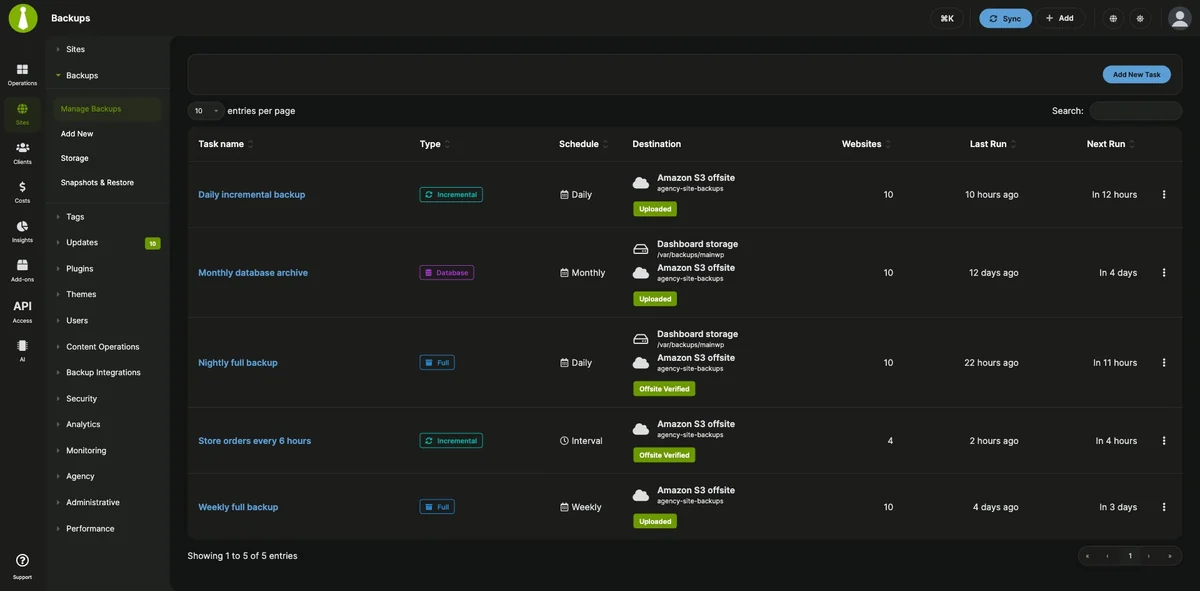 Vendor imageOpen full-size screenshot ↗
Best forWordPress portfolio controlled from a self-hosted MainWP dashboard.
Since version 6.4, MainWP has included its own backup engine, separate from its connectors for other plugins. The child site prepares the archive; the dashboard retrieves it and then optionally sends it to the selected storage. This workflow suits a team already managing its MainWP dashboard and able to protect access to it. Allow space in both locations and keep the dashboard backup separately, particularly its encryption keys.
Offer pricing
Engine included free in MainWP 6.4; no paid backup module required.
No paid license for this engine; dashboard hosting and third-party storage still need to be funded according to the chosen setup.
Checked on .
Strengths
- Full, database-only, file-only, or incremental backups; built-in scheduling.
- S3-compatible destinations, Google Cloud Storage, Dropbox, and SFTP documented.
- Retention configurable by number, age, or space; restore controlled from the dashboard.
What to consider
- The dashboard is a transfer intermediary: if it stops, external transfer may be prevented.
- A dashboard hosted on the same account does not by itself constitute an independent copy.
- Do not delete an encrypted archive or its keys without having prepared recovery.
Pricing terms and compatibility
Understanding the offer
- Price at the time of review
- Engine included free in MainWP 6.4; no paid backup module required.
- Currency
- Unspecified. Confirm for the offer you choose.
- Billing
- Unspecified. Confirm for the offer you choose.
- Renewal and support
- Unspecified. Confirm for the offer you choose.
- Taxes and fees
- No paid license for this engine; dashboard hosting and third-party storage still need to be funded according to the chosen setup.
- Commitment and terms
- Maintain MainWP Dashboard and MainWP Child, as well as access to destinations.
- Date checked
Compatibility and components
- Dashboard 6.4: PHP 8.3 minimum; corresponding Child: PHP 7.4 minimum, according to current documentation.
- Working WP-Cron on the dashboard, a private directory, and free space required.
- Engine released and documented; no practical restore performed here.
Kadence Backups — NextGen service
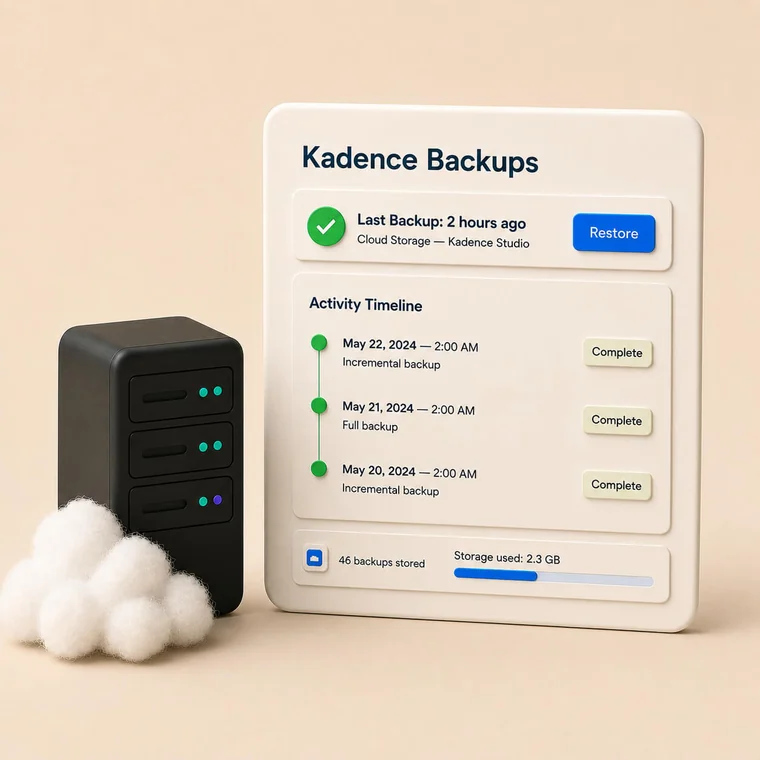 Vendor image
Best forTeam with a compatible Kadence plan and the required server access.
Kadence Backups refers here to the NextGen service, formerly Solid Backups NextGen, controlled from Kadence Central. Copies are kept in its remote infrastructure and can be prepared for download. This solution requires compatible technical access to the hosting environment: it involves more than installing a plugin. The older Legacy edition derived from BackupBuddy is different and is not counted separately. First check site eligibility, plan entitlements, and the consequences of disconnecting.
Offer pricing
Paid service, advertised in certain Kadence plans; backup-specific price not established.
Billing: Confirm the plan and billing frequency for the account’s backup entitlements.
Renewal and support: Renewal price and plan quota not verified.
Taxes and cart total not verified.
Checked on .
Strengths
- Remote copies of files and the database; incremental for files.
- Retention offered for 7, 30, 120, or 365 days depending on the setting.
- Restore of a retained point and preparation of a ZIP download documented.
What to consider
- Confirm hosting provider compatibility and the quota included in the contract before subscribing.
- Changing the storage region deletes old backups: prepare their export and a recovery before making any change.
- After disconnection, the documentation states that permanent deletion occurs after seven days.
- NextGen and Legacy use different systems; do not assume any automatic conversion of the history.
Pricing terms and compatibility
Understanding the offer
- Price at the time of review
- Paid service, advertised in certain Kadence plans; backup-specific price not established.
- Currency
- Unspecified. Confirm for the offer you choose.
- Billing
- Confirm the plan and billing frequency for the account’s backup entitlements.
- Renewal and support
- Renewal price and plan quota not verified.
- Taxes and fees
- Taxes and cart total not verified.
- Commitment and terms
- Kadence Central account and a plan granting NextGen access; do not buy based on an old Legacy price.
- Date checked
Compatibility and components
- SSH, WP-CLI, Phar support, and WordPress application passwords required according to the documentation.
- The service’s cloud infrastructure; no personal S3 storage included in this scenario.
- Features verified through documentation, without connecting to an account or testing a restore.
WP Migrate — database backup before maintenance
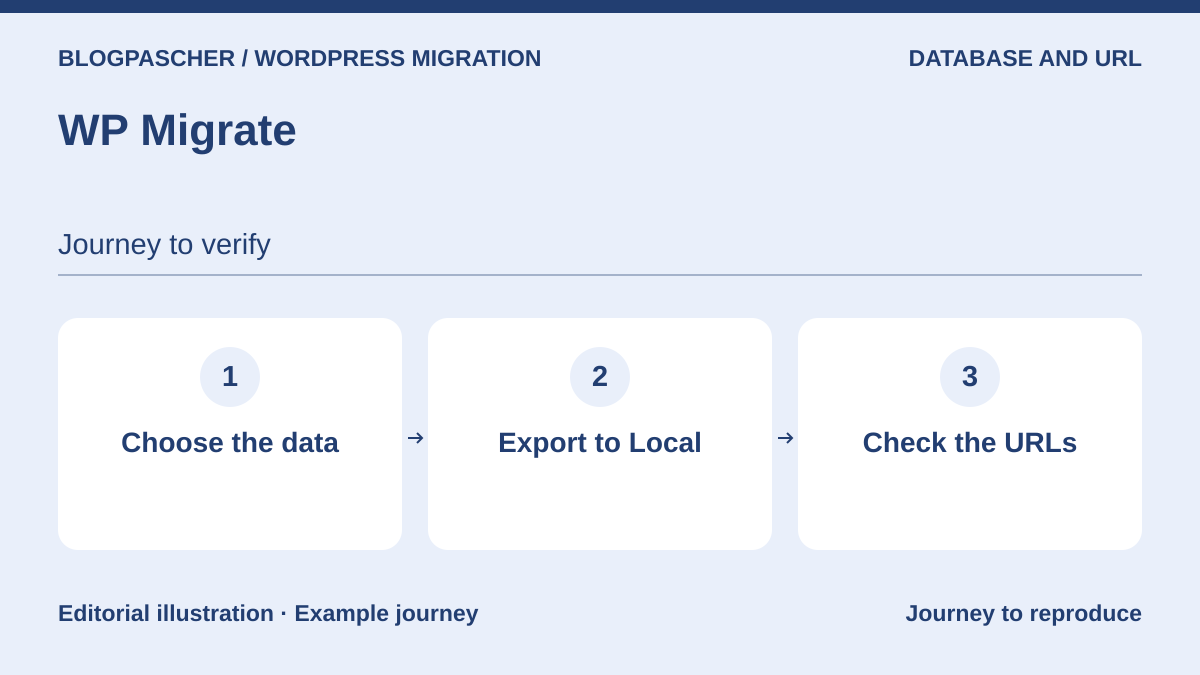 Editorial diagram. Choose the data → Export to Local → Check the URLs. — BlogPasCherOpen full-size illustration ↗
Best forTechnical lead preparing database maintenance, with files protected elsewhere.
WP Migrate is included for a specific scenario: keeping a database copy before work that changes it. The free edition advertises backups on demand and before search and replace. You do not need to run a replacement to request a copy. This mechanism supplements a file backup and regular independent protection; it does not replace them. Download the copy, identify the target database, and prepare an authorized restore using Pro import or a suitable administration tool.
Offer pricing
Database backup features in the free edition; paid Pro built-in import, price not assessed.
Taxes and cart total not verified.
Checked on .
Strengths
- Database backup on demand and before certain modification operations.
- Downloadable database archive; documented restore workflow.
- Full-site export is a separate feature from the database copy examined here.
What to consider
- The database copy does not contain the media, themes, and plugins needed for a full recovery.
- An archive remaining within the site does not protect against loss of that hosting.
- Do not run a migration or search and replace solely to create a backup.
- Does not replace an external backup schedule; retention and remote storage not assessed for this scenario.
Pricing terms and compatibility
Understanding the offer
- Price at the time of review
- Database backup features in the free edition; paid Pro built-in import, price not assessed.
- Currency
- Unspecified. Confirm for the offer you choose.
- Billing
- Unspecified. Confirm for the offer you choose.
- Renewal and support
- Unspecified. Confirm for the offer you choose.
- Taxes and fees
- Taxes and cart total not verified.
- Commitment and terms
- No external storage service or complete recovery plan is assumed to be included in this database copy.
- Date checked
Compatibility and components
- Prepare the technical restore on a separate environment; do not blindly import into the live database.
- No modification command, import, or restore performed.