

Choose between a calendar, registration and tickets
Your site announces a concert, but visitors do not know how to reserve a place. Or your association receives registrations without being able to check entry. These situations require different features. A calendar publishes dates; registration associates a person with a session; a ticket provides an identifiable admission right. Start by specifying which result your organization actually lacks.
For three free meetings a year, a WordPress page presenting dates, location and a contact method may suffice. If an external ticketing service already manages orders, linking to its official page can avoid a second participant database. A new plugin becomes relevant when you need event search, capacity limits, information per participant or ticket checking from your own site.
This selection brings together 25 tool families, from read-only calendars to registration and access-control systems. The entries specify free scope and paid components. Commercial terms were recorded on November 11, 2026. The following acceptance test concerns capacity for free registration in Event Tickets with The Events Calendar.
Compare before you choose
The offers at a glance
Find the use case and budget that fit, then read the details to see the limitations and any components you may need.
On smaller screens, the table scrolls horizontally. With a keyboard, press Tab to focus the table, then use the left and right arrow keys.
| Offer | Best for | Pricing and billing | Renewal and support |
|---|---|---|---|
 The Events Calendar and Event TicketsRead the details | An editorial calendar able to expand into registration. | Free core; separate commercial editions or modules, with prices not established in this review. Taxes and payment-provider fees not established; total to confirm. | No renewal for the free download; commercial terms for options are not established. |
 Events ManagerRead the details | Registrations associated with event series. | Free core; separate commercial editions or modules, with prices not established in this review. Taxes and payment-provider fees not established; total to confirm. | No renewal for the free download; commercial terms for options are not established. |
 WP Event ManagerRead the details | An event and organizer listing portal. | Free core; separate commercial editions or modules, with prices not established in this review. Taxes and payment-provider fees not established; total to confirm. | No renewal for the free download; commercial terms for options are not established. |
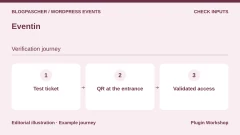 EventinRead the details | Conferences, workshops and virtual events with a program. | Free core; separate commercial editions or modules, with prices not established in this review. Taxes and payment-provider fees not established; total to confirm. | No renewal for the free download; commercial terms for options are not established. |
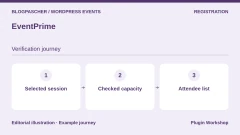 EventPrimeRead the details | A local program with bookings and venue pages. | Free core; separate commercial editions or modules, with prices not established in this review. Taxes and payment-provider fees not established; total to confirm. | No renewal for the free download; commercial terms for options are not established. |
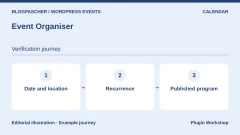 Event OrganiserRead the details | Calendars with recurring dates and exceptions. | Free core; separate commercial editions or modules, with prices not established in this review. Taxes and payment-provider fees not established; total to confirm. | No renewal for the free download; commercial terms for options are not established. |
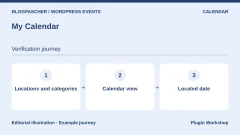 My CalendarRead the details | An association calendar attentive to accessibility needs. | Free core; separate commercial editions or modules, with prices not established in this review. Taxes and payment-provider fees not established; total to confirm. | No renewal for the free download; commercial terms for options are not established. |
 Sugar CalendarRead the details | An initial registration and Stripe payment workflow. | Free core. The publisher states 3% additional fees for Stripe transactions without the Event Ticketing component, included from Plus. Stripe fees extra. | No renewal for the free download; commercial terms for options are not established. |
 Simple CalendarRead the details | Display a program already managed in Google Calendar. | Free core; separate commercial editions or modules, with prices not established in this review. Taxes and payment-provider fees not established; total to confirm. | No renewal for the free download; commercial terms for options are not established. |
 Tockify Events CalendarRead the details | An external calendar embedded in the site. | Free connector; free and subscription service editions. Service quotas, amount and renewal are not established. Taxes and payment-provider fees not established; total to confirm. | No renewal for the free download; commercial terms for options are not established. |
 VS Event ListRead the details | A free list of upcoming and past gatherings. | Free plugin. No service subscription required for the described scope. Taxes and payment-provider fees not established; total to confirm. | No renewal for the free download; commercial terms for options are not established. |
 Evently — Event Booking Manager for WooCommerceRead the details | Add events to an existing WooCommerce shop. | Free core; separate commercial editions or modules, with prices not established in this review. Taxes and payment-provider fees not established; total to confirm. | No renewal for the free download; commercial terms for options are not established. |
 Event Tickets Manager for WooCommerce — WP SwingsRead the details | Event products in WooCommerce. | Free core; separate commercial editions or modules, with prices not established in this review. Taxes and payment-provider fees not established; total to confirm. | No renewal for the free download; commercial terms for options are not established. |
 Event Tickets with Ticket ScannerRead the details | A team needing to distribute and then check tickets. | Free version limited to 50 tickets and five lists according to the listing. Separate premium offering. Taxes and payment-provider fees not established; total to confirm. | No renewal for the free download; commercial terms for options are not established. |
 Tickets & Passes for WooCommerceRead the details | Dated admission, timed visits and season passes. | Free plugin; no per-ticket commission advertised by the publisher. Any WooCommerce payment fees are separate. Taxes and payment-provider fees not established; total to confirm. | No renewal for the free download; commercial terms for options are not established. |
 TickeraRead the details | Local ticketing with organized entry checking. | Free core; separate commercial editions or modules, with prices not established in this review. Taxes and payment-provider fees not established; total to confirm. | No renewal for the free download; commercial terms for options are not established. |
 FooEvents for WooCommerceRead the details | A WooCommerce shop managing tickets and reception. | Basic Bundle at 169 USD, with twelve months of support and updates. License per domain. Taxes and payment-provider fees not established; total to confirm. | An active subscription or new purchase is required for updates after 12 months; price to confirm. |
 Event EspressoRead the details | An organization focused on registration records. | Decaf has no license price; the table states a 3% usage fee. Core displayed at $129 per year and All Access at $399 per year. Confirm the currency. Annual for Core and All Access. The FAQ states 1 to 3% platform fees without an active subscription. Check the applicable rate and payment-provider fees. | Confirm renewal price after any promotion and renewal terms. |
 Modern Events CalendarRead the details | A visual program expandable into Pro booking. | Lite free from the publisher; paid Pro and modules, amounts not established. Taxes and payment-provider fees not established; total to confirm. | One year of support and updates; renewal required afterward, price not established. |
 Stachethemes Event CalendarRead the details | A community calendar with registrations and WooCommerce-linked sales. | 79 USD for a Regular license. Extended license displayed at 274 USD. One-time purchase on CodeCanyon. Taxes and processing fees extra. | Six months of support included. Optional support extension. |
 EventONRead the details | A visual calendar expandable through modules. | Free core; separate commercial editions or modules, with prices not established in this review. Taxes and payment-provider fees not established; total to confirm. | No renewal for the free download; commercial terms for options are not established. |
 RSVPMakerRead the details | Meetings and events with invitations and response tracking. | Free plugin; separate payment and messaging provider fees. Taxes and payment-provider fees not established; total to confirm. | No renewal for the free download; commercial terms for options are not established. |
 EventerRead the details | A recurring program with sales through WooCommerce. | 69 USD for a Regular license. Extended license displayed at 449 USD. One-time purchase on CodeCanyon. Taxes and processing fees extra. | Six months of support included. Optional support extension. |
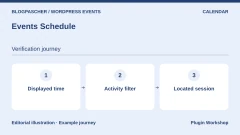 Events ScheduleRead the details | A class or session timetable to display. | 39 USD for a Regular license. Extended license displayed at 365 USD. One-time purchase on CodeCanyon. Taxes and processing fees extra. | Six months of support included. Optional support extension. |
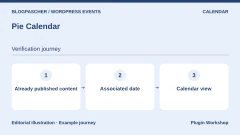 Pie CalendarRead the details | Turn existing pages or posts into visible events. | Free core; separate commercial editions or modules, with prices not established in this review. Taxes and payment-provider fees not established; total to confirm. | No renewal for the free download; commercial terms for options are not established. |
Prepare three representative cases before comparing plans
First describe your ordinary event: a date, location, capacity and any price. Then add your difficult case, such as a conference with several workshops or a weekly repeated show. Finally, note event-day operation: who welcomes visitors, with which phone and connection? This short description often reveals the features actually needed.
Capacity deserves an explicit rule. An order for four tickets must consume four places, even with only one buyer. Several price categories may share capacity or have separate stock. A recurring series may sell a ticket for each occurrence or access valid for the whole series. These models are not interchangeable; ask for confirmation when documentation does not specify the expected behavior.
Also identify your environment before selecting a solution. On self-hosted WordPress, you need permissions to install and configure plugins. On WordPress.com, check your plan’s capabilities. In multisite, network activation does not prove the same stock or participant list will be shared across sites. Do not assume this centralization without specific documentation.
Check a capacity of three before opening registration
On a WordPress copy, enable The Events Calendar and Event Tickets. Create a fictional future event, choose the venue’s time zone and create a free RSVP with a three-place limit. Keep the event on the copy. Disconnect payment gateways and route test emails to a local capture tool.
Record three free places and zero participants. Confirm a two-place registration with a fictional address, then check that one place remains and two participants appear. At this stage, a two-place request exceeds available stock. Then confirm a one-place registration. You should obtain three participants and zero capacity remaining. Also check that no places are still offered.
On our PHP copy, The Events Calendar 6.18.3.1 and Event Tickets 5.30.3.1 recorded the two successive registrations for two places and then one. Quantities exceeding capacity were rejected by the test’s stock check. Repeat this workflow in your copy’s public form, then check confirmations, cancellations and two concurrent requests for the last place. These checks depend on your configuration.
- Create the fictional session and set capacity to three places.
- Confirm two places, check the counter, then confirm the last place.
- Compare participant count and stock before and after every action.
Choose between a local calendar, local ticketing and an external calendar
To publish a program without registration, compare VS Event List, Pie Calendar, My Calendar and Event Organiser among others. The choice then concerns views, venues, categories and recurring dates. Simple Calendar addresses another workflow: events remain managed in Google Calendar and are displayed in WordPress. Tockify also embeds an external service with its own editions and terms.
To record participants and manage tickets, focus on families describing a registration workflow. Events Manager, EventPrime, Eventin, Tickera and Event Espresso address this need. The Events Calendar expands with Event Tickets and other components: do not mistakenly attribute every commercial ecosystem feature to the free calendar. One entry groups these complementary components here to avoid artificially multiplying products.
If your shop already uses WooCommerce, FooEvents, Evently and several ticket plugins can reuse its ordering workflow. That may simplify commerce organization, but WooCommerce remains an additional dependency to maintain. Conversely, installing a whole shop for a list of free gatherings may be unnecessary. Choose payment processing after defining registration, rather than the reverse.
Check free scope before calculating the budget
A download page may present an entire range’s features. Find the section distinguishing free from professional. In Eventin, QR-code check-in and seating plans are among Pro features. In Event Organiser, booking uses a professional component. In My Calendar, sales are offered through My Tickets, which remains separate. These differences change budget and maintenance.
Total cost is more than the license. Add required modules, update renewals, payment-method fees and connected services. Sugar Calendar mentions a Stripe surcharge in Lite; it differs from Stripe’s own commission. A tool advertising no per-ticket commission may still require a paid gateway or annual license. Check the total for your exact workflow.
The stated CodeCanyon amounts correspond to the displayed Regular license in US dollars, excluding taxes and processing fees. These are budget reference points for one end product, not license approval for every business model. Advertised future updates and six months of support are separate elements. For a publisher offer without an established amount in this review, request a quote or consult current pricing rather than relying on an old promotional price.
Plan venue entry from the start
A PDF ticket and QR code do not prove a system can prevent a second admission. You need to understand where validation is recorded and how other staff see it. Tickets & Passes for WooCommerce, for example, describes server-side checking requiring a connection. Tickera presents premium mobile apps supporting offline work after synchronization. These are different setups requiring different precautions.
For several doors, define who assigns devices, who can manually search for a participant and who can correct an entry. Prefer permissions suited to reception rather than sharing the site administrator account. Ask how canceled tickets, multiple entries included in a pass and scanning errors are handled. Also prepare a procedure for dead phones and tickets whose screens cannot be read.
Numbered seating is an additional need. A seating plan must reserve the correct seat during payment and release it under known rules. A simple venue illustration is not that engine. If documentation does not specify buyer conflicts or abandoned-order behavior, retain this as a selection condition. Do not announce simultaneous sales capacity that has not been measured.
Test ticket checking with two devices
Generate a fictional ticket for the correct date and another for a different session. On the copy, open the check-in tool on two devices. Validate the first ticket with the first device, then present that same ticket to the second. Record the result and delay before both screens show the same state. Then try the other session’s ticket to check that the door’s filter matches the expected event.
If the publisher advertises offline mode, synchronize both devices first and test disconnection on a fictional entry. Restore the connection and check that validations upload. If shared state depends on the network, provide a backup device and manual-validation procedure for your team. Reserve refund tests for a test payment environment.
- Replay an already-used ticket, then a ticket for another session.
- Check synchronization after connection loss and restoration.
Prepare testing that protects real participants
Before any migration, keep a site backup and available exports of events, orders and participants. Then work on a separate copy. With the necessary administration permissions, identify payment, messaging and calendar connections before creating fictional data. A site copy may still use live-site credentials. Tests must send neither real tickets nor customer reminders.
Your acceptance test must follow an event from beginning to end: date display, registration, order status, place assignment and entry checking. In a test payment environment, compare what happens after success, failure and abandonment. Then check cancellation and refund: these are different operations whose effects on tickets and stock must be observed separately.
Plan rollback before opening sales. If prices, dates or stock do not match, keep the new workflow closed and return to the existing process; do not delete orders to hide the problem. Once real sales are recorded, restoring an entire old database can erase them. Data must then be reconciled with the technical team and payment provider rather than restored blindly.
Further reading
Sources and references
Use these references to check the features, requirements and limitations described. Reading documentation is not a practical test.
View 30 references
- The Events Calendar et Event Tickets — Listing and features ↗ — Documentation consulted:
- The Events Calendar et Event Tickets — Offer pricing and terms ↗ — Documentation consulted:
- Events Manager — Offer pricing and terms ↗ — Documentation consulted:
- WP Event Manager — Offer pricing and terms ↗ — Documentation consulted:
- Eventin — Offer pricing and terms ↗ — Documentation consulted:
- EventPrime — Offer pricing and terms ↗ — Documentation consulted:
- Event Organiser — Offer pricing and terms ↗ — Documentation consulted:
- My Calendar — Offer pricing and terms ↗ — Documentation consulted:
- Sugar Calendar — Listing and features ↗ — Documentation consulted:
- Sugar Calendar — Offer pricing and terms ↗ — Documentation consulted:
- Simple Calendar — Offer pricing and terms ↗ — Documentation consulted:
- Tockify Events Calendar — Offer pricing and terms ↗ — Documentation consulted:
- VS Event List — Offer pricing and terms ↗ — Documentation consulted:
- Evently — Event Booking Manager for WooCommerce — Offer pricing and terms ↗ — Documentation consulted:
- Event Tickets Manager for WooCommerce — WP Swings — Offer pricing and terms ↗ — Documentation consulted:
- Event Tickets with Ticket Scanner — Offer pricing and terms ↗ — Documentation consulted:
- Tickets & Passes for WooCommerce — Offer pricing and terms ↗ — Documentation consulted:
- Tickera — Offer pricing and terms ↗ — Documentation consulted:
- FooEvents for WooCommerce — Listing and features ↗ — Documentation consulted:
- FooEvents for WooCommerce — Offer pricing and terms ↗ — Documentation consulted:
- Event Espresso — Listing and features ↗ — Documentation consulted:
- Event Espresso — Offer pricing and terms ↗ — Documentation consulted:
- Modern Events Calendar — Offer pricing and terms ↗ — Documentation consulted:
- Stachethemes Event Calendar — Listing and features ↗ — Documentation consulted:
- Stachethemes Event Calendar — Offer pricing and terms ↗ — Documentation consulted:
- EventON — Offer pricing and terms ↗ — Documentation consulted:
- RSVPMaker — Offer pricing and terms ↗ — Documentation consulted:
- Eventer — Offer pricing and terms ↗ — Documentation consulted:
- Events Schedule — Offer pricing and terms ↗ — Documentation consulted:
- Pie Calendar — Offer pricing and terms ↗ — Documentation consulted:
Uses, prices and what to check
25 offers in detail
Compare the features you need and the terms of each offer. The order of these entries does not indicate a ranking.
The Events Calendar and Event Tickets
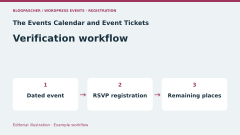
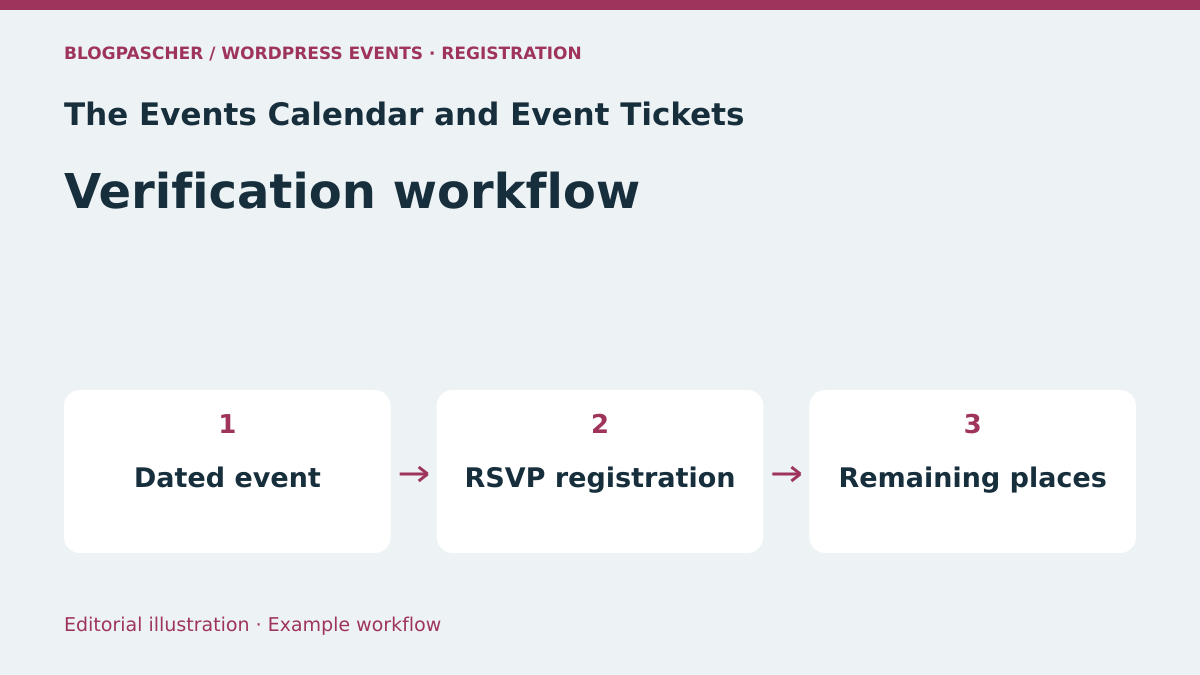 Editorial diagram. Dated event → RSVP registration → Remaining places. — BlogPasCher editorial illustration.Open full-size illustration ↗
Best forAn editorial calendar able to expand into registration.
The Events Calendar suits a site wanting to publish a calendar with venues, organizers and search. Its core includes monthly, daily and list views. To record participants or sell tickets, examine Event Tickets and components needed for the selected workflow. Advanced recurrence and other range extensions do not become free because the basic calendar is free.
Offer pricing
Free core; separate commercial editions or modules, with prices not established in this review.
Renewal and support: No renewal for the free download; commercial terms for options are not established.
Taxes and payment-provider fees not established; total to confirm.
Checked on .
Strengths
- Saved venues and organizers
- Google Calendar and iCal export
What to consider
- Assess ticketing separately with Event Tickets
- Professional recurrence and advanced imports in separate components
Pricing terms and compatibility
Understanding the offer
- Price at the time of review
- Free core; separate commercial editions or modules, with prices not established in this review.
- Currency
- Unspecified. Confirm for the offer you choose.
- Billing
- Unspecified. Confirm for the offer you choose.
- Renewal and support
- No renewal for the free download; commercial terms for options are not established.
- Taxes and fees
- Taxes and payment-provider fees not established; total to confirm.
- Commitment and terms
- License and site count for commercial components to confirm; no unlimited plan assumed.
- Date checked
Compatibility and components
- Block editor advertised; check the site’s theme and plugins.
- Free RSVP capacity retested with The Events Calendar 6.18.3.1 and Event Tickets 5.30.3.1.
Events Manager
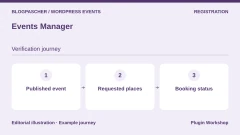
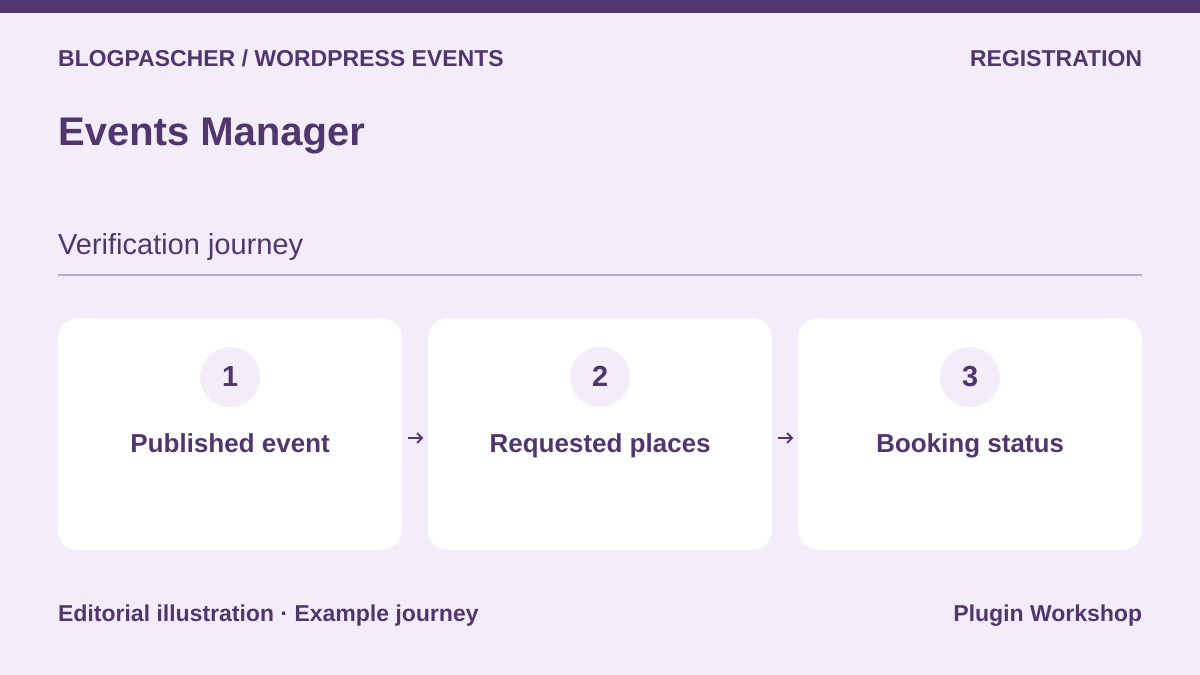 Editorial diagram. Published event → Requested places → Booking status. — BlogPasCherOpen full-size illustration ↗
Best forRegistrations associated with event series.
Events Manager combines a calendar and registrations with one-off or recurring events. It interests organizations needing to track participants rather than only publish dates. The listing identifies online payments, PDF tickets and QR-code check-in among Pro features. Compare available core features with your exact validation and sales needs before building the budget.
Offer pricing
Free core; separate commercial editions or modules, with prices not established in this review.
Renewal and support: No renewal for the free download; commercial terms for options are not established.
Taxes and payment-provider fees not established; total to confirm.
Checked on .
Strengths
- Recurring events
- Participant management and CSV export advertised
What to consider
- Pro payment gateways
- PDF and QR tickets in Pro
Pricing terms and compatibility
Understanding the offer
- Price at the time of review
- Free core; separate commercial editions or modules, with prices not established in this review.
- Currency
- Unspecified. Confirm for the offer you choose.
- Billing
- Unspecified. Confirm for the offer you choose.
- Renewal and support
- No renewal for the free download; commercial terms for options are not established.
- Taxes and fees
- Taxes and payment-provider fees not established; total to confirm.
- Commitment and terms
- License and site count for commercial components to confirm; no unlimited plan assumed.
- Date checked
Compatibility and components
- Local WordPress plugin; no universal theme compatibility is established here.
WP Event Manager
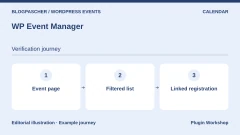
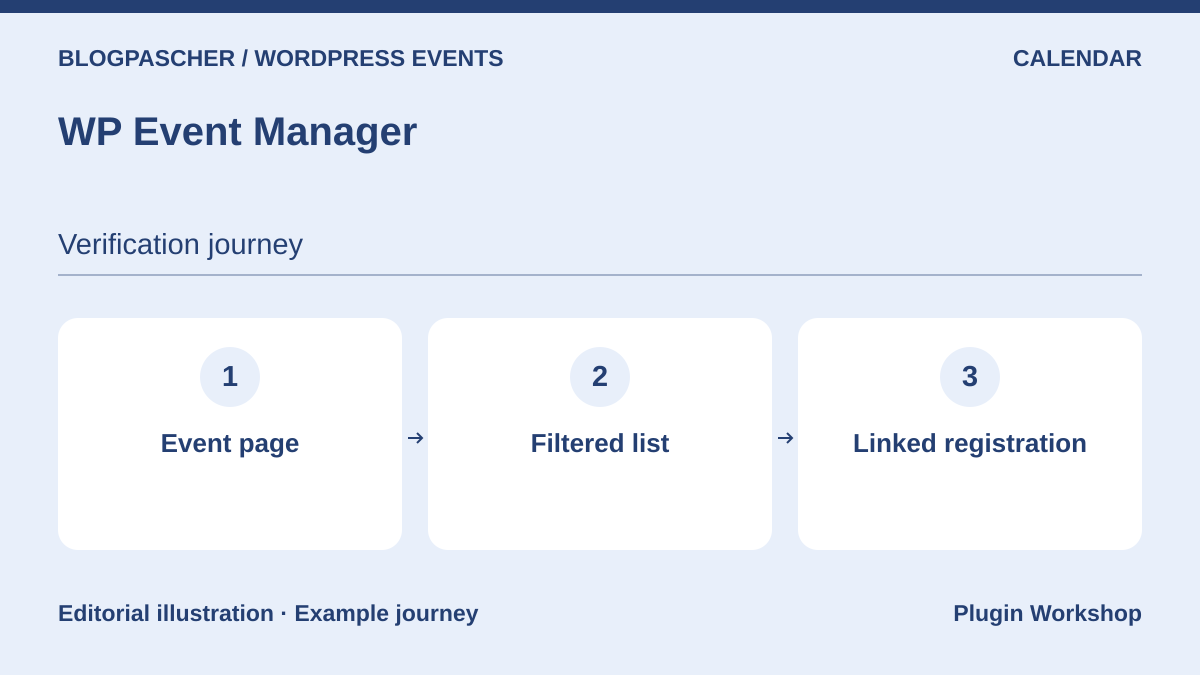 Editorial diagram. Event profile → Filtered list → Linked registration. — BlogPasCherOpen full-size illustration ↗
Best forAn event and organizer listing portal.
WP Event Manager creates an event catalog with search and filters. Its model particularly suits a site where several organizers submit listings. Registration, sales, recurrence and calendar views are presented in a premium module range. Budget for an identified set of components, not only the free listing-manager download.
Offer pricing
Free core; separate commercial editions or modules, with prices not established in this review.
Renewal and support: No renewal for the free download; commercial terms for options are not established.
Taxes and payment-provider fees not established; total to confirm.
Checked on .
Strengths
- Event pages and filters
- Ecosystem of specialist modules
What to consider
- Registrations and Sell Tickets offered separately
- WooCommerce is involved in the relevant sales workflow
Pricing terms and compatibility
Understanding the offer
- Price at the time of review
- Free core; separate commercial editions or modules, with prices not established in this review.
- Currency
- Unspecified. Confirm for the offer you choose.
- Billing
- Unspecified. Confirm for the offer you choose.
- Renewal and support
- No renewal for the free download; commercial terms for options are not established.
- Taxes and fees
- Taxes and payment-provider fees not established; total to confirm.
- Commitment and terms
- License and site count for commercial components to confirm; no unlimited plan assumed.
- Date checked
Compatibility and components
- Check the combination of core and selected premium modules.
Eventin
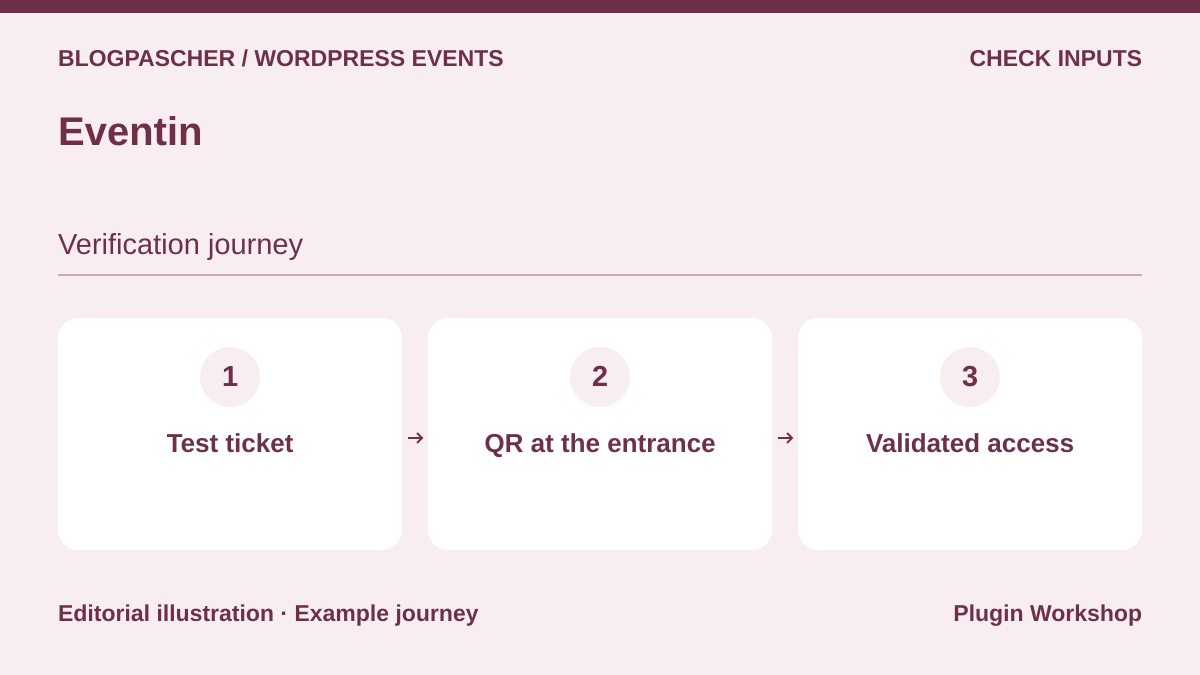 Editorial diagram. Test ticket → QR at the entrance → Validated access. — BlogPasCherOpen full-size illustration ↗
Best forConferences, workshops and virtual events with a program.
Eventin targets events combining programs, speakers and registration, including online sessions. Its listing advertises Zoom in the free version. It places QR-code check-in, advanced ticket creation and seating plans among Pro features. This distinction matters for a conference: presenting sessions does not guarantee the downloaded edition provides every expected entry-control feature.
Offer pricing
Free core; separate commercial editions or modules, with prices not established in this review.
Renewal and support: No renewal for the free download; commercial terms for options are not established.
Taxes and payment-provider fees not established; total to confirm.
Checked on .
Strengths
- Program and speakers
- Zoom advertised in the free version
What to consider
- QR and seating plans in Pro
- Video and payment services subject to their own terms
Pricing terms and compatibility
Understanding the offer
- Price at the time of review
- Free core; separate commercial editions or modules, with prices not established in this review.
- Currency
- Unspecified. Confirm for the offer you choose.
- Billing
- Unspecified. Confirm for the offer you choose.
- Renewal and support
- No renewal for the free download; commercial terms for options are not established.
- Taxes and fees
- Taxes and payment-provider fees not established; total to confirm.
- Commitment and terms
- License and site count for commercial components to confirm; no unlimited plan assumed.
- Date checked
Compatibility and components
- WooCommerce and video integrations advertised; check required editions and accounts.
EventPrime
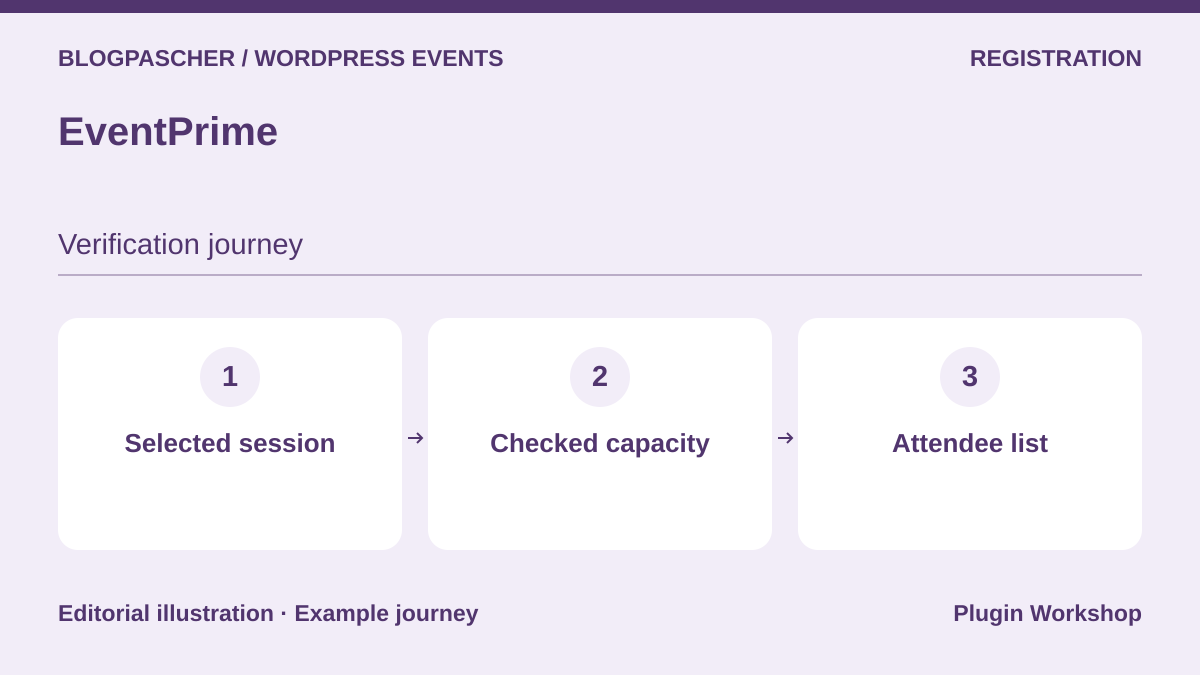 Editorial diagram. Selected session → Checked capacity → Attendee list. — BlogPasCherOpen full-size illustration ↗
Best forA local program with bookings and venue pages.
EventPrime combines calendar views, events and booking management. It lets you plan a program with venues and speakers while keeping registrations in WordPress. However, its range includes free and paid extensions, particularly for seating, invoices and payments. The overall listing mixes several levels: confirm the module required for your gateway and seating plan before committing.
Offer pricing
Free core; separate commercial editions or modules, with prices not established in this review.
Renewal and support: No renewal for the free download; commercial terms for options are not established.
Taxes and payment-provider fees not established; total to confirm.
Checked on .
Strengths
- Informational or bookable events
- Several ticket types advertised
What to consider
- Exact gateway allocation to confirm
- Seating and invoicing in the extension ecosystem
Pricing terms and compatibility
Understanding the offer
- Price at the time of review
- Free core; separate commercial editions or modules, with prices not established in this review.
- Currency
- Unspecified. Confirm for the offer you choose.
- Billing
- Unspecified. Confirm for the offer you choose.
- Renewal and support
- No renewal for the free download; commercial terms for options are not established.
- Taxes and fees
- Taxes and payment-provider fees not established; total to confirm.
- Commitment and terms
- License and site count for commercial components to confirm; no unlimited plan assumed.
- Date checked
Compatibility and components
- Do not attribute every integration in the range to the free core.
Event Organiser
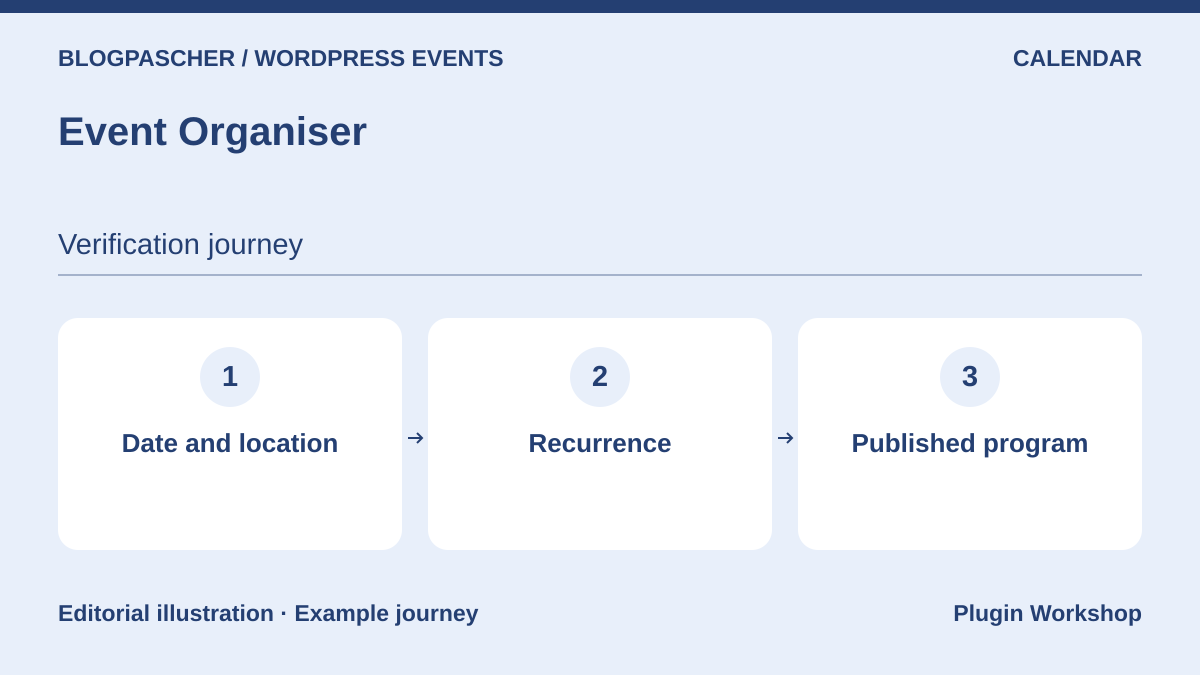 Editorial diagram. Date and location → Recurrence → Published program. — BlogPasCherOpen full-size illustration ↗
Best forCalendars with recurring dates and exceptions.
Event Organiser is interesting when recurring dates are the main problem: monthly sessions, exceptions and reused venues. Its core is an event manager integrated with WordPress editing. Bookings use Event Organiser Pro; public submissions and certain gateways also have their own components. Choose it for program organization, then check required extensions if selling places.
Offer pricing
Free core; separate commercial editions or modules, with prices not established in this review.
Renewal and support: No renewal for the free download; commercial terms for options are not established.
Taxes and payment-provider fees not established; total to confirm.
Checked on .
Strengths
- Complex recurrence
- Venues and event archives
What to consider
- Booking through Pro
- Public submissions and Stripe offered as extensions
Pricing terms and compatibility
Understanding the offer
- Price at the time of review
- Free core; separate commercial editions or modules, with prices not established in this review.
- Currency
- Unspecified. Confirm for the offer you choose.
- Billing
- Unspecified. Confirm for the offer you choose.
- Renewal and support
- No renewal for the free download; commercial terms for options are not established.
- Taxes and fees
- Taxes and payment-provider fees not established; total to confirm.
- Commitment and terms
- License and site count for commercial components to confirm; no unlimited plan assumed.
- Date checked
Compatibility and components
- WordPress administration and widget or shortcode displays advertised.
My Calendar
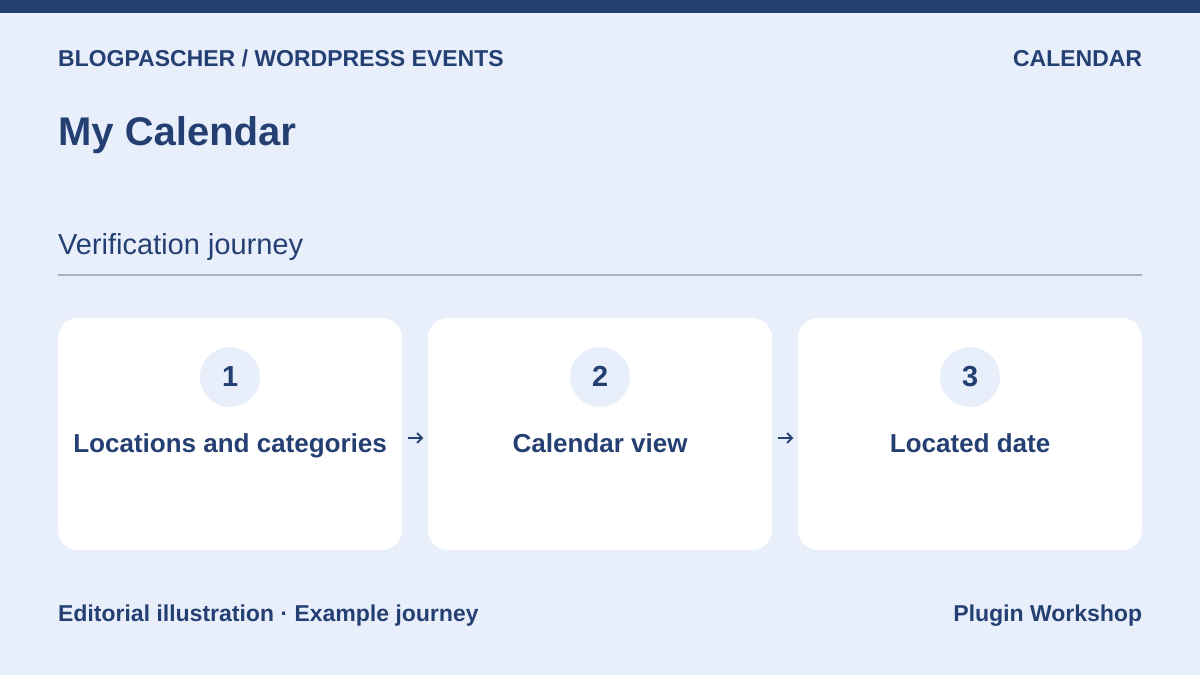 Editorial diagram. Locations and categories → Calendar view → Located date. — BlogPasCherOpen full-size illustration ↗
Best forAn association calendar attentive to accessibility needs.
My Calendar emphasizes accessibility for browsing and administration. It organizes events by venue and category, with several presentations and recurrence. It may suit an association’s program where practical venue-accessibility information matters as much as the date. For sales, the publisher points to My Tickets; public contributions and imports are in Pro.
Offer pricing
Free core; separate commercial editions or modules, with prices not established in this review.
Renewal and support: No renewal for the free download; commercial terms for options are not established.
Taxes and payment-provider fees not established; total to confirm.
Checked on .
Strengths
- Venue accessibility information
- Recurrence and categories
What to consider
- Ticketing with separate My Tickets
- Imports and public submissions in Pro
Pricing terms and compatibility
Understanding the offer
- Price at the time of review
- Free core; separate commercial editions or modules, with prices not established in this review.
- Currency
- Unspecified. Confirm for the offer you choose.
- Billing
- Unspecified. Confirm for the offer you choose.
- Renewal and support
- No renewal for the free download; commercial terms for options are not established.
- Taxes and fees
- Taxes and payment-provider fees not established; total to confirm.
- Commitment and terms
- License and site count for commercial components to confirm; no unlimited plan assumed.
- Date checked
Compatibility and components
- Multisite documented for individual calendars; assess cross-site sharing.
Sugar Calendar
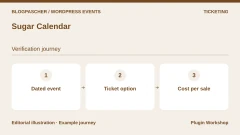
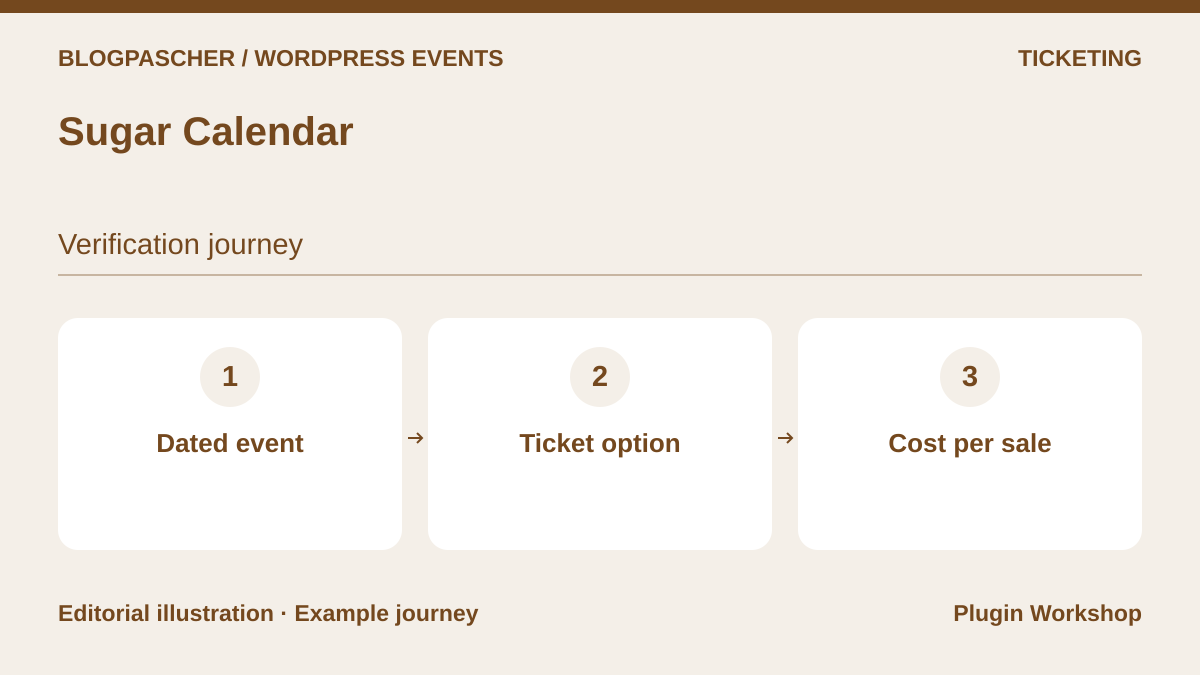 Editorial diagram. Dated event → Ticket option → Cost per sale. — BlogPasCherOpen full-size illustration ↗
Best forAn initial registration and Stripe payment workflow.
Sugar Calendar now offers a free starting point covering calendars, registrations and Stripe sales. It may be an option for starting without WooCommerce. The financial distinction remains important: the listing states a 3% Stripe surcharge in Lite, removed with the relevant Event Ticketing component. Recurrence and several organizational features are in Pro. Compare annual spending with ticket volume rather than initial price alone.
Offer pricing
Free core. The publisher states 3% additional fees for Stripe transactions without the Event Ticketing component, included from Plus.
Renewal and support: No renewal for the free download; commercial terms for options are not established.
Stripe fees extra.
Checked on .
Strengths
- Free tickets without a payment provider
- Stripe integration advertised
What to consider
- Lite’s 3% surcharge is separate from Stripe fees
- Recurrence and other features in Pro
Pricing terms and compatibility
Understanding the offer
- Price at the time of review
- Free core. The publisher states 3% additional fees for Stripe transactions without the Event Ticketing component, included from Plus.
- Currency
- Unspecified. Confirm for the offer you choose.
- Billing
- Unspecified. Confirm for the offer you choose.
- Renewal and support
- No renewal for the free download; commercial terms for options are not established.
- Taxes and fees
- Stripe fees extra.
- Commitment and terms
- License and site count for commercial components to confirm; no unlimited plan assumed.
- Date checked
Compatibility and components
- Blocks and shortcodes advertised; WooCommerce integration through a separate component.
Simple Calendar
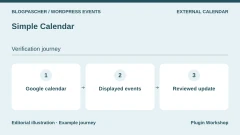
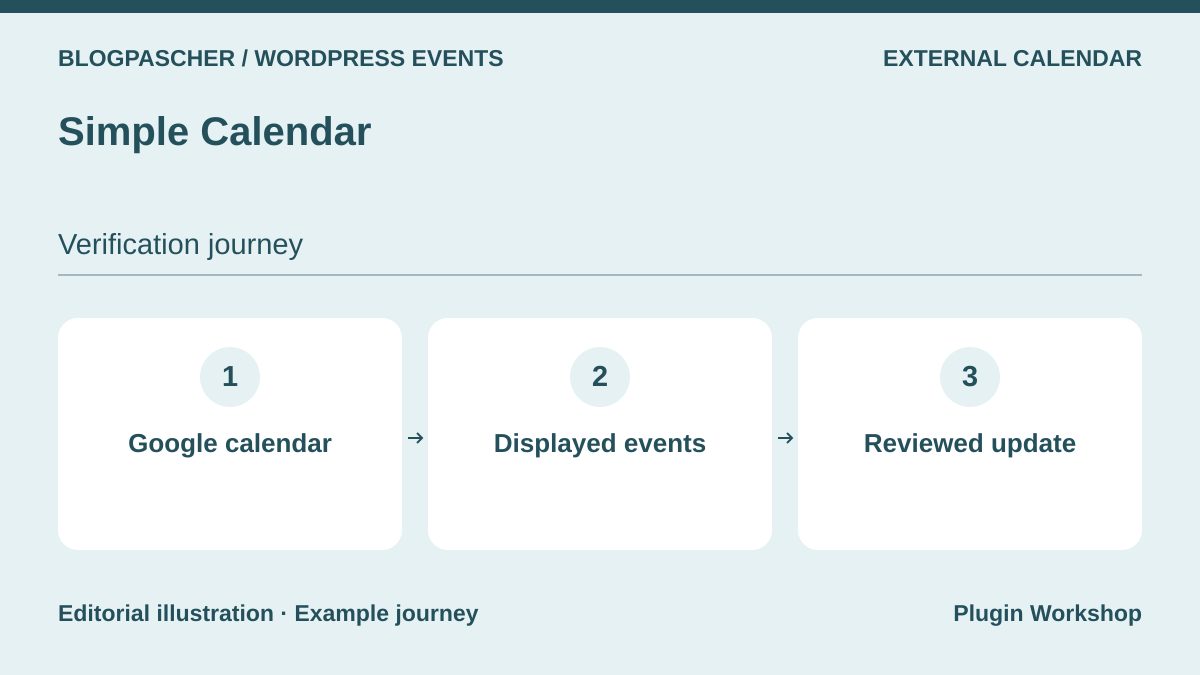 Editorial diagram. Google calendar → Displayed events → Reviewed update. — BlogPasCherOpen full-size illustration ↗
Best forDisplay a program already managed in Google Calendar.
Simple Calendar serves a team already maintaining its program in Google Calendar. The plugin displays a public calendar’s events in WordPress without requiring a second event-by-event entry. Private calendars and certain extra views belong to premium extensions. It is a display and Google-connection tool, not proof of place availability or native ticketing.
Offer pricing
Free core; separate commercial editions or modules, with prices not established in this review.
Renewal and support: No renewal for the free download; commercial terms for options are not established.
Taxes and payment-provider fees not established; total to confirm.
Checked on .
Strengths
- Monthly and list views
- Combining several calendars advertised
What to consider
- Google Calendar remains the source
- Private calendars in Google Calendar Pro
Pricing terms and compatibility
Understanding the offer
- Price at the time of review
- Free core; separate commercial editions or modules, with prices not established in this review.
- Currency
- Unspecified. Confirm for the offer you choose.
- Billing
- Unspecified. Confirm for the offer you choose.
- Renewal and support
- No renewal for the free download; commercial terms for options are not established.
- Taxes and fees
- Taxes and payment-provider fees not established; total to confirm.
- Commitment and terms
- License and site count for commercial components to confirm; no unlimited plan assumed.
- Date checked
Compatibility and components
- Google access required; check calendar privacy and settings.
Tockify Events Calendar
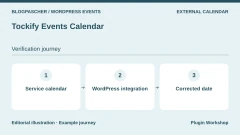
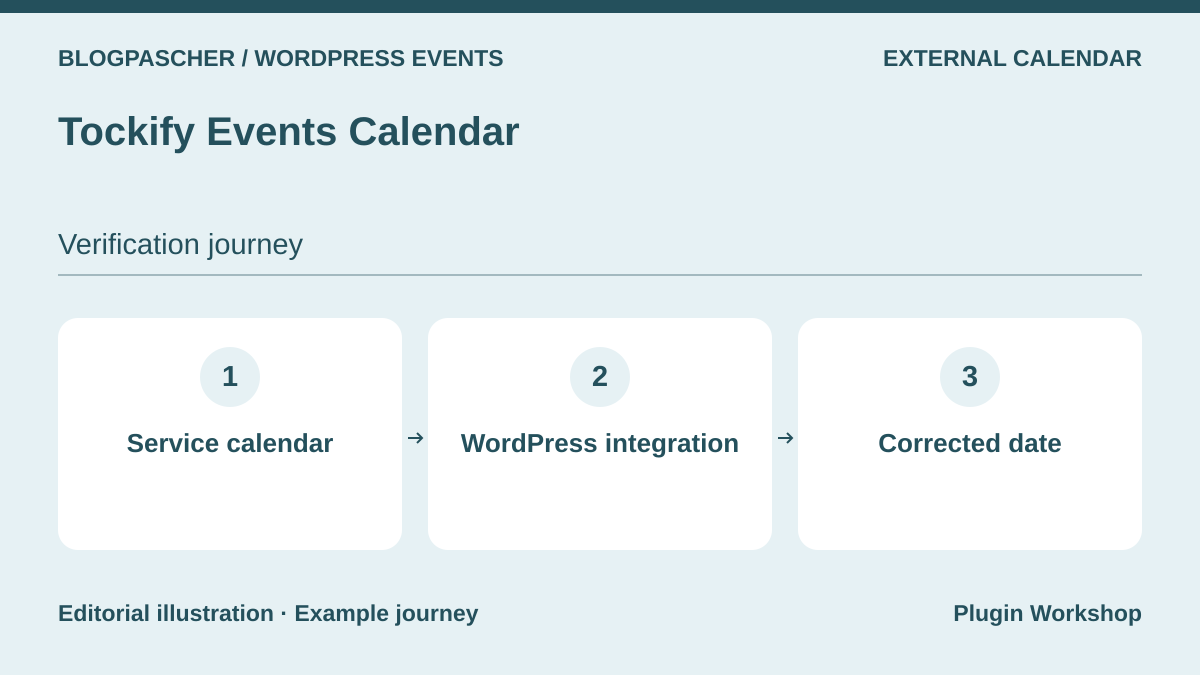 Editorial diagram. Service calendar → WordPress integration → Corrected date. — BlogPasCherOpen full-size illustration ↗
Best forAn external calendar embedded in the site.
Tockify inserts a calendar managed by its service into WordPress. The approach suits a team preferring to administer the program outside the site and then embed its display. The connector works with free and subscription editions. The page also presents advanced features without assigning all of them to the free version. Check the service plan, export options and data-retention terms before relying on this interface.
Offer pricing
Free connector; free and subscription service editions. Service quotas, amount and renewal are not established.
Renewal and support: No renewal for the free download; commercial terms for options are not established.
Taxes and payment-provider fees not established; total to confirm.
Checked on .
Strengths
- Block, widget and shortcode
- Service offering several presentations
What to consider
- Dependency on Tockify service
- Confirm exact feature allocation by subscription
Pricing terms and compatibility
Understanding the offer
- Price at the time of review
- Free connector; free and subscription service editions. Service quotas, amount and renewal are not established.
- Currency
- Unspecified. Confirm for the offer you choose.
- Billing
- Unspecified. Confirm for the offer you choose.
- Renewal and support
- No renewal for the free download; commercial terms for options are not established.
- Taxes and fees
- Taxes and payment-provider fees not established; total to confirm.
- Commitment and terms
- License and site count for commercial components to confirm; no unlimited plan assumed.
- Date checked
Compatibility and components
- The plugin is a service integration, not an entirely local engine.
VS Event List
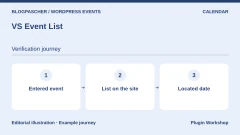
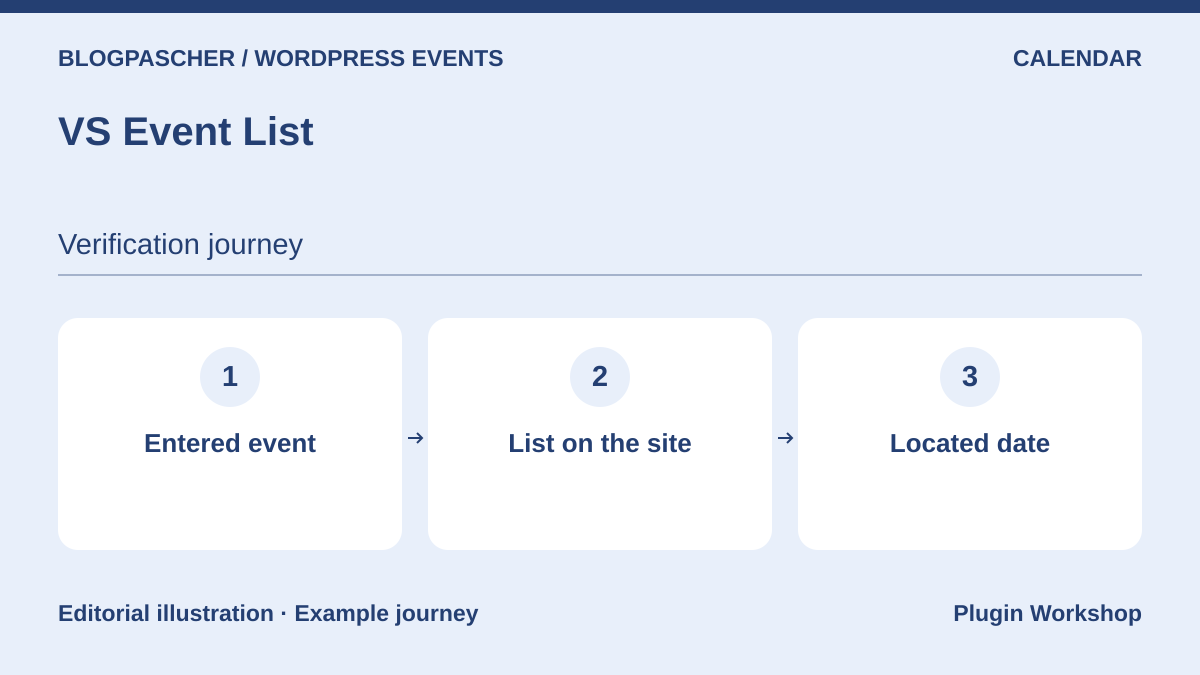 Editorial diagram. Entered event → List on the site → Located date. — BlogPasCherOpen full-size illustration ↗
Best forA free list of upcoming and past gatherings.
VS Event List suits a site wanting a list of upcoming gatherings with past events accessible separately. Categories and RSS or iCal feeds help distribute a simple program. The block avoids creating an unnecessary sales workflow. Choose this family to inform the public; if capacity, payment or individual tickets become necessary, select a documented registration engine alongside it.
Offer pricing
Free plugin. No service subscription required for the described scope.
Renewal and support: No renewal for the free download; commercial terms for options are not established.
Taxes and payment-provider fees not established; total to confirm.
Checked on .
Strengths
- Block, widget and shortcode
- RSS and iCal feeds
What to consider
- No ticketing assessed in this review
- Does not replace place inventory
Pricing terms and compatibility
Understanding the offer
- Price at the time of review
- Free plugin. No service subscription required for the described scope.
- Currency
- Unspecified. Confirm for the offer you choose.
- Billing
- Unspecified. Confirm for the offer you choose.
- Renewal and support
- No renewal for the free download; commercial terms for options are not established.
- Taxes and fees
- Taxes and payment-provider fees not established; total to confirm.
- Commitment and terms
- License and site count for commercial components to confirm; no unlimited plan assumed.
- Date checked
Compatibility and components
- Classic and block editors documented.
Evently — Event Booking Manager for WooCommerce
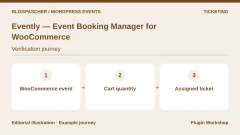
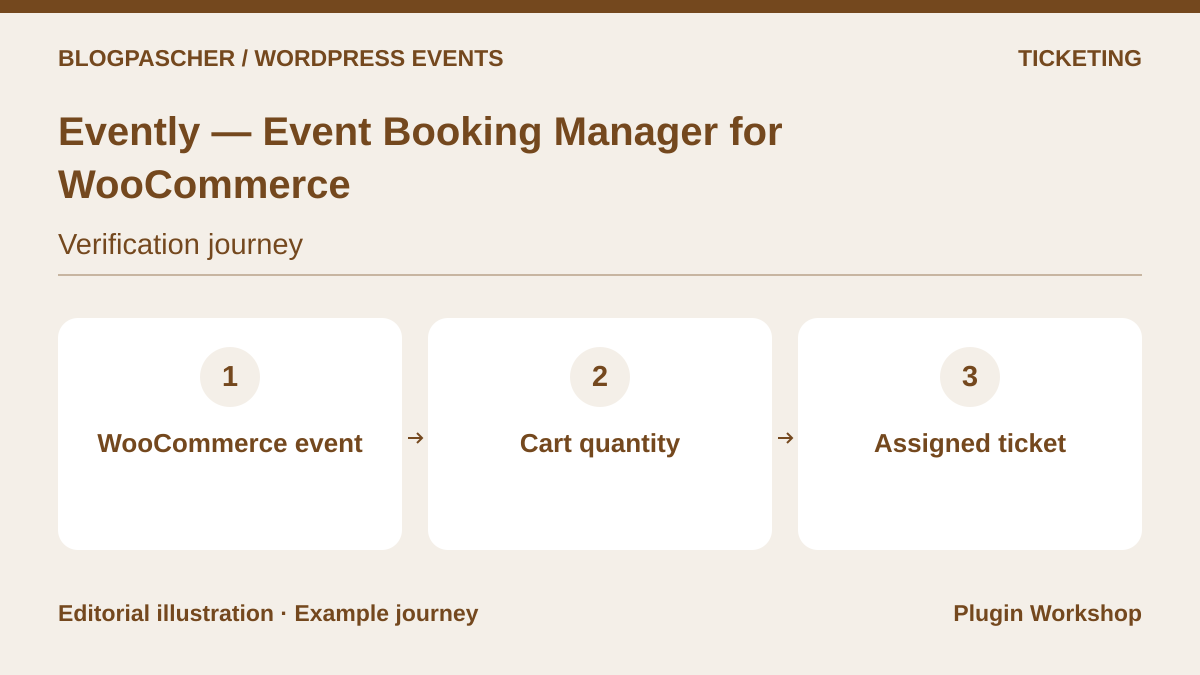 Editorial diagram. WooCommerce event → Cart quantity → Assigned ticket. — BlogPasCherOpen full-size illustration ↗
Best forAdd events to an existing WooCommerce shop.
Evently reuses WooCommerce to sell places and manage event orders. It interests an existing shop wanting to retain its usual payment system. The listing describes ticket types, quantities and prices in the free version and also presents additional professional features. Do not confuse advertised WooCommerce gateway compatibility with a commitment to work with every shop module you use.
Offer pricing
Free core; separate commercial editions or modules, with prices not established in this review.
Renewal and support: No renewal for the free download; commercial terms for options are not established.
Taxes and payment-provider fees not established; total to confirm.
Checked on .
Strengths
- Payment through WooCommerce
- Ticket types, quantities and prices
What to consider
- WooCommerce to maintain
- Separate Pro features; check advanced report and ticket needs
Pricing terms and compatibility
Understanding the offer
- Price at the time of review
- Free core; separate commercial editions or modules, with prices not established in this review.
- Currency
- Unspecified. Confirm for the offer you choose.
- Billing
- Unspecified. Confirm for the offer you choose.
- Renewal and support
- No renewal for the free download; commercial terms for options are not established.
- Taxes and fees
- Taxes and payment-provider fees not established; total to confirm.
- Commitment and terms
- License and site count for commercial components to confirm; no unlimited plan assumed.
- Date checked
Compatibility and components
- WooCommerce required for the described workflow; validate payment extensions separately.
Event Tickets Manager for WooCommerce — WP Swings
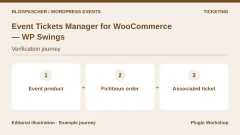
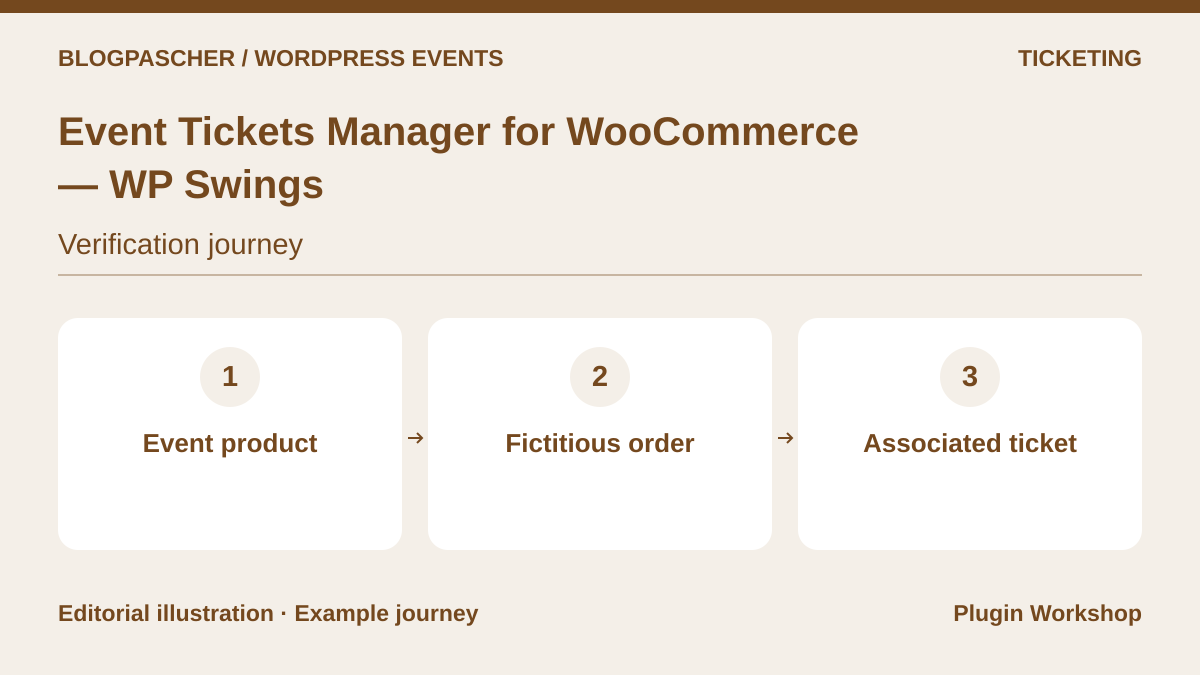 Editorial diagram. Event product → Fictitious order → Associated ticket. — BlogPasCherOpen full-size illustration ↗
Best forEvent products in WooCommerce.
The WP Swings plugin turns WooCommerce products into ticketed events. It may serve a shop wanting to associate venue information and registration with its products. Free features notably limit custom fields to two, while the listing reserves several video integrations and recurrence for premium. This division matters if you need different information from each participant rather than only the buyer.
Offer pricing
Free core; separate commercial editions or modules, with prices not established in this review.
Renewal and support: No renewal for the free download; commercial terms for options are not established.
Taxes and payment-provider fees not established; total to confirm.
Checked on .
Strengths
- Event management linked to products
- Custom fields available in core
What to consider
- Two custom fields in the free version
- Zoom, Google Meet and recurrence described in premium
Pricing terms and compatibility
Understanding the offer
- Price at the time of review
- Free core; separate commercial editions or modules, with prices not established in this review.
- Currency
- Unspecified. Confirm for the offer you choose.
- Billing
- Unspecified. Confirm for the offer you choose.
- Renewal and support
- No renewal for the free download; commercial terms for options are not established.
- Taxes and fees
- Taxes and payment-provider fees not established; total to confirm.
- Commitment and terms
- License and site count for commercial components to confirm; no unlimited plan assumed.
- Date checked
Compatibility and components
- WooCommerce required; assess the exact edition for entry features.
Event Tickets with Ticket Scanner
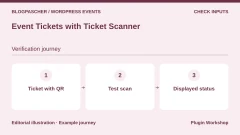
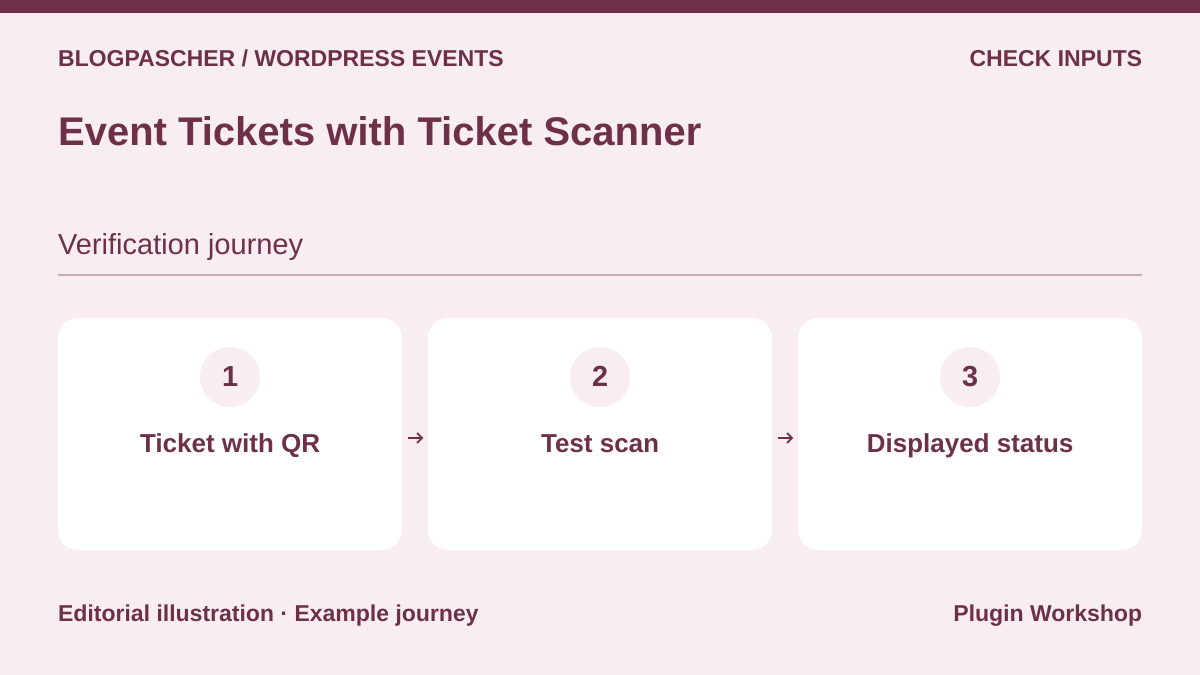 Editorial diagram. Ticket with QR → Test scan → Displayed status. — BlogPasCherOpen full-size illustration ↗
Best forA team needing to distribute and then check tickets.
This family focuses on identifiable tickets and admission validation, with QR codes, PDF and a mobile scanner. The listing advertises a free version limited to fifty tickets. It also describes ticket lists usable without WooCommerce sales and a separate premium online-sales workflow. Compare the selected volume and distribution method, not only the presence of a scanner.
Offer pricing
Free version limited to 50 tickets and five lists according to the listing. Separate premium offering.
Renewal and support: No renewal for the free download; commercial terms for options are not established.
Taxes and payment-provider fees not established; total to confirm.
Checked on .
Strengths
- Built-in mobile scanner advertised
- QR and PDF tickets
What to consider
- Free version advertised for 50 tickets and five lists.
- Online sales without WooCommerce presented as premium
Pricing terms and compatibility
Understanding the offer
- Price at the time of review
- Free version limited to 50 tickets and five lists according to the listing. Separate premium offering.
- Currency
- Unspecified. Confirm for the offer you choose.
- Billing
- Unspecified. Confirm for the offer you choose.
- Renewal and support
- No renewal for the free download; commercial terms for options are not established.
- Taxes and fees
- Taxes and payment-provider fees not established; total to confirm.
- Commitment and terms
- License and site count for commercial components to confirm; no unlimited plan assumed.
- Date checked
Compatibility and components
- Distinguish lists without orders from WooCommerce integration.
Tickets & Passes for WooCommerce
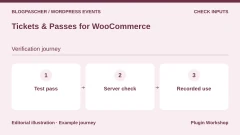
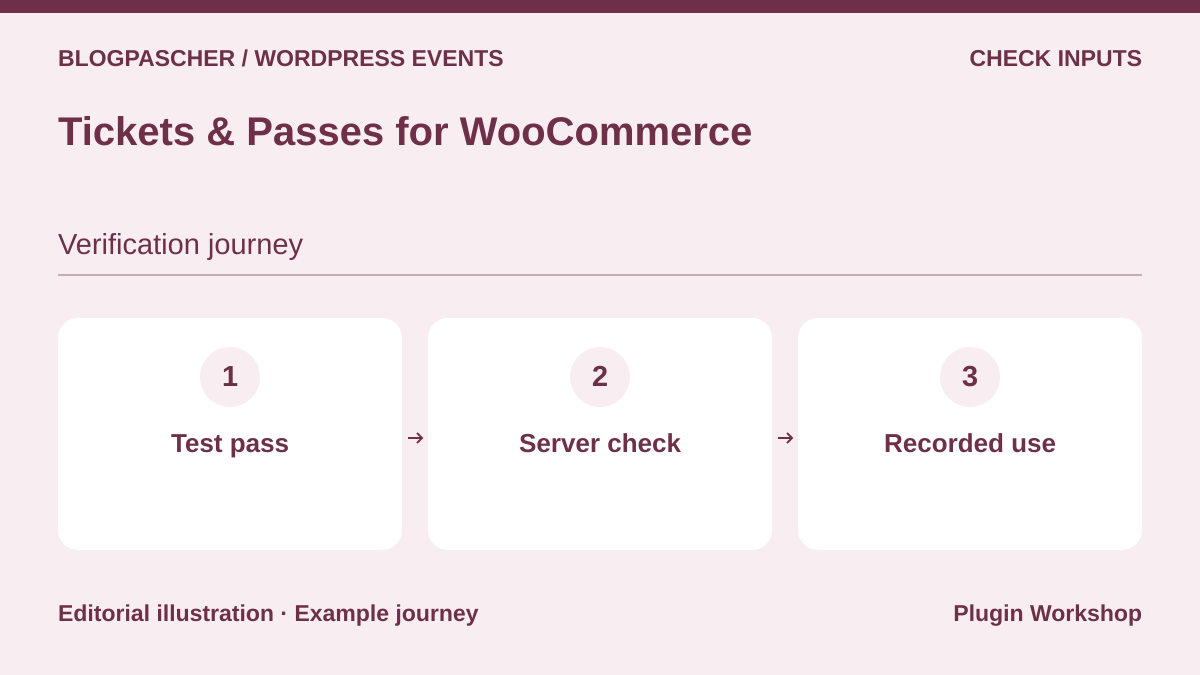 Editorial diagram. Test pass → Server check → Recorded use. — BlogPasCherOpen full-size illustration ↗
Best forDated admission, timed visits and season passes.
Tickets & Passes distinguishes a simple ticket, timed-entry ticket and pass valid for a period. This interests an attraction or venue accommodating several visits. The scanner works in the phone browser and checks tickets on the server. It therefore requires a connection at entry; do not choose it for entirely offline reception without planning another arrangement.
Offer pricing
Free plugin; no per-ticket commission advertised by the publisher. Any WooCommerce payment fees are separate.
Renewal and support: No renewal for the free download; commercial terms for options are not established.
Taxes and payment-provider fees not established; total to confirm.
Checked on .
Strengths
- Three product types
- Dedicated Scanner role
What to consider
- No offline checking
- WooCommerce and server connection required
Pricing terms and compatibility
Understanding the offer
- Price at the time of review
- Free plugin; no per-ticket commission advertised by the publisher. Any WooCommerce payment fees are separate.
- Currency
- Unspecified. Confirm for the offer you choose.
- Billing
- Unspecified. Confirm for the offer you choose.
- Renewal and support
- No renewal for the free download; commercial terms for options are not established.
- Taxes and fees
- Taxes and payment-provider fees not established; total to confirm.
- Commitment and terms
- License and site count for commercial components to confirm; no unlimited plan assumed.
- Date checked
Compatibility and components
- WooCommerce required; HTTPS needed for browser camera use.
Tickera
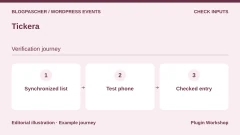
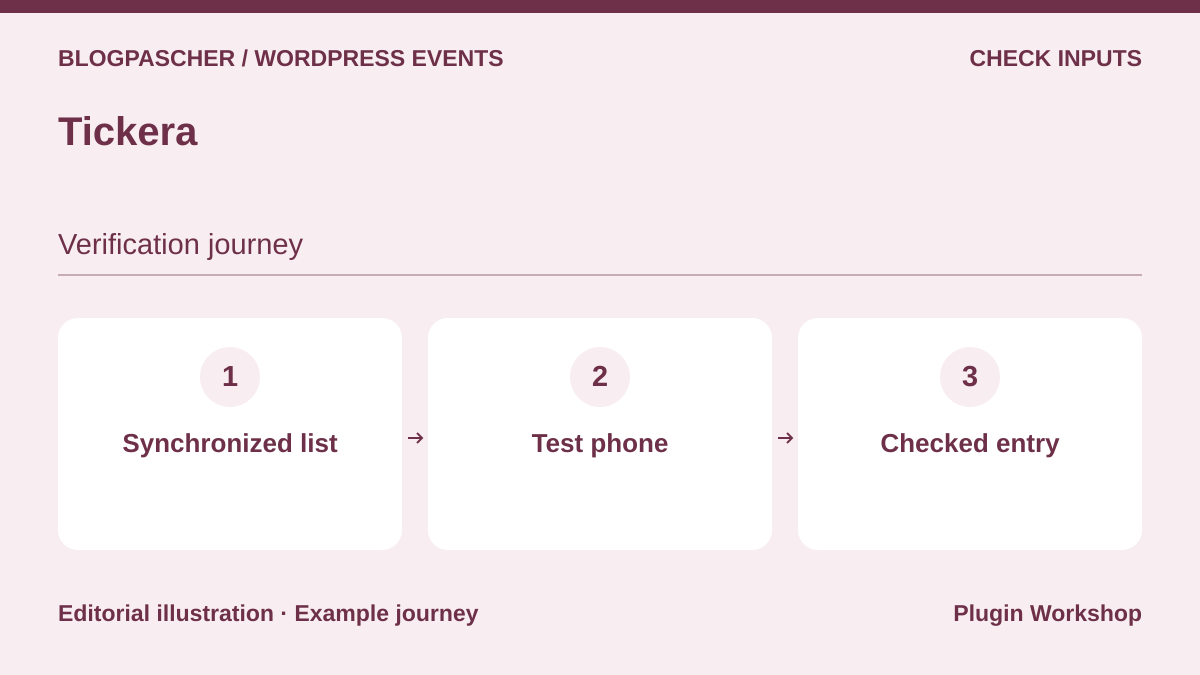 Editorial diagram. Synchronized list → Test phone → Checked entry. — BlogPasCherOpen full-size illustration ↗
Best forLocal ticketing with organized entry checking.
Tickera offers local ticketing with PDF ticket creation and validation codes. Its core describes free orders, offline payments and 2Checkout; other gateways are premium. Premium Checkinera mobile apps advertise offline use after synchronization. If interested in this mode, specify the number of devices and synchronization procedure before choosing it for several doors.
Offer pricing
Free core; separate commercial editions or modules, with prices not established in this review.
Renewal and support: No renewal for the free download; commercial terms for options are not established.
Taxes and payment-provider fees not established; total to confirm.
Checked on .
Strengths
- PDF ticket creation
- Choice of readers and check-in solutions
What to consider
- Several premium gateways
- Premium Checkinera mobile apps
Pricing terms and compatibility
Understanding the offer
- Price at the time of review
- Free core; separate commercial editions or modules, with prices not established in this review.
- Currency
- Unspecified. Confirm for the offer you choose.
- Billing
- Unspecified. Confirm for the offer you choose.
- Renewal and support
- No renewal for the free download; commercial terms for options are not established.
- Taxes and fees
- Taxes and payment-provider fees not established; total to confirm.
- Commitment and terms
- License and site count for commercial components to confirm; no unlimited plan assumed.
- Date checked
Compatibility and components
- Local operation; integrations and devices not tested here.
FooEvents for WooCommerce
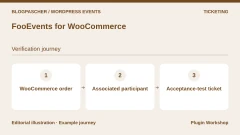
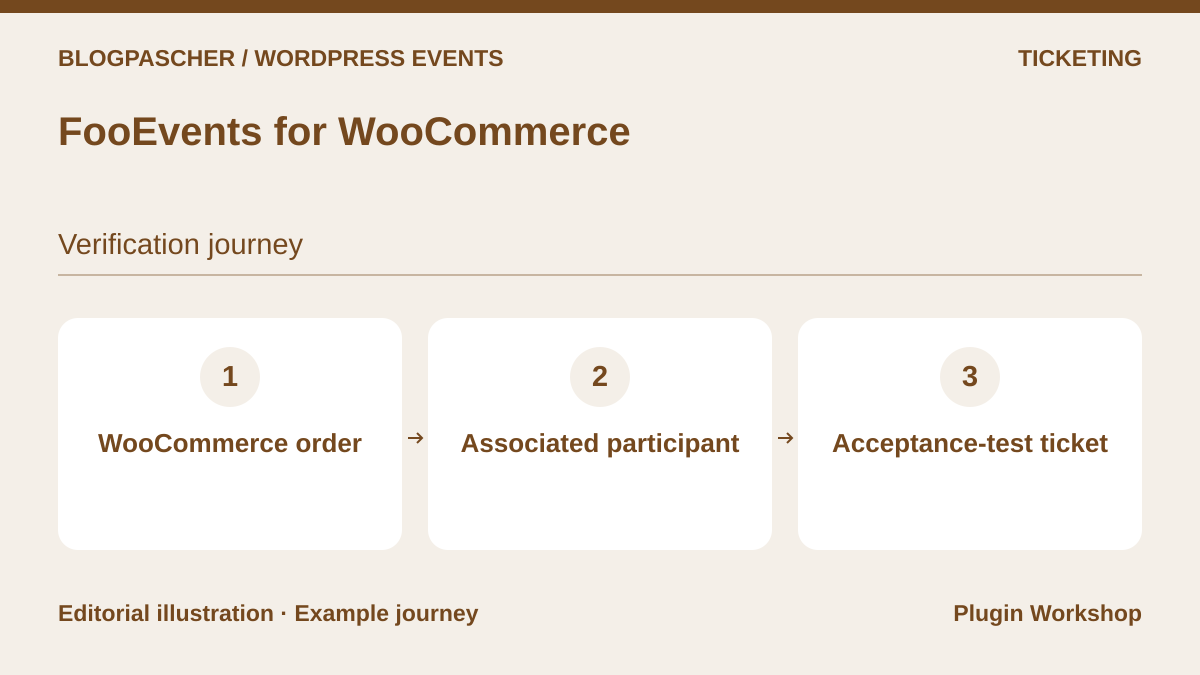 Editorial diagram. WooCommerce order → Associated participant → Acceptance-test ticket. — BlogPasCherOpen full-size illustration ↗
Best forA WooCommerce shop managing tickets and reception.
FooEvents suits events sold through a WooCommerce shop wanting to check entry using the range’s apps. The main product and modules serve different needs: PDF, per-participant fields, multiple days, bookings or seating. Free apps do not make the sales engine free. Choose a set matching the actual scenario rather than the package with the most names.
Offer pricing
Basic Bundle at 169 USD, with twelve months of support and updates.
Billing: License per domain.
Renewal and support: An active subscription or new purchase is required for updates after 12 months; price to confirm.
Taxes and payment-provider fees not established; total to confirm.
Checked on .
Strengths
- Free check-in apps in the range
- Packages distinguish use cases
What to consider
- PDF, seating and other modules depend on the package
- WooCommerce required
Pricing terms and compatibility
Understanding the offer
- Price at the time of review
- Basic Bundle at 169 USD, with twelve months of support and updates.
- Currency
- USD
- Billing
- License per domain.
- Renewal and support
- An active subscription or new purchase is required for updates after 12 months; price to confirm.
- Taxes and fees
- Taxes and payment-provider fees not established; total to confirm.
- Commitment and terms
- One license per domain according to the publisher FAQ.
- Date checked
Compatibility and components
- Checkout, taxes and gateways rely on WooCommerce.
Event Espresso
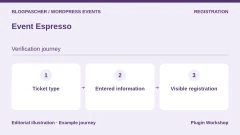
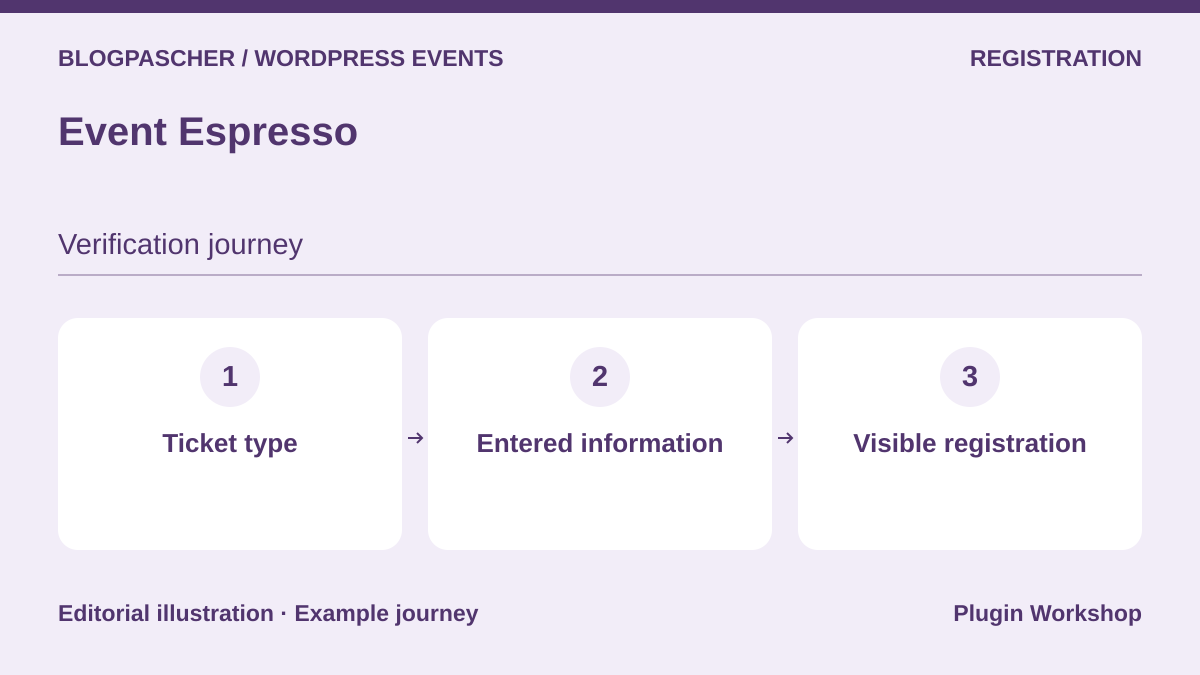 Editorial diagram. Ticket type → Entered information → Visible registration. — BlogPasCherOpen full-size illustration ↗
Best forAn organization focused on registration records.
Event Espresso targets registration organization, with several ticket types and participant information. Its pricing page distinguishes Decaf, Core and All Access. It advertises a free Decaf plan with a 3% usage fee, while Core removes these fees with an active license. Mobile check-in and other extensions require examining the selected tier; no-fee messaging elsewhere is insufficient to characterize Decaf.
Offer pricing
Decaf has no license price; the table states a 3% usage fee. Core displayed at $129 per year and All Access at $399 per year. Confirm the currency.
Billing: Annual for Core and All Access.
Renewal and support: Confirm renewal price after any promotion and renewal terms.
The FAQ states 1 to 3% platform fees without an active subscription. Check the applicable rate and payment-provider fees.
Checked on .
Strengths
- Ticket types and participants
- Range with specialized extensions
What to consider
- Decaf incompatible with extensions according to the pricing table
- Decaf’s 3% fee is distinct from payment fees
Pricing terms and compatibility
Understanding the offer
- Price at the time of review
- Decaf has no license price; the table states a 3% usage fee. Core displayed at $129 per year and All Access at $399 per year. Confirm the currency.
- Currency
- Unspecified. Confirm for the offer you choose.
- Billing
- Annual for Core and All Access.
- Renewal and support
- Confirm renewal price after any promotion and renewal terms.
- Taxes and fees
- The FAQ states 1 to 3% platform fees without an active subscription. Check the applicable rate and payment-provider fees.
- Commitment and terms
- License and site count for commercial components to confirm; no unlimited plan assumed.
- Date checked
Compatibility and components
- Core advertised for one live site and its staging sites; integrations depend on plan.
Modern Events Calendar
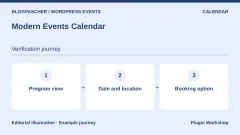
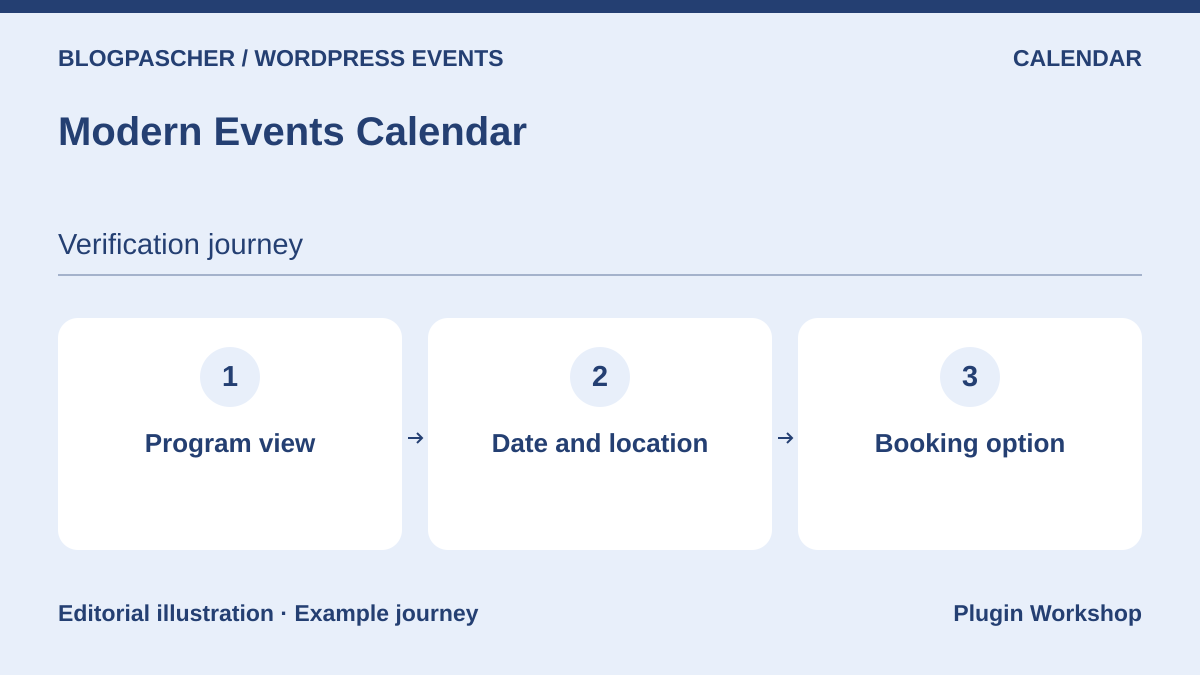 Editorial diagram. Program view → Date and location → Booking option. — BlogPasCherOpen full-size illustration ↗
Best forA visual program expandable into Pro booking.
Modern Events Calendar offers program views and a Lite edition distributed by the publisher. For native bookings and sales, its documentation points to Pro. Tickets, invoices or seating plans may require extra modules. It is an option for a program whose presentation matters, provided you distinguish demos from the exact purchased combination and plan update renewals.
Offer pricing
Lite free from the publisher; paid Pro and modules, amounts not established.
Renewal and support: One year of support and updates; renewal required afterward, price not established.
Taxes and payment-provider fees not established; total to confirm.
Checked on .
Strengths
- Lite calendar offered by the publisher
- Views and recurring events
What to consider
- Native booking in Pro
- Modules sold separately
Pricing terms and compatibility
Understanding the offer
- Price at the time of review
- Lite free from the publisher; paid Pro and modules, amounts not established.
- Currency
- Unspecified. Confirm for the offer you choose.
- Billing
- Unspecified. Confirm for the offer you choose.
- Renewal and support
- One year of support and updates; renewal required afterward, price not established.
- Taxes and fees
- Taxes and payment-provider fees not established; total to confirm.
- Commitment and terms
- License and site count for commercial components to confirm; no unlimited plan assumed.
- Date checked
Compatibility and components
- Common builders advertised; some modules require Pro.
Stachethemes Event Calendar
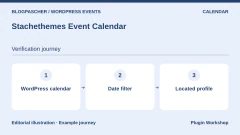
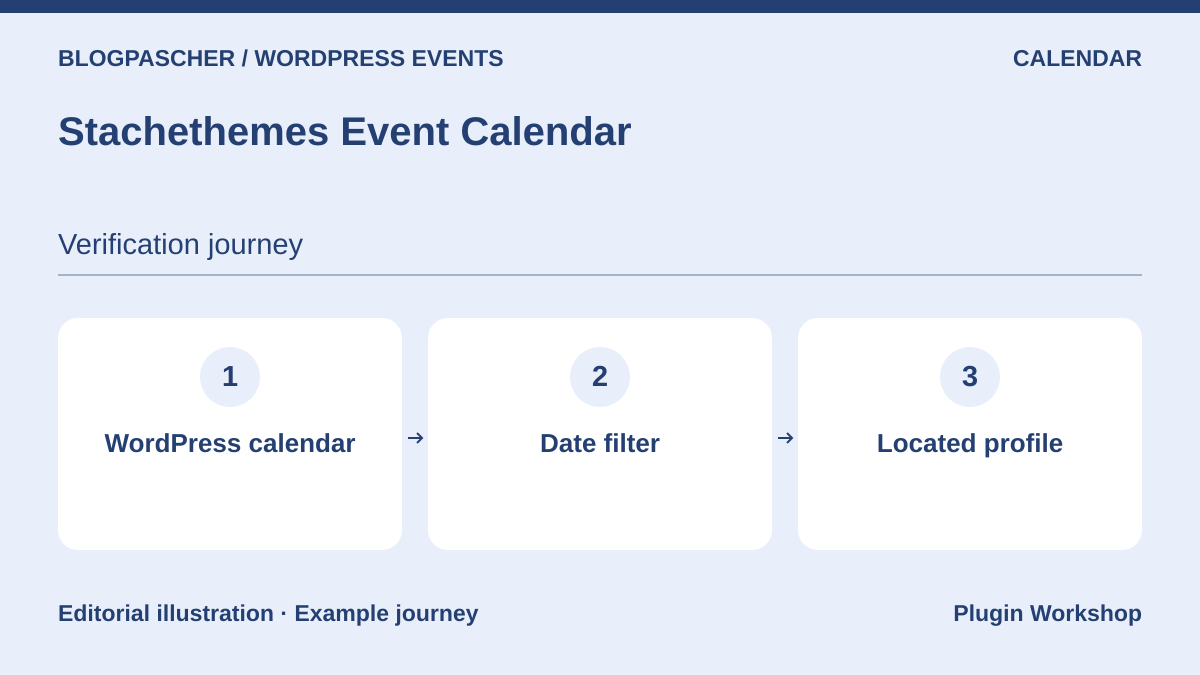 Editorial diagram. WordPress calendar → Date filter → Located profile. — BlogPasCherOpen full-size illustration ↗
Best forA community calendar with registrations and WooCommerce-linked sales.
Stachethemes Event Calendar combines program presentation, RSVP registrations and WooCommerce sales integration. The publisher also documents a QR ticket scanner and public submissions that can require approval. This combination may suit a community calendar expanding into paid events. Still check the sales workflow, contribution permissions and WooCommerce versions before replacing an operational setup.
Offer pricing
79 USD for a Regular license. Extended license displayed at 274 USD.
Billing: One-time purchase on CodeCanyon.
Renewal and support: Six months of support included. Optional support extension.
Taxes and processing fees extra.
Checked on .
Strengths
- RSVP with limits and waiting list advertised
- Gutenberg blocks and Elementor widgets documented
What to consider
- External services and WooCommerce depend on features
- No simultaneous load measured here
Pricing terms and compatibility
Understanding the offer
- Price at the time of review
- 79 USD for a Regular license. Extended license displayed at 274 USD.
- Currency
- USD
- Billing
- One-time purchase on CodeCanyon.
- Renewal and support
- Six months of support included. Optional support extension.
- Taxes and fees
- Taxes and processing fees extra.
- Commitment and terms
- Check the license applicable to the end product and ticketing model.
- Date checked
Compatibility and components
- Last update displayed: August 19, 2026; compatibility is declarative only.
EventON
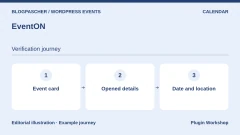
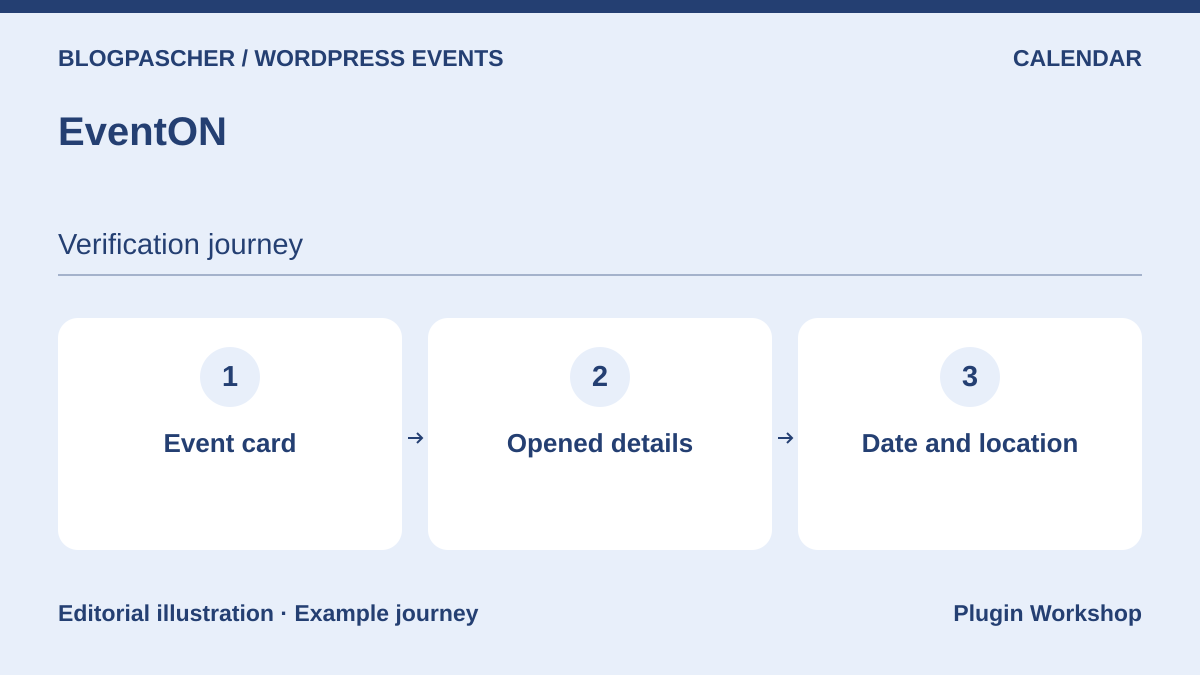 Editorial diagram. Event card → Opened details → Date and location. — BlogPasCherOpen full-size illustration ↗
Best forA visual calendar expandable through modules.
EventON Lite displays events with categories, recurrence and search. The official listing points to the full version and modules for tickets, RSVP and places. This family may initially meet a visual-program need and expand through targeted purchases. Before budgeting that expansion, confirm each component’s current price and avoid carrying over a price from an older selection.
Offer pricing
Free core; separate commercial editions or modules, with prices not established in this review.
Renewal and support: No renewal for the free download; commercial terms for options are not established.
Taxes and payment-provider fees not established; total to confirm.
Checked on .
Strengths
- Events and categories advertised without a limit
- Recurrence in Lite
What to consider
- Tickets and places in the commercial range
- Marketplace price not confirmed during consultation
Pricing terms and compatibility
Understanding the offer
- Price at the time of review
- Free core; separate commercial editions or modules, with prices not established in this review.
- Currency
- Unspecified. Confirm for the offer you choose.
- Billing
- Unspecified. Confirm for the offer you choose.
- Renewal and support
- No renewal for the free download; commercial terms for options are not established.
- Taxes and fees
- Taxes and payment-provider fees not established; total to confirm.
- Commitment and terms
- License and site count for commercial components to confirm; no unlimited plan assumed.
- Date checked
Compatibility and components
- Shortcode generator and Gutenberg block advertised.
RSVPMaker
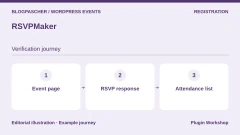
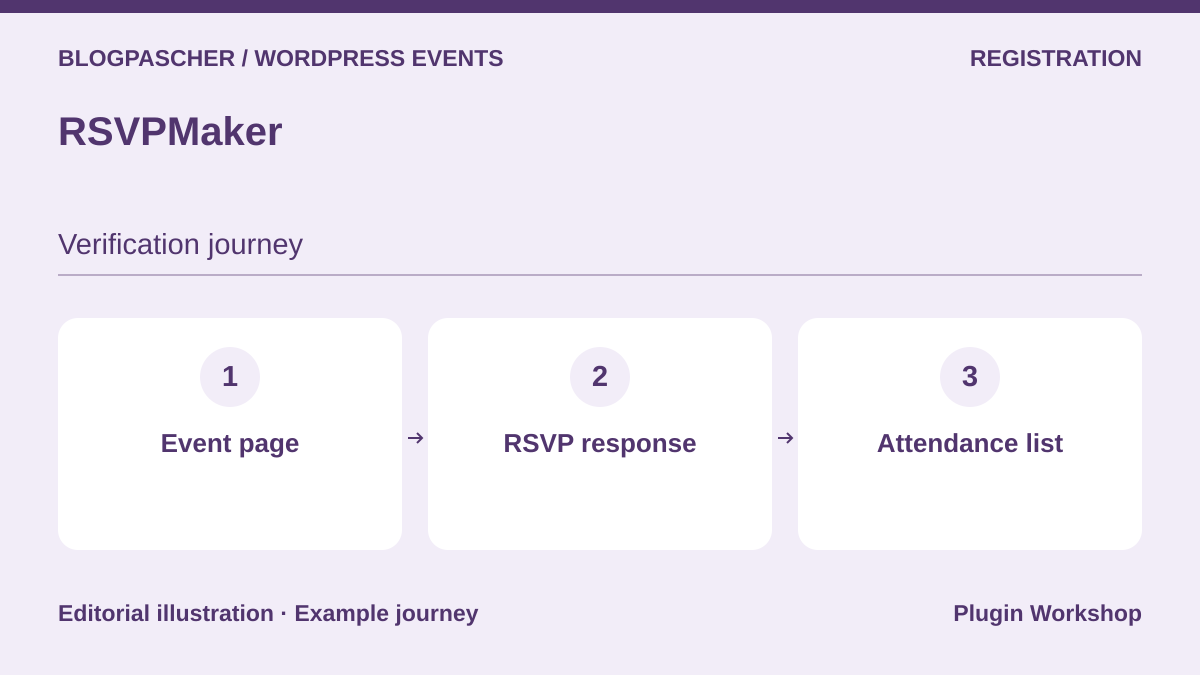 Editorial diagram. Event page → RSVP response → Attendance list. — BlogPasCherOpen full-size illustration ↗
Best forMeetings and events with invitations and response tracking.
RSVPMaker connects events, participant responses and invitations. It suits an organization whose work involves announcing gatherings as much as tracking registrants. The listing describes collecting payments through PayPal or Stripe and connections to Postmark or Mailchimp for messaging. These providers remain separate services; include their availability and prices in your comparison if using them.
Offer pricing
Free plugin; separate payment and messaging provider fees.
Renewal and support: No renewal for the free download; commercial terms for options are not established.
Taxes and payment-provider fees not established; total to confirm.
Checked on .
Strengths
- Editing in WordPress
- Guest responses and information
What to consider
- Separate messaging-service costs
- Entry ticket checking not assessed in this review
Pricing terms and compatibility
Understanding the offer
- Price at the time of review
- Free plugin; separate payment and messaging provider fees.
- Currency
- Unspecified. Confirm for the offer you choose.
- Billing
- Unspecified. Confirm for the offer you choose.
- Renewal and support
- No renewal for the free download; commercial terms for options are not established.
- Taxes and fees
- Taxes and payment-provider fees not established; total to confirm.
- Commitment and terms
- License and site count for commercial components to confirm; no unlimited plan assumed.
- Date checked
Compatibility and components
- PayPal, Stripe and messaging connections advertised; separate accounts and terms.
Eventer
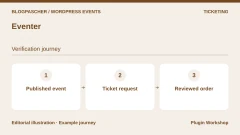
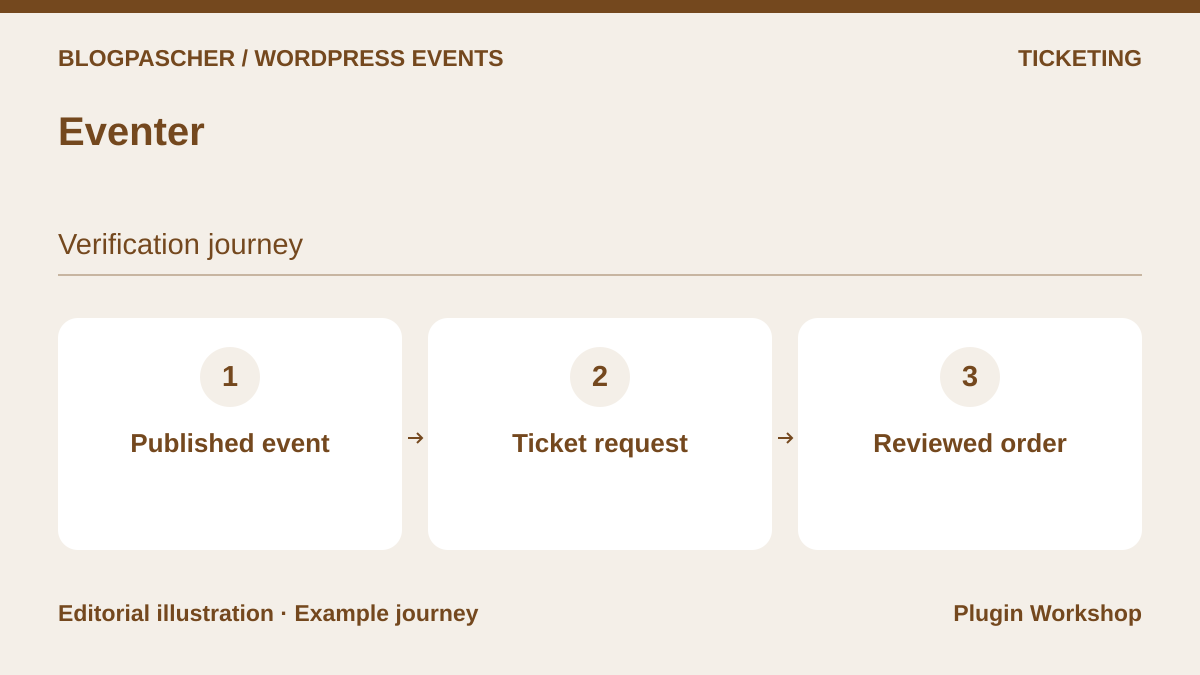 Editorial diagram. Published event → Ticket request → Reviewed order. — BlogPasCherOpen full-size illustration ↗
Best forA recurring program with sales through WooCommerce.
Eventer offers free or paid registrations, several ticket types and recurring events. The described payment system relies on WooCommerce, while printable tickets contain QR codes. The listing specifies one-way Google Calendar synchronization: do not present it as two-way exchange. This product may suit a ticketed program, subject to validating your shop and check-in app workflows.
Offer pricing
69 USD for a Regular license. Extended license displayed at 449 USD.
Billing: One-time purchase on CodeCanyon.
Renewal and support: Six months of support included. Optional support extension.
Taxes and processing fees extra.
Checked on .
Strengths
- Built-in ticket generator
- CSV booking export advertised
What to consider
- One-way Google synchronization
- WooCommerce for the described payments
Pricing terms and compatibility
Understanding the offer
- Price at the time of review
- 69 USD for a Regular license. Extended license displayed at 449 USD.
- Currency
- USD
- Billing
- One-time purchase on CodeCanyon.
- Renewal and support
- Six months of support included. Optional support extension.
- Taxes and fees
- Taxes and processing fees extra.
- Commitment and terms
- Check the license applicable to the end product and ticketing model.
- Date checked
Compatibility and components
- Advertised minimum PHP: 7.4; displayed update: July 21, 2026.
Events Schedule
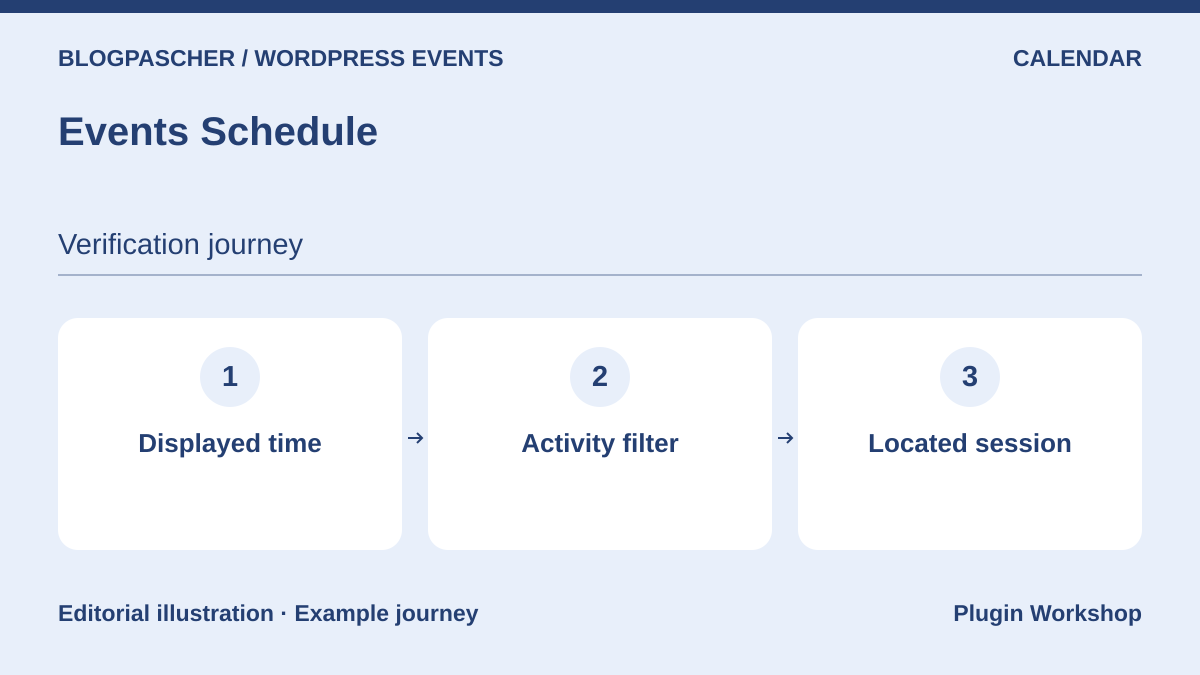 Editorial diagram. Displayed schedule → Activity filter → Located session. — BlogPasCherOpen full-size illustration ↗
Best forA class or session timetable to display.
Events Schedule mainly presents a timetable of classes, sessions or conferences. Its list or weekly templates help organize a recurring program. A button may link to external registration; that does not prove the calendar manages places itself. Its listing retains old compatibility information: request confirmation for your recent environment before choosing this paid display solution.
Offer pricing
39 USD for a Regular license. Extended license displayed at 365 USD.
Billing: One-time purchase on CodeCanyon.
Renewal and support: Six months of support included. Optional support extension.
Taxes and processing fees extra.
Checked on .
Strengths
- Several schedule presentations
- Buttons leading to an address or URL
What to consider
- Ticketing and capacity not assessed here
- Gutenberg Optimized tag: No
Pricing terms and compatibility
Understanding the offer
- Price at the time of review
- 39 USD for a Regular license. Extended license displayed at 365 USD.
- Currency
- USD
- Billing
- One-time purchase on CodeCanyon.
- Renewal and support
- Six months of support included. Optional support extension.
- Taxes and fees
- Taxes and processing fees extra.
- Commitment and terms
- Check the license applicable to the end product and ticketing model.
- Date checked
Compatibility and components
- Displayed update: June 15, 2026, but WordPress versions listed up to 6.4.x and WooCommerce up to 8.x.x; confirmation required.
Pie Calendar
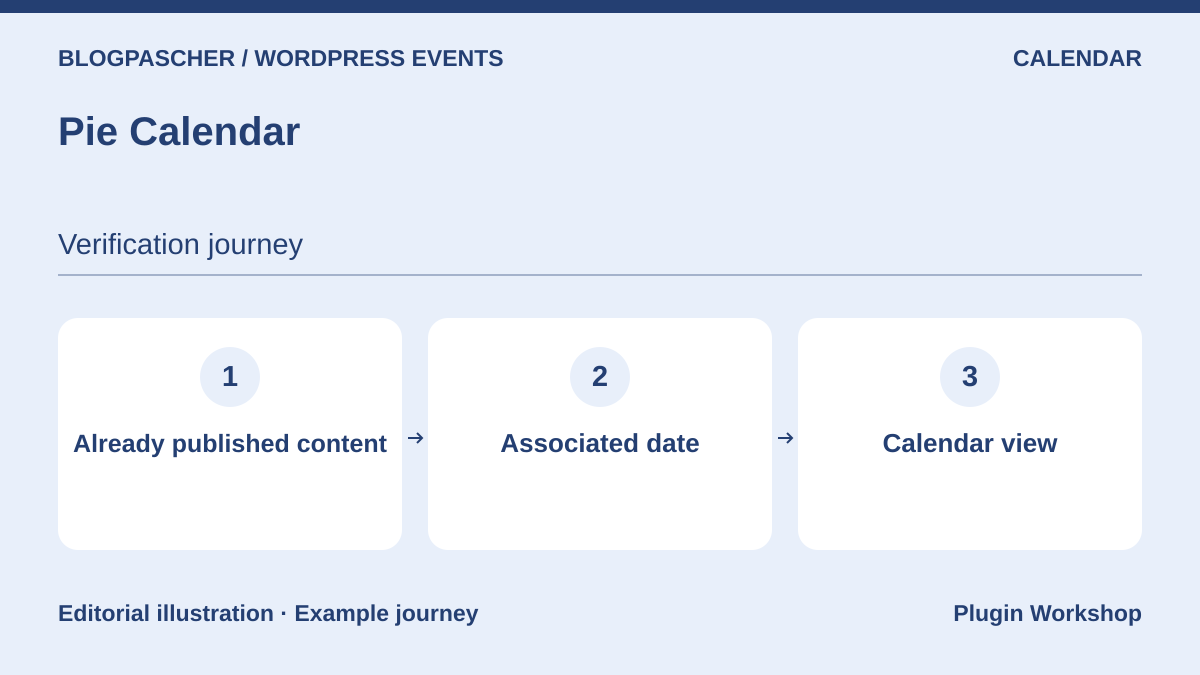 Editorial diagram. Already published content → Associated date → Calendar view. — BlogPasCherOpen full-size illustration ↗
Best forTurn existing pages or posts into visible events.
Pie Calendar adds a date and calendar presence to existing WordPress content. It is useful if your site already has conference or activity pages you do not want to reenter in another content type. Core displays one-off or multiday events; recurrence is advertised in Pro. It remains a presentation tool, with no ticketing assessed in this selection.
Offer pricing
Free core; separate commercial editions or modules, with prices not established in this review.
Renewal and support: No renewal for the free download; commercial terms for options are not established.
Taxes and payment-provider fees not established; total to confirm.
Checked on .
Strengths
- Uses existing content
- Monthly, weekly and list views advertised
What to consider
- Recurrence in Pro
- No ticket engine established here
Pricing terms and compatibility
Understanding the offer
- Price at the time of review
- Free core; separate commercial editions or modules, with prices not established in this review.
- Currency
- Unspecified. Confirm for the offer you choose.
- Billing
- Unspecified. Confirm for the offer you choose.
- Renewal and support
- No renewal for the free download; commercial terms for options are not established.
- Taxes and fees
- Taxes and payment-provider fees not established; total to confirm.
- Commitment and terms
- License and site count for commercial components to confirm; no unlimited plan assumed.
- Date checked
Compatibility and components
- Classic and block editors described; custom post types supported according to the listing.