

Choose the structure of your help articles
A support team receives the same login and billing inquiries every week. It wants to give customers a stable address and keep a verification procedure for colleagues. Start by writing one answer for each task using customers’ vocabulary. A title such as “Download an invoice” states what the person will do. A Billing category then helps them find other procedures related to their account.
If you already have a small number of clear pages, retain their format and add a table of contents or category list. If several products each need a manual, try a base organizing products, sections and articles. A wiki suits documentation that colleagues edit together. In each case, identify where text, links and permissions are stored. You can then change the template without losing track of the content to back up.
The following entries cover three uses. Dedicated bases structure the help center. Writing and presentation tools improve existing procedures. Indexing, import and permissions add-ons address specific needs. Choose the first component that covers your reading journey, then add an extension if acceptance testing reveals a need.
- Choose two frequent inquiries, assign a category and write an action-oriented title. On each page, state the expected result and what to do if the step fails.
- Keep an inventory sheet with title, URL, category, owner and visibility. Add outgoing links and media when preparing a transfer.
Compare before you choose
The offers at a glance
Find the use case and budget that fit, then read the details to see the limitations and any components you may need.
On smaller screens, the table scrolls horizontally. With a keyboard, press Tab to focus the table, then use the left and right arrow keys.
| Offer | Best for | Pricing and billing | Renewal and support |
|---|---|---|---|
 BetterDocsRead the details | Bring together a public center with categories and documentation search. | Free edition. One-site Starter displayed at 52 USD for one year, reference price 69 USD. Optional conversational assistant at 69 USD per year. Annual subscription for Starter | One year of updates and support. Check the requested renewal price. |
 Echo Knowledge BaseRead the details | Present several help topics and then examine group-specific rules. | Free core. One-site Basic Add-ons displayed at 46 USD in the first year and 28 USD on renewal in the consulted table. Advanced permissions require Access Manager. Module subscription according to bundle | Prices and modules vary by bundle. Check that the chosen bundle includes Access Manager. |
 weDocsRead the details | Build a manual hierarchy and prepare a migration from BetterDocs. | Free version. One-site Starter displayed at 39 USD in the consulted annual table. The page also offers lifetime options. Annual subscription or lifetime offer depending on the plan | Record the selected plan’s recurring price before purchase. |
 Heroic KBRead the details | Launch a paid help center with search and reader feedback. | Essential displayed at 84.50 USD in the first year, then 169 USD per year. Plus at 174.50 USD then 349 USD per year in the consulted table. Annual subscription | Introductory rates apply to the first year. Renewal at full price. |
 BasePressRead the details | Separate instructions for two products within one installation. | Free core. The Premium page presents a one-site starting offer at 79 USD and a one-site selector at 89 USD. Check the final checkout amount. Annual Premium subscription | Automatic renewal after one year. Recurring price unconfirmed for the offered plan. |
 EazyDocsRead the details | Guide readers through steps in a multilevel manual. | Free core. Pro displayed with an annual reference price of 49 USD and Pro Max at 59 USD. The page also displays lifetime offers and discounts. Annual subscription or lifetime license depending on the plan | Check the selected offer’s duration and renewal price. |
 Helpie WPRead the details | Let colleagues contribute directly from the site and review revisions. | Helpie KB Pro displayed at 59 USD per year for one site, 149 USD for five and 299 USD for thirty. Seven-day trial requires a card. Annual subscription | One year of updates and support. Check the renewal amount. |
 WebberZone Knowledge BaseRead the details | Migrate an existing base with a procedure specific to the source plugin. | Free core. Standalone Knowledge Base Pro displayed at 69 USD per year for one site and bundles from 129 USD per year. Annual subscription | Updates and support tied to an active license. |
 DocsPressRead the details | Organize a product manual and provide direct access to its steps. | Free plugin distributed by WordPress.org. | Terms for any paid plans were unavailable at the time of review. |
 Yada WikiRead the details | Connect articles in a compact wiki through topics and cross-references. | Free plugin distributed by WordPress.org. | Terms for any paid plans were unavailable at the time of review. |
 Documentation (itthinx)Read the details | Structure a help reference collection and insert it into existing pages. | Free plugin distributed by WordPress.org. | Terms for any paid plans were unavailable at the time of review. |
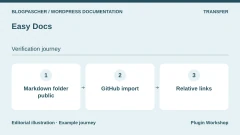 Easy DocsRead the details | Integrate Markdown documentation from a public GitHub repository into the site. | Free plugin distributed by WordPress.org. | Terms for any paid plans were unavailable at the time of review. |
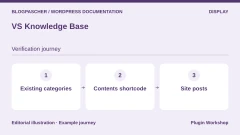 VS Knowledge BaseRead the details | Present WordPress articles already organized into categories. | Free plugin distributed by WordPress.org. | Terms for any paid plans were unavailable at the time of review. |
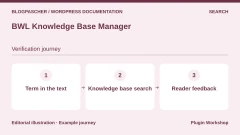 BWL Knowledge Base ManagerRead the details | Plan a base with search and voting on a site under a CodeCanyon license. | 49 USD for a Regular License and 245 USD for an Extended License on CodeCanyon. One-time CodeCanyon purchase Price excludes taxes and processing fees according to the listing. | Six months of support included. Support extension offered separately. |
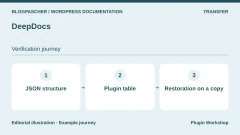 DeepDocsRead the details | Build a dedicated manual while checking transfer of its structure. | 39 USD for a Regular License on CodeCanyon. Extended price not recorded on the listing. One-time CodeCanyon purchase Price excludes taxes and processing fees according to the listing. | Six months of support included. Check the stated extension cost. |
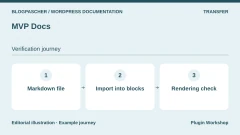 MVP DocsRead the details | Import Markdown notes into a simple documentation type. | Free plugin distributed by WordPress.org. | Terms for any paid plans were unavailable at the time of review. |
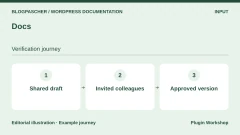 DocsRead the details | Prepare and annotate a procedure collaboratively before publication. | Free plugin distributed by WordPress.org. | Terms for any paid plans were unavailable at the time of review. |
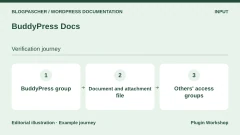 BuddyPress DocsRead the details | Manage documents within an existing BuddyPress group. | Free plugin distributed through WordPress.org. Requires BuddyPress for group use. | Terms for any paid plans were unavailable at the time of review. |
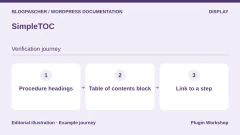 SimpleTOCRead the details | Improve navigation in procedures already published with blocks. | Free plugin distributed by WordPress.org. | Terms for any paid plans were unavailable at the time of review. |
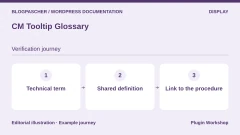 CM Tooltip GlossaryRead the details | Explain technical vocabulary without lengthening every procedure. | Free version. Paid offers displayed at 39, 69, 99 and 149 USD according to bundle and number of sites. License with one year of support and updates | The table advertises manual renewal with a 40% discount. Check the plan. |
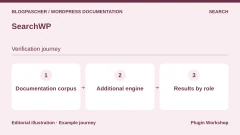 SearchWPRead the details | Configure an additional engine for a corpus of help articles. | Standard at 99 USD in the first year and a reference price of 199 USD per year in the consulted table. Annual subscription | Initial discount. Check the regular price and modules in the selected plan. |
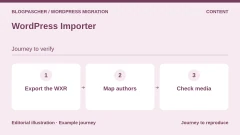 WordPress ImporterRead the details | Replay a WXR article export on another installation. | Free plugin distributed by WordPress.org. | Terms for any paid plans were unavailable at the time of review. |
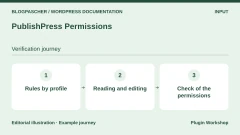 PublishPress PermissionsRead the details | Separate reading and editing permissions for a corpus. | Free version. The one-site Business bundle includes Permissions Pro at 129 USD per year in the consulted table. Annual subscription for the bundle | Updates and support tied to an active license. Possible first-year promotions. |
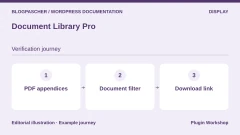 Document Library ProRead the details | Classify PDFs and appendices cited by procedures. | Free Document Library Lite. Paid Essentials and Advanced plans. The opened table does not confirm a price applicable to every plan and site count. Paid license depending on the plan | Record the amount, duration and renewal in the table for the selected site count. |
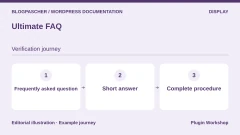 Ultimate FAQRead the details | Answer short questions and direct readers to detailed procedures. | Free version. One-site Premium license displayed at 67 USD, reference price 87 USD in the consulted listing. Premium license by number of sites | Ongoing support available separately. Check update and support terms. |
Replay public and internal searches
We installed free BetterDocs 4.9.6 on a WordPress 7.1.4 copy with PHP 8.4.8 and SQLite. The two public articles were “Réinitialiser atelieracces” in Comptes and “Télécharger la facture atelieracces” in Facturation. We added “Procédure interne atelieracces” with private status in Comptes and a blog post containing the same word. The fictitious word atelieracces makes the search easy to reproduce without encountering existing content.
The public article URL returned 200. A logged-out visitor received 404 at the private procedure’s URL and the authorized person received 200. We had explicitly granted their test account permission to read private documents. Check this permission with your own roles. A button in administration does not indicate that a colleague has the same access.
In BetterDocs search, atelieracces returned two documents without a session and three with the authorized account. The public Comptes filter reduced the response to one document and a query without a match returned zero. The post appeared in WordPress’s general search on the source site and remained outside BetterDocs results. We checked the search HTTP response and direct pages with a minimal test theme. The engine, permissions and interface of a site using another theme must be checked on that site.
- On an isolated installation, create the two public articles, private procedure and reference post. Open one window without a session and another with a test account authorized to read private documents.
- Search for atelieracces in both sessions. Record titles, excerpts and links. Filter by Comptes, then search for an absent string. Also open all three addresses directly.
- Add a query existing only in the body, an expression with and without an accent and a common typo. Decide whether each case needs a result and check the search version you intend to use.
Check access to files and other entry points
A customer manual and support verification instructions can coexist if the rules are easy to explain and replay. When the team publishes sensitive data or two audiences depend on very different roles, consider a separate internal base. Also ask who reviews permissions when a colleague leaves the group.
Test an article through its direct link, table of contents, search results and answer excerpts. Add feeds and the API if your site exposes them. Check media at their own addresses from a window without a session. Our exercise involved no attachments and assessed neither cache, CDN nor internal bases in Pro plans. It therefore cannot establish that a PDF attached to a private page has the same permissions.
Before adding a search assistant, choose the corpus it can read, check where queries are processed and repeat tests with the same accounts. Also select a simple way to report an answer that cannot be found. A short section or support link may suffice if the team knows the few expressions that fail.
- Create a matrix crossing visitor, authorized colleague and colleague outside the group with article, search and download. Enter the expected result for each cell before testing.
- If an internal article appears in a result or answer, record the entry point and session, then correct the rule or remove the article from the relevant corpus before reopening that journey.
Export three articles and check the destination copy
We used native WordPress export targeting the Docs type, then WordPress Importer 0.9.7 on an installation that already had BetterDocs. The WXR contained three documents and the private procedure’s text was readable in the file. Keep this export in a restricted location. Protection of a public or private page applies within WordPress and does not define reading permissions on an XML copy.
All three titles, their text, slugs, assigned categories, statuses and our document metadata transferred. We found the same search results and responses at direct addresses. The Comptes category was still associated with its two documents. Its parent Démarrer, with no directly assigned document, did not transfer. This category’s metadata and one site setting were also missing on the target.
In a real migration, open category navigation and compare the term list, hierarchy and settings with the source site. An article copy may be correct while readers still lose the route from the home page. The exercise did not download media or replay historical links or another plugin’s rules. For these cases, keep a separate settings export or a complete backup whose restoration you have already checked.
- On the source, open Tools then Export, choose the documentation type and save the file. On the isolated target, install the documentation plugin before importing. Under Tools then Import, use the WordPress importer and assign test authors.
- Leave attachments aside for this first pass and compare the three articles, categories and statuses. Separately check for Démarrer, the parent of Comptes, the settings and media used in the text.
- Repeat search and direct-access checks with both sessions. For a real transfer, also check old support links, images, translations and pagination before cutover.
Choose a plan and define post-update checks
For a first public help center, compare two free bases using the same articles. Examine who can update them, how readers see their position in the manual and what remains usable if you change presentation. For an internal corpus, start with permissions. Then choose the search and edition that let the corpus evolve without making publication too complex.
Compare the price of the plan covering the tested scope. A base license, access-management module and support service may have different terms. For a CodeCanyon offer, record the license type, support period, end-product conditions and advertised WordPress version. For a subscription, note the first-year price and renewal. The two CodeCanyon products are described from official listings and were not installed here.
Keep three test documents you can reuse after an update. If the team can no longer find an answer, check the title, category and then the engine. If the article exists but its URL changed, open the link support actually sent. If a result contains internal text, check its visibility before editing the content. These simple checks have precise expected outcomes and are easy to hand over to a colleague.
- Before choosing a license, record the price covering the required permissions, search and number of sites. Keep the distinction between license and support in your budget.
- After every update, repeat the searches and both profiles. Retain the date, version, results and name of the person responsible for correcting discrepancies in the tracking record.
Further reading
Sources and references
Use these references to check the features, requirements and limitations described. Reading documentation is not a practical test.
View 48 references
- BetterDocs — Product listing and features ↗ — Documentation consulted:
- BetterDocs — Version pricing or terms ↗ — Documentation consulted:
- BetterDocs — Developer documentation ↗ — Documentation consulted:
- Echo Knowledge Base — Product listing and features ↗ — Documentation consulted:
- Echo Knowledge Base — Version pricing or terms ↗ — Documentation consulted:
- Echo Knowledge Base — Developer documentation ↗ — Documentation consulted:
- weDocs — Product listing and features ↗ — Documentation consulted:
- weDocs — Version pricing or terms ↗ — Documentation consulted:
- weDocs — Developer documentation ↗ — Documentation consulted:
- Heroic KB — Product listing and features ↗ — Documentation consulted:
- BasePress — Product listing and features ↗ — Documentation consulted:
- BasePress — Version pricing or terms ↗ — Documentation consulted:
- BasePress — Developer documentation ↗ — Documentation consulted:
- EazyDocs — Product listing and features ↗ — Documentation consulted:
- EazyDocs — Version pricing or terms ↗ — Documentation consulted:
- Helpie WP — Product listing and features ↗ — Documentation consulted:
- Helpie WP — Version pricing or terms ↗ — Documentation consulted:
- WebberZone Knowledge Base — Product listing and features ↗ — Documentation consulted:
- WebberZone Knowledge Base — Version pricing or terms ↗ — Documentation consulted:
- WebberZone Knowledge Base — Developer documentation ↗ — Documentation consulted:
- DocsPress — Product listing and features ↗ — Documentation consulted:
- Yada Wiki — Product listing and features ↗ — Documentation consulted:
- Documentation (itthinx) — Product listing and features ↗ — Documentation consulted:
- Easy Docs — Product listing and features ↗ — Documentation consulted:
- VS Knowledge Base — Product listing and features ↗ — Documentation consulted:
- BWL Knowledge Base Manager — Product listing and features ↗ — Documentation consulted:
- DeepDocs — Product listing and features ↗ — Documentation consulted:
- MVP Docs — Product listing and features ↗ — Documentation consulted:
- Docs — Product listing and features ↗ — Documentation consulted:
- BuddyPress Docs — Product listing and features ↗ — Documentation consulted:
- BuddyPress Docs — Developer documentation ↗ — Documentation consulted:
- SimpleTOC — Product listing and features ↗ — Documentation consulted:
- CM Tooltip Glossary — Product listing and features ↗ — Documentation consulted:
- CM Tooltip Glossary — Version pricing or terms ↗ — Documentation consulted:
- SearchWP — Product listing and features ↗ — Documentation consulted:
- SearchWP — Version pricing or terms ↗ — Documentation consulted:
- SearchWP — Developer documentation ↗ — Documentation consulted:
- WordPress Importer — Product listing and features ↗ — Documentation consulted:
- WordPress Importer — Developer documentation ↗ — Documentation consulted:
- PublishPress Permissions — Product listing and features ↗ — Documentation consulted:
- PublishPress Permissions — Version pricing or terms ↗ — Documentation consulted:
- PublishPress Permissions — Developer documentation ↗ — Documentation consulted:
- Document Library Pro — Product listing and features ↗ — Documentation consulted:
- Document Library Pro — Developer documentation ↗ — Documentation consulted:
- Document Library Pro — Developer documentation ↗ — Documentation consulted:
- Ultimate FAQ — Product listing and features ↗ — Documentation consulted:
- Ultimate FAQ — Version pricing or terms ↗ — Documentation consulted:
- Ultimate FAQ — Developer documentation ↗ — Documentation consulted:
Uses, prices and what to check
25 offers in detail
Compare the features you need and the terms of each offer. The order of these entries does not indicate a ranking.
BetterDocs
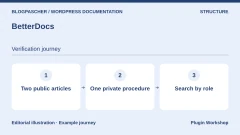
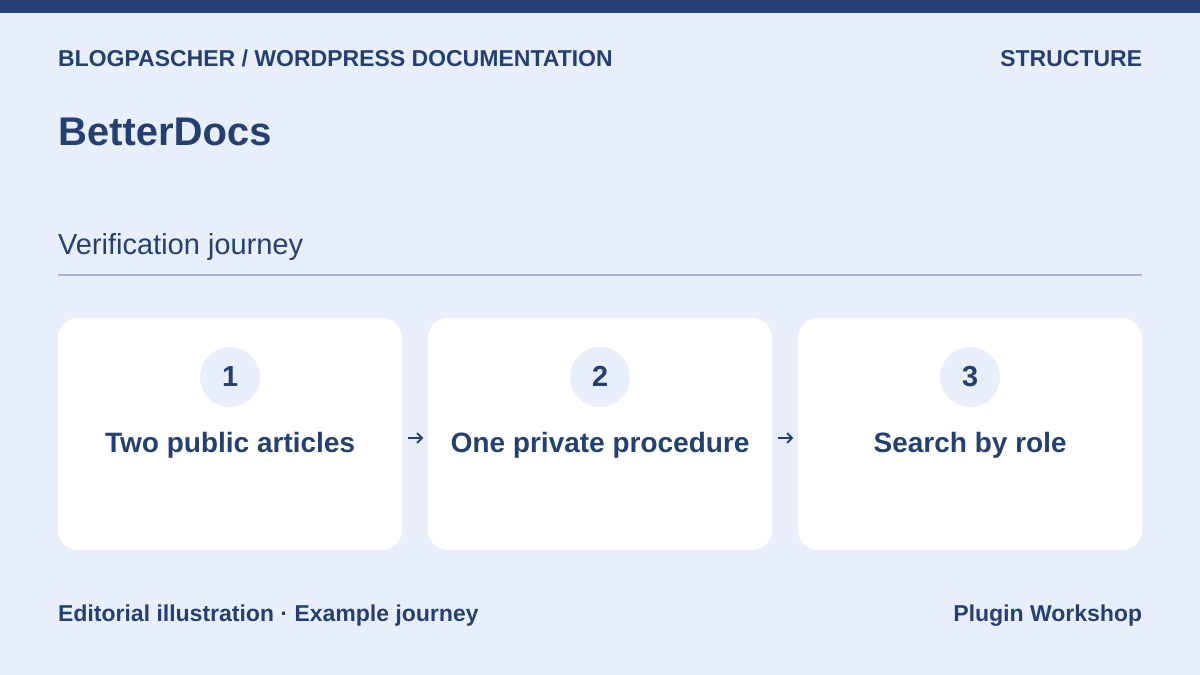 Editorial diagram. Two public articles → One private procedure → Search by role. — BlogPasCherOpen full-size illustration ↗
Best forBring together a public center with categories and documentation search.
We created two public articles and one private procedure in free BetterDocs. On the destination copy, searching for atelieracces returned two results for a visitor and three for the authorized person. WXR import preserved status and assigned categories, but the empty parent category and one local setting did not transfer. The Starter plan describes multiple and internal bases. Our trial used WordPress private status and explicit permission, without testing these paid options.
Offer pricing
Free edition. One-site Starter displayed at 52 USD for one year, reference price 69 USD. Optional conversational assistant at 69 USD per year.
Billing: Annual subscription for Starter
Renewal and support: One year of updates and support. Check the requested renewal price.
Checked on .
Strengths
- Dedicated content type, documentation taxonomy and search specific to the base.
What to consider
- Check public search, direct access and transferred settings separately.
Pricing terms and compatibility
Understanding the offer
- Price at the time of review
- Free edition. One-site Starter displayed at 52 USD for one year, reference price 69 USD. Optional conversational assistant at 69 USD per year.
- Currency
- USD
- Billing
- Annual subscription for Starter
- Renewal and support
- One year of updates and support. Check the requested renewal price.
- Taxes and fees
- Unspecified. Confirm for the offer you choose.
- Commitment and terms
- Unspecified. Confirm for the offer you choose.
- Date checked
Compatibility and components
- BetterDocs 4.9.6 tested locally with WordPress 7.1.4, PHP 8.4.8 and SQLite.
Echo Knowledge Base
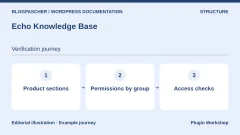
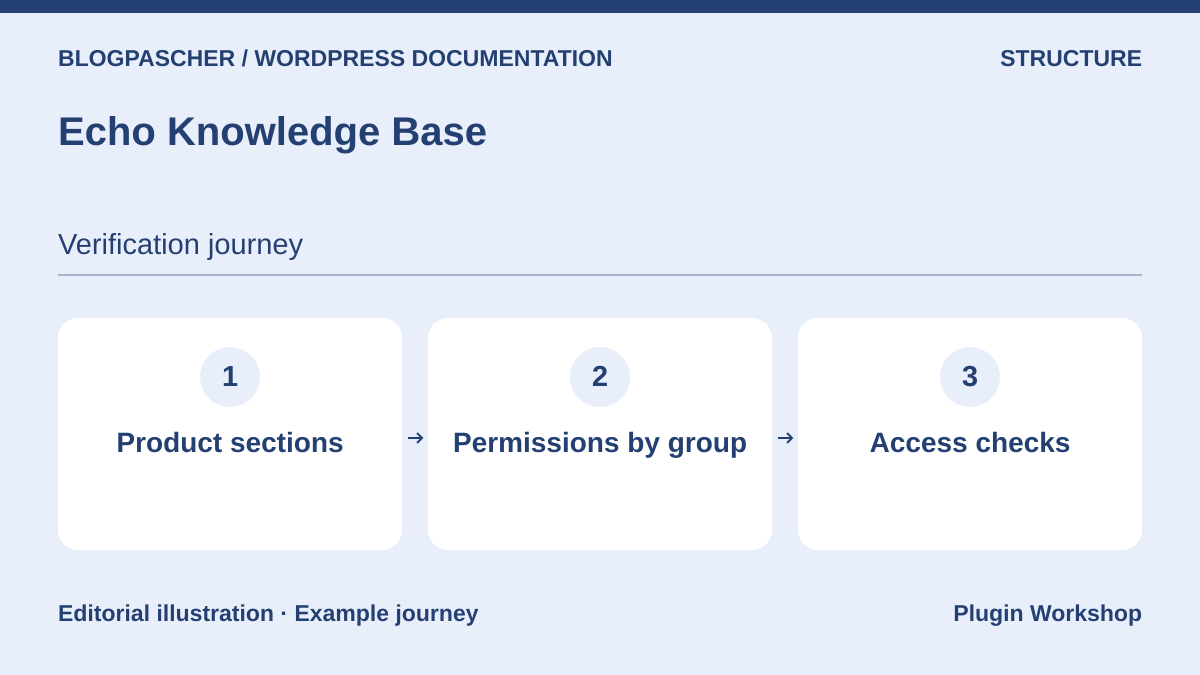 Editorial diagram. Product sections → Group permissions → Access checks. — BlogPasCherOpen full-size illustration ↗
Best forPresent several help topics and then examine group-specific rules.
Start with an Accounts category and two procedures with sufficiently distinct titles. The core documents categories, articles and layouts. If you intend to reserve a category for a maintenance group, record Access Manager requirements before choosing a bundle. Open a sensitive procedure’s URL from a browser without a session and an authorized account. Then check that search, neighboring-article links and breadcrumbs follow the same rules.
Offer pricing
Free core. One-site Basic Add-ons displayed at 46 USD in the first year and 28 USD on renewal in the consulted table. Advanced permissions require Access Manager.
Billing: Module subscription according to bundle
Renewal and support: Prices and modules vary by bundle. Check that the chosen bundle includes Access Manager.
Checked on .
Strengths
- Adaptable categories and layouts, with a documented access-management module.
What to consider
- Check the presence of a category on a page separately from permission to read its articles.
Pricing terms and compatibility
Understanding the offer
- Price at the time of review
- Free core. One-site Basic Add-ons displayed at 46 USD in the first year and 28 USD on renewal in the consulted table. Advanced permissions require Access Manager.
- Currency
- USD
- Billing
- Module subscription according to bundle
- Renewal and support
- Prices and modules vary by bundle. Check that the chosen bundle includes Access Manager.
- Taxes and fees
- Unspecified. Confirm for the offer you choose.
- Commitment and terms
- Unspecified. Confirm for the offer you choose.
- Date checked
Compatibility and components
- Check the main plugin and module versions before a transfer.
weDocs
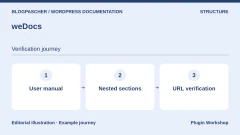
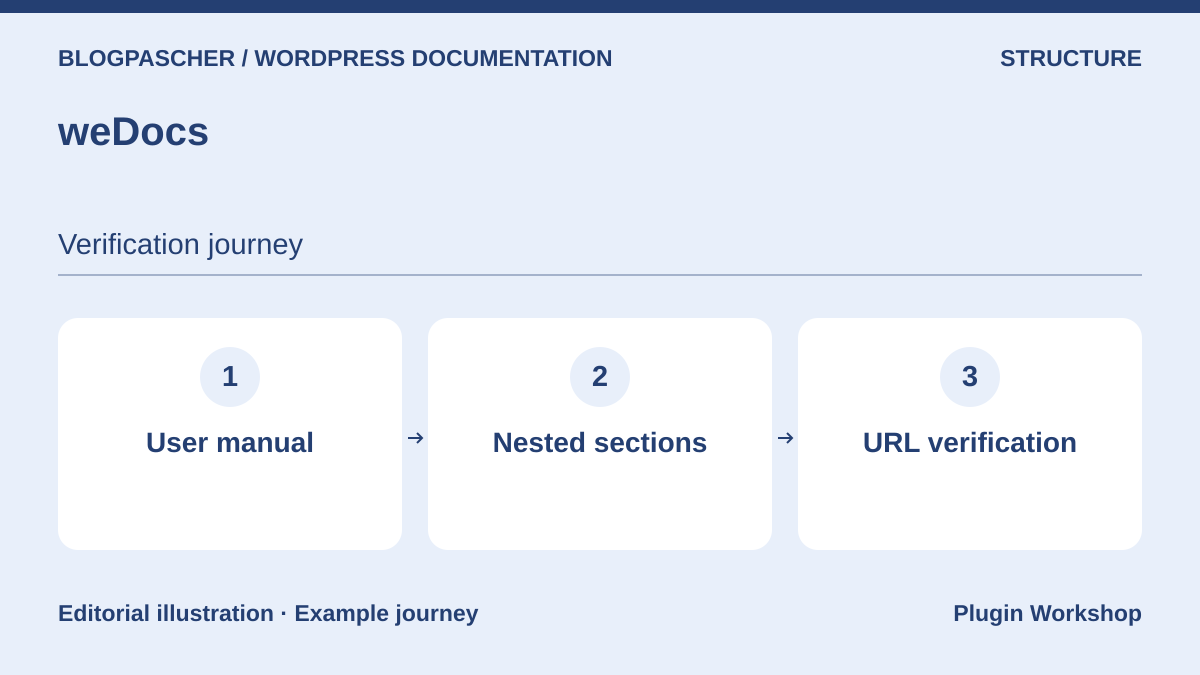 Editorial diagram. User manual → Nested sections → URL verification. — BlogPasCherOpen full-size illustration ↗
Best forBuild a manual hierarchy and prepare a migration from BetterDocs.
weDocs groups articles into documents and sections. For a small software product, create a user manual and a First Login section. Put an access procedure there, then open it directly to check that readers can find the section again. The publisher also describes migration from BetterDocs. On the copy, compare titles, addresses and navigation depth before adopting the new structure. A successful text import still leaves links pointing to the old path to check.
Offer pricing
Free version. One-site Starter displayed at 39 USD in the consulted annual table. The page also offers lifetime options.
Billing: Annual subscription or lifetime offer depending on the plan
Renewal and support: Record the selected plan’s recurring price before purchase.
Checked on .
Strengths
- Manual hierarchy and documented migration procedure from BetterDocs.
What to consider
- Check historical URLs and the scope of restrictions in the chosen plan separately.
Pricing terms and compatibility
Understanding the offer
- Price at the time of review
- Free version. One-site Starter displayed at 39 USD in the consulted annual table. The page also offers lifetime options.
- Currency
- USD
- Billing
- Annual subscription or lifetime offer depending on the plan
- Renewal and support
- Record the selected plan’s recurring price before purchase.
- Taxes and fees
- Unspecified. Confirm for the offer you choose.
- Commitment and terms
- Unspecified. Confirm for the offer you choose.
- Date checked
Compatibility and components
- Check source and target version correspondence in the migration instructions.
Heroic KB
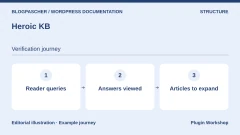
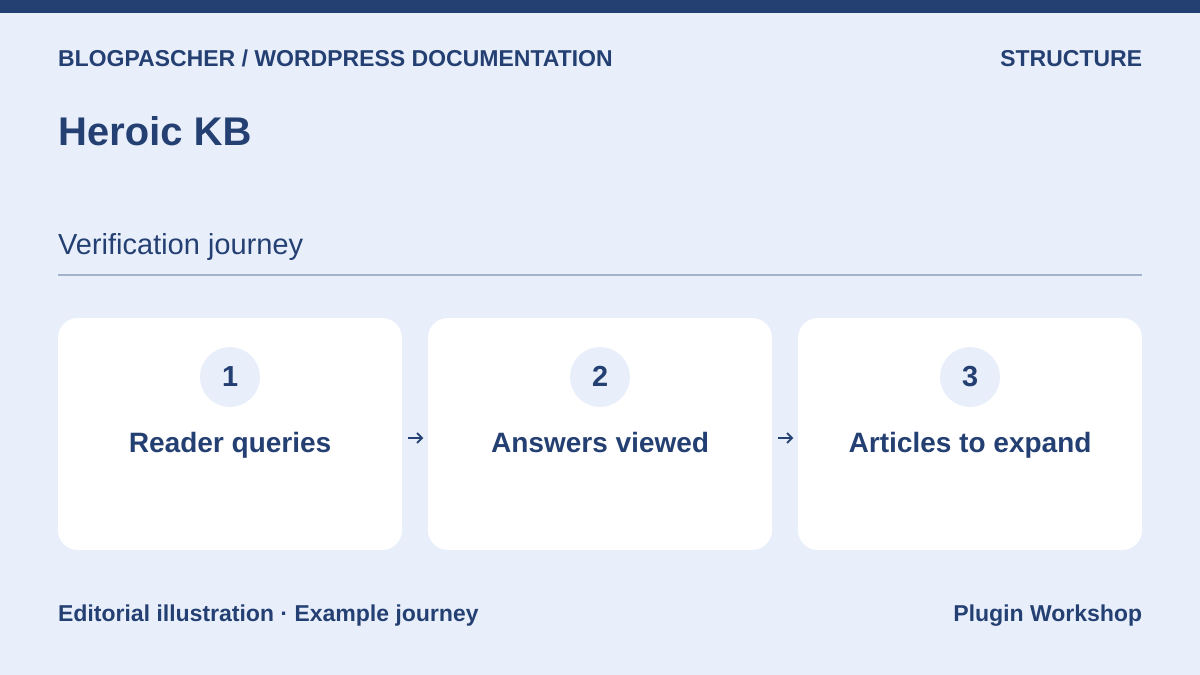 Editorial diagram. Reader queries → Answers viewed → Articles to expand. — BlogPasCherOpen full-size illustration ↗
Best forLaunch a paid help center with search and reader feedback.
Heroic KB combines base navigation, search and feedback features varying by plan. Its value is identifying frequent unanswered queries after launch. Before buying a higher plan, put four searches in your acceptance plan and decide how the team will actually use the data. Add a word close to customers’ vocabulary and an absent term. Ask someone to find the right procedure without using your menu.
Offer pricing
Essential displayed at 84.50 USD in the first year, then 169 USD per year. Plus at 174.50 USD then 349 USD per year in the consulted table.
Billing: Annual subscription
Renewal and support: Introductory rates apply to the first year. Renewal at full price.
Checked on .
Strengths
- Plan table with documented search, feedback and analytics options.
What to consider
- Check which data and integrations belong to the selected plan.
Pricing terms and compatibility
Understanding the offer
- Price at the time of review
- Essential displayed at 84.50 USD in the first year, then 169 USD per year. Plus at 174.50 USD then 349 USD per year in the consulted table.
- Currency
- USD
- Billing
- Annual subscription
- Renewal and support
- Introductory rates apply to the first year. Renewal at full price.
- Taxes and fees
- Unspecified. Confirm for the offer you choose.
- Commitment and terms
- Unspecified. Confirm for the offer you choose.
- Date checked
Compatibility and components
- Validate search presentation and operation with your theme.
BasePress
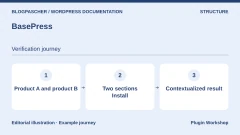
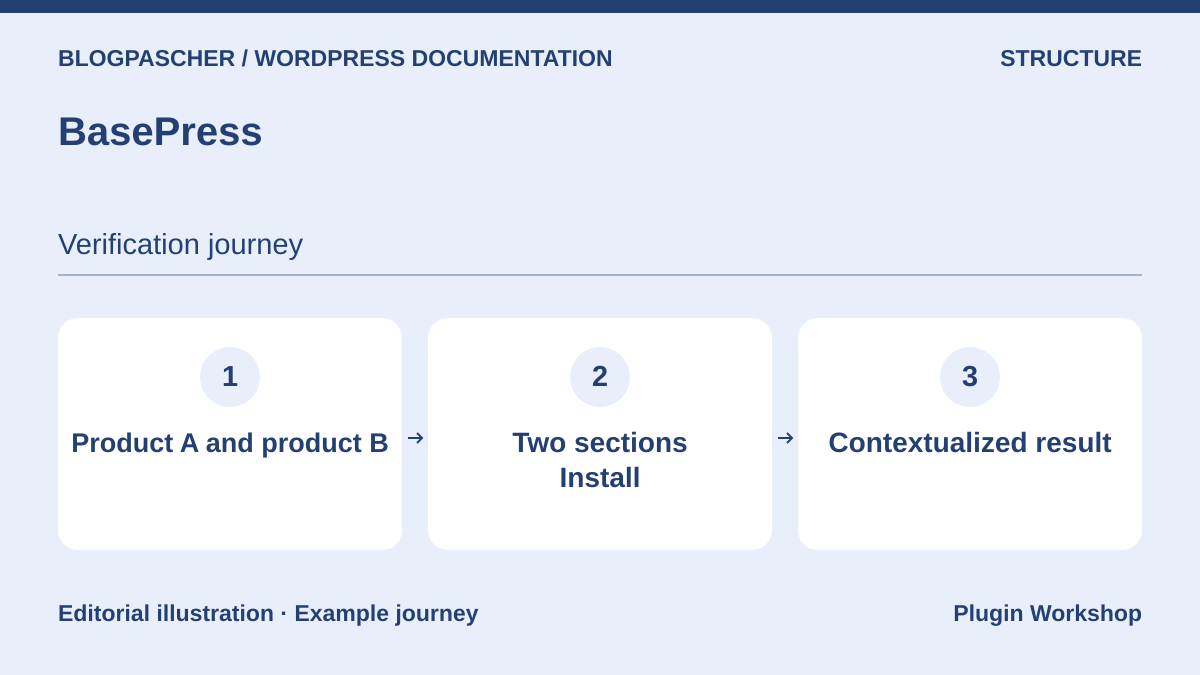 Editorial diagram. Product A and product B → Two Install sections → Contextualized result. — BlogPasCherOpen full-size illustration ↗
Best forSeparate instructions for two products within one installation.
BasePress allows navigation to be designed by product, then category and article. Test two products each with a page called Install. Readers must identify the correct product before following instructions. Also check that a search result gives the right context when titles resemble each other. The publisher’s table separates free-edition features from Premium licenses. Record the visibility rule and number of sites matching your configuration precisely.
Offer pricing
Free core. The Premium page presents a one-site starting offer at 79 USD and a one-site selector at 89 USD. Check the final checkout amount.
Billing: Annual Premium subscription
Renewal and support: Automatic renewal after one year. Recurring price unconfirmed for the offered plan.
Checked on .
Strengths
- Documentation hierarchy suitable for several products.
What to consider
- An identical label on two products requires an explicit search result or link.
Pricing terms and compatibility
Understanding the offer
- Price at the time of review
- Free core. The Premium page presents a one-site starting offer at 79 USD and a one-site selector at 89 USD. Check the final checkout amount.
- Currency
- USD
- Billing
- Annual Premium subscription
- Renewal and support
- Automatic renewal after one year. Recurring price unconfirmed for the offered plan.
- Taxes and fees
- Unspecified. Confirm for the offer you choose.
- Commitment and terms
- Unspecified. Confirm for the offer you choose.
- Date checked
Compatibility and components
- Validate the edition, template and actual search scope on a copy.
EazyDocs
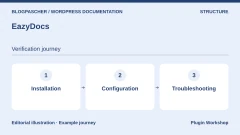
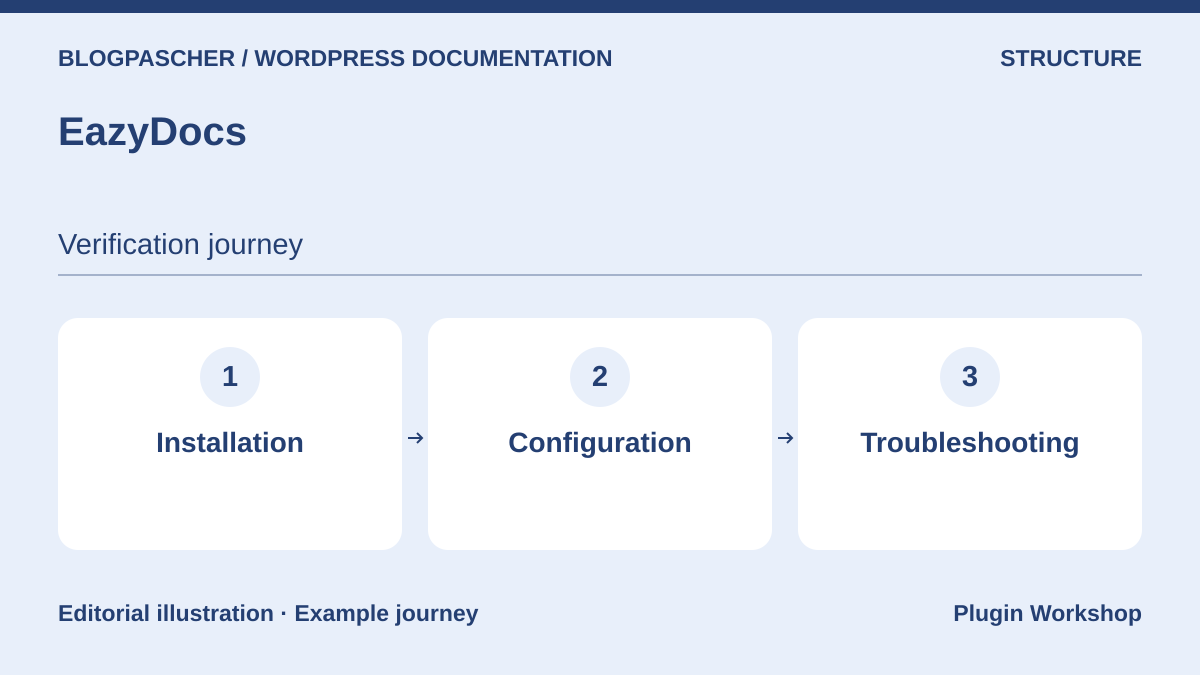 Editorial diagram. Installation → Configuration → Troubleshooting. — BlogPasCherOpen full-size illustration ↗
Best forGuide readers through steps in a multilevel manual.
EazyDocs organizes hierarchical articles and provides dedicated navigation. Build an example with Installation, Configuration and Troubleshooting. Check the current procedure’s position from a direct entry, on a phone and after reorganization. Test a search using a customer expression and another that should return nothing. The table separates core options from paid plans. Check it if you rely on reader feedback or a particular integration.
Offer pricing
Free core. Pro displayed with an annual reference price of 49 USD and Pro Max at 59 USD. The page also displays lifetime offers and discounts.
Billing: Annual subscription or lifetime license depending on the plan
Renewal and support: Check the selected offer’s duration and renewal price.
Checked on .
Strengths
- Organization into sections and a reading experience specific to documentation.
What to consider
- Record the required Premium features before choosing a plan.
Pricing terms and compatibility
Understanding the offer
- Price at the time of review
- Free core. Pro displayed with an annual reference price of 49 USD and Pro Max at 59 USD. The page also displays lifetime offers and discounts.
- Currency
- USD
- Billing
- Annual subscription or lifetime license depending on the plan
- Renewal and support
- Check the selected offer’s duration and renewal price.
- Taxes and fees
- Unspecified. Confirm for the offer you choose.
- Commitment and terms
- Unspecified. Confirm for the offer you choose.
- Date checked
Compatibility and components
- Check the theme and navigation rendering on a small screen.
Helpie WP
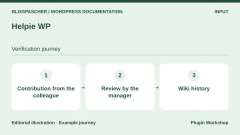
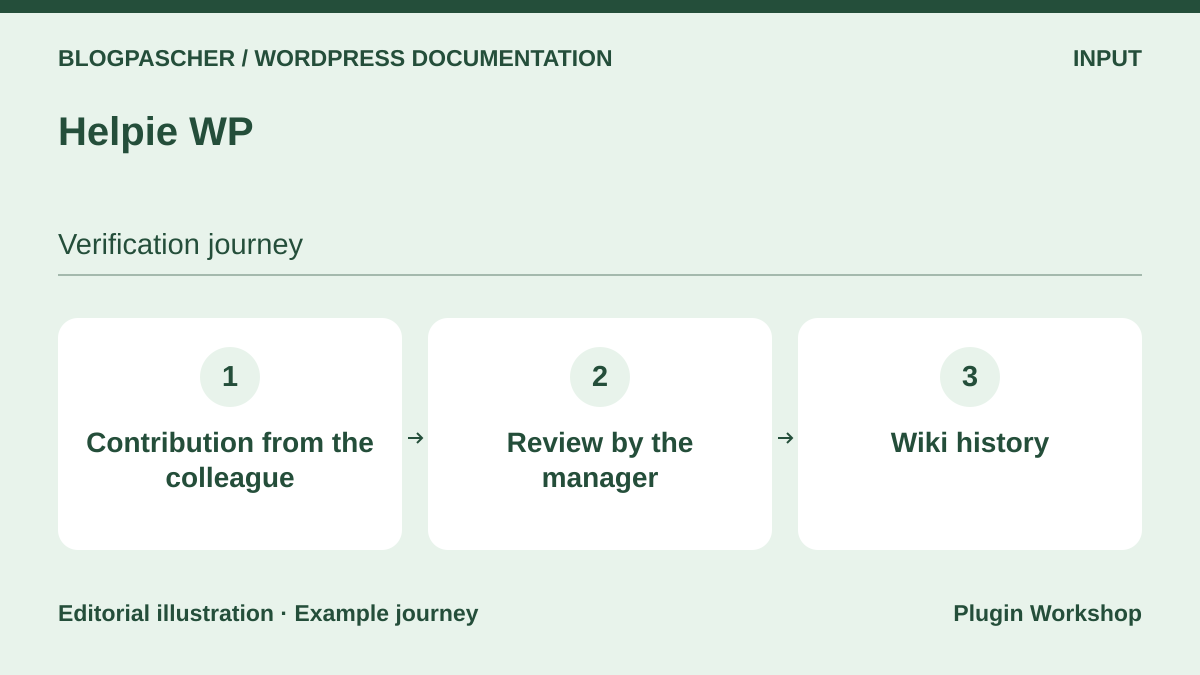 Editorial diagram. Colleague contribution → Manager review → Wiki history. — BlogPasCherOpen full-size illustration ↗
Best forLet colleagues contribute directly from the site and review revisions.
Helpie WP documents a frontend editor, revisions and contribution permissions. Define who can write, publish and read the online version. During acceptance testing, have a restricted account edit a procedure and an owner restore an older version. Check the page before and after approval. Wiki presentation and writing permissions are two settings to check together. Helpie FAQ addresses a different need.
Offer pricing
Helpie KB Pro displayed at 59 USD per year for one site, 149 USD for five and 299 USD for thirty. Seven-day trial requires a card.
Billing: Annual subscription
Renewal and support: One year of updates and support. Check the renewal amount.
Checked on .
Strengths
- Documented frontend editing, history and contribution settings.
What to consider
- Establish the publishing and reading permissions matrix before opening the wiki.
Pricing terms and compatibility
Understanding the offer
- Price at the time of review
- Helpie KB Pro displayed at 59 USD per year for one site, 149 USD for five and 299 USD for thirty. Seven-day trial requires a card.
- Currency
- USD
- Billing
- Annual subscription
- Renewal and support
- One year of updates and support. Check the renewal amount.
- Taxes and fees
- Unspecified. Confirm for the offer you choose.
- Commitment and terms
- Unspecified. Confirm for the offer you choose.
- Date checked
Compatibility and components
- Check the theme, editor and plan providing the required permissions.
WebberZone Knowledge Base
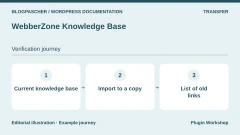
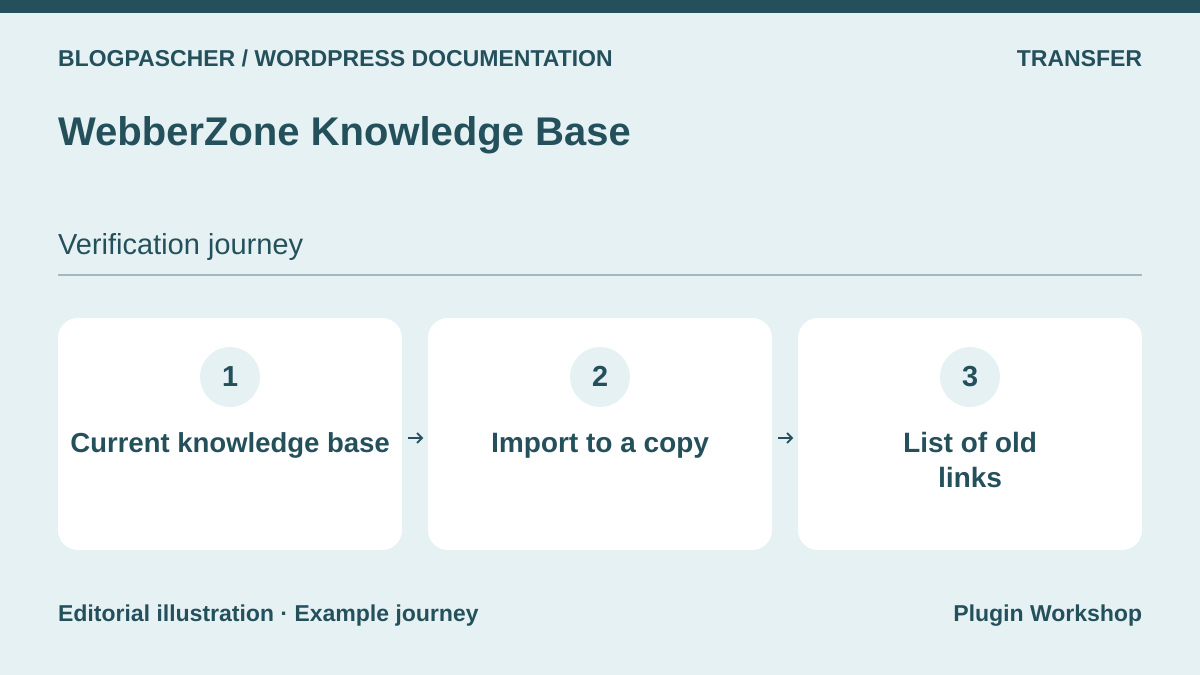 Editorial diagram. Current knowledge base → Import to a copy → List of old links. — BlogPasCherOpen full-size illustration ↗
Best forMigrate an existing base with a procedure specific to the source plugin.
WebberZone documents importing from several bases, with scope depending on the source. Record your base’s article type, hierarchy and internal references before trying migration. First import three representative articles and compare their navigation. Also check the layout of a page support already uses in replies. If migration copies text but changes the address, add that mapping to your redirect plan.
Offer pricing
Free core. Standalone Knowledge Base Pro displayed at 69 USD per year for one site and bundles from 129 USD per year.
Billing: Annual subscription
Renewal and support: Updates and support tied to an active license.
Checked on .
Strengths
- Import documented by source and a tool suited to help articles.
What to consider
- Check the transfer of your source’s metadata and links.
Pricing terms and compatibility
Understanding the offer
- Price at the time of review
- Free core. Standalone Knowledge Base Pro displayed at 69 USD per year for one site and bundles from 129 USD per year.
- Currency
- USD
- Billing
- Annual subscription
- Renewal and support
- Updates and support tied to an active license.
- Taxes and fees
- Unspecified. Confirm for the offer you choose.
- Commitment and terms
- Unspecified. Confirm for the offer you choose.
- Date checked
Compatibility and components
- Check the import method and supported source versions.
DocsPress
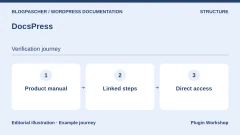
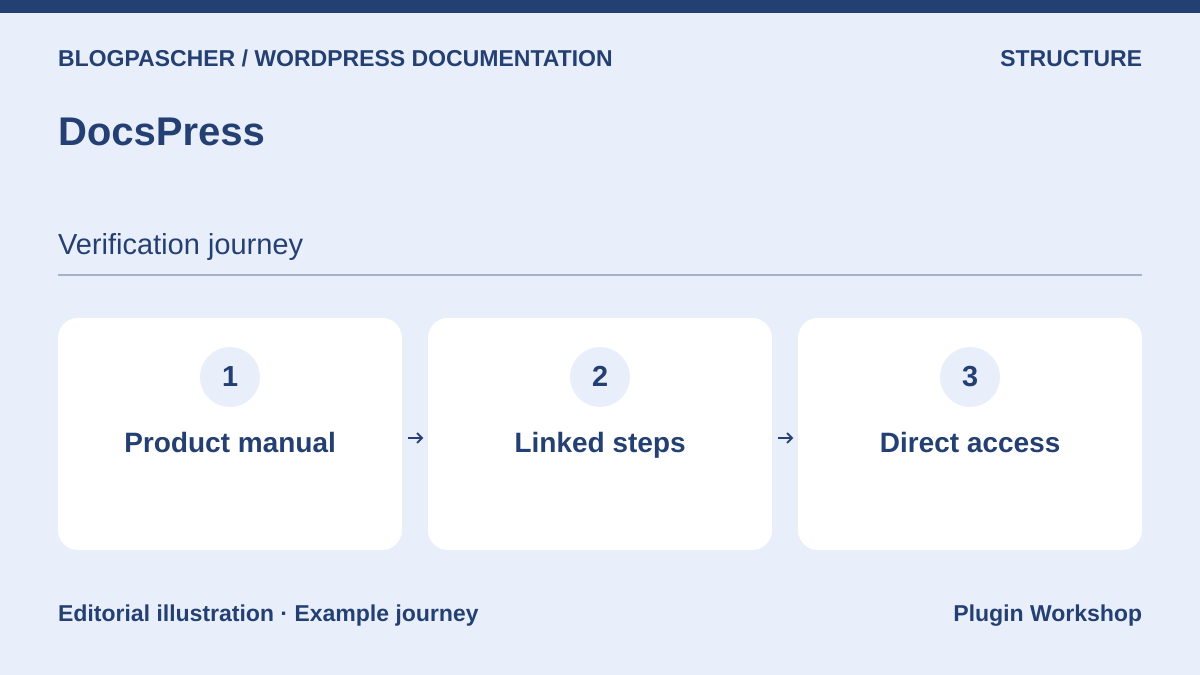 Editorial diagram. Product manual → Linked steps → Direct access. — BlogPasCherOpen full-size illustration ↗
Best forOrganize a product manual and provide direct access to its steps.
DocsPress targets documents structured into sections and articles with their own navigation. Try a manual comprising two steps and a troubleshooting article. Copy the troubleshooting link into a reply and check that navigation allows a return to the previous step. Also test headings and anchor links with a keyboard. Record the structures and settings used before expanding the base. A later presentation change will be simpler if these addresses already form part of acceptance testing.
Offer pricing
Free plugin distributed by WordPress.org.
Checked on .
Strengths
- Dedicated document structure with section navigation.
What to consider
- Check search, theme and URL behavior for the available version.
Pricing terms and compatibility
Understanding the offer
- Price at the time of review
- Free plugin distributed by WordPress.org.
- Currency
- Unspecified. Confirm for the offer you choose.
- Billing
- Unspecified. Confirm for the offer you choose.
- Renewal and support
- Unspecified. Confirm for the offer you choose.
- Taxes and fees
- Unspecified. Confirm for the offer you choose.
- Commitment and terms
- Unspecified. Confirm for the offer you choose.
- Date checked
Compatibility and components
- The WordPress.org listing stated “tested up to 7.1.3.” Compare it with the installed version.
Yada Wiki
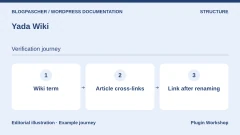
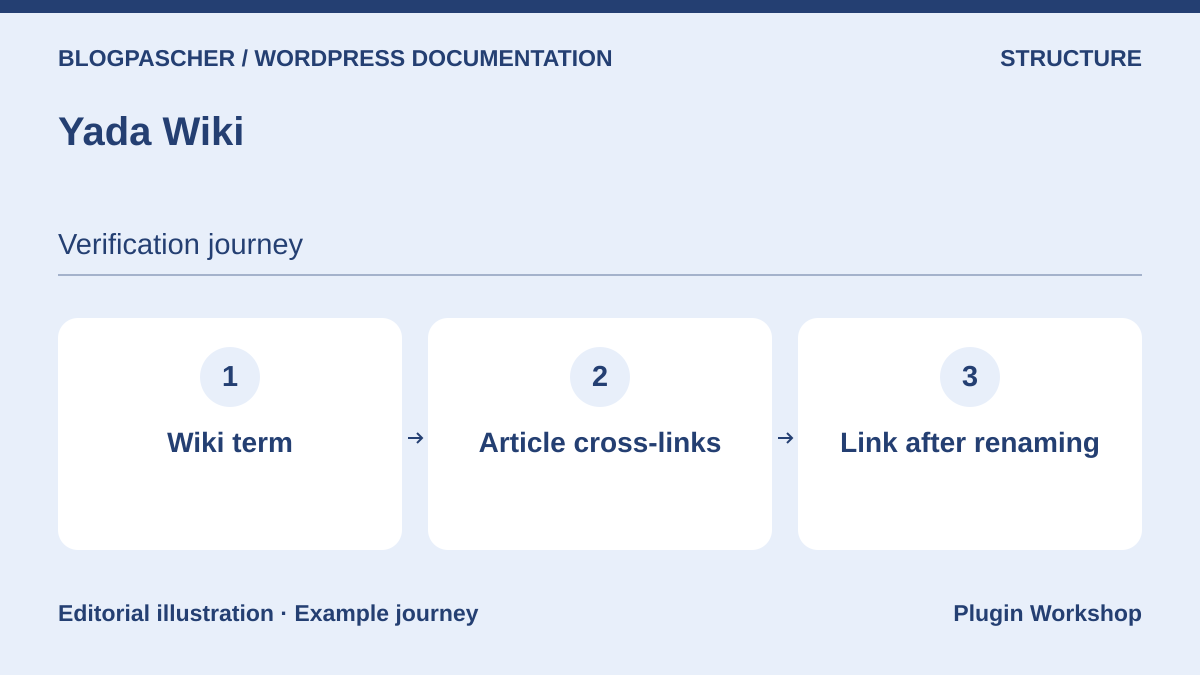 Editorial diagram. Wiki term → Cross-reference between articles → Link after renaming. — BlogPasCherOpen full-size illustration ↗
Best forConnect articles in a compact wiki through topics and cross-references.
Yada Wiki adds a wiki content type, categories and ways to link pages. Organize a wiki by concepts and create a cross-reference from an ambiguous term to an explanation. After changing an article’s title or address, open old links from their originating pages. If changing plugins, inventory wiki shortcodes to avoid leaving markup visible to readers. Check private pages and permissions separately.
Offer pricing
Free plugin distributed by WordPress.org.
Checked on .
Strengths
- Articles, categories and cross-references suited to wiki navigation.
What to consider
- List shortcodes and their replacements before migration.
Pricing terms and compatibility
Understanding the offer
- Price at the time of review
- Free plugin distributed by WordPress.org.
- Currency
- Unspecified. Confirm for the offer you choose.
- Billing
- Unspecified. Confirm for the offer you choose.
- Renewal and support
- Unspecified. Confirm for the offer you choose.
- Taxes and fees
- Unspecified. Confirm for the offer you choose.
- Commitment and terms
- Unspecified. Confirm for the offer you choose.
- Date checked
Compatibility and components
- Check shortcode rendering and permalinks on the target version.
Documentation (itthinx)
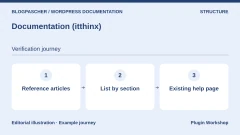
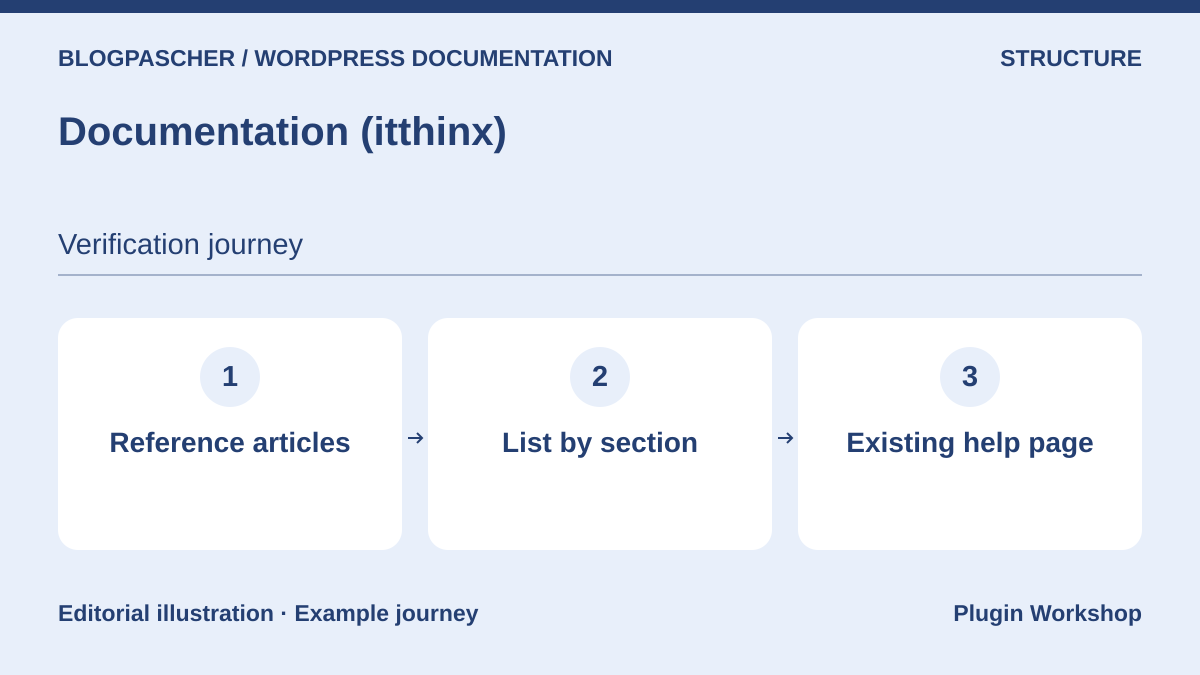 Editorial diagram. Reference articles → List by section → Existing help page. — BlogPasCherOpen full-size illustration ↗
Best forStructure a help reference collection and insert it into existing pages.
The Documentation plugin by itthinx offers creation and organization of reference articles, then display of documentation lists and collections. Test a help page displaying articles from a specific category. Then add a neighboring document to check that it appears where expected. Repeat with an empty category and a private procedure. If pages rely on plugin components, list their locations before deactivation.
Offer pricing
Free plugin distributed by WordPress.org.
Checked on .
Strengths
- Articles and presentation components in the same tool.
What to consider
- Check which elements remain displayed without the plugin’s blocks or shortcodes.
Pricing terms and compatibility
Understanding the offer
- Price at the time of review
- Free plugin distributed by WordPress.org.
- Currency
- Unspecified. Confirm for the offer you choose.
- Billing
- Unspecified. Confirm for the offer you choose.
- Renewal and support
- Unspecified. Confirm for the offer you choose.
- Taxes and fees
- Unspecified. Confirm for the offer you choose.
- Commitment and terms
- Unspecified. Confirm for the offer you choose.
- Date checked
Compatibility and components
- Check component rendering with the copy’s theme and editor.
Easy Docs
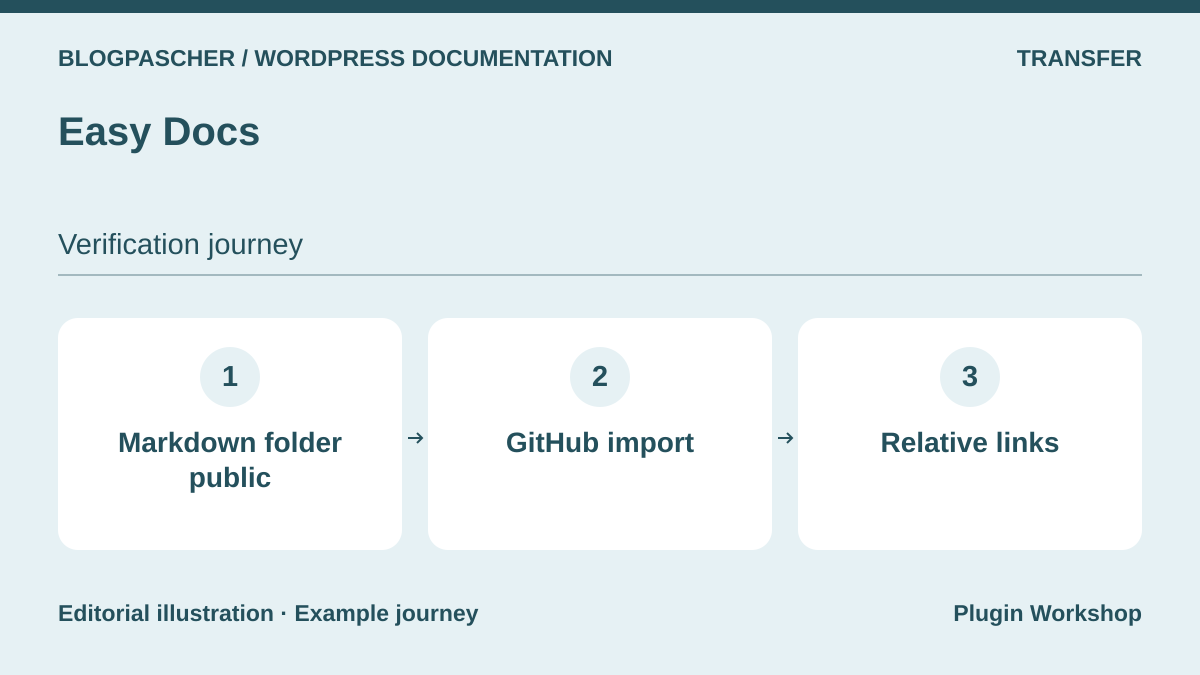 Editorial diagram. Public Markdown folder → GitHub import → Relative links. — BlogPasCherOpen full-size illustration ↗
Best forIntegrate Markdown documentation from a public GitHub repository into the site.
Easy Docs documents importing a public Markdown folder from GitHub. Prepare a small folder containing a page, relative link and image. Run the import, then open links and media on the copy. Decide whether the repository or WordPress is authoritative for procedure corrections and record what happens on the next import. For an internal procedure, choose a private workflow whose permissions and file retention you have checked.
Offer pricing
Free plugin distributed by WordPress.org.
Checked on .
Strengths
- Documented route from a public Markdown folder to a WordPress site.
What to consider
- The documented scenario depends on an accessible repository. Check reimports and relative paths.
Pricing terms and compatibility
Understanding the offer
- Price at the time of review
- Free plugin distributed by WordPress.org.
- Currency
- Unspecified. Confirm for the offer you choose.
- Billing
- Unspecified. Confirm for the offer you choose.
- Renewal and support
- Unspecified. Confirm for the offer you choose.
- Taxes and fees
- Unspecified. Confirm for the offer you choose.
- Commitment and terms
- Unspecified. Confirm for the offer you choose.
- Date checked
Compatibility and components
- Check the plugin version and Markdown rendering on a copy.
VS Knowledge Base
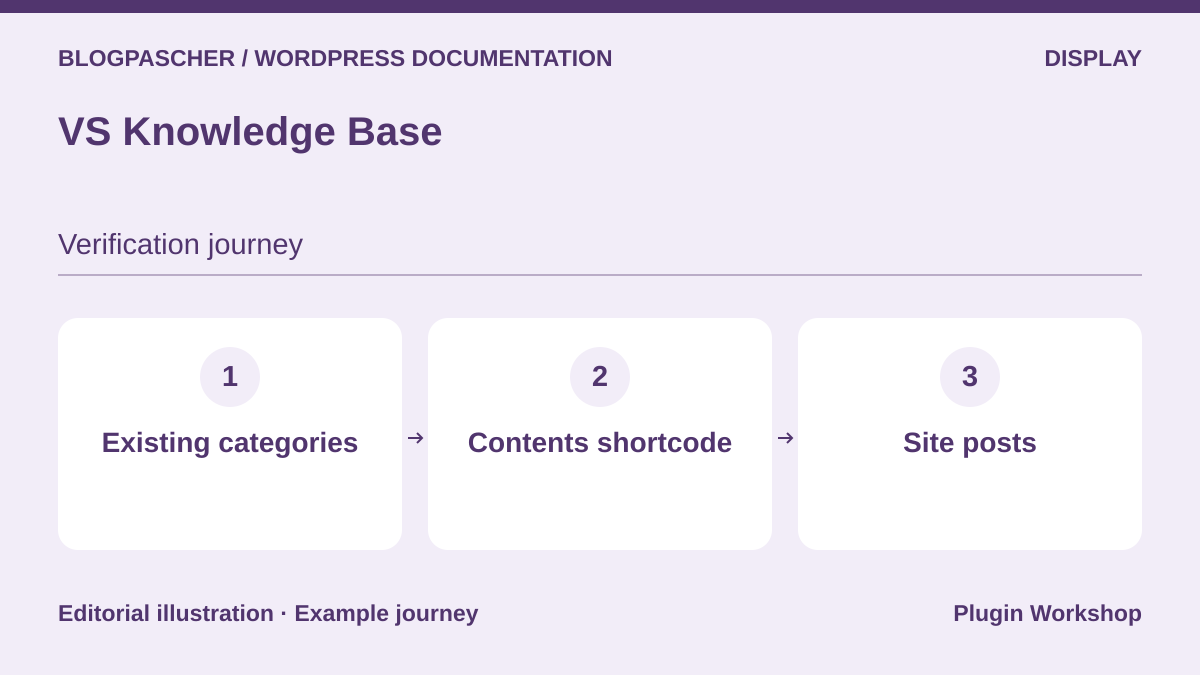 Editorial diagram. Existing categories → Contents shortcode → Site posts. — BlogPasCherOpen full-size illustration ↗
Best forPresent WordPress articles already organized into categories.
VS Knowledge Base formats lists of posts by category using shortcodes or a widget. Keep native articles and create a Contents page for two categories. Check exclusions, sorting and what happens when a category no longer contains a public page. This approach suits an already organized site where the team mainly wants a readable entry point. Keep a list of pages containing shortcodes to simplify a presentation change.
Offer pricing
Free plugin distributed by WordPress.org.
Checked on .
Strengths
- Reuses existing WordPress content and categories.
What to consider
- Plan another solution if the requirement concerns indexing or advanced permissions.
Pricing terms and compatibility
Understanding the offer
- Price at the time of review
- Free plugin distributed by WordPress.org.
- Currency
- Unspecified. Confirm for the offer you choose.
- Billing
- Unspecified. Confirm for the offer you choose.
- Renewal and support
- Unspecified. Confirm for the offer you choose.
- Taxes and fees
- Unspecified. Confirm for the offer you choose.
- Commitment and terms
- Unspecified. Confirm for the offer you choose.
- Date checked
Compatibility and components
- Check shortcode parameters and layout in the target theme.
BWL Knowledge Base Manager
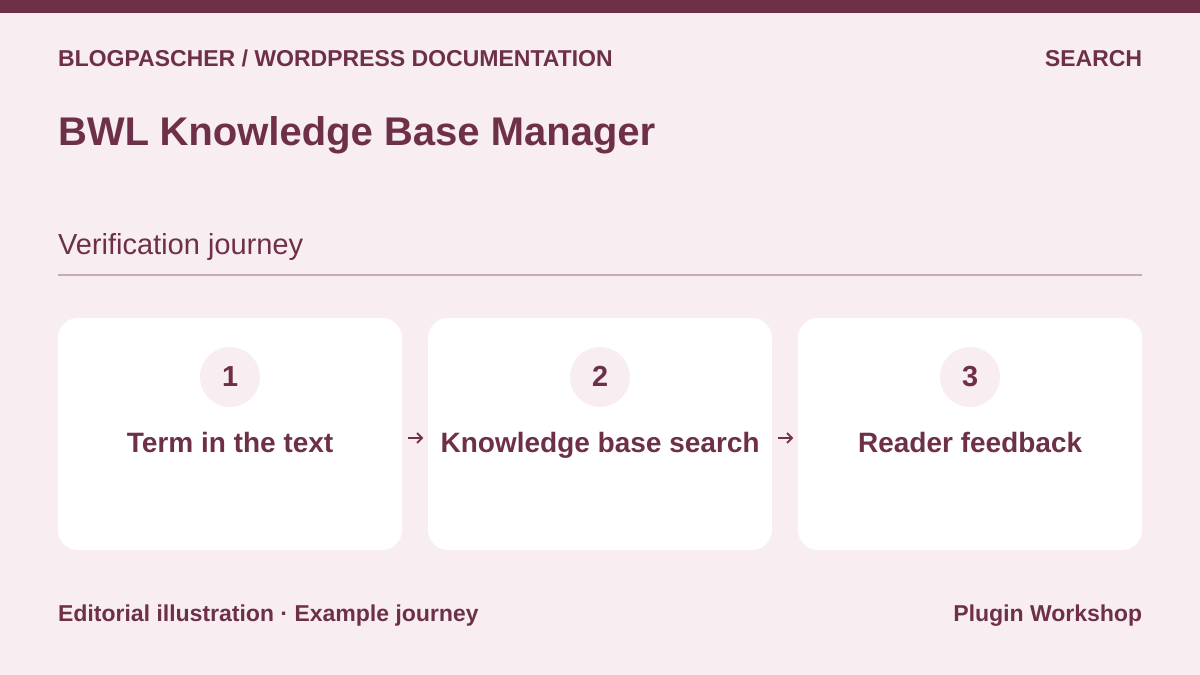 Editorial diagram. Term in the text → Knowledge base search → Reader feedback. — BlogPasCherOpen full-size illustration ↗
Best forPlan a base with search and voting on a site under a CodeCanyon license.
BWL presents knowledge articles, search options and voting. Before selecting it, prepare a query present only in an article’s body and another that should find nothing. Compare the results page and suggestions. Also check what a logged-out visitor sees through a deep link. The paid plugin was not installed in our trial. Compare advertised listing compatibility with your exact version.
Offer pricing
49 USD for a Regular License and 245 USD for an Extended License on CodeCanyon.
Billing: One-time CodeCanyon purchase
Renewal and support: Six months of support included. Support extension offered separately.
Price excludes taxes and processing fees according to the listing.
Checked on .
Strengths
- Search and reader feedback associated with a knowledge base.
What to consider
- Confirm compatibility and the license matching the site before purchasing.
Pricing terms and compatibility
Understanding the offer
- Price at the time of review
- 49 USD for a Regular License and 245 USD for an Extended License on CodeCanyon.
- Currency
- USD
- Billing
- One-time CodeCanyon purchase
- Renewal and support
- Six months of support included. Support extension offered separately.
- Taxes and fees
- Price excludes taxes and processing fees according to the listing.
- Commitment and terms
- License for one end product under marketplace terms.
- Date checked
Compatibility and components
- CodeCanyon displays WordPress up to 7.0.x and an update dated June 25, 2025.
DeepDocs
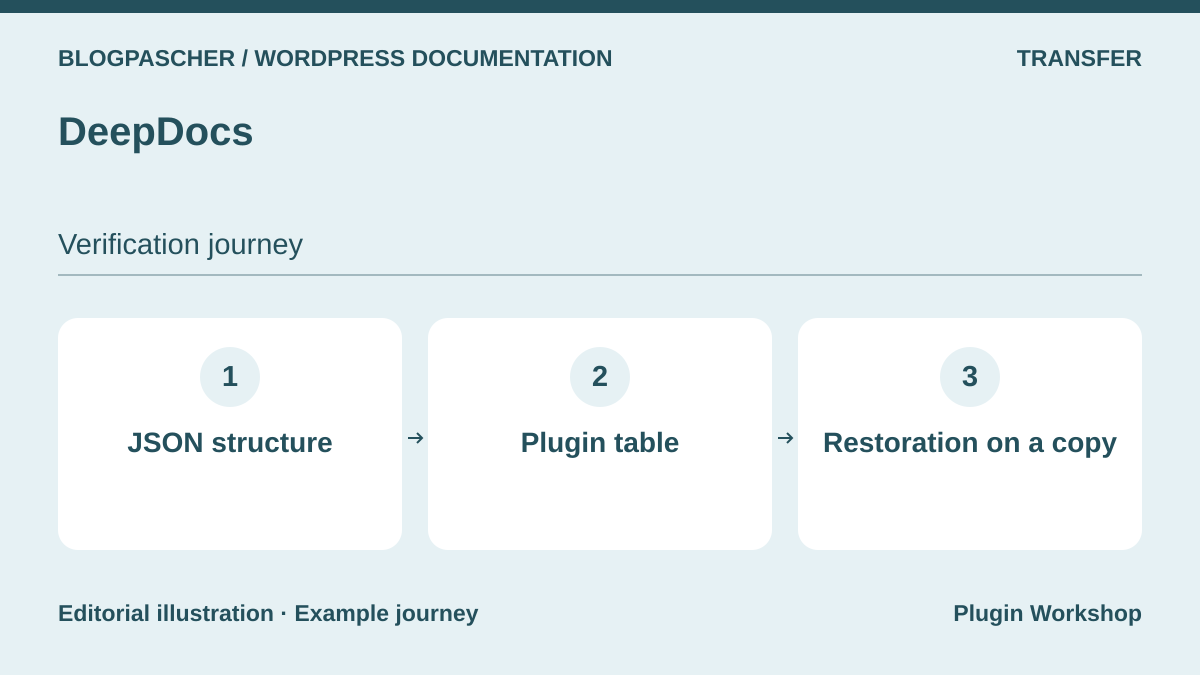 Editorial diagram. JSON structure → Plugin table → Restoration on a copy. — BlogPasCherOpen full-size illustration ↗
Best forBuild a dedicated manual while checking transfer of its structure.
DeepDocs advertises a documentation structure and states that it uses JSON in its own table. Ask how to retrieve data, text and navigation relationships if changing plugins. Test a database backup restored on a copy and open two articles directly. Also compare what a standard WXR export includes. Our WXR acceptance test concerned BetterDocs. The DeepDocs listing is sufficient to identify declared storage and prepare a separate check.
Offer pricing
39 USD for a Regular License on CodeCanyon. Extended price not recorded on the listing.
Billing: One-time CodeCanyon purchase
Renewal and support: Six months of support included. Check the stated extension cost.
Price excludes taxes and processing fees according to the listing.
Checked on .
Strengths
- Dedicated documentation with storage described in the product listing.
What to consider
- Plan recovery of the table used and verify its rendering.
Pricing terms and compatibility
Understanding the offer
- Price at the time of review
- 39 USD for a Regular License on CodeCanyon. Extended price not recorded on the listing.
- Currency
- USD
- Billing
- One-time CodeCanyon purchase
- Renewal and support
- Six months of support included. Check the stated extension cost.
- Taxes and fees
- Price excludes taxes and processing fees according to the listing.
- Commitment and terms
- License for one end product under marketplace terms.
- Date checked
Compatibility and components
- CodeCanyon displays WordPress up to 6.9.x and an update dated July 10, 2025.
MVP Docs
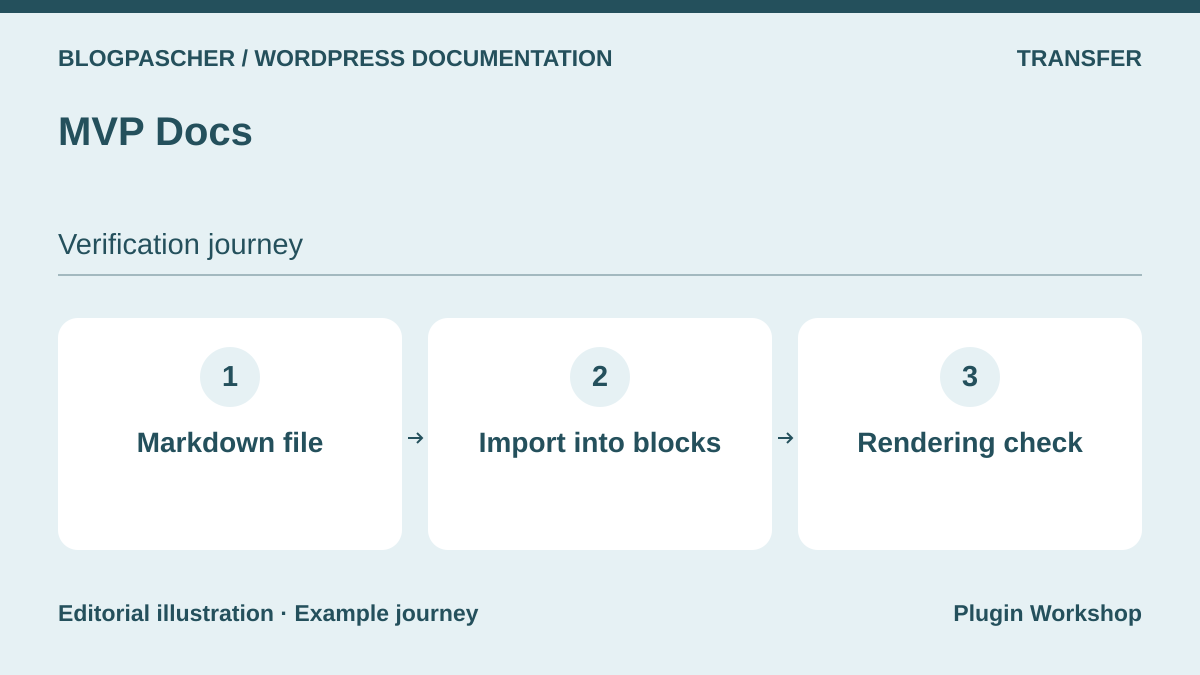 Editorial diagram. Markdown file → Import into blocks → Rendering check. — BlogPasCherOpen full-size illustration ↗
Best forImport Markdown notes into a simple documentation type.
MVP Docs creates a Docs type with categories and offers Markdown import from the block editor. First import a page containing a code excerpt, a level-three heading and a relative link. Check saved text and frontend rendering. The original file and WordPress version can diverge after editing. Decide where to review the procedure and retain the source file if you also plan to publish documentation in a repository.
Offer pricing
Free plugin distributed by WordPress.org.
Checked on .
Strengths
- Simple documentation type and Markdown import from the editor.
What to consider
- Plan an update rule and check relative links after import.
Pricing terms and compatibility
Understanding the offer
- Price at the time of review
- Free plugin distributed by WordPress.org.
- Currency
- Unspecified. Confirm for the offer you choose.
- Billing
- Unspecified. Confirm for the offer you choose.
- Renewal and support
- Unspecified. Confirm for the offer you choose.
- Taxes and fees
- Unspecified. Confirm for the offer you choose.
- Commitment and terms
- Unspecified. Confirm for the offer you choose.
- Date checked
Compatibility and components
- Check the block editor and Markdown markup type actually used.
Docs
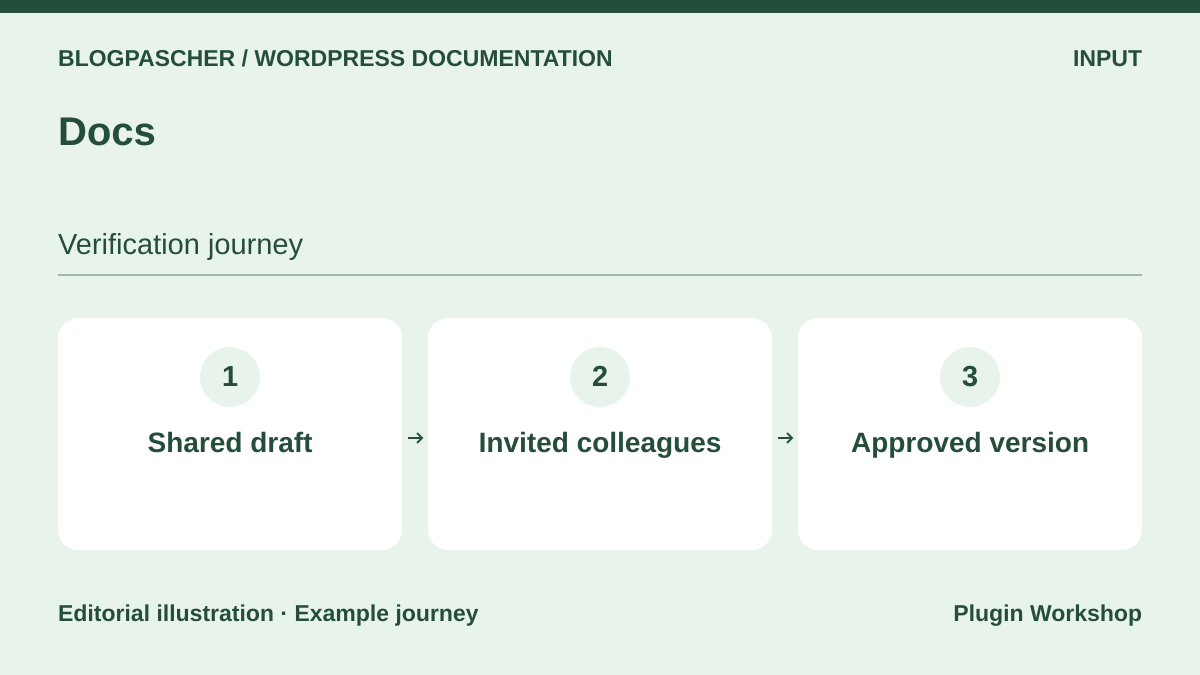 Editorial diagram. Shared draft → Invited colleagues → Approved version. — BlogPasCherOpen full-size illustration ↗
Best forPrepare and annotate a procedure collaboratively before publication.
Docs provides an editing and sharing space in WordPress. Prepare a short procedure with a named contributor and check who can edit it and attach files. Repeat with an account that has received no invitation. Its value comes before making a help center available. If sharing access to a note in progress, check the invitation link’s scope before using it for internal procedures.
Offer pricing
Free plugin distributed by WordPress.org.
Checked on .
Strengths
- Collaborative editing and invitation-controlled sharing.
What to consider
- Decide how the approved version will be published in the help base.
Pricing terms and compatibility
Understanding the offer
- Price at the time of review
- Free plugin distributed by WordPress.org.
- Currency
- Unspecified. Confirm for the offer you choose.
- Billing
- Unspecified. Confirm for the offer you choose.
- Renewal and support
- Unspecified. Confirm for the offer you choose.
- Taxes and fees
- Unspecified. Confirm for the offer you choose.
- Commitment and terms
- Unspecified. Confirm for the offer you choose.
- Date checked
Compatibility and components
- For real-time use, the listing and changelog mention Gutenberg or WordPress 7.0. Check the deployed version.
BuddyPress Docs
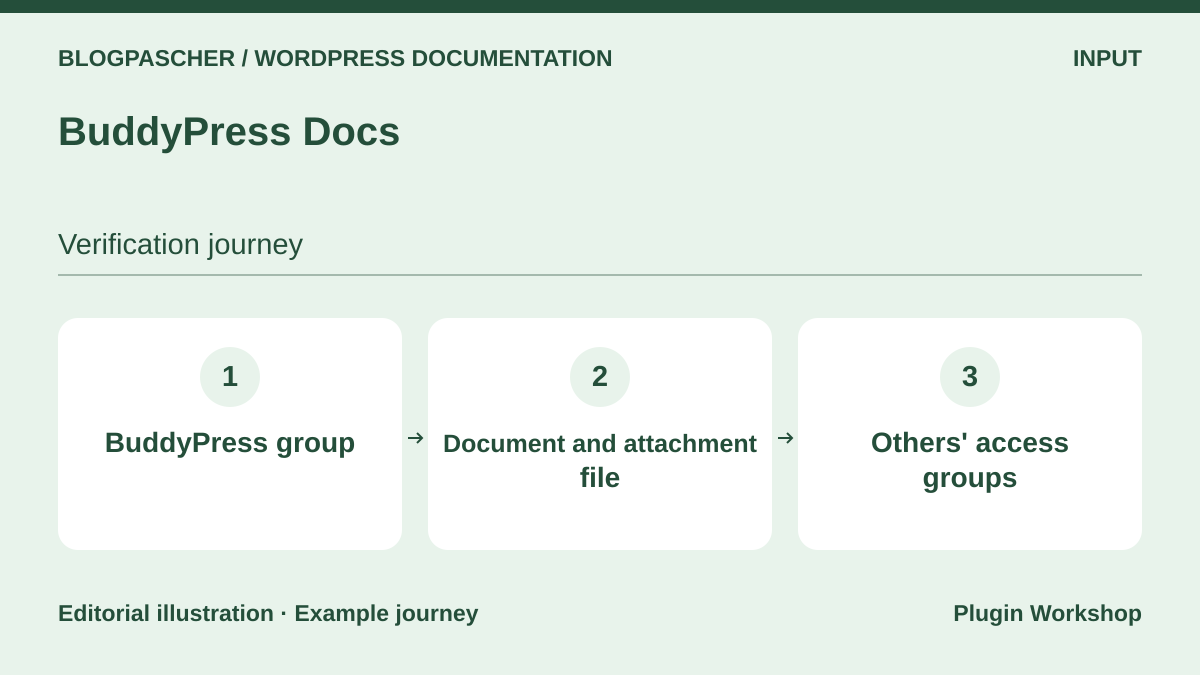 Editorial diagram. BuddyPress group → Document and attachment → Access by other groups. — BlogPasCherOpen full-size illustration ↗
Best forManage documents within an existing BuddyPress group.
BuddyPress Docs adds editable documents, privacy settings and attachments to groups. Create a procedure for a group and open it from three profiles: a member, another group and a window without an account. Check a direct attachment link as well as the page. This approach primarily suits readers and contributors already working in BuddyPress. Consider recovery of group memberships before moving documents.
Offer pricing
Free plugin distributed through WordPress.org. Requires BuddyPress for group use.
Checked on .
Strengths
- Documents, collaboration and reading permissions integrated with groups.
What to consider
- Check an attachment’s access scope separately from the page’s.
Pricing terms and compatibility
Understanding the offer
- Price at the time of review
- Free plugin distributed through WordPress.org. Requires BuddyPress for group use.
- Currency
- Unspecified. Confirm for the offer you choose.
- Billing
- Unspecified. Confirm for the offer you choose.
- Renewal and support
- Unspecified. Confirm for the offer you choose.
- Taxes and fees
- Unspecified. Confirm for the offer you choose.
- Commitment and terms
- Unspecified. Confirm for the offer you choose.
- Date checked
Compatibility and components
- Check BuddyPress, the theme and the WordPress level advertised in the listing.
SimpleTOC
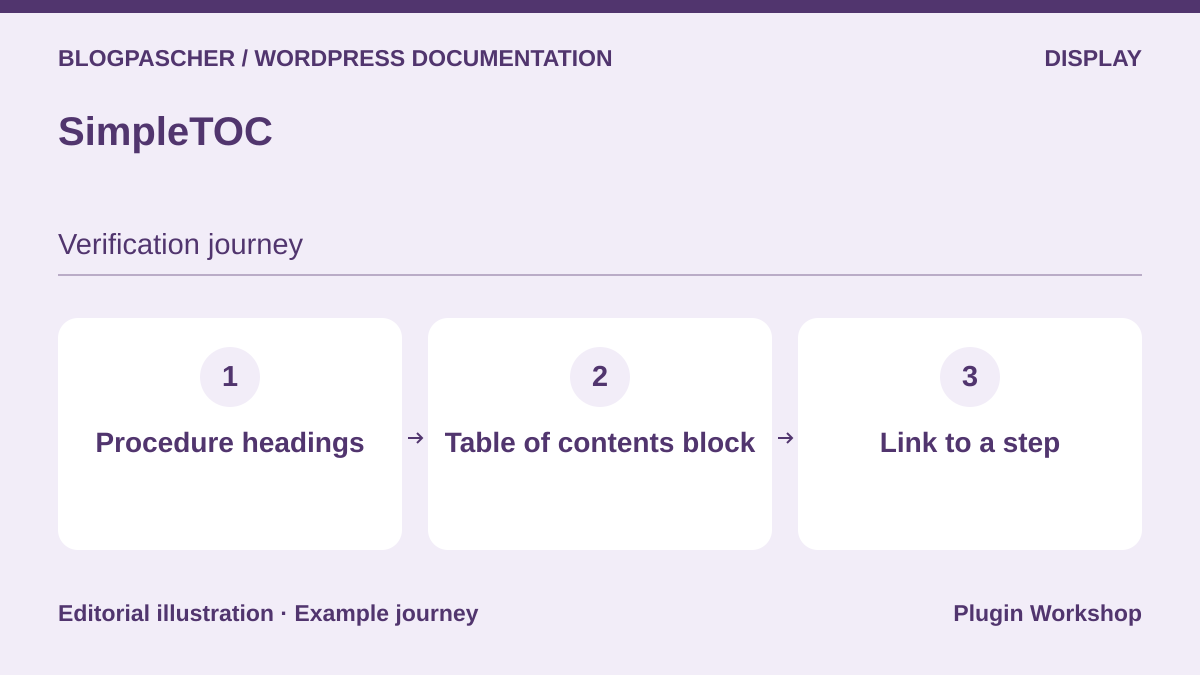 Editorial diagram. Procedure headings → Table of contents block → Link to a step. — BlogPasCherOpen full-size illustration ↗
Best forImprove navigation in procedures already published with blocks.
SimpleTOC creates a table of contents from procedure headings. On a page describing three solutions, give each a useful heading and check that every link leads to the correct passage. Rename a heading and check deep links already sent by your team. Also test focus order and contents readability on mobile. Site search and article classification remain those you selected.
Offer pricing
Free plugin distributed by WordPress.org.
Checked on .
Strengths
- Heading-based navigation in long block-editor procedures.
What to consider
- The tool supplements a help center. It provides neither an article index nor permissions.
Pricing terms and compatibility
Understanding the offer
- Price at the time of review
- Free plugin distributed by WordPress.org.
- Currency
- Unspecified. Confirm for the offer you choose.
- Billing
- Unspecified. Confirm for the offer you choose.
- Renewal and support
- Unspecified. Confirm for the offer you choose.
- Taxes and fees
- Unspecified. Confirm for the offer you choose.
- Commitment and terms
- Unspecified. Confirm for the offer you choose.
- Date checked
Compatibility and components
- Check heading blocks and anchor links with the active theme.
CM Tooltip Glossary
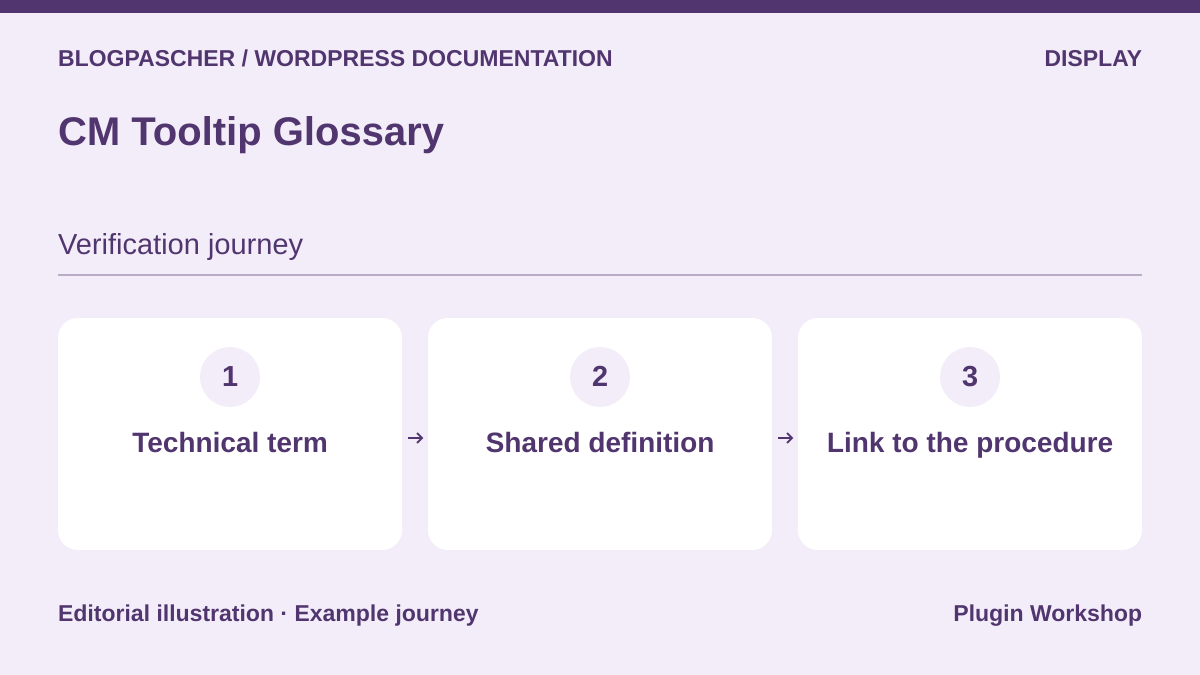 Editorial diagram. Technical term → Shared definition → Link to the procedure. — BlogPasCherOpen full-size illustration ↗
Best forExplain technical vocabulary without lengthening every procedure.
CM Tooltip Glossary associates terms with definitions and generates a glossary index. Define expressions recurring in several articles, then check how the plugin handles an ambiguous term or one already inside a link. Keyboard and touchscreen readers must also reach the definition through a readable link. Start with a few words and add a cross-reference to procedures supplying context.
Offer pricing
Free version. Paid offers displayed at 39, 69, 99 and 149 USD according to bundle and number of sites.
Billing: License with one year of support and updates
Renewal and support: The table advertises manual renewal with a 40% discount. Check the plan.
Checked on .
Strengths
- Reusable definitions and a vocabulary index for documentation.
What to consider
- Check keyboard, touch and exclusions before enabling tooltips everywhere.
Pricing terms and compatibility
Understanding the offer
- Price at the time of review
- Free version. Paid offers displayed at 39, 69, 99 and 149 USD according to bundle and number of sites.
- Currency
- USD
- Billing
- License with one year of support and updates
- Renewal and support
- The table advertises manual renewal with a 40% discount. Check the plan.
- Taxes and fees
- Unspecified. Confirm for the offer you choose.
- Commitment and terms
- Unspecified. Confirm for the offer you choose.
- Date checked
Compatibility and components
- Check the theme, blocks and pages where replacement should be active.
SearchWP
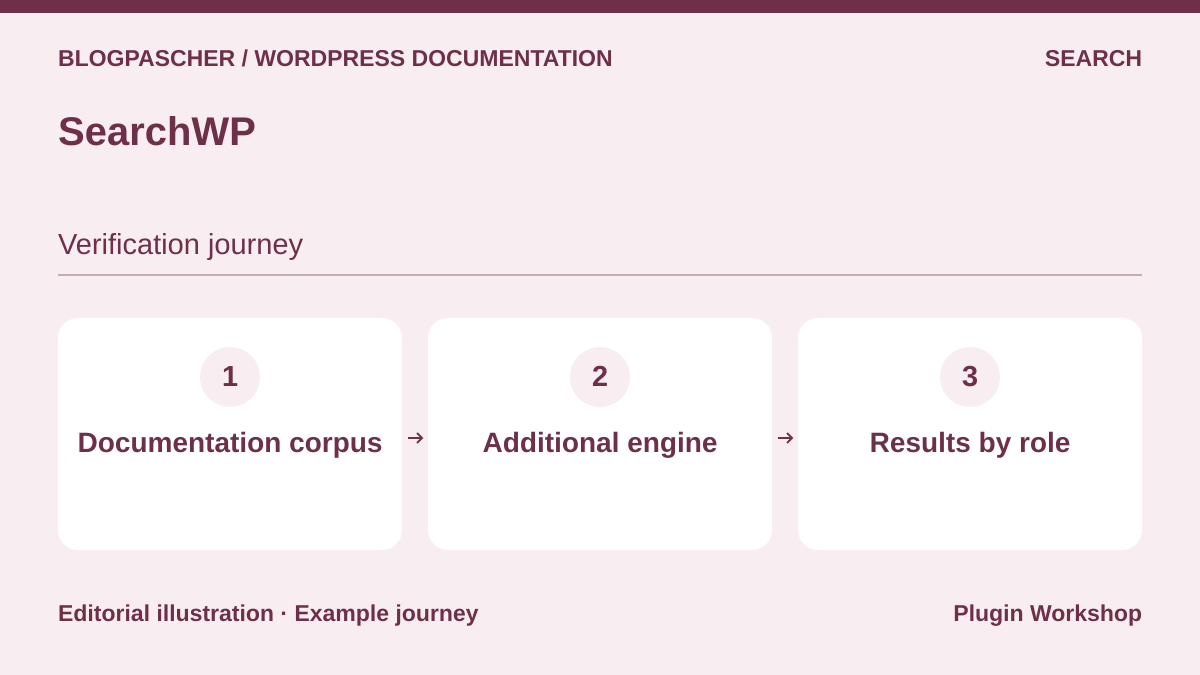 Editorial diagram. Documentation corpus → Additional engine → Results by role. — BlogPasCherOpen full-size illustration ↗
Best forConfigure an additional engine for a corpus of help articles.
SearchWP explains how to create an additional engine dedicated to a knowledge base. Identify the post type and attributes to index. Put one word in a title, another only in the body and a third in a private entry. After building the index, check results from the form actually displayed to readers, logged in and then logged out. Indexing helps find an article. Permission to open its page comes from the access rule.
Offer pricing
Standard at 99 USD in the first year and a reference price of 199 USD per year in the consulted table.
Billing: Annual subscription
Renewal and support: Initial discount. Check the regular price and modules in the selected plan.
Checked on .
Strengths
- Help-engine scope and criteria configurable separately.
What to consider
- Check permissions in results, excerpts and direct access after indexing.
Pricing terms and compatibility
Understanding the offer
- Price at the time of review
- Standard at 99 USD in the first year and a reference price of 199 USD per year in the consulted table.
- Currency
- USD
- Billing
- Annual subscription
- Renewal and support
- Initial discount. Check the regular price and modules in the selected plan.
- Taxes and fees
- Unspecified. Confirm for the offer you choose.
- Commitment and terms
- Unspecified. Confirm for the offer you choose.
- Date checked
Compatibility and components
- Check the documentation type and form compatible with the additional engine.
WordPress Importer
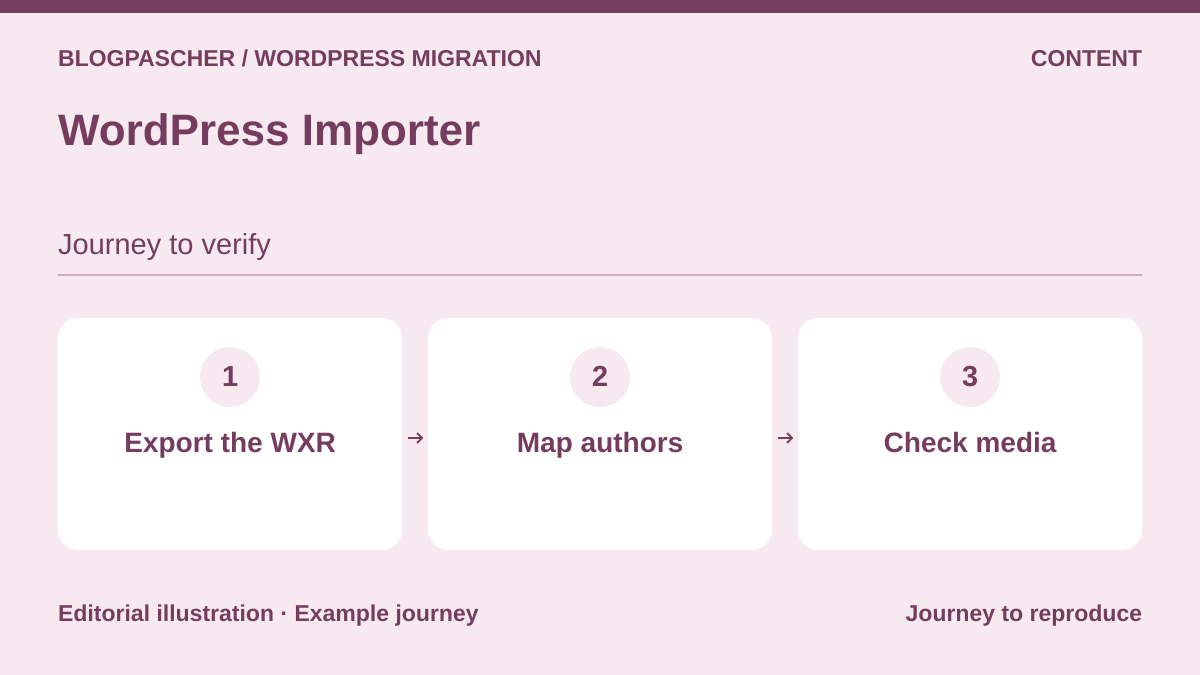 Editorial diagram. Export the WXR → Map authors → Check media. — BlogPasCherOpen full-size illustration ↗
Best forReplay a WXR article export on another installation.
We used WordPress Importer to transfer three BetterDocs documents. The target already had BetterDocs and recognized its docs type. Titles, text, statuses and assigned categories transferred. The empty parent category, category metadata and one site setting were missing after import. The file also contained the private procedure’s text. Keep it in a restricted space, then check the result before moving a real base.
Offer pricing
Free plugin distributed by WordPress.org.
Checked on .
Strengths
- Native, reproducible WXR recovery of compatible articles.
What to consider
- Settings, hierarchy and files require separate checks.
Pricing terms and compatibility
Understanding the offer
- Price at the time of review
- Free plugin distributed by WordPress.org.
- Currency
- Unspecified. Confirm for the offer you choose.
- Billing
- Unspecified. Confirm for the offer you choose.
- Renewal and support
- Unspecified. Confirm for the offer you choose.
- Taxes and fees
- Unspecified. Confirm for the offer you choose.
- Commitment and terms
- Unspecified. Confirm for the offer you choose.
- Date checked
Compatibility and components
- Importer 0.9.7 tried with WordPress 7.1.4 and BetterDocs 4.9.6 without fetching media.
PublishPress Permissions
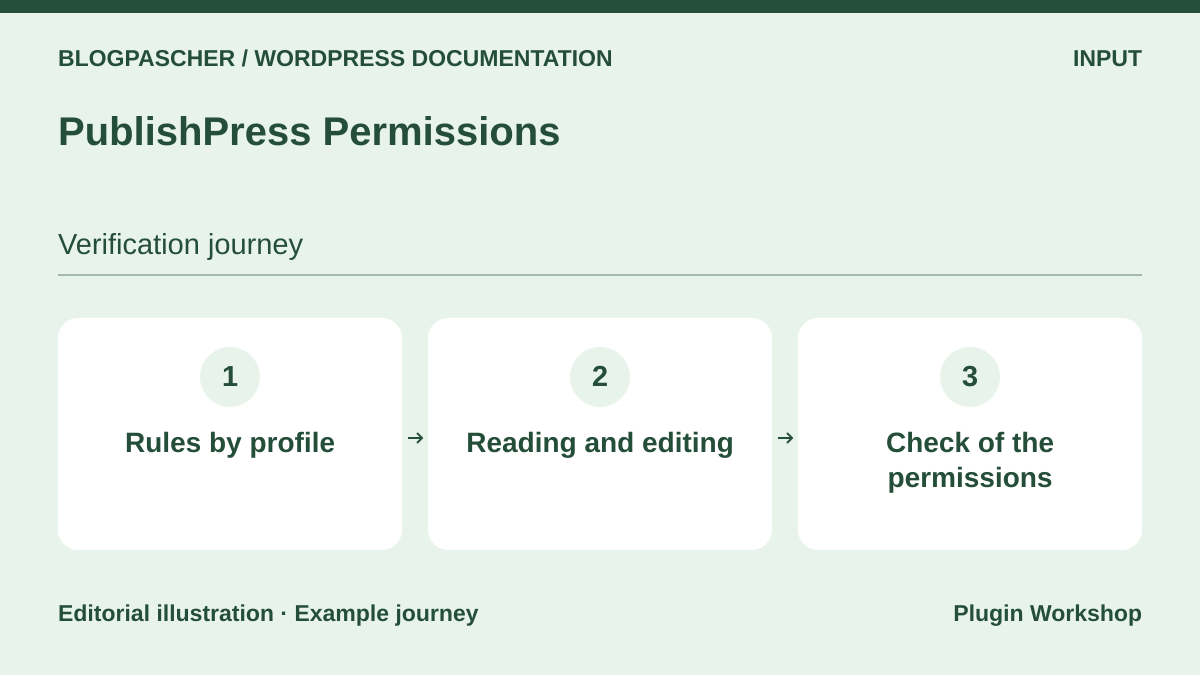 Editorial diagram. Rules by profile → Reading and editing → Permission checks. — BlogPasCherOpen full-size illustration ↗
Best forSeparate reading and editing permissions for a corpus.
PublishPress Permissions adds reading and editing rules with options depending on the edition. Take two roles and two articles. Record who should see the public article, read the internal document and edit a draft. Replay this matrix from the search form and direct addresses. Check support for the content type and protection method required by your base. Keep an authorized reference account to distinguish an overly broad rule from incorrectly configured access.
Offer pricing
Free version. The one-site Business bundle includes Permissions Pro at 129 USD per year in the consulted table.
Billing: Annual subscription for the bundle
Renewal and support: Updates and support tied to an active license. Possible first-year promotions.
Checked on .
Strengths
- Separate settings for content permissions.
What to consider
- Check protection of files, excerpts, indexes and the site cache.
Pricing terms and compatibility
Understanding the offer
- Price at the time of review
- Free version. The one-site Business bundle includes Permissions Pro at 129 USD per year in the consulted table.
- Currency
- USD
- Billing
- Annual subscription for the bundle
- Renewal and support
- Updates and support tied to an active license. Possible first-year promotions.
- Taxes and fees
- Unspecified. Confirm for the offer you choose.
- Commitment and terms
- Unspecified. Confirm for the offer you choose.
- Date checked
Compatibility and components
- Test the edition, documentation type and roles on a copy.
Document Library Pro
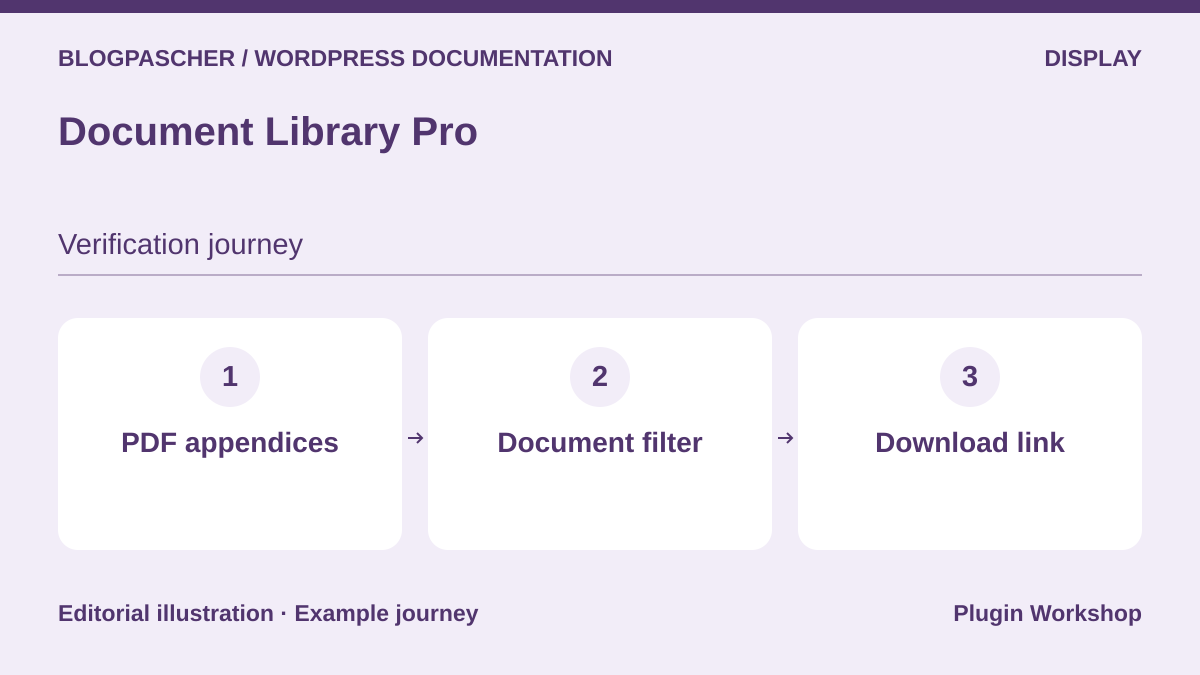 Editorial diagram. PDF appendices → Document filter → Download link. — BlogPasCherOpen full-size illustration ↗
Best forClassify PDFs and appendices cited by procedures.
Document Library offers a document library as a browsable list. Prepare two versions of a form, identify the current version and test category filtering. If a document is internal, check downloading via its direct address with an unauthorized account. The table simplifies access to attachments useful for documentation. A versioning and withdrawal policy remains necessary to prevent outdated forms circulating.
Offer pricing
Free Document Library Lite. Paid Essentials and Advanced plans. The opened table does not confirm a price applicable to every plan and site count.
Billing: Paid license depending on the plan
Renewal and support: Record the amount, duration and renewal in the table for the selected site count.
Checked on .
Strengths
- Browsable document inventory with separate Lite edition and Pro plans.
What to consider
- A file appearing in a list does not define its download permissions.
Pricing terms and compatibility
Understanding the offer
- Price at the time of review
- Free Document Library Lite. Paid Essentials and Advanced plans. The opened table does not confirm a price applicable to every plan and site count.
- Currency
- Unspecified. Confirm for the offer you choose.
- Billing
- Paid license depending on the plan
- Renewal and support
- Record the amount, duration and renewal in the table for the selected site count.
- Taxes and fees
- Unspecified. Confirm for the offer you choose.
- Commitment and terms
- Unspecified. Confirm for the offer you choose.
- Date checked
Compatibility and components
- Check the plan, file source and how the site controls access.
Ultimate FAQ
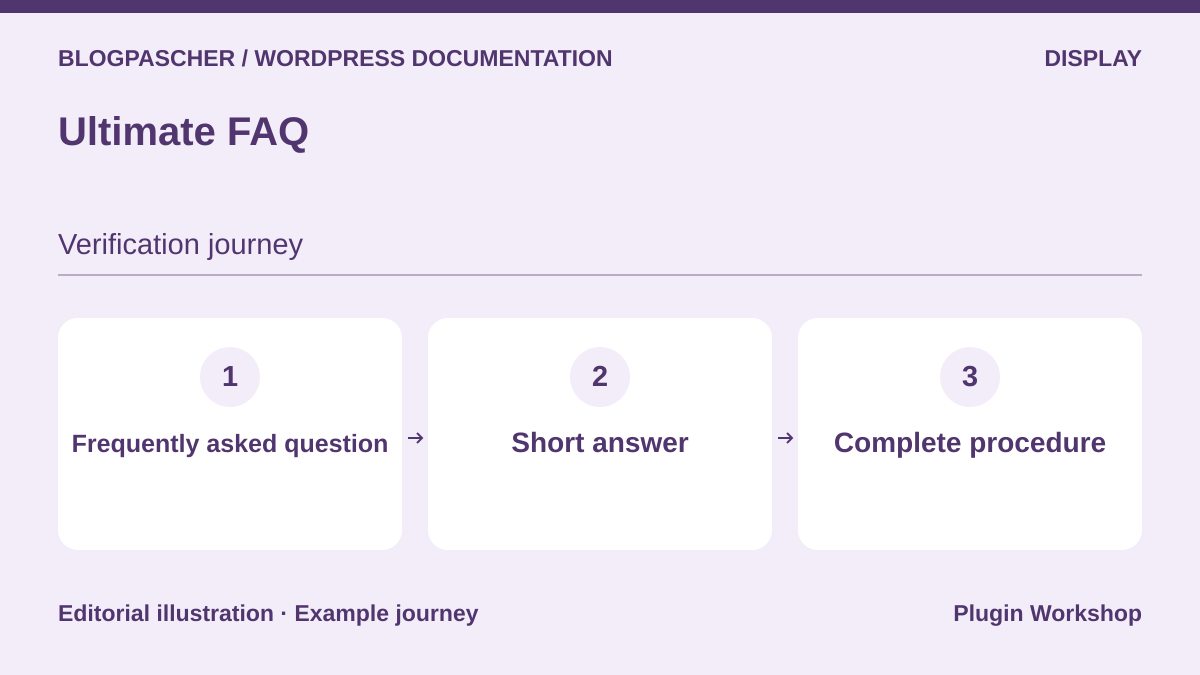 Editorial diagram. Frequently asked question → Short answer → Complete procedure. — BlogPasCherOpen full-size illustration ↗
Best forAnswer short questions and direct readers to detailed procedures.
Ultimate FAQ organizes questions into short items displayed through blocks or shortcodes. Start with a question answered in a few lines, then link the full procedure. Test opening and closing answers with a keyboard. The Premium listing mentions FAQ search. If users need to browse hundreds of procedures, compare hierarchical-base behavior before structuring all content as questions.
Offer pricing
Free version. One-site Premium license displayed at 67 USD, reference price 87 USD in the consulted listing.
Billing: Premium license by number of sites
Renewal and support: Ongoing support available separately. Check update and support terms.
Checked on .
Strengths
- FAQ blocks to provide a short answer near the relevant topic.
What to consider
- Check whether the selected plan includes the search block.
Pricing terms and compatibility
Understanding the offer
- Price at the time of review
- Free version. One-site Premium license displayed at 67 USD, reference price 87 USD in the consulted listing.
- Currency
- USD
- Billing
- Premium license by number of sites
- Renewal and support
- Ongoing support available separately. Check update and support terms.
- Taxes and fees
- Unspecified. Confirm for the offer you choose.
- Commitment and terms
- Unspecified. Confirm for the offer you choose.
- Date checked
Compatibility and components
- Test blocks, shortcodes and keyboard interactions with the theme.