

Identify a reCAPTCHA configuration problem
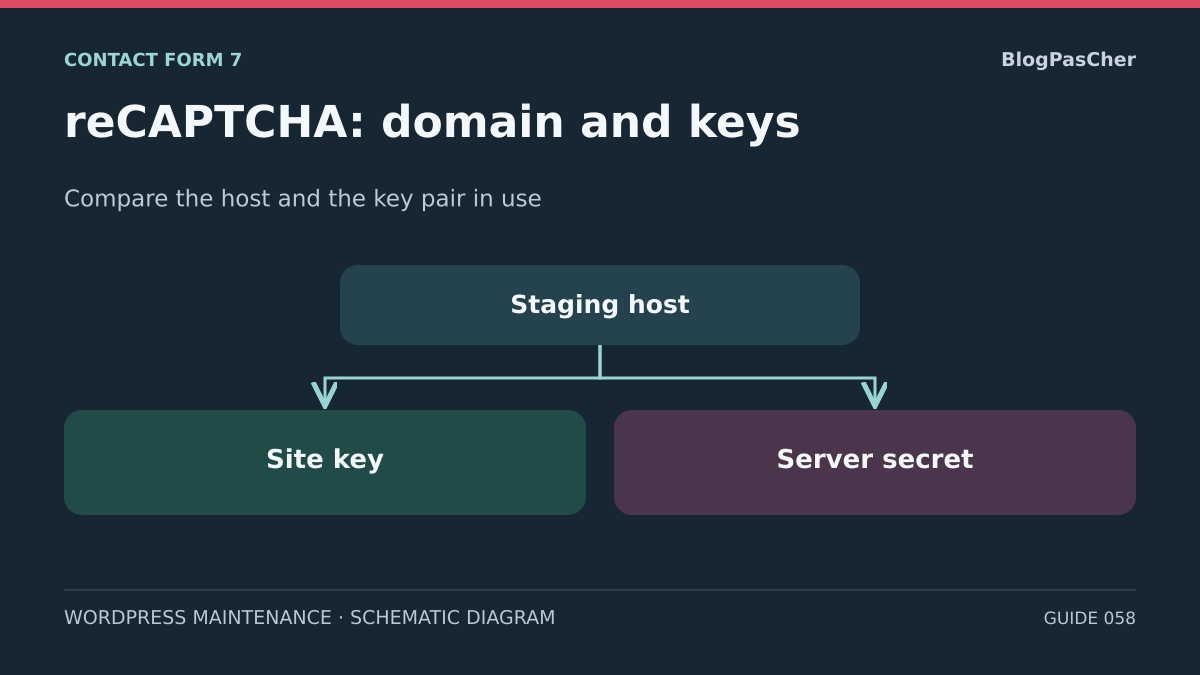
After a domain change, restoration, or configuration transfer, reCAPTCHA may report an unauthorized domain or incompatible key type on a page containing Contact Form 7. Diagnosis involves matching three elements: the hostname of the page actually loaded, the site key received by the browser, and the registration supplying the secret expected by the server.
In Contact Form 7's modern native integration, reCAPTCHA v3 works in the background. A checkbox may belong to another integration. The absence of a checkbox is normal for v3. If you added a third-party module or the theme code loads its own script, identify the component before interpreting the message. A page may load reCAPTCHA for several purposes with different keys.
An invalid-domain message, invalid-key-type message, or parameter error has a different meaning from a low score calculated for a submission. A low score after validation does not demonstrate a domain or pair problem. A POST receiving a security HTML page does not provide a reCAPTCHA verdict. This guide first matches the configuration and available records, then proposes a synthetic staging submission to verify the result after correction.
Collect the time, page path, environment, Contact Form 7 version, and exact wording of the diagnostic already observed. Keep only reference labels for keys. Screenshots must hide values and field contents. With these details, choose the domain, pair, or effectively loaded configuration lead.
Prepare access and a staging test without exposing keys
Work on a private copy with its own settings and separate access. To check an already known configuration, start with the staging inventory and redacted records supplied by the person managing the Google console. Give each pair a readable identifier, such as “current staging” and “old production.” Use these labels to match environments. Actual values stay in their manager and in screens reserved for authorized administrators.
Start the inventory from settings, files, and redacted traces. The v3 integration may contact Google as soon as the page loads. For this initial review, an existing HTML record or a copy with external outgoing connections blocked is sufficient. For the final test, authorize the Google loading and verification needed for the staging pair according to your environment's protocol. A resource deliberately blocked during inventory does not demonstrate a site outage.
Keep the staging rollback point before editing parameters. Record expected hostnames, project and key type, configuration source, and the role of each value. Separate browser-side references from verification secrets held on the server. A full configuration export, request log, or network capture tool may include information that must remain private.
For the test, use only the pair dedicated to staging, synthetic data, and locally captured email transport. Disable webhooks, CRM connections, and real destinations; opening access to Google must not reactivate these other outgoing connections. Normal form submission must produce a new token: do not copy a token from a trace or launch a manual siteverify request. If you lack the necessary access or protocol, you can finish the configuration review and separately record the test still to perform.
Approach 1 — Match the final domain with the allowed list
Identify the final hostname of the page loading the form. Record previously observed redirects and the page that actually contains the script. For an iframe integration, identify the embedded document's origin. The administration URL or an address remembered before redirection may refer to a different host. If the page is accessible through several domains, inventory each variant actually served.
Compare this name with the domain list of the registration corresponding to the site key. Enter or examine hostnames without copying the protocol, port, or path into the list. Google documents coverage of a domain and its subdomains according to key configuration. Another top-level domain or a staging name supplied by the host may require a separate entry. Avoid adding a broader family of domains than needed.
For a fictional migration from ancien.example to nouveau.example, a page served by nouveau.example does not match a list limited to ancien.example. Staging hosting might also publish the page under recette.hebergeur.example. This third name should be examined for its own pair instead of broadening the production pair by default. For localhost, Google documentation provides for explicit registration when this development mode is necessary.
Prepare the correction on a pair reserved for staging and keep domain validation active. Compare the before-and-after record and check the change's exact scope. If you do not manage the registration, give its owner the hostnames and key label without any secret value. Rollback restores the previous list for the affected staging registration only.
- Identify the host of the document that actually contains the form.
- Check the staging pair's allowed scope using a redacted record.
- Preserve domain validation and document the explained difference.
Approach 2 — Check that the site key and secret belong to the same pair
On the copy, open Contact → Integration and locate the reCAPTCHA card. Identify the source of the site key and secret using inventory references. The integration sends the site key to the browser. The server uses the secret. Check that both refer to the same registration, the same integration family, and the correct environment. Pasting from two different projects may leave a populated configuration that fails verification.
For the native integration, follow the score-based v3 model described by Contact Form 7. Keys for a v2 checkbox integration do not fit this model. With Google Cloud, documentation specifies the Web key ID and associated legacy secret for plugins using siteverify. A Cloud API key, service account identity, or value intended for another product does not serve as this secret.
If the project migrated from reCAPTCHA Classic, first find the migrated registration and its identity in the owning project. Google states that siteverify remains usable after migration. Migration itself demonstrates neither that the site must change keys nor that its domain changed. Check the origin of the current pair before preparing a replacement.
In the plugin interface, a configured indicator means values are present. It does not prove the pair works. To correct an identified error, the authorized manager prepares both references from one staging pair and replaces both parameters together if necessary. In the diagnostic record, note the project, type, and label before and after. Keep the rollback point in the designated manager without displaying an actual value.
Approach 3 — Check which configuration is actually used
A change under Contact → Integration may have no effect if the site loads a global pair. In CF7 6.2.4.1, the code reads the WPCF7_RECAPTCHA_SITEKEY and WPCF7_RECAPTCHA_SECRET constants when defined, then applies the wpcf7_recaptcha_sitekey and wpcf7_recaptcha_secret filters. Both effective global values must be populated to take precedence over the saved pair. With only one global value, CF7 uses the saved pair if available. Check the installed version and have the source of each value and environment label recorded without displaying them.
Start with staging's managed code and configuration. Ask whether a value comes from a configuration file, a must-use plugin, or a host-specific mechanism. If an override is intentional, the correction belongs in its managed source. If two sources conflict, avoid correcting both the code and the plugin settings at once. Keep one change at a time and a rollback point appropriate to that source.
In an already redacted HTML or network record, identify the reCAPTCHA script, its loading context, and the site-key marker chosen by your team. CF7 code prepares, among other things, a script URL with a render parameter. An old cached page or another plugin may supply a different script. A different public key in the browser may therefore come from another page or component. A correct key in the browser does not demonstrate which secret the server uses.
If the staging configuration has been corrected but the record remains old, compare HTML copies before and after and examine that staging environment's page cache. If a purge is useful, limit it to the copy and identified scope. Check that the loading path matches the intended version and configuration, keeping remote outgoing connections blocked during this check.
Read verification codes already available
If a historical record contains a siteverify response, look for success, error-codes, hostname, and score when present in the v3 result. If the last field is missing, record “score absent.” A value shown by the CF7 log may come from its fallback calculation. Check that the record corresponds to the same environment and attempt. The HTTP status, service JSON response, and form result describe three distinct stages.
The codes missing-input-secret and invalid-input-secret point toward a missing or invalid presented secret. They do not alone prove which pair should have been used. Response-related codes, such as missing-input-response and invalid-input-response, suggest examining the token or its absence. timeout-or-duplicate is consistent with an expired or already-used token. Google states that tokens in the classic flow have a limited lifetime and are single-use. Replaying an archived request would obscure the evidence.
If historical verification indicates a hostname different from the expected one, compare the page or iframe and the registration domain. If traces show only an outgoing network failure, look for the layer that refused the call. Do not conclude the secret is wrong because staging without internet access cannot reach Google. In this scenario, remote validation is out of scope.
Avoid enabling detailed call-body logging to obtain these codes. Plugin code passes the secret and token in the server call. A reusable record is limited to the HTTP status, useful response fields, time, and pair label. Actual values and network archives stay outside the diagnostic record.
Verify the correction with a staging submission
First finish matching the configuration. The final host must be covered by the staging pair with domain validation active; the site key and secret must belong to the same v3 registration; their effective source must match the expected settings. Checking the browser alone does not demonstrate which secret the server uses. Keep these reference points before testing so you know what the correction changed.
On authorized staging, keep ancillary processing isolated and email directed to the local collector. Enable only the Google access needed to load the script and verify it on the server. Open the page in a separate profile and follow the intended consent mechanism. With native v3 integration, no challenge to solve is normally displayed. If a checkbox or another challenge appears, identify the component loading it before attributing its result to this integration.
Fill the fields with dummy data and click once. Record the time, feedback POST, application result, and visible message. In authorized redacted diagnostics from the same attempt, look for the verification result, hostname, and numeric score where provided. Keep the secret, token, and form body out of the report. Do not introduce global request logging to obtain this information. Without sufficient trace evidence, record the observed CF7 result and attribution limitation instead of claiming remote validation succeeded.
The positive control must use the corrected configuration, stop showing the domain or key-type error, and produce a consistent result. A mail_sent response accompanied by the expected message in the collector confirms the path through staging transport. With skip_mail, it demonstrates only the simulated scenario: use captured transport to verify email handoff as well. A spam verdict may persist because of the score or another filter. In that case, read the available reason and response; do not lower the threshold to force success.
Then make a new attempt with a required field deliberately left empty. It should display an understandable error and produce no captured email. This control checks field validation, not Google's spam-filtering effectiveness. Return to a complete dataset to confirm the positive path. Staging results do not measure reputation or false positives in public traffic; configuration repair and filtering quality remain two separate conclusions.
- Confirm the dedicated pair, final host, and effective value source without revealing the secret.
- Check the local collector and isolation of other integrations before authorizing the staging Google flow.
- Submit a new complete synthetic entry; correlate the POST, CF7 result, and available diagnostics.
- Check captured email if the scenario includes transport, then run an invalid-field control and a final complete control.
- Record observations and their limitations, restore temporary settings, and clean up test messages.
Hand over a targeted correction and its rollback point
For each discrepancy, state the expected domain, observed domain, project, key type, and setting source. Add the selected cause and the layer that must change. For example, a fictional migration may have left staging on an allowed host with a production pair in a managed file. In this case, the correction concerns the source of the staging pair and its key's scope. Secret details do not appear in the proposal.
For staging rollback, restore the previous host list or restore both previous staging-pair parameters together at their original source. Compare the configuration record and expected HTML. Restore the previous network scope, keep captured transport, and delete synthetic data. If a change's scope remains uncertain, leave it as a proposal with the information its owner needs.
A change applied to the wrong registration could affect other forms or hosts. Before considering a real change, have the affected pair's dependencies identified. Returning to a valid staging pair does not require deleting a key. Google documents that deleted keys cannot be recovered. Retaining previous references makes comparison and rollback easier.
The handoff record distinguishes matched settings, attempts actually performed, observed responses, and unverified steps. Do not claim end-to-end operation based only on a key inventory. If the staging test took place, state its result and remaining differences from production, particularly the domain, pair, network, and email transport.
Identify an override without displaying keys
If the pair entered under Contact > Integration seems ignored, the maintainer can search for override names in the files they manage. From the copy's root, with ripgrep installed, the following command displays only matching filenames without printing their lines or values.
Adapt the list to directories that exist; an absent directory produces a warning and is not a positive result. Add a specific plugin's directory if your team maintains the integration there. The search does not inspect a variable injected by the host or settings stored in the database. A found file may also contain only a comment: its owner must examine the loaded code and its conditions.
Do not share the complete configuration file to communicate this result. Provide the name of the responsible mechanism, then correct the pair there on the copy. Recheck the final domain and an actual staging submission. Without technical access, give support this precise question: “Does a constant or filter replace the keys entered in the interface?” This avoids installing a second reCAPTCHA module that would complicate diagnosis.
rg -l --glob '*.php' 'WPCF7_RECAPTCHA_(SITEKEY|SECRET)|wpcf7_recaptcha_(sitekey|secret)' wp-config.php wp-content/mu-plugins wp-content/themesRelated comparisons
25 WordPress form plugins to choose according to your needs
Find Contact Form 7’s features and the points to compare with other form plugins.
Sources and references
Use these references to check the features, requirements and limitations described. Reading documentation is not a practical test.
View 15 references
- Contact Form 7 — reCAPTCHA v3 integration ↗
- Contact Form 7 6.2.4.1 — Loading the reCAPTCHA module ↗
- Contact Form 7 6.2.4.1 — Key sources and verification call ↗
- Google — reCAPTCHA token verification and lifetime ↗
- WordPress — Prepare a development copy ↗
- Google Cloud — Web keys and plugin-compatible secret ↗
- Chrome DevTools — Inspect a network request ↗
- Contact Form 7 — Integration privacy notices ↗
- Google — reCAPTCHA domain validation ↗
- Google Cloud — siteverify compatibility ↗
- Google Cloud — Migrating a reCAPTCHA Classic key ↗
- Contact Form 7 — Listing and changelog ↗
- WordPress — Log errors privately ↗
- Google — reCAPTCHA v3 response fields ↗
- WordPress — has_filter ↗