

Choose a source for each location
A bookstore publishes its address, phone number and opening hours on WordPress. On Mondays, it opens from 09:00 to noon and from 14:00 to 18:00. It makes an exception by closing on a public holiday and opens the next day from 11:00 to 15:00. Before choosing a plugin, record this information in a register and designate someone to correct it. The listing should tell people when to come, where to enter and which number to call.
A WordPress site’s hours, its markup and the Google Business Profile listing are separate data. The visible table helps visitors. JSON-LD describes the business in the page’s code. A platform listing depends on that platform’s permissions and settings. Some services connect these sources. If so, check the synchronization direction and which source to edit before enabling the exchange.
For a single location, a readable block and a structured-data producer may suffice. For several addresses, give each location its own page and choose a stable identifier in the graph. Record which table, phone number and address belong to each page. If a business shares its name with another branch, compare identifiers and URLs as well as the name.
- Write down each location’s public name, address, phone number, time zone, weekly time slots and dated exceptions.
- On a test page, confirm that the same location appears in the table, contact link and structured data before replicating the template.
Compare before you choose
The offers at a glance
Find the use case and budget that fit, then read the details to see the limitations and any components you may need.
On smaller screens, the table scrolls horizontally. With a keyboard, press Tab to focus the table, then use the left and right arrow keys.
| Offer | Best for | Pricing and billing | Renewal and support |
|---|---|---|---|
 Five Star Business Profile and SchemaRead the details | Publish a contact listing with regular and dated hours. | Free version. Single-site Premium license displayed at USD 39, with a reference amount of USD 59 on the consulted page. Premium license by number of sites | Check the plan’s support duration and renewal price. |
 Rank Math Local SEORead the details | Enter hours and contact details for a site already managed by Rank Math. | Local module for one location in the base version according to the documentation. Multiple locations with PRO. Pricing is localized and shows annual billing. Annual subscription for PRO and higher plans | The dollar price record shows PRO renewal at USD 8.99 per month, billed annually, excluding tax. |
 Yoast Local SEORead the details | Organize one or more addresses in a site already using Yoast. | Yoast SEO Premium with Local SEO displayed at USD 118.80 per year excluding VAT. Annual subscription | Record the recurring price for the selected offer and number of sites. |
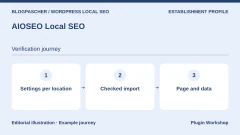 AIOSEO Local SEORead the details | Centralize addresses and time slots specific to several locations. | Local SEO from Plus. Consulted pricing at USD 99.50 for the first year and USD 199 at the regular rate. Annual Plus subscription or higher | Introductory price for the first period. Check renewal. |
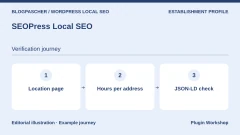 SEOPress Local SEORead the details | Assign different hours to each location page. | Single-site SEOPress PRO displayed at USD 49 per year on the consulted price list. The local module belongs to PRO. Annual Pro subscription | Check the plan and recurring price for the number of sites. |
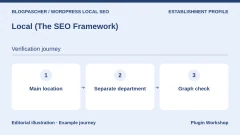 Local (The SEO Framework)Read the details | Declare businesses or departments in The SEO Framework. | Premium extension. The first paid plan is displayed at USD 7 per month, billed annually. Annual subscription through Extension Manager | Check the plan’s recurring price and number of sites. |
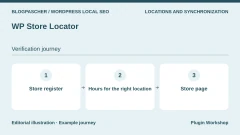 WP Store LocatorRead the details | Display each store’s hours from the address register. | Free plugin for locations and their hours. Separate paid add-ons. Check any map-provider costs. Free core. Modules offered separately. | Check module licenses and API terms if a map is used. |
 Slim SEO ProRead the details | Associate local schema with a template or specific content. | First plan at USD 59 per year on the consulted price list. The advanced schema module belongs to Pro. Annual subscription | Renewal at the stated regular rate, USD 59 for this plan. |
 Schema ProRead the details | Add LocalBusiness schema to an existing business-location page. | Annual offer at USD 69 for the first year, then USD 79 at the regular price. Lifetime license displayed at USD 229 on the price list. Annual subscription or lifetime license | The price list states annual renewal at full price. |
 Schema & Structured Data for WP & AMPRead the details | Apply a local schema type to a specific group of pages. | Free version with documented local schema types. Paid offers from USD 99 displayed on the consulted price list. License depending on the paid offer | Check the period, number of sites and recurring price. |
 Local Business Schema Lite (WPSpeed)Read the details | Create simple local schema with a preview and information form. | Free Lite version. Separate Pro offer for multiple locations. Price not confirmed in the consulted listing. Pro license depending on the plan | Check pricing and renewal for the number of locations and sites. |
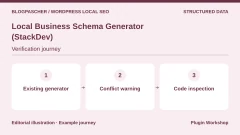 Local Business Schema Generator (StackDev)Read the details | Add a local entity and examine duplicate alerts. | Free plugin distributed on WordPress.org. | Terms for any paid plans were unavailable at the time of review. |
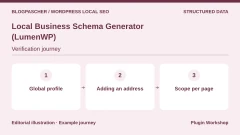 Local Business Schema Generator (LumenWP)Read the details | Configure one location and prepare the transition to multiple listings. | Free for one location. Pro from USD 59.99 per year on the publisher’s homepage. Annual Pro subscription | Check the plan’s recurring price and number of sites. |
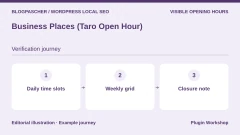 Business Places (Taro Open Hour)Read the details | Display a weekly grid when a day has several time slots. | Free plugin distributed on WordPress.org. | Terms for any paid plans were unavailable at the time of review. |
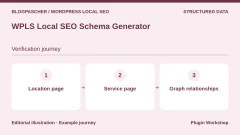 WPLS Local SEO Schema GeneratorRead the details | Separate a business entity from the services described by the page. | Free version distributed on WordPress.org. | Terms for any paid plans were unavailable at the time of review. |
 We’re Open!Read the details | Display hours and opening status in a contact listing. | Free version distributed on WordPress.org. | Terms for any paid plans were unavailable at the time of review. |
 Business Hours IndicatorRead the details | Show an “open” or “closed” message with the next useful time. | Free version. Annual and lifetime Premium plans according to the publisher. The exact amount was not confirmed in the loaded price list. Annual or lifetime license for Premium | Check the plan’s price, updates and caching features. |
 Business Hours & Holiday Schedule ManagerRead the details | Configure the business’s time zone and check exceptions. | Free plugin distributed on WordPress.org. | Terms for any paid plans were unavailable at the time of review. |
 Mobal Business Hours & Open StatusRead the details | Keep local hours and assess optional synchronization. | Free plugin usable locally. Optional Mobal profile. The separate Listings Pro service is advertised from EUR 49 per month or EUR 40 per month with annual billing. Subscription for Listings Pro only | Check synchronization and renewal terms according to the chosen service. |
 Bitkit Opening Hours & HolidaysRead the details | Display regular hours, vacations and special days for one location. | Free edition for one global location per site. Check options in any additional offer. | Terms for any paid plans were unavailable at the time of review. |
 Idara Business HoursRead the details | Insert a block-based hours table and test a status updated in the browser. | Free block distributed on WordPress.org. | Terms for any paid plans were unavailable at the time of review. |
 Horair Opening HoursRead the details | Display hours locally or connect them to a Horair reference source. | Free standalone WordPress plugin. Horair service advertised as free in beta, then EUR 89 per year or EUR 9.99 per month excluding VAT and per location. Optional subscription for the connected service | Record the end of beta and the service’s renewal amount. |
 Stuff & Things Business HoursRead the details | Display a closure status during leave without deleting the schedule. | Free plugin distributed on WordPress.org. | Terms for any paid plans were unavailable at the time of review. |
 Local SEO by Ankit RawatRead the details | Check identifiers and the sitemap of several location pages. | Free plugin distributed on WordPress.org. | Terms for any paid plans were unavailable at the time of review. |
 Worker – Business Hours for ElementorRead the details | Integrate an hours table into a page built with Elementor. | USD 31 for Regular License and USD 75 for Extended on the consulted CodeCanyon listing. One-time CodeCanyon purchase Price excludes taxes and processing fees according to the listing. | Six months of support included. Extension offered separately. |
Reproduce a closure and two time slots on the same day
We installed Five Star Business Profile and Schema 2.5.0 on WordPress 7.1.4 and PHP 8.4.8, with SQLite. We chose the BookStore type for a fictional bookstore, the free plugin and a contact page. The listing shortcode rendered the name, address, phone number and hours without a map. The copy’s time zone was Europe/Paris. The exercise’s contact details are fictional.
In the Business Profile settings, enter Monday slots of 09:00–12:00 and 14:00–18:00, then add a Tuesday slot of 09:00–12:00. In the exceptions, choose two acceptance-test dates. We used May 1, 2031 as a closure and May 2, 2031 with opening from 11:00 to 15:00. Add the listing to the page using the contact block or shortcode. The local test used the shortcode and HTML received over HTTP.
On the page, check the two Monday lines and the special-hours section. In the plugin’s JSON-LD, look for openingHoursSpecification and the two Monday intervals. The closure appears in specialOpeningHoursSpecification with validFrom and validThrough on May 1 and both times set to 00:00. The other date has 11:00 and 15:00. This record confirms the plugin’s output. Google’s example for seasonal hours documents dates in openingHoursSpecification. Check the format required by the destination if you rely on a particular display.
- Open the page while logged out and compare the name, address and hours. Then view the source and search for application/ld+json, BookStore or the business name.
- Check that both Monday slots and both dates are still associated with the same listing. Open a page without a location to see whether the same schema is also published there.
Spot old hours despite a correct listing
We replaced 18:00 with 17:00 for Monday’s second slot. The visible listing and JSON-LD generated by Five Star displayed 17:00. We had deliberately added a legacy block to that page alone. It described the same bookstore, with the same @id identifier and a slot ending at 18:00. The page then showed readers the correct time while containing two competing descriptions in its code.
To repeat the check without adding a duplicate to a real site, take a copy and search for every occurrence of the old time. Open each JSON-LD script naming the location or referencing it by identifier. If an occurrence comes from another location or a correctly linked parent listing, keep it. If it concerns the same location, trace its producer. A theme, SEO module or old HTML block can each produce structured data.
On the copy, we removed only the test block. The entity generated by the plugin remained identical, with 17:00 and both exceptions. The page without a listing contained no BookStore node in all three states. Our listing’s address was entered as text and the plugin published it in streetAddress. For real use, also check individual address fields, geolocation if useful and the expected subtype.
- Record the identifier, type and page of each output. Change a recognizable time on the copy and note which elements change.
- Disable only the competing source if it describes the same location. Open the listing, source code and another page after correction. Check the cache if an old version remains visible.
Compare tools by task and number of locations
If the site already has an SEO engine, first try that product range’s local module. Compare what it lets you enter for free, the plan required for multiple locations and display components. If the theme produces a correct listing and you mainly want schema on a particular page, a targeted generator may suit. Check its placement setting using a contact page and a blog post.
If the team mainly needs a table or an “open” status, choose based on time zone, lunch breaks, dated closures and caching. When a widget promises a dynamic status, check the transition at closing time and the result after reloading. For a map that also serves as an address register, check that the right location feeds the visible table before deciding who produces the JSON-LD.
For connected services, record what works without an account, then the price per location or site, update frequency and disconnection procedure. Opening hours are still needed on your site if the connection is suspended. CodeCanyon licenses must be assessed separately according to the end product, support duration and declared versions. Worker’s listing describes an Elementor widget. The test did not use this paid product.
- For a business, create two slots and a closure. For a network, add a second location with different hours and open its direct address.
- Compare first-year prices, renewal and dependencies. Check that the required fields exist in the chosen plan.
Check publication after a change
The local acceptance test measures produced HTML and structured data. It measures neither indexing, ranking nor appearance in search results. No Google listing was opened or synchronized. On a public site, check the URL and its code after editing, then use the validation tool suited to your desired output. A valid result does not guarantee that the search engine will display the hours.
Keep the last verification date and the name of the person who can correct the listing. Ask someone to find tomorrow’s opening time from a phone. Check that the exceptional day is stated in text, even when “open” or “closed” status relies on color. If a branch changes address, check its own links, canonical URL and list of location pages.
Nighttime hours, daylight saving changes and local public holidays require their own test cases. If a closure affects only one activity, specify which in the listing. Readable information in the right place reduces the risk of rescheduling an appointment or bringing someone to a closed door.
- After a change, compare the listing, JSON-LD and external platform only if your team manages that listing.
- Replay the lunch break and dated exception after a plugin update or theme change.
Further reading
Sources and references
Use these references to check the features, requirements and limitations described. Reading documentation is not a practical test.
View 49 references
- Five Star Business Profile and Schema — Product listing and features ↗ — Documentation consulted:
- Five Star Business Profile and Schema — Developer documentation ↗ — Documentation consulted:
- Five Star Business Profile and Schema — Developer documentation ↗ — Documentation consulted:
- Rank Math Local SEO — Product listing and features ↗ — Documentation consulted:
- Rank Math Local SEO — Version pricing or terms ↗ — Documentation consulted:
- Rank Math Local SEO — Developer documentation ↗ — Documentation consulted:
- Yoast Local SEO — Product listing and features ↗ — Documentation consulted:
- Yoast Local SEO — Version pricing or terms ↗ — Documentation consulted:
- Yoast Local SEO — Developer documentation ↗ — Documentation consulted:
- AIOSEO Local SEO — Product listing and features ↗ — Documentation consulted:
- AIOSEO Local SEO — Version pricing or terms ↗ — Documentation consulted:
- AIOSEO Local SEO — Developer documentation ↗ — Documentation consulted:
- SEOPress Local SEO — Product listing and features ↗ — Documentation consulted:
- SEOPress Local SEO — Version pricing or terms ↗ — Documentation consulted:
- SEOPress Local SEO — Developer documentation ↗ — Documentation consulted:
- Local (The SEO Framework) — Product listing and features ↗ — Documentation consulted:
- Local (The SEO Framework) — Version pricing or terms ↗ — Documentation consulted:
- Local (The SEO Framework) — Developer documentation ↗ — Documentation consulted:
- WP Store Locator — Product listing and features ↗ — Documentation consulted:
- WP Store Locator — Version pricing or terms ↗ — Documentation consulted:
- Slim SEO Pro — Product listing and features ↗ — Documentation consulted:
- Slim SEO Pro — Developer documentation ↗ — Documentation consulted:
- Schema Pro — Product listing and features ↗ — Documentation consulted:
- Schema Pro — Version pricing or terms ↗ — Documentation consulted:
- Schema & Structured Data for WP & AMP — Product listing and features ↗ — Documentation consulted:
- Schema & Structured Data for WP & AMP — Version pricing or terms ↗ — Documentation consulted:
- Schema & Structured Data for WP & AMP — Developer documentation ↗ — Documentation consulted:
- Local Business Schema Lite (WPSpeed) — Product listing and features ↗ — Documentation consulted:
- Local Business Schema Generator (StackDev) — Product listing and features ↗ — Documentation consulted:
- Local Business Schema Generator (LumenWP) — Product listing and features ↗ — Documentation consulted:
- Local Business Schema Generator (LumenWP) — Version pricing or terms ↗ — Documentation consulted:
- Business Places (Taro Open Hour) — Product listing and features ↗ — Documentation consulted:
- WPLS Local SEO Schema Generator — Product listing and features ↗ — Documentation consulted:
- We’re Open! — Product listing and features ↗ — Documentation consulted:
- Business Hours Indicator — Product listing and features ↗ — Documentation consulted:
- Business Hours Indicator — Version pricing or terms ↗ — Documentation consulted:
- Business Hours & Holiday Schedule Manager — Product listing and features ↗ — Documentation consulted:
- Mobal Business Hours & Open Status — Product listing and features ↗ — Documentation consulted:
- Mobal Business Hours & Open Status — Version pricing or terms ↗ — Documentation consulted:
- Mobal Business Hours & Open Status — Developer documentation ↗ — Documentation consulted:
- Bitkit Opening Hours & Holidays — Product listing and features ↗ — Documentation consulted:
- Idara Business Hours — Product listing and features ↗ — Documentation consulted:
- Horair Opening Hours — Product listing and features ↗ — Documentation consulted:
- Horair Opening Hours — Version pricing or terms ↗ — Documentation consulted:
- Stuff & Things Business Hours — Product listing and features ↗ — Documentation consulted:
- Local SEO by Ankit Rawat — Product listing and features ↗ — Documentation consulted:
- Worker – Business Hours for Elementor — Product listing and features ↗ — Documentation consulted:
- LocalBusiness structured data in Google Search Central ↗ — Documentation consulted:
- Special opening hours property in Schema.org ↗ — Documentation consulted:
Uses, prices and what to check
25 offers in detail
Compare the features you need and the terms of each offer. The order of these entries does not indicate a ranking.
Five Star Business Profile and Schema
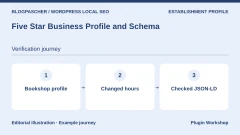
 Editorial diagram. Bookshop profile → Changed hours → Checked JSON-LD. — BlogPasCherOpen full-size illustration ↗
Best forPublish a contact listing with regular and dated hours.
We displayed a fictional bookstore and recorded its hours in the visible listing and JSON-LD. In the free edition, Monday changed from 14:00–18:00 to 14:00–17:00 in both places. A legacy block added for testing retained 18:00 under the same identifier. It disappeared when we removed that block alone. The shortcode uses the business settings. For several locations, also check the selected location on the page.
Offer pricing
Free version. Single-site Premium license displayed at USD 39, with a reference amount of USD 59 on the consulted page.
Billing: Premium license by number of sites
Renewal and support: Check the plan’s support duration and renewal price.
Checked on .
Strengths
- Same source for the listing, weekly slots and measured exceptions.
What to consider
- Identify any legacy markup and check the address and type per location.
Pricing terms and compatibility
Understanding the offer
- Price at the time of review
- Free version. Single-site Premium license displayed at USD 39, with a reference amount of USD 59 on the consulted page.
- Currency
- USD
- Billing
- Premium license by number of sites
- Renewal and support
- Check the plan’s support duration and renewal price.
- Taxes and fees
- Unspecified. Confirm for the offer you choose.
- Commitment and terms
- Unspecified. Confirm for the offer you choose.
- Date checked
Compatibility and components
- Version 2.5.0 checked over local HTTP with WordPress 7.1.4, PHP 8.4.8 and SQLite.
Rank Math Local SEO
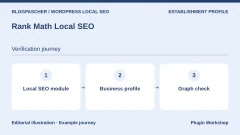
 Editorial diagram. Local SEO module → Business profile → Graph check. — BlogPasCherOpen full-size illustration ↗
Best forEnter hours and contact details for a site already managed by Rank Math.
The Local SEO module documents entry of the name, type, contact details and hours. Start with a single location, then check the page where the engine adds the graph. If you enable multiple locations with PRO, record which location corresponds to each URL. A contact table added by the theme may have its own data. First change a time and compare the table with the graph before handing data entry to someone else.
Offer pricing
Local module for one location in the base version according to the documentation. Multiple locations with PRO. Pricing is localized and shows annual billing.
Billing: Annual subscription for PRO and higher plans
Renewal and support: The dollar price record shows PRO renewal at USD 8.99 per month, billed annually, excluding tax.
Checked on .
Strengths
- Local markup management integrated into an existing SEO engine.
What to consider
- For several locations, check the plan, identifiers and generated URLs.
Pricing terms and compatibility
Understanding the offer
- Price at the time of review
- Local module for one location in the base version according to the documentation. Multiple locations with PRO. Pricing is localized and shows annual billing.
- Currency
- USD
- Billing
- Annual subscription for PRO and higher plans
- Renewal and support
- The dollar price record shows PRO renewal at USD 8.99 per month, billed annually, excluding tax.
- Taxes and fees
- Unspecified. Confirm for the offer you choose.
- Commitment and terms
- Unspecified. Confirm for the offer you choose.
- Date checked
Compatibility and components
- Check the Rank Math version and the role of other structured-data producers.
Yoast Local SEO
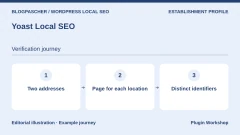
 Editorial diagram. Two addresses → Page for each location → Distinct identifiers. — BlogPasCherOpen full-size illustration ↗
Best forOrganize one or more addresses in a site already using Yoast.
Yoast Local SEO adds business settings and ways to display its data. Create two locations with the same brand name but different addresses and hours. Open both location pages and check that the map and graph follow the right identifier. During migration, locate pages, references and contact blocks. Yoast’s general free version and its local offer cover two different scopes.
Offer pricing
Yoast SEO Premium with Local SEO displayed at USD 118.80 per year excluding VAT.
Billing: Annual subscription
Renewal and support: Record the recurring price for the selected offer and number of sites.
Checked on .
Strengths
- Documentation devoted to local settings and multiple locations.
What to consider
- Check which graph element represents each address and who generates it.
Pricing terms and compatibility
Understanding the offer
- Price at the time of review
- Yoast SEO Premium with Local SEO displayed at USD 118.80 per year excluding VAT.
- Currency
- USD
- Billing
- Annual subscription
- Renewal and support
- Record the recurring price for the selected offer and number of sites.
- Taxes and fees
- Unspecified. Confirm for the offer you choose.
- Commitment and terms
- Unspecified. Confirm for the offer you choose.
- Date checked
Compatibility and components
- Check Yoast SEO, its local offer and the contact blocks used.
AIOSEO Local SEO
 Editorial diagram. Settings per location → Checked import → Page and data. — BlogPasCherOpen full-size illustration ↗
Best forCentralize addresses and time slots specific to several locations.
AIOSEO documents a global setting and separate listings when multiple locations are enabled. Test two addresses, a day with a break and a different phone number. Open public pages and check readable data and associated nodes. If importing from another tool, check types, addresses and hours before disabling its output. A map’s presence is not enough to verify JSON-LD content.
Offer pricing
Local SEO from Plus. Consulted pricing at USD 99.50 for the first year and USD 199 at the regular rate.
Billing: Annual Plus subscription or higher
Renewal and support: Introductory price for the first period. Check renewal.
Checked on .
Strengths
- Multiple-location management from Plus and dedicated module help.
What to consider
- Blocks, maps and structured data must be checked separately.
Pricing terms and compatibility
Understanding the offer
- Price at the time of review
- Local SEO from Plus. Consulted pricing at USD 99.50 for the first year and USD 199 at the regular rate.
- Currency
- USD
- Billing
- Annual Plus subscription or higher
- Renewal and support
- Introductory price for the first period. Check renewal.
- Taxes and fees
- Unspecified. Confirm for the offer you choose.
- Commitment and terms
- Unspecified. Confirm for the offer you choose.
- Date checked
Compatibility and components
- Check the AIOSEO offer and correspondence of imported locations.
SEOPress Local SEO
 Editorial diagram. Location page → Hours per address → JSON-LD check. — BlogPasCherOpen full-size illustration ↗
Best forAssign different hours to each location page.
SEOPress documents LocalBusiness schema and hours specific to each location. Create one page per address. On a listing, test two Monday slots and an exception. Check which data comes from global settings and which comes from the page. If another tool already renders the same business, compare both identifiers before choosing the authoritative producer.
Offer pricing
Single-site SEOPress PRO displayed at USD 49 per year on the consulted price list. The local module belongs to PRO.
Billing: Annual Pro subscription
Renewal and support: Check the plan and recurring price for the number of sites.
Checked on .
Strengths
- Detailed documentation on LocalBusiness hours per location.
What to consider
- Check global fields, overrides and exceptional dates.
Pricing terms and compatibility
Understanding the offer
- Price at the time of review
- Single-site SEOPress PRO displayed at USD 49 per year on the consulted price list. The local module belongs to PRO.
- Currency
- USD
- Billing
- Annual Pro subscription
- Renewal and support
- Check the plan and recurring price for the number of sites.
- Taxes and fees
- Unspecified. Confirm for the offer you choose.
- Commitment and terms
- Unspecified. Confirm for the offer you choose.
- Date checked
Compatibility and components
- Confirm options present in the PRO edition and theme.
Local (The SEO Framework)
 Editorial diagram. Main location → Separate department → Graph check. — BlogPasCherOpen full-size illustration ↗
Best forDeclare businesses or departments in The SEO Framework.
Local provides a business panel and documents multiple departments. Distinguish a department with its own hours within a location from a branch at a different address. Record where the graph is published and open the department URL. Before reusing a name, check its address and identifier. The local extension requires Extension Manager and a Premium plan.
Offer pricing
Premium extension. The first paid plan is displayed at USD 7 per month, billed annually.
Billing: Annual subscription through Extension Manager
Renewal and support: Check the plan’s recurring price and number of sites.
Checked on .
Strengths
- Location and department configuration with dedicated documentation.
What to consider
- Check the resulting graph and fields inherited from the main location.
Pricing terms and compatibility
Understanding the offer
- Price at the time of review
- Premium extension. The first paid plan is displayed at USD 7 per month, billed annually.
- Currency
- USD
- Billing
- Annual subscription through Extension Manager
- Renewal and support
- Check the plan’s recurring price and number of sites.
- Taxes and fees
- Unspecified. Confirm for the offer you choose.
- Commitment and terms
- Unspecified. Confirm for the offer you choose.
- Date checked
Compatibility and components
- Check The SEO Framework and Extension Manager in the chosen offer.
WP Store Locator
 Editorial diagram. Store register → Hours for the right location → Store page. — BlogPasCherOpen full-size illustration ↗
Best forDisplay each store’s hours from the address register.
WP Store Locator maintains hours and contact details per store. On a location page, use the documented hours shortcode and check that it carries the right identifier. Test a temporary closure and special hours. The public table and your SEO engine’s markup must be checked separately. Choose the source of hours so the map and page do not diverge after a change.
Offer pricing
Free plugin for locations and their hours. Separate paid add-ons. Check any map-provider costs.
Billing: Free core. Modules offered separately.
Renewal and support: Check module licenses and API terms if a map is used.
Checked on .
Strengths
- Hours and address per store, reusable on the page.
What to consider
- Check the map provider and local markup emitted by the site.
Pricing terms and compatibility
Understanding the offer
- Price at the time of review
- Free plugin for locations and their hours. Separate paid add-ons. Check any map-provider costs.
- Currency
- USD
- Billing
- Free core. Modules offered separately.
- Renewal and support
- Check module licenses and API terms if a map is used.
- Taxes and fees
- Unspecified. Confirm for the offer you choose.
- Commitment and terms
- Unspecified. Confirm for the offer you choose.
- Date checked
Compatibility and components
- Check your version’s shortcodes and display modes.
Slim SEO Pro
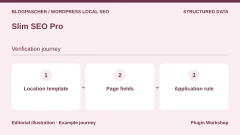
 Editorial diagram. Location template → Page fields → Application rule. — BlogPasCherOpen full-size illustration ↗
Best forAssociate local schema with a template or specific content.
Slim SEO Pro offers schema tooling per content item or rule. Before connecting fields, identify the page and business type. Limit the template to location listings and open a blog page as a control. If connecting custom fields, check the result for an empty field and two slots on the same day. Schema and the hours table must use consistent values.
Offer pricing
First plan at USD 59 per year on the consulted price list. The advanced schema module belongs to Pro.
Billing: Annual subscription
Renewal and support: Renewal at the stated regular rate, USD 59 for this plan.
Checked on .
Strengths
- Targeted schema assignment with values adapted to the content.
What to consider
- Validate repeatable fields and template exclusions.
Pricing terms and compatibility
Understanding the offer
- Price at the time of review
- First plan at USD 59 per year on the consulted price list. The advanced schema module belongs to Pro.
- Currency
- USD
- Billing
- Annual subscription
- Renewal and support
- Renewal at the stated regular rate, USD 59 for this plan.
- Taxes and fees
- Unspecified. Confirm for the offer you choose.
- Commitment and terms
- Unspecified. Confirm for the offer you choose.
- Date checked
Compatibility and components
- Check the Pro offer and integration with the active schema generator.
Schema Pro
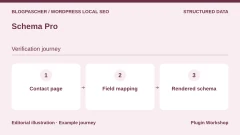
 Editorial diagram. Contact page → Field mapping → Rendered schema. — BlogPasCherOpen full-size illustration ↗
Best forAdd LocalBusiness schema to an existing business-location page.
Schema Pro documents configuring local schema on a page and mapping its fields. Link the name, address and hours to the values you maintain. Check one listing with complete data and another with a missing field. Open the source code to verify actual values after saving. If the page already contains a local entity generated by the theme, check coexistence before retaining both.
Offer pricing
Annual offer at USD 69 for the first year, then USD 79 at the regular price. Lifetime license displayed at USD 229 on the price list.
Billing: Annual subscription or lifetime license
Renewal and support: The price list states annual renewal at full price.
Checked on .
Strengths
- Documented LocalBusiness schema and field mapping to the page.
What to consider
- Check scope and the theme’s other structured outputs.
Pricing terms and compatibility
Understanding the offer
- Price at the time of review
- Annual offer at USD 69 for the first year, then USD 79 at the regular price. Lifetime license displayed at USD 229 on the price list.
- Currency
- USD
- Billing
- Annual subscription or lifetime license
- Renewal and support
- The price list states annual renewal at full price.
- Taxes and fees
- Unspecified. Confirm for the offer you choose.
- Commitment and terms
- Unspecified. Confirm for the offer you choose.
- Date checked
Compatibility and components
- Check field integrations and the targeted page type.
Schema & Structured Data for WP & AMP
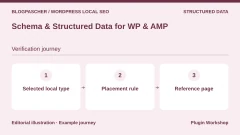
 Editorial diagram. Selected local type → Placement rule → Reference page. — BlogPasCherOpen full-size illustration ↗
Best forApply a local schema type to a specific group of pages.
This plugin offers structured-data types and placement rules. Choose a type matching the activity and first apply it to a test listing. Open another page where markup should not appear. If using AMP, compare both versions’ HTML. When a local type already exists in an SEO graph, examine identifiers and fields before creating a second output.
Offer pricing
Free version with documented local schema types. Paid offers from USD 99 displayed on the consulted price list.
Billing: License depending on the paid offer
Renewal and support: Check the period, number of sites and recurring price.
Checked on .
Strengths
- Local types and placement rules in a schema plugin.
What to consider
- Check available fields for the chosen subtype and AMP context.
Pricing terms and compatibility
Understanding the offer
- Price at the time of review
- Free version with documented local schema types. Paid offers from USD 99 displayed on the consulted price list.
- Currency
- USD
- Billing
- License depending on the paid offer
- Renewal and support
- Check the period, number of sites and recurring price.
- Taxes and fees
- Unspecified. Confirm for the offer you choose.
- Commitment and terms
- Unspecified. Confirm for the offer you choose.
- Date checked
Compatibility and components
- Check the theme, URL variants and other JSON-LD sources.
Local Business Schema Lite (WPSpeed)
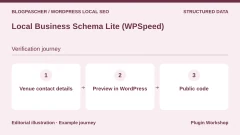
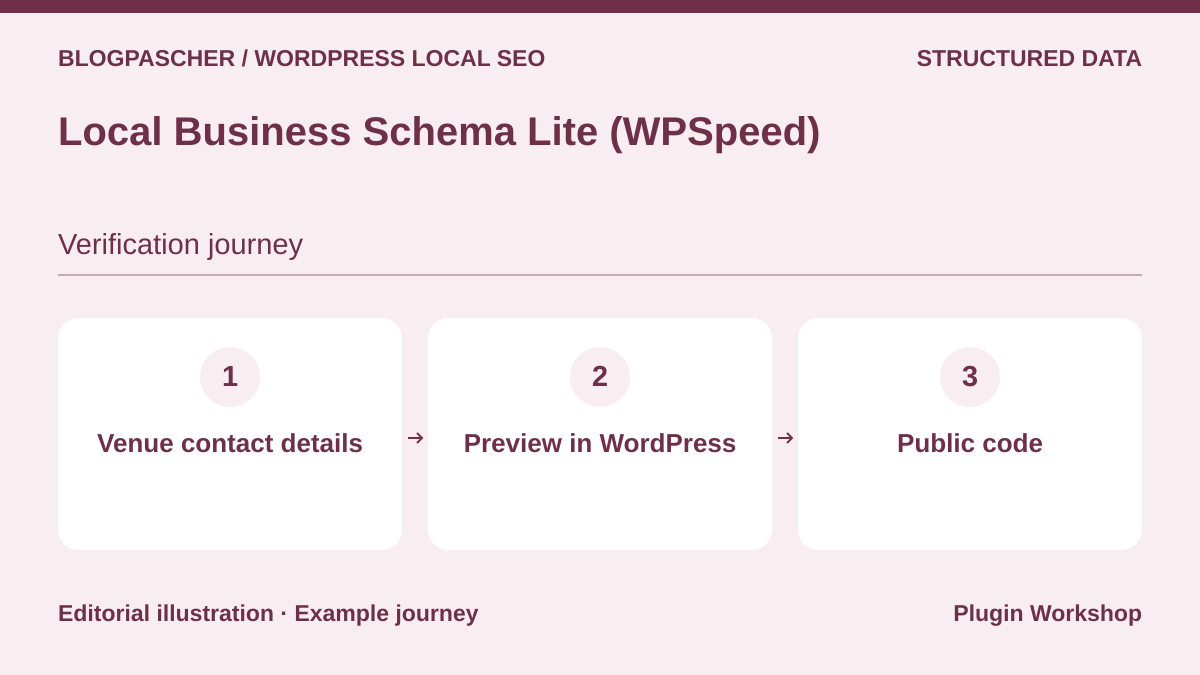 Editorial diagram. Location contact details → Preview in WordPress → Public code. — BlogPasCherOpen full-size illustration ↗
Best forCreate simple local schema with a preview and information form.
The Lite plugin prepares a local entity and provides a preview. Enter contact details, then open a real page’s source code to compare its output with the preview. The free version targets one location. Pro advertises up to five locations. If planning two store pages, check the destination and scope of each schema before purchasing.
Offer pricing
Free Lite version. Separate Pro offer for multiple locations. Price not confirmed in the consulted listing.
Billing: Pro license depending on the plan
Renewal and support: Check pricing and renewal for the number of locations and sites.
Checked on .
Strengths
- Settings and preview for a local listing with no advertised mandatory service.
What to consider
- Compare preview and public page, plus offer scope per location.
Pricing terms and compatibility
Understanding the offer
- Price at the time of review
- Free Lite version. Separate Pro offer for multiple locations. Price not confirmed in the consulted listing.
- Currency
- Unspecified. Confirm for the offer you choose.
- Billing
- Pro license depending on the plan
- Renewal and support
- Check pricing and renewal for the number of locations and sites.
- Taxes and fees
- Unspecified. Confirm for the offer you choose.
- Commitment and terms
- Unspecified. Confirm for the offer you choose.
- Date checked
Compatibility and components
- Check the contact shortcode and other existing schema.
Local Business Schema Generator (StackDev)
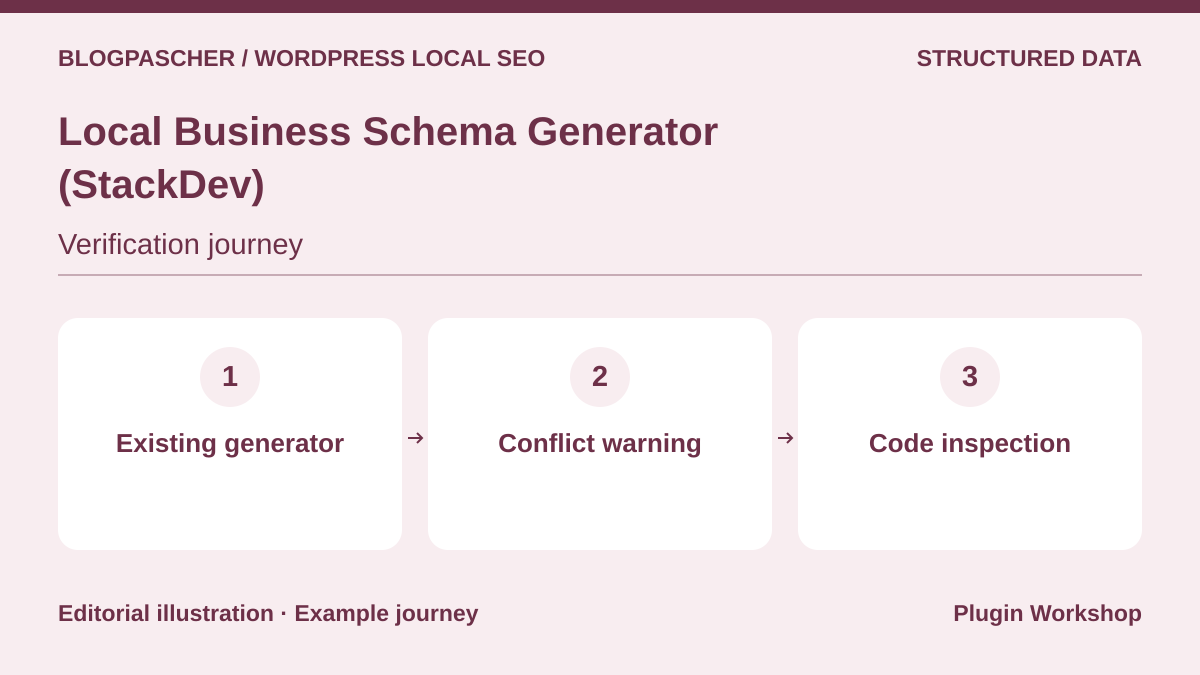 Editorial diagram. Existing generator → Conflict warning → Code inspection. — BlogPasCherOpen full-size illustration ↗
Best forAdd a local entity and examine duplicate alerts.
StackDev advertises a preview, hours and conflict detection with some SEO plugins. Install it on a copy where the theme already publishes structured data. See whether the warning identifies the producer you expect, then inspect the site’s JSON-LD. Output from an old HTML block or theme may require manual checking even if no alert appears.
Offer pricing
Free plugin distributed on WordPress.org.
Checked on .
Strengths
- Preview and advertised detection of some SEO conflicts.
What to consider
- Inspect the page to find producers the plugin does not flag.
Pricing terms and compatibility
Understanding the offer
- Price at the time of review
- Free plugin distributed on WordPress.org.
- Currency
- Unspecified. Confirm for the offer you choose.
- Billing
- Unspecified. Confirm for the offer you choose.
- Renewal and support
- Unspecified. Confirm for the offer you choose.
- Taxes and fees
- Unspecified. Confirm for the offer you choose.
- Commitment and terms
- Unspecified. Confirm for the offer you choose.
- Date checked
Compatibility and components
- Check the version and other sources before enabling output.
Local Business Schema Generator (LumenWP)
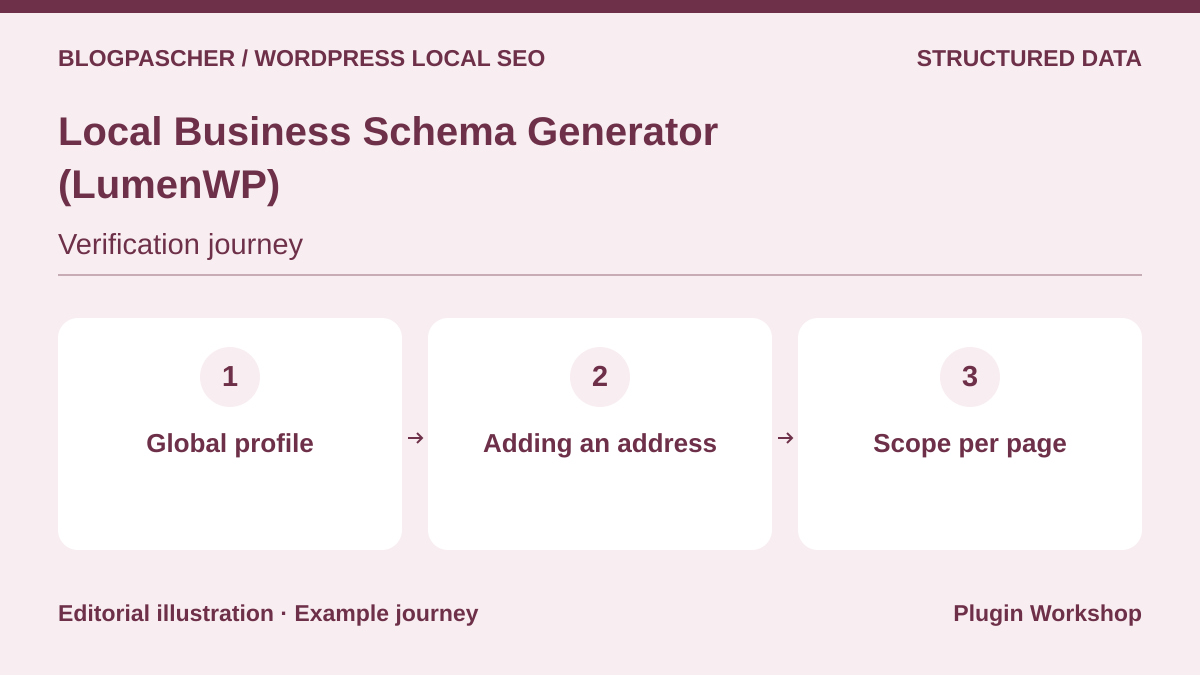 Editorial diagram. Global profile → Adding an address → Scope per page. — BlogPasCherOpen full-size illustration ↗
Best forConfigure one location and prepare the transition to multiple listings.
LumenWP adds a global local entity in its free version. The publisher’s listing distinguishes this output from configuration with multiple locations and shortcodes. Check a contact page and blog post. If you want markup only on certain pages, check the scope offered. Before switching to multiple locations, record the hours and address to associate with each identifier.
Offer pricing
Free for one location. Pro from USD 59.99 per year on the publisher’s homepage.
Billing: Annual Pro subscription
Renewal and support: Check the plan’s recurring price and number of sites.
Checked on .
Strengths
- Local configuration with a documented distinction between one and multiple locations.
What to consider
- Check the scope of global markup and Pro’s per-page options.
Pricing terms and compatibility
Understanding the offer
- Price at the time of review
- Free for one location. Pro from USD 59.99 per year on the publisher’s homepage.
- Currency
- USD
- Billing
- Annual Pro subscription
- Renewal and support
- Check the plan’s recurring price and number of sites.
- Taxes and fees
- Unspecified. Confirm for the offer you choose.
- Commitment and terms
- Unspecified. Confirm for the offer you choose.
- Date checked
Compatibility and components
- Confirm the number of sites, target pages and existing outputs.
Business Places (Taro Open Hour)
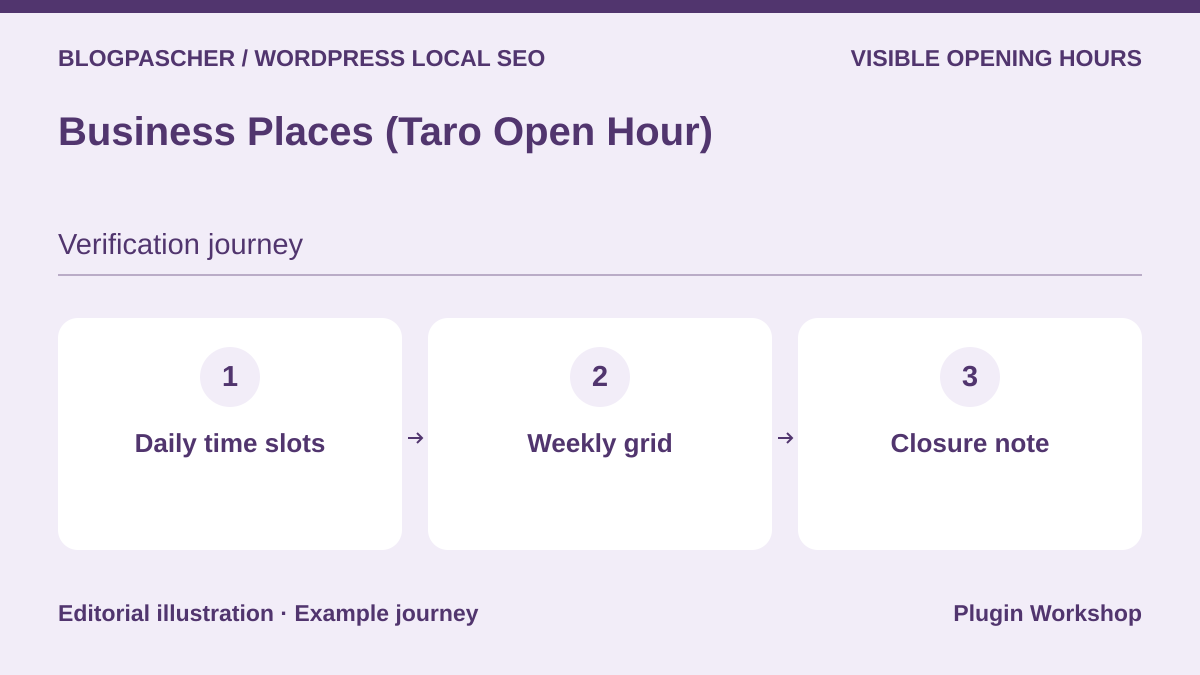 Editorial diagram. Daily time slots → Weekly grid → Closure note. — BlogPasCherOpen full-size illustration ↗
Best forDisplay a weekly grid when a day has several time slots.
Business Places presents time slots in rows and days in columns. Its listing documents hours and location blocks as well as local JSON-LD. For a business open with a break, check that both slots appear in text on a phone. Closure notes below the table and structured exceptions are separate elements. Compare what the code publishes before relying on a dated closure.
Offer pricing
Free plugin distributed on WordPress.org.
Checked on .
Strengths
- Time-slot grid with hours blocks and location information.
What to consider
- Check how holiday notes behave in JSON-LD.
Pricing terms and compatibility
Understanding the offer
- Price at the time of review
- Free plugin distributed on WordPress.org.
- Currency
- Unspecified. Confirm for the offer you choose.
- Billing
- Unspecified. Confirm for the offer you choose.
- Renewal and support
- Unspecified. Confirm for the offer you choose.
- Taxes and fees
- Unspecified. Confirm for the offer you choose.
- Commitment and terms
- Unspecified. Confirm for the offer you choose.
- Date checked
Compatibility and components
- Check the grid presentation, locations and your theme’s blocks.
WPLS Local SEO Schema Generator
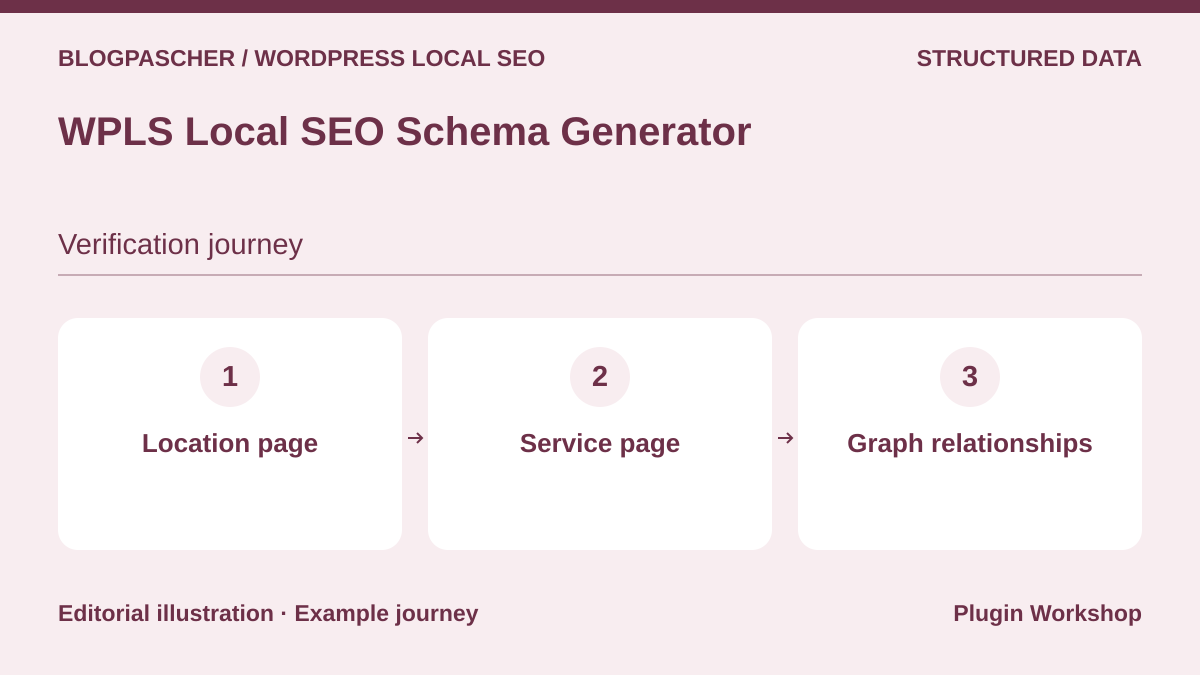 Editorial diagram. Location page → Service page → Graph relationships. — BlogPasCherOpen full-size illustration ↗
Best forSeparate a business entity from the services described by the page.
WPLS documents generating WebPage, LocalBusiness and Service types. Start with a location page and service page. Check where the business name and address appear. A service can be linked to the business without publishing a second conflicting address. If hours are managed elsewhere, record the producer publishing them and the check needed after a change.
Offer pricing
Free version distributed on WordPress.org.
Checked on .
Strengths
- Several schema types to distinguish location, page and service.
What to consider
- Check the extent of local fields and relationships between types.
Pricing terms and compatibility
Understanding the offer
- Price at the time of review
- Free version distributed on WordPress.org.
- Currency
- Unspecified. Confirm for the offer you choose.
- Billing
- Unspecified. Confirm for the offer you choose.
- Renewal and support
- Unspecified. Confirm for the offer you choose.
- Taxes and fees
- Unspecified. Confirm for the offer you choose.
- Commitment and terms
- Unspecified. Confirm for the offer you choose.
- Date checked
Compatibility and components
- Check the available edition and coexistence with the SEO graph.
We’re Open!
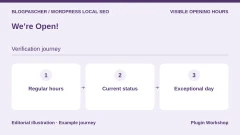
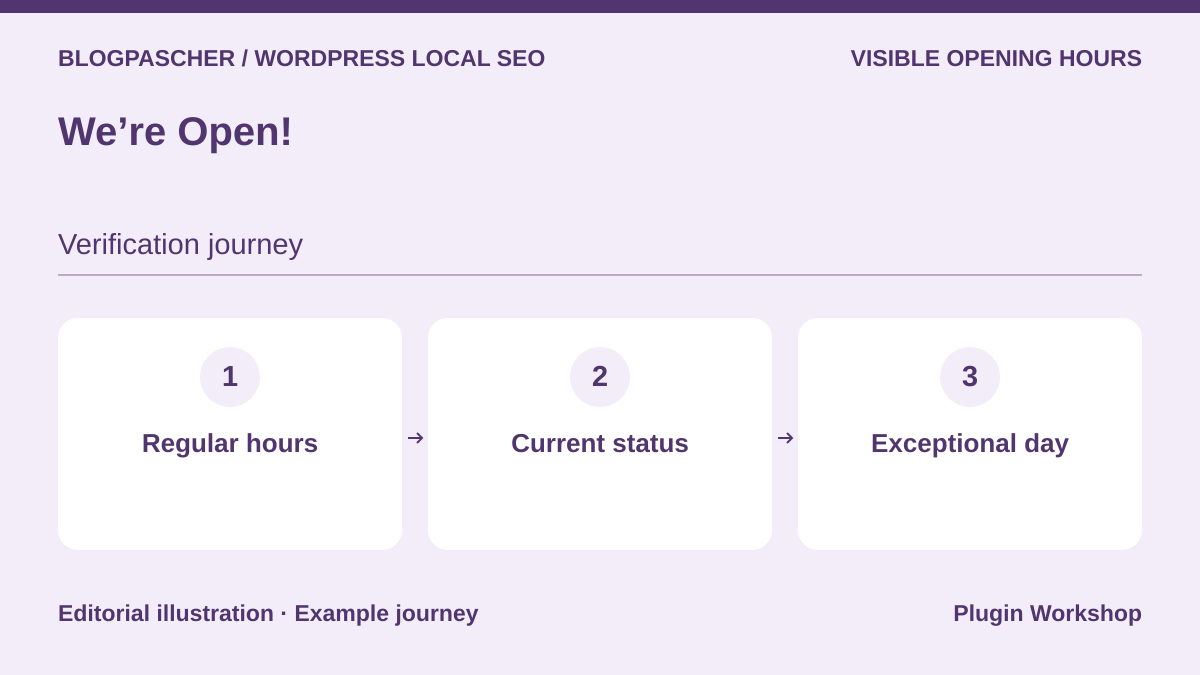 Editorial diagram. Regular hours → Current status → Exceptional day. — BlogPasCherOpen full-size illustration ↗
Best forDisplay hours and opening status in a contact listing.
We’re Open! offers hours and status displays in WordPress. Try regular opening, a split slot and an exceptional closure. Compare the complete table with the “open” message after a slot ends. If another plugin publishes structured data, also check the source of hours in that graph. Dynamic status and a readable schedule are two pieces of information to check.
Offer pricing
Free version distributed on WordPress.org.
Checked on .
Strengths
- Several display modes for hours and status.
What to consider
- Check the time zone, closures and consistency with markup.
Pricing terms and compatibility
Understanding the offer
- Price at the time of review
- Free version distributed on WordPress.org.
- Currency
- Unspecified. Confirm for the offer you choose.
- Billing
- Unspecified. Confirm for the offer you choose.
- Renewal and support
- Unspecified. Confirm for the offer you choose.
- Taxes and fees
- Unspecified. Confirm for the offer you choose.
- Commitment and terms
- Unspecified. Confirm for the offer you choose.
- Date checked
Compatibility and components
- Check the options and shortcodes actually used.
Business Hours Indicator
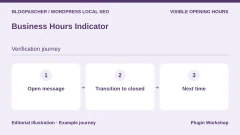
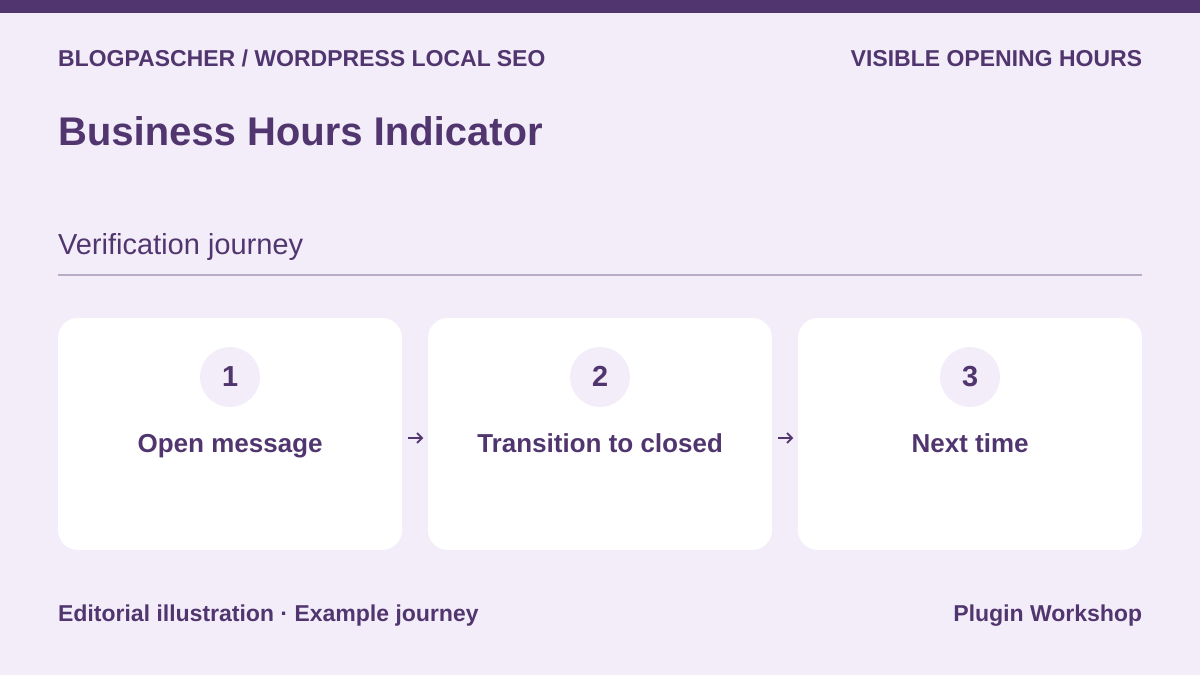 Editorial diagram. Open message → Transition to closed → Next time. — BlogPasCherOpen full-size illustration ↗
Best forShow an “open” or “closed” message with the next useful time.
Business Hours Indicator distinguishes the table from a dynamic message. On a copy, check the transition to closing and afternoon reopening. If you have page caching, reload without a session and see whether the message updates. The publisher documents differences between free and Premium for multiple slots, caching and some integrations. Choose the offer according to the checks you must pass.
Offer pricing
Free version. Annual and lifetime Premium plans according to the publisher. The exact amount was not confirmed in the loaded price list.
Billing: Annual or lifetime license for Premium
Renewal and support: Check the plan’s price, updates and caching features.
Checked on .
Strengths
- Dynamic messages and hours presentation options.
What to consider
- Check multiple time slots and caching according to the plan.
Pricing terms and compatibility
Understanding the offer
- Price at the time of review
- Free version. Annual and lifetime Premium plans according to the publisher. The exact amount was not confirmed in the loaded price list.
- Currency
- Unspecified. Confirm for the offer you choose.
- Billing
- Annual or lifetime license for Premium
- Renewal and support
- Check the plan’s price, updates and caching features.
- Taxes and fees
- Unspecified. Confirm for the offer you choose.
- Commitment and terms
- Unspecified. Confirm for the offer you choose.
- Date checked
Compatibility and components
- Replay hours, theme caching and the business’s time zone.
Business Hours & Holiday Schedule Manager
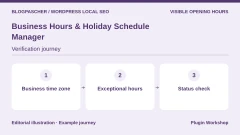
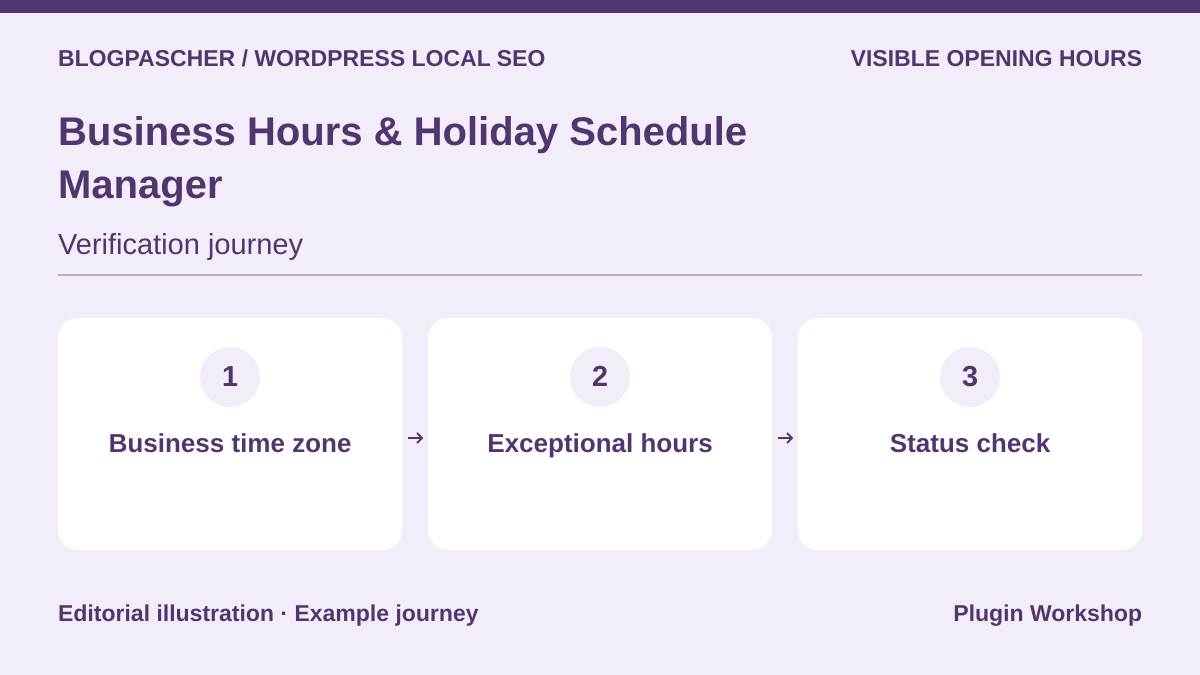 Editorial diagram. Business time zone → Exceptional hours → Status check. — BlogPasCherOpen full-size illustration ↗
Best forConfigure the business’s time zone and check exceptions.
The Webtend plugin advertises management of hours, public holidays and the location’s time zone. Choose the business’s time zone and open the page in a browser set to another region. Check that the displayed day and hours still match the location. If enabling the schema option, compare it with the readable listing. Review annually recurring exceptions before retaining their calendar.
Offer pricing
Free plugin distributed on WordPress.org.
Checked on .
Strengths
- Documented business time zone, status and schema setting.
What to consider
- Check exceptions and behavior when the date changes.
Pricing terms and compatibility
Understanding the offer
- Price at the time of review
- Free plugin distributed on WordPress.org.
- Currency
- Unspecified. Confirm for the offer you choose.
- Billing
- Unspecified. Confirm for the offer you choose.
- Renewal and support
- Unspecified. Confirm for the offer you choose.
- Taxes and fees
- Unspecified. Confirm for the offer you choose.
- Commitment and terms
- Unspecified. Confirm for the offer you choose.
- Date checked
Compatibility and components
- Check the theme, time zone and active schema generators.
Mobal Business Hours & Open Status
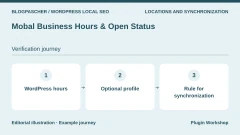
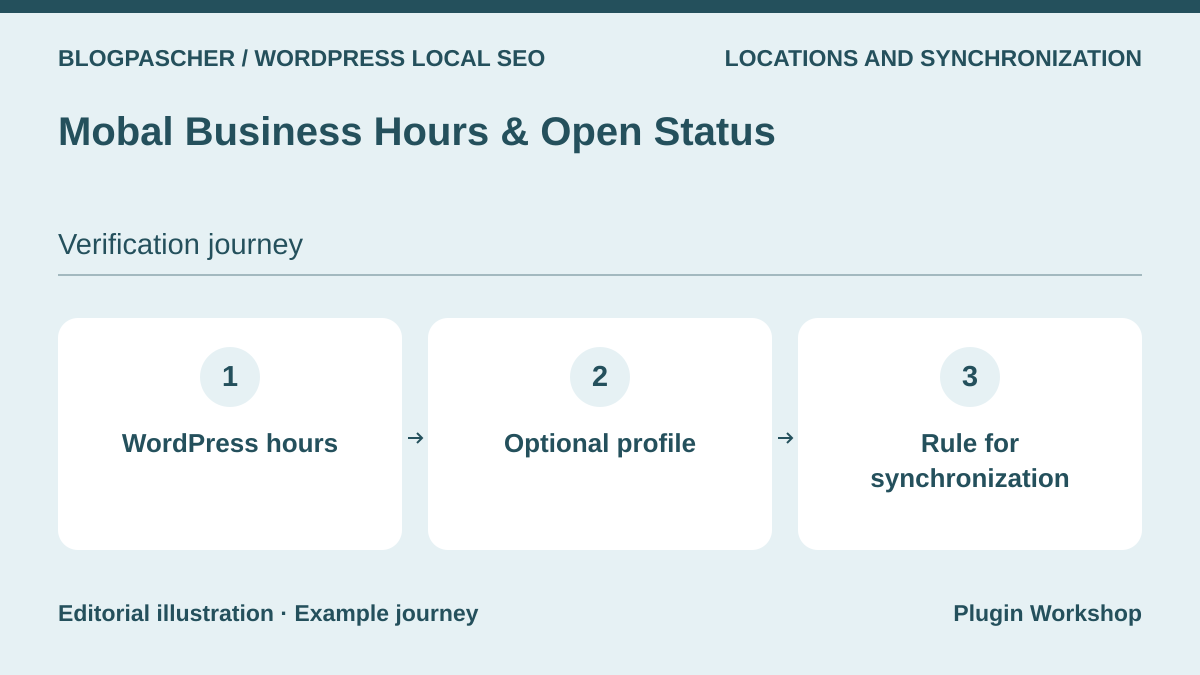 Editorial diagram. WordPress hours → Optional profile → Synchronization rule. — BlogPasCherOpen full-size illustration ↗
Best forKeep local hours and assess optional synchronization.
The Mobal plugin advertises entry in WordPress and optional synchronization from a Mobal profile. Start with a standalone listing. If connecting the service, document which source takes priority and how the team restores a value after an interruption. Store, kitchen and delivery hours may differ. Test each display and the separation between the local plugin and profile-management service.
Offer pricing
Free plugin usable locally. Optional Mobal profile. The separate Listings Pro service is advertised from EUR 49 per month or EUR 40 per month with annual billing.
Billing: Subscription for Listings Pro only
Renewal and support: Check synchronization and renewal terms according to the chosen service.
Checked on .
Strengths
- Plugin usable without an account and optional profile connection.
What to consider
- Confirm permissions, synchronization direction and offer scope.
Pricing terms and compatibility
Understanding the offer
- Price at the time of review
- Free plugin usable locally. Optional Mobal profile. The separate Listings Pro service is advertised from EUR 49 per month or EUR 40 per month with annual billing.
- Currency
- EUR
- Billing
- Subscription for Listings Pro only
- Renewal and support
- Check synchronization and renewal terms according to the chosen service.
- Taxes and fees
- Unspecified. Confirm for the offer you choose.
- Commitment and terms
- Unspecified. Confirm for the offer you choose.
- Date checked
Compatibility and components
- Check the plugin version and handling of hours groups.
Bitkit Opening Hours & Holidays
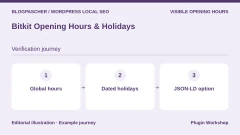
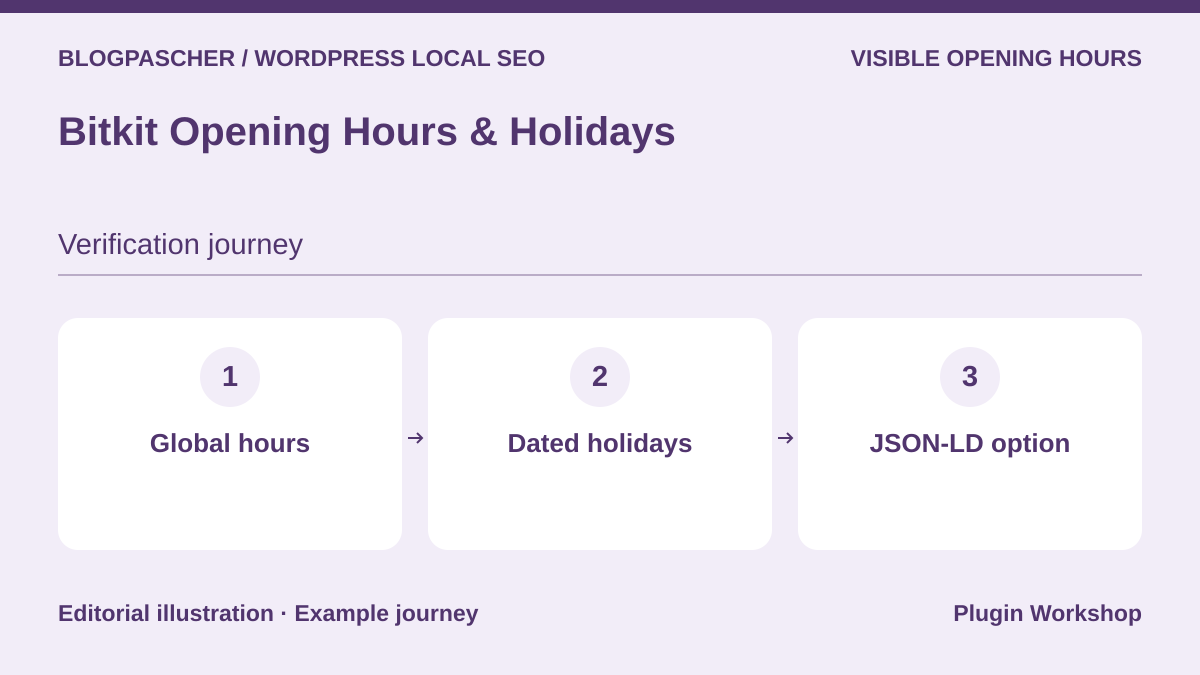 Editorial diagram. Global hours → Dated holidays → JSON-LD option. — BlogPasCherOpen full-size illustration ↗
Best forDisplay regular hours, vacations and special days for one location.
Bitkit offers a table, opening status and special days. Add a closure covering two dates, then check the table and next-opening message. The shortcode’s JSON-LD option can be disabled according to the listing. If the SEO engine already publishes hours, try both states of this option and check which producer remains responsible for the data.
Offer pricing
Free edition for one global location per site. Check options in any additional offer.
Checked on .
Strengths
- Vacation display options and JSON-LD output that can be disabled.
What to consider
- Only one global set of hours in the free version.
Pricing terms and compatibility
Understanding the offer
- Price at the time of review
- Free edition for one global location per site. Check options in any additional offer.
- Currency
- Unspecified. Confirm for the offer you choose.
- Billing
- Unspecified. Confirm for the offer you choose.
- Renewal and support
- Unspecified. Confirm for the offer you choose.
- Taxes and fees
- Unspecified. Confirm for the offer you choose.
- Commitment and terms
- Unspecified. Confirm for the offer you choose.
- Date checked
Compatibility and components
- Check shortcodes, blocks, widgets and the time zone.
Idara Business Hours
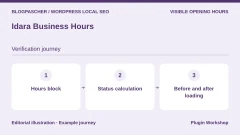
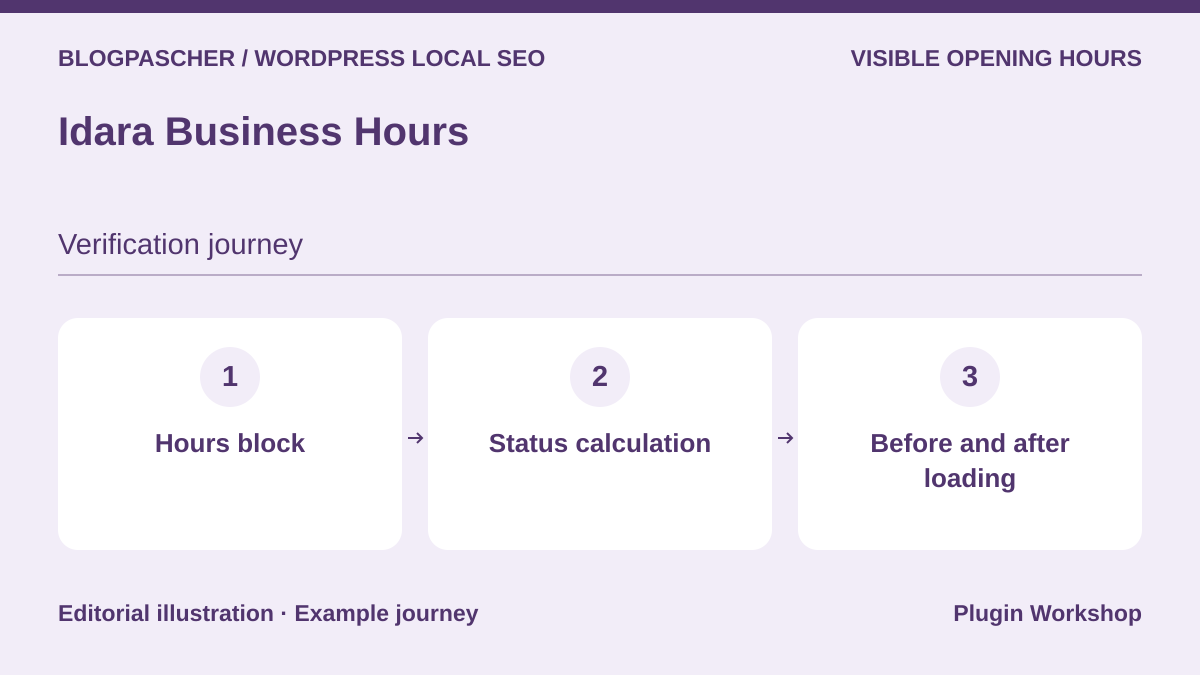 Editorial diagram. Hours block → Status calculation → Before and after loading. — BlogPasCherOpen full-size illustration ↗
Best forInsert a block-based hours table and test a status updated in the browser.
Idara offers an hours block with split slots, exceptions and browser-calculated status. Try the page with JavaScript and in its initial state before execution. Set the business’s time zone, then check hours when the visitor is in another time zone. LocalBusiness output is optional. Check the graph if the same block is used in a shared template.
Offer pricing
Free block distributed on WordPress.org.
Checked on .
Strengths
- Specialized block with status calculated against the location’s time zone.
What to consider
- Check rendering before execution and the scope of optional JSON-LD.
Pricing terms and compatibility
Understanding the offer
- Price at the time of review
- Free block distributed on WordPress.org.
- Currency
- Unspecified. Confirm for the offer you choose.
- Billing
- Unspecified. Confirm for the offer you choose.
- Renewal and support
- Unspecified. Confirm for the offer you choose.
- Taxes and fees
- Unspecified. Confirm for the offer you choose.
- Commitment and terms
- Unspecified. Confirm for the offer you choose.
- Date checked
Compatibility and components
- Check the WordPress version and advertised Interactivity API.
Horair Opening Hours
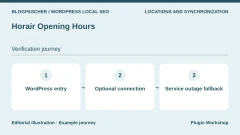
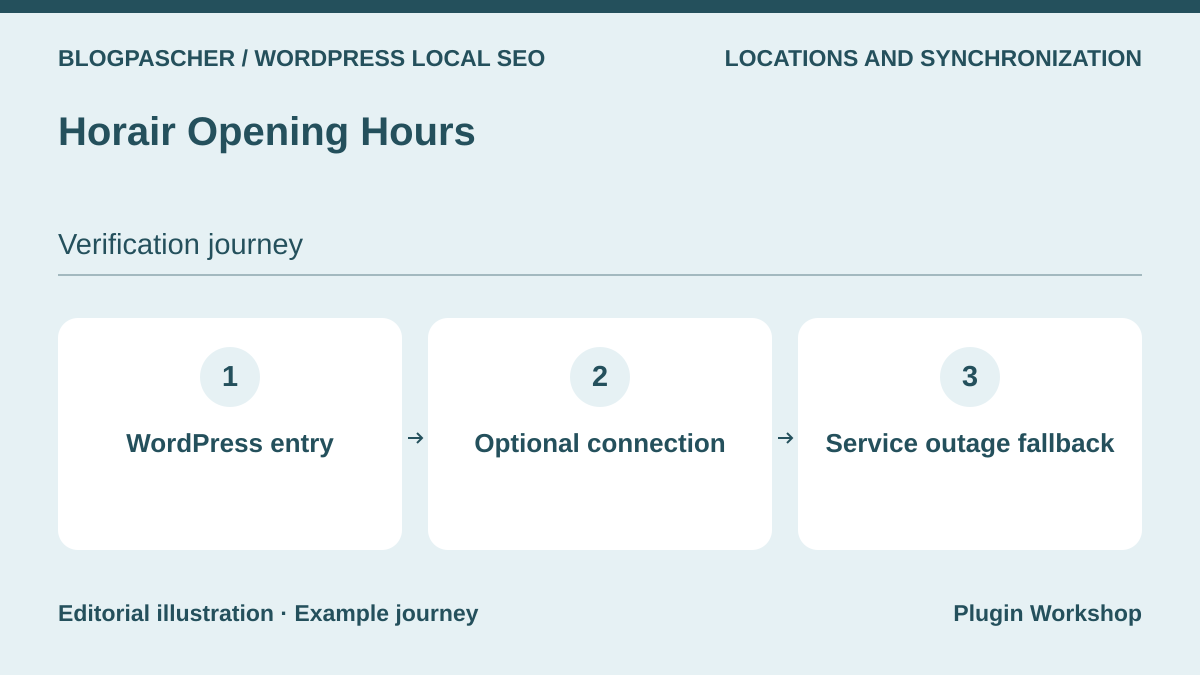 Editorial diagram. WordPress entry → Optional connection → Service outage fallback. — BlogPasCherOpen full-size illustration ↗
Best forDisplay hours locally or connect them to a Horair reference source.
Horair documents a standalone WordPress plugin and an optional connection to its service. If linking them, record which team can write hours and which change is sent to the other system. Replay a change and disconnection on a copy. Service terms were not tested here. Before changing tools, export or copy time slots and dated closures.
Offer pricing
Free standalone WordPress plugin. Horair service advertised as free in beta, then EUR 89 per year or EUR 9.99 per month excluding VAT and per location.
Billing: Optional subscription for the connected service
Renewal and support: Record the end of beta and the service’s renewal amount.
Checked on .
Strengths
- Documented local entry and optional synchronization.
What to consider
- Check synchronization direction and data retained after disconnection.
Pricing terms and compatibility
Understanding the offer
- Price at the time of review
- Free standalone WordPress plugin. Horair service advertised as free in beta, then EUR 89 per year or EUR 9.99 per month excluding VAT and per location.
- Currency
- EUR
- Billing
- Optional subscription for the connected service
- Renewal and support
- Record the end of beta and the service’s renewal amount.
- Taxes and fees
- Unspecified. Confirm for the offer you choose.
- Commitment and terms
- Unspecified. Confirm for the offer you choose.
- Date checked
Compatibility and components
- Check the block or shortcode used and connected-offer terms.
Stuff & Things Business Hours
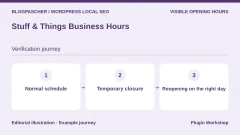
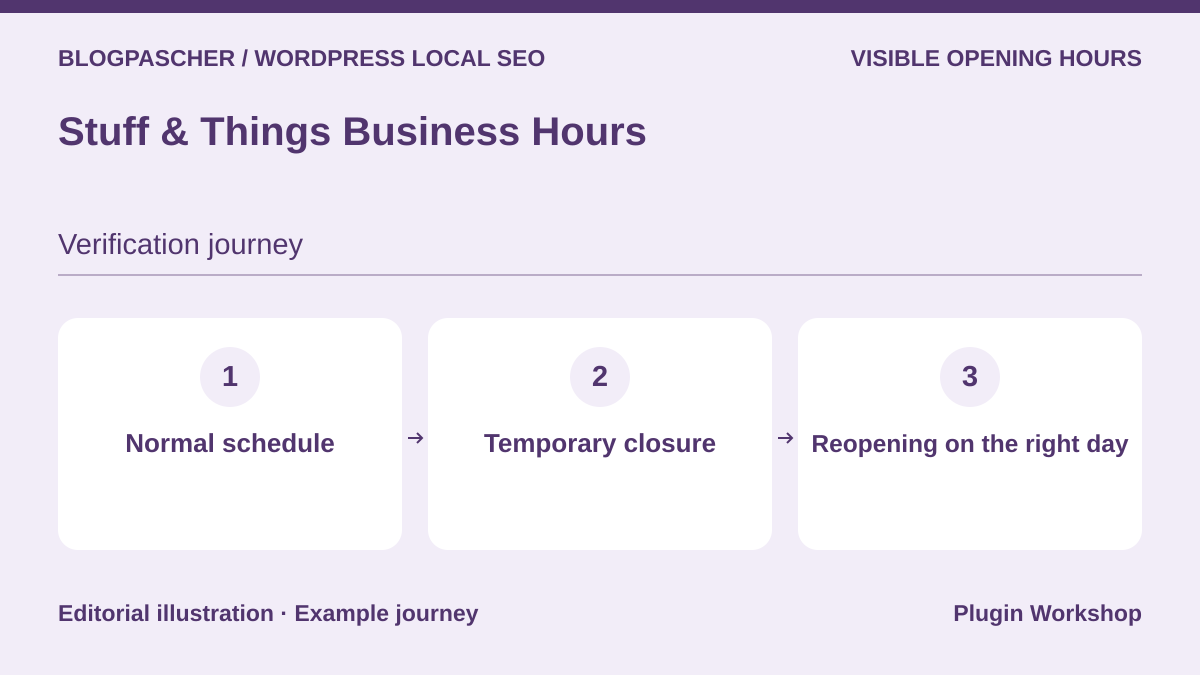 Editorial diagram. Normal schedule → Temporary closure → Reopening on the right day. — BlogPasCherOpen full-size illustration ↗
Best forDisplay a closure status during leave without deleting the schedule.
Stuff & Things provides temporary closure and exceptional hours. Enter the normal schedule, then a closure spanning several days and check resumption after the last date. The listing states that slots crossing midnight are unsupported in the described version. For a nighttime business, check this requirement before adopting it. Review the proposed public holidays before applying them in your country.
Offer pricing
Free plugin distributed on WordPress.org.
Checked on .
Strengths
- Temporary-closure mode separate from the normal schedule.
What to consider
- Slots crossing midnight are unsupported according to the listing.
Pricing terms and compatibility
Understanding the offer
- Price at the time of review
- Free plugin distributed on WordPress.org.
- Currency
- Unspecified. Confirm for the offer you choose.
- Billing
- Unspecified. Confirm for the offer you choose.
- Renewal and support
- Unspecified. Confirm for the offer you choose.
- Taxes and fees
- Unspecified. Confirm for the offer you choose.
- Commitment and terms
- Unspecified. Confirm for the offer you choose.
- Date checked
Compatibility and components
- Check the WordPress version, structured output and hours template.
Local SEO by Ankit Rawat
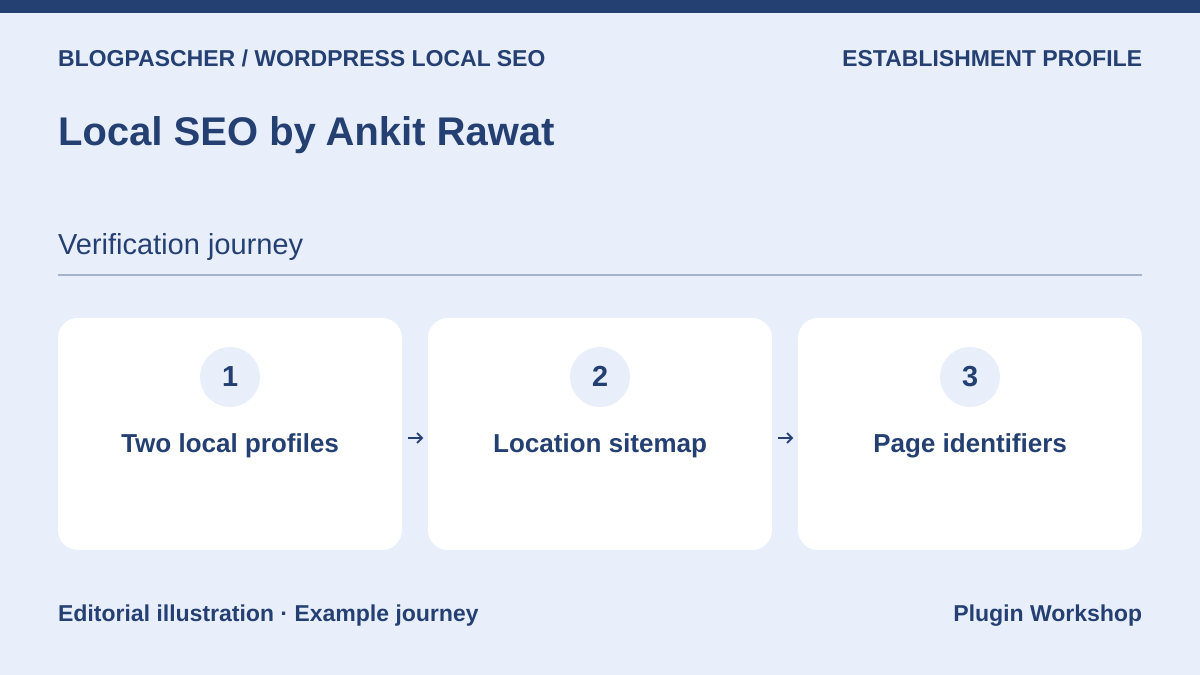 Editorial diagram. Two local profiles → Location sitemap → Page identifiers. — BlogPasCherOpen full-size illustration ↗
Best forCheck identifiers and the sitemap of several location pages.
The plugin documents location pages, a graph and a location sitemap. Add two listings and check that their addresses, hours and identifiers are distinct. Open the sitemap and then both URLs. Also check a page that represents no store. If an SEO plugin publishes a comparable graph, use the coexistence documentation to limit outputs to the chosen scope.
Offer pricing
Free plugin distributed on WordPress.org.
Checked on .
Strengths
- Documented location listings, identifiers and sitemap.
What to consider
- Check the existing graph and exact list of published locations.
Pricing terms and compatibility
Understanding the offer
- Price at the time of review
- Free plugin distributed on WordPress.org.
- Currency
- Unspecified. Confirm for the offer you choose.
- Billing
- Unspecified. Confirm for the offer you choose.
- Renewal and support
- Unspecified. Confirm for the offer you choose.
- Taxes and fees
- Unspecified. Confirm for the offer you choose.
- Commitment and terms
- Unspecified. Confirm for the offer you choose.
- Date checked
Compatibility and components
- Check WordPress sitemaps and active schema producers.
Worker – Business Hours for Elementor
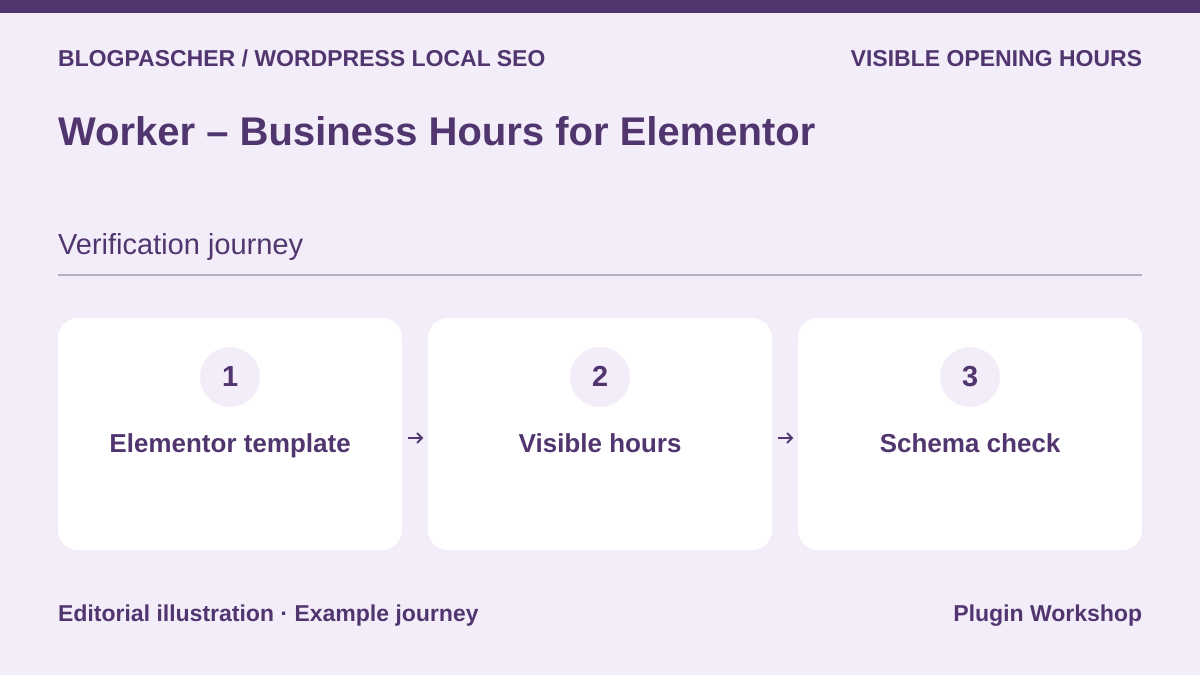 Editorial diagram. Elementor template → Visible hours → Schema check. — BlogPasCherOpen full-size illustration ↗
Best forIntegrate an hours table into a page built with Elementor.
Worker is presented as an hours widget for Elementor. Build a listing with a day split into two slots and open it on a phone. Check whether the information remains readable when the widget sits in a template shared by several pages. If SEO is the goal, separately check for a LocalBusiness node and the source of its hours. The commercial offer was not installed during acceptance testing.
Offer pricing
USD 31 for Regular License and USD 75 for Extended on the consulted CodeCanyon listing.
Billing: One-time CodeCanyon purchase
Renewal and support: Six months of support included. Extension offered separately.
Price excludes taxes and processing fees according to the listing.
Checked on .
Strengths
- Hours presentation in an Elementor template.
What to consider
- Check the presence and scope of local markup before relying on it.
Pricing terms and compatibility
Understanding the offer
- Price at the time of review
- USD 31 for Regular License and USD 75 for Extended on the consulted CodeCanyon listing.
- Currency
- USD
- Billing
- One-time CodeCanyon purchase
- Renewal and support
- Six months of support included. Extension offered separately.
- Taxes and fees
- Price excludes taxes and processing fees according to the listing.
- Commitment and terms
- License for one end product under marketplace terms.
- Date checked
Compatibility and components
- CodeCanyon lists WordPress up to 7.0.x, updated September 17, 2026. Check Elementor.