

Distinguish a variation, an instruction and a custom design
A T-shirt in three sizes, buyer-entered engraving and a motif moved across an image do not require the same tool. A variation represents a combination defined in your catalogue with its commercial characteristics. An extra field collects an instruction or supplement associated with the item. A configurator shows the visual consequences of several choices. Before comparing plugins, write down what customers must select and what the workshop must receive. This separation avoids building a graphics editor for a simple message or expecting a text field to manage size stock automatically.
The selection covers these three levels with distinct products, without counting free and paid editions separately. Fields can suit a dedication, packaging option or dimensions. Layer-based configurators assemble elements prepared beforehand. Graphic designers allow more freedom with text, images and positioning. External-platform connectors add an account and contract to this scope. These are therefore not 25 interchangeable solutions to install together: choose the family covering the workflow your store actually sells.
Prepare a short example: one object, two choices, free-form information and the document needed to manufacture it. If each colour is an independently stocked reference, start with native variations. If customers only supply a name to inscribe, a product field may suffice. If motif position or composition must be accepted before purchase, examine a preview and its output file. This selection procedure is proposed from official sources. No product, payment or manufacturing file was generated in a store for this research.
Compare before you choose
The offers at a glance
Find the use case and budget that fit, then read the details to see the limitations and any components you may need.
On smaller screens, the table scrolls horizontally. With a keyboard, press Tab to focus the table, then use the left and right arrow keys.
| Offer | Best for | Pricing and billing | Renewal and support |
|---|---|---|---|
 Advanced Product Fields — Studio WombatRead the details | Add customisation tied to each product without rebuilding the catalogue. | Free core; Studio Wombat's official article advertises Pro from $69/year or $189 lifetime. Confirm the applicable amount on the purchase page. annual Taxes and final total not established; do not assume a tax-inclusive amount. | Renewal and future terms not established. |
 PPOM — ThemeisleRead the details | Structure several customisation data items on a product page. | Free; Essential displays an introductory 99/year instead of 199 for 1 site. The page offers dollars/euros: confirm the selected currency. annual Taxes and final total not established; do not assume a tax-inclusive amount. | The page advertises full-price renewals; displayed regular amount 199 in the selected currency. |
 Product Addons — AcowebsRead the details | Collect choices useful for manufacturing and carry them through to the order. | Free; Single Site with 1 year of updates displayed at $49. Single Site with lifetime updates displayed at $119. Taxes and final total not established; do not assume a tax-inclusive amount. | Displayed update periods; renewal of the annual plan not established here. |
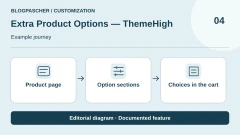 Extra Product Options — ThemeHighRead the details | Organise sections of options specific to the product rather than checkout. | Free; Premium for one site displayed at $39/year. Separate 5- and 25-site offerings. annual Taxes and final total not established; do not assume a tax-inclusive amount. | Annual billing until cancellation advertised; confirm the future amount for the one-site tier. |
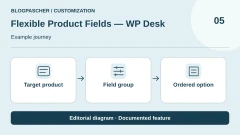 Flexible Product Fields — WP DeskRead the details | Add product fields and compare the Pro plugin with a bundle without confusing them. | Free; Professional for the standalone Pro plugin displayed at GBP 59/year for 1 site. Bundles are separate offerings. annual Taxes and final total not established; do not assume a tax-inclusive amount. | The page advertises renewal at the same initial price; confirm future terms. |
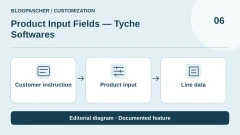 Product Input Fields — Tyche SoftwaresRead the details | Collect product instructions with clearly identified provenance and edition. | Free; annual Single Store selector displayed at $34.30 for the first year, then $49/year. Confirm the scope in the cart: some site cards are inconsistent. annual Taxes and final total not established; do not assume a tax-inclusive amount. | Annual Single Store: $49 renewal displayed in the selector. |
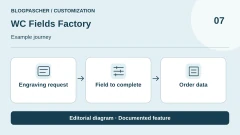 WC Fields FactoryRead the details | Collect product information with a plugin that advertises no Premium tier. | Free plugin; the official listing states all features are unlocked and there is no Premium version. Taxes and final total not established; do not assume a tax-inclusive amount. | No subscription established for the free plugin. |
 YITH Product Add-OnsRead the details | Explore product options within the YITH ecosystem while distinguishing the editions. | Free edition available; Premium advertised with one year of support and updates. Premium amount not readable in the collected sources. Taxes and final total not established; do not assume a tax-inclusive amount. | One-year period advertised; confirm commercial amount and renewal. |
 WPC Product OptionsRead the details | Distinguish global options, product-specific options and surcharge calculation modes. | Free; one-site licence displayed at $29, five sites at $59, unlimited sites at $99. Taxes and final total not established; do not assume a tax-inclusive amount. | The commercial page presents a one-time payment; confirm the contractual service duration. |
 MKL Product ConfiguratorRead the details | Prepare a visual configuration in 2D or examine a 3D model. | Free core; Pro displayed at EUR 149/year, Complete at EUR 199/year. Separate individual add-ons and bundle builder. annual Taxes and final total not established; do not assume a tax-inclusive amount. | Annual plans; confirm future amount and end-of-subscription terms. |
 Visual Product Configurator — ORIONRead the details | Visually assemble predefined choices from prepared images. | Free Lite; VPC subscription displayed at $69/year or a one-time payment of $299. Check included services and modules. annual Taxes and final total not established; do not assume a tax-inclusive amount. | The page advertises one year of support and updates; do not equate a one-time payment with all services for life. |
 WP Configurator BuilderRead the details | Build a configuration using blocks and select the necessary modules. | Free core; Pro Bundle displays $149/year and a $399 one-time payment option. Confirm site count and bundle variant. annual Taxes and final total not established; do not assume a tax-inclusive amount. | The FAQ mentions reverting to free features after the subscription ends; check the chosen contract. |
 KickflipRead the details | Explore a hosted customisation platform with sales-dependent variable costs. | Downloadable connector; service displayed at $59/month + 1.95% to 0% per customised product sold depending on volume. Separate white-label and quotation options. monthly Taxes and final total not established; do not assume a tax-inclusive amount. | Monthly subscription and variable rate schedule; confirm contractual terms and selected volume. |
 ZakekeRead the details | Examine a customisation and visualisation service with explicit platform fees. | Starter: USD 69.90/month with monthly billing, or USD 59/month billed annually, up to 10 published products. Advertised fee of 1.9% per relevant sale, minimum USD 0.03 per item. monthly Taxes and final total not established; do not assume a tax-inclusive amount. | Separate monthly and annual terms; confirm arrangements and WooCommerce scope. |
 Custom Product Builder — CoderPressRead the details | Add graphic design to the product with a free local edition followed by Pro. | Free; Pro Basic displayed at $59.99/year for 1 site. Separate Lifetime Unlimited plan at $299.99 as a one-time payment. annual Taxes and final total not established; do not assume a tax-inclusive amount. | Annual subscription or lifetime licence depending on choice; confirm future terms. |
 PrintcartRead the details | Explore a customisation flow connected to a printing business and its files. | Free version available. Price of the Premium subscription alone not established; the complete-store offering observed at USD 799/year includes licence and services, without being treated as the plugin's minimum price. Taxes and final total not established; do not assume a tax-inclusive amount. | The store package advertises renewal at the same annual price; confirm terms for the Premium plugin alone. |
 Extra Product Options — wpActproRead the details | Compare fields and conditional rules in the exact wpActpro family. | Free edition available. CodeCanyon displays USD 39 Regular and USD 124 Extended, with six months of support included and taxes and fees excluded. Taxes and final total not established; do not assume a tax-inclusive amount. | Check purchase and licence services; no renewal inferred from the displayed amount. |
 Product Add-Ons Ultimate — Plugin RepublicRead the details | Choose a commercial field extension with a clearly defined plan and modules. | Single displayed at USD 79/year + VAT for 1 site; lifetime Single at USD 199 + VAT. Other site counts and bundles are separate. annual Taxes and final total not established; do not assume a tax-inclusive amount. | The annual licence renews automatically; cancellation is possible, with support and updates ending after the active period. |
 Product Add-Ons — WooCommerceRead the details | Add product choices and instructions within the official Woo ecosystem. | Official page consulted in Australian dollars: AUD 114 for one year, or AUD 182.40 total for two years instead of the displayed AUD 228. Check the currency and amount corresponding to your account. annual Taxes and final total not established; do not assume a tax-inclusive amount. | Confirm renewal and final total in the chosen plan. |
 Extra Product Options — ThemeCompleteRead the details | Prepare complex options and pricing rules in a commercial extension. | CodeCanyon displays USD 129 Regular and USD 799 Extended, excluding taxes and fees; six months of support advertised. Confirm licence choice according to use. Taxes and final total not established; do not assume a tax-inclusive amount. | No monthly payment established; separate support extension and licence terms. |
 BuildKit — VillaThemeRead the details | Compose a kit from stocked products, with dependent choices at every step. | Separate free edition on WordPress.org. CodeCanyon displays USD 79 Regular and USD 205 Extended, with six months of support for the displayed offering. One-time purchase of the CodeCanyon licence Taxes and handling fees excluded from the displayed price. | Optional support extension. Compare the free edition's options with those of the paid version. |
 LumiseRead the details | Explore a graphic editor linked to the needs of customised production. | CodeCanyon displays USD 99 Regular and USD 349 Extended, excluding taxes/fees, with six months of support advertised. Confirm the licence suitable for the project. Taxes and final total not established; do not assume a tax-inclusive amount. | Separate purchase and support; check service extensions before purchase. |
 Uni CPORead the details | Examine calculated options in an existing setup and prepare a documented transition. | Free Uni CPO core; price of the former Uni CPO Pro not established. The site presents CraftForms at $59.99/year for five activations, a separate successor offering. Taxes and final total not established; do not assume a tax-inclusive amount. | Do not apply the successor's terms to an existing Uni CPO licence. |
 ExpiviRead the details | Explore a 3D configuration project with a platform and prepared assets. | Downloadable connector without a licence price; Expivi service required, amount not published on the page consulted. Obtain a quotation for the solution; no demo object price used. Taxes and final total not established; do not assume a tax-inclusive amount. | Specify subscription, commitment and services in the publisher's offering. |
 Product Option KitRead the details | Prepare reusable option sets with a free product. | Plugin presented as 100% free, without a paid version, licence key or locked feature in the current listing. Taxes and final total not established; do not assume a tax-inclusive amount. | No plugin subscription established by the current source. |
Compare plugin, service and per-sale costs
A free download may be a locally usable plugin or merely a connector to a paid platform. Kickflip, Zakeke and Expivi require considering the external service, not just their WordPress.org listing. Conversely, several field builders offer a free core with limits or commercial modules. For each candidate, note licence price, duration, permitted sites, required services and variable fees. Add preparation work for layers, templates and rules: even free software does not create your business's visual assets or production instructions.
Platform prices cited here correspond to the November 3, 2026 observation. Product notes give each offering's own date. Kickflip lists 59 dollars per month plus a rate per customised product sold ranging from 1.95% to zero according to advertised volume. Zakeke Starter lists USD 69.90 billed monthly, or an equivalent USD 59 per month billed annually, for up to ten published products; a 1.9% fee with an advertised minimum applies to relevant sales. Do not turn an annual contract's monthly equivalent into a cancellable monthly payment at that amount. Compare identical volumes and features before concluding one subscription is cheaper.
Local extensions have other boundaries. WP Desk lists the standalone Flexible Product Fields Pro plugin at GBP 59 per year for one site in the November 3 observation. ThemeComplete, Lumise and BuildKit are available on CodeCanyon with separate licences and services. The WooCommerce page displayed Australian dollars during the November 10 check. Compare your currency and actual billed amount, especially if a promotion applies to a multi-year commitment. When pricing, scope or currency is unclear, request offering details before paying.
Define useful data before multiplying fields
Every field needs an understandable destination. An engraved name must belong to the correct item, a dimension needs a unit and an image must be retrievable by the person preparing the work. Write an expected manufacturing sheet before building the form. Specify permitted choices, mandatory values, limits and errors to explain to customers. An option improving page appearance but disappearing from order details does not solve the need. The full workflow matters more than the field-type count advertised in a banner.
Also distinguish option, price and stock. An engraving supplement may be charged per object, while a setup fee may apply once. A colour selected from a list does not necessarily decrement stock. If selling an actual component, check how the plugin links it to a product or variation and how quantities change. Prepare one example with two identical items and another with two different customisations. Differences between these cases often reveal misunderstood quantity rules before they become order problems.
Finally, limit information to what actually serves the product. For a buyer-supplied file, state formats and manufacturing constraints in plain language. Define who checks it, how corrections are requested and how long the team needs it. A browser-accepted file is not automatically print-ready. Nor is an on-screen preview a commitment that every colour or proportion can be reproduced without adjustment. These checks belong to your process; no plugin replaces them merely by providing an upload button.
For a kit composed of stocked references, start with components already in WooCommerce. Give each part attributes needed for filtering, then prepare one possible combination and one impossible combination. BuildKit describes this rule through socket types. Engraving does not need a second stocked product, while a real component may need its own reference, quantity and replacement. These data and their maintenance determine the value of a step-by-step wizard.
Workflow 1: start with native variations when choices are stocked
This proposed workflow suits finite choices, such as two colours and three sizes whose combinations each need stock. It requires product-management access and active WooCommerce, with a working copy or unpublished test product. Documentation places the setting under Products, then Add or Edit product, and Product data > Variable product. Prepare attributes, combinations actually sold and a small price-and-stock table. Test amounts are your team's diagnostic values, not prices observed at a publisher. On the working copy, neutralise emails, webhooks and manufacturing dispatches, and use only a test payment method.
Under Attributes, add required values, mark them for use in variations and save. Under Variations, create combinations and complete relevant sales data: price, reference and stock according to your organisation. Begin with a few representative combinations rather than generating hundreds, some never to be manufactured. Open the product as a customer, select an available then unavailable combination and compare with your table. The expected result is a consistent reference with its price and availability, without a free-text field pretending to replace a genuine stocked combination.
Then place a working order with one combination and multiple quantities using the test mode already prepared for your store. Check line labels and expected stock movement, then cancel the test under your management procedure. If variations do not meet the need, unpublish the test product and return to its saved configuration. Adding an engraved name or file will require another mechanism, but you will have retained a clear foundation for references actually available. This workflow was not executed in the documentary research.
- Prepare a test product, attributes and expected price/stock table.
- Choose Variable product under Product data, save attributes and create useful variations.
- Complete each combination's data, then check price and availability as a customer.
- Compare the test order and stock with the table; revert to the saved copy if they differ.
Workflow 2: add a message and file with Woo Product Add-Ons
This workflow suits a store holding a Woo Product Add-Ons licence and wanting to collect item-specific customisation. Work on a test product with a message and small file controlled by your team. The free base WooCommerce plugin does not unlock these commercial settings. Documentation locates fields on the product page under Product data > Add-ons, then Add field. Prepare instructions, mandatory or optional status and each option's charging rule before entering fields. This preparation lets you verify a result instead of improvising the form during testing.
For example, add a Long Text field for an accompanying message, then a File Upload field for the customer's image. Give both fields names the workshop will understand in the order. State process constraints and explicitly choose zero price or the required supplement type. Check whether global fields are inherited: documentation provides Use Global Add-Ons to control inheritance at product level. Otherwise, a global group and individual field may request the same information twice. Limit the prototype to this product until the team validates its meaning.
As a test customer, add a recognisable message and the planned file, then open the cart. Change quantity and add a second customisation to check lines and fees. After a test order, find the message and file in details accessible to the manufacturer. The expected result is information attached to the correct item with a total matching the chosen rule. If data is missing, remove fields from the working product or restore their configuration before publication. Keep useful evidence explaining the discrepancy; do not simply correct the final total while hiding the faulty rule.
- Hold a Product Add-Ons licence and prepare a test product, text and file.
- Open Product data > Add-ons > Add field and add useful fields with their labels and fees.
- Check global inheritance, then verify cart, quantity and two different customisations.
- Find the data in the working order; restore product fields before publication if the result is incomplete.
Workflow 3: prepare a preview with CoderPress Custom Product Builder
This proposed workflow targets a store letting customers position text or visual elements on an object. It requires active WooCommerce, administrator access and graphics you are entitled to use. Prepare an object image and a few test elements with a reference result. CoderPress documentation describes installation through Plugins > Add New, then a wizard under Product Builder. On the product page, Enable Builder and Configure Designer open settings. Start with one product and tools needed for the prototype without enabling every advertised feature.
In Configure Designer, load the base image and elements customers may use, then choose permitted tools. Free and Pro differ in scope, notably for multiple sides and area constraints. First use one view with understandable scale. Open the product as a customer and prepare two visibly different designs, such as two texts in different positions. The goal is checking customisation identity through to the order, not merely smooth animation. Keep a copy of the expected result to compare with what is actually transmitted.
Check the cart, then the order and supplied design file or image. Have the manufacturer review the result: framing, text, useful dimensions and any missing elements. The expected result is a dossier usable for your process and attached to the correct order line. A preview may be correct while the final file remains unsuitable for manufacturing. To revert, unpublish the test product and disable its builder option after retaining useful elements. This prototype remains to be executed on your installation; no design or order was produced for this selection.
- Prepare authorised assets, a working copy and a reference graphic result.
- Complete the Product Builder wizard, then enable Enable Builder on the test product.
- Open Configure Designer, load assets and limit tools to the selected need.
- Compare two customisations in the cart and order, then check the file with the workshop.
- Unpublish the product and restore its setting if the manufacturing chain remains incomplete.
Check quantities, conditions and the path to the order
Prepare a check matrix before choosing a final solution. For a simple product, record base price, expected supplement and total for one and several units. A one-time setup fee and per-item engraving must produce different results. Repeat with two customisations of the same item: they must remain identifiable when content differs. Also check an empty option, a value at the permitted limit and an unavailable combination. The aim is understanding rules actually applied, not obtaining an attractive total in one favourable scenario.
If your edition offers display conditions, change the choice revealing a field, enter a value, then return to the initial choice. Examine the cart and order to see what was retained or charged. Do not assume hidden information was deleted. Repeat when several global groups target one product because groups may overlap. Perform these tests on your working copy with test-mode payments and external notifications neutralised. Do not send a file to a real manufacturing provider merely to check form operation.
The person preparing the object must retrieve the same choice as the buyer without interpreting an obscure identifier or consulting unrelated locations. Compare labels on the product, cart, order and work document. If the store uses an export or extra integration, include it in verification rather than assuming it carries custom fields. Record expected results and observed discrepancies for each case. Keep the prototype unpublished while essential data is missing; returning to the saved product is preferable to repeated manual corrections after every sale.
Prepare images and files actually useful for manufacturing
A layer-based configurator needs images prepared together: identical dimensions, viewpoint and element positions. A small alignment difference becomes visible as soon as customers change colour or component. Start with a base and two representative options, then examine every combination. For a three-dimensional project, clarify who supplies models, corrects them and adds new references. These tasks belong in the project budget even when the WordPress connector costs nothing. Published-product capacity does not measure time needed to prepare assets.
Distinguish the preview image, saved design and file actually required by your workshop. A preview may show position without supplying resolution, dimensions or format needed for printing. Give the manufacturer a representative example with long text, an element near the edge and a deliberately unsuitable customer file. They can specify checks required before acceptance. Demo templates and graphics are not automatically included in the licence: Lumise states this for its demonstration templates and clipart. Use authorised assets and check what is actually delivered.
With an external platform, also clarify what remains accessible after the contract ends. Ask how to retrieve customisations, useful files and references linking designs to orders. Downloading images is not necessarily enough to rebuild a configurator. For a local plugin, identify where the team finds files and how they enter routine site backups. Do not remove a plugin from a live site before checking access to older orders. This preparation does not guarantee portability; it produces a concrete list of data to retain and dependencies to examine.
Choose a maintainable prototype and plan its development
For a message, dimension or packaging option, first compare a few field builders using the same example. Free WC Fields Factory or Product Option Kit can help examine operation without buying a licence, but being free does not prove compatibility with your environment. If you already own a suitable tool, check its edition before adding another. Installing several plugins modifying one product's options and price makes errors difficult to attribute. A limited prototype lets you compare results and revert configuration without moving the whole catalogue.
For a preview composed of prepared choices, examine layer-based configurators before a free-form graphics editor. For text or images customers must position, instead compare designers and their manufacturing output. A platform such as Kickflip, Zakeke or Expivi adds an external service: pricing must cover volume, required options and any sales fees. Keep initial amount, renewal, unestablished taxes and preparation work separate. Dated notes state research limits; they are neither quotes nor validation of each publisher's checkout cart.
Give older installations special treatment. Uni CPO and CraftForms are two products: CraftForms pricing and terms do not automatically apply to an older Uni CPO Pro licence. Inventory rules, orders and files before changing plugins. Repeat a reference order after each major update. The team must recover the reference, customisation and necessary files without reinterpreting the customer's choices.
Further reading
Sources and references
Use these references to check the features, requirements and limitations described. Reading documentation is not a practical test.
View 47 references
- Advanced Product Fields — Studio Wombat — Official listing ↗ — Documentation consulted:
- Advanced Product Fields — Studio Wombat — Vendor offering ↗ — Documentation consulted:
- PPOM — Themeisle — Official listing ↗ — Documentation consulted:
- PPOM — Themeisle — Vendor offering ↗ — Documentation consulted:
- Product Addons — Acowebs — Official listing ↗ — Documentation consulted:
- Product Addons — Acowebs — Vendor offering ↗ — Documentation consulted:
- Extra Product Options — ThemeHigh — Official listing ↗ — Documentation consulted:
- Extra Product Options — ThemeHigh — Vendor offering ↗ — Documentation consulted:
- Flexible Product Fields — WP Desk — Official listing ↗ — Documentation consulted:
- Flexible Product Fields — WP Desk — Vendor offering ↗ — Documentation consulted:
- Product Input Fields — Tyche Softwares — Official listing ↗ — Documentation consulted:
- Product Input Fields — Tyche Softwares — Vendor offering ↗ — Documentation consulted:
- WC Fields Factory — Official listing ↗ — Documentation consulted:
- YITH Product Add-Ons — Official listing ↗ — Documentation consulted:
- YITH Product Add-Ons — Vendor offering ↗ — Documentation consulted:
- WPC Product Options — Official listing ↗ — Documentation consulted:
- WPC Product Options — Vendor offering ↗ — Documentation consulted:
- MKL Product Configurator — Official listing ↗ — Documentation consulted:
- MKL Product Configurator — Vendor offering ↗ — Documentation consulted:
- Visual Product Configurator — ORION — Official listing ↗ — Documentation consulted:
- Visual Product Configurator — ORION — Vendor offering ↗ — Documentation consulted:
- WP Configurator Builder — Official listing ↗ — Documentation consulted:
- WP Configurator Builder — Vendor offering ↗ — Documentation consulted:
- Kickflip — Official listing ↗ — Documentation consulted:
- Kickflip — Vendor offering ↗ — Documentation consulted:
- Zakeke — Official listing ↗ — Documentation consulted:
- Zakeke — Vendor offering ↗ — Documentation consulted:
- Custom Product Builder — CoderPress — Official listing ↗ — Documentation consulted:
- Custom Product Builder — CoderPress — Vendor offering ↗ — Documentation consulted:
- Printcart — Official listing ↗ — Documentation consulted:
- Printcart — Vendor offering ↗ — Documentation consulted:
- Extra Product Options — wpActpro — Official listing ↗ — Documentation consulted:
- Extra Product Options — wpActpro — Vendor offering ↗ — Documentation consulted:
- Product Add-Ons Ultimate — Plugin Republic — Official listing ↗ — Documentation consulted:
- Product Add-Ons — WooCommerce — Official listing ↗ — Documentation consulted:
- Extra Product Options — ThemeComplete — Official listing ↗ — Documentation consulted:
- BuildKit — VillaTheme — Official listing ↗ — Documentation consulted:
- BuildKit — VillaTheme — VillaTheme documentation, access to be checked ↗ — Documentation consulted:
- BuildKit — VillaTheme — Free version on WordPress.org ↗ — Documentation consulted:
- Lumise — Official listing ↗ — Documentation consulted:
- Uni CPO — Official listing ↗ — Documentation consulted:
- Uni CPO — Vendor offering ↗ — Documentation consulted:
- Expivi — Official listing ↗ — Documentation consulted:
- Expivi — Vendor offering ↗ — Documentation consulted:
- Product Option Kit — Official listing ↗ — Documentation consulted:
- Documentation for procedure 1 — Official documentation for the process ↗ — Documentation consulted:
- Documentation for procedure 2 — Official documentation for the process ↗ — Documentation consulted:
Uses, prices and what to check
25 offers in detail
Compare the features you need and the terms of each offer. The order of these entries does not indicate a ranking.
Advanced Product Fields — Studio Wombat
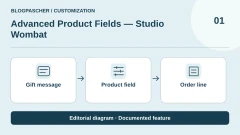
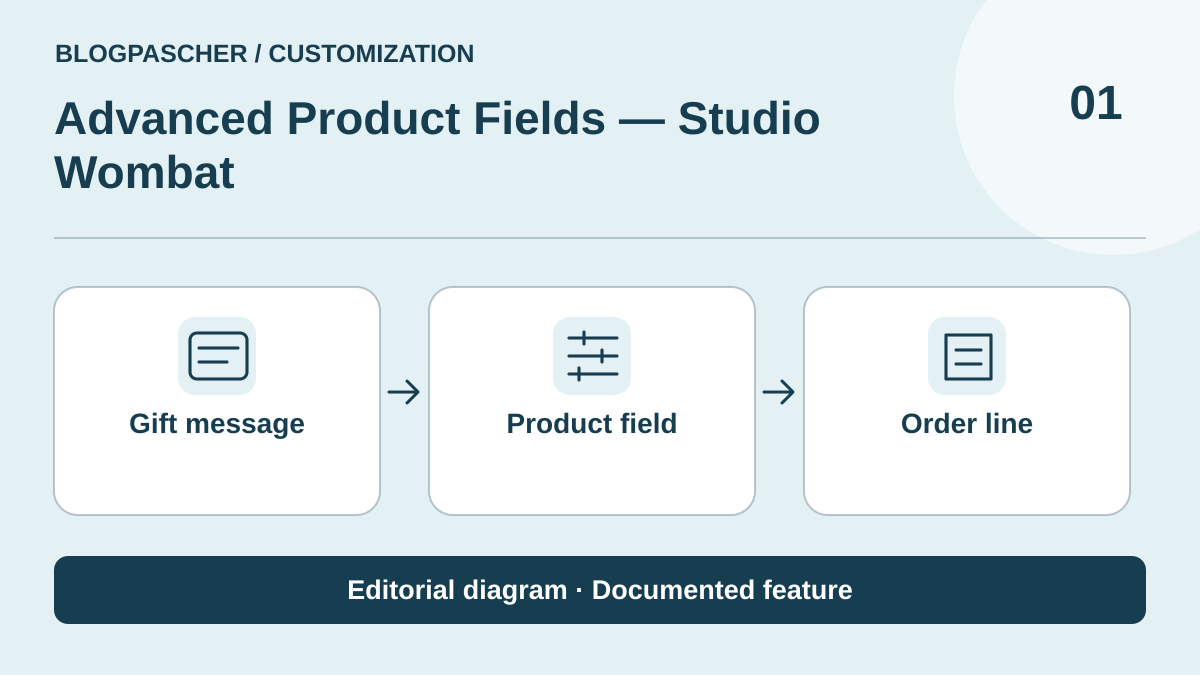 Editorial illustration. Documented feature: Gift message → Product field → Order line. Journey to test on your store. — BlogPasCher · documented featureOpen full-size illustration ↗
Best forAdd customisation tied to each product without rebuilding the catalogue.
Advanced Product Fields by Studio Wombat adds choices and input fields to the product page, carrying the data through to the cart and order. It caters particularly to gift messages, manufacturing options and surcharges. The free core lets you examine how it works; Pro fields and capabilities must be checked in your chosen edition. Do not confuse this product with a checkout field editor: the information requested here belongs to each ordered item, not the entire order.
Offer pricing
Free core; Studio Wombat's official article advertises Pro from $69/year or $189 lifetime. Confirm the applicable amount on the purchase page.
Billing: annual
Renewal and support: Renewal and future terms not established.
Taxes and final total not established; do not assume a tax-inclusive amount.
Checked on .
Strengths
- Product fields and choices
- Customisation data retained with the order
What to consider
- Distinguish free and Pro features
- Pro price recorded in an official article, not a final cart
Pricing terms and compatibility
Understanding the offer
- Price at the time of review
- Free core; Studio Wombat's official article advertises Pro from $69/year or $189 lifetime. Confirm the applicable amount on the purchase page.
- Currency
- Unspecified. Confirm for the offer you choose.
- Billing
- annual
- Renewal and support
- Renewal and future terms not established.
- Taxes and fees
- Taxes and final total not established; do not assume a tax-inclusive amount.
- Commitment and terms
- Unspecified. Confirm for the offer you choose.
- Date checked
Compatibility and components
- Check the edition, theme and your store's cart/checkout flows.
PPOM — Themeisle
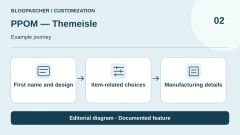
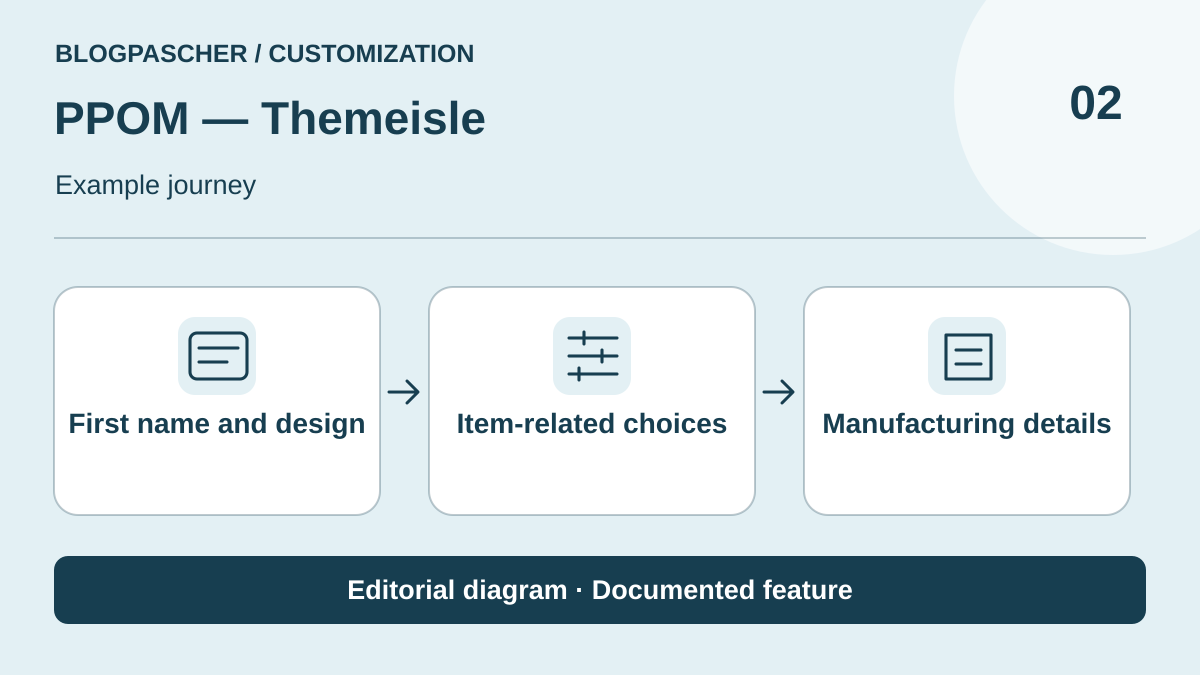 Editorial illustration. Documented feature: First name and design → Item-related choices → Manufacturing details. Journey to test on your store. — BlogPasCher · documented featureOpen full-size illustration ↗
Best forStructure several customisation data items on a product page.
PPOM, Personalized Product Option Manager, organises additional fields on WooCommerce products. It can collect text, choices and other customisation information, with broader commercial capabilities. Its suitability depends on the data type and how it needs to appear in the order. Prepare a test product and examine every field in your edition. Messages about increased sales are the publisher's claims; they do not represent a conversion measurement obtained for this selection.
Offer pricing
Free; Essential displays an introductory 99/year instead of 199 for 1 site. The page offers dollars/euros: confirm the selected currency.
Billing: annual
Renewal and support: The page advertises full-price renewals; displayed regular amount 199 in the selected currency.
Taxes and final total not established; do not assume a tax-inclusive amount.
Checked on .
Strengths
- Varied field types
- Free edition followed by commercial offerings
What to consider
- Compare field tiers and modules
- Check currency selector and renewal
Pricing terms and compatibility
Understanding the offer
- Price at the time of review
- Free; Essential displays an introductory 99/year instead of 199 for 1 site. The page offers dollars/euros: confirm the selected currency.
- Currency
- Unspecified. Confirm for the offer you choose.
- Billing
- annual
- Renewal and support
- The page advertises full-price renewals; displayed regular amount 199 in the selected currency.
- Taxes and fees
- Taxes and final total not established; do not assume a tax-inclusive amount.
- Commitment and terms
- Unspecified. Confirm for the offer you choose.
- Date checked
Compatibility and components
- Check that options carry through on your products, in the cart and in the order.
Product Addons — Acowebs
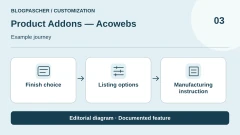
 Editorial illustration. Documented feature: Finish choice → Listing options → Manufacturing instruction. Journey to test on your store. — BlogPasCher · documented featureOpen full-size illustration ↗
Best forCollect choices useful for manufacturing and carry them through to the order.
Product Addons by Acowebs offers a field builder to collect customer choices before adding to the cart. Its listing describes how this information appears in administration and order details. This candidate suits a store that wants to give the workshop a readable request rather than chase details in a separate exchange. Check the features of the free edition and commercial licence, as well as any files needed. The number of options is no substitute for an understandable manufacturing process.
Offer pricing
Free; Single Site with 1 year of updates displayed at $49. Single Site with lifetime updates displayed at $119.
Renewal and support: Displayed update periods; renewal of the annual plan not established here.
Taxes and final total not established; do not assume a tax-inclusive amount.
Checked on .
Strengths
- Product field builder
- Information included with order details
What to consider
- Separate Premium features
- Distinguish update duration from usage rights
Pricing terms and compatibility
Understanding the offer
- Price at the time of review
- Free; Single Site with 1 year of updates displayed at $49. Single Site with lifetime updates displayed at $119.
- Currency
- Unspecified. Confirm for the offer you choose.
- Billing
- Unspecified. Confirm for the offer you choose.
- Renewal and support
- Displayed update periods; renewal of the annual plan not established here.
- Taxes and fees
- Taxes and final total not established; do not assume a tax-inclusive amount.
- Commitment and terms
- Unspecified. Confirm for the offer you choose.
- Date checked
Compatibility and components
- Check your edition's product types and fields throughout a complete flow.
Extra Product Options — ThemeHigh
 Editorial illustration. Documented feature: Product page → Option sections → Choices in the cart. Journey to test on your store. — BlogPasCher · documented featureOpen full-size illustration ↗
Best forOrganise sections of options specific to the product rather than checkout.
Extra Product Options by ThemeHigh supplements products with fields and sections. Its value lies in grouping the information requested from customers and organising its display according to the store's needs. It must be distinguished from the same publisher's Checkout Field Editor, which already covers order fields. Choose the level where the information belongs: an inscription on an object belongs to the product; a general instruction belongs to the order flow. Conditional and pricing features must be examined in the chosen tier.
Offer pricing
Free; Premium for one site displayed at $39/year. Separate 5- and 25-site offerings.
Billing: annual
Renewal and support: Annual billing until cancellation advertised; confirm the future amount for the one-site tier.
Taxes and final total not established; do not assume a tax-inclusive amount.
Checked on .
Strengths
- Customisation fields and sections
- Identified free and commercial editions
What to consider
- Separate product from Checkout Field Editor
- Conditions and advanced features vary by edition
Pricing terms and compatibility
Understanding the offer
- Price at the time of review
- Free; Premium for one site displayed at $39/year. Separate 5- and 25-site offerings.
- Currency
- Unspecified. Confirm for the offer you choose.
- Billing
- annual
- Renewal and support
- Annual billing until cancellation advertised; confirm the future amount for the one-site tier.
- Taxes and fees
- Taxes and final total not established; do not assume a tax-inclusive amount.
- Commitment and terms
- Unspecified. Confirm for the offer you choose.
- Date checked
Compatibility and components
- Check the theme, relevant products and retention of options through to the order.
Flexible Product Fields — WP Desk
 Editorial illustration. Documented feature: Target product → Field group → Ordered option. Journey to test on your store. — BlogPasCher · documented featureOpen full-size illustration ↗
Best forAdd product fields and compare the Pro plugin with a bundle without confusing them.
Flexible Product Fields by WP Desk adds fields and options to the WooCommerce product page. It may suit a team seeking a clear customisation scope that then wants to examine Pro features. The commercial offering observed distinguishes the standalone plugin from bundles of multiple extensions; do not count a bundle as multiple customisation families. Prepare an example with the data expected for manufacturing and check which version covers it. Promises of higher basket values are not results obtained in your store.
Offer pricing
Free; Professional for the standalone Pro plugin displayed at GBP 59/year for 1 site. Bundles are separate offerings.
Billing: annual
Renewal and support: The page advertises renewal at the same initial price; confirm future terms.
Taxes and final total not established; do not assume a tax-inclusive amount.
Checked on .
Strengths
- Product page customisation
- Identifiable standalone Pro offering
What to consider
- Match free and Pro features to your needs
- Multi-plugin bundle separate from the standalone product
Pricing terms and compatibility
Understanding the offer
- Price at the time of review
- Free; Professional for the standalone Pro plugin displayed at GBP 59/year for 1 site. Bundles are separate offerings.
- Currency
- GBP
- Billing
- annual
- Renewal and support
- The page advertises renewal at the same initial price; confirm future terms.
- Taxes and fees
- Taxes and final total not established; do not assume a tax-inclusive amount.
- Commitment and terms
- Unspecified. Confirm for the offer you choose.
- Date checked
Compatibility and components
- Check the useful fields and their rendering in your theme and cart.
Product Input Fields — Tyche Softwares
 Editorial illustration. Documented feature: Customer instruction → Product input → Line data. Journey to test on your store. — BlogPasCher · documented featureOpen full-size illustration ↗
Best forCollect product instructions with clearly identified provenance and edition.
Product Input Fields is currently presented by Tyche Softwares for collecting data before ordering: engraving text, a file or a selection from options. The publisher and its page must be checked, because an old WPFactory address now leads to another product. Customisation here concerns data attached to the purchased product. Compare the free and Pro fields with your specific needs, then check that information carries through to order details. Some pricing card headings are inconsistent with the licence selector.
Offer pricing
Free; annual Single Store selector displayed at $34.30 for the first year, then $49/year. Confirm the scope in the cart: some site cards are inconsistent.
Billing: annual
Renewal and support: Annual Single Store: $49 renewal displayed in the selector.
Taxes and final total not established; do not assume a tax-inclusive amount.
Checked on .
Strengths
- Input fields and validation
- Current Tyche Softwares source identified
What to consider
- Old pricing address leading to another product excluded
- Inconsistency between site cards and pricing selector
Pricing terms and compatibility
Understanding the offer
- Price at the time of review
- Free; annual Single Store selector displayed at $34.30 for the first year, then $49/year. Confirm the scope in the cart: some site cards are inconsistent.
- Currency
- Unspecified. Confirm for the offer you choose.
- Billing
- annual
- Renewal and support
- Annual Single Store: $49 renewal displayed in the selector.
- Taxes and fees
- Taxes and final total not established; do not assume a tax-inclusive amount.
- Commitment and terms
- Unspecified. Confirm for the offer you choose.
- Date checked
Compatibility and components
- Check fields, edition and number of sites in the chosen licence.
WC Fields Factory
 Editorial illustration. Documented feature: Engraving request → Field to complete → Order data. Journey to test on your store. — BlogPasCher · documented featureOpen full-size illustration ↗
Best forCollect product information with a plugin that advertises no Premium tier.
WC Fields Factory collects product options and information, then passes them to the cart, order and emails according to its documentation. Its publisher presents the plugin as entirely free, with no Premium edition. This makes it a candidate to examine when the primary need is to collect manufacturing instructions. Nevertheless, prepare your fields, rules and file formats: being free validates neither your data nor your production process. Check the result in a working order before release.
Offer pricing
Free plugin; the official listing states all features are unlocked and there is no Premium version.
Renewal and support: No subscription established for the free plugin.
Taxes and final total not established; do not assume a tax-inclusive amount.
Checked on .
Strengths
- No Premium edition according to the listing
- Data passed to the order
What to consider
- Configuration and maintenance remain your responsibility
- Check received files before manufacturing
Pricing terms and compatibility
Understanding the offer
- Price at the time of review
- Free plugin; the official listing states all features are unlocked and there is no Premium version.
- Currency
- Unspecified. Confirm for the offer you choose.
- Billing
- Unspecified. Confirm for the offer you choose.
- Renewal and support
- No subscription established for the free plugin.
- Taxes and fees
- Taxes and final total not established; do not assume a tax-inclusive amount.
- Commitment and terms
- Unspecified. Confirm for the offer you choose.
- Date checked
Compatibility and components
- Check the product, theme and information actually retained in the order.
YITH Product Add-Ons
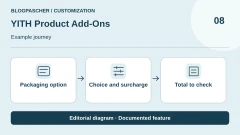
 Editorial illustration. Documented feature: Packaging option → Choice and surcharge → Total to check. Journey to test on your store. — BlogPasCher · documented featureOpen full-size illustration ↗
Best forExplore product options within the YITH ecosystem while distinguishing the editions.
YITH Product Add-Ons adds choices and fields to products, with a Premium edition providing broader scope. The publisher particularly presents dependencies between options, illustrated elements and customer-supplied files. Check the exact feature in the free/Premium comparison before relying on a demonstration. This plugin concerns customisation of the purchased item, not management of support requests. The commercial amount was not readable in the collected listing; the advertised update and support period is one year.
Offer pricing
Free edition available; Premium advertised with one year of support and updates. Premium amount not readable in the collected sources.
Renewal and support: One-year period advertised; confirm commercial amount and renewal.
Taxes and final total not established; do not assume a tax-inclusive amount.
Checked on .
Strengths
- Product options and fields
- Free/Premium comparison available
What to consider
- Premium amount not established on the accessible page
- Do not attribute commercial features to the free edition
Pricing terms and compatibility
Understanding the offer
- Price at the time of review
- Free edition available; Premium advertised with one year of support and updates. Premium amount not readable in the collected sources.
- Currency
- Unspecified. Confirm for the offer you choose.
- Billing
- Unspecified. Confirm for the offer you choose.
- Renewal and support
- One-year period advertised; confirm commercial amount and renewal.
- Taxes and fees
- Taxes and final total not established; do not assume a tax-inclusive amount.
- Commitment and terms
- Unspecified. Confirm for the offer you choose.
- Date checked
Compatibility and components
- Check the edition and YITH integrations your store actually needs.
WPC Product Options
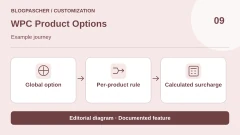
 Editorial illustration. Documented feature: Global option → Per-product rule → Calculated surcharge. Journey to test on your store. — BlogPasCher · documented featureOpen full-size illustration ↗
Best forDistinguish global options, product-specific options and surcharge calculation modes.
WPC Product Options offers fields and surcharges with global or product-specific modes. The documentation distinguishes a fixed fee, a quantity-linked amount and a custom formula in the commercial edition. This distinction helps choose between a one-off service and a surcharge for each unit. Check the relevant product types and the behaviour of a quantity greater than one. Other WPClever plugins mentioned in its catalogue are not counted again in this family or assumed to be included in its licence.
Offer pricing
Free; one-site licence displayed at $29, five sites at $59, unlimited sites at $99.
Renewal and support: The commercial page presents a one-time payment; confirm the contractual service duration.
Taxes and final total not established; do not assume a tax-inclusive amount.
Checked on .
Strengths
- Global or individual options
- Distinct pricing modes documented
What to consider
- Custom formula indicated in Premium
- Separate licence and other WPClever extensions
Pricing terms and compatibility
Understanding the offer
- Price at the time of review
- Free; one-site licence displayed at $29, five sites at $59, unlimited sites at $99.
- Currency
- Unspecified. Confirm for the offer you choose.
- Billing
- Unspecified. Confirm for the offer you choose.
- Renewal and support
- The commercial page presents a one-time payment; confirm the contractual service duration.
- Taxes and fees
- Taxes and final total not established; do not assume a tax-inclusive amount.
- Commitment and terms
- Unspecified. Confirm for the offer you choose.
- Date checked
Compatibility and components
- Check supported product types and quantity-based calculation in your edition.
MKL Product Configurator
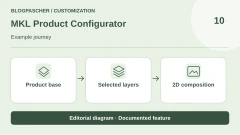
 Editorial illustration. Documented feature: Product base → Selected layers → 2D composition. Journey to test on your store. — BlogPasCher · documented featureOpen full-size illustration ↗
Best forPrepare a visual configuration in 2D or examine a 3D model.
MKL Product Configurator organises visual configuration with 2D layers and advertised 3D support. The free core must be distinguished from bundles adding features such as option prices, conditions, stock or advanced functions. It suits an object whose choices need to be visible, provided you prepare the necessary images or models. A configurator does not create these assets for you. Compare the rendering, configuration passed to the order and production requirements before multiplying layers or variations.
Offer pricing
Free core; Pro displayed at EUR 149/year, Complete at EUR 199/year. Separate individual add-ons and bundle builder.
Billing: annual
Renewal and support: Annual plans; confirm future amount and end-of-subscription terms.
Taxes and final total not established; do not assume a tax-inclusive amount.
Checked on .
Strengths
- Layers and visual preview
- Free core and separate feature bundles
What to consider
- Images and models require preparation
- Prices, stock and advanced features vary by module
Pricing terms and compatibility
Understanding the offer
- Price at the time of review
- Free core; Pro displayed at EUR 149/year, Complete at EUR 199/year. Separate individual add-ons and bundle builder.
- Currency
- EUR
- Billing
- annual
- Renewal and support
- Annual plans; confirm future amount and end-of-subscription terms.
- Taxes and fees
- Taxes and final total not established; do not assume a tax-inclusive amount.
- Commitment and terms
- Unspecified. Confirm for the offer you choose.
- Date checked
Compatibility and components
- The source advertises glTF/GLB for 3D; check your model and target devices.
Visual Product Configurator — ORION
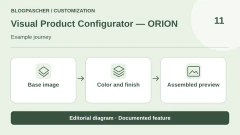
 Editorial illustration. Documented feature: Base image → Color and finish → Assembled preview. Journey to test on your store. — BlogPasCher · documented featureOpen full-size illustration ↗
Best forVisually assemble predefined choices from prepared images.
Visual Product Configurator by ORION composes a product's appearance from predefined choices, particularly by overlaying PNGs. This approach may suit objects whose colours or components are prepared as separate images. The free edition and commercial offerings do not automatically cover the same rules. Prepare layers with the same size and alignment, then check that the ordered object matches the displayed result. An attractive preview does not prove that the selected parts or combinations are available.
Offer pricing
Free Lite; VPC subscription displayed at $69/year or a one-time payment of $299. Check included services and modules.
Billing: annual
Renewal and support: The page advertises one year of support and updates; do not equate a one-time payment with all services for life.
Taxes and final total not established; do not assume a tax-inclusive amount.
Checked on .
Strengths
- PNG overlay documented
- Free offering and commercial plans identified
What to consider
- Consistent layers require production
- Check stock and advanced rules in the chosen edition
Pricing terms and compatibility
Understanding the offer
- Price at the time of review
- Free Lite; VPC subscription displayed at $69/year or a one-time payment of $299. Check included services and modules.
- Currency
- Unspecified. Confirm for the offer you choose.
- Billing
- annual
- Renewal and support
- The page advertises one year of support and updates; do not equate a one-time payment with all services for life.
- Taxes and fees
- Taxes and final total not established; do not assume a tax-inclusive amount.
- Commitment and terms
- Unspecified. Confirm for the offer you choose.
- Date checked
Compatibility and components
- Check product linkage, permitted choices and data passed to the order.
WP Configurator Builder
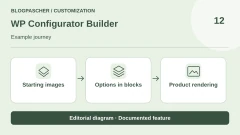
 Editorial illustration. Documented feature: Starting images → Options in blocks → Product rendering. Journey to test on your store. — BlogPasCher · documented featureOpen full-size illustration ↗
Best forBuild a configuration using blocks and select the necessary modules.
WP Configurator Builder, abbreviated WCB, is a block-based builder with choices, layers and visual updates. Its official listing links to wpconfiguratorbuilder.com; wpconfigurator.com belongs to a namesake and was not used to assign a price to it. Compare the free core and commercial modules according to the desired actions. Prepare a small configurator before deploying calculation, stock or export features. Also check the consequences of subscription expiry for the commercial features used.
Offer pricing
Free core; Pro Bundle displays $149/year and a $399 one-time payment option. Confirm site count and bundle variant.
Billing: annual
Renewal and support: The FAQ mentions reverting to free features after the subscription ends; check the chosen contract.
Taxes and final total not established; do not assume a tax-inclusive amount.
Checked on .
Strengths
- Block-based building
- Choices, layers and visual updates advertised
What to consider
- Commercial namesake excluded
- Check module scope and effects of subscription expiry
Pricing terms and compatibility
Understanding the offer
- Price at the time of review
- Free core; Pro Bundle displays $149/year and a $399 one-time payment option. Confirm site count and bundle variant.
- Currency
- Unspecified. Confirm for the offer you choose.
- Billing
- annual
- Renewal and support
- The FAQ mentions reverting to free features after the subscription ends; check the chosen contract.
- Taxes and fees
- Taxes and final total not established; do not assume a tax-inclusive amount.
- Commitment and terms
- Unspecified. Confirm for the offer you choose.
- Date checked
Compatibility and components
- Check the theme, WooCommerce and modules used in the selected configuration.
Kickflip
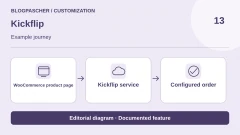
 Editorial illustration. Documented feature: WooCommerce listing → Kickflip service → Configured order. Journey to test on your store. — BlogPasCher · documented featureOpen full-size illustration ↗
Best forExplore a hosted customisation platform with sales-dependent variable costs.
Kickflip connects WooCommerce to a hosted customisation service. Its value is showing customers' choices and adjusting the price within an environment designed for configurable products. The connector does not constitute a free platform: subscriptions, sales-based fees and service options must be assessed together. Prepare a single representative product before expanding the catalogue, and check how its configuration returns to the order. Also ask how to retrieve your assets and configurations if you change services.
Offer pricing
Downloadable connector; service displayed at $59/month + 1.95% to 0% per customised product sold depending on volume. Separate white-label and quotation options.
Billing: monthly
Renewal and support: Monthly subscription and variable rate schedule; confirm contractual terms and selected volume.
Taxes and final total not established; do not assume a tax-inclusive amount.
Checked on .
Strengths
- Configuration preview and pricing advertised
- Official WordPress connector identified
What to consider
- External account and subscription required
- Variable fees and additional options
Pricing terms and compatibility
Understanding the offer
- Price at the time of review
- Downloadable connector; service displayed at $59/month + 1.95% to 0% per customised product sold depending on volume. Separate white-label and quotation options.
- Currency
- Unspecified. Confirm for the offer you choose.
- Billing
- monthly
- Renewal and support
- Monthly subscription and variable rate schedule; confirm contractual terms and selected volume.
- Taxes and fees
- Taxes and final total not established; do not assume a tax-inclusive amount.
- Commitment and terms
- Unspecified. Confirm for the offer you choose.
- Date checked
Compatibility and components
- Check WooCommerce integration, order data and ability to leave the platform.
Zakeke
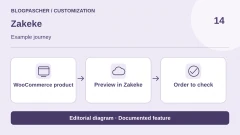
 Editorial illustration. Documented feature: WooCommerce product → Preview in Zakeke → Order to check. Journey to test on your store. — BlogPasCher · documented featureOpen full-size illustration ↗
Best forExamine a customisation and visualisation service with explicit platform fees.
Zakeke combines customisation and product previews in an external platform, connected to WooCommerce among others. The cost depends on the plan, number of published products and relevant sales. Compare customisation options, rendering and manufacturing files needed rather than buying only a promise of 3D. The directory description also contains passages about Shopify: confirm WooCommerce connector features and the applicable plan before contracting. No preview or product file was generated for this article.
Offer pricing
Starter: USD 69.90/month with monthly billing, or USD 59/month billed annually, up to 10 published products. Advertised fee of 1.9% per relevant sale, minimum USD 0.03 per item.
Billing: monthly
Renewal and support: Separate monthly and annual terms; confirm arrangements and WooCommerce scope.
Taxes and final total not established; do not assume a tax-inclusive amount.
Checked on .
Strengths
- Customisation and preview advertised
- Rates by plan and published products
What to consider
- Separate subscription and commission
- Confirm WooCommerce scope against Shopify mentions
Pricing terms and compatibility
Understanding the offer
- Price at the time of review
- Starter: USD 69.90/month with monthly billing, or USD 59/month billed annually, up to 10 published products. Advertised fee of 1.9% per relevant sale, minimum USD 0.03 per item.
- Currency
- USD
- Billing
- monthly
- Renewal and support
- Separate monthly and annual terms; confirm arrangements and WooCommerce scope.
- Taxes and fees
- Taxes and final total not established; do not assume a tax-inclusive amount.
- Commitment and terms
- Unspecified. Confirm for the offer you choose.
- Date checked
Compatibility and components
- Check the WooCommerce connector, output files and features of the chosen plan.
Custom Product Builder — CoderPress
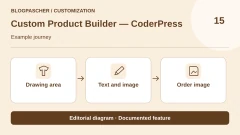
 Editorial illustration. Documented feature: Drawing area → Text and image → Order image. Journey to test on your store. — BlogPasCher · documented featureOpen full-size illustration ↗
Best forAdd graphic design to the product with a free local edition followed by Pro.
Custom Product Builder by CoderPress places a designer on the product page: customers can add text and visual elements in particular, then preview the result. The free edition advertises use on an unlimited number of products; Pro adds other capabilities, including multiple views and drawing area limits. This tool may suit printed objects when you want to keep operations within WordPress. Check the file passed to the order and the feature needed in your edition; a preview does not automatically validate manufacturing quality.
Offer pricing
Free; Pro Basic displayed at $59.99/year for 1 site. Separate Lifetime Unlimited plan at $299.99 as a one-time payment.
Billing: annual
Renewal and support: Annual subscription or lifetime licence depending on choice; confirm future terms.
Taxes and final total not established; do not assume a tax-inclusive amount.
Checked on .
Strengths
- Text and graphic elements on the product
- Free edition with unlimited product count according to the listing
What to consider
- Multiple views and advanced features in Pro
- Check manufacturing file and any AI costs
Pricing terms and compatibility
Understanding the offer
- Price at the time of review
- Free; Pro Basic displayed at $59.99/year for 1 site. Separate Lifetime Unlimited plan at $299.99 as a one-time payment.
- Currency
- Unspecified. Confirm for the offer you choose.
- Billing
- annual
- Renewal and support
- Annual subscription or lifetime licence depending on choice; confirm future terms.
- Taxes and fees
- Taxes and final total not established; do not assume a tax-inclusive amount.
- Commitment and terms
- Unspecified. Confirm for the offer you choose.
- Date checked
Compatibility and components
- Check theme, drawing areas, orders and file rendering in your process.
Printcart
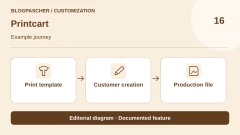
 Editorial illustration. Documented feature: Print template → Customer creation → Production file. Journey to test on your store. — BlogPasCher · documented featureOpen full-size illustration ↗
Best forExplore a customisation flow connected to a printing business and its files.
Printcart Store targets a web-to-print flow with product design and file preparation. The listing distinguishes a free version from a Premium subscription that adds cloud processing, storage and automations in particular. This candidate interests a printing business that needs to connect design to production. Examine the file actually obtained, its use in the workshop and cloud-dependent features. The supplier's complete-store package is not simply the plugin price; it includes installation and services that should not be imposed on every comparison.
Offer pricing
Free version available. Price of the Premium subscription alone not established; the complete-store offering observed at USD 799/year includes licence and services, without being treated as the plugin's minimum price.
Renewal and support: The store package advertises renewal at the same annual price; confirm terms for the Premium plugin alone.
Taxes and final total not established; do not assume a tax-inclusive amount.
Checked on .
Strengths
- Design and production files advertised
- Free version separate from Premium cloud services
What to consider
- Price the Premium cloud subscription according to needs
- Complete-store offering separate from the standalone plugin
Pricing terms and compatibility
Understanding the offer
- Price at the time of review
- Free version available. Price of the Premium subscription alone not established; the complete-store offering observed at USD 799/year includes licence and services, without being treated as the plugin's minimum price.
- Currency
- Unspecified. Confirm for the offer you choose.
- Billing
- Unspecified. Confirm for the offer you choose.
- Renewal and support
- The store package advertises renewal at the same annual price; confirm terms for the Premium plugin alone.
- Taxes and fees
- Taxes and final total not established; do not assume a tax-inclusive amount.
- Commitment and terms
- Unspecified. Confirm for the offer you choose.
- Date checked
Compatibility and components
- Check file output, cloud features, WooCommerce integration and production chain.
Extra Product Options — wpActpro
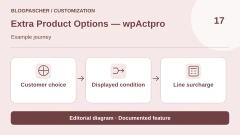
 Editorial illustration. Documented feature: Customer choice → Displayed condition → Line surcharge. Journey to test on your store. — BlogPasCher · documented featureOpen full-size illustration ↗
Best forCompare fields and conditional rules in the exact wpActpro family.
Extra Product Options by wpActpro adds fields, sections and display rules to the product page. The free directory edition and commercial CodeCanyon product are grouped in this family. They must be distinguished from the similarly named RedNao plugin, which was not selected here. Prepare an example with several choices and a required field, then check what is saved when a condition hides a field. Do not assume that data from a now-invisible option has been deleted without observing the flow.
Offer pricing
Free edition available. CodeCanyon displays USD 39 Regular and USD 124 Extended, with six months of support included and taxes and fees excluded.
Renewal and support: Check purchase and licence services; no renewal inferred from the displayed amount.
Taxes and final total not established; do not assume a tax-inclusive amount.
Checked on .
Strengths
- Product fields and sections
- Conditions documented in the current listing
What to consider
- Name similar to several competing products
- Separate free and commercial features
Pricing terms and compatibility
Understanding the offer
- Price at the time of review
- Free edition available. CodeCanyon displays USD 39 Regular and USD 124 Extended, with six months of support included and taxes and fees excluded.
- Currency
- USD
- Billing
- Unspecified. Confirm for the offer you choose.
- Renewal and support
- Check purchase and licence services; no renewal inferred from the displayed amount.
- Taxes and fees
- Taxes and final total not established; do not assume a tax-inclusive amount.
- Commitment and terms
- Unspecified. Confirm for the offer you choose.
- Date checked
Compatibility and components
- Check hidden fields, data transfer and the edition actually installed.
Product Add-Ons Ultimate — Plugin Republic
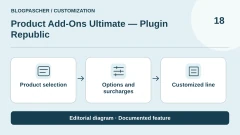
 Editorial illustration. Documented feature: Product selection → Options and surcharges → Customized line. Journey to test on your store. — BlogPasCher · documented featureOpen full-size illustration ↗
Best forChoose a commercial field extension with a clearly defined plan and modules.
Product Add-Ons Ultimate by Plugin Republic is a commercial extension for adding choices, input fields and options to products. Distinguish the base offering from preview modules or bundles: a complete catalogue of demonstrations does not mean all capabilities are included in every purchase. It may suit a store seeking to combine customisation and surcharge rules in a commercially supported product. Define the fields, order result and preview requirements before choosing an annual or lifetime plan.
Offer pricing
Single displayed at USD 79/year + VAT for 1 site; lifetime Single at USD 199 + VAT. Other site counts and bundles are separate.
Billing: annual
Renewal and support: The annual licence renews automatically; cancellation is possible, with support and updates ending after the active period.
Taxes and final total not established; do not assume a tax-inclusive amount.
Checked on .
Strengths
- Varied fields and options
- Separate annual and lifetime licences
What to consider
- No free edition established
- Match previews and advanced calculations to included modules
Pricing terms and compatibility
Understanding the offer
- Price at the time of review
- Single displayed at USD 79/year + VAT for 1 site; lifetime Single at USD 199 + VAT. Other site counts and bundles are separate.
- Currency
- USD
- Billing
- annual
- Renewal and support
- The annual licence renews automatically; cancellation is possible, with support and updates ending after the active period.
- Taxes and fees
- Taxes and final total not established; do not assume a tax-inclusive amount.
- Commitment and terms
- Unspecified. Confirm for the offer you choose.
- Date checked
Compatibility and components
- Check product, cart, integrations and modules actually included in the offering.
Product Add-Ons — WooCommerce
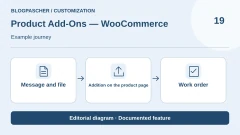
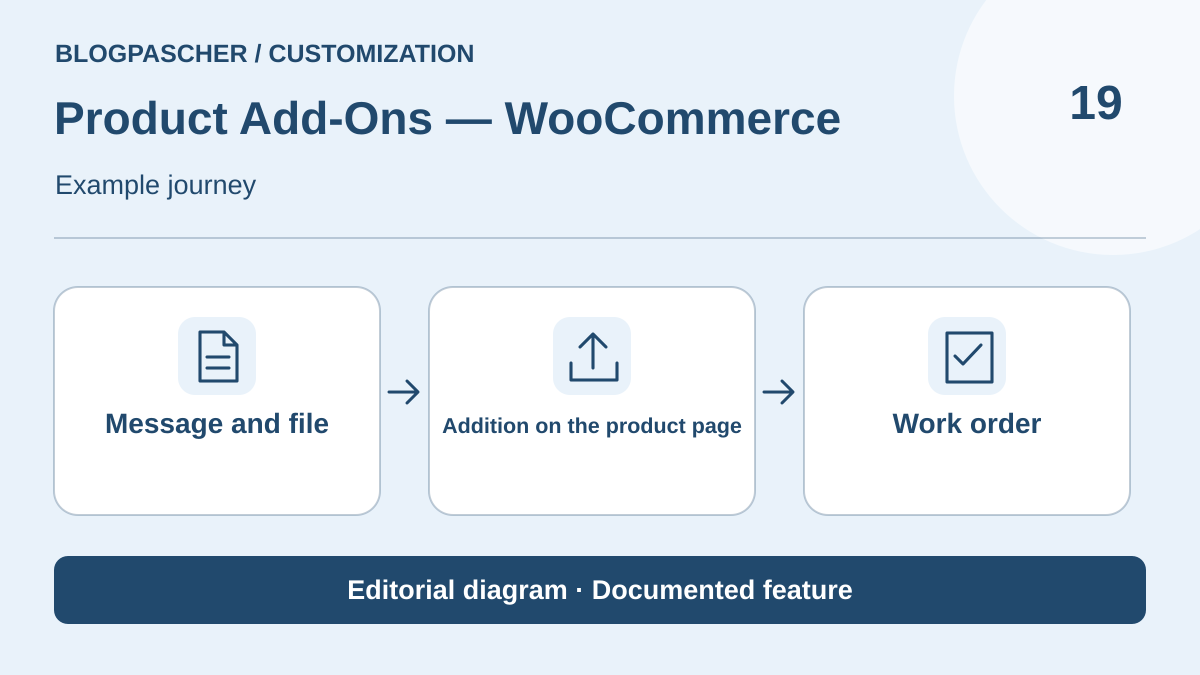 Editorial illustration. Documented feature: Message and file → Addition on the product page → Work order. Journey to test on your store. — BlogPasCher · documented featureOpen full-size illustration ↗
Best forAdd product choices and instructions within the official Woo ecosystem.
Product Add-Ons by Woo adds free or paid fields to a product, individually or globally. It may suit messages, packaging options and files attached to the item. The documentation offers several fee modes, which must be tested with your store's quantities. The listing refers to another product when conditional logic is the primary need: do not automatically attribute this capability to it. Core WooCommerce and this commercial extension remain separate products; the commerce core is not counted again here.
Offer pricing
Official page consulted in Australian dollars: AUD 114 for one year, or AUD 182.40 total for two years instead of the displayed AUD 228. Check the currency and amount corresponding to your account.
Billing: annual
Renewal and support: Confirm renewal and final total in the chosen plan.
Taxes and final total not established; do not assume a tax-inclusive amount.
Checked on .
Strengths
- Per-product fields and global groups
- Fee types documented
What to consider
- Commercial extension separate from free WooCommerce
- Listing refers conditional logic to another product
Pricing terms and compatibility
Understanding the offer
- Price at the time of review
- Official page consulted in Australian dollars: AUD 114 for one year, or AUD 182.40 total for two years instead of the displayed AUD 228. Check the currency and amount corresponding to your account.
- Currency
- AUD
- Billing
- annual
- Renewal and support
- Confirm renewal and final total in the chosen plan.
- Taxes and fees
- Taxes and final total not established; do not assume a tax-inclusive amount.
- Commitment and terms
- Unspecified. Confirm for the offer you choose.
- Date checked
Compatibility and components
- Check the cart, quantities and necessary integrations; subscriptions and bookings are separate purchases.
Extra Product Options — ThemeComplete
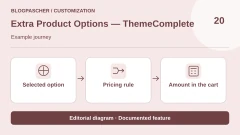
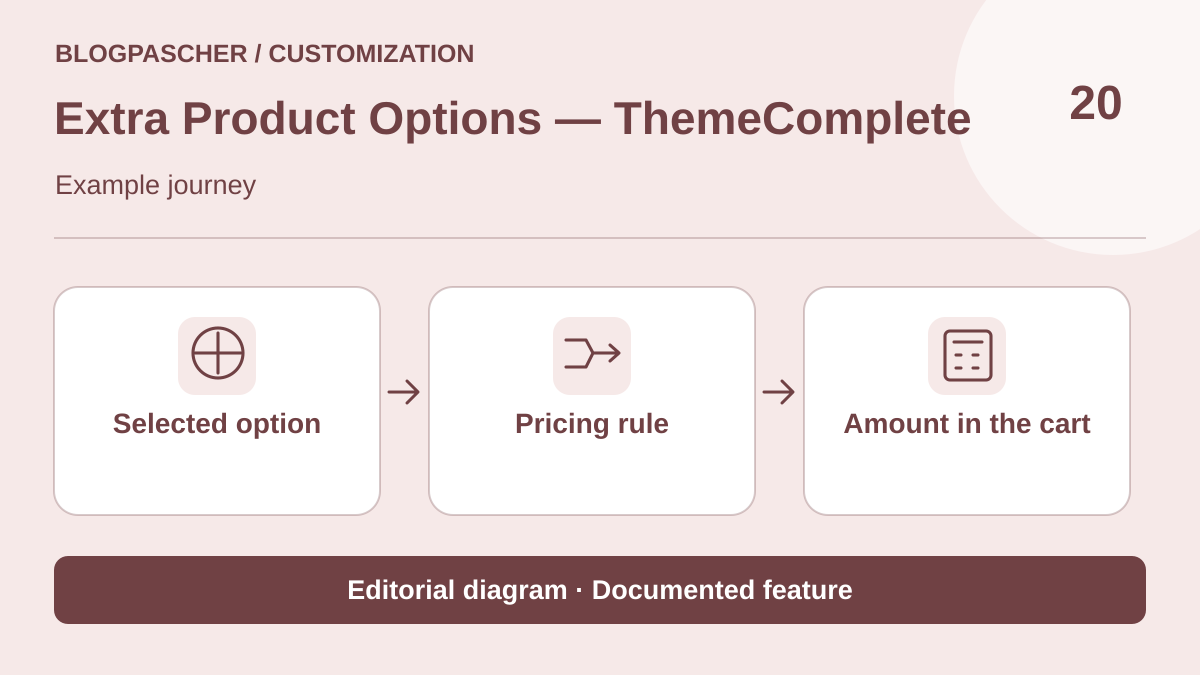 Editorial illustration. Documented feature: Selected option → Pricing rule → Amount in the cart. Journey to test on your store. — BlogPasCher · documented featureOpen full-size illustration ↗
Best forPrepare complex options and pricing rules in a commercial extension.
Extra Product Options by ThemeComplete brings together fields, conditional rules and calculations on WooCommerce products. It targets needs more elaborate than a single message, provided pricing and display rules are prepared in a controllable way. Check the field types, constraints and integrations actually needed rather than choosing the extension for its feature count. Its CodeCanyon price is separate from the seller's other channels. Confirm the licence suitable for the project and included services before purchase.
Offer pricing
CodeCanyon displays USD 129 Regular and USD 799 Extended, excluding taxes and fees; six months of support advertised. Confirm licence choice according to use.
Renewal and support: No monthly payment established; separate support extension and licence terms.
Taxes and final total not established; do not assume a tax-inclusive amount.
Checked on .
Strengths
- Fields and conditions documented
- Price calculations and advanced rules advertised
What to consider
- Rule complexity requires control
- Distinguish licence and support duration
Pricing terms and compatibility
Understanding the offer
- Price at the time of review
- CodeCanyon displays USD 129 Regular and USD 799 Extended, excluding taxes and fees; six months of support advertised. Confirm licence choice according to use.
- Currency
- USD
- Billing
- Unspecified. Confirm for the offer you choose.
- Renewal and support
- No monthly payment established; separate support extension and licence terms.
- Taxes and fees
- Taxes and final total not established; do not assume a tax-inclusive amount.
- Commitment and terms
- Unspecified. Confirm for the offer you choose.
- Date checked
Compatibility and components
- Check WooCommerce and store extensions; seller compatibility statements are not tests of your site.
- CodeCanyon listing from November 10: WooCommerce tags up to 10.x. Compatibility advertised by the listing, without installation.
BuildKit — VillaTheme
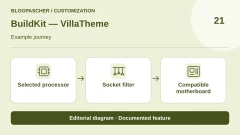
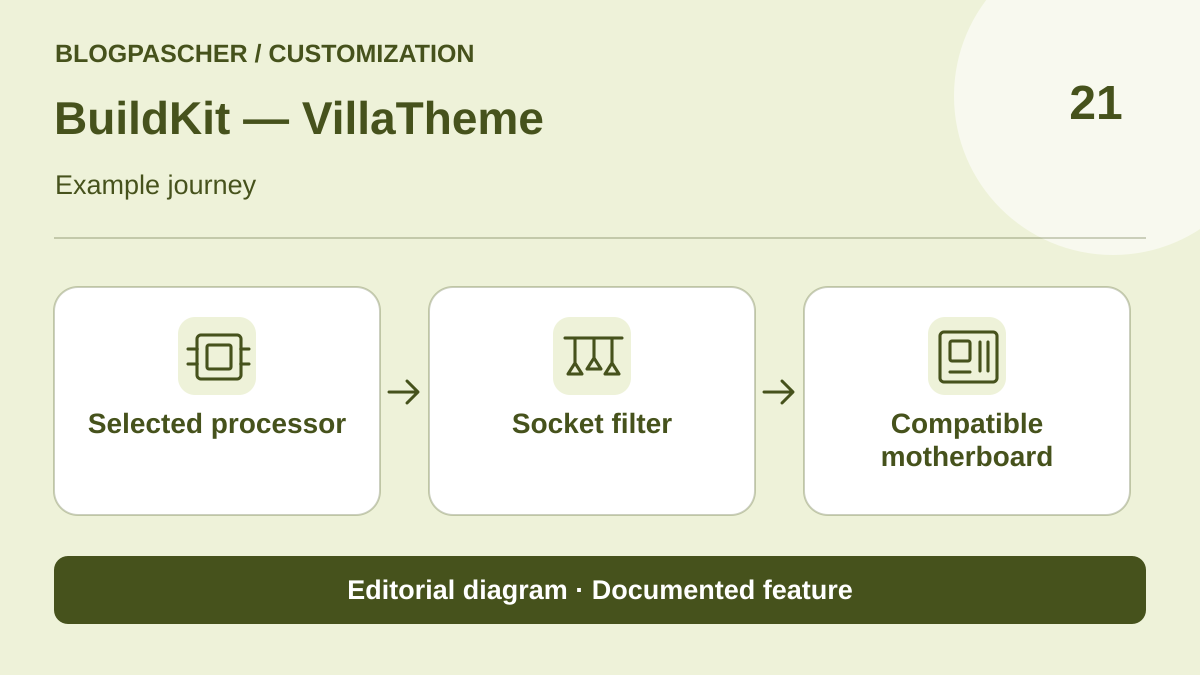 Editorial illustration. Documented feature: Selected processor → Socket filter → Compatible motherboard. Journey to test on your store. — BlogPasCher · documented featureOpen full-size illustration ↗
Best forCompose a kit from stocked products, with dependent choices at every step.
BuildKit guides the composition of a set of WooCommerce products, for example a computer assembled to order. Each step offers catalogue components. In Pro, the publisher describes attribute-based dependencies: after choosing a processor, the customer can see motherboards with the same socket type. The rule depends on the quality of the entered attributes. Prepare three compatible references and one deliberately incompatible one, then check line items, stock and total in the cart.
Offer pricing
Separate free edition on WordPress.org. CodeCanyon displays USD 79 Regular and USD 205 Extended, with six months of support for the displayed offering.
Billing: One-time purchase of the CodeCanyon licence
Renewal and support: Optional support extension. Compare the free edition's options with those of the paid version.
Taxes and handling fees excluded from the displayed price.
Checked on .
Strengths
- Step-by-step component choices
- Dependency rules based on catalogue attributes
What to consider
- The store enters its own compatibility rules: the plugin does not certify an assembly. The directory lists attribute dependencies in Pro and limits the free edition to three steps.
- Compare Classic, Modern and Ajax variants and check Cart and Checkout block compatibility on a copy.
Pricing terms and compatibility
Understanding the offer
- Price at the time of review
- Separate free edition on WordPress.org. CodeCanyon displays USD 79 Regular and USD 205 Extended, with six months of support for the displayed offering.
- Currency
- USD
- Billing
- One-time purchase of the CodeCanyon licence
- Renewal and support
- Optional support extension. Compare the free edition's options with those of the paid version.
- Taxes and fees
- Taxes and handling fees excluded from the displayed price.
- Commitment and terms
- Unspecified. Confirm for the offer you choose.
- Date checked
Compatibility and components
- The CodeCanyon listing advertises WordPress 7.0.x and WooCommerce up to 9.x in its tags. A site running WooCommerce 10.x requires publisher confirmation and a trial.
Lumise
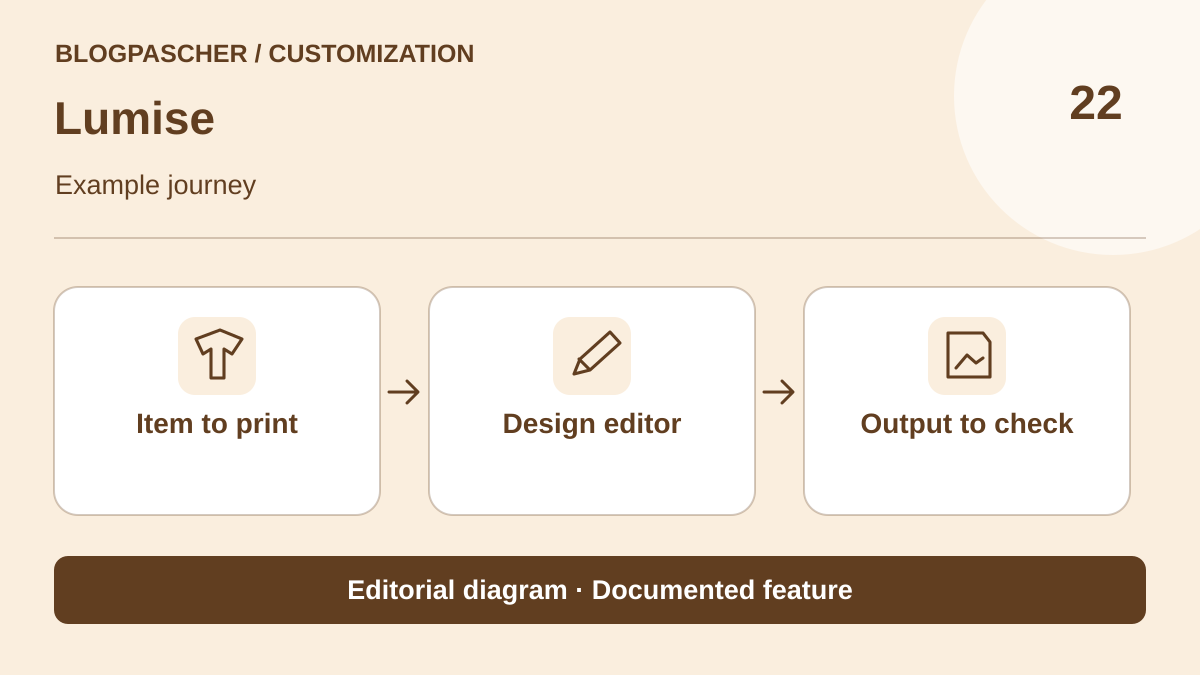 Editorial illustration. Documented feature: Item to print → Design editor → Output to check. Journey to test on your store. — BlogPasCher · documented featureOpen full-size illustration ↗
Best forExplore a graphic editor linked to the needs of customised production.
Lumise offers a product designer for WooCommerce with text, image and template editing. It suits investigation of a graphic customisation flow when a simple form does not show the result precisely enough. Prepare your assets and a reference manufacturing file, then check the result passed to the workshop. The listing states that templates and clipart visible in demonstrations are not included in the download. Their rights and acquisition must therefore be arranged separately, without inferring them from the library shown in a commercial image.
Offer pricing
CodeCanyon displays USD 99 Regular and USD 349 Extended, excluding taxes/fees, with six months of support advertised. Confirm the licence suitable for the project.
Renewal and support: Separate purchase and support; check service extensions before purchase.
Taxes and final total not established; do not assume a tax-inclusive amount.
Checked on .
Strengths
- Graphic designer for WooCommerce
- Text, images and templates advertised
What to consider
- Demo templates and clipart not included according to the listing
- Check production file and licence
Pricing terms and compatibility
Understanding the offer
- Price at the time of review
- CodeCanyon displays USD 99 Regular and USD 349 Extended, excluding taxes/fees, with six months of support advertised. Confirm the licence suitable for the project.
- Currency
- USD
- Billing
- Unspecified. Confirm for the offer you choose.
- Renewal and support
- Separate purchase and support; check service extensions before purchase.
- Taxes and fees
- Taxes and final total not established; do not assume a tax-inclusive amount.
- Commitment and terms
- Unspecified. Confirm for the offer you choose.
- Date checked
Compatibility and components
- Check WooCommerce, assets and formats useful to your workshop; no printing tested here.
- CodeCanyon listing from November 10: update displayed as November 2, 2026, WooCommerce tags up to 9.x. Check actual compatibility and production formats.
Uni CPO
 Editorial illustration. Documented feature: Entered dimensions → Pricing formula → Product total. Journey to test on your store. — BlogPasCher · documented featureOpen full-size illustration ↗
Best forExamine calculated options in an existing setup and prepare a documented transition.
Uni CPO adds options and calculation formulas to WooCommerce products, for example when dimensions and choices determine the price. Its free core remains identifiable in the directory. The official site now presents CraftForms as its successor and displays prices for this new product: they are not automatically assigned to the former Uni CPO Pro. For an existing store, inventory the formulas and check their transfer before changing tools. For a new project, clarify the target distribution and migration path with the publisher before committing.
Offer pricing
Free Uni CPO core; price of the former Uni CPO Pro not established. The site presents CraftForms at $59.99/year for five activations, a separate successor offering.
Renewal and support: Do not apply the successor's terms to an existing Uni CPO licence.
Taxes and final total not established; do not assume a tax-inclusive amount.
Checked on .
Strengths
- Options and price calculations
- Free family identifiable in the directory
What to consider
- Successor CraftForms presented separately
- Former Pro price and migration not established
Pricing terms and compatibility
Understanding the offer
- Price at the time of review
- Free Uni CPO core; price of the former Uni CPO Pro not established. The site presents CraftForms at $59.99/year for five activations, a separate successor offering.
- Currency
- Unspecified. Confirm for the offer you choose.
- Billing
- Unspecified. Confirm for the offer you choose.
- Renewal and support
- Do not apply the successor's terms to an existing Uni CPO licence.
- Taxes and fees
- Taxes and final total not established; do not assume a tax-inclusive amount.
- Commitment and terms
- Unspecified. Confirm for the offer you choose.
- Date checked
Compatibility and components
- WordPress.org states that options apply to the simple product type. Do not assume they work on a variable product.
Expivi
 Editorial illustration. Documented feature: Starting model → 3D configuration → Choices to transmit. Journey to test on your store. — BlogPasCher · documented featureOpen full-size illustration ↗
Best forExplore a 3D configuration project with a platform and prepared assets.
The Expivi connector displays a configuration prepared on the Expivi platform within WooCommerce. The listing requires an external account and creation of products in the platform's tool before linking them to the store's products. This approach primarily interests projects with 3D assets and a structured configuration need. The service price was not published on the page consulted; an amount visible in an object demonstration is not the software price. Have models, integration, maintenance and data export specified in the project quotation.
Offer pricing
Downloadable connector without a licence price; Expivi service required, amount not published on the page consulted. Obtain a quotation for the solution; no demo object price used.
Renewal and support: Specify subscription, commitment and services in the publisher's offering.
Taxes and final total not established; do not assume a tax-inclusive amount.
Checked on .
Strengths
- Identifiable WooCommerce connector
- Product configuration in a dedicated platform
What to consider
- External account and platform required
- Service price not published in the source consulted
- Obtain costs for 3D assets and implementation
Pricing terms and compatibility
Understanding the offer
- Price at the time of review
- Downloadable connector without a licence price; Expivi service required, amount not published on the page consulted. Obtain a quotation for the solution; no demo object price used.
- Currency
- Unspecified. Confirm for the offer you choose.
- Billing
- Unspecified. Confirm for the offer you choose.
- Renewal and support
- Specify subscription, commitment and services in the publisher's offering.
- Taxes and fees
- Taxes and final total not established; do not assume a tax-inclusive amount.
- Commitment and terms
- Unspecified. Confirm for the offer you choose.
- Date checked
Compatibility and components
- Check product linkage, order data and asset retrieval after the contract.
Product Option Kit
 Editorial illustration. Documented feature: Reusable group → Option and condition → Order detail. Journey to test on your store. — BlogPasCher · documented featureOpen full-size illustration ↗
Best forPrepare reusable option sets with a free product.
Product Option Kit organises reusable field sets and assigns them to relevant products. Its listing advertises an entirely free offering, without a licence key or locked features. This candidate may suit an initial prototype that must bring choices, input and calculations together in a coherent set. Read a template's configuration before reusing it: a preset from another trade may contain surcharges or rules that do not match your manufacturing. Check the data actually retained in the order and the maintenance your store needs.
Offer pricing
Plugin presented as 100% free, without a paid version, licence key or locked feature in the current listing.
Renewal and support: No plugin subscription established by the current source.
Taxes and final total not established; do not assume a tax-inclusive amount.
Checked on .
Strengths
- Reusable field sets
- No paid edition advertised in the current listing
What to consider
- Adapt presets to the trade
- Being free does not replace maintenance or compatibility checks
- The optional Quick Setup wizard sends the administration address and technical characteristics to PluginShift if you complete it. Skip this optional wizard for a trial without this transmission.
Pricing terms and compatibility
Understanding the offer
- Price at the time of review
- Plugin presented as 100% free, without a paid version, licence key or locked feature in the current listing.
- Currency
- Unspecified. Confirm for the offer you choose.
- Billing
- Unspecified. Confirm for the offer you choose.
- Renewal and support
- No plugin subscription established by the current source.
- Taxes and fees
- Taxes and final total not established; do not assume a tax-inclusive amount.
- Commitment and terms
- Unspecified. Confirm for the offer you choose.
- Date checked
Compatibility and components
- Check assignment rules, calculation and order on your WooCommerce configuration.