

Choose between an address, a map and a locator
A useful map answers a precise question: where to enter a building, which shop is nearby or which track to follow. A point placed in the centre of a town does not necessarily answer all three. This selection distinguishes contact maps, store locations, geolocated posts and interactive plans. Start by choosing the expected result and the data you can maintain.
For one place, a written address and directions link often suffice. Several establishments instead need a consistent list and location search; a hike needs a track file; a floor plan does not need a street provider. The features of these families are therefore not interchangeable. A map displaying a line does not necessarily calculate a road route.
The procedures concern self-hosted WordPress with permission to edit a page and, for plugins, install an extension. On WordPress.com, check your plan’s embedding capabilities. Prepare a test page and a few fictitious or public places. An export of private positions must not become your demonstration file, especially if it contains customer addresses or contributors’ homes.
These notices are based on documentation and prices verified on November 3, 2026. Versions and compatibility are publisher declarations; they do not replace a trial on your hosting. The procedures below let you compare the expected result for a few places without immediately importing production data. No speed, accuracy or reliability measurement was performed for this selection.
Compare before you choose
The offers at a glance
Find the use case and budget that fit, then read the details to see the limitations and any components you may need.
On smaller screens, the table scrolls horizontally. With a keyboard, press Tab to focus the table, then use the left and right arrow keys.
| Offer | Best for | Pricing and billing | Renewal and support |
|---|---|---|---|
 WP Go MapsRead the details | Maps and places with a choice of engine. | Free; Pro V10: 69 USD once for 1 website, 99 USD for 5 websites; unlimited all-version offering: 299 USD. One-time payment. Taxes not specified in the recorded offering; check the applicable total at checkout. | No annual renewal; future major versions excluded from V10 licences unless purchased separately or covered by the all-version offering. |
 MapPressRead the details | Maps directly linked to content. | Free; Pro Regular: $39/year for up to 3 websites; Developer: $79/year for up to 25 websites. Annual subscription; $ symbol displayed, currency code not established. Taxes not specified in the recorded offering; check the applicable total at checkout. | Automatic renewal after one year; cancellation available. Future amount not guaranteed. |
 Leaflet MapRead the details | A lightweight display with controlled shortcodes. | Free extension; no plugin subscription required. Free download, without a limited trial. No plugin purchase price; any taxation of external services is separate. | No plugin licence renewal. |
 Open User MapRead the details | A collaborative map with location approval. | Free; Pro: 39.99 USD/year or 279.99 USD once for 1 website. Annual or Lifetime; 1-, 4- or 10-website licences offered at checkout. Pro prices explicitly exclude taxes; taxes calculated at checkout. | Annual automatically renews; Lifetime has no annual expiry. Confirm renewal prices at checkout. |
 WP Map BlockRead the details | Maps built visually in WordPress. | Free extension; no plugin subscription required. Free download, without a limited trial. No plugin purchase price; any taxation of external services is separate. | No plugin licence renewal. |
 Google Maps EasyRead the details | Places on Google Maps with your own key. | Free; Pro 1 website: 49 USD/year introductory offer, 109 USD/3 years or 159 USD once. Annual, three years or Lifetime; struck-through standard annual price: 59 USD. Taxes not specified in the recorded offering; check the applicable total at checkout. | The displayed annual price states renewal at 49 USD/year; check the order. Maps remain, updates/support expire outside Lifetime. |
 MapGeo — famille Interactive Geo MapsRead the details | Interactive countries or regions. | Free; Pro 1 website: 39.99 USD/year or 199.99 USD once. Annual or Lifetime. Taxes not specified in the recorded offering; check the applicable total at checkout. | Not renewing annual disables Pro features; Lifetime does not have this annual renewal. |
 WP Store LocatorRead the details | A shop or branch search. | Free core; CSV Manager: 39 USD for 1 website, 69 USD for 2 to 5, 99 USD for up to 20. One-time add-on payment; other extensions or bundle separate. Taxes not specified in the recorded offering; check the applicable total at checkout. | Lifetime updates advertised; one year of support, manually renewable with a 30% discount. No automatic renewal. |
 Agile Store LocatorRead the details | Several establishments and category filters. | Free; annual Pro: 49 USD/1 website (59 USD struck through), 89 USD/3 websites, 129 USD/5 websites. Annual subscription; Lifetime option also offered, amount not reproduced here. Taxes not specified in the recorded offering; check the applicable total at checkout. | Exact renewal amount not established; do not assume the promotion continues. |
 LocatoraidRead the details | A simple locator with address control. | Free Lite; Pro: $59 for 1 website; Developer: $129 for unlimited websites. One-time initial payment; $ symbol displayed, currency code unspecified. The page states that VAT or sales taxes may be added. | Pro includes 1 year of updates, Developer 2 years; optional renewal advertised from $22/year, without automatic charges. |
 Easy MapRead the details | Places and drawn areas. | Free; Pro: $36/year for 1 website, $79/year for 5, $99/year for 10. Annual; $ symbol displayed, currency code not established. Taxes not specified in the recorded offering; check the applicable total at checkout. | Renewal amount and method not explicit; check the order. |
 Geo MashupRead the details | Geolocated editorial content. | Free extension; no plugin subscription required. Free download, without a limited trial. No plugin purchase price; any taxation of external services is separate. | No plugin licence renewal. |
 WaymarkRead the details | Tracks and map collections. | Free extension; no plugin subscription required. Free download, without a limited trial. No plugin purchase price; any taxation of external services is separate. | No plugin licence renewal. |
 Travelers’ MapRead the details | A geolocated travel journal. | Free extension; no plugin subscription required. Free download, without a limited trial. No plugin purchase price; any taxation of external services is separate. | No plugin licence renewal. |
 OSM — OpenStreetMapRead the details | Maps and tracks around OpenStreetMap. | Free extension; no plugin subscription required. Free download, without a limited trial. No plugin purchase price; any taxation of external services is separate. | No plugin licence renewal. |
 Mapster WP MapsRead the details | A project comparing several mapping engines. | Free; Pro 1 website: 19.99 USD/month, 191.88 USD/year or 579.99 USD once. Monthly, annual or Lifetime offered in the official form. The form calculates taxes according to the billing address. | Confirm renewal terms and amount in the summary for the selected period. |
 Maps Widget for Google MapsRead the details | A compact map in a page area. | Free; Personal: $29/year; Personal Lifetime: $39 promotion ($49 struck through); Agency: $79 once. Annual or one-time payment; $ symbol displayed, currency code unconfirmed. Taxes not specified in the recorded offering; check the applicable total at checkout. | Lifetime without advertised renewal; check annual Personal renewal price. |
 Simple Google Maps ShortcodeRead the details | A contact map using a shortcode. | Free extension; no plugin subscription required. Free download, without a limited trial. No plugin purchase price; any taxation of external services is separate. | No plugin licence renewal. |
 Maps Marker ProRead the details | Structured maps with tracks, filters and data exchange. | Personal: 49 EUR for 1 website, with 1 year of updates and support. Purchase of a non-expiring key; limited service period. Taxes not specified in the recorded offering; check the applicable total at checkout. | Optional 1-year renewal: 35 EUR for 1 website. Not a mandatory subscription to keep the installed version. |
 Cliq Store LocatorRead the details | A prototype list of nearby places. | Free; Pro 1 website: 49 USD/year or 129 USD once. Annual or Lifetime; separate 3- and 5-website offerings. Taxes not specified in the recorded offering; check the applicable total at checkout. | Check annual renewal amount and behaviour at checkout; Lifetime advertised without annual payment. |
 WP GPX MapsRead the details | Activity tracks and elevation profiles. | Free extension; no plugin subscription required. Free download, without a limited trial. No plugin purchase price; any taxation of external services is separate. | No plugin licence renewal. |
 WP Maps Pro — famille Advanced Google MapsRead the details | Structured places with filters and categories. | Free; Gold: $39/year for up to 3 websites; WP Maps Pro alone: $59 once for 1 website. Suite subscription or purchase of the plugin alone; currency code unspecified on the recorded page. Taxes not specified in the recorded offering; check the applicable total at checkout. | Gold: annual renewal, future amount to confirm; $59 offering advertised without renewal. |
 Progress MapRead the details | Lists of places with presentation modules. | Founder: $149 once, for up to 3 personal or client websites. Temporary direct offering; $ symbol displayed, currency code unspecified. Taxes not specified in the recorded offering; check the applicable total at checkout. | Lifetime updates advertised for this licence; do not promise the same terms after the offering ends. |
 Super Store Finder for WordPressRead the details | A network of stores on Google Maps. | 29 USD, Regular licence for a single end product. Licence payment; purchase price and buyer fee included. Excluding taxes and any handling fees, according to CodeCanyon. | Future updates advertised; 6 months of support included. Paid support extension, separate. |
 Mapplic — plugin WordPressRead the details | Interactive floor plans and illustrated maps. | 189 USD, WordPress plugin Regular licence for a single end product. One-time licence payment. Excluding taxes and any handling fees, according to CodeCanyon. | Future updates advertised; no author support included. |
Without a plugin: share a place or embed an existing map
For an establishment, first write the full address, entrance directions and genuinely known accessibility information. In Google Maps, display the correct place, then use the sharing menu and copy-link command. In your WordPress page, select text such as View the location on the map and add this link using the link control. The expected result is opening the correct place, with an understandable name and address before clicking.
If you want an embedded map, the sharing interface offers Embed a map, then Copy HTML. Paste the supplied code, without reinventing it, into a Custom HTML block on your test page. Check the public display and size on a phone. Some WordPress accounts are not permitted to retain embedding tags: if the code is removed on saving, use the link or have an administrator check this capability.
This method does not provide a manageable store catalogue, coordinate imports or a change history. It also loads external content when the embed appears. To reverse it, remove the block and retain the link alongside the address. Do not replace practical information with a map alone: it remains useful when external content fails to load.
Leaflet Map: display a point without relying on address search
Choose Leaflet Map for a simple map you want to configure using shortcodes. Install the plugin from Plugins > Add New Plugin, then open a test page. In a Shortcode block, enter [leaflet-map lat=48.8566 lng=2.3522 zoom=12], then add [leaflet-marker lat=48.8566 lng=2.3522]Point de démonstration[/leaflet-marker]. These public coordinates illustrate central Paris; replace them with those of your location.
Using explicit coordinates distinguishes map display from address lookup, called geocoding. Check the point in a sufficiently close view, then confirm that the place’s entrance is correctly indicated. Reversed latitude and longitude can produce a technically visible map located very far away. Keep precision appropriate to the use and address text near the map.
The plugin relies on a display library and a tile provider, meaning the images or data of the basemap. These components have their own terms. A free plugin does not guarantee unlimited provider capacity. To cancel the prototype, remove the shortcodes from the page; before disabling the plugin, find other pages using them so raw elements are not left behind.
A location catalogue needs a reliable data source
For several establishments, prepare one row per place with a stable identifier, name, address, opening hours and coordinates. The identifier lets you correct a record without creating a second marker at the next import. Check the format the plugin expects: CSV separator, encoding, required columns and latitude-longitude order. Two files that open correctly in a spreadsheet are not necessarily interchangeable.
Start with three places: a typical establishment, a point near a zone boundary and a place you will remove during the test. Check search, distance sorting and whether the removed point remains after synchronisation. A successful import that adds new rows but retains all old ones does not meet a complete-update need. Keep the original export and matching rules before importing a real catalogue.
Open User Map addresses a different case: visitors can suggest places. Decide who validates the name, position and text before publication. An unmoderated collaborative map can receive a private address or misleading information. This need must not be confused with an official branch list whose details only a few people may change.
To start without paid import, use WP Store Locator with three manually entered establishments. The current version’s OpenStreetMap option separates this trial from creating a Google account. If you later buy CSV Manager, export existing places and use that file as a template: reimporting must update the correct record, not merely add a duplicate.
- Install WP Store Locator, open Store Locator > Settings and choose the basemap and a starting location. In recent versions, the initial wizard guides this setting.
- In Store Locator > Add Store, enter a public place, its address and opening hours. Check the marker position, then repeat for two other places.
- Add the Store Locator block or [wpsl] shortcode to a test page; check a city search and a search that should return nothing.
- Correct an opening time and marker, then reload the public page. If a cache hides the changes, use the plugin’s targeted clearing function before considering another tool.
- With CSV Manager only, export these places, edit one row and reimport while matching columns. Check record counts and identifiers; do not assume a row missing from the file deletes an establishment.
Tracks and plans: avoid expectations the plugin does not cover
Waymark and WP GPX Maps concern tracks and activity files; Mapplic notably turns images or plans into interactive areas. A floor plan can have several levels without knowing a city’s streets. Conversely, a GPX file contains a sequence of positions, sometimes with altitude and times. Choose the format according to your source instead of converting a file without knowing what information will be lost.
With a test file, check the first position, last position and a few intermediate passages. Look for implausible detours and unexpected elevation changes. For a floor plan, test area links and level changes on a phone. A map screenshot is insufficient to verify an interaction. These checks are acceptance tests to perform on your website, not results measured in this article.
Before publishing a personal track, examine its start, finish and metadata that might reveal a home or habits. Keep the original separate from the public file. When replacing a track, also check the file’s old URL: removing the visible block from the page does not necessarily erase the document already accessible in the media library.
In WP GPX Maps, import a test file into the media library, add the GPX Map block and select that file. If the expected profile is missing, first check whether the source contains elevation values. Check units and start/finish before working on styling. To reverse the change, remove the block, then separately examine the public file and its other uses; deleting it must not break another page.
Basemap costs, geocoding and provider rules
The plugin price does not automatically cover mapping request costs. Distinguish basemap display, address-to-coordinate conversion, location search and route calculation. These operations may depend on different services and quotas. If a product advertises several engines, note the one actually selected and key used, instead of adopting another provider’s costs.
The OpenStreetMap Foundation distinguishes open data from its public tile servers. Availability is not guaranteed; attribution must remain visible and bulk downloads or offline prefetching are not allowed on this public service. Choose an appropriate offering if your use requires contractual capacity or offline maps. Do not extrapolate these terms to every provider using OpenStreetMap data.
For an API key, define restrictions suited to the website and services actually used according to the provider’s documentation. Do not distribute it in an example file or screenshot intended for the team. Monitor volumes and billing alerts from the relevant account. A map that stops loading may indicate a quota, key restriction or data error; randomly changing plugins does not distinguish these causes.
The global Google pricing table consulted states, for Dynamic Maps, 10,000 free monthly events, then 7 USD per 1,000 in the first paid tier. Static Maps has its own quota and price; Embed is listed without a billed cap in that table. These are service references, not allowances included in the plugins. Visitor count is insufficient to estimate the bill: one visit can trigger several operations.
For public Nominatim, the stated limit is at most one request per second for the whole website, not per visitor. Autocomplete on every keystroke is prohibited. Bulk lookup or a busy directory therefore needs an appropriate provider or its own service. These rules concern nominatim.openstreetmap.org, not every Nominatim instance. Using previously validated coordinates avoids unnecessary searches during display.
- In the provider console, identify the APIs actually called: display, geocoding, place search or routing. Do not enable every service by default.
- For Google, restrict the browser key to authorised domains and required APIs. If the plugin geocodes on the server, use the restriction appropriate to the server IP address and a separate key if needed.
- Configure a budget with alerts and examine service quotas. An alerts-only budget does not automatically stop calls or billing.
- If the map is grey, open the browser console and request details. A billing, authorised-domain or quota error requires a targeted correction; do not remove restrictions to make the message disappear.
Visitor location and external requests: two different checks
Displaying a basemap can already send the IP address and browser information to the tile provider. The Use my location permission concerns device geolocation; refusing it does not stop these ordinary requests. An address search can also send the entered text, and a route calculation its start and destination points. Inventory these exchanges according to the features you enable, without concluding that a cookie-free plugin sends no data.
For a location button, the page must be served in a compatible secure context, usually HTTPS, and the browser requests permission. Keep manual search available for visitors who refuse. Disable approximate IP-location options if they do not serve your need; they may use another service and are not merely the result of browser permission.
A collaborative map requires an additional check: publish a suggestion only after verifying the address, text and attachments. Avoid unnecessary fields, state what will be public and plan how to correct a place. These are technical and editorial choices to examine within your organisation, without promising legal compliance.
- In a private window, open developer tools and the Network tab before reloading the page. Record domains contacted before any click on the map.
- If you planned loading after consent, refuse that choice, then reload. Check that requests to the relevant provider remain blocked; a simple visual overlay is not proof.
- Then allow the map, refuse location and search manually for a place. Check that the address and results remain accessible.
- On a test collaborative map, suggest a public place from a logged-out session. Check that it remains pending, then approve it in WordPress and confirm public visibility.
Check the map from the visitor’s perspective
Open the page without an administrator account, first on a wide screen and then a phone. The marker, its text and links must remain accessible without hiding the entire page. Check scrolling: a map capturing the gesture can prevent reading further on mobile. Keep a text address and a link to open a mapping application when helpful to the visitor.
If you offer current location, also test refusal of that permission. Manual location search must remain understandable. Do not present missing location as a missing establishment. For distances, explain whether sorting represents geographic proximity or a calculated journey; a point close as the crow flies may be on the other side of an obstacle.
Finally check interactions with caching and lazy loading. The map must recover its size after a tab or window opens, and new coordinates must appear after an update. If a builder does not display the preview, check the public page separately before concluding there is a failure. Record the versions used in your acceptance test and keep a reproducible example.
Compare offerings and plan an exit
The prices recorded on November 3, 2026 do not all describe the same contract. WP Go Maps Pro displays a purchase of 69 US dollars for one website and specifies the scope of version 10. MapGeo offers an annual licence and an option without annual renewal. WP Maps Pro also presents a plugin bundle by subscription; this is not the price of one module on one website. Compare rights and updates, not just the entry figure.
Progress Map now advertises direct sales, with a Founder offer at 149 dollars displayed as a one-time payment. Its old CodeCanyon listing must not be used alone to promise terms for the new channel. Mapplic remains offered on CodeCanyon, but the listing states that the author does not provide support. These limits matter for someone expecting configuration help after purchase.
Before changing solutions, export places and check recovery of identifiers, descriptions and coordinates. Also keep references to maps inserted into pages. Disabling a plugin can leave raw shortcodes; deleting its data can prevent rollback. First prepare a replacement page with address and link, then gradually replace embeds after checking the data. Rendering and performance of your theme and cache combination remain to be checked locally.
Exit behaviour depends on the publisher. With annual MapGeo, expiry removes Pro features and editing may delete their data: back up before that change. With Locatoraid, the installed version remains usable, but updates and support cease without renewal. In Cliq Store Locator, check Keep data on uninstall before deleting the extension; Travelers’ Map instead retains its metadata until deliberate cleanup. A simple Deactivate button therefore does not replace a data recovery plan.
Sources and references
Use these references to check the features, requirements and limitations described. Reading documentation is not a practical test.
View 52 references
- Verified official reference ↗ — Documentation consulted:
- Verified official reference ↗ — Documentation consulted:
- Verified official reference ↗ — Documentation consulted:
- Verified official reference ↗ — Documentation consulted:
- Verified official reference ↗ — Documentation consulted:
- Verified official reference ↗ — Documentation consulted:
- Verified official reference ↗ — Documentation consulted:
- Verified official reference ↗ — Documentation consulted:
- Verified official reference ↗ — Documentation consulted:
- Verified official reference ↗ — Documentation consulted:
- Verified official reference ↗ — Documentation consulted:
- Verified official reference ↗ — Documentation consulted:
- Verified official reference ↗ — Documentation consulted:
- Verified official reference ↗ — Documentation consulted:
- Verified official reference ↗ — Documentation consulted:
- Verified official reference ↗ — Documentation consulted:
- Verified official reference ↗ — Documentation consulted:
- Verified official reference ↗ — Documentation consulted:
- Verified official reference ↗ — Documentation consulted:
- Verified official reference ↗ — Documentation consulted:
- Verified official reference ↗ — Documentation consulted:
- Verified official reference ↗ — Documentation consulted:
- Verified official reference ↗ — Documentation consulted:
- Verified official reference ↗ — Documentation consulted:
- Verified official reference ↗ — Documentation consulted:
- Verified official reference ↗ — Documentation consulted:
- Verified official reference ↗ — Documentation consulted:
- Verified official reference ↗ — Documentation consulted:
- Verified official reference ↗ — Documentation consulted:
- Verified official reference ↗ — Documentation consulted:
- Verified official reference ↗ — Documentation consulted:
- Verified official reference ↗ — Documentation consulted:
- Verified official reference ↗ — Documentation consulted:
- Verified official reference ↗ — Documentation consulted:
- Verified official reference ↗ — Documentation consulted:
- Verified official reference ↗ — Documentation consulted:
- Verified official reference ↗ — Documentation consulted:
- Verified official reference ↗ — Documentation consulted:
- Verified official reference ↗ — Documentation consulted:
- Verified official reference ↗ — Documentation consulted:
- Verified official reference ↗ — Documentation consulted:
- Verified official reference ↗ — Documentation consulted:
- Verified official reference ↗ — Documentation consulted:
- Verified official reference ↗ — Documentation consulted:
- Verified official reference ↗ — Documentation consulted:
- Verified official reference ↗ — Documentation consulted:
- Verified official reference ↗ — Documentation consulted:
- Verified official reference ↗ — Documentation consulted:
- Verified official reference ↗ — Documentation consulted:
- Verified official reference ↗ — Documentation consulted:
- Verified official reference ↗ — Documentation consulted:
- Verified official reference ↗ — Documentation consulted:
Uses, prices and what to check
25 offers in detail
Compare the features you need and the terms of each offer. The order of these entries does not indicate a ranking.
WP Go Maps
 Official WP Go Maps banner supplied by the developer; promotional features and figures should be distinguished from our analysis, with no installation or measurement claimed.
Best forMaps and places with a choice of engine.
WP Go Maps, formerly WP Google Maps, suits a contact map and then a more structured catalogue. Free is limited to one map; Pro adds multiple maps, rich descriptions, filters and imports. Choose the engine first: Leaflet and a suitable basemap let you start without a Google account, while Google requires its own configuration. The 69 USD Pro purchase covers version 10, not all future major versions.
Offer pricing
Free; Pro V10: 69 USD once for 1 website, 99 USD for 5 websites; unlimited all-version offering: 299 USD.
Billing: One-time payment.
Renewal and support: No annual renewal; future major versions excluded from V10 licences unless purchased separately or covered by the all-version offering.
Taxes not specified in the recorded offering; check the applicable total at checkout.
Checked on .
Strengths
- One map and markers to start for free.
- Pro: multiple maps, category filters and CSV/JSON/XML imports.
- Choose the mapping engine before styling.
What to consider
- Separate basemap, geocoding and routing fees and quotas.
- The 1- and 5-website licences concern version 10; do not confuse them with the all-version offering.
Pricing terms and compatibility
Understanding the offer
- Price at the time of review
- Free; Pro V10: 69 USD once for 1 website, 99 USD for 5 websites; unlimited all-version offering: 299 USD.
- Currency
- USD
- Billing
- One-time payment.
- Renewal and support
- No annual renewal; future major versions excluded from V10 licences unless purchased separately or covered by the all-version offering.
- Taxes and fees
- Taxes not specified in the recorded offering; check the applicable total at checkout.
- Commitment and terms
- 1 or 5 websites depending on licence; the 299 USD offering advertises unlimited websites and future major versions.
- Date checked
Compatibility and components
- Version 10.1.10; maintainer declaring testing up to WordPress 7.1.4. Displayed update: 2026-09-28 8:30am GMT. No practical trial performed.
MapPress
 Official MapPress banner supplied by the developer; promotional features and figures should be distinguished from our analysis, with no installation or measurement claimed.
Best forMaps directly linked to content.
MapPress lets you prepare a map directly in the classic or block editor without managing every insertion manually. Free provides maps and markers with no advertised limit, rich popups and point clustering. Pro becomes useful for automatically bringing content together on a map and adding search or filters. The OpenFreeMap basemap lets you start without a key; Google and Mapbox remain separate services.
Offer pricing
Free; Pro Regular: $39/year for up to 3 websites; Developer: $79/year for up to 25 websites.
Billing: Annual subscription; $ symbol displayed, currency code not established.
Renewal and support: Automatic renewal after one year; cancellation available. Future amount not guaranteed.
Taxes not specified in the recorded offering; check the applicable total at checkout.
Checked on .
Strengths
- Editing in posts and pages; Gutenberg and classic editor.
- Free: multiple maps, markers, popups and clustering.
- Pro: maps generated from content, search and filters.
What to consider
- Pro subscription automatically renews each year unless cancelled.
- The currency code for the $ symbol is not explicit in the recorded pricing form.
Pricing terms and compatibility
Understanding the offer
- Price at the time of review
- Free; Pro Regular: $39/year for up to 3 websites; Developer: $79/year for up to 25 websites.
- Currency
- Unspecified. Confirm for the offer you choose.
- Billing
- Annual subscription; $ symbol displayed, currency code not established.
- Renewal and support
- Automatic renewal after one year; cancellation available. Future amount not guaranteed.
- Taxes and fees
- Taxes not specified in the recorded offering; check the applicable total at checkout.
- Commitment and terms
- Support and updates during the subscription; 3 or 25 websites.
- Date checked
Compatibility and components
- Version 2.97.15; maintainer declaring testing up to WordPress 7.1.4. Displayed update: 2026-10-29 12:17am GMT. No practical trial performed.
Leaflet Map
 Official Leaflet Map banner supplied by the developer; promotional features and figures should be distinguished from our analysis, with no installation or measurement claimed.
Best forA lightweight display with controlled shortcodes.
Leaflet Map suits a simple map configured with shortcodes, coordinates and markers. It also accepts shapes and geographic files according to its documentation. The prototype presented avoids automatic address lookup, but the basemap remains external. Check geocoding settings before processing many addresses.
Offer pricing
Free extension; no plugin subscription required.
Billing: Free download, without a limited trial.
Renewal and support: No plugin licence renewal.
No plugin purchase price; any taxation of external services is separate.
Checked on .
Strengths
- Shortcodes for coordinates, markers and text popups.
- Lines, circles, GeoJSON and image maps documented.
What to consider
- Shortcode construction, less suited to an editor wanting a visual interface.
- With Nominatim, the default contact address is the administration address; it can be replaced in settings.
- An external basemap remains necessary even without an address search.
Pricing terms and compatibility
Understanding the offer
- Price at the time of review
- Free extension; no plugin subscription required.
- Currency
- Unspecified. Confirm for the offer you choose.
- Billing
- Free download, without a limited trial.
- Renewal and support
- No plugin licence renewal.
- Taxes and fees
- No plugin purchase price; any taxation of external services is separate.
- Commitment and terms
- No paid website quota advertised for this extension; tiles and geocoding retain their own limits.
- Date checked
Compatibility and components
- Version 3.4.7; maintainer declaring testing up to WordPress 7.1.4. Displayed update: 2026-08-22 1:14am GMT. No practical trial performed.
Open User Map
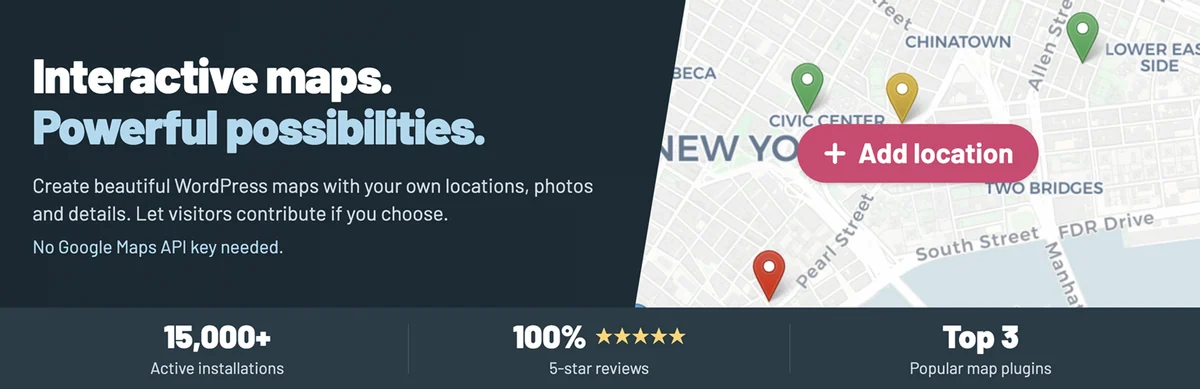 Official Open User Map banner supplied by the developer; promotional features and figures should be distinguished from our analysis, with no installation or measurement claimed.
Best forA collaborative map with location approval.
Open User Map suits a collaborative map: visitors suggest points and you approve them before publication. Free includes this process, custom fields, images, audio and marker clustering. Pro notably adds category filters, CSV, notifications and restricting suggestions to members. Choose these features for an identified need; free moderation already suffices to check every place before it becomes public.
Offer pricing
Free; Pro: 39.99 USD/year or 279.99 USD once for 1 website.
Billing: Annual or Lifetime; 1-, 4- or 10-website licences offered at checkout.
Renewal and support: Annual automatically renews; Lifetime has no annual expiry. Confirm renewal prices at checkout.
Pro prices explicitly exclude taxes; taxes calculated at checkout.
Checked on .
Strengths
- Suggestions from the website and approval in free.
- Custom fields, images and audio in the core offering.
- Pro: CSV import/export, notifications and advanced filters.
What to consider
- A suggested address or media item may reveal private information: plan human validation.
- Additional providers and their quotas are separate.
- The 7-day trial without a card is not a permanent free Pro licence.
Pricing terms and compatibility
Understanding the offer
- Price at the time of review
- Free; Pro: 39.99 USD/year or 279.99 USD once for 1 website.
- Currency
- USD
- Billing
- Annual or Lifetime; 1-, 4- or 10-website licences offered at checkout.
- Renewal and support
- Annual automatically renews; Lifetime has no annual expiry. Confirm renewal prices at checkout.
- Taxes and fees
- Pro prices explicitly exclude taxes; taxes calculated at checkout.
- Commitment and terms
- Both Pro plans include Pro features and direct support; price quoted for 1 website.
- Date checked
Compatibility and components
- Version 1.4.56; maintainer declaring testing up to WordPress 7.1.4. Displayed update: 2026-10-23 10:18pm GMT. No practical trial performed.
WP Map Block
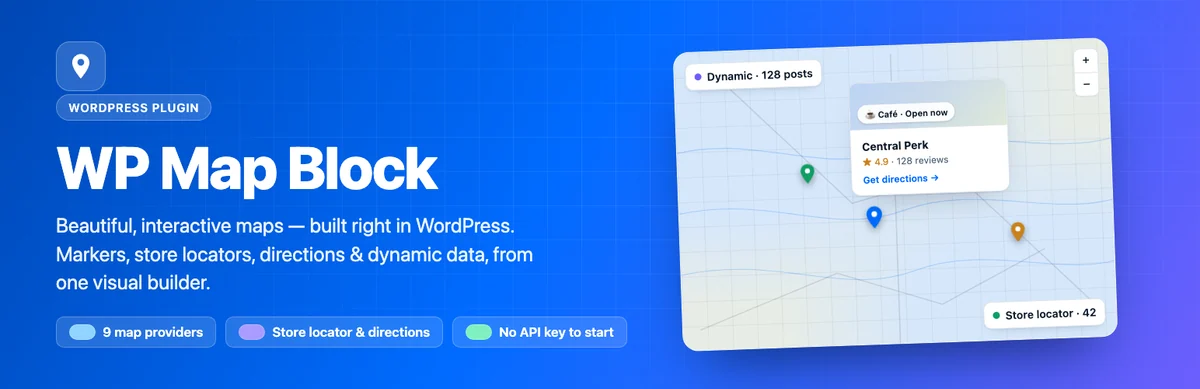 Official WP Map Block banner supplied by the developer; promotional features and figures should be distinguished from our analysis, with no installation or measurement claimed.
Best forMaps built visually in WordPress.
WP Map Block is for editors who prefer placing markers on a visual canvas, then inserting a block or shortcode. The free extension listing describes markers, areas, filters and dynamic data sources, along with import/export. Start with OpenStreetMap to avoid mixing a builder trial with creating a Google account. One provider’s features cannot be inferred from another’s.
Offer pricing
Free extension; no plugin subscription required.
Billing: Free download, without a limited trial.
Renewal and support: No plugin licence renewal.
No plugin purchase price; any taxation of external services is separate.
Checked on .
Strengths
- Visual editor and insertion by block or shortcode.
- Markers, areas, location search and imports/exports advertised.
What to consider
- Choose third-party basemaps and calculation features explicitly.
- Install a current version: 3.2.1 fixes access controls on REST actions, according to the publisher’s changelog.
Pricing terms and compatibility
Understanding the offer
- Price at the time of review
- Free extension; no plugin subscription required.
- Currency
- Unspecified. Confirm for the offer you choose.
- Billing
- Free download, without a limited trial.
- Renewal and support
- No plugin licence renewal.
- Taxes and fees
- No plugin purchase price; any taxation of external services is separate.
- Commitment and terms
- No paid website quota advertised for this extension; each basemap provider retains its terms and billing.
- Date checked
Compatibility and components
- Version 3.2.1; maintainer declaring testing up to WordPress 7.1.4. Displayed update: 2026-11-02 4:05pm GMT. No practical trial performed.
Google Maps Easy
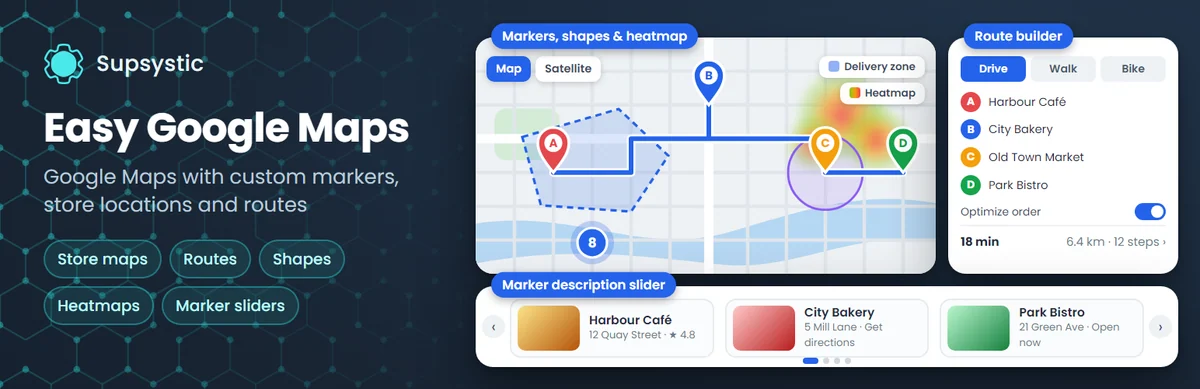 Official Google Maps Easy banner supplied by the developer; distinguish promotional features and figures from our analysis, with no installation or measurement claimed.
Best forPlaces on Google Maps with your own key.
Google Maps Easy by Supsystic may suffice for free to manage several maps with categories, marker clustering and CSV import/export. Integrated directions, KML layers, shapes and advanced lists require Pro. This distinction avoids buying solely to import addresses. However, it needs a correctly configured Google key and billing account suited to the APIs used: the extension price does not include their consumption.
Offer pricing
Free; Pro 1 website: 49 USD/year introductory offer, 109 USD/3 years or 159 USD once.
Billing: Annual, three years or Lifetime; struck-through standard annual price: 59 USD.
Renewal and support: The displayed annual price states renewal at 49 USD/year; check the order. Maps remain, updates/support expire outside Lifetime.
Taxes not specified in the recorded offering; check the applicable total at checkout.
Checked on .
Strengths
- Free: unlimited maps and markers, categories, clustering and CSV.
- Insertion by Gutenberg block, Elementor widget or shortcode.
- Pro: directions, KML, shapes and marker lists.
What to consider
- Google Maps and associated services billed separately according to usage.
- Expiry stops Pro updates and support; the publisher states that already-created maps remain active.
Pricing terms and compatibility
Understanding the offer
- Price at the time of review
- Free; Pro 1 website: 49 USD/year introductory offer, 109 USD/3 years or 159 USD once.
- Currency
- USD
- Billing
- Annual, three years or Lifetime; struck-through standard annual price: 59 USD.
- Renewal and support
- The displayed annual price states renewal at 49 USD/year; check the order. Maps remain, updates/support expire outside Lifetime.
- Taxes and fees
- Taxes not specified in the recorded offering; check the applicable total at checkout.
- Commitment and terms
- 1 website at the quoted prices; separate 5-website and unlimited plans.
- Date checked
Compatibility and components
- Version 1.16.1; maintainer declaring testing up to WordPress 7.1.4. Displayed update: 2026-10-30 3:31pm GMT. No practical trial performed.
MapGeo — famille Interactive Geo Maps
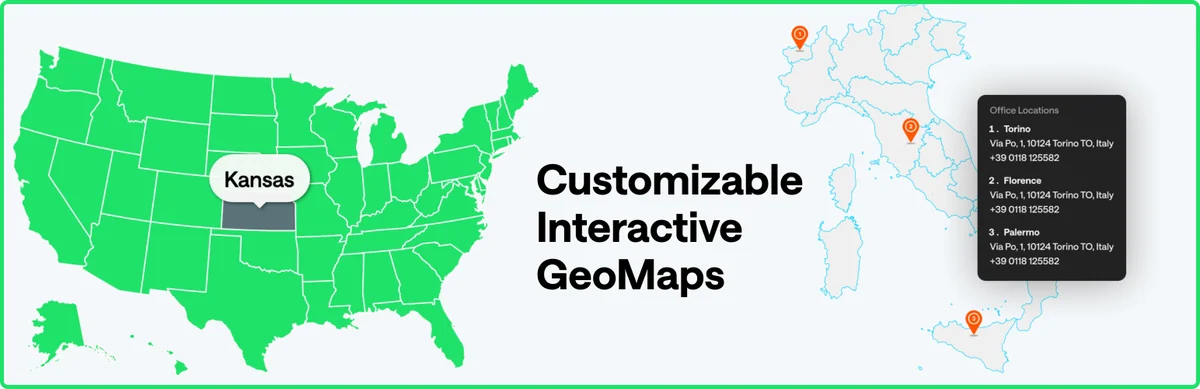 Official MapGeo — Interactive Geo Maps family banner supplied by the developer; promotional features and figures should be distinguished from our analysis, with no installation or measurement claimed.
Best forInteractive countries or regions.
MapGeo, previously Interactive Geo Maps, suits clickable territories: countries, continents or regions. Free includes a vector map library; Pro adds multiple colours, more projections, custom markers and external data. It is not a road navigation engine. Annual has an important limit: without renewal, Pro features disappear and editing an old map may remove its Pro data.
Offer pricing
Free; Pro 1 website: 39.99 USD/year or 199.99 USD once.
Billing: Annual or Lifetime.
Renewal and support: Not renewing annual disables Pro features; Lifetime does not have this annual renewal.
Taxes not specified in the recorded offering; check the applicable total at checkout.
Checked on .
Strengths
- More than 250 vector basemaps advertised; clickable areas and tooltips.
- Pro: differentiated colours, custom markers and Google Sheets/JSON data.
What to consider
- At annual expiry, reverts to free features; editing a map may delete its Pro data.
- Does not calculate a road journey; check territory representation.
- WordPress compatibility advertised up to 7.0.8, not independent validation of a higher version.
Pricing terms and compatibility
Understanding the offer
- Price at the time of review
- Free; Pro 1 website: 39.99 USD/year or 199.99 USD once.
- Currency
- USD
- Billing
- Annual or Lifetime.
- Renewal and support
- Not renewing annual disables Pro features; Lifetime does not have this annual renewal.
- Taxes and fees
- Taxes not specified in the recorded offering; check the applicable total at checkout.
- Commitment and terms
- Price for 1 website; back up maps before expiry or an edition change.
- Date checked
Compatibility and components
- Version 1.6.30; maintainer declaring testing up to WordPress 7.0.8. Displayed update: 2026-08-07 1:18pm GMT. No practical trial performed.
WP Store Locator
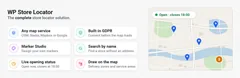
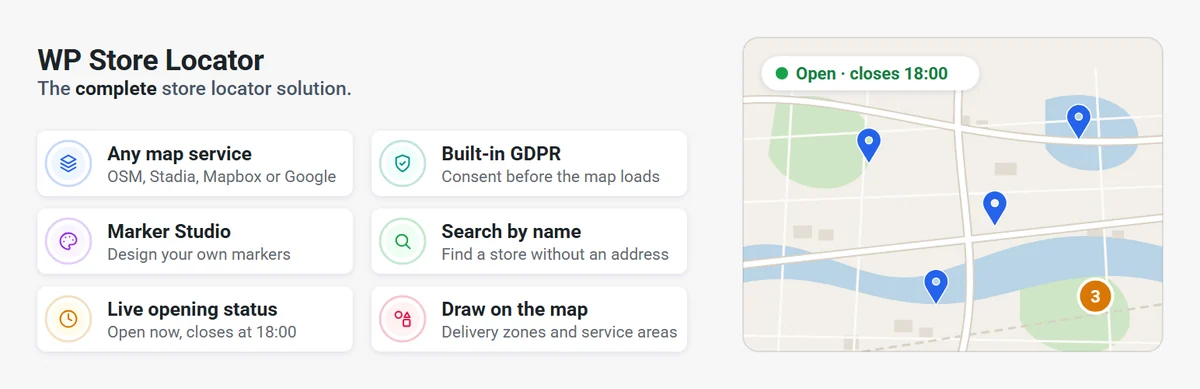 Official WP Store Locator banner supplied by the developer; promotional features and figures should be distinguished from our analysis, with no installation or measurement claimed.
Best forA shop or branch search.
WP Store Locator directly addresses finding a shop: places, opening hours, categories, address search and a result list. The current free version starts with OpenStreetMap without a Google key and offers delayed basemap display until the visitor chooses. To regularly populate the catalogue from a spreadsheet, CSV Manager is a paid add-on. Its export then serves as the basis for corrections to preserve establishment matching.
Offer pricing
Free core; CSV Manager: 39 USD for 1 website, 69 USD for 2 to 5, 99 USD for up to 20.
Billing: One-time add-on payment; other extensions or bundle separate.
Renewal and support: Lifetime updates advertised; one year of support, manually renewable with a 30% discount. No automatic renewal.
Taxes not specified in the recorded offering; check the applicable total at checkout.
Checked on .
Strengths
- Free: locator, opening hours, categories and location pages.
- OpenStreetMap by default; Google, Mapbox or Stadia can be chosen.
- CSV add-on to import, export and update places.
What to consider
- CSV Manager separate from the free core.
- Check the consent mechanism with the chosen engine and cache; it does not certify legal compliance.
Pricing terms and compatibility
Understanding the offer
- Price at the time of review
- Free core; CSV Manager: 39 USD for 1 website, 69 USD for 2 to 5, 99 USD for up to 20.
- Currency
- USD
- Billing
- One-time add-on payment; other extensions or bundle separate.
- Renewal and support
- Lifetime updates advertised; one year of support, manually renewable with a 30% discount. No automatic renewal.
- Taxes and fees
- Taxes not specified in the recorded offering; check the applicable total at checkout.
- Commitment and terms
- Price of the CSV add-on alone; do not present it as the locator’s mandatory cost.
- Date checked
Compatibility and components
- Version 3.1.1; maintainer declaring testing up to WordPress 7.1.4. Displayed update: 2026-10-26 4:44pm GMT. No practical trial performed.
Agile Store Locator
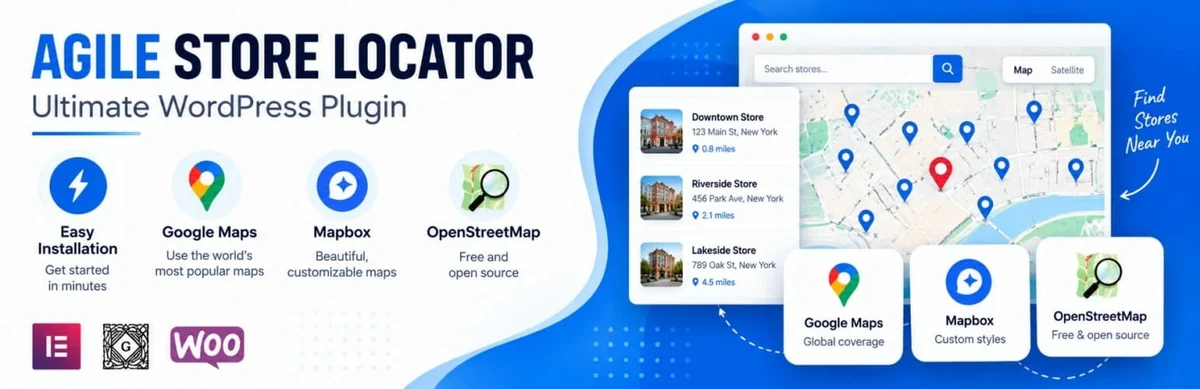 Official Agile Store Locator banner supplied by the developer; distinguish promotional features and figures from our analysis, with no installation or measurement claimed.
Best forSeveral establishments and category filters.
Agile Store Locator suits a network whose establishments need to be searched and filtered in a list associated with the map. Pro notably provides CSV import/export, bulk editing, shop profiles and statistics. Licences depend on website count, not just address count. For external synchronisation or particular WooCommerce behaviour, check separate modules: AgileSync and Multi Store are not automatically included in Pro.
Offer pricing
Free; annual Pro: 49 USD/1 website (59 USD struck through), 89 USD/3 websites, 129 USD/5 websites.
Billing: Annual subscription; Lifetime option also offered, amount not reproduced here.
Renewal and support: Exact renewal amount not established; do not assume the promotion continues.
Taxes not specified in the recorded offering; check the applicable total at checkout.
Checked on .
Strengths
- Choice of Google, MapLibre/OpenStreetMap and other providers advertised.
- Pro: CSV, bulk editing and establishment profiles.
What to consider
- Promotional price and standard rate displayed separately; renewal to confirm.
- AgileSync and Multi Store WooCommerce are complementary products.
- Pro statistics add processing to examine before enabling.
Pricing terms and compatibility
Understanding the offer
- Price at the time of review
- Free; annual Pro: 49 USD/1 website (59 USD struck through), 89 USD/3 websites, 129 USD/5 websites.
- Currency
- USD
- Billing
- Annual subscription; Lifetime option also offered, amount not reproduced here.
- Renewal and support
- Exact renewal amount not established; do not assume the promotion continues.
- Taxes and fees
- Taxes not specified in the recorded offering; check the applicable total at checkout.
- Commitment and terms
- 1, 3 or 5 websites depending on offering; mapping services and additional modules separate.
- Date checked
Compatibility and components
- Version 1.8.9; maintainer declaring testing up to WordPress 7.1.4. Displayed update: 2026-10-21 2:14pm GMT. No practical trial performed.
Locatoraid
 Official Locatoraid banner; graphical representation of locations, without an administration screenshot.
Best forA simple locator with address control.
Locatoraid offers a simple locator with address management and proximity search. Lite suits manual entry; Pro adds CSV transfer, categories, custom icons and up to twenty additional fields. The initial payment does not impose automatic renewal. However, access to updates and support must be renewed at the end of the included period if you want to keep receiving them.
Offer pricing
Free Lite; Pro: $59 for 1 website; Developer: $129 for unlimited websites.
Billing: One-time initial payment; $ symbol displayed, currency code unspecified.
Renewal and support: Pro includes 1 year of updates, Developer 2 years; optional renewal advertised from $22/year, without automatic charges.
The page states that VAT or sales taxes may be added.
Checked on .
Strengths
- Free locator usable before buying.
- Pro: CSV, categories and custom fields.
- Manual renewal of updates/support.
What to consider
- Check Google and geocoding quality separately.
- After expiry, operation of the installed version does not guarantee future compatibility.
Pricing terms and compatibility
Understanding the offer
- Price at the time of review
- Free Lite; Pro: $59 for 1 website; Developer: $129 for unlimited websites.
- Currency
- Unspecified. Confirm for the offer you choose.
- Billing
- One-time initial payment; $ symbol displayed, currency code unspecified.
- Renewal and support
- Pro includes 1 year of updates, Developer 2 years; optional renewal advertised from $22/year, without automatic charges.
- Taxes and fees
- The page states that VAT or sales taxes may be added.
- Commitment and terms
- The installed licence remains usable; support and updates limited to the included period.
- Date checked
Compatibility and components
- Version 3.9.74; maintainer declaring testing up to WordPress 7.1.4. Displayed update: 2026-10-27 7:32am GMT. No practical trial performed.
Easy Map
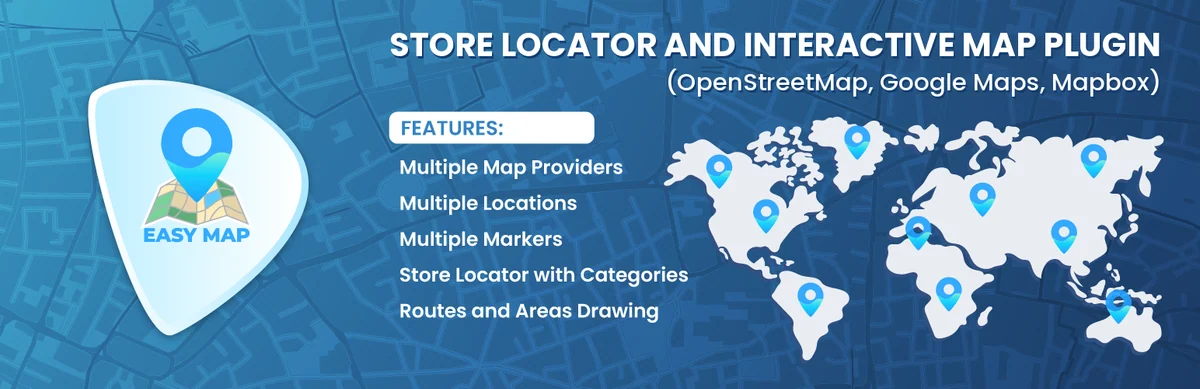 Official Easy Map banner supplied by the developer; distinguish promotional features and figures from our analysis, with no installation or measurement claimed.
Best forPlaces and drawn areas.
Easy Map combines markers, drawn areas and a shop list. The core includes name search, categories and opening hours; Pro adds proximity with a radius, point clustering, CSV and WooCommerce filters. A drawn area describes your chosen perimeter. To calculate a route between points, the plugin separately uses Mapbox or Google Directions: therefore do not present a delivery polygon as calculated road coverage.
Offer pricing
Free; Pro: $36/year for 1 website, $79/year for 5, $99/year for 10.
Billing: Annual; $ symbol displayed, currency code not established.
Renewal and support: Renewal amount and method not explicit; check the order.
Taxes not specified in the recorded offering; check the applicable total at checkout.
Checked on .
Strengths
- Free: shops, categories, opening hours and drawn shapes.
- Pro: proximity search, clustering, CSV and WooCommerce product filtering.
What to consider
- Route calculation depends on the chosen service.
- Annual price visible; renewal and taxation not explicit on the recorded page.
Pricing terms and compatibility
Understanding the offer
- Price at the time of review
- Free; Pro: $36/year for 1 website, $79/year for 5, $99/year for 10.
- Currency
- Unspecified. Confirm for the offer you choose.
- Billing
- Annual; $ symbol displayed, currency code not established.
- Renewal and support
- Renewal amount and method not explicit; check the order.
- Taxes and fees
- Taxes not specified in the recorded offering; check the applicable total at checkout.
- Commitment and terms
- 1, 5 or 10 websites; Pro support and updates advertised.
- Date checked
Compatibility and components
- Version 2.3.0; maintainer declaring testing up to WordPress 7.1.4. Displayed update: 2026-11-01 6:01am GMT. No practical trial performed.
Geo Mashup
 Official Geo Mashup banner supplied by the developer; distinguish promotional features and figures from our analysis, with no installation or measurement claimed.
Best forGeolocated editorial content.
Geo Mashup stores location information with posts, pages and other WordPress objects. It suits a website whose content should appear on a shared map. Its template and integration system requires checking the link between objects and coordinates. It is neither a shop nor a complete directory by default.
Offer pricing
Free extension; no plugin subscription required.
Billing: Free download, without a limited trial.
Renewal and support: No plugin licence renewal.
No plugin purchase price; any taxation of external services is separate.
Checked on .
Strengths
- Positions associated with posts, pages or users.
- Maps shared across content and presentation templates.
What to consider
- Templates and content types to prepare; no complete directory engine inferred.
- The version field states 1.13.23 but the changelog starts with 1.13.22: a documentation discrepancy, without an installation trial to resolve it.
Pricing terms and compatibility
Understanding the offer
- Price at the time of review
- Free extension; no plugin subscription required.
- Currency
- Unspecified. Confirm for the offer you choose.
- Billing
- Free download, without a limited trial.
- Renewal and support
- No plugin licence renewal.
- Taxes and fees
- No plugin purchase price; any taxation of external services is separate.
- Commitment and terms
- No paid website quota advertised for this extension; map and search providers remain separate.
- Date checked
Compatibility and components
- Version 1.13.23; maintainer declaring testing up to WordPress 7.1.4. Displayed update: 2026-09-20 10:58pm GMT. No practical trial performed.
Waymark
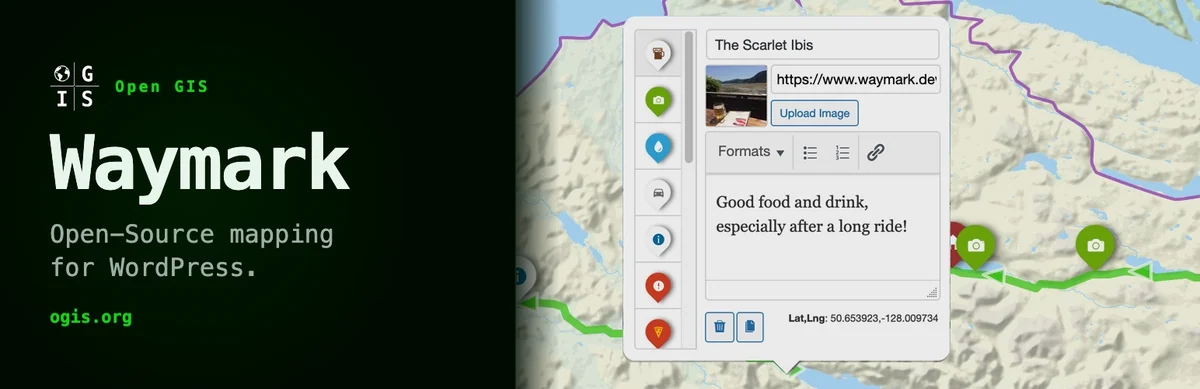 Official Waymark banner supplied by the developer; promotional features and figures should be distinguished from our analysis, with no installation or measurement claimed.
Best forTracks and map collections.
Waymark manages markers, lines, shapes and map collections. It suits tracks or projects with GPX, KML or GeoJSON that want to retain these structured objects. Check public export and visitor suggestion options before enabling them. The basemap uses its own tile supply, independently of imported objects.
Offer pricing
Free extension; no plugin subscription required.
Billing: Free download, without a limited trial.
Renewal and support: No plugin licence renewal.
No plugin purchase price; any taxation of external services is separate.
Checked on .
Strengths
- GPX, KML and GeoJSON imports and exports; map collections.
- Markers, lines, shapes and elevation profile if data exists.
What to consider
- Minimum PHP 8.3 declared for the current version: check hosting before installation.
- Public exports and visitor contributions are options to configure; not automatic private permissions.
Pricing terms and compatibility
Understanding the offer
- Price at the time of review
- Free extension; no plugin subscription required.
- Currency
- Unspecified. Confirm for the offer you choose.
- Billing
- Free download, without a limited trial.
- Renewal and support
- No plugin licence renewal.
- Taxes and fees
- No plugin purchase price; any taxation of external services is separate.
- Commitment and terms
- No paid website quota advertised for this extension; the basemap follows its provider’s terms.
- Date checked
Compatibility and components
- Version 1.8.1; maintainer declaring testing up to WordPress 7.1.4. Displayed update: 2026-11-02 10:39pm GMT. No practical trial performed.
Travelers’ Map
 Official Travelers’ Map banner supplied by the developer; promotional features and figures should be distinguished from our analysis, with no installation or measurement claimed.
Best forA geolocated travel journal.
Travelers’ Map displays geolocated posts and clusters markers as density increases. It suits a travel journal or regional publications without turning every post into a shop profile. The listing states that positions remain stored after deactivation; therefore plan deliberate removal of this data separately.
Offer pricing
Free extension; no plugin subscription required.
Billing: Free download, without a limited trial.
Renewal and support: No plugin licence renewal.
No plugin purchase price; any taxation of external services is separate.
Checked on .
Strengths
- Geolocated posts, pages and content types.
- Filters by type, category or tag; automatic marker clustering.
What to consider
- Metadata retained after deactivation or deletion unless deliberately cleaned up.
- The Elementor preview may be missing while the public page works, according to the listing.
- The basemap of existing installations may differ from the new default; check your settings.
Pricing terms and compatibility
Understanding the offer
- Price at the time of review
- Free extension; no plugin subscription required.
- Currency
- Unspecified. Confirm for the offer you choose.
- Billing
- Free download, without a limited trial.
- Renewal and support
- No plugin licence renewal.
- Taxes and fees
- No plugin purchase price; any taxation of external services is separate.
- Commitment and terms
- No paid website quota advertised for this extension; the configured basemap retains its usage rules.
- Date checked
Compatibility and components
- Version 2.3.5; maintainer declaring testing up to WordPress 7.1.4. Displayed update: 2026-09-18 4:52pm GMT. No practical trial performed.
OSM — OpenStreetMap
 Official OSM — OpenStreetMap banner supplied by the developer; promotional features and figures should be distinguished from our analysis, with no installation or measurement claimed.
Best forMaps and tracks around OpenStreetMap.
OSM uses OpenLayers to display maps, markers, geolocated posts and GPX or KML files. It suits mapping content whose data you already control. The documentation draws attention to attribution: enable Display attribution (credit) in the map in the shortcode generator, or provide the required credits otherwise. The OpenStreetMap name does not remove the need to check the terms of the basemap actually selected.
Offer pricing
Free extension; no plugin subscription required.
Billing: Free download, without a limited trial.
Renewal and support: No plugin licence renewal.
No plugin purchase price; any taxation of external services is separate.
Checked on .
Strengths
- OpenLayers, markers and GPX/KML files.
- Geolocated posts and pages linked to the map.
What to consider
- Enable provider attribution and keep it readable.
- Imported GPX/KML formats may contain private positions.
- WordPress 7.0.8 is the declared ceiling in the recorded listing.
Pricing terms and compatibility
Understanding the offer
- Price at the time of review
- Free extension; no plugin subscription required.
- Currency
- Unspecified. Confirm for the offer you choose.
- Billing
- Free download, without a limited trial.
- Renewal and support
- No plugin licence renewal.
- Taxes and fees
- No plugin purchase price; any taxation of external services is separate.
- Commitment and terms
- No paid website quota advertised for this extension; each basemap has its own licence and terms.
- Date checked
Compatibility and components
- Version 6.2.6; maintainer declaring testing up to WordPress 7.0.8. Displayed update: 2026-06-04 5:07am GMT. No practical trial performed.
Mapster WP Maps
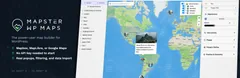
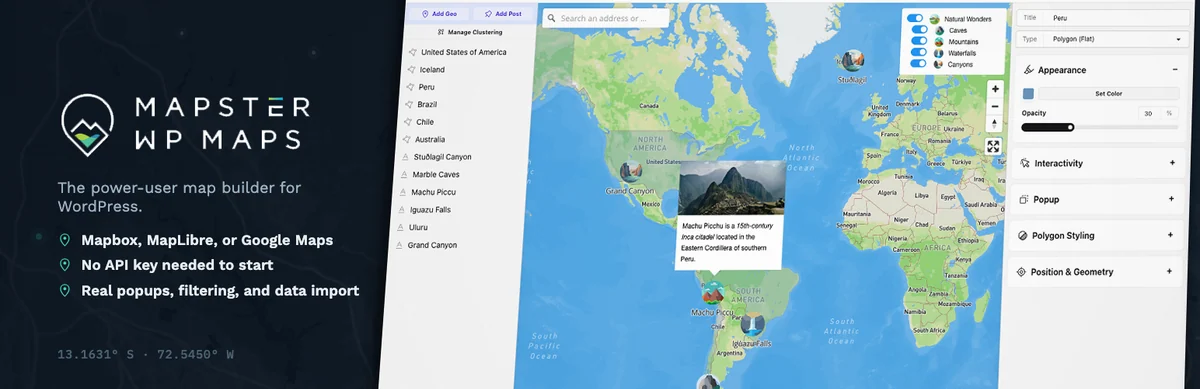 Official Mapster WP Maps banner supplied by the developer; promotional features and figures should be distinguished from our analysis, with no installation or measurement claimed.
Best forA project comparing several mapping engines.
Mapster WP Maps provides a visual editor for MapLibre, Mapbox and Google Maps. Free includes points, lines, polygons, filters and file imports limited to around one hundred objects depending on coordinates. Pro notably supports image basemaps, bulk editing and larger imports. Choose it for these data needs rather than a single address: its Pro prices are substantially higher than those of a small mapping block.
Offer pricing
Free; Pro 1 website: 19.99 USD/month, 191.88 USD/year or 579.99 USD once.
Billing: Monthly, annual or Lifetime offered in the official form.
Renewal and support: Confirm renewal terms and amount in the summary for the selected period.
The form calculates taxes according to the billing address.
Checked on .
Strengths
- Free: geometry editing, filters and GeoJSON/KML/GPX import.
- Pro: large imports, bulk editing, image basemaps and locator list.
What to consider
- Free limits imports; a complex file may reach the limit with fewer displayed points.
- MapLibre is a library, not a tile or geocoding plan.
- Prices extracted from the public Freemius form; check the summary before purchase.
Pricing terms and compatibility
Understanding the offer
- Price at the time of review
- Free; Pro 1 website: 19.99 USD/month, 191.88 USD/year or 579.99 USD once.
- Currency
- USD
- Billing
- Monthly, annual or Lifetime offered in the official form.
- Renewal and support
- Confirm renewal terms and amount in the summary for the selected period.
- Taxes and fees
- The form calculates taxes according to the billing address.
- Commitment and terms
- Price for 1 website; an unlimited-website plan is separate.
- Date checked
Compatibility and components
- Version 2.0.6; maintainer declaring testing up to WordPress 7.1.4. Displayed update: 2026-10-18 11:54am GMT. No practical trial performed.
Maps Widget for Google Maps
 Official Maps Widget for Google Maps banner supplied by the developer; distinguish promotional features and figures from our analysis, with no installation or measurement claimed.
Best forA compact map in a page area.
Maps Widget for Google Maps first displays a thumbnail, then a map in a window. Free suits a compact location; Pro adds multiple markers, clustering, import/export and shortcode insertion. A map image can itself call Google: this mode does not guarantee zero cost. The free Map Block for Google Maps block from the same publisher is a Gutenberg alternative; it is not counted as an additional family here.
Offer pricing
Free; Personal: $29/year; Personal Lifetime: $39 promotion ($49 struck through); Agency: $79 once.
Billing: Annual or one-time payment; $ symbol displayed, currency code unconfirmed.
Renewal and support: Lifetime without advertised renewal; check annual Personal renewal price.
Taxes not specified in the recorded offering; check the applicable total at checkout.
Checked on .
Strengths
- Thumbnail followed by opening a map window.
- Pro: multiple markers, clustering and import/export.
What to consider
- Check opening, closing and keyboard focus.
- The Google thumbnail may use Maps Static API: no quantified saving is guaranteed.
- Changelog 4.27 dated August 3, 2025, despite a listing updated in August 2026.
Pricing terms and compatibility
Understanding the offer
- Price at the time of review
- Free; Personal: $29/year; Personal Lifetime: $39 promotion ($49 struck through); Agency: $79 once.
- Currency
- Unspecified. Confirm for the offer you choose.
- Billing
- Annual or one-time payment; $ symbol displayed, currency code unconfirmed.
- Renewal and support
- Lifetime without advertised renewal; check annual Personal renewal price.
- Taxes and fees
- Taxes not specified in the recorded offering; check the applicable total at checkout.
- Commitment and terms
- Personal: 1 website; Personal Lifetime: 1 personal website; Agency: unlimited personal and client websites.
- Date checked
Compatibility and components
- Version 4.27; maintainer declaring testing up to WordPress 7.1.4. Displayed update: 2026-08-16 1:49pm GMT. No practical trial performed.
Simple Google Maps Shortcode
 Official map banner from the Simple Google Maps Shortcode repository; not a screenshot of the plugin configuration.
Best forA contact map using a shortcode.
Simple Google Maps Shortcode inserts a map with the pw_map shortcode, using an address or coordinates. Several addresses separated by semicolons can produce several markers without constituting a manageable catalogue. The documentation distinguishes the browser-side Maps JavaScript key from the server-side geocoding key. With version 1.8.3, entering latitude and longitude directly avoids this address lookup, but not loading the Google map.
Offer pricing
Free extension; no plugin subscription required.
Billing: Free download, without a limited trial.
Renewal and support: No plugin licence renewal.
No plugin purchase price; any taxation of external services is separate.
Checked on .
Strengths
- Coordinates or addresses in a shortcode; multiple markers possible.
- Zoom, dimensions and navigation gesture settings.
What to consider
- Restrict Google keys according to browser or server use.
- No shop management, opening hours or CSV synchronisation supplied by this simple shortcode.
Pricing terms and compatibility
Understanding the offer
- Price at the time of review
- Free extension; no plugin subscription required.
- Currency
- Unspecified. Confirm for the offer you choose.
- Billing
- Free download, without a limited trial.
- Renewal and support
- No plugin licence renewal.
- Taxes and fees
- No plugin purchase price; any taxation of external services is separate.
- Commitment and terms
- No paid website quota advertised for this extension; the Google APIs used may incur charges.
- Date checked
Compatibility and components
- Version 1.8.3; maintainer declaring testing up to WordPress 7.0.8. Displayed update: 2026-06-22 10:33pm GMT. No practical trial performed.
Maps Marker Pro
 Official illustration from the Maps Marker Pro page, not a screenshot from our tests.
Best forStructured maps with tracks, filters and data exchange.
Maps Marker Pro is a paid solution for managing multiple layers, marker lists and GPX tracks. Filters, imports/exports and shape drawing are included in the licence without buying each feature as a module. It suits a team wanting to retain its geographic objects and choose its providers. The key remains valid after one year, but fixes remain accessible only with an active update period.
Offer pricing
Personal: 49 EUR for 1 website, with 1 year of updates and support.
Billing: Purchase of a non-expiring key; limited service period.
Renewal and support: Optional 1-year renewal: 35 EUR for 1 website. Not a mandatory subscription to keep the installed version.
Taxes not specified in the recorded offering; check the applicable total at checkout.
Checked on .
Strengths
- Filters, marker clustering and dynamic lists.
- GPX, shape drawing and CSV or GeoJSON import/export.
- 30-day trial to check suitability before purchase.
What to consider
- No permanent free version in this offering.
- Renewal required to keep receiving fixes and support.
- Choose version 4.32.1 or a later patched version; the publisher reports a vulnerability fixed in this version.
Pricing terms and compatibility
Understanding the offer
- Price at the time of review
- Personal: 49 EUR for 1 website, with 1 year of updates and support.
- Currency
- EUR
- Billing
- Purchase of a non-expiring key; limited service period.
- Renewal and support
- Optional 1-year renewal: 35 EUR for 1 website. Not a mandatory subscription to keep the installed version.
- Taxes and fees
- Taxes not specified in the recorded offering; check the applicable total at checkout.
- Commitment and terms
- All features included; other licences for 5 or 25 websites. Free trial limited to 30 days.
- Date checked
Compatibility and components
- Advertised current version: 4.32.1, released August 6, 2026. Check compatibility with your WordPress/PHP during the trial, without claiming practical validation.
Cliq Store Locator
 Official Cliq Store Locator banner supplied by the developer; distinguish promotional features and figures from our analysis, with no installation or measurement claimed.
Best forA prototype list of nearby places.
Cliq Store Locator provides places, opening hours, categories, custom fields and proximity search for free. Pro adds a layout builder, CSV, suggestion forms and statistics. This recent family remains a prototype choice: its listing is still at version 1.0.0. In particular, check location refusal and the data-retention option: deleting the plugin may erase its tables if Keep data on uninstall is not enabled.
Offer pricing
Free; Pro 1 website: 49 USD/year or 129 USD once.
Billing: Annual or Lifetime; separate 3- and 5-website offerings.
Renewal and support: Check annual renewal amount and behaviour at checkout; Lifetime advertised without annual payment.
Taxes not specified in the recorded offering; check the applicable total at checkout.
Checked on .
Strengths
- Free: establishments, opening hours, categories, search and block or shortcode.
- Pro: builder, CSV, suggestions and statistics.
What to consider
- Initial version 1.0.0; compatibility above WordPress 7.0.8 undeclared.
- Minimum PHP 8.1; test import and deletion operations on a copy.
- IP-location fallback, OSRM and Google fonts may contact additional services depending on options.
Pricing terms and compatibility
Understanding the offer
- Price at the time of review
- Free; Pro 1 website: 49 USD/year or 129 USD once.
- Currency
- USD
- Billing
- Annual or Lifetime; separate 3- and 5-website offerings.
- Renewal and support
- Check annual renewal amount and behaviour at checkout; Lifetime advertised without annual payment.
- Taxes and fees
- Taxes not specified in the recorded offering; check the applicable total at checkout.
- Commitment and terms
- All Pro features, updates and priority support advertised; duration depends on the plan.
- Date checked
Compatibility and components
- Version 1.0.0; maintainer declaring testing up to WordPress 7.0.8. Displayed update: 2026-08-13 8:07pm GMT. No practical trial performed.
WP GPX Maps
 Official WP GPX Maps banner supplied by the developer; promotional features and figures should be distinguished from our analysis, with no installation or measurement claimed.
Best forActivity tracks and elevation profiles.
WP GPX Maps displays a track and charts from activity files. It suits a hiking, cycling or running route rather than a shop search. Check points, elevation and information retained in the file. A recorded track does not guarantee current passability or provide live navigation calculation.
Offer pricing
Free extension; no plugin subscription required.
Billing: Free download, without a limited trial.
Renewal and support: No plugin licence renewal.
No plugin purchase price; any taxation of external services is separate.
Checked on .
Strengths
- GPX, FIT, TCX, KML/KMZ; GPX Map block or sgpx shortcode.
- Elevation profile and charts linked to data actually present.
What to consider
- Statistics reflect the recorded file and its processing, not an independent route measurement.
- Clean start, finish and metadata before publication.
- Mapbox 3D requires a separate service and token.
Pricing terms and compatibility
Understanding the offer
- Price at the time of review
- Free extension; no plugin subscription required.
- Currency
- Unspecified. Confirm for the offer you choose.
- Billing
- Free download, without a limited trial.
- Renewal and support
- No plugin licence renewal.
- Taxes and fees
- No plugin purchase price; any taxation of external services is separate.
- Commitment and terms
- No paid website quota advertised for this extension; basemaps, Mapbox or Thunderforest tokens and their limits are separate.
- Date checked
Compatibility and components
- Version 1.10.02; maintainer declaring testing up to WordPress 7.1.4. Displayed update: 2026-11-02 10:34am GMT. No practical trial performed.
WP Maps Pro — famille Advanced Google Maps
 Official WP Maps Pro — Advanced Google Maps family banner supplied by the developer; promotional features and figures should be distinguished from our analysis, with no installation or measurement claimed.
Best forStructured places with filters and categories.
WP Maps Pro belongs to Flippercode’s WP Maps/Advanced Google Maps family, now presented by WePlugins. The core offers places, categories and lists; Pro notably extends filters and use of content or custom fields. The Gold contract gives access to a plugin bundle on three websites. Conversely, the $59 one-time purchase concerns WP Maps Pro alone on one website: its add-ons and other plugins are not included.
Offer pricing
Free; Gold: $39/year for up to 3 websites; WP Maps Pro alone: $59 once for 1 website.
Billing: Suite subscription or purchase of the plugin alone; currency code unspecified on the recorded page.
Renewal and support: Gold: annual renewal, future amount to confirm; $59 offering advertised without renewal.
Taxes not specified in the recorded offering; check the applicable total at checkout.
Checked on .
Strengths
- Structured places and lists; advanced filters in Pro.
- Display of content and custom fields according to Pro features.
What to consider
- Gold and one-time purchase do not have the same scope.
- Mapping services billed separately; do not equate the bundle with a Google plan.
Pricing terms and compatibility
Understanding the offer
- Price at the time of review
- Free; Gold: $39/year for up to 3 websites; WP Maps Pro alone: $59 once for 1 website.
- Currency
- Unspecified. Confirm for the offer you choose.
- Billing
- Suite subscription or purchase of the plugin alone; currency code unspecified on the recorded page.
- Renewal and support
- Gold: annual renewal, future amount to confirm; $59 offering advertised without renewal.
- Taxes and fees
- Taxes not specified in the recorded offering; check the applicable total at checkout.
- Commitment and terms
- Gold includes WP Maps Pro, its add-ons and other plugins; one-time offering excludes add-ons and the ecosystem.
- Date checked
Compatibility and components
- Version 5.0.3; maintainer declaring testing up to WordPress 7.1.4. Displayed update: 2026-10-28 6:41am GMT. No practical trial performed.
Progress Map
 Official Progress Map logo; not a screenshot of the interface.
Best forLists of places with presentation modules.
Progress Map Pro now combines map and carousel features, filterable lists, advanced search, area drawing and moderated suggestions. It suits a mapping directory more elaborate than a contact page. The direct Founder offering advertises nine modules on three websites, with lifetime updates. Its availability is time-limited: check that it still appears at checkout and do not transfer rights from an old CodeCanyon licence.
Offer pricing
Founder: $149 once, for up to 3 personal or client websites.
Billing: Temporary direct offering; $ symbol displayed, currency code unspecified.
Renewal and support: Lifetime updates advertised for this licence; do not promise the same terms after the offering ends.
Taxes not specified in the recorded offering; check the applicable total at checkout.
Checked on .
Strengths
- Map synchronised with a carousel and filterable list.
- Nine modules advertised in Founder, including search and moderated suggestions.
What to consider
- Temporary Founder offering; old CodeCanyon purchases not assumed equivalent.
- Current version number and WordPress/PHP compatibility not established on the pricing page.
- Google features retain their API costs.
Pricing terms and compatibility
Understanding the offer
- Price at the time of review
- Founder: $149 once, for up to 3 personal or client websites.
- Currency
- Unspecified. Confirm for the offer you choose.
- Billing
- Temporary direct offering; $ symbol displayed, currency code unspecified.
- Renewal and support
- Lifetime updates advertised for this licence; do not promise the same terms after the offering ends.
- Taxes and fees
- Taxes not specified in the recorded offering; check the applicable total at checkout.
- Commitment and terms
- Nine modules and priority support advertised; 3 websites.
- Date checked
Compatibility and components
- Current compatibility not established in this collection; check the contract and versions.
Super Store Finder for WordPress
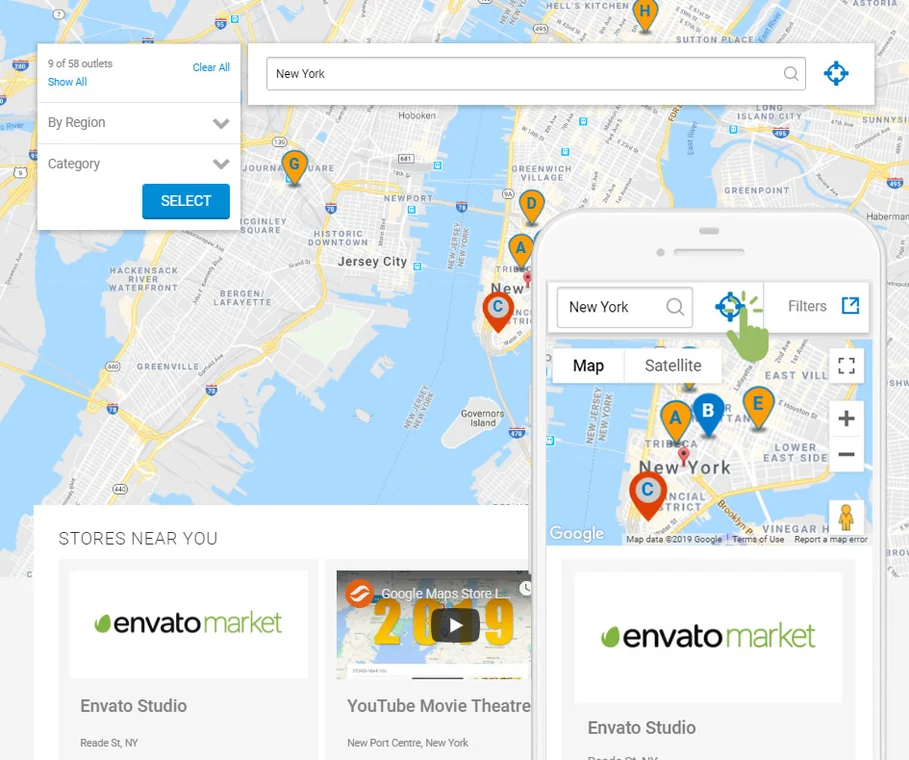 Historical official Super Store Finder demo with mapping marked ©2019; the current interface may differ. No test performed by our editorial team.
Best forA network of stores on Google Maps.
Super Store Finder for WordPress organises a network of stores with Google Maps, categories, filters and CSV import/export. It suits you if you maintain a catalogue and accept Google service costs. The Regular licence covers a single end product; separately sold add-ons are not automatically acquired features. The official screenshot illustrates a historical presentation, not a trial of the current version.
Offer pricing
29 USD, Regular licence for a single end product.
Billing: Licence payment; purchase price and buyer fee included.
Renewal and support: Future updates advertised; 6 months of support included. Paid support extension, separate.
Excluding taxes and any handling fees, according to CodeCanyon.
Checked on .
Strengths
- Map and establishment list with filters.
- CSV import/export advertised.
What to consider
- Fund Google Maps and additional modules separately.
- Listing compatibility limited to listed versions, including WordPress 7.0.x; no claimed 7.1 validation.
Pricing terms and compatibility
Understanding the offer
- Price at the time of review
- 29 USD, Regular licence for a single end product.
- Currency
- USD
- Billing
- Licence payment; purchase price and buyer fee included.
- Renewal and support
- Future updates advertised; 6 months of support included. Paid support extension, separate.
- Taxes and fees
- Excluding taxes and any handling fees, according to CodeCanyon.
- Commitment and terms
- Regular use for an end product whose users are not charged for access; check the licence if the business model changes.
- Date checked
Compatibility and components
- Listing updated August 28, 2026; WordPress up to 7.0.x in the attributes consulted. No practical trial on the reader’s theme/PHP combination.
Mapplic — plugin WordPress
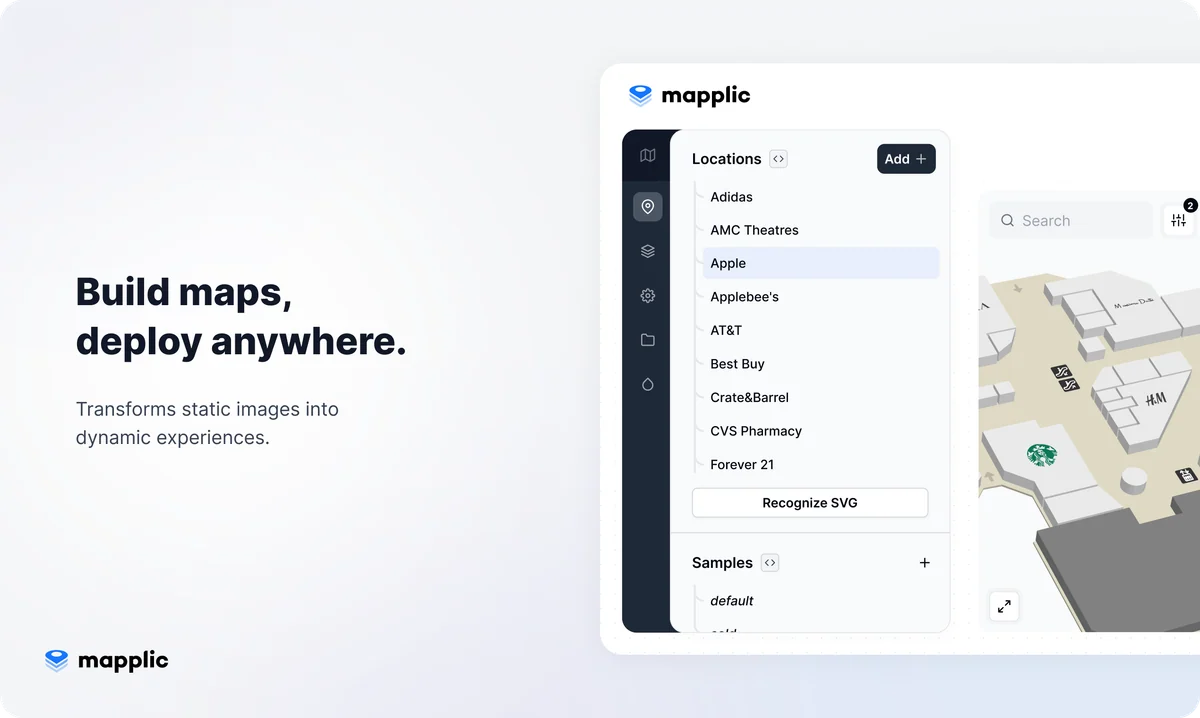 Official Mapplic presentation from its WordPress CodeCanyon listing; no installation performed by our editorial team.
Best forInteractive floor plans and illustrated maps.
Mapplic turns a plan or image into an interactive map with places, areas and levels. It suits a building, temporary space or illustrated map rather than route calculation. The WordPress listing advertises a commercial licence without author support. Check rights to the plan and your team’s ability to maintain the areas.
Offer pricing
189 USD, WordPress plugin Regular licence for a single end product.
Billing: One-time licence payment.
Renewal and support: Future updates advertised; no author support included.
Excluding taxes and any handling fees, according to CodeCanyon.
Checked on .
Strengths
- Custom plans and multiple levels.
- Links to locations.
What to consider
- The author provides no support for this WordPress listing.
- Last displayed update: December 15, 2025; WordPress 7.0.x advertised, without evidence of a trial on 7.1.
- The WordPress licence does not automatically cover Mapplic cloud or JavaScript offerings.
Pricing terms and compatibility
Understanding the offer
- Price at the time of review
- 189 USD, WordPress plugin Regular licence for a single end product.
- Currency
- USD
- Billing
- One-time licence payment.
- Renewal and support
- Future updates advertised; no author support included.
- Taxes and fees
- Excluding taxes and any handling fees, according to CodeCanyon.
- Commitment and terms
- Do not confuse this plugin with Mapplic Cloud or another JavaScript edition.
- Date checked
Compatibility and components
- Last WordPress listing update: December 15, 2025. Versions advertised up to WordPress 7.0.x; higher compatibility not established. No practical trial.