

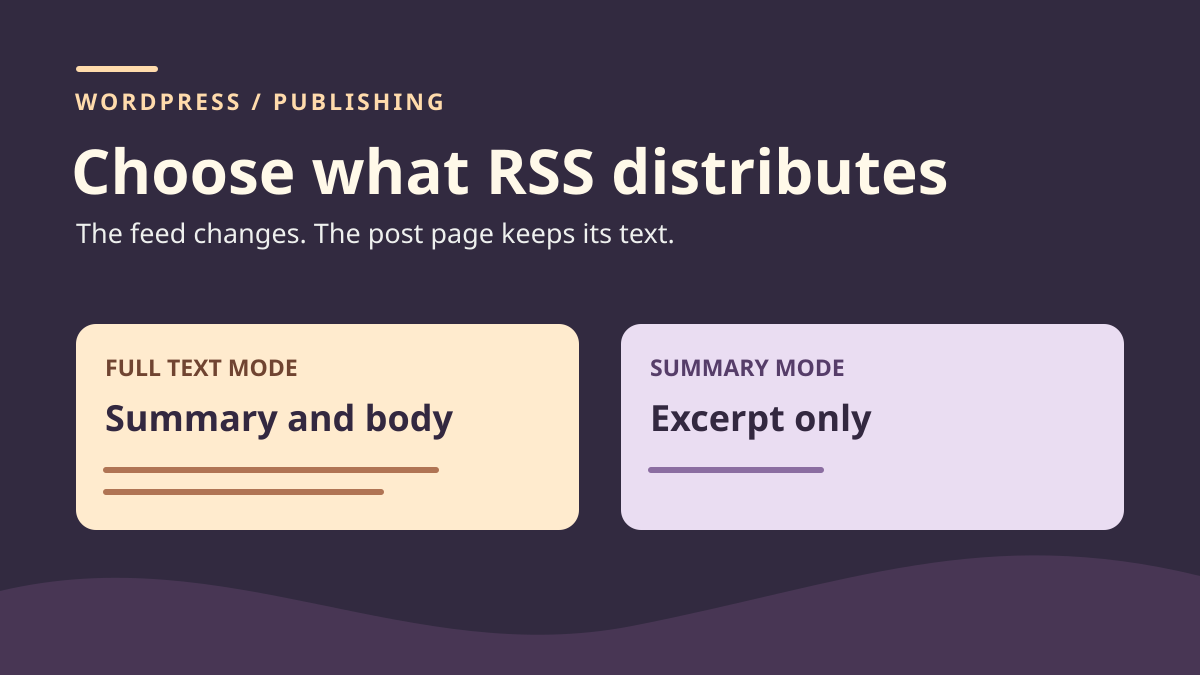
Decide what the feed should distribute
The site displays an introduction on its cards, but an RSS reader can read the entire post without opening its page. A More block is present and an excerpt has been written. First identify what produces text in each location. The blog template decides how cards are presented. The RSS2 document is produced for readers subscribing to the feed. Changing the blog list can therefore leave the RSS2 document unchanged.
In this guide, posts are public and the team wants summaries in the main feed. Readers must still be able to open each post page and continue reading. This choice concerns feed format. If text must be restricted to certain people, define and verify access separately. In our example, the final sentence disappears from the feed in summary mode but remains available to anyone opening the dummy post.
Choose scope before finding the setting. Switching to summaries changes feed output for all included posts, including those whose text you did not edit. If the entire publication should adopt this format, the setting meets the need. If the feed already uses summaries and only one post has an unhelpful opening, start with its excerpt. A problem affecting one text may be resolved at post level.
Record the exact feed address to examine. A site may offer different addresses for posts, comments or sections. For staging, request your local instance's main RSS2 feed with /?feed=rss2. On your copy, use the address actually distributed and confirm it returns an RSS2 document. If a plugin or another application produces the address under examination, the native setting may not explain its content. Compare the original feed before editing posts.
Build two controls with and without a manually entered excerpt
Create two public dummy posts on a working copy. For Carnet A, write an introduction starting “Départ A”. Place the More block, then add a paragraph starting “Fin A”. In the post's Excerpt setting, enter a different sentence, such as “Résumé A. Une visite en trois étapes.” This distinguishes the editorial sentence from the body's beginning and end. These three markers avoid confusing a correctly displayed summary with a post whose full text is also present.
For Carnet B, leave Excerpt empty and write text long enough to distinguish its beginning and end. Put “Départ B” in the first paragraph and “Fin B” at the very end. Check both individual pages for the ending text. The first post measures a manually entered excerpt's effect. The second measures output when WordPress generates the summary. If both excerpts match the beginning of their text, comparison becomes harder to interpret.
Keep copies of both excerpts and bodies. Also record the current feed setting under Settings, then Reading. Note the value controlling what appears for each post and the number of posts distributed. Do not change that number during testing. Both controls must appear in the response to measure mode effects. If a post is missing, check its status and presence in the selected feed before interpreting the other's text.
Titles locate posts, but links confirm identity. Two posts may have similar titles. Match each feed entry to the dummy post's address, then confirm its title. Also open the corresponding page and find its end marker. You can check manually on the copy without sending the document to an online reader or validator.
Read description and content in the RSS2 response
First request the feed with Full text selected. Read the received XML document. If the browser provides a special display, view response source or save the document locally as text. In each item, find title, link and description. Then find content:encoded. This belongs to the RSS2 document. Its prefix may appear differently in a tool reading XML namespaces.
In the test, A's entry contains its entered summary in description and ending text in content:encoded. Reading “Résumé A” therefore does not prove the feed stops at that sentence. “Fin A” in the body field shows that the More block did not stop full-text distribution in this feed. Check both fields before concluding from an RSS reader's preview. A reader may choose to show description first.
Entry B provides another marker. Description starts with “Départ B”, while the body field includes “Fin B”. Because the post's Excerpt field is empty, the description result is a generated excerpt in staging. On a site with filters, length or wording may differ. The test checks text origin and body presence without imposing the same word count on every site.
The fragment below represents A's two fields before changing the setting. Ellipses replace the middle of the text. For diagnosis, find your own markers in the complete response.
<description><![CDATA[Résumé A. Une visite en trois étapes.]]></description>
<content:encoded><![CDATA[<p>Départ A…</p><p>Fin A…</p>]]></content:encoded>
Switch to summaries when the decision concerns the whole feed
On the copy, open Settings, then Reading. In the option selecting each feed post's content, switch from Full text to Excerpt or Summary, according to the displayed label. Save the value. The post count remains at baseline. Request the same feed address again. Record response status, both titles, both links and both descriptions. Then check body-field presence for A and B. The expected result concerns both posts even if you arrived here through a problem reported on only one.
In native RSS2, summary mode should retain descriptions and omit content:encoded. Check this output for both entries on your copy, then open individual pages and check their ending paragraphs. The distribution setting must not modify saved post bodies; compare them with baseline.
Before applying this choice to another installation, confirm subscribers should receive summaries throughout the feed. Some read full text in their reader. The change may therefore alter their experience. Keep feed address and post links as checking references. No permalink change is needed to verify this setting on the copy.
If you still find full text after changing, compare fields and address. A long description may have been entered manually. A reader may also open the post page or display a previously retrieved version. Request a fresh response from the working feed and distinguish received XML from the application's display. If the document itself still contains the body field, check the saved setting and actual response source. Control B distinguishes a feed rule from text specific to A.
Revise one post's excerpt
When the feed already distributes summaries, open A and locate Excerpt in post settings. Write text helping readers decide whether to continue. On the copy, replace the original summary with “Résumé A revu. Horaires et trajet de la visite fictive.” Keep the body's opening and ending paragraph wording unchanged. Save, then reread A's feed entry. Its description should contain the new sentence.
Also check B. Its generated description should retain its value if you changed neither body nor generating filters. The test shows the local effect of an excerpt edit after the global effect of Reading settings. If your site uses the same excerpt elsewhere, check at least one card or list that may reuse it. Identical summaries in both places may be desirable. If the channels have different needs, have that distinction confirmed before changing text.
If no manual excerpt exists, first read the generated excerpt. It may already suit readers. If it starts with an overly general phrase, contextless fragment or outdated information, enter an excerpt introducing the post. Test markers need not appear in final real-post text. In the exercise, they make outputs easy to compare. For a real editorial correction, choose wording understandable outside the page.
After saving, compare the feed entry and post in the same checking session. If description changed but the body field still appears, the new excerpt alone does not switch to summary format. In Full text mode, both fields may coexist. If description did not change in RSS2 despite being saved in the post, keep the response and check whether a filter or another source supplies the feed.
Restore the setting and excerpt separately
To undo the distribution change, return to Settings, then Reading, and restore the initial mode. In staging, that is Full text. Save and request the same RSS2 address. A and B's entries should again contain the body field. Check each for its end marker. This restores global presentation. It does not restore old Excerpt text if you edited that too.
To undo A's edit, restore its baseline sentence in the post or restore only the relevant field from your record. A broader restoration could erase body changes made by someone else. In our control, description returns to “Résumé A. Une visite en trois étapes.” B's description and both links return to the initial output. Compare relevant fields without requiring technical feed dates to be identical.
Finish by checking both individual pages. Find end markers, then check that feed addresses lead to the correct posts. Record restored values and observed response. If a cached copy or distribution service is used, its state may need separate verification. Staging checks end at the native RSS2 response obtained directly from the local instance.
Hand over a record explaining change scope
Keep before-and-after response copies with feed address and request time. For each post, state whether the excerpt is entered or generated, whether expected description appears and whether the body field is present. Also record the entry link and post-opening result. Another author should be able to verify the same things without knowing the original RSS reader.
If the discrepancy concerns only blog-card display, record that alongside post and feed rendering. Correction can then be directed toward the list template. If it concerns one publication's excerpt, keep the decision at that publication level. Changing the whole feed's presentation must be visible in the record because both controls show its effects.
Finish with a fourth request after restoring baseline. Check both post bodies, descriptions and expected content-field presence. This guide describes a protocol to reproduce; it provides no test result executed in your environment. For a category feed, another format or external reader, prepare that channel's own baseline.
Check the native setting read-only
A maintainer can confirm the saved value without installing an RSS reader or plugin. Through WP-CLI on the copy, the following command reads only the targeted site's option.
In native behavior, 1 means excerpt and 0 full text. This read does not prove the public response uses the setting: cache or a feed provider may serve something else. Therefore compare the value with a fresh response from the RSS2 URL actually distributed and look for both end markers in control entries.
If the option is 1 but content:encoded still contains the body, identify the response provider and feed filters before editing every post. If only A's description is too long, examine its manual excerpt. Reading settings are free and sufficient for native RSS2; an external service helps only with a separate distribution need. To undo, restore the initial value through Reading and check XML without changing the number of distributed posts.
wp --path="/chemin/recette" --url="https://recette.example" option get rss_use_excerptSources and references
Use these references to check the features, requirements and limitations described. Reading documentation is not a practical test.